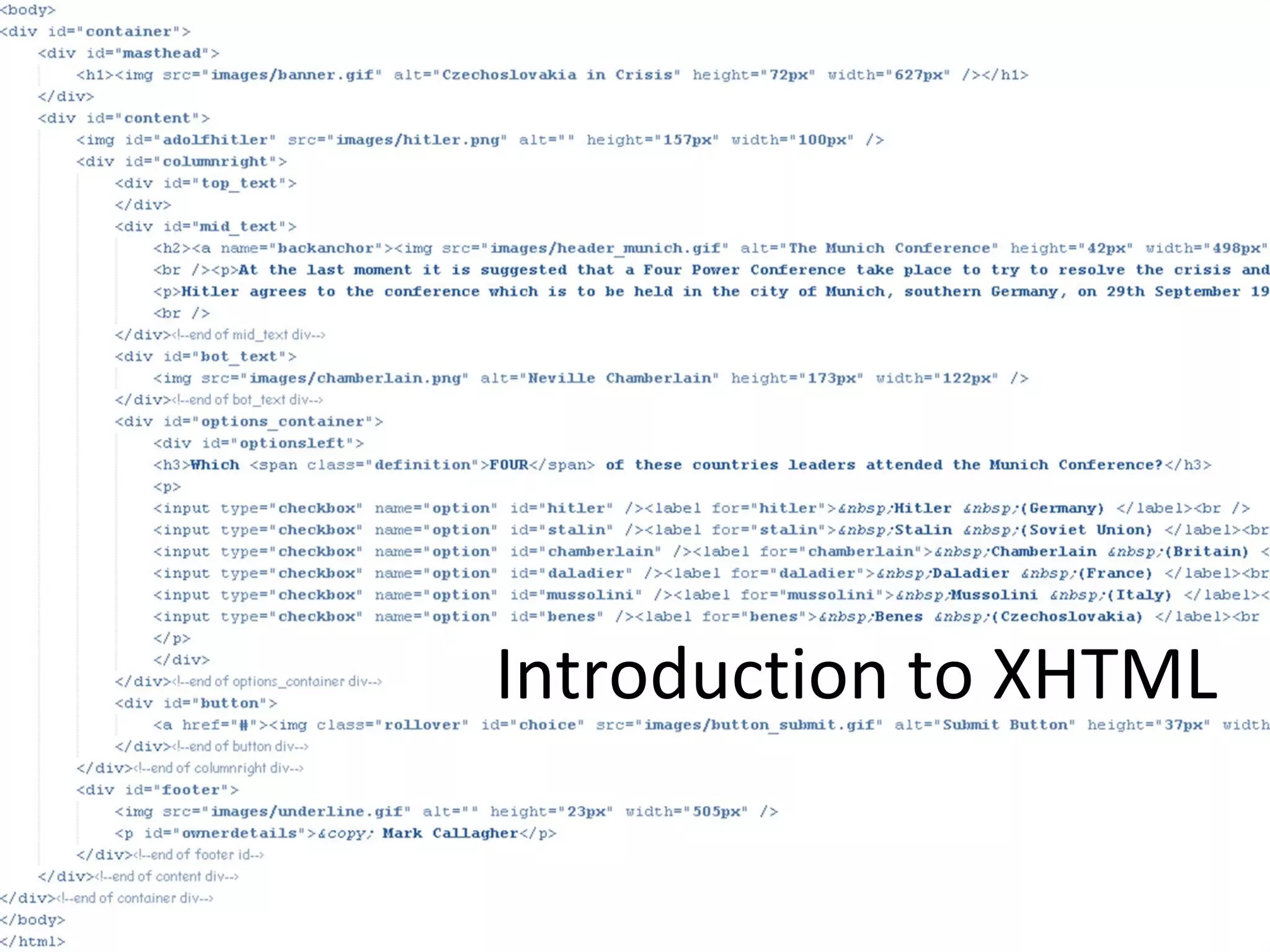

Introduction to XHTML
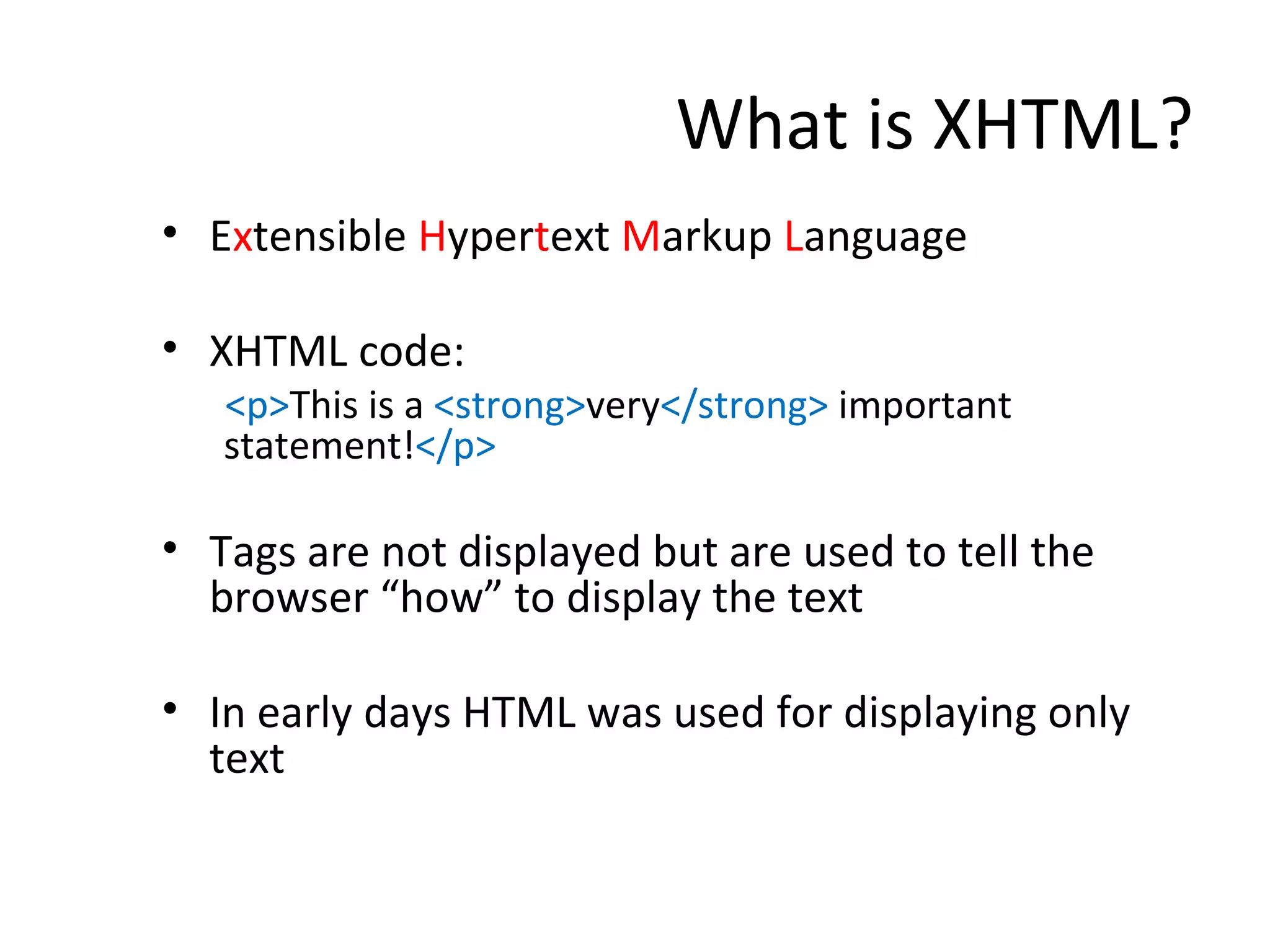
What is XHTML? E x tensible  H yper t ext  M arkup  L anguage XHTML code: <p> This is a  <strong> very </strong>  important statement! </p> Tags are not displayed but are used to tell the browser “how” to display the text In early days HTML was used for displaying only text
The Internet Explained
Origins of the Internet
History of XHTML and the Web Hyperlinks   = non-linear URL   =  Uniform Resource Locator  [unique address for web pages] HTTP  = HyperText Transfer Protocol Set of rules for communicating web info HTML   = HyperText Markup Language Scripting Language for simple creation of web pages WWW  = World Wide Web Browser  = For reading pages written in HTML First browser was “Netscape Navigator” Can you name any other browsers? 1990 Tim Berners-Lee
provides order to the web with so many new technologies being developed www.w3.org
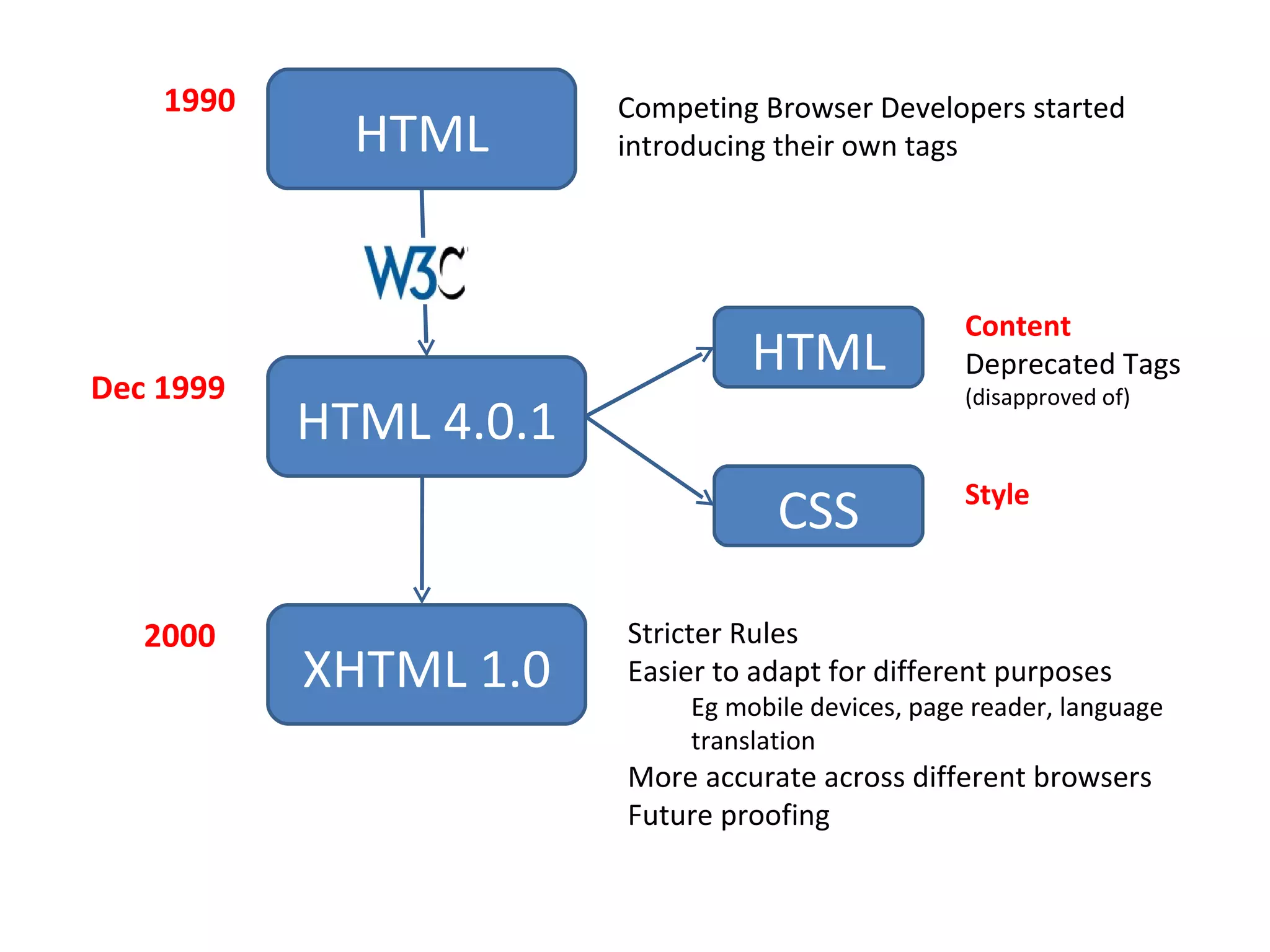
HTML Competing Browser Developers started introducing their own tags HTML 4.0.1 HTML CSS Content Deprecated Tags  (disapproved of) Style Dec 1999 1990 XHTML 1.0 2000 Stricter Rules Easier to adapt for different purposes Eg mobile devices, page reader, language translation More accurate across different browsers Future proofing

Introduction To Xhtml

  • 1.
  • 2.
    What is XHTML?E x tensible H yper t ext M arkup L anguage XHTML code: <p> This is a <strong> very </strong> important statement! </p> Tags are not displayed but are used to tell the browser “how” to display the text In early days HTML was used for displaying only text
  • 3.
  • 4.
  • 5.
    History of XHTMLand the Web Hyperlinks = non-linear URL = Uniform Resource Locator [unique address for web pages] HTTP = HyperText Transfer Protocol Set of rules for communicating web info HTML = HyperText Markup Language Scripting Language for simple creation of web pages WWW = World Wide Web Browser = For reading pages written in HTML First browser was “Netscape Navigator” Can you name any other browsers? 1990 Tim Berners-Lee
  • 6.
    provides order tothe web with so many new technologies being developed www.w3.org
  • 7.
    HTML Competing BrowserDevelopers started introducing their own tags HTML 4.0.1 HTML CSS Content Deprecated Tags (disapproved of) Style Dec 1999 1990 XHTML 1.0 2000 Stricter Rules Easier to adapt for different purposes Eg mobile devices, page reader, language translation More accurate across different browsers Future proofing