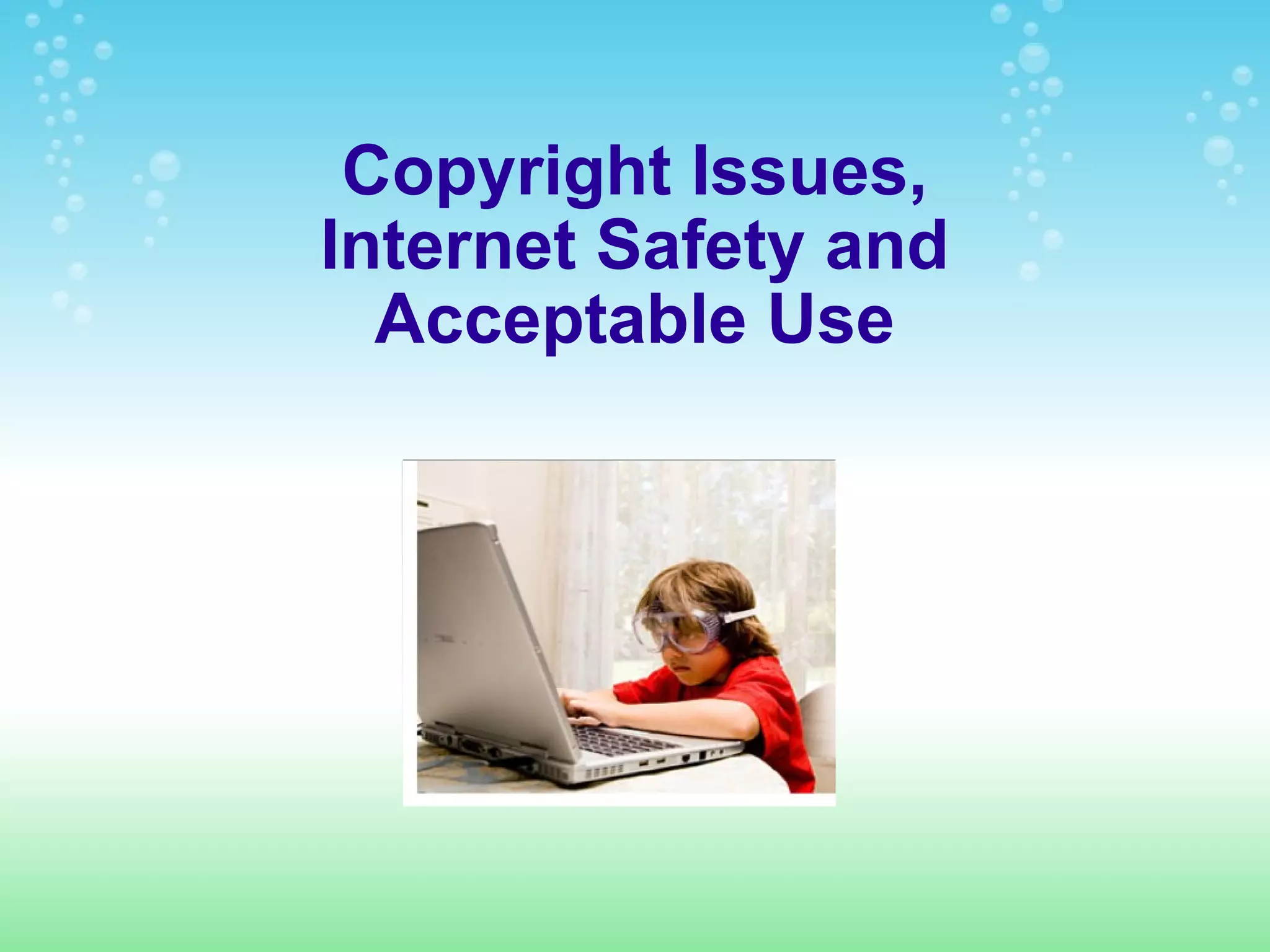
Copyright Issues, Internet Safety and Acceptable Use
Internet Safety: Cyberbullying Never respond to rude comments. Keep all evidence. Tell a responsible and trusted adult. Check out this video on Cyberbullying Click here for more information on Cyberbullying from isafe.org
Internet Safety: TMI Don't give personal information such as name, address and phone number.  Don't give out your password. Once something is posted on the Internet, it remains there for everyone to see.  Check out this video about revealing too much! See survivor videos
Report when... Someone you don't know asks for personal information, photos, or videos. Someone sends inappropriate or obscene materials. Misleading URLs direct you to sites containing inappropriate materials instead of what you were looking for Anyone sends you photos or videos containing obscene content of individuals 18 and younger (the possession, manufacturing, or distributing of child pornography is illegal) Anyone asks you to meet in person for sexual activities- no one should make sexual invitations to you online If any of the above happens to you or a friend, tell an adult you trust and report it to the National Center for Missing & Exploited Children's CyberTipline at  cybertipline.com .  Information from http://www.nsteens.org/WhatToReport
Copyright Issues What is a copyright? When you create something, you own the copyright to it. Copyrighted material can be a story, poem, paper, image, song or video. A copyright protects the created material so no one else can claim the piece as their own idea. You authored the material and you have the ability to decide how the piece can be used. No one else can use what you created without your permission.  What if I ignore the copyright? It is illegal to use copyrighted material without the owner's permission. If copyright infringement occurs, the owner of the material can have the unauthorized user fined or taken to court.  Click here for more information on copyright issues
Acceptable Use The purpose of the Internet is to support research and education in and among academic institutions. Access is provided to unique resources as well as the opportunity for collaborative work.  PRIVILEGES The use of Internet is a privilege, not a right, and inappropriate use will result in a cancellation of those privileges. The classroom teacher and school administration will deem what is inappropriate use. Their decision is final. UNACCEPTABLE USE Unacceptable use includes downloading and using copyrighted material, using or sending innappropriate material, invading privacy and using another's password or account. For a full list of unnacceptable use, see page 28 of the Student Handbook.
Links NSTeens:  http://www.nsteens.org/ iSafe:  http://xblock.isafe.org/ NetSmartz:  http://www.netsmartz.org/index.aspx Link for Parents:  http://www.edutopia.org/digital-generation-parents-commonsense-video

Copyright and internet_safety

  • 1.
    Copyright Issues, InternetSafety and Acceptable Use
  • 2.
    Internet Safety: CyberbullyingNever respond to rude comments. Keep all evidence. Tell a responsible and trusted adult. Check out this video on Cyberbullying Click here for more information on Cyberbullying from isafe.org
  • 3.
    Internet Safety: TMIDon't give personal information such as name, address and phone number. Don't give out your password. Once something is posted on the Internet, it remains there for everyone to see. Check out this video about revealing too much! See survivor videos
  • 4.
    Report when... Someoneyou don't know asks for personal information, photos, or videos. Someone sends inappropriate or obscene materials. Misleading URLs direct you to sites containing inappropriate materials instead of what you were looking for Anyone sends you photos or videos containing obscene content of individuals 18 and younger (the possession, manufacturing, or distributing of child pornography is illegal) Anyone asks you to meet in person for sexual activities- no one should make sexual invitations to you online If any of the above happens to you or a friend, tell an adult you trust and report it to the National Center for Missing & Exploited Children's CyberTipline at cybertipline.com . Information from http://www.nsteens.org/WhatToReport
  • 5.
    Copyright Issues Whatis a copyright? When you create something, you own the copyright to it. Copyrighted material can be a story, poem, paper, image, song or video. A copyright protects the created material so no one else can claim the piece as their own idea. You authored the material and you have the ability to decide how the piece can be used. No one else can use what you created without your permission. What if I ignore the copyright? It is illegal to use copyrighted material without the owner's permission. If copyright infringement occurs, the owner of the material can have the unauthorized user fined or taken to court. Click here for more information on copyright issues
  • 6.
    Acceptable Use Thepurpose of the Internet is to support research and education in and among academic institutions. Access is provided to unique resources as well as the opportunity for collaborative work. PRIVILEGES The use of Internet is a privilege, not a right, and inappropriate use will result in a cancellation of those privileges. The classroom teacher and school administration will deem what is inappropriate use. Their decision is final. UNACCEPTABLE USE Unacceptable use includes downloading and using copyrighted material, using or sending innappropriate material, invading privacy and using another's password or account. For a full list of unnacceptable use, see page 28 of the Student Handbook.
  • 7.
    Links NSTeens: http://www.nsteens.org/ iSafe: http://xblock.isafe.org/ NetSmartz: http://www.netsmartz.org/index.aspx Link for Parents: http://www.edutopia.org/digital-generation-parents-commonsense-video

Editor's Notes

  • #2   I imported my PPT from last semester into Google Presentations.