



10+ Google Tools for
     Teaching


          ShellyTerrell.com
            Bit.ly/Gtools
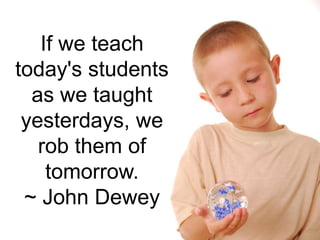
If we teach
today's students
  as we taught
 yesterdays, we
   rob them of
    tomorrow.
 ~ John Dewey
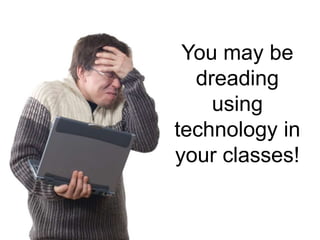
You may be
  dreading
    using
technology in
your classes!
Help is
 here!
Google
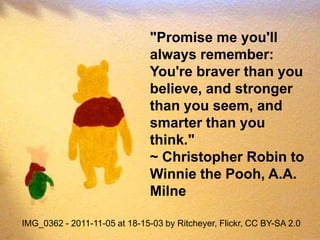
"Promise me you'll
                               always remember:
                               You're braver than you
                               believe, and stronger
                               than you seem, and
                               smarter than you
                               think."
                               ~ Christopher Robin to
                               Winnie the Pooh, A.A.
                               Milne

IMG_0362 - 2011-11-05 at 18-15-03 by Ritcheyer, Flickr, CC BY-SA 2.0
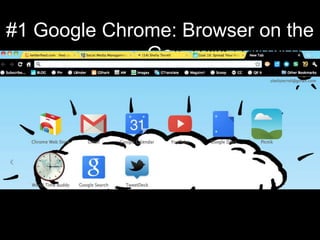
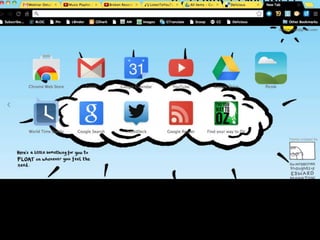
#1 Google Chrome: Browser on the
              Go
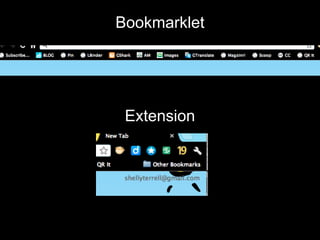
Bookmarklet


 Extension
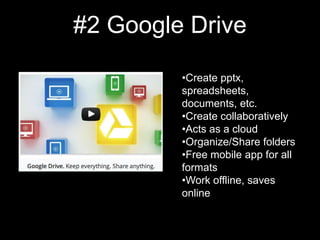
#2 Google Drive

         •Create pptx,
         spreadsheets,
         documents, etc.
         •Create collaboratively
         •Acts as a cloud
         •Organize/Share folders
         •Free mobile app for all
         formats
         •Work offline, saves
         online
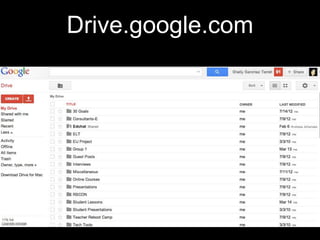
Drive.google.com
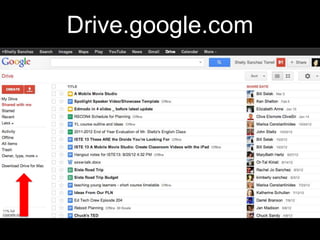
Drive.google.com
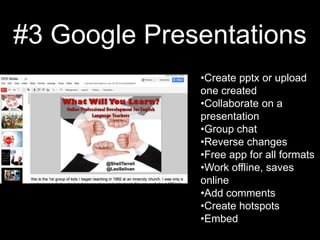
#3 Google Presentations
              •Create pptx or upload
              one created
              •Collaborate on a
              presentation
              •Group chat
              •Reverse changes
              •Free app for all formats
              •Work offline, saves
              online
              •Add comments
              •Create hotspots
              •Embed
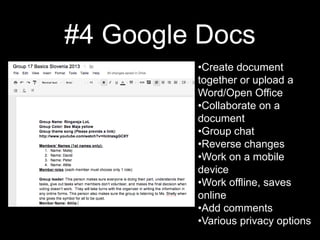
#4 Google Docs
         •Create document
         together or upload a
         Word/Open Office
         •Collaborate on a
         document
         •Group chat
         •Reverse changes
         •Work on a mobile
         device
         •Work offline, saves
         online
         •Add comments
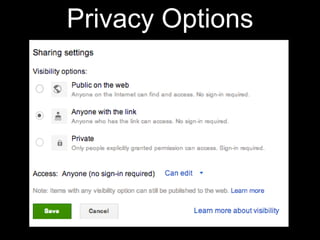
         •Various privacy options
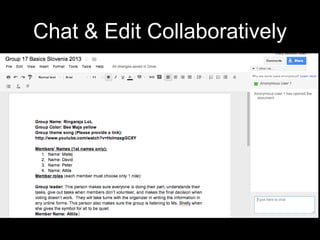
Chat & Edit Collaboratively
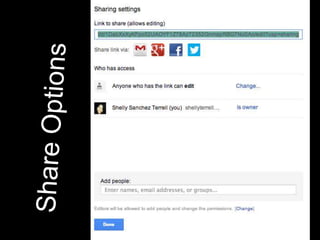
Privacy Options
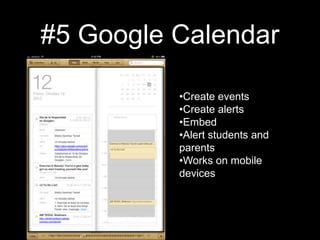
#5 Google Calendar

          •Create events
          •Create alerts
          •Embed
          •Alert students and
          parents
          •Works on mobile
          devices
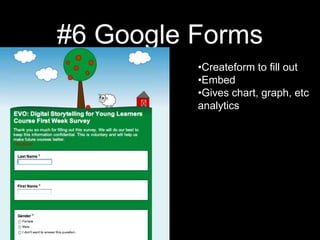
#6 Google Forms
          •Createform to fill out
          •Embed
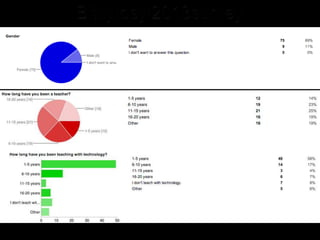
          •Gives chart, graph, etc
          analytics
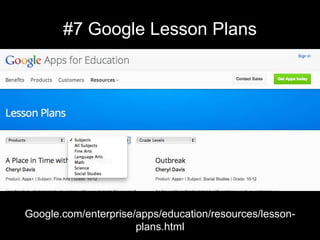
#7 Google Lesson Plans


Google.com/enterprise/apps/education/resources/lesson-
                      plans.html
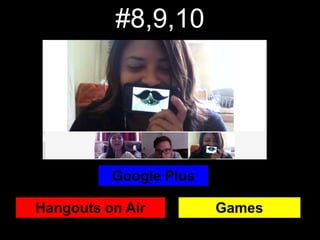
#8,9,10
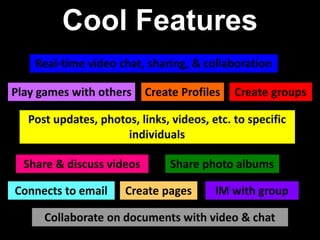
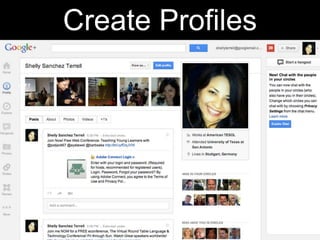
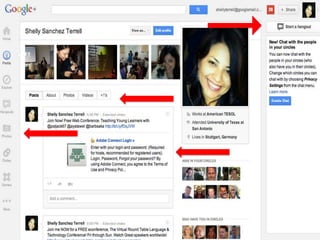
Create Profiles
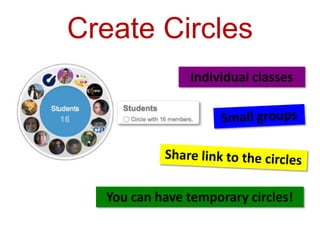
Create Circles
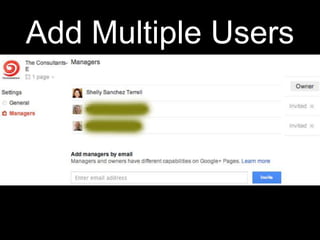
Add Multiple Users
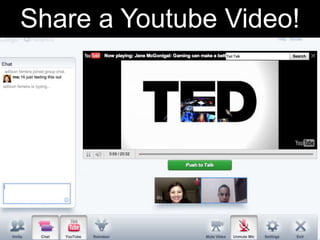
Share a Youtube Video!
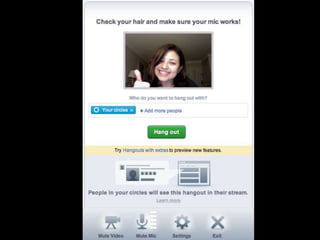
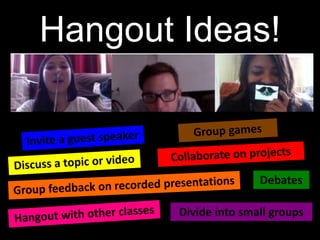
Hangout Ideas!
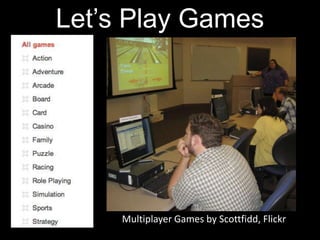
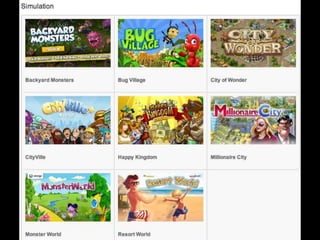
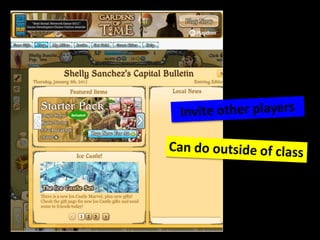
Let’s Play Games


     Multiplayer Games by Scottfidd, Flickr
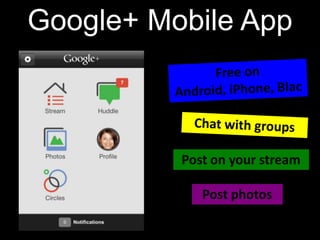
Google+ Mobile App
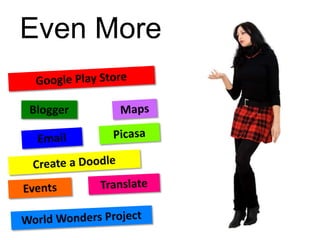
Even More
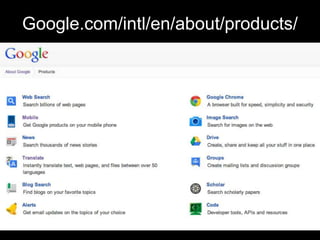
Google.com/intl/en/about/products/
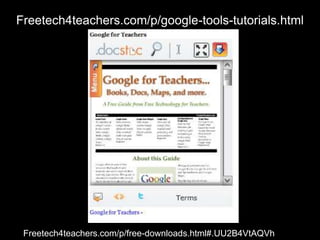
Freetech4teachers.com/p/google-tools-tutorials.html


http://Freetech4teachers.com/p/free-downloads.html#.UU2B4VtAQVh
ShellyTerrell.com
http://bit.ly/Gtools

Google Tools for Teachers

Editor's Notes

  • #2 Join today for a Free Webinar! Teaching with PresentationTools 4pmNYC/8pmUK/10pm Istanbul Bit.ly/ELTLINKshttps://americantesol.adobeconnect.com/terrell Time Difference!!
  • #7 And it is important we help stimulate their minds during the summer because as teachers we have to motivate them to turn off the TV and explore the world around them. Let’s face it, many of our students will spend a lot of time laying dormant and watching TV.
  • #15 http://Prezi.com
  • #16 http://Prezi.com
  • #17 http://Prezi.com
  • #18 http://Prezi.com
  • #19 http://Prezi.com
  • #20 http://Prezi.com
  • #21 http://Prezi.com
  • #22 https://docs.google.com/spreadsheet/viewform?formkey=dHZVSWtNVTRYTTFEbllDNnA5Uzl4VlE6MA
  • #23 https://docs.google.com/spreadsheet/viewform?formkey=dHZVSWtNVTRYTTFEbllDNnA5Uzl4VlE6MA
  • #24 https://docs.google.com/spreadsheet/viewform?formkey=dHZVSWtNVTRYTTFEbllDNnA5Uzl4VlE6MA
  • #25 http://www.google.com/enterprise/apps/education/resources/lesson-plans.html
  • #26 http://Prezi.com
  • #27 3 things you want to remember- Connect, Collaborate, Communicate
  • #33 http://www.buzzmaven.com/2012/01/multiple-admin-support-on-google-plus-pages-now-available.html
  • #38 It’s socialSometimes you need a little help from your friends (cheats)Integrates movement, visuals, multimedia, popular music, graphics and basically is a representation of the world teens and kids want to be immersed inGoal-oriented- Aim to reach the next levelEach more challenging, but achievableMust complete tasksCollect items that help within the journey (learning is all around you)Discover a new world each time you achieve a levelPositive stressFailure part of the journeyTry again till you reach your goal with no penaltiesEvery kid can be a hero as long as they keep tryingVia Paul Maglione, Slidesha.re/pmteenmotivation
  • #44 http://www.buzzmaven.com/2012/01/multiple-admin-support-on-google-plus-pages-now-available.html
  • #45 http://www.freetech4teachers.com/p/google-tools-tutorials.html and http://www.freetech4teachers.com/p/free-downloads.html#.UU2B4VtAQVh
  • #46 http://bit.ly/Gtools