

Enhancing Productivity with Web 2.0 Tools Presented  for the Princeton Macintosh Users’ Group 01/08/08 Presented by: Janie Hermann Princeton Public Library Dark Room +/or WriteRoom
Web 2.0 is… A Social, Collaborative Web, defined by trends and sites such as: Blogs/RSS - Wikis - Podcasts – Tagging Social software – Facebook - MySpace - de.licio.us - furl - Flickr - IM – lastfm - Folksonomies - Mashups
Web 2.0 is … The Read/Write Web Participatory and Social  Information consumers and contributors are often one in the same But what does this  really  mean?
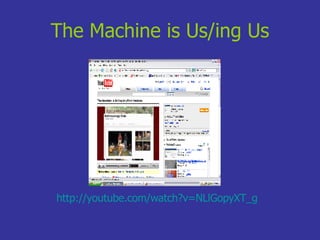
The Machine is Us/ing Us http://youtube.com/watch?v=NLlGopyXT_g
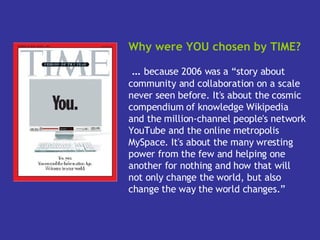
Why were YOU chosen by TIME? …  because 2006 was a “story about community and collaboration on a scale never seen before. It's about the cosmic compendium of knowledge Wikipedia and the million-channel people's network YouTube and the online metropolis MySpace. It's about the many wresting power from the few and helping one another for nothing and how that will not only change the world, but also change the way the world changes.”
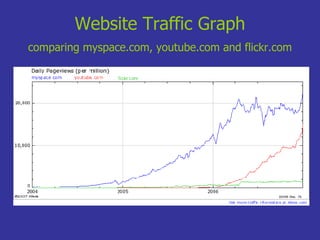
Website Traffic Graph   comparing myspace.com, youtube.com and flickr.com
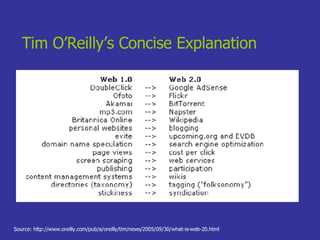
Tim O’Reilly’s Concise Explanation Source: http://www.oreilly.com/pub/a/oreilly/tim/news/2005/09/30/what-is-web-20.html
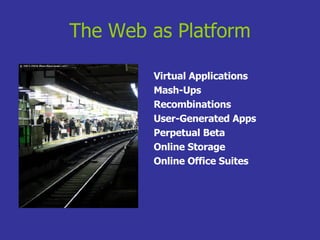
The Web as Platform Virtual Applications Mash-Ups Recombinations User-Generated Apps Perpetual Beta Online Storage Online Office Suites
Harnessing the Hive Wikis Folksonomies  User- Based Tagging The Wisdom of the Crowds Bottom up Classification Schemes Photo by dotpolka Source: http://www.flickr.com/photos/dotpolka/7938665/
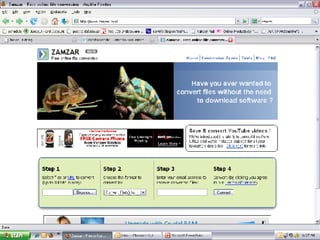
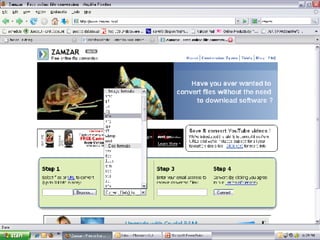
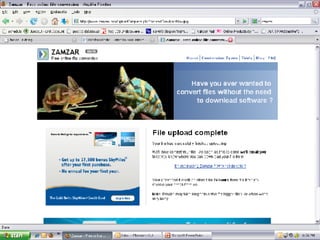
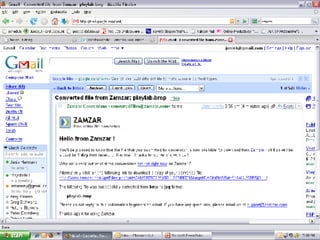
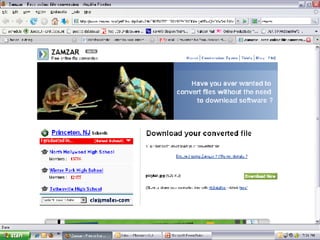
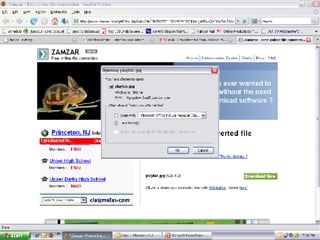
Zamzar Quickly converts files from one format to another Eliminates need for conversion software Convert text, image, video, and sound files (large array of file extensions available)  Conversions emailed for downloading http://www.zamzar.com


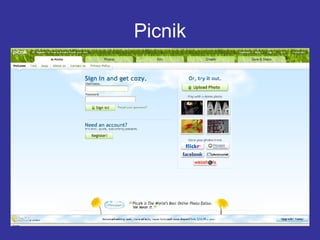
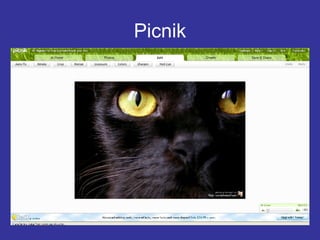
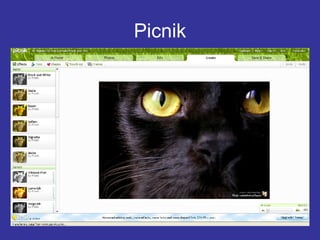
Picnik Online photo editing in your browser No program installation required Import pictures from your PC or online Some features require premium subscription http://www.picnik.com
Picnik
Picnik
Picnik
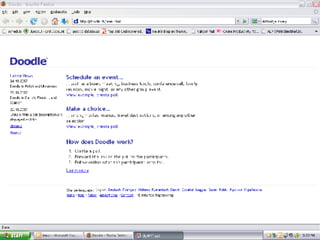
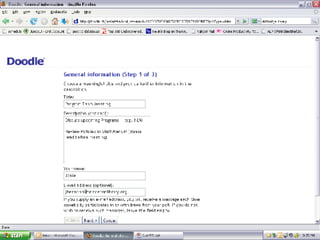
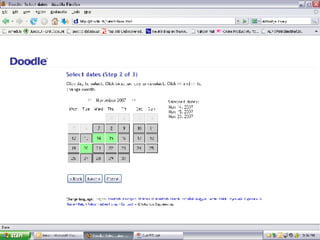
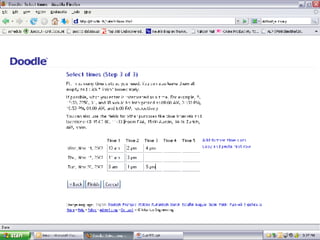
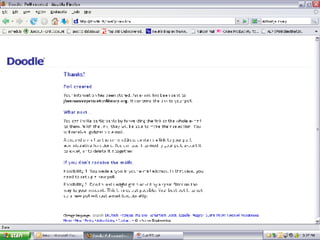
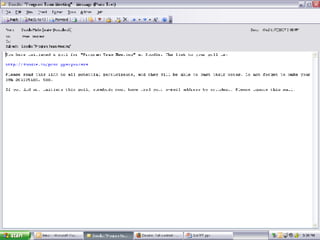
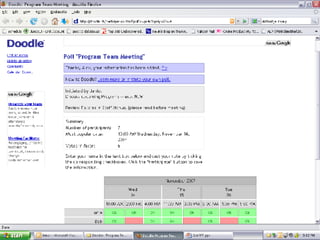
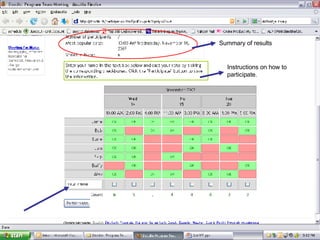
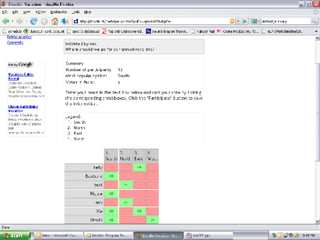
Doodle Polling and Scheduling made easy No need to create an account Schedule a meeting and be assured you have the best possible date Easy to update http://doodle.ch


Instructions on how to participate. Summary of results
 
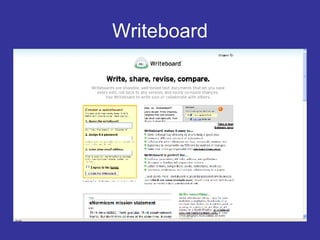
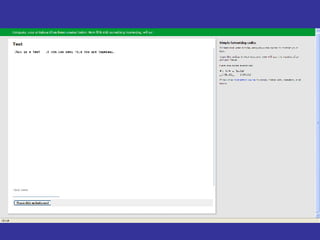
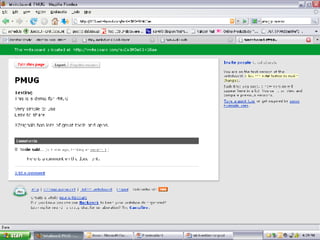
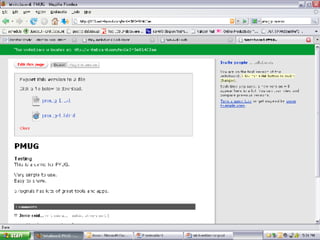
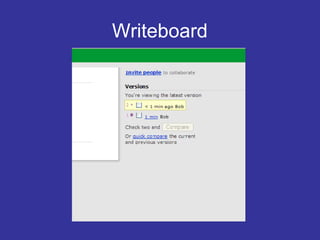
Writeboard Shareable web-based text documents Write something online, then share it Track all changes by all editors Compare changes between two versions http://www.writeboard.com/
Writeboard


Writeboard
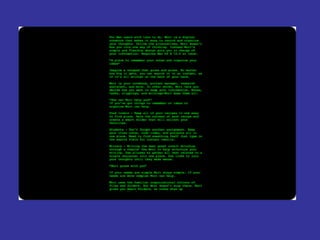
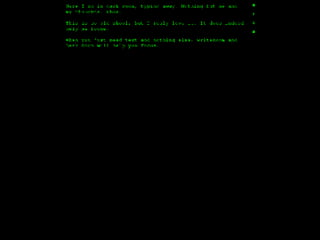
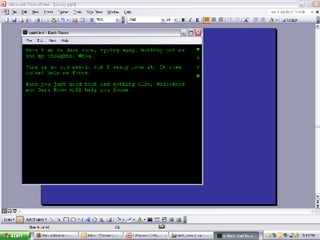
WriteRoom Full screen writing environment  Write without distraction  Created specifically for use on Mac OS PC version is called Dark Room Requires Mac OS X 10.4 or later   http://hogbaysoftware.com/products/writeroom


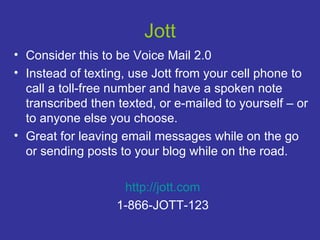
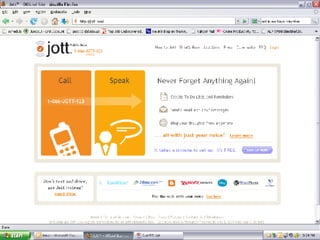
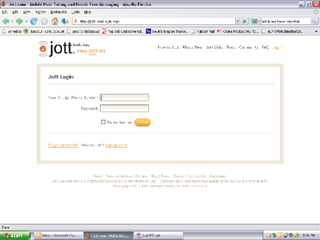
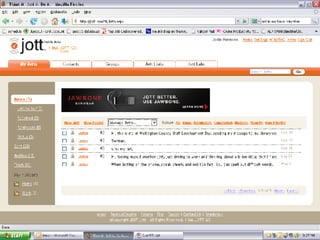
Jott Consider this to be Voice Mail 2.0 Instead of texting, use Jott from your cell phone to call a toll-free number and have a spoken note transcribed then texted, or e-mailed to yourself – or to anyone else you choose.  Great for leaving email messages while on the go or sending posts to your blog while on the road. http://jott.com 1-866-JOTT-123


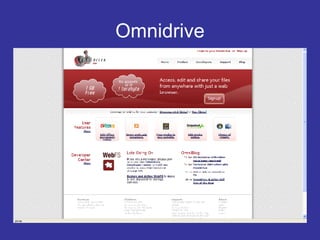
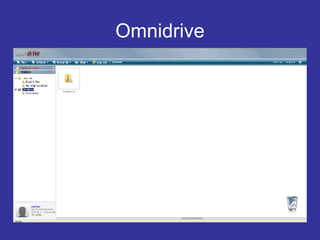
Omnidrive Access, edit and share your files from anywhere in your web browser 1GB size and 5GB transfer per month free http://www.omnidrive.com/
Omnidrive
Omnidrive
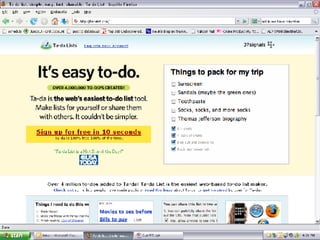
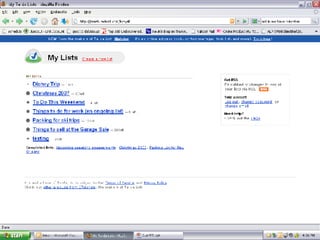
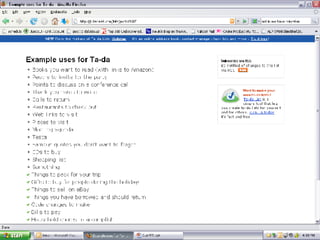
Tada List Create, Share, and Store "to do" lists for everything from your Christmas shopping to daily task list Lists are stored online and accessible from any computer via your account Share your lists with others via RSS Save for future reference – great for packing lists http://tadalist.com/


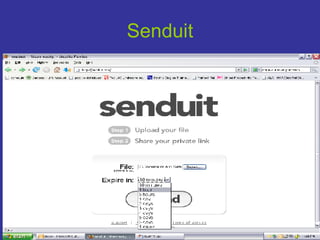
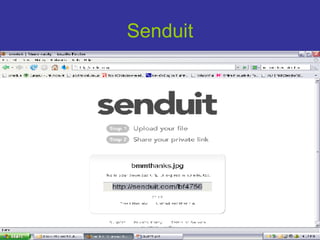
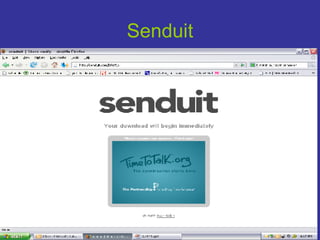
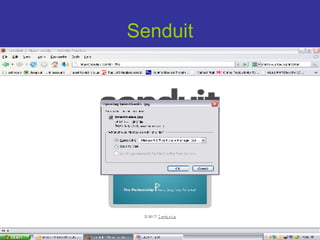
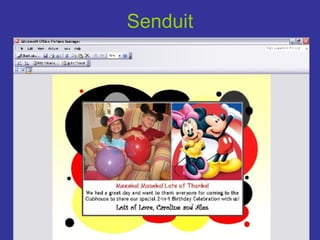
Senduit/YouSendIt Both allow you to send and share very large files without freezing up email or taking down a network! No registration required  YouSendIt will hold the file for 30 days and send an email to the recipient  Senduit lets you determine how long the file stays live (up to 30 days).  Provides you with a download link.  http://senduit.com http://yousendit.com
Senduit
Senduit
Senduit
Senduit
Senduit
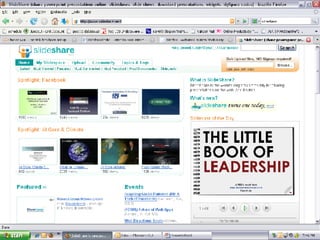
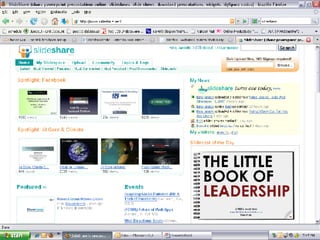
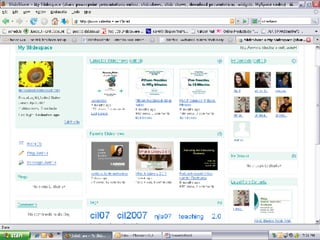
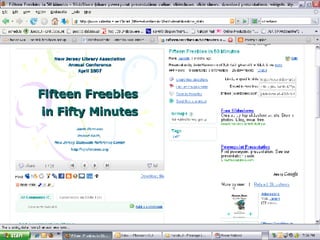
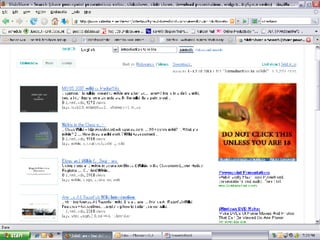
Slideshare Think of it as YouTube for PowerPoint A great place to share your own PowerPoint presentations and slidecasts or to view what others have posted Create a social network with others who share your interests http://www.slideshare.net


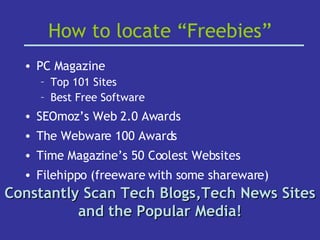
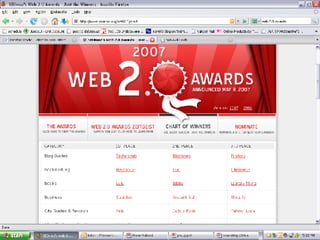
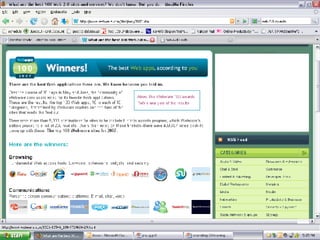
How to locate “Freebies” PC Magazine Top 101 Sites Best Free Software SEOmoz’s Web 2.0 Awards  The Webware 100 Awards Time Magazine’s 50 Coolest Websites Filehippo (freeware with some shareware) Constantly Scan Tech Blogs,Tech News Sites and the Popular Media!
 
 
This is just the proverbial   … Tip  of the  Iceberg
Discussion Time … and Questions and Comments and Feedback!
Contact me: Janie Hermann  [email_address] Slides will be hosted at: http://www.slideshare.net/JanieH

PMUG: 2.0 Productivity Tools

  • 1.
    Enhancing Productivity withWeb 2.0 Tools Presented for the Princeton Macintosh Users’ Group 01/08/08 Presented by: Janie Hermann Princeton Public Library Dark Room +/or WriteRoom
  • 2.
    Web 2.0 is…A Social, Collaborative Web, defined by trends and sites such as: Blogs/RSS - Wikis - Podcasts – Tagging Social software – Facebook - MySpace - de.licio.us - furl - Flickr - IM – lastfm - Folksonomies - Mashups
  • 3.
    Web 2.0 is… The Read/Write Web Participatory and Social Information consumers and contributors are often one in the same But what does this really mean?
  • 4.
    The Machine isUs/ing Us http://youtube.com/watch?v=NLlGopyXT_g
  • 5.
    Why were YOUchosen by TIME? … because 2006 was a “story about community and collaboration on a scale never seen before. It's about the cosmic compendium of knowledge Wikipedia and the million-channel people's network YouTube and the online metropolis MySpace. It's about the many wresting power from the few and helping one another for nothing and how that will not only change the world, but also change the way the world changes.”
  • 6.
    Website Traffic Graph comparing myspace.com, youtube.com and flickr.com
  • 7.
    Tim O’Reilly’s ConciseExplanation Source: http://www.oreilly.com/pub/a/oreilly/tim/news/2005/09/30/what-is-web-20.html
  • 8.
    The Web asPlatform Virtual Applications Mash-Ups Recombinations User-Generated Apps Perpetual Beta Online Storage Online Office Suites
  • 9.
    Harnessing the HiveWikis Folksonomies User- Based Tagging The Wisdom of the Crowds Bottom up Classification Schemes Photo by dotpolka Source: http://www.flickr.com/photos/dotpolka/7938665/
  • 10.
    Zamzar Quickly convertsfiles from one format to another Eliminates need for conversion software Convert text, image, video, and sound files (large array of file extensions available) Conversions emailed for downloading http://www.zamzar.com
  • 11.
  • 12.
  • 13.
  • 14.
  • 15.
  • 16.
  • 17.
  • 18.
    Picnik Online photoediting in your browser No program installation required Import pictures from your PC or online Some features require premium subscription http://www.picnik.com
  • 19.
  • 20.
  • 21.
  • 22.
    Doodle Polling andScheduling made easy No need to create an account Schedule a meeting and be assured you have the best possible date Easy to update http://doodle.ch
  • 23.
  • 24.
  • 25.
  • 26.
  • 27.
  • 28.
  • 29.
  • 30.
    Instructions on howto participate. Summary of results
  • 31.
  • 32.
    Writeboard Shareable web-basedtext documents Write something online, then share it Track all changes by all editors Compare changes between two versions http://www.writeboard.com/
  • 33.
  • 34.
  • 35.
  • 36.
  • 37.
  • 38.
    WriteRoom Full screenwriting environment Write without distraction Created specifically for use on Mac OS PC version is called Dark Room Requires Mac OS X 10.4 or later http://hogbaysoftware.com/products/writeroom
  • 39.
  • 40.
  • 41.
  • 42.
    Jott Consider thisto be Voice Mail 2.0 Instead of texting, use Jott from your cell phone to call a toll-free number and have a spoken note transcribed then texted, or e-mailed to yourself – or to anyone else you choose. Great for leaving email messages while on the go or sending posts to your blog while on the road. http://jott.com 1-866-JOTT-123
  • 43.
  • 44.
  • 45.
  • 46.
    Omnidrive Access, editand share your files from anywhere in your web browser 1GB size and 5GB transfer per month free http://www.omnidrive.com/
  • 47.
  • 48.
  • 49.
    Tada List Create,Share, and Store "to do" lists for everything from your Christmas shopping to daily task list Lists are stored online and accessible from any computer via your account Share your lists with others via RSS Save for future reference – great for packing lists http://tadalist.com/
  • 50.
  • 51.
  • 52.
  • 53.
    Senduit/YouSendIt Both allowyou to send and share very large files without freezing up email or taking down a network! No registration required YouSendIt will hold the file for 30 days and send an email to the recipient Senduit lets you determine how long the file stays live (up to 30 days).  Provides you with a download link. http://senduit.com http://yousendit.com
  • 54.
  • 55.
  • 56.
  • 57.
  • 58.
  • 59.
    Slideshare Think ofit as YouTube for PowerPoint A great place to share your own PowerPoint presentations and slidecasts or to view what others have posted Create a social network with others who share your interests http://www.slideshare.net
  • 60.
  • 61.
  • 62.
  • 63.
  • 64.
  • 65.
  • 66.
    How to locate“Freebies” PC Magazine Top 101 Sites Best Free Software SEOmoz’s Web 2.0 Awards The Webware 100 Awards Time Magazine’s 50 Coolest Websites Filehippo (freeware with some shareware) Constantly Scan Tech Blogs,Tech News Sites and the Popular Media!
  • 67.
  • 68.
  • 69.
    This is justthe proverbial … Tip of the Iceberg
  • 70.
    Discussion Time …and Questions and Comments and Feedback!
  • 71.
    Contact me: JanieHermann [email_address] Slides will be hosted at: http://www.slideshare.net/JanieH