The document describes the process of designing a CD cover in Photoshop. Key steps include:
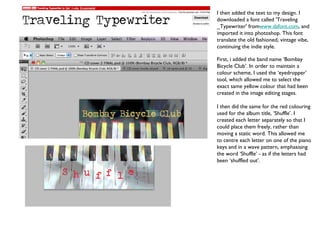
1. Importing images and adjusting effects like posterize to achieve a vintage look and feel.
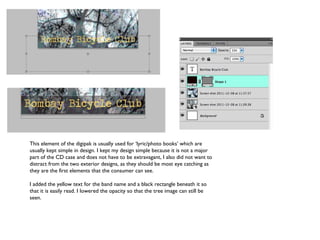
2. Adding text using a typewriter font for band name and album title, matching colors to the visual design.
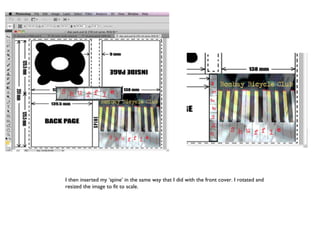
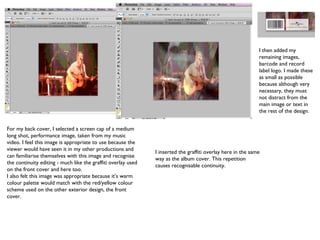
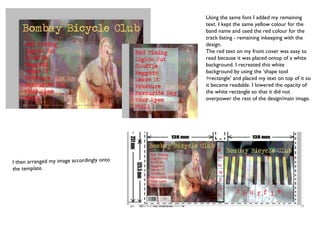
3. Creating additional elements like the spine and back cover track listing while maintaining color schemes and continuity across the design.
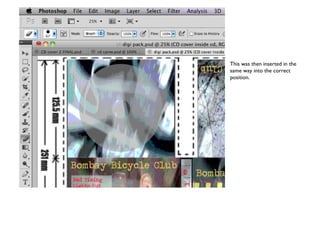
4. Placing all elements onto a template to ensure proper scale and professional appearance of the final product.