Download to read offline

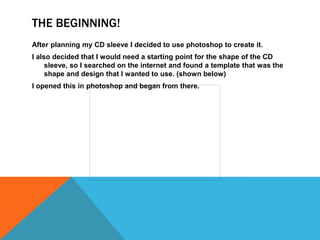


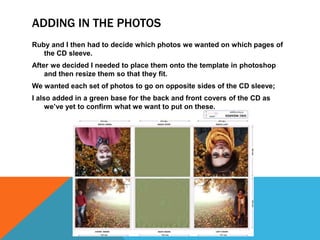
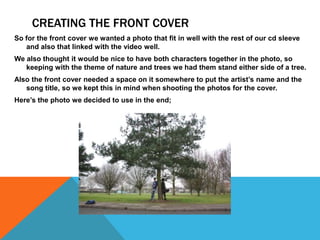
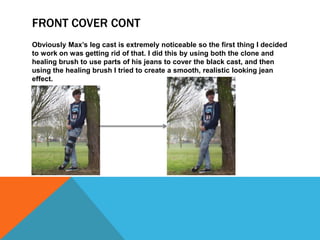
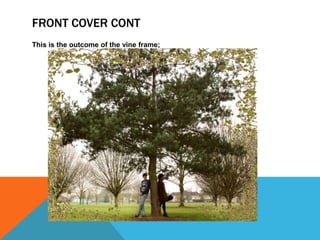


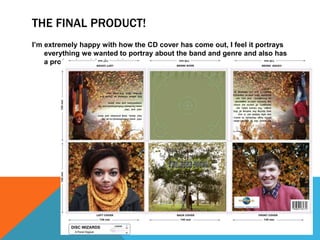

The document describes the process of designing a CD sleeve in Photoshop. Key steps included: 1) Finding a template and starting edits by brightening photos and adding contrast. 2) Choosing photos for different pages and resizing them to fit the template. 3) Creating the front cover using a photo of the characters by a tree, adding a green hue and darkening the tree. 4) Adding a vine frame around the cover and editing out a leg cast. Text was difficult to add. 5) Finishing touches like a barcode, thank you's, and website links to make it seem realistic.


