Connecting The
Learner
Post-Pandemic Update (Summer, 2021)
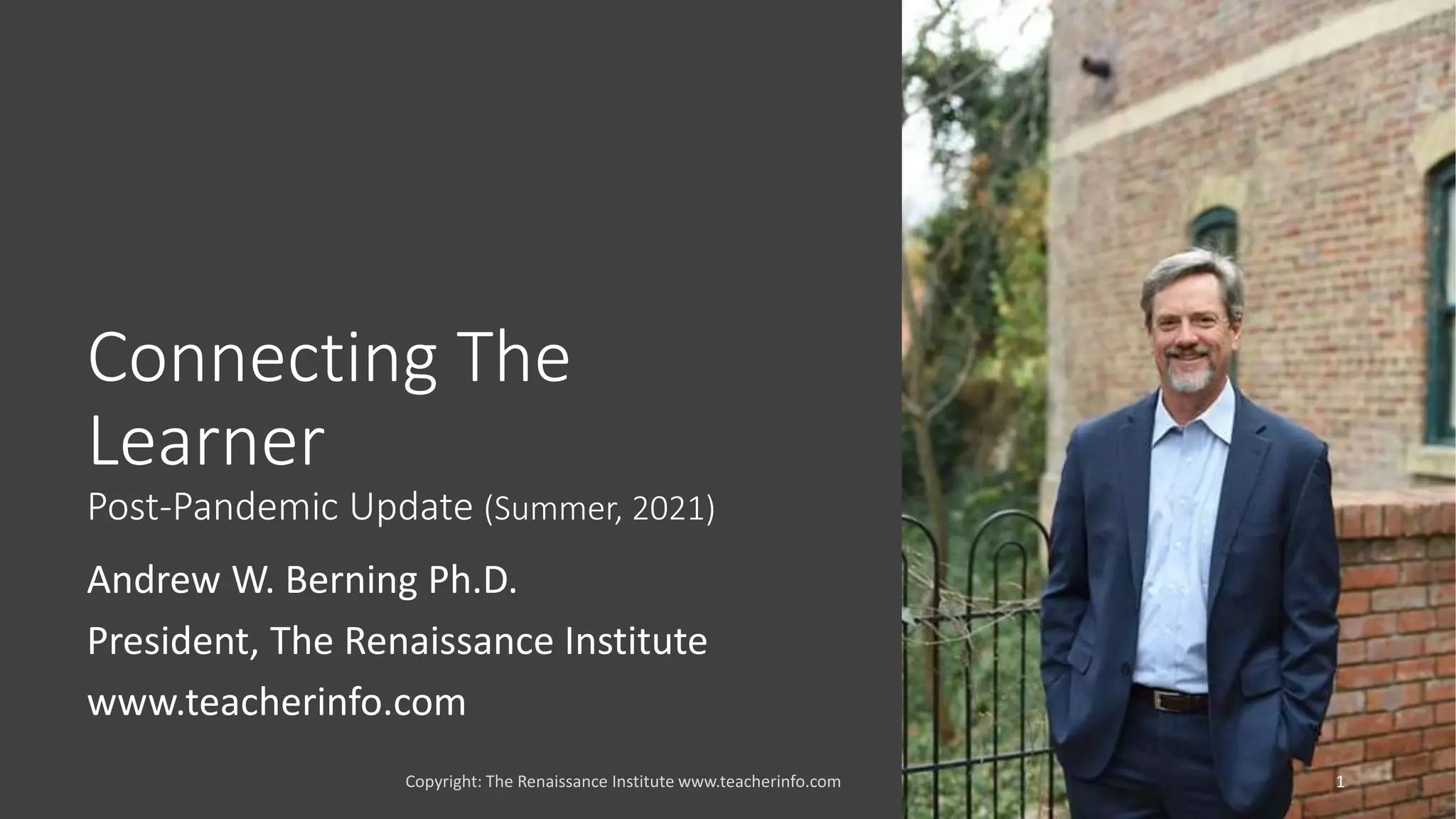
Andrew W. Berning Ph.D.
President, The Renaissance Institute
www.teacherinfo.com
1
Recall the “CEPL”
Framework for
This Class
The role of technology in teaching
and learning is to:
1. Connect the learner
2. Evaluate the learning
3. Promote digital literacy
4. Level the playing field for
equitable access for all learners
Copyright: The Renaissance Institute www.teacherinfo.com 2
This Module:
Leveraging
Technology to
Connect the
Learner
Copyright: The Renaissance Institute www.teacherinfo.com 3
Connect Students
and Staff
Review The
Connected Learning
Framework
The “Berning”
Questions
Copyright: The Renaissance Institute www.teacherinfo.com 4
What are the advantages of a
Connected Learner—and Teacher?
How do we safely connect students
and teachers?
How do we technically connect all
stakeholders?
How can we find balance to
disconnect/unplug?
Connect The
Learner to:
• The best teachers, mentors, and
experts available worldwide.
• Structured, district-approved
content, resources, and
applications.
• Resources that promote
engagement.
• Personal learning networks
(teachers, campus, community).
• Opportunity for
• Informal learning
• Participation in cultural and
civic discourse
• Publishing and creating
Copyright: The Renaissance Institute www.teacherinfo.com 5
Connect The
Learner to
Content and
Resources
Copyright: The Renaissance Institute www.teacherinfo.com 6
Content must be structured and
localized to school district
Strategies to connect the learner to
content
• Implement a Learning Management
System (LMS)
• Purchase Textbooks/Content with Learning
Tools Interoperability (LTI) connectors to
LMS (Digital Textbooks)
• Leverage Open Educational Resources
(OER) content and applications
• Implement a Universal Access Program
• Not the same as district provided 1:1
• Redesign Technology Training and Support
The Learning
Management
System (LMS)
Copyright: The Renaissance Institute www.teacherinfo.com 7
The Learning Management System is the backbone of a
modern learning environment.
An LMS is a software application used for the delivery of
instructional content, as well as the administration,
documentation, tracking, and reporting of e-learning.
An LMS is essentially an empty database into which school
districts add their content. We consider the LMS as a move
beyond the traditional (static) teacher web page, to a
dynamic teacher web presence that includes instructional
content, instructional applications, and social media tools.
Social Media is
Designed to
Connect
Copyright: The Renaissance Institute www.teacherinfo.com 8
But, often students don’t
know how to use social
media in an educational
or professional capacity.
We’ll see this gap
between personal and
professional use of
technology in many areas.
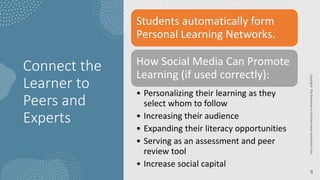
Connect the
Learner to
Peers and
Experts
Copyright:
The
Renaissance
Institute
www.teacherinfo.com
9
Students automatically form
Personal Learning Networks.
How Social Media Can Promote
Learning (if used correctly):
• Personalizing their learning as they
select whom to follow
• Increasing their audience
• Expanding their literacy opportunities
• Serving as an assessment and peer
review tool
• Increase social capital
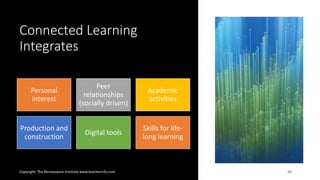
Connected Learning
Integrates
Copyright: The Renaissance Institute www.teacherinfo.com 10
Personal
interest
Peer
relationships
(socially driven)
Academic
activities
Production and
construction
Digital tools
Skills for life-
long learning
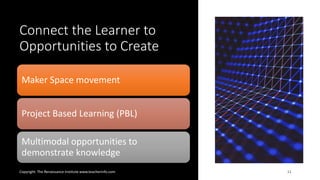
Connect the Learner to
Opportunities to Create
Copyright: The Renaissance Institute www.teacherinfo.com 11
Maker Space movement
Project Based Learning (PBL)
Multimodal opportunities to
demonstrate knowledge
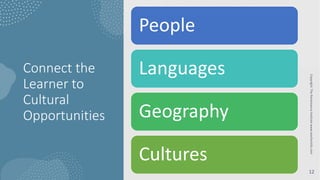
Connect the
Learner to
Cultural
Opportunities
Copyright:
The
Renaissance
Institute
www.teacherinfo.com
12
People
Languages
Geography
Cultures
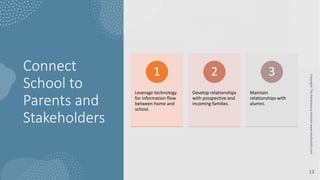
Connect
School to
Parents and
Stakeholders
Copyright:
The
Renaissance
Institute
www.teacherinfo.com
13
Leverage technology
for information flow
between home and
school.
1
Develop relationships
with prospective and
incoming families.
2
Maintain
relationships with
alumni.
3
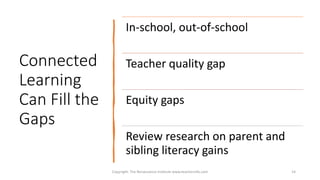
Connected
Learning
Can Fill the
Gaps
Copyright: The Renaissance Institute www.teacherinfo.com 14
In-school, out-of-school
Teacher quality gap
Equity gaps
Review research on parent and
sibling literacy gains
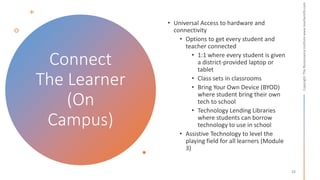
Connect
The Learner
(On
Campus)
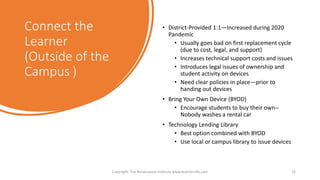
Connect the
Learner
(Outside of the
Campus )
• District-Provided 1:1—Increased during 2020
Pandemic
• Usually goes bad on first replacement cycle
(due to cost, legal, and support)
• Increases technical support costs and issues
• Introduces legal issues of ownership and
student activity on devices
• Need clear policies in place—prior to
handing out devices
• Bring Your Own Device (BYOD)
• Encourage students to buy their own--
Nobody washes a rental car
• Technology Lending Library
• Best option combined with BYOD
• Use local or campus library to issue devices
Copyright: The Renaissance Institute www.teacherinfo.com 16
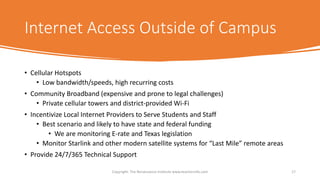
Internet Access Outside of Campus
• Cellular Hotspots
• Low bandwidth/speeds, high recurring costs
• Community Broadband (expensive and prone to legal challenges)
• Private cellular towers and district-provided Wi-Fi
• Incentivize Local Internet Providers to Serve Students and Staff
• Best scenario and likely to have state and federal funding
• We are monitoring E-rate and Texas legislation
• Monitor Starlink and other modern satellite systems for “Last Mile” remote areas
• Provide 24/7/365 Technical Support
Copyright: The Renaissance Institute www.teacherinfo.com 17
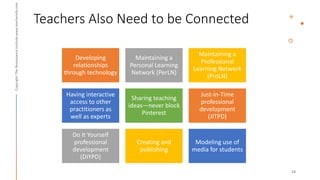
Teachers Also Need to be Connected
Developing
relationships
through technology
Maintaining a
Personal Learning
Network (PerLN)
Maintaining a
Professional
Learning Network
(ProLN)
Having interactive
access to other
practitioners as
well as experts
Sharing teaching
ideas—never block
Pinterest
Just-in-Time
professional
development
(JITPD)
Do It Yourself
professional
development
(DIYPD)
Creating and
publishing
Modeling use of
media for students
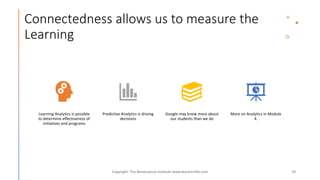
Connectedness allows us to measure the
Learning
Learning Analytics is possible
to determine effectiveness of
initiatives and programs
Predictive Analytics is driving
decisions
Google may know more about
our students than we do
More on Analytics in Module
4.
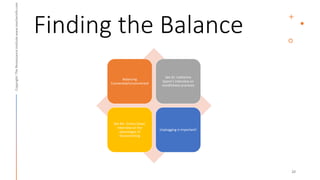
Finding the Balance
Balancing
Connected/Unconnected
See Dr. Catherine
Spann’s interview on
mindfulness practices
See Mr. Jimmy Casas’
interview on the
advantages of
disconnecting
Unplugging is important!
Contact • Andrew W. Berning Ph.D.
• The Renaissance Institute, Trusted
Advisors in Educational Technology and
Information Systems
• www.teacherinfo.com
• andy@teacherinfo.com
Copyright: The Renaissance Institute www.teacherinfo.com 21

Connecting the Learner 2021

  • 1.
    Connecting The Learner Post-Pandemic Update(Summer, 2021) Andrew W. Berning Ph.D. President, The Renaissance Institute www.teacherinfo.com 1
  • 2.
    Recall the “CEPL” Frameworkfor This Class The role of technology in teaching and learning is to: 1. Connect the learner 2. Evaluate the learning 3. Promote digital literacy 4. Level the playing field for equitable access for all learners Copyright: The Renaissance Institute www.teacherinfo.com 2
  • 3.
    This Module: Leveraging Technology to Connectthe Learner Copyright: The Renaissance Institute www.teacherinfo.com 3 Connect Students and Staff Review The Connected Learning Framework
  • 4.
    The “Berning” Questions Copyright: TheRenaissance Institute www.teacherinfo.com 4 What are the advantages of a Connected Learner—and Teacher? How do we safely connect students and teachers? How do we technically connect all stakeholders? How can we find balance to disconnect/unplug?
  • 5.
    Connect The Learner to: •The best teachers, mentors, and experts available worldwide. • Structured, district-approved content, resources, and applications. • Resources that promote engagement. • Personal learning networks (teachers, campus, community). • Opportunity for • Informal learning • Participation in cultural and civic discourse • Publishing and creating Copyright: The Renaissance Institute www.teacherinfo.com 5
  • 6.
    Connect The Learner to Contentand Resources Copyright: The Renaissance Institute www.teacherinfo.com 6 Content must be structured and localized to school district Strategies to connect the learner to content • Implement a Learning Management System (LMS) • Purchase Textbooks/Content with Learning Tools Interoperability (LTI) connectors to LMS (Digital Textbooks) • Leverage Open Educational Resources (OER) content and applications • Implement a Universal Access Program • Not the same as district provided 1:1 • Redesign Technology Training and Support
  • 7.
    The Learning Management System (LMS) Copyright:The Renaissance Institute www.teacherinfo.com 7 The Learning Management System is the backbone of a modern learning environment. An LMS is a software application used for the delivery of instructional content, as well as the administration, documentation, tracking, and reporting of e-learning. An LMS is essentially an empty database into which school districts add their content. We consider the LMS as a move beyond the traditional (static) teacher web page, to a dynamic teacher web presence that includes instructional content, instructional applications, and social media tools.
  • 8.
    Social Media is Designedto Connect Copyright: The Renaissance Institute www.teacherinfo.com 8 But, often students don’t know how to use social media in an educational or professional capacity. We’ll see this gap between personal and professional use of technology in many areas.
  • 9.
    Connect the Learner to Peersand Experts Copyright: The Renaissance Institute www.teacherinfo.com 9 Students automatically form Personal Learning Networks. How Social Media Can Promote Learning (if used correctly): • Personalizing their learning as they select whom to follow • Increasing their audience • Expanding their literacy opportunities • Serving as an assessment and peer review tool • Increase social capital
  • 10.
    Connected Learning Integrates Copyright: TheRenaissance Institute www.teacherinfo.com 10 Personal interest Peer relationships (socially driven) Academic activities Production and construction Digital tools Skills for life- long learning
  • 11.
    Connect the Learnerto Opportunities to Create Copyright: The Renaissance Institute www.teacherinfo.com 11 Maker Space movement Project Based Learning (PBL) Multimodal opportunities to demonstrate knowledge
  • 12.
  • 13.
    Connect School to Parents and Stakeholders Copyright: The Renaissance Institute www.teacherinfo.com 13 Leveragetechnology for information flow between home and school. 1 Develop relationships with prospective and incoming families. 2 Maintain relationships with alumni. 3
  • 14.
    Connected Learning Can Fill the Gaps Copyright:The Renaissance Institute www.teacherinfo.com 14 In-school, out-of-school Teacher quality gap Equity gaps Review research on parent and sibling literacy gains
  • 15.
  • 16.
    Connect the Learner (Outside ofthe Campus ) • District-Provided 1:1—Increased during 2020 Pandemic • Usually goes bad on first replacement cycle (due to cost, legal, and support) • Increases technical support costs and issues • Introduces legal issues of ownership and student activity on devices • Need clear policies in place—prior to handing out devices • Bring Your Own Device (BYOD) • Encourage students to buy their own-- Nobody washes a rental car • Technology Lending Library • Best option combined with BYOD • Use local or campus library to issue devices Copyright: The Renaissance Institute www.teacherinfo.com 16
  • 17.
    Internet Access Outsideof Campus • Cellular Hotspots • Low bandwidth/speeds, high recurring costs • Community Broadband (expensive and prone to legal challenges) • Private cellular towers and district-provided Wi-Fi • Incentivize Local Internet Providers to Serve Students and Staff • Best scenario and likely to have state and federal funding • We are monitoring E-rate and Texas legislation • Monitor Starlink and other modern satellite systems for “Last Mile” remote areas • Provide 24/7/365 Technical Support Copyright: The Renaissance Institute www.teacherinfo.com 17
  • 18.
    Teachers Also Needto be Connected Developing relationships through technology Maintaining a Personal Learning Network (PerLN) Maintaining a Professional Learning Network (ProLN) Having interactive access to other practitioners as well as experts Sharing teaching ideas—never block Pinterest Just-in-Time professional development (JITPD) Do It Yourself professional development (DIYPD) Creating and publishing Modeling use of media for students
  • 19.
    Connectedness allows usto measure the Learning Learning Analytics is possible to determine effectiveness of initiatives and programs Predictive Analytics is driving decisions Google may know more about our students than we do More on Analytics in Module 4.
  • 20.
    Finding the Balance Balancing Connected/Unconnected SeeDr. Catherine Spann’s interview on mindfulness practices See Mr. Jimmy Casas’ interview on the advantages of disconnecting Unplugging is important!
  • 21.
    Contact • AndrewW. Berning Ph.D. • The Renaissance Institute, Trusted Advisors in Educational Technology and Information Systems • www.teacherinfo.com • andy@teacherinfo.com Copyright: The Renaissance Institute www.teacherinfo.com 21