Collections Framework
Beginners guide II
HASUNUMA Kenji

k.hasunuma@coppermine.jp
Introduction
What's Collections?
• Major data structures

• Basic algorithm

• Simple and flexible design

• e.g. Concurrency, Hazelcast

• packaged in java.util.*
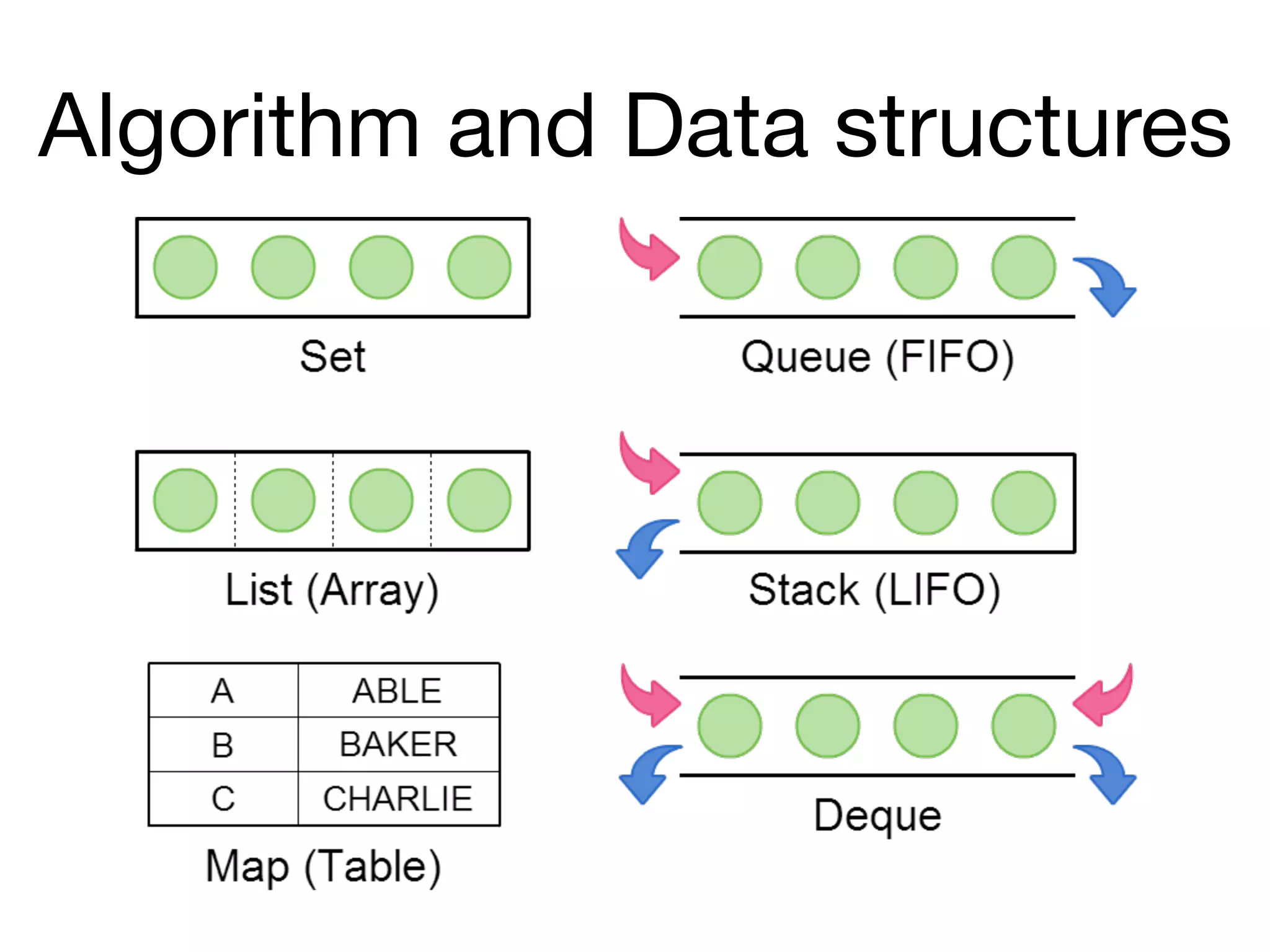
Algorithm and Data structures
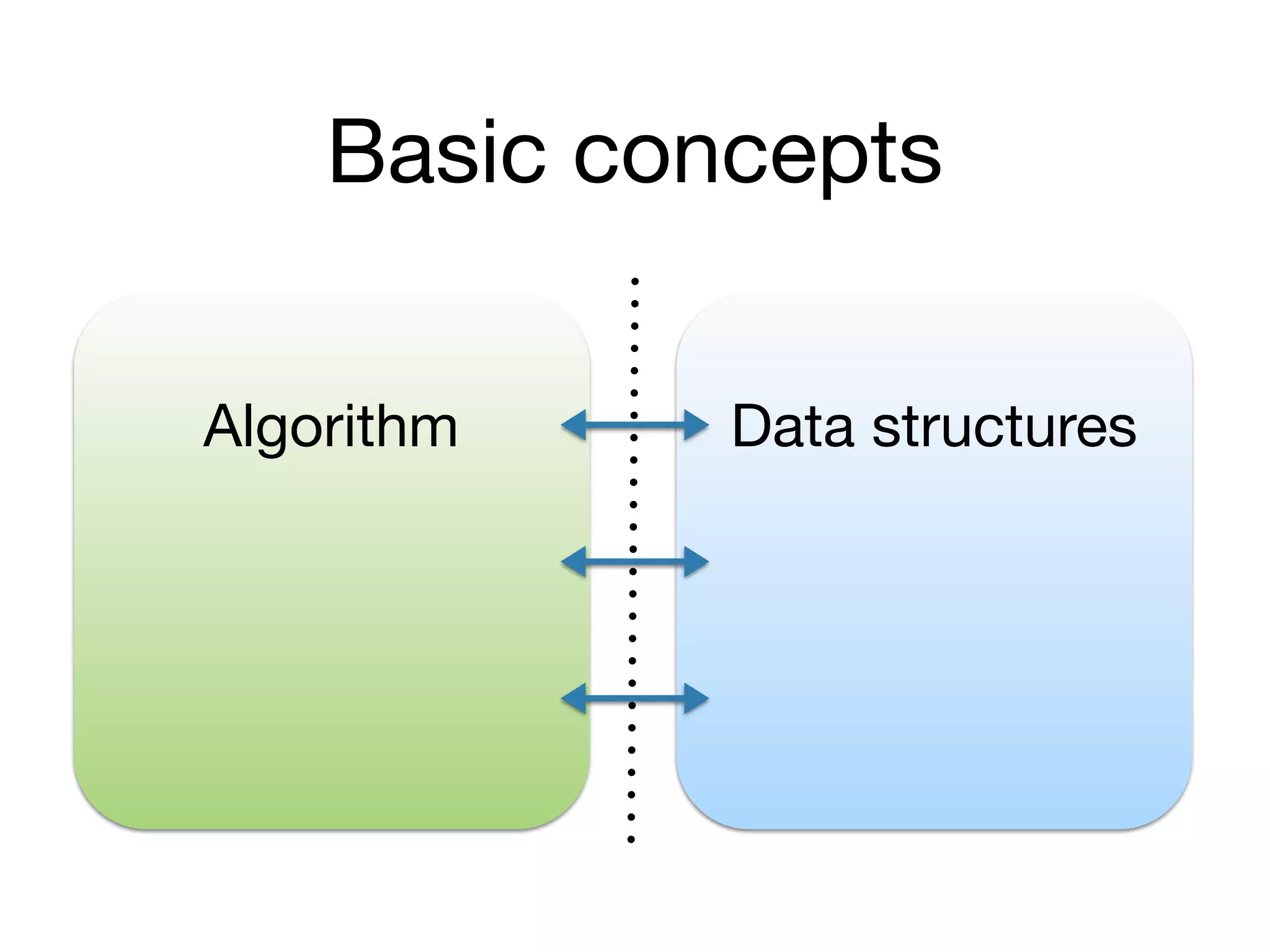
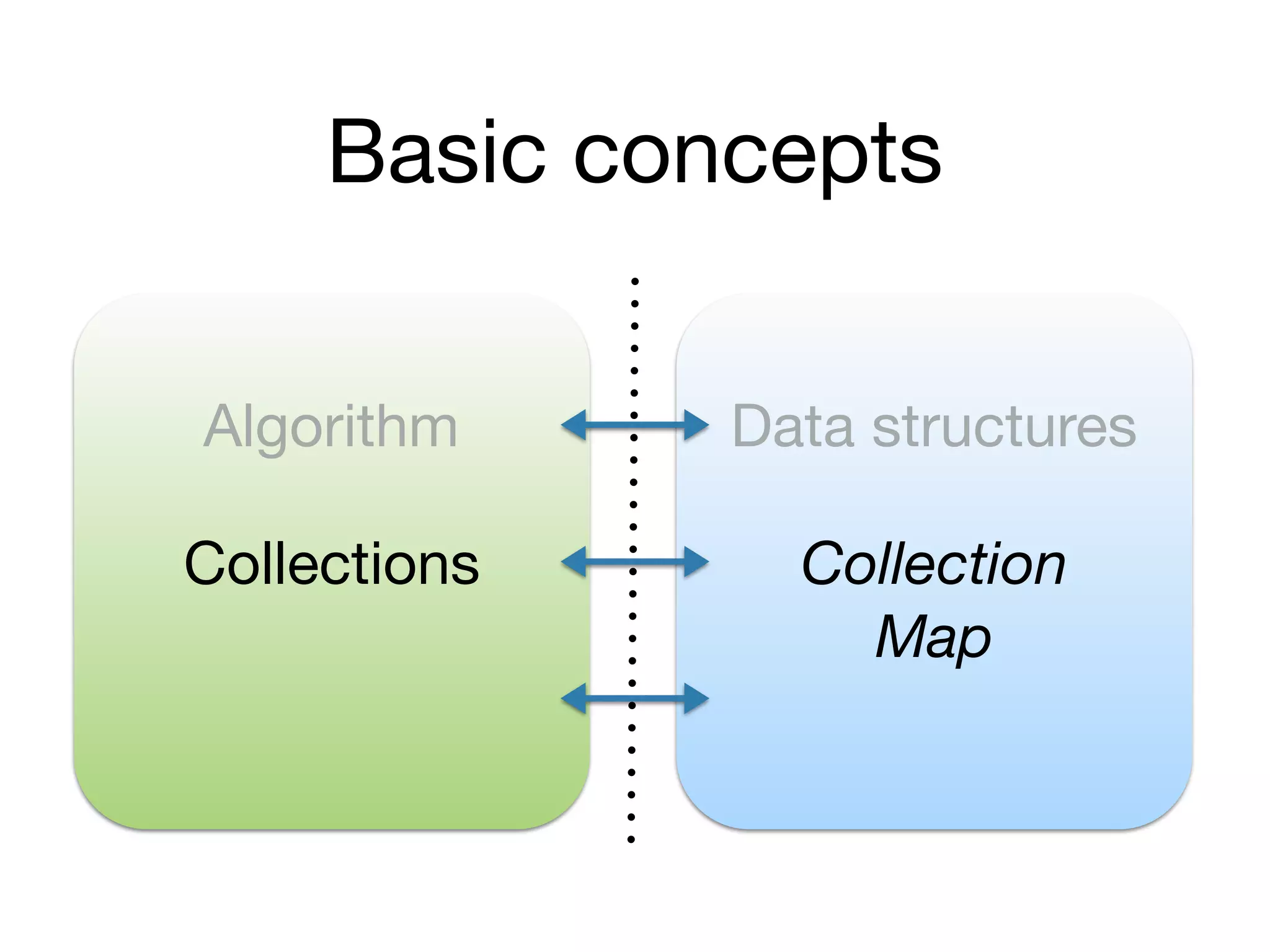
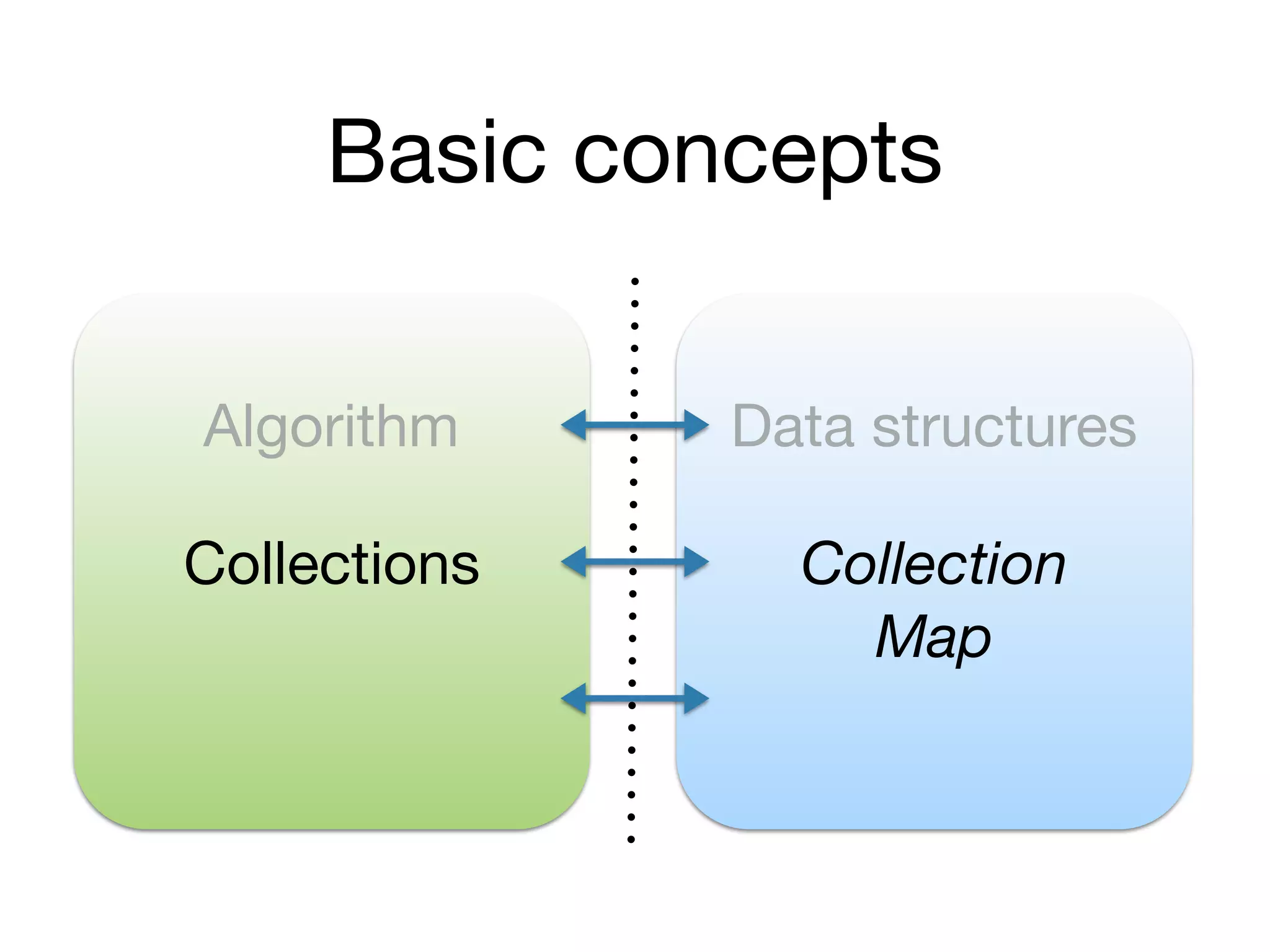
Basic concepts
Algorithm Data structures
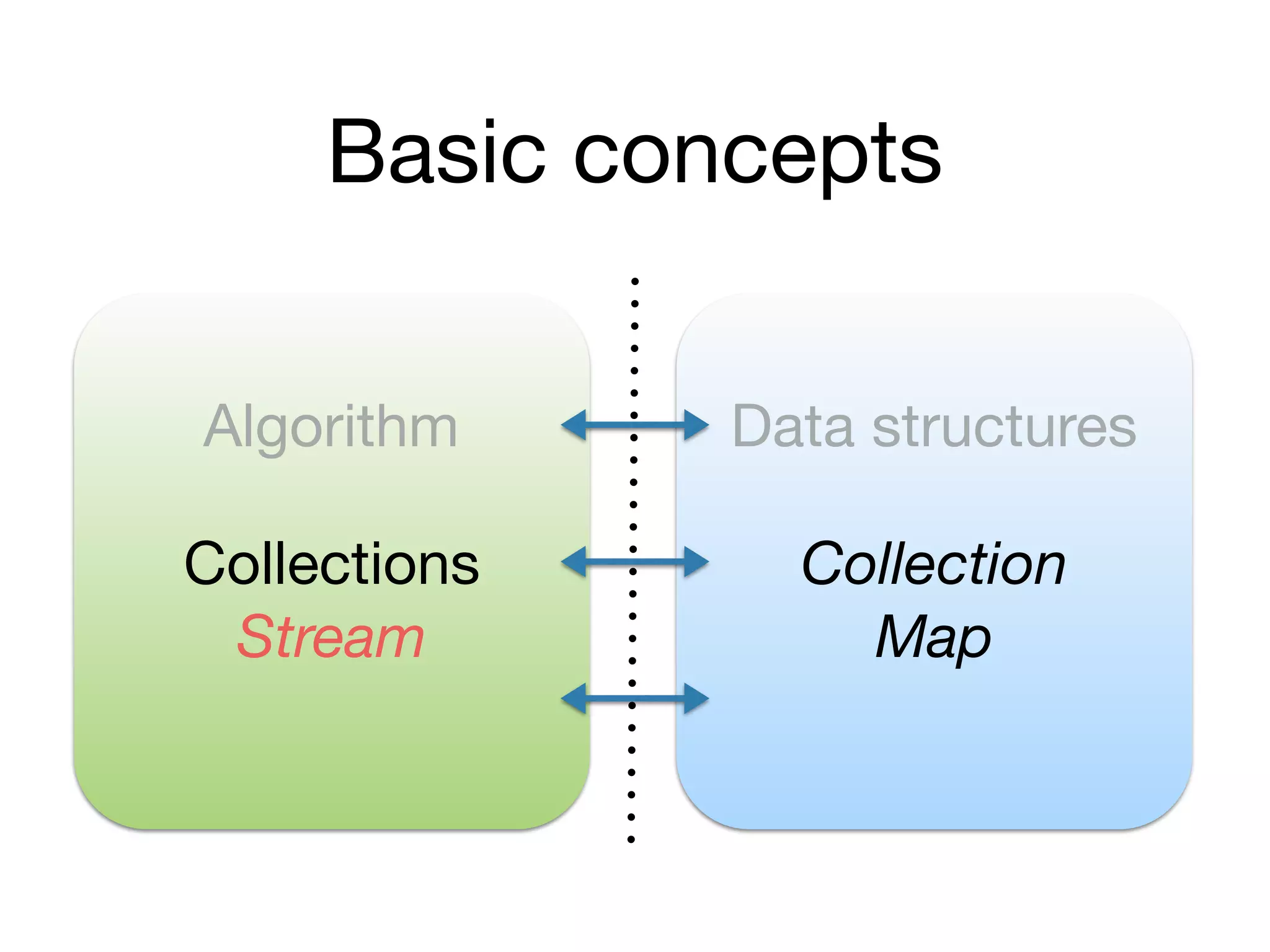
Basic concepts
Algorithm Data structures
Collections Collection
Map
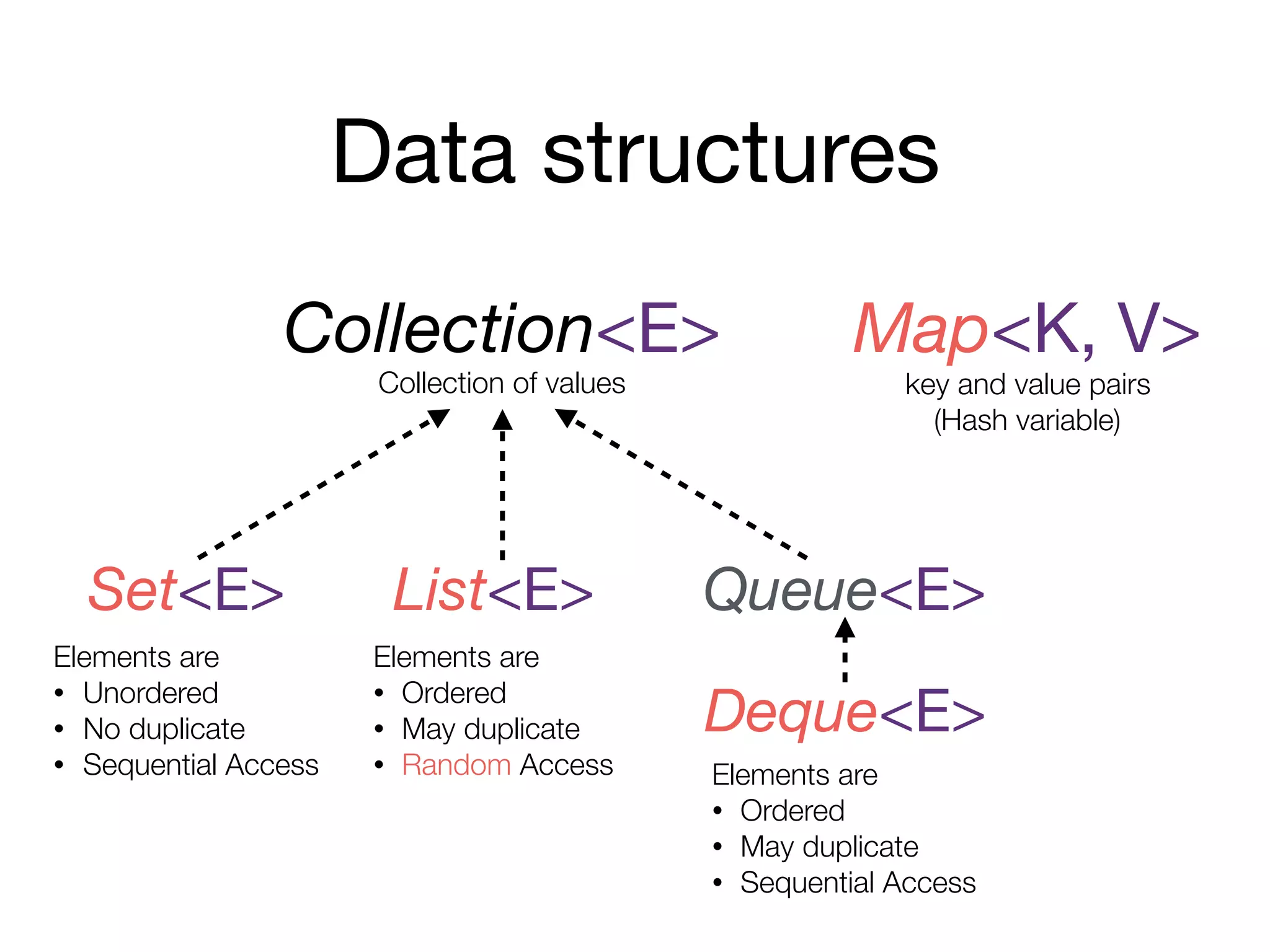
Data structures
Collection<E> Map<K, V>
Set<E> List<E> Queue<E>
Deque<E>
Elements are
• Unordered
• No duplicate
• Sequential Access
key and value pairs
(Hash variable)
Elements are
• Ordered
• May duplicate
• Random Access Elements are
• Ordered
• May duplicate
• Sequential Access
Collection of values
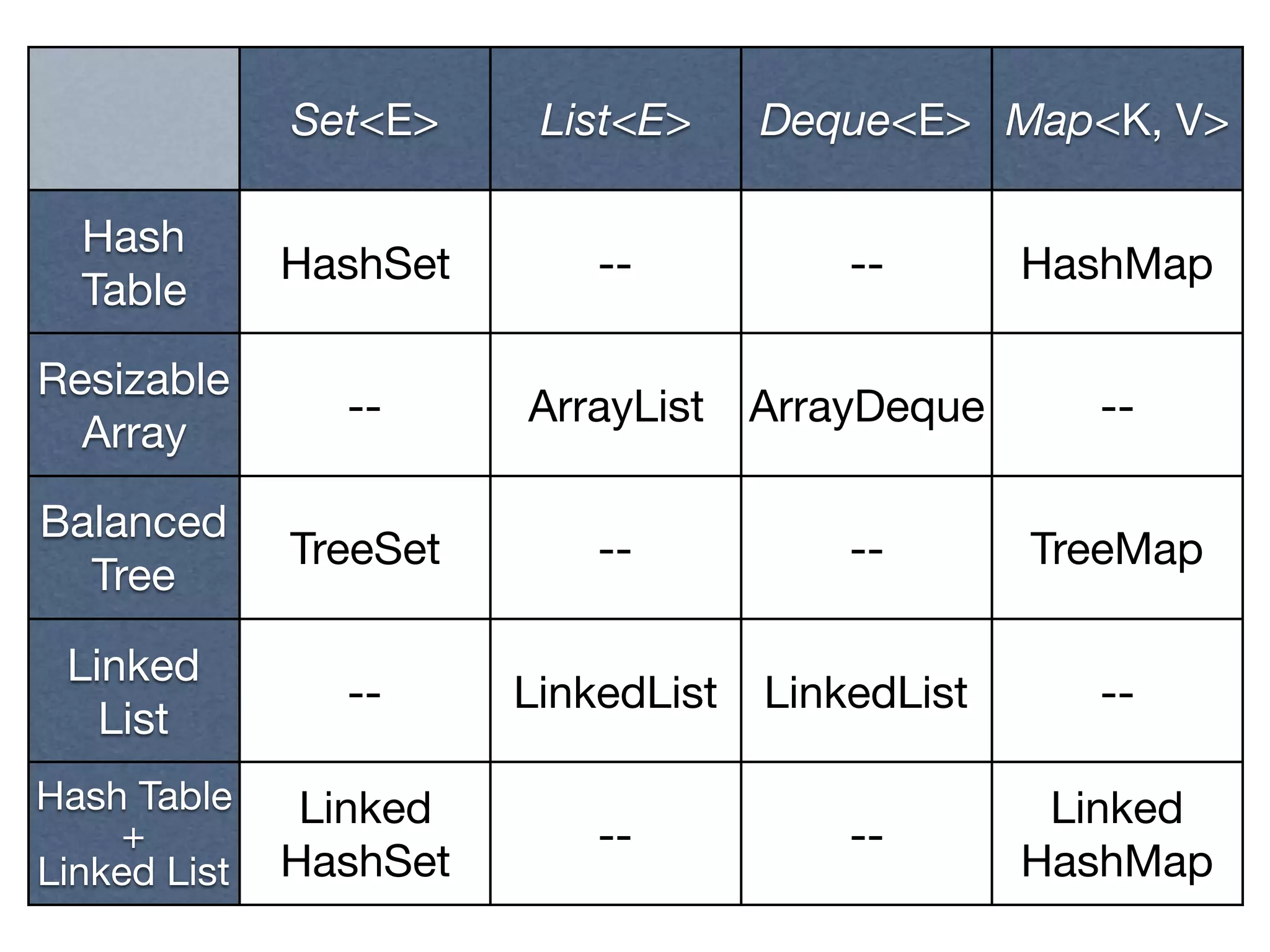
Set<E> List<E> Deque<E> Map<K, V>
Hash
Table
HashSet -- -- HashMap
Resizable
Array
-- ArrayList ArrayDeque --
Balanced
Tree
TreeSet -- -- TreeMap
Linked
List
-- LinkedList LinkedList --
Hash Table

+

Linked List
Linked

HashSet
-- --
Linked

HashMap
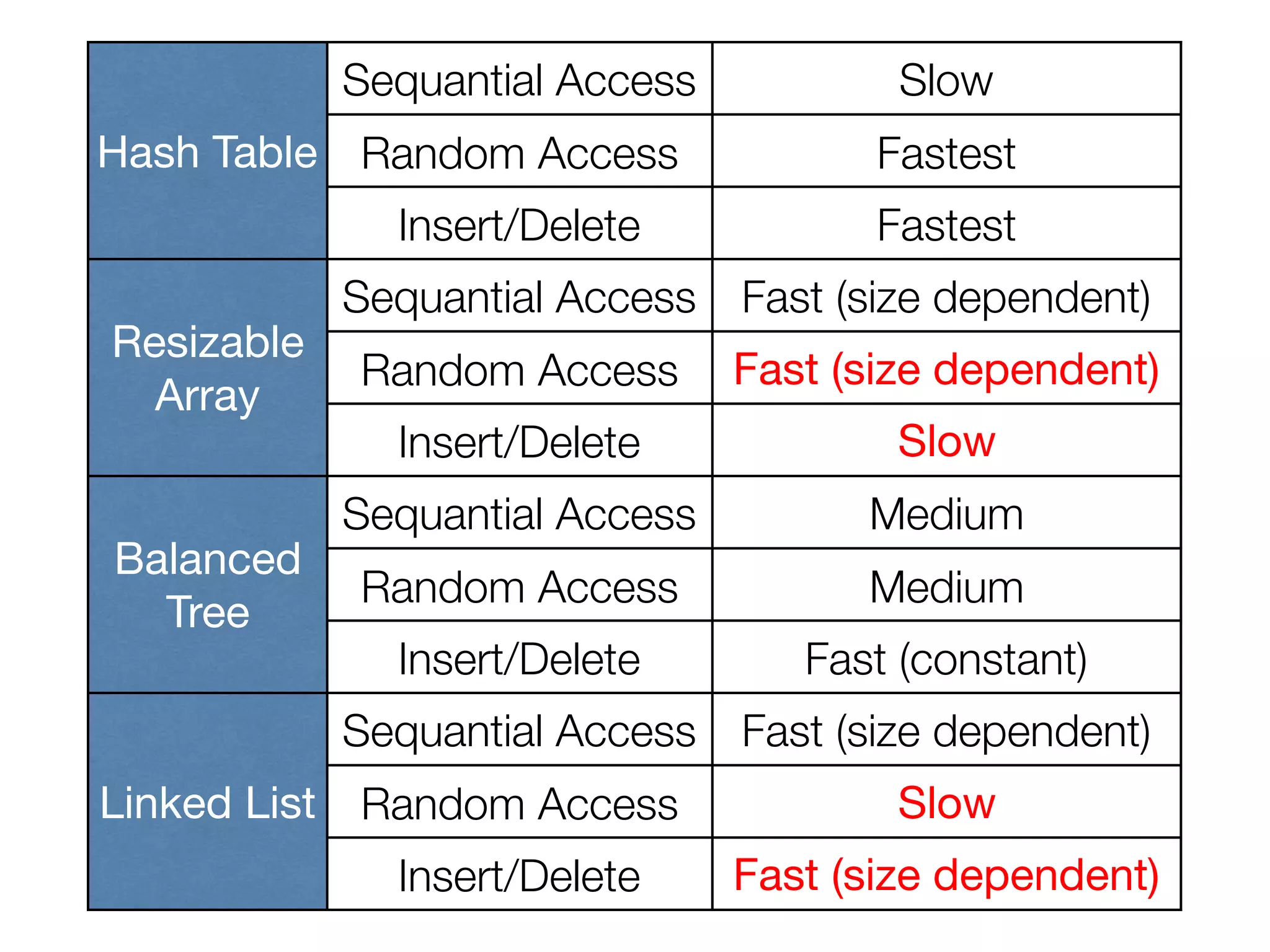
Hash Table
Sequantial Access Slow
Random Access Fastest
Insert/Delete Fastest
Resizable
Array
Sequantial Access Fast (size dependent)
Random Access Fast (size dependent)
Insert/Delete Slow
Balanced
Tree
Sequantial Access Medium
Random Access Medium
Insert/Delete Fast (constant)
Linked List
Sequantial Access Fast (size dependent)
Random Access Slow
Insert/Delete Fast (size dependent)
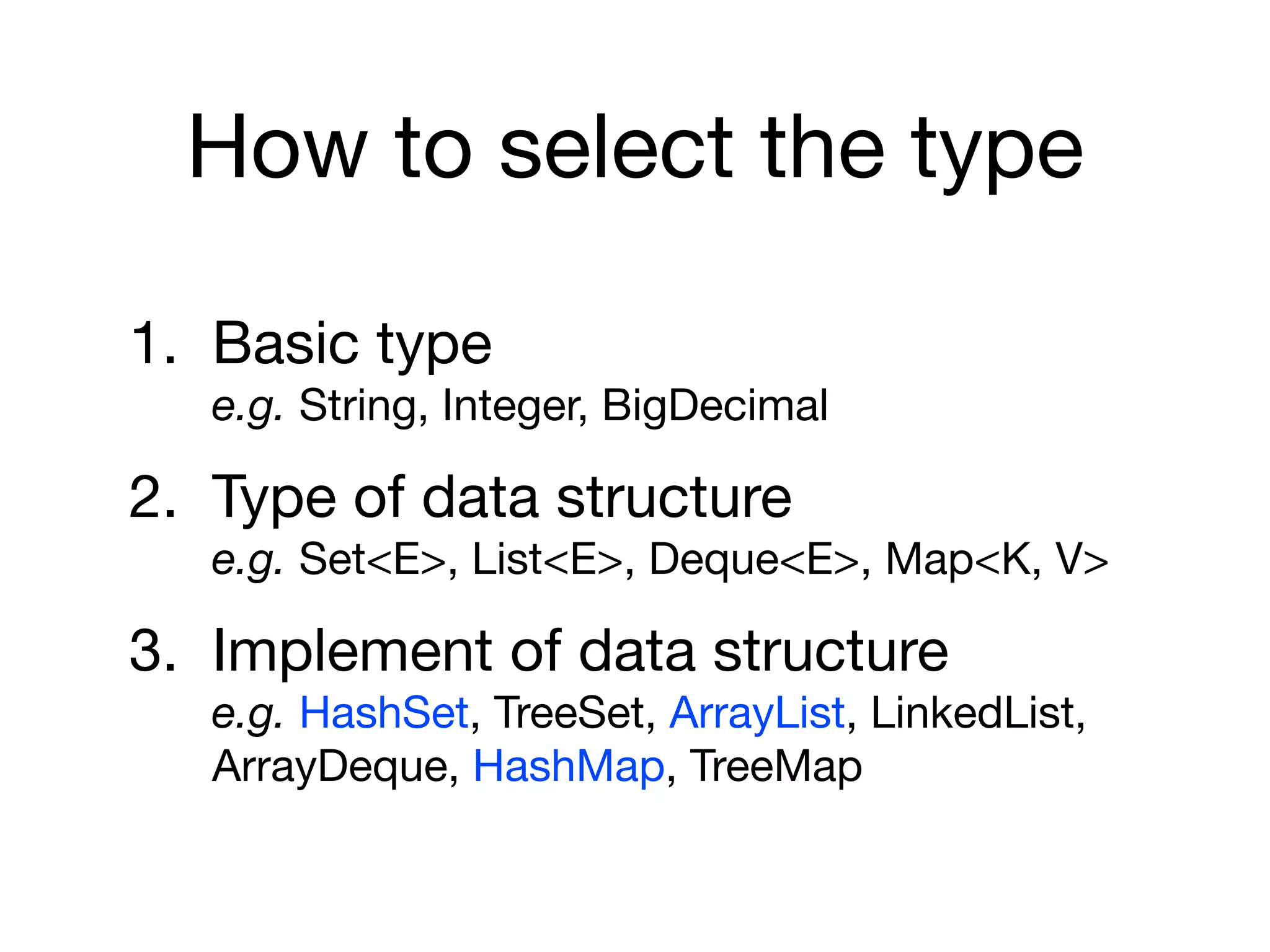
How to select the type
1. Basic type

e.g. String, Integer, BigDecimal

2. Type of data structure

e.g. Set<E>, List<E>, Deque<E>, Map<K, V>

3. Implement of data structure

e.g. HashSet, TreeSet, ArrayList, LinkedList,
ArrayDeque, HashMap, TreeMap
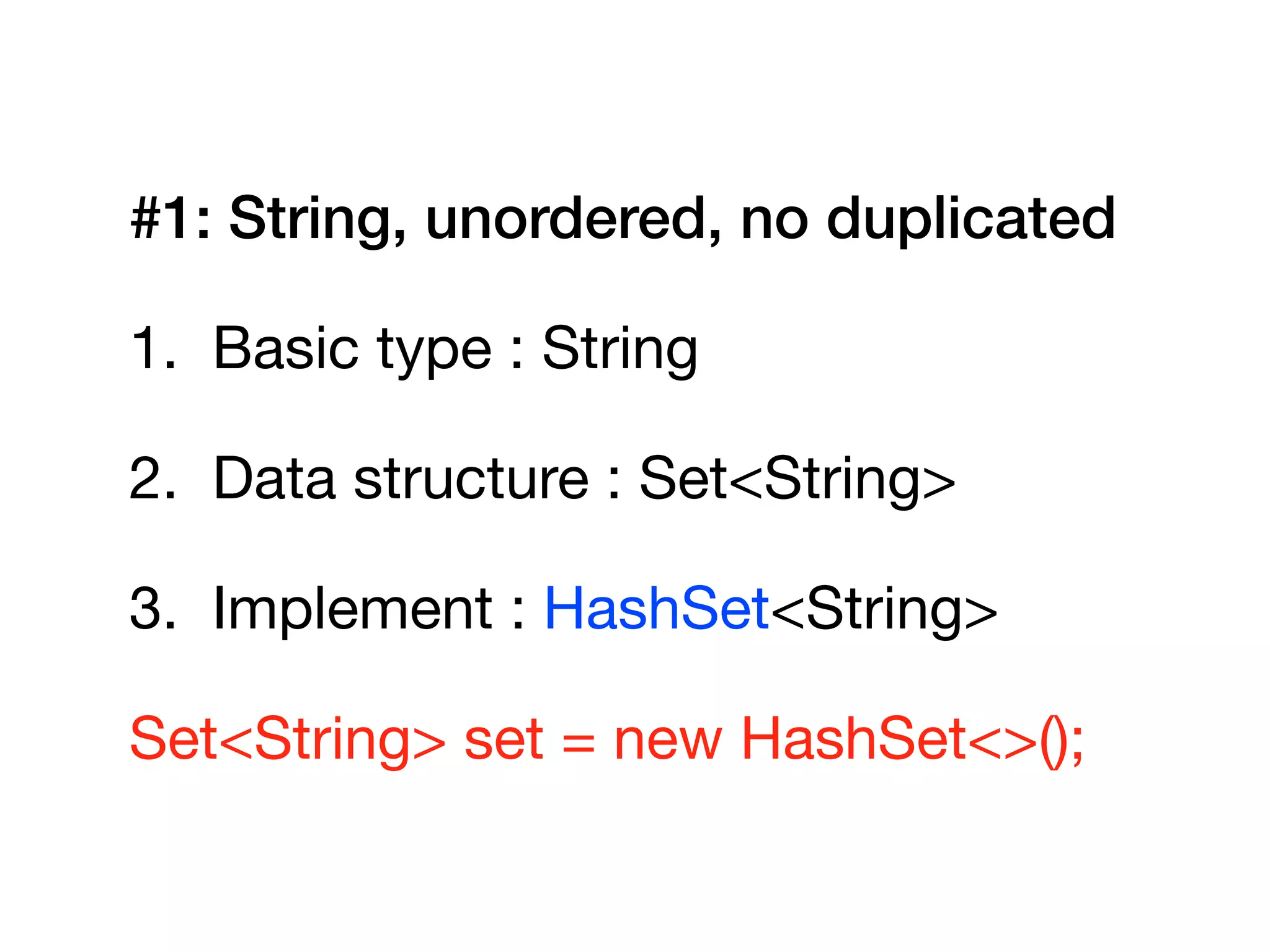
#1: String, unordered, no duplicated
1. Basic type : String

2. Data structure : Set<String>

3. Implement : HashSet<String>

Set<String> set = new HashSet<>();
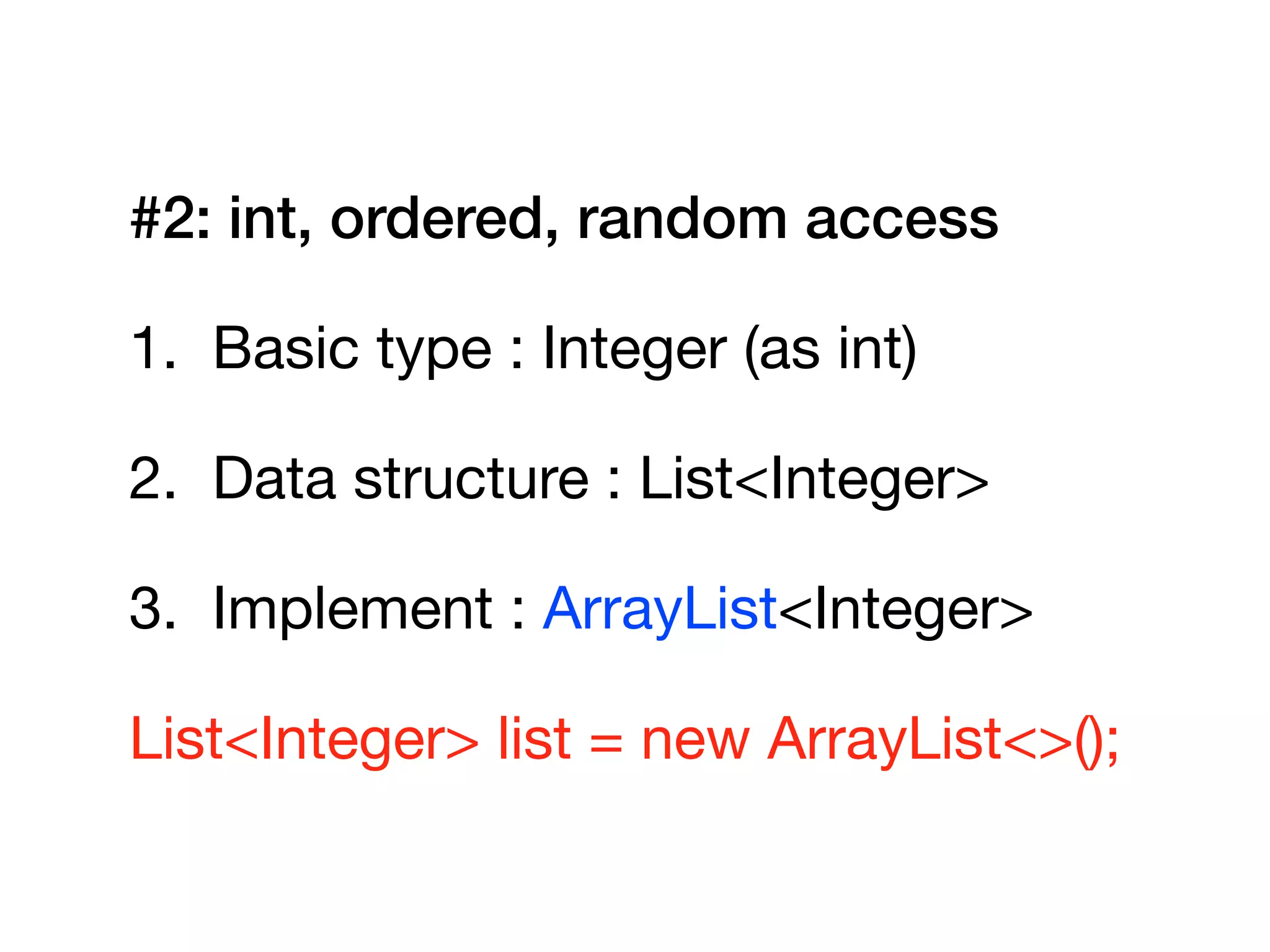
#2: int, ordered, random access
1. Basic type : Integer (as int)

2. Data structure : List<Integer>

3. Implement : ArrayList<Integer>

List<Integer> list = new ArrayList<>();
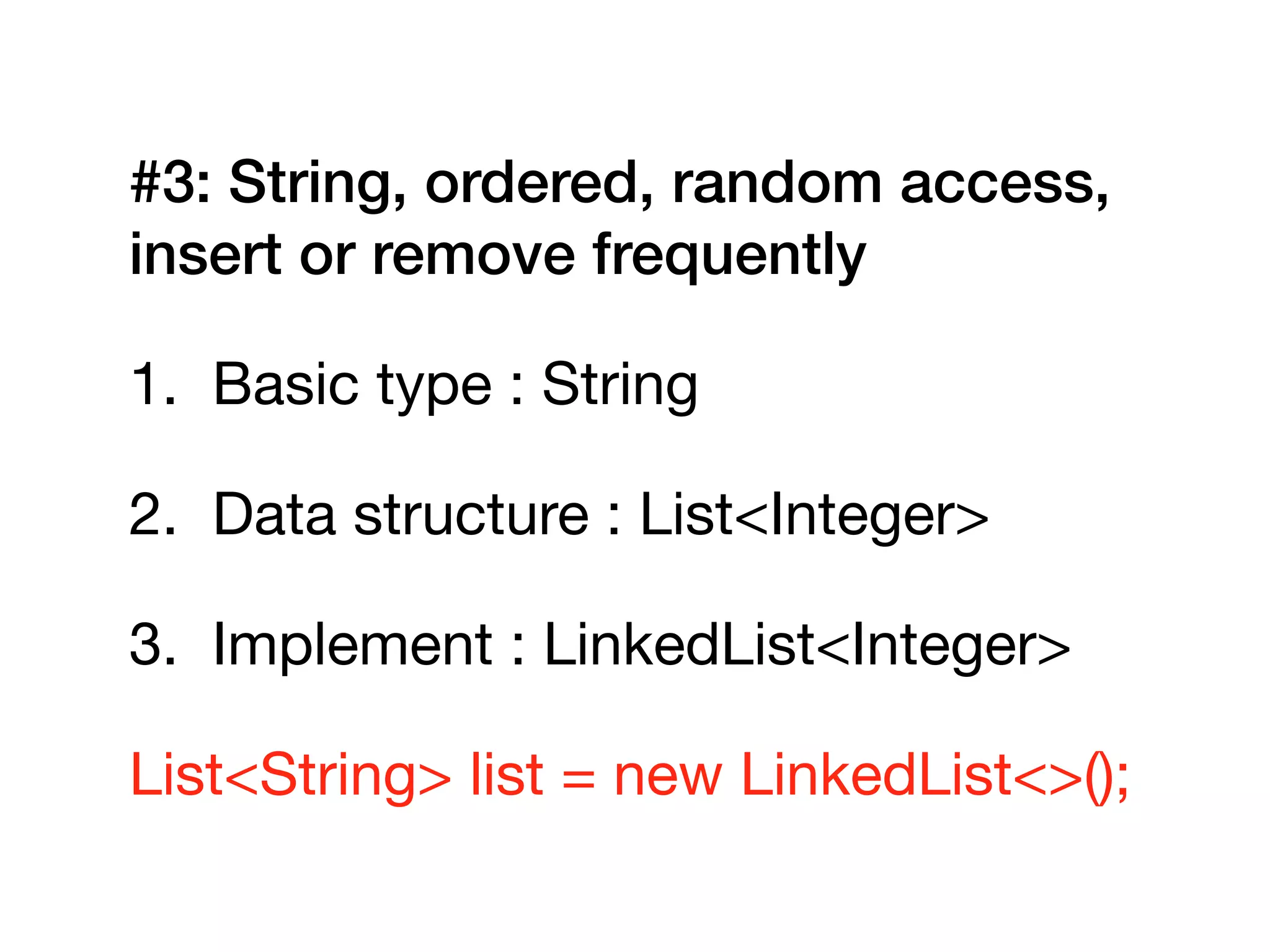
#3: String, ordered, random access,
insert or remove frequently
1. Basic type : String

2. Data structure : List<Integer>

3. Implement : LinkedList<Integer>

List<String> list = new LinkedList<>();
Basic operations
Methods of Collection<E>
• boolean add(E e)
• boolean remove(Object o)
• boolean isEmpty()
• int size()
• void clear()
• <T> T toArray(T[] a)
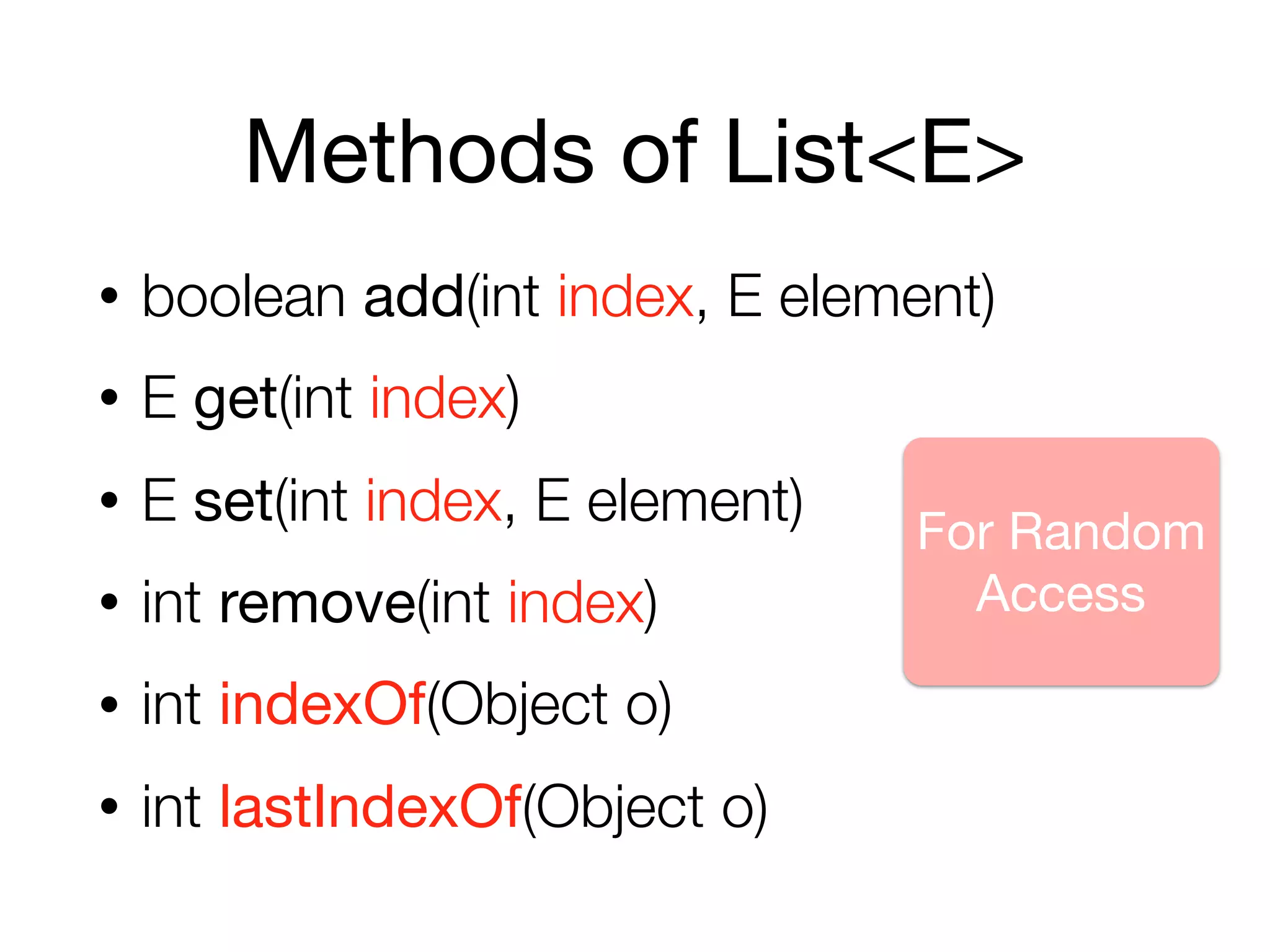
Methods of List<E>
• boolean add(int index, E element)
• E get(int index)
• E set(int index, E element)
• int remove(int index)
• int indexOf(Object o)
• int lastIndexOf(Object o)
For Random
Access
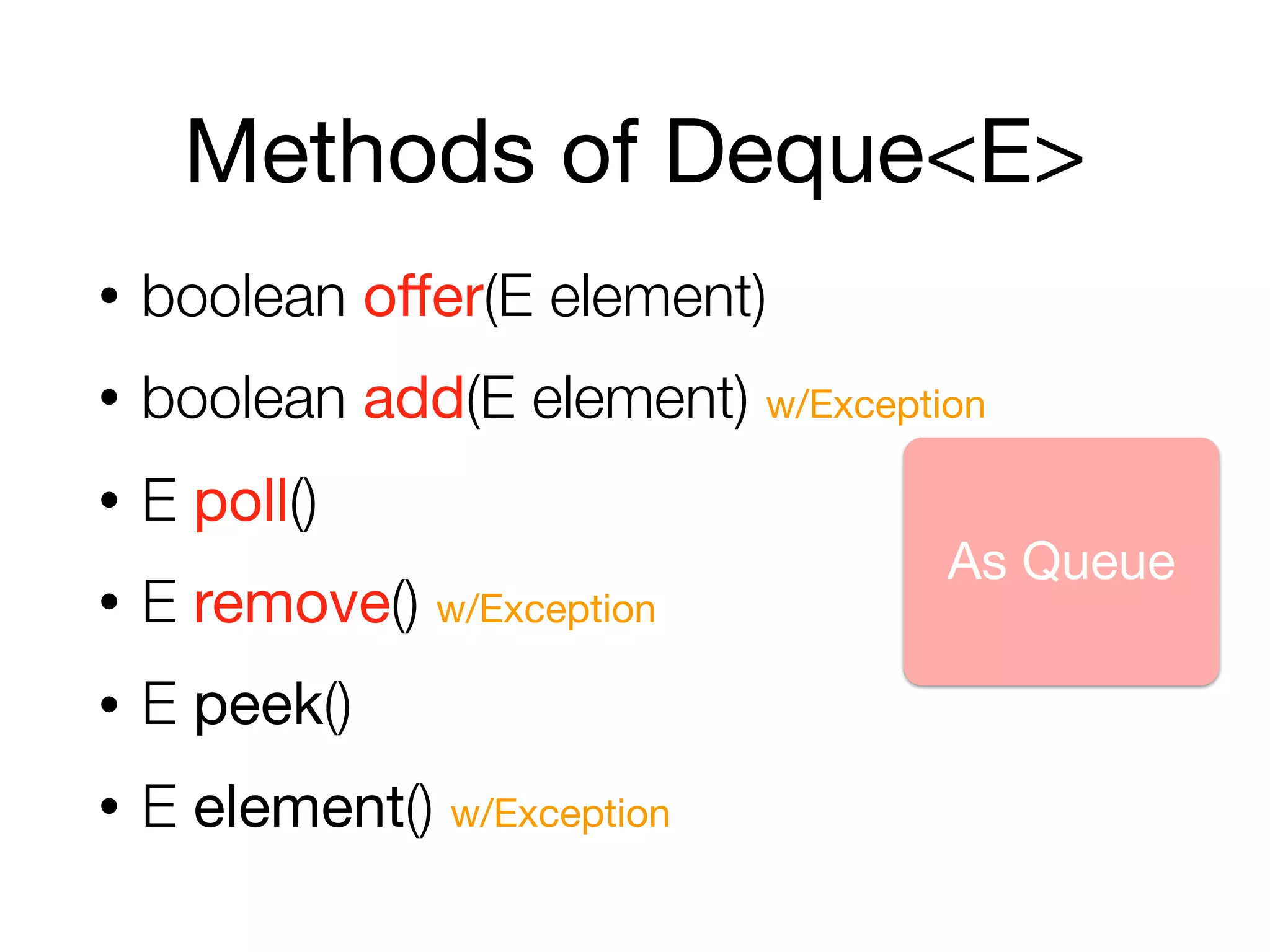
Methods of Deque<E>
• boolean offer(E element)
• boolean add(E element) w/Exception
• E poll()
• E remove() w/Exception
• E peek()
• E element() w/Exception
As Queue
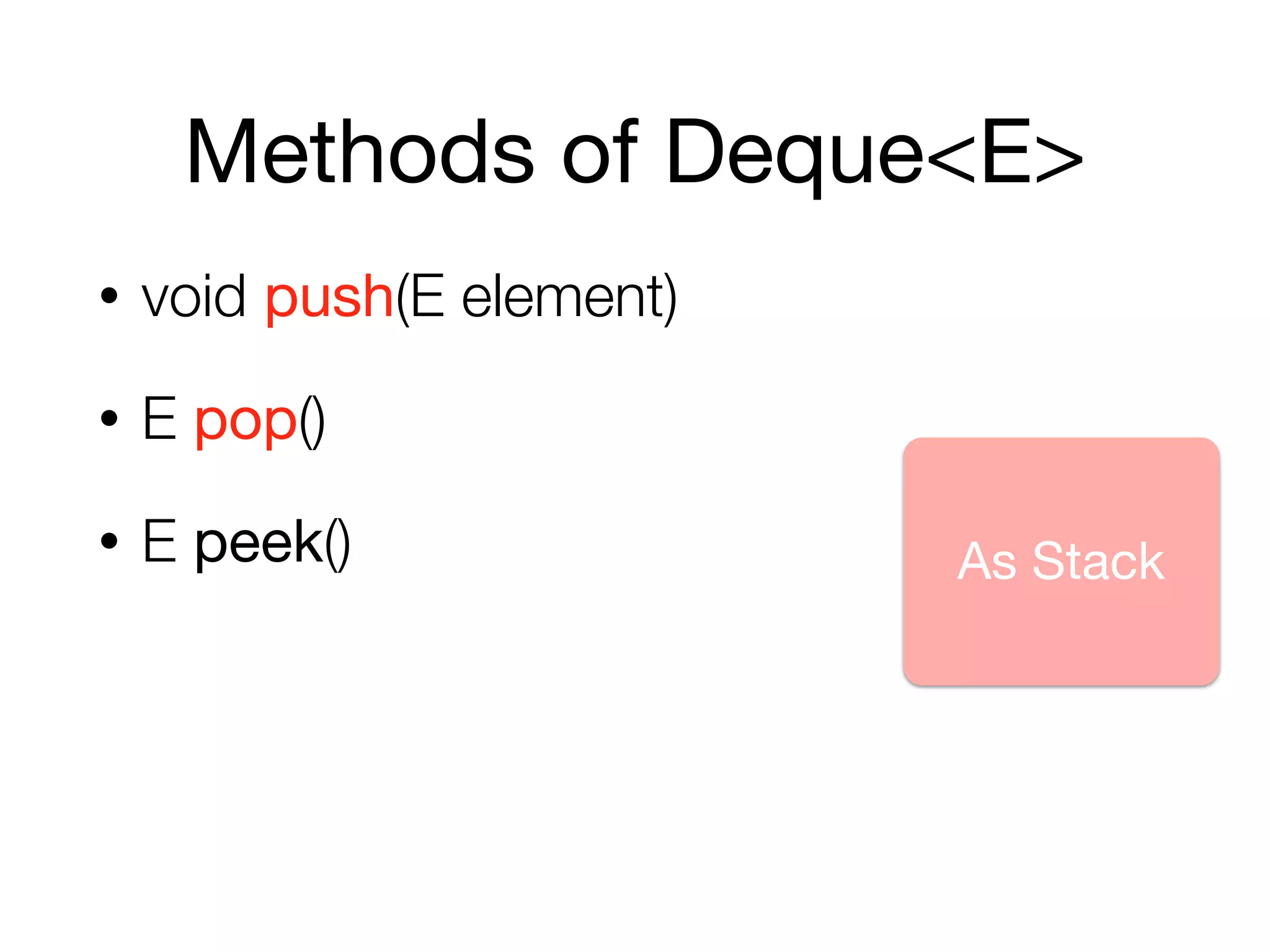
Methods of Deque<E>
• void push(E element)
• E pop()
• E peek() As Stack
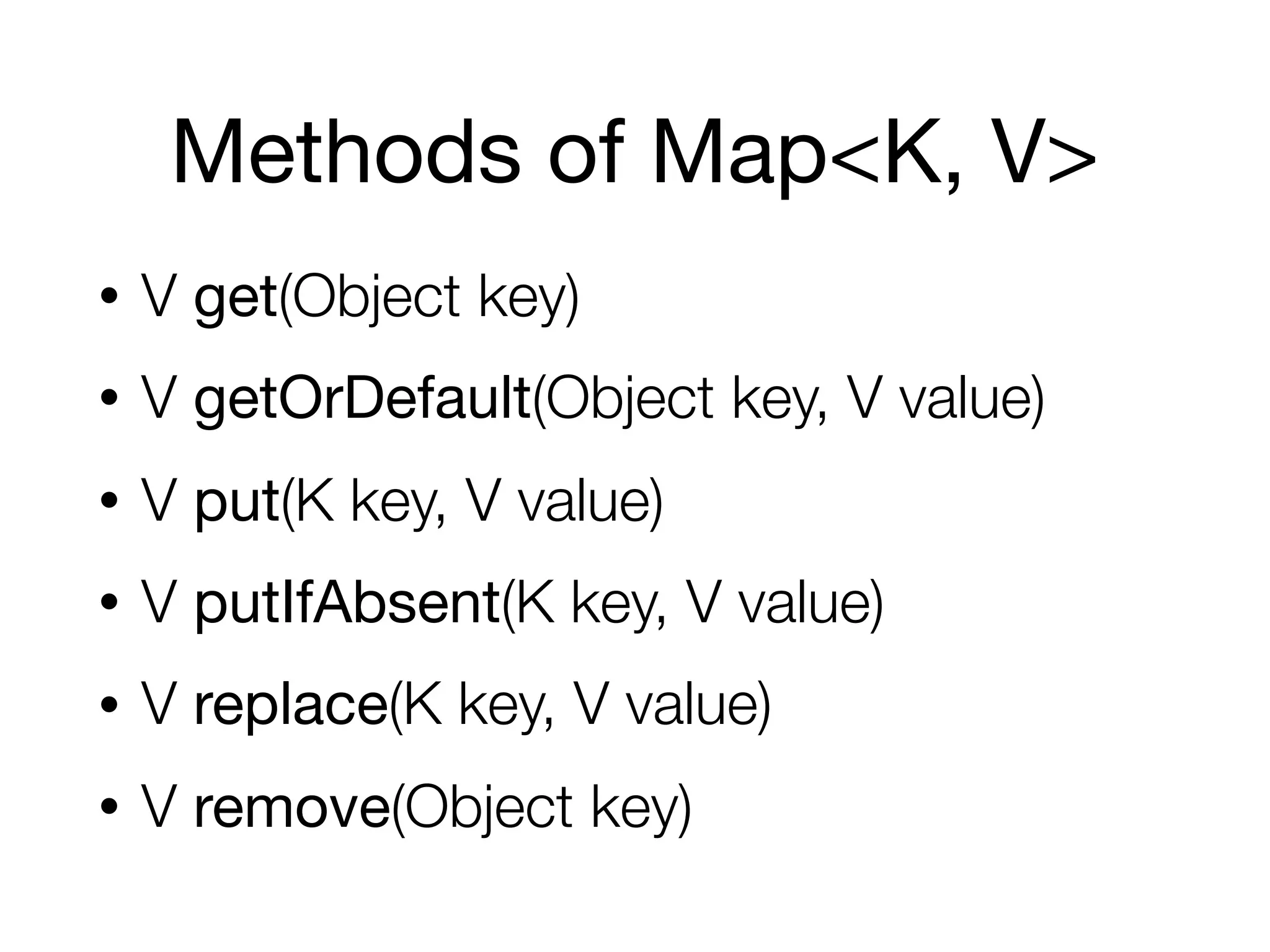
Methods of Map<K, V>
• V get(Object key)
• V getOrDefault(Object key, V value)
• V put(K key, V value)
• V putIfAbsent(K key, V value)
• V replace(K key, V value)
• V remove(Object key)
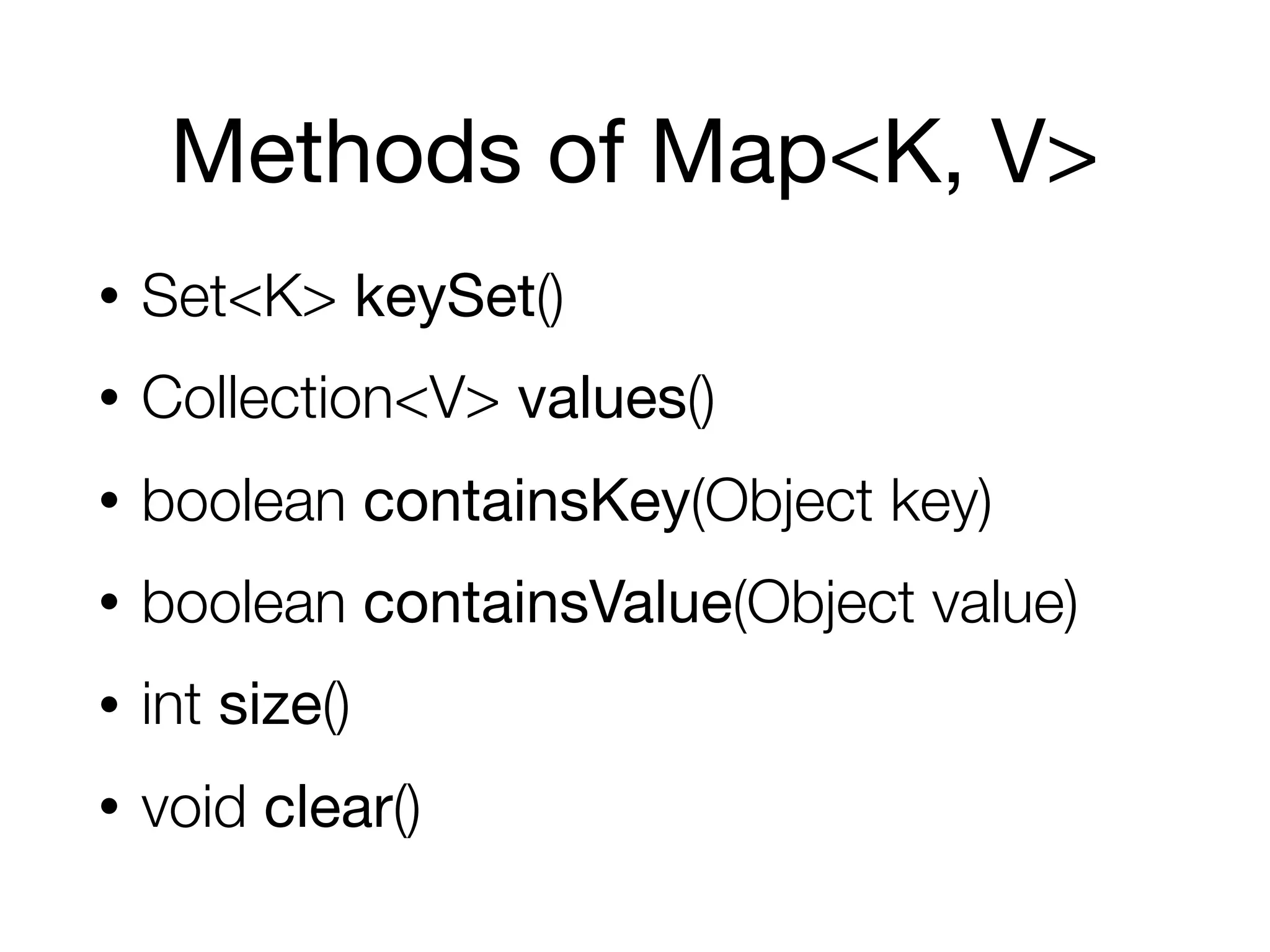
Methods of Map<K, V>
• Set<K> keySet()
• Collection<V> values()
• boolean containsKey(Object key)
• boolean containsValue(Object value)
• int size()
• void clear()
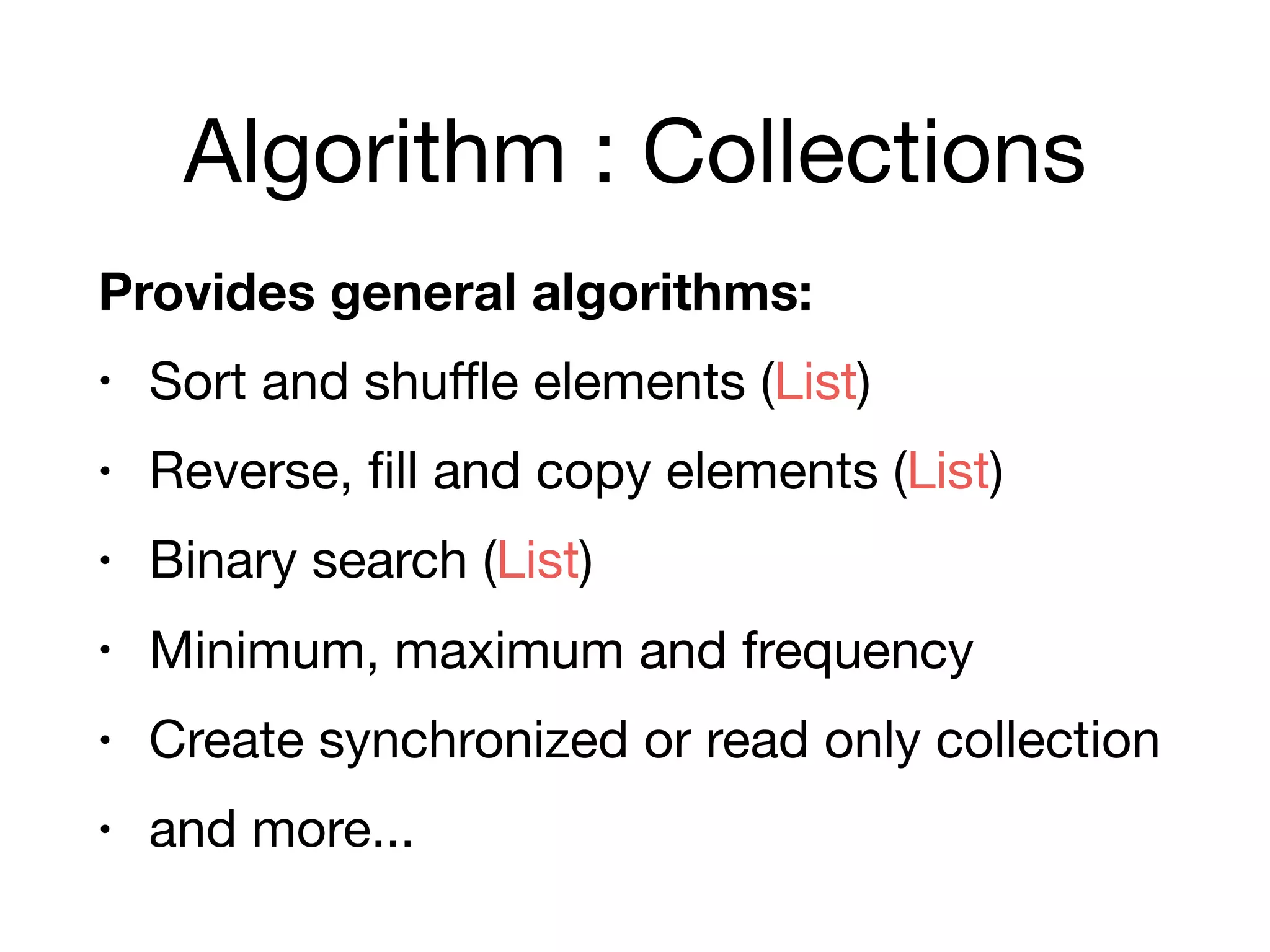
Algorithm : Collections
Provides general algorithms:
• Sort and shuffle elements (List)

• Reverse, fill and copy elements (List)

• Binary search (List)

• Minimum, maximum and frequency

• Create synchronized or read only collection

• and more...
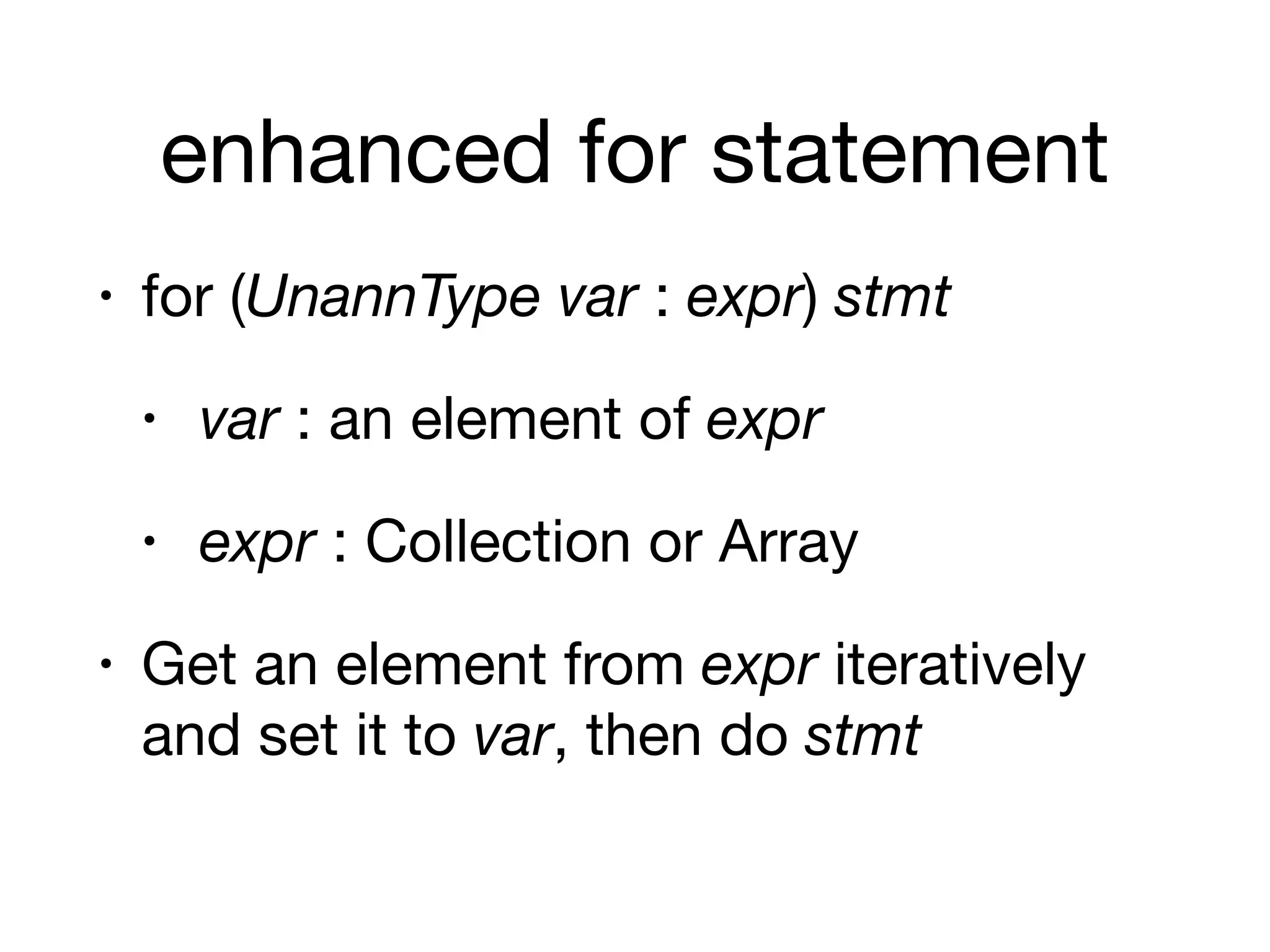
enhanced for statement
• for (UnannType var : expr) stmt
• var : an element of expr
• expr : Collection or Array

• Get an element from expr iteratively
and set it to var, then do stmt
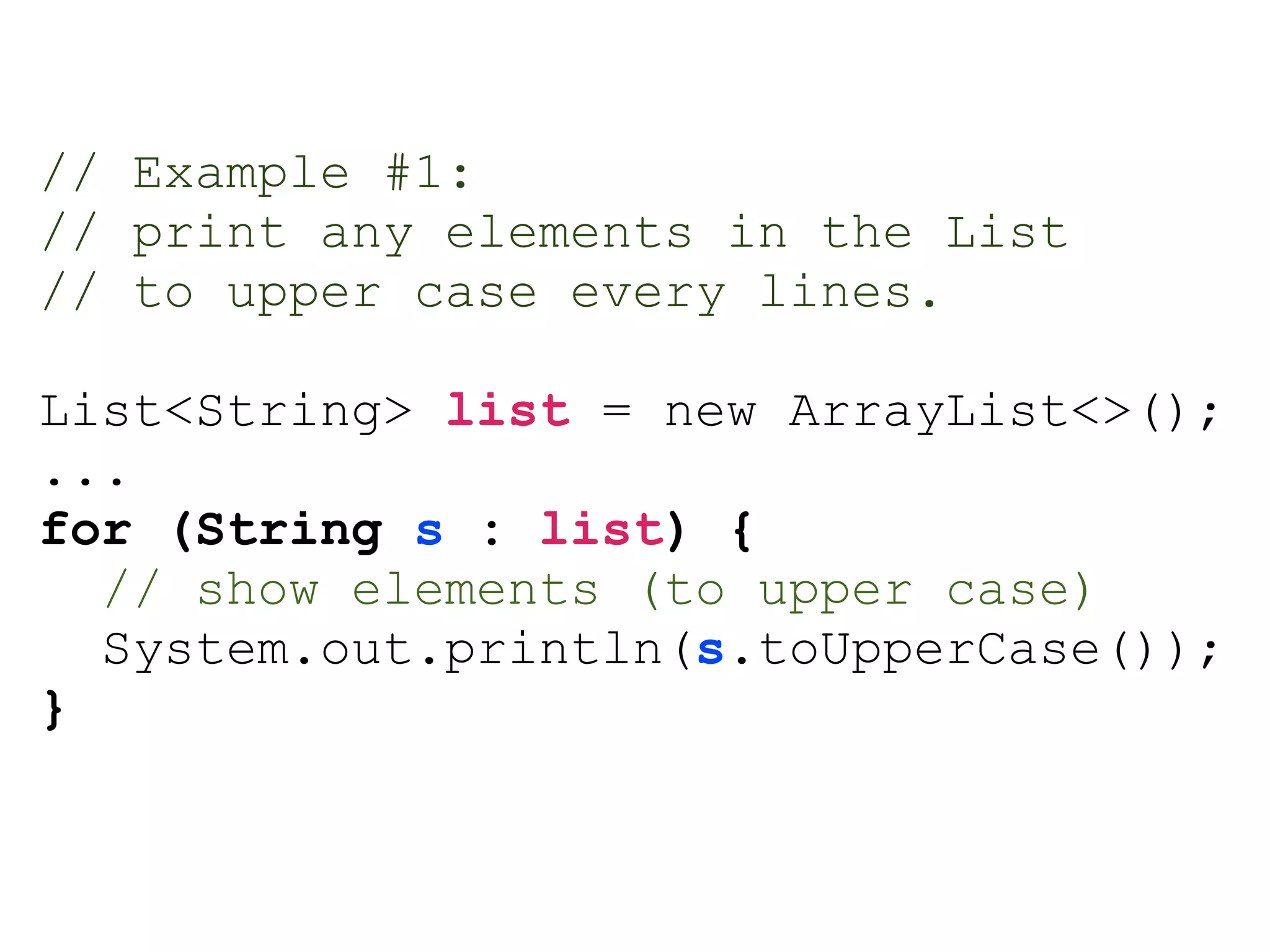
// Example #1:
// print any elements in the List
// to upper case every lines.
List<String> list = new ArrayList<>();
...
for (String s : list) {
// show elements (to upper case)
System.out.println(s.toUpperCase());
}
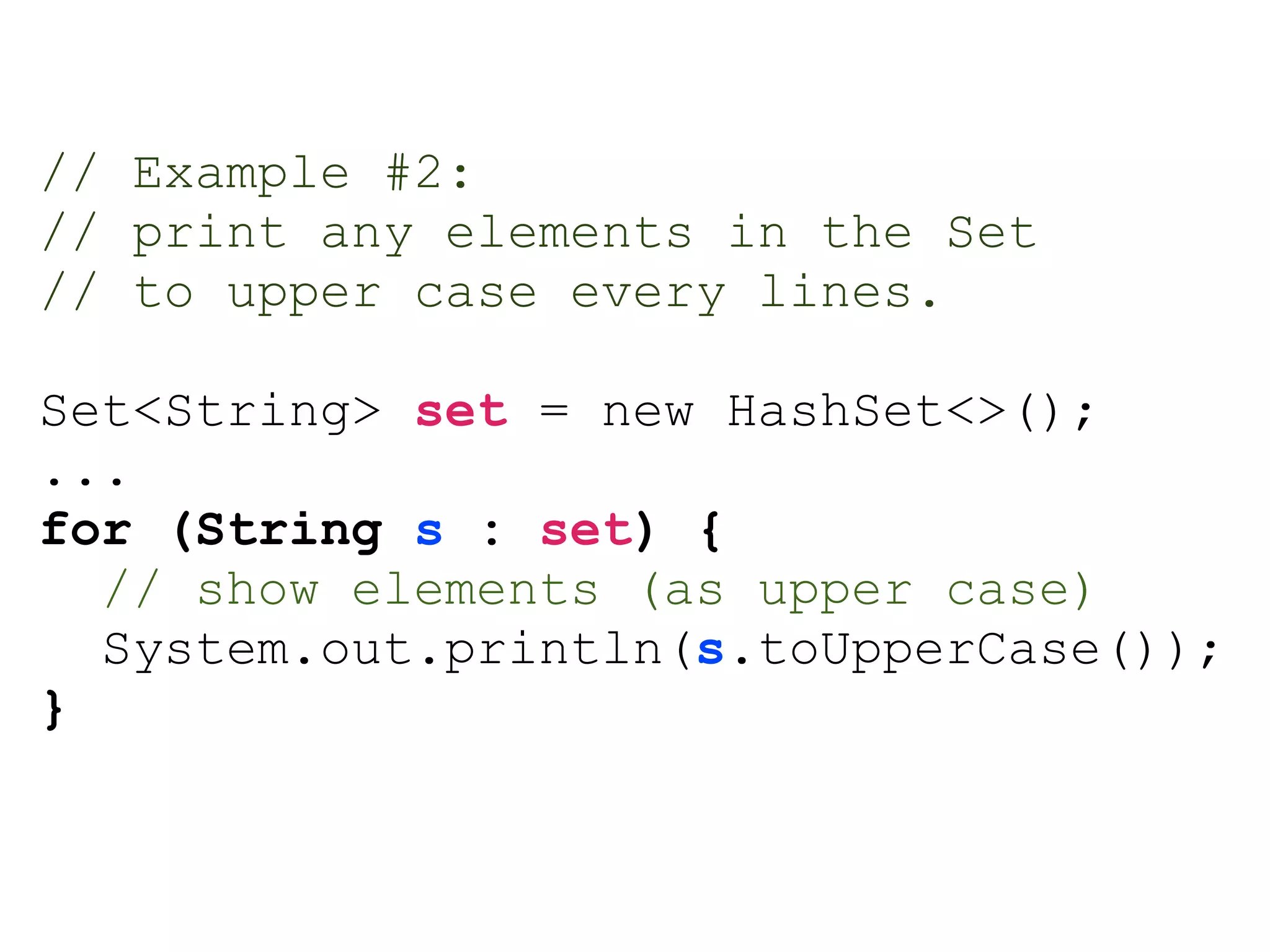
// Example #2:
// print any elements in the Set
// to upper case every lines.
Set<String> set = new HashSet<>();
...
for (String s : set) {
// show elements (as upper case)
System.out.println(s.toUpperCase());
}
Bulk operations
Basic concepts
Algorithm Data structures
Collections Collection
Map
Basic concepts
Algorithm Data structures
Collections Collection
Map
Stream
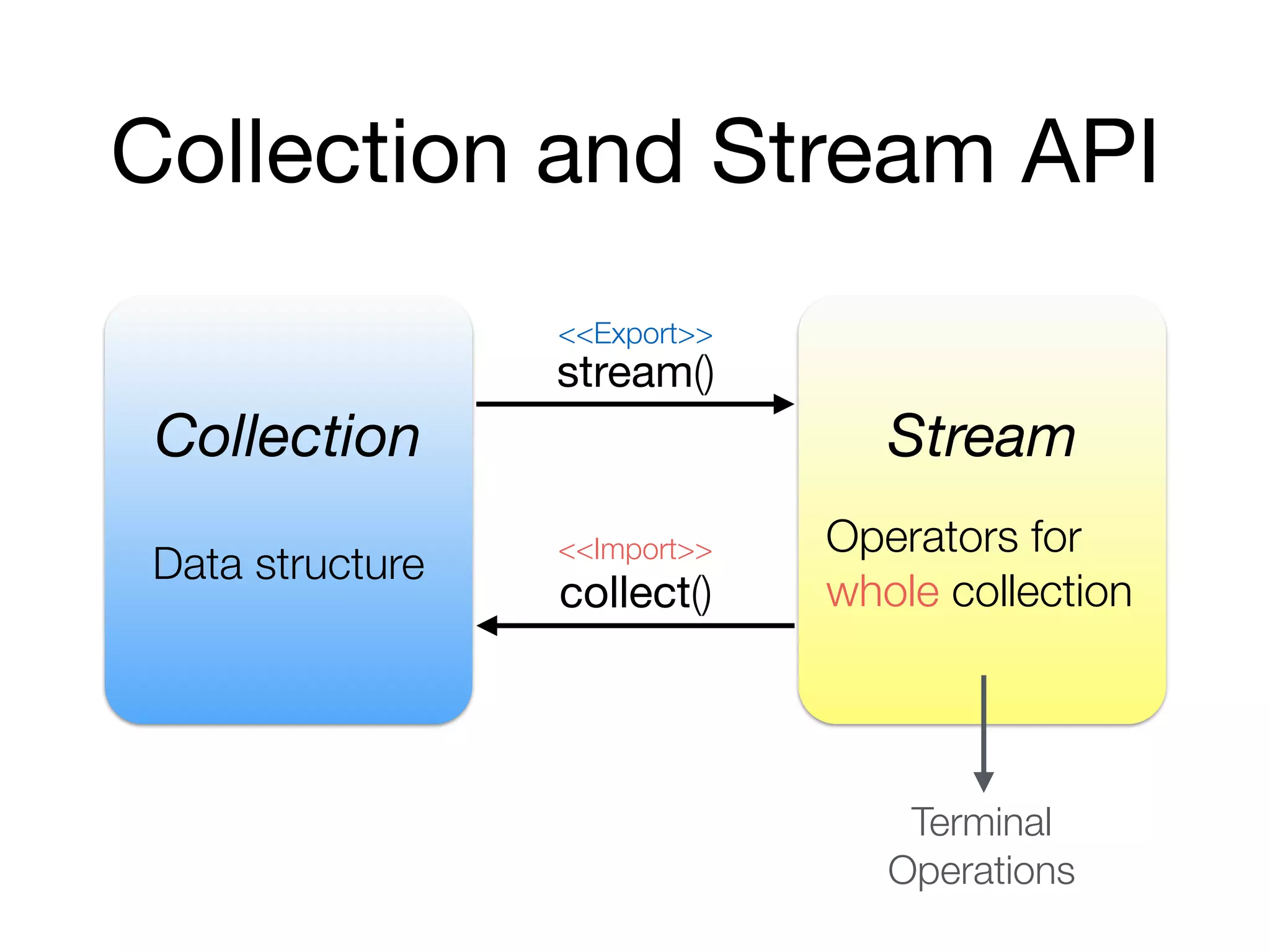
Collection and Stream API
Collection Stream
stream()
collect()
Data structure
Operators for
whole collection
Terminal
Operations
<<Export>>
<<Import>>
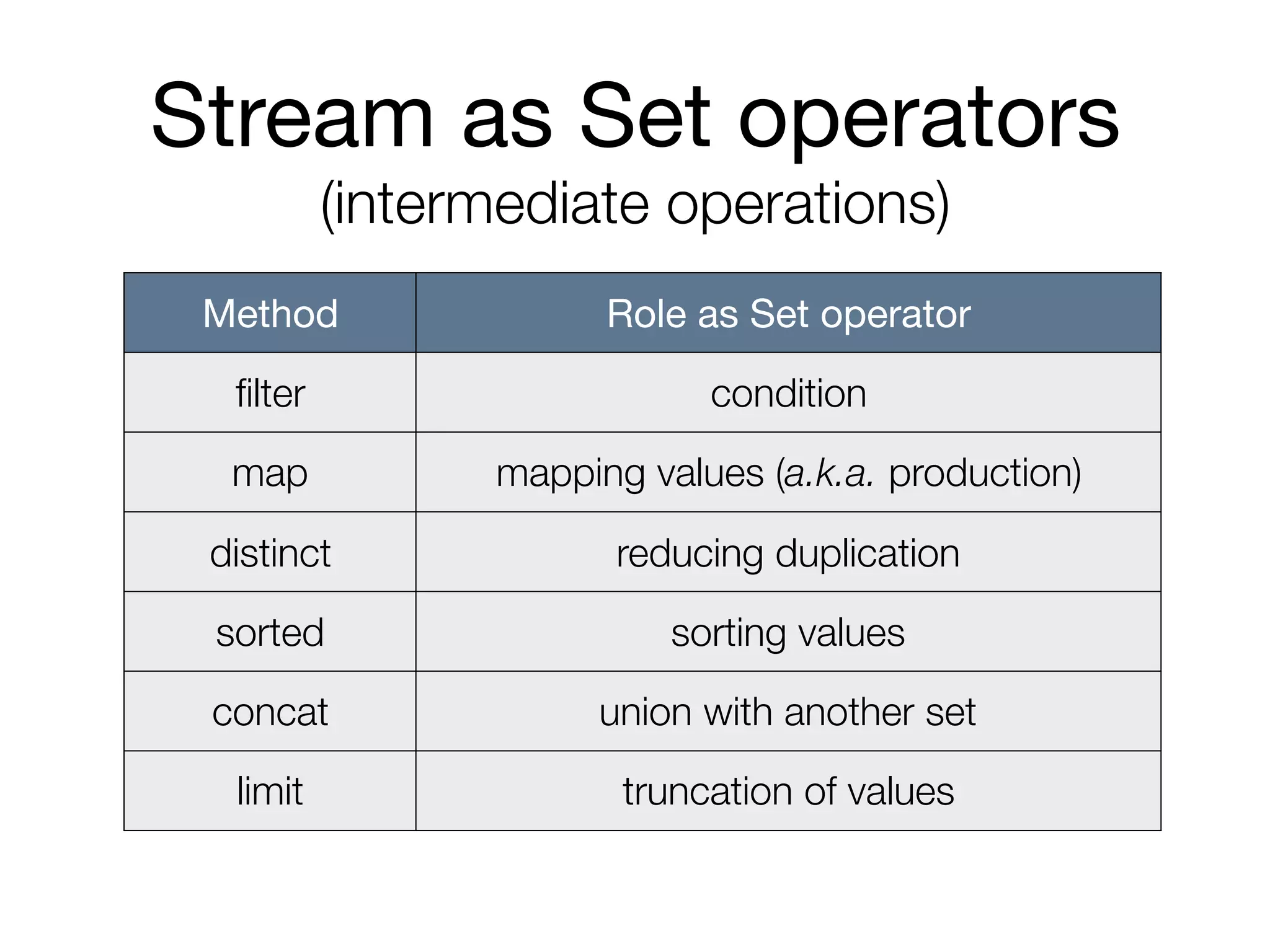
Stream as Set operators

(intermediate operations)
Method Role as Set operator
filter condition
map mapping values (a.k.a. production)
distinct reducing duplication
sorted sorting values
concat union with another set
limit truncation of values
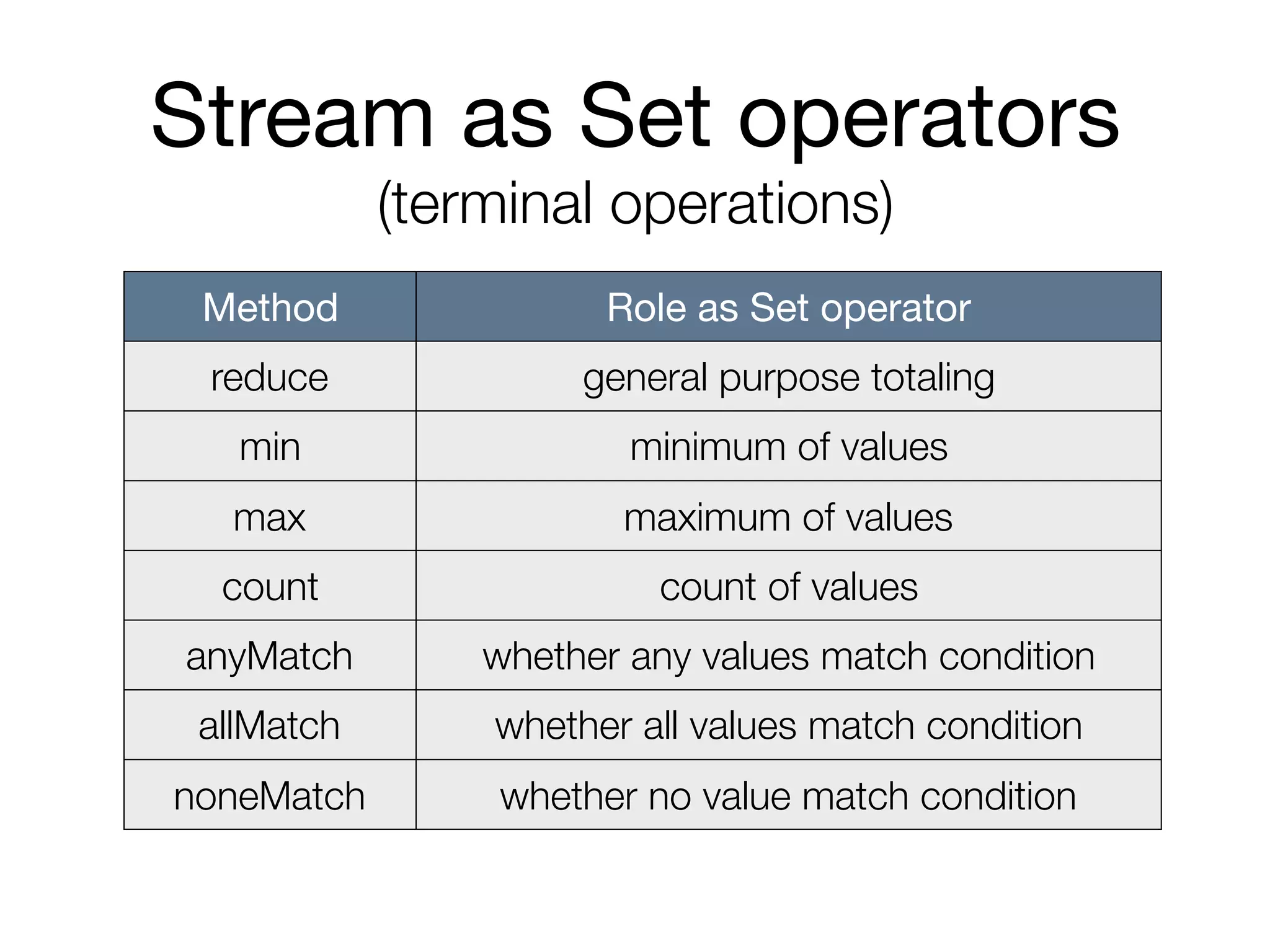
Stream as Set operators

(terminal operations)
Method Role as Set operator
reduce general purpose totaling
min minimum of values
max maximum of values
count count of values
anyMatch whether any values match condition
allMatch whether all values match condition
noneMatch whether no value match condition
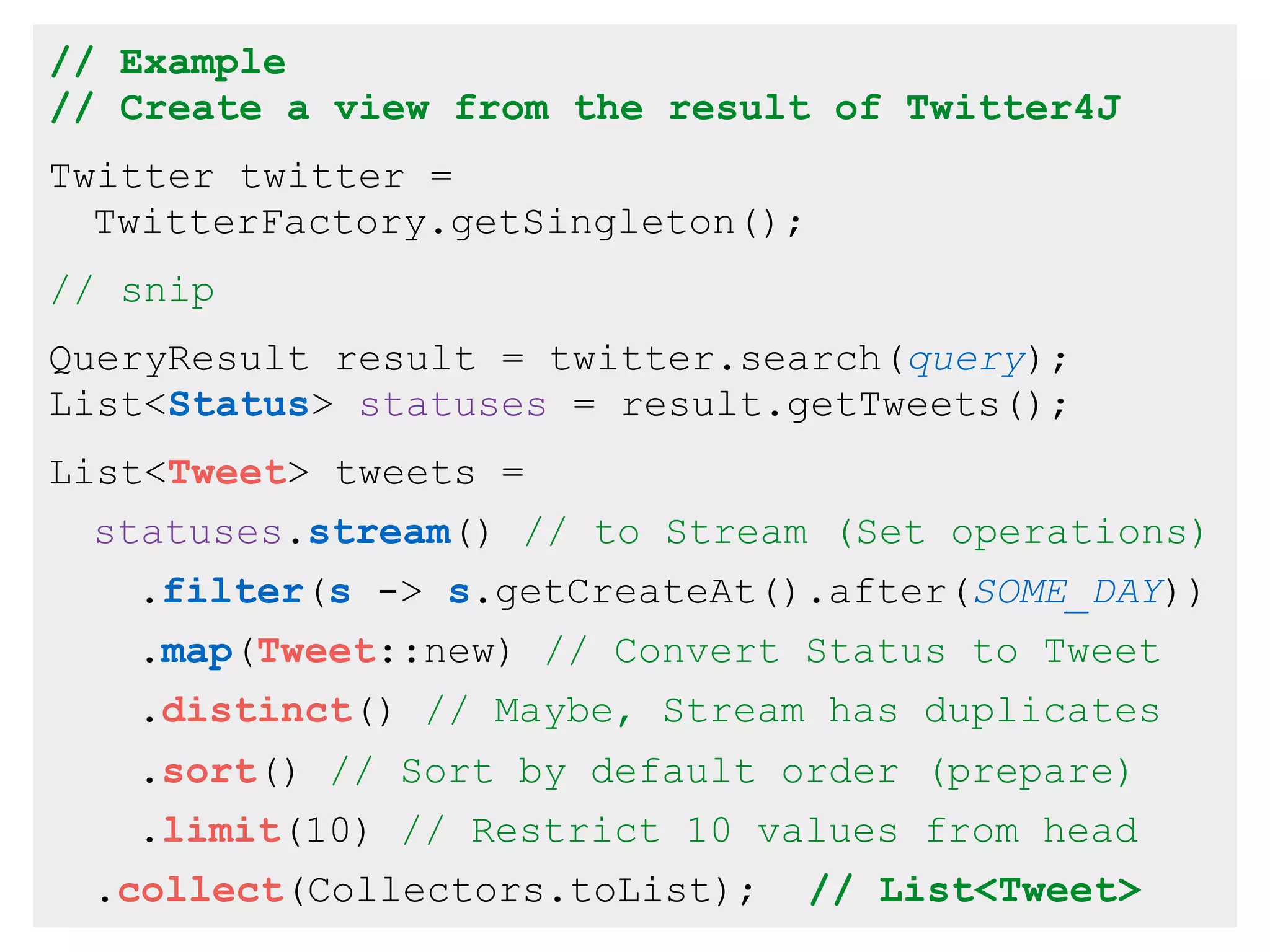
// Example
// Create a view from the result of Twitter4J
Twitter twitter =
TwitterFactory.getSingleton();
// snip
QueryResult result = twitter.search(query);
List<Status> statuses = result.getTweets();
List<Tweet> tweets =
statuses.stream() // to Stream (Set operations)
.filter(s -> s.getCreateAt().after(SOME_DAY))
.map(Tweet::new) // Convert Status to Tweet
.distinct() // Maybe, Stream has duplicates
.sort() // Sort by default order (prepare)
.limit(10) // Restrict 10 values from head
.collect(Collectors.toList); // List<Tweet>
Attentions
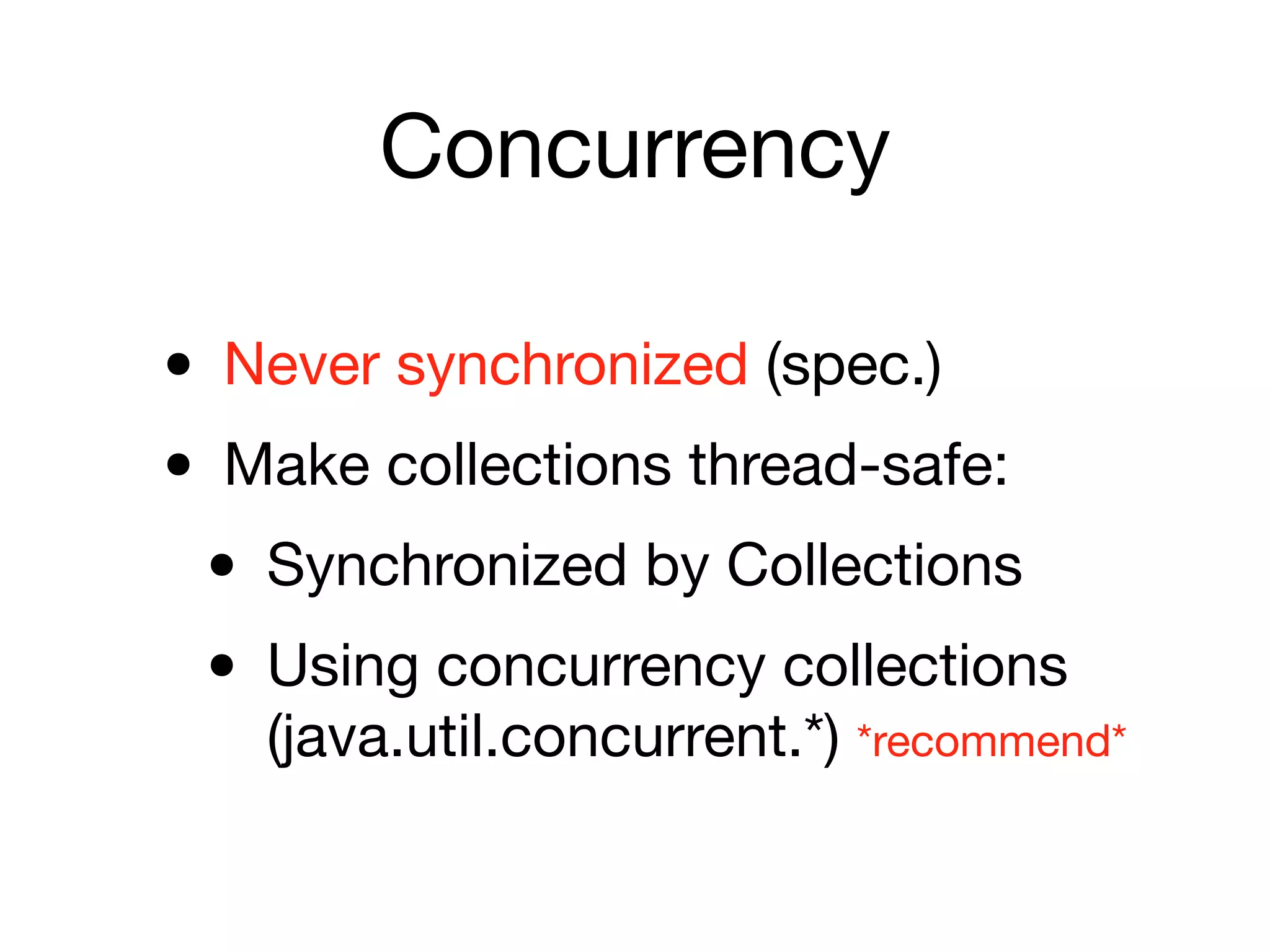
Concurrency
• Never synchronized (spec.)

• Make collections thread-safe:

• Synchronized by Collections

• Using concurrency collections
(java.util.concurrent.*) *recommend*
Old collections
• Vector, Hashtable, Stack

• Fixed to parts of collections:

e.g. Vector -> List, Hashtable -> Map

• Different behavior from standards:

• Synchronized

• Not allowed to add/put null
Appendix
Array
• Fixed Array

• Array

• Resizable Array

• Vector (now replaced ArrayList)
Definition of Array
• T [ ] identifier = new T [ size ] ;

• T : primitives or classes

• T [ ] : assumed a class

• e.g. String[] names = new String[3];
Initialization of Array
1. String[] names = new String[] {

“Able”, “Baker”, “Charlie” };

2. String[] names = new String[3];

String[0] = “Able”;

String[1] = “Baker”;

String[2] = “Charlie”;
Using Array
• Access by index:

String name = names[0]; // get “Able”

names[0] = “Alfa”; // set “Alfa”

• Obtain the length:

// Output ‘3’ to the console

System.out.println(names.length);
Array and Collection
• Array to List:

List<String> list = 

Arrays.asList(names);

• List (Collection) to Array:

String[] names = 

list.toArray(new String[list.size()]);
More Array.asList
• Arrays.asList method accepts variable
arguments, so …

List<String> list = Arrays.asList(

“Able”, “Baker”, “Charlie”);
Collections Framework
Beginners guide II
HASUNUMA Kenji

k.hasunuma@coppermine.jp

Collections Framework Begineers guide 2

  • 1.
    Collections Framework Beginners guideII HASUNUMA Kenji k.hasunuma@coppermine.jp
  • 2.
  • 3.
    What's Collections? • Majordata structures • Basic algorithm • Simple and flexible design • e.g. Concurrency, Hazelcast • packaged in java.util.*
  • 4.
  • 5.
  • 6.
    Basic concepts Algorithm Datastructures Collections Collection Map
  • 7.
    Data structures Collection<E> Map<K,V> Set<E> List<E> Queue<E> Deque<E> Elements are • Unordered • No duplicate • Sequential Access key and value pairs (Hash variable) Elements are • Ordered • May duplicate • Random Access Elements are • Ordered • May duplicate • Sequential Access Collection of values
  • 8.
    Set<E> List<E> Deque<E>Map<K, V> Hash Table HashSet -- -- HashMap Resizable Array -- ArrayList ArrayDeque -- Balanced Tree TreeSet -- -- TreeMap Linked List -- LinkedList LinkedList -- Hash Table + Linked List Linked HashSet -- -- Linked HashMap
  • 9.
    Hash Table Sequantial AccessSlow Random Access Fastest Insert/Delete Fastest Resizable Array Sequantial Access Fast (size dependent) Random Access Fast (size dependent) Insert/Delete Slow Balanced Tree Sequantial Access Medium Random Access Medium Insert/Delete Fast (constant) Linked List Sequantial Access Fast (size dependent) Random Access Slow Insert/Delete Fast (size dependent)
  • 10.
    How to selectthe type
  • 11.
    How to selectthe type 1. Basic type
 e.g. String, Integer, BigDecimal 2. Type of data structure
 e.g. Set<E>, List<E>, Deque<E>, Map<K, V> 3. Implement of data structure
 e.g. HashSet, TreeSet, ArrayList, LinkedList, ArrayDeque, HashMap, TreeMap
  • 12.
    #1: String, unordered,no duplicated 1. Basic type : String 2. Data structure : Set<String> 3. Implement : HashSet<String> Set<String> set = new HashSet<>();
  • 13.
    #2: int, ordered,random access 1. Basic type : Integer (as int) 2. Data structure : List<Integer> 3. Implement : ArrayList<Integer> List<Integer> list = new ArrayList<>();
  • 14.
    #3: String, ordered,random access, insert or remove frequently 1. Basic type : String 2. Data structure : List<Integer> 3. Implement : LinkedList<Integer> List<String> list = new LinkedList<>();
  • 15.
  • 16.
    Methods of Collection<E> •boolean add(E e) • boolean remove(Object o) • boolean isEmpty() • int size() • void clear() • <T> T toArray(T[] a)
  • 17.
    Methods of List<E> •boolean add(int index, E element) • E get(int index) • E set(int index, E element) • int remove(int index) • int indexOf(Object o) • int lastIndexOf(Object o) For Random Access
  • 18.
    Methods of Deque<E> •boolean offer(E element) • boolean add(E element) w/Exception • E poll() • E remove() w/Exception • E peek() • E element() w/Exception As Queue
  • 19.
    Methods of Deque<E> •void push(E element) • E pop() • E peek() As Stack
  • 20.
    Methods of Map<K,V> • V get(Object key) • V getOrDefault(Object key, V value) • V put(K key, V value) • V putIfAbsent(K key, V value) • V replace(K key, V value) • V remove(Object key)
  • 21.
    Methods of Map<K,V> • Set<K> keySet() • Collection<V> values() • boolean containsKey(Object key) • boolean containsValue(Object value) • int size() • void clear()
  • 22.
    Algorithm : Collections Providesgeneral algorithms: • Sort and shuffle elements (List) • Reverse, fill and copy elements (List) • Binary search (List) • Minimum, maximum and frequency • Create synchronized or read only collection • and more...
  • 23.
    enhanced for statement •for (UnannType var : expr) stmt • var : an element of expr • expr : Collection or Array • Get an element from expr iteratively and set it to var, then do stmt
  • 24.
    // Example #1: //print any elements in the List // to upper case every lines. List<String> list = new ArrayList<>(); ... for (String s : list) { // show elements (to upper case) System.out.println(s.toUpperCase()); }
  • 25.
    // Example #2: //print any elements in the Set // to upper case every lines. Set<String> set = new HashSet<>(); ... for (String s : set) { // show elements (as upper case) System.out.println(s.toUpperCase()); }
  • 26.
  • 27.
    Basic concepts Algorithm Datastructures Collections Collection Map
  • 28.
    Basic concepts Algorithm Datastructures Collections Collection Map Stream
  • 29.
    Collection and StreamAPI Collection Stream stream() collect() Data structure Operators for whole collection Terminal Operations <<Export>> <<Import>>
  • 30.
    Stream as Setoperators (intermediate operations) Method Role as Set operator filter condition map mapping values (a.k.a. production) distinct reducing duplication sorted sorting values concat union with another set limit truncation of values
  • 31.
    Stream as Setoperators (terminal operations) Method Role as Set operator reduce general purpose totaling min minimum of values max maximum of values count count of values anyMatch whether any values match condition allMatch whether all values match condition noneMatch whether no value match condition
  • 32.
    // Example // Createa view from the result of Twitter4J Twitter twitter = TwitterFactory.getSingleton(); // snip QueryResult result = twitter.search(query); List<Status> statuses = result.getTweets(); List<Tweet> tweets = statuses.stream() // to Stream (Set operations) .filter(s -> s.getCreateAt().after(SOME_DAY)) .map(Tweet::new) // Convert Status to Tweet .distinct() // Maybe, Stream has duplicates .sort() // Sort by default order (prepare) .limit(10) // Restrict 10 values from head .collect(Collectors.toList); // List<Tweet>
  • 33.
  • 34.
    Concurrency • Never synchronized(spec.) • Make collections thread-safe: • Synchronized by Collections • Using concurrency collections (java.util.concurrent.*) *recommend*
  • 35.
    Old collections • Vector,Hashtable, Stack • Fixed to parts of collections:
 e.g. Vector -> List, Hashtable -> Map • Different behavior from standards: • Synchronized • Not allowed to add/put null
  • 36.
  • 37.
    Array • Fixed Array •Array • Resizable Array • Vector (now replaced ArrayList)
  • 38.
    Definition of Array •T [ ] identifier = new T [ size ] ; • T : primitives or classes • T [ ] : assumed a class • e.g. String[] names = new String[3];
  • 39.
    Initialization of Array 1.String[] names = new String[] {
 “Able”, “Baker”, “Charlie” }; 2. String[] names = new String[3];
 String[0] = “Able”;
 String[1] = “Baker”;
 String[2] = “Charlie”;
  • 40.
    Using Array • Accessby index: String name = names[0]; // get “Able”
 names[0] = “Alfa”; // set “Alfa” • Obtain the length: // Output ‘3’ to the console
 System.out.println(names.length);
  • 41.
    Array and Collection •Array to List: List<String> list = 
 Arrays.asList(names); • List (Collection) to Array: String[] names = 
 list.toArray(new String[list.size()]);
  • 42.
    More Array.asList • Arrays.asListmethod accepts variable arguments, so … List<String> list = Arrays.asList(
 “Able”, “Baker”, “Charlie”);
  • 43.
    Collections Framework Beginners guideII HASUNUMA Kenji k.hasunuma@coppermine.jp