Cloud for Everyone
SMITA BAJPAI
Cloud Architecture Certified IIT Kanpur
Amazon Cloud Certified
www.knowyourstudy.net
Dropbox ?
Dropbox is a file hosting service operated
by Dropbox, Inc., headquartered in San
Francisco, California, that offers cloud storage,
file synchronization, personal cloud, and client
software.
Cloud Storage ?
Cloud storage is a cloud computing model in which data
is stored on remote servers accessed from the Internet,
or "cloud." It is maintained, operated and managed by
a cloud storage service provider on a storage servers
that are built on virtualization techniques.
Every cloud storage option has its pros and con.
Depending on your specific needs, the size of your
environment, and your budget, it’s essential to weigh
all cloud and on demand options.
Benefits of Dropbox
Storage Backup:-Smart businessmen know that it’s
paramount to store important files and data in
different places to ensure that they’ll always
have a copy, no matter what disaster they
encounter.
File Sharing:-Perhaps the best part about Dropbox
is how easy it is to share files between your
business colleagues and employees. As long as
everyone has an account, adding and sharing
content will be a breeze.
Access
• Accessing Dropbox is very easy and flexible, thanks to all
the options it offers. Take a look at the access options
below, and tell me if they are not convenient:
• Desktop access—Dropbox offers a downloadable
application that allows you to access all your files and
folders directly from your Windows PC, Linux, or Mac, even
when you are offline.
• Online access—if you are out of the house and using other
computers, you can easily get a copy of your files by going
to the Dropbox website and logging into your account.
• Mobile access—sometimes, we just can’t find any
computers to use and get our important data from. At such
cases, what you need to do is whip out your mobile device
(e.g., iOS, Android, and smartphones), and access your files
via the Dropbox app. Pretty neat, right?
Updates:-Whenever a file is added or deleted
from a shared folder, Dropbox instantly
updates everyone who has access to it. This
guarantees that you will always have the most
important and latest copy of your files.
Retrieval:-If it were to happen to other cloud
storage, it might be a little difficult to get your
precious file back. With Dropbox, however,
retrieving your file is as easy as clicking the
“Undo” button.
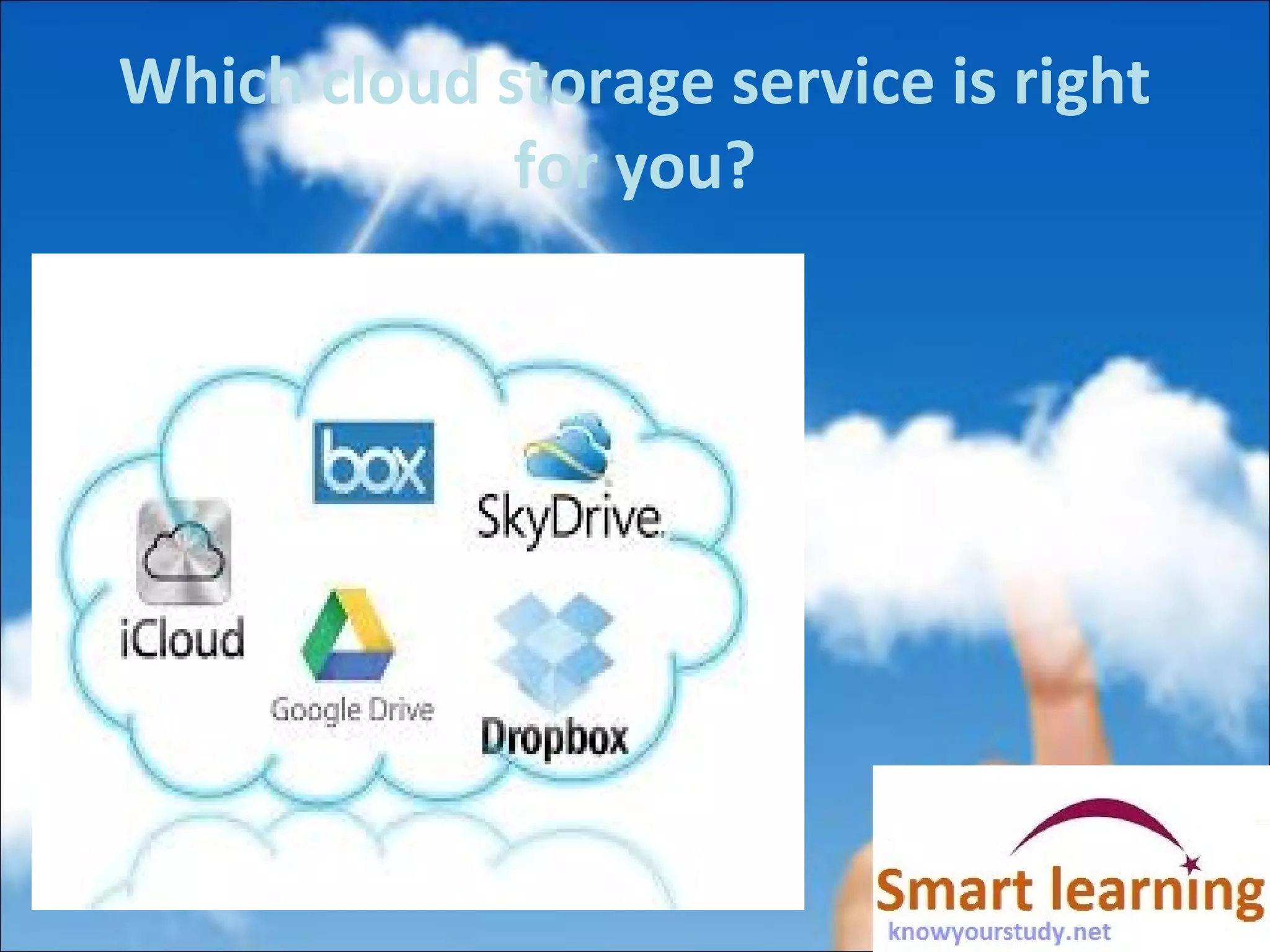
Which cloud storage service is right
for you?
Which cloud storage service is right
for you?
OneDrive:- First up is OneDrive, Microsoft's storage
option, You can store any kind of file in the service,
including photos, video and documents, and then
access them from any of your Windows PCs or mobile
devices. The service organizes your files by type for
you, so it's easy to find what you need.
Google Drive: Google combines a complete set of office
tools with cloud storage in Drive. You get a little bit of
everything with this service, including a word
processor, spreadsheet application, and presentation
builder, plus 15GB of free storage space.
and Box :- Teams of employees working together on
projects, and large companies that need a place to
securely share documents with everyone.
Please send email for queries, Training &
Consulting.
info@knowyourstudy.net
www.knowyourstudy.net
Please send email for queries, Training &
Consulting.
info@knowyourstudy.net
www.knowyourstudy.net

Cloud for everyone

  • 1.
    Cloud for Everyone SMITABAJPAI Cloud Architecture Certified IIT Kanpur Amazon Cloud Certified www.knowyourstudy.net
  • 2.
    Dropbox ? Dropbox isa file hosting service operated by Dropbox, Inc., headquartered in San Francisco, California, that offers cloud storage, file synchronization, personal cloud, and client software.
  • 3.
    Cloud Storage ? Cloudstorage is a cloud computing model in which data is stored on remote servers accessed from the Internet, or "cloud." It is maintained, operated and managed by a cloud storage service provider on a storage servers that are built on virtualization techniques. Every cloud storage option has its pros and con. Depending on your specific needs, the size of your environment, and your budget, it’s essential to weigh all cloud and on demand options.
  • 4.
    Benefits of Dropbox StorageBackup:-Smart businessmen know that it’s paramount to store important files and data in different places to ensure that they’ll always have a copy, no matter what disaster they encounter. File Sharing:-Perhaps the best part about Dropbox is how easy it is to share files between your business colleagues and employees. As long as everyone has an account, adding and sharing content will be a breeze.
  • 5.
    Access • Accessing Dropboxis very easy and flexible, thanks to all the options it offers. Take a look at the access options below, and tell me if they are not convenient: • Desktop access—Dropbox offers a downloadable application that allows you to access all your files and folders directly from your Windows PC, Linux, or Mac, even when you are offline. • Online access—if you are out of the house and using other computers, you can easily get a copy of your files by going to the Dropbox website and logging into your account. • Mobile access—sometimes, we just can’t find any computers to use and get our important data from. At such cases, what you need to do is whip out your mobile device (e.g., iOS, Android, and smartphones), and access your files via the Dropbox app. Pretty neat, right?
  • 6.
    Updates:-Whenever a fileis added or deleted from a shared folder, Dropbox instantly updates everyone who has access to it. This guarantees that you will always have the most important and latest copy of your files. Retrieval:-If it were to happen to other cloud storage, it might be a little difficult to get your precious file back. With Dropbox, however, retrieving your file is as easy as clicking the “Undo” button.
  • 7.
    Which cloud storageservice is right for you?
  • 8.
    Which cloud storageservice is right for you? OneDrive:- First up is OneDrive, Microsoft's storage option, You can store any kind of file in the service, including photos, video and documents, and then access them from any of your Windows PCs or mobile devices. The service organizes your files by type for you, so it's easy to find what you need. Google Drive: Google combines a complete set of office tools with cloud storage in Drive. You get a little bit of everything with this service, including a word processor, spreadsheet application, and presentation builder, plus 15GB of free storage space. and Box :- Teams of employees working together on projects, and large companies that need a place to securely share documents with everyone.
  • 9.
    Please send emailfor queries, Training & Consulting. info@knowyourstudy.net www.knowyourstudy.net
  • 10.
    Please send emailfor queries, Training & Consulting. info@knowyourstudy.net www.knowyourstudy.net