Cloud Computing
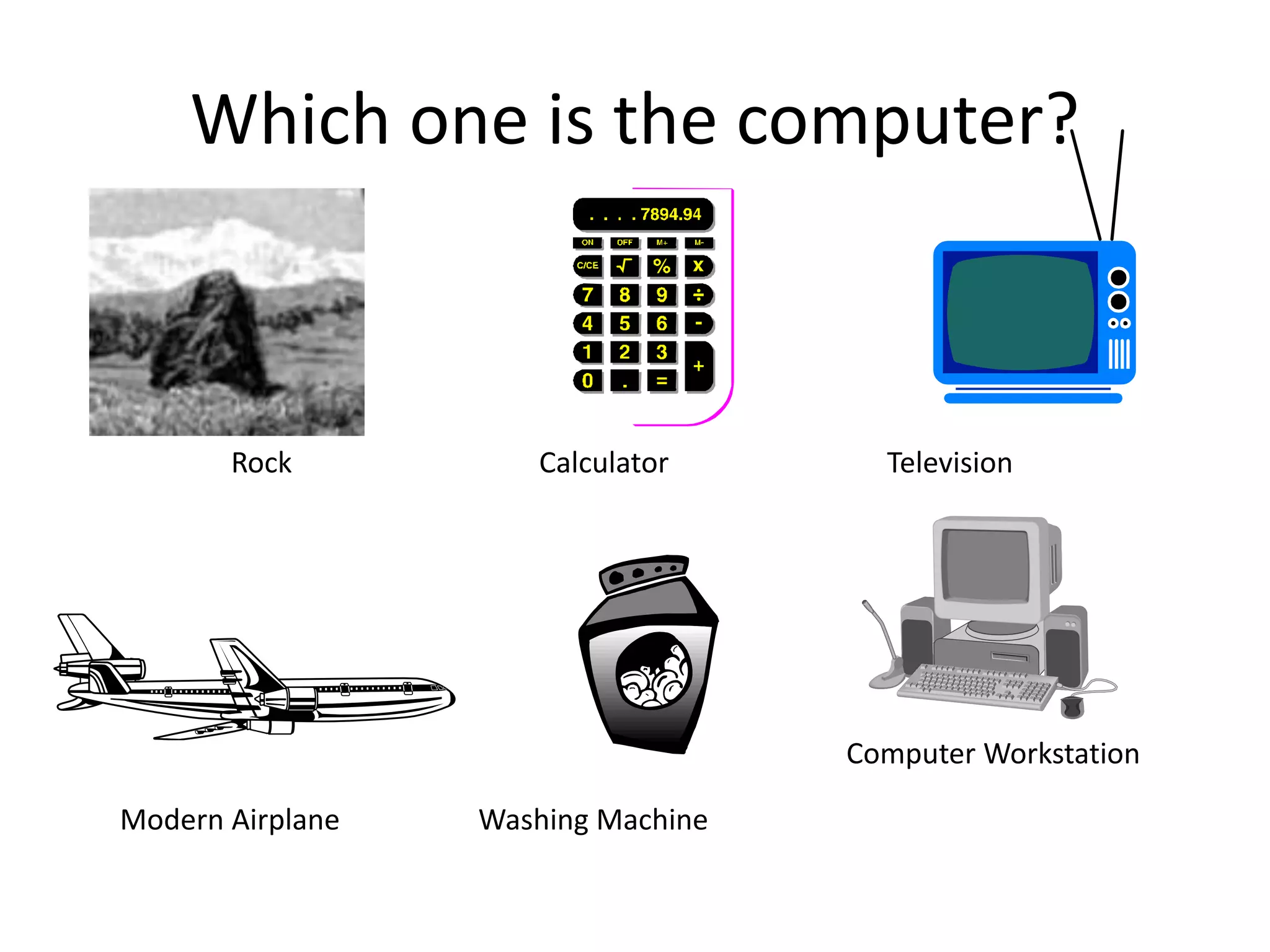
Which one is the computer?
Rock Calculator Television
Modern Airplane Washing Machine
Computer Workstation
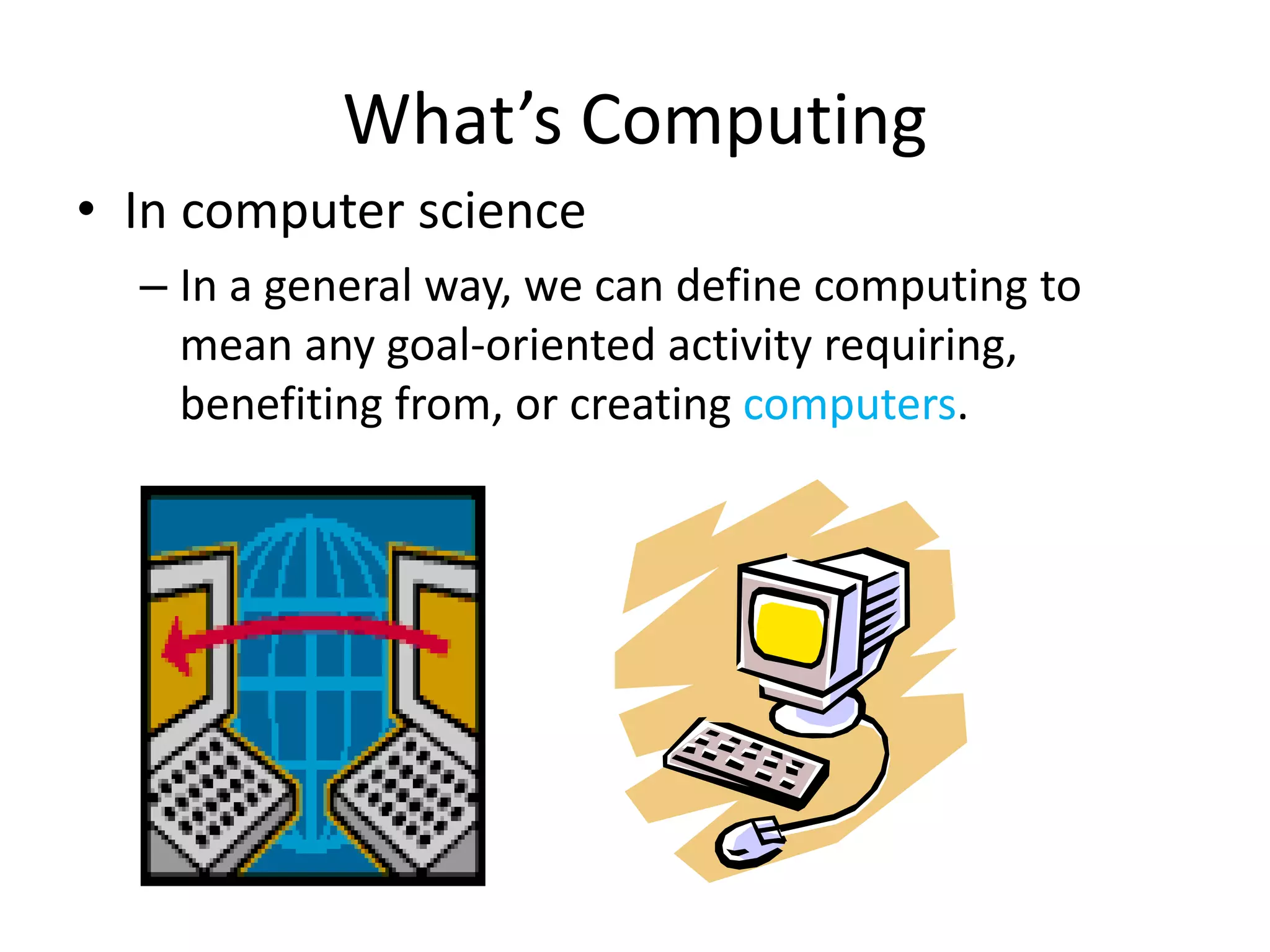
• In computer science
– In a general way, we can define computing to
mean any goal-oriented activity requiring,
benefiting from, or creating computers.
What’s Computing
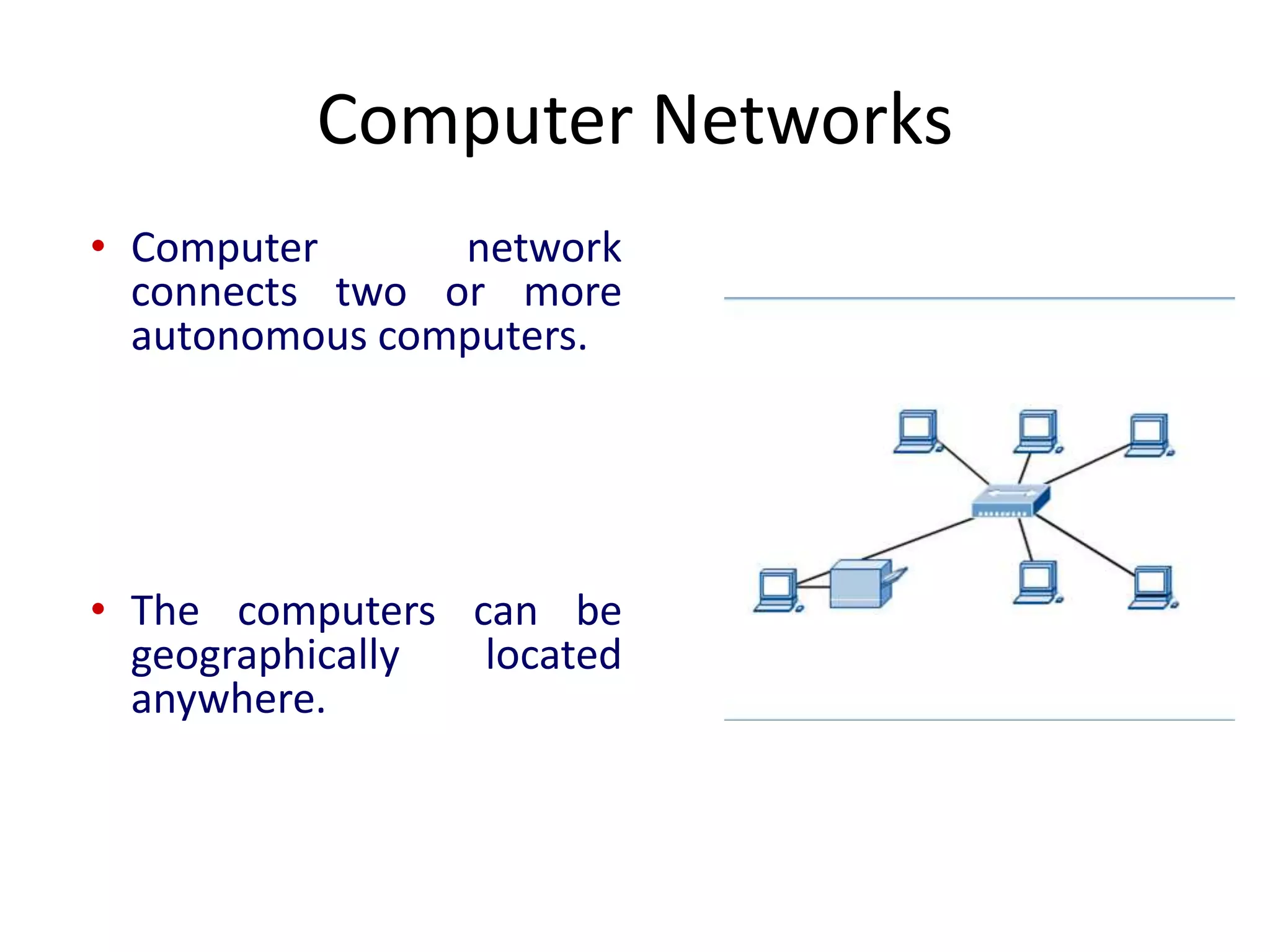
• Computer network
connects two or more
autonomous computers.
• The computers can be
geographically located
anywhere.
Computer Networks
Introduction to Computer Networks
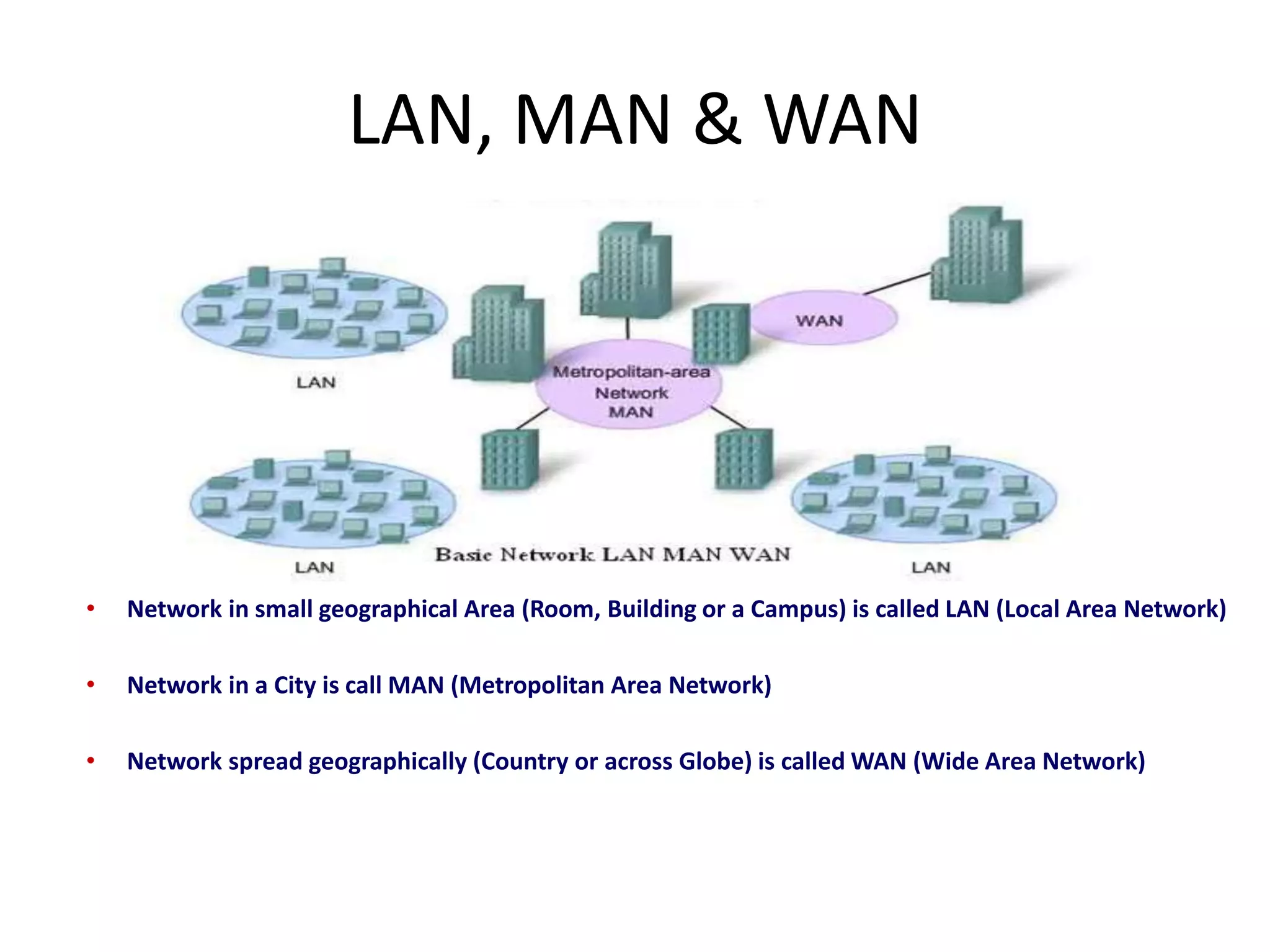
• Network in small geographical Area (Room, Building or a Campus) is called LAN (Local Area Network)
• Network in a City is call MAN (Metropolitan Area Network)
• Network spread geographically (Country or across Globe) is called WAN (Wide Area Network)
LAN, MAN & WAN
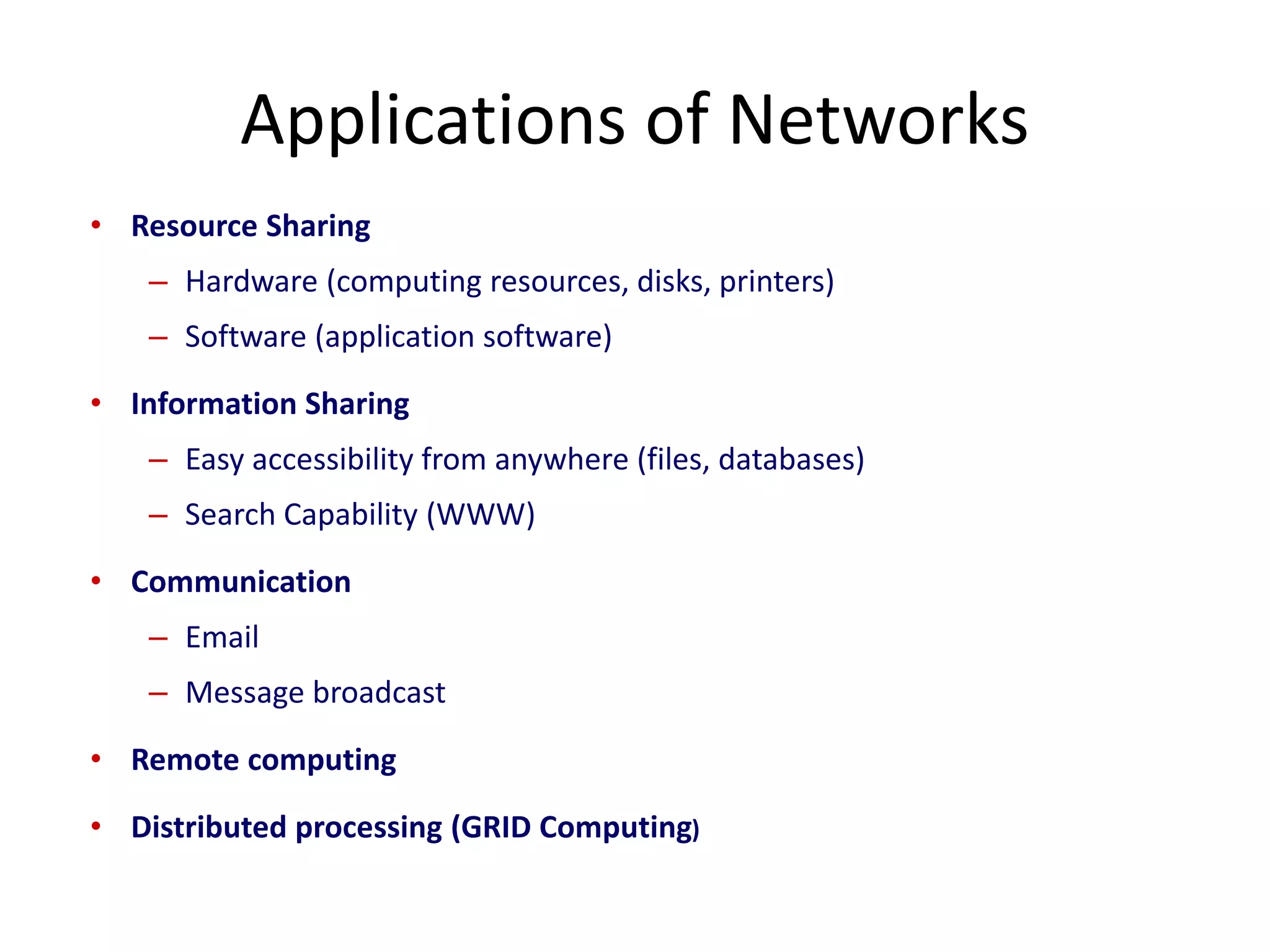
• Resource Sharing
– Hardware (computing resources, disks, printers)
– Software (application software)
• Information Sharing
– Easy accessibility from anywhere (files, databases)
– Search Capability (WWW)
• Communication
– Email
– Message broadcast
• Remote computing
• Distributed processing (GRID Computing)
Applications of Networks
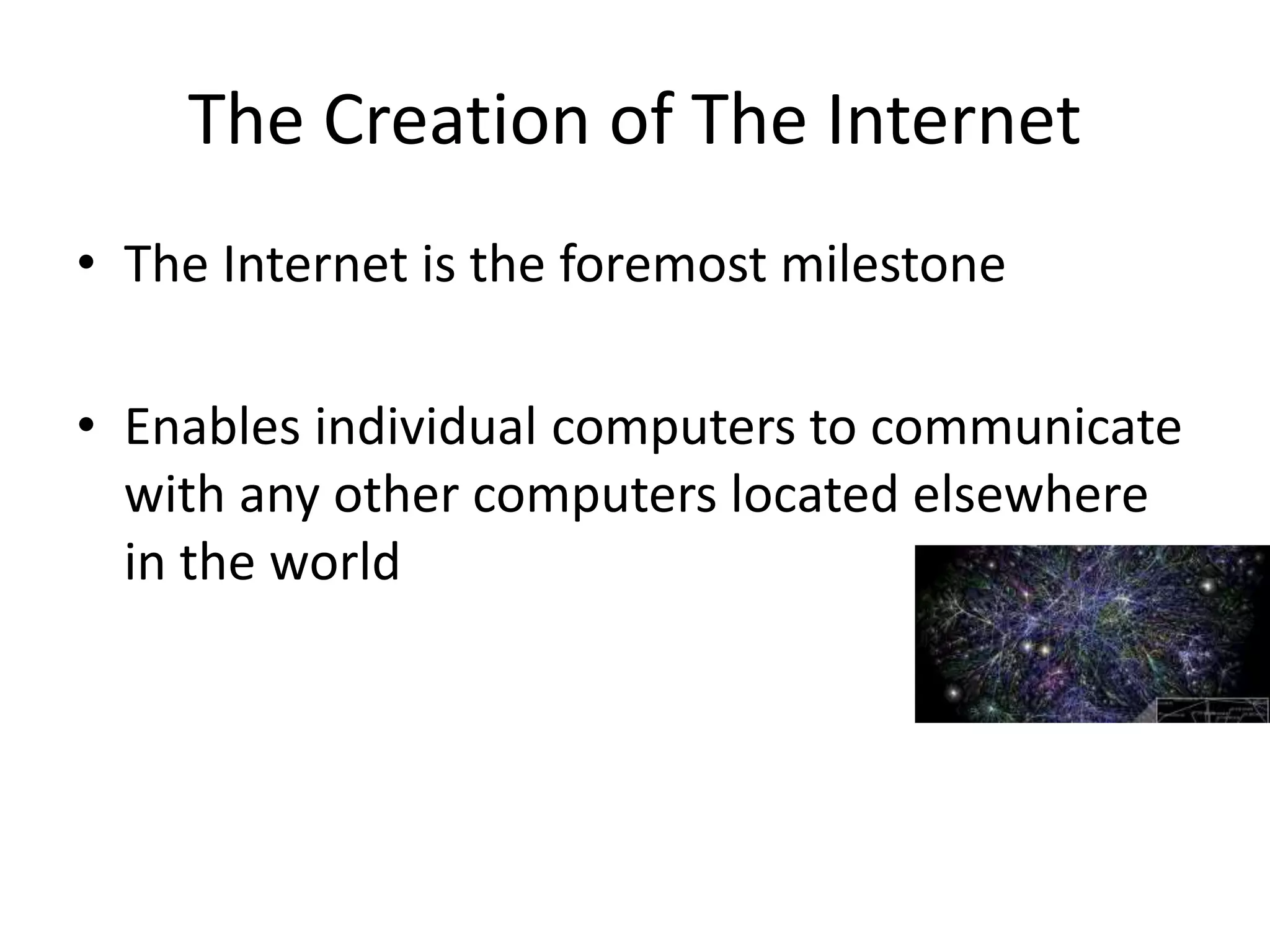
• The Internet is the foremost milestone
• Enables individual computers to communicate
with any other computers located elsewhere
in the world
The Creation of The Internet
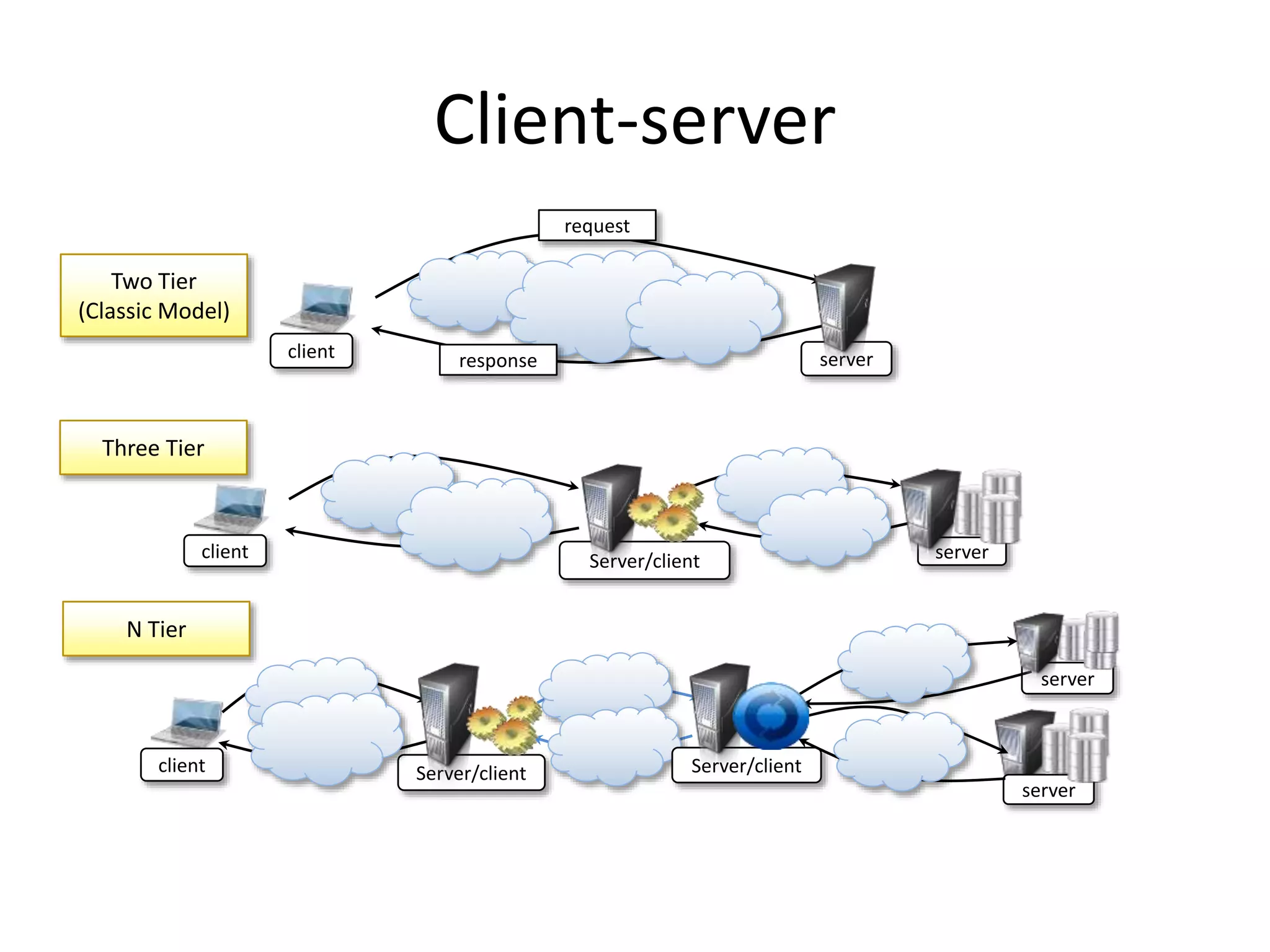
Client-server
client Server/client
server
Server/client
server
client Server/client server
client server
request
response
Two Tier
(Classic Model)
Three Tier
N Tier
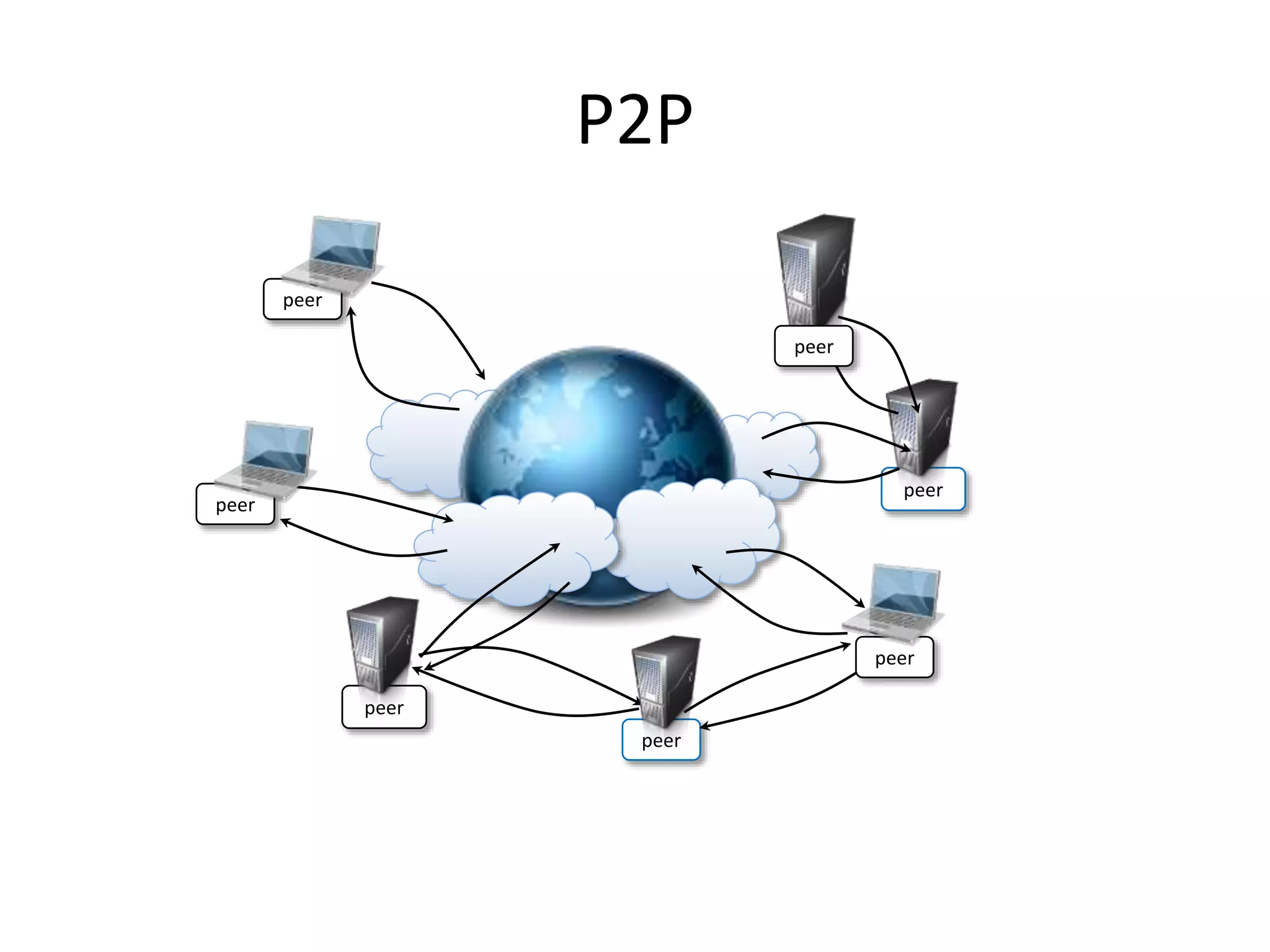
P2P
peer
peer
peer
peer
peer
peer
peer
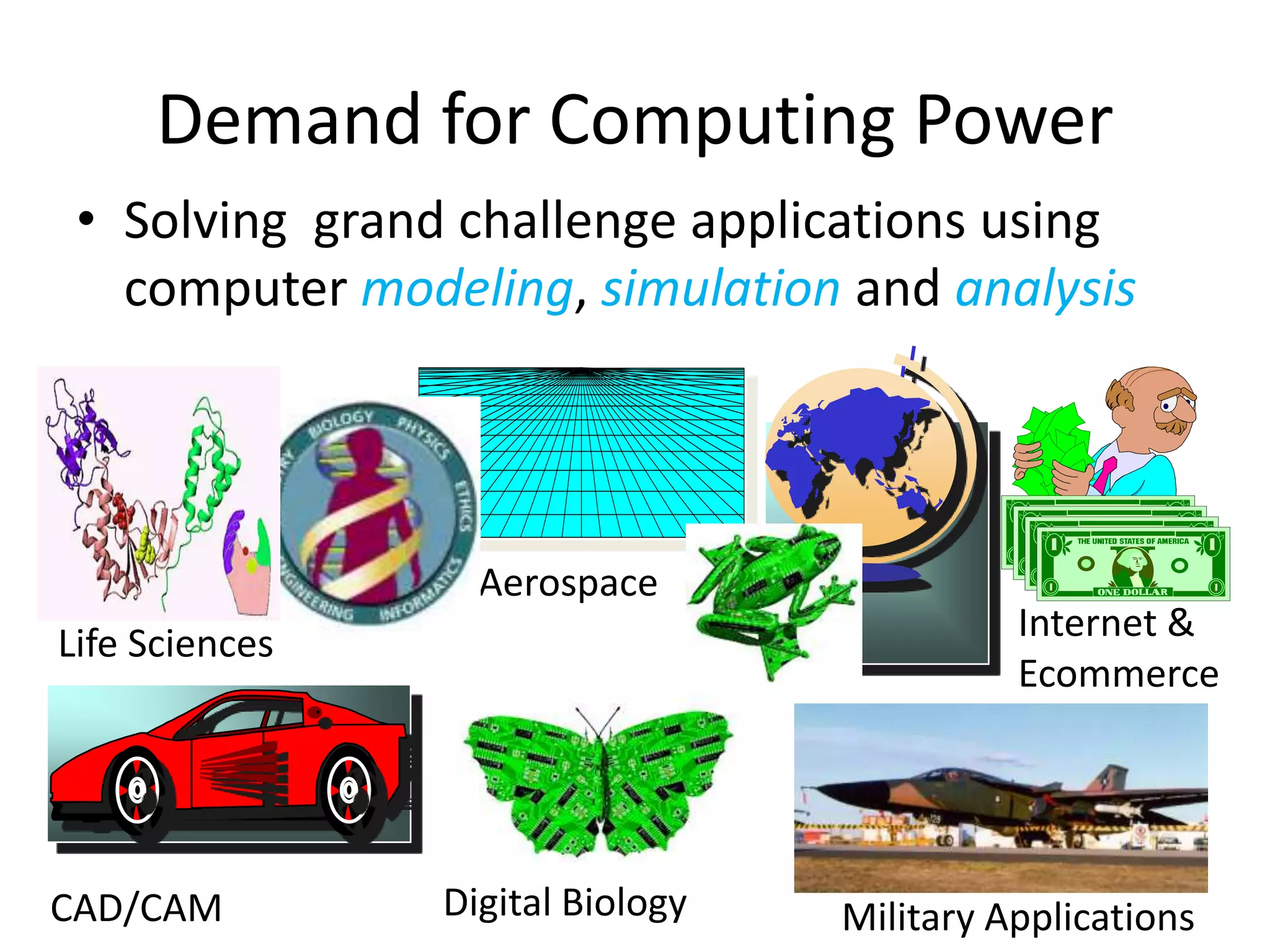
• Solving grand challenge applications using
computer modeling, simulation and analysis
Demand for Computing Power
Life Sciences
CAD/CAM
Aerospace
Military Applications
Digital Biology
Internet &
Ecommerce
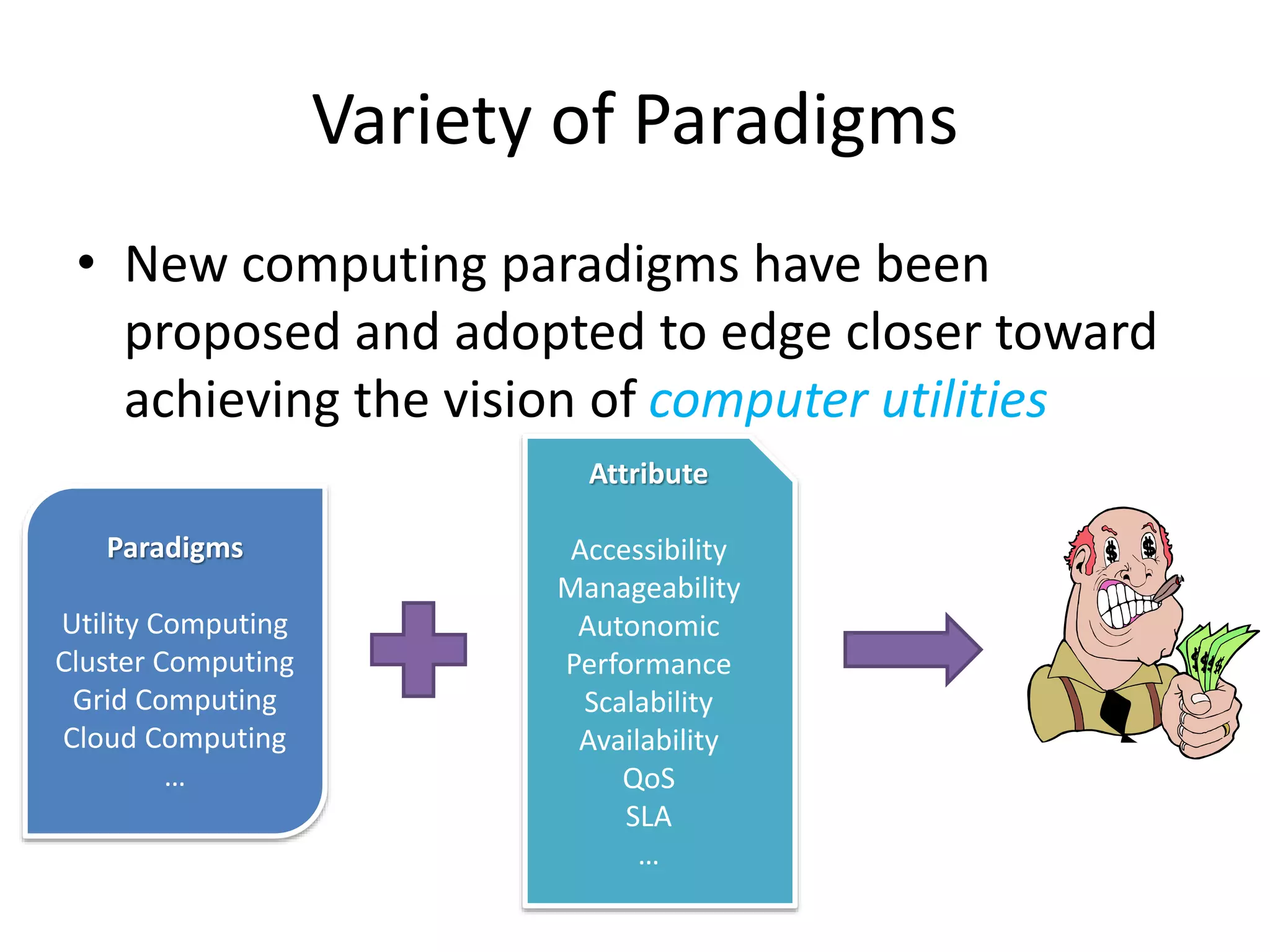
Paradigms
Utility Computing
Cluster Computing
Grid Computing
Cloud Computing
…
Attribute
Accessibility
Manageability
Autonomic
Performance
Scalability
Availability
QoS
SLA
…
• New computing paradigms have been
proposed and adopted to edge closer toward
achieving the vision of computer utilities
Variety of Paradigms
• There are 3 ways to improve performance:
– Work Harder
– Work Smarter
– Get Help
• Computer analogy
– Using faster hardware
– Using optimized algorithms and techniques to
solve computational tasks
– Using multiple computers to solve a particular
task
How to Run Applications Faster
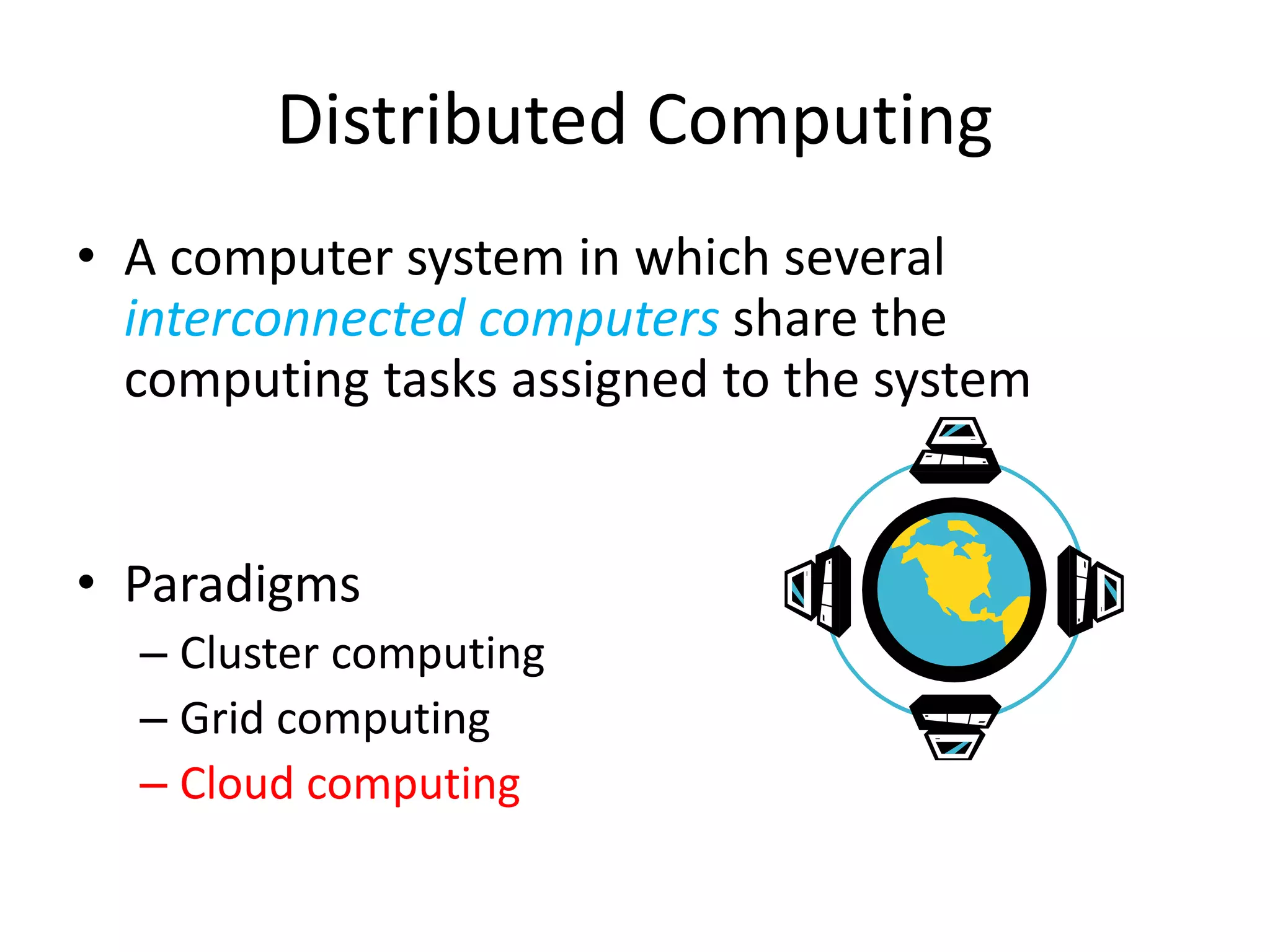
• A computer system in which several
interconnected computers share the
computing tasks assigned to the system
• Paradigms
– Cluster computing
– Grid computing
– Cloud computing
Distributed Computing
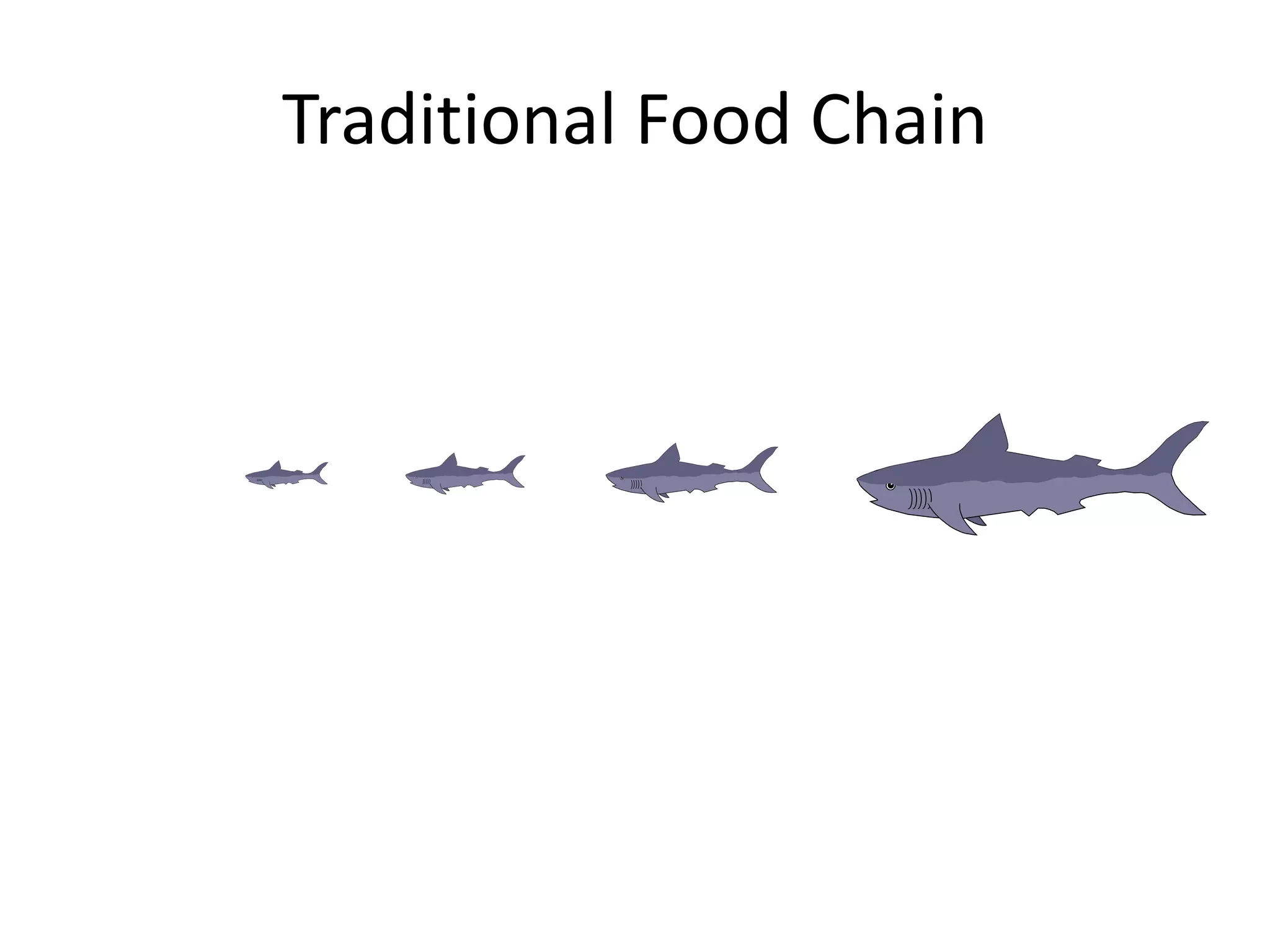
Traditional Food Chain
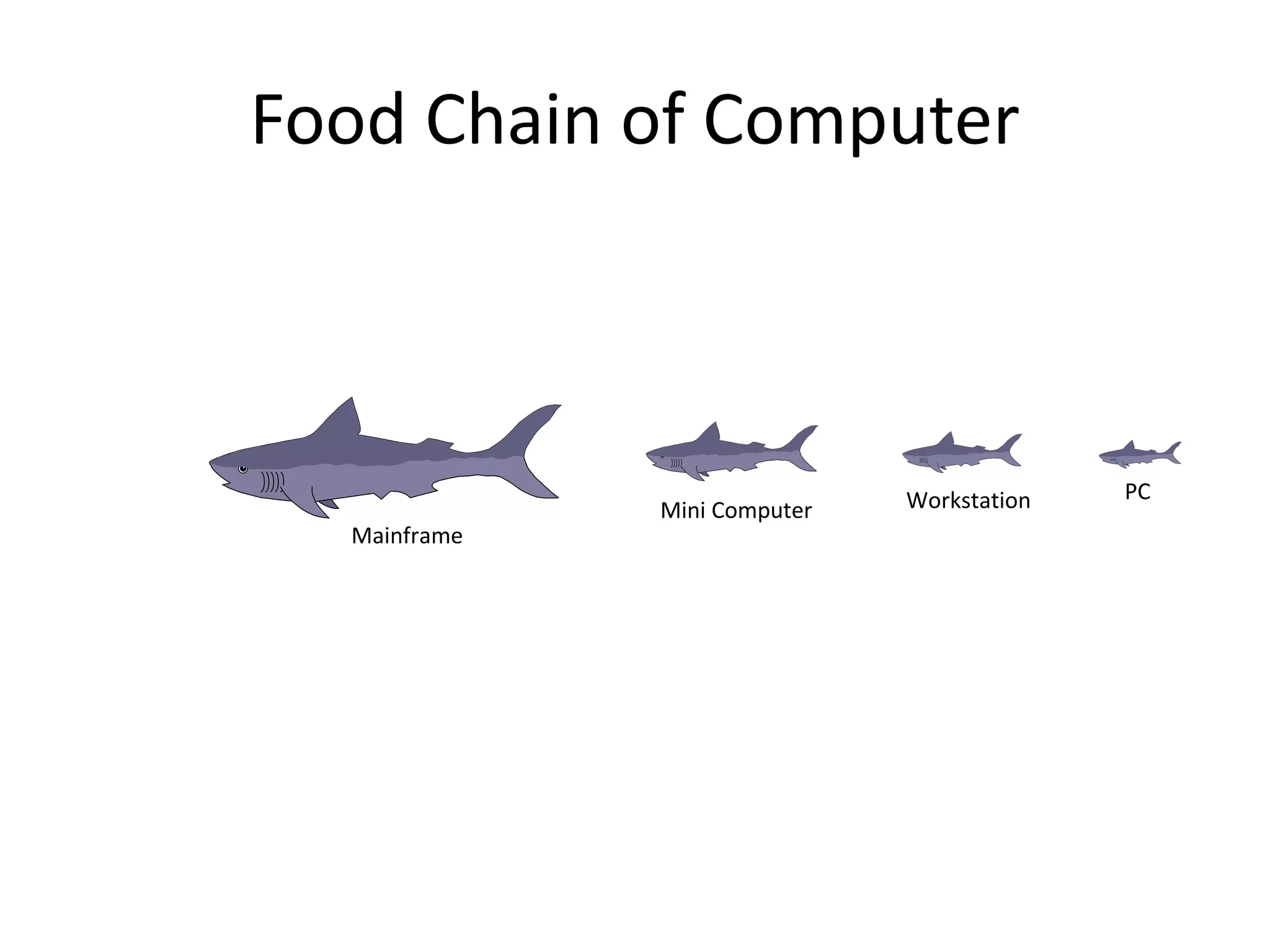
Food Chain of Computer
Mainframe
Mini Computer Workstation PC
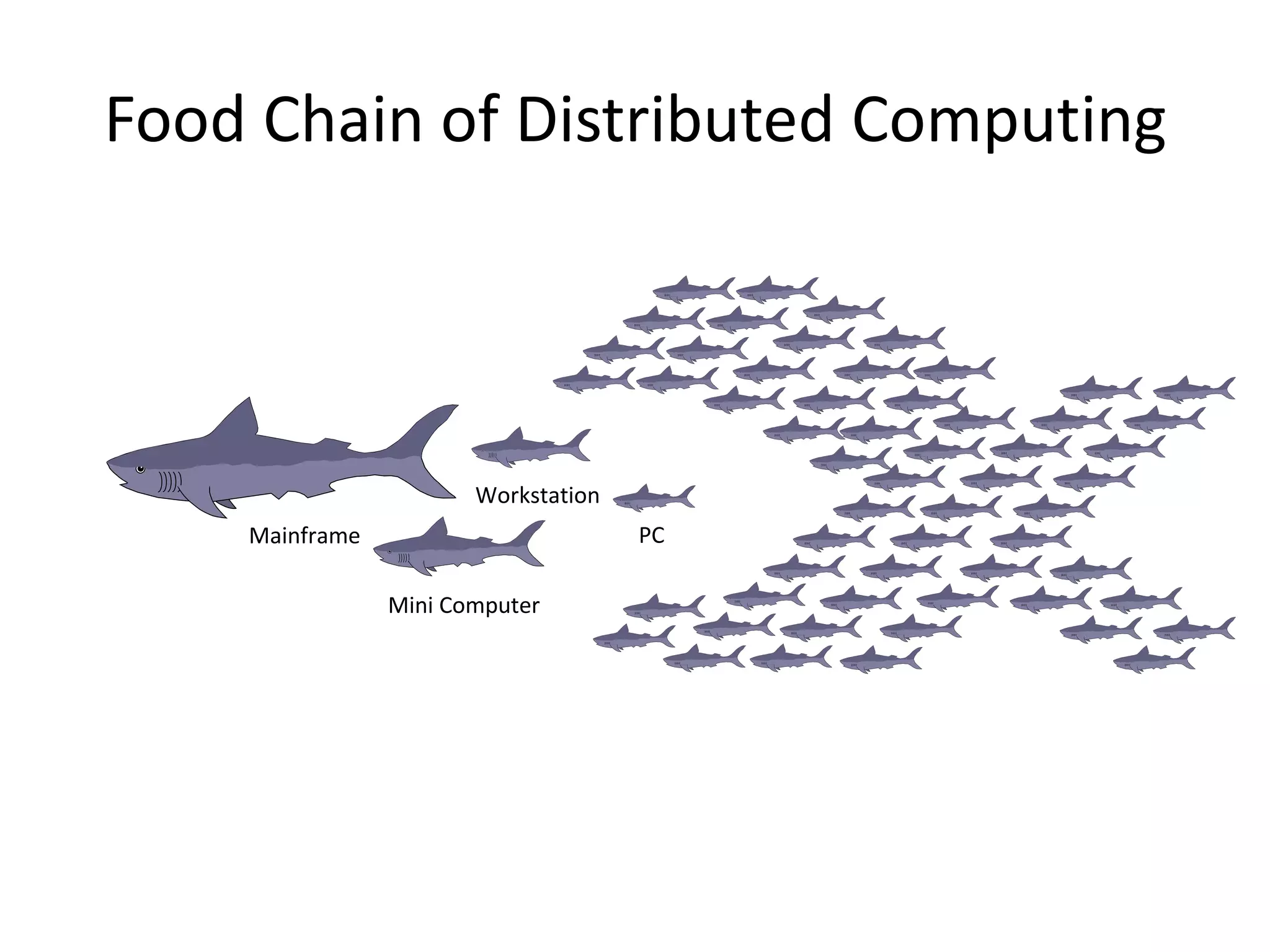
Food Chain of Distributed Computing
Mainframe
Mini Computer
Workstation
PC
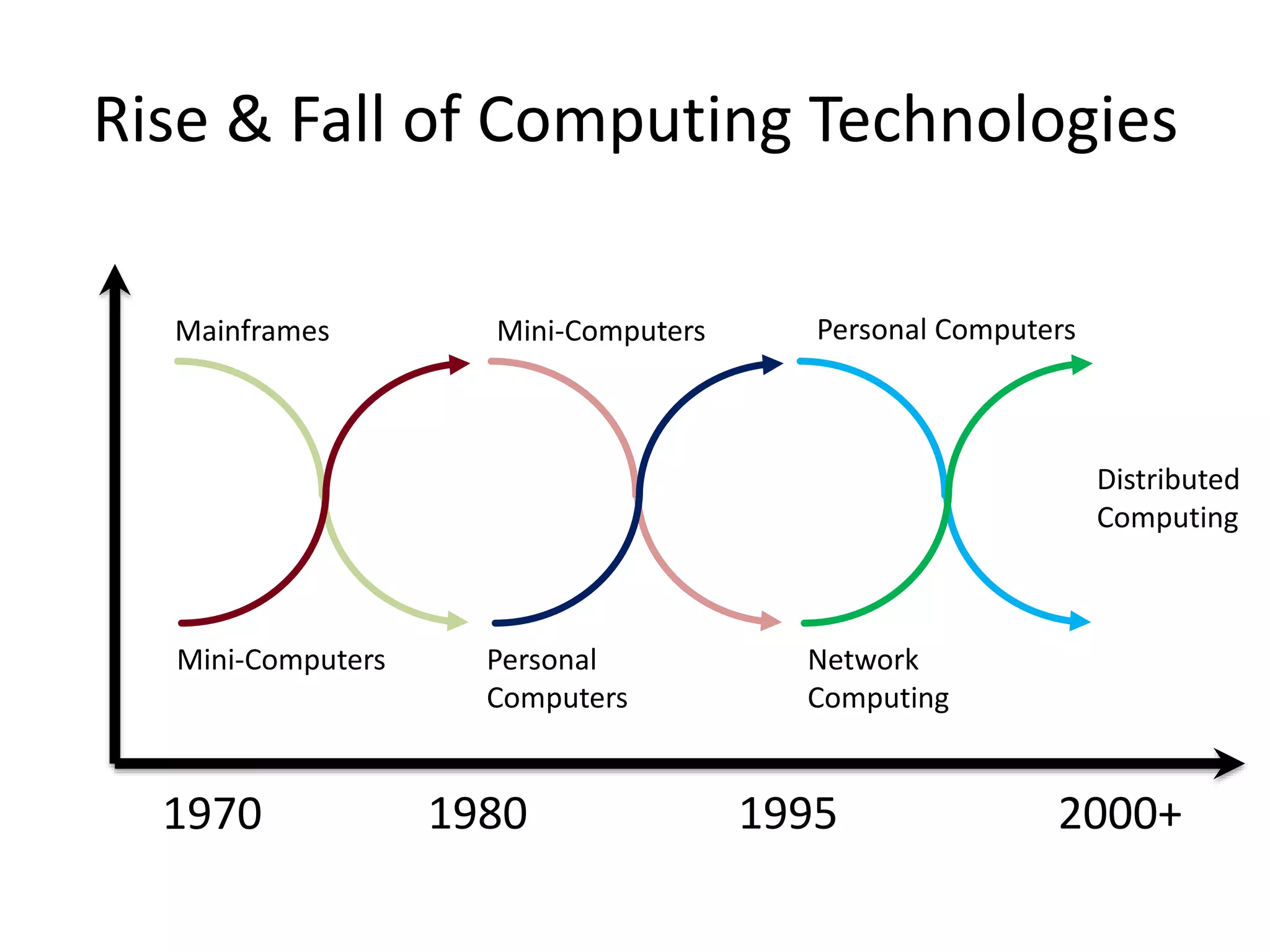
Rise & Fall of Computing Technologies
Mainframes Mini-Computers
Mini-Computers Personal
Computers
Personal Computers
Network
Computing
Distributed
Computing
1980 1995
1970 2000+
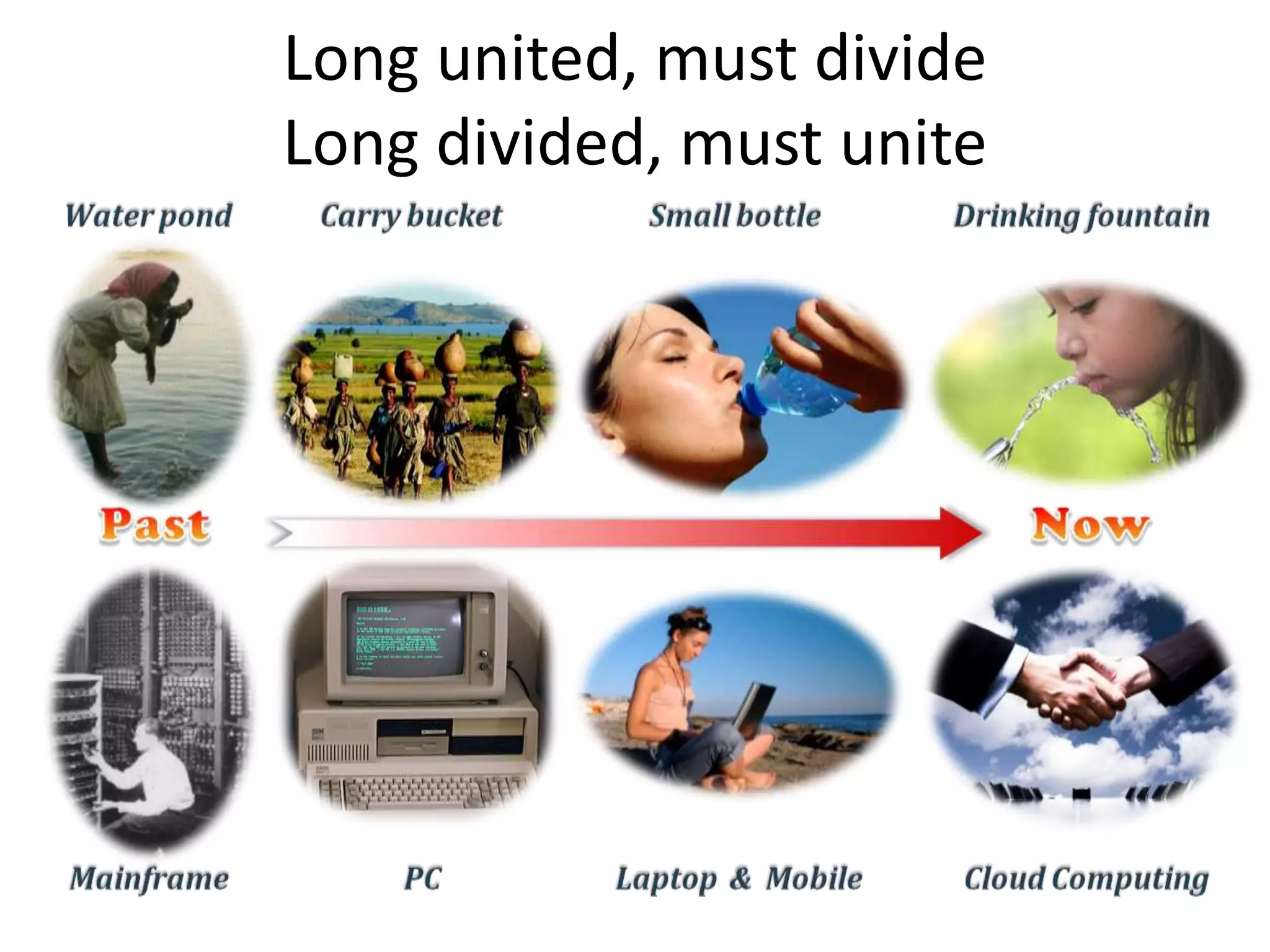
Long united, must divide
Long divided, must unite
• Cloud Computing
Lecture 1 : Introduction 19
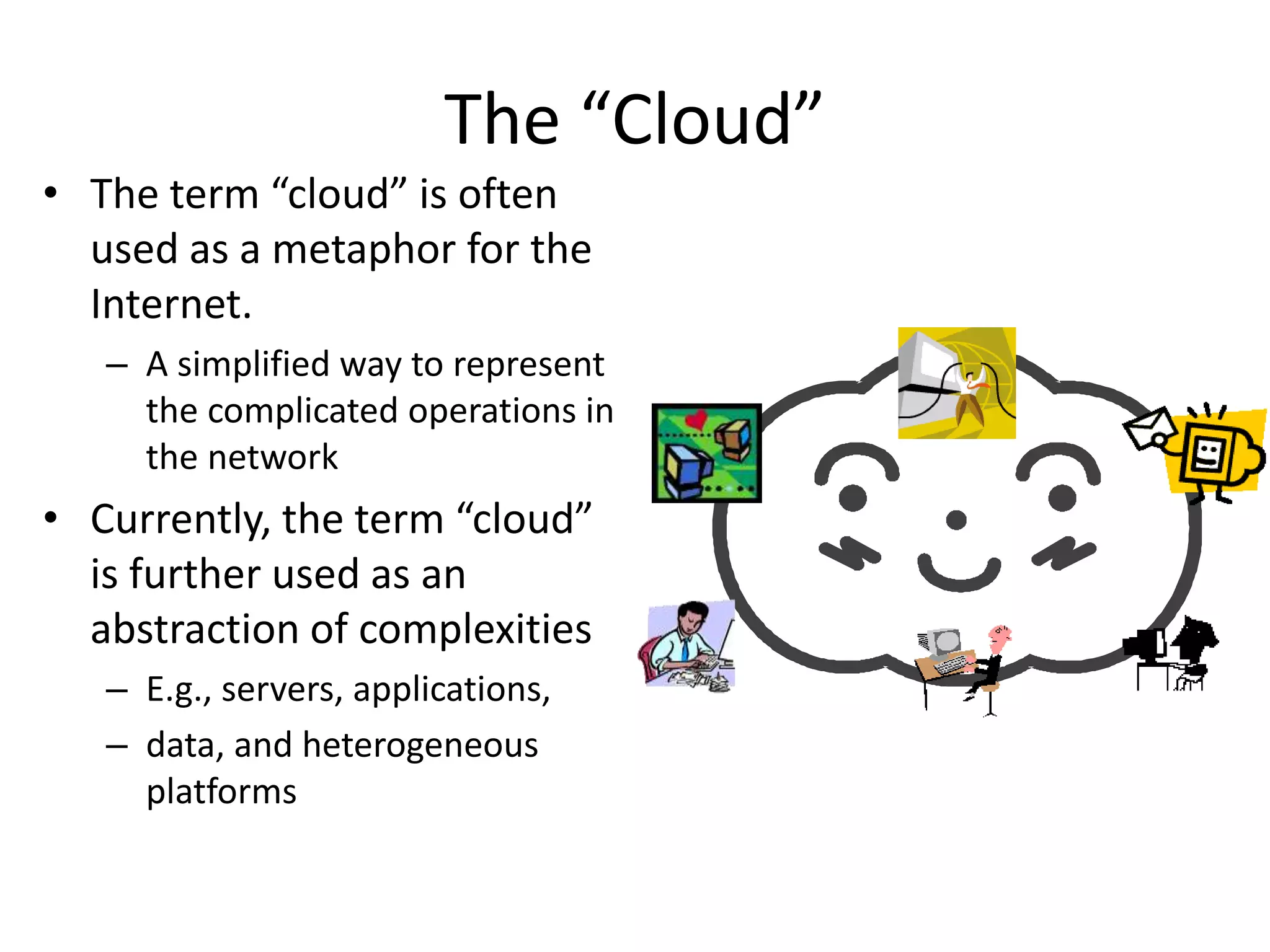
• The term “cloud” is often
used as a metaphor for the
Internet.
– A simplified way to represent
the complicated operations in
the network
• Currently, the term “cloud”
is further used as an
abstraction of complexities
– E.g., servers, applications,
– data, and heterogeneous
platforms
The “Cloud”
Do you Use the Cloud?
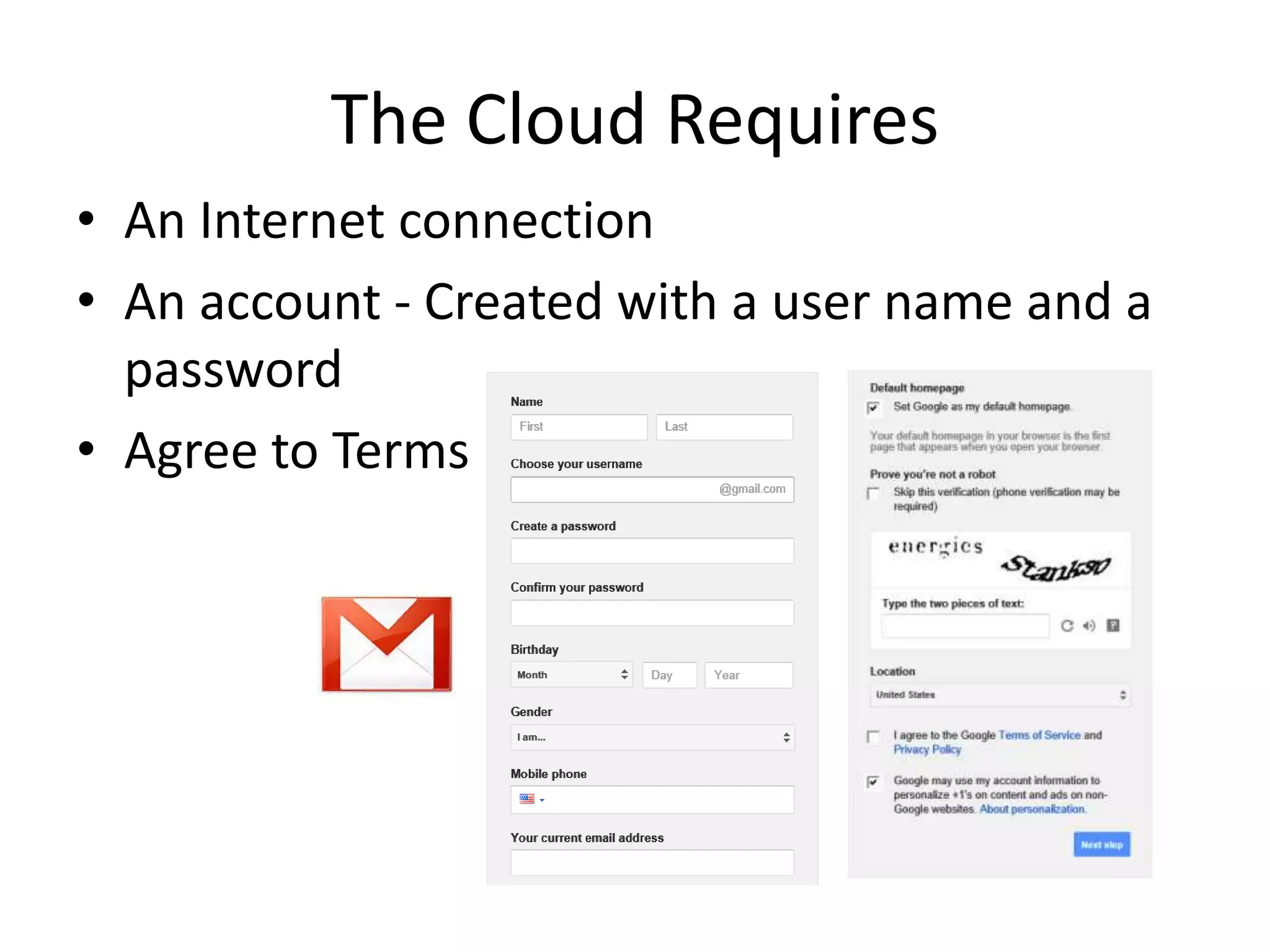
• An Internet connection
• An account - Created with a user name and a
password
• Agree to Terms
The Cloud Requires
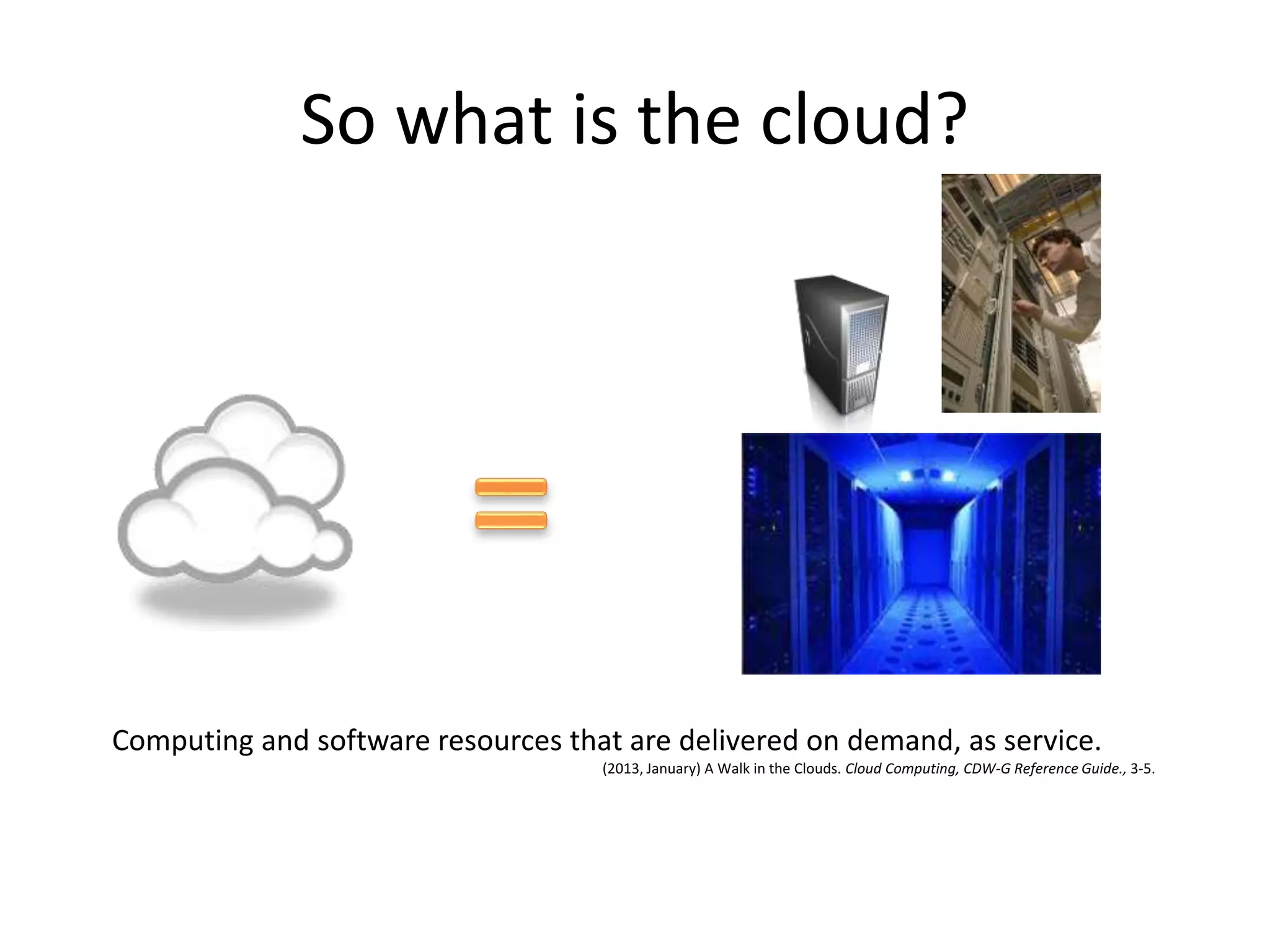
So what is the cloud?
Computing and software resources that are delivered on demand, as service.
(2013, January) A Walk in the Clouds. Cloud Computing, CDW-G Reference Guide., 3-5.
• From ground to cloud
The Back Story
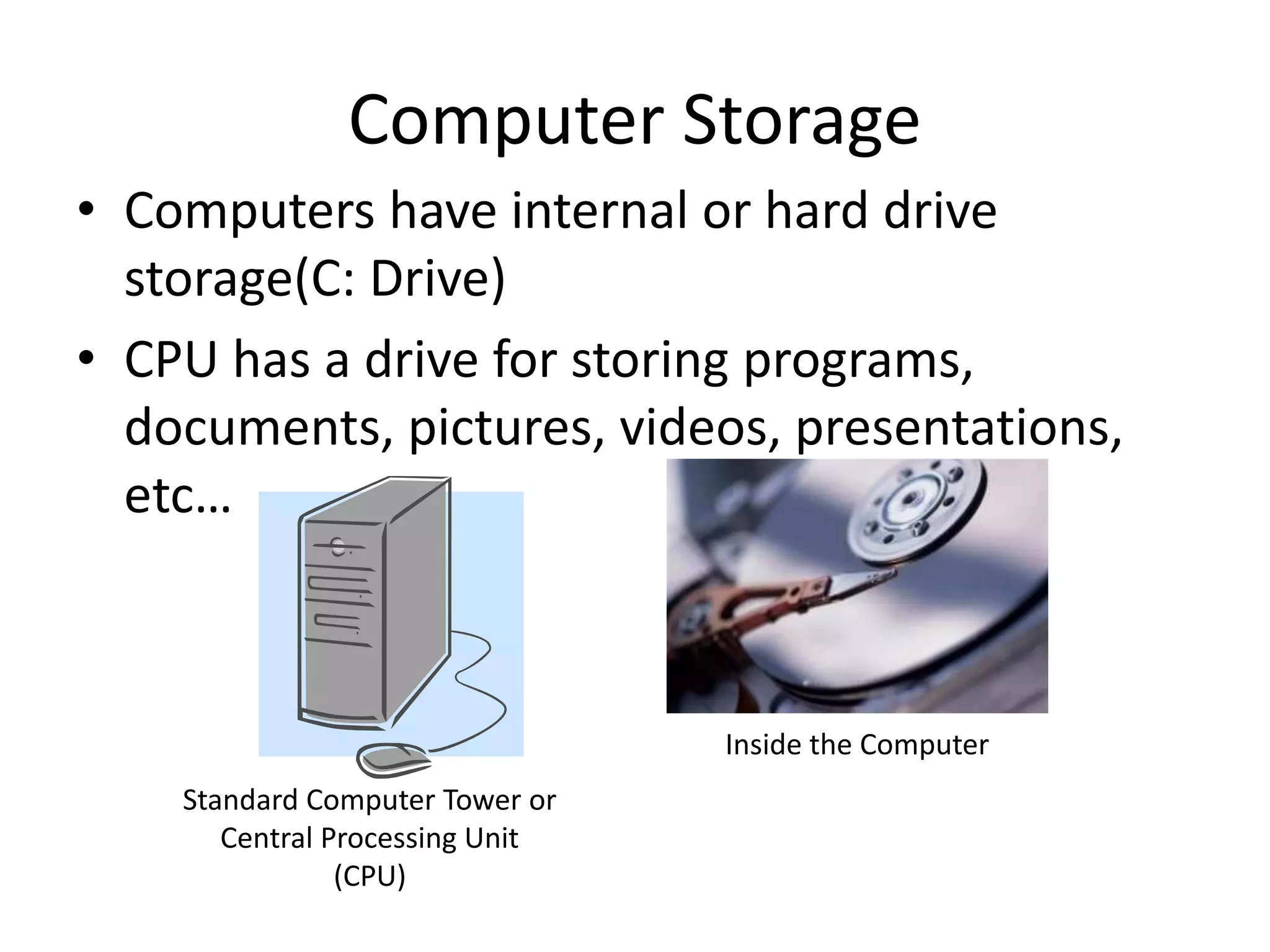
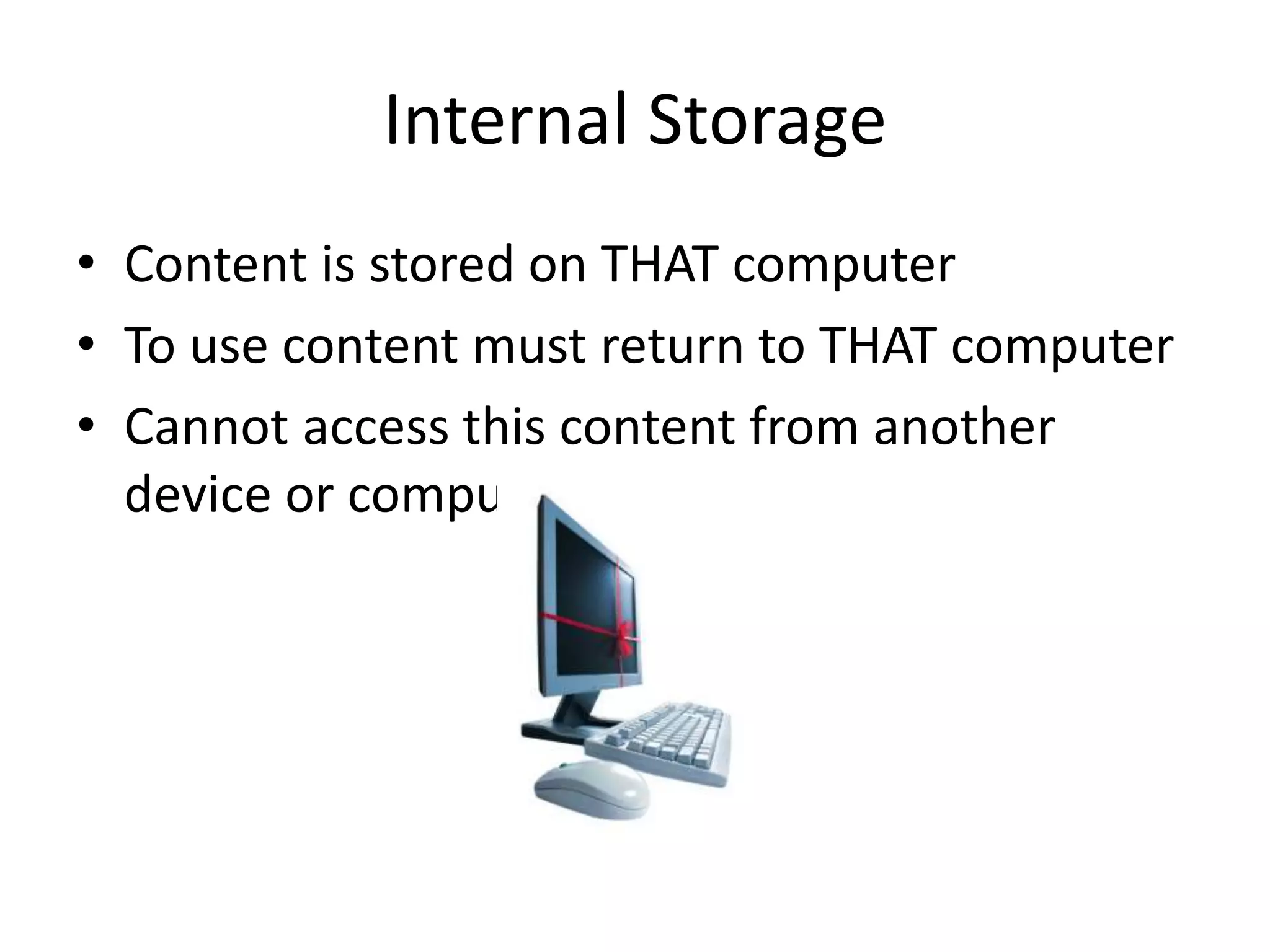
• Computers have internal or hard drive
storage(C: Drive)
• CPU has a drive for storing programs,
documents, pictures, videos, presentations,
etc…
Computer Storage
Standard Computer Tower or
Central Processing Unit
(CPU)
Inside the Computer
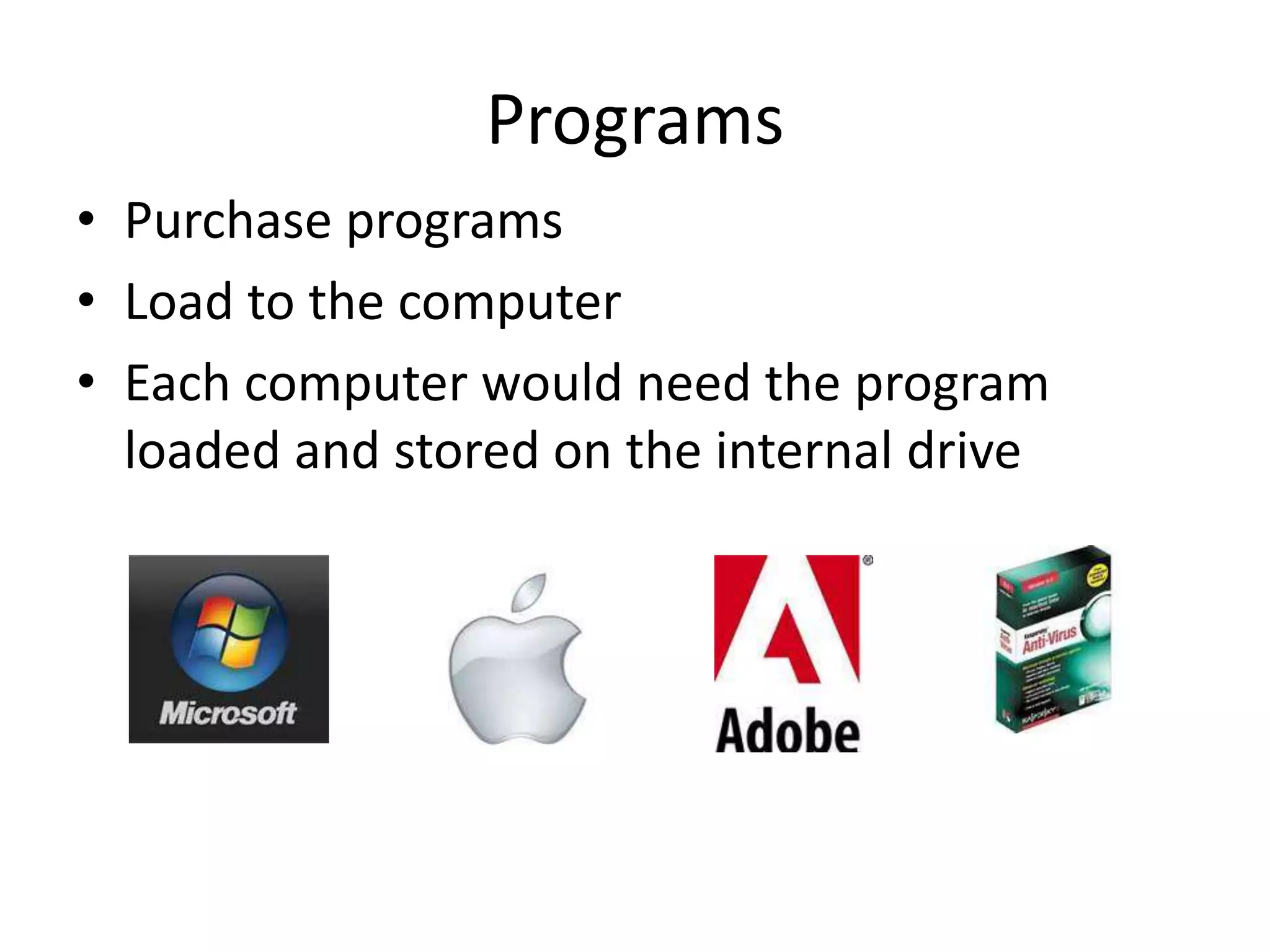
• Content is stored on THAT computer
• To use content must return to THAT computer
• Cannot access this content from another
device or computer
Internal Storage
• Purchase programs
• Load to the computer
• Each computer would need the program
loaded and stored on the internal drive
Programs
• Allows your content to become mobile
• Save to the storage device
• Take device to any compatible computer
• Open and use content
External Storage
External Hard Drive
CD/DVD Thumb Drive
SD Card Micro SD Card
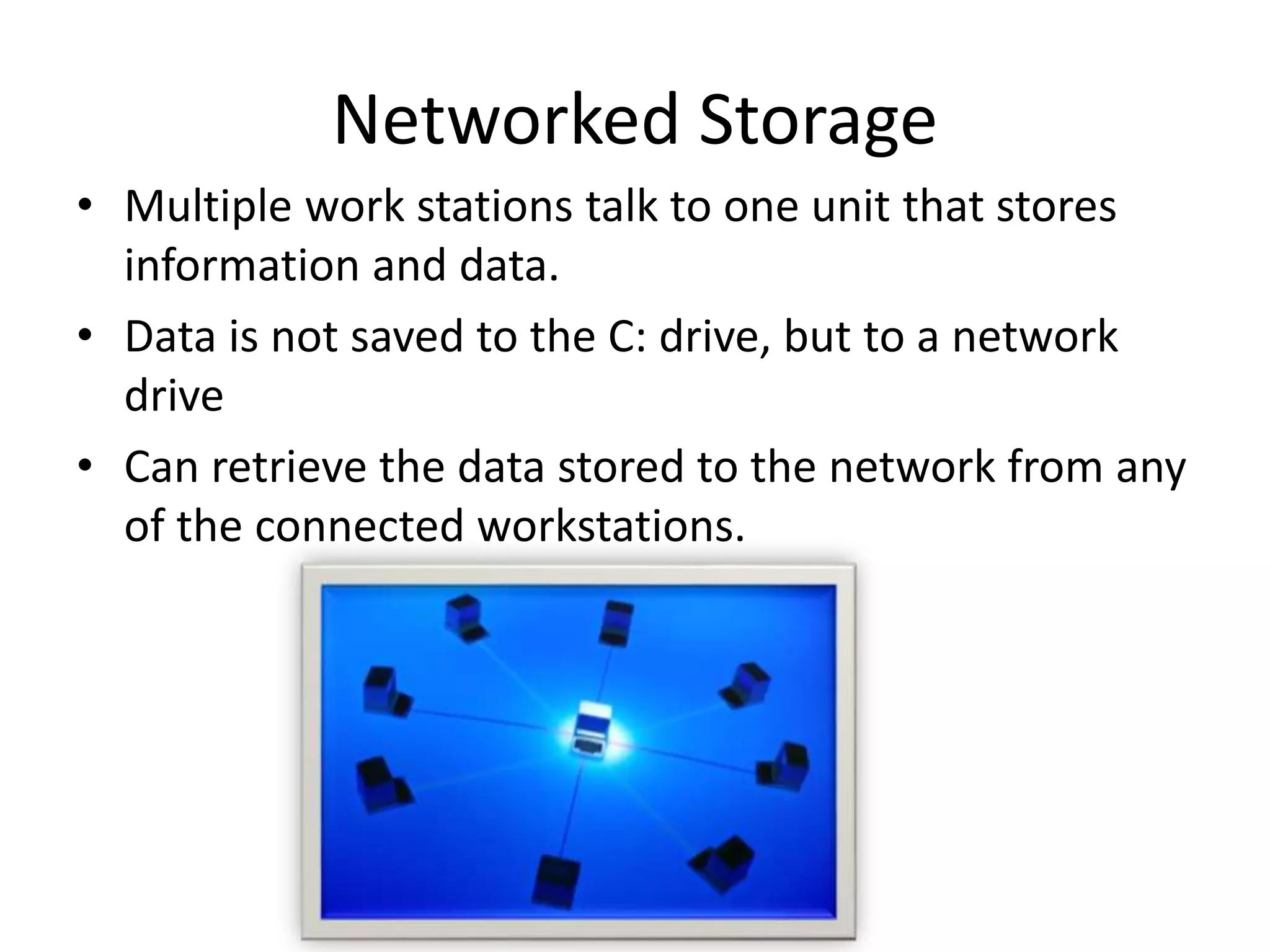
• Multiple work stations talk to one unit that stores
information and data.
• Data is not saved to the C: drive, but to a network
drive
• Can retrieve the data stored to the network from any
of the connected workstations.
Networked Storage
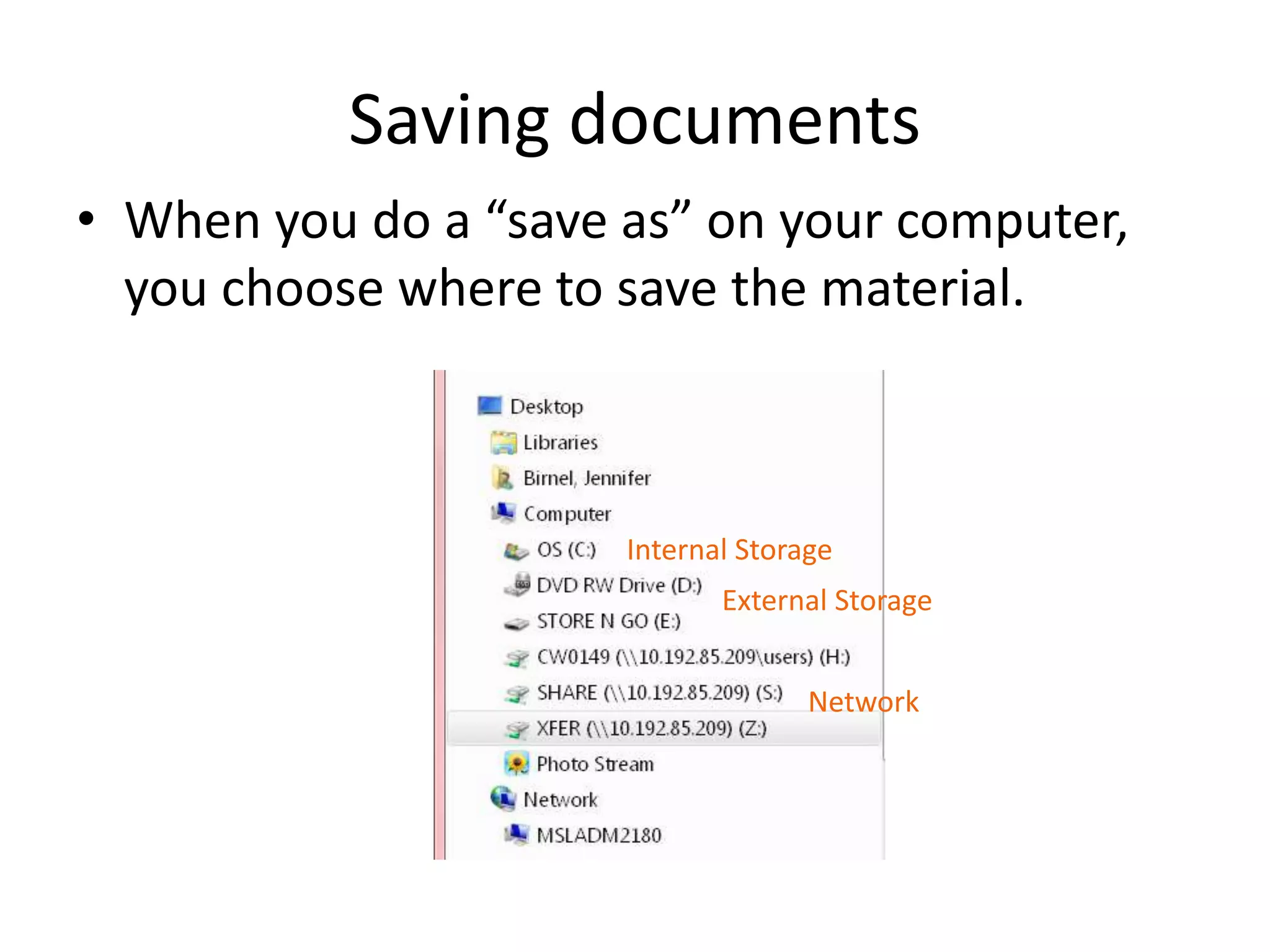
• When you do a “save as” on your computer,
you choose where to save the material.
Saving documents
Internal Storage
External Storage
Network
Cloud Storage
• Create an Account –
User name and
password
• Content lives with the
account in the cloud
• Log onto any computer
with Wi-Fi to find your
content
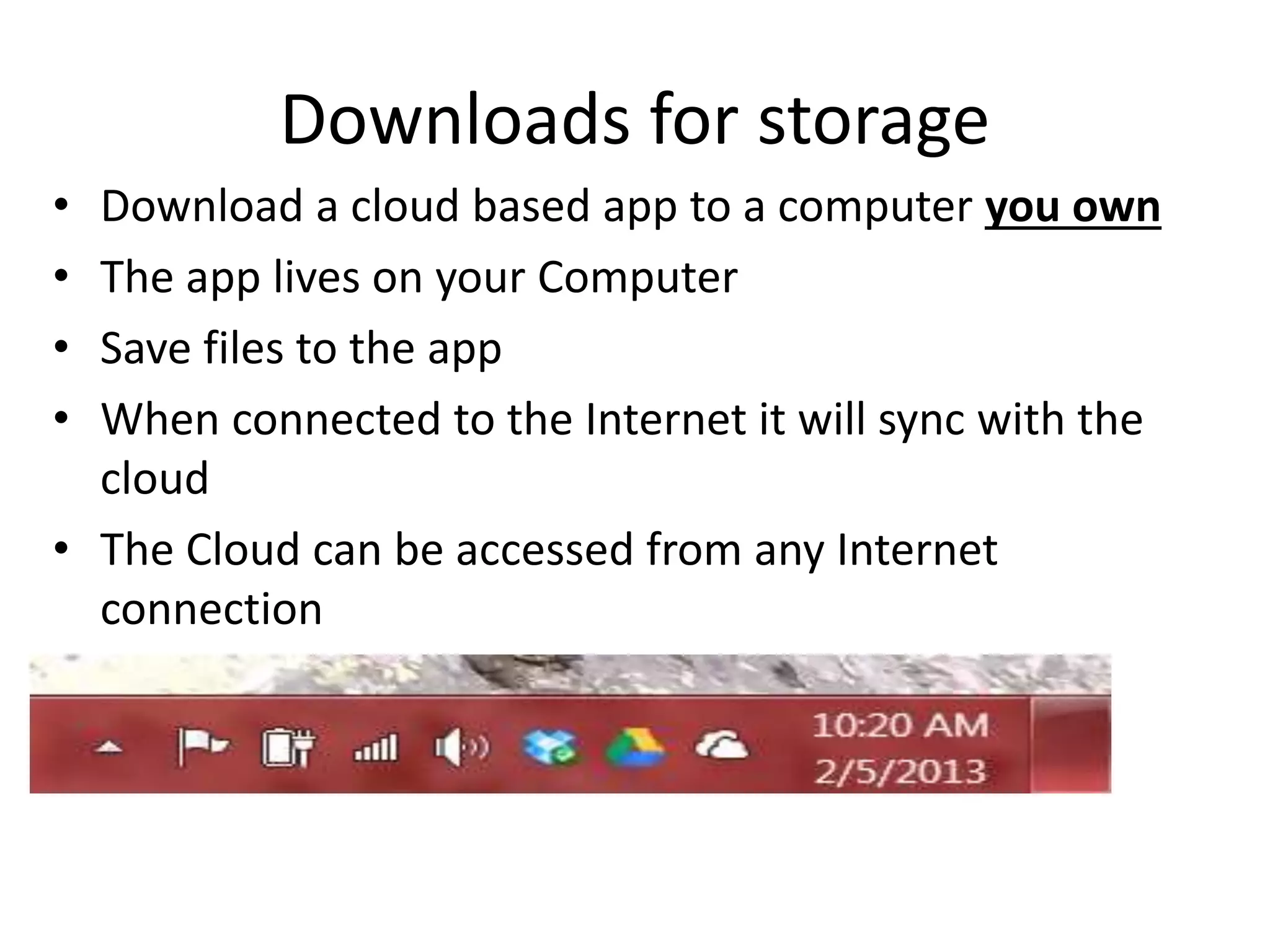
• Download a cloud based app to a computer you own
• The app lives on your Computer
• Save files to the app
• When connected to the Internet it will sync with the
cloud
• The Cloud can be accessed from any Internet
connection
Downloads for storage
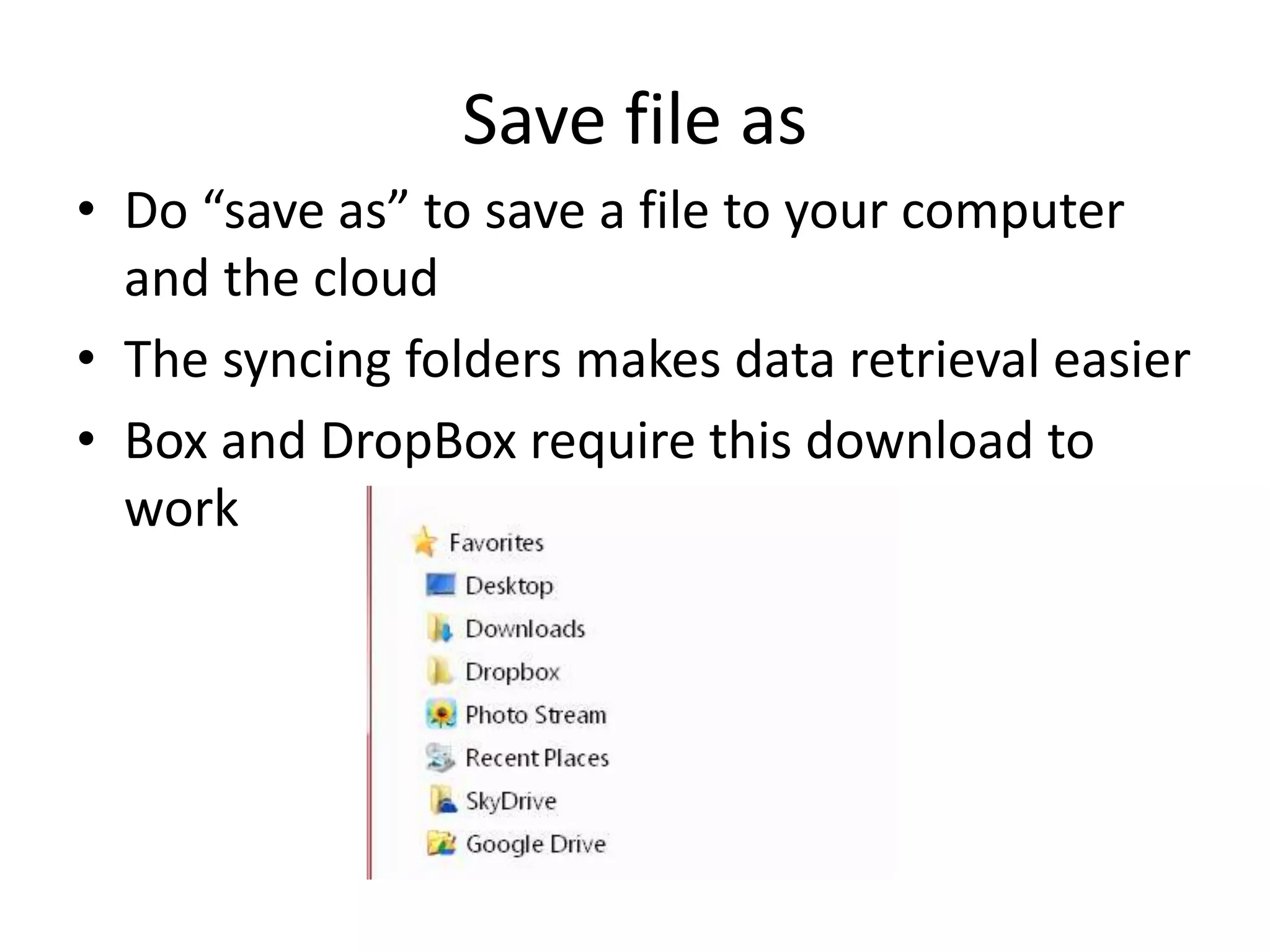
• Do “save as” to save a file to your computer
and the cloud
• The syncing folders makes data retrieval easier
• Box and DropBox require this download to
work
Save file as
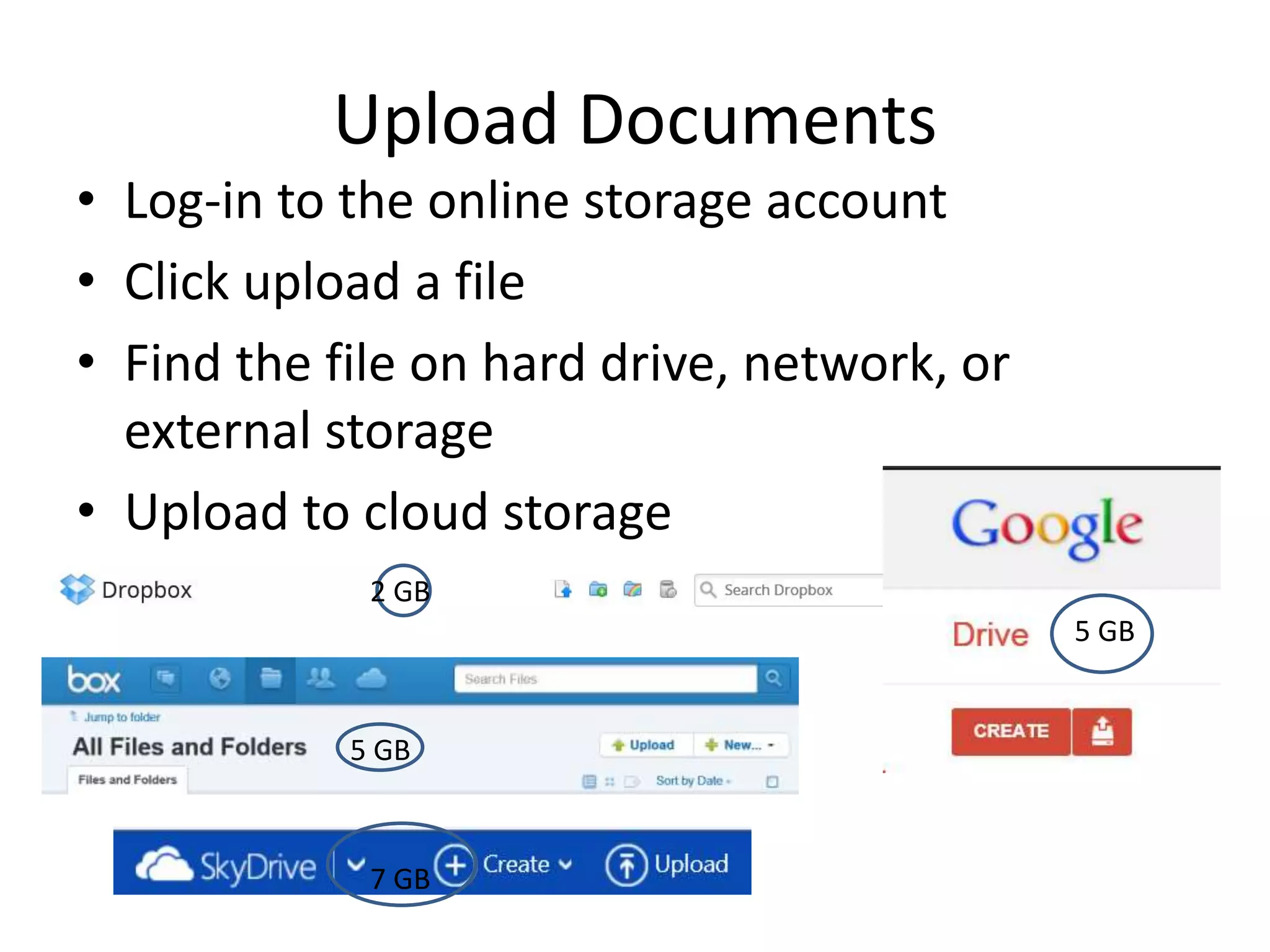
• Log-in to the online storage account
• Click upload a file
• Find the file on hard drive, network, or
external storage
• Upload to cloud storage
Upload Documents
5 GB
5 GB
2 GB
7 GB
• Software and applications
More than Storage
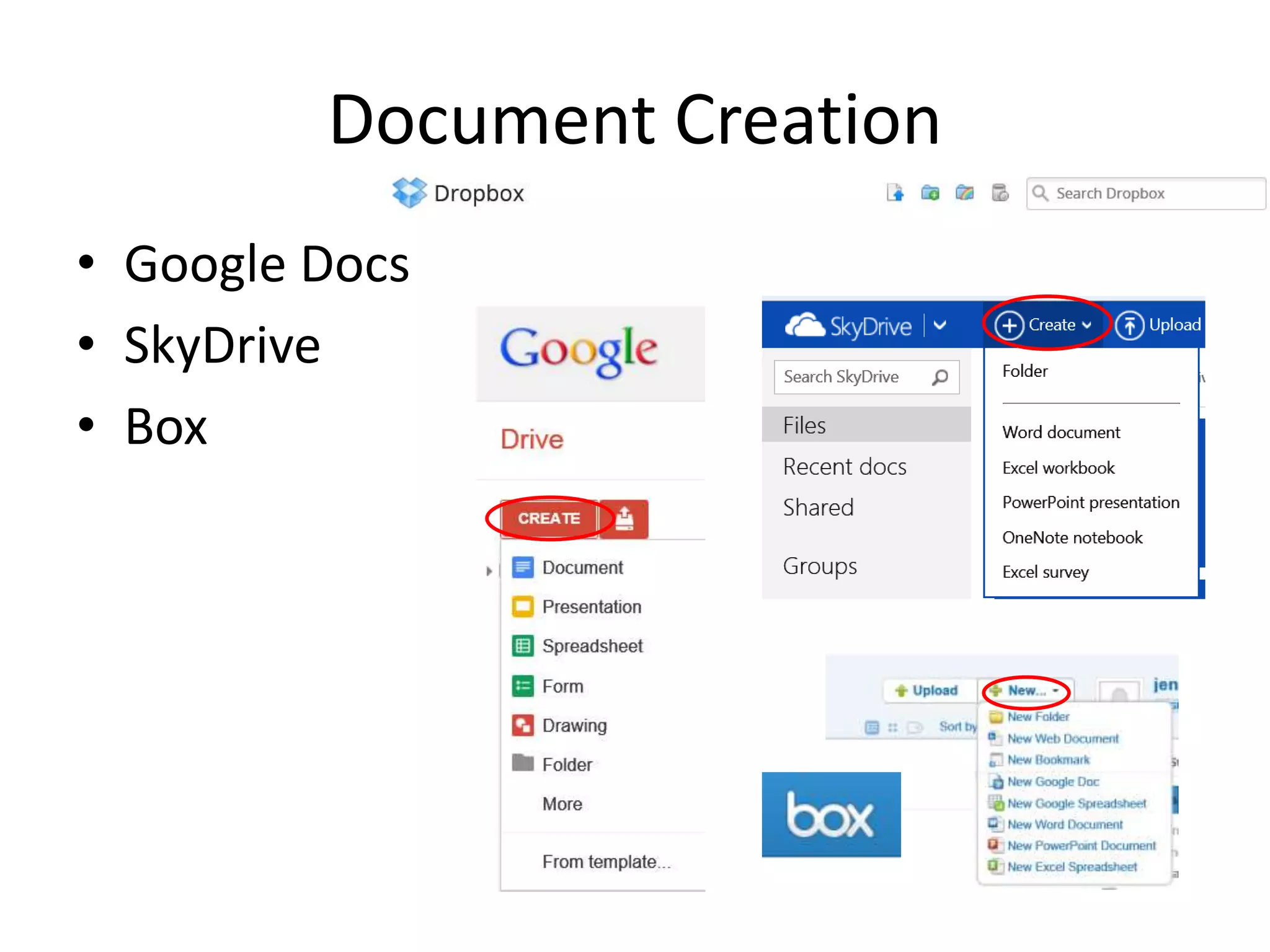
• Google Docs
• SkyDrive
• Box
Document Creation
• Creation is happening in the cloud
• Saving is going to the cloud
• To retrieve files, must return to the cloud
Internet is required
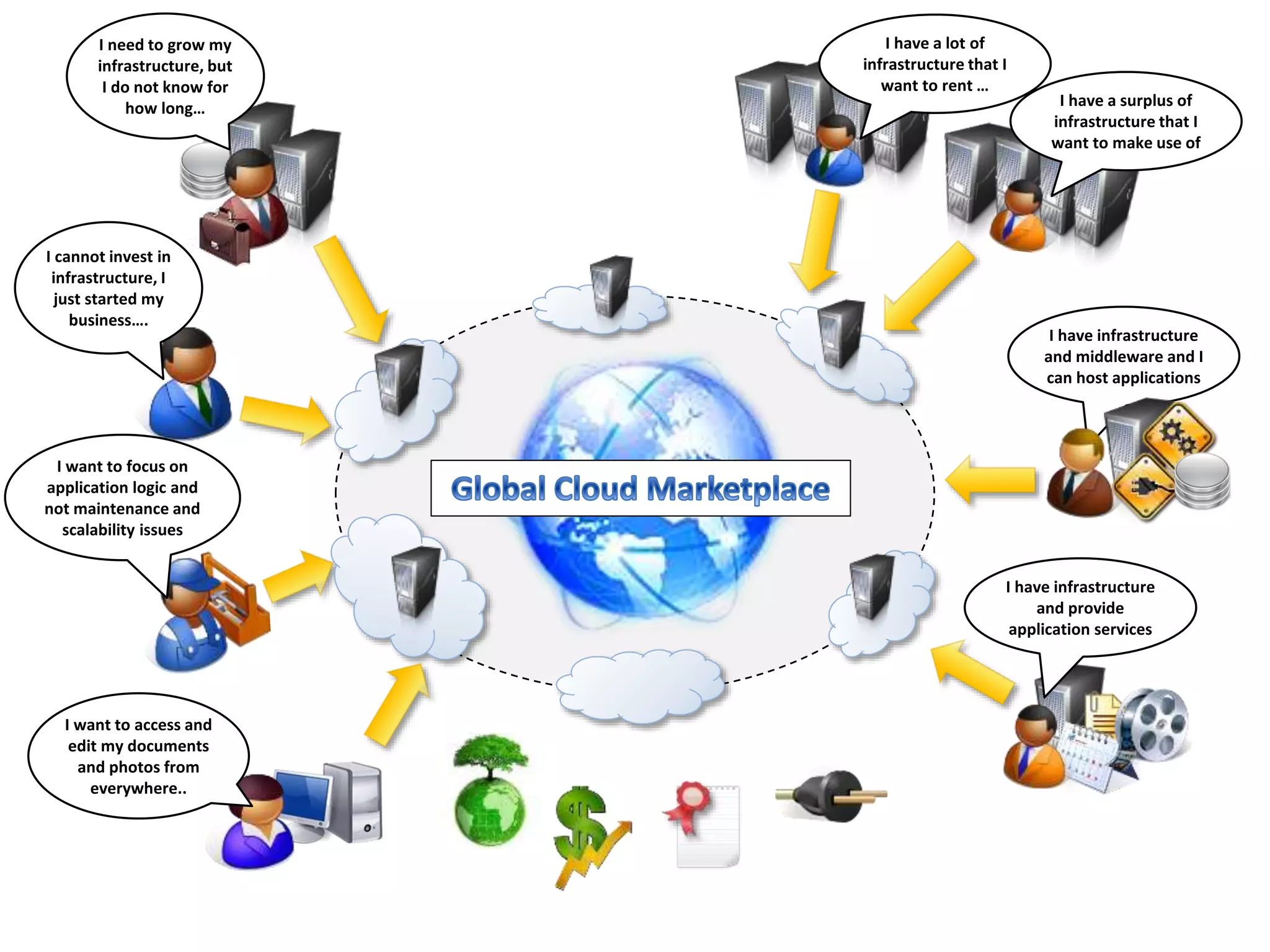
I need to grow my
infrastructure, but
I do not know for
how long…
I cannot invest in
infrastructure, I
just started my
business….
I want to focus on
application logic and
not maintenance and
scalability issues
I want to access and
edit my documents
and photos from
everywhere..
I have a surplus of
infrastructure that I
want to make use of
I have a lot of
infrastructure that I
want to rent …
I have infrastructure
and middleware and I
can host applications
I have infrastructure
and provide
application services
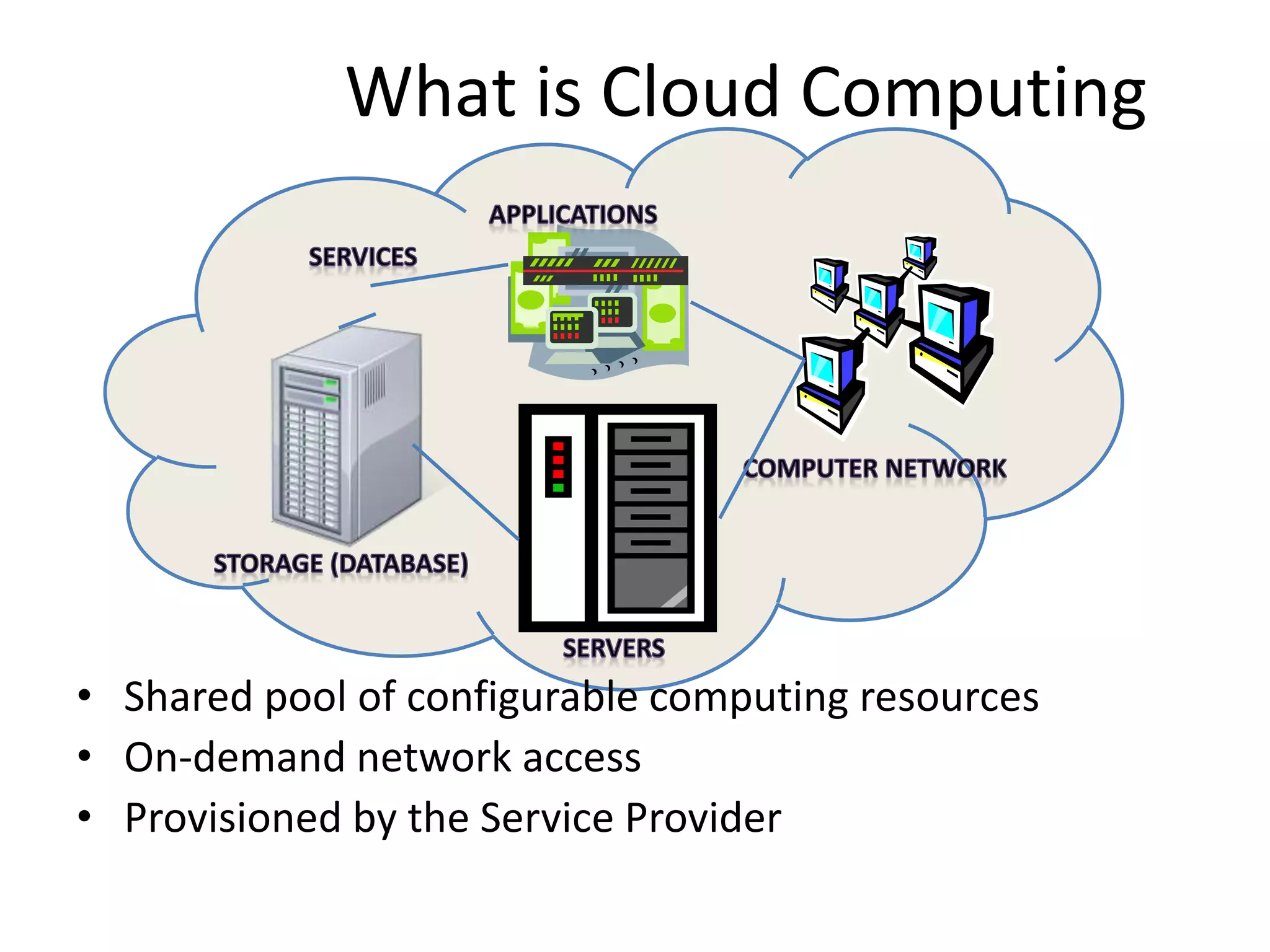
• Shared pool of configurable computing resources
• On-demand network access
• Provisioned by the Service Provider
What is Cloud Computing
Adopted from: Effectively and Securely Using the Cloud Computing Paradigm by peter Mell, Tim Grance
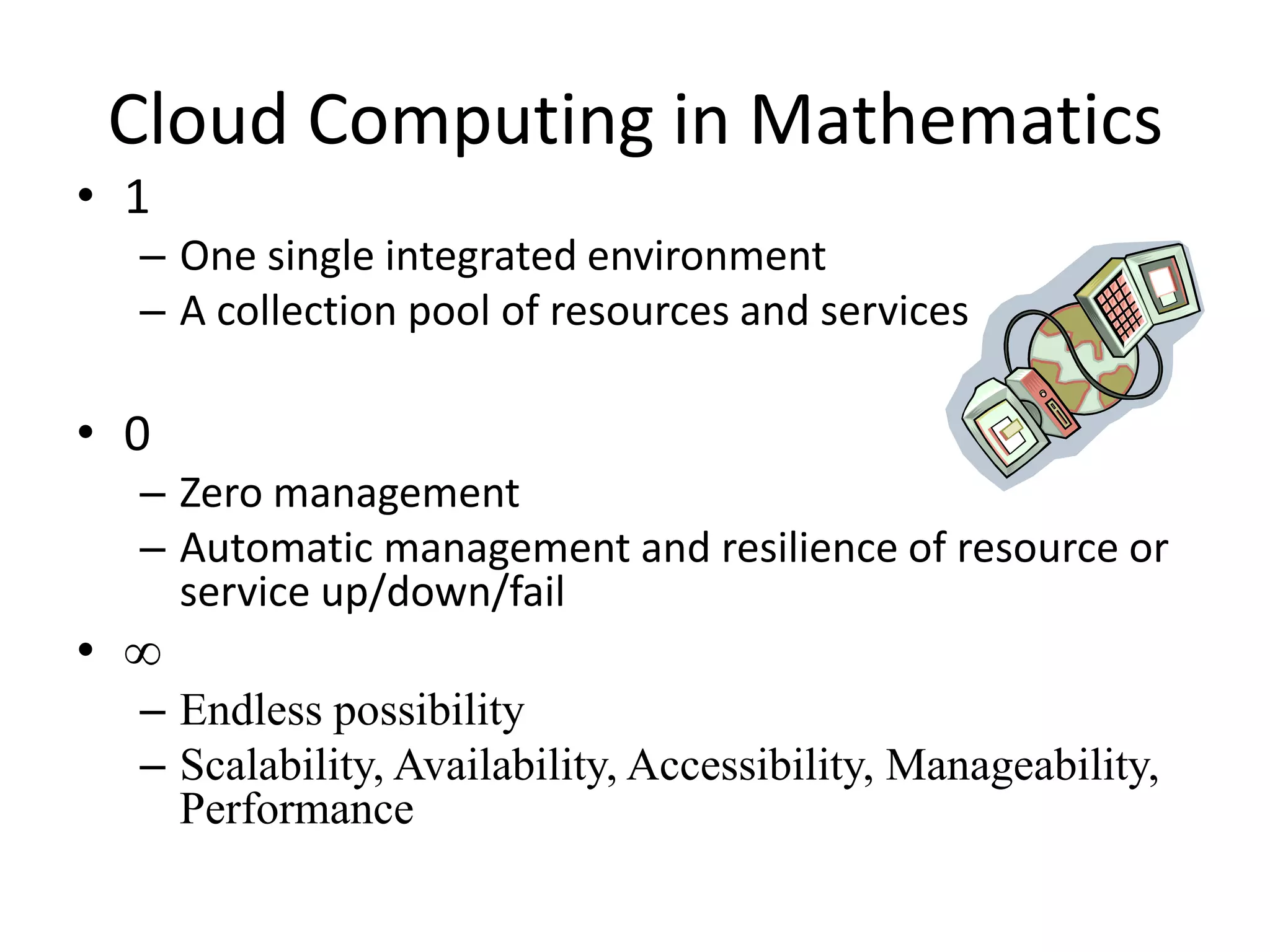
• 1
– One single integrated environment
– A collection pool of resources and services
• 0
– Zero management
– Automatic management and resilience of resource or
service up/down/fail
• ∞
– Endless possibility
– Scalability, Availability, Accessibility, Manageability,
Performance
Cloud Computing in Mathematics
41
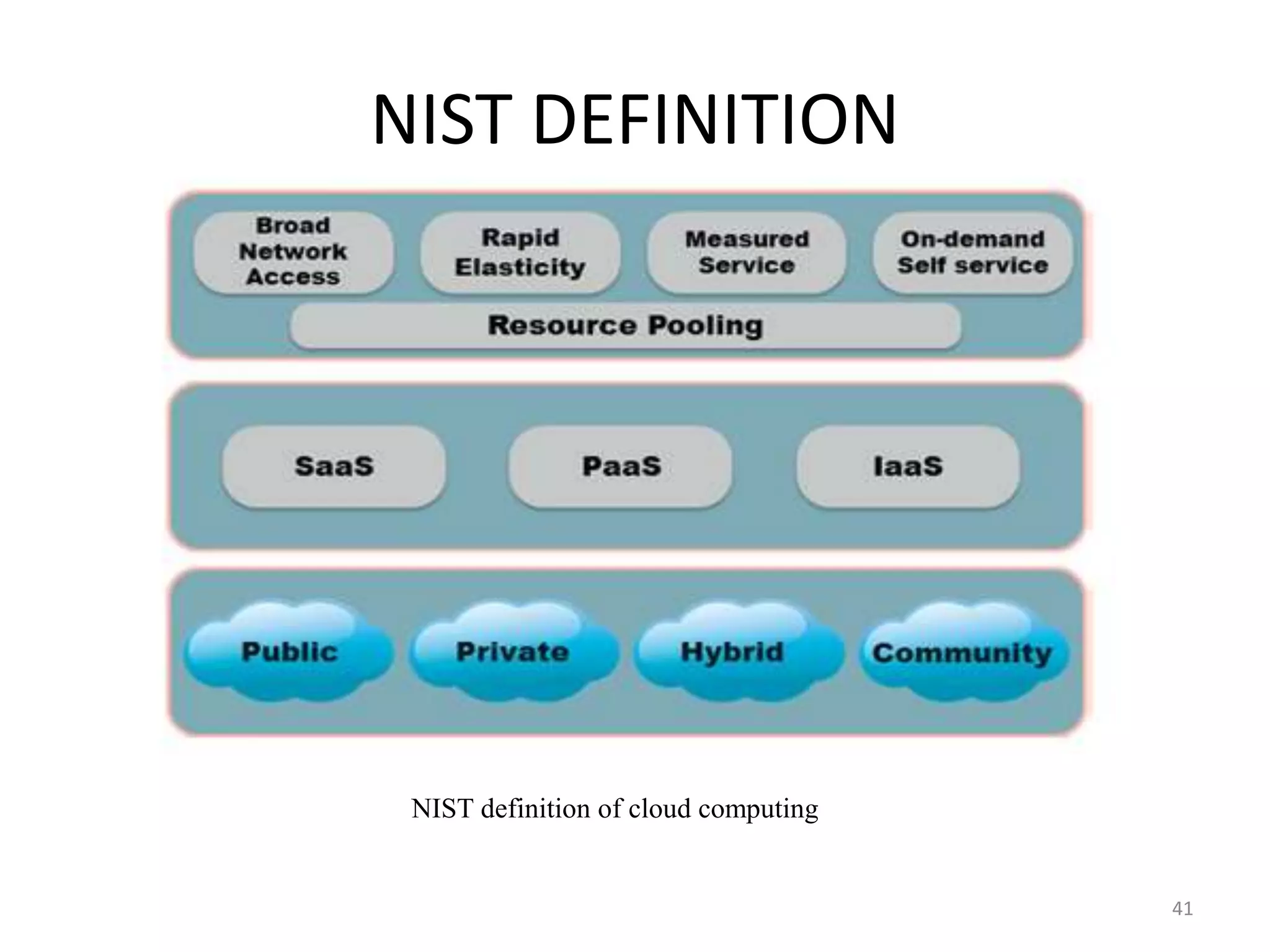
NIST DEFINITION
NIST definition of cloud computing
Cloud Computing – NIST Definition:
“A model for enabling convenient, on-demand
network access to a shared pool of configurable
computing resources (e.g., networks, servers,
storage, applications, and services) that can be
rapidly provisioned and released with minimal
management effort or service provider
interaction”
NIST Definition
Cloud Computing Characteristics
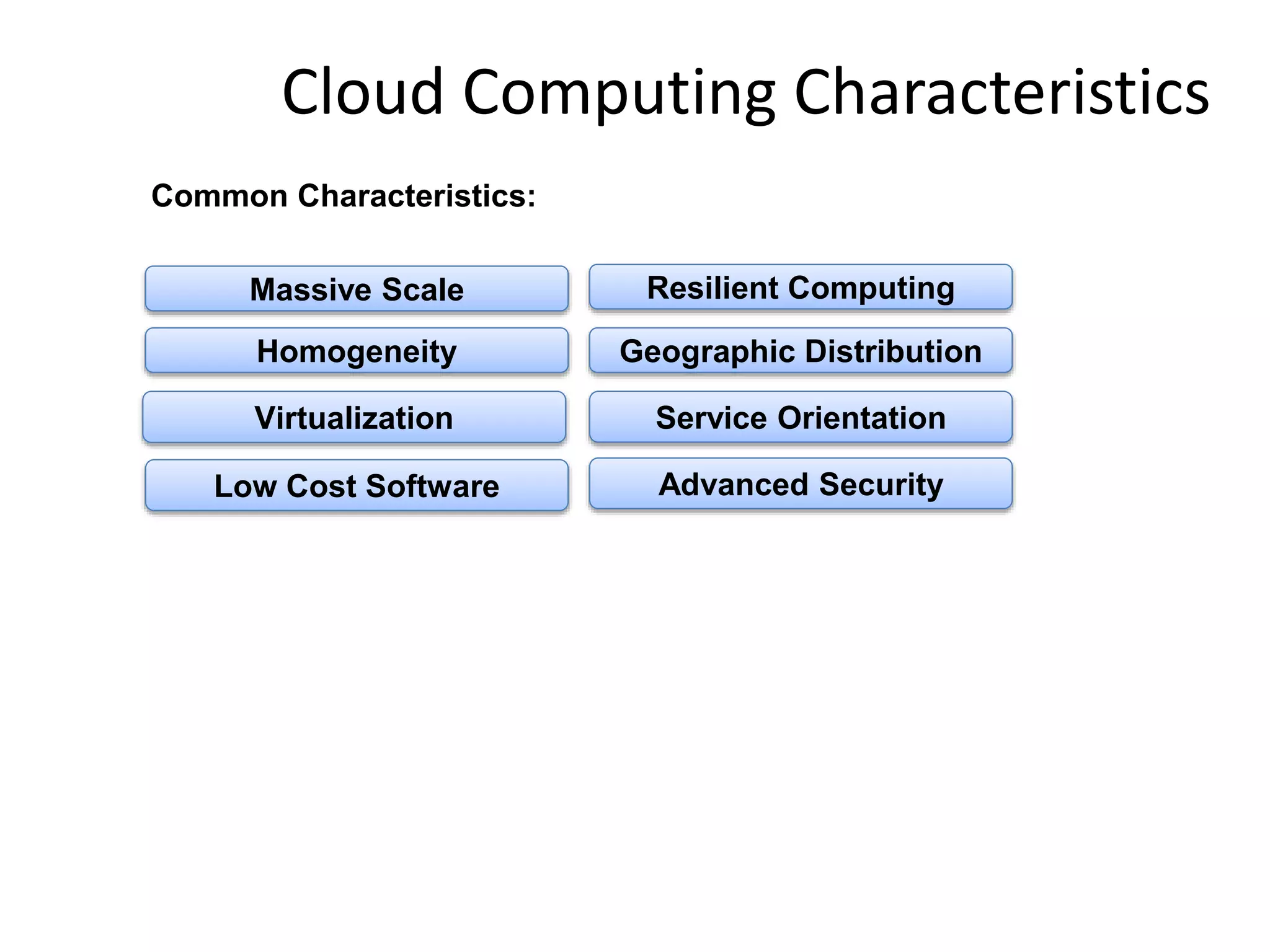
Common Characteristics:
Low Cost Software
Virtualization Service Orientation
Advanced Security
Homogeneity
Massive Scale Resilient Computing
Geographic Distribution
Adopted from: Effectively and Securely Using the Cloud Computing Paradigm by peter Mell, Tim Grance
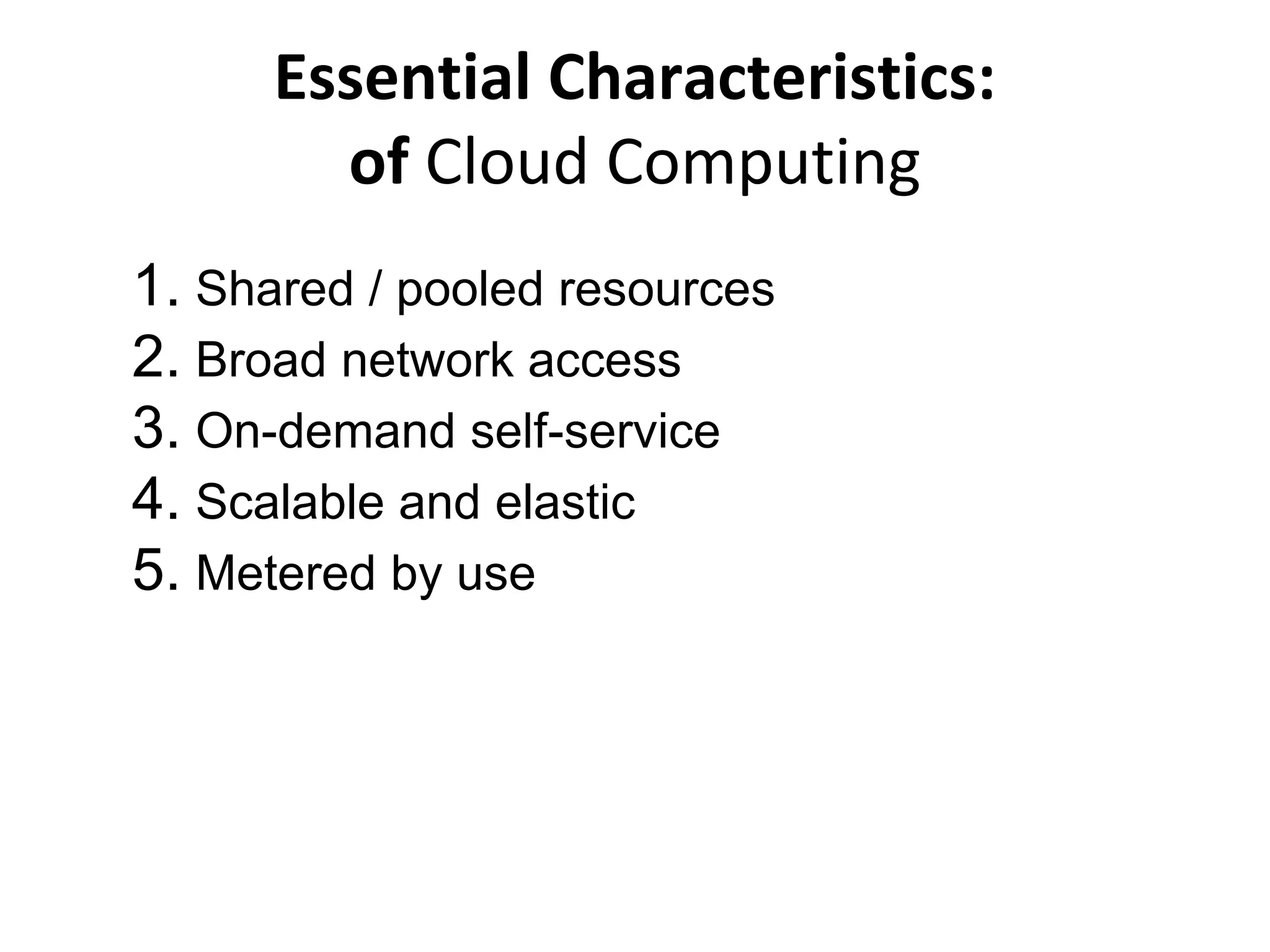
1. Shared / pooled resources
2. Broad network access
3. On-demand self-service
4. Scalable and elastic
5. Metered by use
Essential Characteristics:
of Cloud Computing
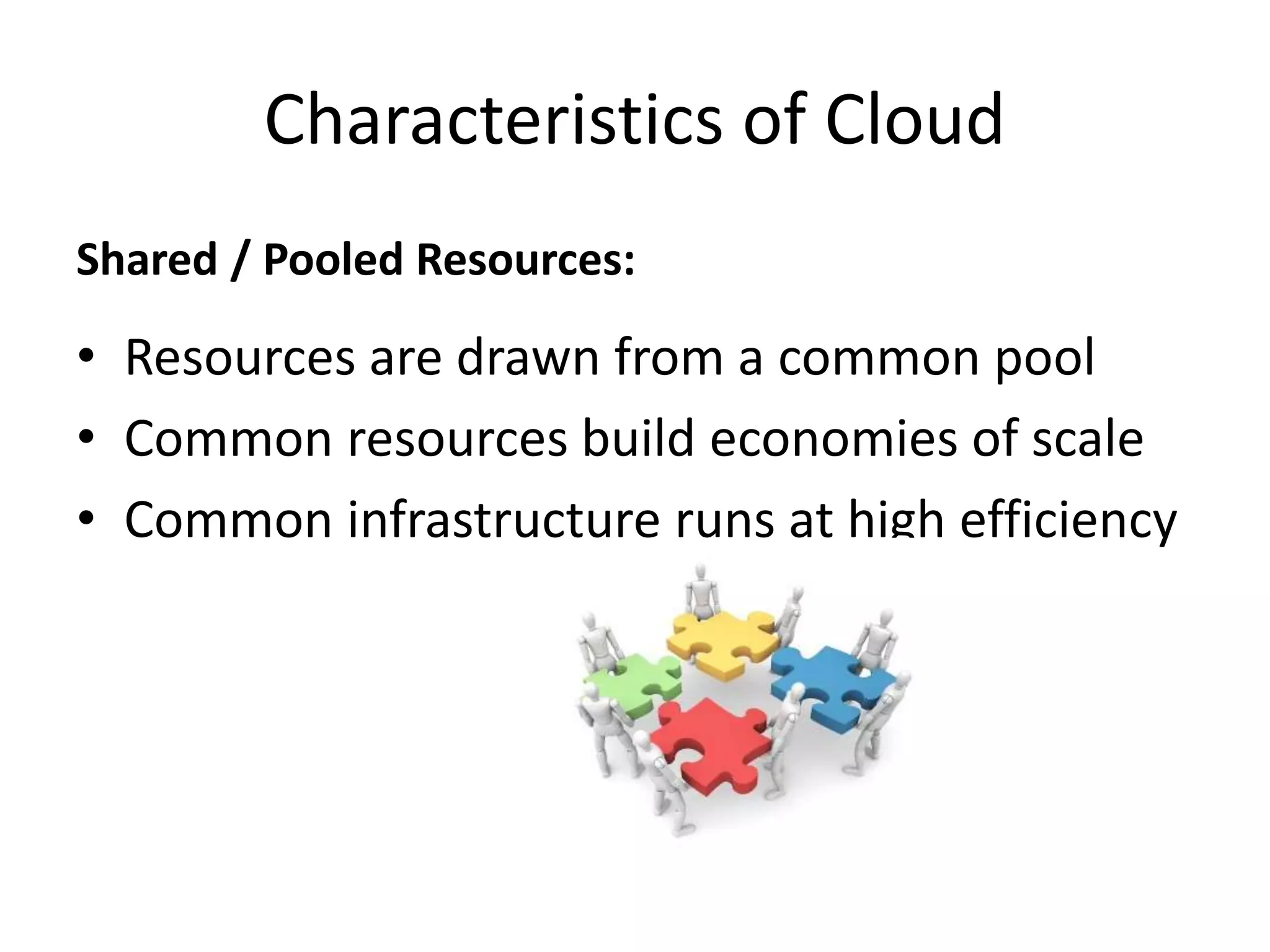
Shared / Pooled Resources:
• Resources are drawn from a common pool
• Common resources build economies of scale
• Common infrastructure runs at high efficiency
Characteristics of Cloud
Broad Network Access:
• Open standards and APIs
• Almost always IP, HTTP, and REST
• Available from anywhere with an internet
connection
Characteristics of Cloud
On-Demand Self-Service:
• Completely automated
• Users abstracted from the implementation
• Near real-time delivery (seconds or minutes)
• Services accessed through a self-serve
web interface
Characteristics of Cloud
Scalable and Elastic:
• Resources dynamically-allocated between
users
• Additional resources dynamically-released
when needed
• Fully automated
Characteristics of Cloud
Metered by Use:
• Services are metered, like a utility
• Users pay only for services used
• Services can be cancelled at any time
Characteristics of Cloud
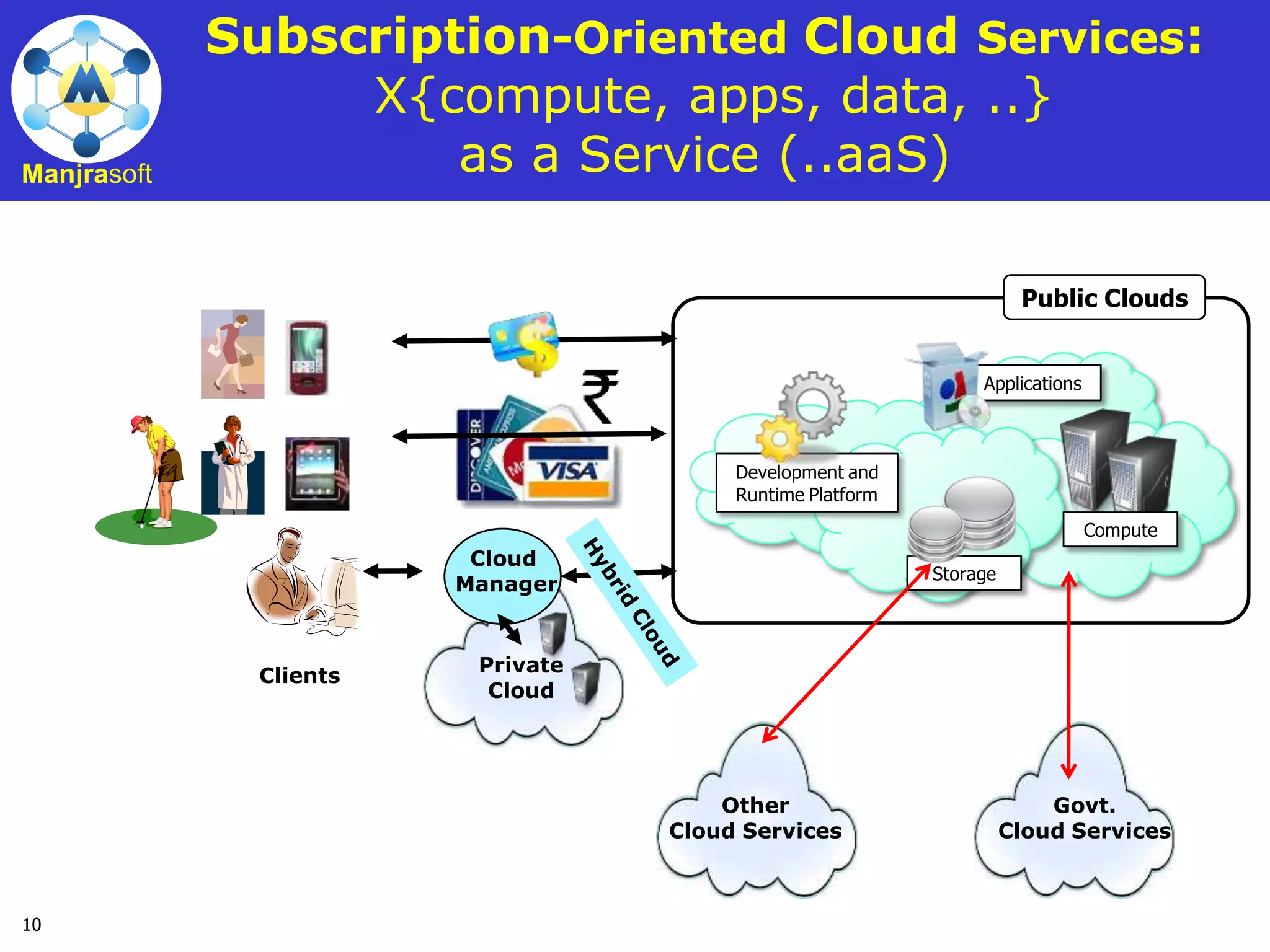
10
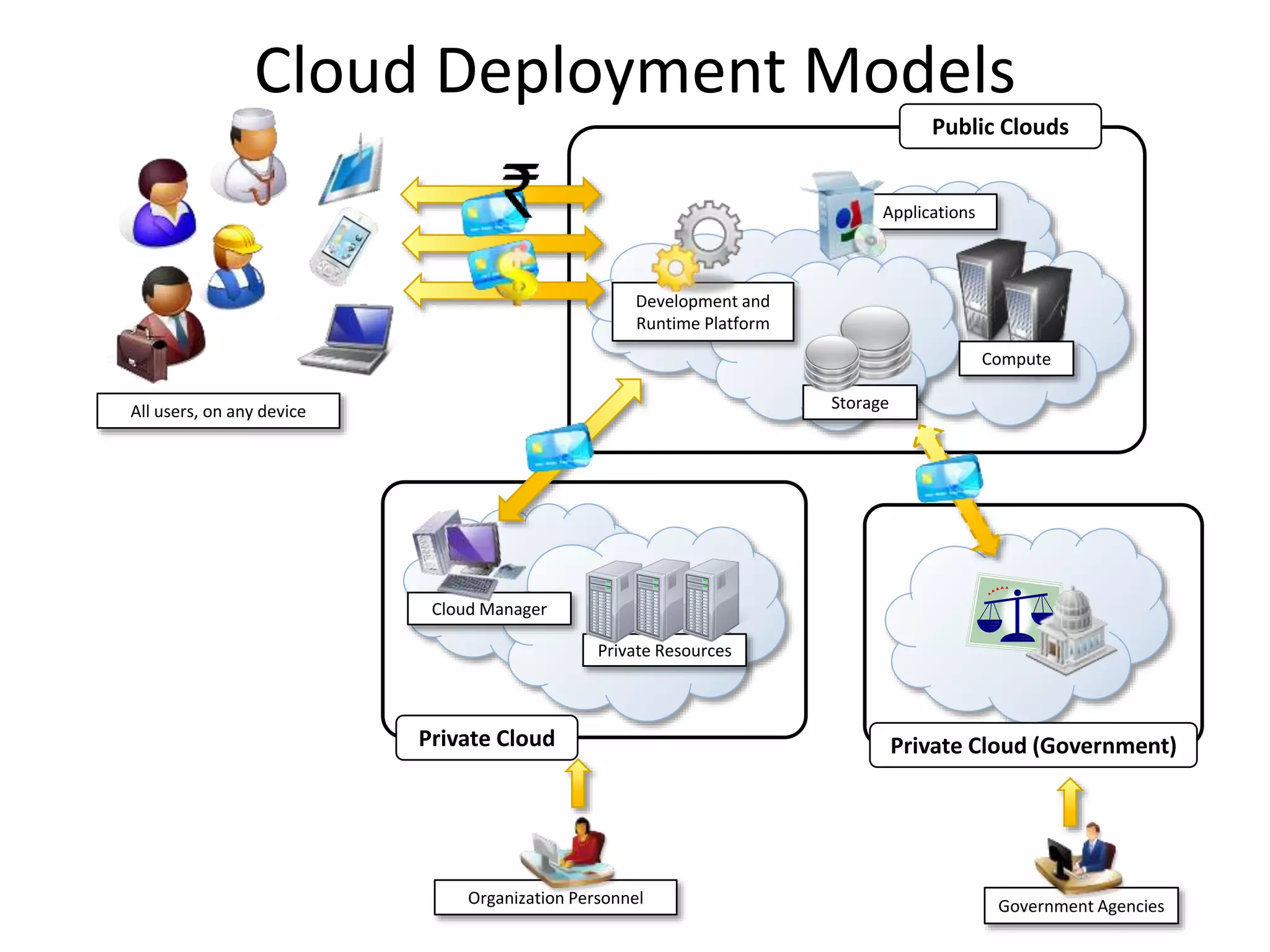
Manjrasoft
Compute
Storage
Applications
Development and
Runtime Platform
Public Clouds
Subscription-Oriented Cloud Services:
X{compute, apps, data, ..}
as a Service (..aaS)
Clients
Other
Cloud Services
Govt.
Cloud Services
Private
Cloud
Cloud
Manager
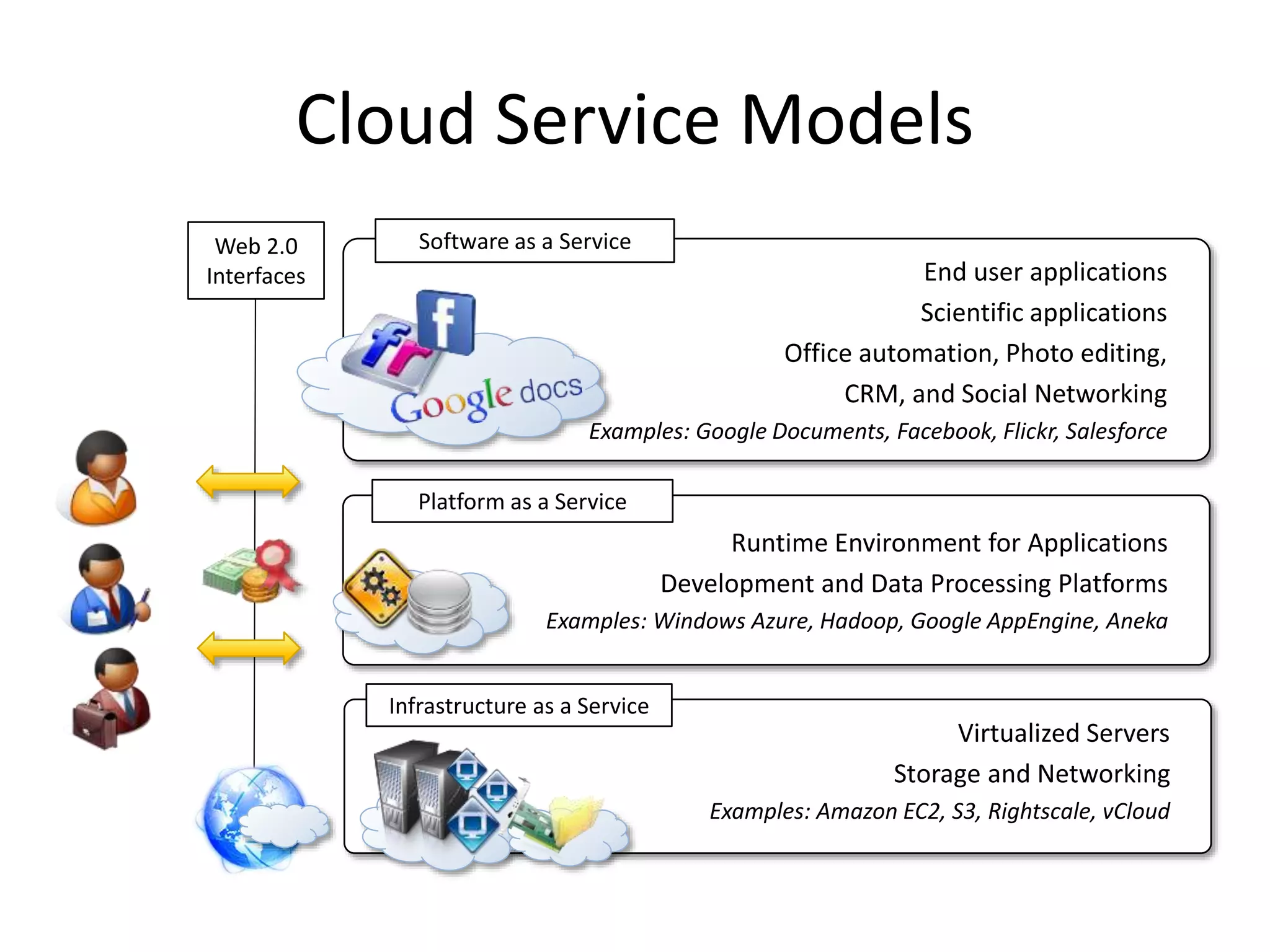
Runtime Environment for Applications
Development and Data Processing Platforms
Examples: Windows Azure, Hadoop, Google AppEngine, Aneka
Platform as a Service
Virtualized Servers
Storage and Networking
Examples: Amazon EC2, S3, Rightscale, vCloud
Infrastructure as a Service
End user applications
Scientific applications
Office automation, Photo editing,
CRM, and Social Networking
Examples: Google Documents, Facebook, Flickr, Salesforce
Software as a Service
Web 2.0
Interfaces
Cloud Service Models
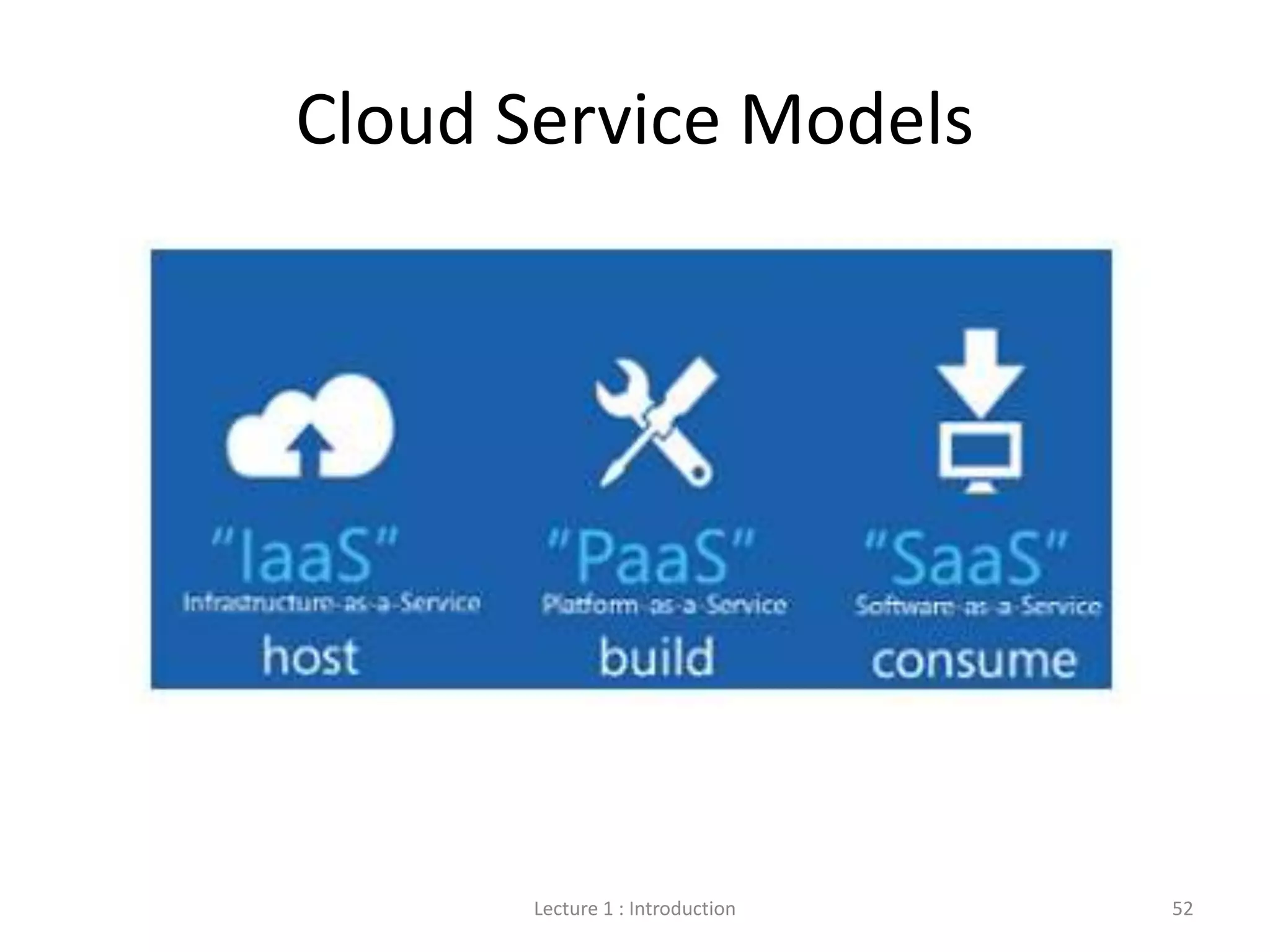
Lecture 1 : Introduction 52
Cloud Service Models
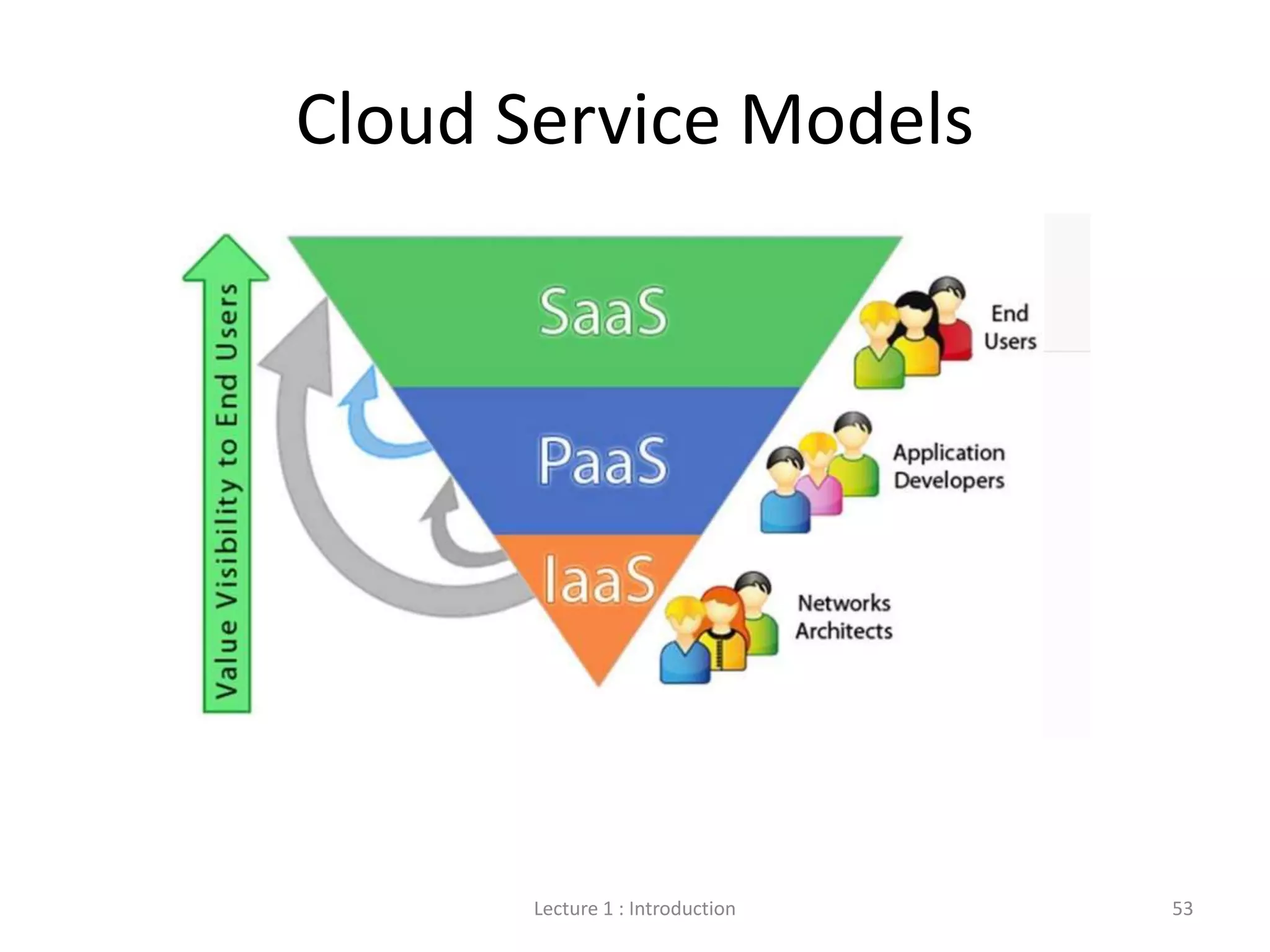
Lecture 1 : Introduction 53
Cloud Service Models
Compute
Storage
Applications
Development and
Runtime Platform
Private Resources
Cloud Manager
Private Cloud Private Cloud (Government)
Public Clouds
Government Agencies
Organization Personnel
All users, on any device
Cloud Deployment Models
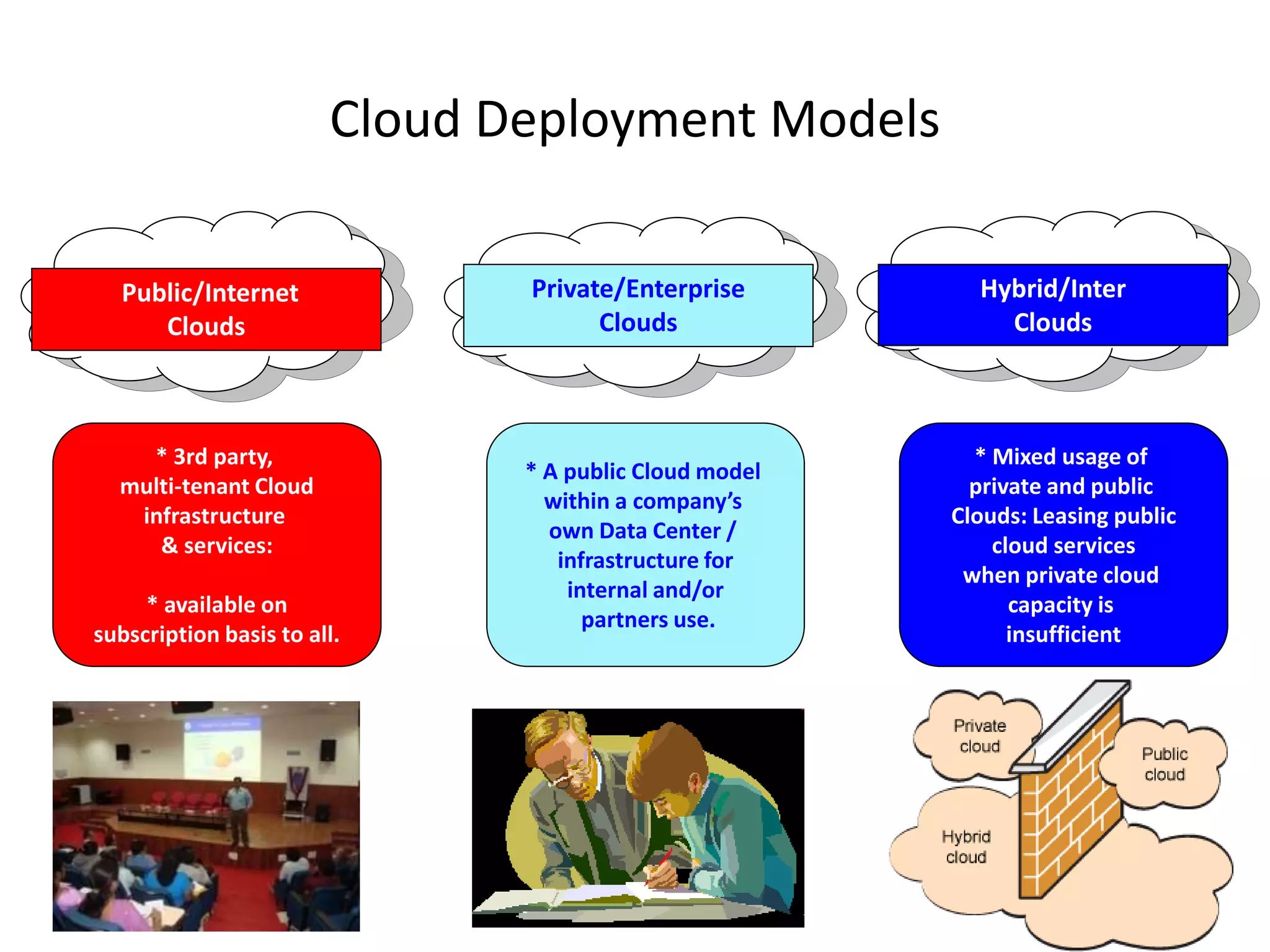
Private/Enterprise
Clouds
* A public Cloud model
within a company’s
own Data Center /
infrastructure for
internal and/or
partners use.
Public/Internet
Clouds
* 3rd party,
multi-tenant Cloud
infrastructure
& services:
* available on
subscription basis to all.
Hybrid/Inter
Clouds
* Mixed usage of
private and public
Clouds: Leasing public
cloud services
when private cloud
capacity is
insufficient
• Saving Large Files
• Multiple file types – Photos, videos,
presentations, docs
• Back-up of stored files
• File Sharing
• Access from devices
• Nothing to forget (thumb drive, cd)
• Project collaboration
Benefits
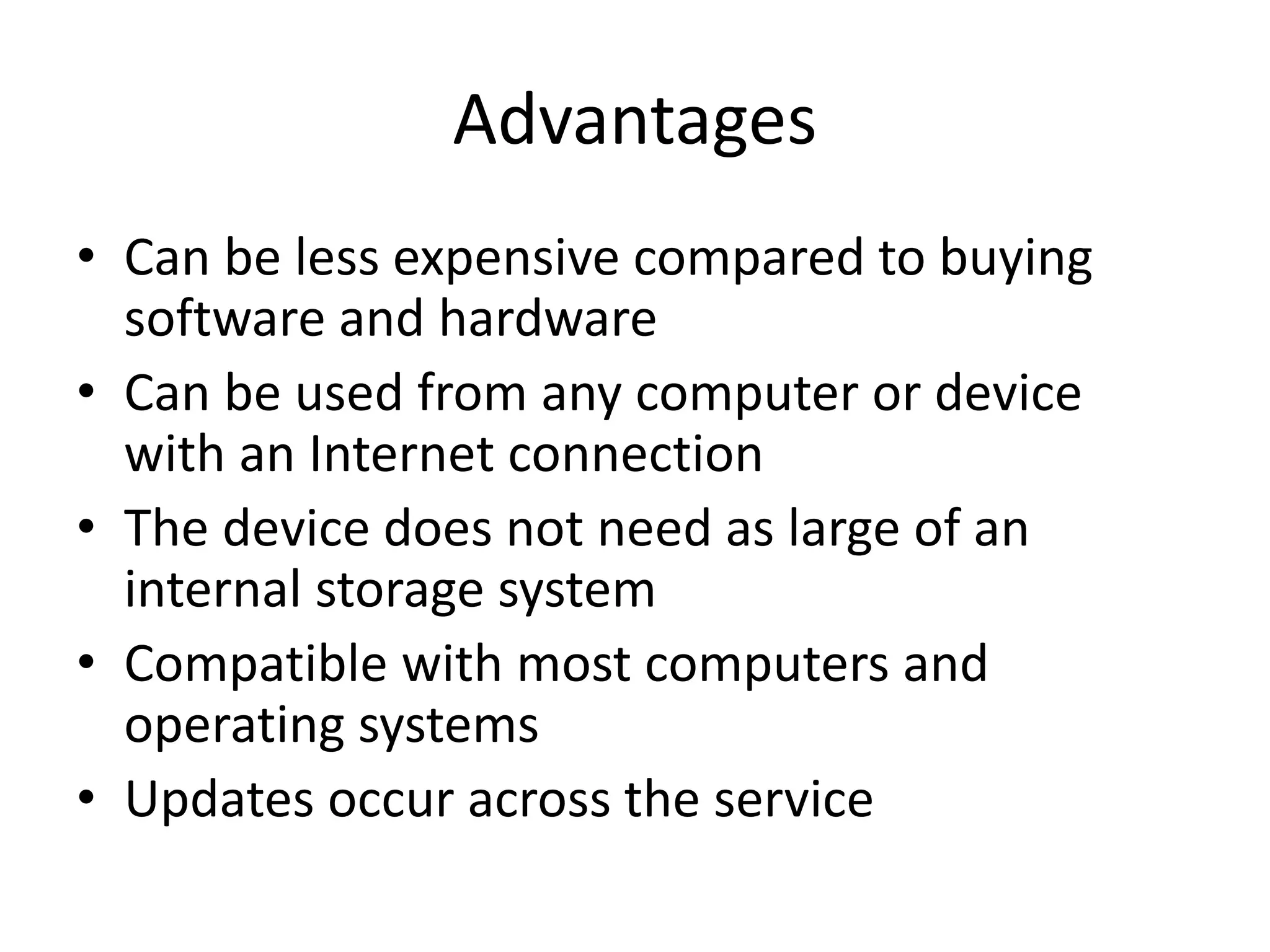
• Can be less expensive compared to buying
software and hardware
• Can be used from any computer or device
with an Internet connection
• The device does not need as large of an
internal storage system
• Compatible with most computers and
operating systems
• Updates occur across the service
Advantages
• Security Issues
• Terms of Service
• Privacy Policies
Disadvantages
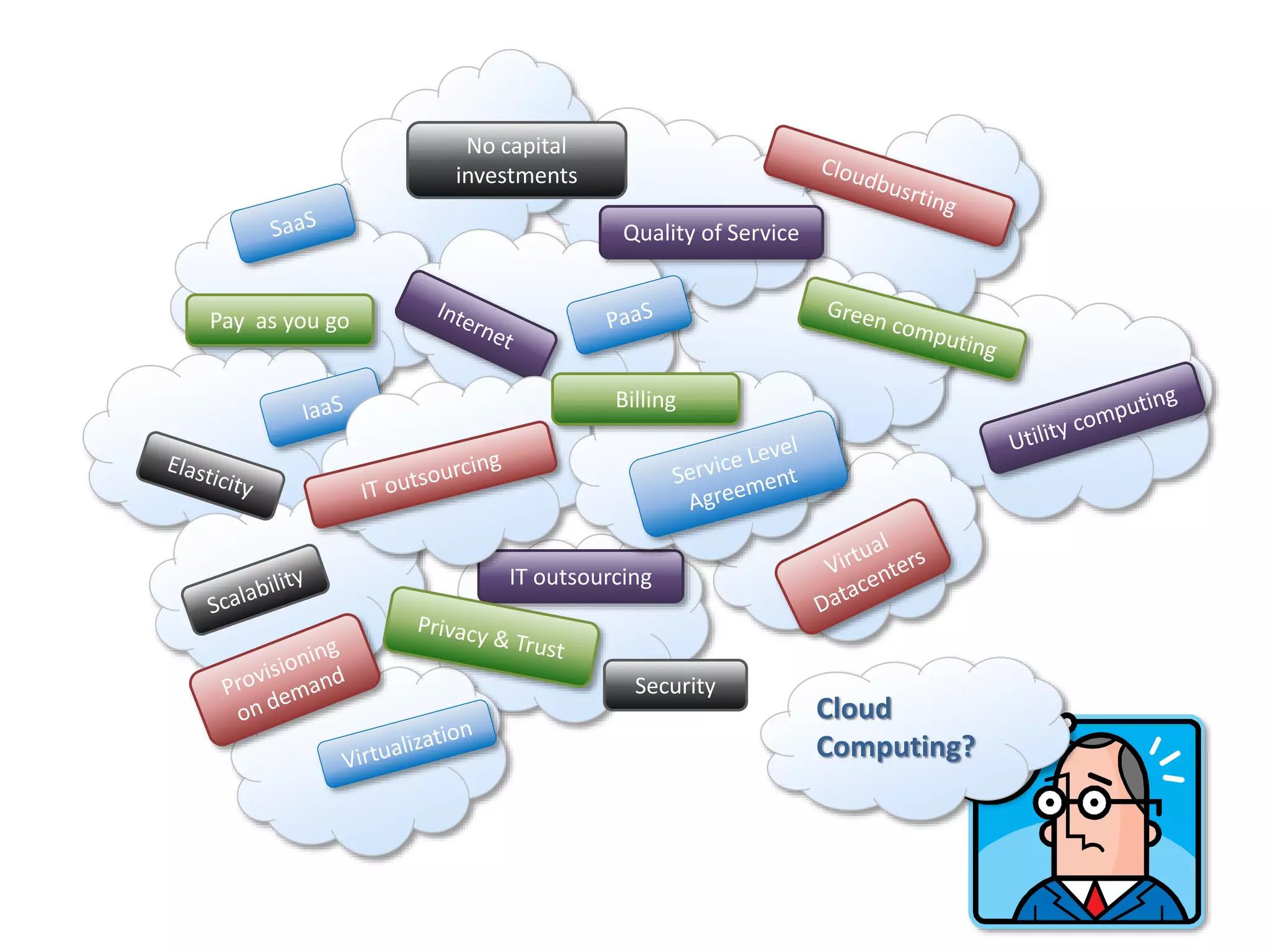
IT outsourcing
Pay as you go
No capital
investments
Quality of Service
Security
Billing
Cloud
Computing?
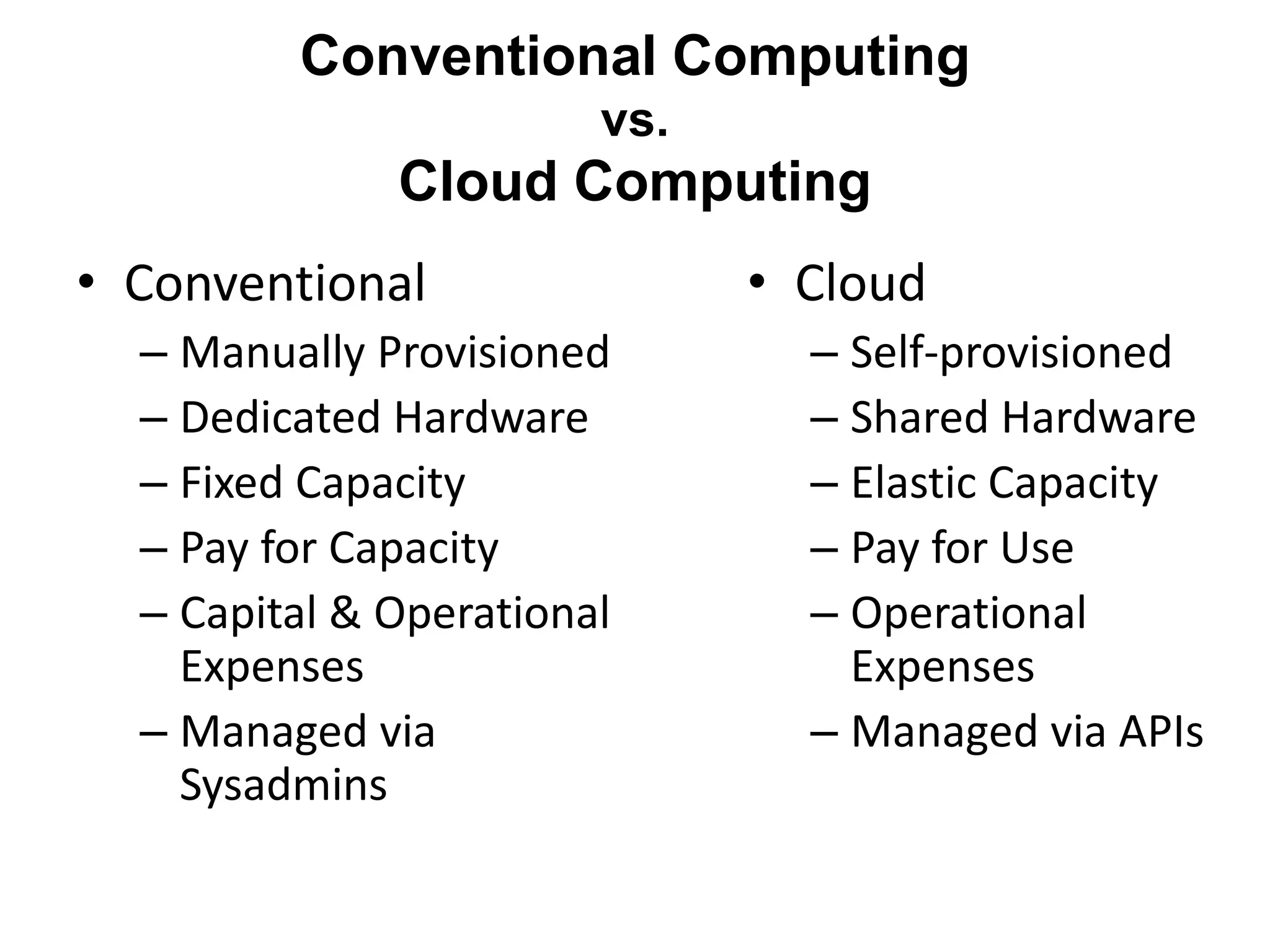
• Conventional
– Manually Provisioned
– Dedicated Hardware
– Fixed Capacity
– Pay for Capacity
– Capital & Operational
Expenses
– Managed via
Sysadmins
Conventional Computing
vs.
Cloud Computing
• Cloud
– Self-provisioned
– Shared Hardware
– Elastic Capacity
– Pay for Use
– Operational
Expenses
– Managed via APIs
• https://www.cloudme.com/en
• https://www.jdoodle.com/online-java-
compiler
Lecture 1 : Introduction 61

Cloud Computing.pptx

  • 1.
  • 2.
    Which one isthe computer? Rock Calculator Television Modern Airplane Washing Machine Computer Workstation
  • 3.
    • In computerscience – In a general way, we can define computing to mean any goal-oriented activity requiring, benefiting from, or creating computers. What’s Computing
  • 4.
    • Computer network connectstwo or more autonomous computers. • The computers can be geographically located anywhere. Computer Networks Introduction to Computer Networks
  • 5.
    • Network insmall geographical Area (Room, Building or a Campus) is called LAN (Local Area Network) • Network in a City is call MAN (Metropolitan Area Network) • Network spread geographically (Country or across Globe) is called WAN (Wide Area Network) LAN, MAN & WAN
  • 6.
    • Resource Sharing –Hardware (computing resources, disks, printers) – Software (application software) • Information Sharing – Easy accessibility from anywhere (files, databases) – Search Capability (WWW) • Communication – Email – Message broadcast • Remote computing • Distributed processing (GRID Computing) Applications of Networks
  • 7.
    • The Internetis the foremost milestone • Enables individual computers to communicate with any other computers located elsewhere in the world The Creation of The Internet
  • 8.
    Client-server client Server/client server Server/client server client Server/clientserver client server request response Two Tier (Classic Model) Three Tier N Tier
  • 9.
  • 10.
    • Solving grandchallenge applications using computer modeling, simulation and analysis Demand for Computing Power Life Sciences CAD/CAM Aerospace Military Applications Digital Biology Internet & Ecommerce
  • 11.
    Paradigms Utility Computing Cluster Computing GridComputing Cloud Computing … Attribute Accessibility Manageability Autonomic Performance Scalability Availability QoS SLA … • New computing paradigms have been proposed and adopted to edge closer toward achieving the vision of computer utilities Variety of Paradigms
  • 12.
    • There are3 ways to improve performance: – Work Harder – Work Smarter – Get Help • Computer analogy – Using faster hardware – Using optimized algorithms and techniques to solve computational tasks – Using multiple computers to solve a particular task How to Run Applications Faster
  • 13.
    • A computersystem in which several interconnected computers share the computing tasks assigned to the system • Paradigms – Cluster computing – Grid computing – Cloud computing Distributed Computing
  • 14.
  • 15.
    Food Chain ofComputer Mainframe Mini Computer Workstation PC
  • 16.
    Food Chain ofDistributed Computing Mainframe Mini Computer Workstation PC
  • 17.
    Rise & Fallof Computing Technologies Mainframes Mini-Computers Mini-Computers Personal Computers Personal Computers Network Computing Distributed Computing 1980 1995 1970 2000+
  • 18.
    Long united, mustdivide Long divided, must unite
  • 19.
    • Cloud Computing Lecture1 : Introduction 19
  • 20.
    • The term“cloud” is often used as a metaphor for the Internet. – A simplified way to represent the complicated operations in the network • Currently, the term “cloud” is further used as an abstraction of complexities – E.g., servers, applications, – data, and heterogeneous platforms The “Cloud”
  • 21.
    Do you Usethe Cloud?
  • 22.
    • An Internetconnection • An account - Created with a user name and a password • Agree to Terms The Cloud Requires
  • 23.
    So what isthe cloud? Computing and software resources that are delivered on demand, as service. (2013, January) A Walk in the Clouds. Cloud Computing, CDW-G Reference Guide., 3-5.
  • 24.
    • From groundto cloud The Back Story
  • 25.
    • Computers haveinternal or hard drive storage(C: Drive) • CPU has a drive for storing programs, documents, pictures, videos, presentations, etc… Computer Storage Standard Computer Tower or Central Processing Unit (CPU) Inside the Computer
  • 26.
    • Content isstored on THAT computer • To use content must return to THAT computer • Cannot access this content from another device or computer Internal Storage
  • 27.
    • Purchase programs •Load to the computer • Each computer would need the program loaded and stored on the internal drive Programs
  • 28.
    • Allows yourcontent to become mobile • Save to the storage device • Take device to any compatible computer • Open and use content External Storage External Hard Drive CD/DVD Thumb Drive SD Card Micro SD Card
  • 29.
    • Multiple workstations talk to one unit that stores information and data. • Data is not saved to the C: drive, but to a network drive • Can retrieve the data stored to the network from any of the connected workstations. Networked Storage
  • 30.
    • When youdo a “save as” on your computer, you choose where to save the material. Saving documents Internal Storage External Storage Network
  • 31.
    Cloud Storage • Createan Account – User name and password • Content lives with the account in the cloud • Log onto any computer with Wi-Fi to find your content
  • 32.
    • Download acloud based app to a computer you own • The app lives on your Computer • Save files to the app • When connected to the Internet it will sync with the cloud • The Cloud can be accessed from any Internet connection Downloads for storage
  • 33.
    • Do “saveas” to save a file to your computer and the cloud • The syncing folders makes data retrieval easier • Box and DropBox require this download to work Save file as
  • 34.
    • Log-in tothe online storage account • Click upload a file • Find the file on hard drive, network, or external storage • Upload to cloud storage Upload Documents 5 GB 5 GB 2 GB 7 GB
  • 35.
    • Software andapplications More than Storage
  • 36.
    • Google Docs •SkyDrive • Box Document Creation
  • 37.
    • Creation ishappening in the cloud • Saving is going to the cloud • To retrieve files, must return to the cloud Internet is required
  • 38.
    I need togrow my infrastructure, but I do not know for how long… I cannot invest in infrastructure, I just started my business…. I want to focus on application logic and not maintenance and scalability issues I want to access and edit my documents and photos from everywhere.. I have a surplus of infrastructure that I want to make use of I have a lot of infrastructure that I want to rent … I have infrastructure and middleware and I can host applications I have infrastructure and provide application services
  • 39.
    • Shared poolof configurable computing resources • On-demand network access • Provisioned by the Service Provider What is Cloud Computing Adopted from: Effectively and Securely Using the Cloud Computing Paradigm by peter Mell, Tim Grance
  • 40.
    • 1 – Onesingle integrated environment – A collection pool of resources and services • 0 – Zero management – Automatic management and resilience of resource or service up/down/fail • ∞ – Endless possibility – Scalability, Availability, Accessibility, Manageability, Performance Cloud Computing in Mathematics
  • 41.
  • 42.
    Cloud Computing –NIST Definition: “A model for enabling convenient, on-demand network access to a shared pool of configurable computing resources (e.g., networks, servers, storage, applications, and services) that can be rapidly provisioned and released with minimal management effort or service provider interaction” NIST Definition
  • 43.
    Cloud Computing Characteristics CommonCharacteristics: Low Cost Software Virtualization Service Orientation Advanced Security Homogeneity Massive Scale Resilient Computing Geographic Distribution Adopted from: Effectively and Securely Using the Cloud Computing Paradigm by peter Mell, Tim Grance
  • 44.
    1. Shared /pooled resources 2. Broad network access 3. On-demand self-service 4. Scalable and elastic 5. Metered by use Essential Characteristics: of Cloud Computing
  • 45.
    Shared / PooledResources: • Resources are drawn from a common pool • Common resources build economies of scale • Common infrastructure runs at high efficiency Characteristics of Cloud
  • 46.
    Broad Network Access: •Open standards and APIs • Almost always IP, HTTP, and REST • Available from anywhere with an internet connection Characteristics of Cloud
  • 47.
    On-Demand Self-Service: • Completelyautomated • Users abstracted from the implementation • Near real-time delivery (seconds or minutes) • Services accessed through a self-serve web interface Characteristics of Cloud
  • 48.
    Scalable and Elastic: •Resources dynamically-allocated between users • Additional resources dynamically-released when needed • Fully automated Characteristics of Cloud
  • 49.
    Metered by Use: •Services are metered, like a utility • Users pay only for services used • Services can be cancelled at any time Characteristics of Cloud
  • 50.
    10 Manjrasoft Compute Storage Applications Development and Runtime Platform PublicClouds Subscription-Oriented Cloud Services: X{compute, apps, data, ..} as a Service (..aaS) Clients Other Cloud Services Govt. Cloud Services Private Cloud Cloud Manager
  • 51.
    Runtime Environment forApplications Development and Data Processing Platforms Examples: Windows Azure, Hadoop, Google AppEngine, Aneka Platform as a Service Virtualized Servers Storage and Networking Examples: Amazon EC2, S3, Rightscale, vCloud Infrastructure as a Service End user applications Scientific applications Office automation, Photo editing, CRM, and Social Networking Examples: Google Documents, Facebook, Flickr, Salesforce Software as a Service Web 2.0 Interfaces Cloud Service Models
  • 52.
    Lecture 1 :Introduction 52 Cloud Service Models
  • 53.
    Lecture 1 :Introduction 53 Cloud Service Models
  • 54.
    Compute Storage Applications Development and Runtime Platform PrivateResources Cloud Manager Private Cloud Private Cloud (Government) Public Clouds Government Agencies Organization Personnel All users, on any device Cloud Deployment Models
  • 55.
    Cloud Deployment Models Private/Enterprise Clouds *A public Cloud model within a company’s own Data Center / infrastructure for internal and/or partners use. Public/Internet Clouds * 3rd party, multi-tenant Cloud infrastructure & services: * available on subscription basis to all. Hybrid/Inter Clouds * Mixed usage of private and public Clouds: Leasing public cloud services when private cloud capacity is insufficient
  • 56.
    • Saving LargeFiles • Multiple file types – Photos, videos, presentations, docs • Back-up of stored files • File Sharing • Access from devices • Nothing to forget (thumb drive, cd) • Project collaboration Benefits
  • 57.
    • Can beless expensive compared to buying software and hardware • Can be used from any computer or device with an Internet connection • The device does not need as large of an internal storage system • Compatible with most computers and operating systems • Updates occur across the service Advantages
  • 58.
    • Security Issues •Terms of Service • Privacy Policies Disadvantages
  • 59.
    IT outsourcing Pay asyou go No capital investments Quality of Service Security Billing Cloud Computing?
  • 60.
    • Conventional – ManuallyProvisioned – Dedicated Hardware – Fixed Capacity – Pay for Capacity – Capital & Operational Expenses – Managed via Sysadmins Conventional Computing vs. Cloud Computing • Cloud – Self-provisioned – Shared Hardware – Elastic Capacity – Pay for Use – Operational Expenses – Managed via APIs
  • 61.