WELCOME
CONFIGURATION
FOR
PERIOD CLOSING (FI)
Compiled By S.N.HEGDE
Topics
A)Closing Process
B)Financial Statement
C)Assets & Liabilities
D)Profit & Loss
A)CLOSING PROCESS
CLOSING PROCESS
• SAP records the direct financial effect of any
business transaction as it happens. This ensures
that the financial accounts are kept in balance at
all times. However, in keeping with generally
accepted accounting principles the accounting
books and records must be closed periodically to
provide information to various agencies. His is
commonly termed as fiscal period. Most
companies keep 12 to 13 fiscal periods in a fiscal
year. While the happenings of a business do not
cease at the end of a operating period, the basic
nature of the business dictates that each enterprise
report on its results.
CLOSING PROCESS
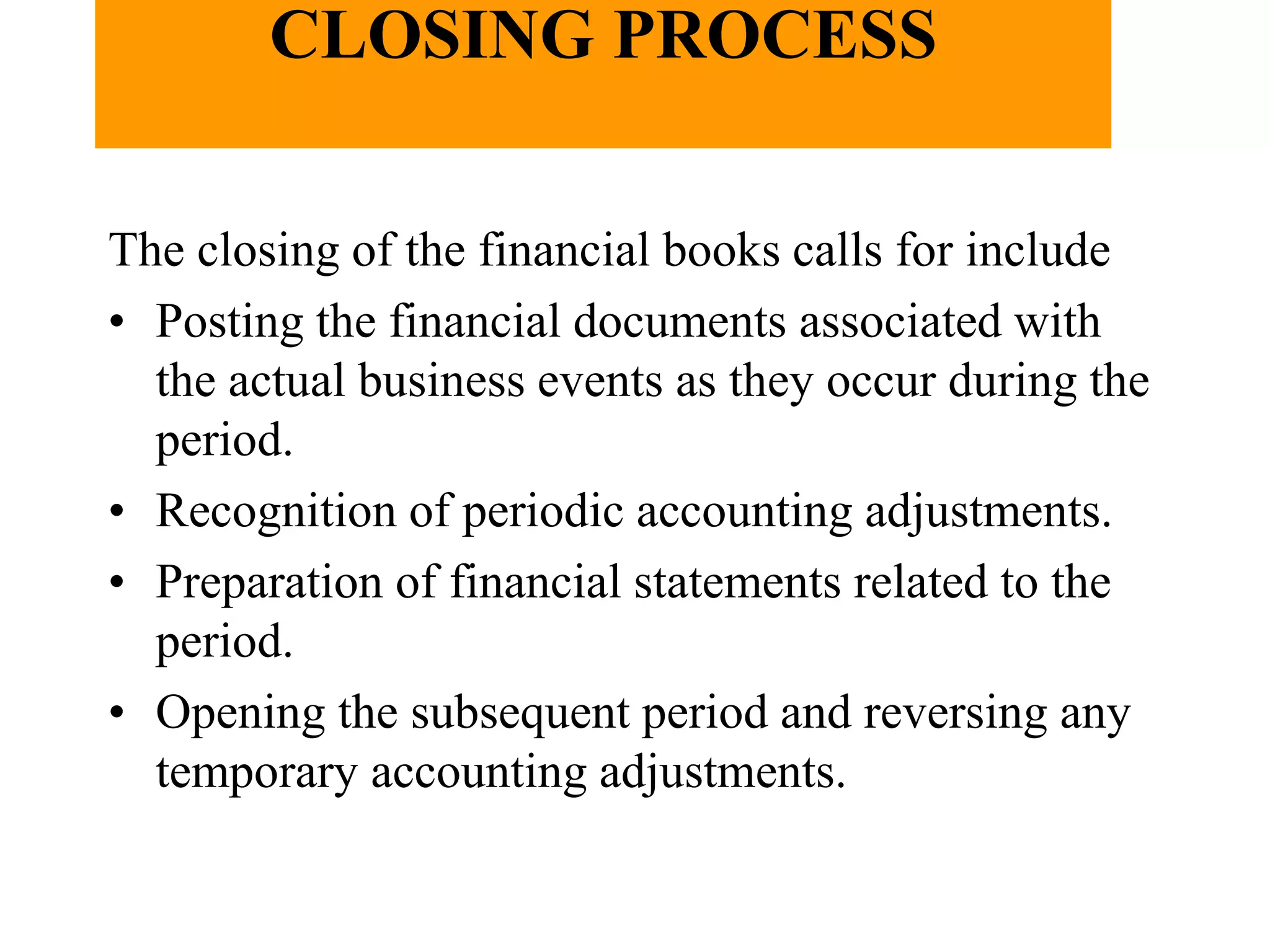
The closing of the financial books calls for include
• Posting the financial documents associated with
the actual business events as they occur during the
period.
• Recognition of periodic accounting adjustments.
• Preparation of financial statements related to the
period.
• Opening the subsequent period and reversing any
temporary accounting adjustments.
CLOSING PROCESS
• In SAP, once the documents of a period are
posted, financial statements are
automatically updated. The posting of
accrual ( periodic adjustments ) can be
accomplished through a General Ledger
document. Similarly reversing document is
accomplished.
• There are two types of closing One is part
closing ( say monthly) and the other is
yearly.
CLOSING PROCESS
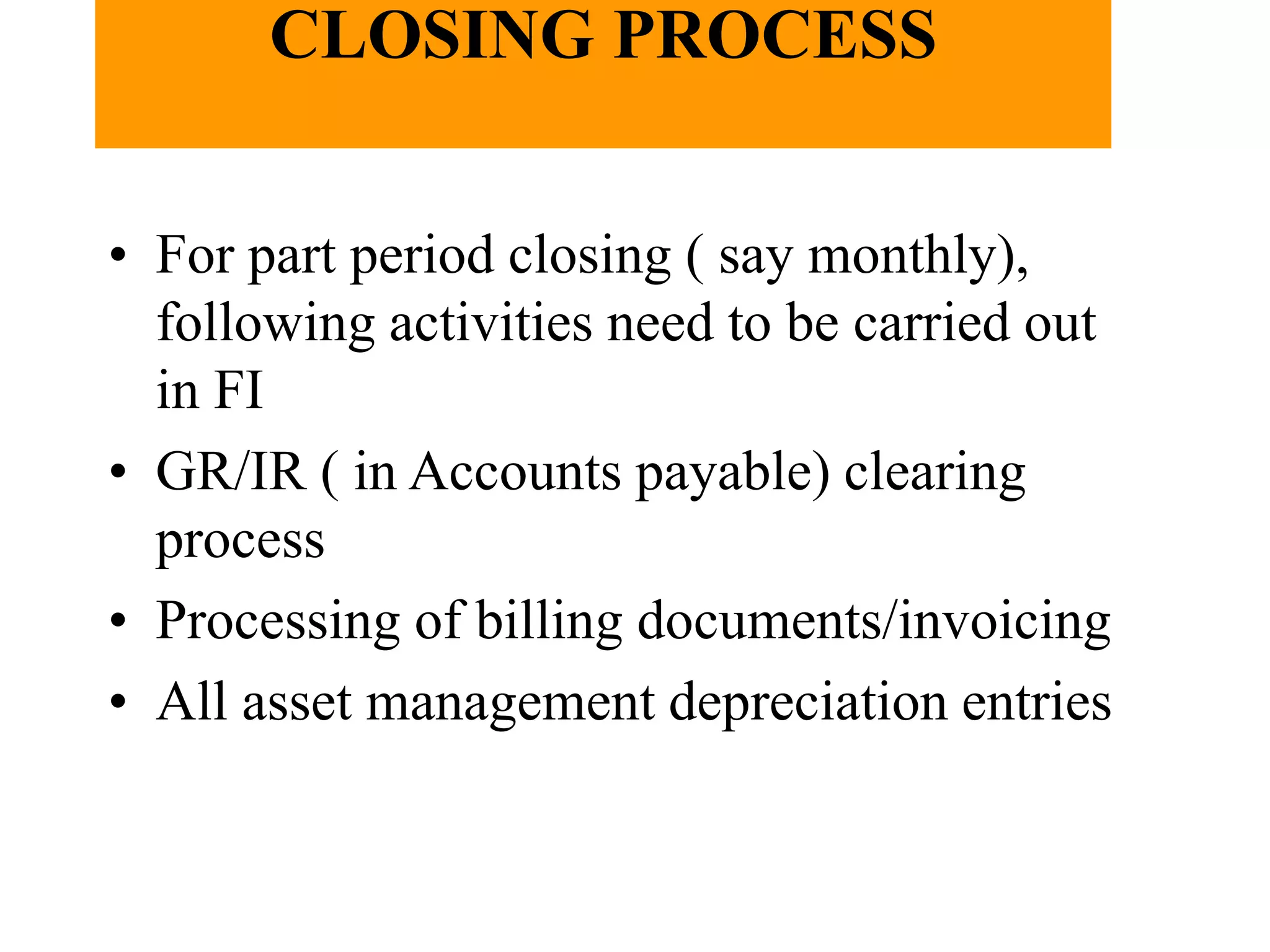
• For part period closing ( say monthly),
following activities need to be carried out
in FI
• GR/IR ( in Accounts payable) clearing
process
• Processing of billing documents/invoicing
• All asset management depreciation entries
CLOSING PROCESS
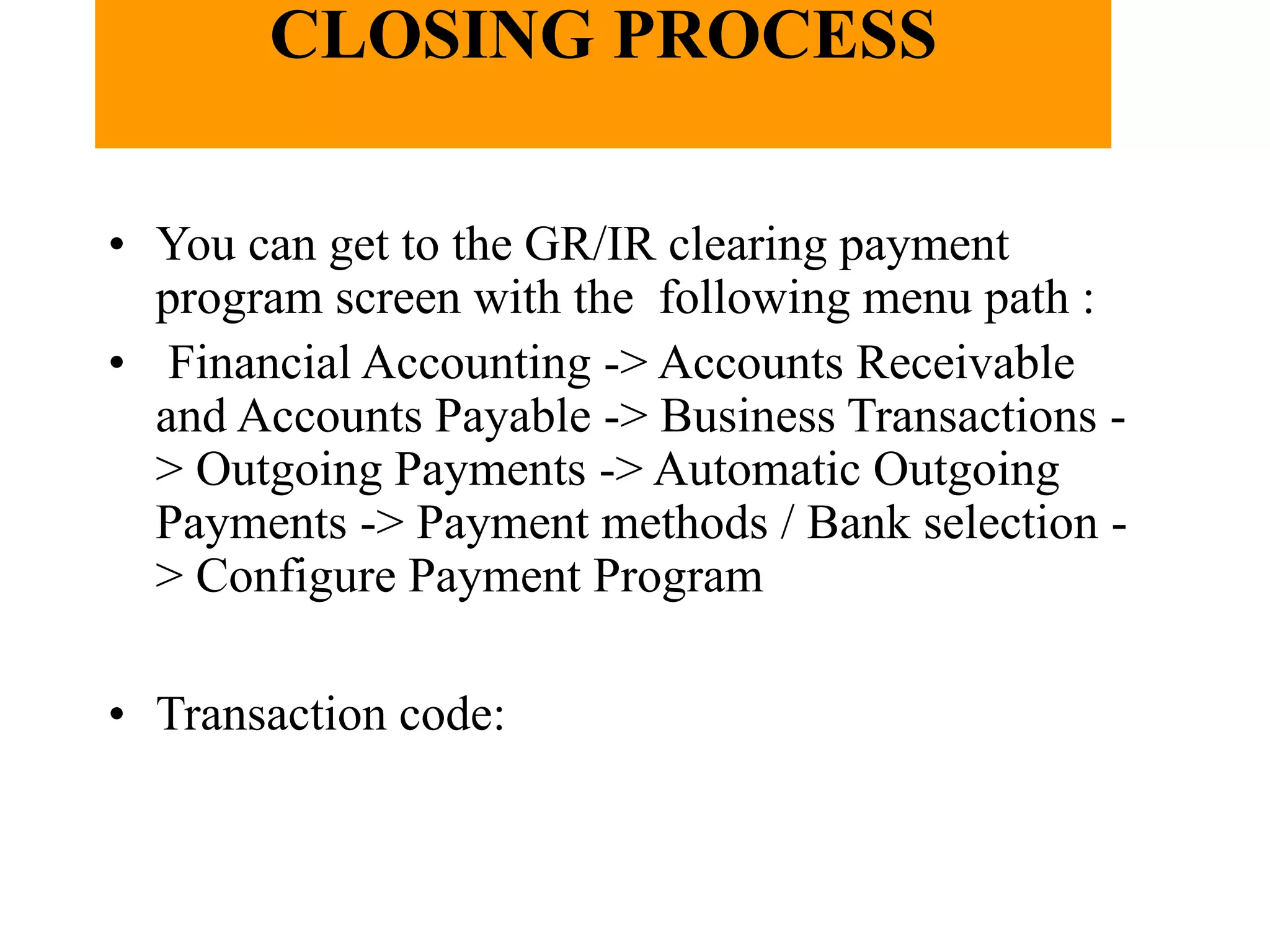
• You can get to the GR/IR clearing payment
program screen with the following menu path :
• Financial Accounting -> Accounts Receivable
and Accounts Payable -> Business Transactions -
> Outgoing Payments -> Automatic Outgoing
Payments -> Payment methods / Bank selection -
> Configure Payment Program
• Transaction code:
CLOSING PROCESS
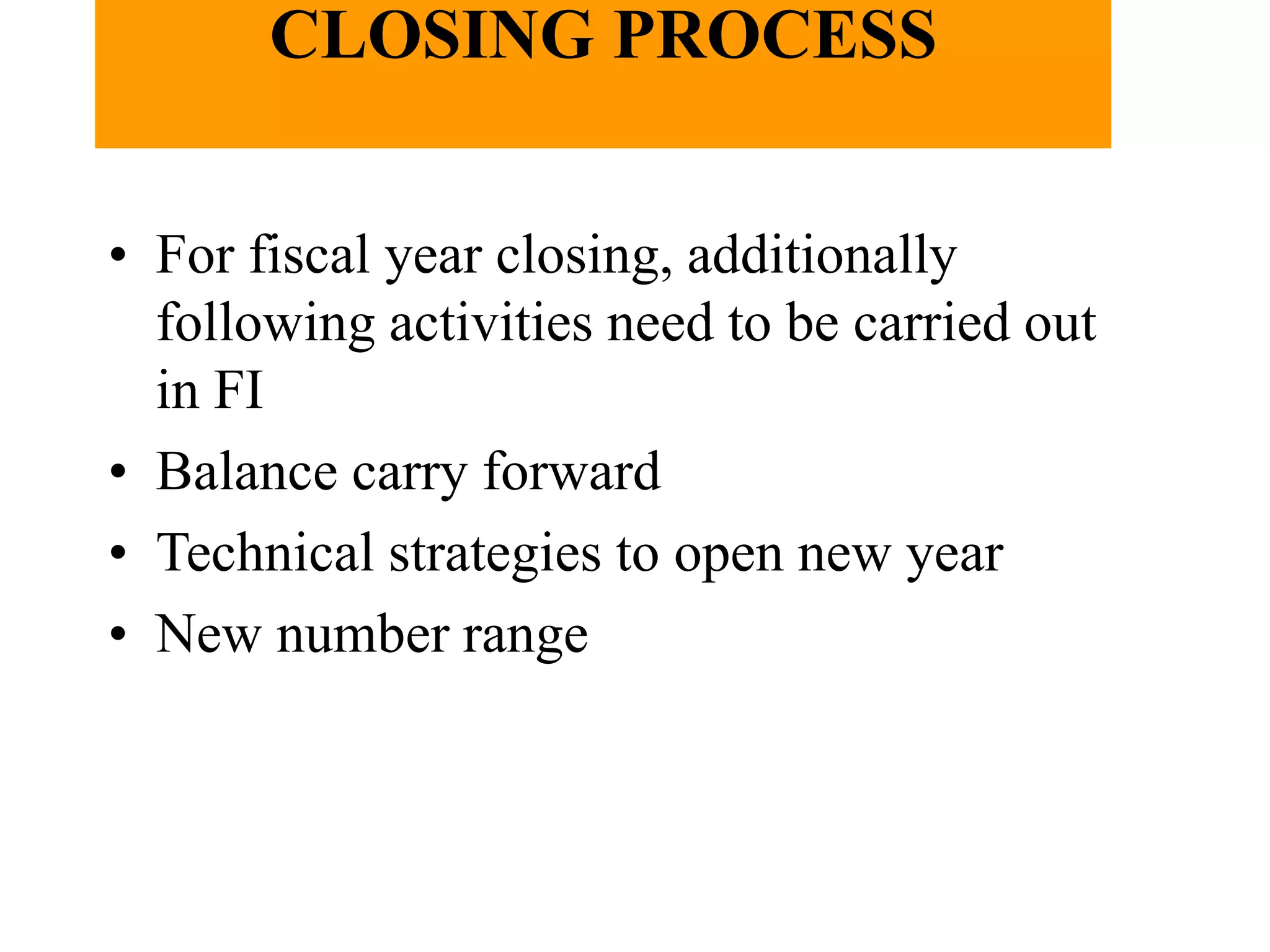
• For fiscal year closing, additionally
following activities need to be carried out
in FI
• Balance carry forward
• Technical strategies to open new year
• New number range
B) FINANCIAL STATEMENTS
C) ASSETS & LIABILITIES
D) PROFITS & LOSS
CLOSING PROCESS.ppt

CLOSING PROCESS.ppt

  • 1.
  • 2.
  • 3.
  • 4.
    CLOSING PROCESS • SAPrecords the direct financial effect of any business transaction as it happens. This ensures that the financial accounts are kept in balance at all times. However, in keeping with generally accepted accounting principles the accounting books and records must be closed periodically to provide information to various agencies. His is commonly termed as fiscal period. Most companies keep 12 to 13 fiscal periods in a fiscal year. While the happenings of a business do not cease at the end of a operating period, the basic nature of the business dictates that each enterprise report on its results.
  • 5.
    CLOSING PROCESS The closingof the financial books calls for include • Posting the financial documents associated with the actual business events as they occur during the period. • Recognition of periodic accounting adjustments. • Preparation of financial statements related to the period. • Opening the subsequent period and reversing any temporary accounting adjustments.
  • 6.
    CLOSING PROCESS • InSAP, once the documents of a period are posted, financial statements are automatically updated. The posting of accrual ( periodic adjustments ) can be accomplished through a General Ledger document. Similarly reversing document is accomplished. • There are two types of closing One is part closing ( say monthly) and the other is yearly.
  • 7.
    CLOSING PROCESS • Forpart period closing ( say monthly), following activities need to be carried out in FI • GR/IR ( in Accounts payable) clearing process • Processing of billing documents/invoicing • All asset management depreciation entries
  • 8.
    CLOSING PROCESS • Youcan get to the GR/IR clearing payment program screen with the following menu path : • Financial Accounting -> Accounts Receivable and Accounts Payable -> Business Transactions - > Outgoing Payments -> Automatic Outgoing Payments -> Payment methods / Bank selection - > Configure Payment Program • Transaction code:
  • 9.
    CLOSING PROCESS • Forfiscal year closing, additionally following activities need to be carried out in FI • Balance carry forward • Technical strategies to open new year • New number range
  • 11.
  • 13.
    C) ASSETS &LIABILITIES
  • 15.