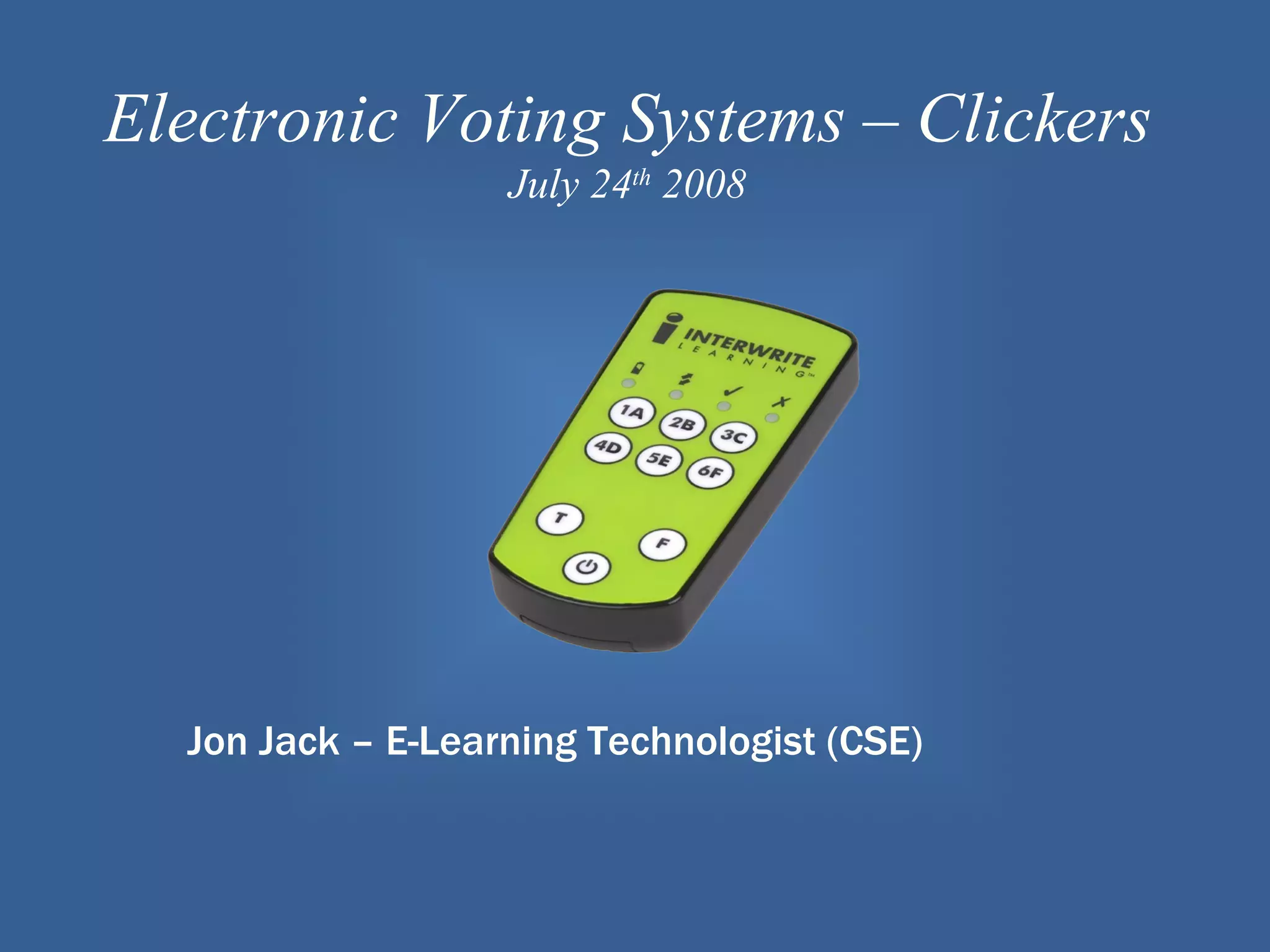
Electronic Voting Systems – Clickers
                   July 24th 2008


  Jon Jack – E-Learning Technologist (CSE)
What are they?
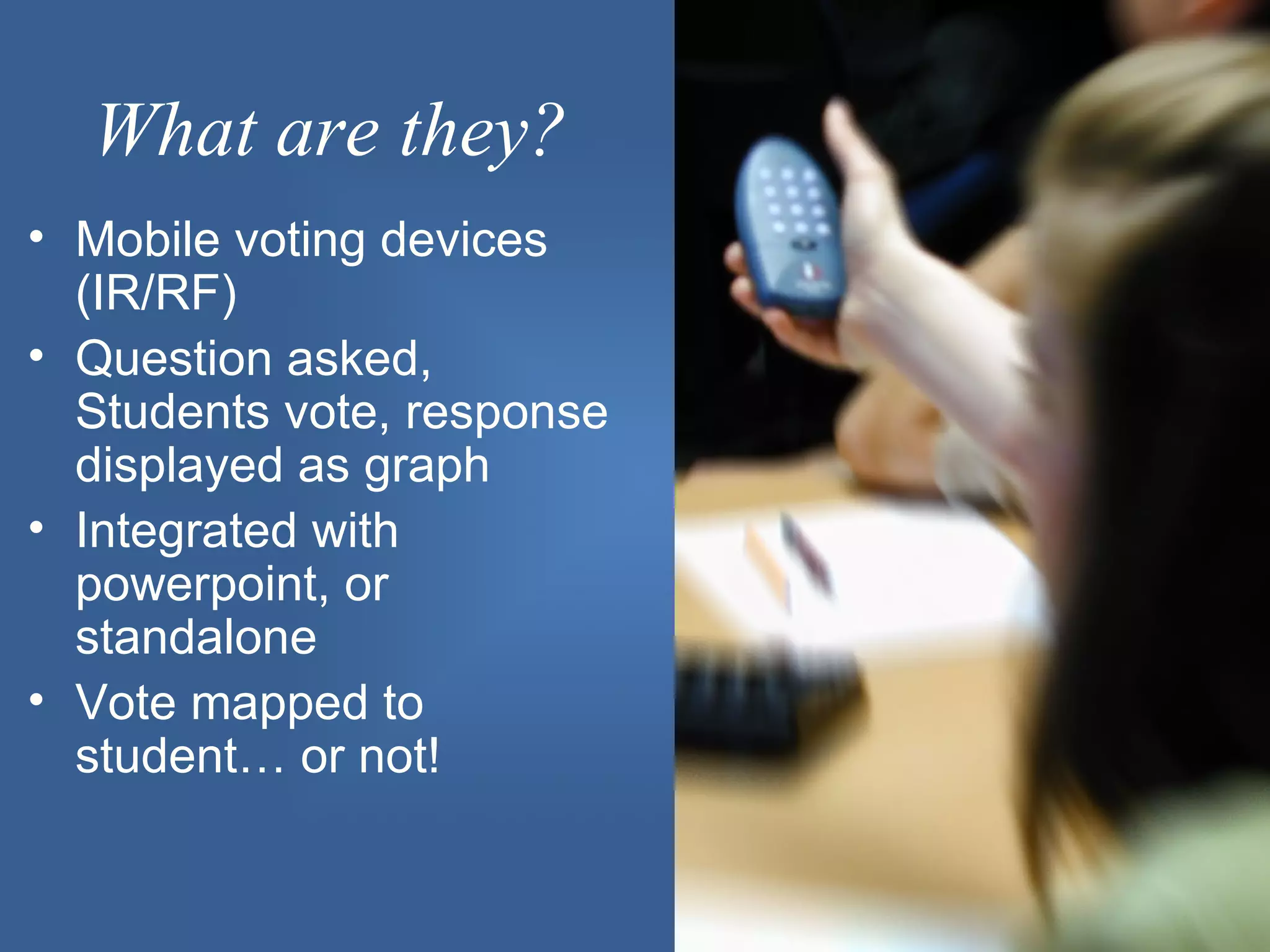
• Mobile voting devices
  (IR/RF)
• Question asked,
  Students vote, response
  displayed as graph
• Integrated with
  powerpoint, or
  standalone
• Vote mapped to
  student… or not!
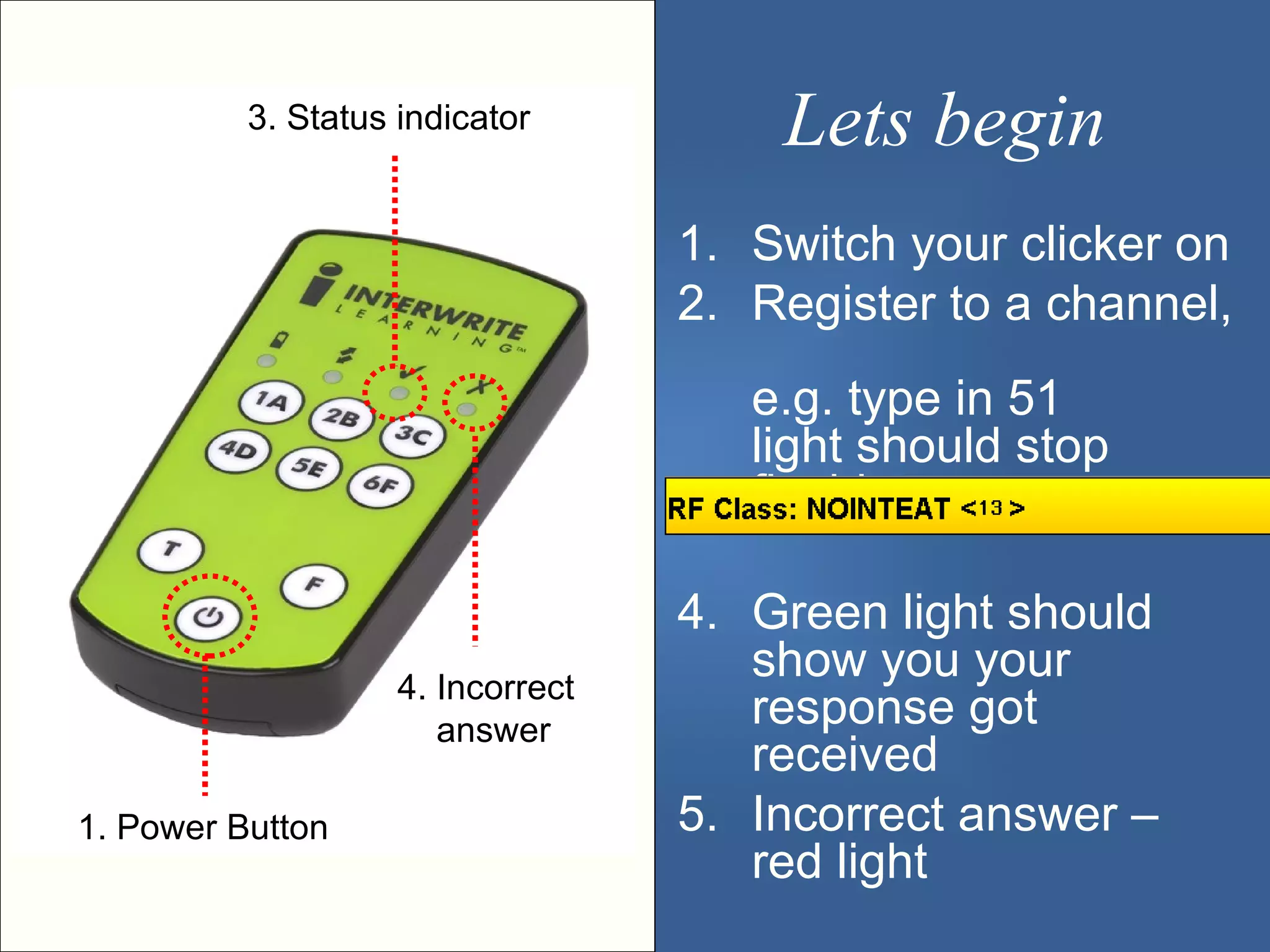
3. Status indicator          Lets begin
                                   1. Switch your clicker on
                                   2. Register to a channel,
                                      e.g. type in 51
                                      light should stop
                                      flashing

                                   4. Green light should
                    4. Incorrect
                                      show you your
                       answer
                                      response got
                                      received
1. Power Button                    5. Incorrect answer –
                                      red light
Familiarity?
1. Never heard of them

3. Heard about them never seen them

5. Seen them used by someone else

7. Used them before
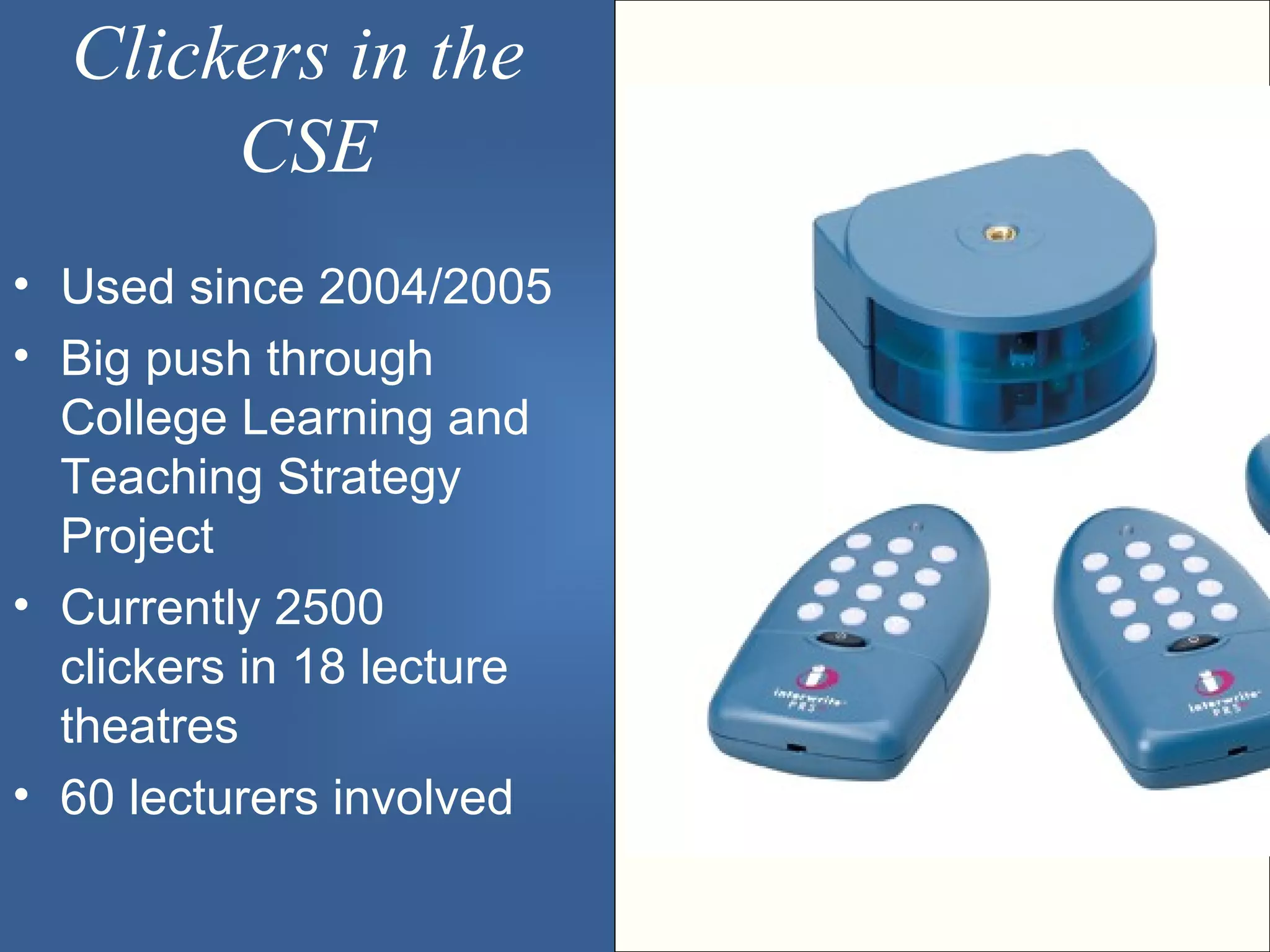
Clickers in the
       CSE
• Used since 2004/2005
• Big push through
  College Learning and
  Teaching Strategy
  Project
• Currently 2500
  clickers in 18 lecture
  theatres
• 60 lecturers involved
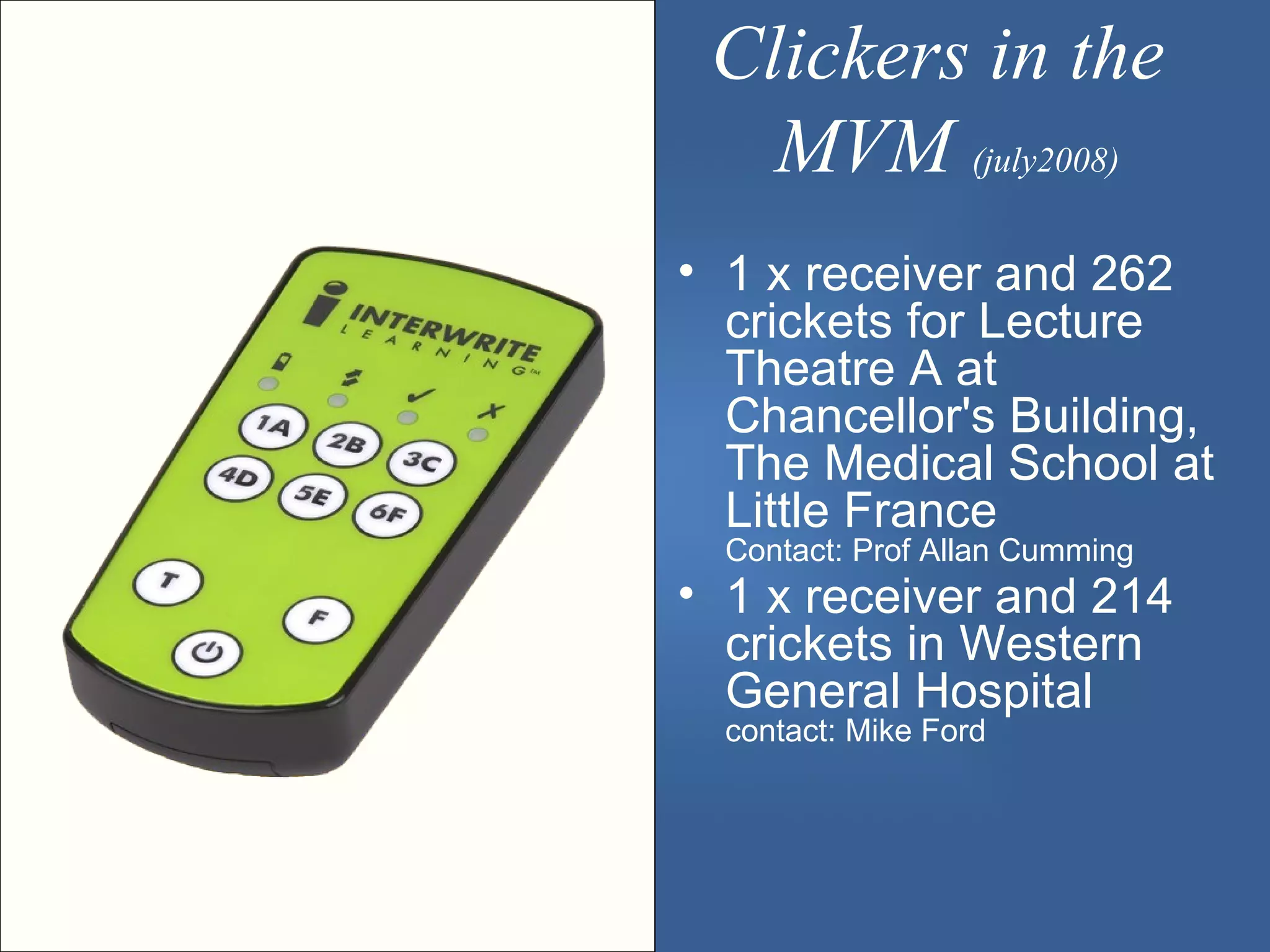
Clickers in the
   MVM (july2008)
• 1 x receiver and 262
  crickets for Lecture
  Theatre A at
  Chancellor's Building,
  The Medical School at
  Little France
  Contact: Prof Allan Cumming
• 1 x receiver and 214
  crickets in Western
  General Hospital
  contact: Mike Ford
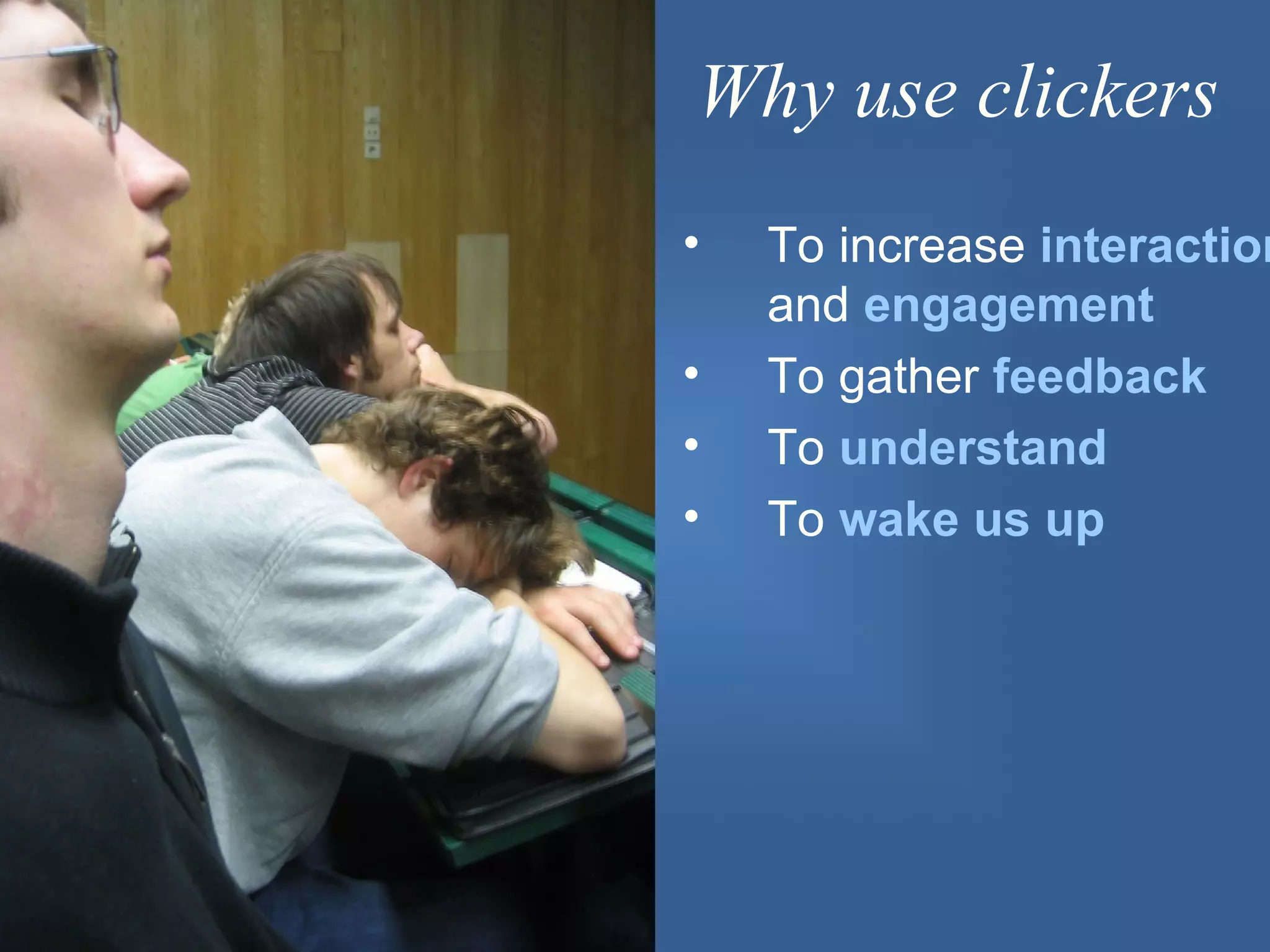
Why use clickers
•   To increase interaction
    and engagement
•   To gather feedback
•   To understand
•   To wake us up
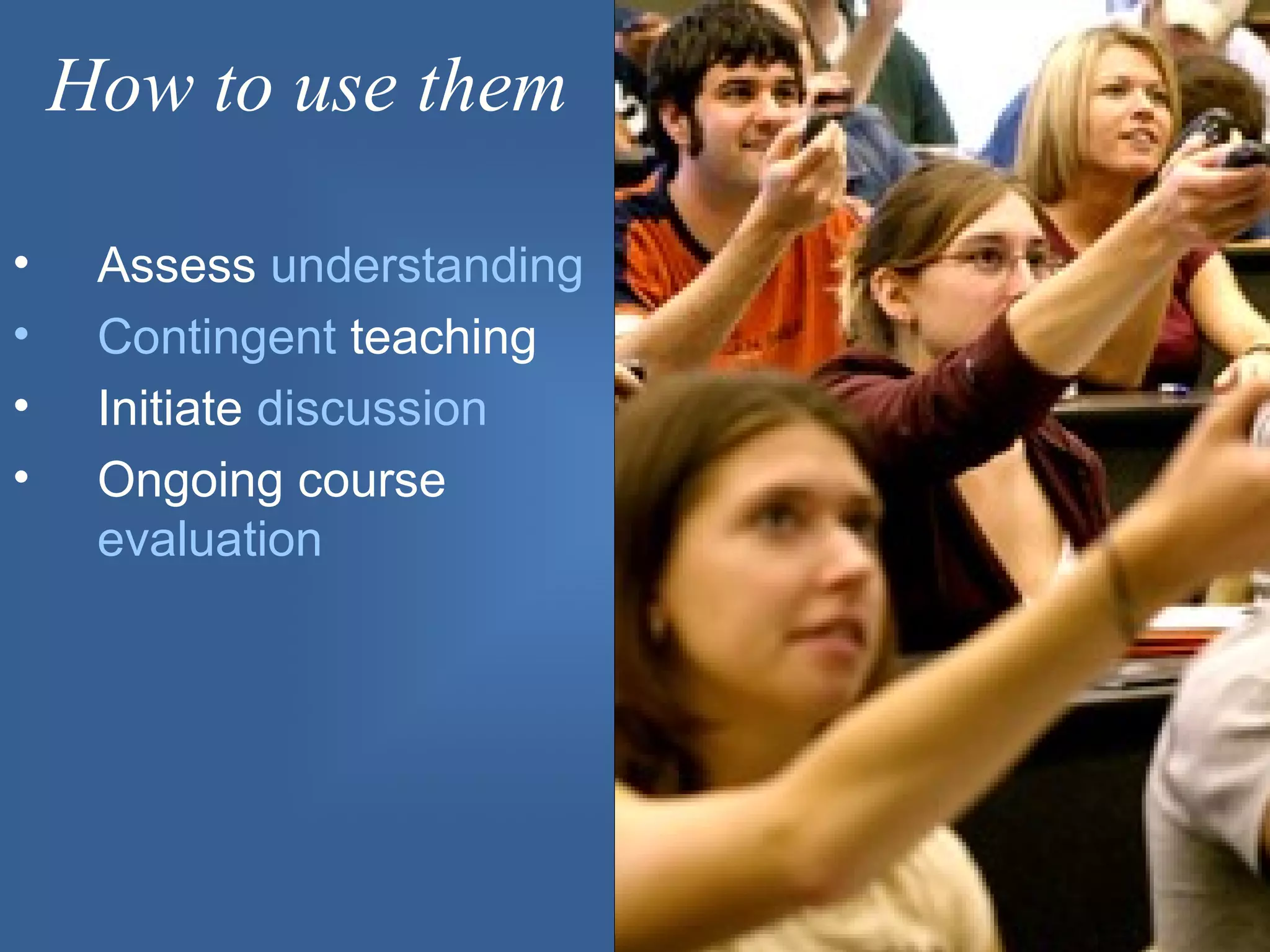
How to use them

•    Assess understanding
•    Contingent teaching
•    Initiate discussion
•    Ongoing course
     evaluation
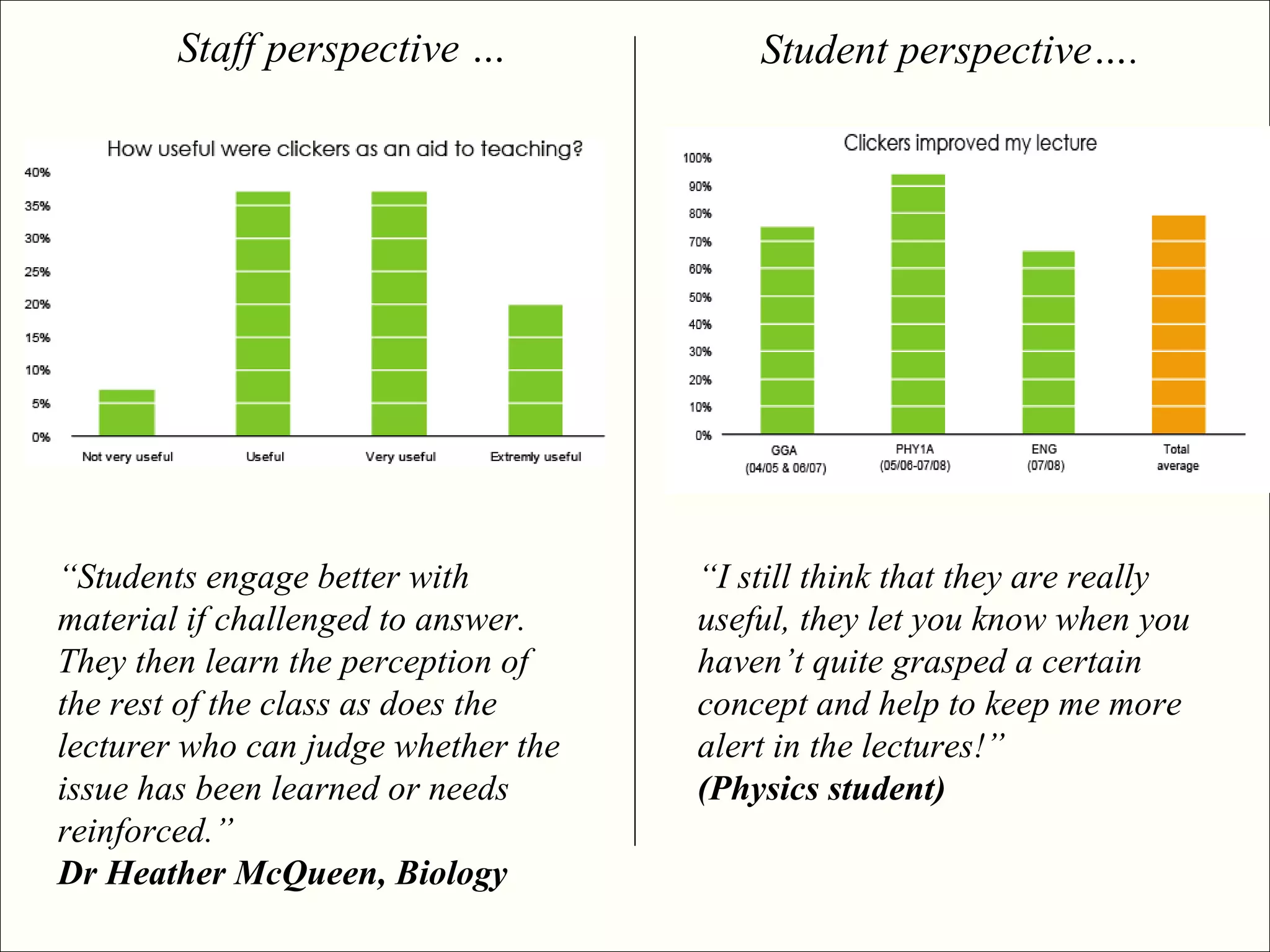
Staff perspective …              Student perspective….


“Students engage better with         “I still think that they are really
material if challenged to answer.    useful, they let you know when you
They then learn the perception of    haven’t quite grasped a certain
the rest of the class as does the    concept and help to keep me more
lecturer who can judge whether the   alert in the lectures!”
issue has been learned or needs      (Physics student)
reinforced.”
Dr Heather McQueen, Biology
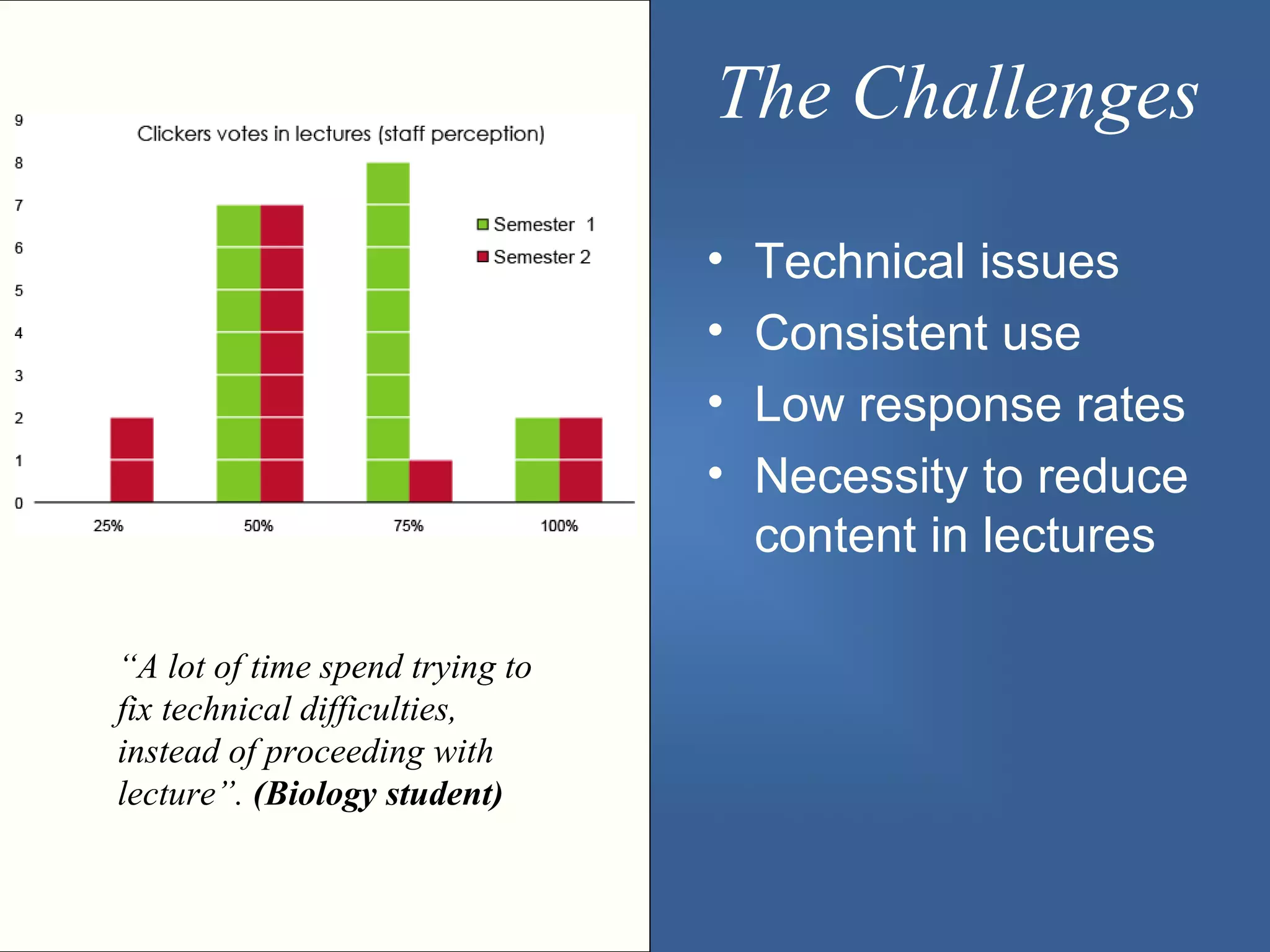
The Challenges

                                 •   Technical issues
                                 •   Consistent use
                                 •   Low response rates
                                 •   Necessity to reduce
                                     content in lectures

“A lot of time spend trying to
fix technical difficulties,
instead of proceeding with
lecture”. (Biology student)
In Practice ...

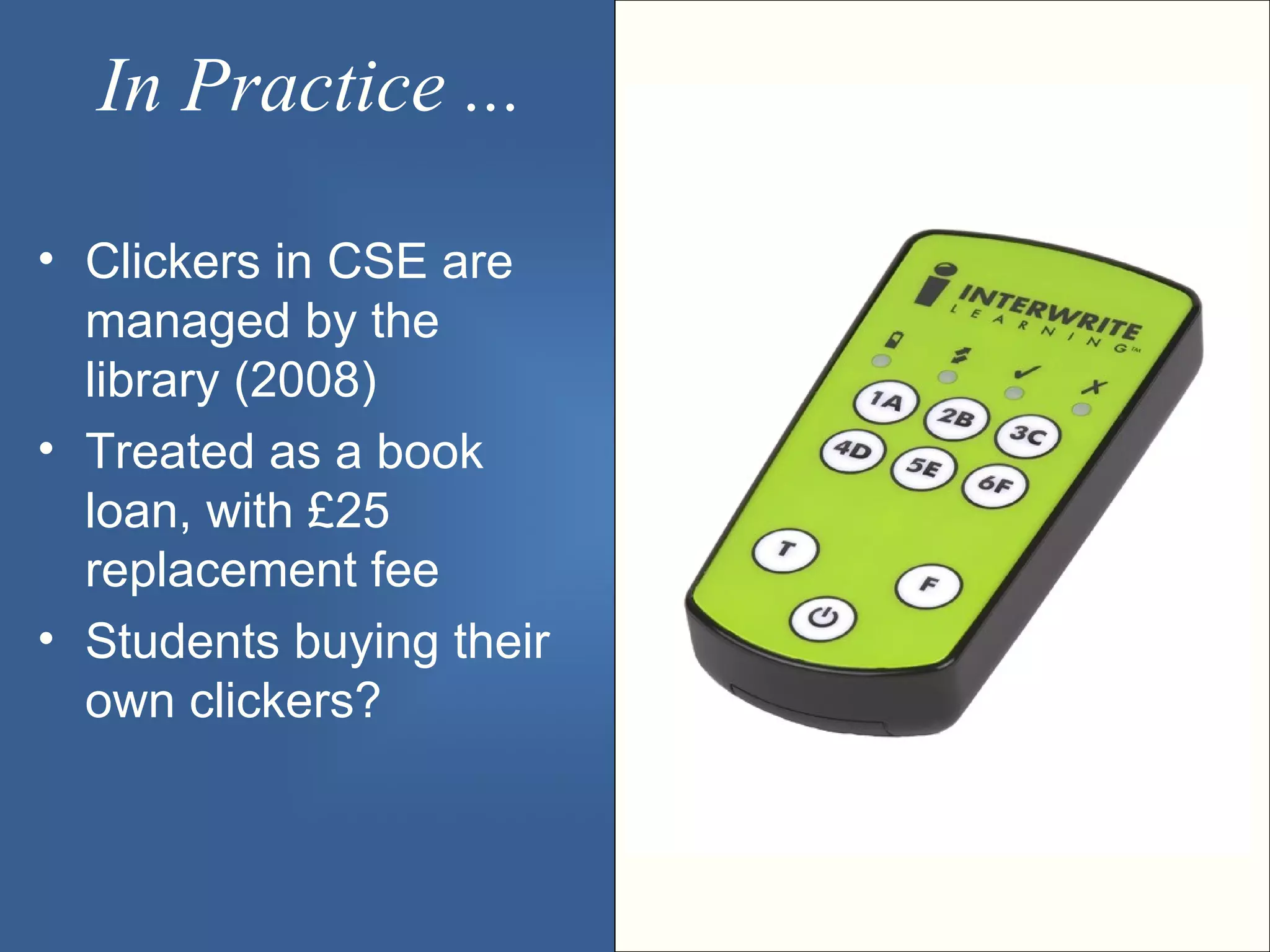
• Clickers in CSE are
  managed by the
  library (2008)
• Treated as a book
  loan, with £25
  replacement fee
• Students buying their
  own clickers?
Do you think clickers could be
         useful in Medicine?
1.   Yes
2.   Yes, in some subjects
3.   No
4.   Not sure


How would you use them?
Further Information?

 •   jon.jack@ed.ac.uk
 •   s.beasley@ed.ac.uk
 •   Book kit via audio.visual@ed.ac.uk
 •   Training via elearnhelp@ed.ac.uk

 http://www.scieng.ed.ac.uk/ltstrategy/clickers.html
 http://www.elearn.malts.ed.ac.uk/services/CAA/PRS.phtml
“Possibly the most productive application, however, and the one with the
largest body of existing research, is in using the equipment to initiate a
discussion.” (Steven Draper, Glasgow University)

Electronic voting systems clickers

  • 1.
    Electronic Voting Systems– Clickers July 24th 2008 Jon Jack – E-Learning Technologist (CSE)
  • 2.
    What are they? •Mobile voting devices (IR/RF) • Question asked, Students vote, response displayed as graph • Integrated with powerpoint, or standalone • Vote mapped to student… or not!
  • 3.
    3. Status indicator Lets begin 1. Switch your clicker on 2. Register to a channel, e.g. type in 51 light should stop flashing 4. Green light should 4. Incorrect show you your answer response got received 1. Power Button 5. Incorrect answer – red light
  • 4.
    Familiarity? 1. Never heardof them 3. Heard about them never seen them 5. Seen them used by someone else 7. Used them before
  • 5.
    Clickers in the CSE • Used since 2004/2005 • Big push through College Learning and Teaching Strategy Project • Currently 2500 clickers in 18 lecture theatres • 60 lecturers involved
  • 6.
    Clickers in the MVM (july2008) • 1 x receiver and 262 crickets for Lecture Theatre A at Chancellor's Building, The Medical School at Little France Contact: Prof Allan Cumming • 1 x receiver and 214 crickets in Western General Hospital contact: Mike Ford
  • 9.
    Why use clickers • To increase interaction and engagement • To gather feedback • To understand • To wake us up
  • 10.
    How to usethem • Assess understanding • Contingent teaching • Initiate discussion • Ongoing course evaluation
  • 11.
    Staff perspective … Student perspective…. “Students engage better with “I still think that they are really material if challenged to answer. useful, they let you know when you They then learn the perception of haven’t quite grasped a certain the rest of the class as does the concept and help to keep me more lecturer who can judge whether the alert in the lectures!” issue has been learned or needs (Physics student) reinforced.” Dr Heather McQueen, Biology
  • 12.
    The Challenges • Technical issues • Consistent use • Low response rates • Necessity to reduce content in lectures “A lot of time spend trying to fix technical difficulties, instead of proceeding with lecture”. (Biology student)
  • 13.
    In Practice ... •Clickers in CSE are managed by the library (2008) • Treated as a book loan, with £25 replacement fee • Students buying their own clickers?
  • 14.
    Do you thinkclickers could be useful in Medicine? 1. Yes 2. Yes, in some subjects 3. No 4. Not sure How would you use them?
  • 15.
    Further Information? • jon.jack@ed.ac.uk • s.beasley@ed.ac.uk • Book kit via audio.visual@ed.ac.uk • Training via elearnhelp@ed.ac.uk http://www.scieng.ed.ac.uk/ltstrategy/clickers.html http://www.elearn.malts.ed.ac.uk/services/CAA/PRS.phtml “Possibly the most productive application, however, and the one with the largest body of existing research, is in using the equipment to initiate a discussion.” (Steven Draper, Glasgow University)

Editor's Notes

  • #7 1 x receiver and 262 crickets for Lecture Theatre A at Chancellor's Building, The Medical School at Little France. Contact: Prof Allan Cumming. 1 x receiver and 214 crickets for lecture theatre in Western General Hospital, contact: Mike Ford
  • #10 To increase Interaction and engagement to increase interaction between lecturers and students Session where technology failed, reverted to a show of hands we had almost 100% response and it dropped to Around a 1/3 “ good learning is so highly correlated with engagement, that we might just as well measure engagement, and assume that where engagement is, learning is taking place.” To gather Feedback to get feedback on students’ understanding of content to give feedback to lecturers about they’re own lecture content Understanding to reveal common misconceptions amongst students to help students understand difficult concepts better Wake us up Reset our attention span, which research suggests is around 15 – 20 mins. And cheer us up, its fun.
  • #11 Assess understanding Simple questions to check understanding: to give "formative feedback" to both students and presenter. Ask a question take feedback then ask to discuss with peers then poll again. Contingent teaching Using responses (e.g. proportion who got it right) to switch what you do next: "contingent teaching" that is adapted on the spot to the group. Initiate discussion Ongoing course Evaluation In the college of science and engineering there is a definite feeling of the students being bombarded with questionnaires. And a very bad response rate from them. You can use clickers to quickly poll large audiences for example at the end of lecture. If you ask the questions and quickly move on you could easy achieve 5 or 6 questions in 5 minutes.
  • #13 Make time in class for clickers. You need to significantly redesign your course to accommodate them. Be prepared! Have a back up plan, if they don't work;