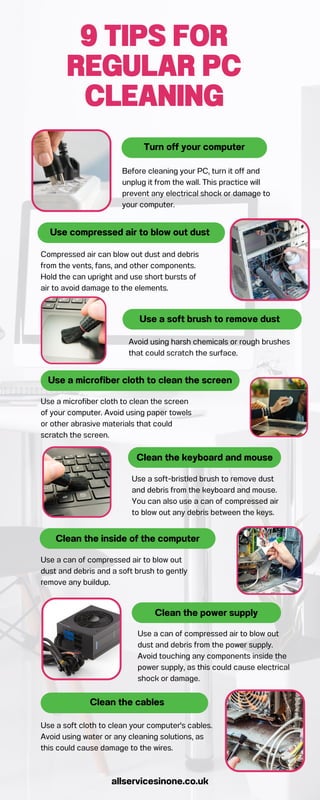
Avoid using harsh chemicals or rough brushes
that could scratch the surface.
Compressed air can blow out dust and debris
from the vents, fans, and other components.
Hold the can upright and use short bursts of
air to avoid damage to the elements.
Use a microfiber cloth to clean the screen
of your computer. Avoid using paper towels
or other abrasive materials that could
scratch the screen.
Use a soft-bristled brush to remove dust
and debris from the keyboard and mouse.
You can also use a can of compressed air
to blow out any debris between the keys.
Use a can of compressed air to blow out
dust and debris from the power supply.
Avoid touching any components inside the
power supply, as this could cause electrical
shock or damage.
Use compressed air to blow out dust
Use a soft brush to remove dust
9 TIPS FOR
REGULAR PC
CLEANING
Turn off your computer
Before cleaning your PC, turn it off and
unplug it from the wall. This practice will
prevent any electrical shock or damage to
your computer.
Use a microfiber cloth to clean the screen
Clean the keyboard and mouse
Clean the inside of the computer
Use a can of compressed air to blow out
dust and debris and a soft brush to gently
remove any buildup.
Clean the power supply
Use a soft cloth to clean your computer's cables.
Avoid using water or any cleaning solutions, as
this could cause damage to the wires.
Clean the cables
allservicesinone.co.uk

9 Tips for regular PC Cleaning

  • 1.
    Avoid using harshchemicals or rough brushes that could scratch the surface. Compressed air can blow out dust and debris from the vents, fans, and other components. Hold the can upright and use short bursts of air to avoid damage to the elements. Use a microfiber cloth to clean the screen of your computer. Avoid using paper towels or other abrasive materials that could scratch the screen. Use a soft-bristled brush to remove dust and debris from the keyboard and mouse. You can also use a can of compressed air to blow out any debris between the keys. Use a can of compressed air to blow out dust and debris from the power supply. Avoid touching any components inside the power supply, as this could cause electrical shock or damage. Use compressed air to blow out dust Use a soft brush to remove dust 9 TIPS FOR REGULAR PC CLEANING Turn off your computer Before cleaning your PC, turn it off and unplug it from the wall. This practice will prevent any electrical shock or damage to your computer. Use a microfiber cloth to clean the screen Clean the keyboard and mouse Clean the inside of the computer Use a can of compressed air to blow out dust and debris and a soft brush to gently remove any buildup. Clean the power supply Use a soft cloth to clean your computer's cables. Avoid using water or any cleaning solutions, as this could cause damage to the wires. Clean the cables allservicesinone.co.uk