Group 7 A
Ibo Indria Tamallo
Denita Sari
What Is Class Dojo?
Class Dojo is a free internet-based application
that provides a lot User features and facilities to
find out children's activities real time
development.
Steps to create Account on Class
Dojo App
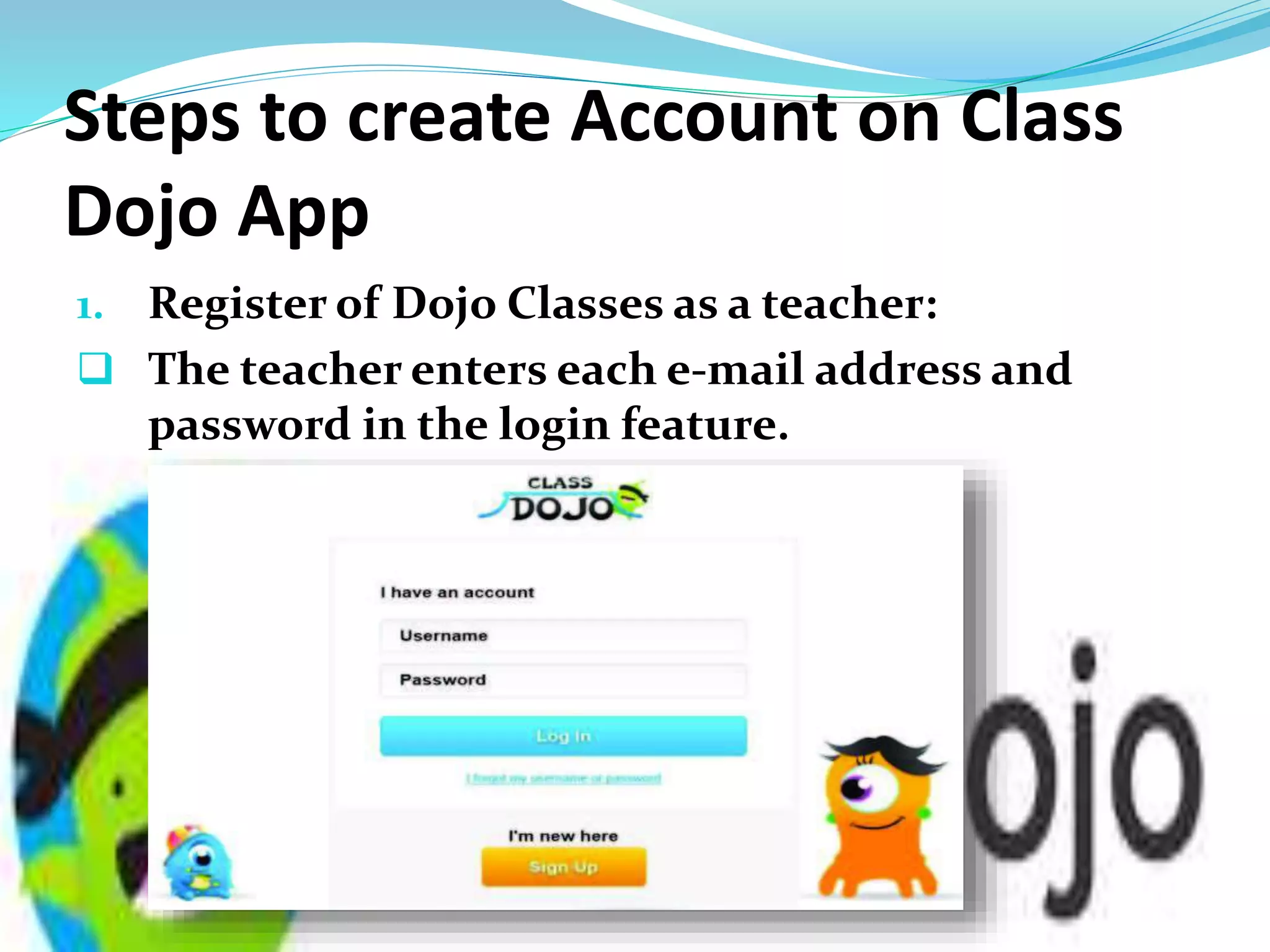
1. Register of Dojo Classes as a teacher:
 The teacher enters each e-mail address and
password in the login feature.
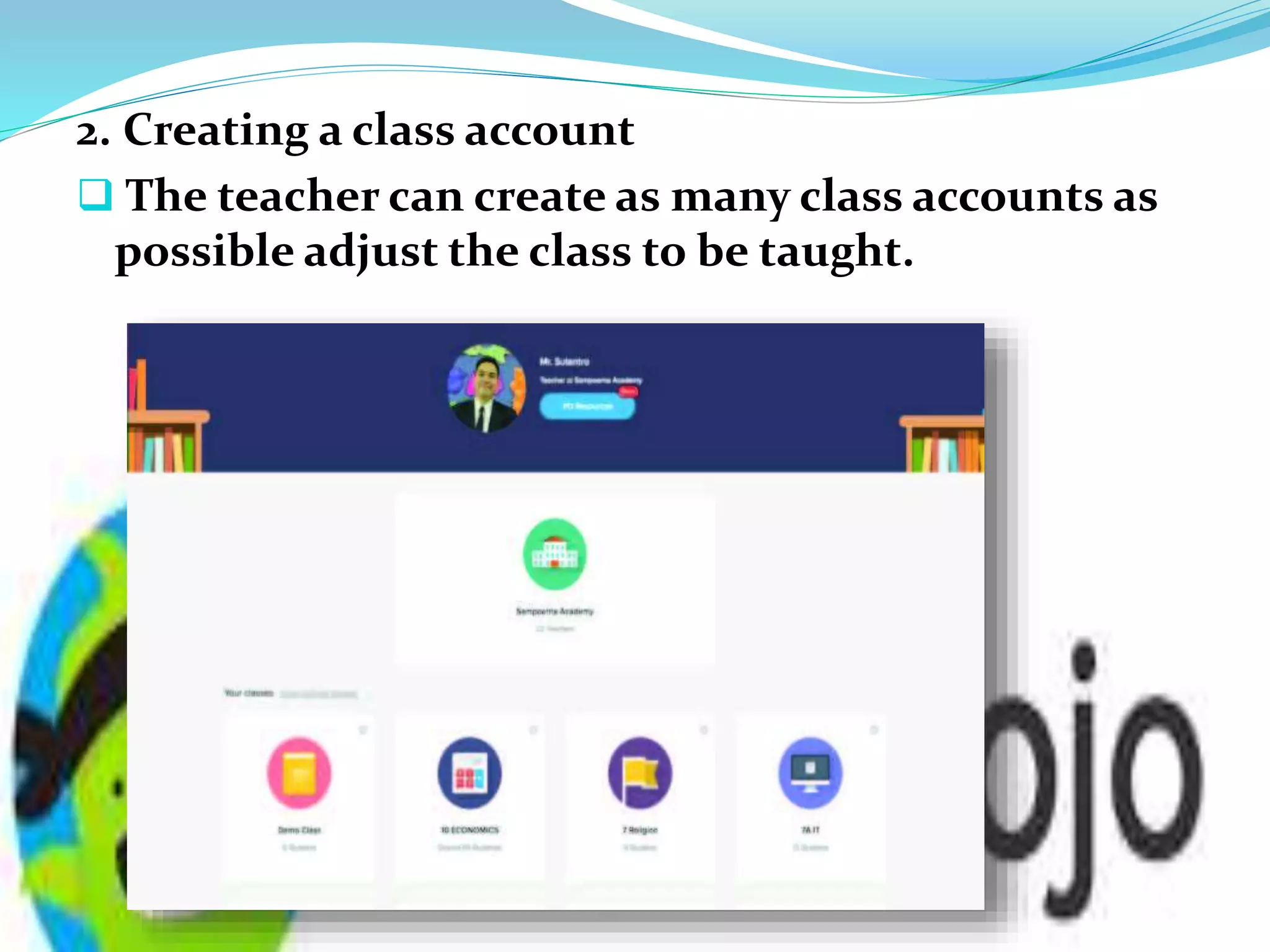
2. Creating a class account
 The teacher can create as many class accounts as
possible adjust the class to be taught.
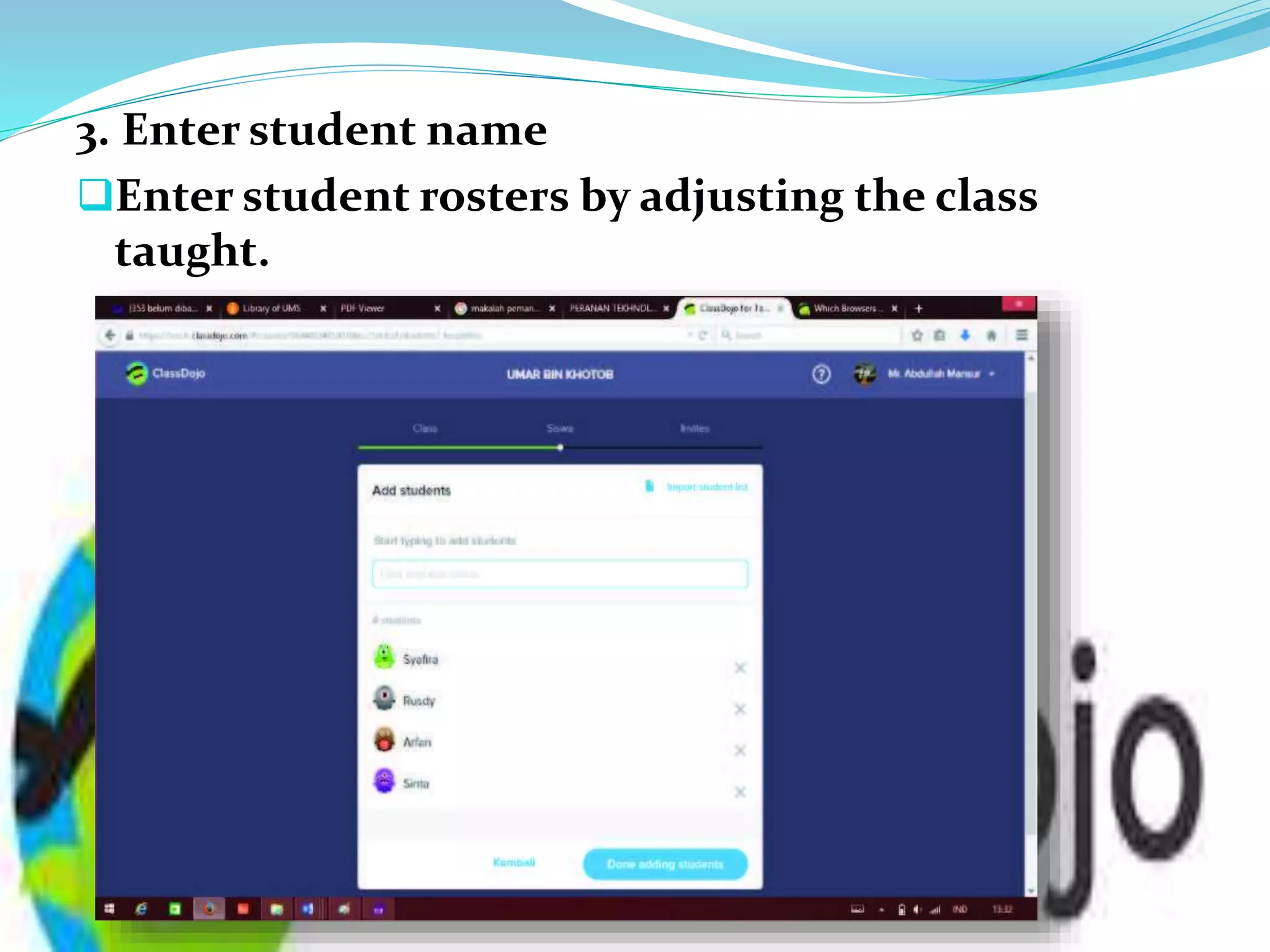
3. Enter student name
Enter student rosters by adjusting the class
taught.
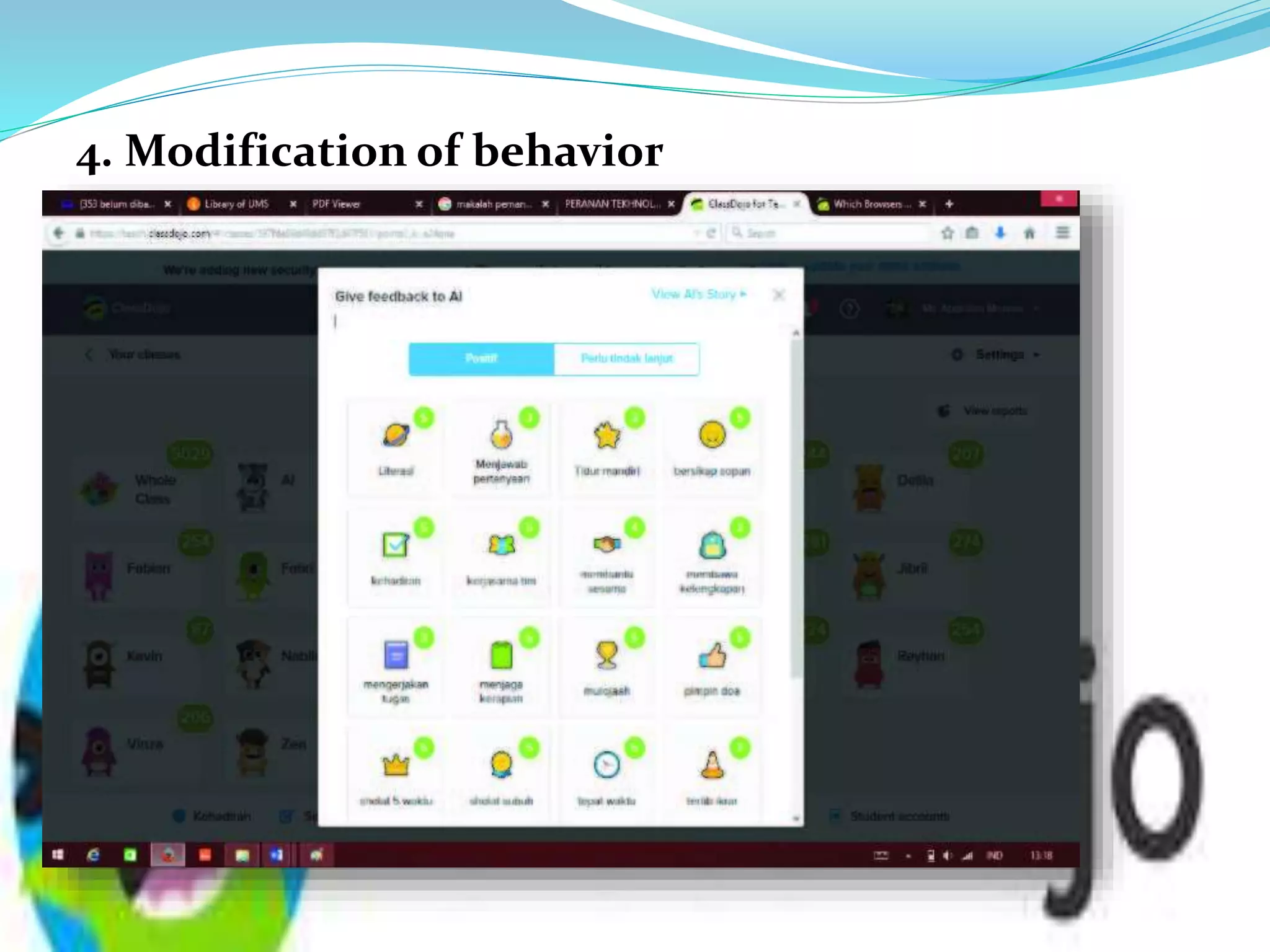
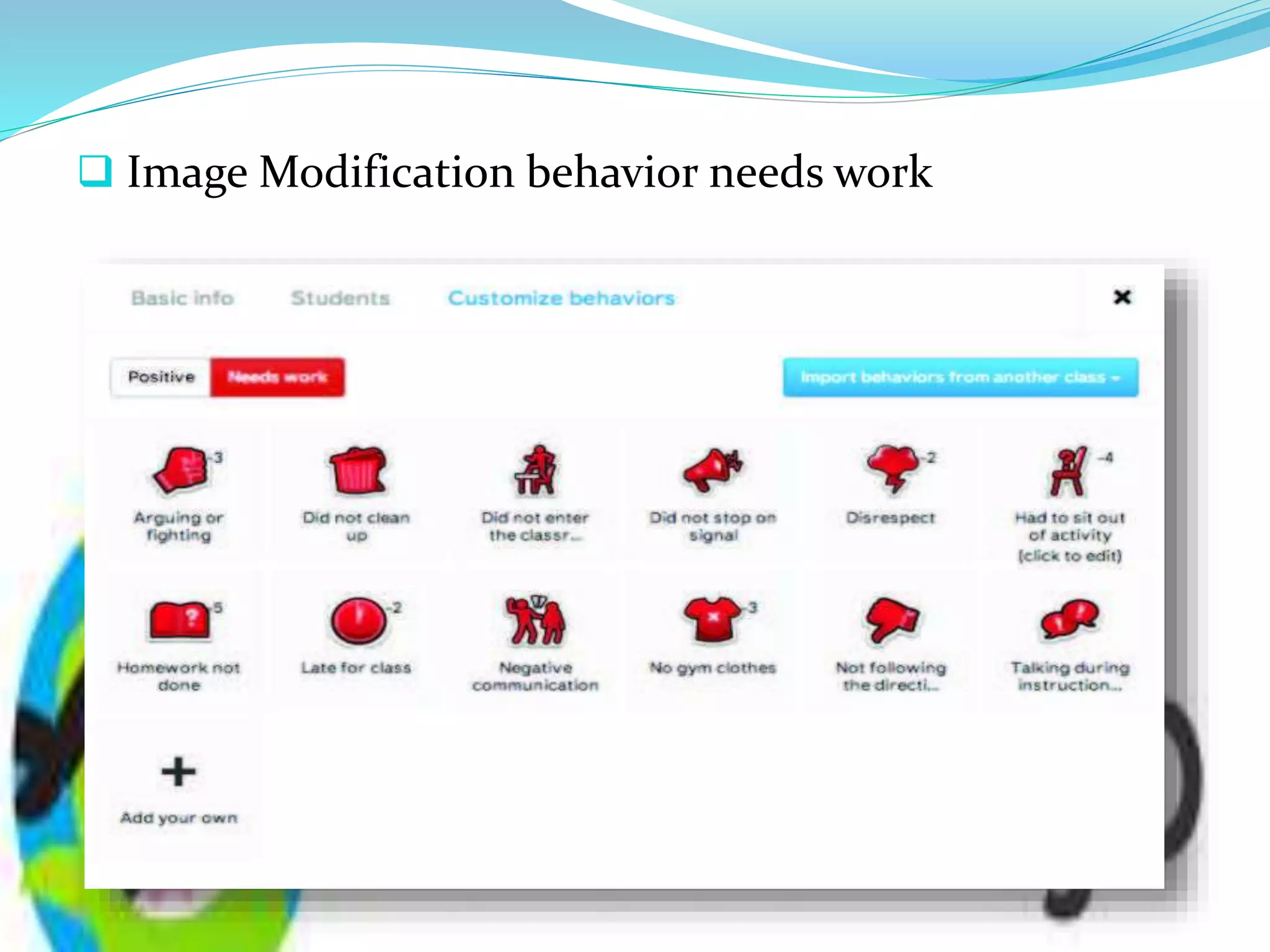
4. Modification of behavior
 Image Modification behavior needs work
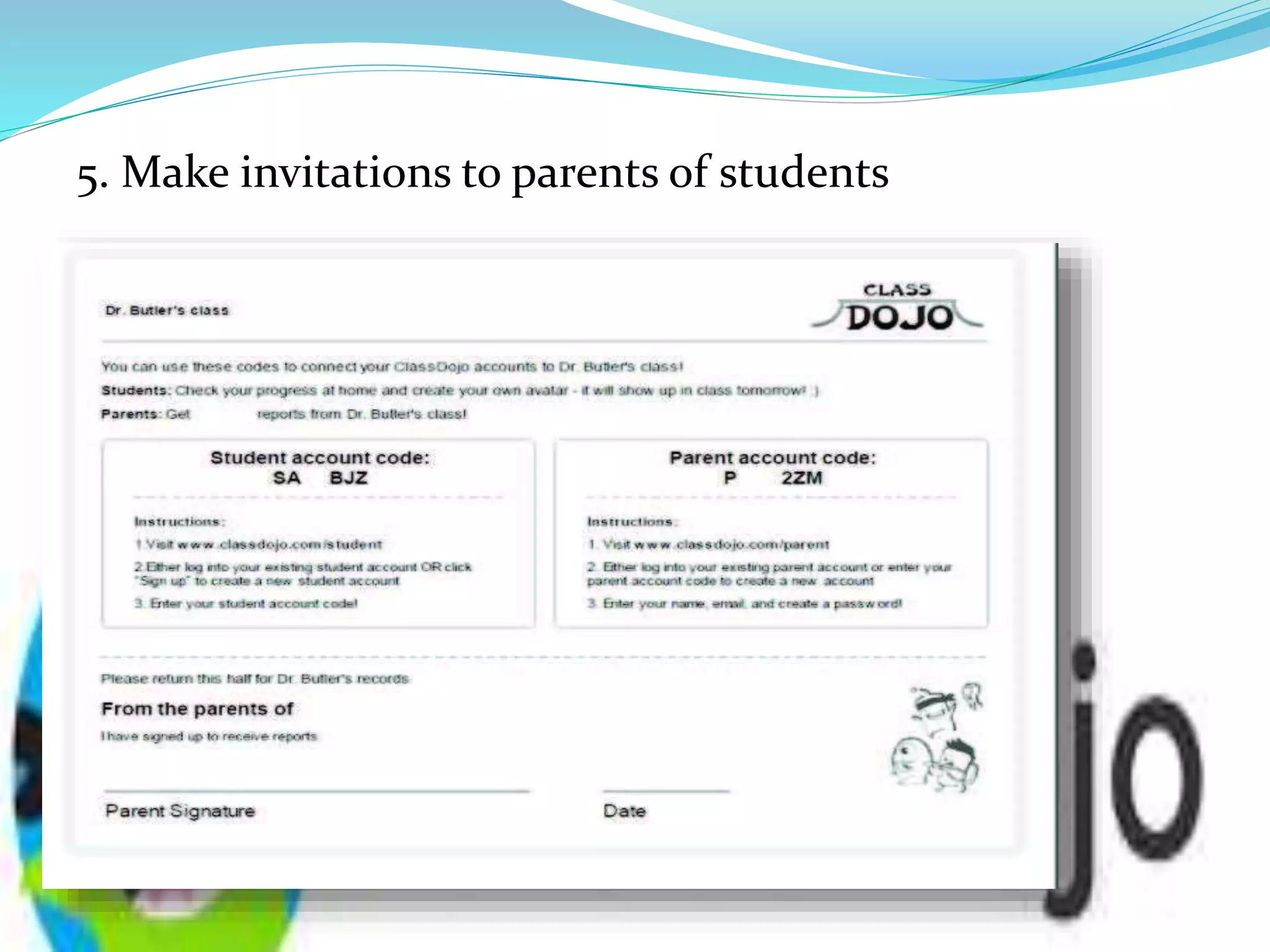
5. Make invitations to parents of students
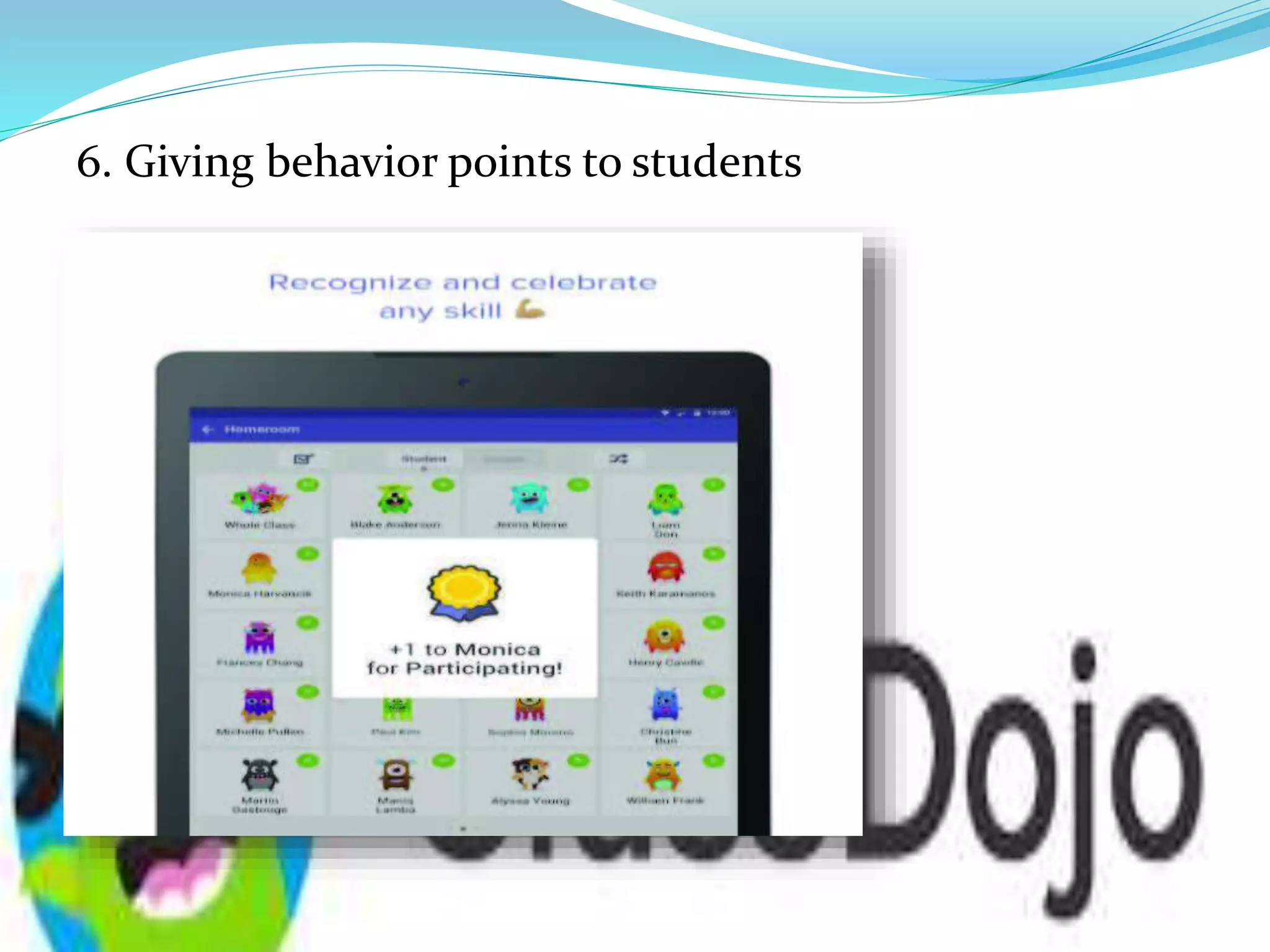
6. Giving behavior points to students
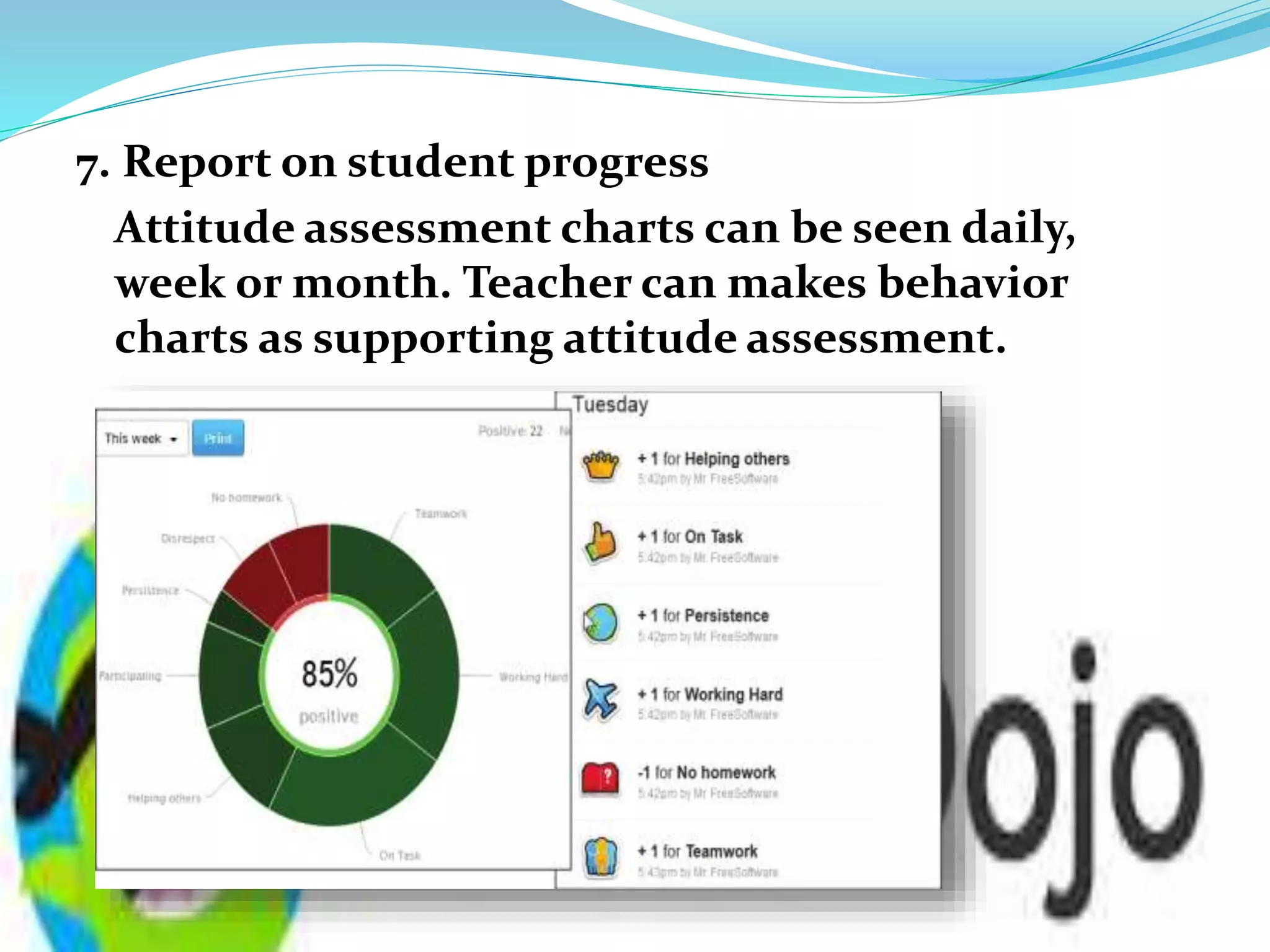
7. Report on student progress
Attitude assessment charts can be seen daily,
week or month. Teacher can makes behavior
charts as supporting attitude assessment.
8. Activity information for students.
The teacher informs student activities and school
information through story icon in the Class Dojo
application. Teachers and parents of students can
see and provide feedback on the information provided
by the teacher.
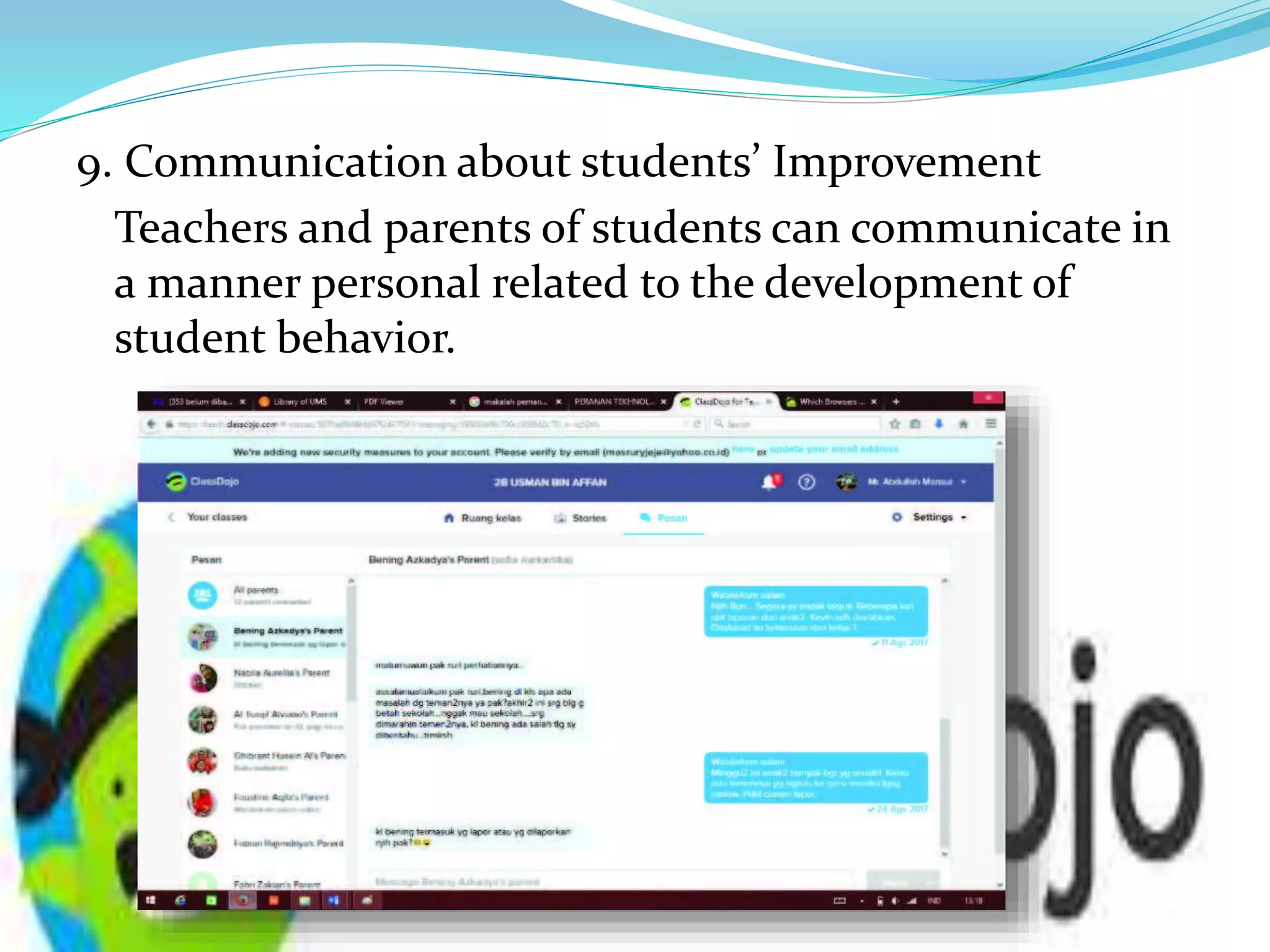
9. Communication about students’ Improvement
Teachers and parents of students can communicate in
a manner personal related to the development of
student behavior.
The advantages of the Dojo Class compared to other
classes are:
1. Able to provide positive or negative behavior for
students;
2. Share data that can be arranged by the teacher via an
Android phone;
3. The teacher can train by using the save timer using 1
click;
Disadvantages Of the Dojo Class compared to
other classes are:
1. Must connecting with network
2. Students can not enter the class Dojo if they do
not have code.
Suggestion:
We suggest the teacher to use this application because
it can help them to know the students’ behavior in
classroom and it can also involve students’ parents to
monitor their children.

ClassDojo

  • 1.
    Group 7 A IboIndria Tamallo Denita Sari
  • 2.
    What Is ClassDojo? Class Dojo is a free internet-based application that provides a lot User features and facilities to find out children's activities real time development.
  • 3.
    Steps to createAccount on Class Dojo App 1. Register of Dojo Classes as a teacher:  The teacher enters each e-mail address and password in the login feature.
  • 4.
    2. Creating aclass account  The teacher can create as many class accounts as possible adjust the class to be taught.
  • 5.
    3. Enter studentname Enter student rosters by adjusting the class taught.
  • 6.
  • 7.
     Image Modificationbehavior needs work
  • 8.
    5. Make invitationsto parents of students
  • 9.
    6. Giving behaviorpoints to students
  • 10.
    7. Report onstudent progress Attitude assessment charts can be seen daily, week or month. Teacher can makes behavior charts as supporting attitude assessment.
  • 11.
    8. Activity informationfor students. The teacher informs student activities and school information through story icon in the Class Dojo application. Teachers and parents of students can see and provide feedback on the information provided by the teacher.
  • 12.
    9. Communication aboutstudents’ Improvement Teachers and parents of students can communicate in a manner personal related to the development of student behavior.
  • 13.
    The advantages ofthe Dojo Class compared to other classes are: 1. Able to provide positive or negative behavior for students; 2. Share data that can be arranged by the teacher via an Android phone; 3. The teacher can train by using the save timer using 1 click;
  • 14.
    Disadvantages Of theDojo Class compared to other classes are: 1. Must connecting with network 2. Students can not enter the class Dojo if they do not have code.
  • 15.
    Suggestion: We suggest theteacher to use this application because it can help them to know the students’ behavior in classroom and it can also involve students’ parents to monitor their children.