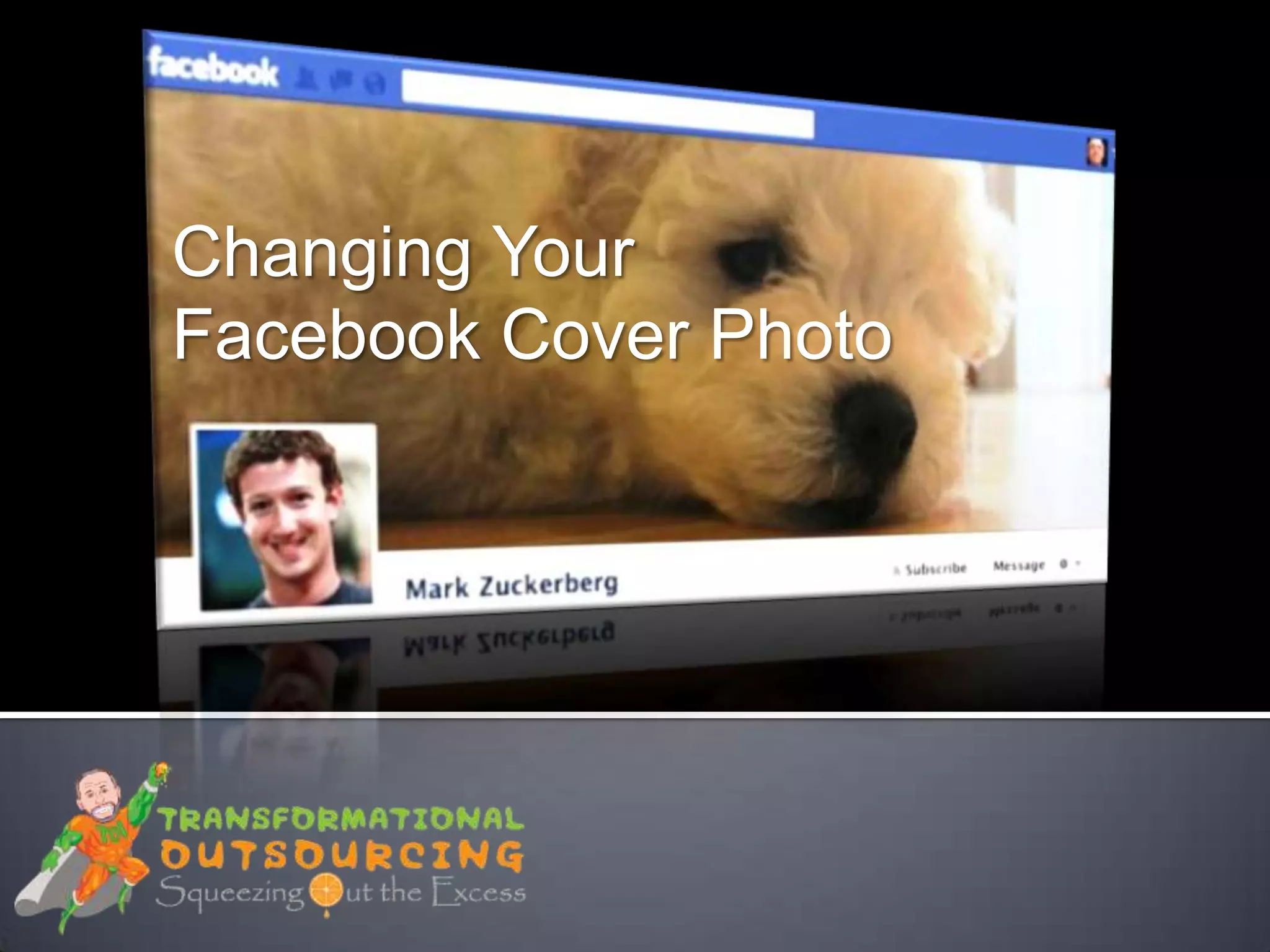
Changing Your
Facebook Cover Photo
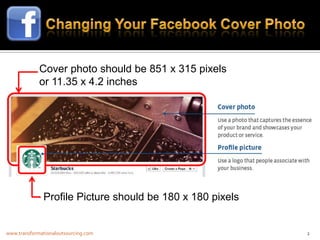
Cover photo should be 851 x 315 pixels
             or 11.35 x 4.2 inches


              Profile Picture should be 180 x 180 pixels


www.transformationaloutsourcing.com                        2
1. Go to your timeline
   2. Click Add a Cover
   3. Choose whether you want to
      upload a new photo or pick a
      photo from one of your existing
      photo albums
   4. Once you choose a photo, you
      can reposition it by clicking on
      the image and dragging it up or
      down
   5. Click Save Changes


www.transformationaloutsourcing.com      3
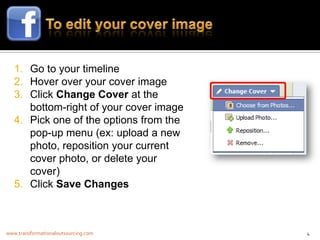
1. Go to your timeline
   2. Hover over your cover image
   3. Click Change Cover at the
      bottom-right of your cover image
   4. Pick one of the options from the
      pop-up menu (ex: upload a new
      photo, reposition your current
      cover photo, or delete your
      cover)
   5. Click Save Changes


www.transformationaloutsourcing.com      4
www.transformationaloutsourcing.com   5
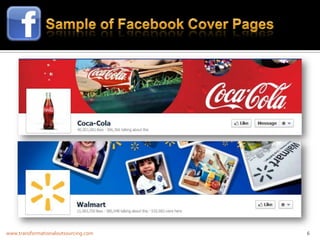
www.transformationaloutsourcing.com   6

Changing your facebook cover photo

  • 1.
  • 2.
    Cover photo shouldbe 851 x 315 pixels or 11.35 x 4.2 inches Profile Picture should be 180 x 180 pixels www.transformationaloutsourcing.com 2
  • 3.
    1. Go toyour timeline 2. Click Add a Cover 3. Choose whether you want to upload a new photo or pick a photo from one of your existing photo albums 4. Once you choose a photo, you can reposition it by clicking on the image and dragging it up or down 5. Click Save Changes www.transformationaloutsourcing.com 3
  • 4.
    1. Go toyour timeline 2. Hover over your cover image 3. Click Change Cover at the bottom-right of your cover image 4. Pick one of the options from the pop-up menu (ex: upload a new photo, reposition your current cover photo, or delete your cover) 5. Click Save Changes www.transformationaloutsourcing.com 4
  • 5.
  • 6.