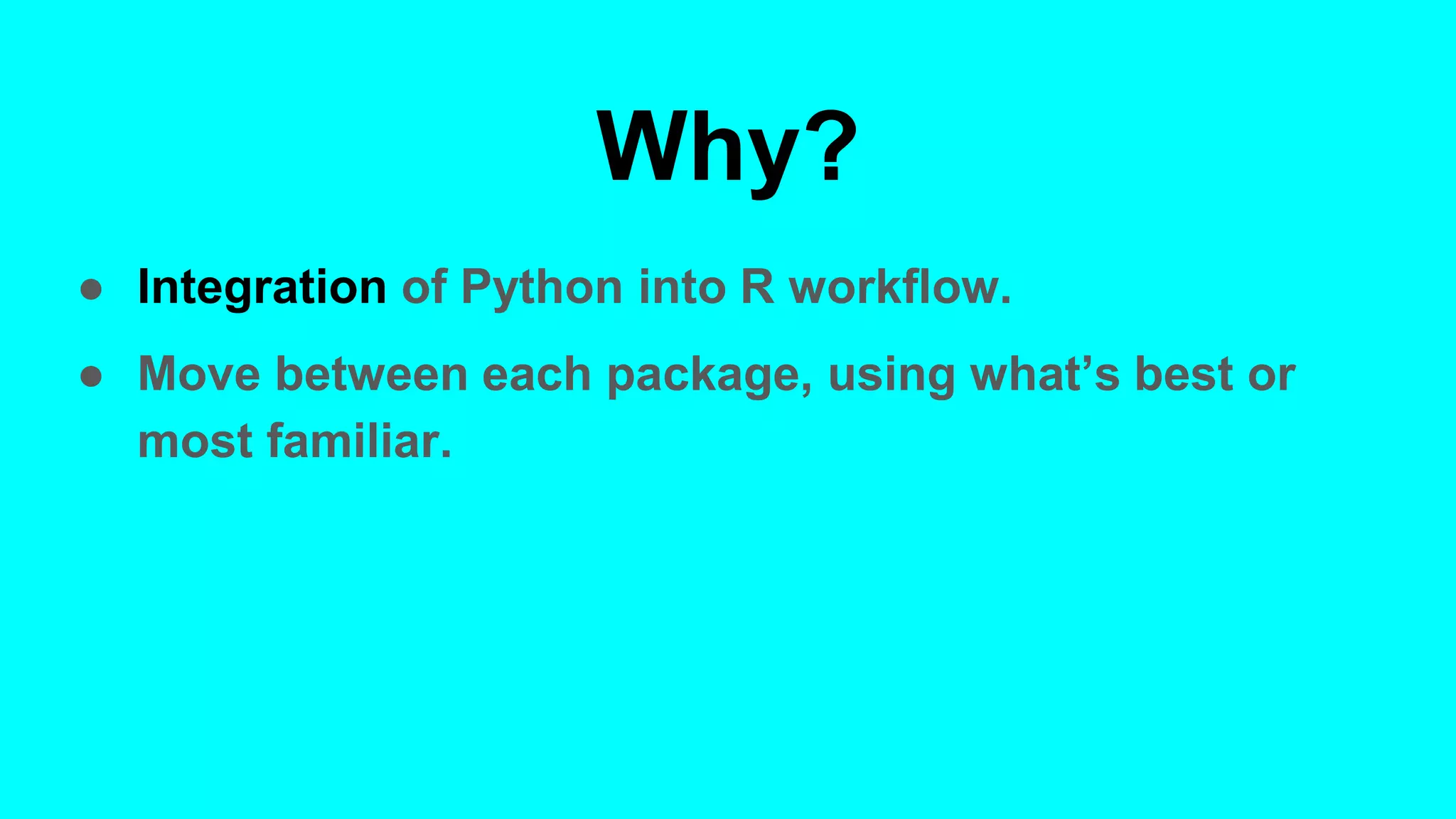
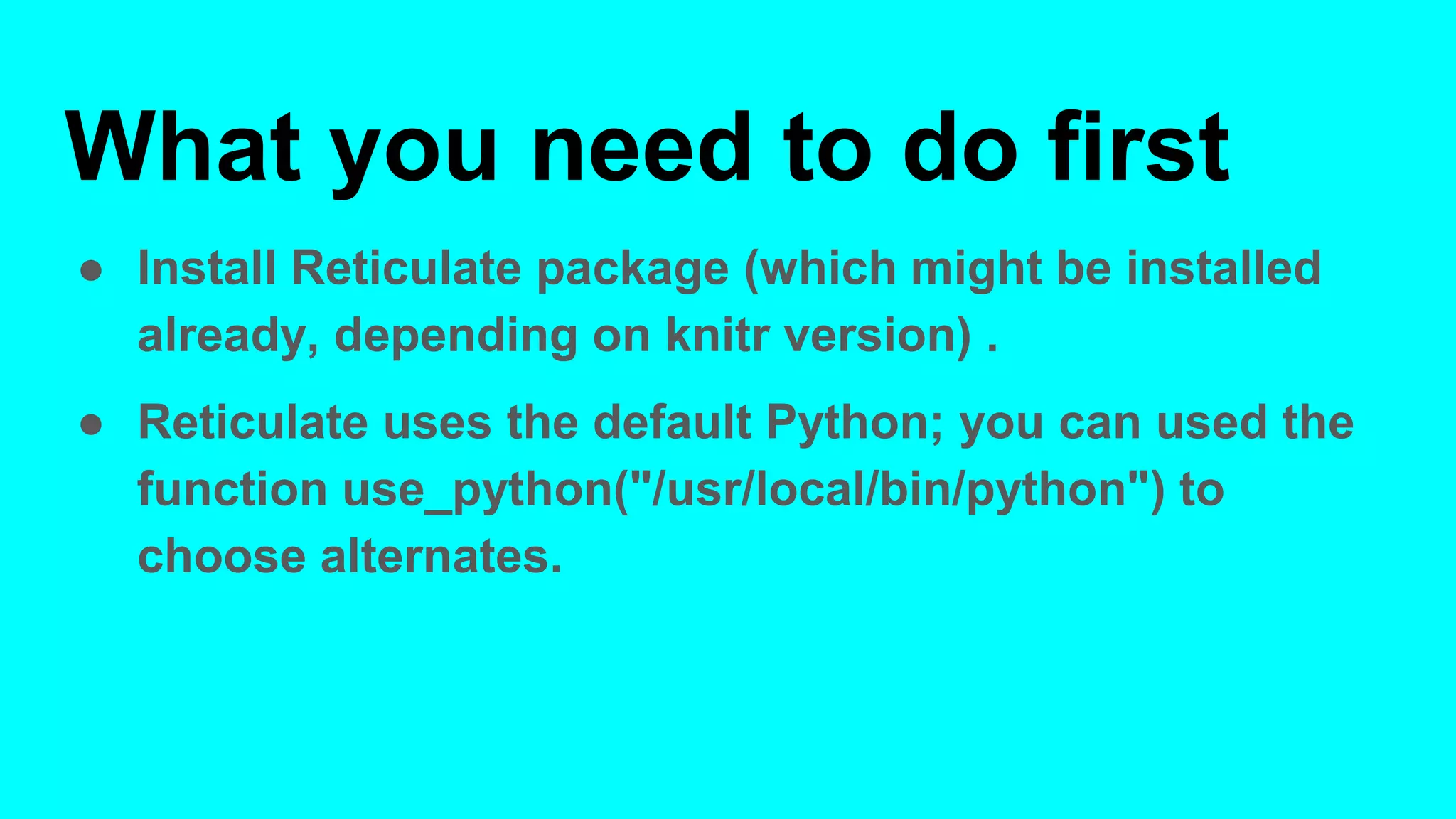
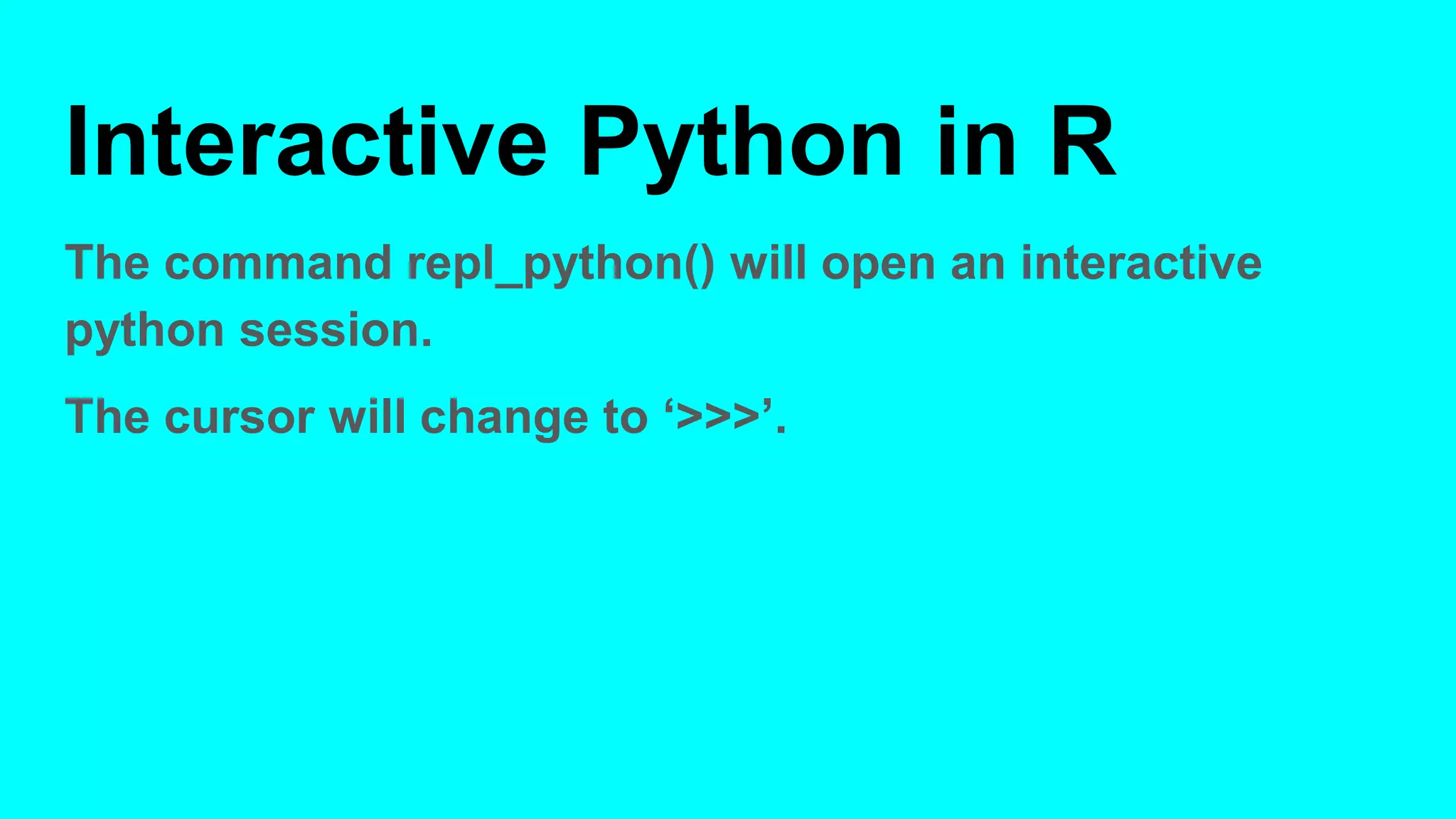
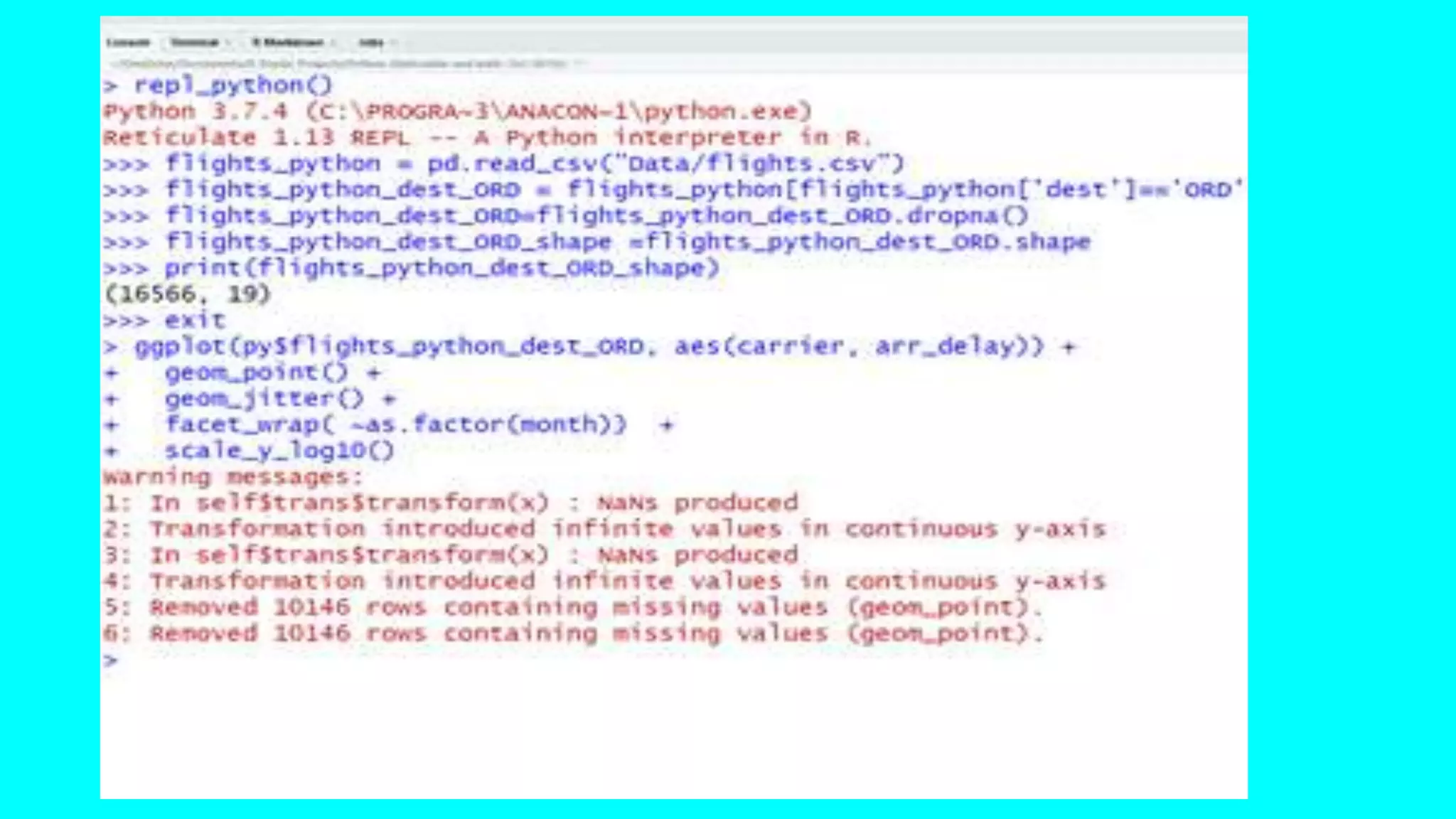
The document discusses using the reticulate package to call Python from R. It demonstrates importing Python modules and running Python code from within R. This allows users to integrate Python into their R workflow and take advantage of packages in either language. The reticulate package installs dependencies that allow R to communicate with Python. Examples show importing and manipulating data frames, plotting Python objects in R, and using Python code chunks in RMarkdown documents. An interactive Python session can also be launched from within R.
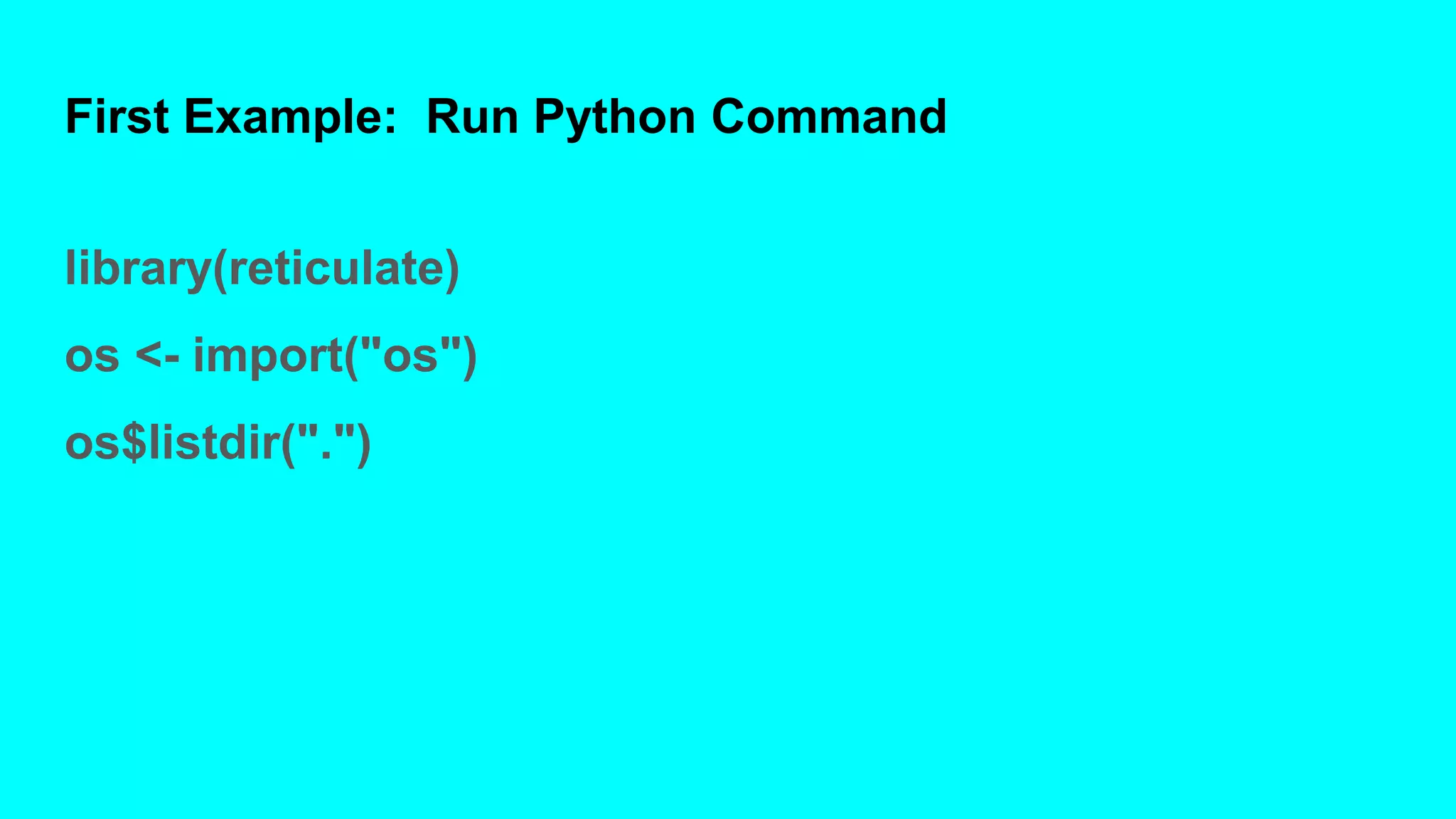
![First Example: Results
[1] ".RData"
[2] ".Rhistory"
[3] ".Rproj.user"
[4] "Calling Python from R (AARUG Meeting, Oct 10,
2019).pptx"
[5] "Clustering File 1.Rmd"
[6] "Clustering-File-1.html"
And so on](https://image.slidesharecdn.com/callingpythonfromr-191011152916/75/Calling-python-from-r-6-2048.jpg)
![Second Example: Import and
Wrangle Data
py_run_string("import pandas as pd")
py_run_string("flights_python = pd.read_csv('Data/flights.csv')")
py_run_string("flights_python_dest_ORD =
flights_python[flights_python['dest']=='ORD']")
py_run_string("flights_python_dest_ORD=flights_python_dest_ORD.dropna
()")
py_run_string("flights_python_dest_ORD_shape
=flights_python_dest_ORD.shape")](https://image.slidesharecdn.com/callingpythonfromr-191011152916/75/Calling-python-from-r-7-2048.jpg)
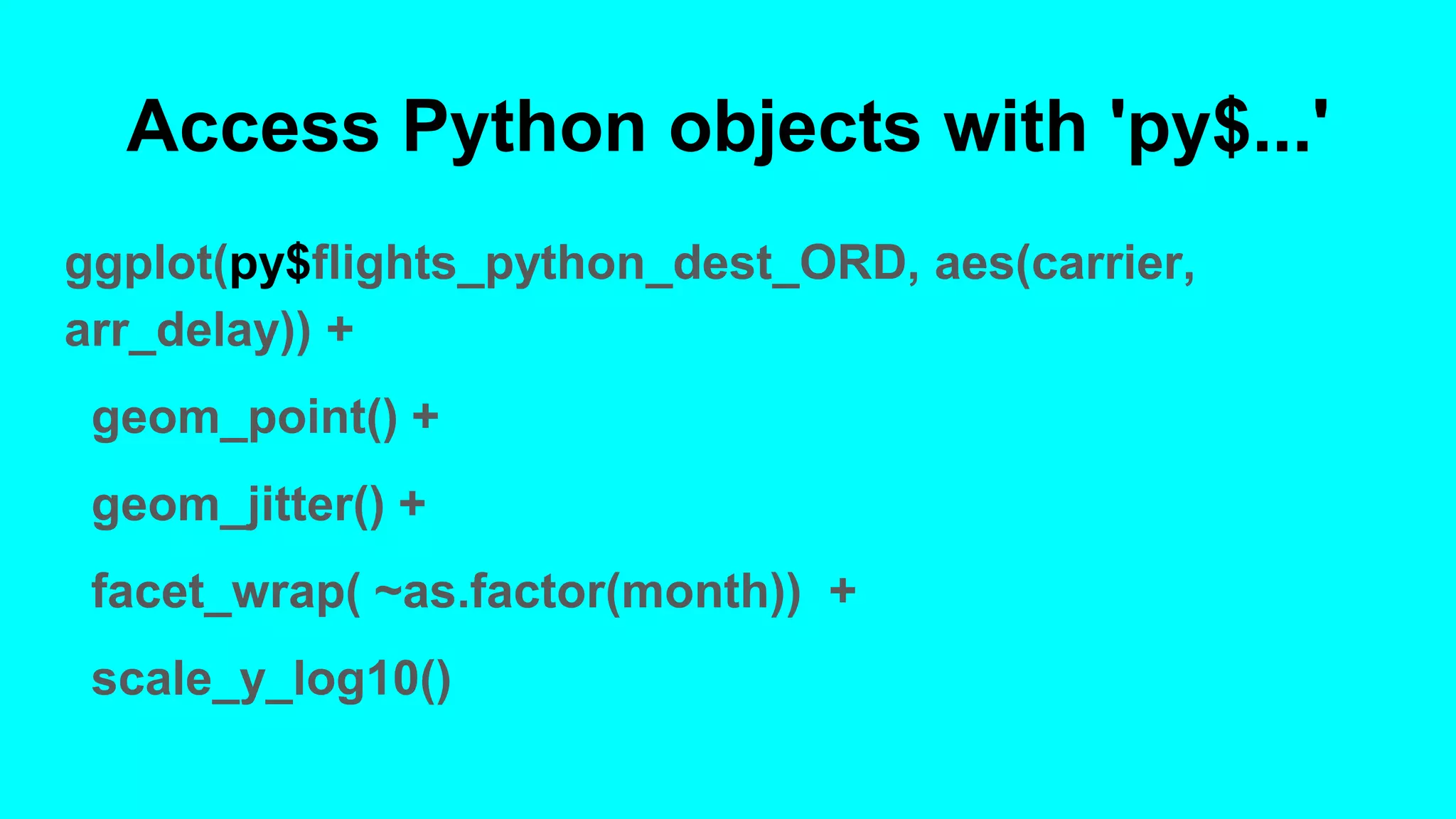
![Access Python objects with 'py$...'
shape= py$flights_python_dest_ORD_shape
Shape
> shape
[[1]]
[1] 16566
[[2]]
[1] 19](https://image.slidesharecdn.com/callingpythonfromr-191011152916/75/Calling-python-from-r-8-2048.jpg)
![In Rmarkdown/knitr
Use code chunks
```{python trial_run}
import pandas as pd
flights_python = pd.read_csv("Data/flights.csv")
flights_python_dest_ORD = flights_python[flights_python['dest']=='ORD']
flights_python_dest_ORD=flights_python_dest_ORD.dropna()
flights_python_dest_ORD_shape =flights_python_dest_ORD.shape
print(flights_python_dest_ORD_shape)
```](https://image.slidesharecdn.com/callingpythonfromr-191011152916/75/Calling-python-from-r-10-2048.jpg)


![[DSC Europe 25] Jon Dajci - Bridging TradFi and DeFi: Building the Future of ...](https://cdn.slidesharecdn.com/ss_thumbnails/fqmhfvlbqhkihjvqvhmu-7-251211083849-6af7e325-thumbnail.jpg?width=640&height=640&fit=bounds)


![[DSC Europe 25] Dusan Nesic - Securing Tomorrow’s Infrastructure: Why Cyber-P...](https://cdn.slidesharecdn.com/ss_thumbnails/qikbszfftyowjm2q6duw-1-251211083848-8f2ead6b-thumbnail.jpg?width=640&height=640&fit=bounds)


![[DSC Europe 25] Bassam Maharmeh - Artificial Intelligence: Opportunities and ...](https://cdn.slidesharecdn.com/ss_thumbnails/thhfmr2fqpawzj7hsjpg-5-251211083048-2c23204f-thumbnail.jpg?width=640&height=640&fit=bounds)

![[DSC Europe 25] Branko Urosevic -Rethinking Financial Talent: Integrating Cod...](https://cdn.slidesharecdn.com/ss_thumbnails/8jjrus8ttko6qj64f58f-3-251212103250-642c6374-thumbnail.jpg?width=640&height=640&fit=bounds)
![[DSC Europe 25] Nikolay Burlutskiy - Best Practices for Building Enterprise M...](https://cdn.slidesharecdn.com/ss_thumbnails/uirvaiuvq8y1w8hzd9tx-7-251212103249-2619edb4-thumbnail.jpg?width=640&height=640&fit=bounds)
