Agenda

 Goal: You’ll get an A to Z mobile web primer

 Why build mobile map apps?

 3 Approaches

 Frameworks

 CSS3 & HTML5

 Hybrid Map apps
Who are your presenters?

   Antoon Uijtdehaag, Esri Nederland
   Technical Consultant

   Email: auijtdehaag@esri.nl
   Twitter @uijtdehaag


   Andy Gup, Esri
   Tech Lead for Web APIs and Android
   Esri Developer Network

   Email: agup@esri.com
   Twitter: @agup
Who are you?
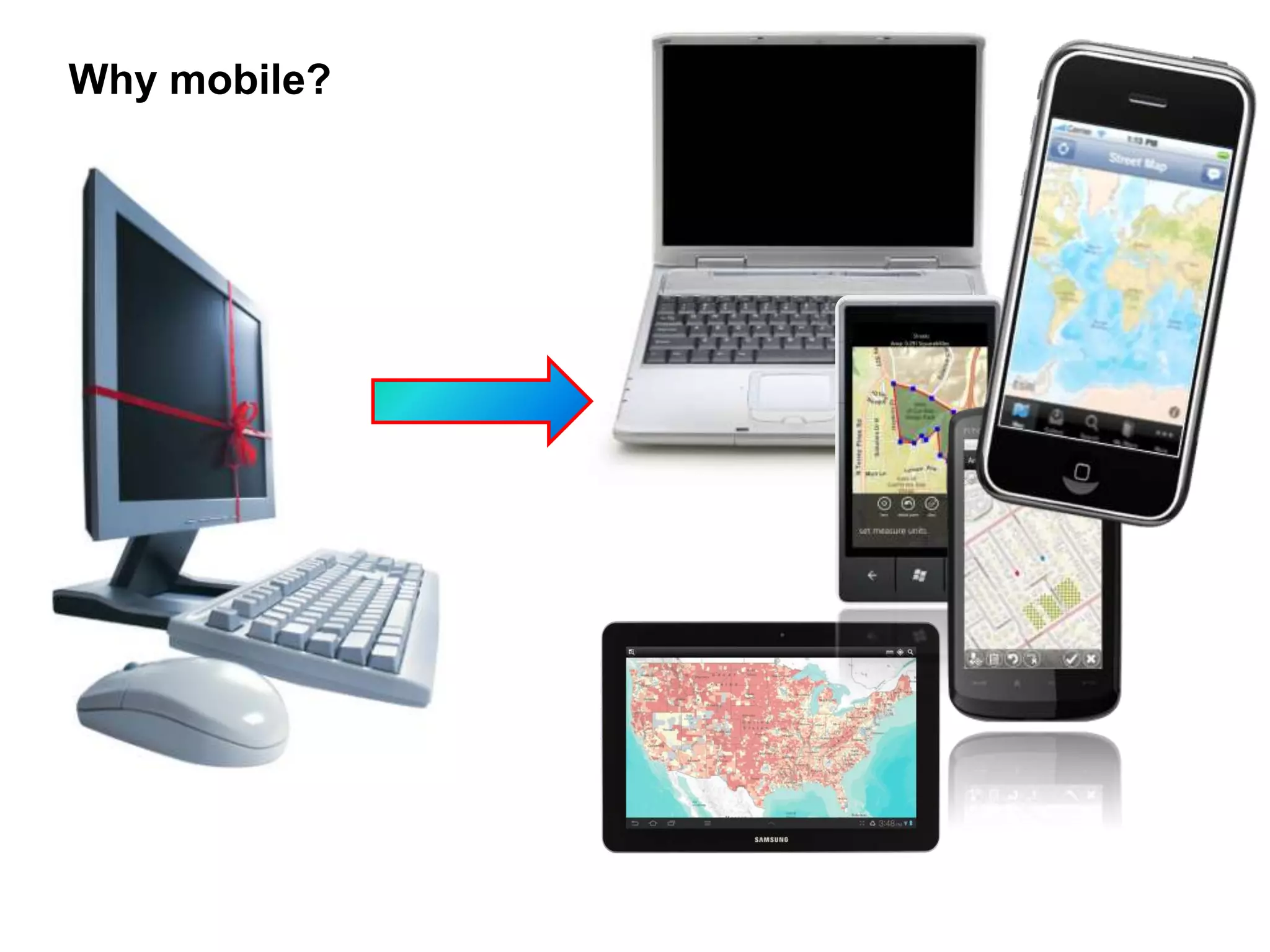
Why mobile?
Demo
Mobile usage stats for my website?


Web Server logs


Web analytic tools
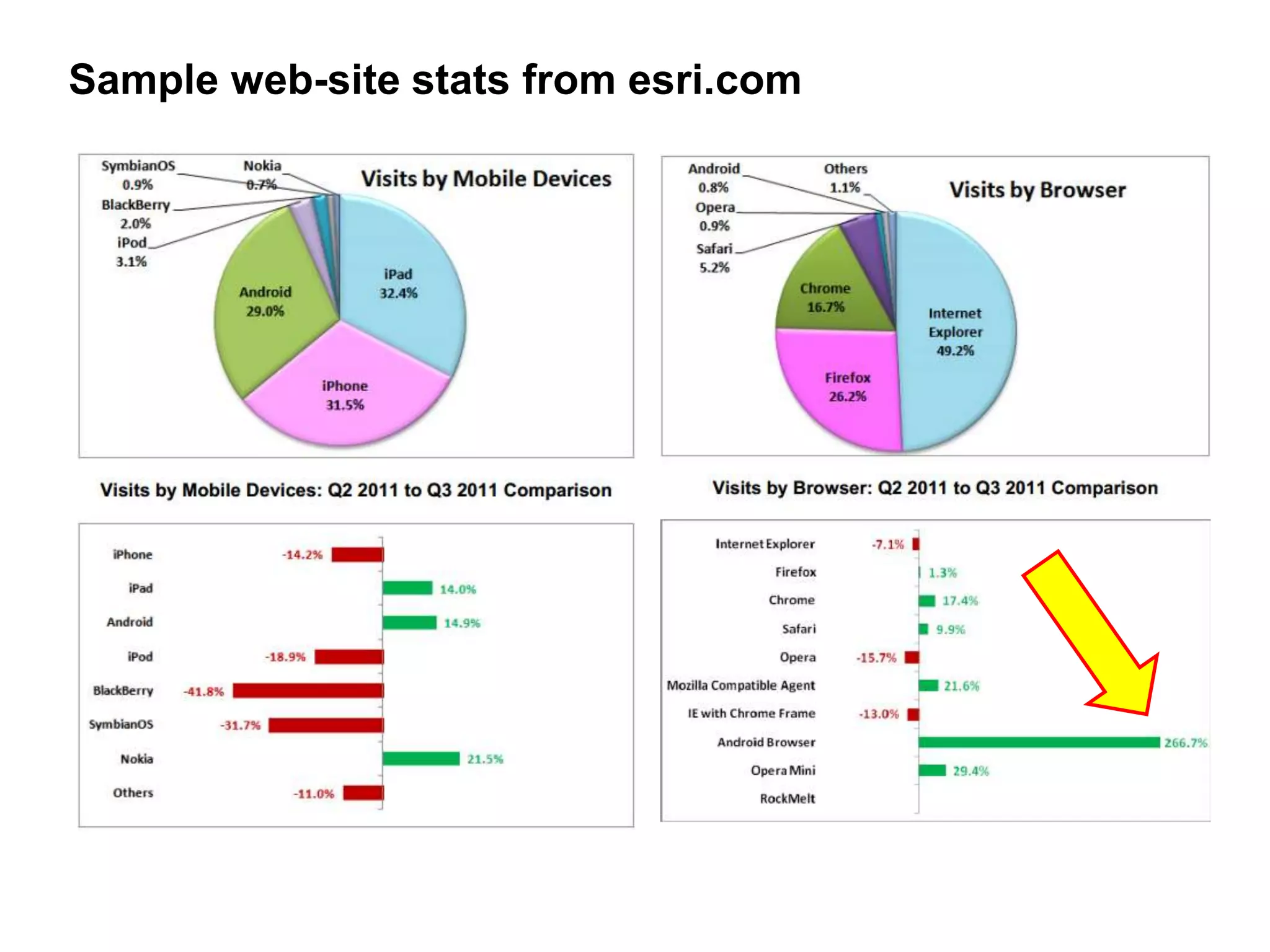
Sample web-site stats from esri.com
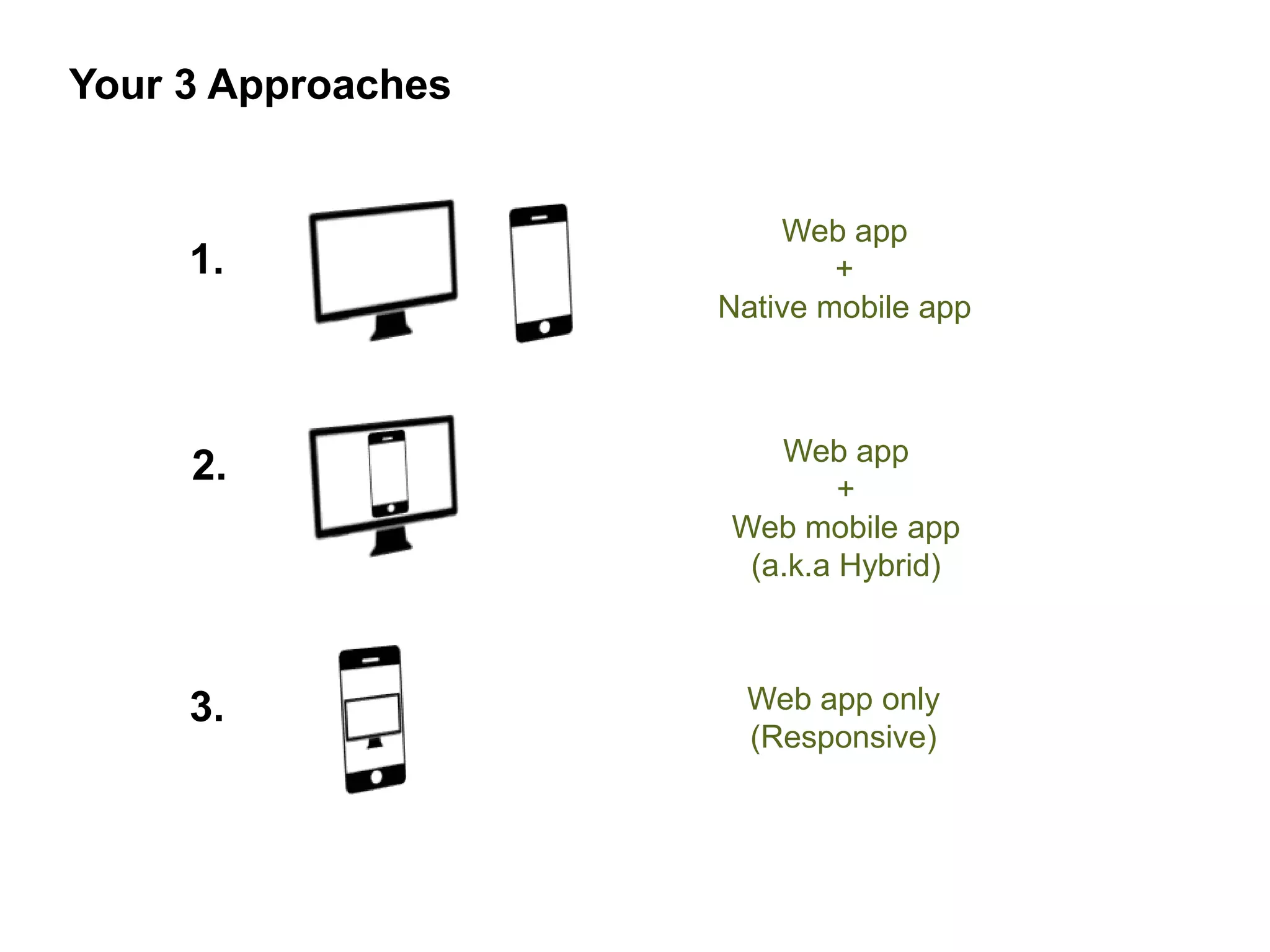
Your 3 Approaches


                        Web app
     1.                     +
                    Native mobile app


                       Web app
     2.                     +
                    Web mobile app
                     (a.k.a Hybrid)


     3.              Web app only
                     (Responsive)
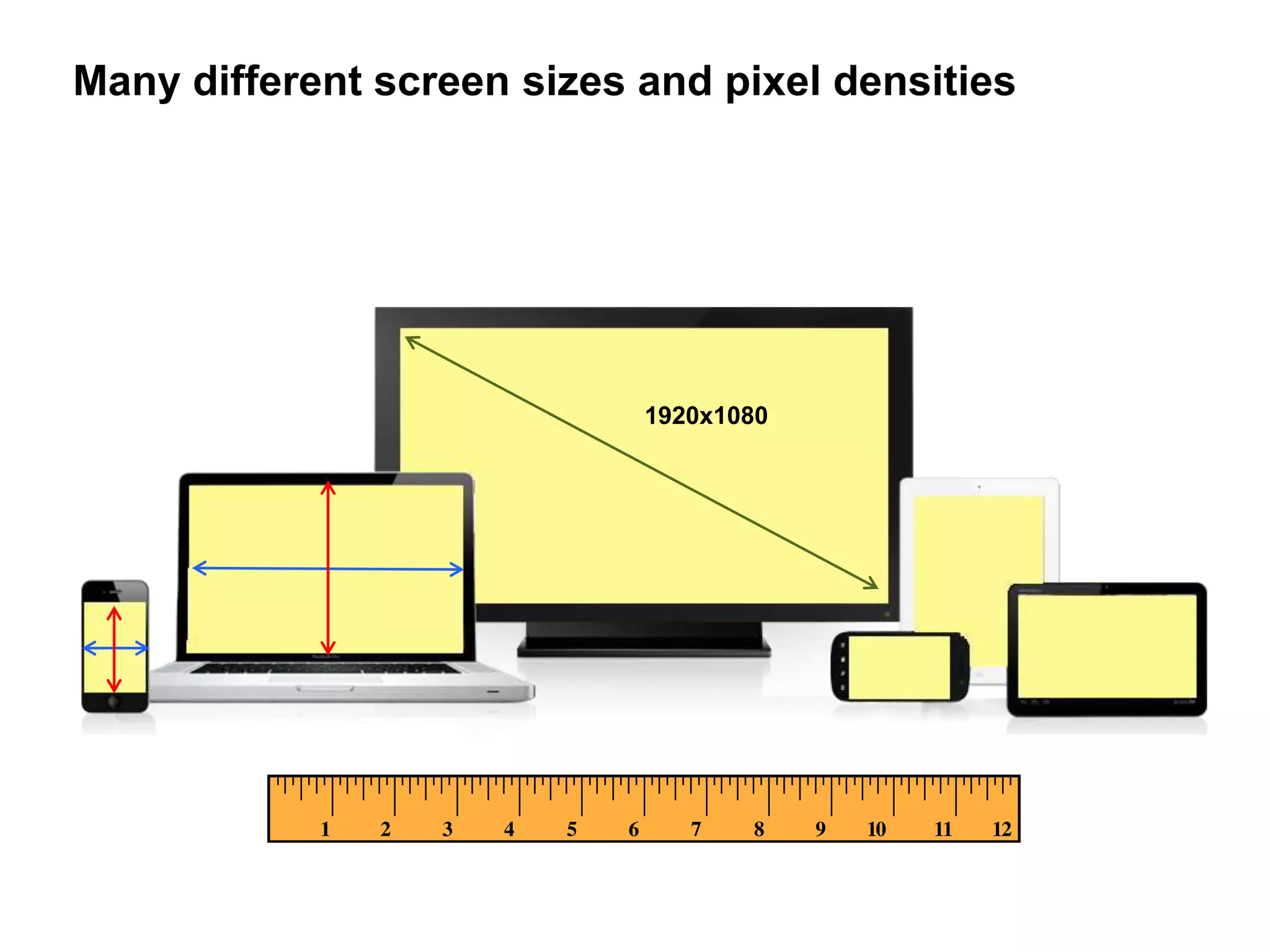
Many different screen sizes and pixel densities


                            1920x1080
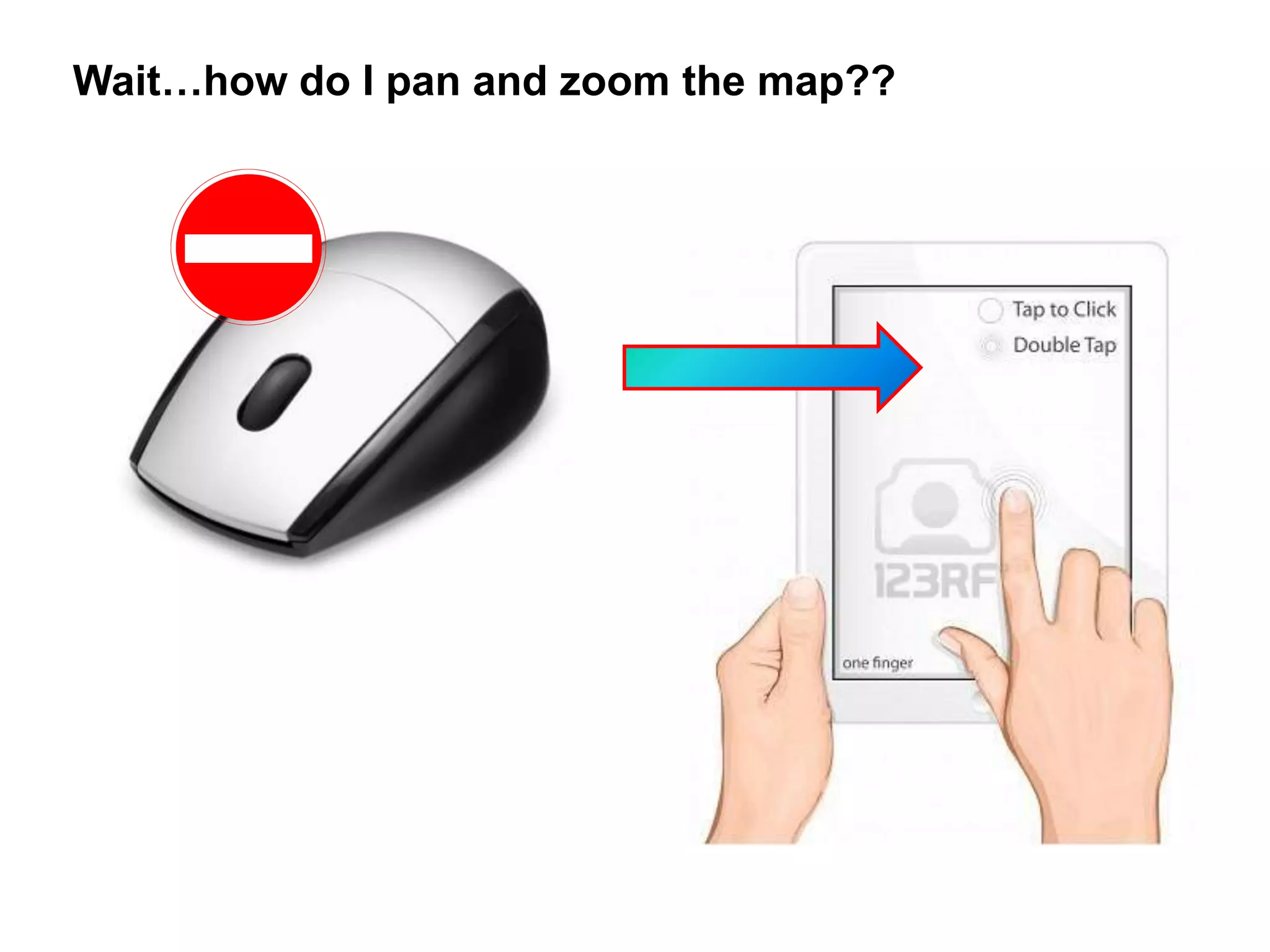
Wait…how do I pan and zoom the map??
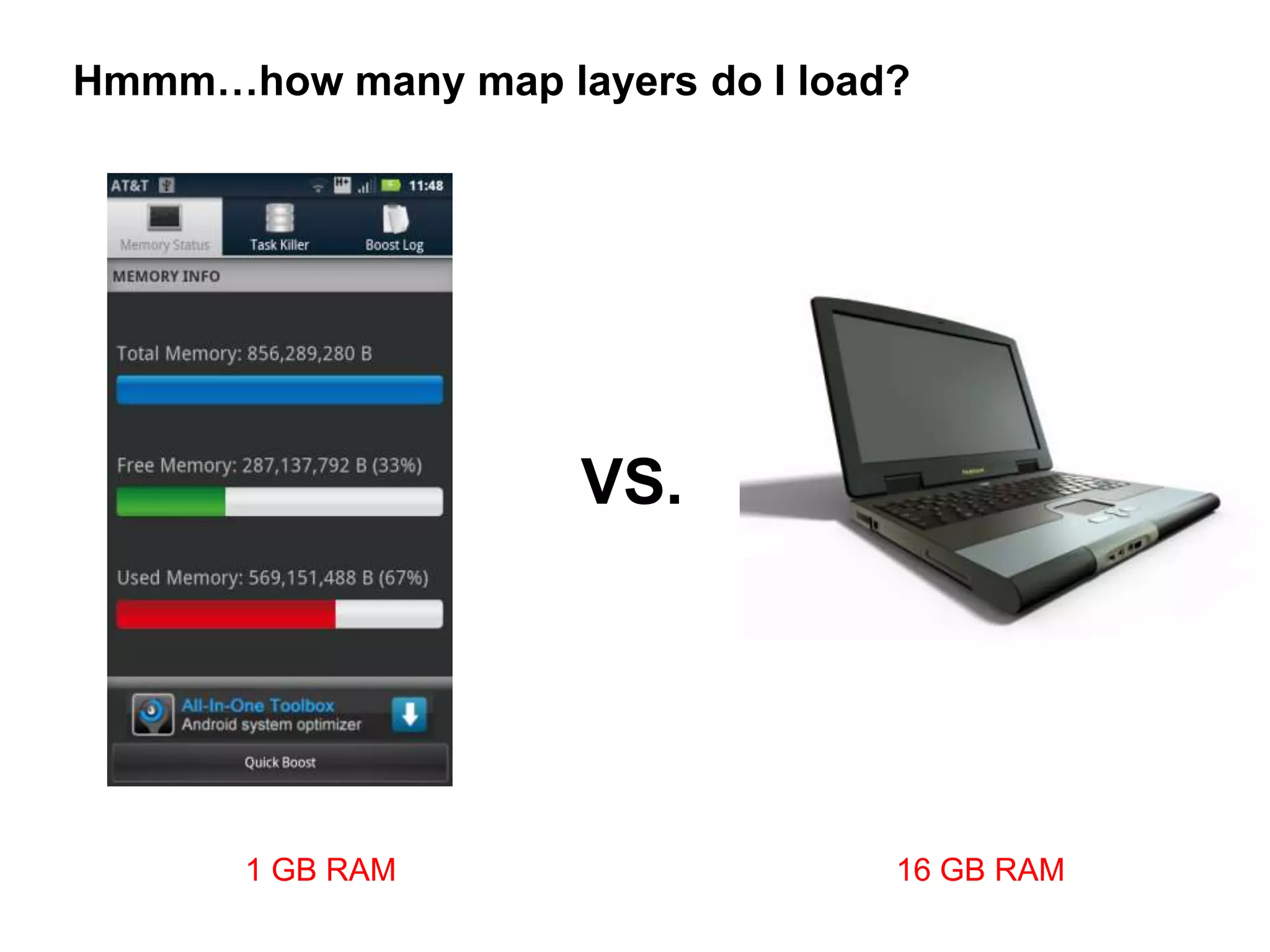
Hmmm…how many map layers do I load?


                     VS.


       1 GB RAM                   16 GB RAM
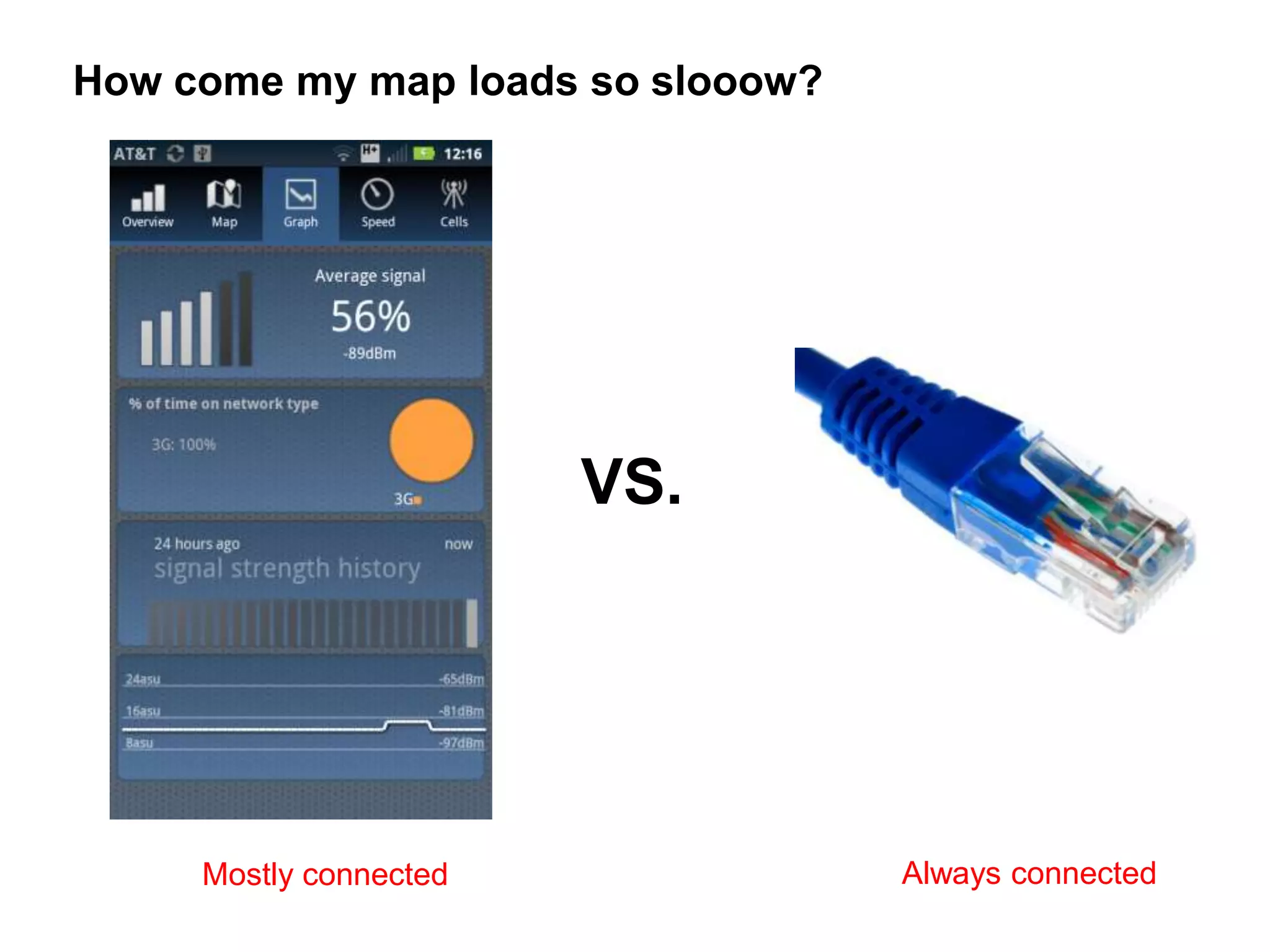
How come my map loads so slooow?


                        VS.


     Mostly connected              Always connected
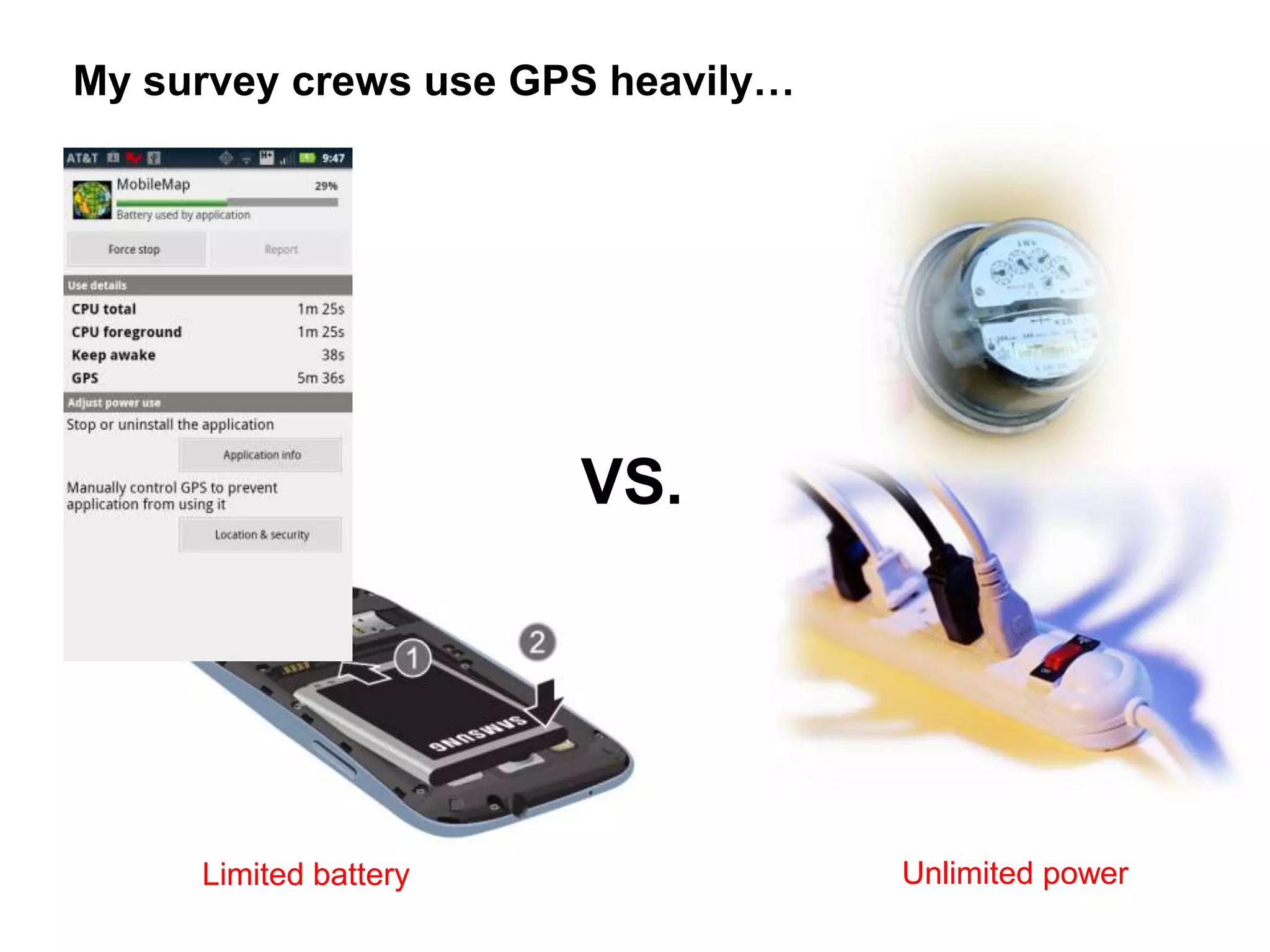
My survey crews use GPS heavily…


                       VS.


     Limited battery               Unlimited power
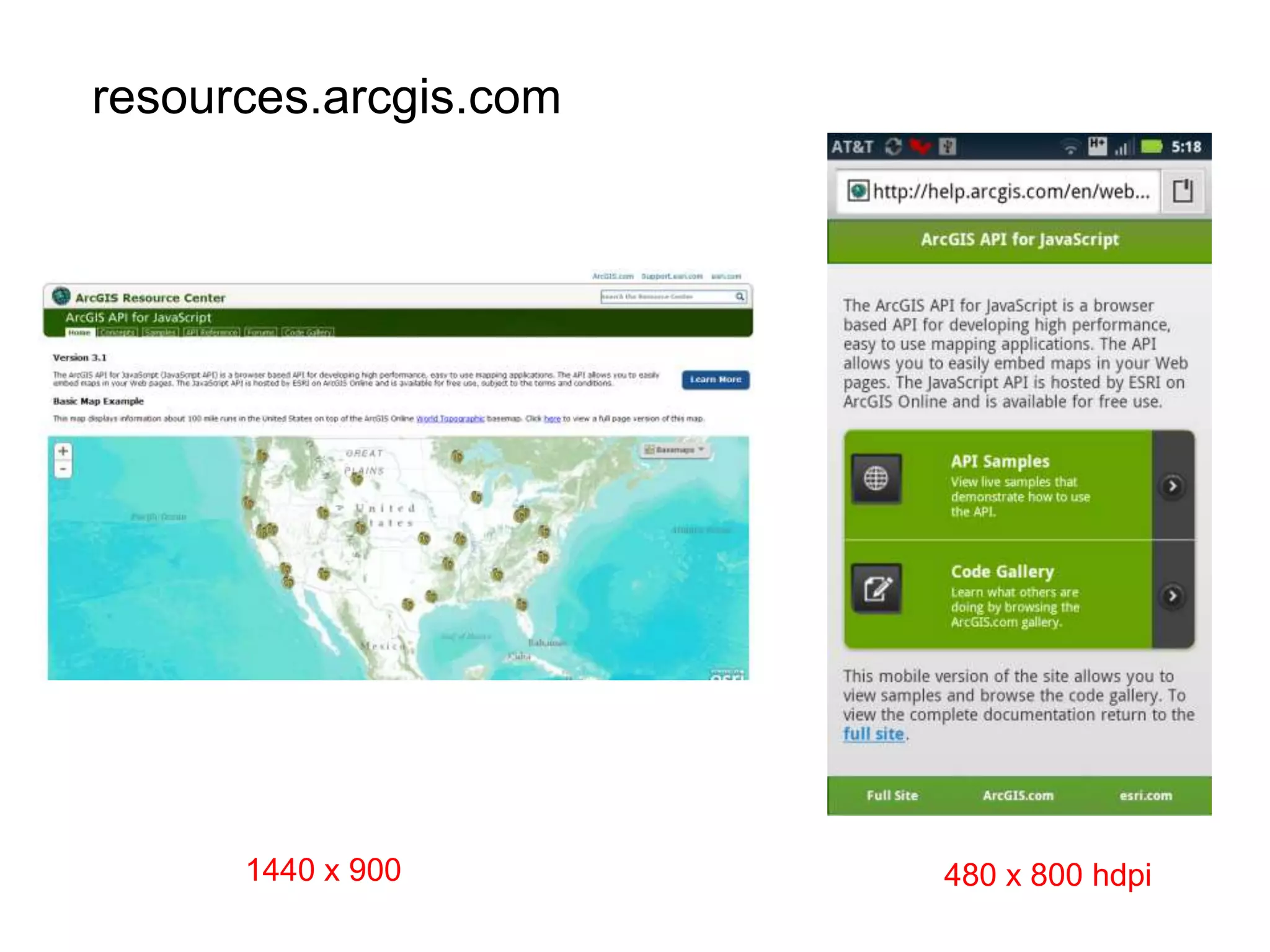
resources.arcgis.com


      1440 x 900       480 x 800 hdpi
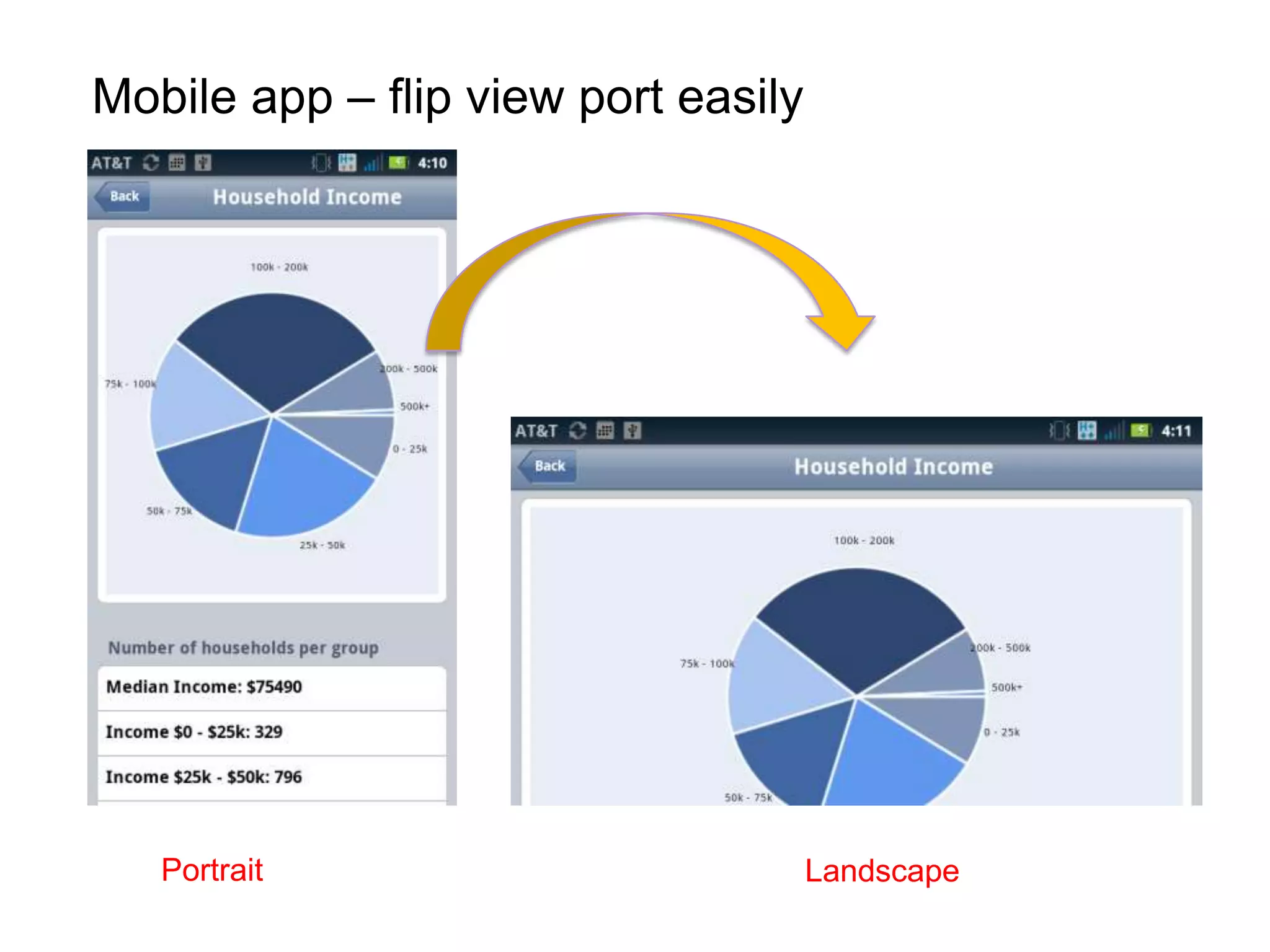
Mobile app – flip view port easily


   Portrait                          Landscape
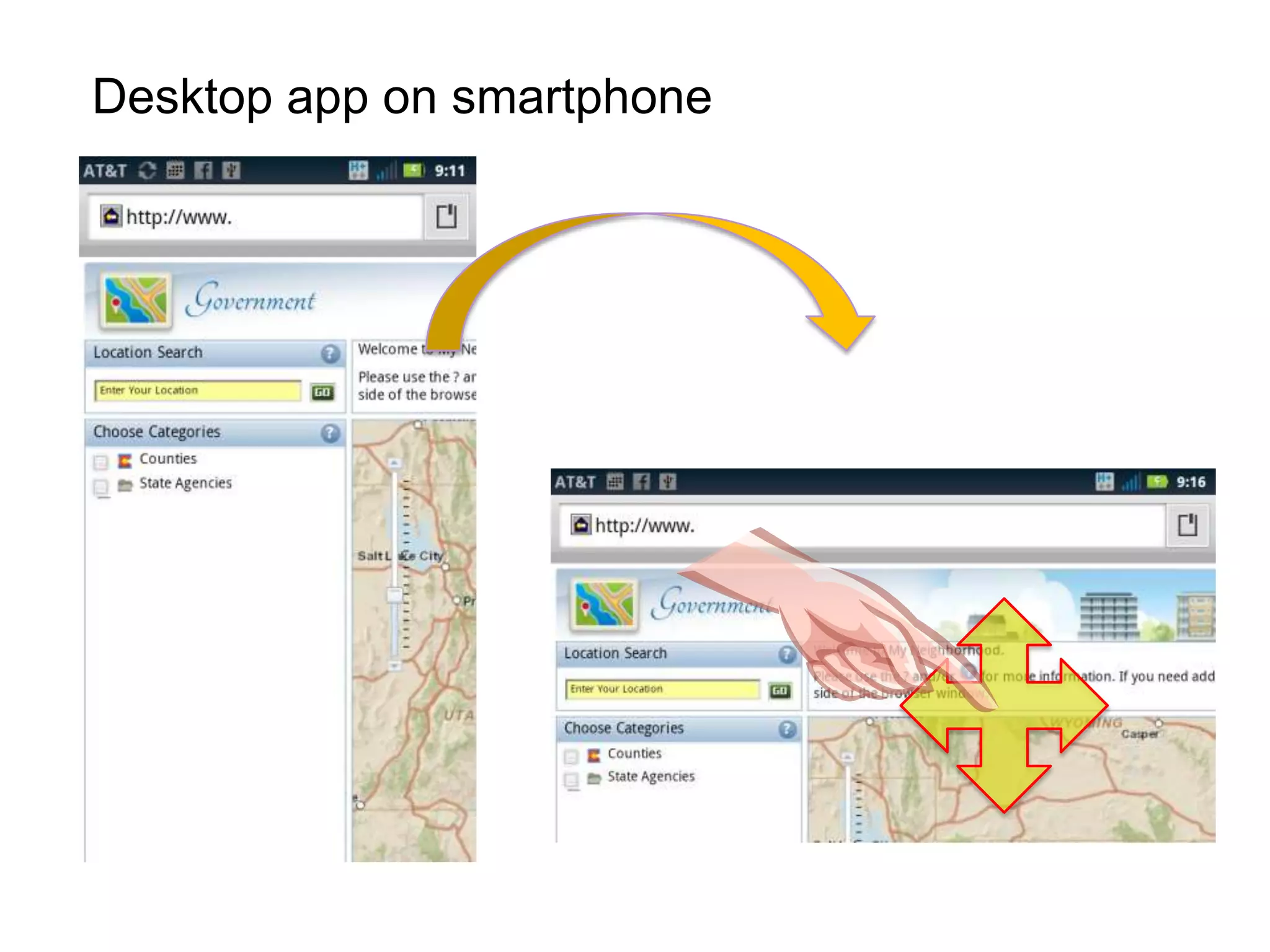
Desktop app on smartphone
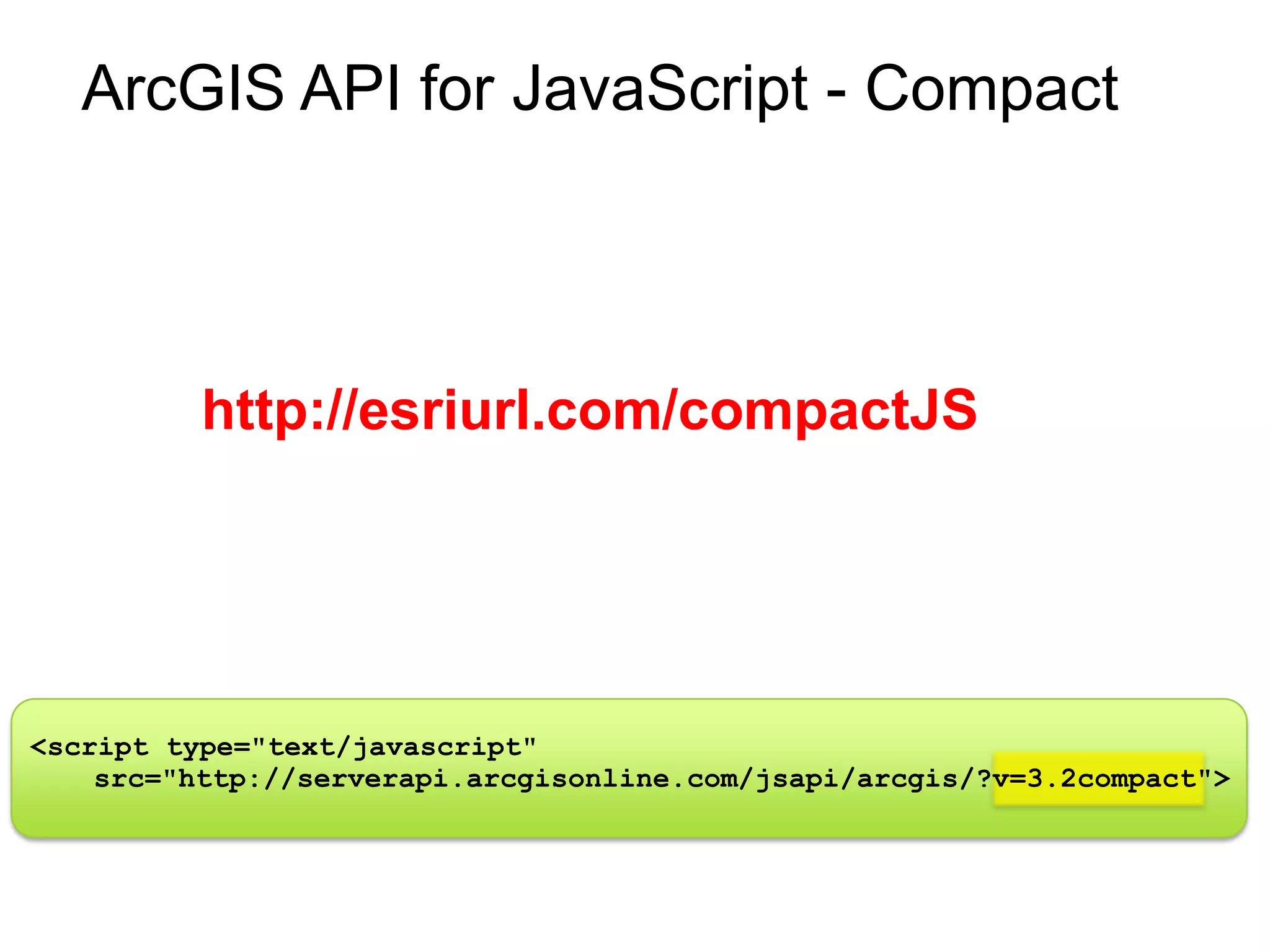
ArcGIS API for JavaScript - Compact


          http://esriurl.com/compactJS


<script type="text/javascript"
    src="http://serverapi.arcgisonline.com/jsapi/arcgis/?v=3.2compact">
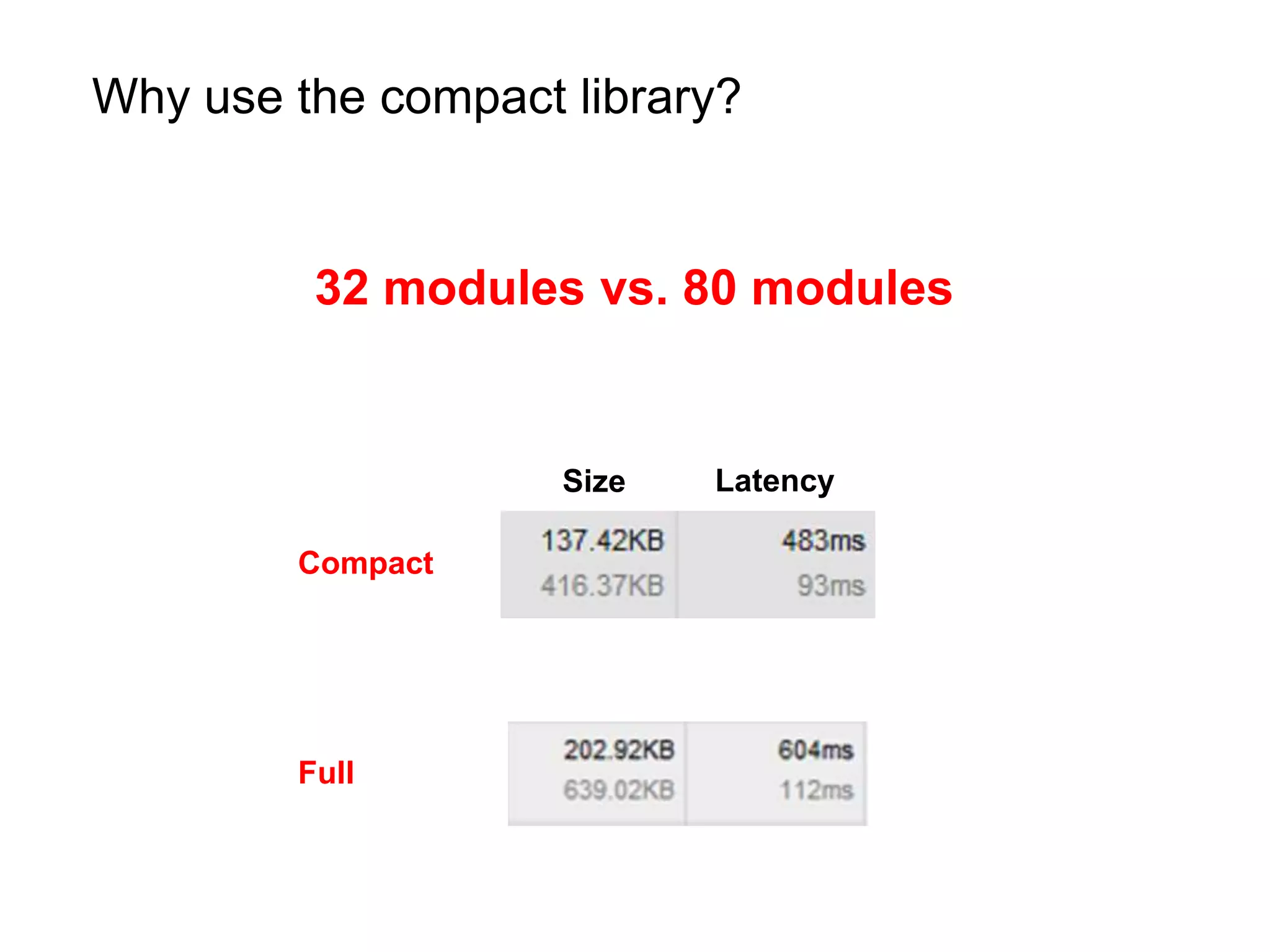
Why use the compact library?


         32 modules vs. 80 modules


                    Size   Latency

        Compact


        Full
Many mobile frameworks, such as…
The challenge
Mobile frameworks help with…


           Views

           Visual Components

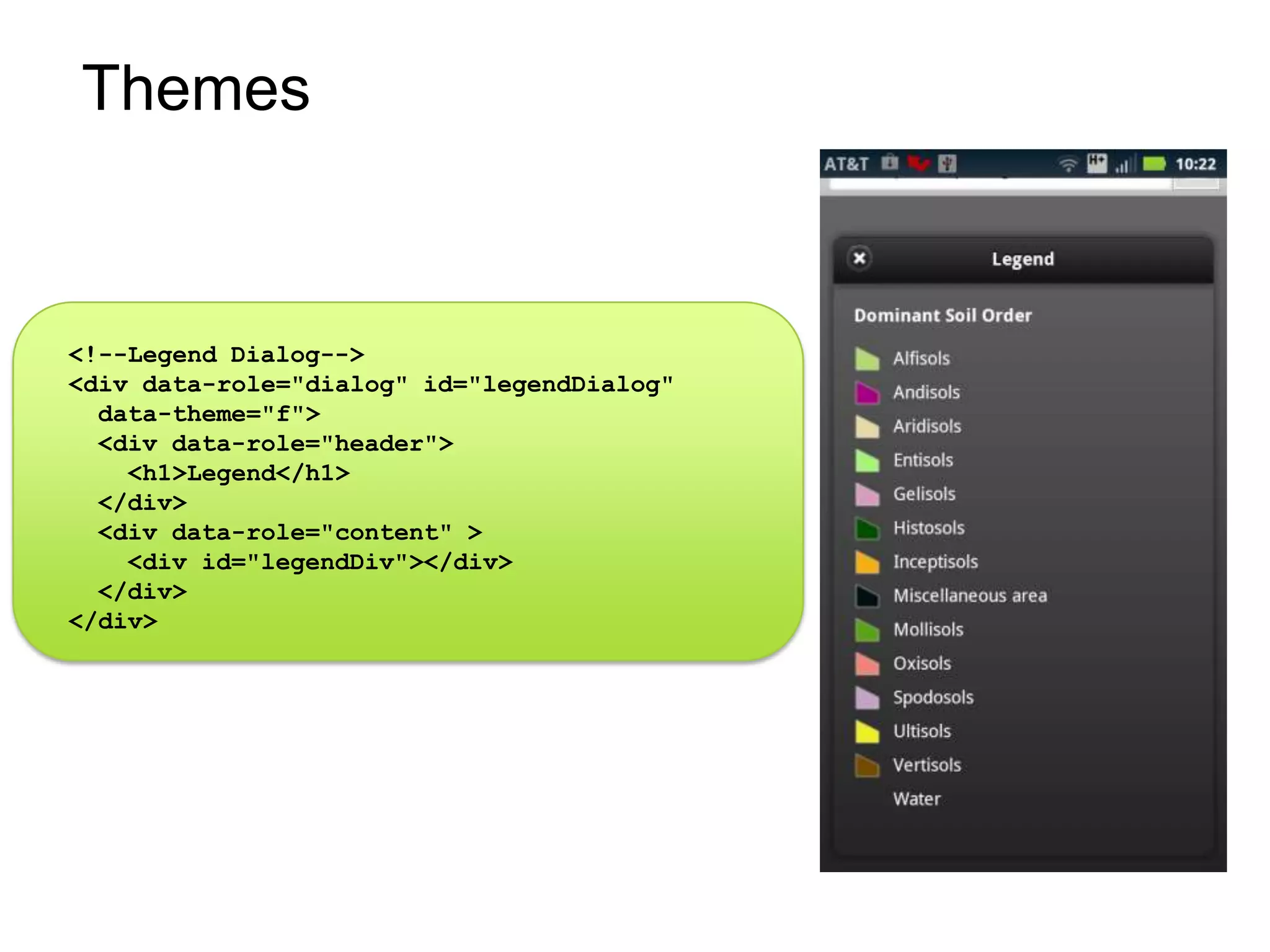
           Themes
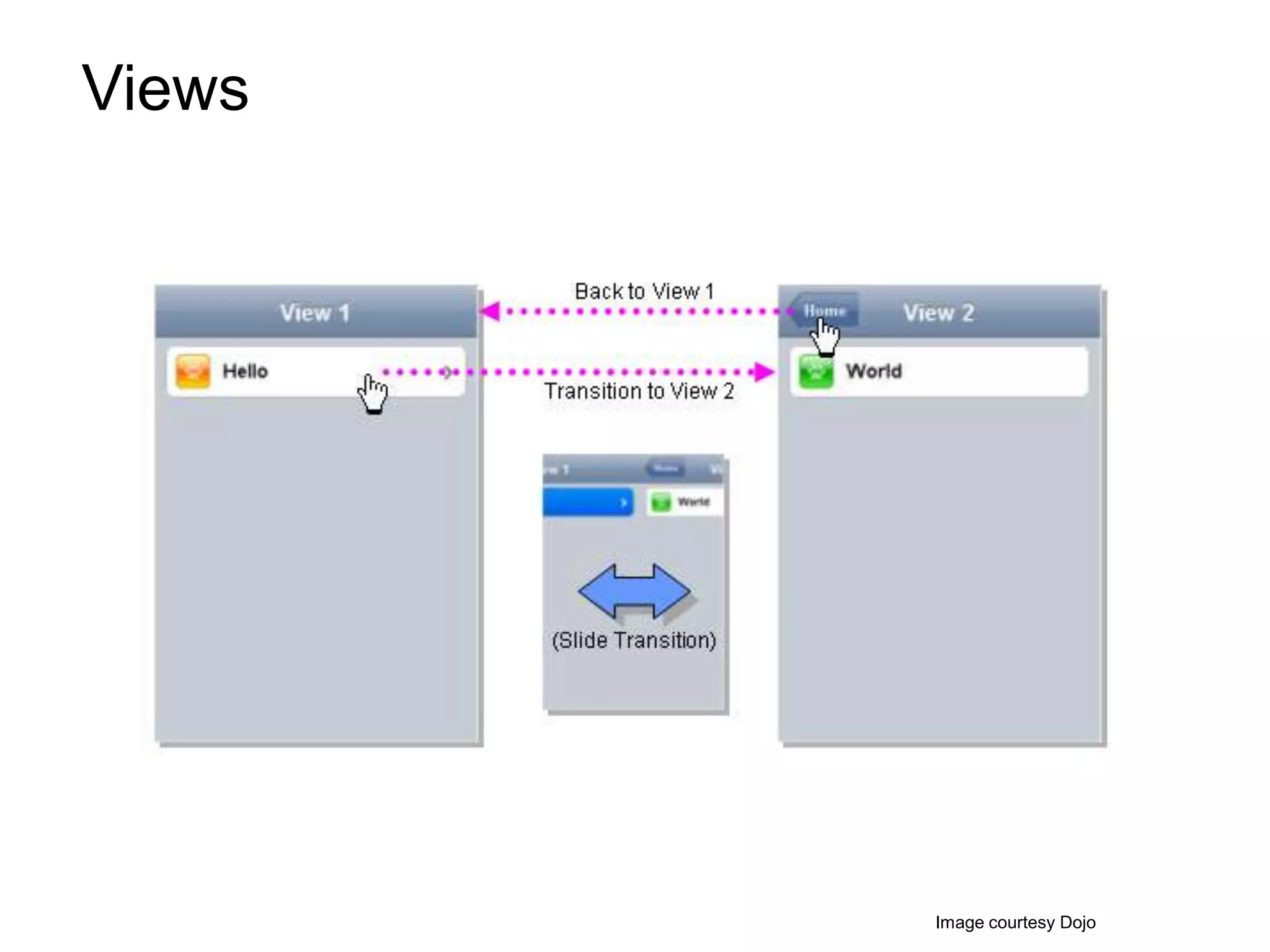
Views


        Image courtesy Dojo
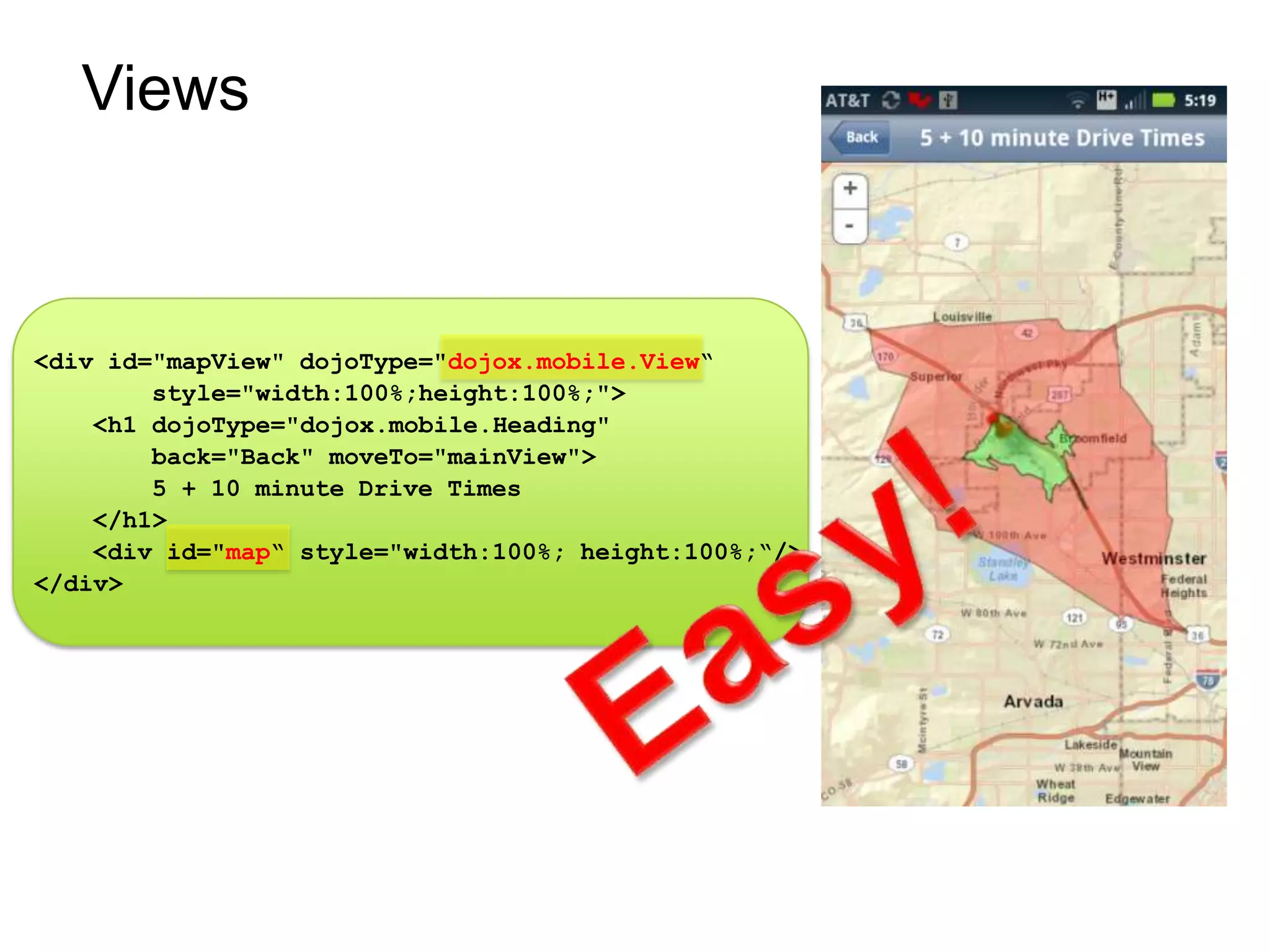
Views


<div id="mapView" dojoType="dojox.mobile.View“
        style="width:100%;height:100%;">
    <h1 dojoType="dojox.mobile.Heading"
        back="Back" moveTo="mainView">
        5 + 10 minute Drive Times
    </h1>
    <div id="map“ style="width:100%; height:100%;“/>
</div>
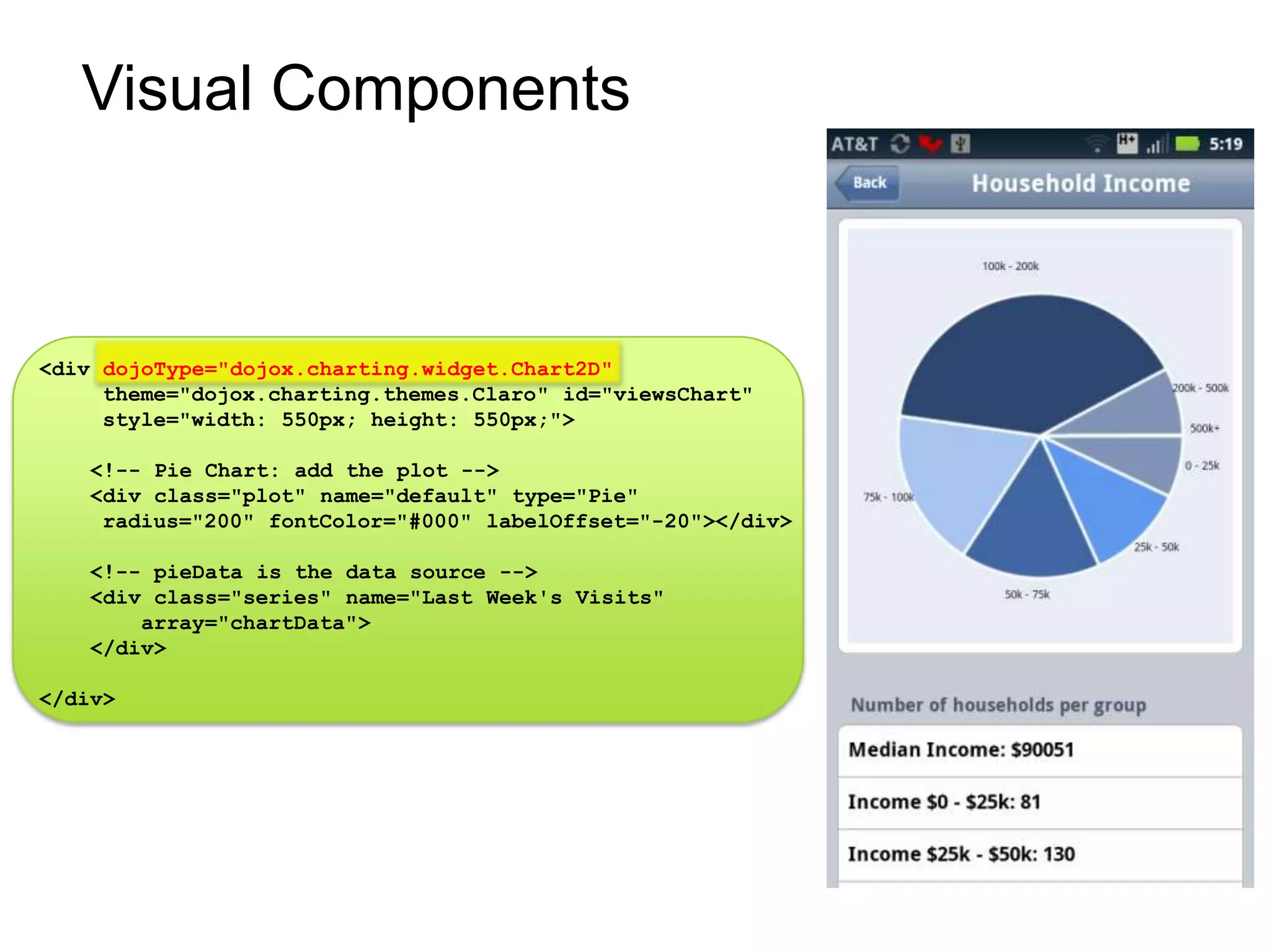
Visual Components


<div dojoType="dojox.charting.widget.Chart2D"
     theme="dojox.charting.themes.Claro" id="viewsChart"
     style="width: 550px; height: 550px;">

    <!-- Pie Chart: add the plot -->
    <div class="plot" name="default" type="Pie"
     radius="200" fontColor="#000" labelOffset="-20"></div>

    <!-- pieData is the data source -->
    <div class="series" name="Last Week's Visits"
        array="chartData">
    </div>

</div>
Themes

<!--Legend Dialog-->
<div data-role="dialog" id="legendDialog"
  data-theme="f">
  <div data-role="header">
    <h1>Legend</h1>
  </div>
  <div data-role="content" >
    <div id="legendDiv"></div>
  </div>
</div>
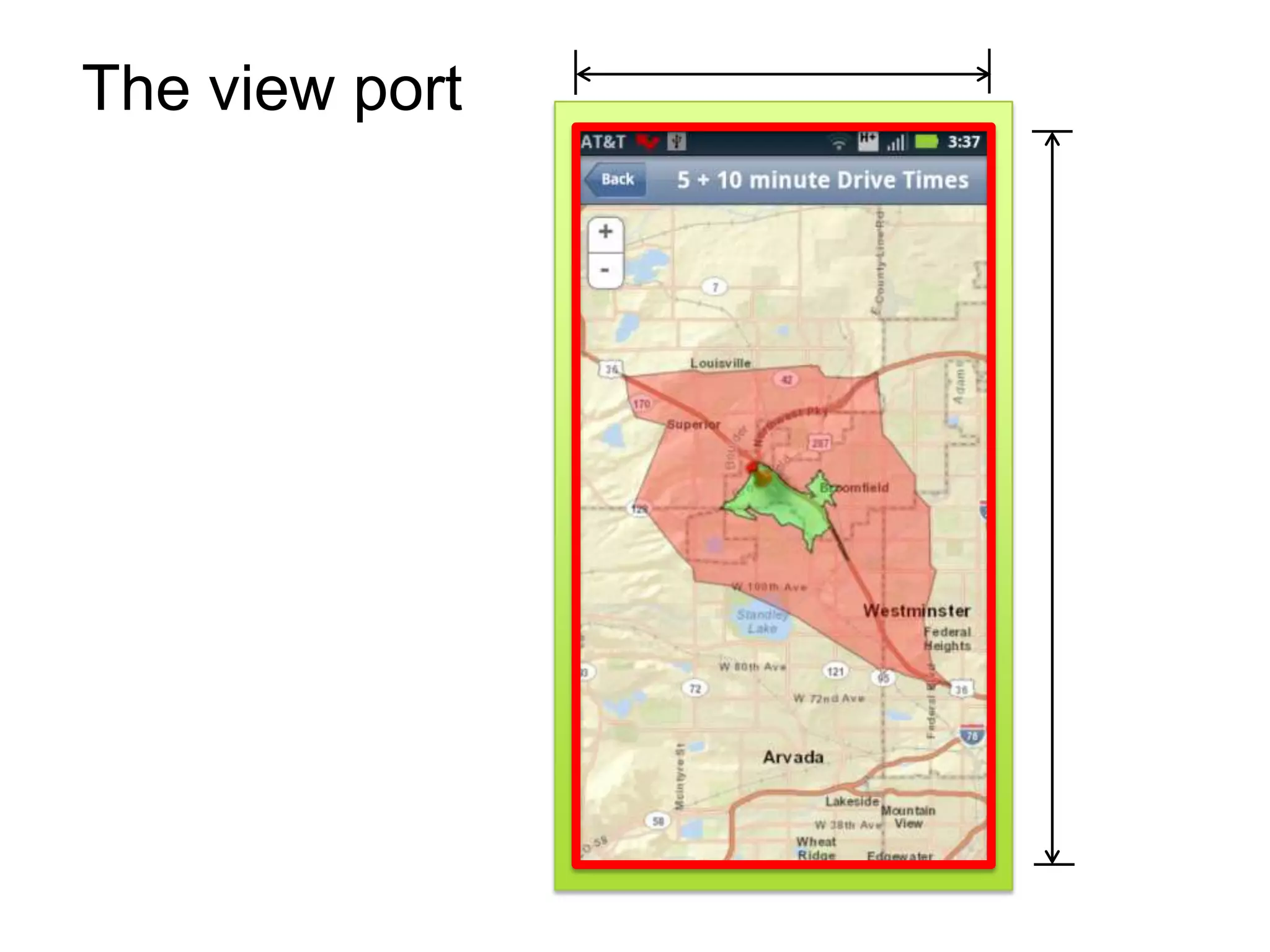
The view port
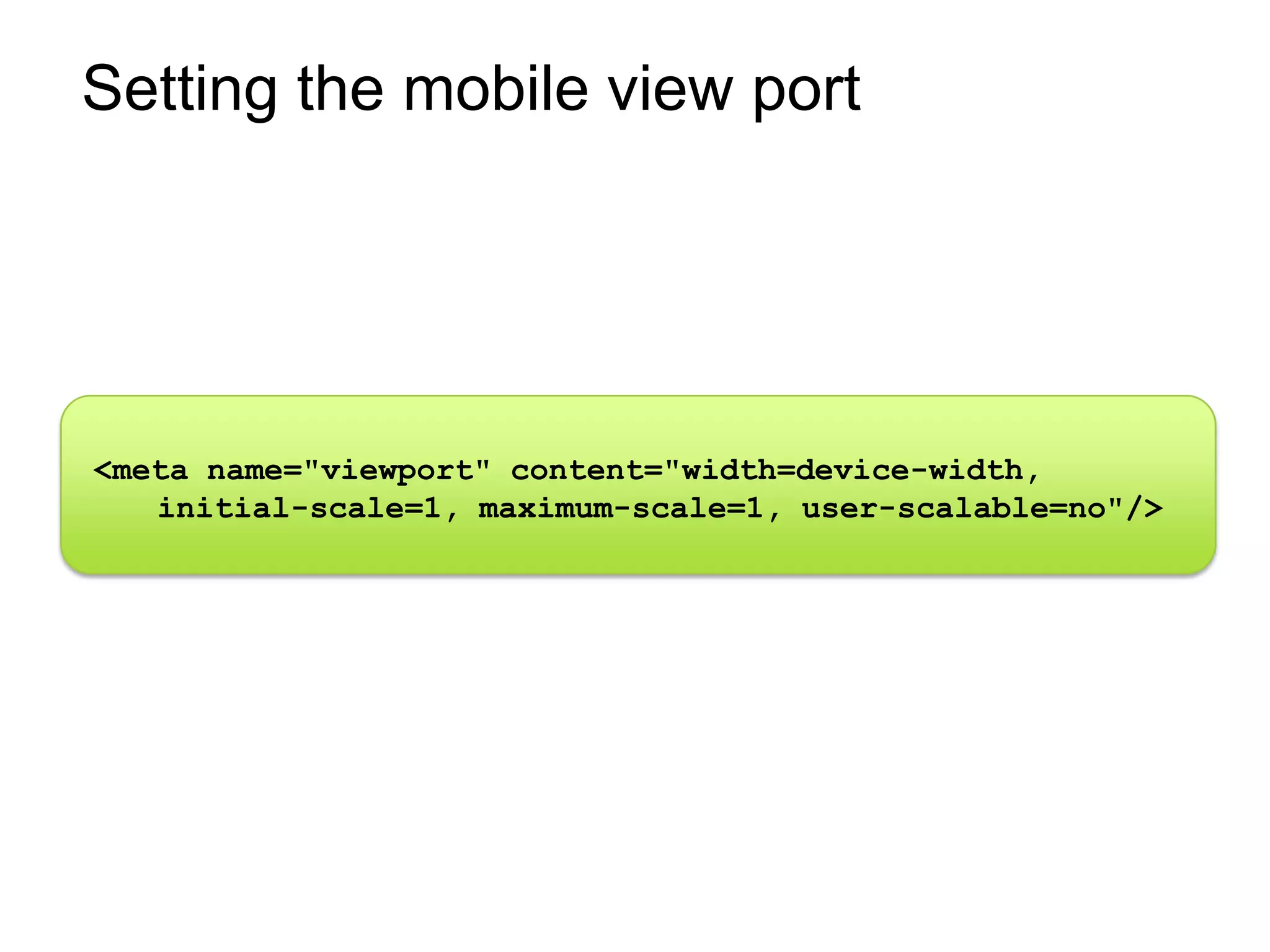
Setting the mobile view port


<meta name="viewport" content="width=device-width,
   initial-scale=1, maximum-scale=1, user-scalable=no"/>
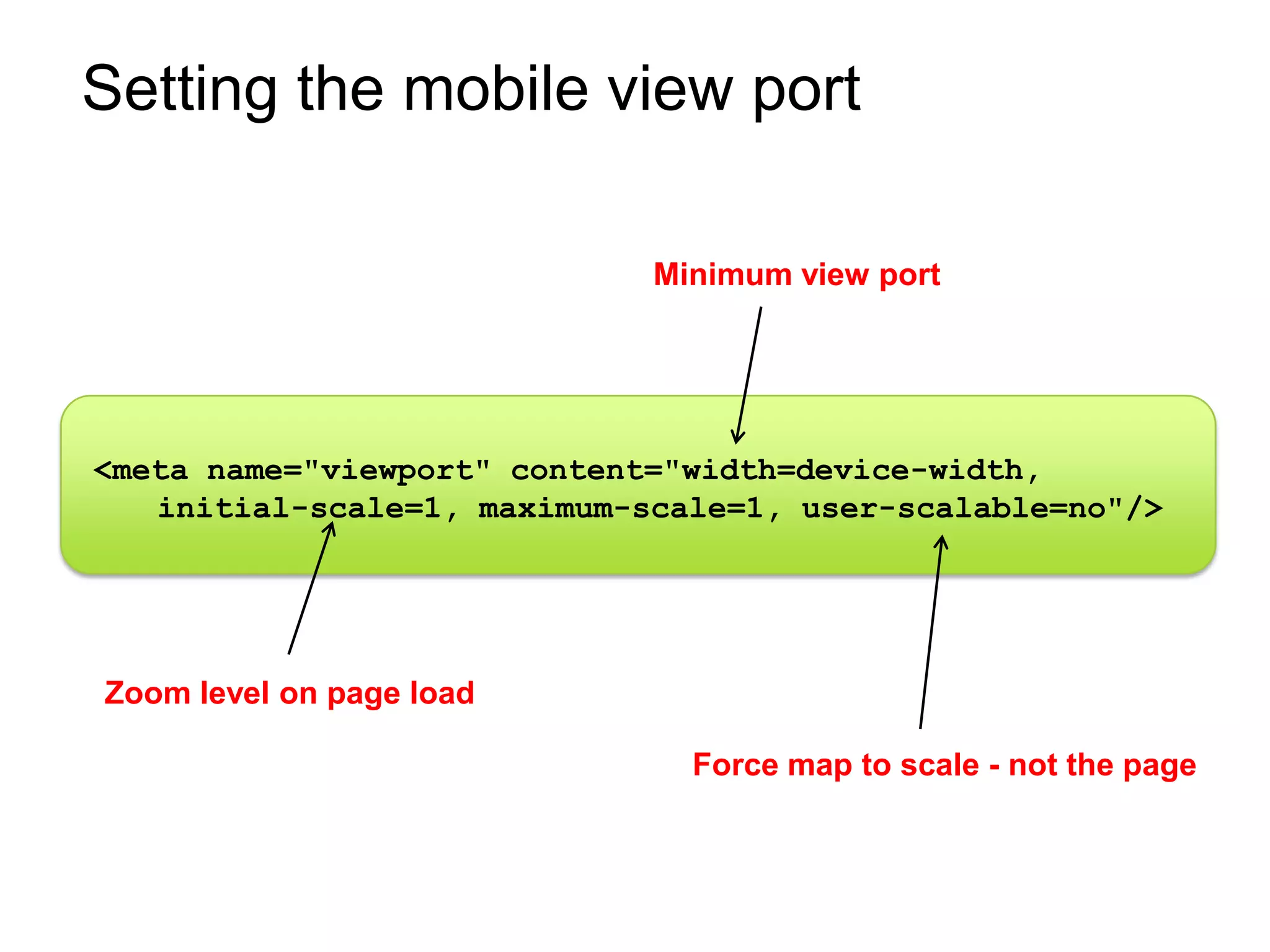
Setting the mobile view port

                             Minimum view port


<meta name="viewport" content="width=device-width,
   initial-scale=1, maximum-scale=1, user-scalable=no"/>


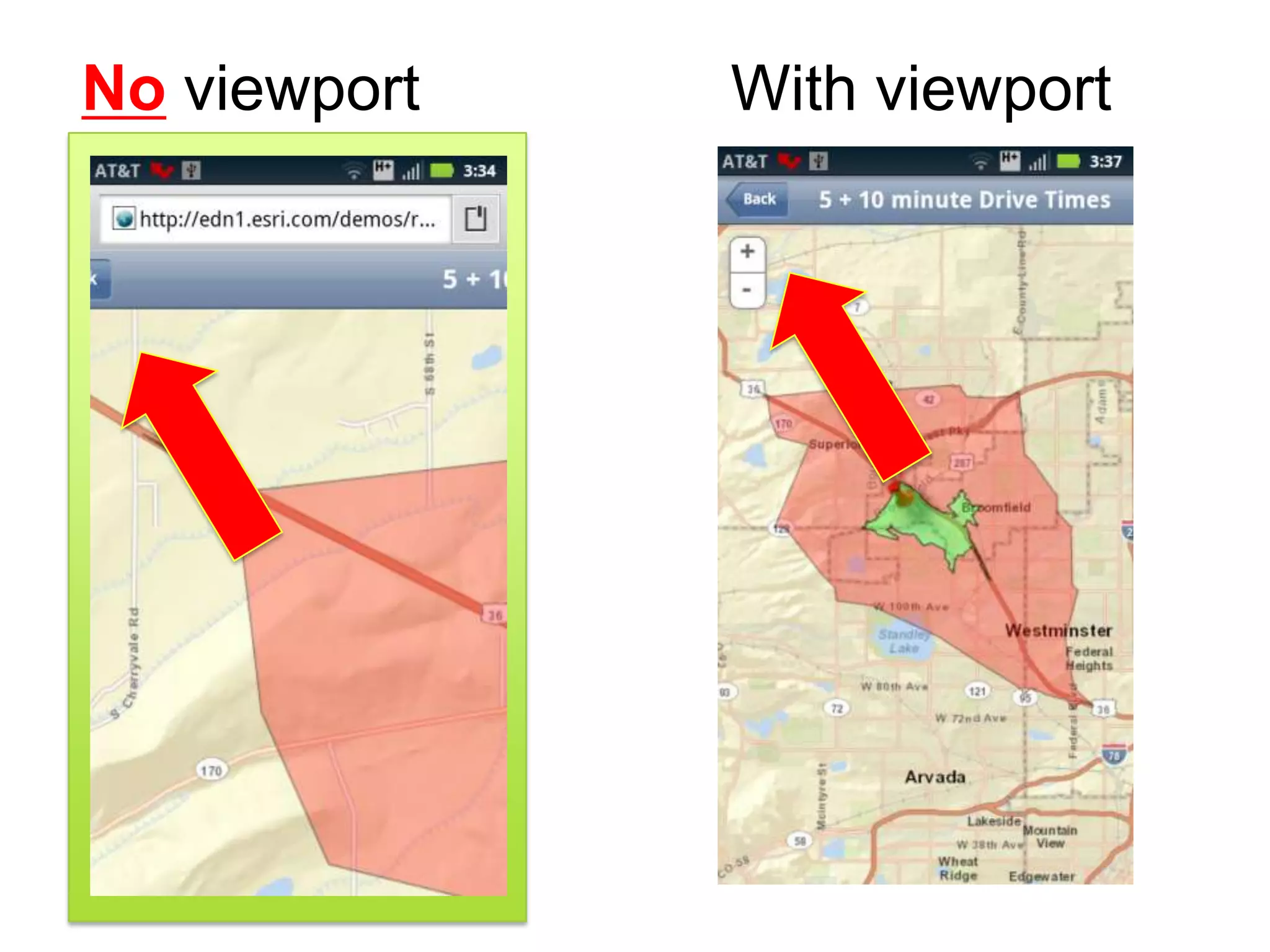
Zoom level on page load

                               Force map to scale - not the page
No viewport   With viewport
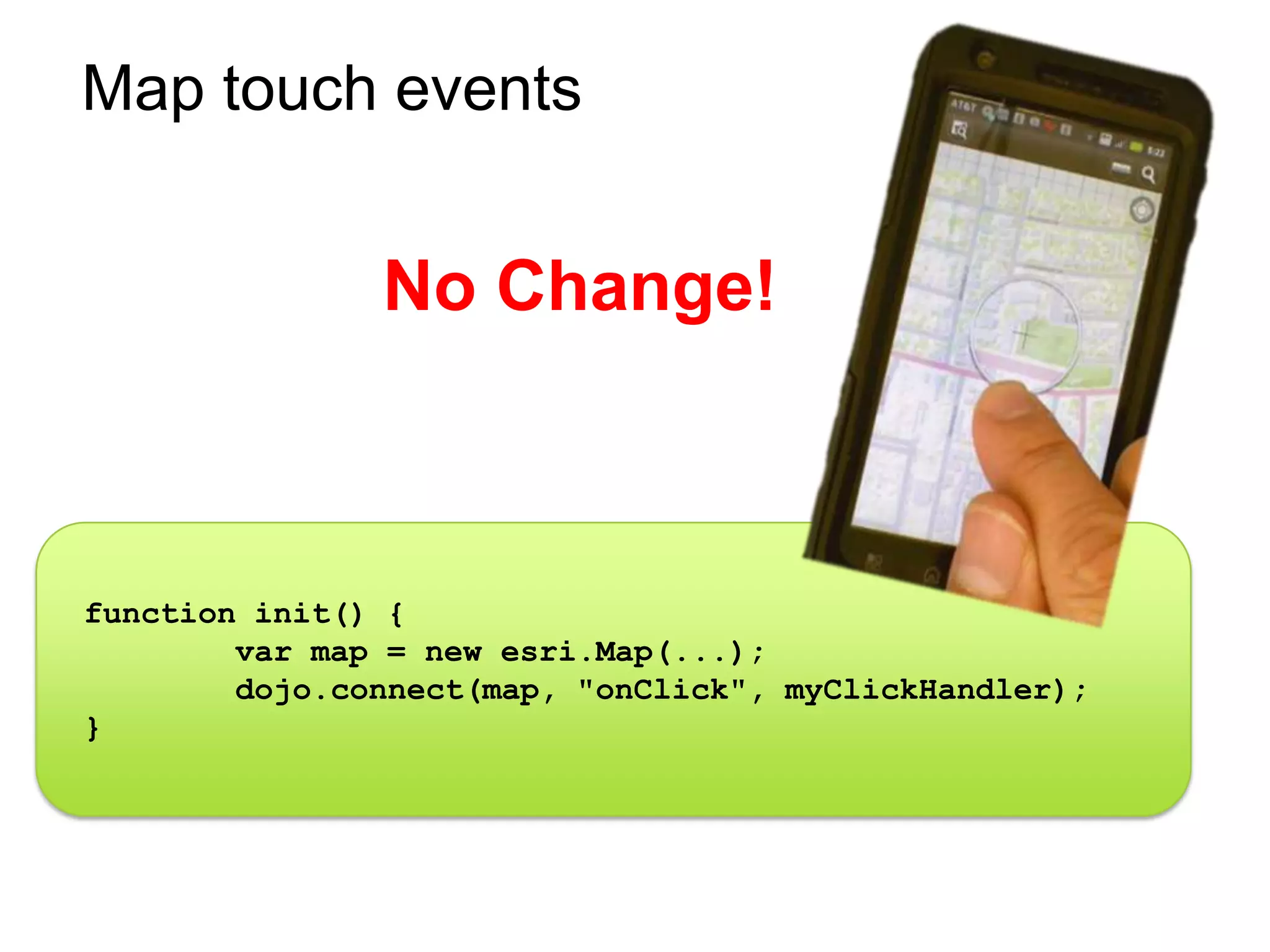
Map touch events


               No Change!


function init() {
        var map = new esri.Map(...);
        dojo.connect(map, "onClick", myClickHandler);
}
Styling via resolution & rotation


          CSS3 Media Queries
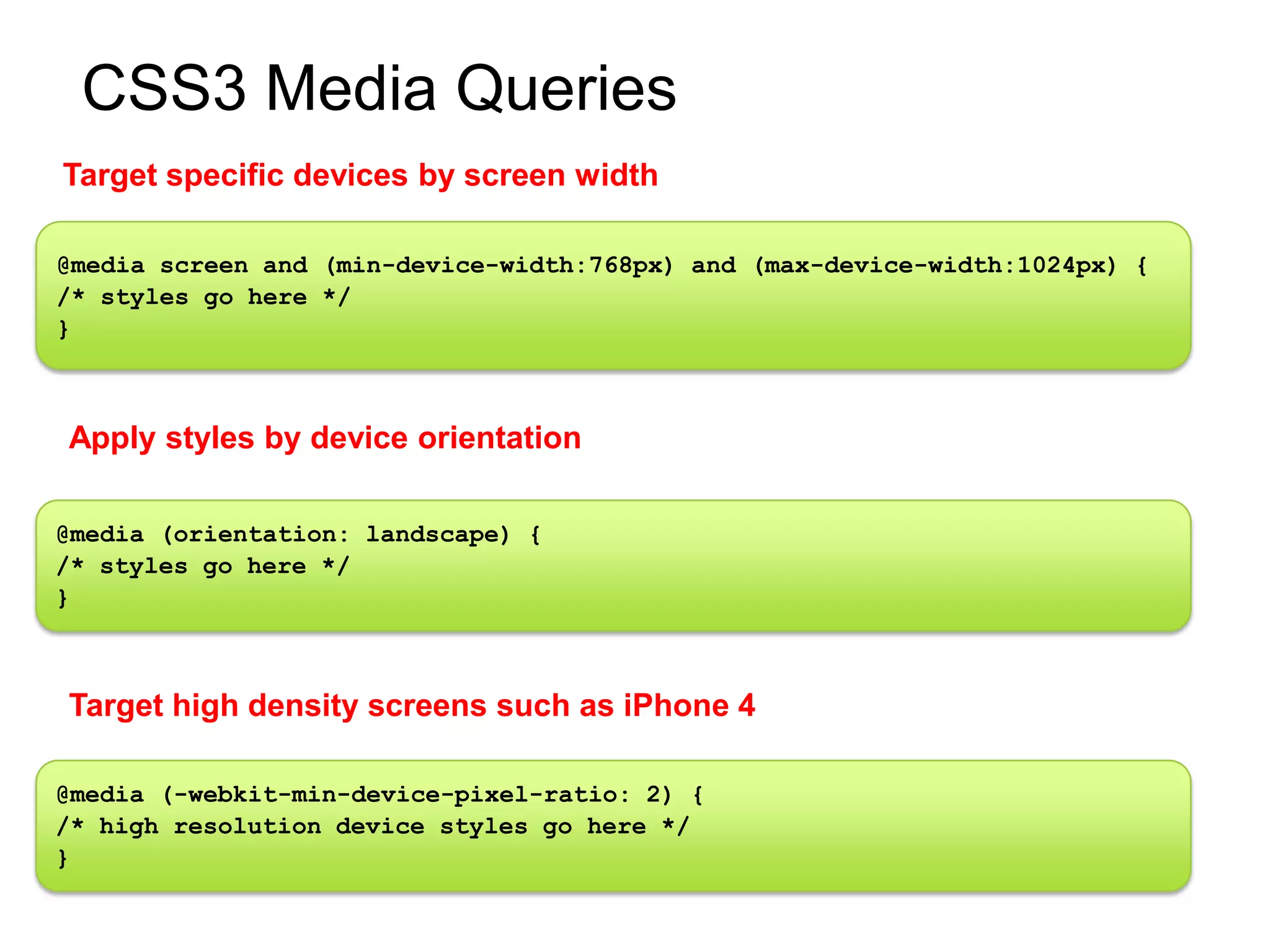
CSS3 Media Queries
Target specific devices by screen width

@media screen and (min-device-width:768px) and (max-device-width:1024px) {
/* styles go here */
}


Apply styles by device orientation

@media (orientation: landscape) {
/* styles go here */
}


Target high density screens such as iPhone 4

@media (-webkit-min-device-pixel-ratio: 2) {
/* high resolution device styles go here */
}
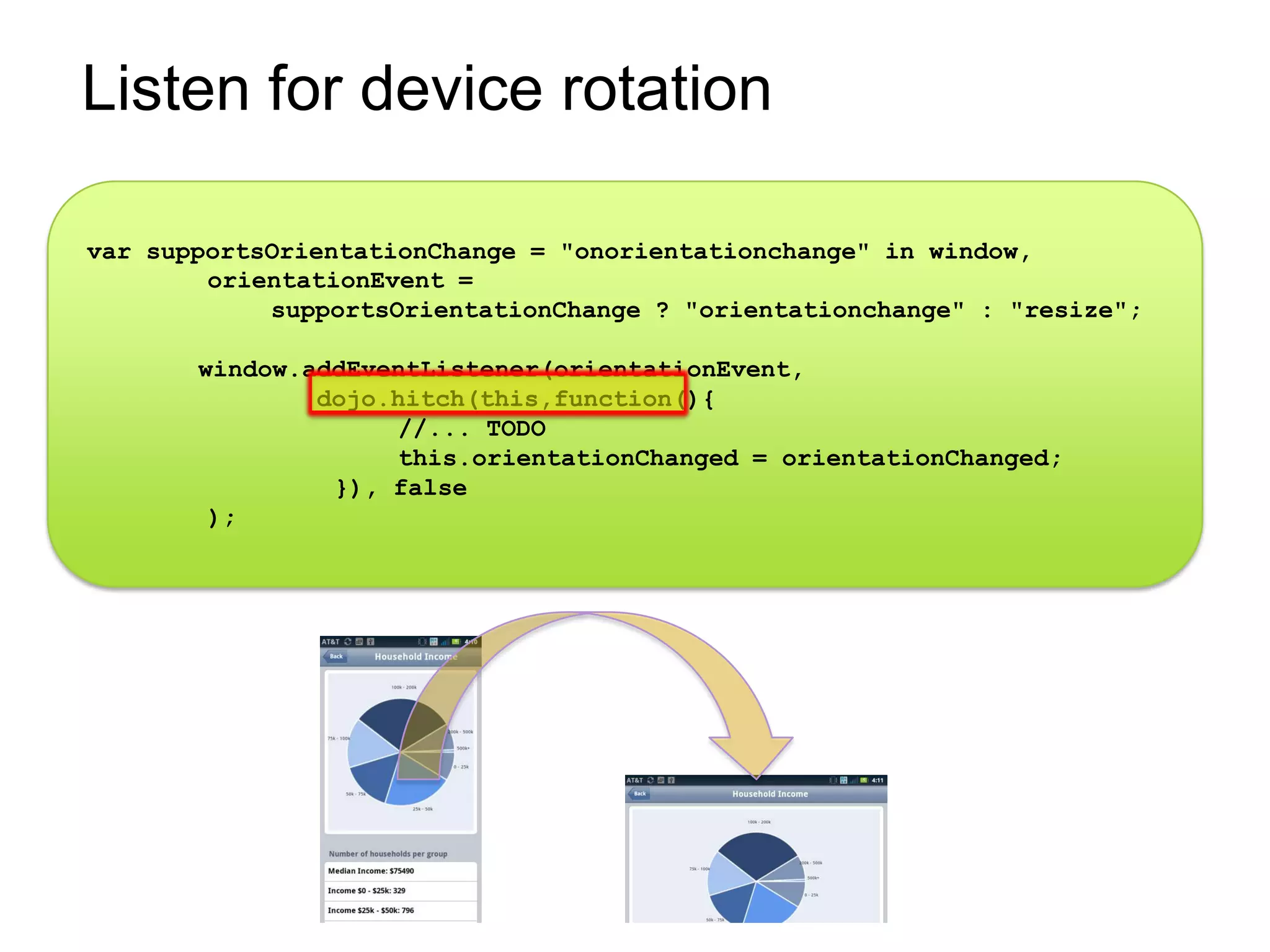
Listen for device rotation

var supportsOrientationChange = "onorientationchange" in window,
        orientationEvent =
            supportsOrientationChange ? "orientationchange" : "resize";

       window.addEventListener(orientationEvent,
               dojo.hitch(this,function(){
                    //... TODO
                    this.orientationChanged = orientationChanged;
                }), false
        );
Responsive Frameworks…(partial list)

                        The Boiler
   Boostrap                       Less+
                             Wirefy

              Foundation 3
                                      Titan
      Susy
                        Skeleton              Ingrid
Less Framework 4

                    jQuery
Demo
Putting it all together
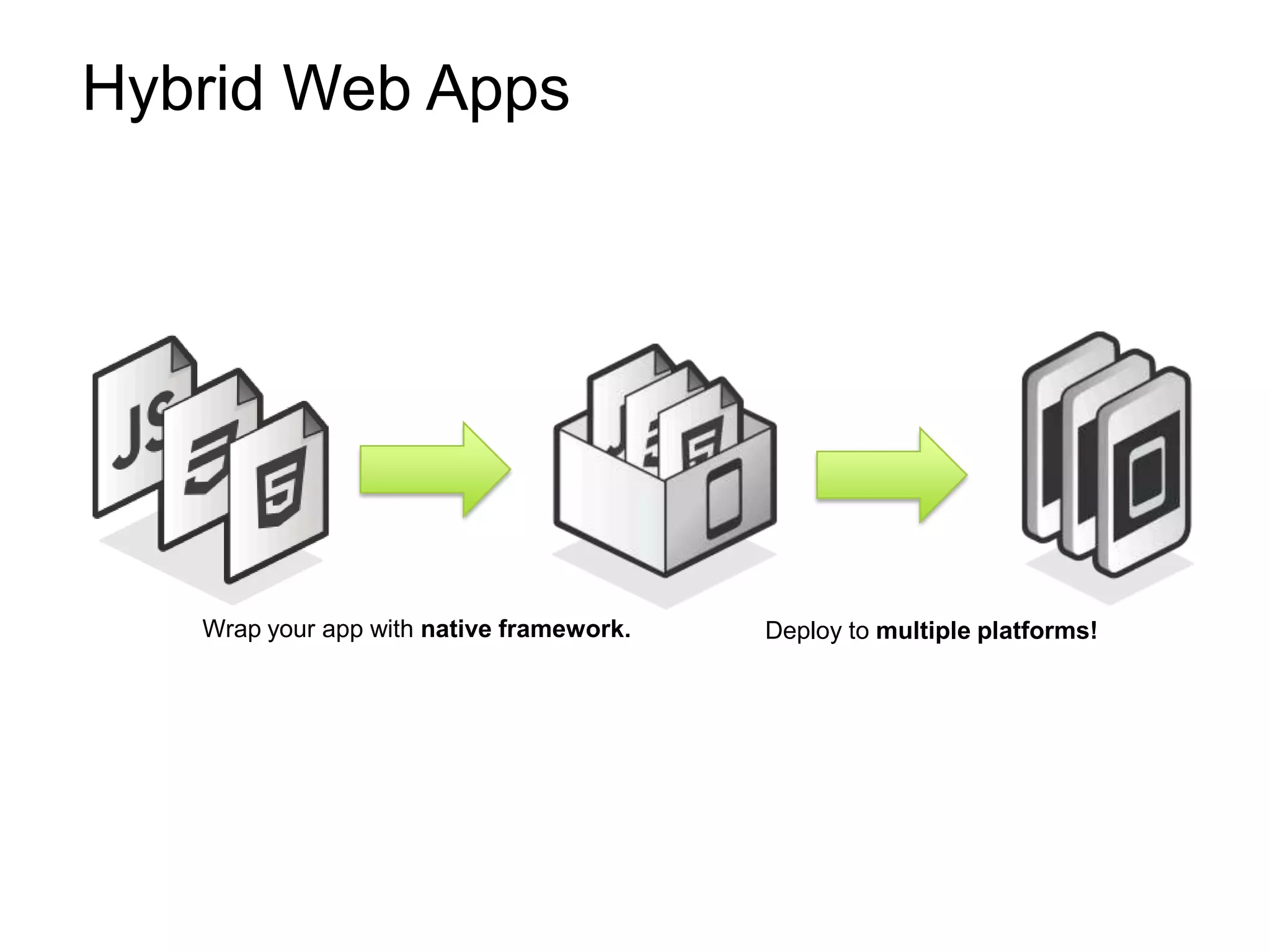
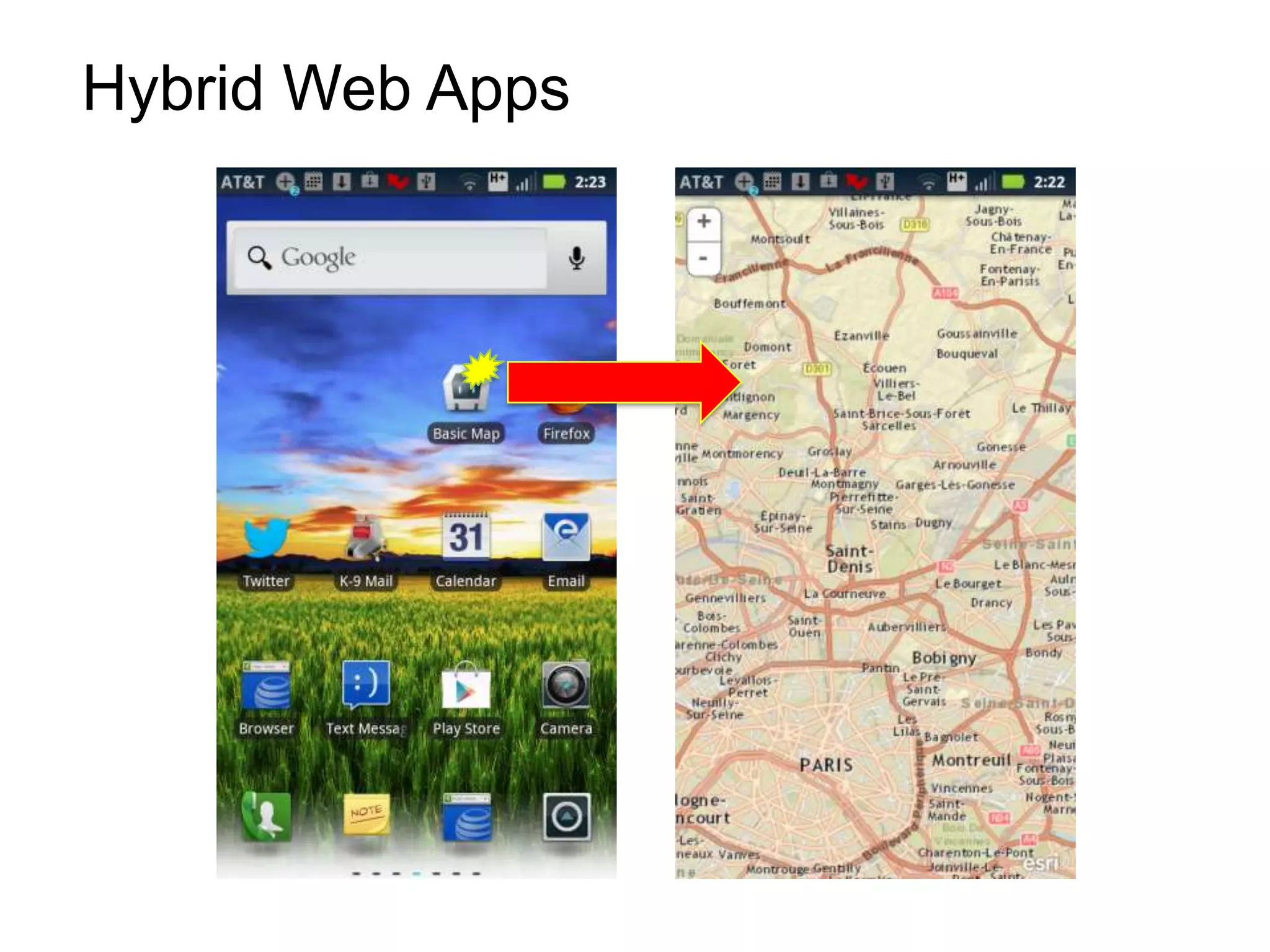
Hybrid Web Apps


   Wrap your app with native framework.   Deploy to multiple platforms!
Hybrid Web Apps
Hybrid Web Apps

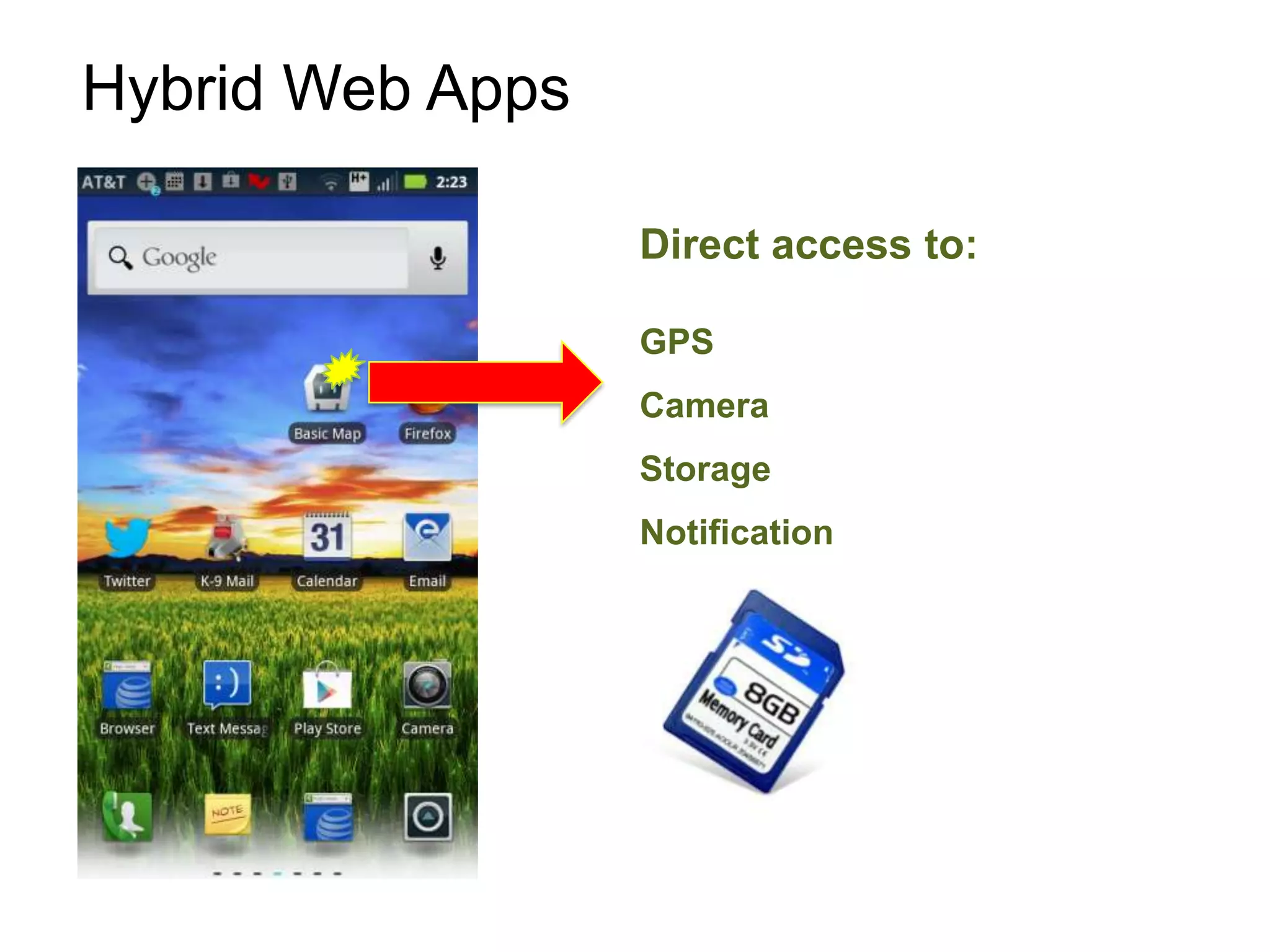
                  Direct access to:

                  GPS
                  Camera
                  Storage
                  Notification
Examples of Hybrid Web Apps
        http://www.phonegap.com/app
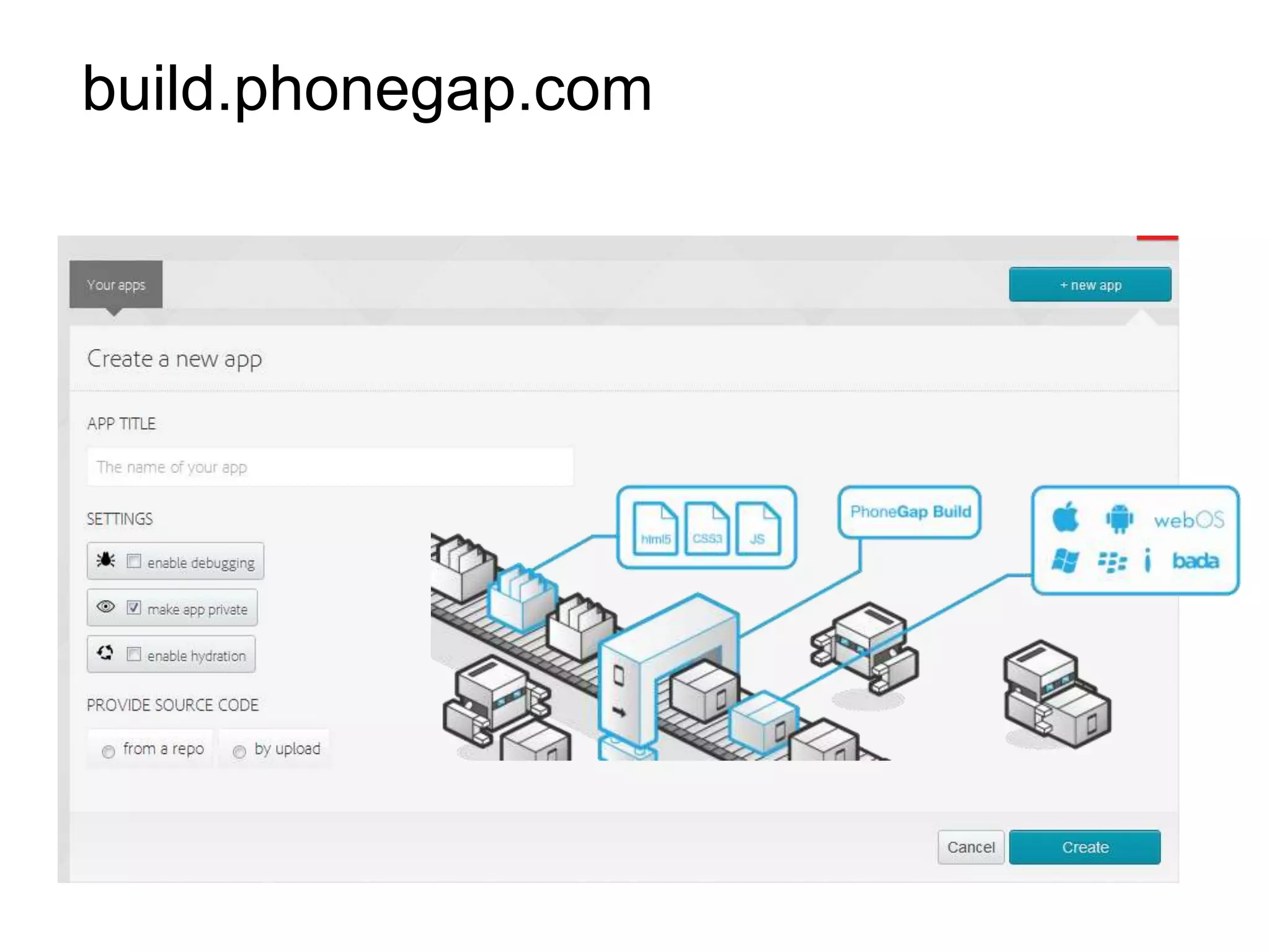
build.phonegap.com
Demo
Phonegap build
HTML5

        HTML + CSS3 + JavaScript


                                   HTML5 Logo by W3C
HTML5 APIs
•   Several new APIs
    -   Drag and drop API
    -   FileSystem API(s)
    -   Geolocation API
    -   Web Storage: localStorage/sessionStorage
    -   Web Workers (threaded JavaScript!)
    -   Cross-Origin Resource Sharing (CORS)
    -   Browser History
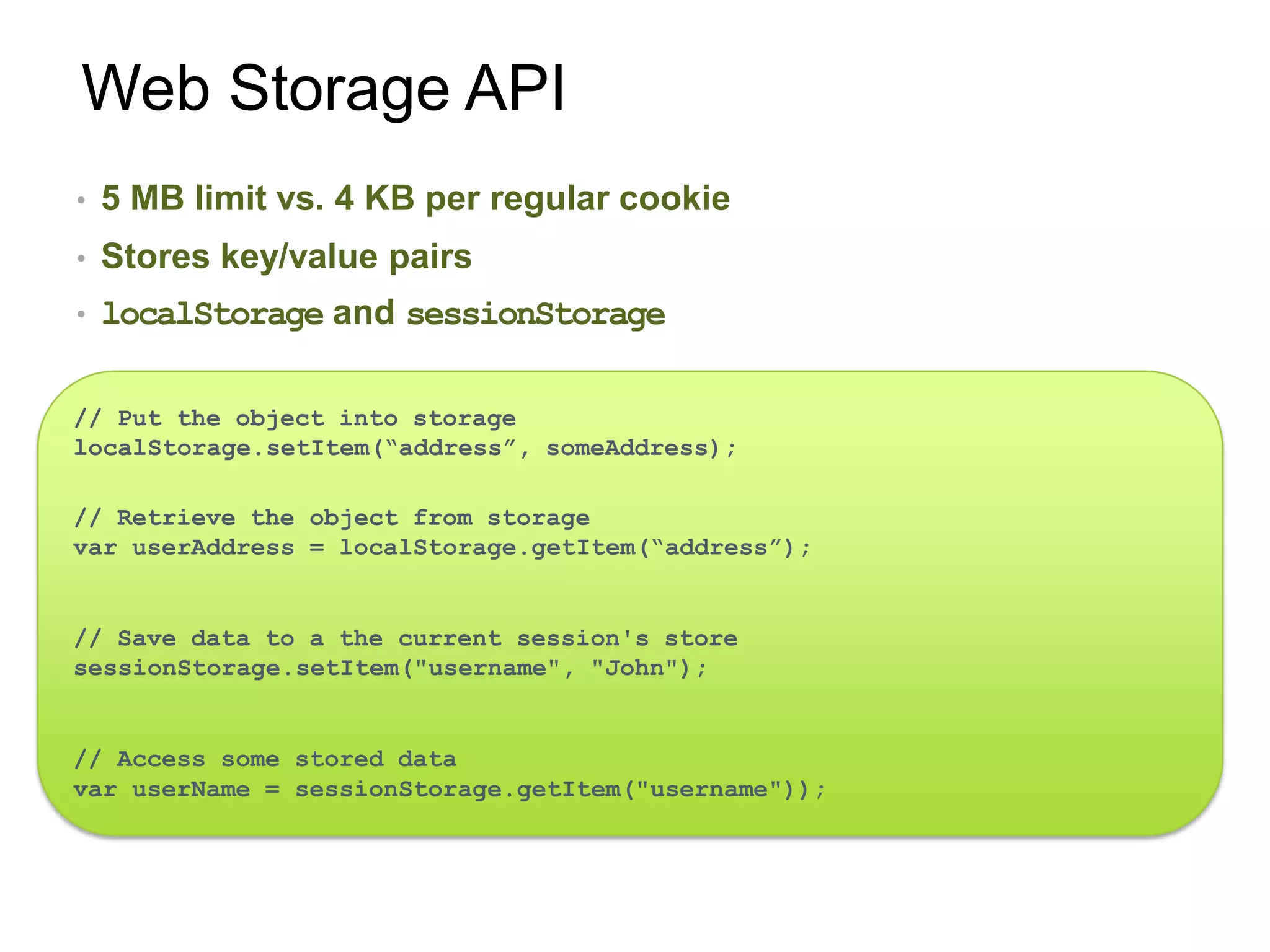
Web Storage API
•   5 MB limit vs. 4 KB per regular cookie
•   Stores key/value pairs
•   localStorage and sessionStorage

// Put the object into storage
localStorage.setItem(“address”, someAddress);

// Retrieve the object from storage
var userAddress = localStorage.getItem(“address”);


// Save data to a the current session's store
sessionStorage.setItem("username", "John");


// Access some stored data
var userName = sessionStorage.getItem("username"));
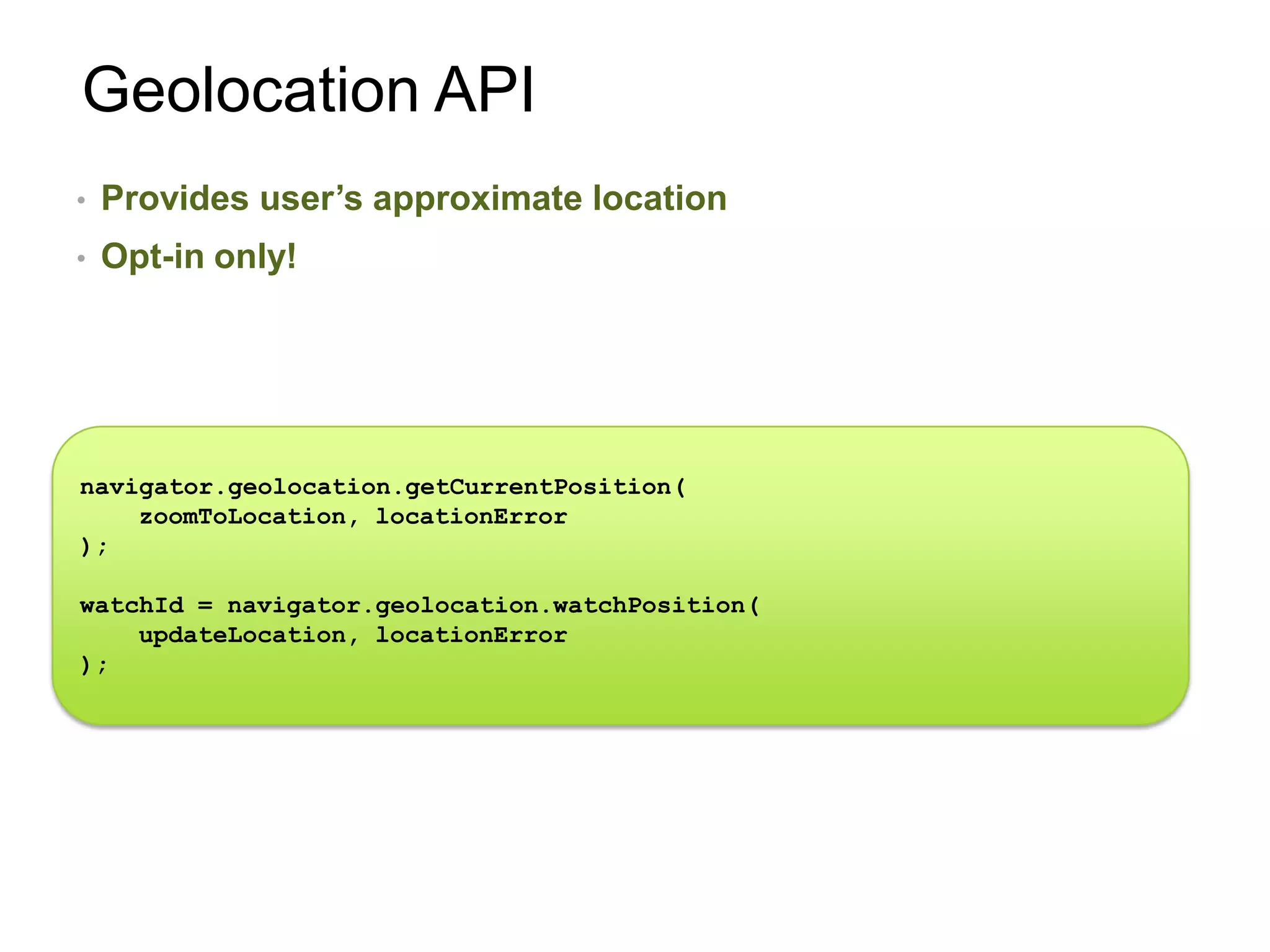
Geolocation API
•   Provides user’s approximate location
•   Opt-in only!


navigator.geolocation.getCurrentPosition(
    zoomToLocation, locationError
);

watchId = navigator.geolocation.watchPosition(
    updateLocation, locationError
);
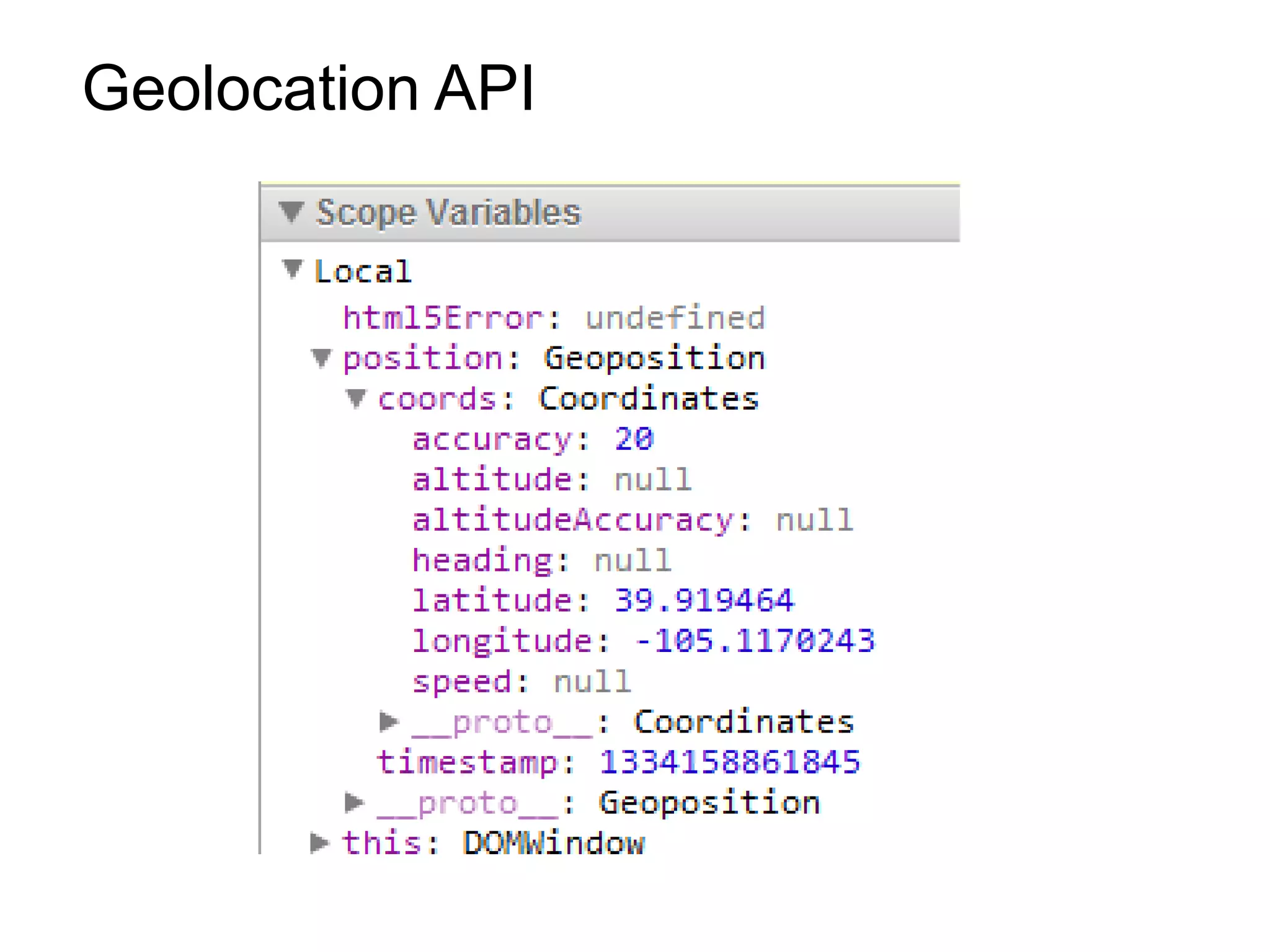
Geolocation API
Understanding browsers


          !=         !=
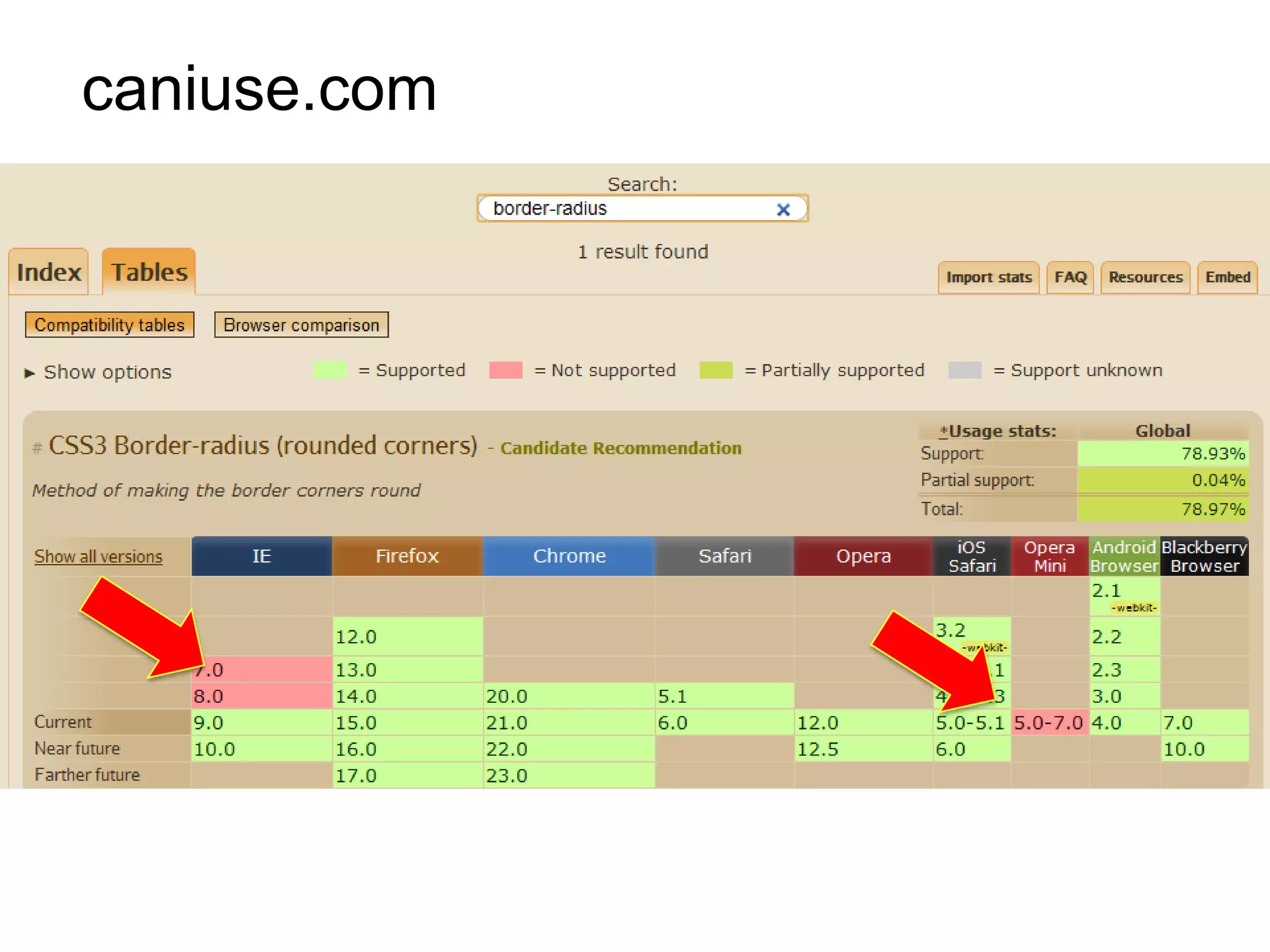
caniuse.com
Feature detection pattern

useLocalStorage = supports_local_storage();

function supports_local_storage() {
   try {
     return 'localStorage' in window &&
        window['localStorage'] !== null;
   }
   catch( e ){
     return false;
   }
}

function doSomething() {
    if(useLocalStorage == true){
       //write to local storage
    }
    else {
         //degrade gracefully
    }
}
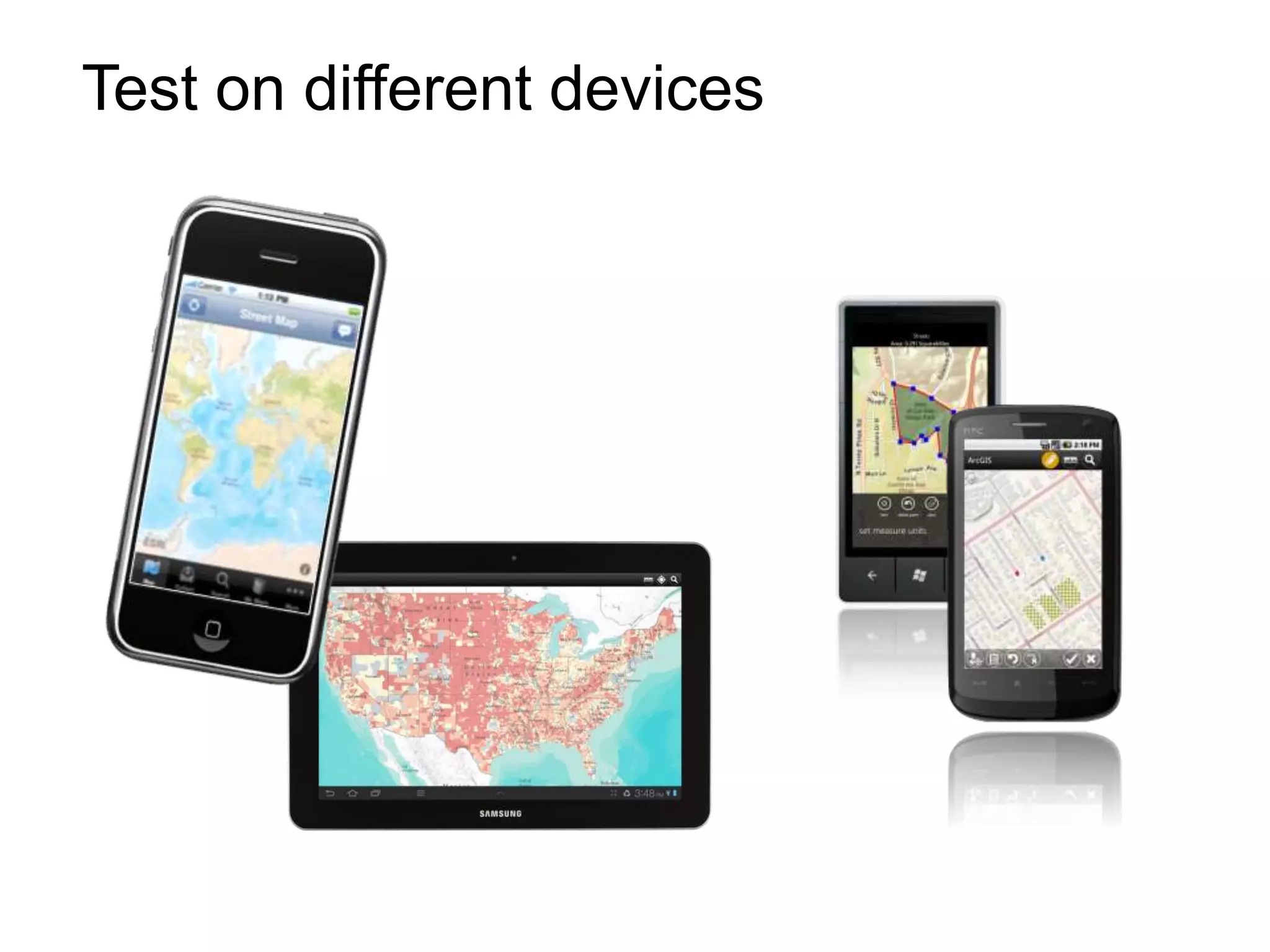
Test on different devices
Antoon Uijtdehaag, Esri Nederland
Technisch Consultant

auijtdehaag@esri.nl
@esrinederland


Andy Gup, Esri
Tech Lead for Web APIs and Android
Esri Developer Network

agup@esri.com
http://blog.andygup.net
@agup
Building mobile apps with the ArcGIS api for Javascript, Esri, Andy Gup and Antoon Uijtdehaag

Building mobile apps with the ArcGIS api for Javascript, Esri, Andy Gup and Antoon Uijtdehaag

  • 1.
    Agenda Goal: You’llget an A to Z mobile web primer Why build mobile map apps? 3 Approaches Frameworks CSS3 & HTML5 Hybrid Map apps
  • 2.
    Who are yourpresenters? Antoon Uijtdehaag, Esri Nederland Technical Consultant Email: auijtdehaag@esri.nl Twitter @uijtdehaag Andy Gup, Esri Tech Lead for Web APIs and Android Esri Developer Network Email: agup@esri.com Twitter: @agup
  • 3.
  • 4.
  • 5.
  • 6.
    Mobile usage statsfor my website? Web Server logs Web analytic tools
  • 7.
    Sample web-site statsfrom esri.com
  • 8.
    Your 3 Approaches Web app 1. + Native mobile app Web app 2. + Web mobile app (a.k.a Hybrid) 3. Web app only (Responsive)
  • 9.
    Many different screensizes and pixel densities 1920x1080
  • 10.
    Wait…how do Ipan and zoom the map??
  • 11.
    Hmmm…how many maplayers do I load? VS. 1 GB RAM 16 GB RAM
  • 12.
    How come mymap loads so slooow? VS. Mostly connected Always connected
  • 13.
    My survey crewsuse GPS heavily… VS. Limited battery Unlimited power
  • 14.
    resources.arcgis.com 1440 x 900 480 x 800 hdpi
  • 15.
    Mobile app –flip view port easily Portrait Landscape
  • 16.
    Desktop app onsmartphone
  • 17.
    ArcGIS API forJavaScript - Compact http://esriurl.com/compactJS <script type="text/javascript" src="http://serverapi.arcgisonline.com/jsapi/arcgis/?v=3.2compact">
  • 18.
    Why use thecompact library? 32 modules vs. 80 modules Size Latency Compact Full
  • 19.
    Many mobile frameworks,such as… The challenge
  • 20.
    Mobile frameworks helpwith… Views Visual Components Themes
  • 21.
    Views Image courtesy Dojo
  • 22.
    Views <div id="mapView" dojoType="dojox.mobile.View“ style="width:100%;height:100%;"> <h1 dojoType="dojox.mobile.Heading" back="Back" moveTo="mainView"> 5 + 10 minute Drive Times </h1> <div id="map“ style="width:100%; height:100%;“/> </div>
  • 23.
    Visual Components <div dojoType="dojox.charting.widget.Chart2D" theme="dojox.charting.themes.Claro" id="viewsChart" style="width: 550px; height: 550px;"> <!-- Pie Chart: add the plot --> <div class="plot" name="default" type="Pie" radius="200" fontColor="#000" labelOffset="-20"></div> <!-- pieData is the data source --> <div class="series" name="Last Week's Visits" array="chartData"> </div> </div>
  • 24.
    Themes <!--Legend Dialog--> <div data-role="dialog"id="legendDialog" data-theme="f"> <div data-role="header"> <h1>Legend</h1> </div> <div data-role="content" > <div id="legendDiv"></div> </div> </div>
  • 25.
  • 26.
    Setting the mobileview port <meta name="viewport" content="width=device-width, initial-scale=1, maximum-scale=1, user-scalable=no"/>
  • 27.
    Setting the mobileview port Minimum view port <meta name="viewport" content="width=device-width, initial-scale=1, maximum-scale=1, user-scalable=no"/> Zoom level on page load Force map to scale - not the page
  • 28.
    No viewport With viewport
  • 29.
    Map touch events No Change! function init() { var map = new esri.Map(...); dojo.connect(map, "onClick", myClickHandler); }
  • 30.
    Styling via resolution& rotation CSS3 Media Queries
  • 31.
    CSS3 Media Queries Targetspecific devices by screen width @media screen and (min-device-width:768px) and (max-device-width:1024px) { /* styles go here */ } Apply styles by device orientation @media (orientation: landscape) { /* styles go here */ } Target high density screens such as iPhone 4 @media (-webkit-min-device-pixel-ratio: 2) { /* high resolution device styles go here */ }
  • 32.
    Listen for devicerotation var supportsOrientationChange = "onorientationchange" in window, orientationEvent = supportsOrientationChange ? "orientationchange" : "resize"; window.addEventListener(orientationEvent, dojo.hitch(this,function(){ //... TODO this.orientationChanged = orientationChanged; }), false );
  • 33.
    Responsive Frameworks…(partial list) The Boiler Boostrap Less+ Wirefy Foundation 3 Titan Susy Skeleton Ingrid Less Framework 4 jQuery
  • 34.
  • 35.
    Hybrid Web Apps Wrap your app with native framework. Deploy to multiple platforms!
  • 36.
  • 37.
    Hybrid Web Apps Direct access to: GPS Camera Storage Notification
  • 38.
    Examples of HybridWeb Apps http://www.phonegap.com/app
  • 39.
  • 40.
  • 41.
    HTML5 HTML + CSS3 + JavaScript HTML5 Logo by W3C
  • 42.
    HTML5 APIs • Several new APIs - Drag and drop API - FileSystem API(s) - Geolocation API - Web Storage: localStorage/sessionStorage - Web Workers (threaded JavaScript!) - Cross-Origin Resource Sharing (CORS) - Browser History
  • 43.
    Web Storage API • 5 MB limit vs. 4 KB per regular cookie • Stores key/value pairs • localStorage and sessionStorage // Put the object into storage localStorage.setItem(“address”, someAddress); // Retrieve the object from storage var userAddress = localStorage.getItem(“address”); // Save data to a the current session's store sessionStorage.setItem("username", "John"); // Access some stored data var userName = sessionStorage.getItem("username"));
  • 44.
    Geolocation API • Provides user’s approximate location • Opt-in only! navigator.geolocation.getCurrentPosition( zoomToLocation, locationError ); watchId = navigator.geolocation.watchPosition( updateLocation, locationError );
  • 45.
  • 46.
  • 47.
  • 48.
    Feature detection pattern useLocalStorage= supports_local_storage(); function supports_local_storage() { try { return 'localStorage' in window && window['localStorage'] !== null; } catch( e ){ return false; } } function doSomething() { if(useLocalStorage == true){ //write to local storage } else { //degrade gracefully } }
  • 49.
  • 51.
    Antoon Uijtdehaag, EsriNederland Technisch Consultant auijtdehaag@esri.nl @esrinederland Andy Gup, Esri Tech Lead for Web APIs and Android Esri Developer Network agup@esri.com http://blog.andygup.net @agup

Editor's Notes

  • #7 Demographics app
  • #9 http://www.esri.com/site/pdfs/visitorprofile_q3_2011.pdf
  • #15 http://mobile.businessweek.com/articles/2012-09-13/the-4g-era-arrives-how-much-will-you-pay
  • #17 Arcgis.com
  • #18 Arcgis.comhttp://help.arcgis.com/en/webapi/javascript/arcgis/index.htmlhttp://help.arcgis.com/en/webapi/javascript/arcgis/mobile/index.html&lt;Ctrl&gt;+&lt;PageUp&gt;&lt;Ctrl&gt;+&lt;PageDown&gt;&lt;Crtl&gt;+&lt;Shift&gt;+M
  • #21 http://esriurl.com/compactJSIf your are building Mobile Apps using the ArcGIS Api for Javascript. You can go for the compact build of the serverapi.This compact version of the JavaScript API was designed for building applications where slower internet speeds and network latency is an issue.For example, on a 3G mobile device, where you want the smallest possible download. This compact build is also a great option if you want to leverage a JavaScript toolkit other than Dojo.To use the compact build, add the following script tag to your application.
  • #22 What are the primary differences between compact build and standard build.The compact build removes the dependency on the dijit namespace upon initial download, meaning that if you don&apos;t need the dojo dijits they won&apos;t be loaded. A side-effect of this is that a new info window and slider are provided.The compact build includes 32 of the commonly used modules (compared to 80 in the standard). If your application requires objects from modules not included in the compact build you will need to load them using dojo.require. For example, if you want to perform geoprocessing with the compact build you will need to add the following dojo.require statement to your application.dojo.require(&quot;esri.tasks.gp&quot;);These two features reduce the size of the build by 53 Kb gzipped. Less JavaScript code to execute means less work the browser has to do.
  • #23 To help you rapidly deploy cross-platform mobile apps and websites, there’s a wide range of JavaScript frameworks you can take advantage of.Some common characteristics of JavaScript mobile web development frameworks:Optimized for touchscreen devices: Fingers as input devices instead of mouse cursors provide an extra set of challenges in user interface design. Mobile web development frameworks provide standard UI elements and event-handling specifically for mobile device platforms.Cross-platform: Support for multiple mobile device platforms such iOS and Android allows you to get your app to a wide range of users.Lightweight: Because of current bandwidth limitations, a stronger emphasis on lowering file weight is placed into mobile web development frameworks.Uses HTML5 and CSS3 standards: Most mainstream mobile devices have web browsers that support HTML5 and CSS3, and so mobile web development frameworks take advantage of new features available in these upcoming W3C specifications for a better user experience.http://sixrevisions.com/javascript/mobile%C2%A0web-development-frameworks/http://www.sencha.com/http://jquerymobile.com/http://dojotoolkit.org/features/mobile
  • #24 http://dojotoolkit.org/reference-guide/1.8/dojox/mobile.htmlhttp://docs.sencha.com/touch/2-0/#!/api
  • #28 jQuery
  • #31 Locks entire window. Focuses pinch zoom on components (e.g. map).Pinch zoom not available on Android 3+ until ArcGIS API for JavaScript v3.2
  • #32 https://developer.mozilla.org/en-US/docs/Mobile/Viewport_meta_tag
  • #35 Andy
  • #38 http://speckyboy.com/2012/08/21/15-more-responsive-css-frameworks-boilerplates-worth-considering/
  • #39 http://edn1.esri.com/jsdevstarter/device_sim/index.html
  • #40 Let’s talk about building Hybrid Web App. You can wrap your Javascriptapp with a native framework. And deploy it to multiple platforms, like iOS, Android and Windows Phone.
  • #41 You can do the same thing with iOSAntoon
  • #42 http://phonegap.com/2012/03/19/phonegap-cordova-and-what%E2%80%99s-in-a-name/From the outside a hybrid app acts like a native app. Once build the app acts as native app and can be sold or given away in the various app stores.
  • #43 http://phonegap.com/2012/03/19/phonegap-cordova-and-what%E2%80%99s-in-a-name/Big advantage of using a hybrid framework is that its enables you to access device specific features. Like the Camera or Gallery. Direct access to storage of even use notifications.
  • #44 http://venturebeat.com/2012/05/02/linkedin-ipad-app-engineering/#s:1-linkedin-ipadhttp://www.mobilemarketer.com/cms/news/software-technology/13786.htmlOne of the frameworks out there is PhoneGap.PhoneGap is an open source solution for building cross-platform mobile apps with standards-based Web technologies like HTML, JavaScript, CSS.There are a lot of apps out there using this Hybrid technology. But recently facebook decided to redesign their apps and go native. Not an easy path to go.
  • #46 Theres a cloud based solution for packaging your apps is called PhoneGap build.WithPhoneGap build, the packaging process can be done in the cloud.Simply upload your HTML5, CSS, and JavaScript assets to the Adobe® PhoneGap™ Build cloud service and they do the work of compiling for you.
  • #47 http://edn1.esri.com/jsdevstarter/device_sim/index.html
  • #53 Andy
  • #61 Modernizr
  • #63 Be careful when reusing desktop content on the mobile web