BUILDING A NETWORK
OF PUBLIC SCHOOL
WEBSITES ON A PUBLIC
SCHOOL BUDGET

Jon Moss
Avon Public
Schools
Avon, CT
edvantaged.com
WHERE ARE WE NOW?
Teacher websites in Avon Public Schools vary in
Content/Features
Design
Structure
Platform
Accuracy
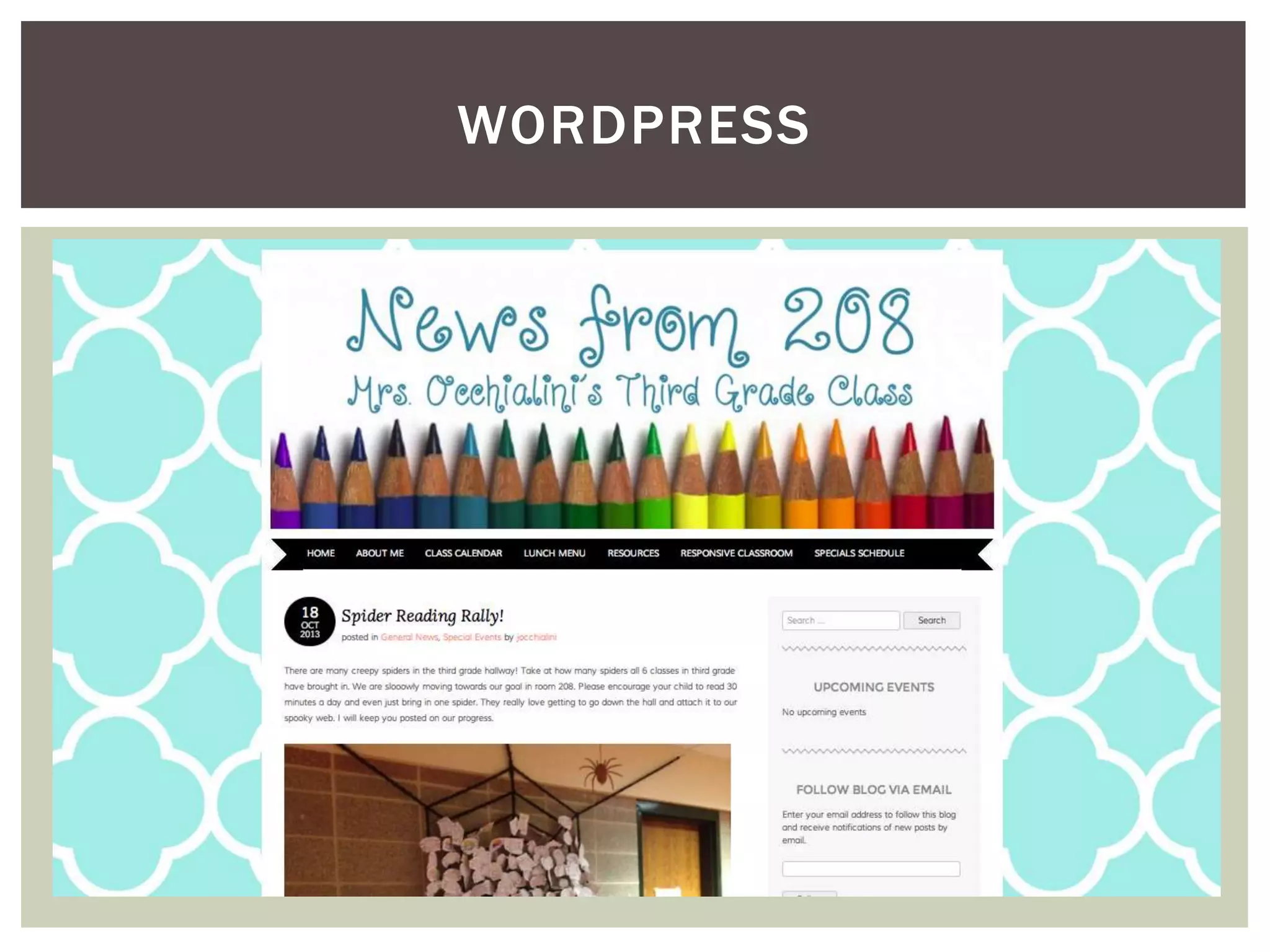
WORDPRESS
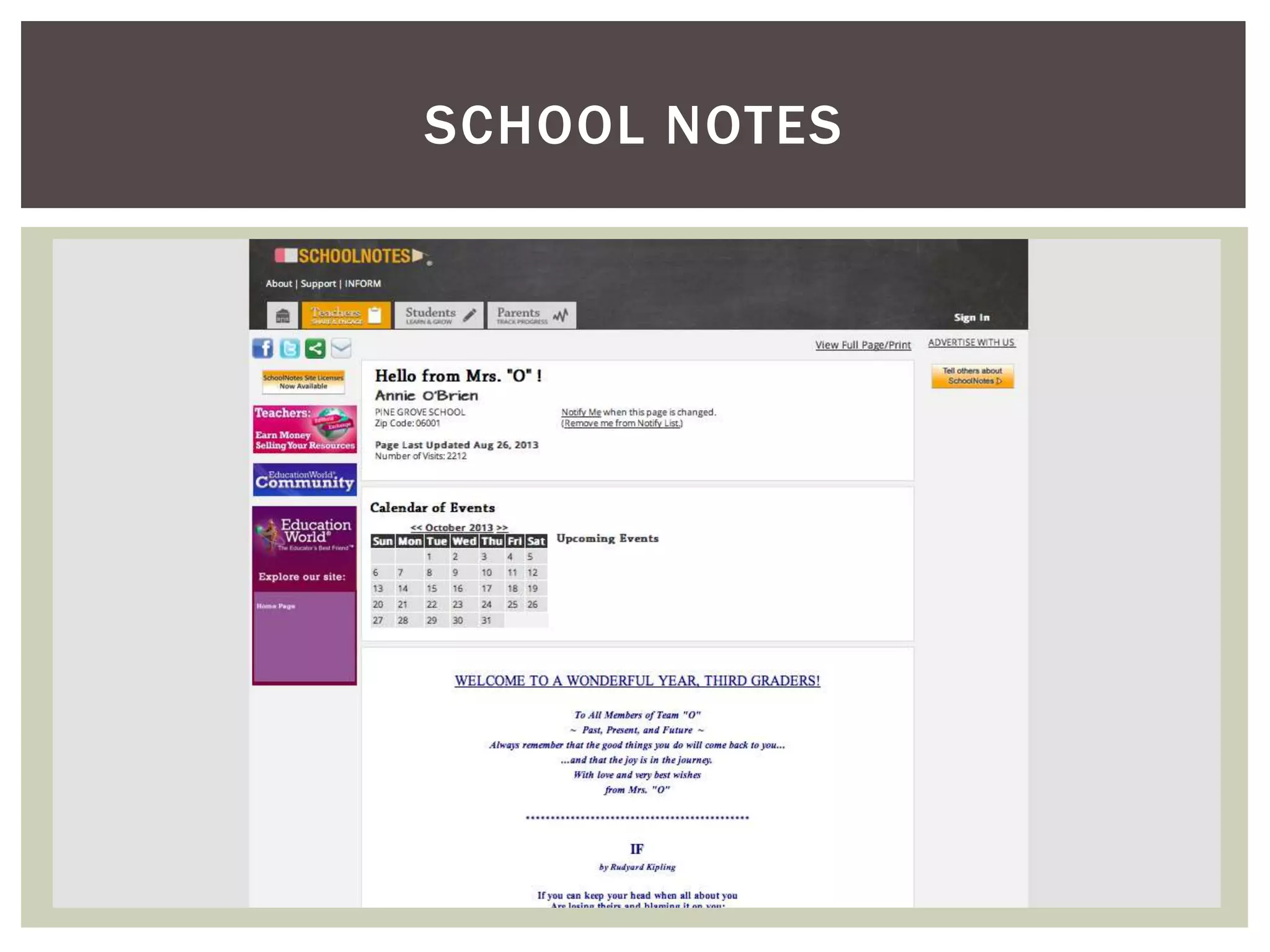
SCHOOL NOTES
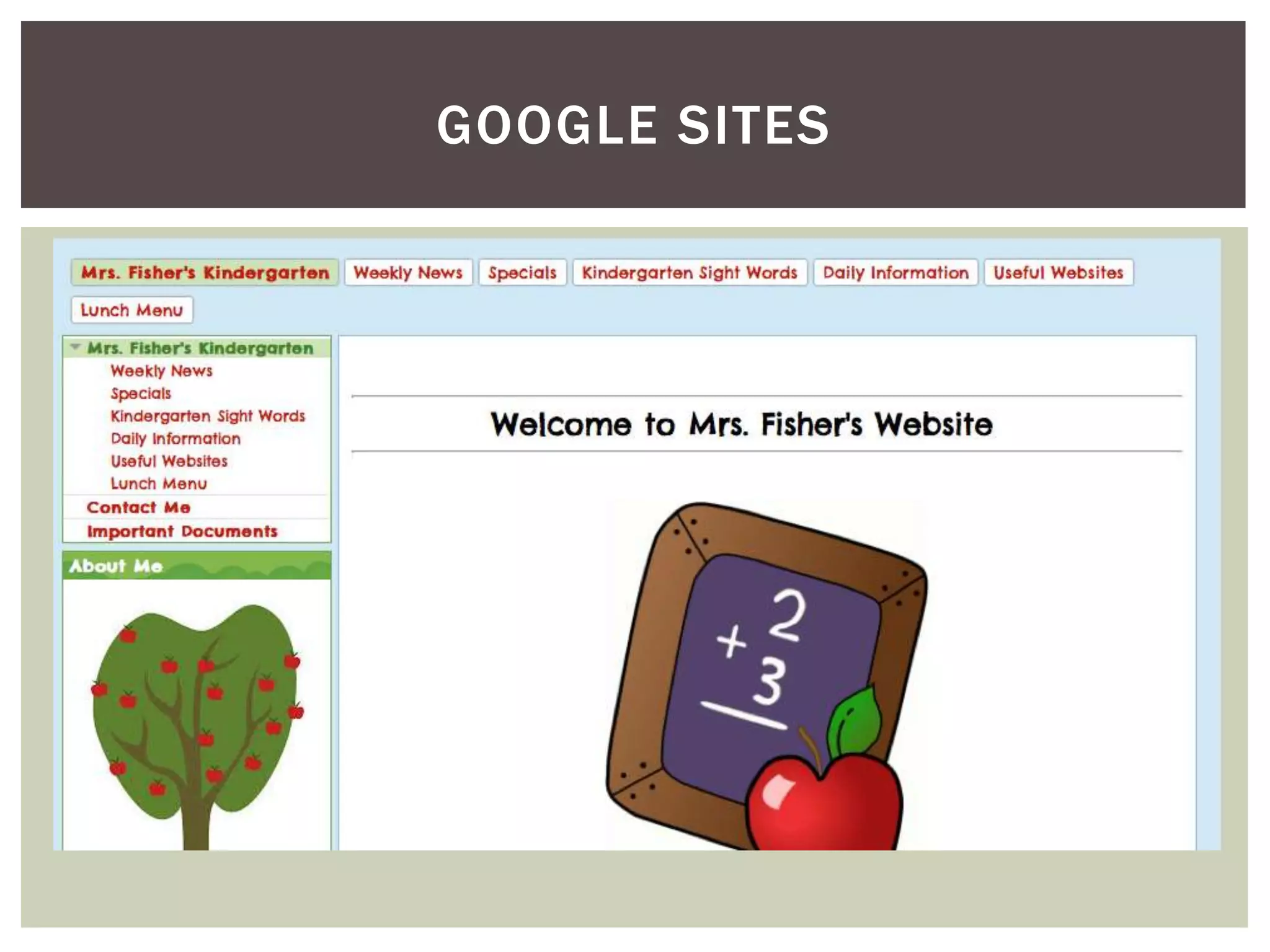
GOOGLE SITES
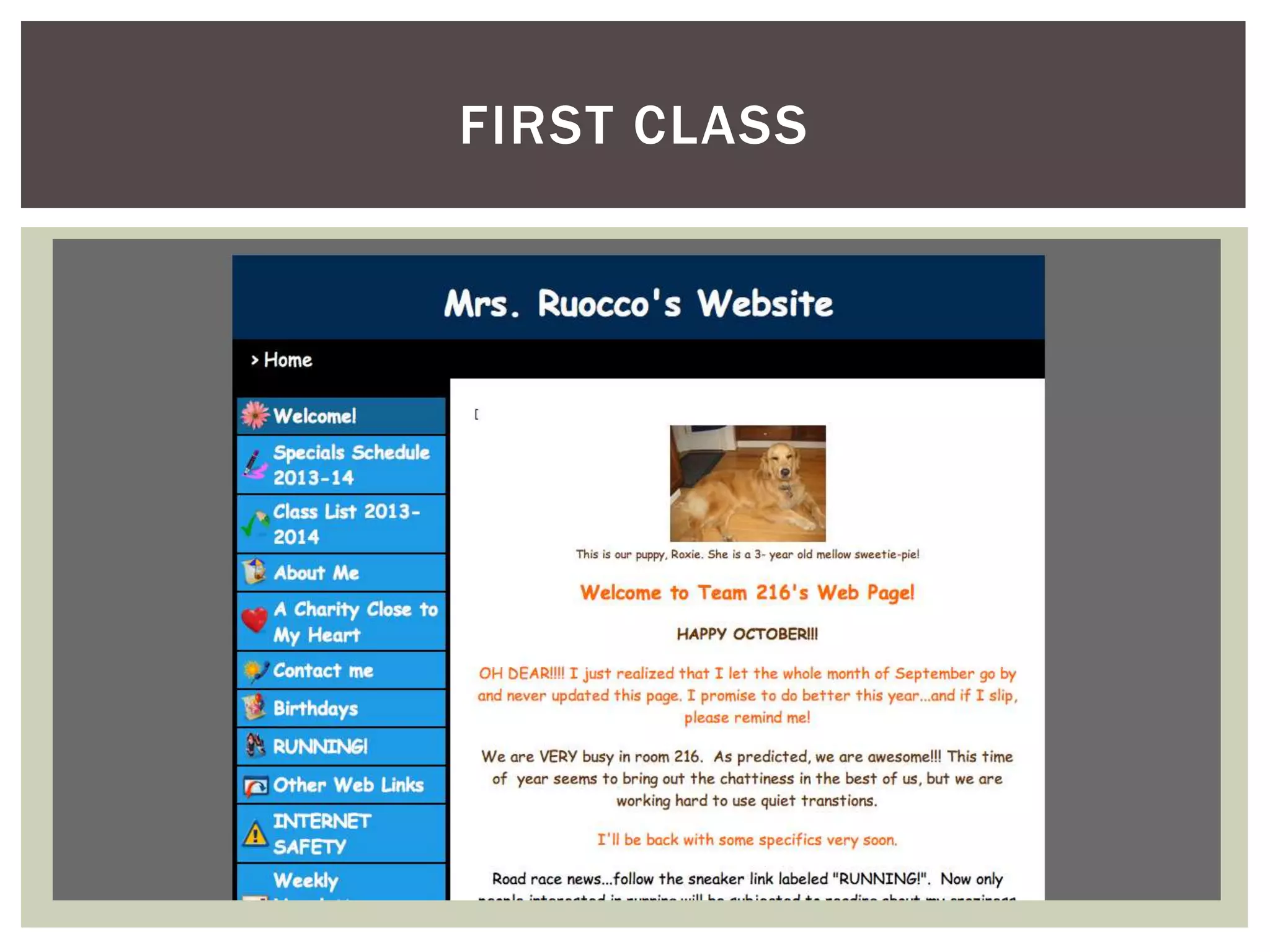
FIRST CLASS
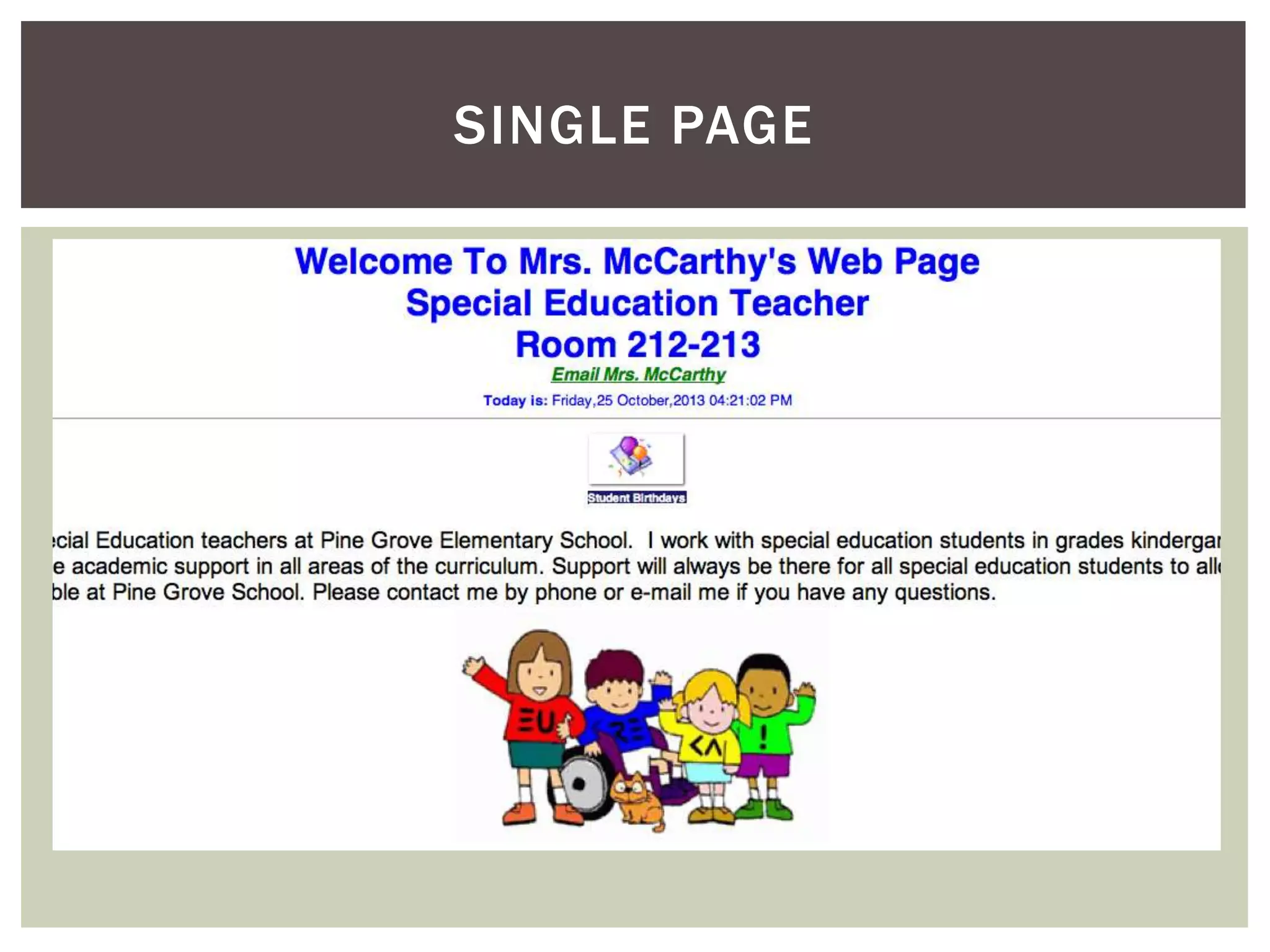
SINGLE PAGE
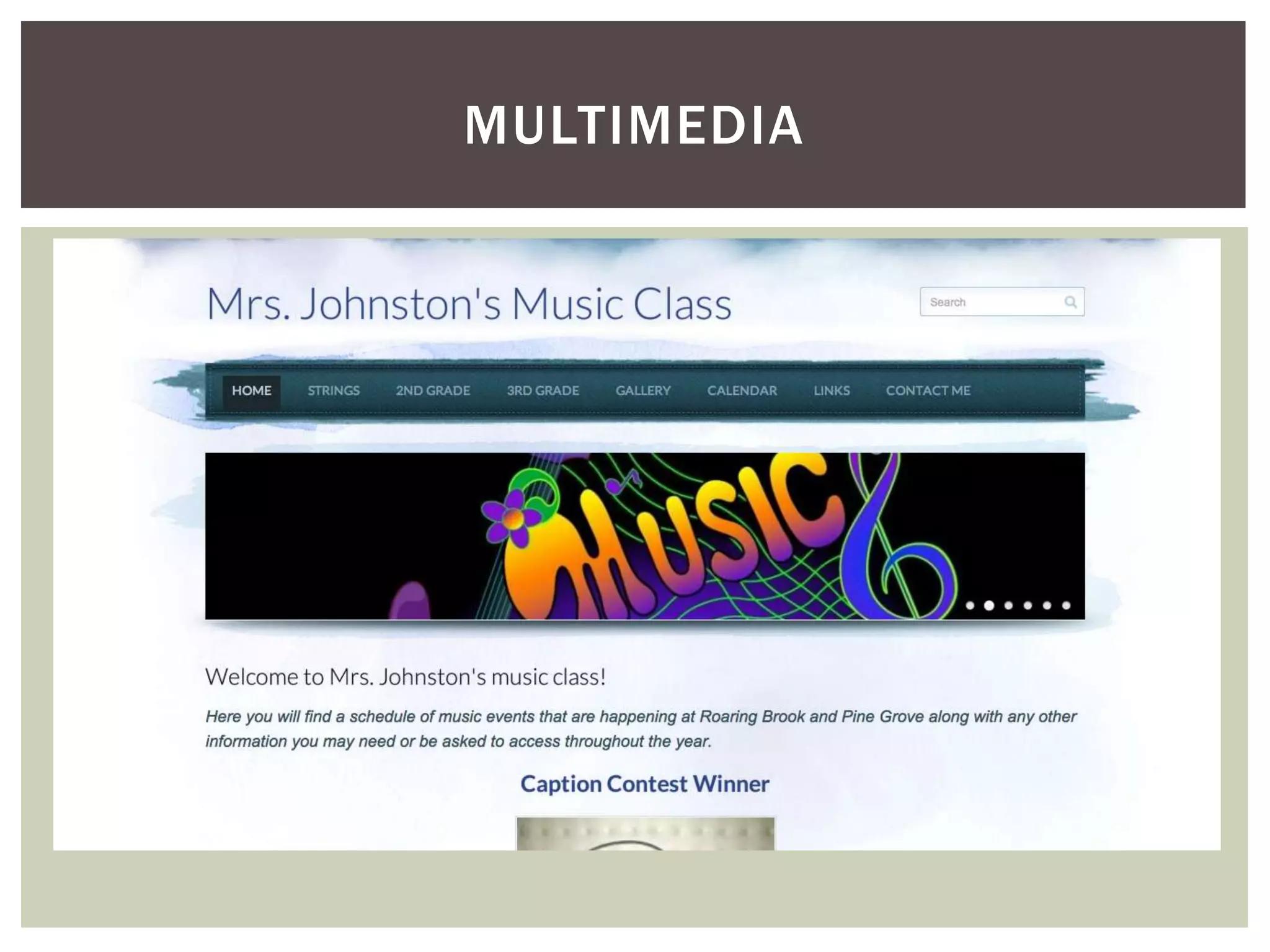
MULTIMEDIA
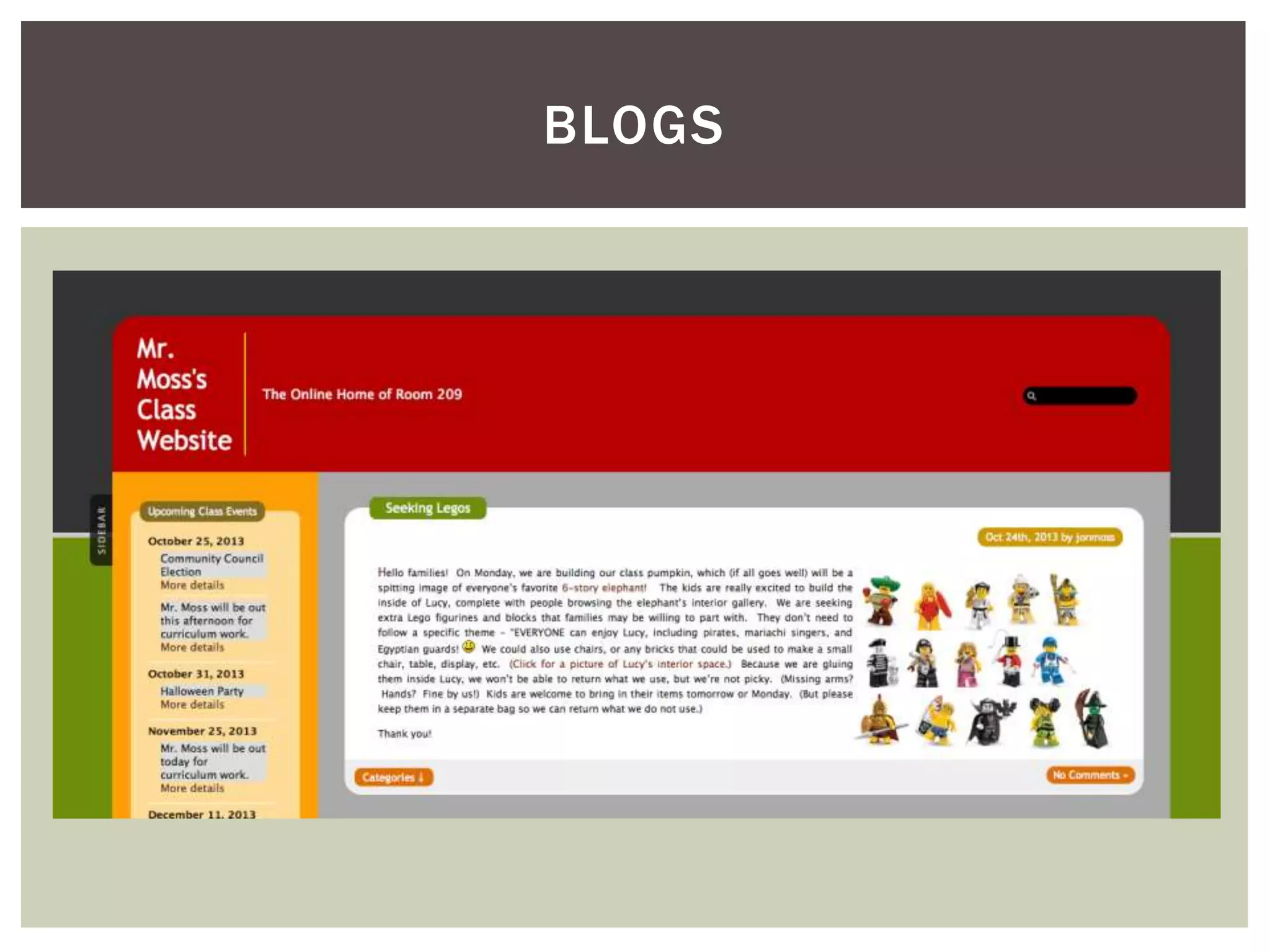
BLOGS
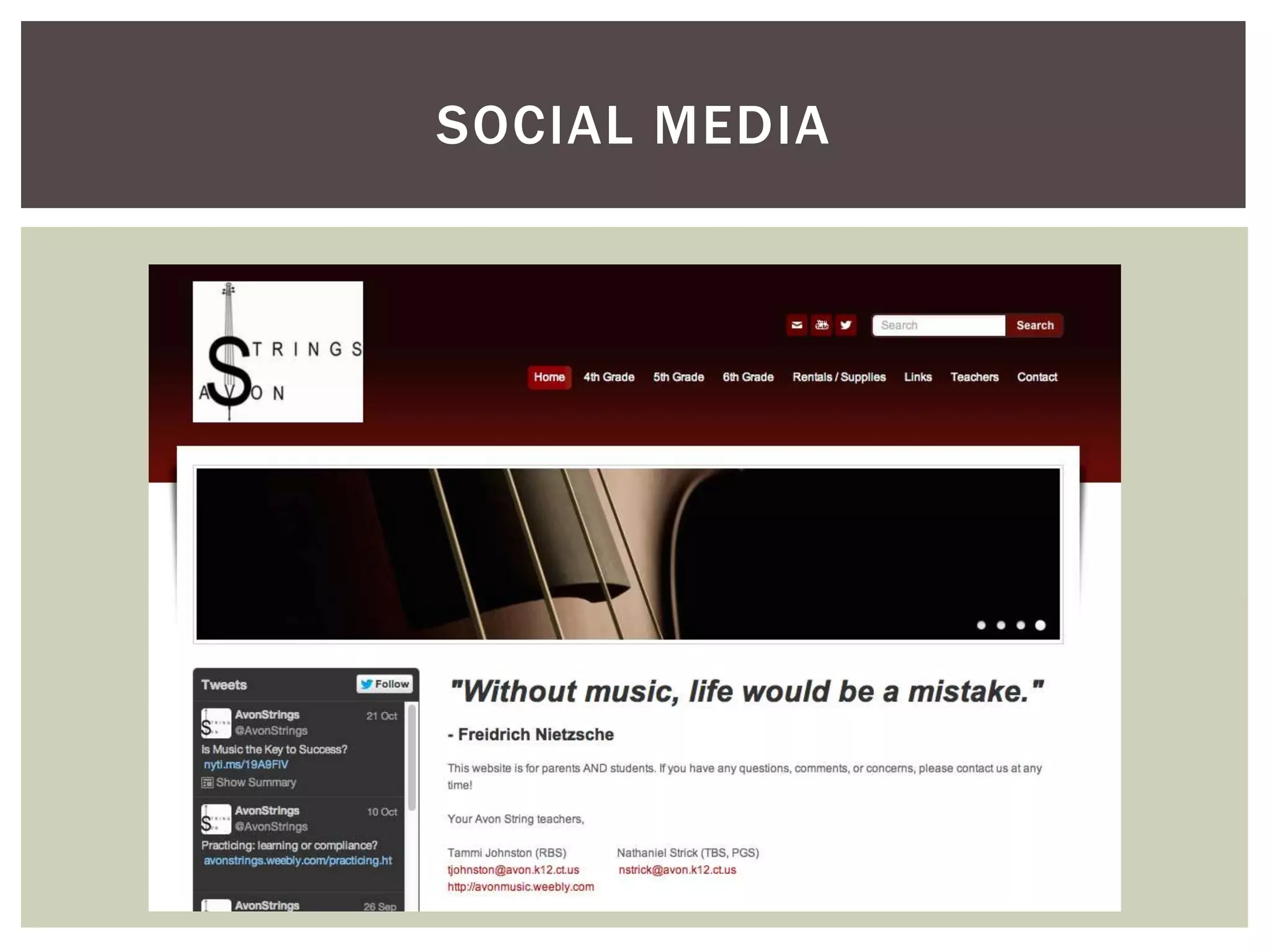
SOCIAL MEDIA
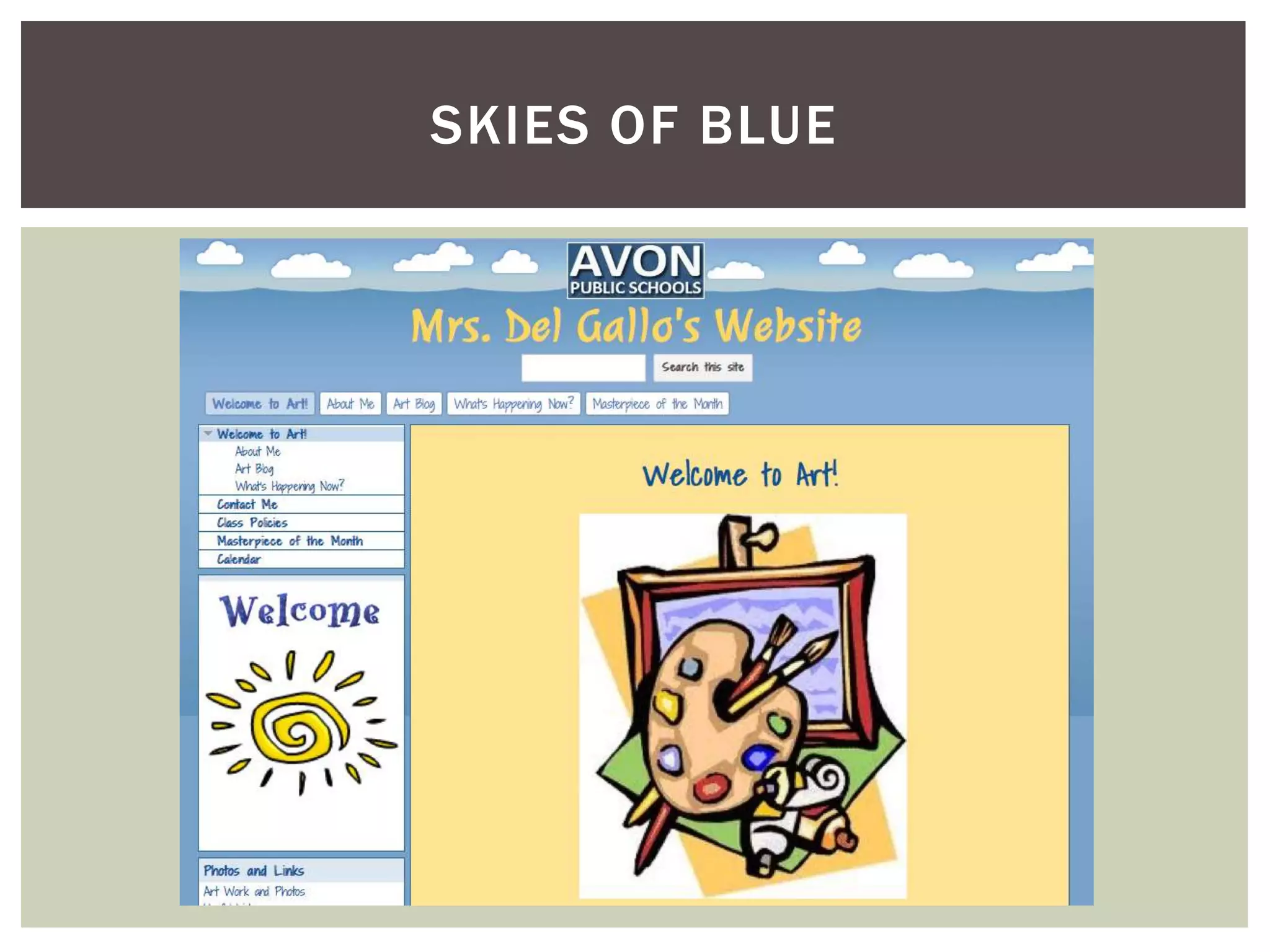
SKIES OF BLUE
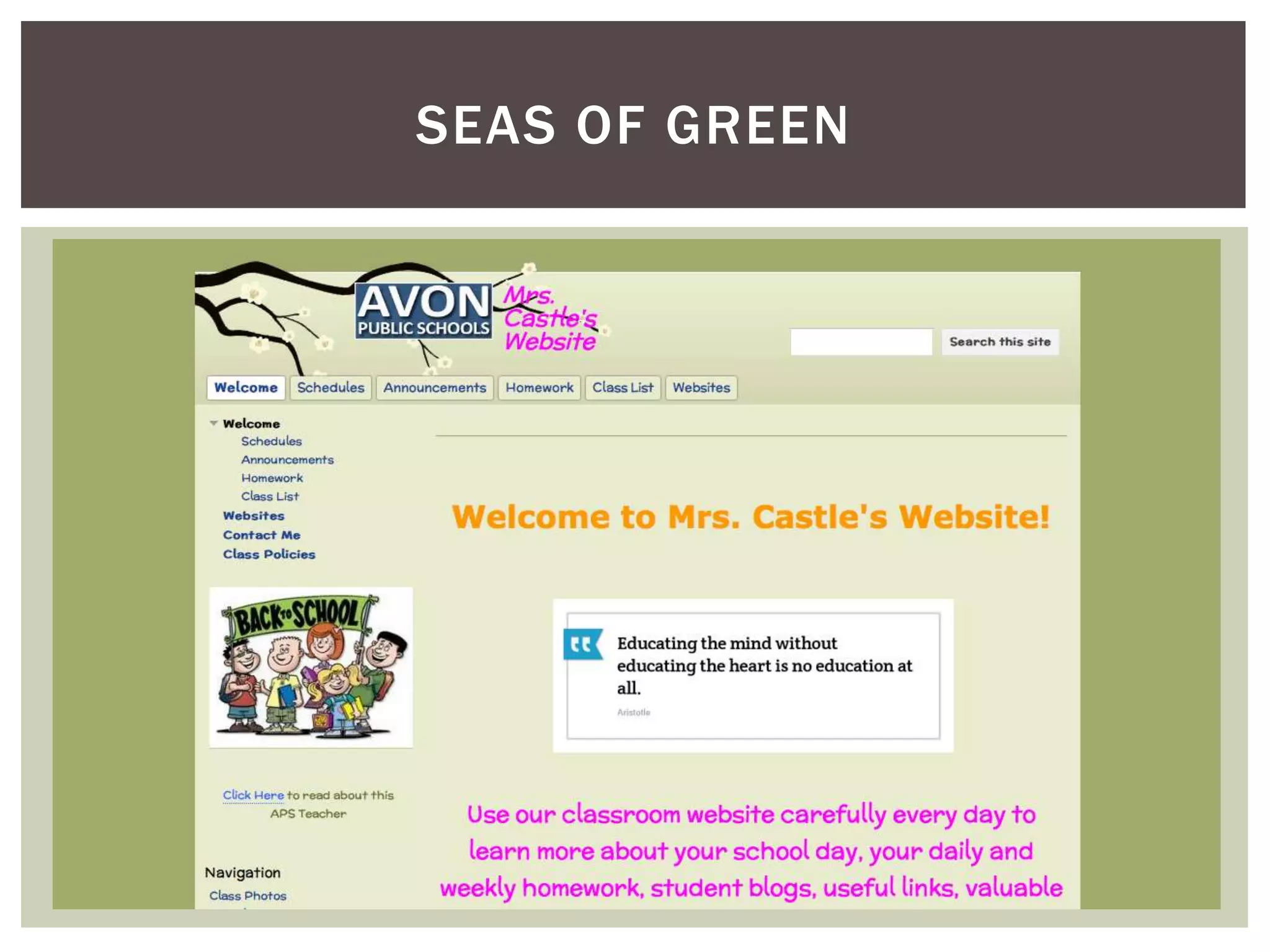
SEAS OF GREEN
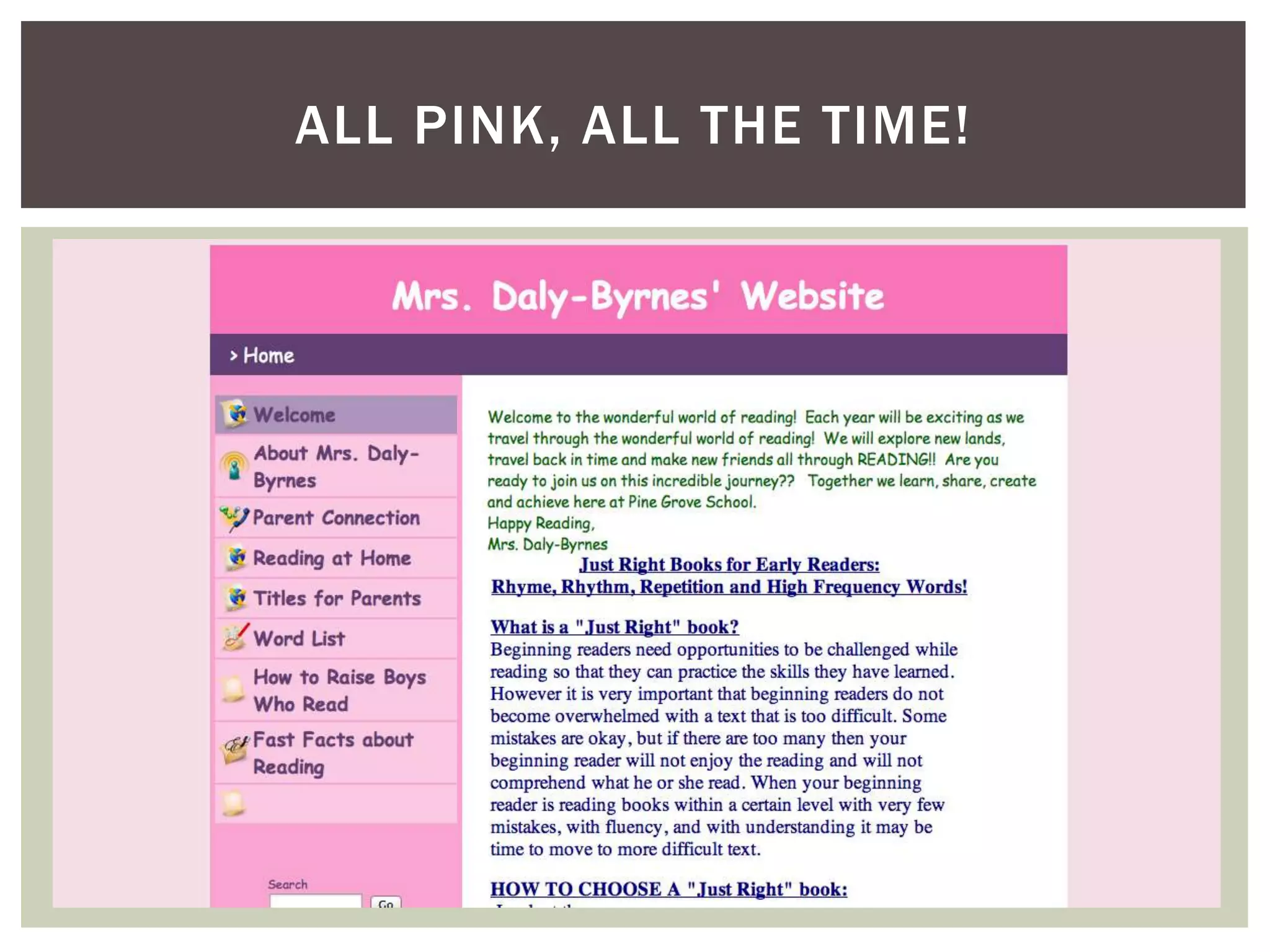
ALL PINK, ALL THE TIME!
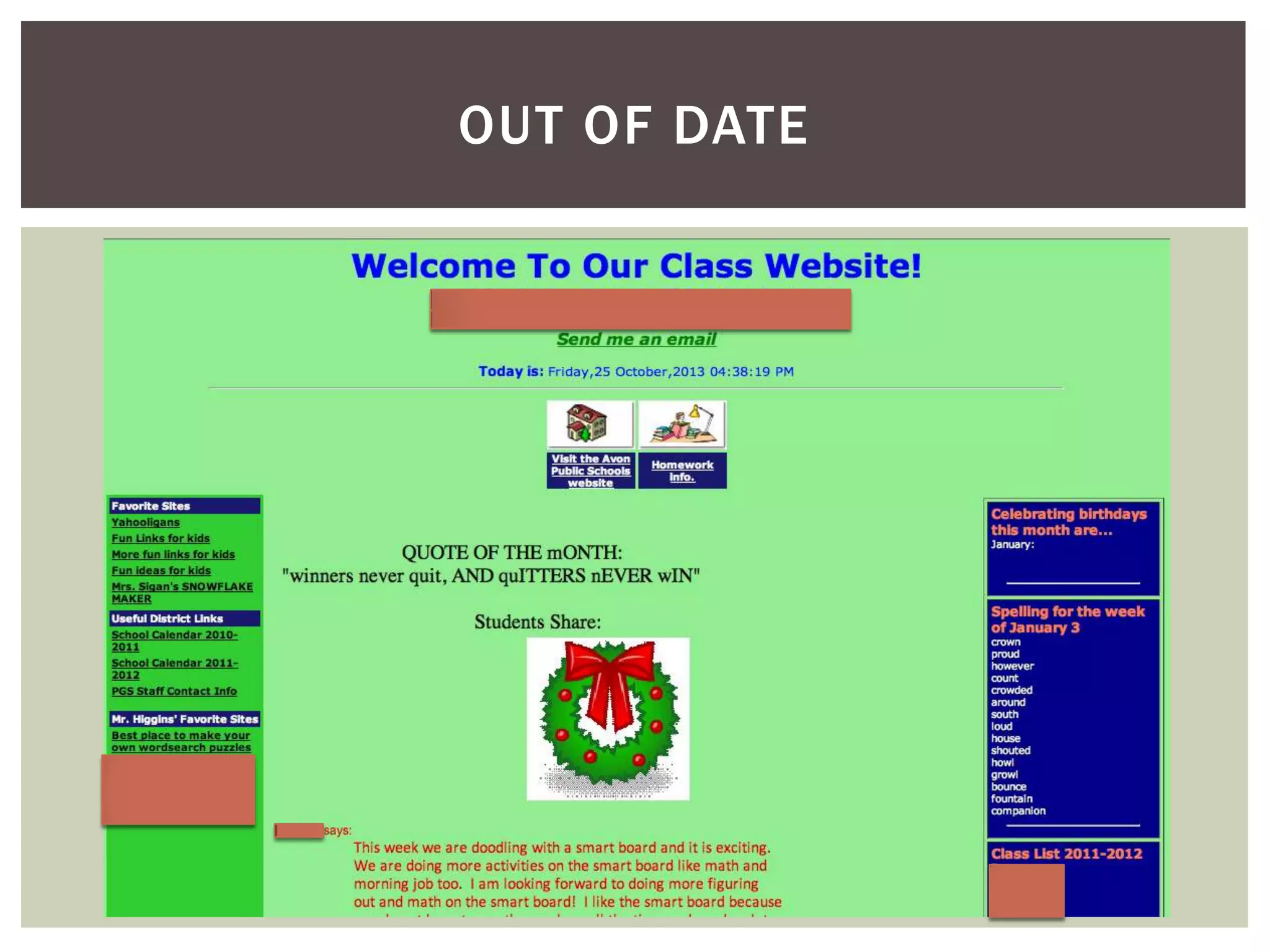
OUT OF DATE
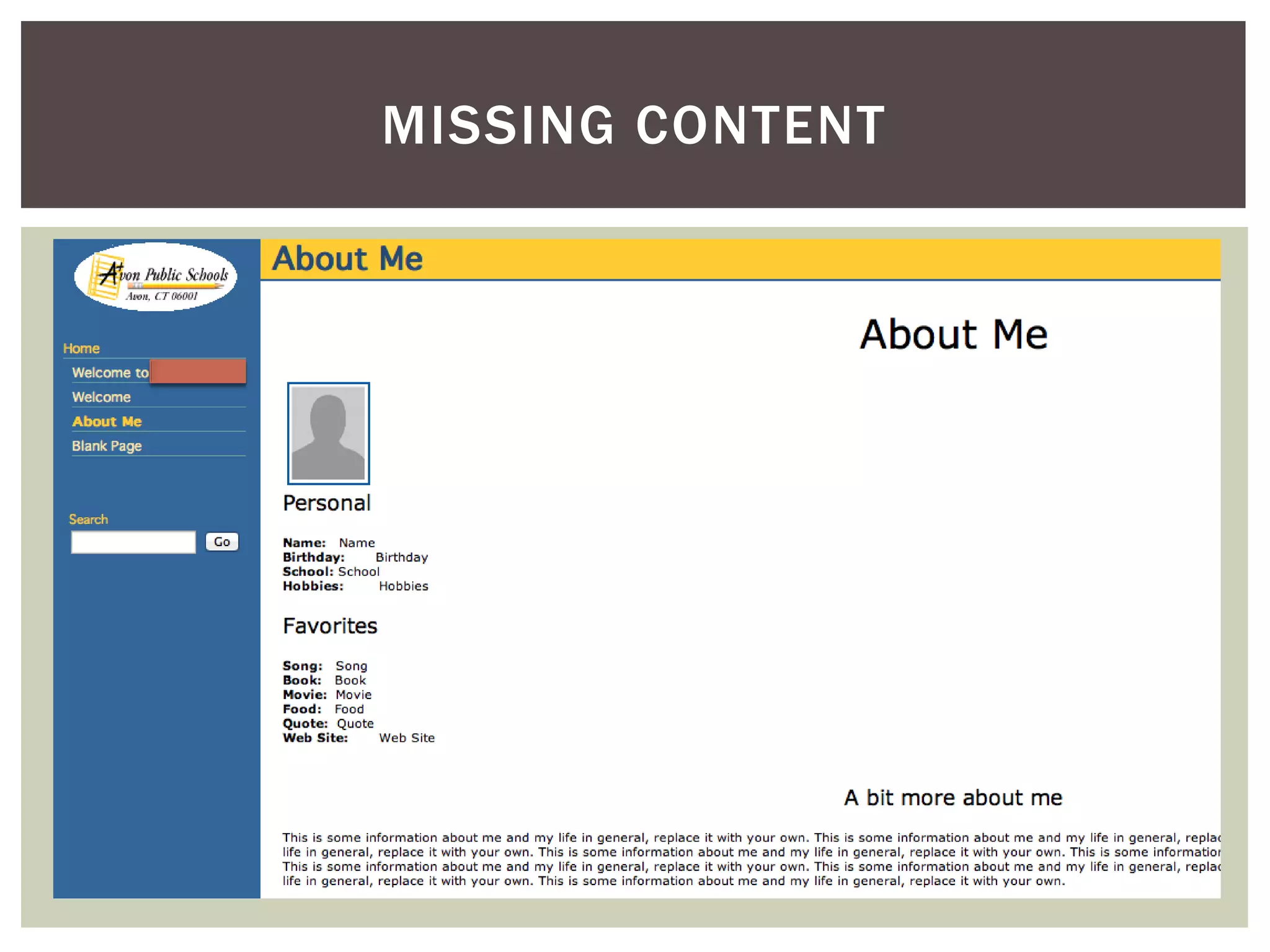
MISSING CONTENT
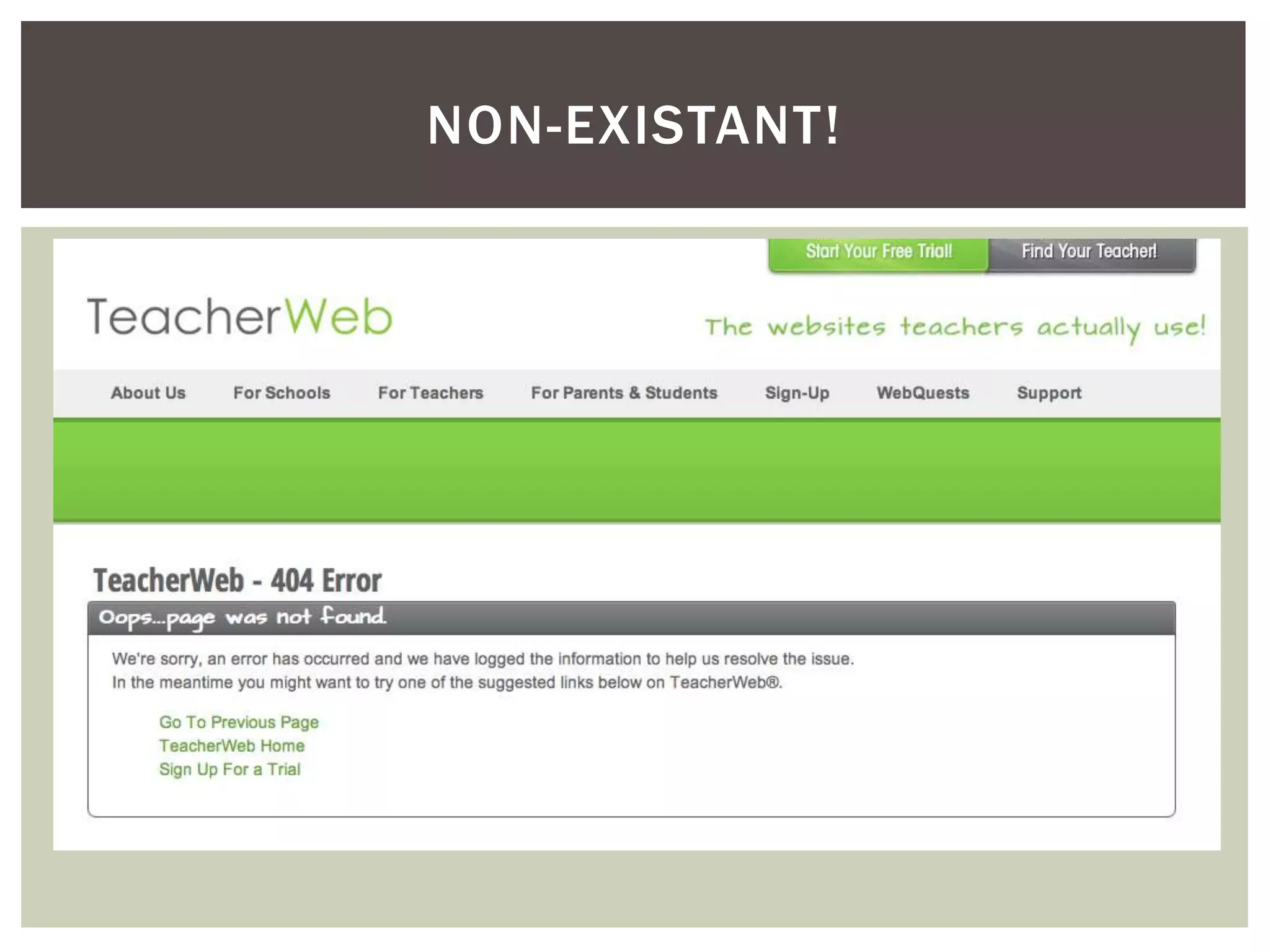
NON-EXISTANT!
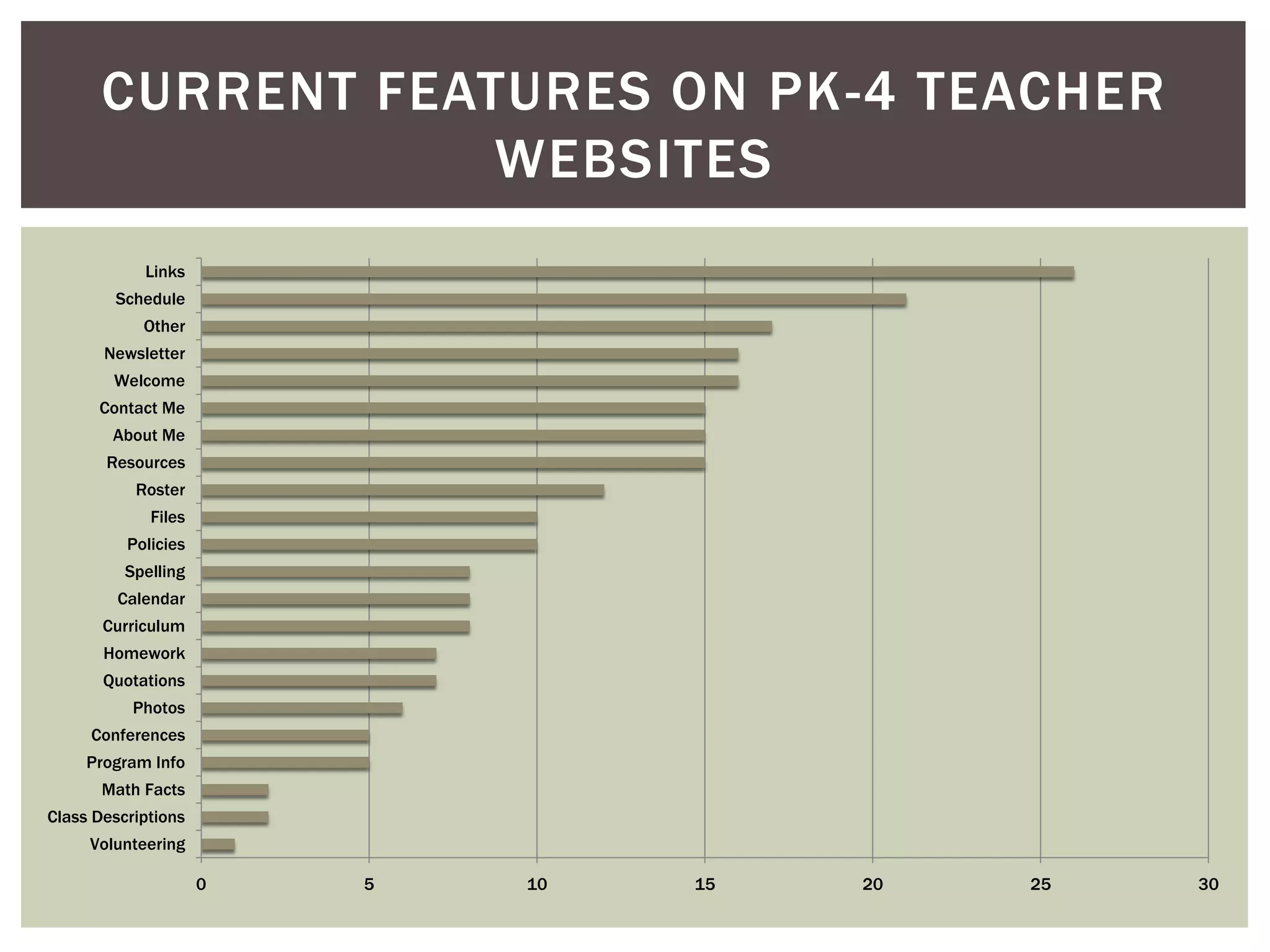
CURRENT FEATURES ON PK-4 TEACHER
WEBSITES
Links
Schedule
Other
Newsletter
Welcome
Contact Me
About Me
Resources

Roster
Files
Policies
Spelling
Calendar
Curriculum
Homework
Quotations
Photos
Conferences
Program Info
Math Facts
Class Descriptions
Volunteering
0

5

10

15

20

25

30
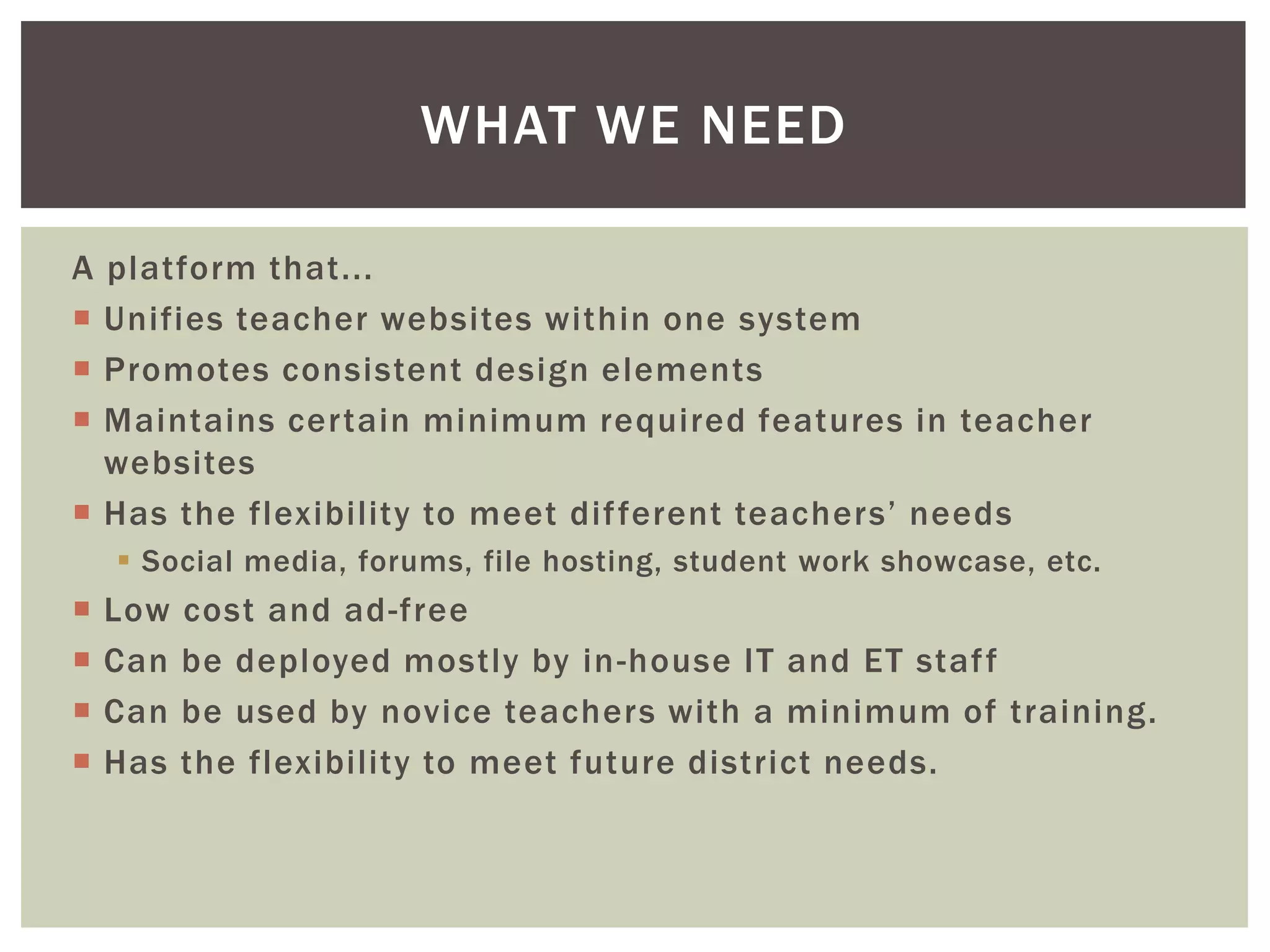
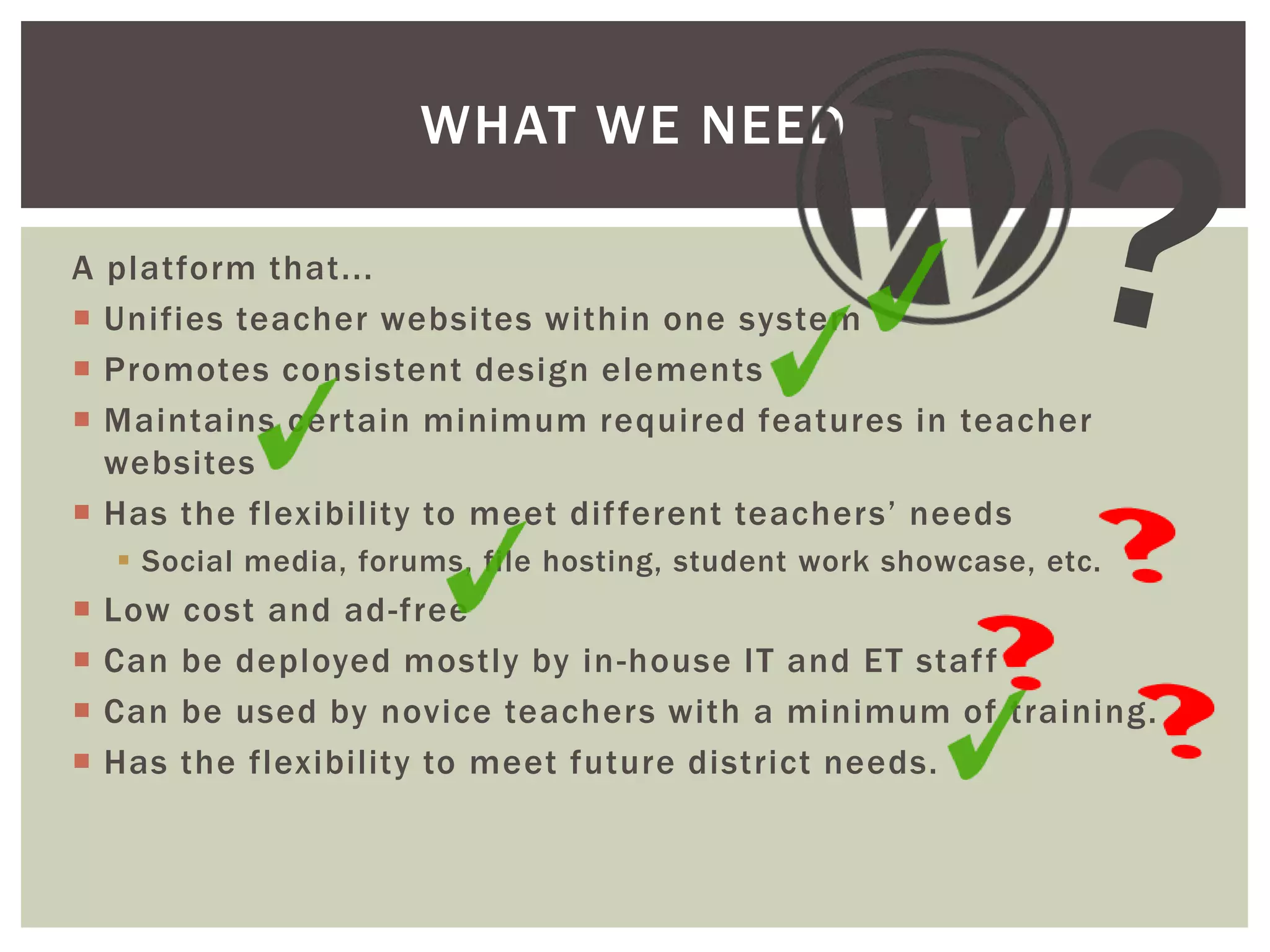
WHAT WE NEED
A platform that...
 Unifies teacher websites within one system
 Promotes consistent design elements
 Maintains certain minimum required features in teacher
websites
 Has the flexibility to meet dif ferent teachers’ needs
 Social media, forums, file hosting, student work showcase, etc.

 Low cost and ad-free
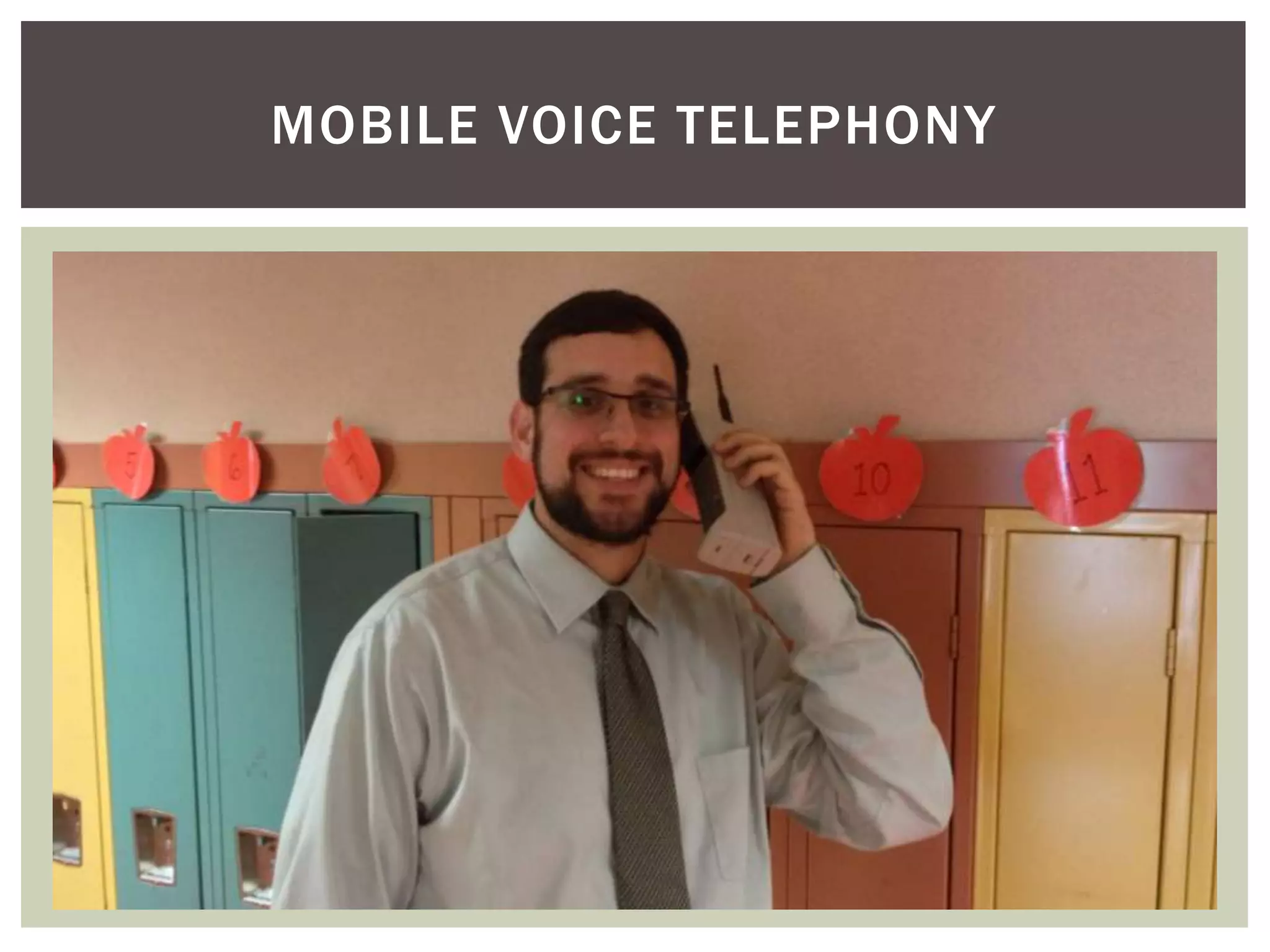
MOBILE VOICE TELEPHONY
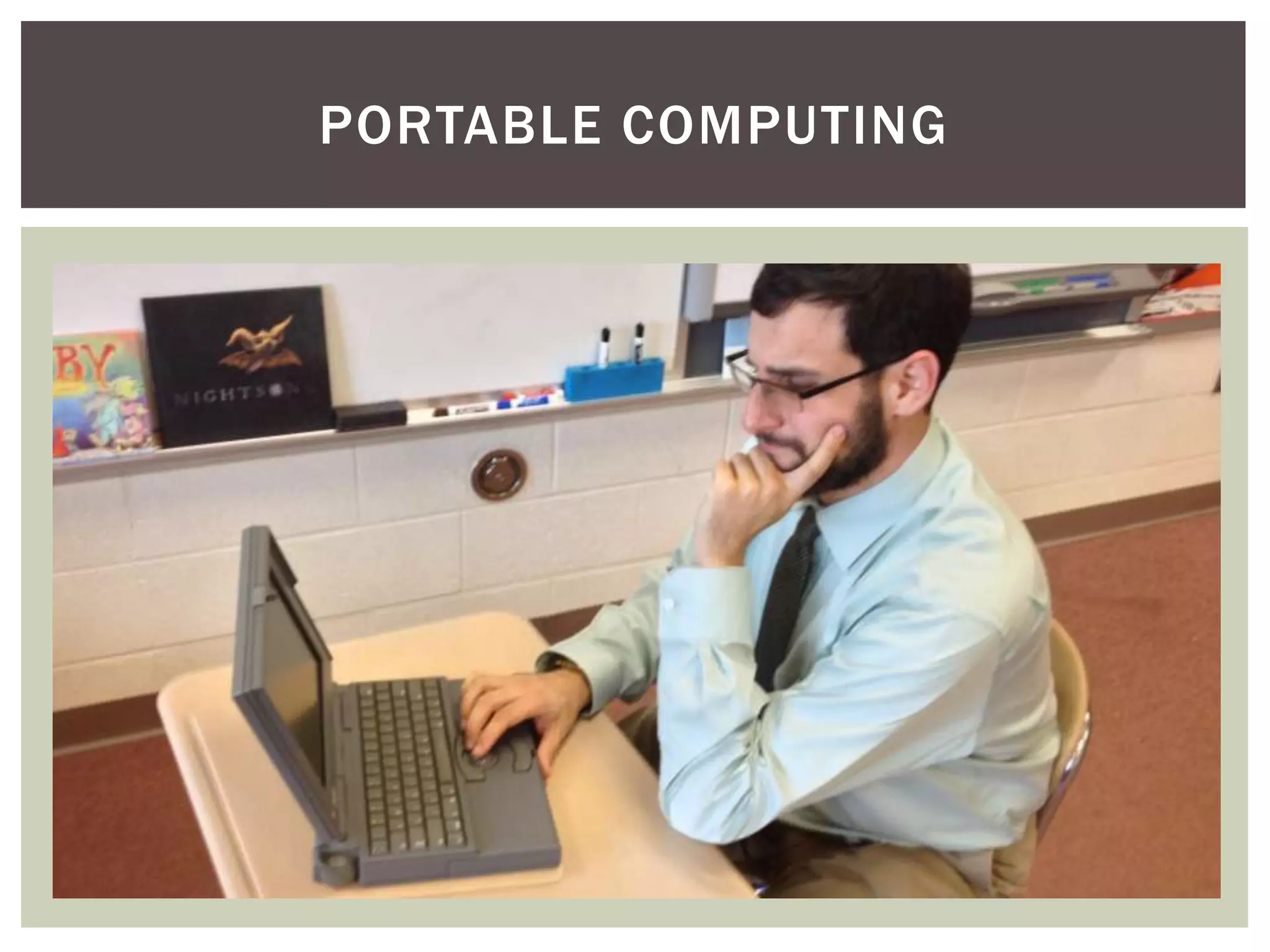
PORTABLE COMPUTING
SITE-WIDE TELECOMMUNICATION
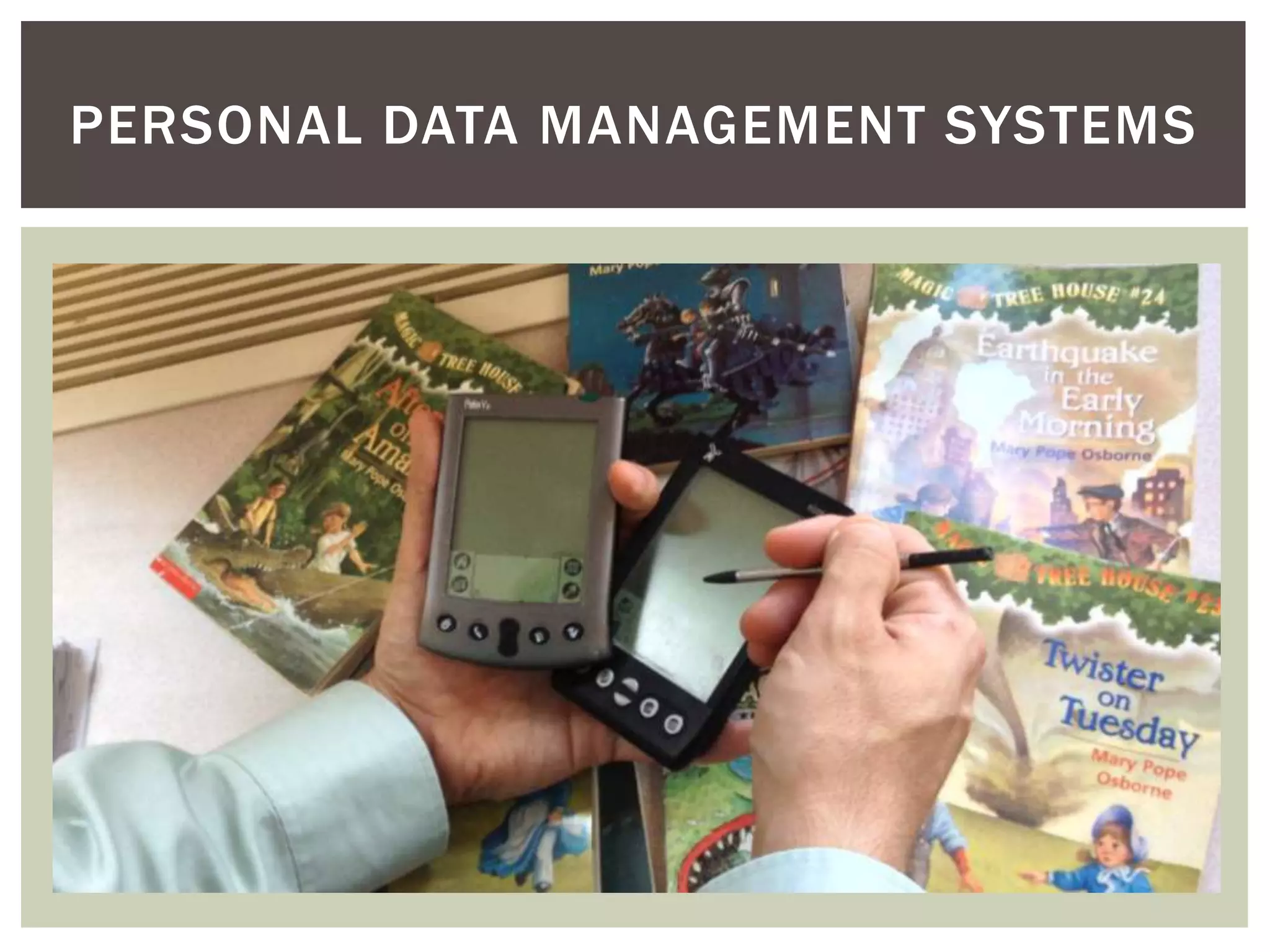
PERSONAL DATA MANAGEMENT SYSTEMS
DESKTOP COMPUTERS FOR CODING
WHAT WE NEED
A platform that...
 Unifies teacher websites within one system
 Promotes consistent design elements
 Maintains certain minimum required features in teacher
websites
 Has the flexibility to meet dif ferent teachers’ needs
 Social media, forums, file hosting, student work showcase, etc.






Low
Can
Can
Has

cost and ad-free
be deployed mostly by in -house IT and ET staf f
be used by novice teachers with a minimum of training.
the flexibility to meet future district needs.
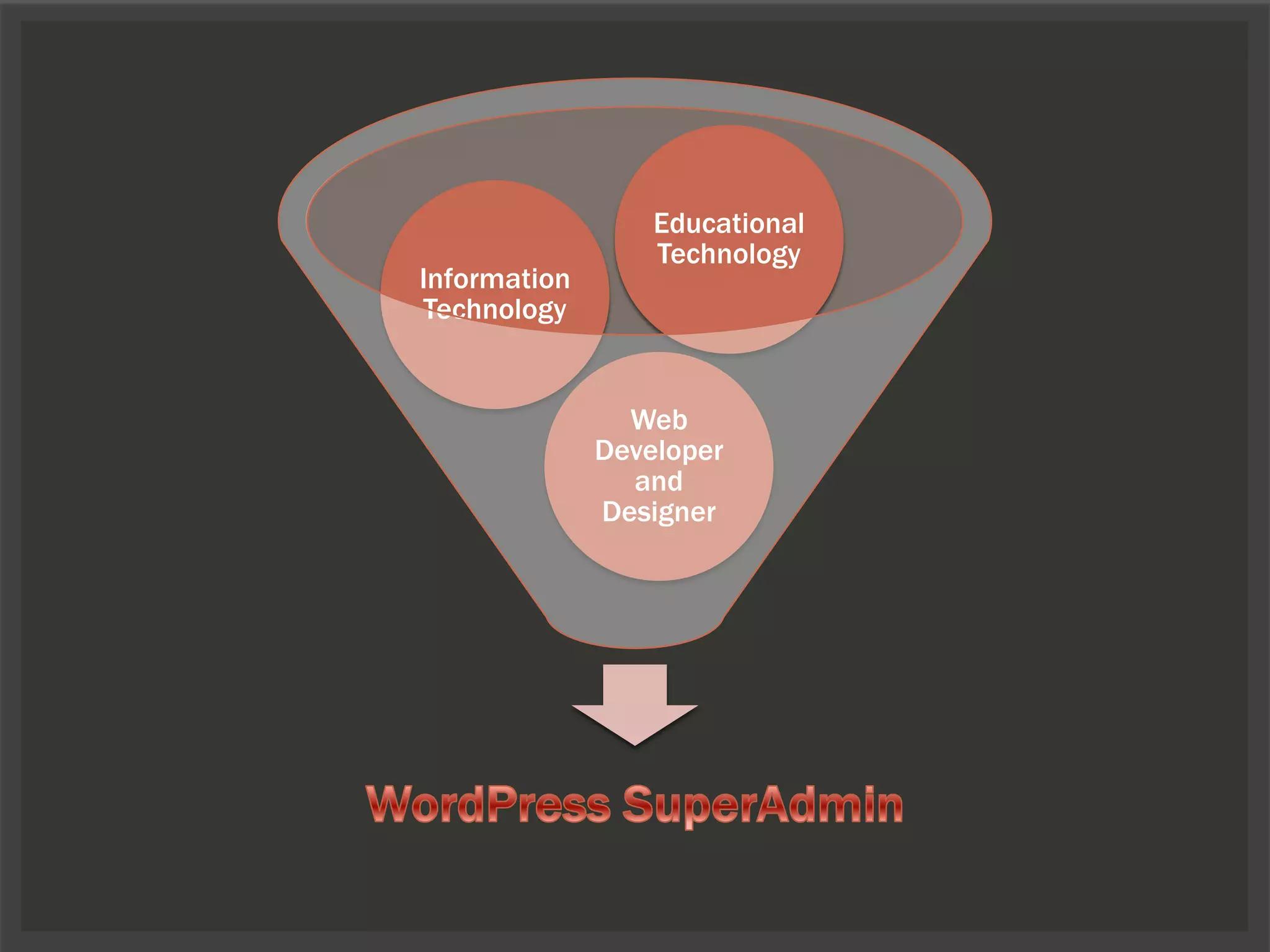
Information
Technology

Educational
Technology

Web
Developer
and
Designer
WHAT WE NEED
A platform that...
 Unifies teacher websites within one system
 Promotes consistent design elements
 Maintains certain minimum required features in teacher
websites
 Has the flexibility to meet dif ferent teachers’ needs
 Social media, forums, file hosting, student work showcase, etc.






Low
Can
Can
Has

cost and ad-free
be deployed mostly by in -house IT and ET staf f
be used by novice teachers with a minimum of training.
the flexibility to meet future district needs.
WHERE TO BEGIN
 Make firm decisions about default options (comments, user
permissions, etc.)
 Rule by exception

 Secure proper hosting and backup services.
 Create Multisite installation (great support on Codex)
 Use the User Role Editor plugin to establish custom roles and
permissions.
 What will be norm for granting permissions?
 Give more permissions or give fewer permissions?

 Select and configure your theme and settings.
 Install and test plugins.
SETTING UP SITES
 Create template site
 Include required pages, components, sidebar widgets, etc.
 Will you have a universal template site or individual template sites
for each building?

 Register users
 Consider mass-registering users if you have a large number of
accounts to create and configure.

 Use the Blog Copier plugin to duplicate and customize your
template sites.
 Set up teacher accounts on each site.
USER MANAGEMENT
 Start with a predefined set of permissions (usually “Editor”)
 Add as necessary:








add_users
create_users
delete_users
edit_users
list_users
remove_users
edit_theme_options

 Promote as necessary
 Demote users as necessary or upon request
BUT MOST IMPORTANTLY...
 Provide organized, dif ferentiated training.
 Avoid this:
AND...

Give your
users
control, per
mission, and
skills to
make their
site what is
right for
them and
their class!
SAMPLE NETWORK OF SITES
Join us at

www.edvantaged.com/msdemo
CHALLENGES
 Fine-tuning user permissions
 Will be resolved during the PILOT PROCESS (a must!)

 Embedding HTML (based on permissions)
 Hiding menu options for some user (perhaps based on
permissions?)
ONGOING MANAGEMENT ADVANTAGES
 Search by date of last update
 Archive sites that are no longer active
 Ease of access for troubleshooting
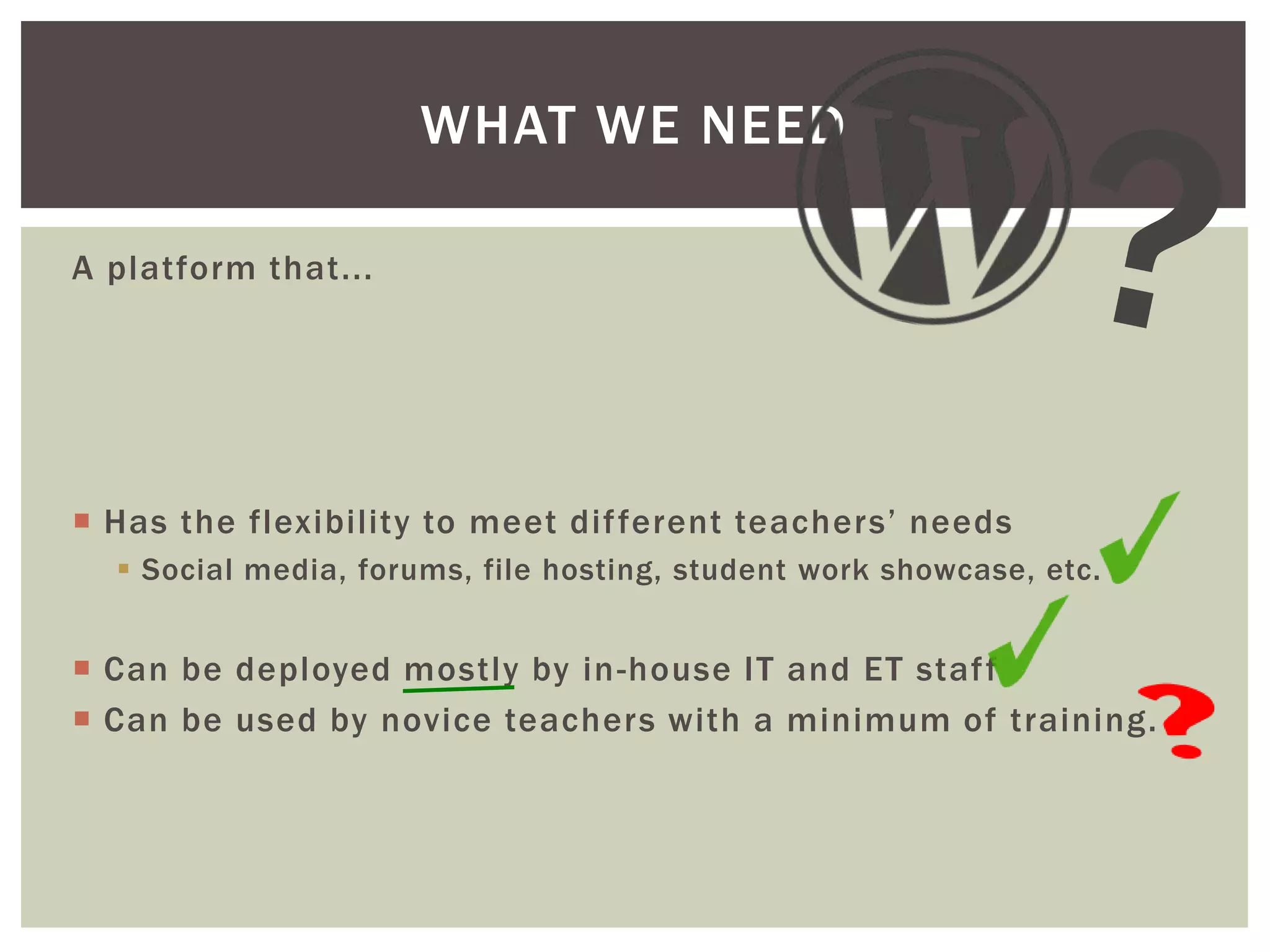
WHAT WE NEED
A platform that...

 Has the flexibility to meet dif ferent teachers’ needs
 Social media, forums, file hosting, student work showcase, etc.

 Can be deployed mostly by in -house IT and ET staf f
 Can be used by novice teachers with a minimum of training.
THANK YOU!

Jon Moss
@JonMossEdTech
jonmossedtech@edvantaged.com

www.edvantaged.com
Thank you
Boston
and
Microsoft NERD Center!

Building a Network of Public School Websites on a Public School Budget

  • 1.
    BUILDING A NETWORK OFPUBLIC SCHOOL WEBSITES ON A PUBLIC SCHOOL BUDGET Jon Moss Avon Public Schools Avon, CT edvantaged.com
  • 2.
    WHERE ARE WENOW? Teacher websites in Avon Public Schools vary in Content/Features Design Structure Platform Accuracy
  • 3.
  • 4.
  • 5.
  • 6.
  • 7.
  • 8.
  • 9.
  • 10.
  • 11.
  • 12.
  • 13.
    ALL PINK, ALLTHE TIME!
  • 14.
  • 15.
  • 16.
  • 17.
    CURRENT FEATURES ONPK-4 TEACHER WEBSITES Links Schedule Other Newsletter Welcome Contact Me About Me Resources Roster Files Policies Spelling Calendar Curriculum Homework Quotations Photos Conferences Program Info Math Facts Class Descriptions Volunteering 0 5 10 15 20 25 30
  • 18.
    WHAT WE NEED Aplatform that...  Unifies teacher websites within one system  Promotes consistent design elements  Maintains certain minimum required features in teacher websites  Has the flexibility to meet dif ferent teachers’ needs  Social media, forums, file hosting, student work showcase, etc.  Low cost and ad-free
  • 19.
  • 20.
  • 21.
  • 22.
  • 23.
  • 24.
    WHAT WE NEED Aplatform that...  Unifies teacher websites within one system  Promotes consistent design elements  Maintains certain minimum required features in teacher websites  Has the flexibility to meet dif ferent teachers’ needs  Social media, forums, file hosting, student work showcase, etc.     Low Can Can Has cost and ad-free be deployed mostly by in -house IT and ET staf f be used by novice teachers with a minimum of training. the flexibility to meet future district needs.

  • 25.
  • 26.
    WHAT WE NEED Aplatform that...  Unifies teacher websites within one system  Promotes consistent design elements  Maintains certain minimum required features in teacher websites  Has the flexibility to meet dif ferent teachers’ needs  Social media, forums, file hosting, student work showcase, etc.     Low Can Can Has cost and ad-free be deployed mostly by in -house IT and ET staf f be used by novice teachers with a minimum of training. the flexibility to meet future district needs.

  • 27.
    WHERE TO BEGIN Make firm decisions about default options (comments, user permissions, etc.)  Rule by exception  Secure proper hosting and backup services.  Create Multisite installation (great support on Codex)  Use the User Role Editor plugin to establish custom roles and permissions.  What will be norm for granting permissions?  Give more permissions or give fewer permissions?  Select and configure your theme and settings.  Install and test plugins.
  • 28.
    SETTING UP SITES Create template site  Include required pages, components, sidebar widgets, etc.  Will you have a universal template site or individual template sites for each building?  Register users  Consider mass-registering users if you have a large number of accounts to create and configure.  Use the Blog Copier plugin to duplicate and customize your template sites.  Set up teacher accounts on each site.
  • 29.
    USER MANAGEMENT  Startwith a predefined set of permissions (usually “Editor”)  Add as necessary:        add_users create_users delete_users edit_users list_users remove_users edit_theme_options  Promote as necessary  Demote users as necessary or upon request
  • 30.
    BUT MOST IMPORTANTLY... Provide organized, dif ferentiated training.  Avoid this:
  • 31.
    AND... Give your users control, per mission,and skills to make their site what is right for them and their class!
  • 32.
    SAMPLE NETWORK OFSITES Join us at www.edvantaged.com/msdemo
  • 33.
    CHALLENGES  Fine-tuning userpermissions  Will be resolved during the PILOT PROCESS (a must!)  Embedding HTML (based on permissions)  Hiding menu options for some user (perhaps based on permissions?)
  • 34.
    ONGOING MANAGEMENT ADVANTAGES Search by date of last update  Archive sites that are no longer active  Ease of access for troubleshooting
  • 35.
    WHAT WE NEED Aplatform that...  Has the flexibility to meet dif ferent teachers’ needs  Social media, forums, file hosting, student work showcase, etc.  Can be deployed mostly by in -house IT and ET staf f  Can be used by novice teachers with a minimum of training.
  • 36.