Presented by Suzette Franck
What Is BuddyPress?
 Social networking plugin for WordPress
 Features similar to Facebook
 Released in May of 2009
 Open Source
 Built upon MySQL and PHP technologies
Features
 Activity Streams and Status Updates
 User Self Registration
 Extended Profiles
 Friend Connections
 Private Messaging
 Blogging & Static Pages
 Discussion Forums & Groups
 Member Listing
Requirements
 A working installation of WordPress or WordPress MU
    version 2.9.1 or greater.
   PHP version 4.3 or greater.
   MySQL 4.1 or greater.
   The mod_rewrite Apache module enabled.
   A good back up all files in root directory (FTP)
   An SQL Dump (Backup of your database)
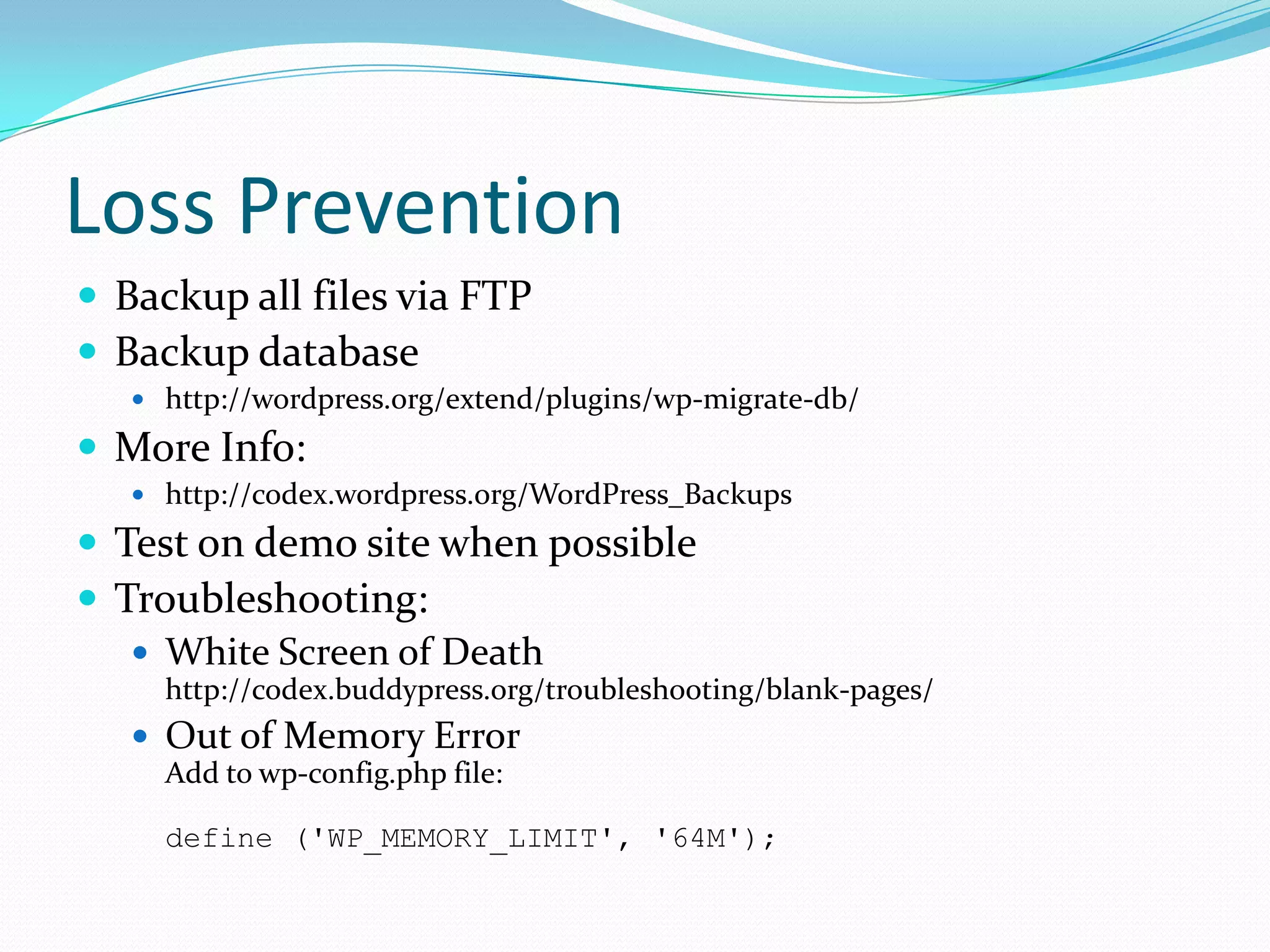
Loss Prevention
 Backup all files via FTP
 Backup database
    http://wordpress.org/extend/plugins/wp-migrate-db/

 More Info:
    http://codex.wordpress.org/WordPress_Backups

 Test on demo site when possible
 Troubleshooting:
    White Screen of Death
     http://codex.buddypress.org/troubleshooting/blank-pages/
    Out of Memory Error
     Add to wp-config.php file:

     define ('WP_MEMORY_LIMIT', '64M');
Installing BuddyPress
 Backup Existing Database and Files
 Automatic or Manual Installation
    /wp-content/plugins /
 Update Permalinks
 Activate BuddyPress Enabled Theme
 Public Access (Anyone can Register)
 Other WordPress Settings
    Reading (Blog and Front Page)
    Discussion (Comments, Trackbacks)
    Privacy (Allow search engine robots)
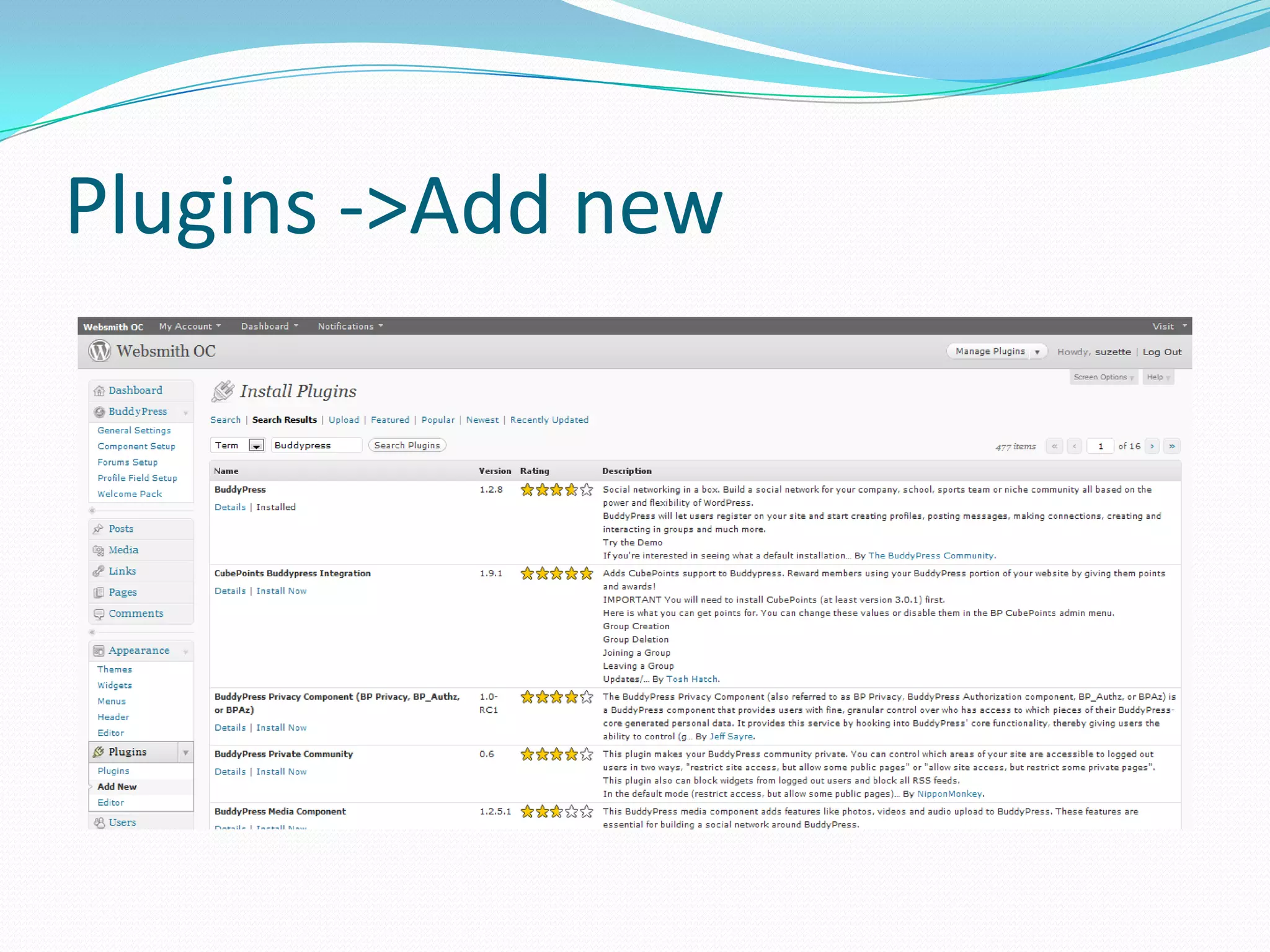
Plugins ->Add new
BuddyPress Administration
 General Settings
 Component Setup
 Forums Setup
 Profile Field Setup (Extended Profiles)
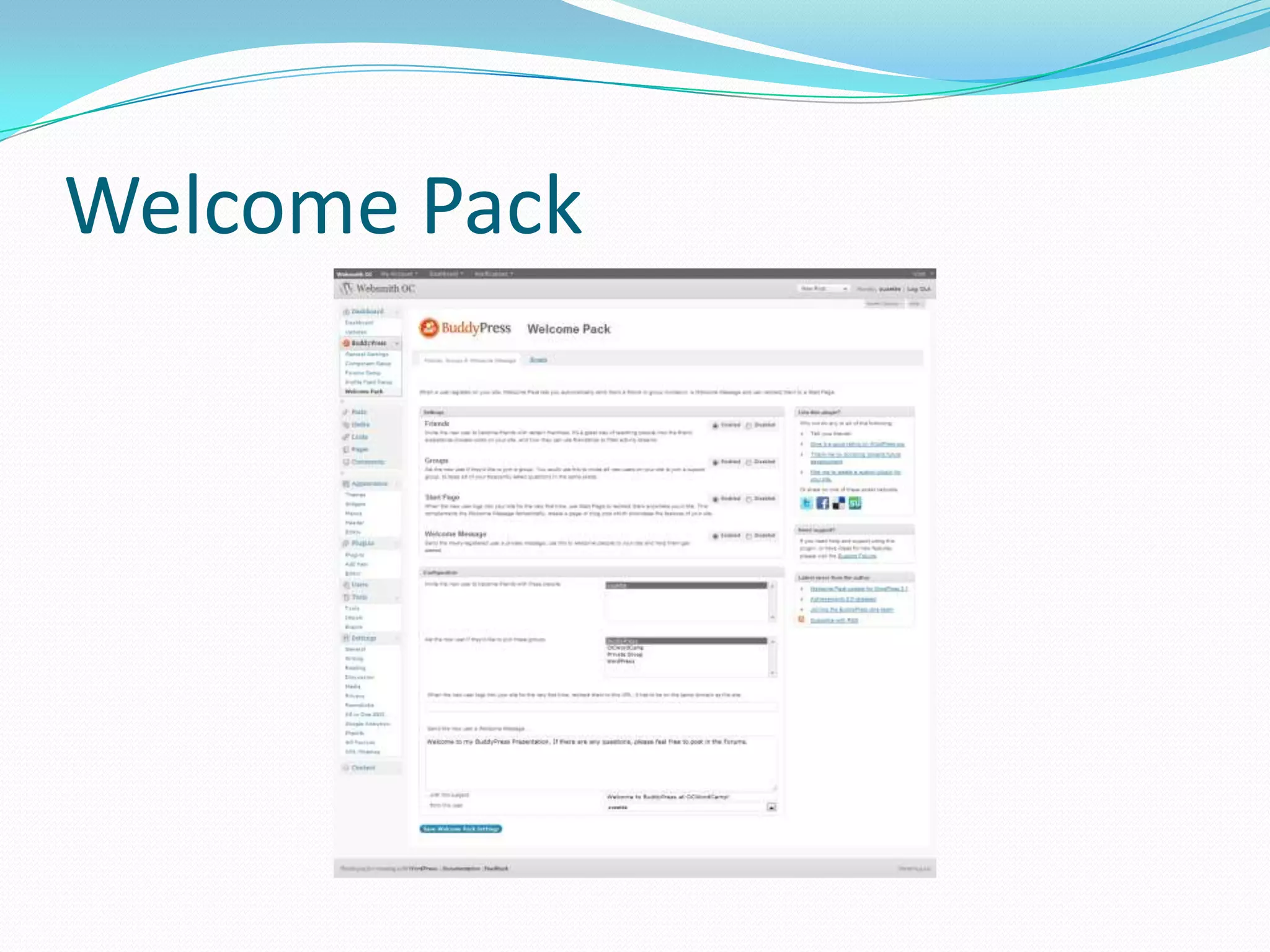
 Welcome Pack (If installed)
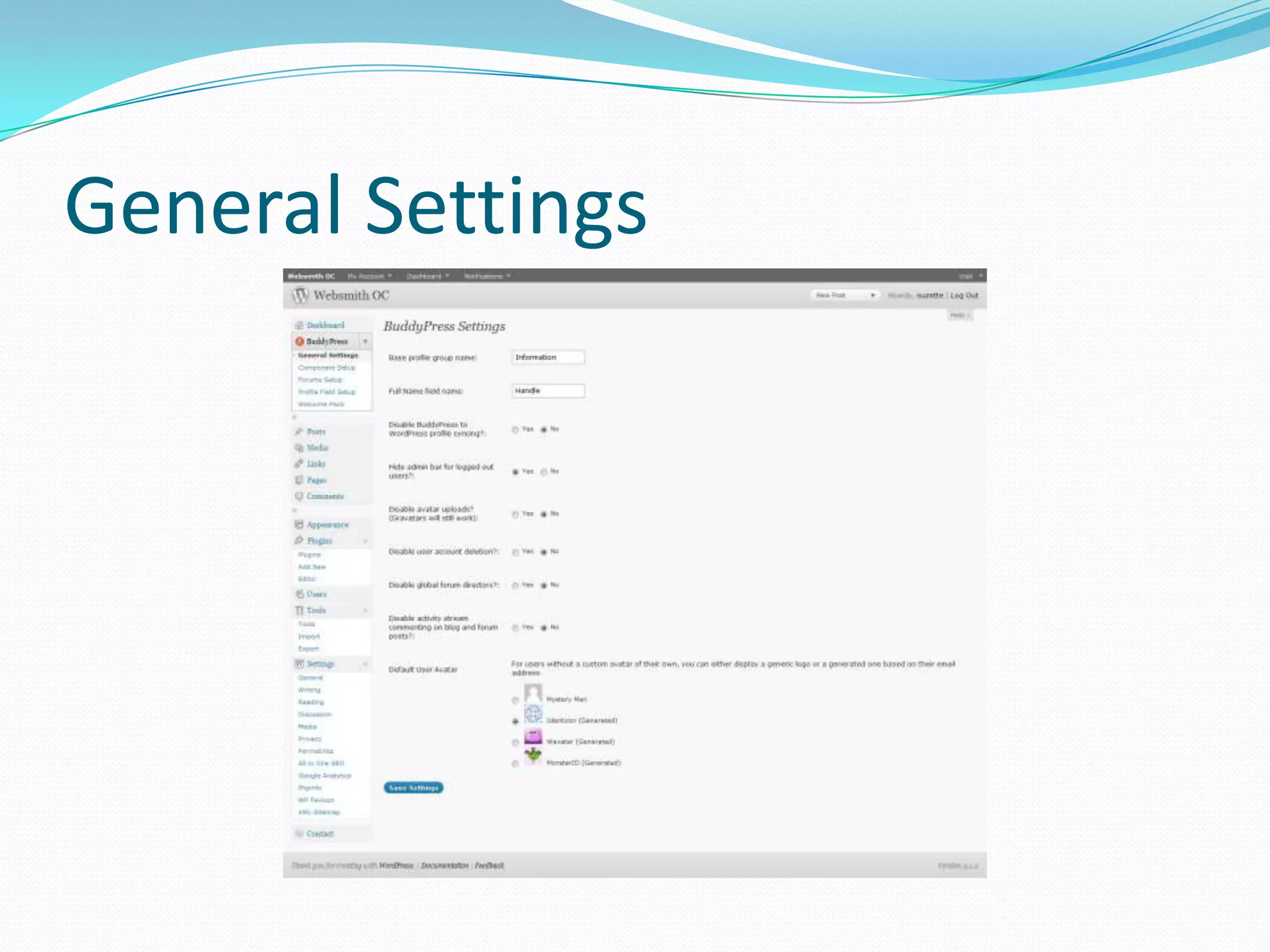
General Settings
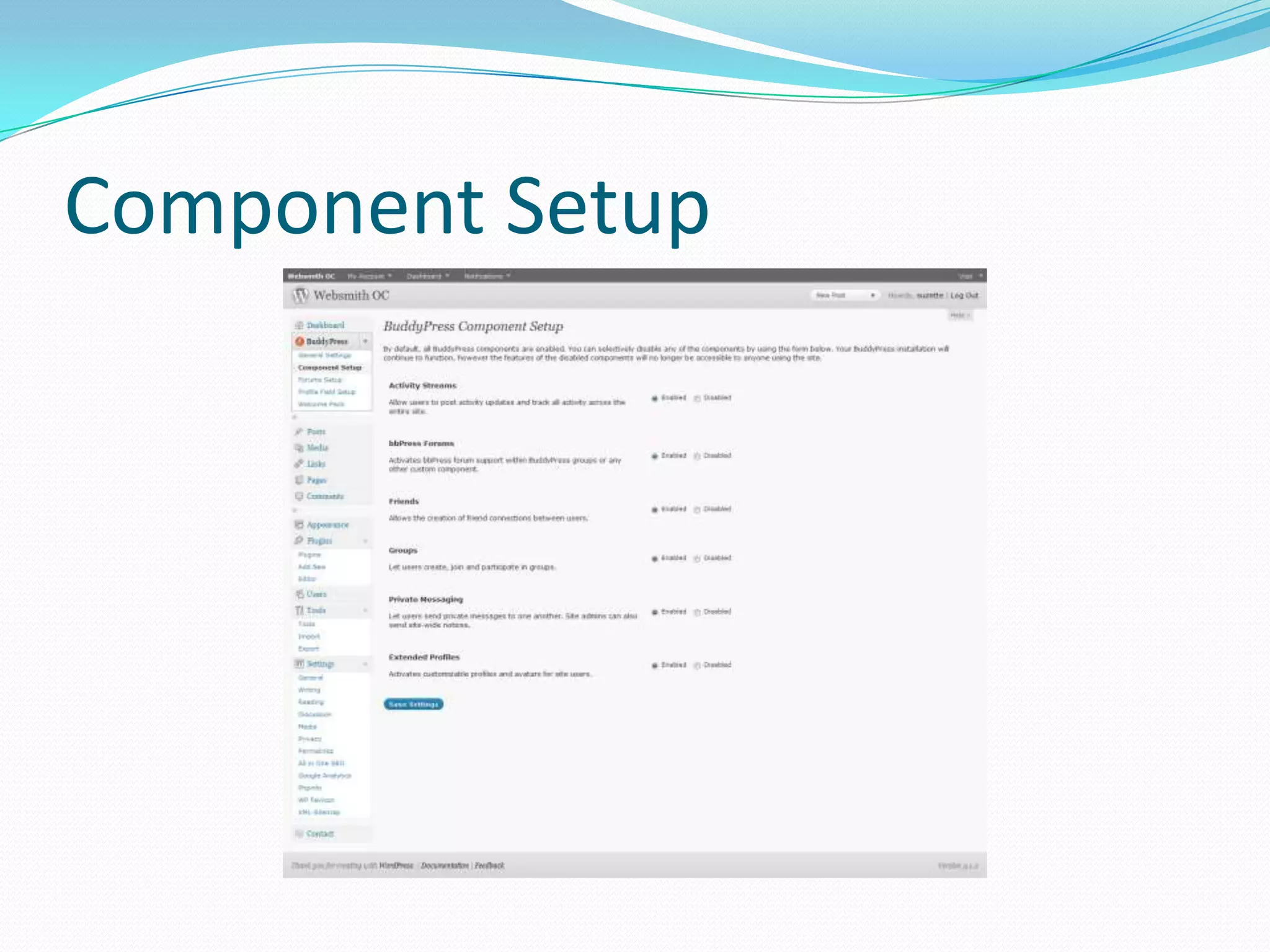
Component Setup
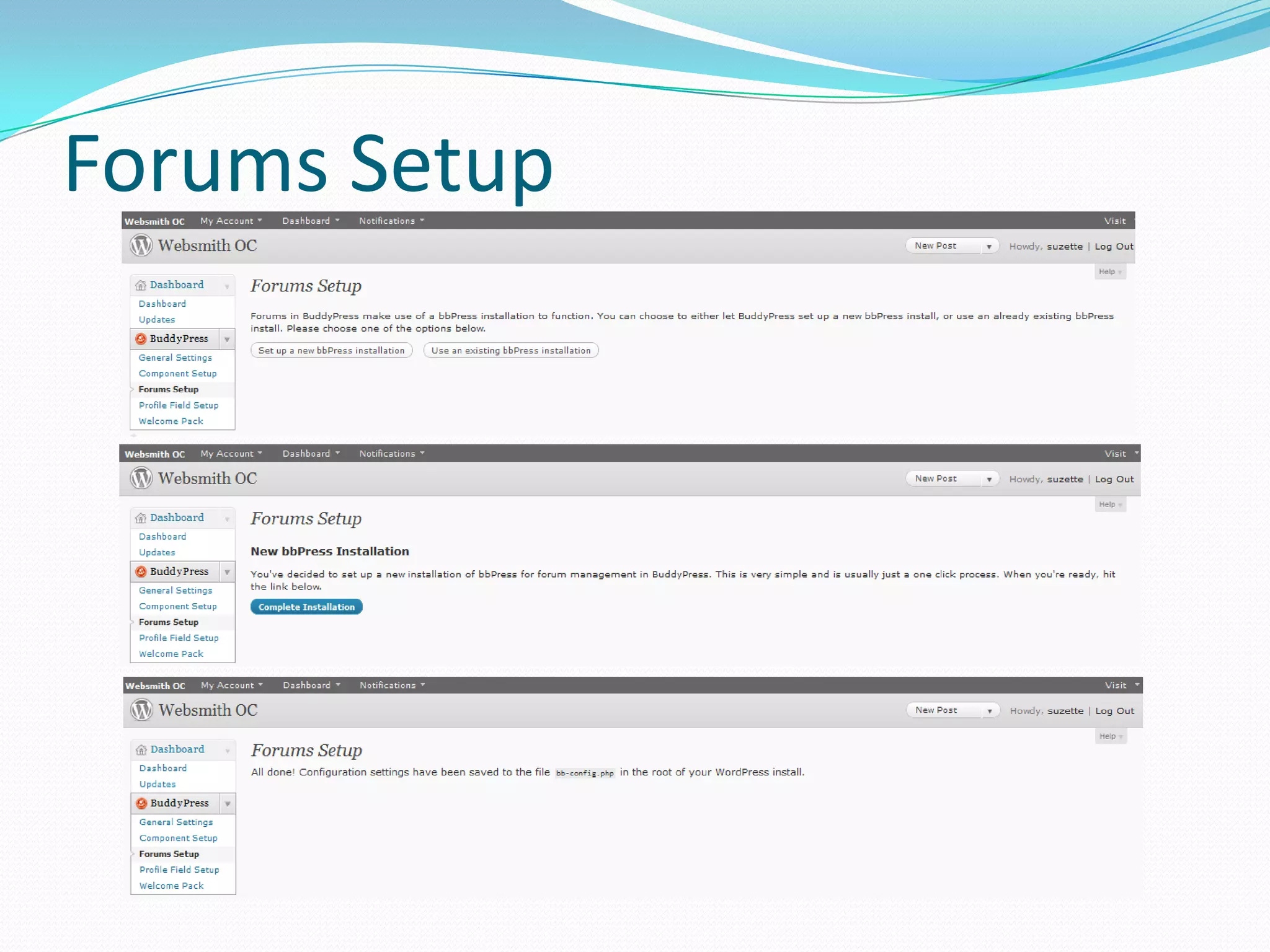
Forums Setup
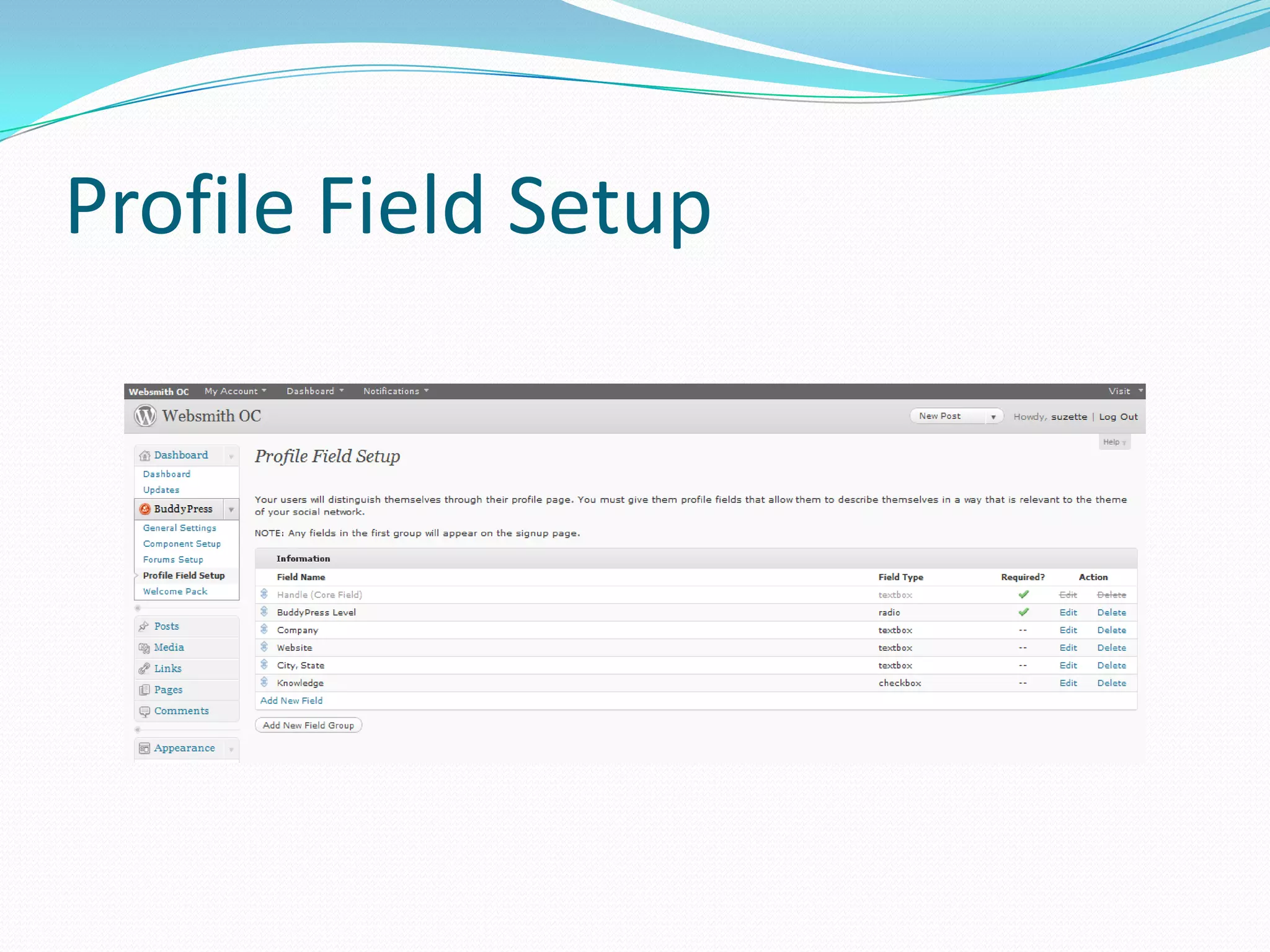
Profile Field Setup
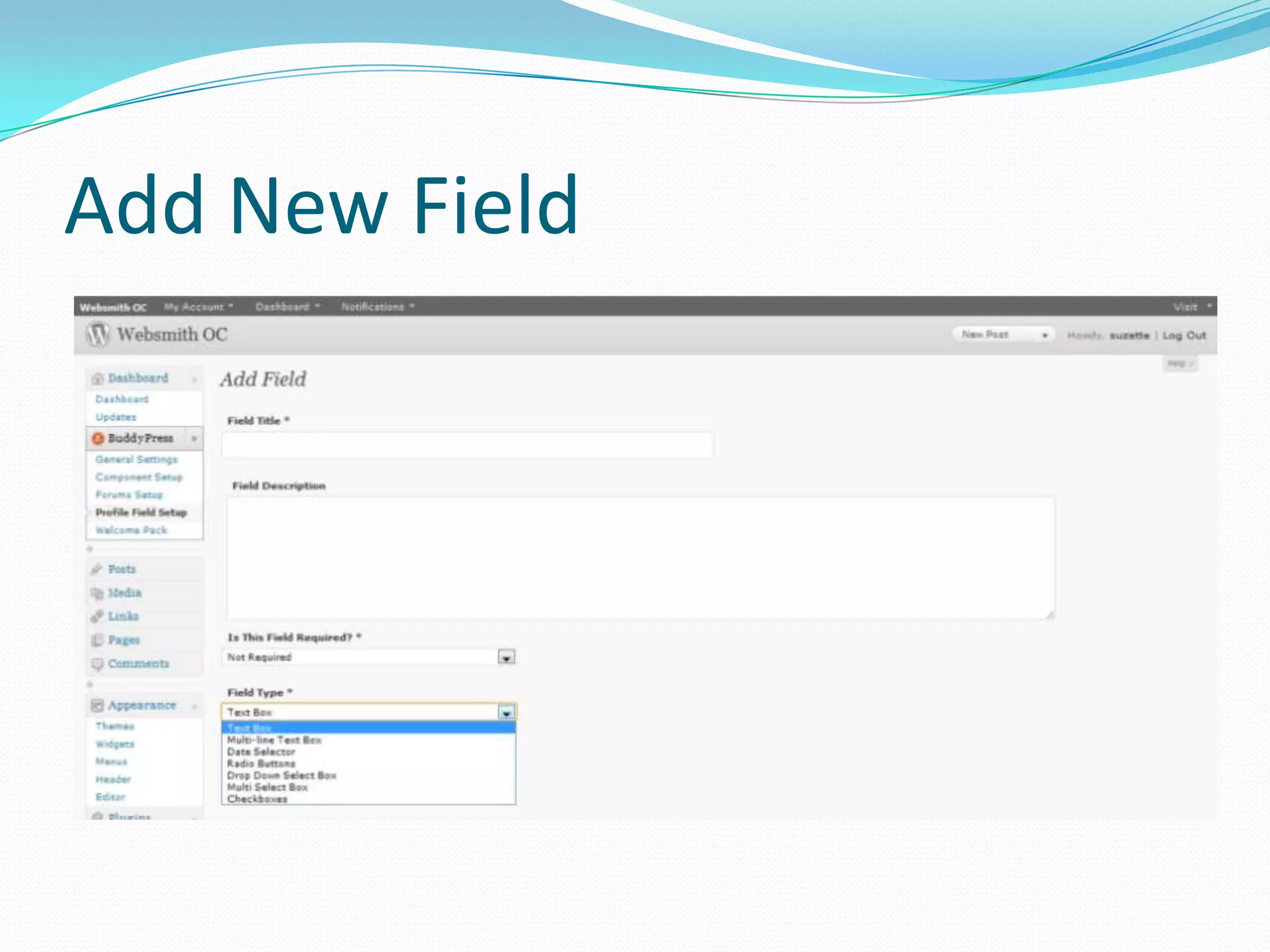
Add New Field
Welcome Pack
BuddyPress Admin Bar
 My Account
     Activity
     Profile
     Messages
     Friends
     Groups
     Settings
     Logout
 Dashboard (Admins only)
   New Post
   Manage Posts
   Manage Comments
 Notifications
Groups and Forums
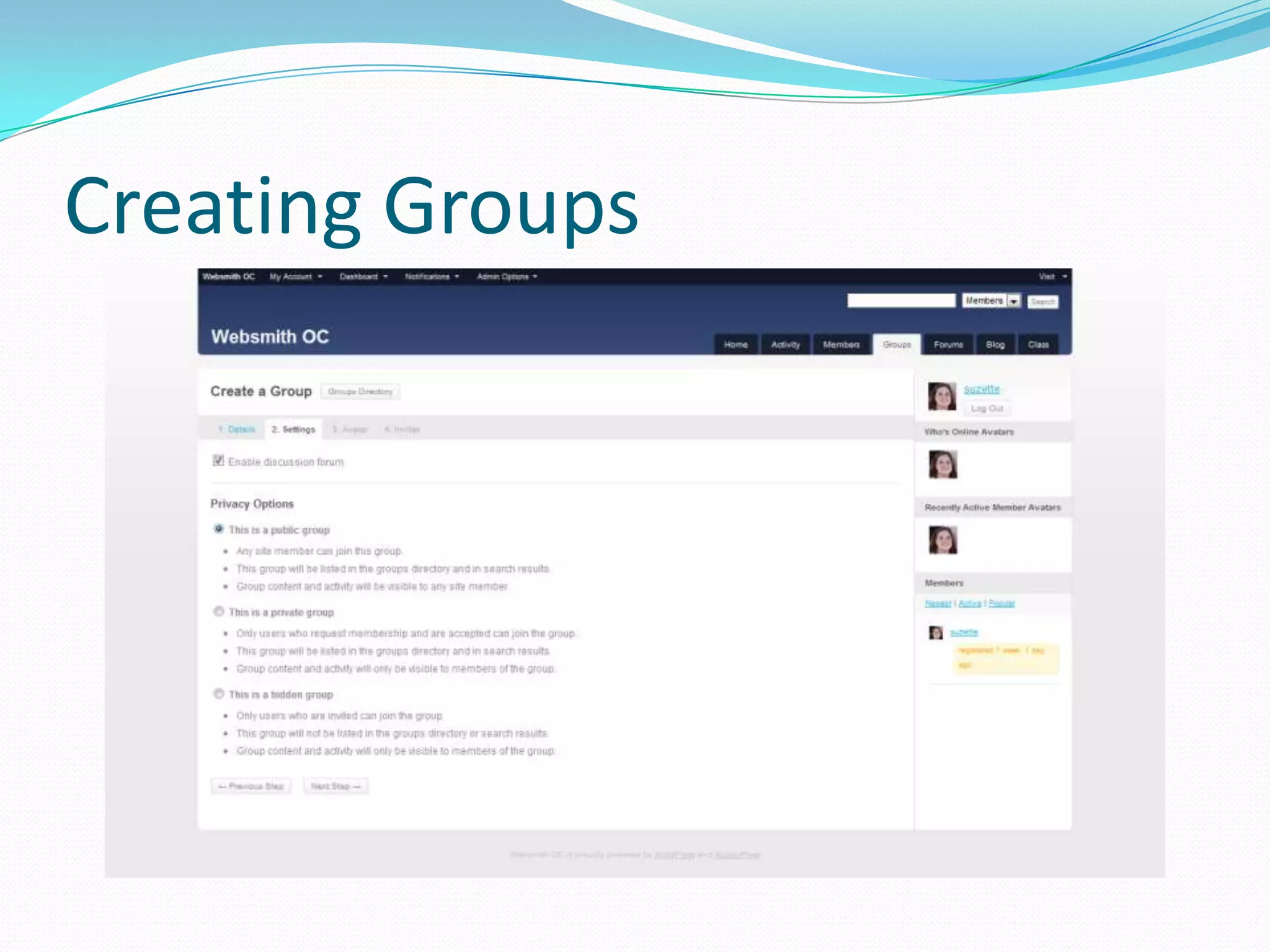
 Privacy Options
    Public, Private, or Hidden
 Group Roles
    Members, Moderators, and Administrators
 Front-end Administration
    Admin: Edit Details, Group Settings, Group Avatar,
     Manage Members, Delete Group
Creating Groups
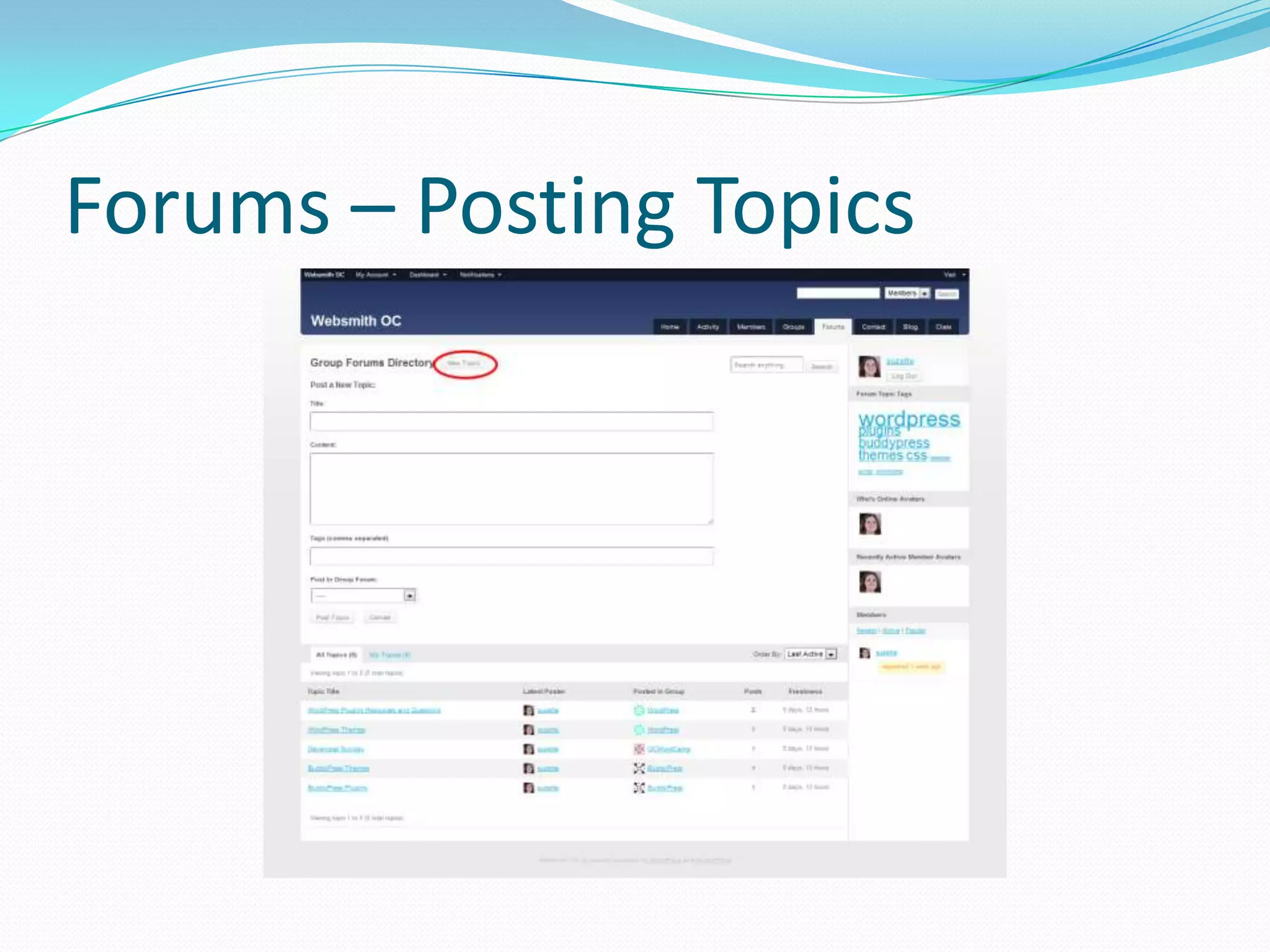
Forums – Posting Topics
Appearance
 Themes
 Menus
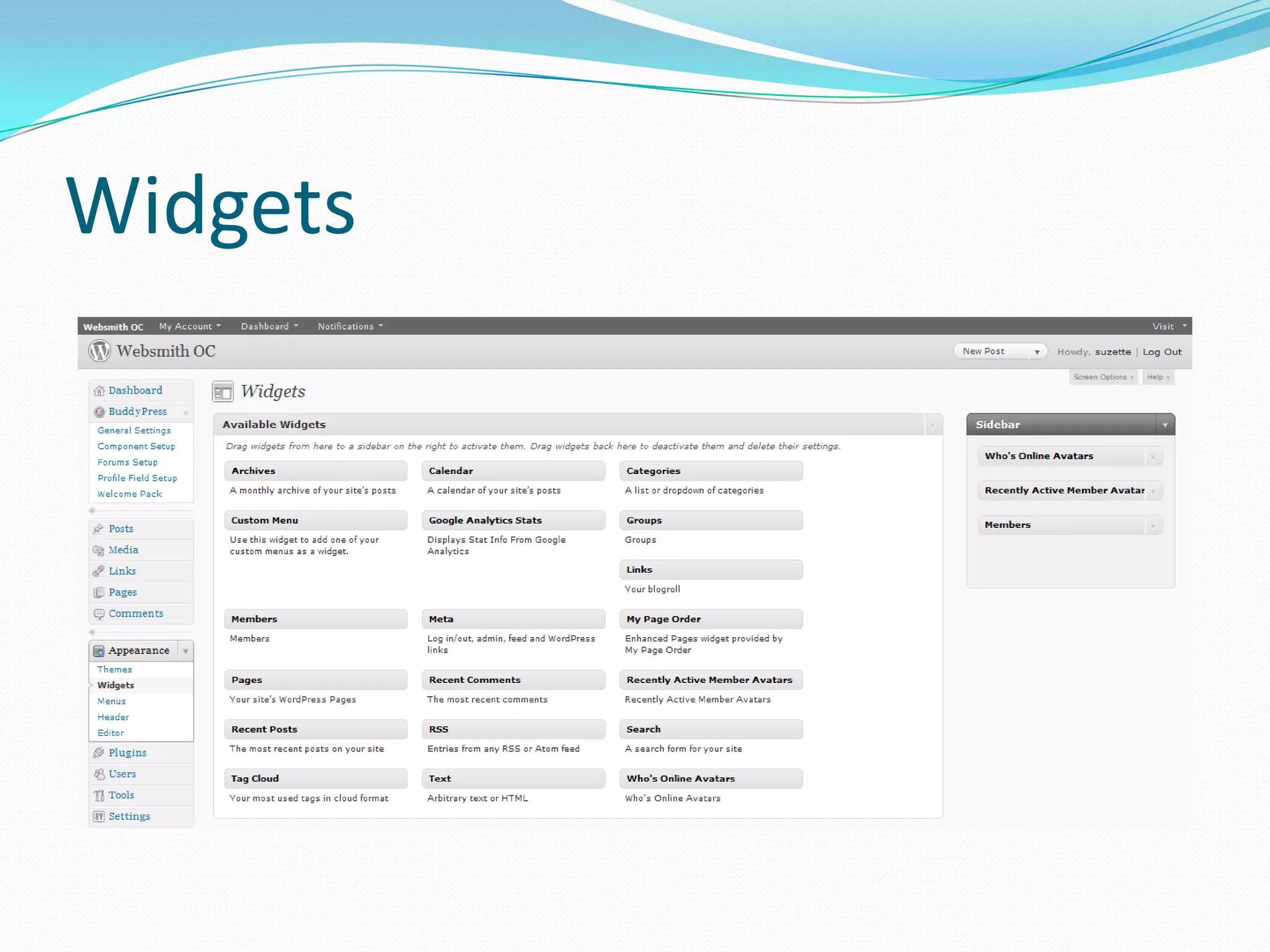
 Widgets
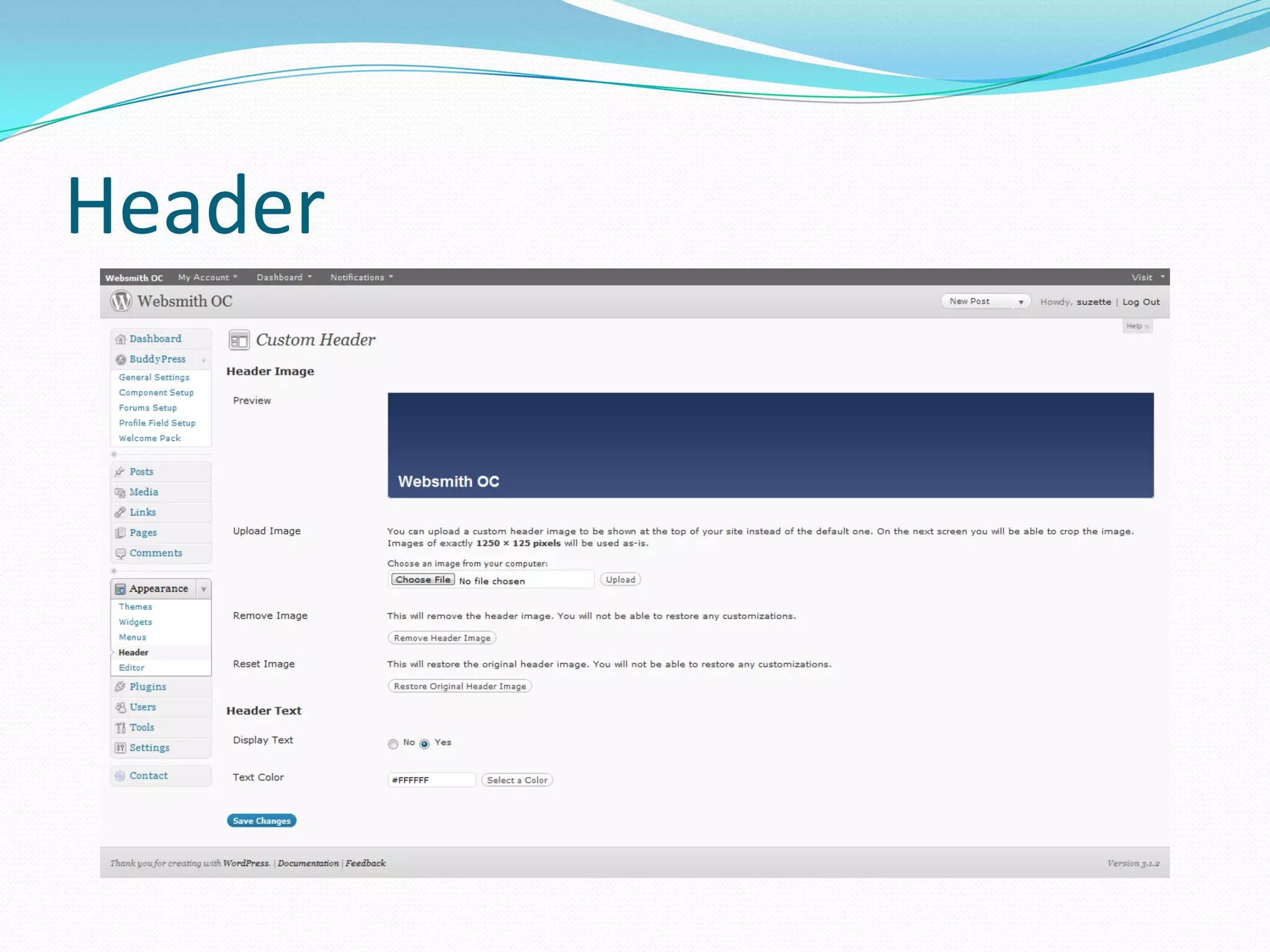
 Header
 Editor
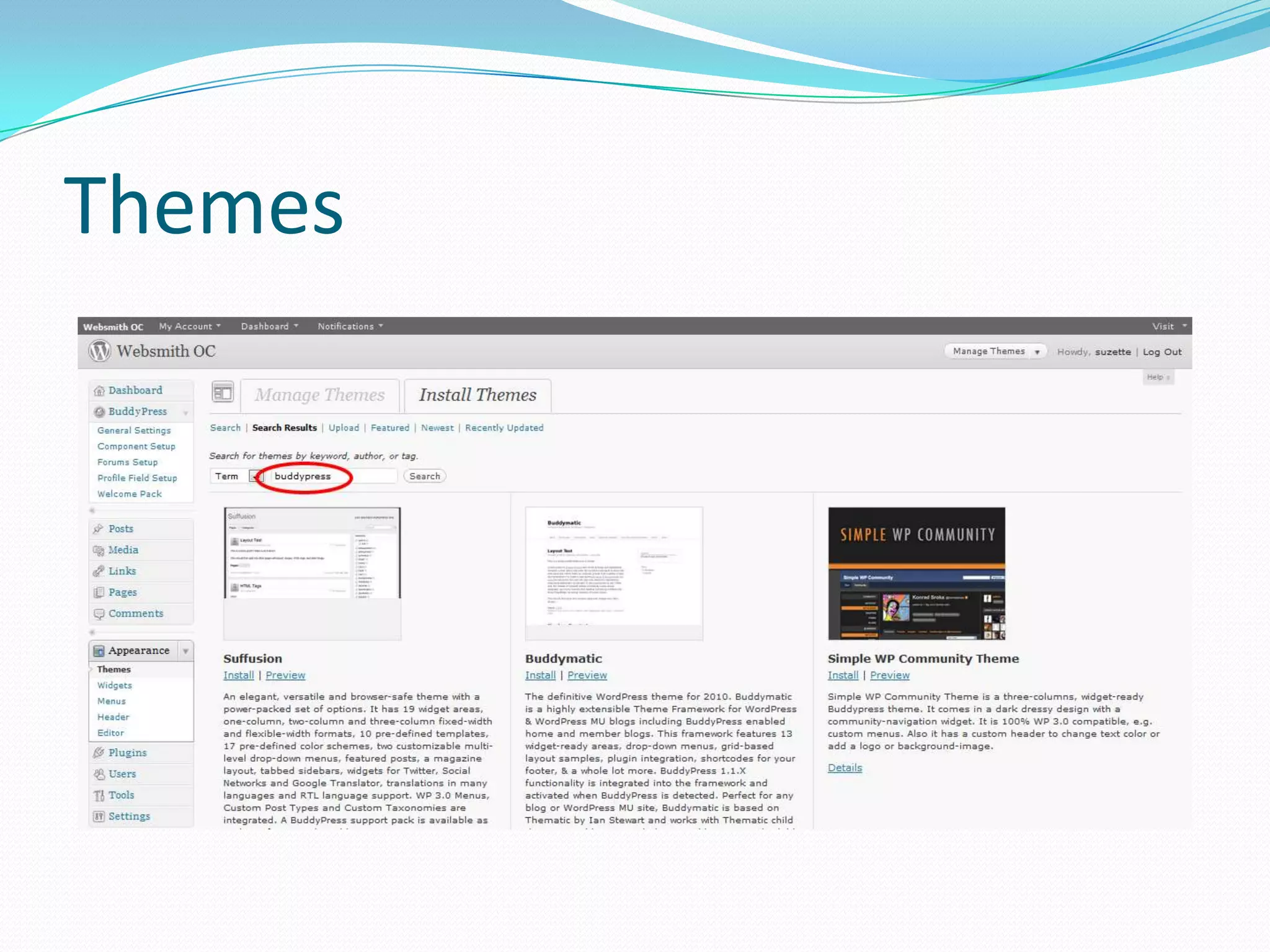
Themes
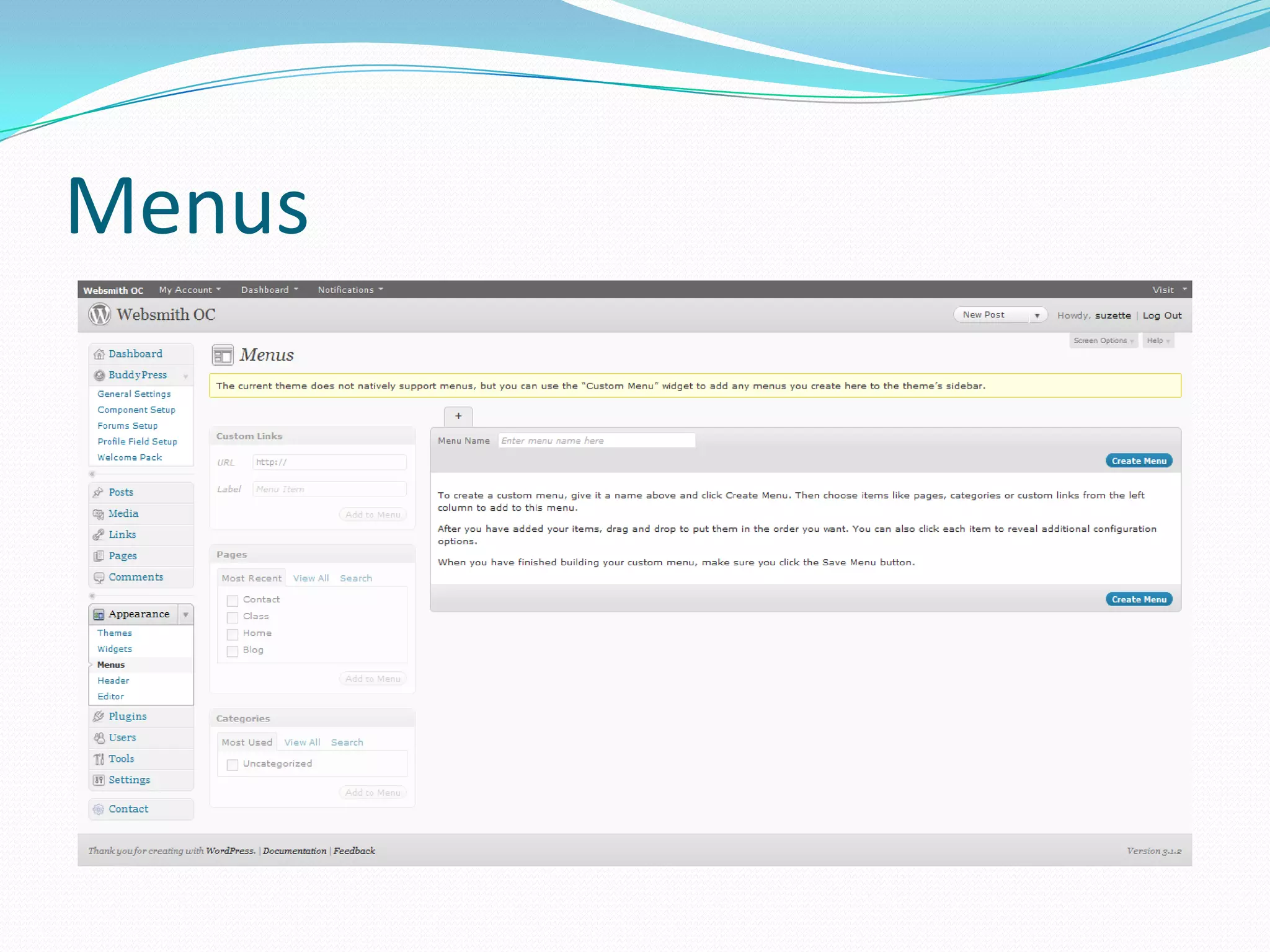
Menus
Widgets
Header
Editor
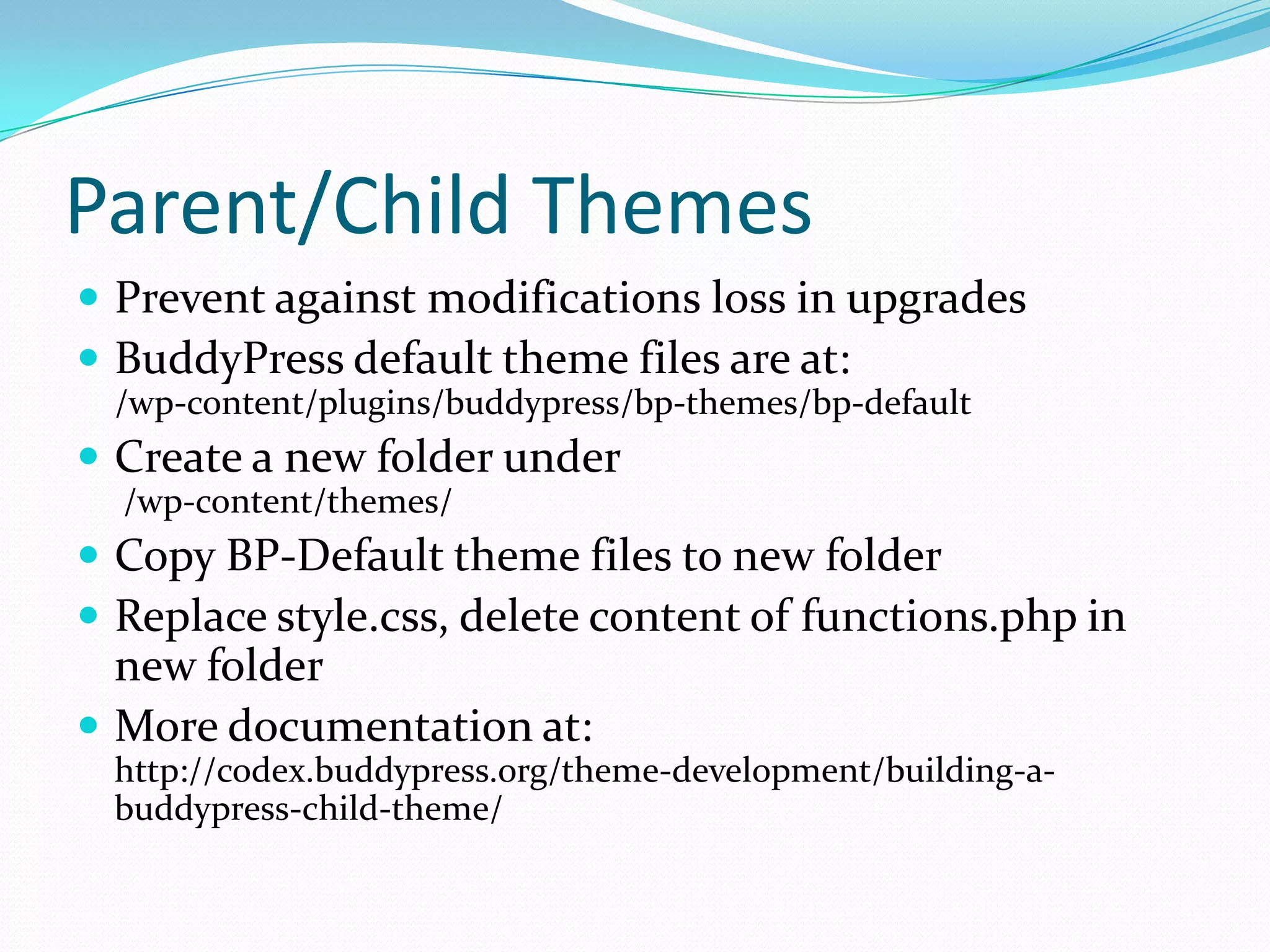
Parent/Child Themes
 Prevent against modifications loss in upgrades
 BuddyPress default theme files are at:
 /wp-content/plugins/buddypress/bp-themes/bp-default
 Create a new folder under
  /wp-content/themes/
 Copy BP-Default theme files to new folder
 Replace style.css, delete content of functions.php in
  new folder
 More documentation at:
 http://codex.buddypress.org/theme-development/building-a-
 buddypress-child-theme/
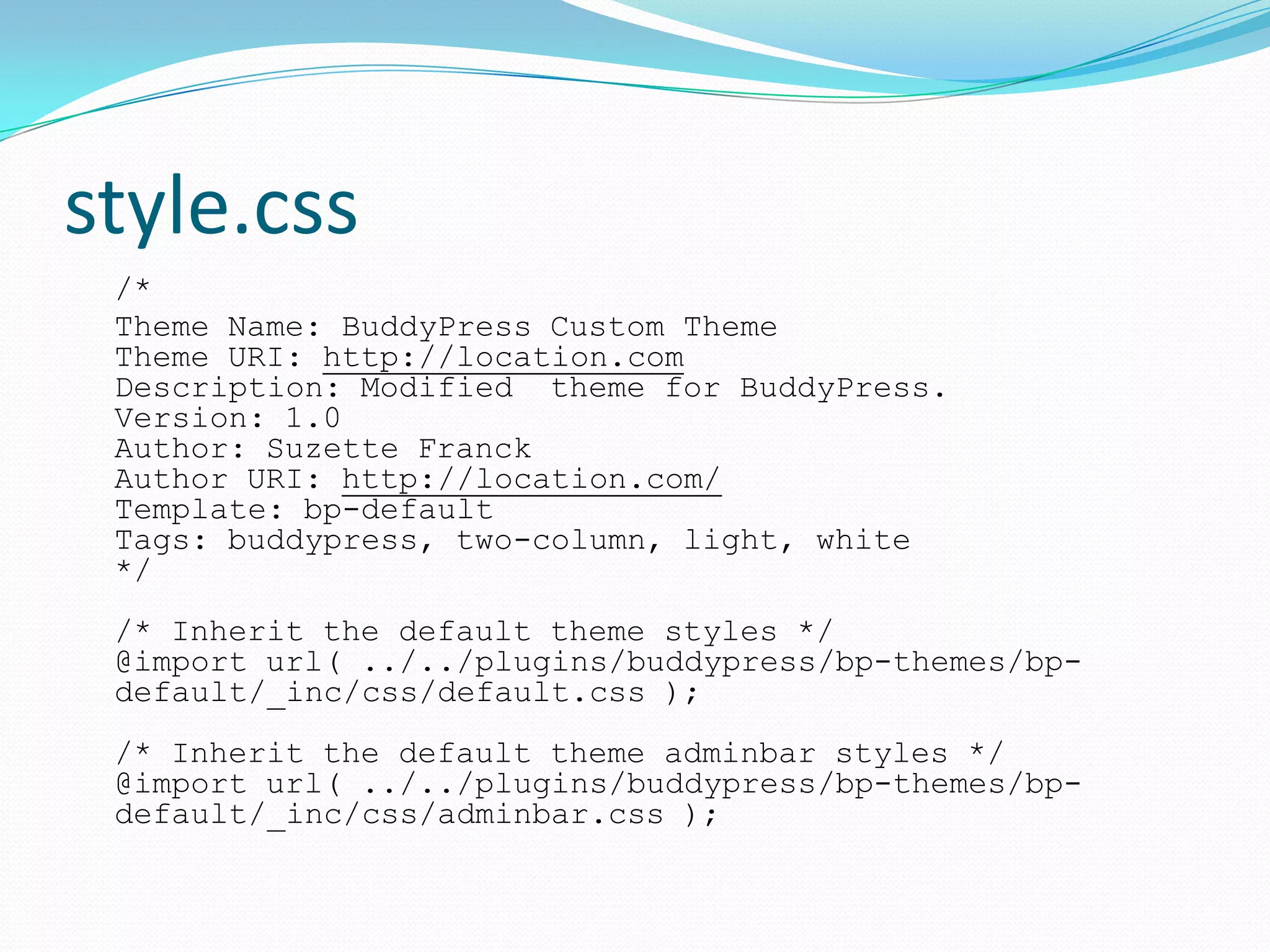
style.css
 /*
 Theme Name: BuddyPress Custom Theme
 Theme URI: http://location.com
 Description: Modified theme for BuddyPress.
 Version: 1.0
 Author: Suzette Franck
 Author URI: http://location.com/
 Template: bp-default
 Tags: buddypress, two-column, light, white
 */
 /* Inherit the default theme styles */
 @import url( ../../plugins/buddypress/bp-themes/bp-
 default/_inc/css/default.css );
 /* Inherit the default theme adminbar styles */
 @import url( ../../plugins/buddypress/bp-themes/bp-
 default/_inc/css/adminbar.css );
BuddyPress Plugins
 Over 312 BuddyPress plugins
 Many WordPress plugins work with BuddyPress
 Listed in WordPress or BuddyPress Plugin directory
 Good star rating
 Number of votes
 Reputation in Support forums
 Good documentation with screen shots
BuddyPress Plugins
   BuddyPress Private Community
   Welcome Pack
   Configure SMTP
   Buddy Press Group Email Subscription
   BP Profile Privacy
   Buddypress Like
   Buddypress Links
   WP FacebookConnect
   s2member
   Advertising Manager
   AdRotate
   More tested plugins at http://www.PluginXPress.com
BuddyPress Resources
 BuddyPress:        http://buddypress.org

    Showcase
       http://buddypress.org/showcase/
    Extend
       Themes : http://buddypress.org/extend/themes /
       Plugins: http://buddypress.org/extend/plugins/
    Support
       Forums: http://buddypress.org/support/topics/
       Documentation: http://codex.buddypress.org/home/

 WPMU/WPMUDEV
    BuddyPress Articles
       http://wpmu.org/category/buddypress/
    BuddyPress Themes
       http://premium.wpmudev.org/buddypress-themes/
    WPMU DEV Themes Demo
       http://buddypressthemes.org/
    Jobs and Projects
       http://premium.wpmudev.org/wpmu-jobs/

BuddyPress OCWC 2010

  • 1.
  • 2.
    What Is BuddyPress? Social networking plugin for WordPress  Features similar to Facebook  Released in May of 2009  Open Source  Built upon MySQL and PHP technologies
  • 3.
    Features  Activity Streamsand Status Updates  User Self Registration  Extended Profiles  Friend Connections  Private Messaging  Blogging & Static Pages  Discussion Forums & Groups  Member Listing
  • 4.
    Requirements  A workinginstallation of WordPress or WordPress MU version 2.9.1 or greater.  PHP version 4.3 or greater.  MySQL 4.1 or greater.  The mod_rewrite Apache module enabled.  A good back up all files in root directory (FTP)  An SQL Dump (Backup of your database)
  • 5.
    Loss Prevention  Backupall files via FTP  Backup database  http://wordpress.org/extend/plugins/wp-migrate-db/  More Info:  http://codex.wordpress.org/WordPress_Backups  Test on demo site when possible  Troubleshooting:  White Screen of Death http://codex.buddypress.org/troubleshooting/blank-pages/  Out of Memory Error Add to wp-config.php file: define ('WP_MEMORY_LIMIT', '64M');
  • 6.
    Installing BuddyPress  BackupExisting Database and Files  Automatic or Manual Installation  /wp-content/plugins /  Update Permalinks  Activate BuddyPress Enabled Theme  Public Access (Anyone can Register)  Other WordPress Settings  Reading (Blog and Front Page)  Discussion (Comments, Trackbacks)  Privacy (Allow search engine robots)
  • 7.
  • 8.
    BuddyPress Administration  GeneralSettings  Component Setup  Forums Setup  Profile Field Setup (Extended Profiles)  Welcome Pack (If installed)
  • 9.
  • 10.
  • 11.
  • 12.
  • 13.
  • 14.
  • 15.
    BuddyPress Admin Bar My Account  Activity  Profile  Messages  Friends  Groups  Settings  Logout  Dashboard (Admins only)  New Post  Manage Posts  Manage Comments  Notifications
  • 16.
    Groups and Forums Privacy Options  Public, Private, or Hidden  Group Roles  Members, Moderators, and Administrators  Front-end Administration  Admin: Edit Details, Group Settings, Group Avatar, Manage Members, Delete Group
  • 17.
  • 18.
  • 19.
    Appearance  Themes  Menus Widgets  Header  Editor
  • 20.
  • 21.
  • 22.
  • 23.
  • 24.
  • 25.
    Parent/Child Themes  Preventagainst modifications loss in upgrades  BuddyPress default theme files are at: /wp-content/plugins/buddypress/bp-themes/bp-default  Create a new folder under /wp-content/themes/  Copy BP-Default theme files to new folder  Replace style.css, delete content of functions.php in new folder  More documentation at: http://codex.buddypress.org/theme-development/building-a- buddypress-child-theme/
  • 26.
    style.css /* ThemeName: BuddyPress Custom Theme Theme URI: http://location.com Description: Modified theme for BuddyPress. Version: 1.0 Author: Suzette Franck Author URI: http://location.com/ Template: bp-default Tags: buddypress, two-column, light, white */ /* Inherit the default theme styles */ @import url( ../../plugins/buddypress/bp-themes/bp- default/_inc/css/default.css ); /* Inherit the default theme adminbar styles */ @import url( ../../plugins/buddypress/bp-themes/bp- default/_inc/css/adminbar.css );
  • 27.
    BuddyPress Plugins  Over312 BuddyPress plugins  Many WordPress plugins work with BuddyPress  Listed in WordPress or BuddyPress Plugin directory  Good star rating  Number of votes  Reputation in Support forums  Good documentation with screen shots
  • 28.
    BuddyPress Plugins  BuddyPress Private Community  Welcome Pack  Configure SMTP  Buddy Press Group Email Subscription  BP Profile Privacy  Buddypress Like  Buddypress Links  WP FacebookConnect  s2member  Advertising Manager  AdRotate  More tested plugins at http://www.PluginXPress.com
  • 29.
    BuddyPress Resources  BuddyPress: http://buddypress.org  Showcase  http://buddypress.org/showcase/  Extend  Themes : http://buddypress.org/extend/themes /  Plugins: http://buddypress.org/extend/plugins/  Support  Forums: http://buddypress.org/support/topics/  Documentation: http://codex.buddypress.org/home/  WPMU/WPMUDEV  BuddyPress Articles  http://wpmu.org/category/buddypress/  BuddyPress Themes  http://premium.wpmudev.org/buddypress-themes/  WPMU DEV Themes Demo  http://buddypressthemes.org/  Jobs and Projects  http://premium.wpmudev.org/wpmu-jobs/