OfficeSuite Call Center Services
Agent Quick Start Guide
OfficeSuite Call Center services can be updated and
changed quickly and easily through our website at:
https://officesuiteacd.broadviewnet.com/?domain=YOURACCOUNT
Please note you will need to know your specific website
address for your account.
Getting Started for Call Center Agents
In order for your agents to start receiving calls they will need to become familiar with
how to sign-in/sign-out of queue duty. When agents are signed-in, they will receive
calls, and vice versa.
Here are the simple steps on how to Sign-in/Sign-out of queue duty.
From Your Phone
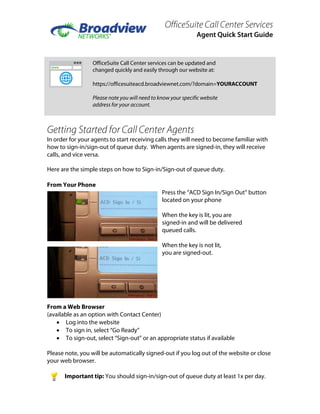
Press the “ACD Sign In/Sign Out” button
located on your phone
When the key is lit, you are
signed-in and will be delivered
queued calls.
When the key is not lit,
you are signed-out.
From a Web Browser
(available as an option with Contact Center)
• Log into the website
• To sign in, select “Go Ready”
• To sign-out, select “Sign-out” or an appropriate status if available
Please note, you will be automatically signed-out if you log out of the website or close
your web browser.
Important tip: You should sign-in/sign-out of queue duty at least 1x per day.

Broadview Call Center Agent Guide

  • 1.
    OfficeSuite Call CenterServices Agent Quick Start Guide OfficeSuite Call Center services can be updated and changed quickly and easily through our website at: https://officesuiteacd.broadviewnet.com/?domain=YOURACCOUNT Please note you will need to know your specific website address for your account. Getting Started for Call Center Agents In order for your agents to start receiving calls they will need to become familiar with how to sign-in/sign-out of queue duty. When agents are signed-in, they will receive calls, and vice versa. Here are the simple steps on how to Sign-in/Sign-out of queue duty. From Your Phone Press the “ACD Sign In/Sign Out” button located on your phone When the key is lit, you are signed-in and will be delivered queued calls. When the key is not lit, you are signed-out. From a Web Browser (available as an option with Contact Center) • Log into the website • To sign in, select “Go Ready” • To sign-out, select “Sign-out” or an appropriate status if available Please note, you will be automatically signed-out if you log out of the website or close your web browser. Important tip: You should sign-in/sign-out of queue duty at least 1x per day.