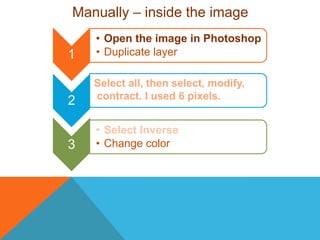
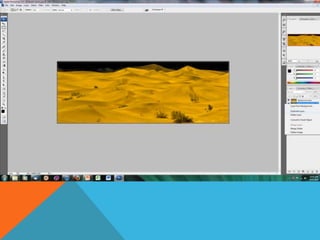
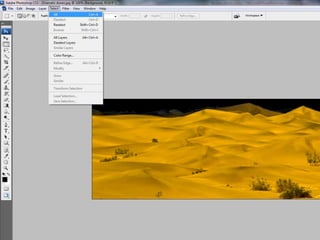
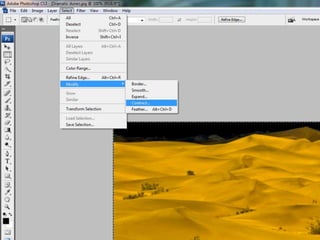
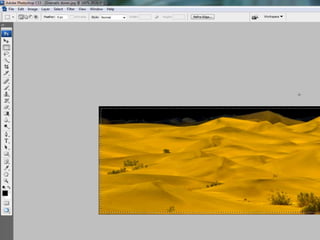
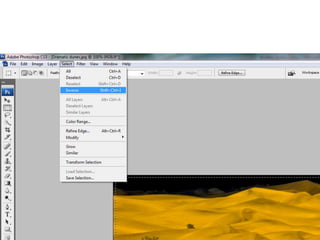
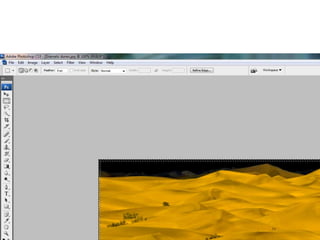
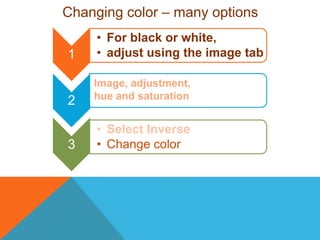
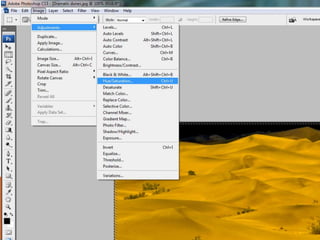
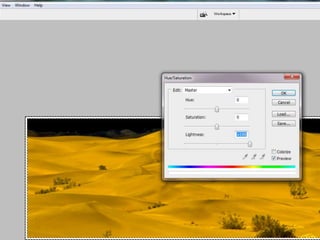
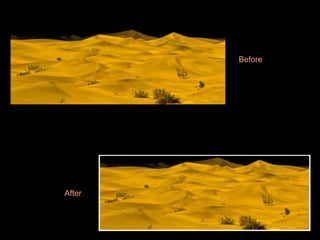
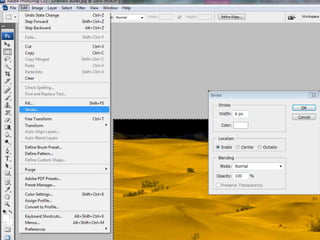
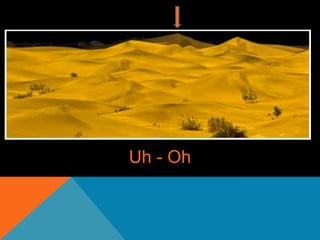
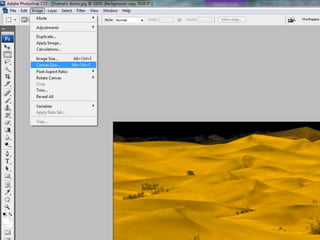
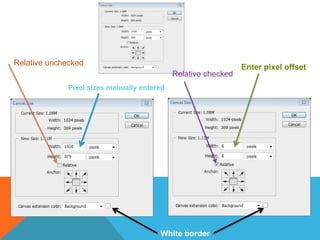
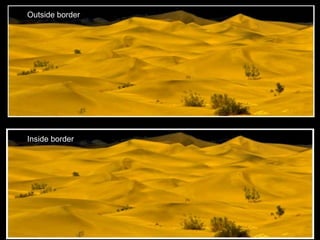
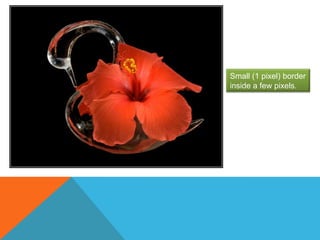
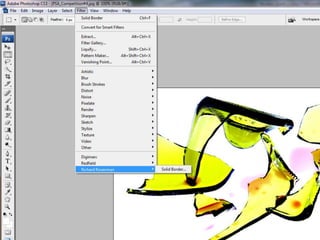
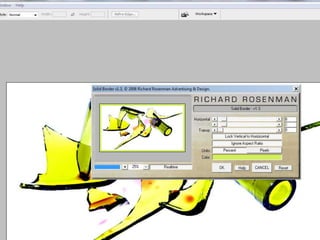
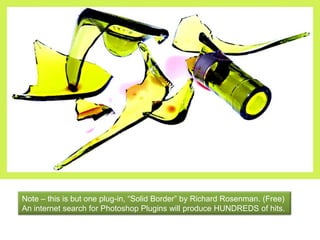
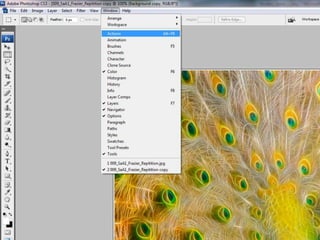
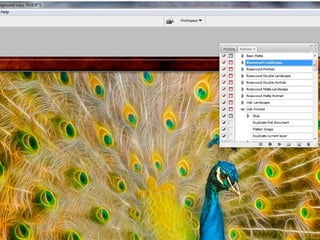
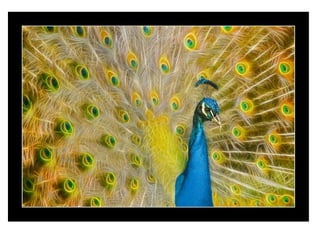
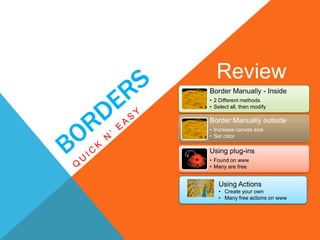
This document provides instructions for adding borders to images in Photoshop in 3 different ways: manually by selecting and modifying the image canvas, using plugins like "Solid Border" that automate the process, and through actions that can be recorded and reused. It outlines the manual steps to add inside and outside borders, potential issues like borders being too close to the image edge, and alternatives like changing the hue or using the stroke command. The document recommends exploring the hundreds of border plugins available and notes that many free actions can be found online to quickly add borders.