

Bootstrap4XPages
Tweet about this event: #XPages
Mention us: @teamstudio @TLCCLTD
@MarkLeusink
June 17, 2014
Who We Are
• Our background is in creating tools for collaborative
computing in mid-size and large enterprises,
primarily for IBM Notes
• Easy-to-use tools for developers and administrators
• 2300+ active customers, 47 countries
• Offices in US, UK and Japan
• Entered mobile space in 2010 with Unplugged: easy
mobilization of Notes apps to Blackberry, Android
and iOS
Teamstudio Unplugged
• Your mobile Domino server: take your Notes apps
with you!
• End-users access Notes applications from mobile
devices whether online or offline
• Leverages existing skills and technology – XPages –
a replication model you already know
• Unplugged 3.1 recently released
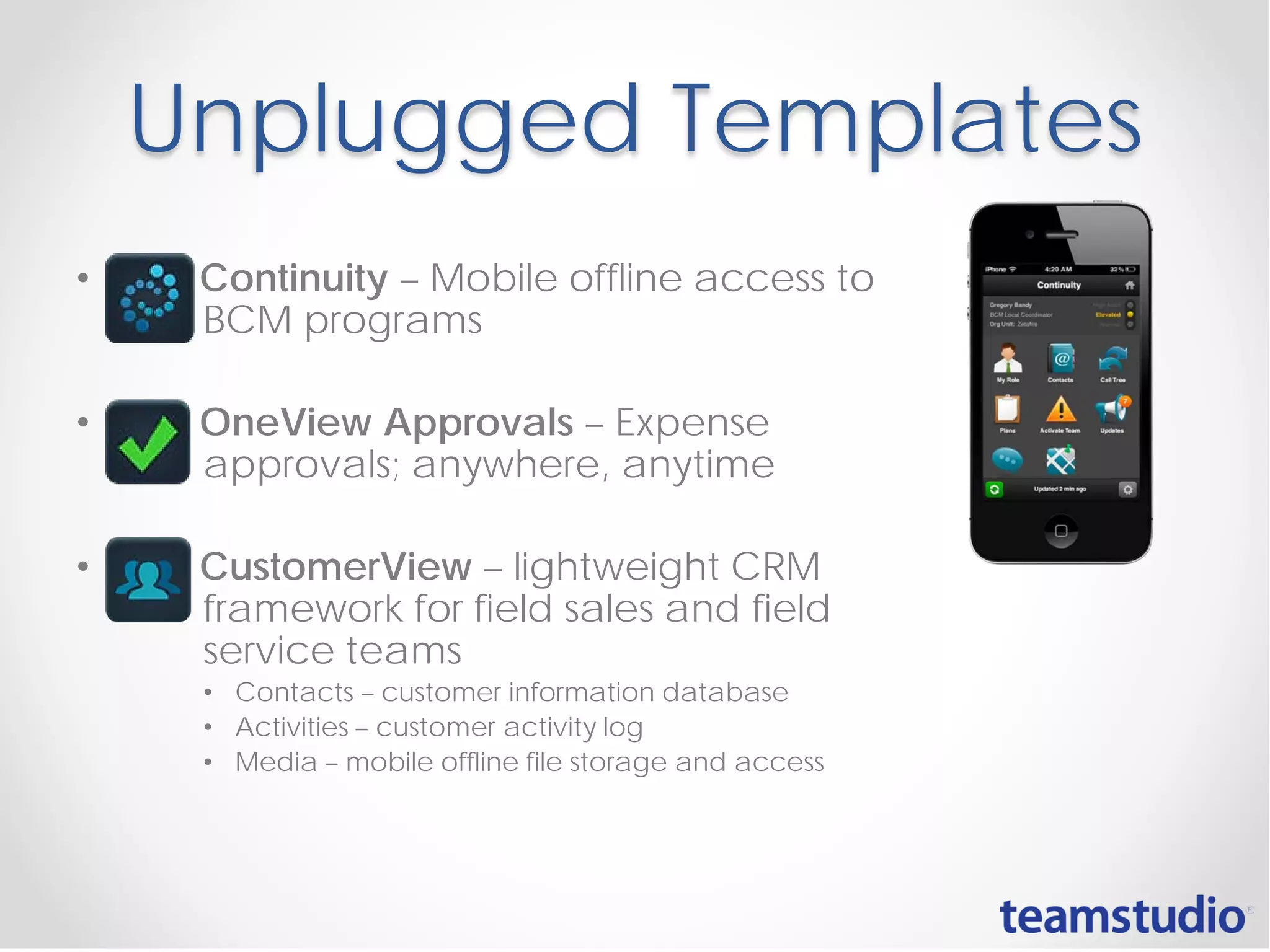
Unplugged Templates
• Continuity – Mobile offline access to
BCM programs
• OneView Approvals – Expense
approvals; anywhere, anytime
• CustomerView – lightweight CRM
framework for field sales and field
service teams
• Contacts – customer information database
• Activities – customer activity log
• Media – mobile offline file storage and access
• Promotions:
• Show us your Unplugged Mobile Controls app by June 30th
for a chance to win a Bose music system
• Demo Teamstudio Continuity by June 30th for a chance to
win an iPad mini
Bootstrap4XPages
1
#XPages
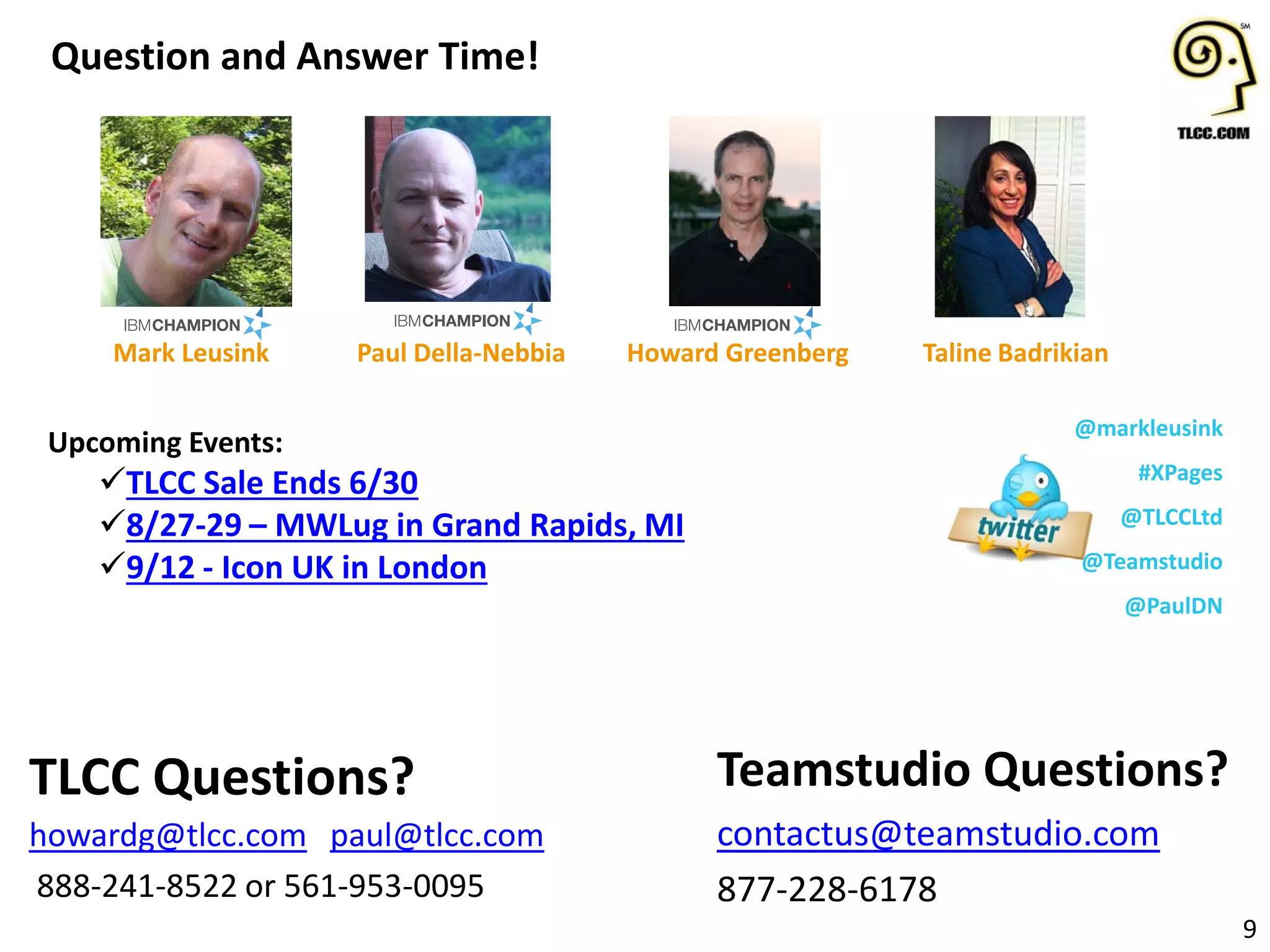
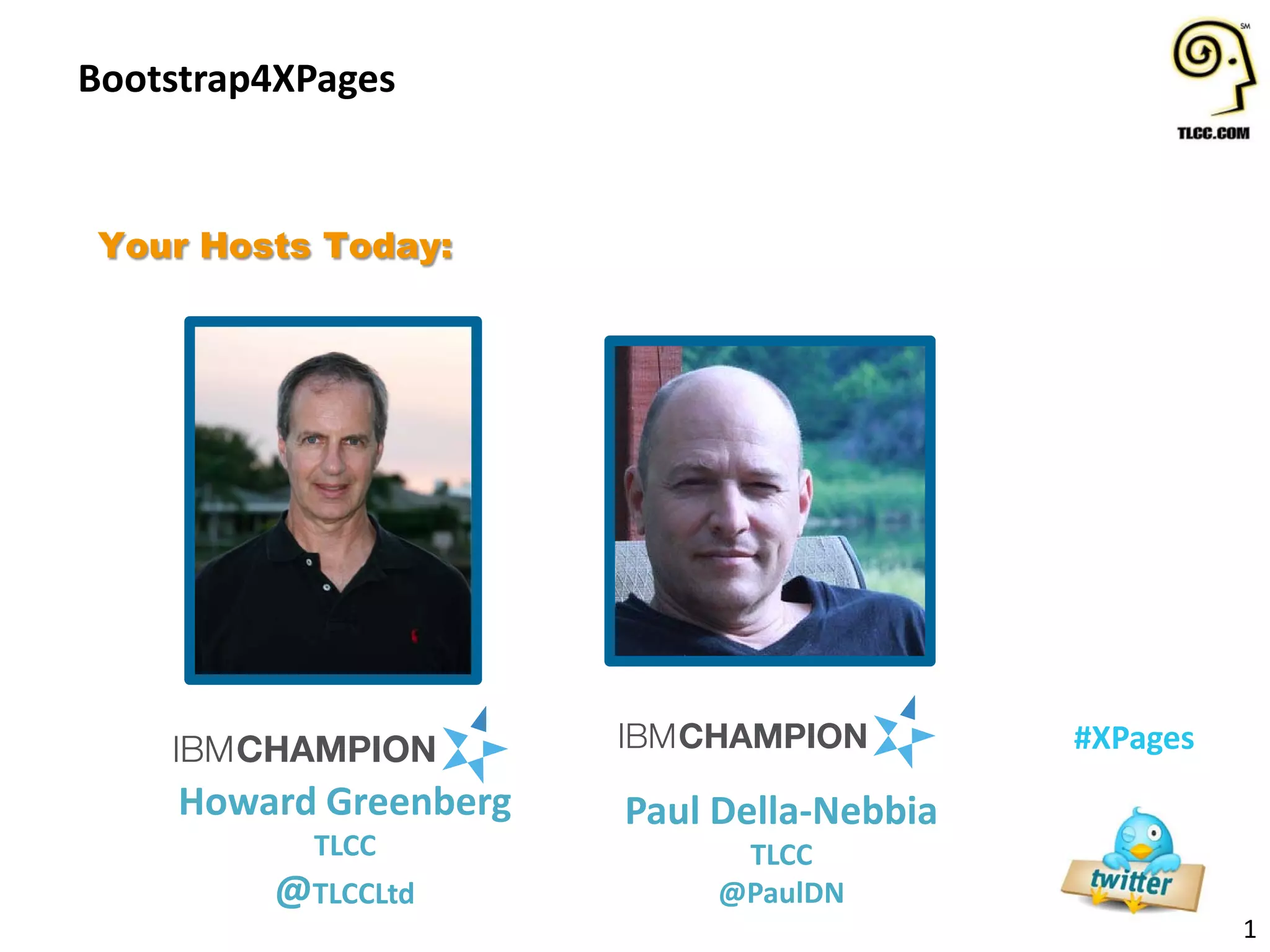
Your Hosts Today:
Howard Greenberg
TLCC
@TLCCLtd
Paul Della-Nebbia
TLCC
@PaulDN
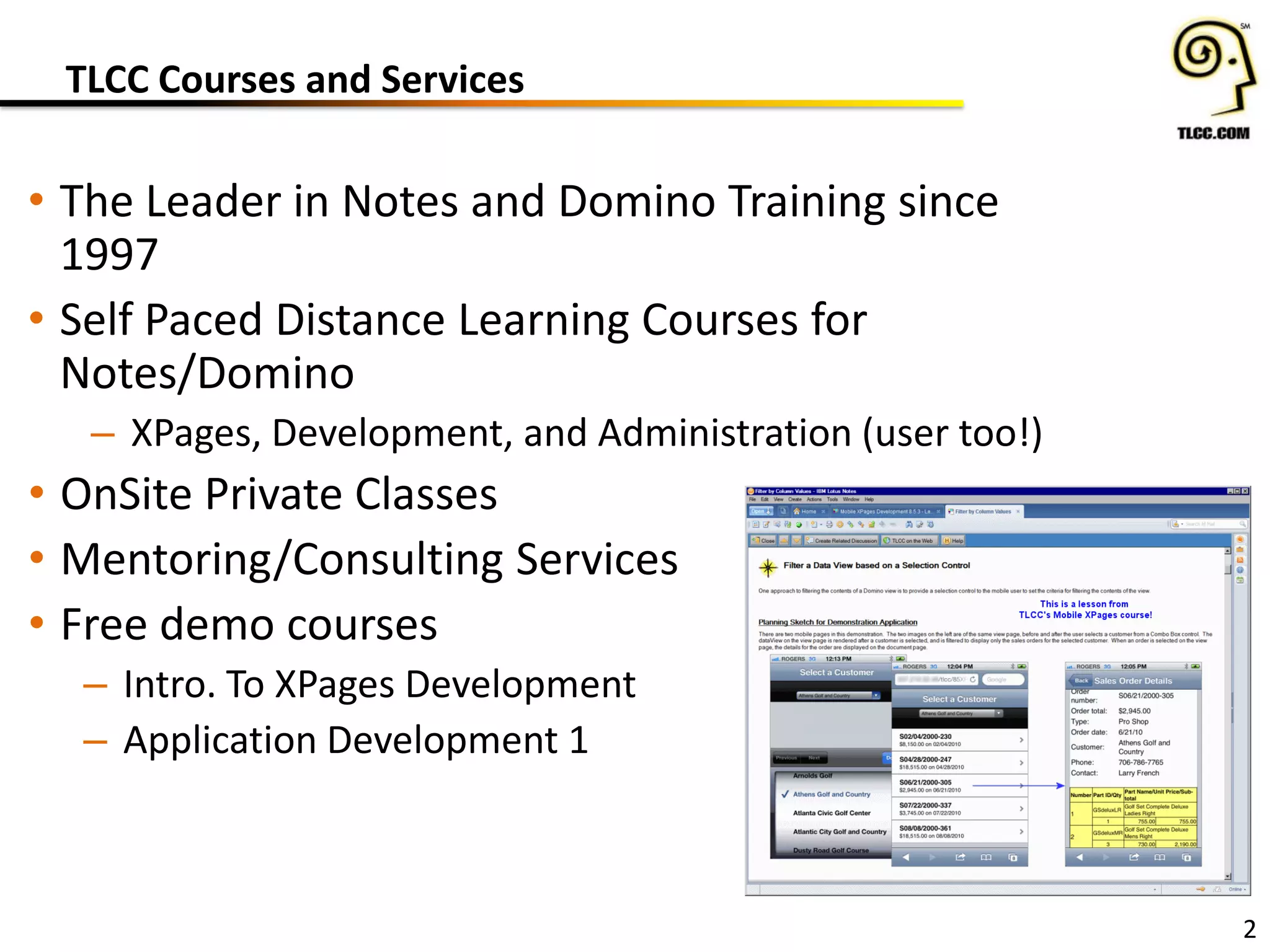
TLCC Courses and Services
• The Leader in Notes and Domino Training since
1997
• Self Paced Distance Learning Courses for
Notes/Domino
– XPages, Development, and Administration (user too!)
• OnSite Private Classes
• Mentoring/Consulting Services
• Free demo courses
– Intro. To XPages Development
– Application Development 1
2
3
• Save hundreds and even Thousands of Dollars
on the most popular courses and packages
• Extended! Now through June 30th
http://www.tlcc.com/springsale
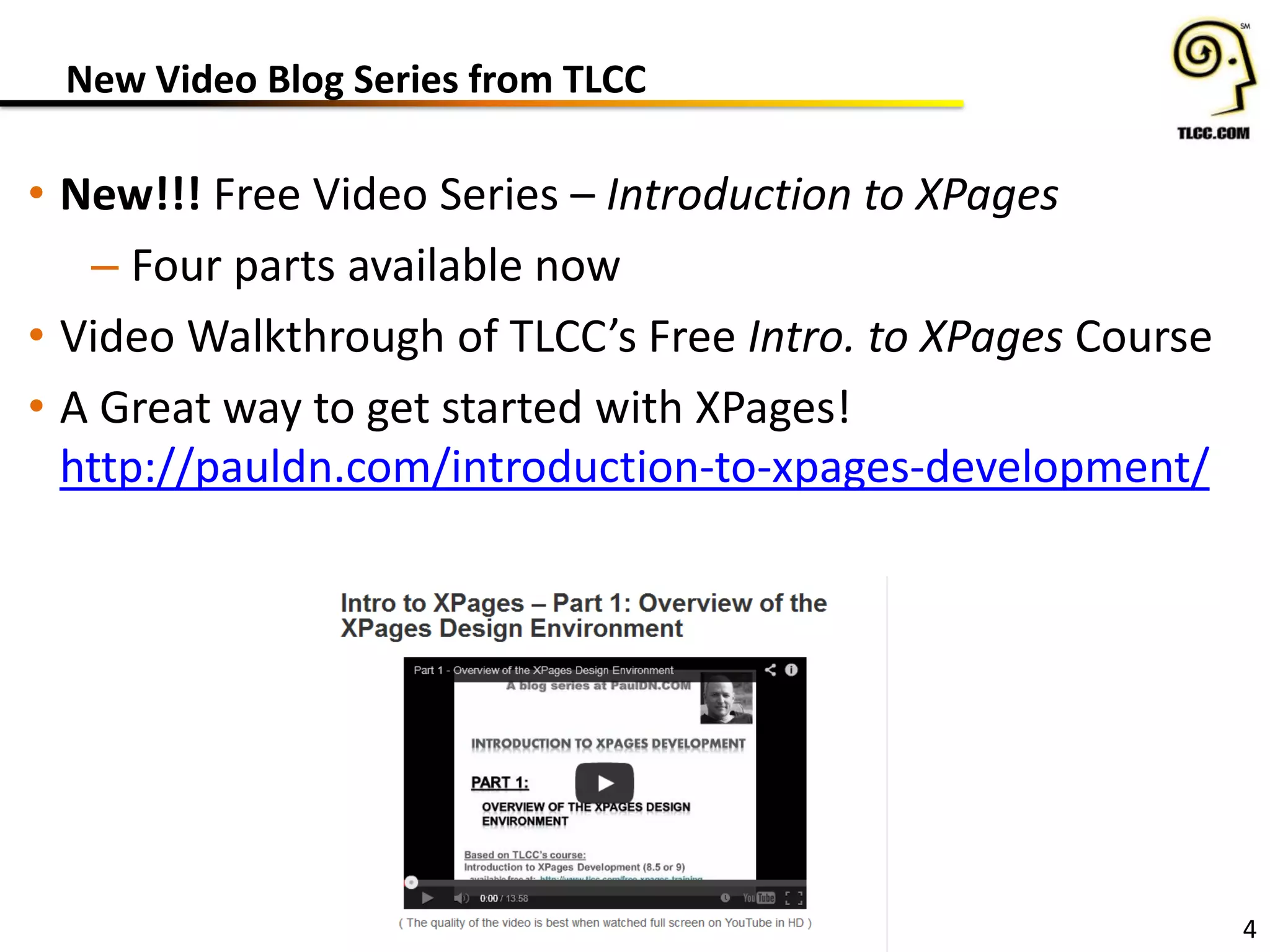
New Video Blog Series from TLCC
• New!!! Free Video Series – Introduction to XPages
– Four parts available now
• Video Walkthrough of TLCC’s Free Intro. to XPages Course
• A Great way to get started with XPages!
http://pauldn.com/introduction-to-xpages-development/
4
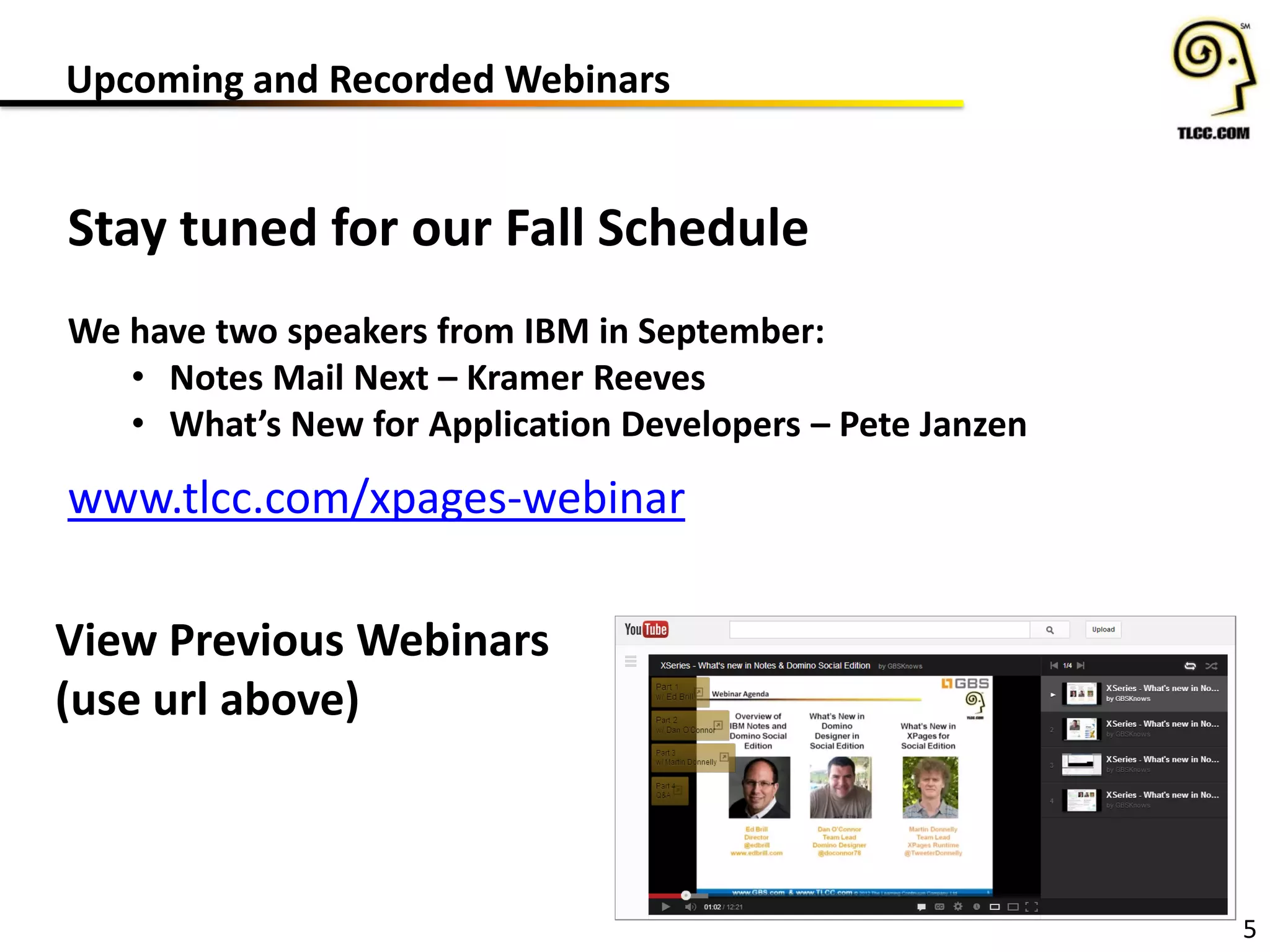
Upcoming and Recorded Webinars
5
Stay tuned for our Fall Schedule
We have two speakers from IBM in September:
• Notes Mail Next – Kramer Reeves
• What’s New for Application Developers – Pete Janzen
www.tlcc.com/xpages-webinar
View Previous Webinars
(use url above)
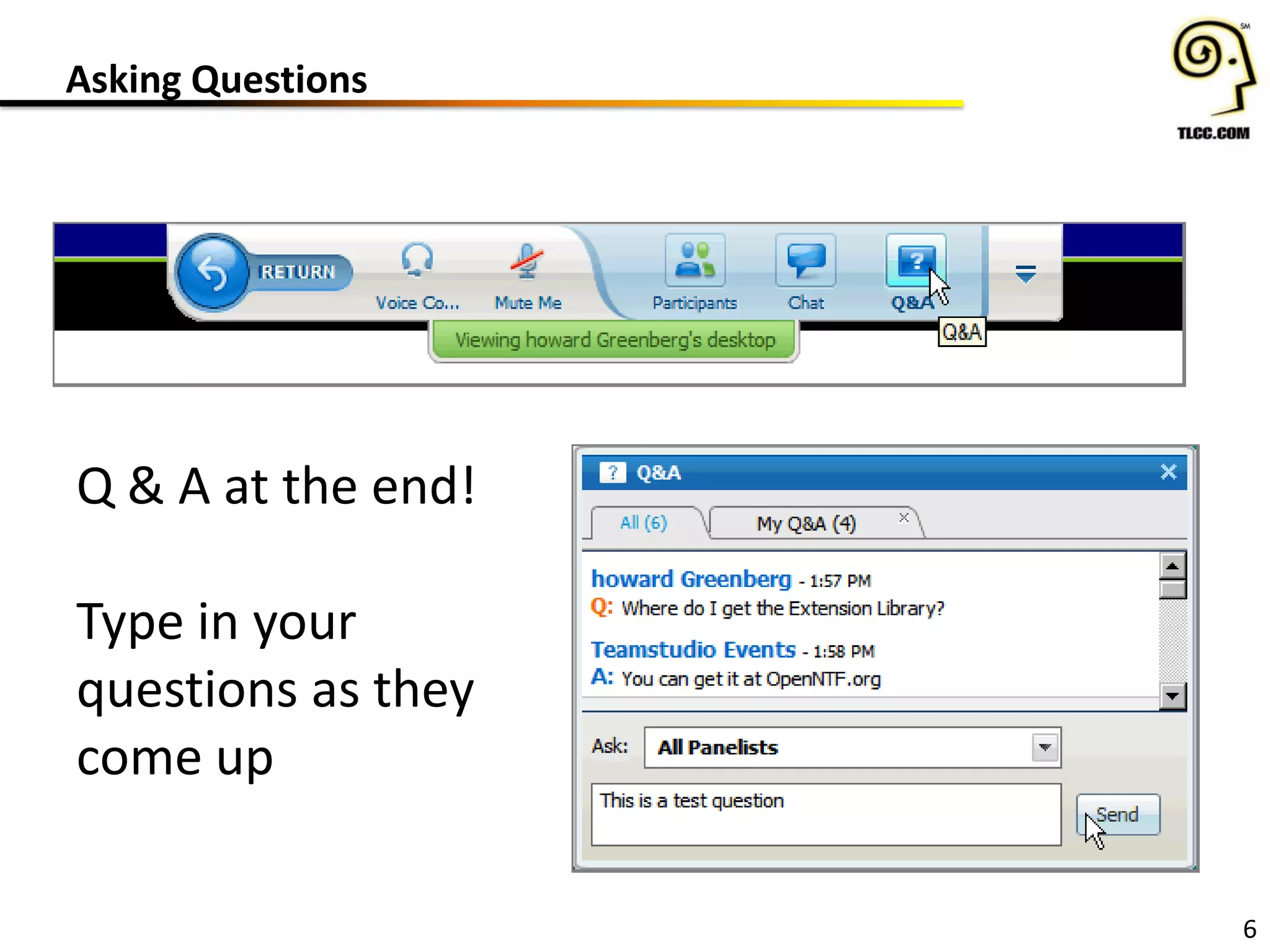
Asking Questions
6
Q & A at the end!
Type in your
questions as they
come up
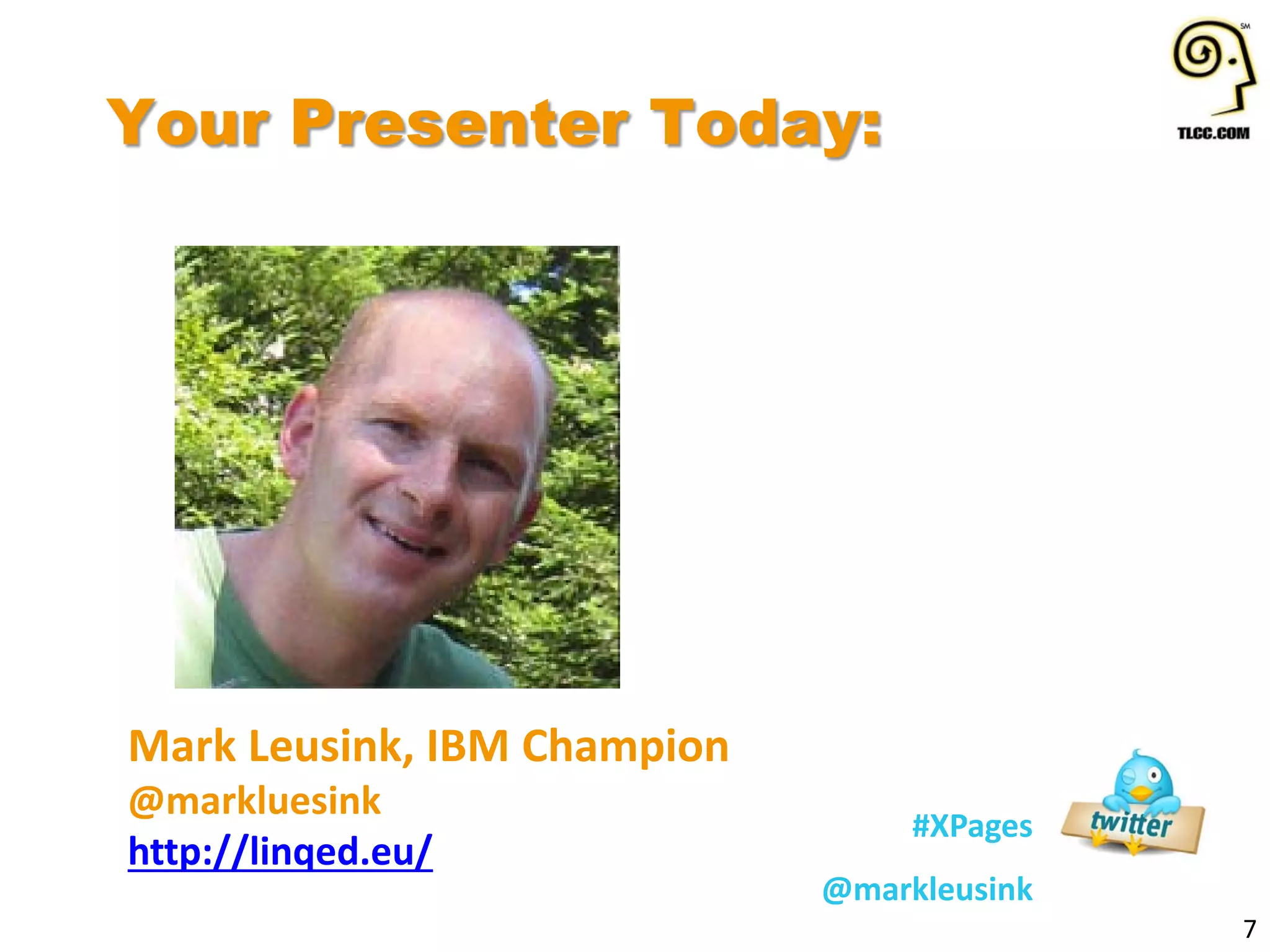
Your Presenter Today:
7
#XPages
@markleusink
Mark Leusink, IBM Champion
@markluesink
http://linqed.eu/
BOOTSTRAP4XPAGES WEBINAR
JUNE 17, 2014
MARK LEUSINK
Agenda
 Bootstrap; the world's most popular UI framework
 Bring Bootstrap to XPages with Bootstrap4XPages
 Installation, configuration & getting started
 Using Bootstrap4XPages
 Custom themes & plugins
 And demos!
Speaker intro
 Freelance consultant/ developer
 Web, XPages, Java, mobile, Unplugged
 OpenNTF board member and contributor
 IBM Champion
 Creator of www.bootstrap4xpages.com
 Collaborator on Bootstrap4XPages
 Original author: Phil Riand/ IBM
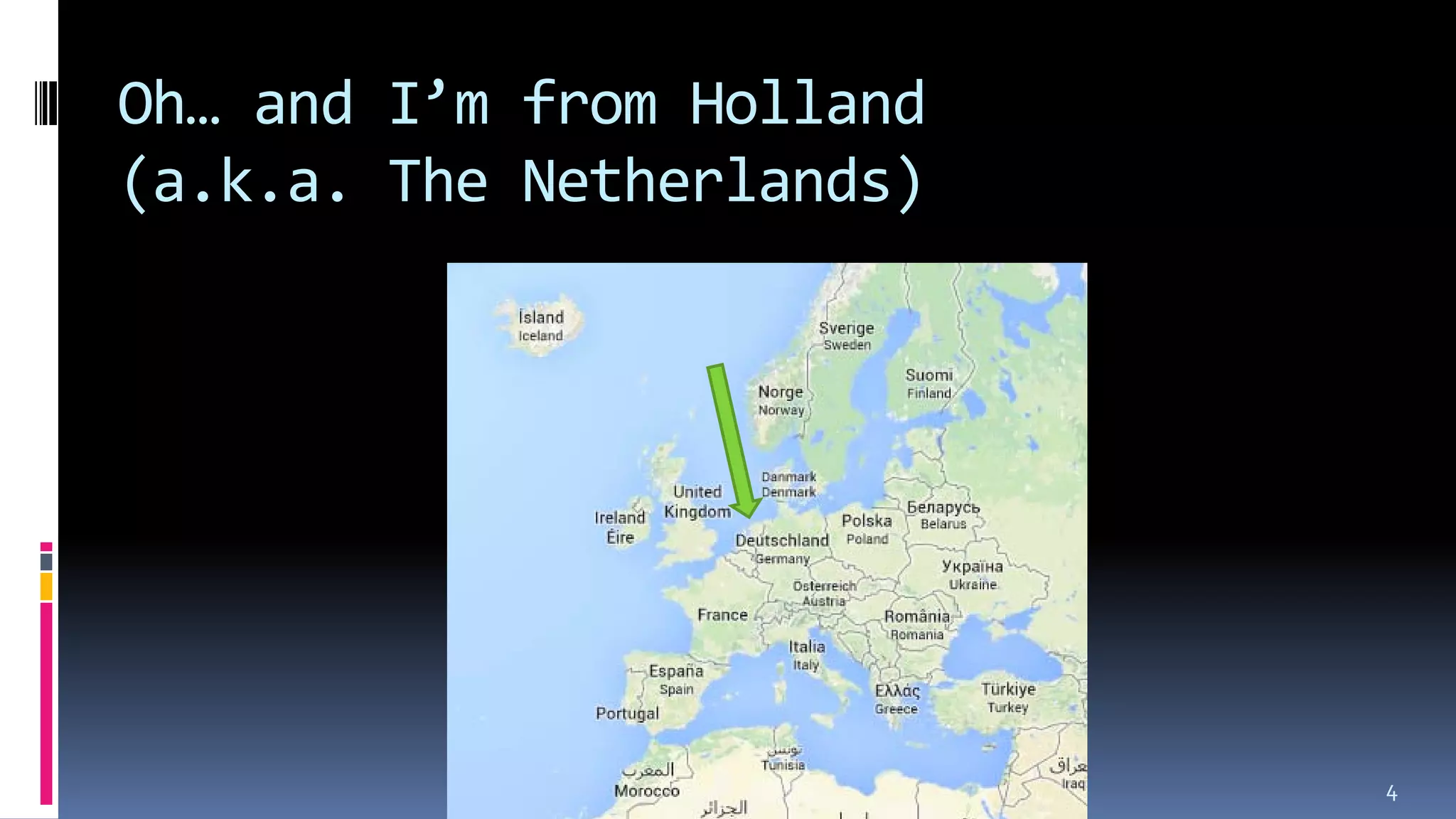
Oh… and I’m from Holland
(a.k.a. The Netherlands)
4
What is Bootstrap?
 A set of UI elements available to (mobile) web
applications
 Empowers you, as a front-end developer, to
kickstart projects more efficiently and effective
 Makes your apps look good
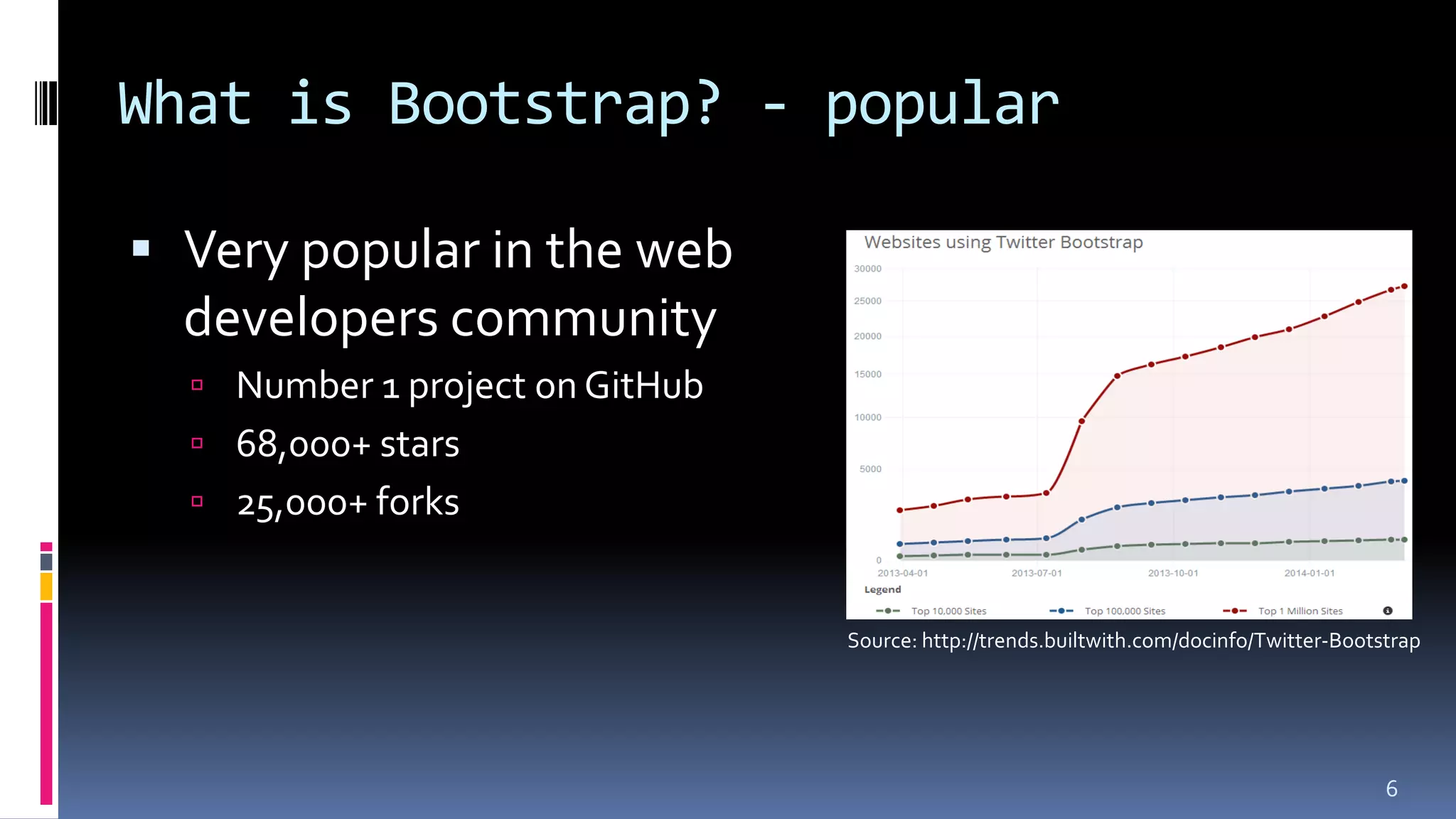
What is Bootstrap? - popular
 Very popular in the web
developers community
 Number 1 project on GitHub
 68,000+ stars
 25,000+ forks
6
Source: http://trends.builtwith.com/docinfo/Twitter-Bootstrap
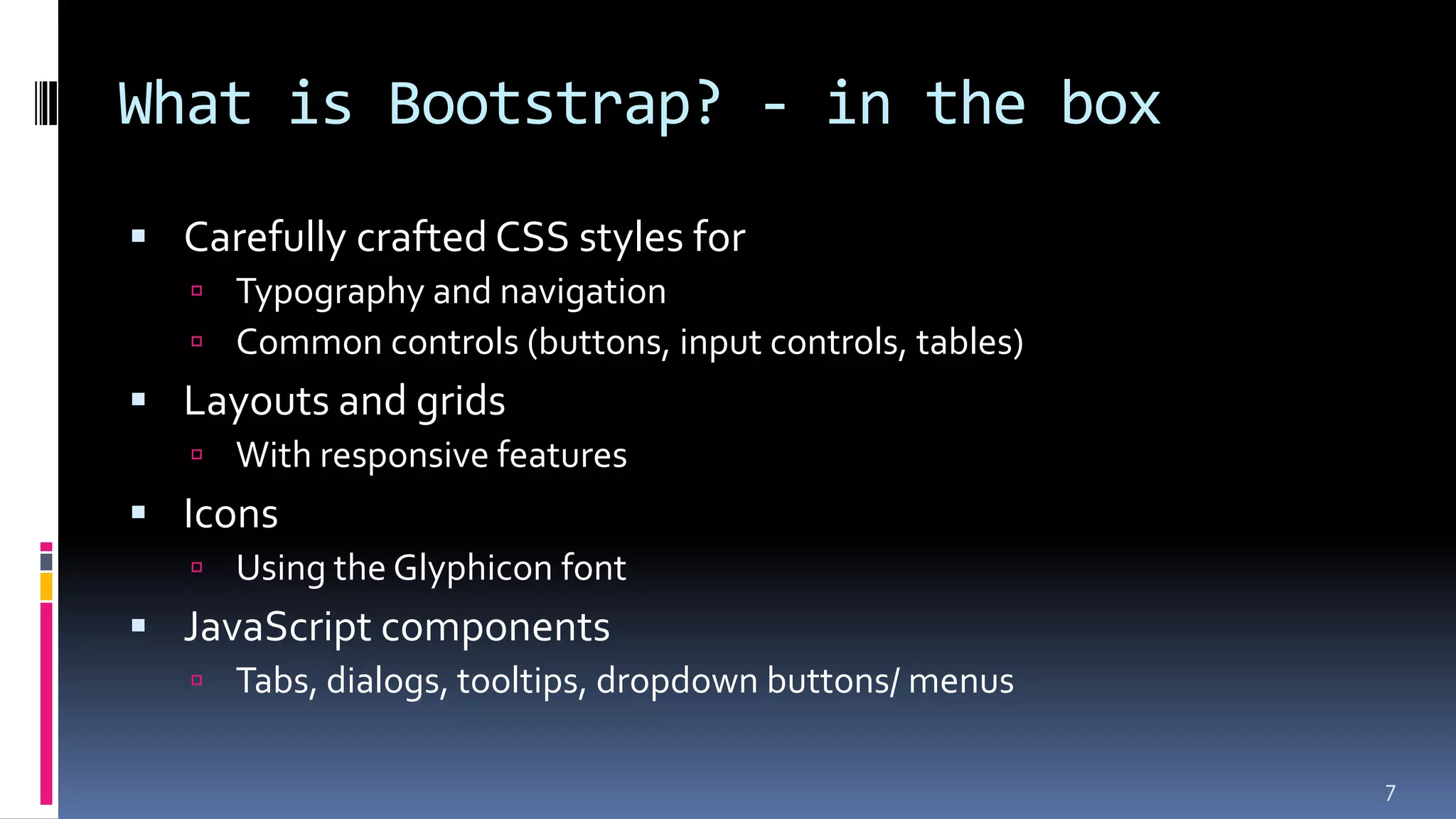
What is Bootstrap? - in the box
 Carefully crafted CSS styles for
 Typography and navigation
 Common controls (buttons, input controls, tables)
 Layouts and grids
 With responsive features
 Icons
 Using the Glyphicon font
 JavaScript components
 Tabs, dialogs, tooltips, dropdown buttons/ menus
7
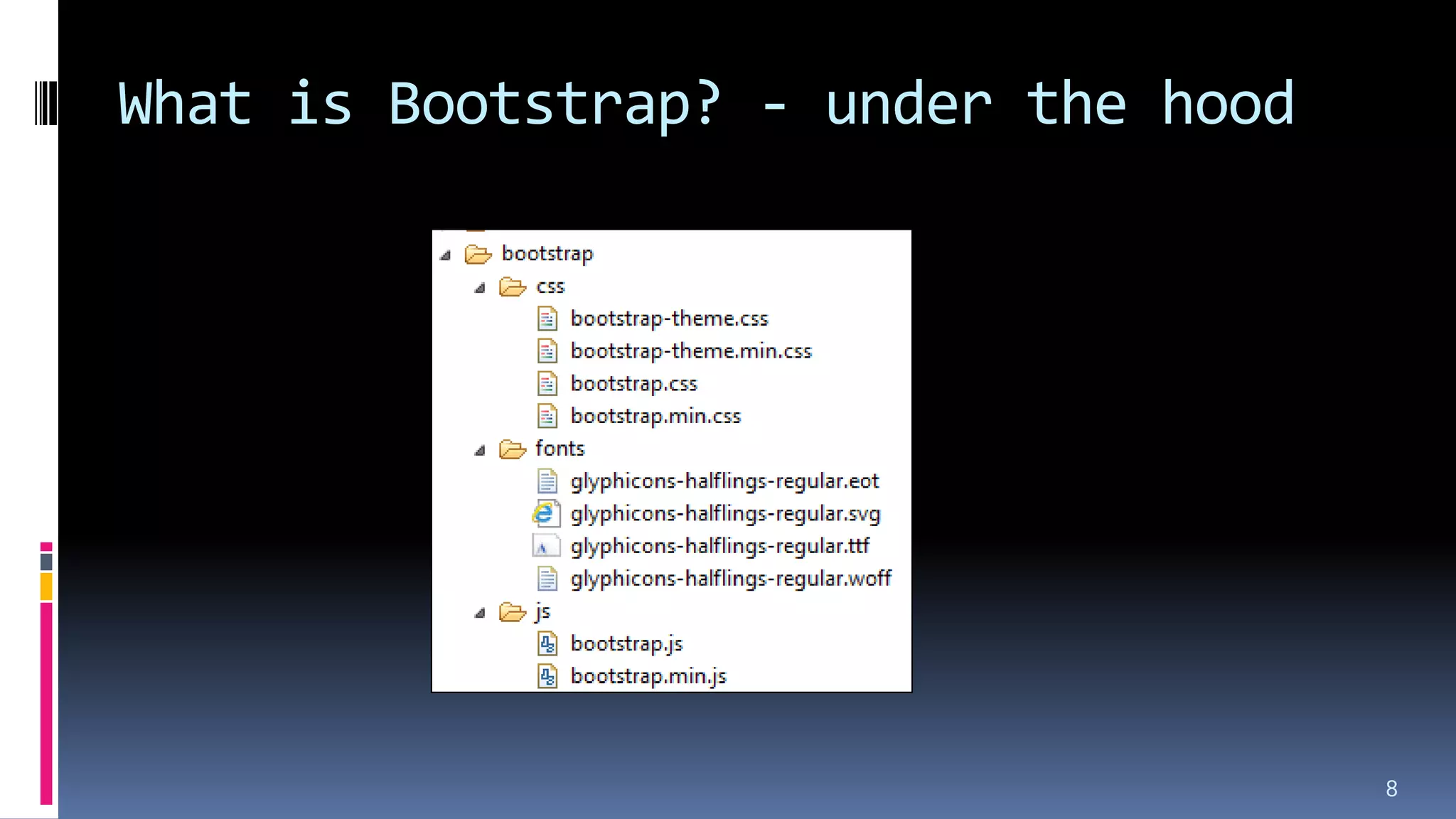
What is Bootstrap? - under the hood
8
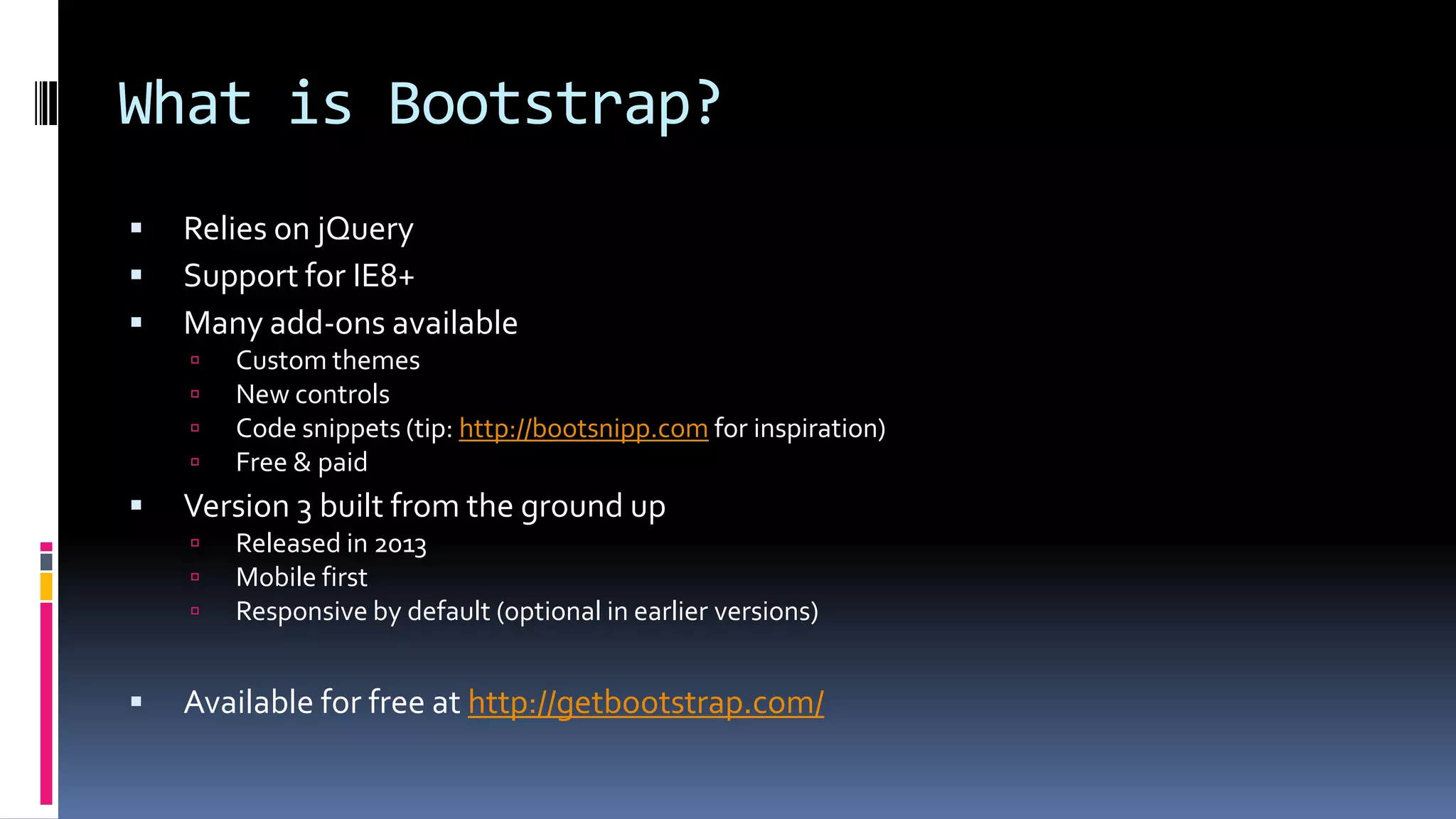
What is Bootstrap?
 Relies on jQuery
 Support for IE8+
 Many add-ons available
 Custom themes
 New controls
 Code snippets (tip: http://bootsnipp.com for inspiration)
 Free & paid
 Version 3 built from the ground up
 Released in 2013
 Mobile first
 Responsive by default (optional in earlier versions)
 Available for free at http://getbootstrap.com/
Why use Bootstrap?
 Users are demanding a sleek and polished UI
 But we're developers, not designers...
 Consistent UI makes your applications easier to use
 Develop for mobile
 Responsive design
 Standardized look for all applications
 Deal with cross browser issues
 Remember: IBM OneUI, as implemented in the Extension Library,
is also a UI framework
How do we get Bootstrap in XPages?
 Download Bootstrap
 Download jQuery (1.x)
 Add the files to your application (nsf)
 Create an XPage theme referencing all Bootstrap files &
jQuery
 And deal with the issues
 
11
Introducing Bootstrap4XPages
 (OSGi) Plugin to install once on your server / Designer client
 Bootstrap rendering for all XPages components
 Core and Extension Library
 Including the Dojo controls
 Provides the easiest Bootstrap integration mechanism to XPages
 Change the theme and your application is enabled
 Get all the resources (CSS, JavaScript, fonts) served from the core
runtime
 No resources have to be added within the NSF
 Participate in the XPages resource file aggregation
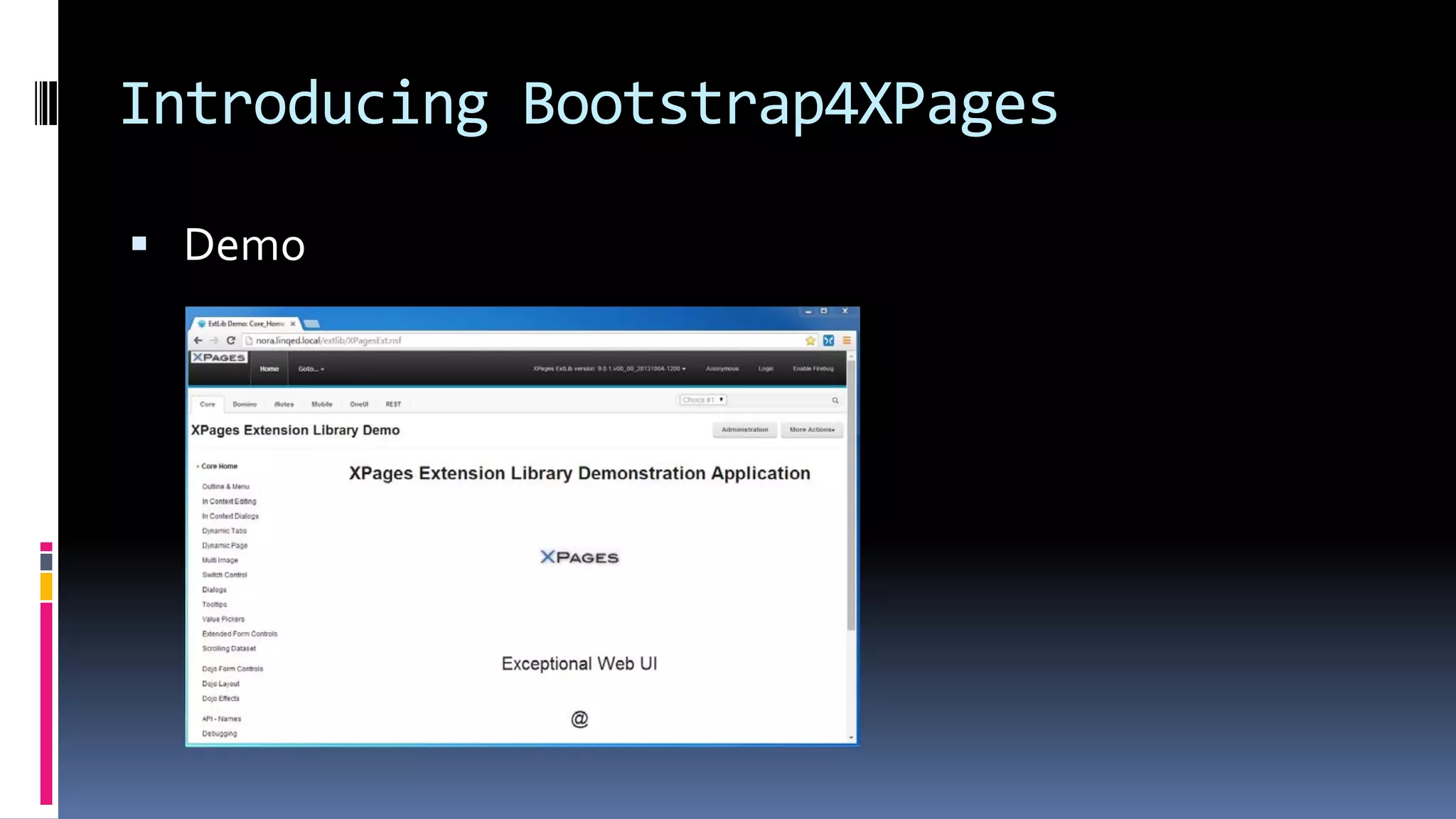
Introducing Bootstrap4XPages
 Demo
Introducing Bootstrap4XPages
 Global resources served by a single URL
 Theme files that include these resources and define the
components properties
 Directly sets classes/ styles on controls when sufficient
 Custom JSF renderer for more complex cases
 Organized in an hierarchy, (relatively) easy to inherit/ customize
14
Introducing Bootstrap4XPages
 Support for multiple versions of Bootstrap
 2.3.1*, 2.3.2, 3.0.0 and 3.1.1
 Focus now on Bootstrap 3.x, but 2.3.2 is kept for compatibility
 Make it easy to create new Bootstrap specific components
 jQuery 1.8.2
 No longer in use, but still bundled:
 DBootstrap
 Dojo Bootstrap
15
Installation – get the plugin
 Get the Bootstrap4XPages (OSGi) plugin from OpenNTF
 http://bootstrap4xpages.openntf.org
 Source code available on GitHub
 Or get the OpenNTF Essentials
 A set of ‘essential’ projects to be used for XPage development
 Bootstrap4XPages is part of the OpenNTF Essentials
 http://essentials.openntf.org/
 Delivered as an update site database
Installation – install the plugin
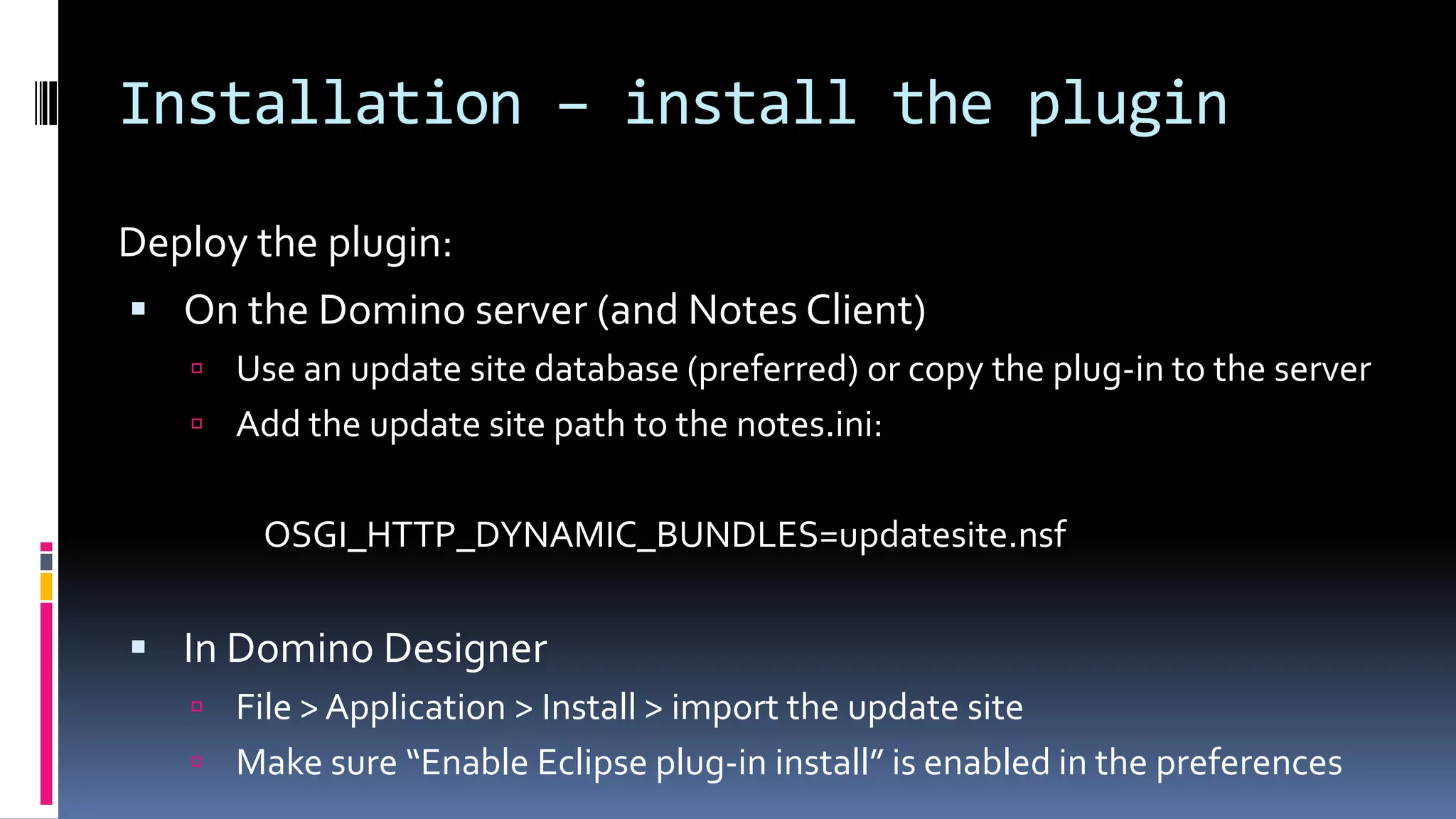
Deploy the plugin:
 On the Domino server (and Notes Client)
 Use an update site database (preferred) or copy the plug-in to the server
 Add the update site path to the notes.ini:
OSGI_HTTP_DYNAMIC_BUNDLES=updatesite.nsf
 In Domino Designer
 File > Application > Install > import the update site
 Make sure “Enable Eclipse plug-in install” is enabled in the preferences
Installation – local web preview
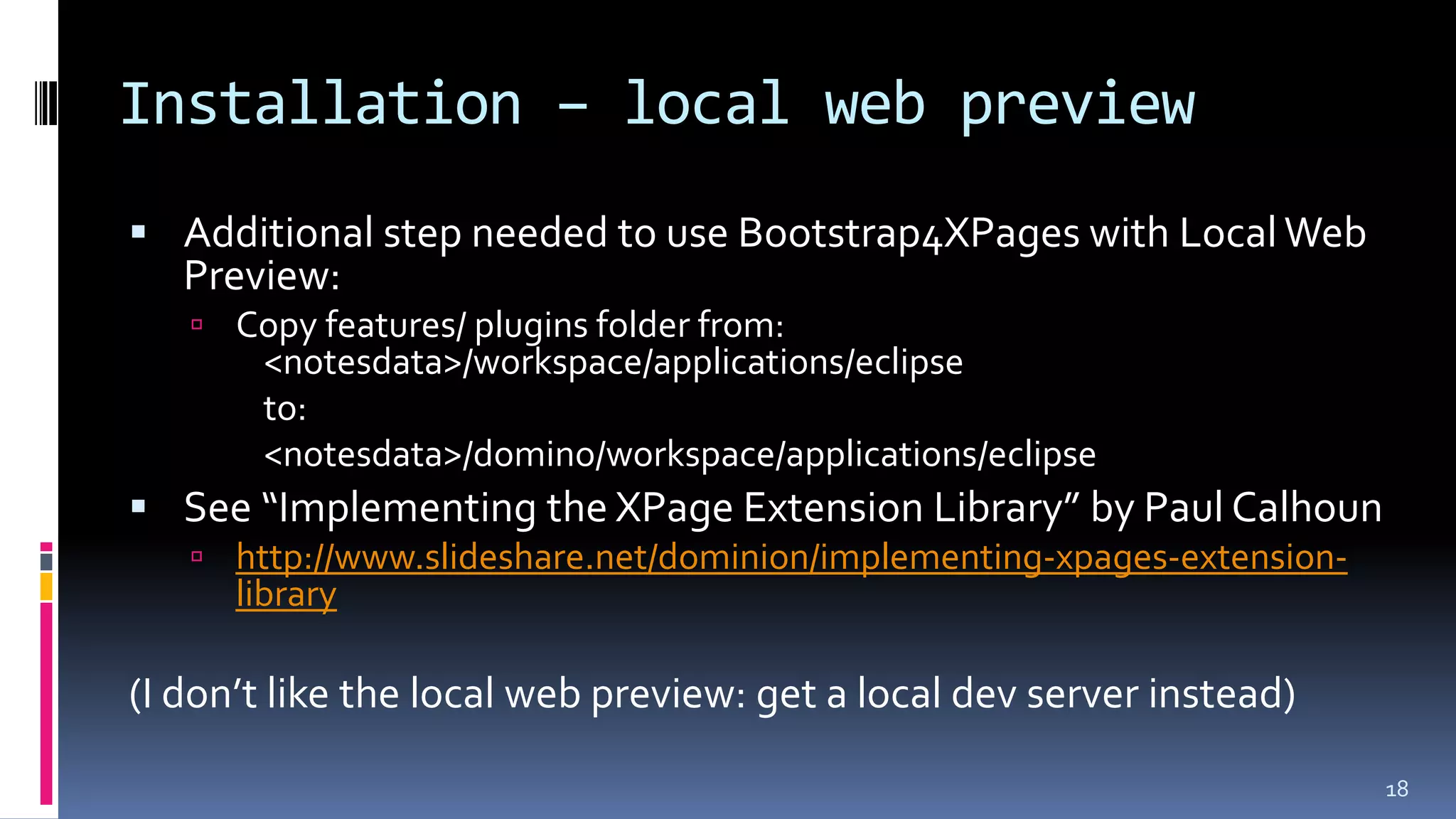
 Additional step needed to use Bootstrap4XPages with LocalWeb
Preview:
 Copy features/ plugins folder from:
<notesdata>/workspace/applications/eclipse
to:
<notesdata>/domino/workspace/applications/eclipse
 See “Implementing the XPage Extension Library” by Paul Calhoun
 http://www.slideshare.net/dominion/implementing-xpages-extension-
library
(I don’t like the local web preview: get a local dev server instead)
18
Post-installation
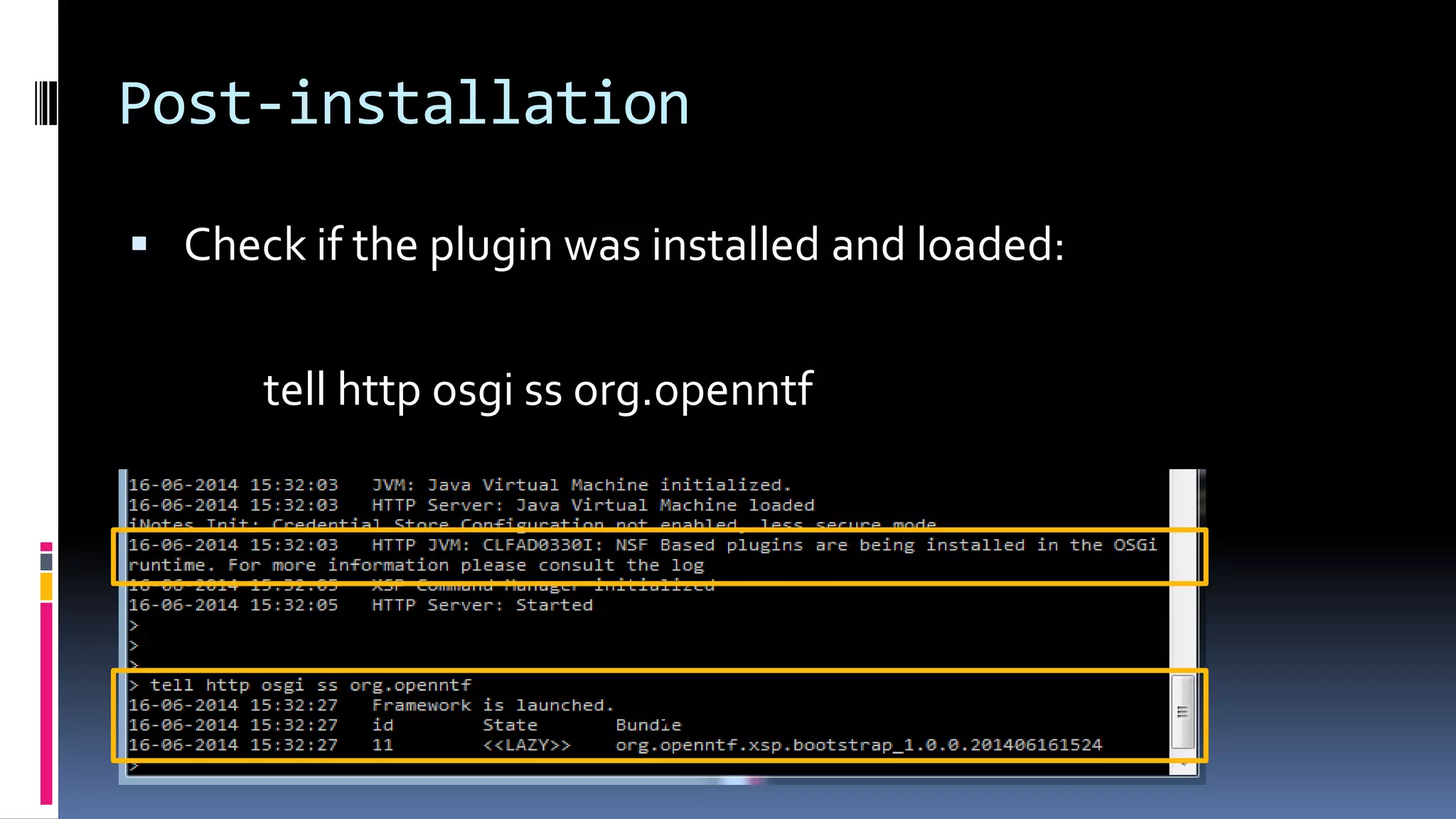
 Check if the plugin was installed and loaded:
tell http osgi ss org.openntf
v
v
Demo: installation
20
Two steps to enable Bootstrap
1. Enable the required XPage Libraries
[x] com.ibm.xsp.extlib.library
[x] org.openntf.xsp.bootstrap.library
2. Set the application theme
 bootstrapv3.1.1 (or bootstrapv3.1.1_3d)
 bootstrapv3.0.0 (or bootstrapv3.0.0_3d)
 bootstrapv2.3.2 (or bootstrap2.3.2r)
Important: these themes do NOT show up in the
dropdown, you’ll have to enter them yourself.
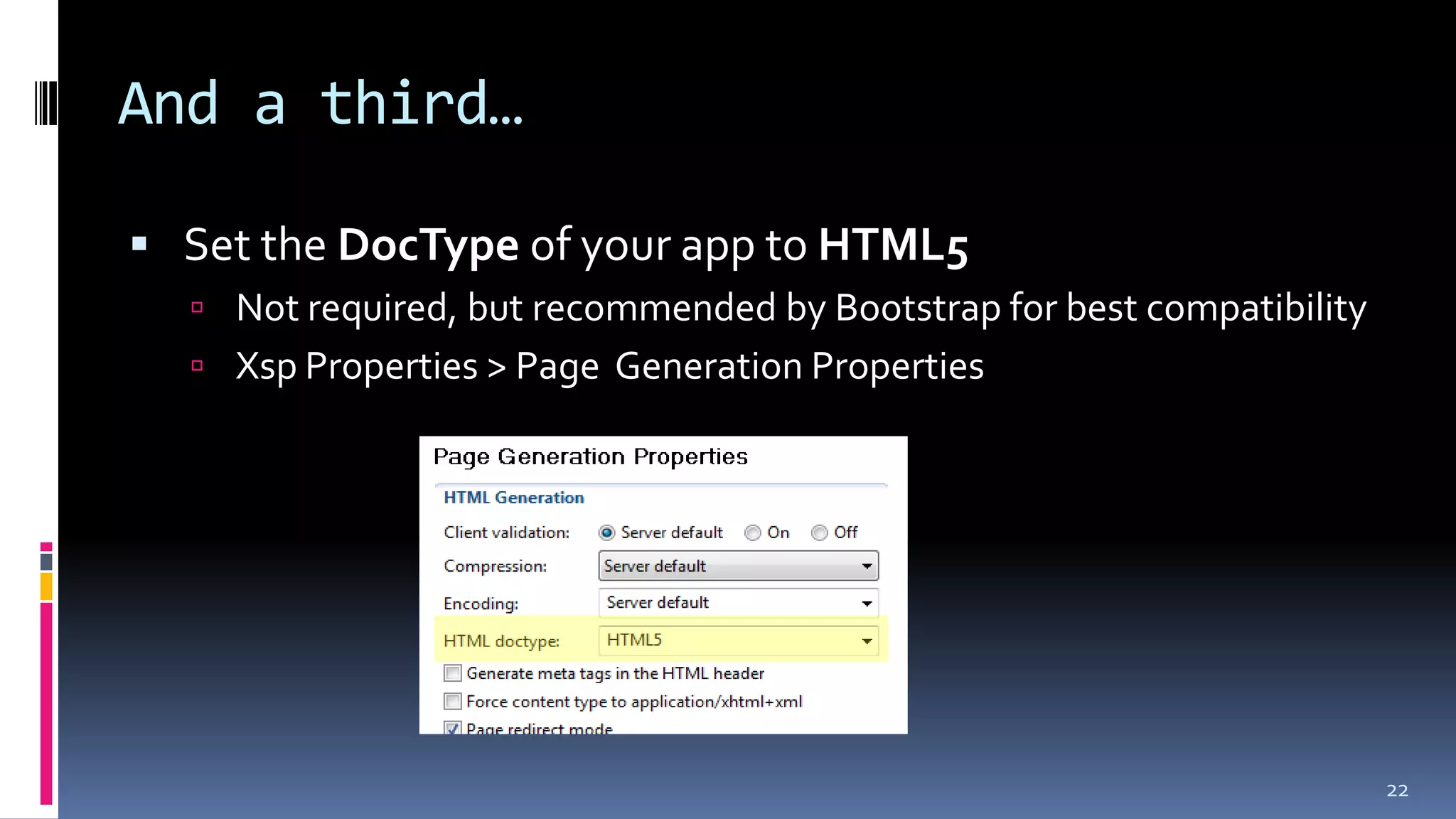
And a third…
 Set the DocType of your app to HTML5
 Not required, but recommended by Bootstrap for best compatibility
 Xsp Properties > Page Generation Properties
22
Demo: first use
23
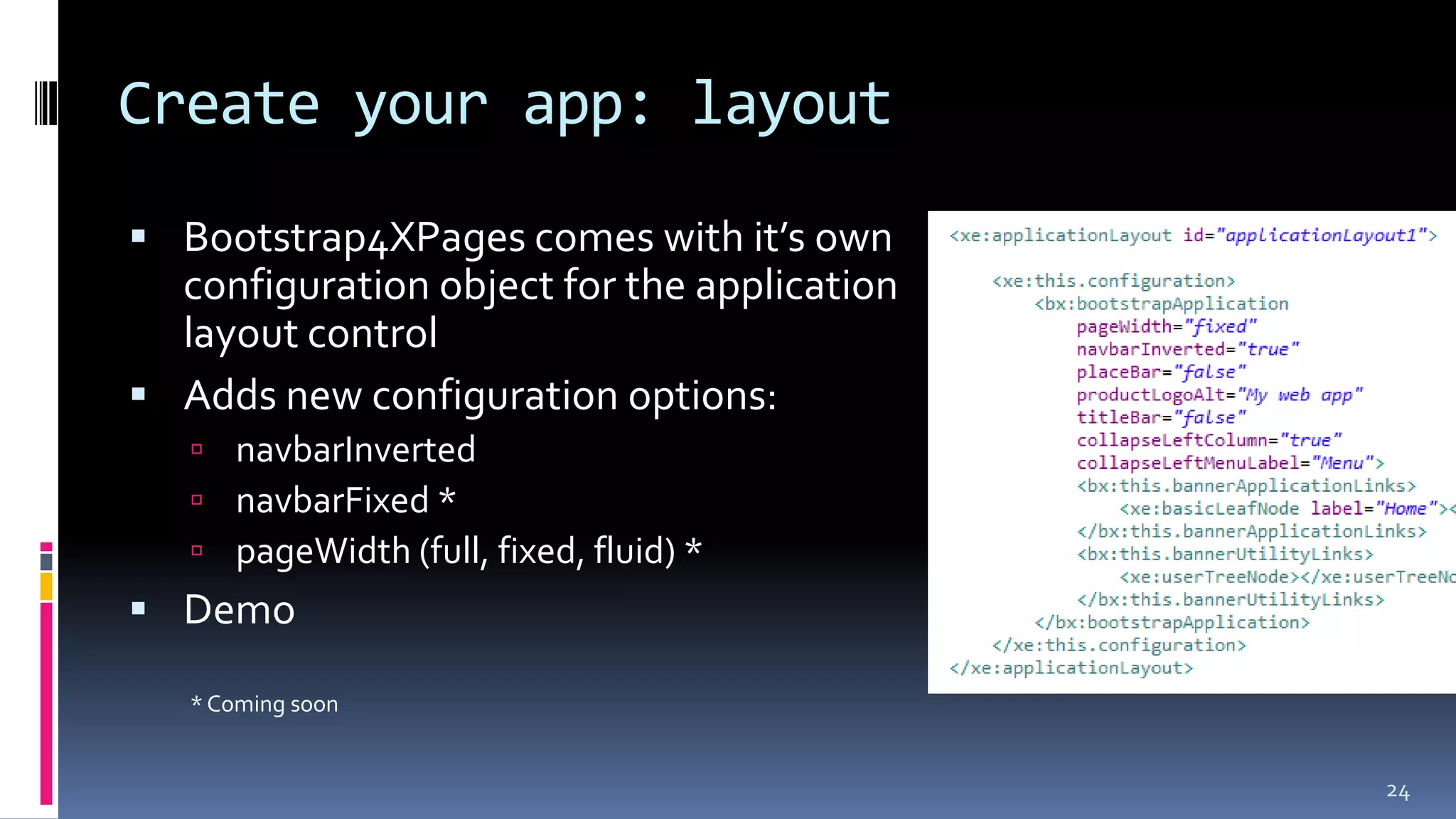
Create your app: layout
 Bootstrap4XPages comes with it’s own
configuration object for the application
layout control
 Adds new configuration options:
 navbarInverted
 navbarFixed *
 pageWidth (full, fixed, fluid) *
 Demo
* Coming soon
24
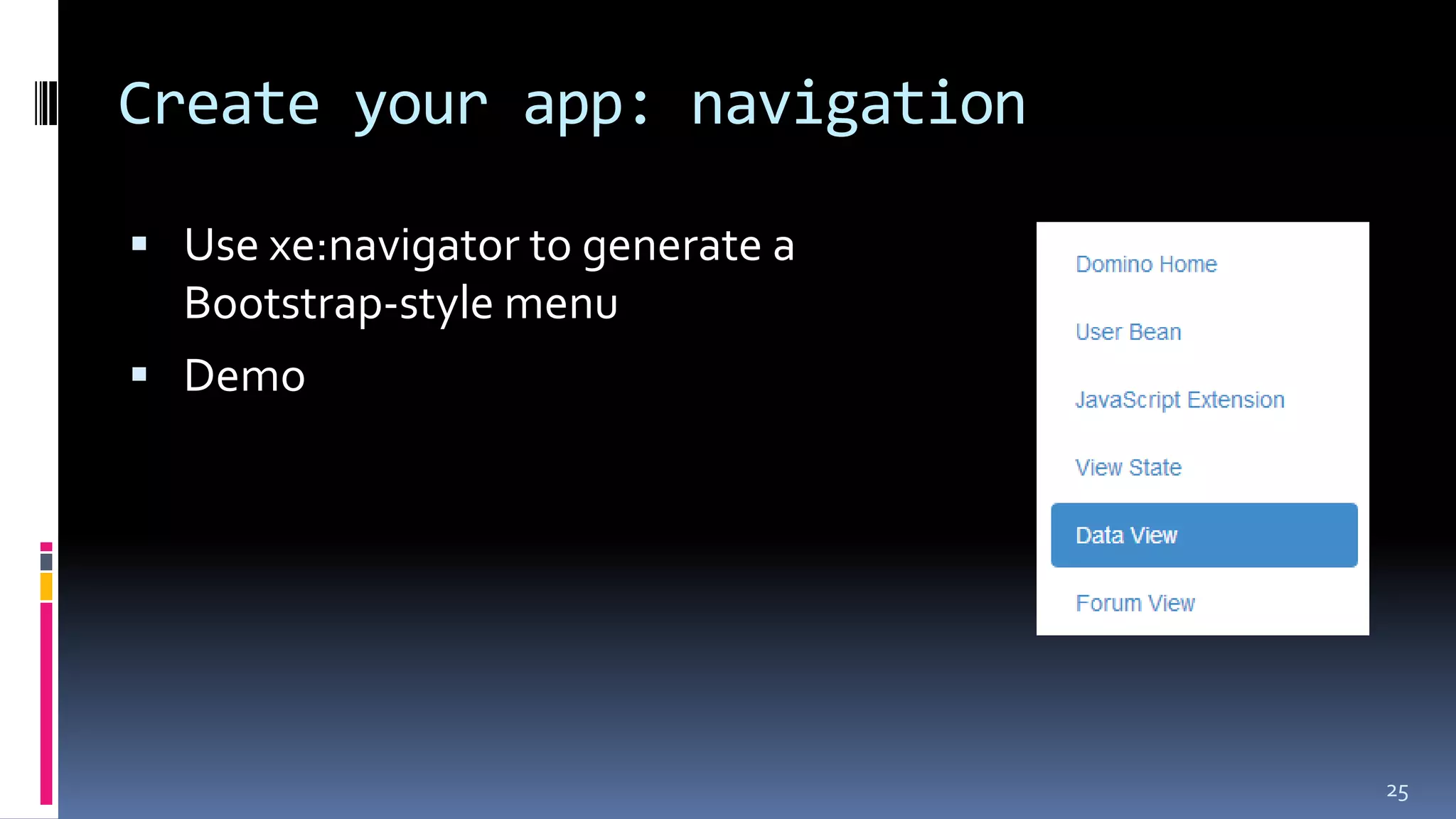
Create your app: navigation
 Use xe:navigator to generate a
Bootstrap-style menu
 Demo
25
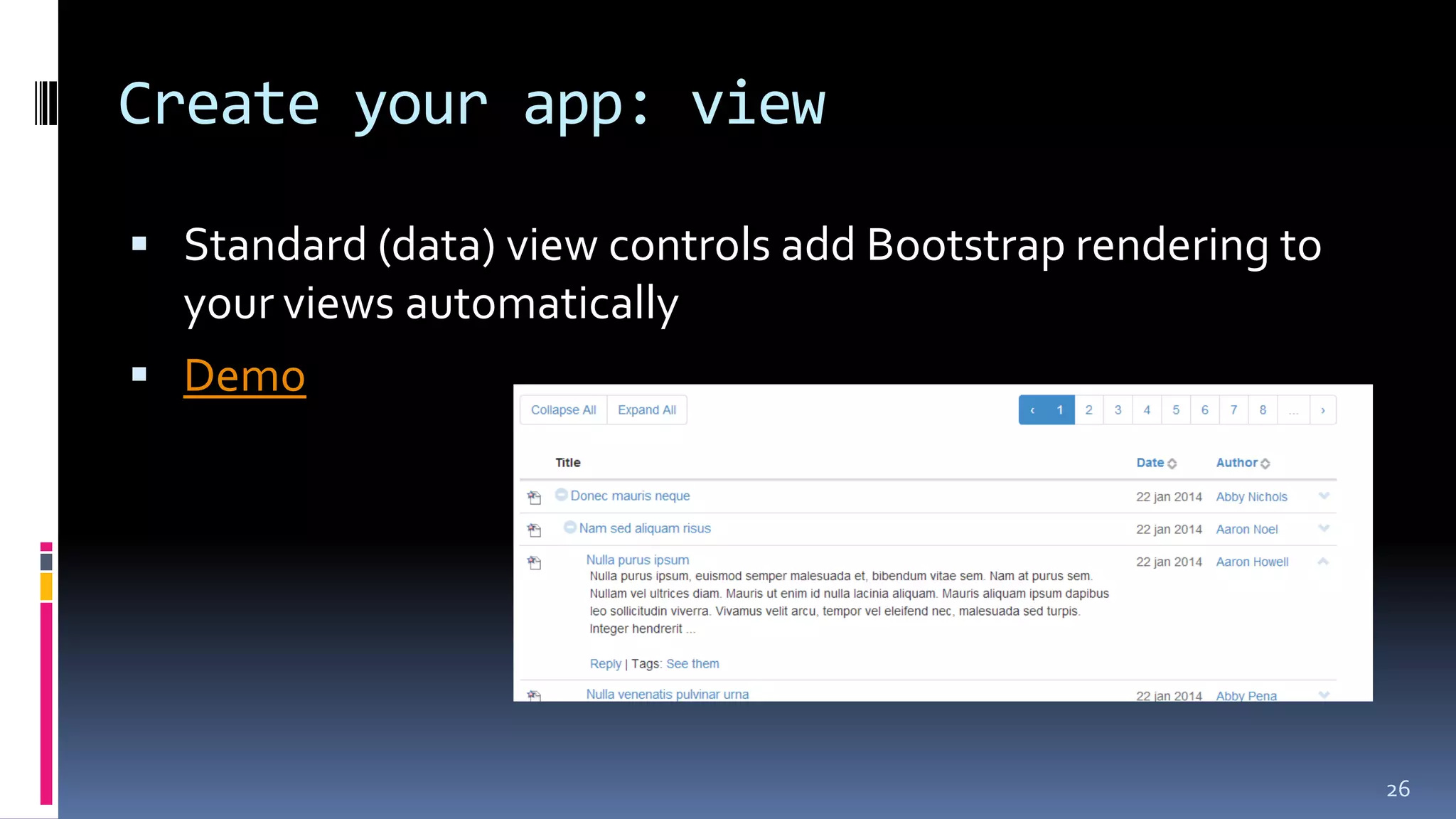
Create your app: view
 Standard (data) view controls add Bootstrap rendering to
your views automatically
 Demo
26
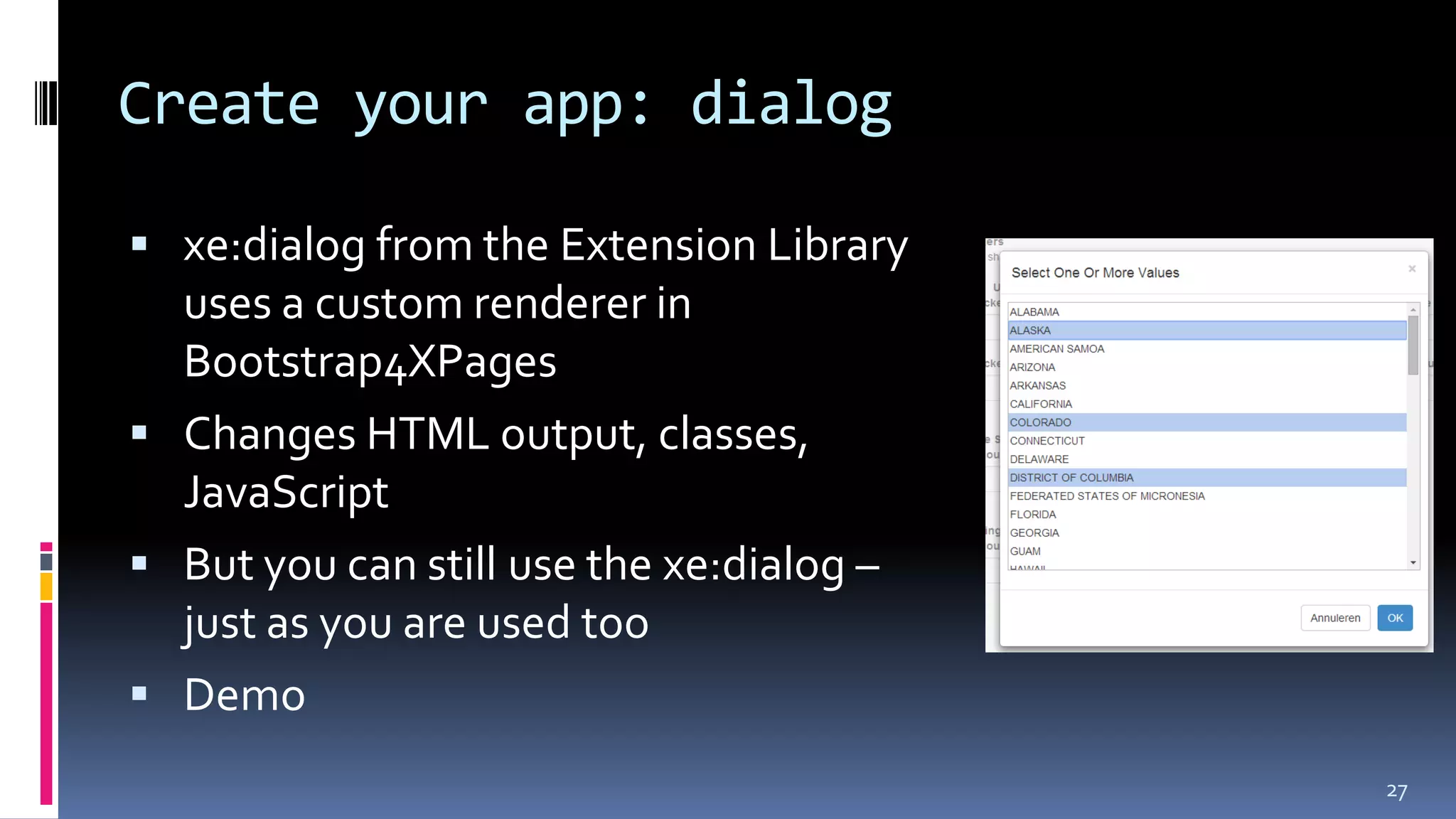
Create your app: dialog
 xe:dialog from the Extension Library
uses a custom renderer in
Bootstrap4XPages
 Changes HTML output, classes,
JavaScript
 But you can still use the xe:dialog –
just as you are used too
 Demo
27
Create your app: responsive features
Responsive design: the approach that suggests that design and development
should respond to the user’s behavior and environment based on screen size,
platform and orientation.
http://coding.smashingmagazine.com/2011/01/12/guidelines-for-responsive-web-design/
 Bootstrap 3 is responsive by default
 Supported by Bootstrap4XPages in Banner (top navbar) and left column
 Configure using Bootstrap application layout config:
 collapseLeftColumn
 collapseLeftMenuLabel *
 collapseLeftTo *
 Demo
Best practices
 Avoid hard coding style classes/ styles in your pages
 Might break third party themes
 Use the components as they render as much as possible
 Use a custom theme when you want to assign specific styles to
components
 Leverage the extension library components instead of
straight Bootstrap/ jQuery
 Good example are Dialogs, as they are optimized and well tested
with the JSF lifecycle
Best practices
 Use the build from OpenNTF, not the source code, in
production
 The build has its own resources (CSS, JavaScript), thus provides
better performance
 You can use the resources from the plugin without using the theme(s)
 But that's not advised
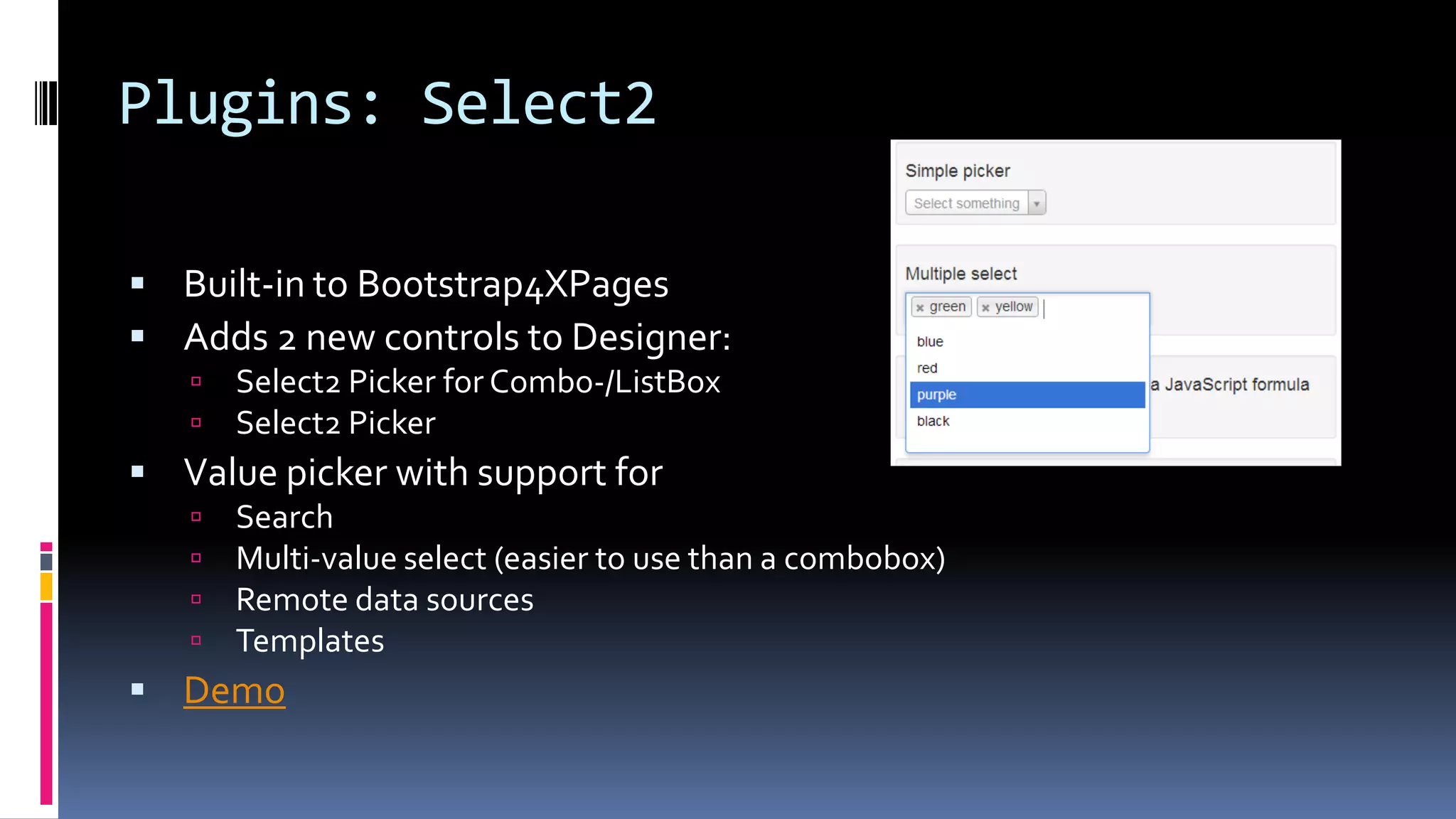
Plugins: Select2
 Built-in to Bootstrap4XPages
 Adds 2 new controls to Designer:
 Select2 Picker for Combo-/ListBox
 Select2 Picker
 Value picker with support for
 Search
 Multi-value select (easier to use than a combobox)
 Remote data sources
 Templates
 Demo
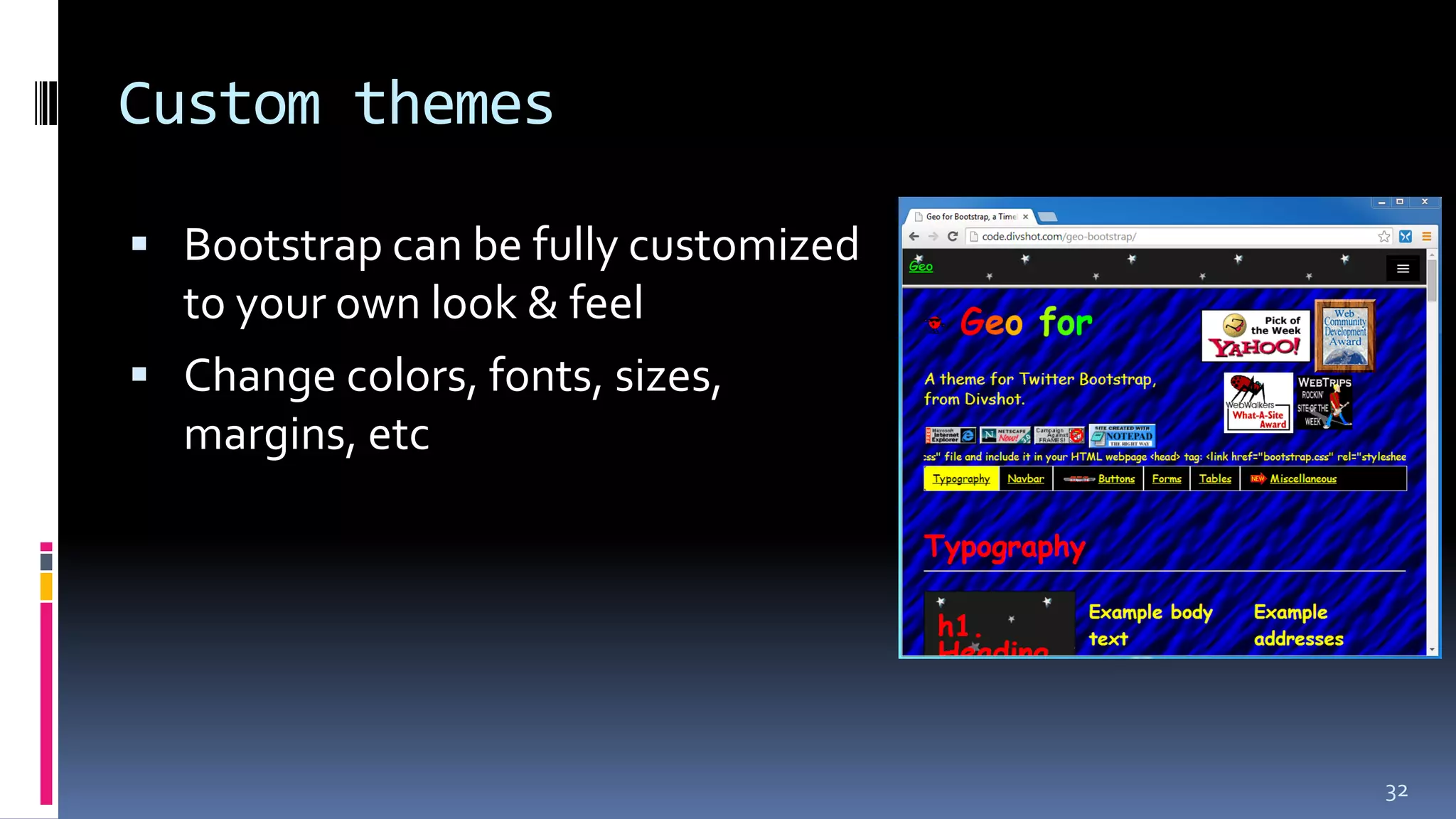
Custom themes
 Bootstrap can be fully customized
to your own look & feel
 Change colors, fonts, sizes,
margins, etc
32
Custom themes – using LESS/ SASS
 Uses LESS (and SASS)
 ‘CSS preprocessor’
 Think of it as ‘using variables in CSS’
 Not only: link color = red
 But also: primary color is red, automatically create gradient to a 30% darker color in the
navbar
 Using LESS (or SASS) is the proper way to customize
 Not a find and replace in theCSS
 Bootstrap source comes with the LESS/ SASS source files
 And a task-runner config that can automatically compile your CSS files
 See https://github.com/twbs/bootstrap#compiling-css-and-javascript
 Demo
33
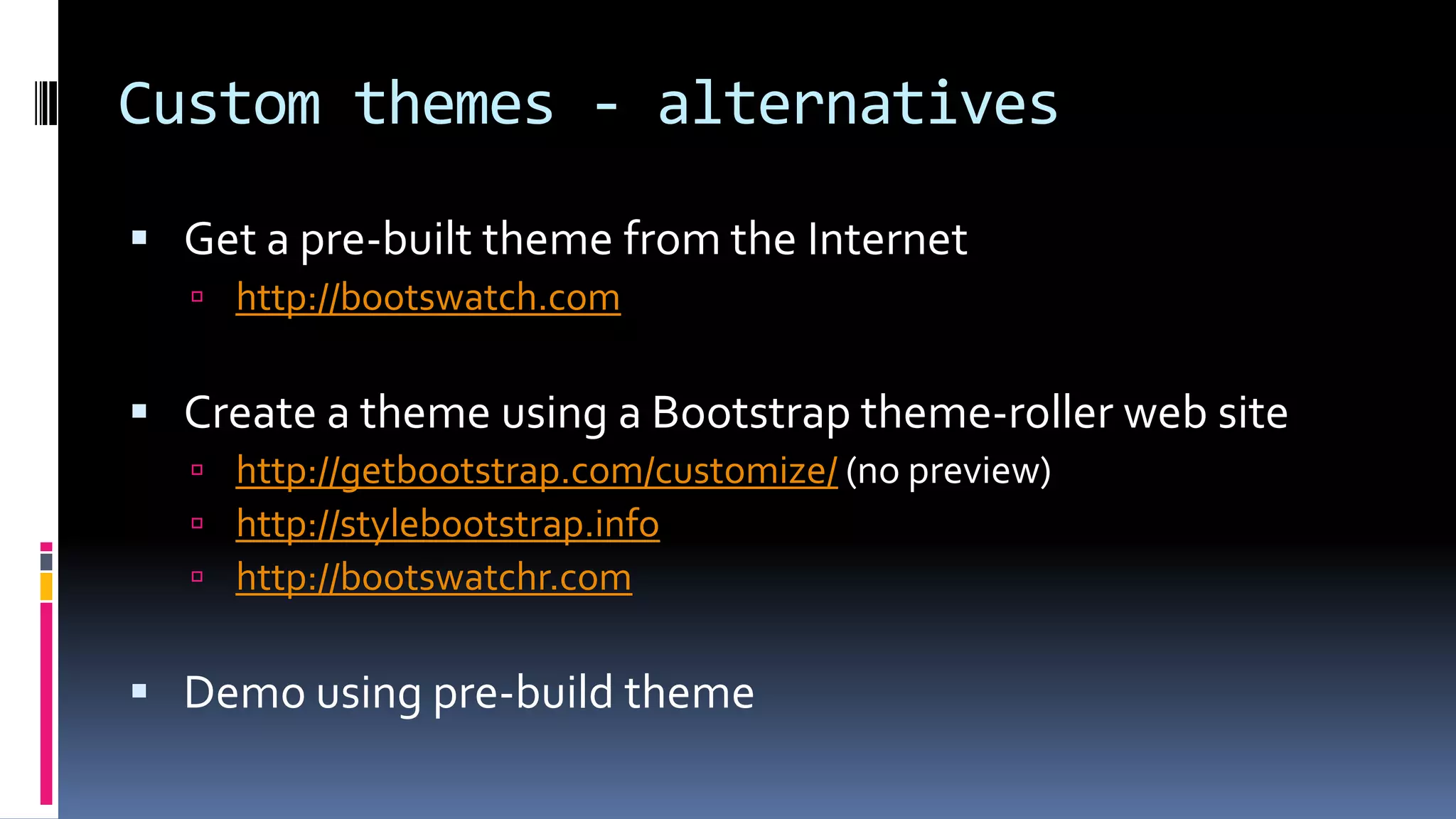
Custom themes - alternatives
 Get a pre-built theme from the Internet
 http://bootswatch.com
 Create a theme using a Bootstrap theme-roller web site
 http://getbootstrap.com/customize/ (no preview)
 http://stylebootstrap.info
 http://bootswatchr.com
 Demo using pre-build theme
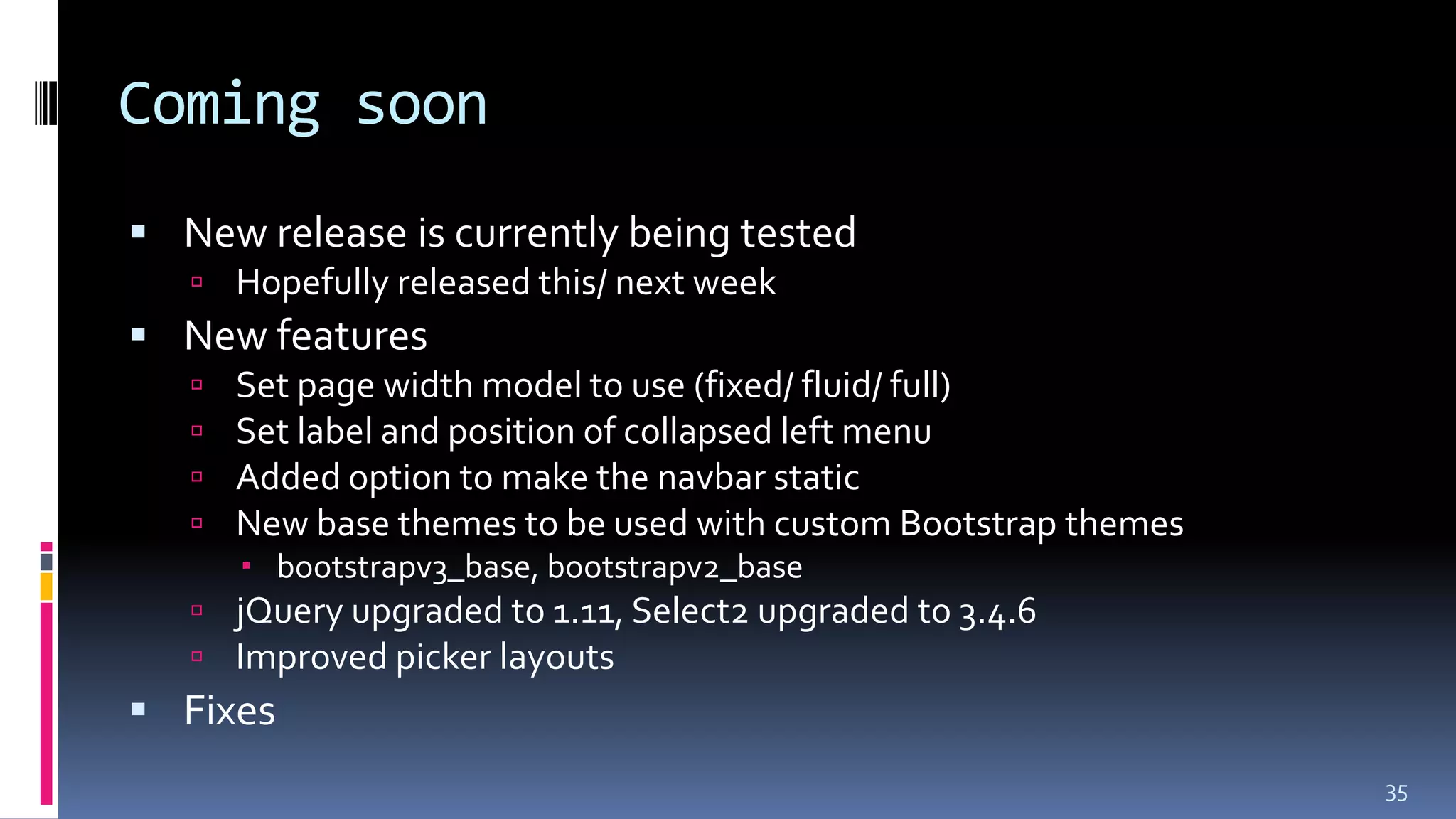
Coming soon
 New release is currently being tested
 Hopefully released this/ next week
 New features
 Set page width model to use (fixed/ fluid/ full)
 Set label and position of collapsed left menu
 Added option to make the navbar static
 New base themes to be used with custom Bootstrap themes
 bootstrapv3_base, bootstrapv2_base
 jQuery upgraded to 1.11, Select2 upgraded to 3.4.6
 Improved picker layouts
 Fixes
35
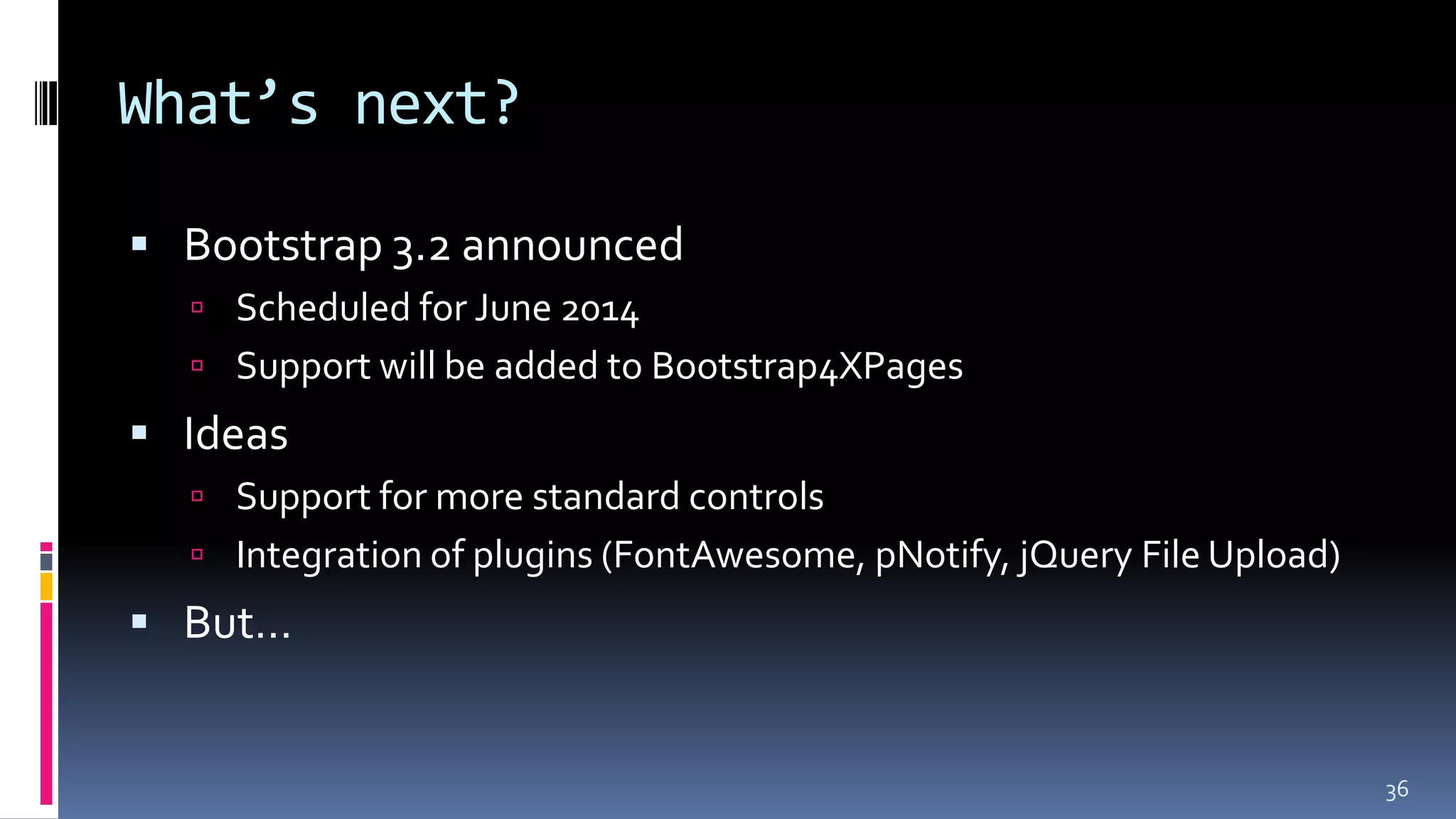
What’s next?
 Bootstrap 3.2 announced
 Scheduled for June 2014
 Support will be added to Bootstrap4XPages
 Ideas
 Support for more standard controls
 Integration of plugins (FontAwesome, pNotify, jQuery File Upload)
 But…
36
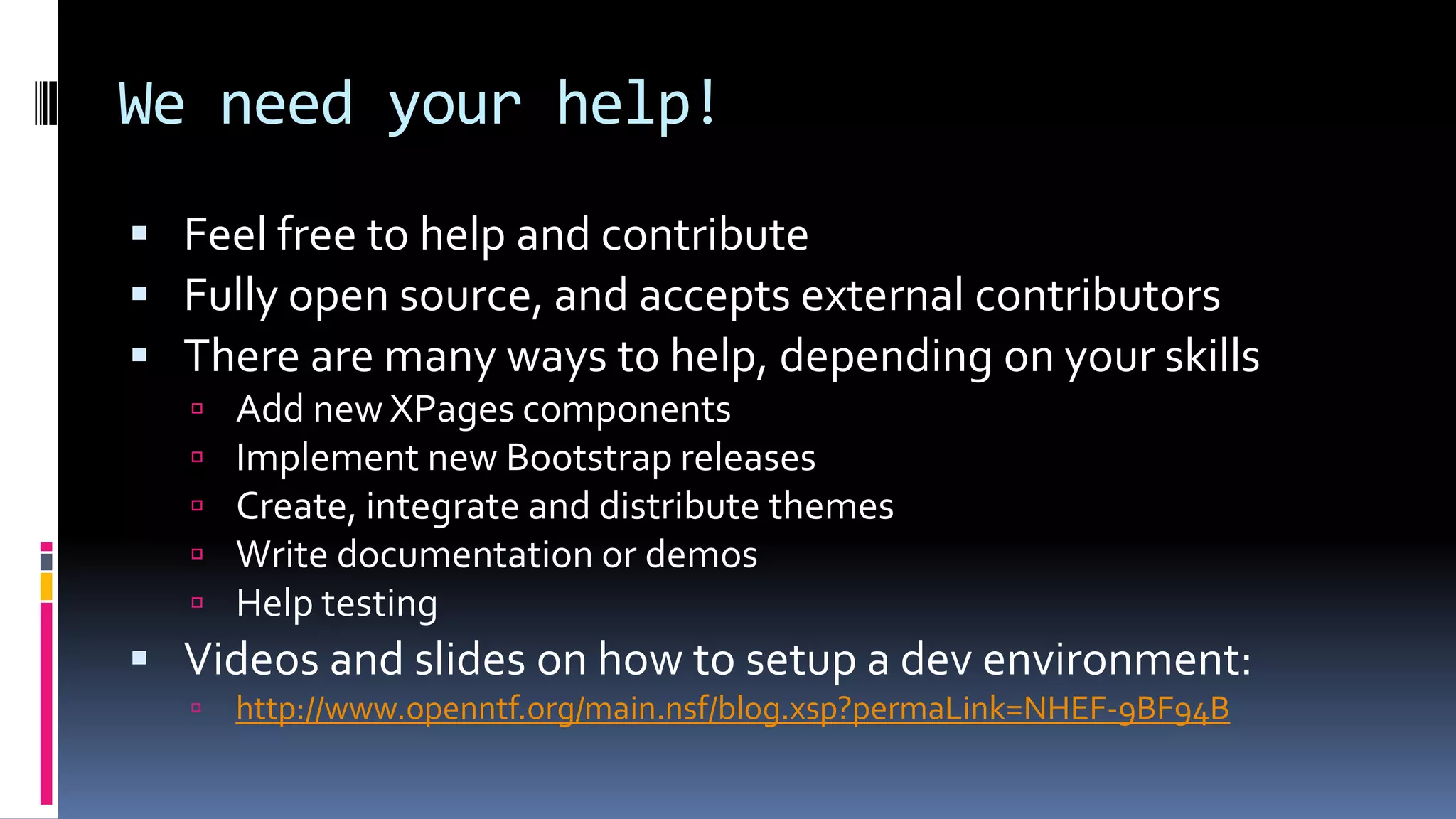
We need your help!
 Feel free to help and contribute
 Fully open source, and accepts external contributors
 There are many ways to help, depending on your skills
 Add new XPages components
 Implement new Bootstrap releases
 Create, integrate and distribute themes
 Write documentation or demos
 Help testing
 Videos and slides on how to setup a dev environment:
 http://www.openntf.org/main.nsf/blog.xsp?permaLink=NHEF-9BF94B
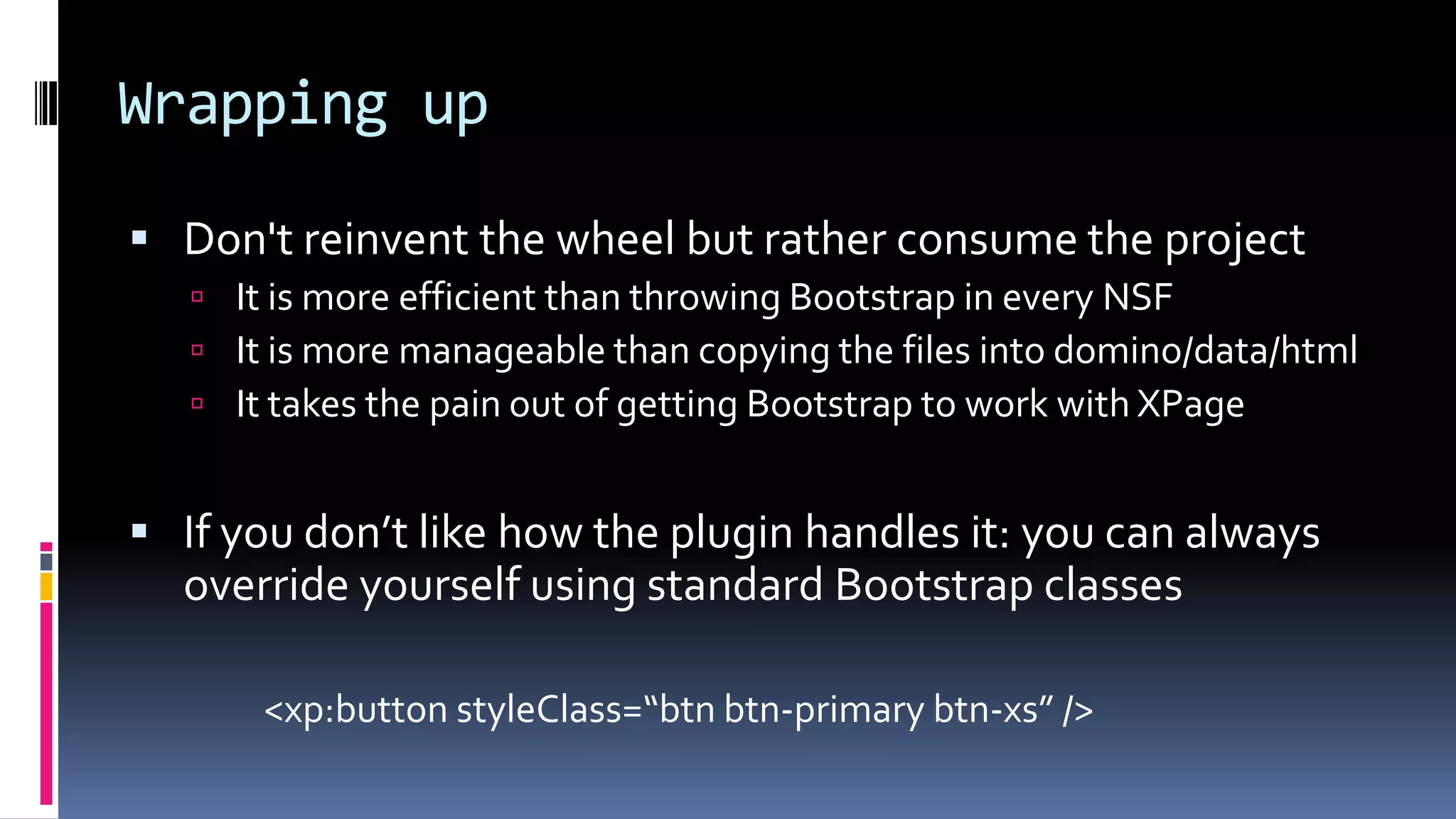
Wrapping up
 Don't reinvent the wheel but rather consume the project
 It is more efficient than throwing Bootstrap in every NSF
 It is more manageable than copying the files into domino/data/html
 It takes the pain out of getting Bootstrap to work with XPage
 If you don’t like how the plugin handles it: you can always
override yourself using standard Bootstrap classes
<xp:button styleClass=“btn btn-primary btn-xs” />
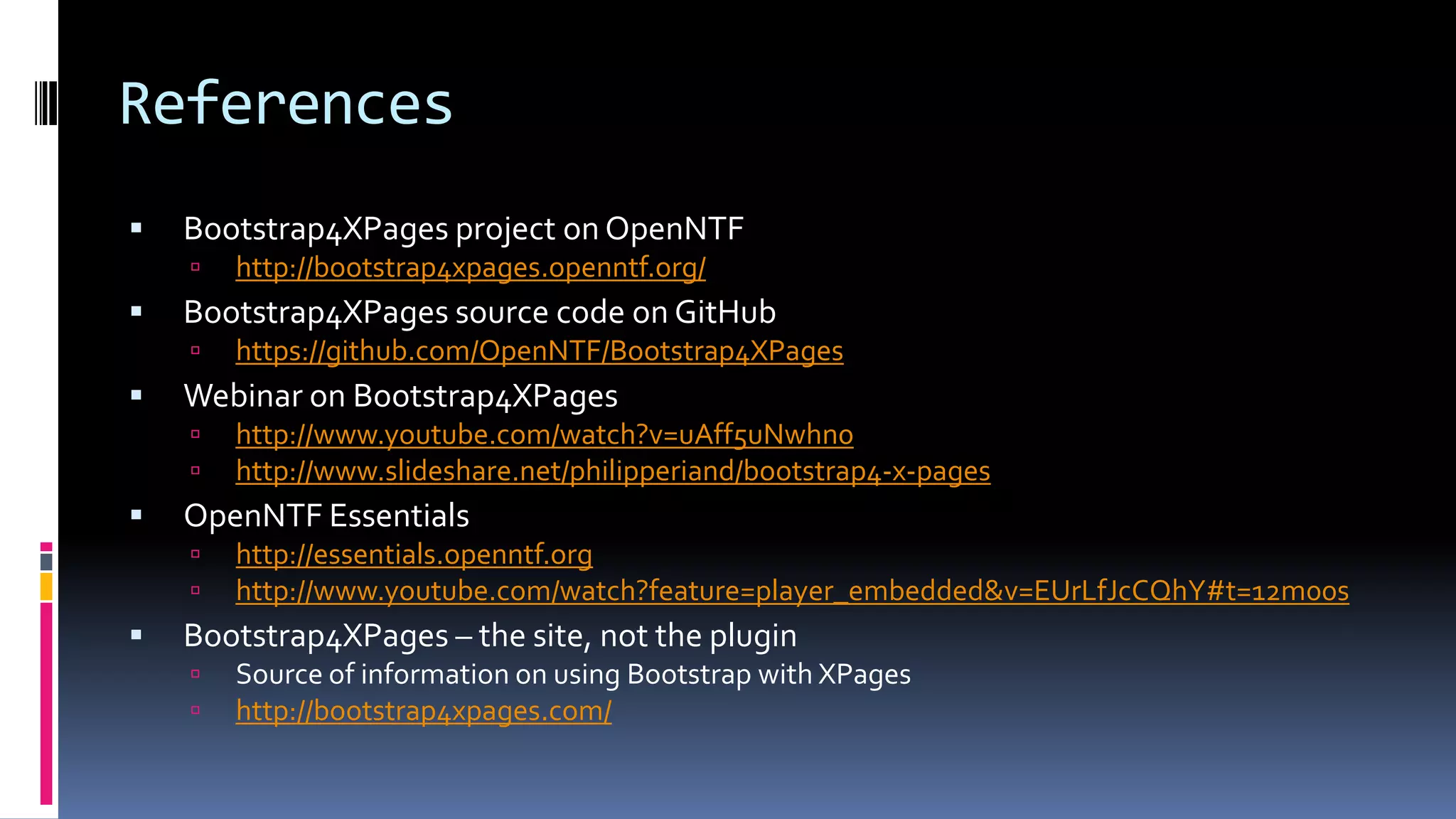
References
 Bootstrap4XPages project on OpenNTF
 http://bootstrap4xpages.openntf.org/
 Bootstrap4XPages source code on GitHub
 https://github.com/OpenNTF/Bootstrap4XPages
 Webinar on Bootstrap4XPages
 http://www.youtube.com/watch?v=uAff5uNwhn0
 http://www.slideshare.net/philipperiand/bootstrap4-x-pages
 OpenNTF Essentials
 http://essentials.openntf.org
 http://www.youtube.com/watch?feature=player_embedded&v=EUrLfJcCQhY#t=12m00s
 Bootstrap4XPages – the site, not the plugin
 Source of information on using Bootstrap with XPages
 http://bootstrap4xpages.com/
THANK YOU!
@markleusink
http://linqed.eu
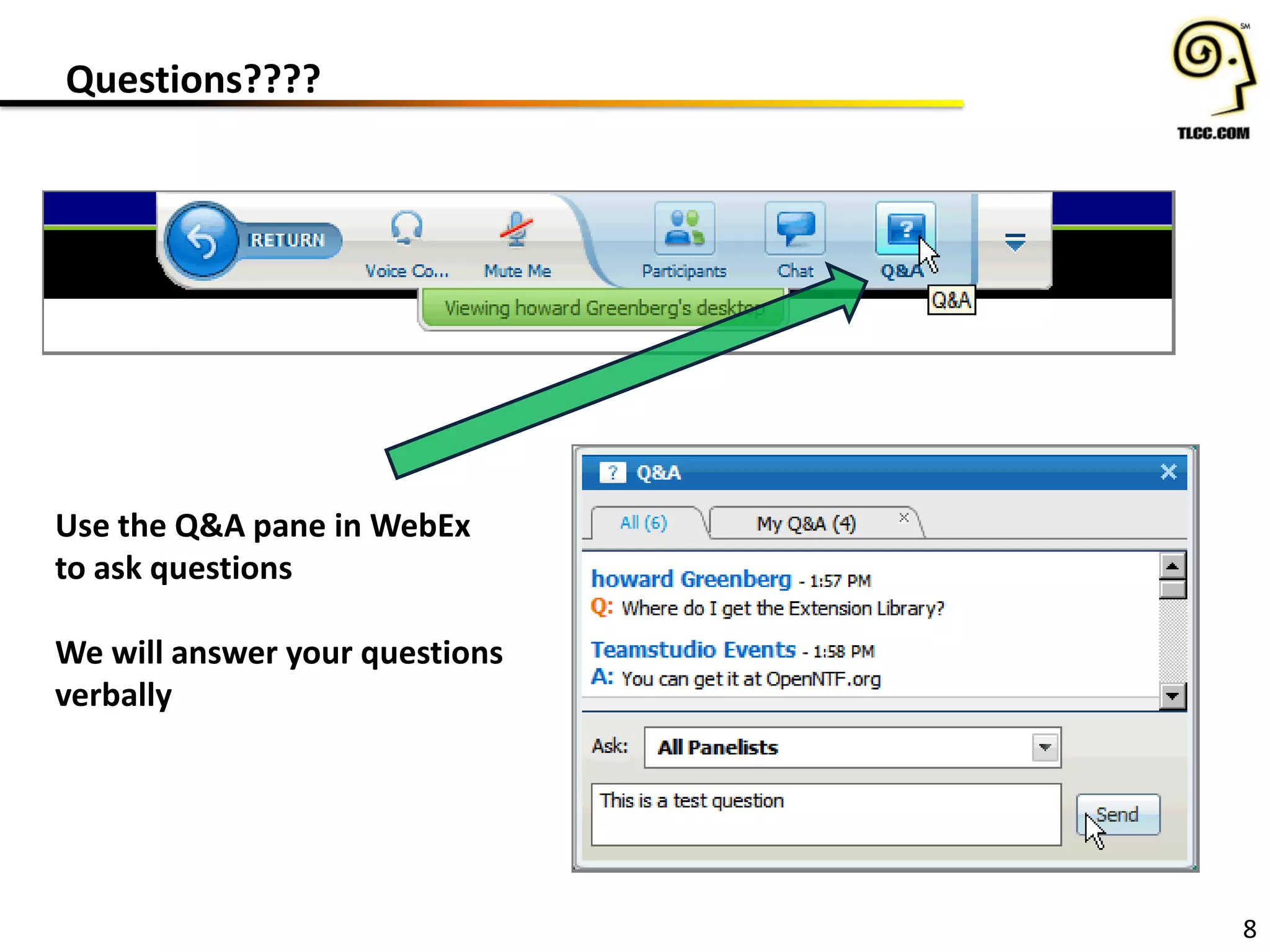
Questions????
8
Use the Q&A pane in WebEx
to ask questions
We will answer your questions
verbally
Upcoming Events:
TLCC Sale Ends 6/30
8/27-29 – MWLug in Grand Rapids, MI
9/12 - Icon UK in London
Question and Answer Time!
9
Teamstudio Questions?
contactus@teamstudio.com
877-228-6178
TLCC Questions?
howardg@tlcc.com paul@tlcc.com
888-241-8522 or 561-953-0095
Howard Greenberg
@markleusink
#XPages
@TLCCLtd
@Teamstudio
@PaulDN
Paul Della-NebbiaMark Leusink Taline Badrikian

Bootstrap4XPages

  • 1.
    Bootstrap4XPages Tweet about thisevent: #XPages Mention us: @teamstudio @TLCCLTD @MarkLeusink June 17, 2014
  • 2.
    Who We Are •Our background is in creating tools for collaborative computing in mid-size and large enterprises, primarily for IBM Notes • Easy-to-use tools for developers and administrators • 2300+ active customers, 47 countries • Offices in US, UK and Japan • Entered mobile space in 2010 with Unplugged: easy mobilization of Notes apps to Blackberry, Android and iOS
  • 3.
    Teamstudio Unplugged • Yourmobile Domino server: take your Notes apps with you! • End-users access Notes applications from mobile devices whether online or offline • Leverages existing skills and technology – XPages – a replication model you already know • Unplugged 3.1 recently released
  • 4.
    Unplugged Templates • Continuity– Mobile offline access to BCM programs • OneView Approvals – Expense approvals; anywhere, anytime • CustomerView – lightweight CRM framework for field sales and field service teams • Contacts – customer information database • Activities – customer activity log • Media – mobile offline file storage and access
  • 5.
    • Promotions: • Showus your Unplugged Mobile Controls app by June 30th for a chance to win a Bose music system • Demo Teamstudio Continuity by June 30th for a chance to win an iPad mini
  • 6.
    Bootstrap4XPages 1 #XPages Your Hosts Today: HowardGreenberg TLCC @TLCCLtd Paul Della-Nebbia TLCC @PaulDN
  • 7.
    TLCC Courses andServices • The Leader in Notes and Domino Training since 1997 • Self Paced Distance Learning Courses for Notes/Domino – XPages, Development, and Administration (user too!) • OnSite Private Classes • Mentoring/Consulting Services • Free demo courses – Intro. To XPages Development – Application Development 1 2
  • 8.
    3 • Save hundredsand even Thousands of Dollars on the most popular courses and packages • Extended! Now through June 30th http://www.tlcc.com/springsale
  • 9.
    New Video BlogSeries from TLCC • New!!! Free Video Series – Introduction to XPages – Four parts available now • Video Walkthrough of TLCC’s Free Intro. to XPages Course • A Great way to get started with XPages! http://pauldn.com/introduction-to-xpages-development/ 4
  • 10.
    Upcoming and RecordedWebinars 5 Stay tuned for our Fall Schedule We have two speakers from IBM in September: • Notes Mail Next – Kramer Reeves • What’s New for Application Developers – Pete Janzen www.tlcc.com/xpages-webinar View Previous Webinars (use url above)
  • 11.
    Asking Questions 6 Q &A at the end! Type in your questions as they come up
  • 12.
    Your Presenter Today: 7 #XPages @markleusink MarkLeusink, IBM Champion @markluesink http://linqed.eu/
  • 13.
  • 14.
    Agenda  Bootstrap; theworld's most popular UI framework  Bring Bootstrap to XPages with Bootstrap4XPages  Installation, configuration & getting started  Using Bootstrap4XPages  Custom themes & plugins  And demos!
  • 15.
    Speaker intro  Freelanceconsultant/ developer  Web, XPages, Java, mobile, Unplugged  OpenNTF board member and contributor  IBM Champion  Creator of www.bootstrap4xpages.com  Collaborator on Bootstrap4XPages  Original author: Phil Riand/ IBM
  • 16.
    Oh… and I’mfrom Holland (a.k.a. The Netherlands) 4
  • 17.
    What is Bootstrap? A set of UI elements available to (mobile) web applications  Empowers you, as a front-end developer, to kickstart projects more efficiently and effective  Makes your apps look good
  • 18.
    What is Bootstrap?- popular  Very popular in the web developers community  Number 1 project on GitHub  68,000+ stars  25,000+ forks 6 Source: http://trends.builtwith.com/docinfo/Twitter-Bootstrap
  • 19.
    What is Bootstrap?- in the box  Carefully crafted CSS styles for  Typography and navigation  Common controls (buttons, input controls, tables)  Layouts and grids  With responsive features  Icons  Using the Glyphicon font  JavaScript components  Tabs, dialogs, tooltips, dropdown buttons/ menus 7
  • 20.
    What is Bootstrap?- under the hood 8
  • 21.
    What is Bootstrap? Relies on jQuery  Support for IE8+  Many add-ons available  Custom themes  New controls  Code snippets (tip: http://bootsnipp.com for inspiration)  Free & paid  Version 3 built from the ground up  Released in 2013  Mobile first  Responsive by default (optional in earlier versions)  Available for free at http://getbootstrap.com/
  • 22.
    Why use Bootstrap? Users are demanding a sleek and polished UI  But we're developers, not designers...  Consistent UI makes your applications easier to use  Develop for mobile  Responsive design  Standardized look for all applications  Deal with cross browser issues  Remember: IBM OneUI, as implemented in the Extension Library, is also a UI framework
  • 23.
    How do weget Bootstrap in XPages?  Download Bootstrap  Download jQuery (1.x)  Add the files to your application (nsf)  Create an XPage theme referencing all Bootstrap files & jQuery  And deal with the issues   11
  • 24.
    Introducing Bootstrap4XPages  (OSGi)Plugin to install once on your server / Designer client  Bootstrap rendering for all XPages components  Core and Extension Library  Including the Dojo controls  Provides the easiest Bootstrap integration mechanism to XPages  Change the theme and your application is enabled  Get all the resources (CSS, JavaScript, fonts) served from the core runtime  No resources have to be added within the NSF  Participate in the XPages resource file aggregation
  • 25.
  • 26.
    Introducing Bootstrap4XPages  Globalresources served by a single URL  Theme files that include these resources and define the components properties  Directly sets classes/ styles on controls when sufficient  Custom JSF renderer for more complex cases  Organized in an hierarchy, (relatively) easy to inherit/ customize 14
  • 27.
    Introducing Bootstrap4XPages  Supportfor multiple versions of Bootstrap  2.3.1*, 2.3.2, 3.0.0 and 3.1.1  Focus now on Bootstrap 3.x, but 2.3.2 is kept for compatibility  Make it easy to create new Bootstrap specific components  jQuery 1.8.2  No longer in use, but still bundled:  DBootstrap  Dojo Bootstrap 15
  • 28.
    Installation – getthe plugin  Get the Bootstrap4XPages (OSGi) plugin from OpenNTF  http://bootstrap4xpages.openntf.org  Source code available on GitHub  Or get the OpenNTF Essentials  A set of ‘essential’ projects to be used for XPage development  Bootstrap4XPages is part of the OpenNTF Essentials  http://essentials.openntf.org/  Delivered as an update site database
  • 29.
    Installation – installthe plugin Deploy the plugin:  On the Domino server (and Notes Client)  Use an update site database (preferred) or copy the plug-in to the server  Add the update site path to the notes.ini: OSGI_HTTP_DYNAMIC_BUNDLES=updatesite.nsf  In Domino Designer  File > Application > Install > import the update site  Make sure “Enable Eclipse plug-in install” is enabled in the preferences
  • 30.
    Installation – localweb preview  Additional step needed to use Bootstrap4XPages with LocalWeb Preview:  Copy features/ plugins folder from: <notesdata>/workspace/applications/eclipse to: <notesdata>/domino/workspace/applications/eclipse  See “Implementing the XPage Extension Library” by Paul Calhoun  http://www.slideshare.net/dominion/implementing-xpages-extension- library (I don’t like the local web preview: get a local dev server instead) 18
  • 31.
    Post-installation  Check ifthe plugin was installed and loaded: tell http osgi ss org.openntf v v
  • 32.
  • 33.
    Two steps toenable Bootstrap 1. Enable the required XPage Libraries [x] com.ibm.xsp.extlib.library [x] org.openntf.xsp.bootstrap.library 2. Set the application theme  bootstrapv3.1.1 (or bootstrapv3.1.1_3d)  bootstrapv3.0.0 (or bootstrapv3.0.0_3d)  bootstrapv2.3.2 (or bootstrap2.3.2r) Important: these themes do NOT show up in the dropdown, you’ll have to enter them yourself.
  • 34.
    And a third… Set the DocType of your app to HTML5  Not required, but recommended by Bootstrap for best compatibility  Xsp Properties > Page Generation Properties 22
  • 35.
  • 36.
    Create your app:layout  Bootstrap4XPages comes with it’s own configuration object for the application layout control  Adds new configuration options:  navbarInverted  navbarFixed *  pageWidth (full, fixed, fluid) *  Demo * Coming soon 24
  • 37.
    Create your app:navigation  Use xe:navigator to generate a Bootstrap-style menu  Demo 25
  • 38.
    Create your app:view  Standard (data) view controls add Bootstrap rendering to your views automatically  Demo 26
  • 39.
    Create your app:dialog  xe:dialog from the Extension Library uses a custom renderer in Bootstrap4XPages  Changes HTML output, classes, JavaScript  But you can still use the xe:dialog – just as you are used too  Demo 27
  • 40.
    Create your app:responsive features Responsive design: the approach that suggests that design and development should respond to the user’s behavior and environment based on screen size, platform and orientation. http://coding.smashingmagazine.com/2011/01/12/guidelines-for-responsive-web-design/  Bootstrap 3 is responsive by default  Supported by Bootstrap4XPages in Banner (top navbar) and left column  Configure using Bootstrap application layout config:  collapseLeftColumn  collapseLeftMenuLabel *  collapseLeftTo *  Demo
  • 41.
    Best practices  Avoidhard coding style classes/ styles in your pages  Might break third party themes  Use the components as they render as much as possible  Use a custom theme when you want to assign specific styles to components  Leverage the extension library components instead of straight Bootstrap/ jQuery  Good example are Dialogs, as they are optimized and well tested with the JSF lifecycle
  • 42.
    Best practices  Usethe build from OpenNTF, not the source code, in production  The build has its own resources (CSS, JavaScript), thus provides better performance  You can use the resources from the plugin without using the theme(s)  But that's not advised
  • 43.
    Plugins: Select2  Built-into Bootstrap4XPages  Adds 2 new controls to Designer:  Select2 Picker for Combo-/ListBox  Select2 Picker  Value picker with support for  Search  Multi-value select (easier to use than a combobox)  Remote data sources  Templates  Demo
  • 44.
    Custom themes  Bootstrapcan be fully customized to your own look & feel  Change colors, fonts, sizes, margins, etc 32
  • 45.
    Custom themes –using LESS/ SASS  Uses LESS (and SASS)  ‘CSS preprocessor’  Think of it as ‘using variables in CSS’  Not only: link color = red  But also: primary color is red, automatically create gradient to a 30% darker color in the navbar  Using LESS (or SASS) is the proper way to customize  Not a find and replace in theCSS  Bootstrap source comes with the LESS/ SASS source files  And a task-runner config that can automatically compile your CSS files  See https://github.com/twbs/bootstrap#compiling-css-and-javascript  Demo 33
  • 46.
    Custom themes -alternatives  Get a pre-built theme from the Internet  http://bootswatch.com  Create a theme using a Bootstrap theme-roller web site  http://getbootstrap.com/customize/ (no preview)  http://stylebootstrap.info  http://bootswatchr.com  Demo using pre-build theme
  • 47.
    Coming soon  Newrelease is currently being tested  Hopefully released this/ next week  New features  Set page width model to use (fixed/ fluid/ full)  Set label and position of collapsed left menu  Added option to make the navbar static  New base themes to be used with custom Bootstrap themes  bootstrapv3_base, bootstrapv2_base  jQuery upgraded to 1.11, Select2 upgraded to 3.4.6  Improved picker layouts  Fixes 35
  • 48.
    What’s next?  Bootstrap3.2 announced  Scheduled for June 2014  Support will be added to Bootstrap4XPages  Ideas  Support for more standard controls  Integration of plugins (FontAwesome, pNotify, jQuery File Upload)  But… 36
  • 49.
    We need yourhelp!  Feel free to help and contribute  Fully open source, and accepts external contributors  There are many ways to help, depending on your skills  Add new XPages components  Implement new Bootstrap releases  Create, integrate and distribute themes  Write documentation or demos  Help testing  Videos and slides on how to setup a dev environment:  http://www.openntf.org/main.nsf/blog.xsp?permaLink=NHEF-9BF94B
  • 50.
    Wrapping up  Don'treinvent the wheel but rather consume the project  It is more efficient than throwing Bootstrap in every NSF  It is more manageable than copying the files into domino/data/html  It takes the pain out of getting Bootstrap to work with XPage  If you don’t like how the plugin handles it: you can always override yourself using standard Bootstrap classes <xp:button styleClass=“btn btn-primary btn-xs” />
  • 51.
    References  Bootstrap4XPages projecton OpenNTF  http://bootstrap4xpages.openntf.org/  Bootstrap4XPages source code on GitHub  https://github.com/OpenNTF/Bootstrap4XPages  Webinar on Bootstrap4XPages  http://www.youtube.com/watch?v=uAff5uNwhn0  http://www.slideshare.net/philipperiand/bootstrap4-x-pages  OpenNTF Essentials  http://essentials.openntf.org  http://www.youtube.com/watch?feature=player_embedded&v=EUrLfJcCQhY#t=12m00s  Bootstrap4XPages – the site, not the plugin  Source of information on using Bootstrap with XPages  http://bootstrap4xpages.com/
  • 52.
  • 53.
    Questions???? 8 Use the Q&Apane in WebEx to ask questions We will answer your questions verbally
  • 54.
    Upcoming Events: TLCC SaleEnds 6/30 8/27-29 – MWLug in Grand Rapids, MI 9/12 - Icon UK in London Question and Answer Time! 9 Teamstudio Questions? contactus@teamstudio.com 877-228-6178 TLCC Questions? howardg@tlcc.com paul@tlcc.com 888-241-8522 or 561-953-0095 Howard Greenberg @markleusink #XPages @TLCCLtd @Teamstudio @PaulDN Paul Della-NebbiaMark Leusink Taline Badrikian