















Beyond “Poking” and “Like It” Professional Applications of Social Media for Faculty and StaffCindy Price VerduceDirector, Learning Support Services and Career Planning & Development, Indiana TechHeatherBurgetteInternship Coordinator/Career Advisor, Indiana TechJennifer FisherGraduate Retention Program Manager, Greater Fort Wayne Chamber of Commerce
Today’s Goals  Articulate to students the attributes of social networking sites for professional, and career success;
  Articulate to students how employers are using social networking in the hiring process;
  Join groups to interact with individuals who have similar interests, attended similar schools, or who have similar career objectives, and explain to students how to also do soToday’s Goals  Start discussions on both Facebook and LinkedIn and the benefits of doing so;
  Understand how faculty and staff can utilize social networking to establish themselves as experts in their field while benefiting themselves and their institutions;
  Be familiar with the various applications that allow you to embed slideshows, video or photosSocial Media describes the online technologies utilized to share information, opinions, insights, experiences, and media.
“three of the world’s most popular brands online are social-media related (Facebook, YouTube and Wikipedia)
The evolving world of Internet communication -- blogs, podcasts, tags, file swapping -- offers students radically new ways to research, create, and learn.
The most recent estimate of enrollments in online distance learning programs for the starting semester in the fall of 2007 place the number at 3.94 million online students—an increase of 12.9% over online student enrollments at the same time a year earlier
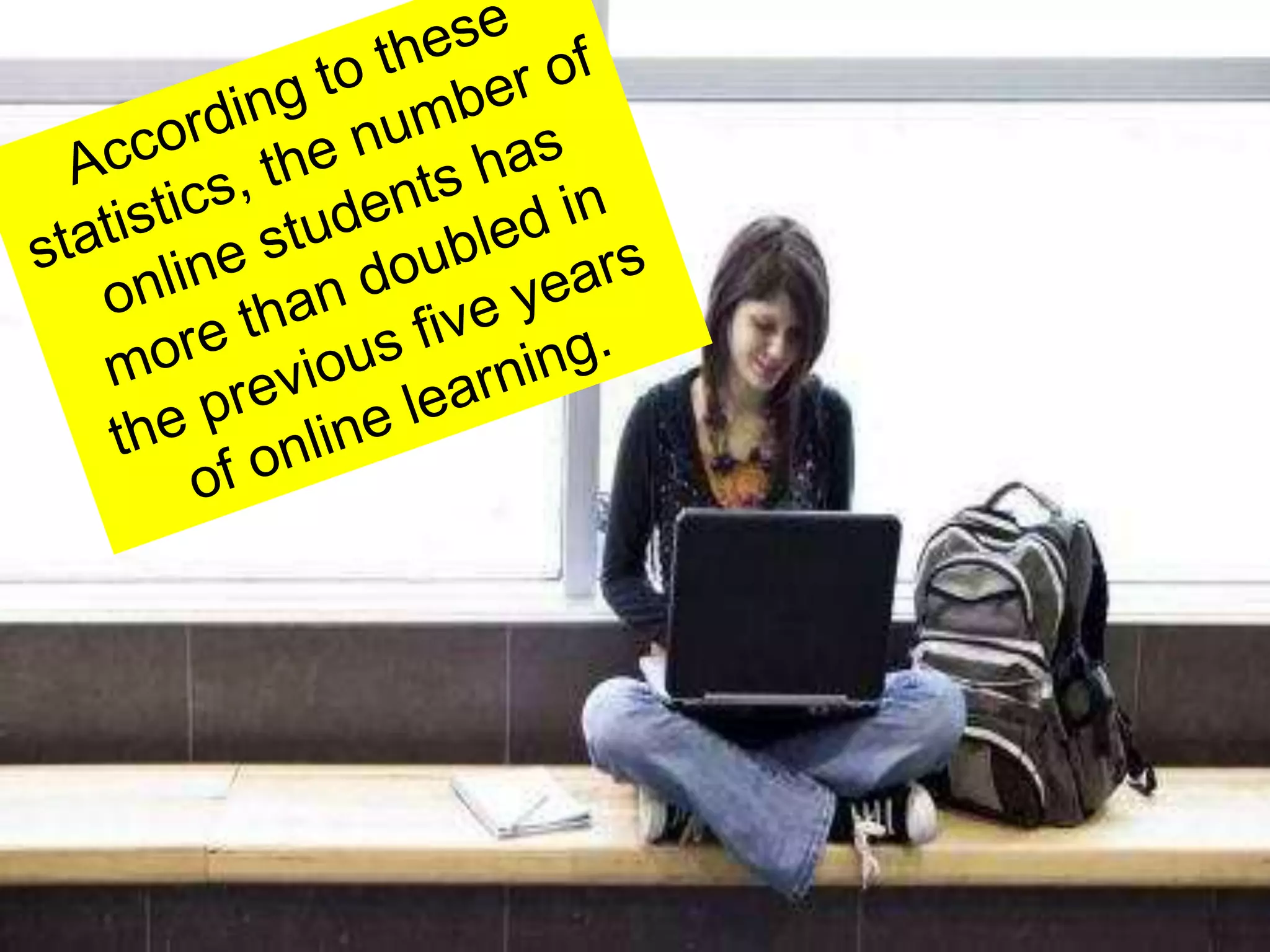
According to these statistics, the number of online students has more than doubled in the previous five years of online learning.
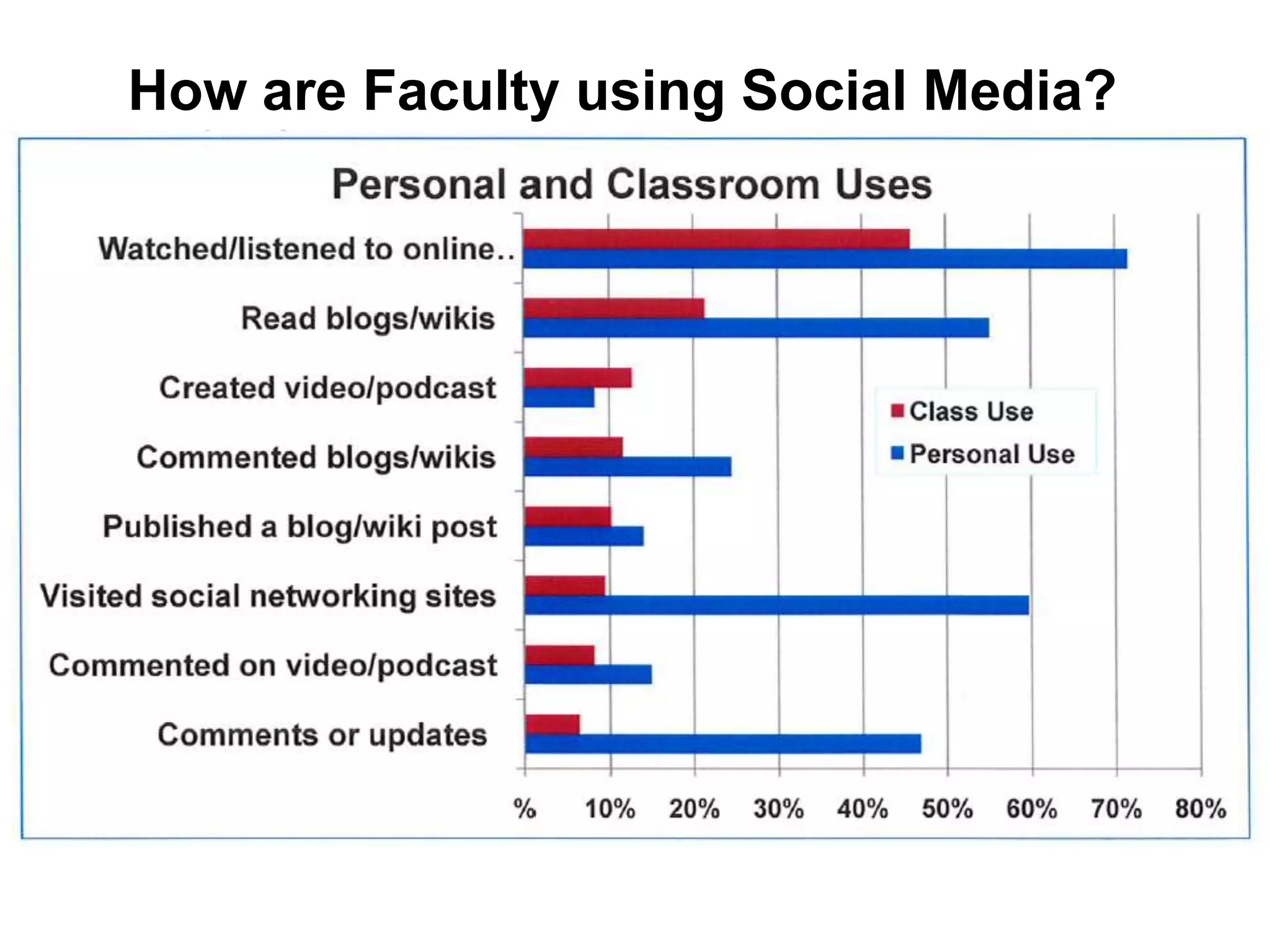
How are Faculty using Social Media?
Over 400 million users on Facebook with over 50% logging in at least once per day.
As of February 2010, in the US alone, 108 million users at a growth rate of around 5 million users per month
The average Facebook user spends more than 55 minutes per day on the site
71% of U.S. web users have Facebook accounts
Why Should You Use it in your course?
“One benefit of Facebook is that, unlike course-management systems such as Blackboard, students already know how to use it”Denise Knowles, Web-application Specialist, Los Medanos College
Companies use Facebook to connect with future employees, so you can help students learn appropriate Facebooketiquette
How to Use itReal time chat ability with students who may have questionsClass page where students can get information and hold a discussion with other students
Fantasy Stock Exchange
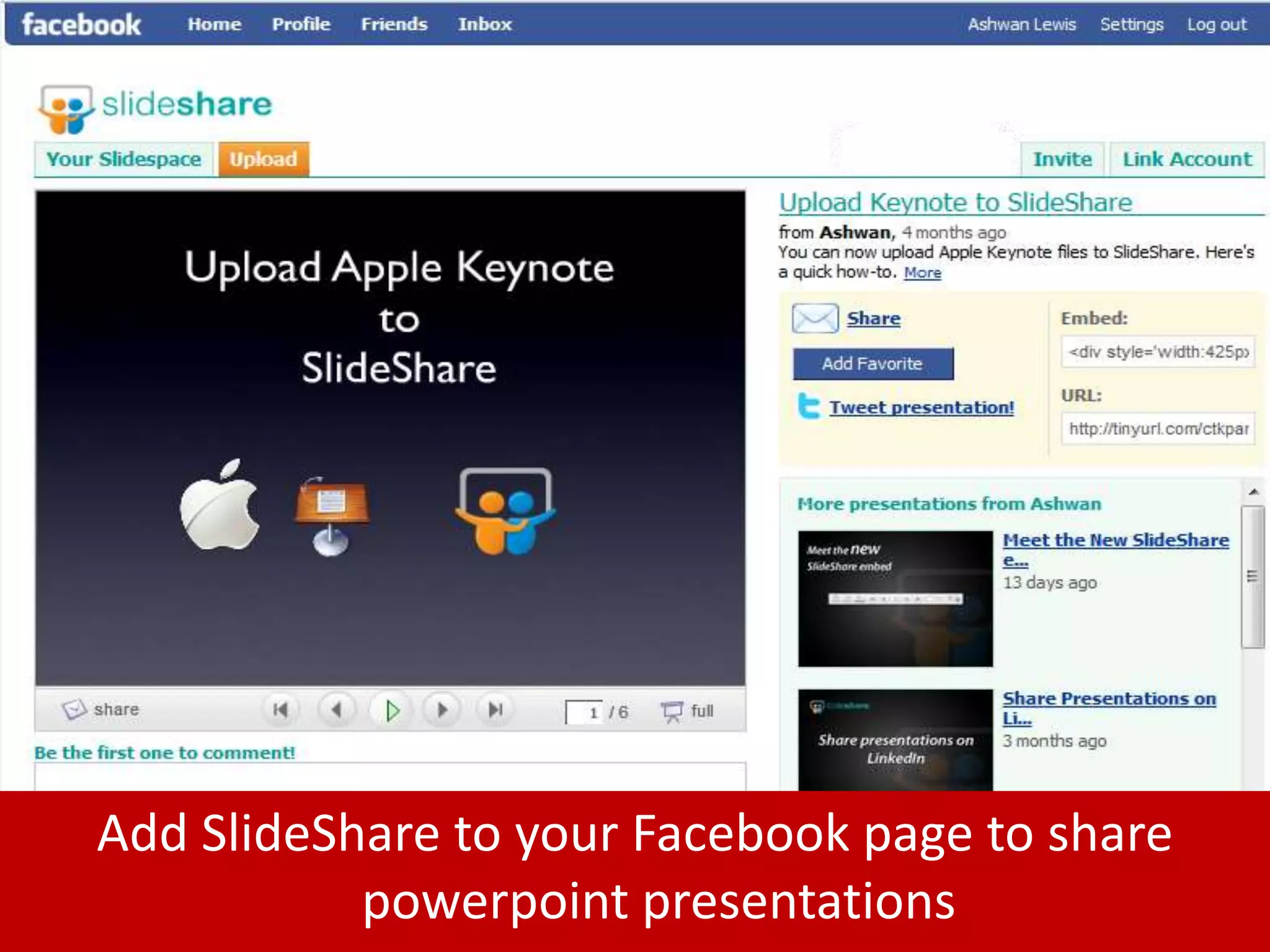
Add SlideShare to your Facebook page to share powerpoint presentations
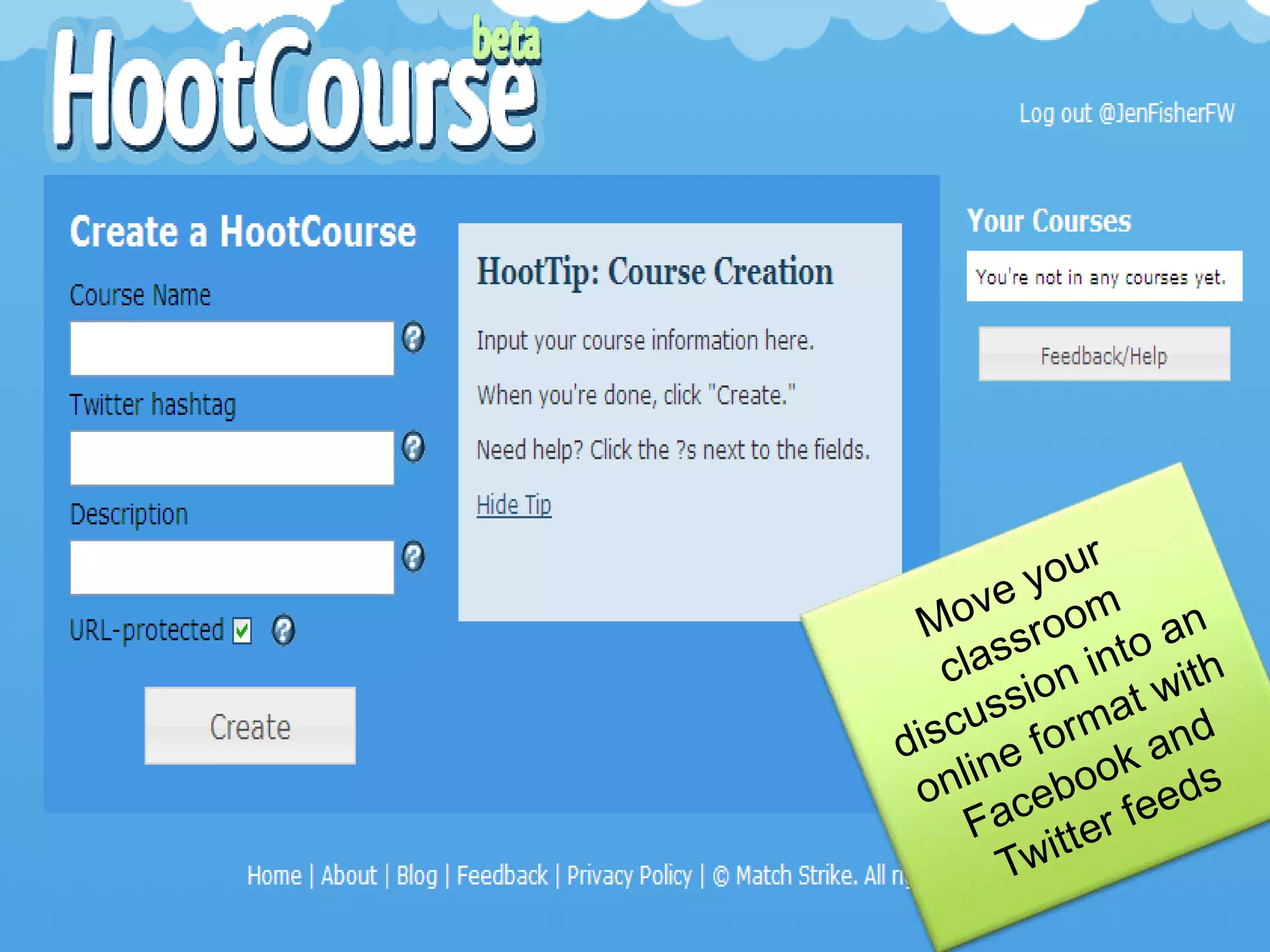
Move your classroom discussion into an online format with Facebook and Twitter feeds
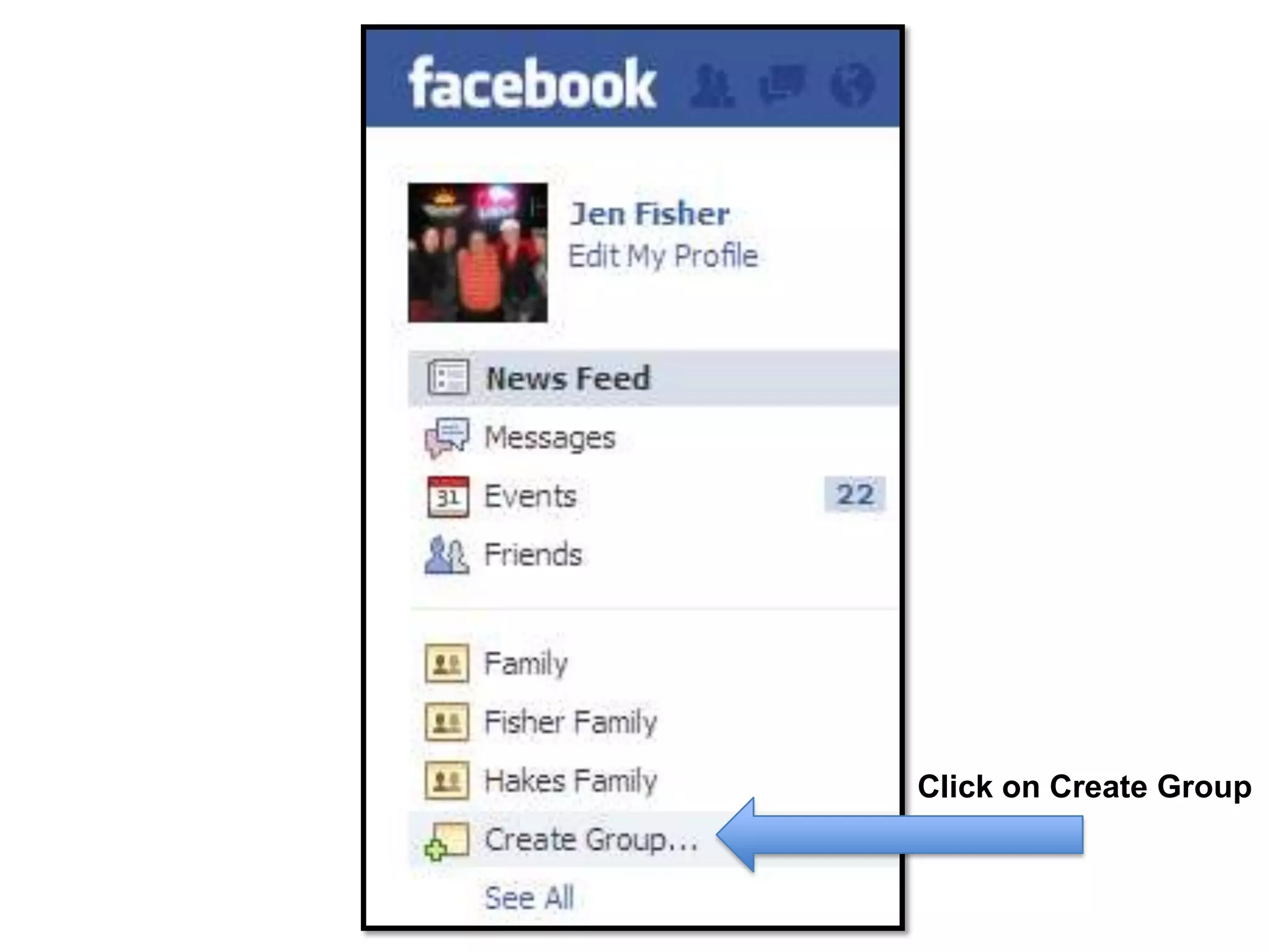
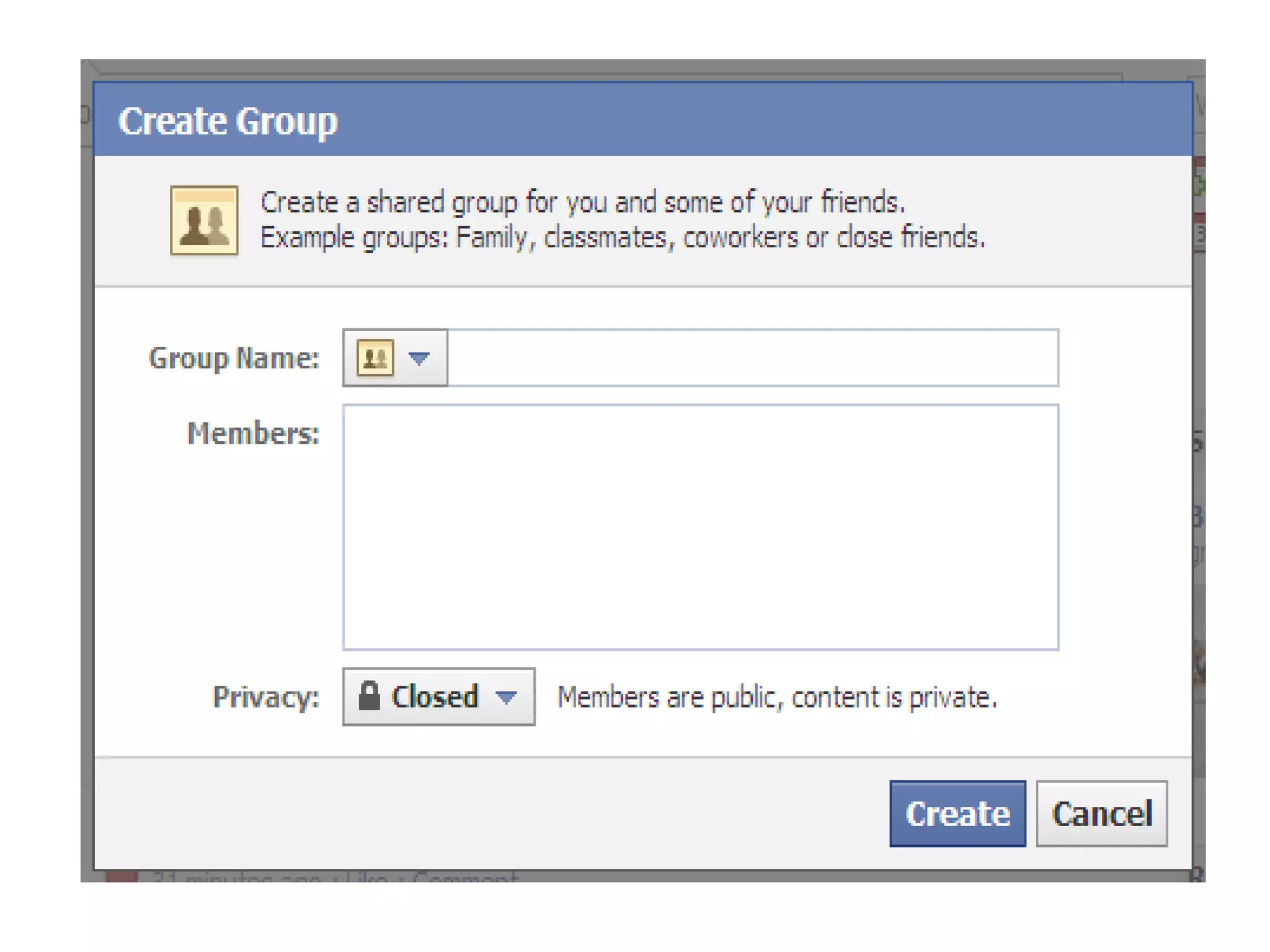
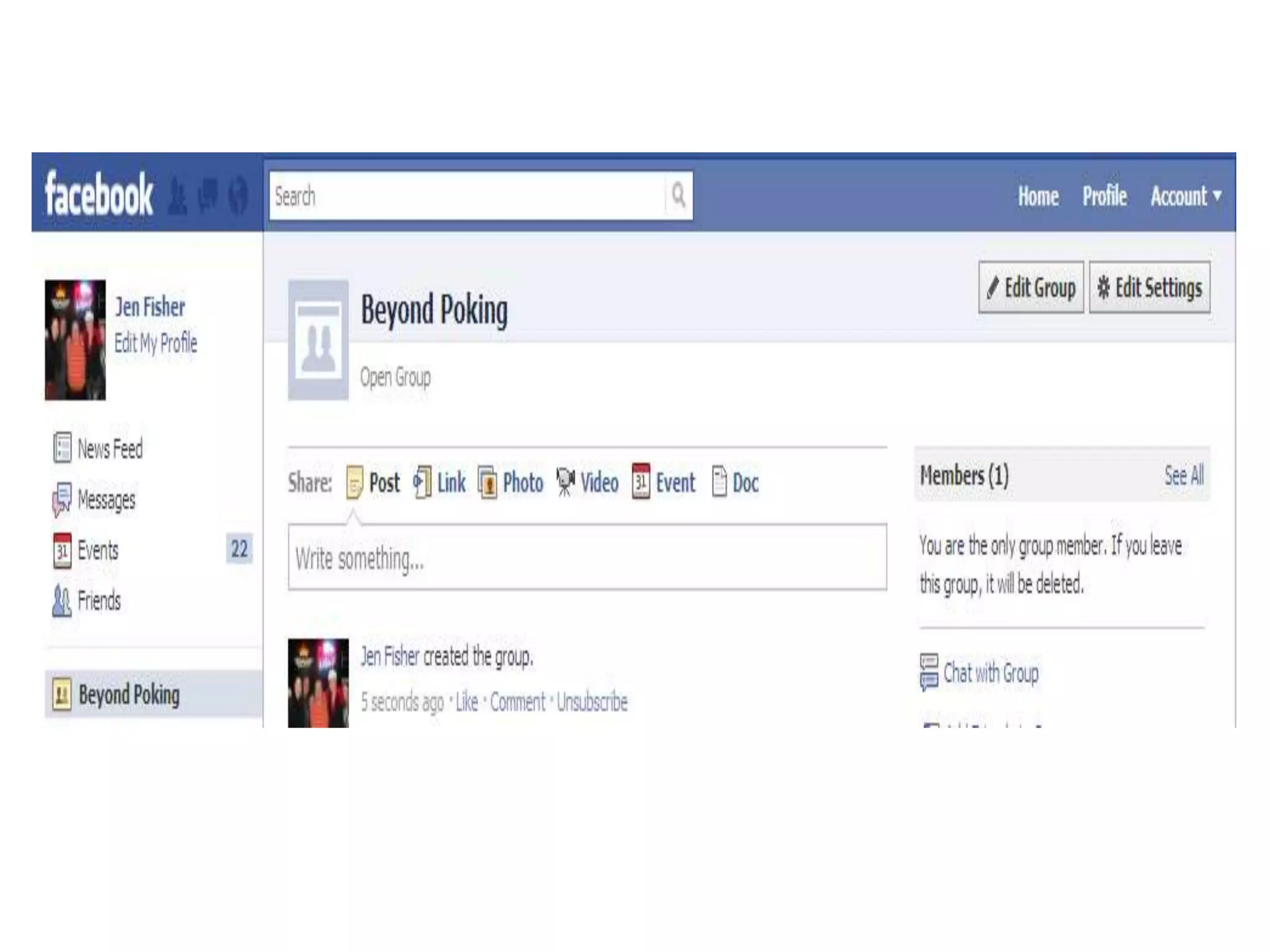
Click on Create Group
Page vs. GroupPages are publicly viewable just like Web sites/groups can restrict access to members onlyPages can have applications on the site/groups cannot use applicationsPage administrators have access to demographic data on fans/groups do notPage administrators can send updates to fans, which appear on fans’ Facebook home pages/groups can send emails to members
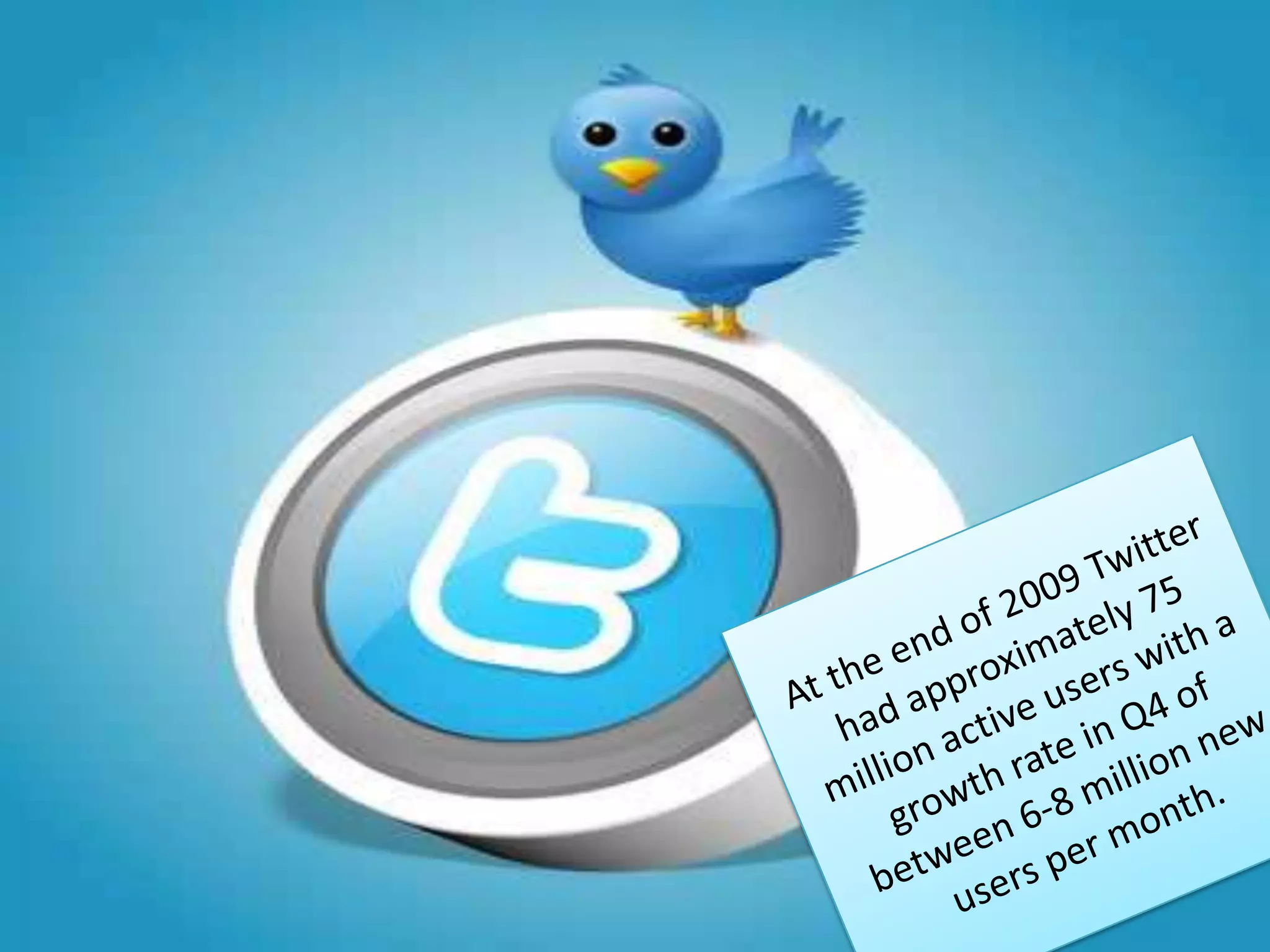
At the end of 2009 Twitter had approximately 75 million active users with a growth rate in Q4 of between 6-8 million new users per month.
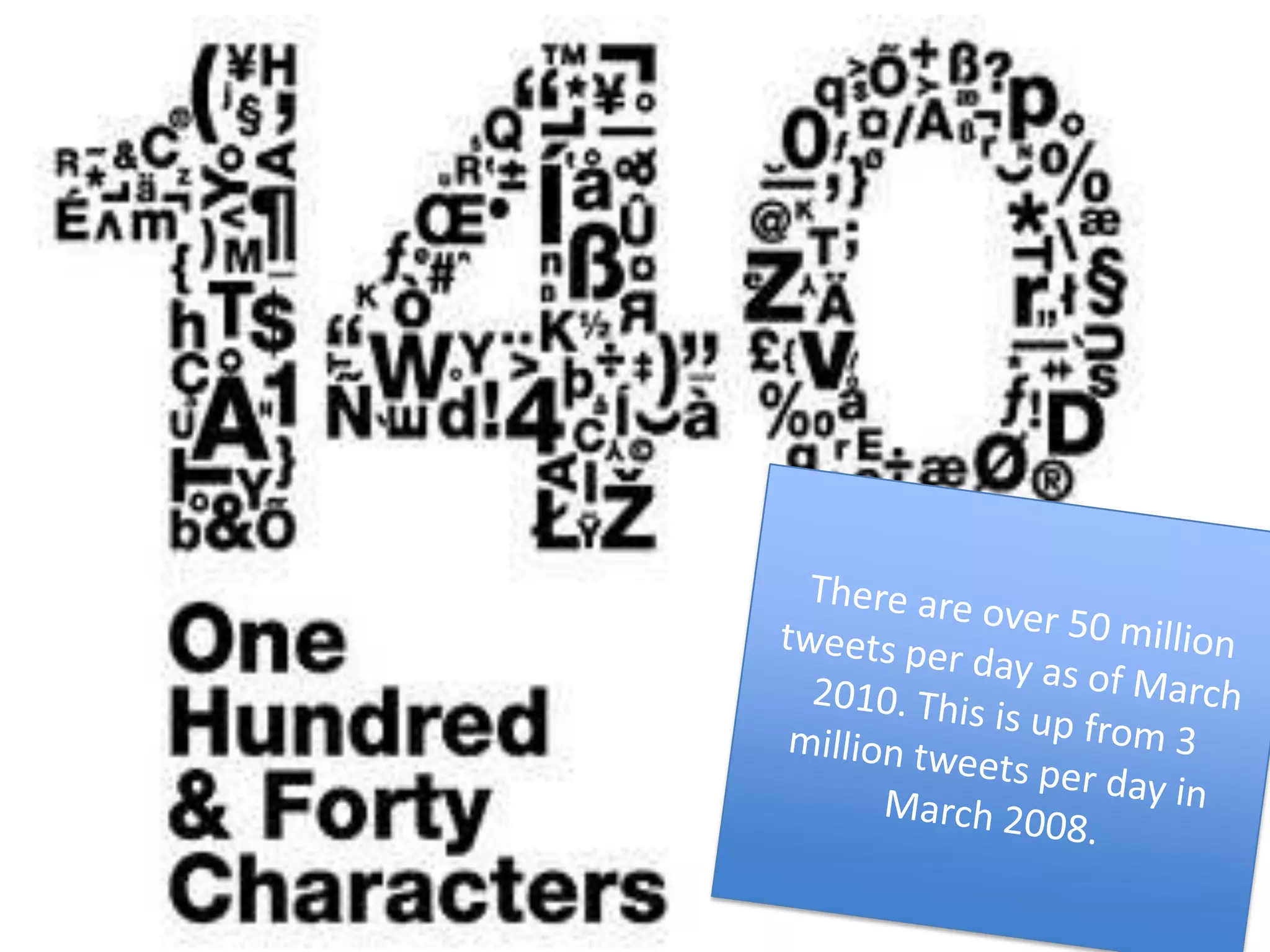
 There are over 50 million tweets per day as of March 2010. This is up from 3 million tweets per day in March 2008.
A social networking & micro-blogging siteMore than 200 million users tweeting 70 million times a dayText-based posts of no more than 140 charactersLaunched in July 2006Sometimes described as the “SMS of the Internet”
Users can group posts together by topic or type by use of hashtags — words or phrases prefixed with a #.  Similarly, the @ sign followed by a username is used for mentioning or replying to other users.
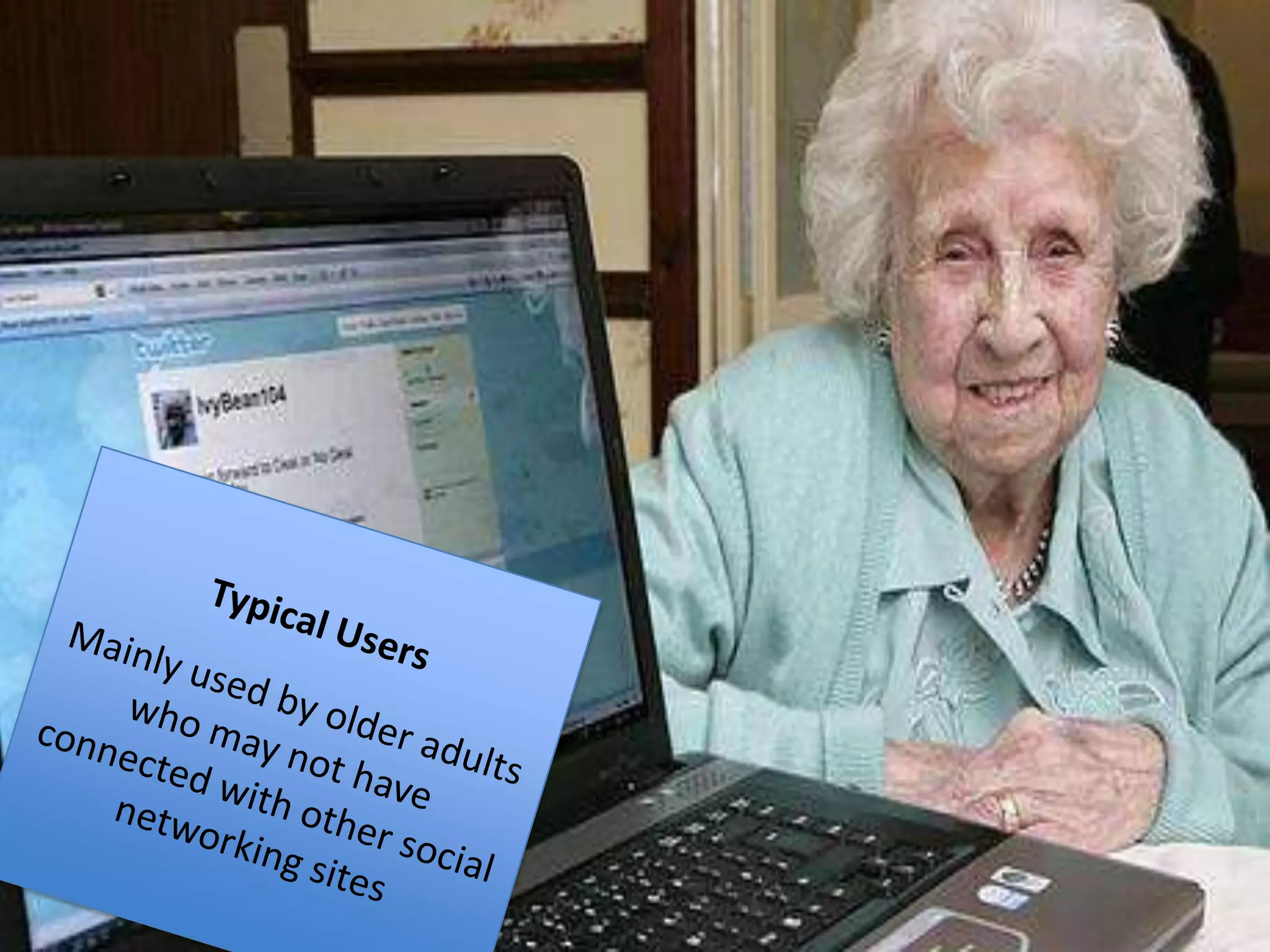
Typical UsersMainly used by older adults who may not have connected with other social networking sites
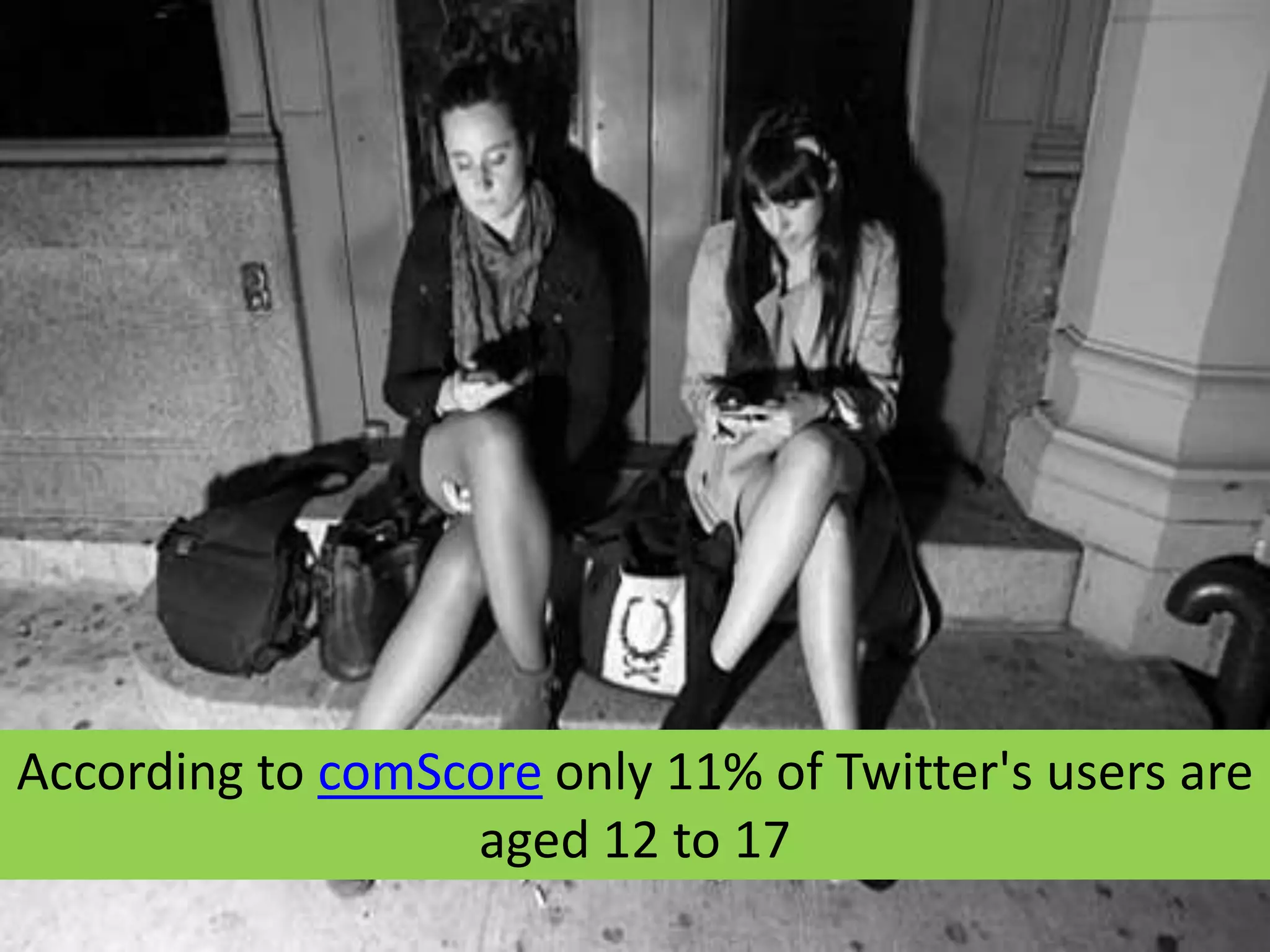
According to comScore only 11% of Twitter's users are aged 12 to 17
On YouTube alone, there are over 1 billion views per day.
There are 20 hours of video uploaded every minute. That’s the equivalent of 130,000 full-length Hollywood movie releases every single week.On You Tube alone, there are over 1 billion views per day.
There are 20 hours of video uploaded every minute. That’s the equivalent of 130,000 full-length Hollywood movie releases every single week.There are 20 hours of video uploaded every minute.  That’s the equivalent of 130,000 full-length Hollywood movie releases every single week.
YouTube is the #2 search engine in the world. Approximately 82% of Internet users in the USA view videos online.
More than 50 million usersFirst activated in February 2005 by early employees of PaypalBy July 2006, 100 million video clips were viewed daily, with an additional 65,000 new videos uploaded every 24 hours
YouTube application examples:Moebius Transformations RevealedUniversity of Minnesota: 1.5 million viewersIntestinal Fortitude –From Flying Spaghetti to Donut University of Minnesota: 1500 viewers
There are over 60 million registered users on LinkedIn with about 100,000 new users per week.
 LinkedIn is a professional networking site designed to help you connect with alumni and other professionals in industries and organizations that relate to your career and academic interests.
 Think of LinkedIn as a professional Facebook. LinkedIn is a place to share interests, ask questions, and network with professionals from a wide range of job titles and industries.
How Can You Use LinkedIN?
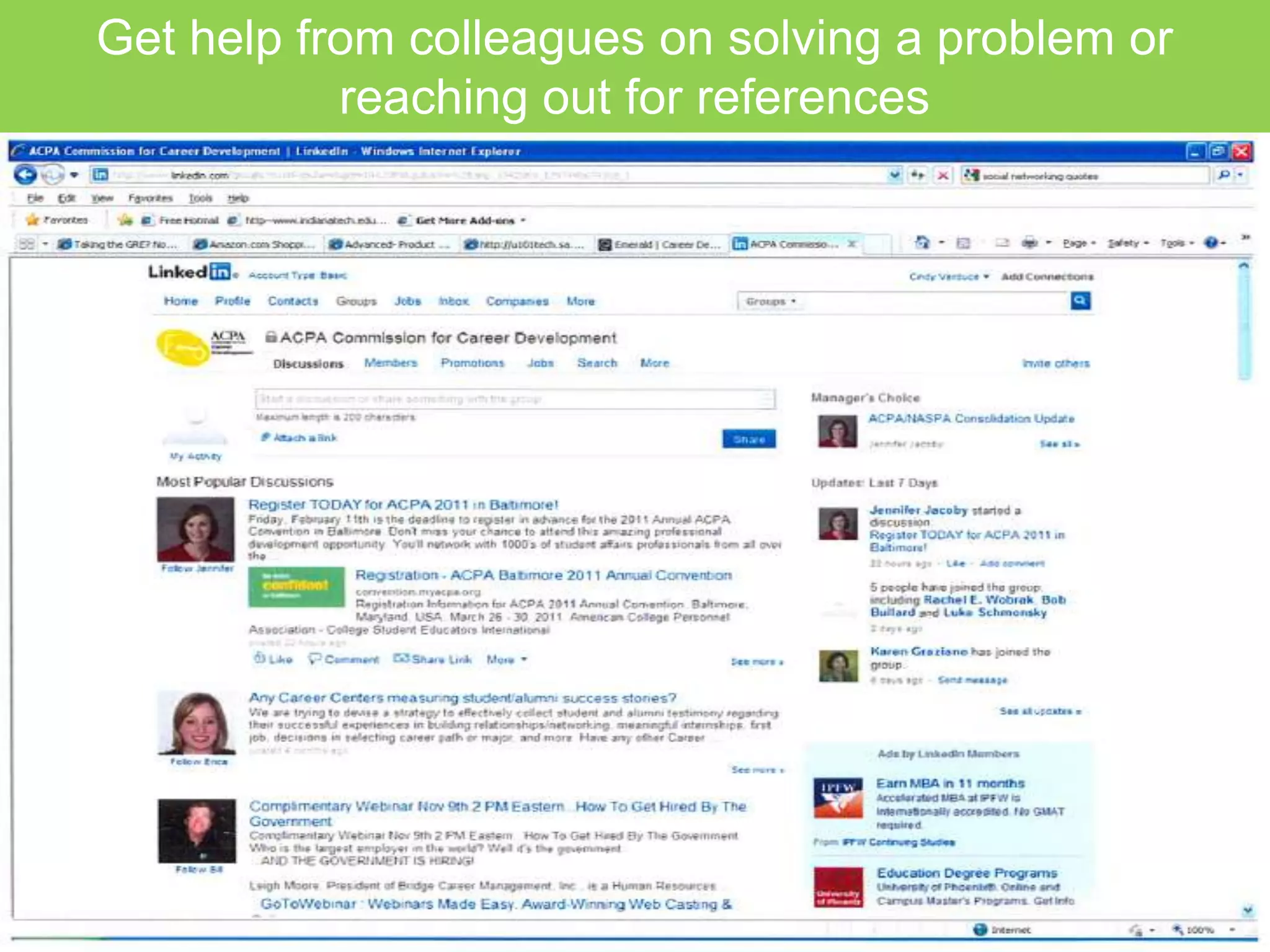
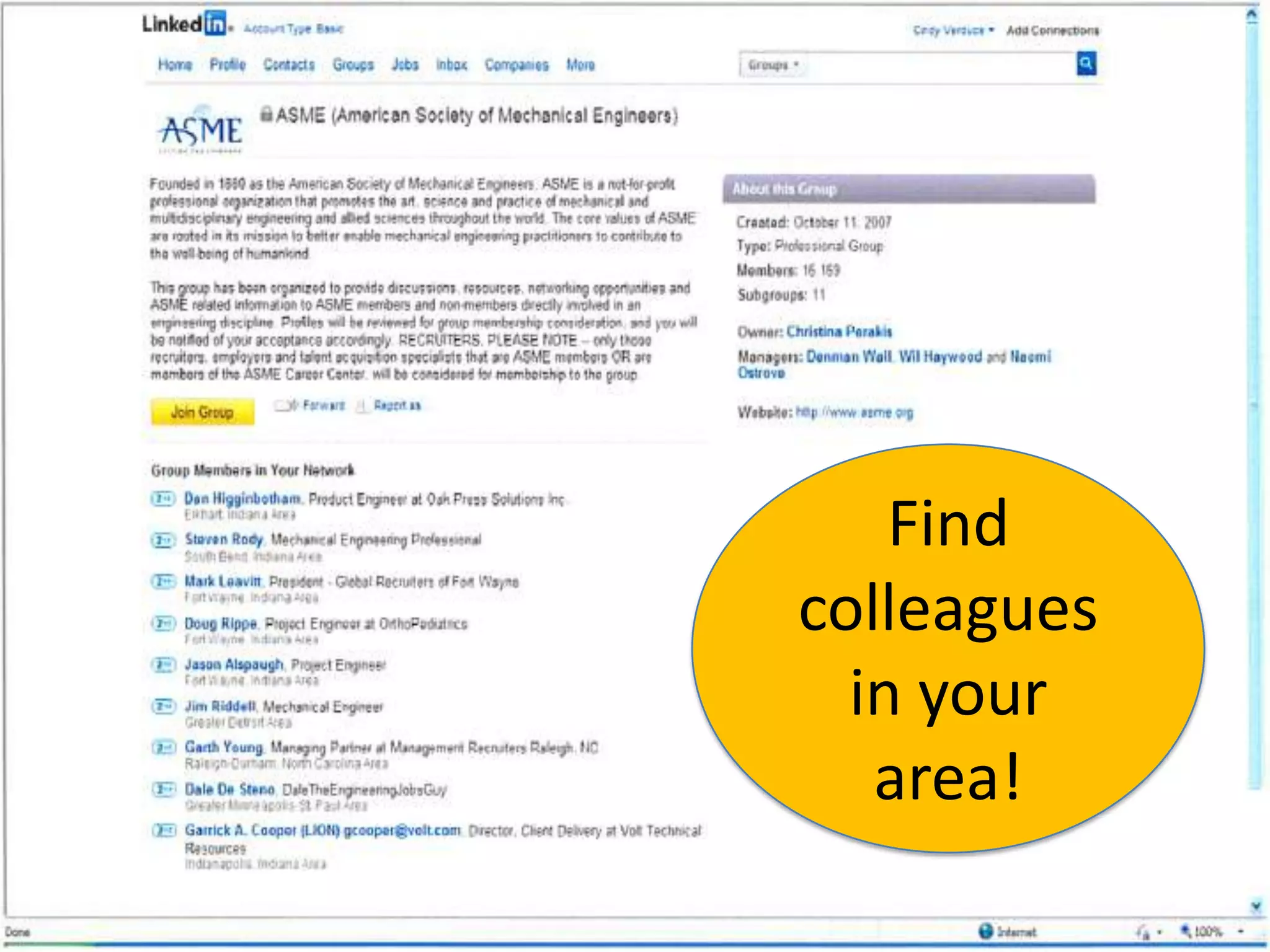
Get help from colleagues on solving a problem or reaching out for references
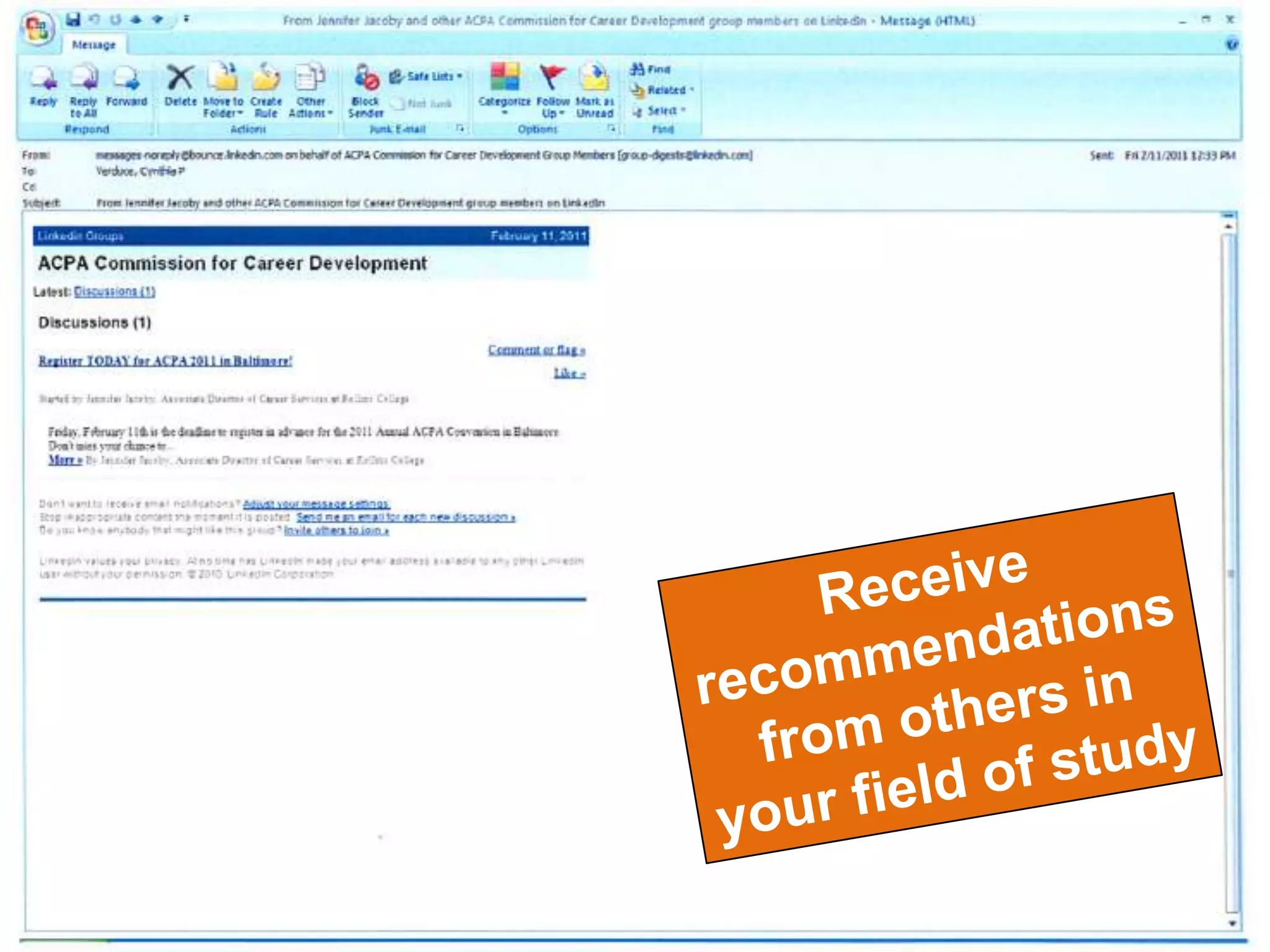
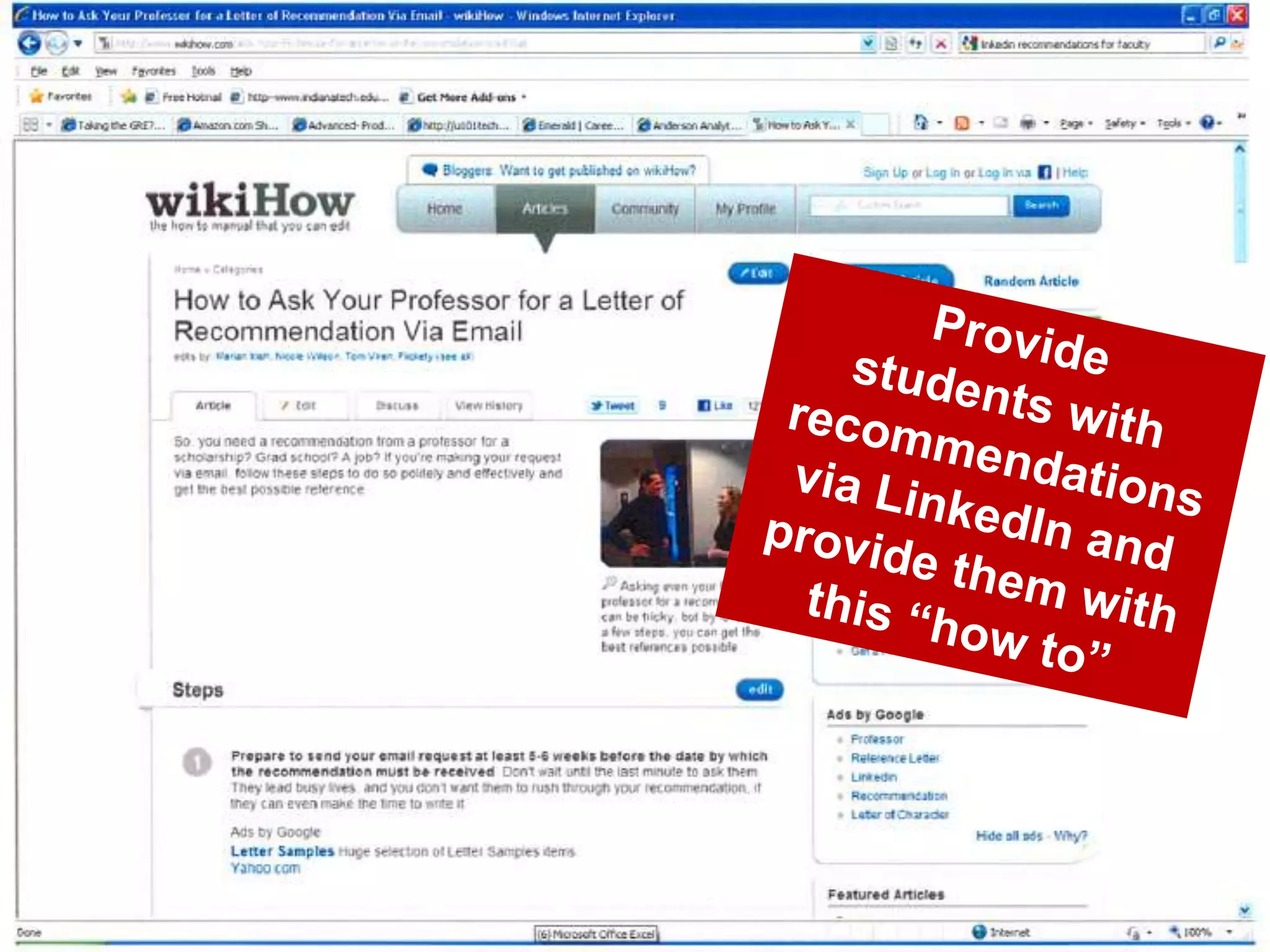
Receive recommendations from others in your field of study
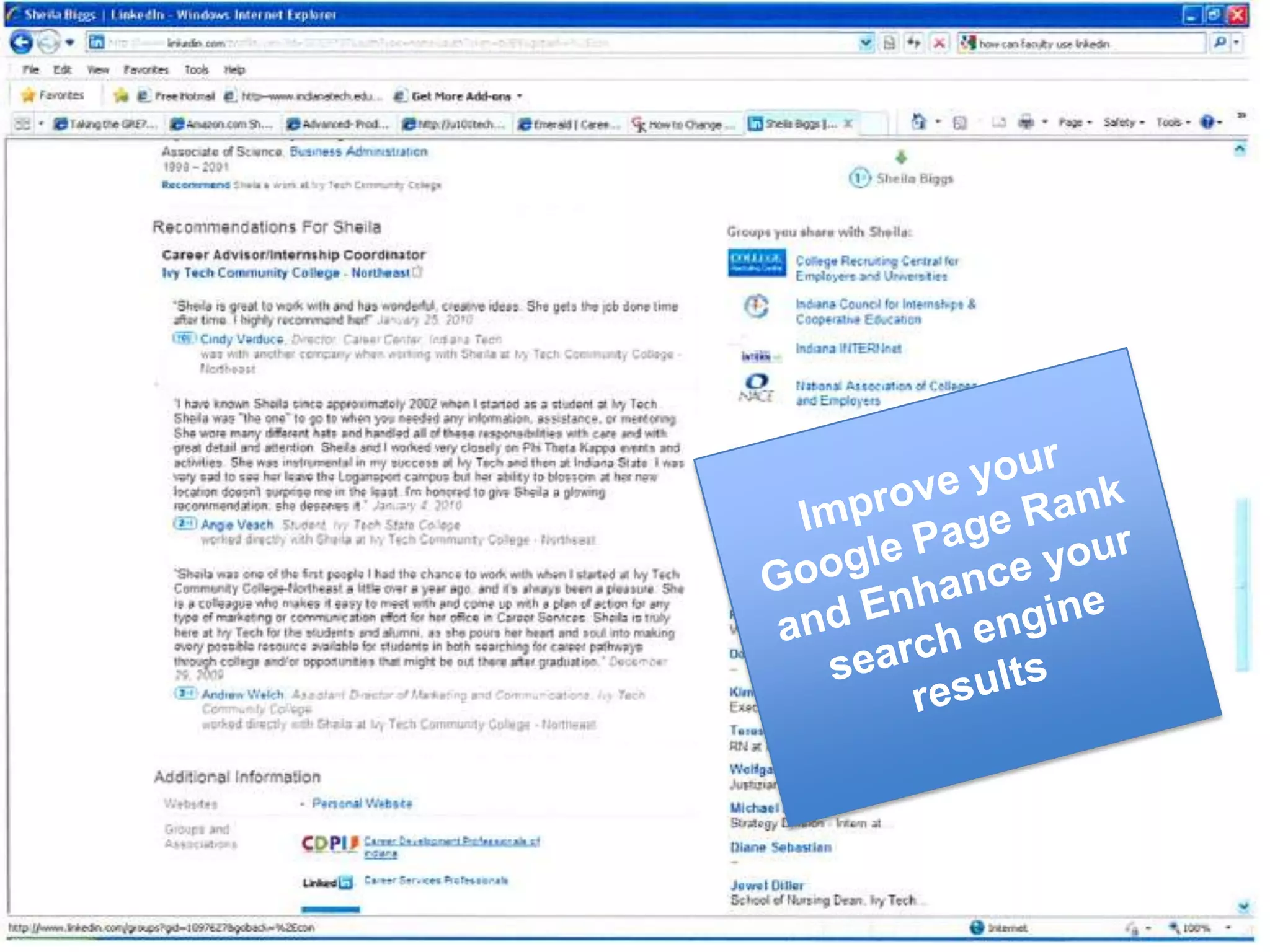
Improve your Google Page Rank and Enhance your search engine results
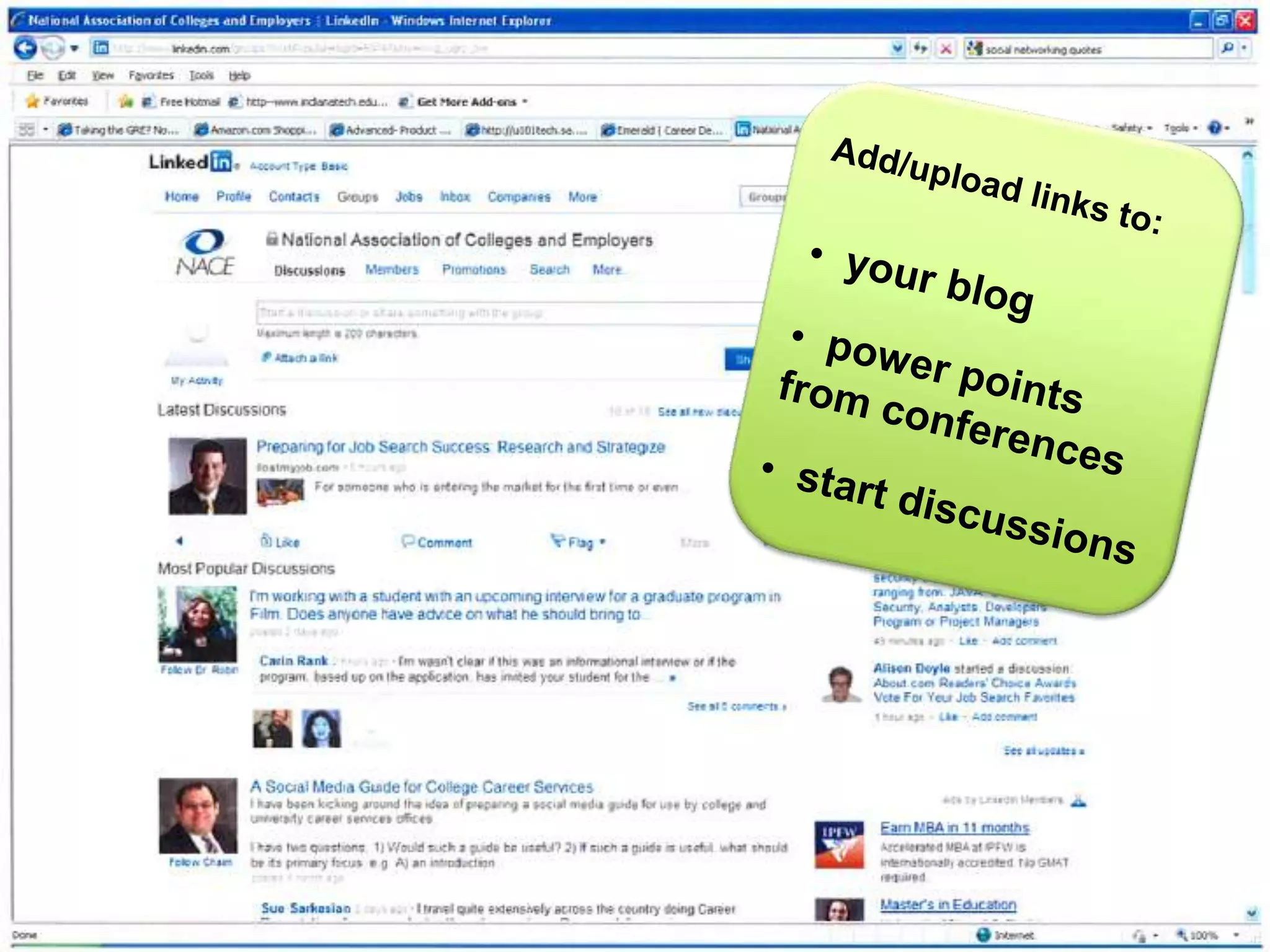
Add/upload links to:   your blog
  power points from conferences
  start discussionsProvide students with recommendations via LinkedIn and provide them with this “how to”
Find colleagues in your area!
How Should your Students useLinkedIN?
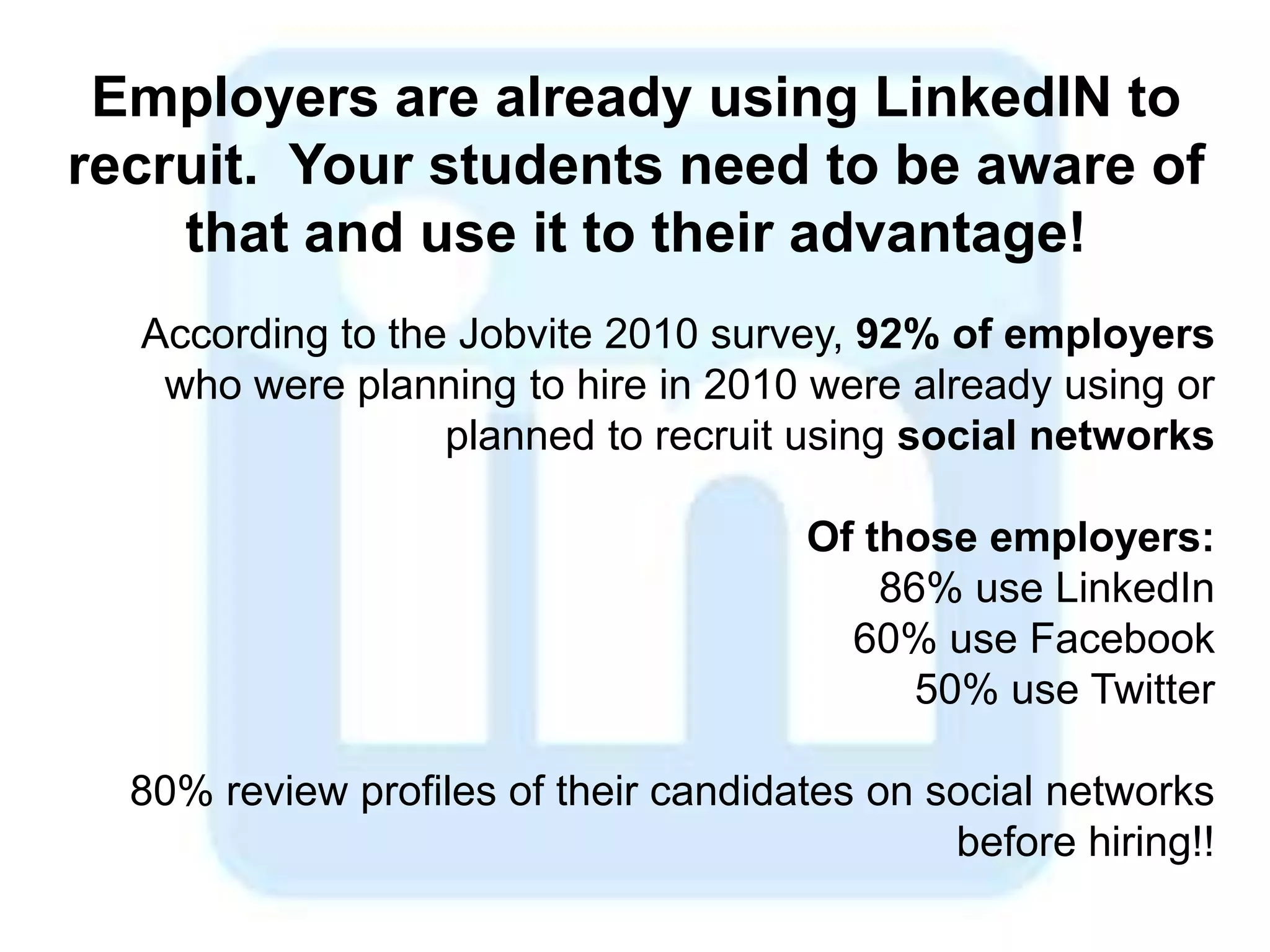
Employers are already using LinkedIN to recruit.  Your students need to be aware of that and use it to their advantage!According to the Jobvite 2010 survey, 92% of employers who were planning to hire in 2010 were already using or planned to recruit using social networksOf those employers:86% use LinkedIn60% use Facebook50% use Twitter80% review profiles of their candidates on social networks before hiring!!
Recruiting online…Studies indicate that LinkedIn is the most successful social network, both in usage, and also in the number of hires successfully made!
For you and students remember the following…Don’t say yes to an invitation from someone you don’t knowDon’t send invitations to people who don’t know youComplete your profile and add information about your backgroundRemember your etiquette, say please and thank you!Contribute to discussions and make the most out of your profile
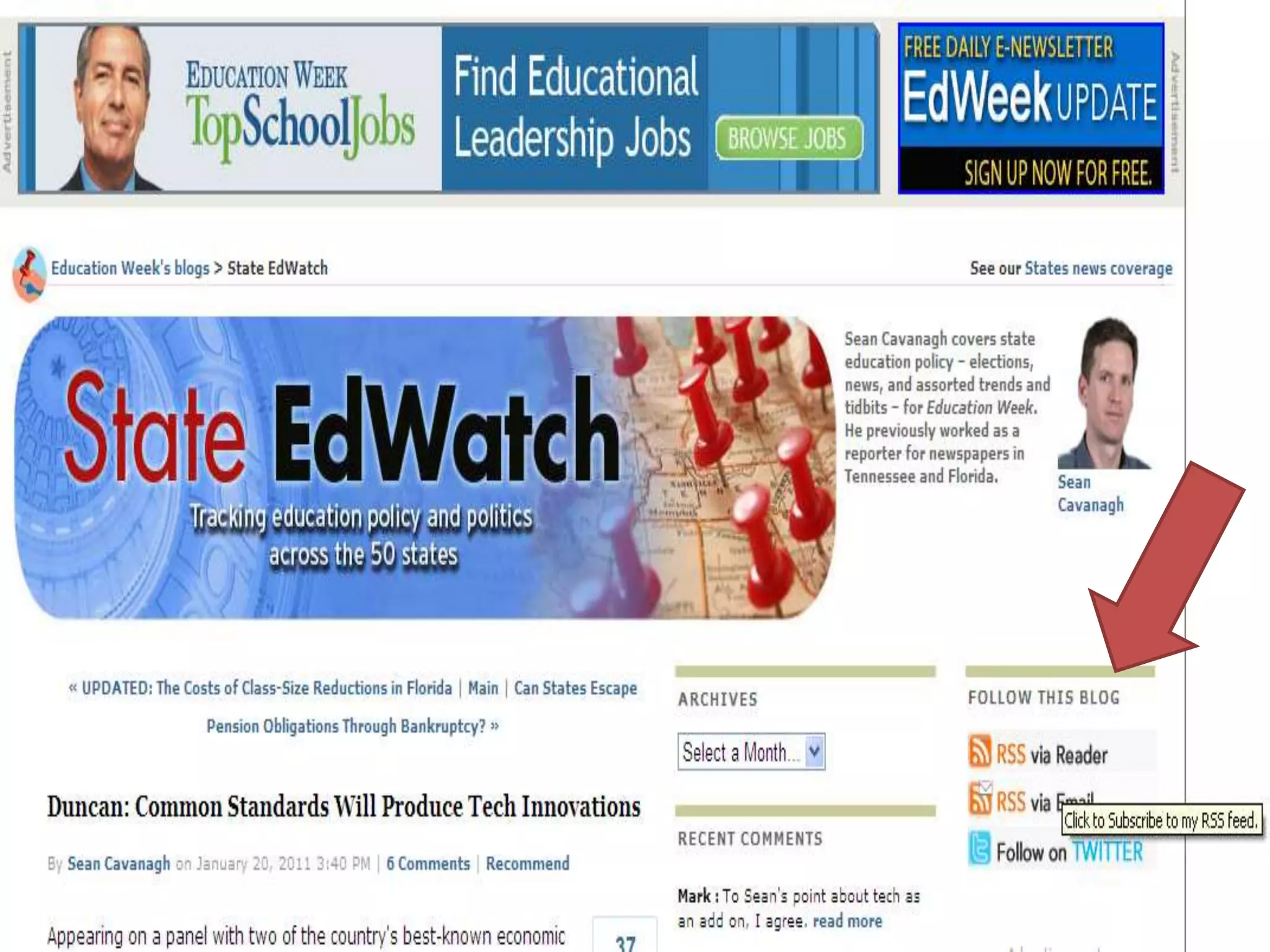
Means “Really Simple Syndication”Benefits readers in knowing when sites are updated with new information or posts
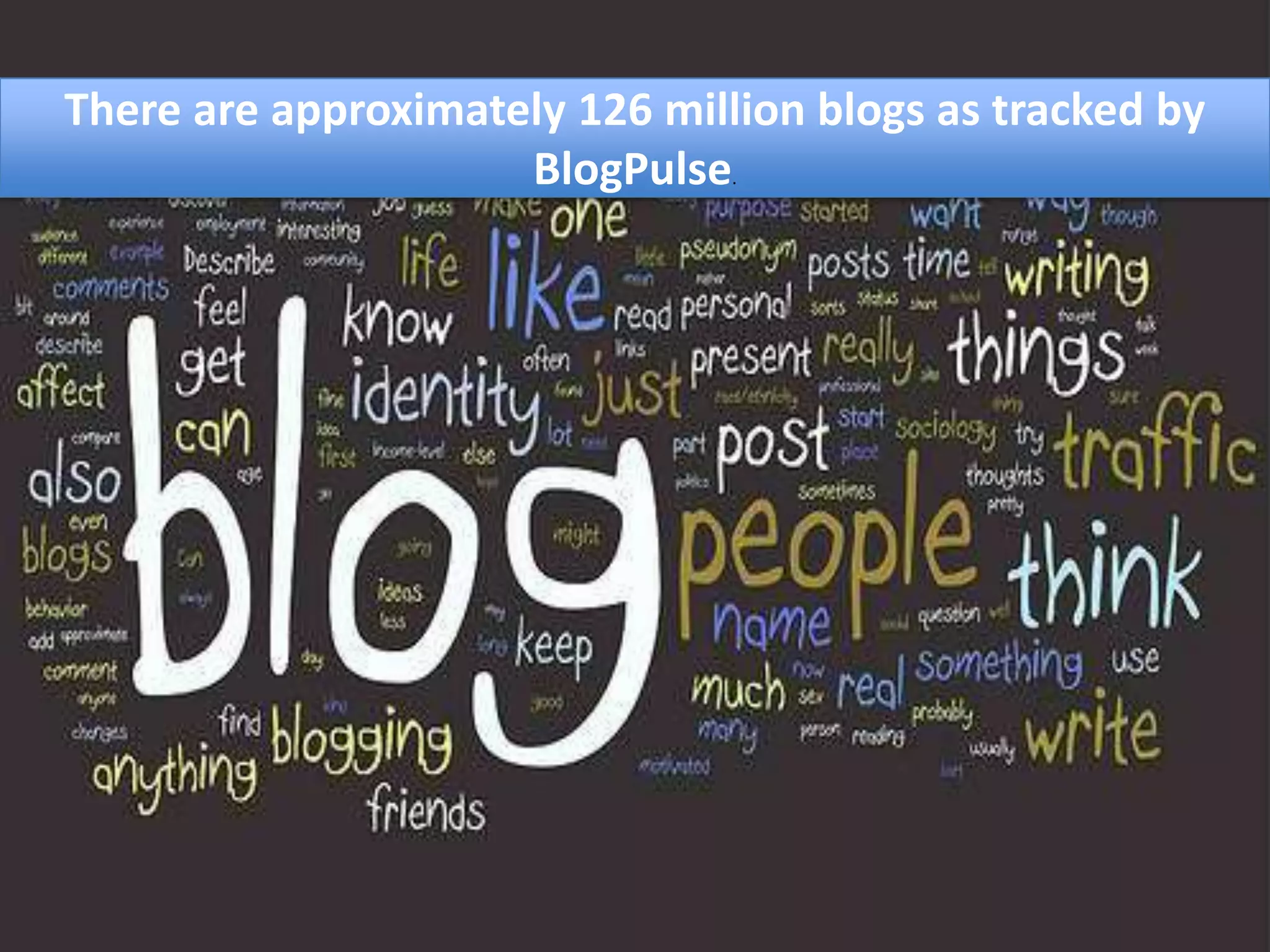
There are approximately 126 million blogs as tracked by BlogPulse.
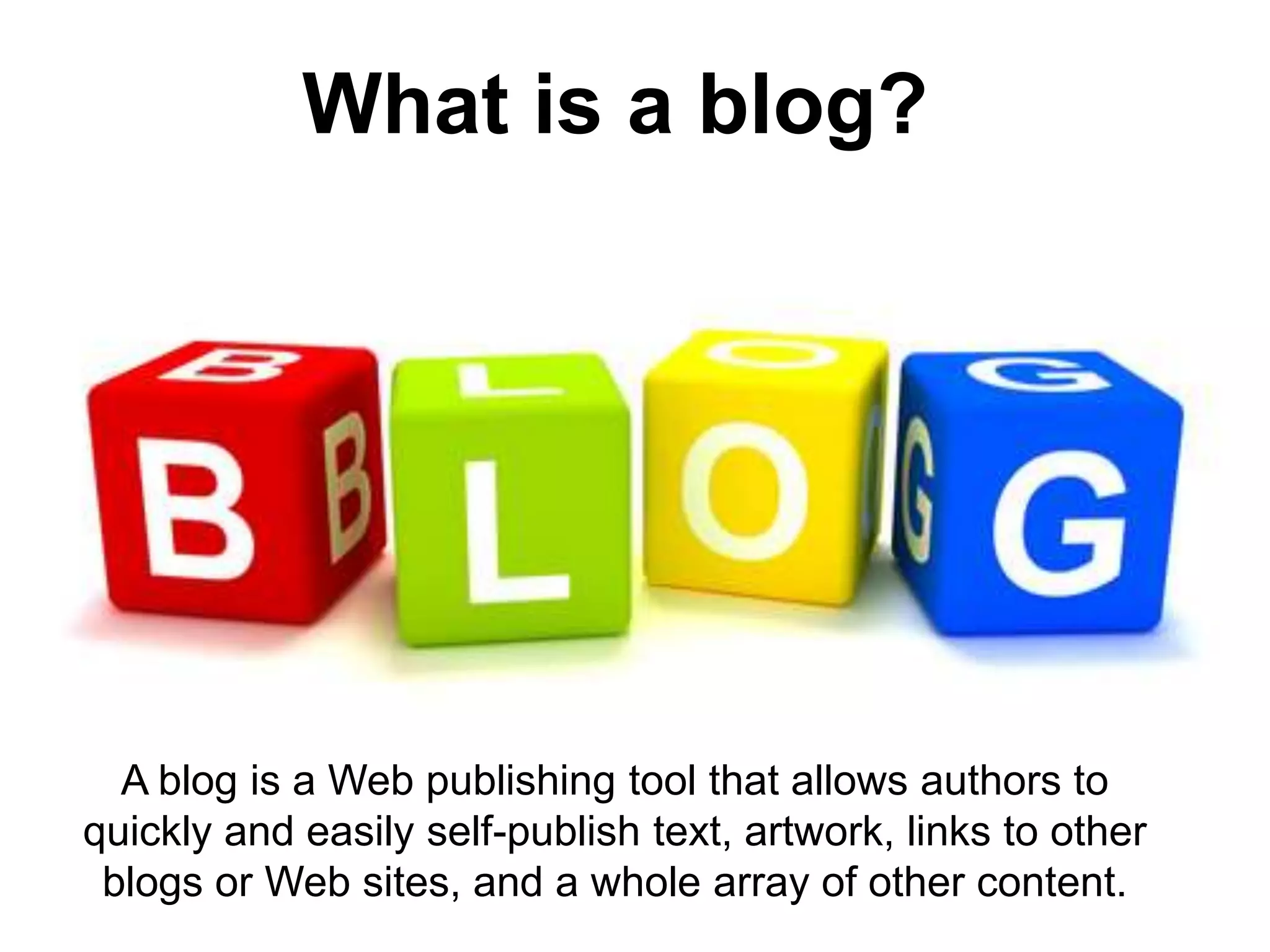
What is a blog?A blog is a Web publishing tool that allows authors to quickly and easily self-publish text, artwork, links to other blogs or Web sites, and a whole array of other content.
How can You Use Blogs?Utilize your expertise in your field of interest to convey information to others
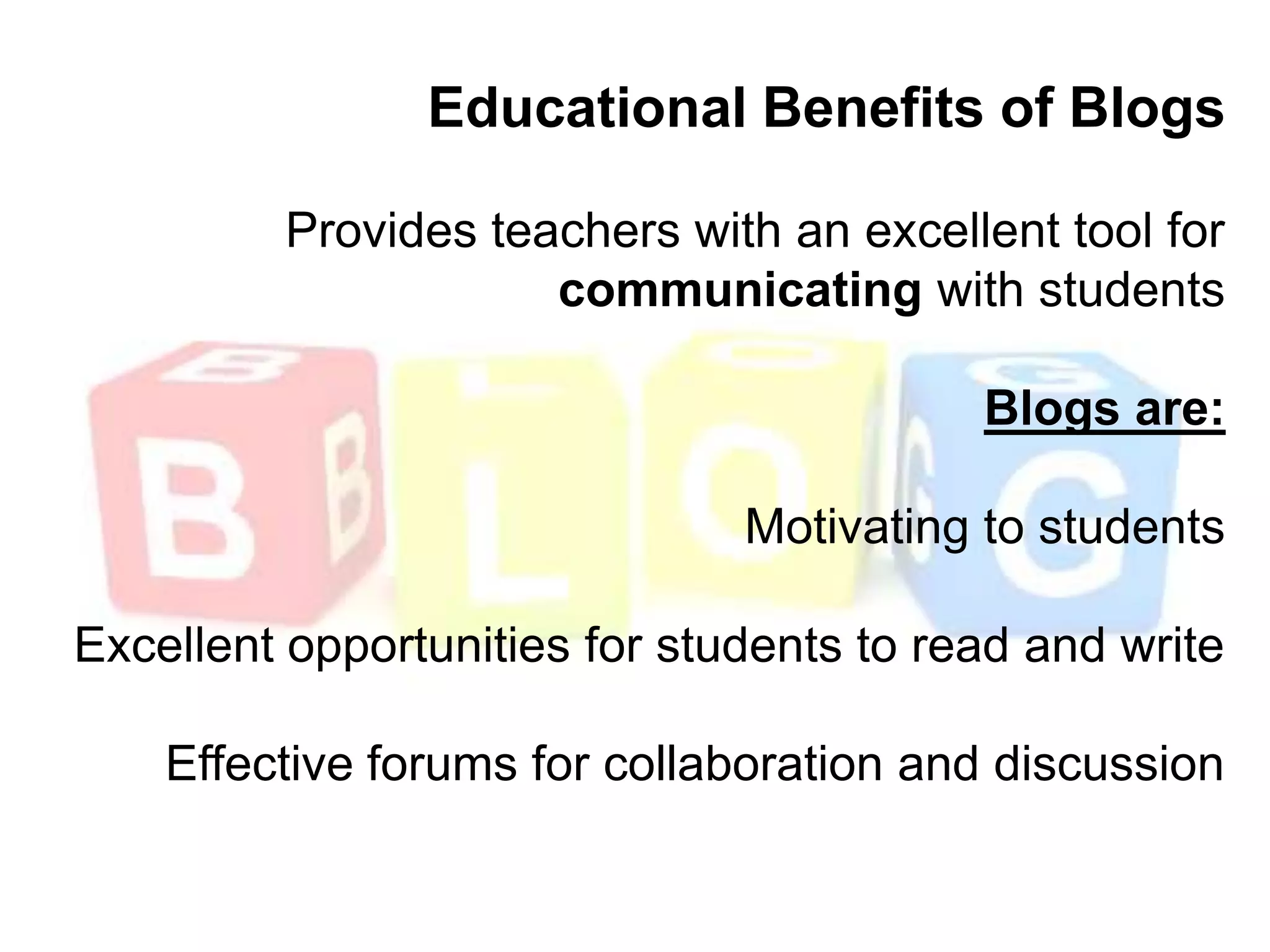
Educational Benefits of BlogsProvides teachers with an excellent tool for communicating with studentsBlogs are: Motivating to studentsExcellent opportunities for students to read and write Effective forums for collaboration and discussion
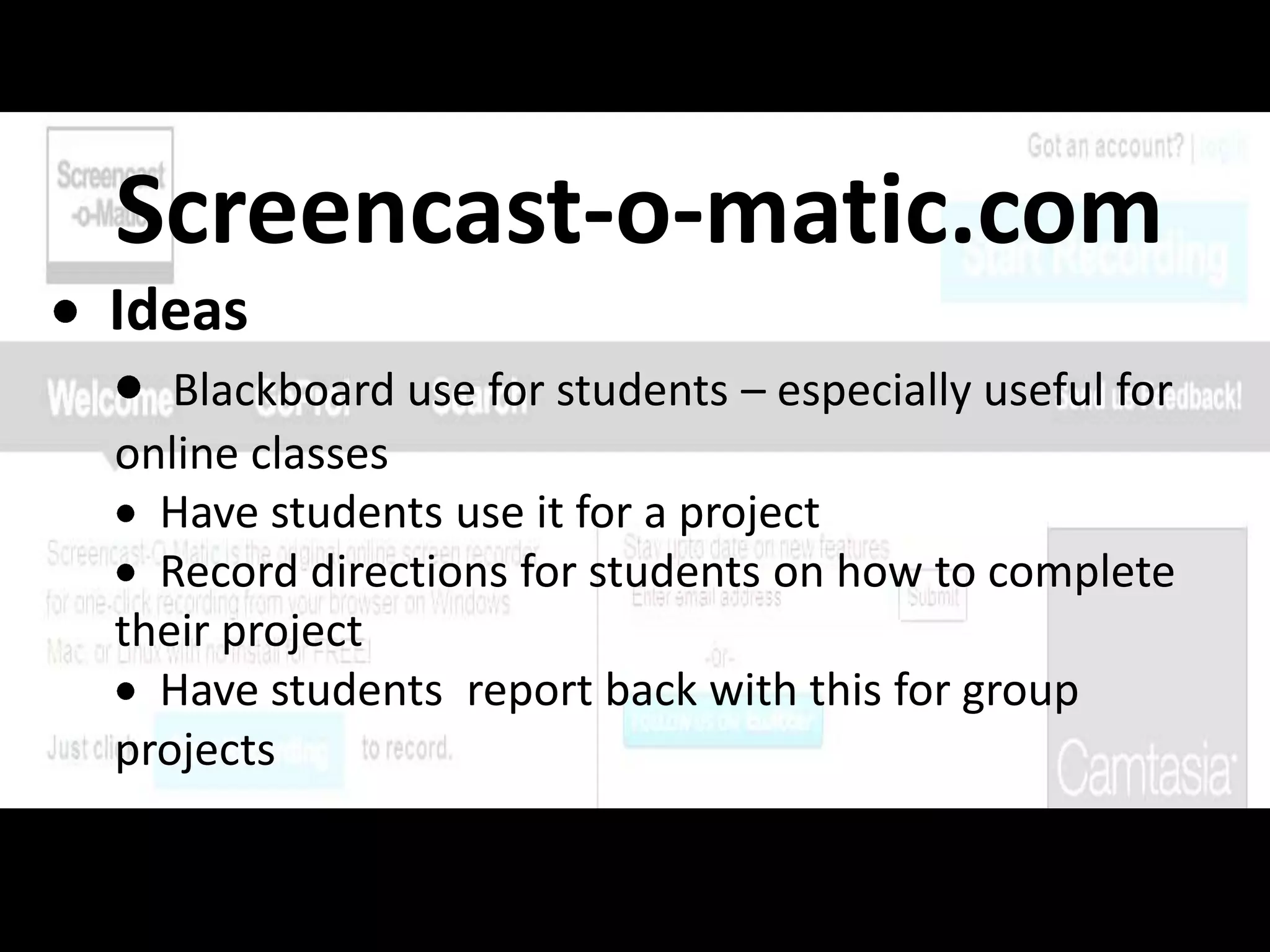
Screencast-o-matic.comIdeas
Blackboard use for students – especially useful for online classes
  Have students use it for a project
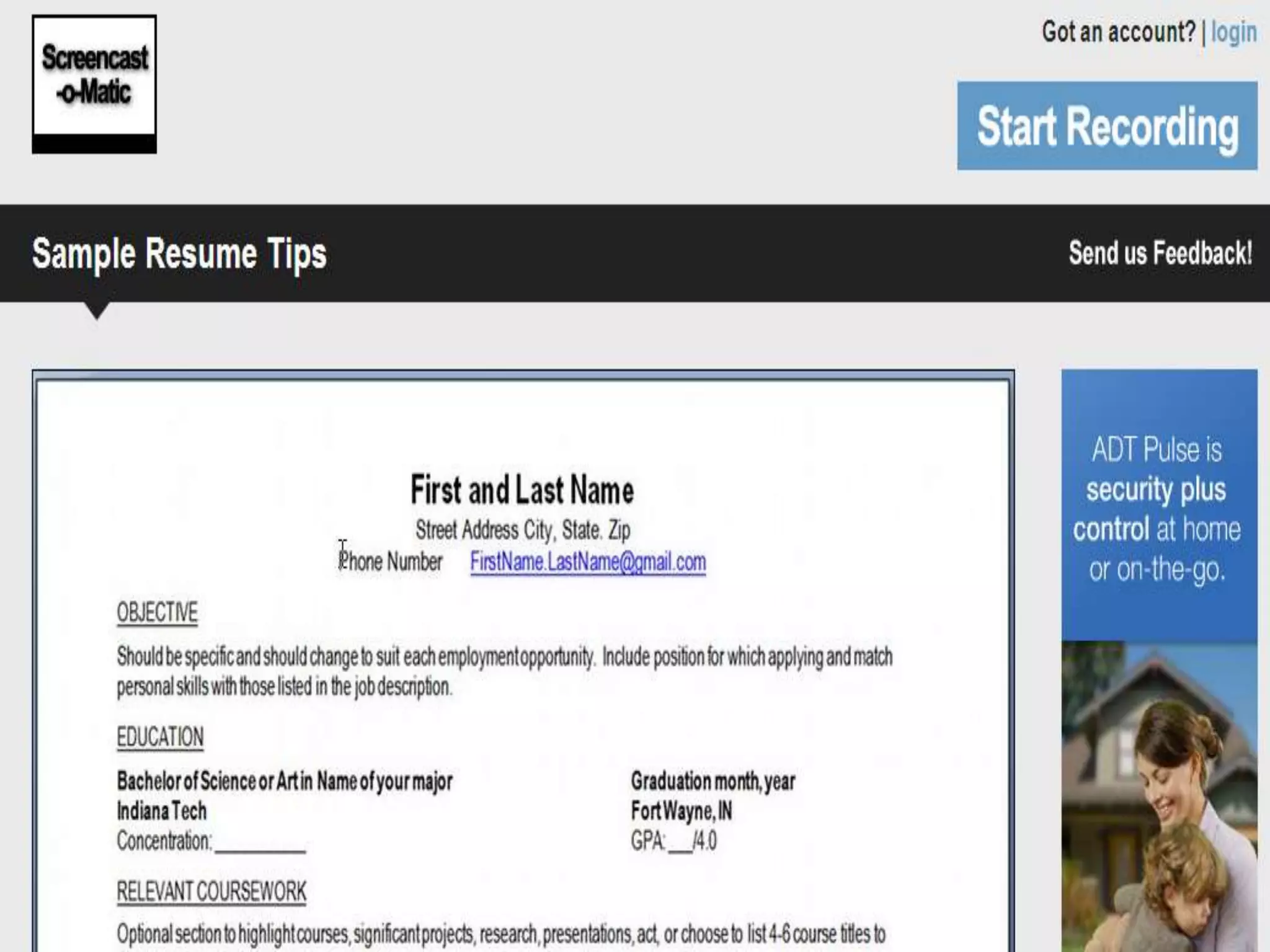
  Record directions for students on how to complete their project
  Have students  report back with this for group projects
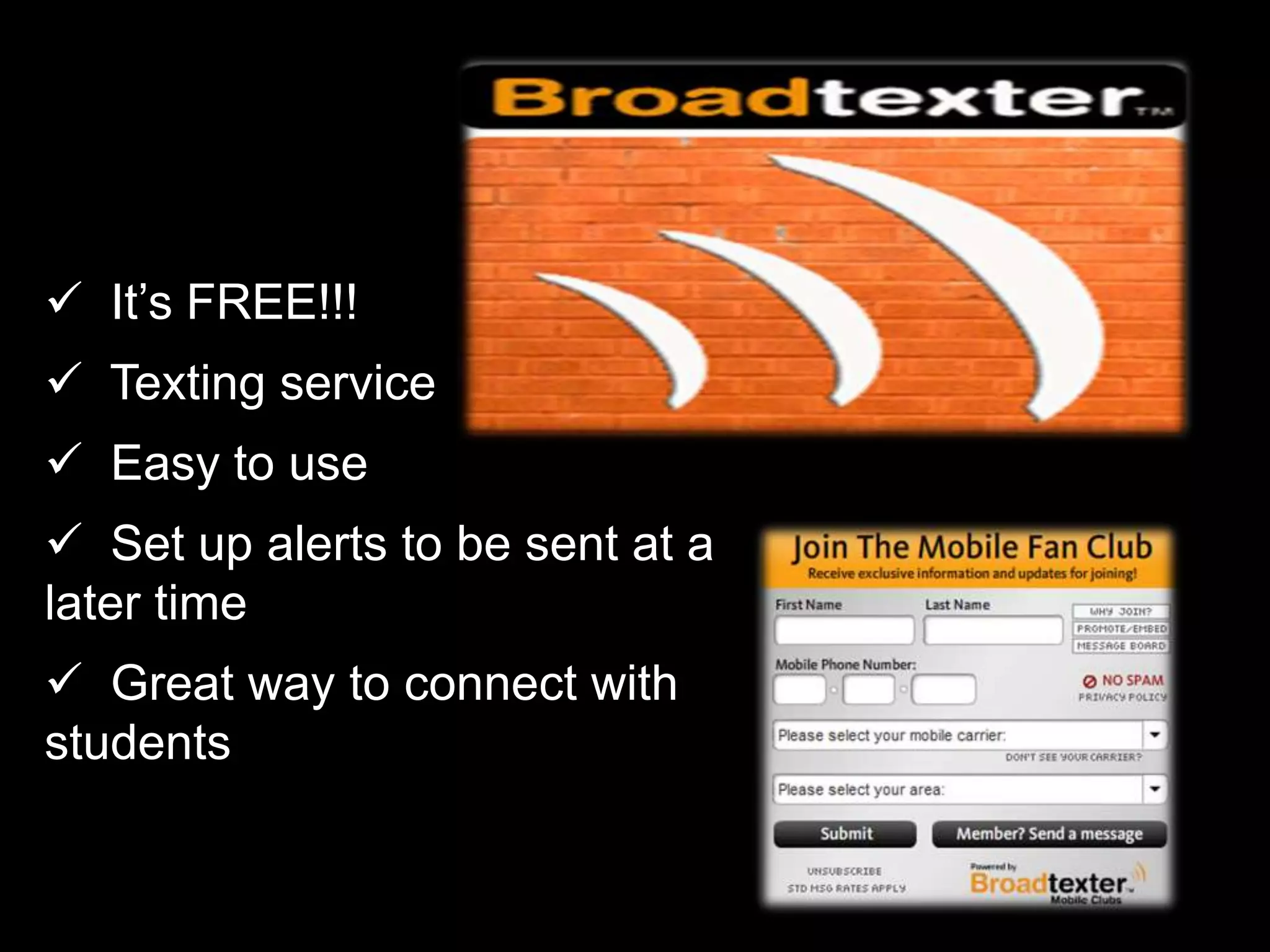
  It’s FREE!!!

Beyond poking and like it

  • 1.
    Beyond “Poking” and“Like It” Professional Applications of Social Media for Faculty and StaffCindy Price VerduceDirector, Learning Support Services and Career Planning & Development, Indiana TechHeatherBurgetteInternship Coordinator/Career Advisor, Indiana TechJennifer FisherGraduate Retention Program Manager, Greater Fort Wayne Chamber of Commerce
  • 2.
    Today’s Goals Articulate to students the attributes of social networking sites for professional, and career success;
  • 3.
    Articulateto students how employers are using social networking in the hiring process;
  • 4.
    Joingroups to interact with individuals who have similar interests, attended similar schools, or who have similar career objectives, and explain to students how to also do soToday’s Goals Start discussions on both Facebook and LinkedIn and the benefits of doing so;
  • 5.
    Understandhow faculty and staff can utilize social networking to establish themselves as experts in their field while benefiting themselves and their institutions;
  • 6.
    Befamiliar with the various applications that allow you to embed slideshows, video or photosSocial Media describes the online technologies utilized to share information, opinions, insights, experiences, and media.
  • 7.
    “three of theworld’s most popular brands online are social-media related (Facebook, YouTube and Wikipedia)
  • 8.
    The evolving worldof Internet communication -- blogs, podcasts, tags, file swapping -- offers students radically new ways to research, create, and learn.
  • 10.
    The most recentestimate of enrollments in online distance learning programs for the starting semester in the fall of 2007 place the number at 3.94 million online students—an increase of 12.9% over online student enrollments at the same time a year earlier
  • 11.
    According to thesestatistics, the number of online students has more than doubled in the previous five years of online learning.
  • 12.
    How are Facultyusing Social Media?
  • 14.
    Over 400 millionusers on Facebook with over 50% logging in at least once per day.
  • 15.
    As of February2010, in the US alone, 108 million users at a growth rate of around 5 million users per month
  • 16.
    The average Facebookuser spends more than 55 minutes per day on the site
  • 17.
    71% of U.S.web users have Facebook accounts
  • 18.
    Why Should YouUse it in your course?
  • 19.
    “One benefit ofFacebook is that, unlike course-management systems such as Blackboard, students already know how to use it”Denise Knowles, Web-application Specialist, Los Medanos College
  • 20.
    Companies use Facebookto connect with future employees, so you can help students learn appropriate Facebooketiquette
  • 21.
    How to UseitReal time chat ability with students who may have questionsClass page where students can get information and hold a discussion with other students
  • 22.
  • 23.
    Add SlideShare toyour Facebook page to share powerpoint presentations
  • 24.
    Move your classroomdiscussion into an online format with Facebook and Twitter feeds
  • 27.
  • 30.
    Page vs. GroupPagesare publicly viewable just like Web sites/groups can restrict access to members onlyPages can have applications on the site/groups cannot use applicationsPage administrators have access to demographic data on fans/groups do notPage administrators can send updates to fans, which appear on fans’ Facebook home pages/groups can send emails to members
  • 32.
    At the endof 2009 Twitter had approximately 75 million active users with a growth rate in Q4 of between 6-8 million new users per month.
  • 33.
    There areover 50 million tweets per day as of March 2010. This is up from 3 million tweets per day in March 2008.
  • 34.
    A social networking& micro-blogging siteMore than 200 million users tweeting 70 million times a dayText-based posts of no more than 140 charactersLaunched in July 2006Sometimes described as the “SMS of the Internet”
  • 35.
    Users can groupposts together by topic or type by use of hashtags — words or phrases prefixed with a #. Similarly, the @ sign followed by a username is used for mentioning or replying to other users.
  • 36.
    Typical UsersMainly usedby older adults who may not have connected with other social networking sites
  • 37.
    According to comScoreonly 11% of Twitter's users are aged 12 to 17
  • 39.
    On YouTube alone,there are over 1 billion views per day.
  • 40.
    On YouTube alone,there are over 1 billion views per day.
  • 41.
    On YouTube alone,there are over 1 billion views per day.
  • 42.
    On YouTube alone,there are over 1 billion views per day.
  • 43.
    On YouTube alone,there are over 1 billion views per day.
  • 44.
    On YouTube alone,there are over 1 billion views per day.
  • 45.
    On YouTube alone,there are over 1 billion views per day.
  • 46.
    On YouTube alone,there are over 1 billion views per day.
  • 47.
    On YouTube alone,there are over 1 billion views per day.
  • 48.
    There are 20hours of video uploaded every minute. That’s the equivalent of 130,000 full-length Hollywood movie releases every single week.On You Tube alone, there are over 1 billion views per day.
  • 49.
    There are 20hours of video uploaded every minute. That’s the equivalent of 130,000 full-length Hollywood movie releases every single week.There are 20 hours of video uploaded every minute. That’s the equivalent of 130,000 full-length Hollywood movie releases every single week.
  • 50.
    YouTube is the#2 search engine in the world. Approximately 82% of Internet users in the USA view videos online.
  • 51.
    More than 50million usersFirst activated in February 2005 by early employees of PaypalBy July 2006, 100 million video clips were viewed daily, with an additional 65,000 new videos uploaded every 24 hours
  • 52.
    YouTube application examples:MoebiusTransformations RevealedUniversity of Minnesota: 1.5 million viewersIntestinal Fortitude –From Flying Spaghetti to Donut University of Minnesota: 1500 viewers
  • 54.
    There are over60 million registered users on LinkedIn with about 100,000 new users per week.
  • 55.
    LinkedIn isa professional networking site designed to help you connect with alumni and other professionals in industries and organizations that relate to your career and academic interests.
  • 56.
    Think ofLinkedIn as a professional Facebook. LinkedIn is a place to share interests, ask questions, and network with professionals from a wide range of job titles and industries.
  • 57.
    How Can YouUse LinkedIN?
  • 58.
    Get help fromcolleagues on solving a problem or reaching out for references
  • 59.
    Receive recommendations fromothers in your field of study
  • 60.
    Improve your GooglePage Rank and Enhance your search engine results
  • 61.
  • 62.
    powerpoints from conferences
  • 63.
    startdiscussionsProvide students with recommendations via LinkedIn and provide them with this “how to”
  • 64.
  • 65.
    How Should yourStudents useLinkedIN?
  • 66.
    Employers are alreadyusing LinkedIN to recruit. Your students need to be aware of that and use it to their advantage!According to the Jobvite 2010 survey, 92% of employers who were planning to hire in 2010 were already using or planned to recruit using social networksOf those employers:86% use LinkedIn60% use Facebook50% use Twitter80% review profiles of their candidates on social networks before hiring!!
  • 67.
    Recruiting online…Studies indicatethat LinkedIn is the most successful social network, both in usage, and also in the number of hires successfully made!
  • 68.
    For you andstudents remember the following…Don’t say yes to an invitation from someone you don’t knowDon’t send invitations to people who don’t know youComplete your profile and add information about your backgroundRemember your etiquette, say please and thank you!Contribute to discussions and make the most out of your profile
  • 70.
    Means “Really SimpleSyndication”Benefits readers in knowing when sites are updated with new information or posts
  • 73.
    There are approximately126 million blogs as tracked by BlogPulse.
  • 74.
    What is ablog?A blog is a Web publishing tool that allows authors to quickly and easily self-publish text, artwork, links to other blogs or Web sites, and a whole array of other content.
  • 75.
    How can YouUse Blogs?Utilize your expertise in your field of interest to convey information to others
  • 76.
    Educational Benefits ofBlogsProvides teachers with an excellent tool for communicating with studentsBlogs are: Motivating to studentsExcellent opportunities for students to read and write Effective forums for collaboration and discussion
  • 77.
  • 78.
    Blackboard use forstudents – especially useful for online classes
  • 79.
    Havestudents use it for a project
  • 80.
    Recorddirections for students on how to complete their project
  • 81.
    Havestudents report back with this for group projects
  • 82.
    It’sFREE!!!
  • 83.
    Textingservice
  • 84.
    Easyto use
  • 85.
    Setup alerts to be sent at a later time
  • 86.
    Greatway to connect with students
  • 87.
    Setup a poll to see if students understand material
  • 88.
    Easyto use
  • 89.
    It’sFREE!!!QR Codeshttp://qrcode.kaywa.com/
  • 90.
    www.polleverywhere.comDon’t forget: Youcan copy-paste this slide into other presentations, and move or resize the poll.Real Time Texting for Questions
  • 94.
    Best Practices areCommon Sense for Faculty/Student Interactions:Make distinctions between personal social networking sites and professional networking sites for content and discussionWatch your P’s, Q’s and spelling errors…it reflects on you and your universityKnow your university’s policy on social media usage before you use it in your classroomProvide a disclaimer “the views expressed…”Be aware that anything you post (pictures, content, etc.) can potentially be seen by others!
  • 95.
    Best Practices areCommon Sense for Faculty/Student Interactions:People have been fired for their online activity! Be cautious about what you “Like” or post (or what’s posted for you)Copyright and intellectual property laws applyBe careful when using your university’s logo. It may imply endorsementYour university’s code of conduct still applies
  • 99.
    Cindy Heather Jennifer
  • 100.
    ReferencesGraham, Jefferson (2005-11-21)."Video websites pop up, invite postings". USA Today (Gannett Co. Inc.). http://www.usatoday.com/tech/news/techinnovations/2005-11-21-video-websites_x.htm. Retrieved 2006-07-28."YouTube serves up 100 million videos a day online". USA Today (Gannett Co. Inc.). 2006-07-16. http://www.usatoday.com/tech/news/2006-07-16-youtube-views_x.htm?. Retrieved 2006-07-28.Garrett, Sean (June 18, 2010). "Big Goals, Big Game, Big Records". Twitter Blog (blog of Twitter). http://blog.twitter.com/2010/06/big-goals-big-game-big-records.html. Retrieved February 7, 2011.http://www.facultyfocus.com/articles/teaching-and-learning/professors-use-twitter-to-increase-student-engagement-and-grades/ http://justjobs.com/employmentnews/survey-data-indicates-increasing-recruiter-reliance-on-social-networking/
  • 101.
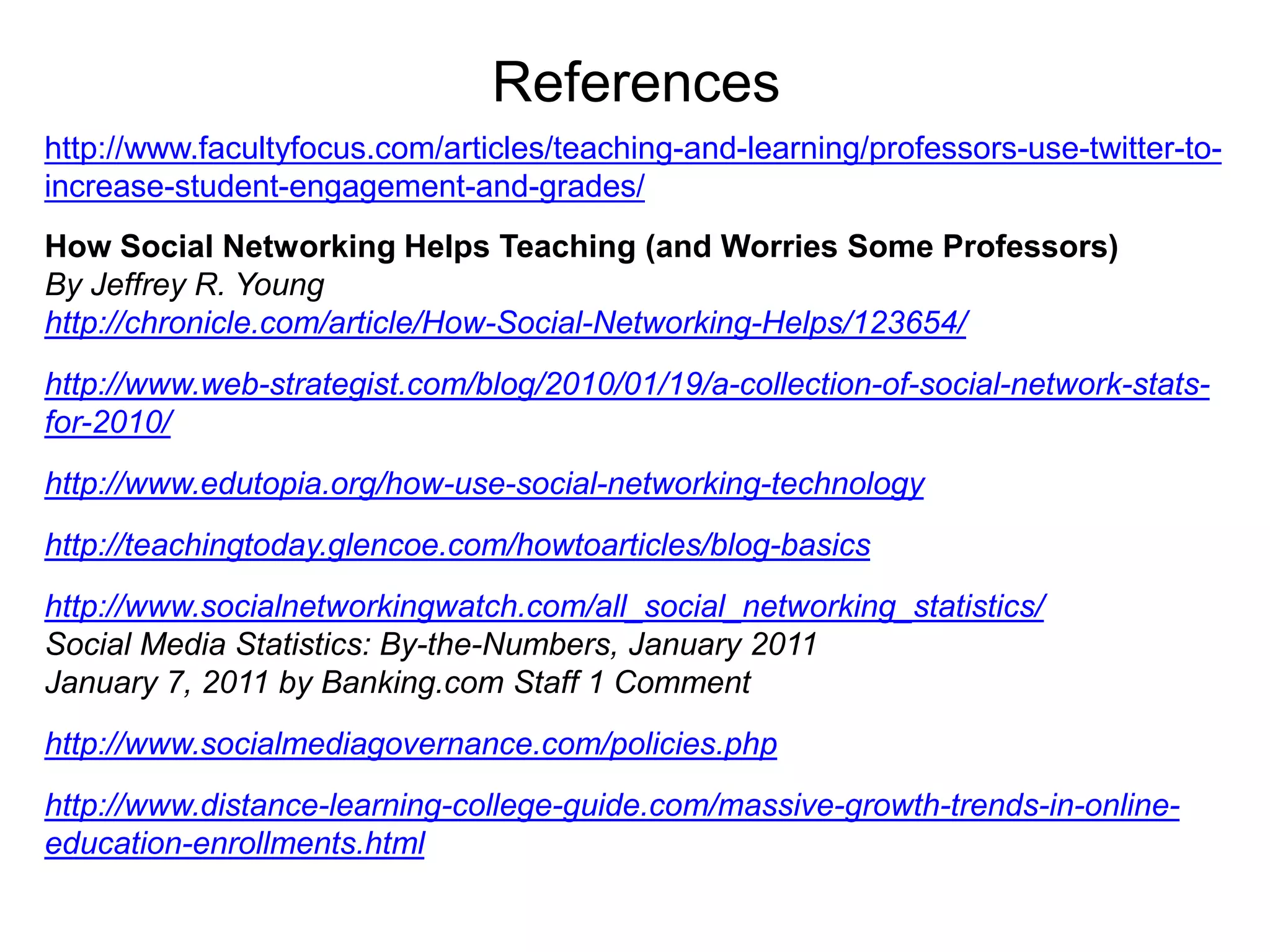
    Referenceshttp://www.facultyfocus.com/articles/teaching-and-learning/professors-use-twitter-to-increase-student-engagement-and-grades/How Social NetworkingHelps Teaching (and Worries Some Professors)By Jeffrey R. Younghttp://chronicle.com/article/How-Social-Networking-Helps/123654/http://www.web-strategist.com/blog/2010/01/19/a-collection-of-social-network-stats-for-2010/http://www.edutopia.org/how-use-social-networking-technologyhttp://teachingtoday.glencoe.com/howtoarticles/blog-basicshttp://www.socialnetworkingwatch.com/all_social_networking_statistics/Social Media Statistics: By-the-Numbers, January 2011January 7, 2011 by Banking.com Staff 1 Commenthttp://www.socialmediagovernance.com/policies.phphttp://www.distance-learning-college-guide.com/massive-growth-trends-in-online-education-enrollments.html

Editor's Notes

  • #72 Press F5 or enter presentation mode to view the poll\r\nIn an emergency during your presentation, if the poll isn't showing, navigate to this link in your web browser:\r\nhttp://www.polleverywhere.com/multiple_choice_polls/MTYyMTU3NDQ1MQIf you like, you can use this slide as a template for your own voting slides. You might use a slide like this if you feel your audience would benefit from the picture showing a text message on a phone.