Building Collaborative Projects Building Community through Telecollaboration Project McGill Faculty Club November 25, 2010 Karen Rye & Veronique Lemay
21st Century Skills "The study clearly showed that students graduating from secondary schools, technical colleges, and universities are sorely lacking in some basic skills and a large number of applied skills.    oral and written communication, critical thinking and problem solving, professionalism and work ethic, teamwork and collaboration, working in diverse teams, applying technology, leadership and project management."  p.7 21st Century Skills: Learning For Life in Our Times by Bernie Triling and Charles Fadel
Video Clip of kids learning Vero's class,  Michelle's Class Deborah's class Karen's Class
Step 1 Build a  Collaborative Community
How does collaboration happen? Our Role as Cycle Leaders  to facilitate  to support to encourage to listen to participate   Your Role as Participants Share and listen to be reliable, to be flexible, to take risks, to have a good sense of humour.
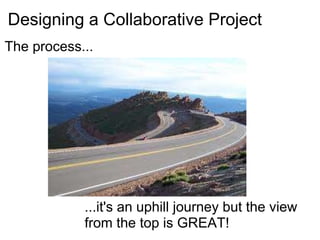
Designing a Collaborative Project The process... ...it's an uphill journey but the view from the top is GREAT!
C onsider  O utline  L isten  L ist  A ssess B uild O rganize  R eview  A ssemble  T echnology E valuate
C onsider Topics Topics that are... relevant and interestng related to the QEP
O utline the Purpose Establish a clear purpose for the project so everyone has common understanding
L isten to Each Other to further develop and shape/reshape the project to ask any clarifying questions
L ist the Key Features Outline the main elements of the project
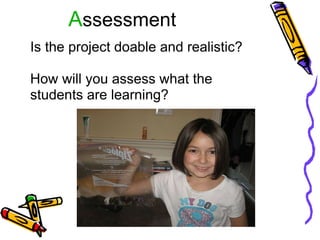
A ssessment Is the project doable and realistic?   How will you assess what the students are learning?
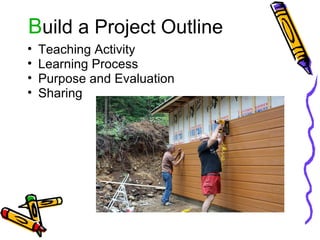
B uild a Project Outline Teaching Activity Learning Process Purpose and Evaluation Sharing
O rganize into Support Teams Within your project group find someone,  who will encourage you help you throughout the project   (SAKAI discussion group, email)
R eview the Progress Continuously communicate on SAKAI  Respond to emails Ask questions
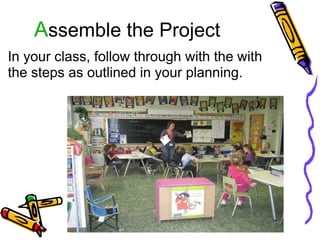
A ssemble the Project In your class, follow through with the with the steps as outlined in your planning.
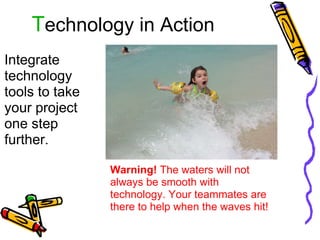
T echnology in Action Integrate technology tools to take your project one step further. Warning!  The waters will not always be smooth with technology. Your teammates are there to help when the waves hit!
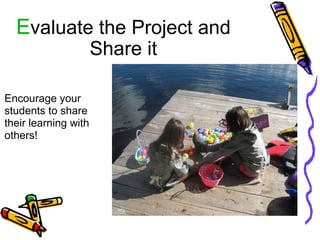
E valuate the Project and Share it Encourage your students to share their learning with others!

BCT COLLABORATE

  • 1.
    Building Collaborative ProjectsBuilding Community through Telecollaboration Project McGill Faculty Club November 25, 2010 Karen Rye & Veronique Lemay
  • 2.
    21st Century Skills"The study clearly showed that students graduating from secondary schools, technical colleges, and universities are sorely lacking in some basic skills and a large number of applied skills.    oral and written communication, critical thinking and problem solving, professionalism and work ethic, teamwork and collaboration, working in diverse teams, applying technology, leadership and project management."  p.7 21st Century Skills: Learning For Life in Our Times by Bernie Triling and Charles Fadel
  • 3.
    Video Clip ofkids learning Vero's class,  Michelle's Class Deborah's class Karen's Class
  • 4.
    Step 1 Builda  Collaborative Community
  • 5.
    How does collaborationhappen? Our Role as Cycle Leaders  to facilitate to support to encourage to listen to participate   Your Role as Participants Share and listen to be reliable, to be flexible, to take risks, to have a good sense of humour.
  • 6.
    Designing a CollaborativeProject The process... ...it's an uphill journey but the view from the top is GREAT!
  • 7.
    C onsider  Outline L isten L ist A ssess B uild O rganize R eview A ssemble T echnology E valuate
  • 8.
    C onsider TopicsTopics that are... relevant and interestng related to the QEP
  • 9.
    O utline thePurpose Establish a clear purpose for the project so everyone has common understanding
  • 10.
    L isten toEach Other to further develop and shape/reshape the project to ask any clarifying questions
  • 11.
    L ist theKey Features Outline the main elements of the project
  • 12.
    A ssessment Isthe project doable and realistic?   How will you assess what the students are learning?
  • 13.
    B uild aProject Outline Teaching Activity Learning Process Purpose and Evaluation Sharing
  • 14.
    O rganize intoSupport Teams Within your project group find someone,  who will encourage you help you throughout the project   (SAKAI discussion group, email)
  • 15.
    R eview theProgress Continuously communicate on SAKAI  Respond to emails Ask questions
  • 16.
    A ssemble theProject In your class, follow through with the with the steps as outlined in your planning.
  • 17.
    T echnology inAction Integrate technology tools to take your project one step further. Warning! The waters will not always be smooth with technology. Your teammates are there to help when the waves hit!
  • 18.
    E valuate theProject and Share it Encourage your students to share their learning with others!

Editor's Notes

  • #3 major corporations were asked to respond to a question about "Are students graduationg from school ready to work" As professionals we need to be the models and guides   Believe that collaboration is useful Collaboration does not happen naturally it needs to be facilitated. Our role (cycle leaders) -facilitate the group's collaboration
  • #4 Kids collaborate naturally They need guidance and opportunity BCT project is creating opportunities to share Collaboration amongst adults does not happen naturally guidance opportunities
  • #5 Started to make connections These people are the ones who will support and help you throughout the journey Various levels of collaboration
  • #6 facilitate communication project development Support members support ideas Be reliable-signing up for a project do your part communicate with each other on an ongoing basis be prepared to adjust yourself along the way don't be afraid to make mistakes don't be afraid to ask questions
  • #13 Sharing of resources and techiniques of evaluation rubrics, self evaluations...
  • #14 distribute stencil to group