(ATS3-APP08) Top 10 Things Every SN
        Admin Should Know
                                 Mike Wilson
                    Advisory Product Manager
                    mike.wilson@accelrys.com
The information on the roadmap and future software development efforts are
intended to outline general product direction and should not be relied on in making
a purchasing decision.
Agenda

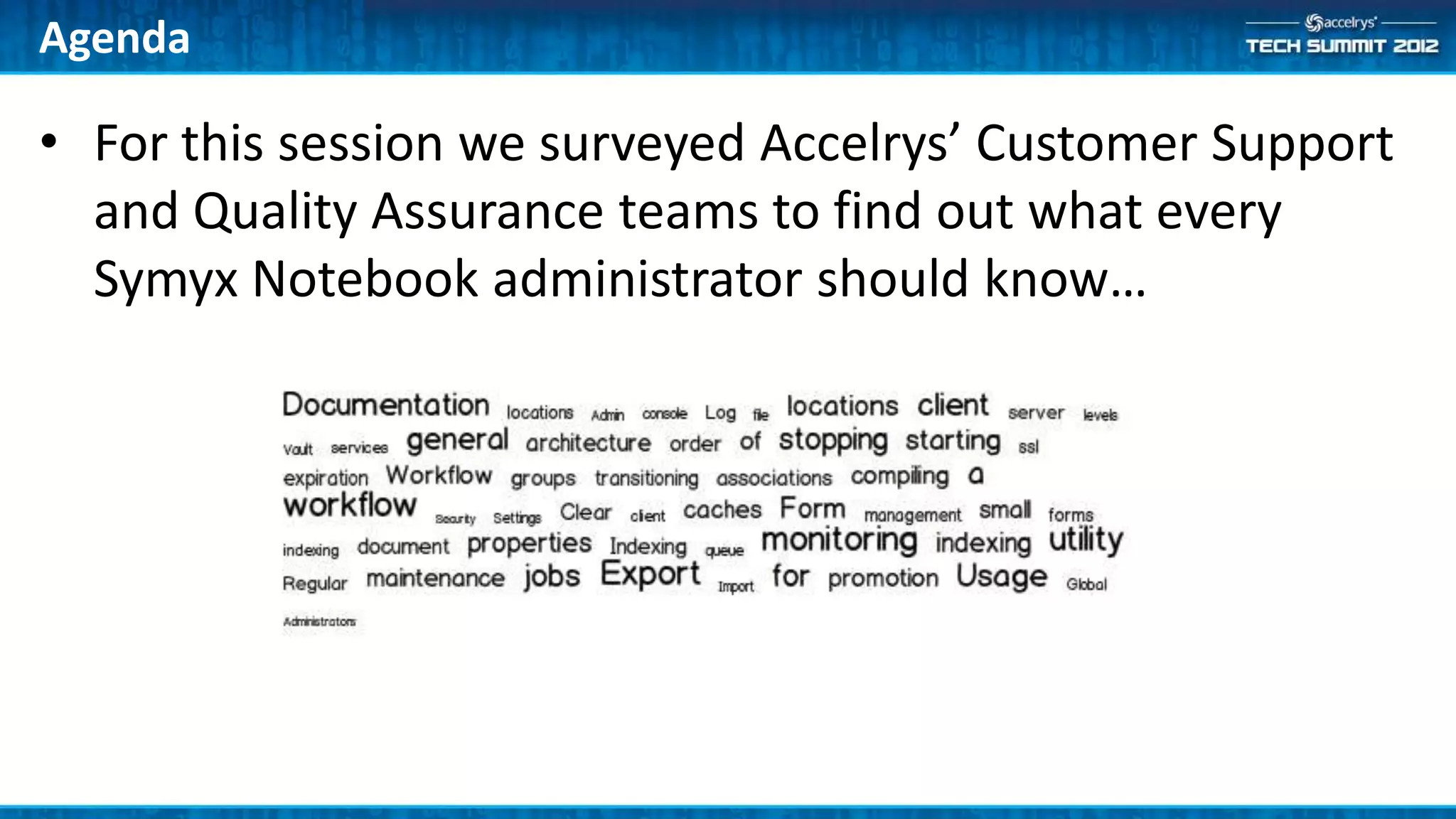
• For this session we surveyed Accelrys’ Customer Support
  and Quality Assurance teams to find out what every
  Symyx Notebook administrator should know…
10. Documentation
•   Symyx Notebook documentation is provided in three locations on the download center
     –   Vault server documentation
     –   Symyx Notebook client documentation
     –   Software Developer Kit
     –   Note: adapter documentation is located with each adapter

•   Server Documentation
     –   Installation Guide
     –   Administration Guides (Vault and Notebook)
     –   Administration Console Documentation
     –   Pipeline Pilot Integration Guide
•   Client Documentation
     –   Installation Guide
     –   Balance Integration Installation Guide
•   Software Developer Kit Documentation
     –   SDK Developer Guide
     –   API References
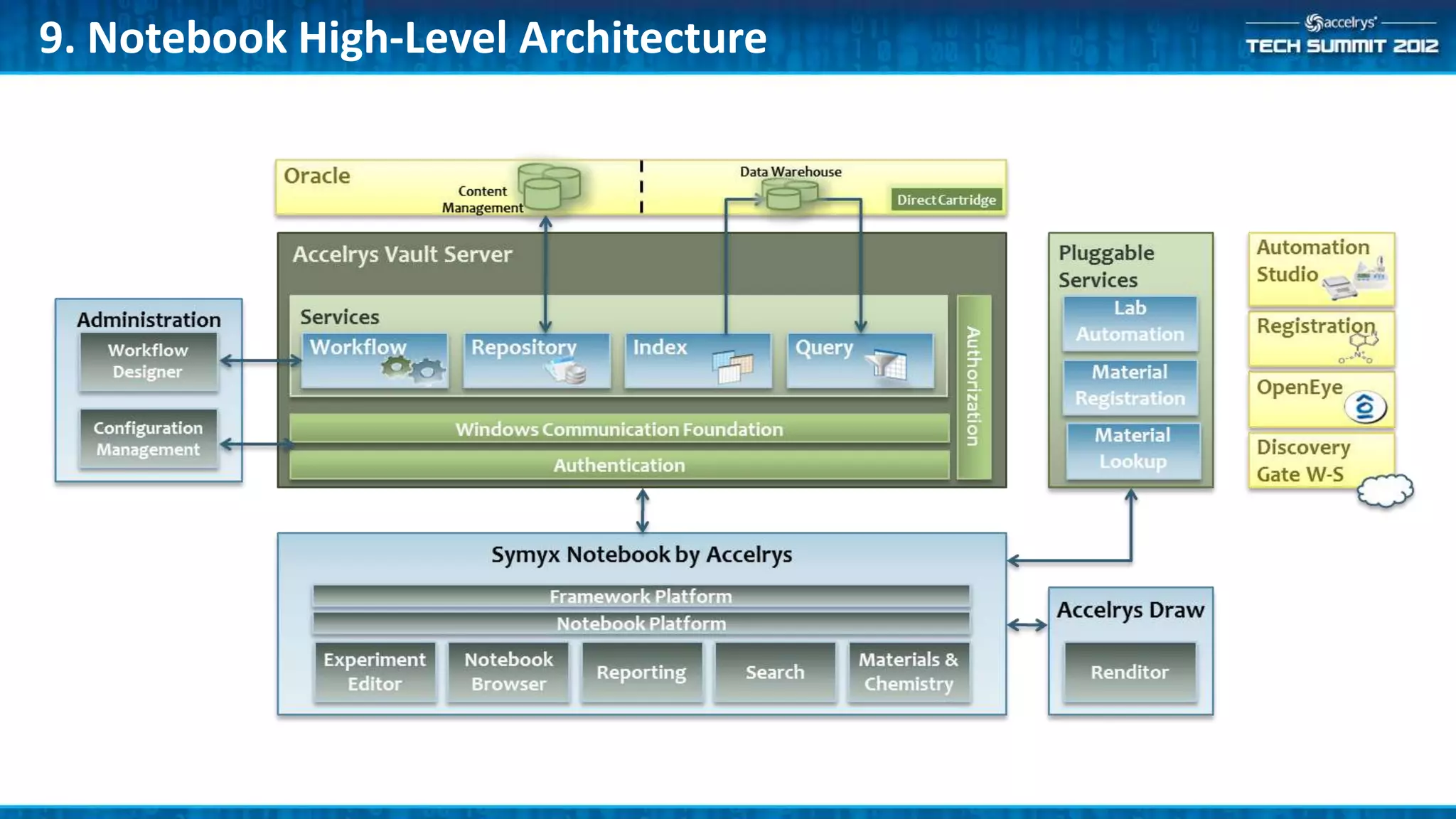
9. Notebook High-Level Architecture
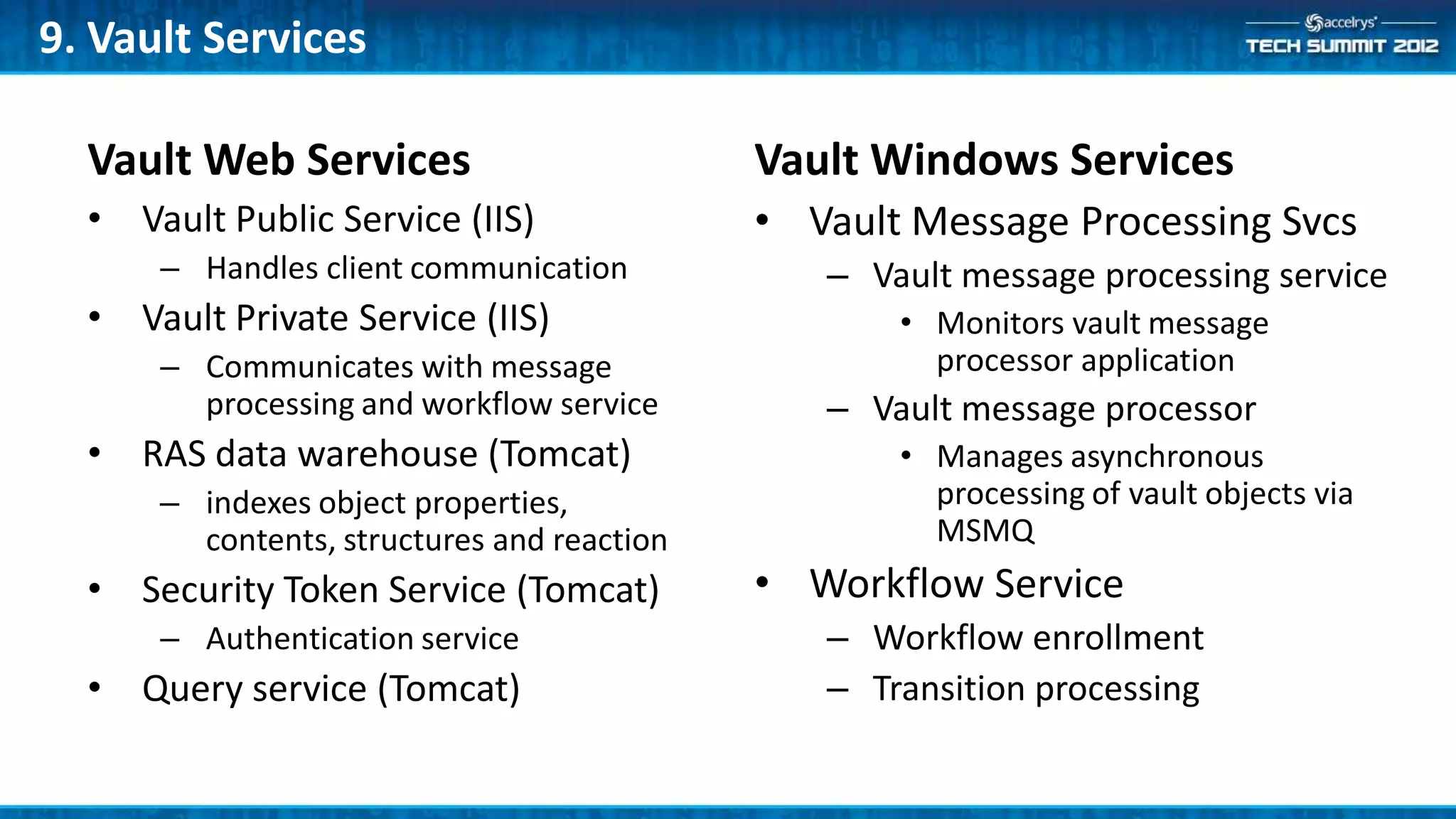
9. Vault Services

  Vault Web Services                        Vault Windows Services
  • Vault Public Service (IIS)              • Vault Message Processing Svcs
      – Handles client communication           – Vault message processing service
  • Vault Private Service (IIS)                    • Monitors vault message
      – Communicates with message                    processor application
        processing and workflow service        – Vault message processor
  • RAS data warehouse (Tomcat)                    • Manages asynchronous
      – indexes object properties,                   processing of vault objects via
        contents, structures and reaction            MSMQ
  • Security Token Service (Tomcat)         • Workflow Service
      – Authentication service                 – Workflow enrollment
  • Query service (Tomcat)                     – Transition processing
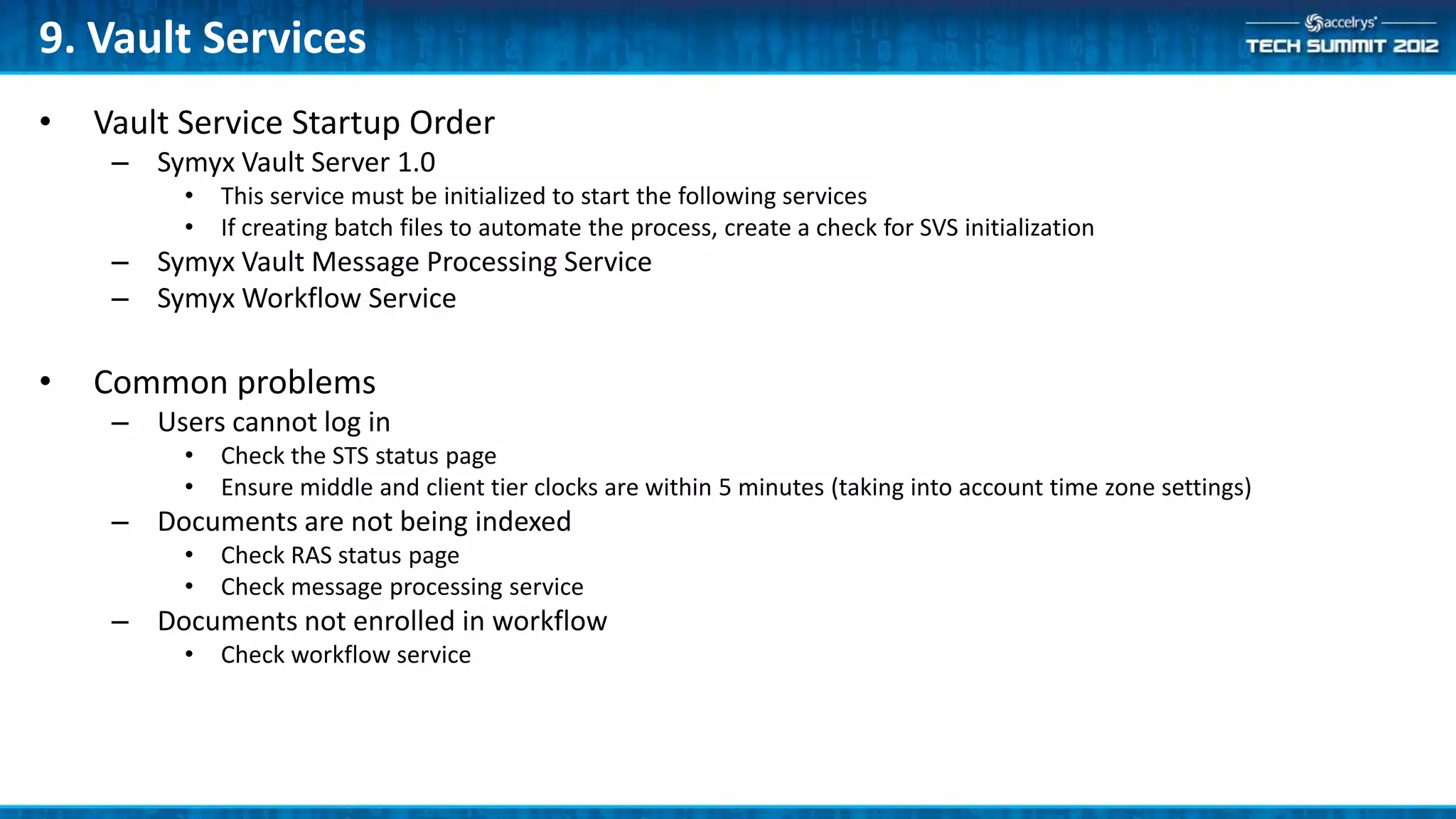
9. Vault Services
•   Vault Service Startup Order
     – Symyx Vault Server 1.0
          •   This service must be initialized to start the following services
          •   If creating batch files to automate the process, create a check for SVS initialization
     – Symyx Vault Message Processing Service
     – Symyx Workflow Service

•   Common problems
     – Users cannot log in
          •   Check the STS status page
          •   Ensure middle and client tier clocks are within 5 minutes (taking into account time zone settings)
     – Documents are not being indexed
          •   Check RAS status page
          •   Check message processing service
     – Documents not enrolled in workflow
          •   Check workflow service
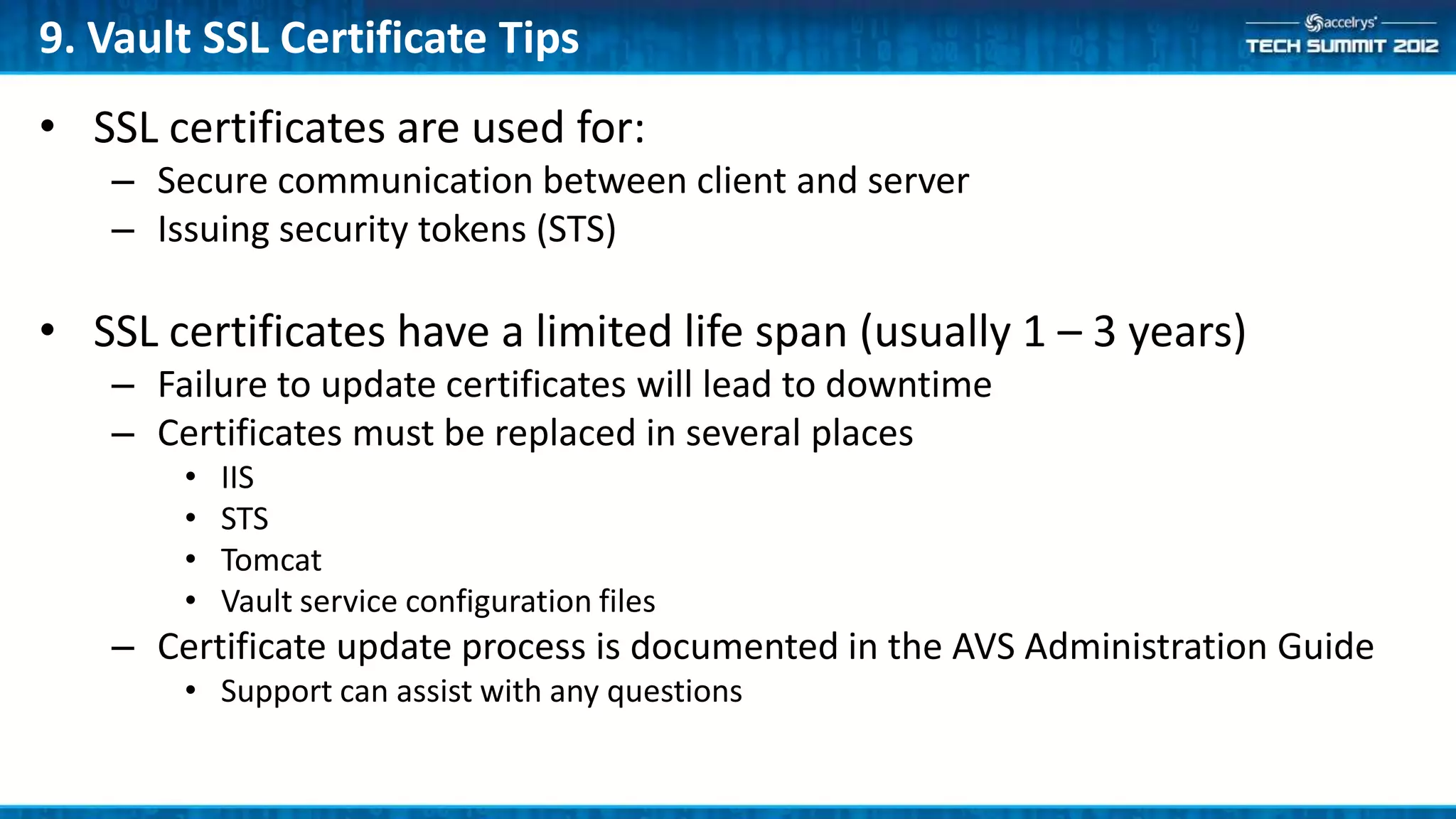
9. Vault SSL Certificate Tips
• SSL certificates are used for:
   – Secure communication between client and server
   – Issuing security tokens (STS)

• SSL certificates have a limited life span (usually 1 – 3 years)
   – Failure to update certificates will lead to downtime
   – Certificates must be replaced in several places
       •   IIS
       •   STS
       •   Tomcat
       •   Vault service configuration files
   – Certificate update process is documented in the AVS Administration Guide
       • Support can assist with any questions
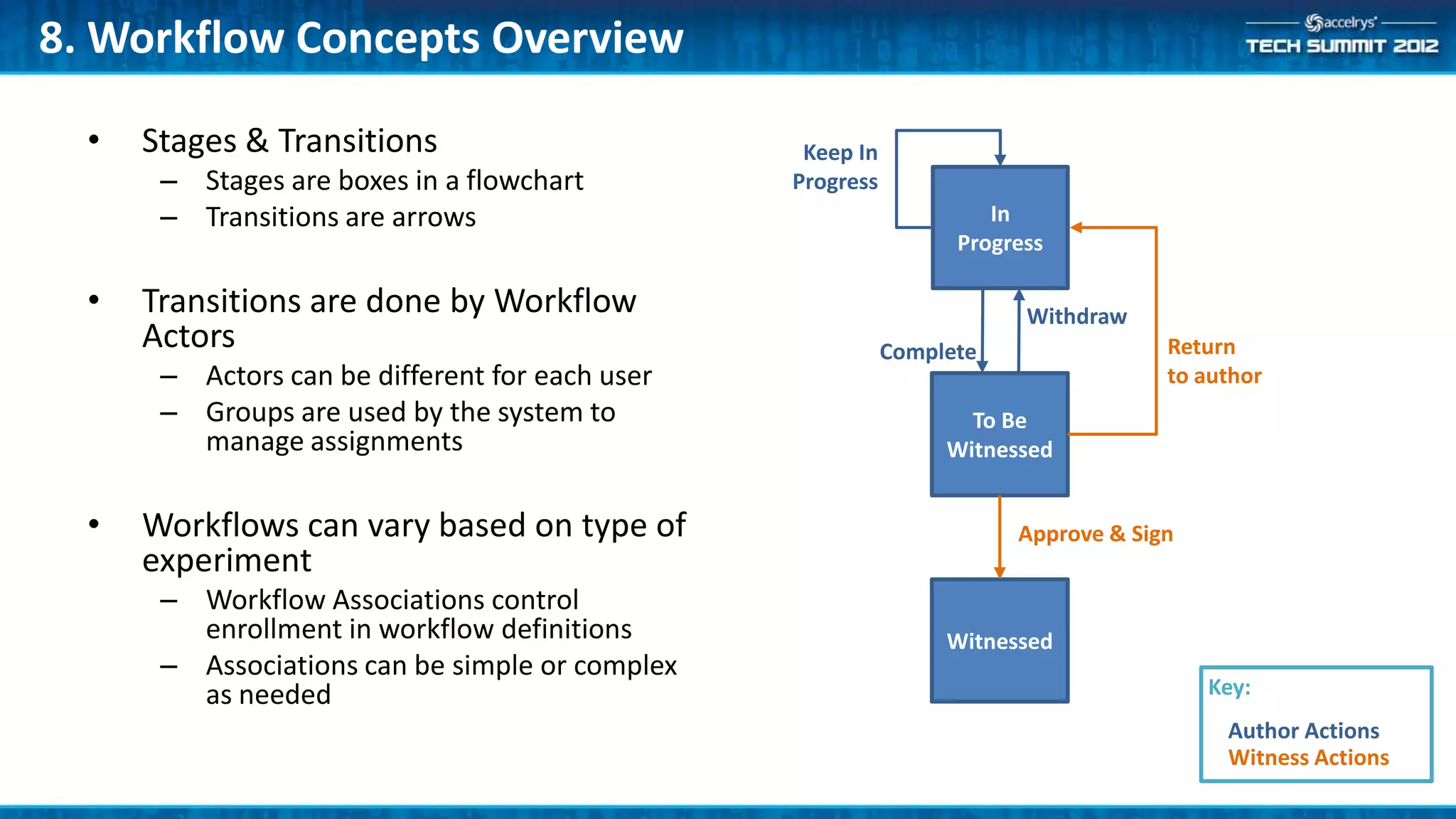
8. Workflow Concepts Overview

  •   Stages & Transitions                        Keep In
       – Stages are boxes in a flowchart         Progress
       – Transitions are arrows                                      In
                                                                  Progress

  •   Transitions are done by Workflow                                  Withdraw
      Actors                                                Complete                Return
       – Actors can be different for each user                                      to author
       – Groups are used by the system to                          To Be
         manage assignments                                      Witnessed


  •   Workflows can vary based on type of                              Approve & Sign
      experiment
       – Workflow Associations control
         enrollment in workflow definitions                      Witnessed
       – Associations can be simple or complex
         as needed                                                                      Key:
                                                                                         Author Actions
                                                                                         Witness Actions
8. Workflow Tips
• Actors are represented by groups for each user
   – Example: 5 actors x 10 users there will be 50 groups
   – These groups are hidden by default

• Avoid setting security in “Keep In Progress” transitions
   – Creates unnecessary load on the system

• Workflow enrollment
   – Enrollment criteria should be unique – if two workflow associations can
     apply to the same document you will get seemingly random enrollment
   – Association criteria can be viewed in the Administration Console
7. Security Overview
• Vault has a two-part security model
    – Data access permissions
    – Extensible application permissions

• Data access permissions
    – Enforced by the server to control access to data
    – Similar to a file system
         • Inheritance
         • Allow and Deny assignments


• Application permissions
    – Used by applications to control use of application functionality
    – Enforced by applications – not the server
7. Permission Inheritance Hierarchy
• Vault repositories implement a file system-like folder hierarchy
    – Permissions granted on a folder are inherited by objects within that folder (and sub-
      folders)
    – Permissions granted directly on the object over-ride those inherited from higher-level
      folders in the hierarchy

• Coupled with a group inheritance hierarchy
    – Permissions granted to a group are inherited by members of the group (applies to users
      and groups)
    – Permissions granted directly to the user over-ride those inherited from group membership

• Allow and Deny
    – Allow gives access to an object while Deny prevents access
    – Deny over-rides Allow (at the same level)
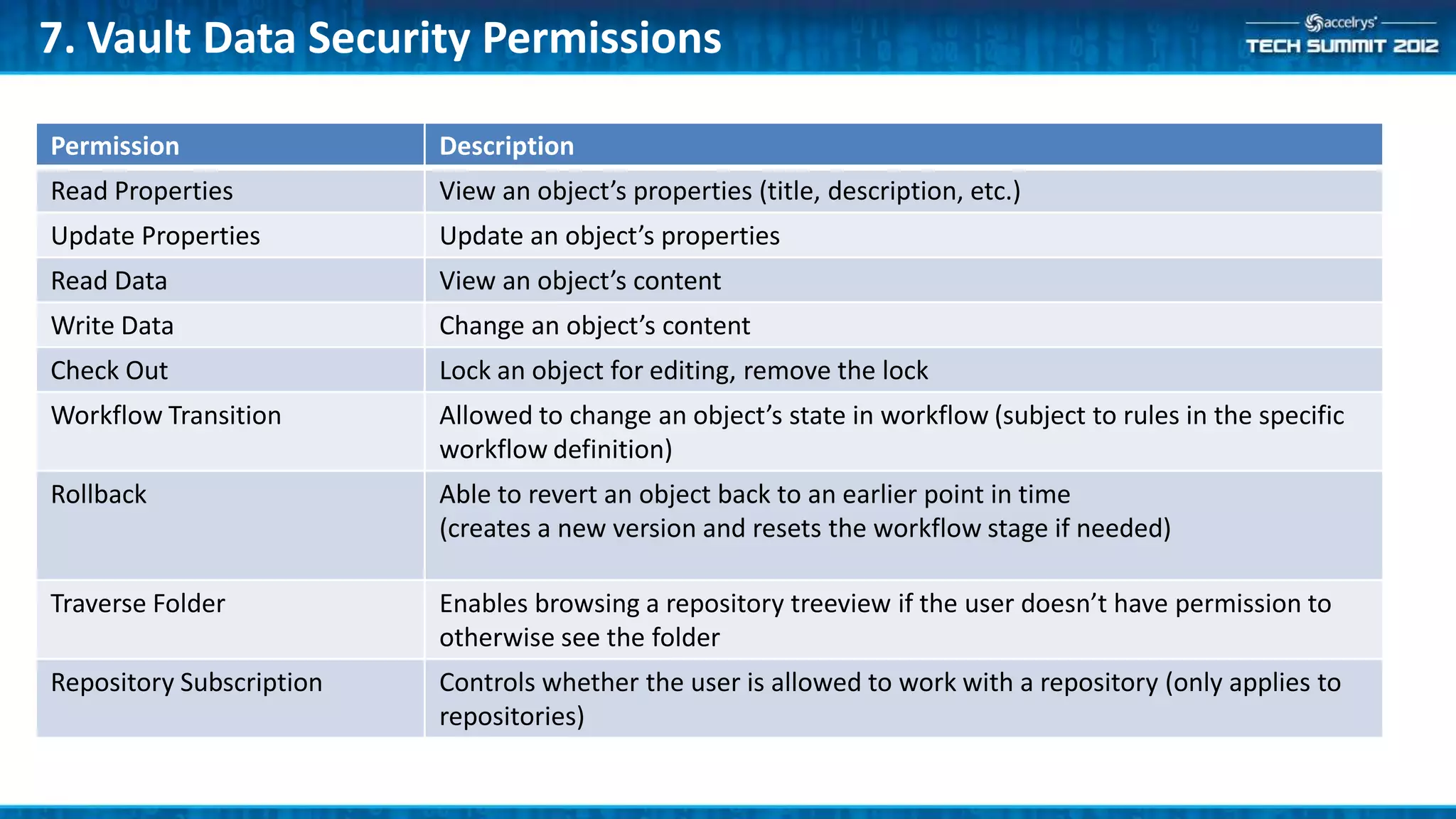
7. Vault Data Security Permissions

Permission                Description
Read Properties           View an object’s properties (title, description, etc.)
Update Properties         Update an object’s properties
Read Data                 View an object’s content
Write Data                Change an object’s content
Check Out                 Lock an object for editing, remove the lock
Workflow Transition       Allowed to change an object’s state in workflow (subject to rules in the specific
                          workflow definition)
Rollback                  Able to revert an object back to an earlier point in time
                          (creates a new version and resets the workflow stage if needed)

Traverse Folder           Enables browsing a repository treeview if the user doesn’t have permission to
                          otherwise see the folder
Repository Subscription   Controls whether the user is allowed to work with a repository (only applies to
                          repositories)
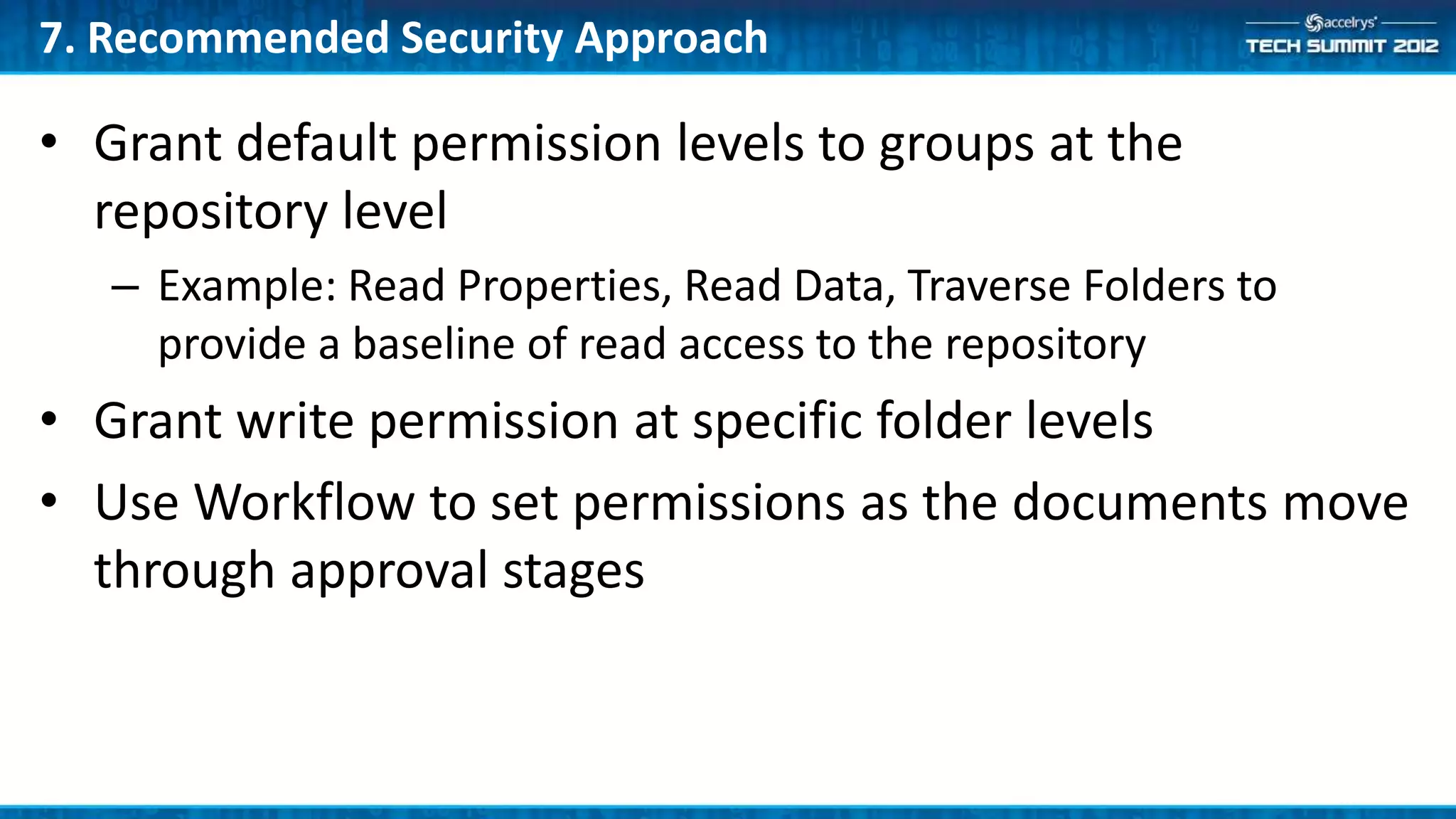
7. Recommended Security Approach

• Grant default permission levels to groups at the
  repository level
   – Example: Read Properties, Read Data, Traverse Folders to
     provide a baseline of read access to the repository
• Grant write permission at specific folder levels
• Use Workflow to set permissions as the documents move
  through approval stages
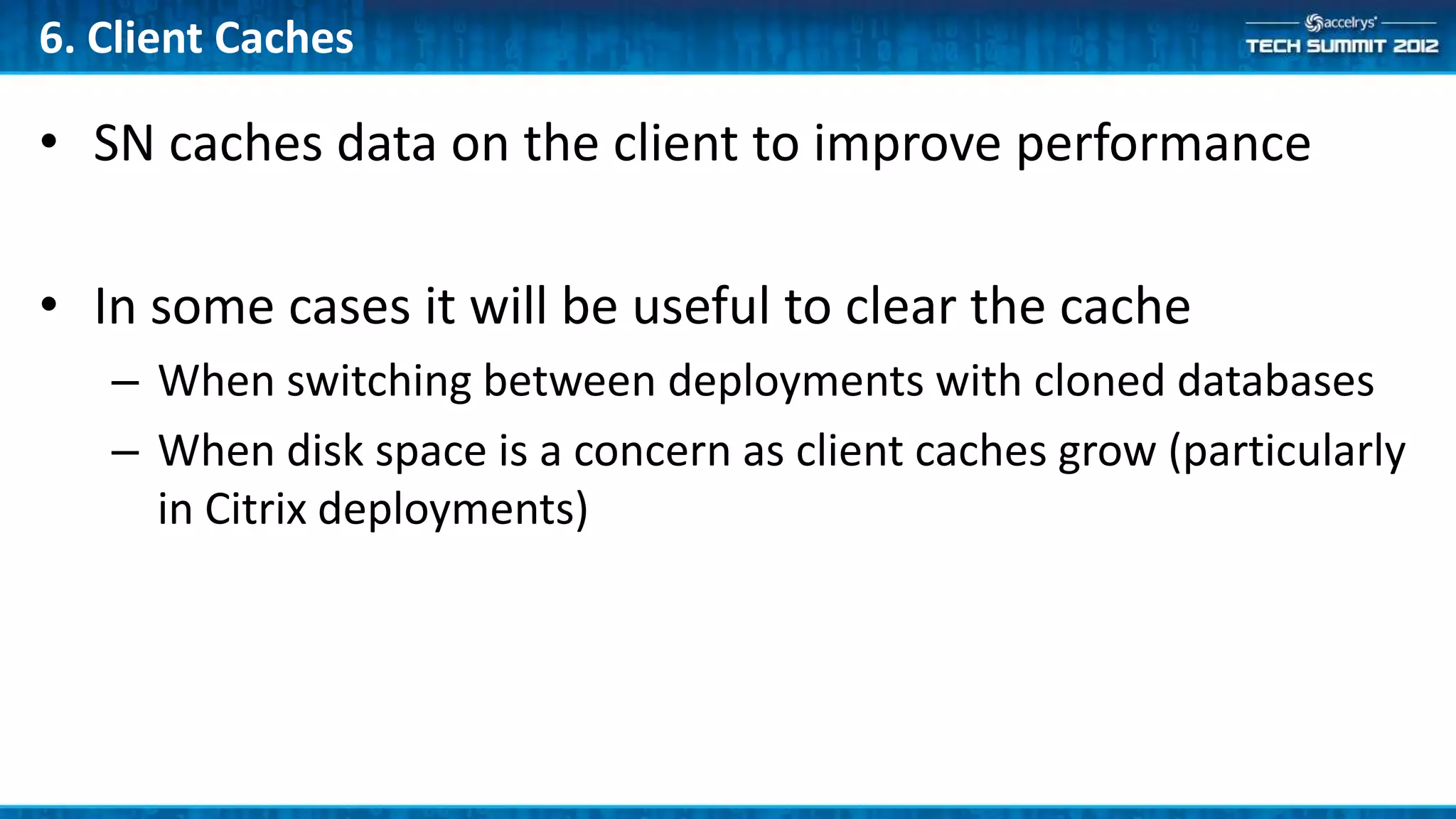
6. Client Caches

• SN caches data on the client to improve performance

• In some cases it will be useful to clear the cache
   – When switching between deployments with cloned databases
   – When disk space is a concern as client caches grow (particularly
     in Citrix deployments)
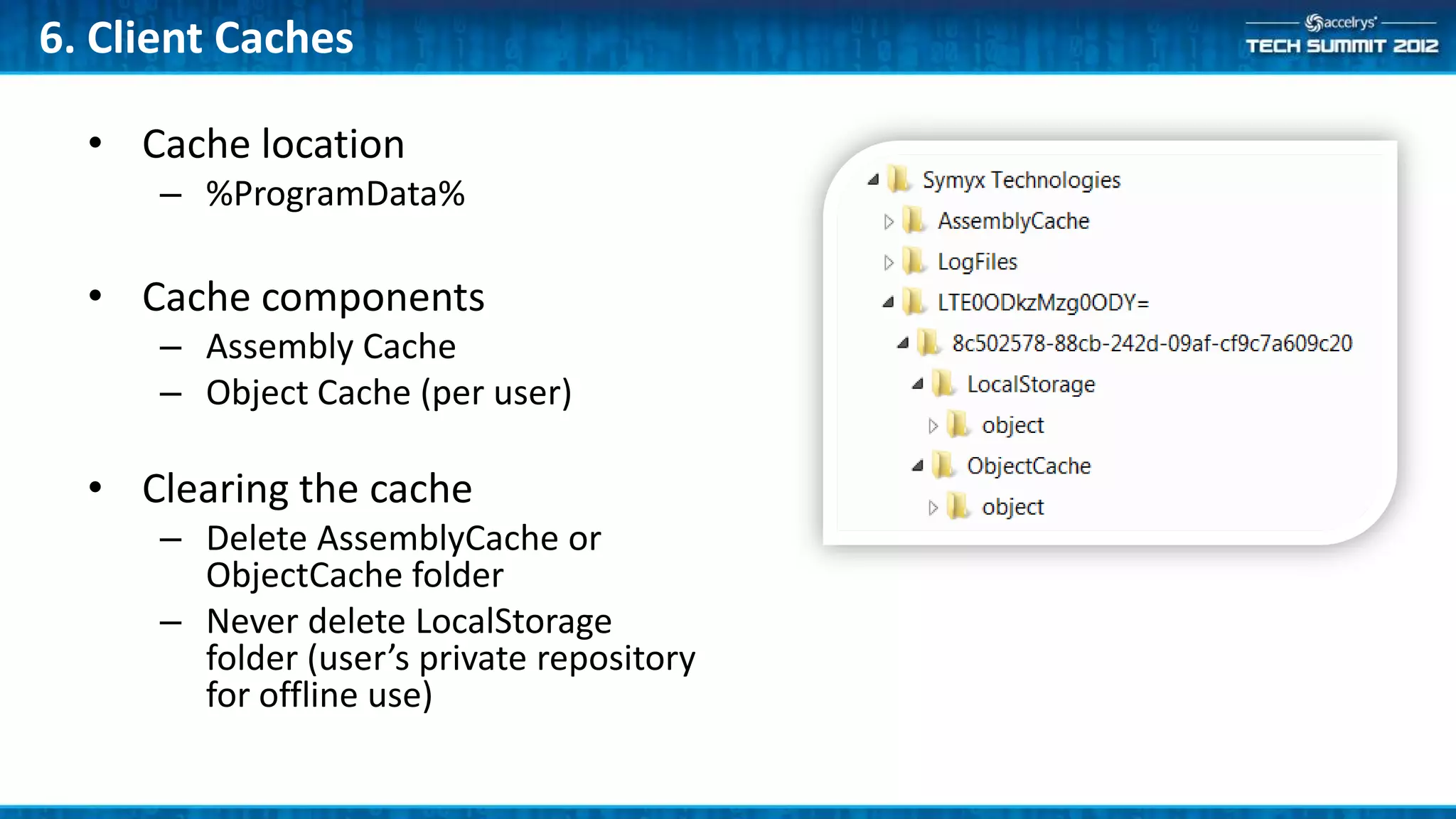
6. Client Caches

  • Cache location
      – %ProgramData%

  • Cache components
      – Assembly Cache
      – Object Cache (per user)

  • Clearing the cache
      – Delete AssemblyCache or
        ObjectCache folder
      – Never delete LocalStorage
        folder (user’s private repository
        for offline use)
5. Form Tips
• Forms can be used as document preview

• Consider print layout in design
    – Width & length

• Consider the number of widgets per form
    – Affects load time and memory use
    – Impacts indexing time and memory footprint on the server

• Assign widgets to Properties for indexing
    – Makes form data available for searches
    – Allows forms to feed data into the existing property sets for easier searching
    – Ensure that assigned Properties are marked Indexable in the Property Set Definition
4. Indexing Tips
• Queue Monitoring
   – Use Windows System Management to watch the queue size

• Target Quota of 100 MB
   – Warning notification sent to the system administrator when quota is exceeded
   – Maximum storage size for MSMQ is 1 GB

• Continued growth of message queue size typically indicates a problem in
  the indexing sub-system
   – Check the Vault Message Processing Service logs
   – Check the Symyx Vault Service status – RAS component
4. Indexing Tips: Re-Queuing Utility
•   Use Re-Queuing utility to re-submit items for processing based on their message
    handling status
     – Replaces VaultIndexingUtility.exe in 6.6 SP3 (and Indexing Update 1)
     – Utilizes the data in MessageHandlerStatus table
     – Designed for automation

•   Can be used to process items:
     –   That failed to process previously
     –   When message queues are purged
     –   For a specific message handler
     –   To establish their message handling state
     –   When a new indexing feature is added (e.g. Office 2010 documents after the upgrade to
         Oracle 11g)
3. Export/Import

• The ability to export SN artifacts • Configuration Objects
  and import them to another            – Document Templates
  system was introduced in 6.6 SP1      – Section Templates
                                        –   Forms
                                        –   Operations
• Best practice is to create new        –   Property Set Definitions
  artifacts in a development            –   Signature Policies
  environment then promote them         –   Vocabularies
  to test for validation and finally    –   Reports
  to production for use                 –   Workflow Definitions
                                        –   Workflow Associations
3. Export/Import


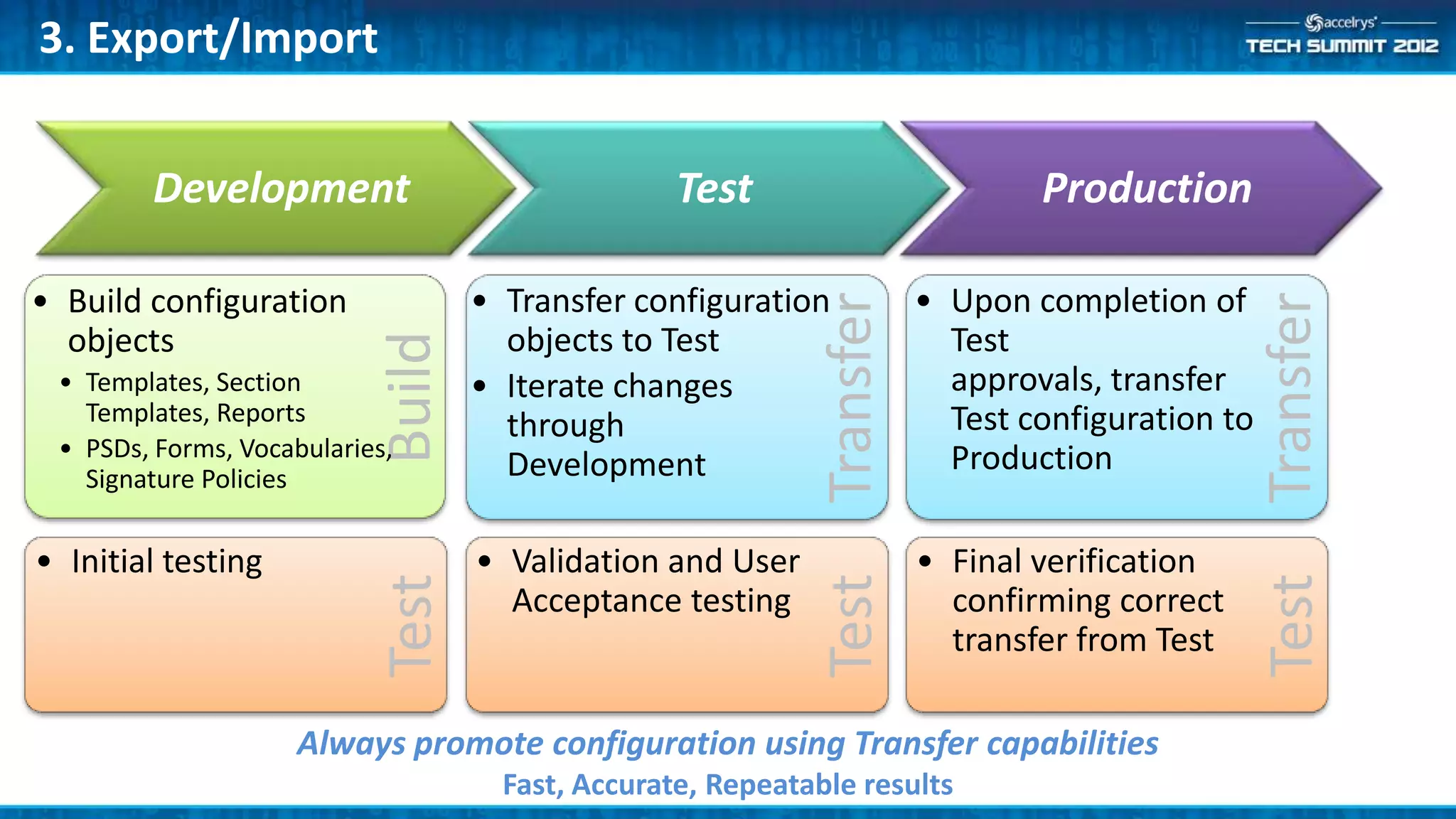
        Development                                Test                          Production

• Build configuration               • Transfer configuration             • Upon completion of


                                                              Transfer


                                                                                                   Transfer
  objects                             objects to Test                      Test

                            Build
 • Templates, Section               • Iterate changes                      approvals, transfer
   Templates, Reports                                                      Test configuration to
                                      through
 • PSDs, Forms, Vocabularies,                                              Production
   Signature Policies                 Development

• Initial testing                   • Validation and User                • Final verification


                                                              Test


                                                                                                   Test
                            Test

                                      Acceptance testing                   confirming correct
                                                                           transfer from Test

                    Always promote configuration using Transfer capabilities
                                      Fast, Accurate, Repeatable results
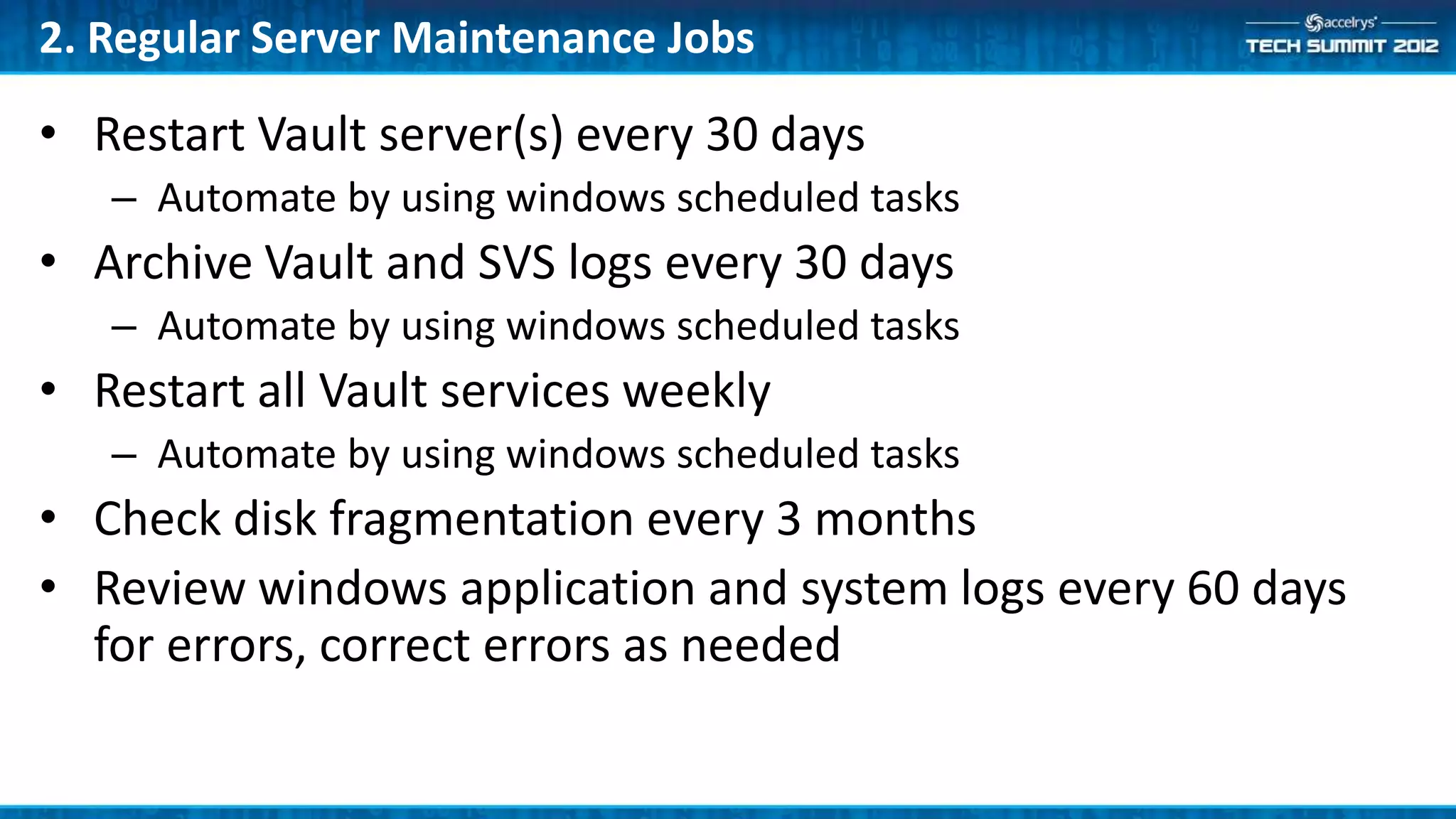
2. Regular Server Maintenance Jobs

• Restart Vault server(s) every 30 days
   – Automate by using windows scheduled tasks
• Archive Vault and SVS logs every 30 days
   – Automate by using windows scheduled tasks
• Restart all Vault services weekly
   – Automate by using windows scheduled tasks
• Check disk fragmentation every 3 months
• Review windows application and system logs every 60 days
  for errors, correct errors as needed
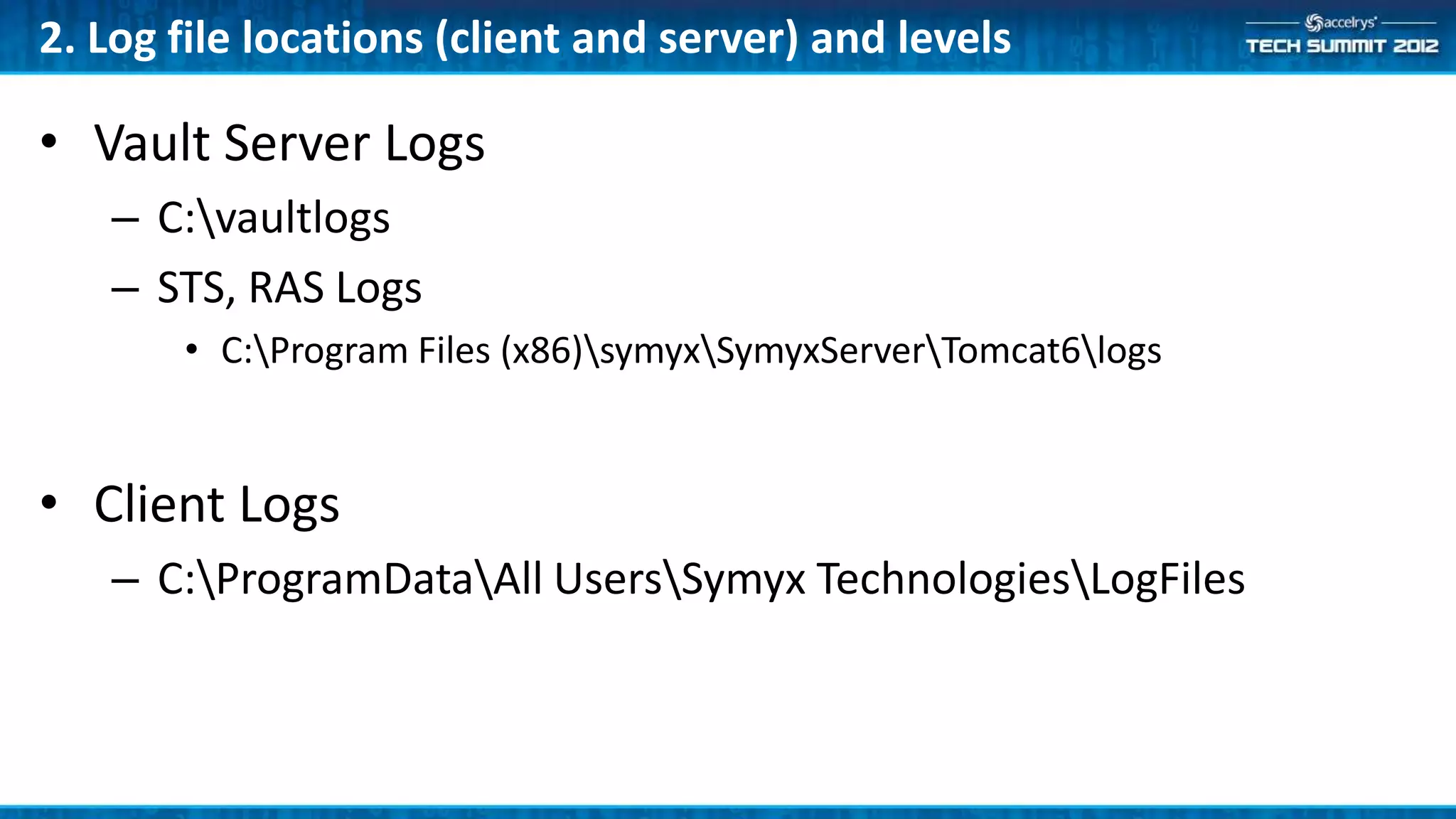
2. Log file locations (client and server) and levels

• Vault Server Logs
   – C:vaultlogs
   – STS, RAS Logs
       • C:Program Files (x86)symyxSymyxServerTomcat6logs


• Client Logs
   – C:ProgramDataAll UsersSymyx TechnologiesLogFiles
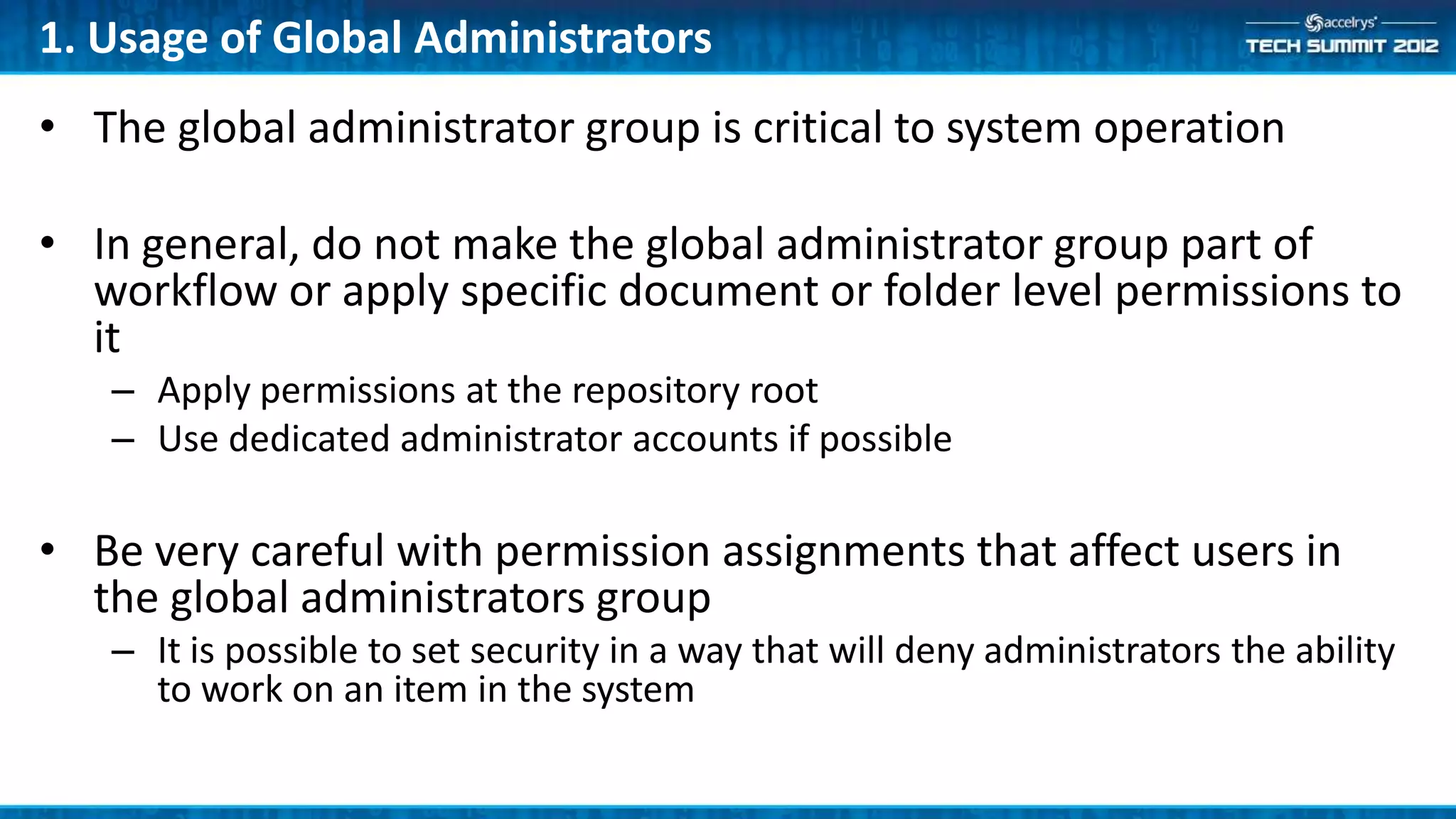
1. Usage of Global Administrators
• The global administrator group is critical to system operation

• In general, do not make the global administrator group part of
  workflow or apply specific document or folder level permissions to
  it
   – Apply permissions at the repository root
   – Use dedicated administrator accounts if possible

• Be very careful with permission assignments that affect users in
  the global administrators group
   – It is possible to set security in a way that will deny administrators the ability
     to work on an item in the system
And, one extra…
• How to contact Accelrys Support

• Email:
   – support@accelrys.com
   – support-japan@accelrys.com (for our customers in Japan)

• On the Web
   – https://community.accelrys.com

• Regional Accelrys Customer Support offices
   – http://accelrys.com/customer-support/contact.html
Summary
•   There is book learning and there is the practical learning through experience – also
    known as the “school of hard knocks”. We hope this session helps you avoid potential
    problems and helps you run your Notebook deployment smoothly

•   Other Notebook sessions that may interest you
     –   (ATS3-APP05) Building Symyx Notebook dashboards with Pipeline Pilot
     –   (ATS3-APP09) Integrating Symyx Notebook into an Enterprise Management System
     –   (ATS3-APP13) Tips and Tricks for Monitoring and Managing Symyx Notebook Server Performance
     –   (ATS3-APP14) Troubleshooting Symyx Notebook client performance

•   Resources
     – Notebook IT/Admin forum on the Accelrys Community
           •   Email support@accelrys.com to join
     – Troubleshooting guidance: support@accelrys.com
The information on the roadmap and future software development efforts are
intended to outline general product direction and should not be relied on in making
a purchasing decision.


For more information on the Accelrys Tech Summits and other IT & Developer information,
please visit:
https://community.accelrys.com/groups/it-dev

(ATS3-APP08) Top 10 things every Symyx Notebook by Accelrys Administrator should know.

  • 1.
    (ATS3-APP08) Top 10Things Every SN Admin Should Know Mike Wilson Advisory Product Manager mike.wilson@accelrys.com
  • 2.
    The information onthe roadmap and future software development efforts are intended to outline general product direction and should not be relied on in making a purchasing decision.
  • 3.
    Agenda • For thissession we surveyed Accelrys’ Customer Support and Quality Assurance teams to find out what every Symyx Notebook administrator should know…
  • 4.
    10. Documentation • Symyx Notebook documentation is provided in three locations on the download center – Vault server documentation – Symyx Notebook client documentation – Software Developer Kit – Note: adapter documentation is located with each adapter • Server Documentation – Installation Guide – Administration Guides (Vault and Notebook) – Administration Console Documentation – Pipeline Pilot Integration Guide • Client Documentation – Installation Guide – Balance Integration Installation Guide • Software Developer Kit Documentation – SDK Developer Guide – API References
  • 5.
  • 6.
    9. Vault Services Vault Web Services Vault Windows Services • Vault Public Service (IIS) • Vault Message Processing Svcs – Handles client communication – Vault message processing service • Vault Private Service (IIS) • Monitors vault message – Communicates with message processor application processing and workflow service – Vault message processor • RAS data warehouse (Tomcat) • Manages asynchronous – indexes object properties, processing of vault objects via contents, structures and reaction MSMQ • Security Token Service (Tomcat) • Workflow Service – Authentication service – Workflow enrollment • Query service (Tomcat) – Transition processing
  • 7.
    9. Vault Services • Vault Service Startup Order – Symyx Vault Server 1.0 • This service must be initialized to start the following services • If creating batch files to automate the process, create a check for SVS initialization – Symyx Vault Message Processing Service – Symyx Workflow Service • Common problems – Users cannot log in • Check the STS status page • Ensure middle and client tier clocks are within 5 minutes (taking into account time zone settings) – Documents are not being indexed • Check RAS status page • Check message processing service – Documents not enrolled in workflow • Check workflow service
  • 8.
    9. Vault SSLCertificate Tips • SSL certificates are used for: – Secure communication between client and server – Issuing security tokens (STS) • SSL certificates have a limited life span (usually 1 – 3 years) – Failure to update certificates will lead to downtime – Certificates must be replaced in several places • IIS • STS • Tomcat • Vault service configuration files – Certificate update process is documented in the AVS Administration Guide • Support can assist with any questions
  • 9.
    8. Workflow ConceptsOverview • Stages & Transitions Keep In – Stages are boxes in a flowchart Progress – Transitions are arrows In Progress • Transitions are done by Workflow Withdraw Actors Complete Return – Actors can be different for each user to author – Groups are used by the system to To Be manage assignments Witnessed • Workflows can vary based on type of Approve & Sign experiment – Workflow Associations control enrollment in workflow definitions Witnessed – Associations can be simple or complex as needed Key: Author Actions Witness Actions
  • 10.
    8. Workflow Tips •Actors are represented by groups for each user – Example: 5 actors x 10 users there will be 50 groups – These groups are hidden by default • Avoid setting security in “Keep In Progress” transitions – Creates unnecessary load on the system • Workflow enrollment – Enrollment criteria should be unique – if two workflow associations can apply to the same document you will get seemingly random enrollment – Association criteria can be viewed in the Administration Console
  • 11.
    7. Security Overview •Vault has a two-part security model – Data access permissions – Extensible application permissions • Data access permissions – Enforced by the server to control access to data – Similar to a file system • Inheritance • Allow and Deny assignments • Application permissions – Used by applications to control use of application functionality – Enforced by applications – not the server
  • 12.
    7. Permission InheritanceHierarchy • Vault repositories implement a file system-like folder hierarchy – Permissions granted on a folder are inherited by objects within that folder (and sub- folders) – Permissions granted directly on the object over-ride those inherited from higher-level folders in the hierarchy • Coupled with a group inheritance hierarchy – Permissions granted to a group are inherited by members of the group (applies to users and groups) – Permissions granted directly to the user over-ride those inherited from group membership • Allow and Deny – Allow gives access to an object while Deny prevents access – Deny over-rides Allow (at the same level)
  • 13.
    7. Vault DataSecurity Permissions Permission Description Read Properties View an object’s properties (title, description, etc.) Update Properties Update an object’s properties Read Data View an object’s content Write Data Change an object’s content Check Out Lock an object for editing, remove the lock Workflow Transition Allowed to change an object’s state in workflow (subject to rules in the specific workflow definition) Rollback Able to revert an object back to an earlier point in time (creates a new version and resets the workflow stage if needed) Traverse Folder Enables browsing a repository treeview if the user doesn’t have permission to otherwise see the folder Repository Subscription Controls whether the user is allowed to work with a repository (only applies to repositories)
  • 14.
    7. Recommended SecurityApproach • Grant default permission levels to groups at the repository level – Example: Read Properties, Read Data, Traverse Folders to provide a baseline of read access to the repository • Grant write permission at specific folder levels • Use Workflow to set permissions as the documents move through approval stages
  • 15.
    6. Client Caches •SN caches data on the client to improve performance • In some cases it will be useful to clear the cache – When switching between deployments with cloned databases – When disk space is a concern as client caches grow (particularly in Citrix deployments)
  • 16.
    6. Client Caches • Cache location – %ProgramData% • Cache components – Assembly Cache – Object Cache (per user) • Clearing the cache – Delete AssemblyCache or ObjectCache folder – Never delete LocalStorage folder (user’s private repository for offline use)
  • 17.
    5. Form Tips •Forms can be used as document preview • Consider print layout in design – Width & length • Consider the number of widgets per form – Affects load time and memory use – Impacts indexing time and memory footprint on the server • Assign widgets to Properties for indexing – Makes form data available for searches – Allows forms to feed data into the existing property sets for easier searching – Ensure that assigned Properties are marked Indexable in the Property Set Definition
  • 18.
    4. Indexing Tips •Queue Monitoring – Use Windows System Management to watch the queue size • Target Quota of 100 MB – Warning notification sent to the system administrator when quota is exceeded – Maximum storage size for MSMQ is 1 GB • Continued growth of message queue size typically indicates a problem in the indexing sub-system – Check the Vault Message Processing Service logs – Check the Symyx Vault Service status – RAS component
  • 19.
    4. Indexing Tips:Re-Queuing Utility • Use Re-Queuing utility to re-submit items for processing based on their message handling status – Replaces VaultIndexingUtility.exe in 6.6 SP3 (and Indexing Update 1) – Utilizes the data in MessageHandlerStatus table – Designed for automation • Can be used to process items: – That failed to process previously – When message queues are purged – For a specific message handler – To establish their message handling state – When a new indexing feature is added (e.g. Office 2010 documents after the upgrade to Oracle 11g)
  • 20.
    3. Export/Import • Theability to export SN artifacts • Configuration Objects and import them to another – Document Templates system was introduced in 6.6 SP1 – Section Templates – Forms – Operations • Best practice is to create new – Property Set Definitions artifacts in a development – Signature Policies environment then promote them – Vocabularies to test for validation and finally – Reports to production for use – Workflow Definitions – Workflow Associations
  • 21.
    3. Export/Import Development Test Production • Build configuration • Transfer configuration • Upon completion of Transfer Transfer objects objects to Test Test Build • Templates, Section • Iterate changes approvals, transfer Templates, Reports Test configuration to through • PSDs, Forms, Vocabularies, Production Signature Policies Development • Initial testing • Validation and User • Final verification Test Test Test Acceptance testing confirming correct transfer from Test Always promote configuration using Transfer capabilities Fast, Accurate, Repeatable results
  • 22.
    2. Regular ServerMaintenance Jobs • Restart Vault server(s) every 30 days – Automate by using windows scheduled tasks • Archive Vault and SVS logs every 30 days – Automate by using windows scheduled tasks • Restart all Vault services weekly – Automate by using windows scheduled tasks • Check disk fragmentation every 3 months • Review windows application and system logs every 60 days for errors, correct errors as needed
  • 23.
    2. Log filelocations (client and server) and levels • Vault Server Logs – C:vaultlogs – STS, RAS Logs • C:Program Files (x86)symyxSymyxServerTomcat6logs • Client Logs – C:ProgramDataAll UsersSymyx TechnologiesLogFiles
  • 24.
    1. Usage ofGlobal Administrators • The global administrator group is critical to system operation • In general, do not make the global administrator group part of workflow or apply specific document or folder level permissions to it – Apply permissions at the repository root – Use dedicated administrator accounts if possible • Be very careful with permission assignments that affect users in the global administrators group – It is possible to set security in a way that will deny administrators the ability to work on an item in the system
  • 25.
    And, one extra… •How to contact Accelrys Support • Email: – support@accelrys.com – support-japan@accelrys.com (for our customers in Japan) • On the Web – https://community.accelrys.com • Regional Accelrys Customer Support offices – http://accelrys.com/customer-support/contact.html
  • 26.
    Summary • There is book learning and there is the practical learning through experience – also known as the “school of hard knocks”. We hope this session helps you avoid potential problems and helps you run your Notebook deployment smoothly • Other Notebook sessions that may interest you – (ATS3-APP05) Building Symyx Notebook dashboards with Pipeline Pilot – (ATS3-APP09) Integrating Symyx Notebook into an Enterprise Management System – (ATS3-APP13) Tips and Tricks for Monitoring and Managing Symyx Notebook Server Performance – (ATS3-APP14) Troubleshooting Symyx Notebook client performance • Resources – Notebook IT/Admin forum on the Accelrys Community • Email support@accelrys.com to join – Troubleshooting guidance: support@accelrys.com
  • 27.
    The information onthe roadmap and future software development efforts are intended to outline general product direction and should not be relied on in making a purchasing decision. For more information on the Accelrys Tech Summits and other IT & Developer information, please visit: https://community.accelrys.com/groups/it-dev