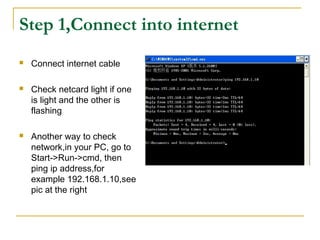
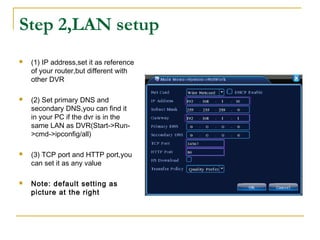
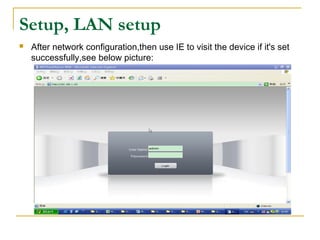
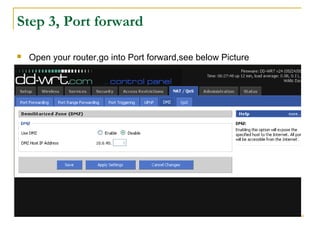
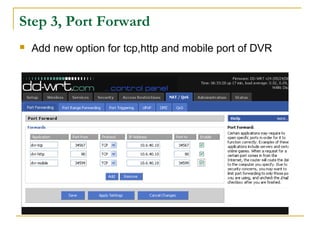
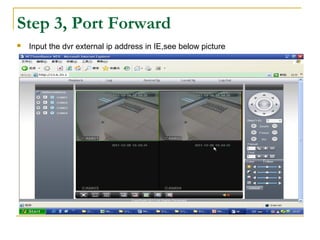
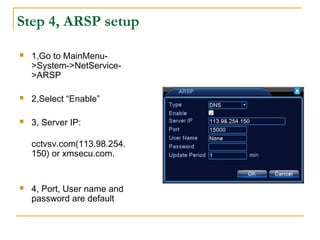
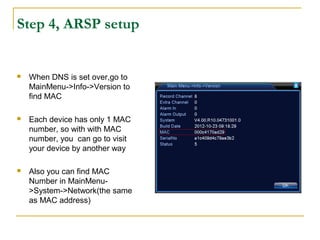
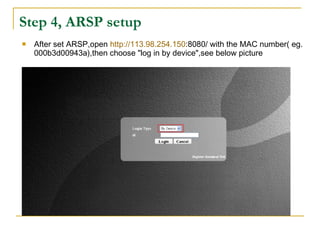
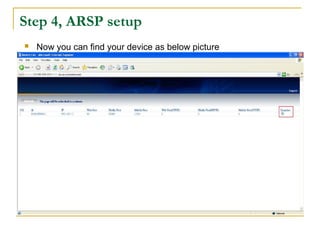
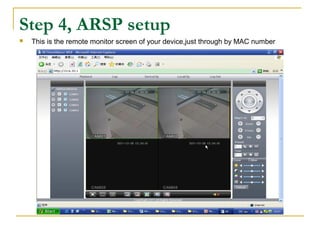
This document provides instructions for setting up remote access to an ARSP device using port forwarding and the ARSP service. It involves 4 steps: 1) Connecting the device to the internet and checking the connection; 2) Configuring the LAN settings like IP address, DNS, and ports; 3) Forwarding the relevant ports on the router to the device; 4) Enabling and configuring the ARSP service using the device's MAC address for remote access via a web interface. Once completed, the ARSP device can be accessed remotely over the internet.