“If you are
doing it
MORE THAN
ONCE,
You are doing
it in a
WRONG WAY”
Lecture Meeting on “Applications of Work Flow”
for Professional Excellence.
CA Dhaval Paun
B.Com, FCA, DISA, CFE
1st September 2018
ICAI Ahmedabad
https://resource.cdn.icai.org/
47921daab37895dcmm.pdf
Features of a Productivity Tool
 Cloud Based
 Sync to Multiple Devices
 Integrate with other Apps
 Team Collaboration
 Adaptable to match our Need
 Free of Cost/Cost Effective If you opt to upgrade
Benefits of IFTTT
 Helps your Apps and Devices Work Together
 Number of Ready-to-use Applets to automate the process totally or
converts the process into one click.
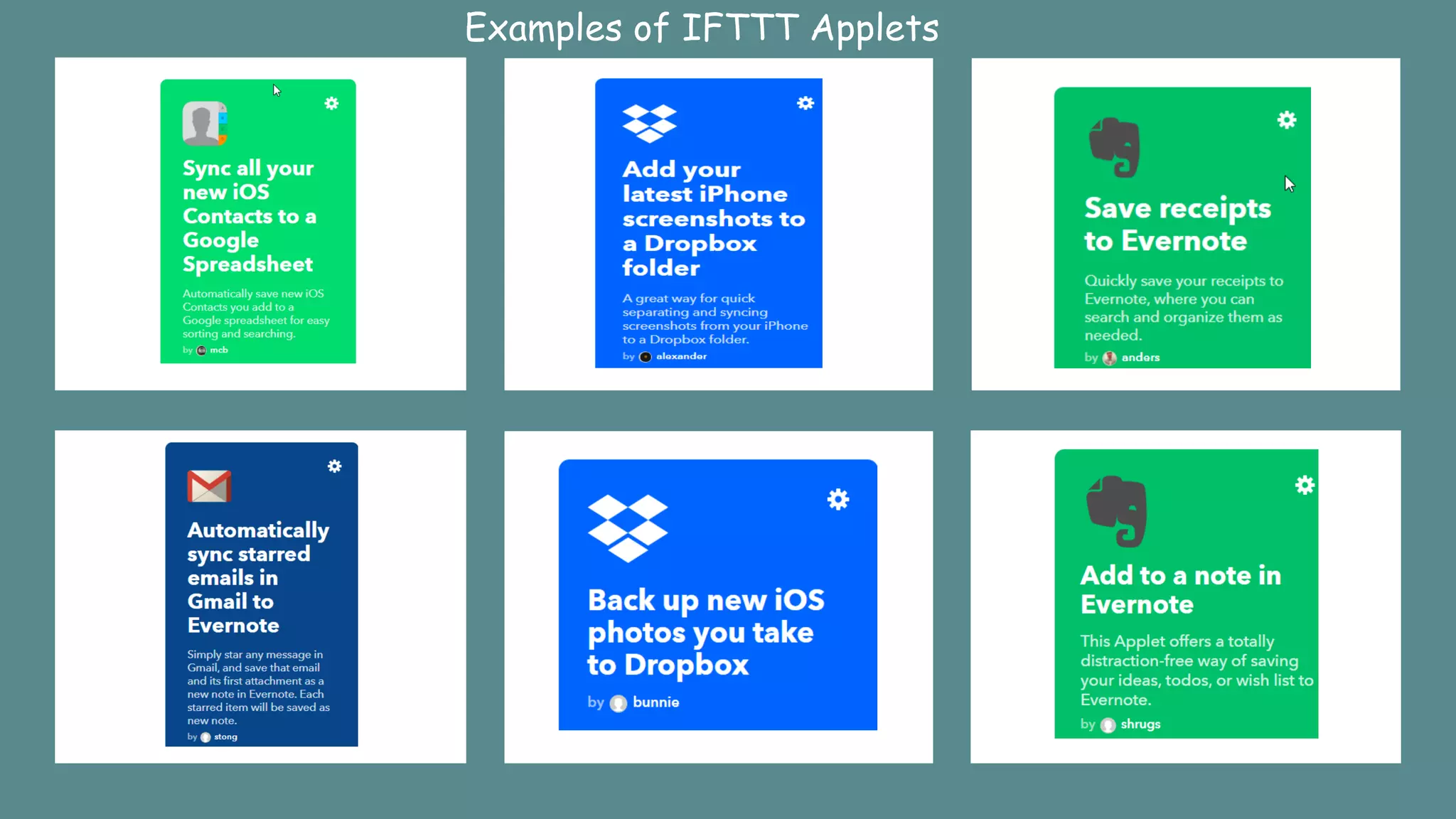
 For Example, To save a receipt on Evernote,
 Open Camera; Take Photo; Go to Gallery; Share the Photo to
Evernote.
 With correct IFTTT Applet, you can directly save receipts to
Evernote in one click
 Other Example of Applet, It automatically saves starred emails in
Evernote, if you have that Applet
 One other Example of Applet, It save all your new iOS contacts to a
Google Spreadsheet.
 Most Powerful Applet is “Add to a Note in Evernote”, with this
turned on and a widget activated on your mobile devices, you can
externalize your ideas, thoughts and To-dos in a single note in
Evernote with Date and Time stamp with a single click.
Examples of IFTTT Applets
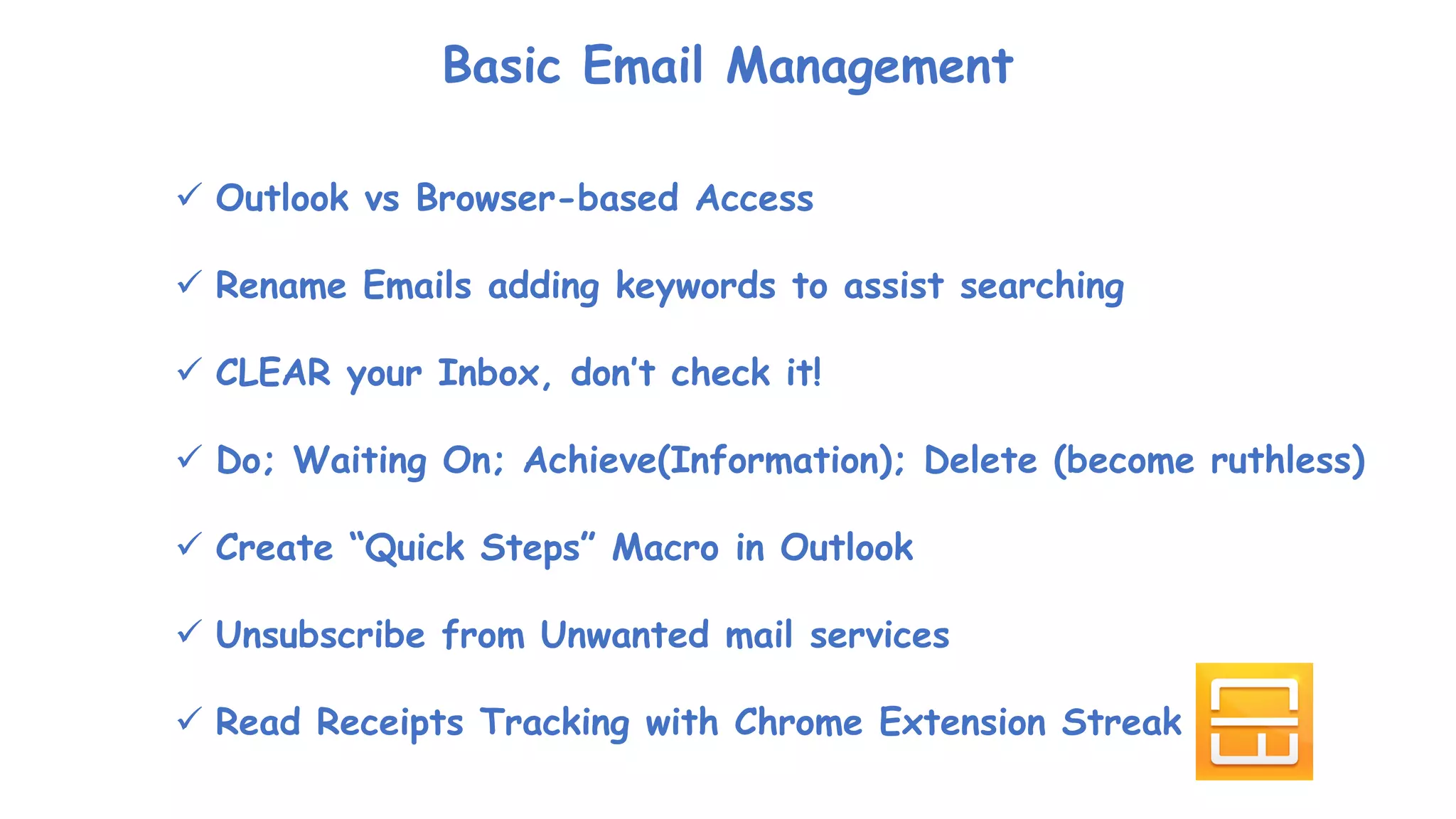
Basic Email Management
 Outlook vs Browser-based Access
 Rename Emails adding keywords to assist searching
 CLEAR your Inbox, don’t check it!
 Do; Waiting On; Achieve(Information); Delete (become ruthless)
 Create “Quick Steps” Macro in Outlook
 Unsubscribe from Unwanted mail services
 Read Receipts Tracking with Chrome Extension Streak
Backup and Restore (Windows 7)
Q & A
CA Dhaval Paun
B.Com, FCA, DISA, CFE
+91 82 0044 6905
dhavalpaun@gmail.com

Applications of work flow for professional excelllence

  • 1.
    “If you are doingit MORE THAN ONCE, You are doing it in a WRONG WAY” Lecture Meeting on “Applications of Work Flow” for Professional Excellence. CA Dhaval Paun B.Com, FCA, DISA, CFE 1st September 2018 ICAI Ahmedabad
  • 4.
  • 6.
    Features of aProductivity Tool  Cloud Based  Sync to Multiple Devices  Integrate with other Apps  Team Collaboration  Adaptable to match our Need  Free of Cost/Cost Effective If you opt to upgrade
  • 10.
    Benefits of IFTTT Helps your Apps and Devices Work Together  Number of Ready-to-use Applets to automate the process totally or converts the process into one click.  For Example, To save a receipt on Evernote,  Open Camera; Take Photo; Go to Gallery; Share the Photo to Evernote.  With correct IFTTT Applet, you can directly save receipts to Evernote in one click  Other Example of Applet, It automatically saves starred emails in Evernote, if you have that Applet  One other Example of Applet, It save all your new iOS contacts to a Google Spreadsheet.  Most Powerful Applet is “Add to a Note in Evernote”, with this turned on and a widget activated on your mobile devices, you can externalize your ideas, thoughts and To-dos in a single note in Evernote with Date and Time stamp with a single click.
  • 11.
  • 21.
    Basic Email Management Outlook vs Browser-based Access  Rename Emails adding keywords to assist searching  CLEAR your Inbox, don’t check it!  Do; Waiting On; Achieve(Information); Delete (become ruthless)  Create “Quick Steps” Macro in Outlook  Unsubscribe from Unwanted mail services  Read Receipts Tracking with Chrome Extension Streak
  • 23.
    Backup and Restore(Windows 7)
  • 24.
  • 25.
    CA Dhaval Paun B.Com,FCA, DISA, CFE +91 82 0044 6905 dhavalpaun@gmail.com