

All trademarks and registered trademarks are the property of their respective owners.© HelpSystems LLC. All rights reserved.
AP 101: How to Automate Your
Processes and Improve ROI
Go Paperless by Automating Your Key Document Processes
AP 101: How to Automate Your AP Processes and Improve ROI
Your Presenters
Richard Schoen
Director of Document Management Technologies
Greg Schmidt
Senior Technical Solutions Consultant
AP 101: How to Automate Your AP Processes and Improve ROI
• HelpSystems overview
• Common AP invoice processing scenarios
• Webdocs introduction
• Demo
• Q&A
Agenda
AP 101: How to Automate Your AP Processes and Improve ROI
HelpSystems Family of Brands
AP 101: How to Automate Your AP Processes and Improve ROI
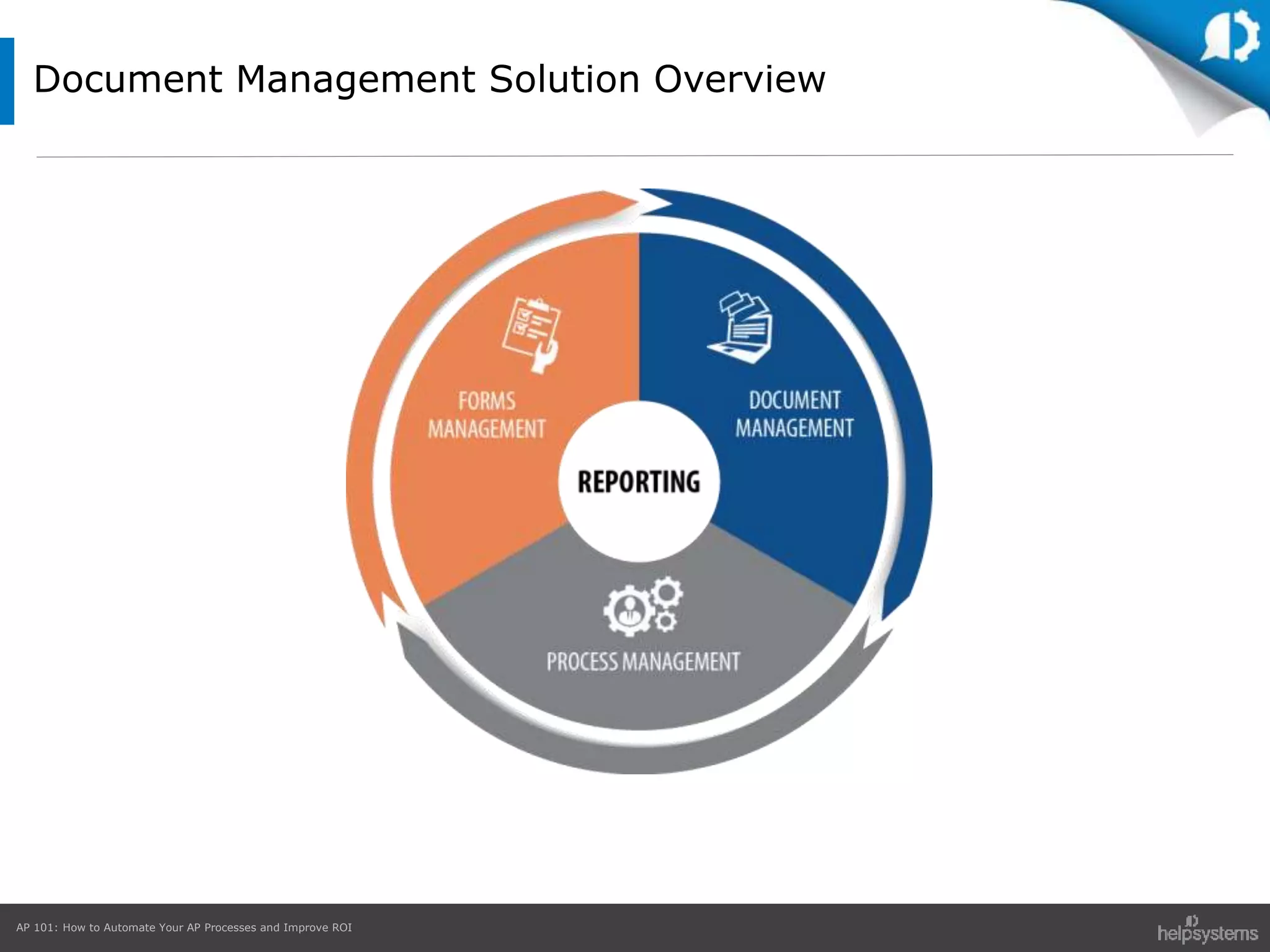
Document Management Solution Overview
AP 101: How to Automate Your AP Processes and Improve ROI
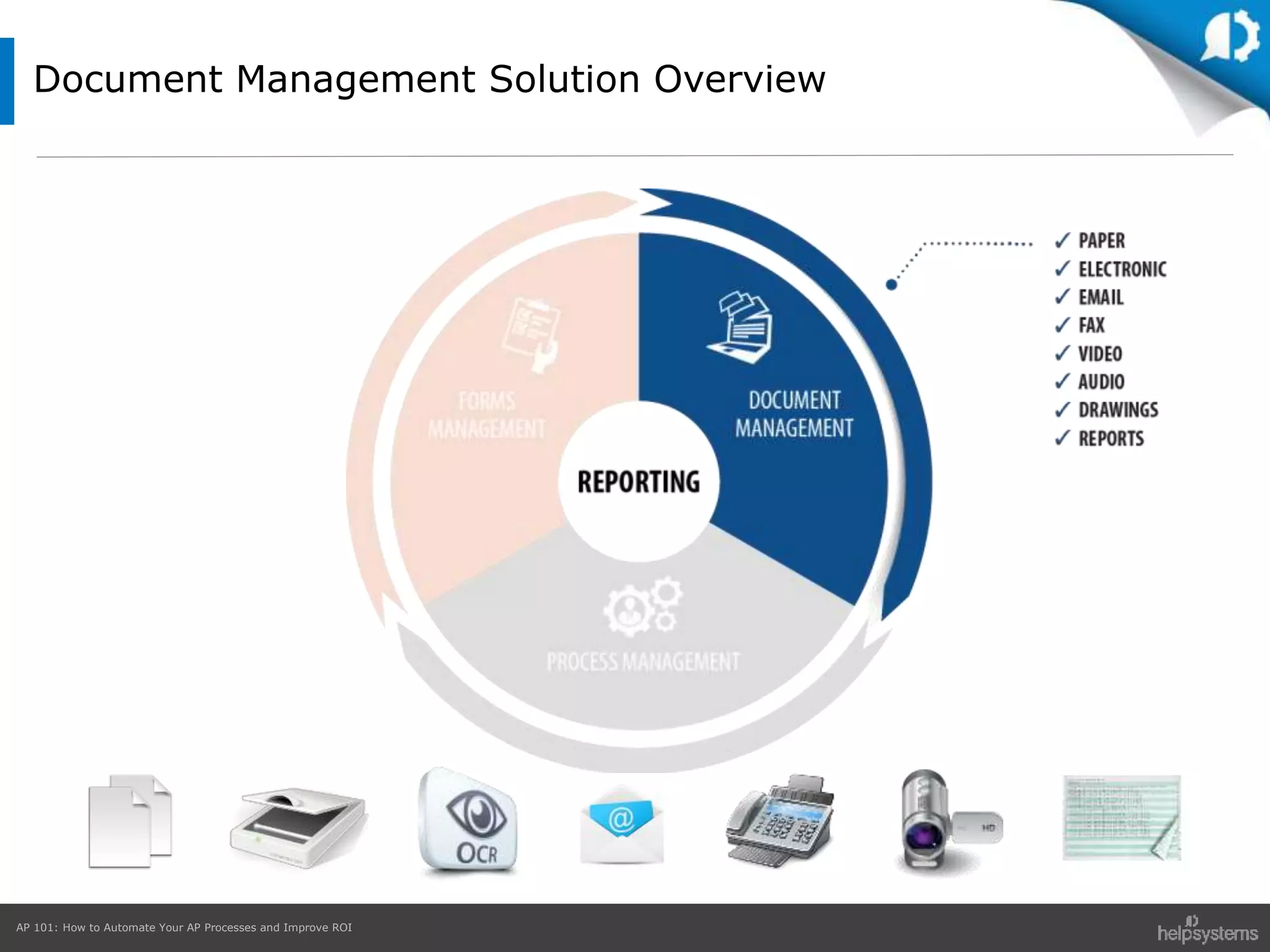
Document Management Solution Overview
AP 101: How to Automate Your AP Processes and Improve ROI
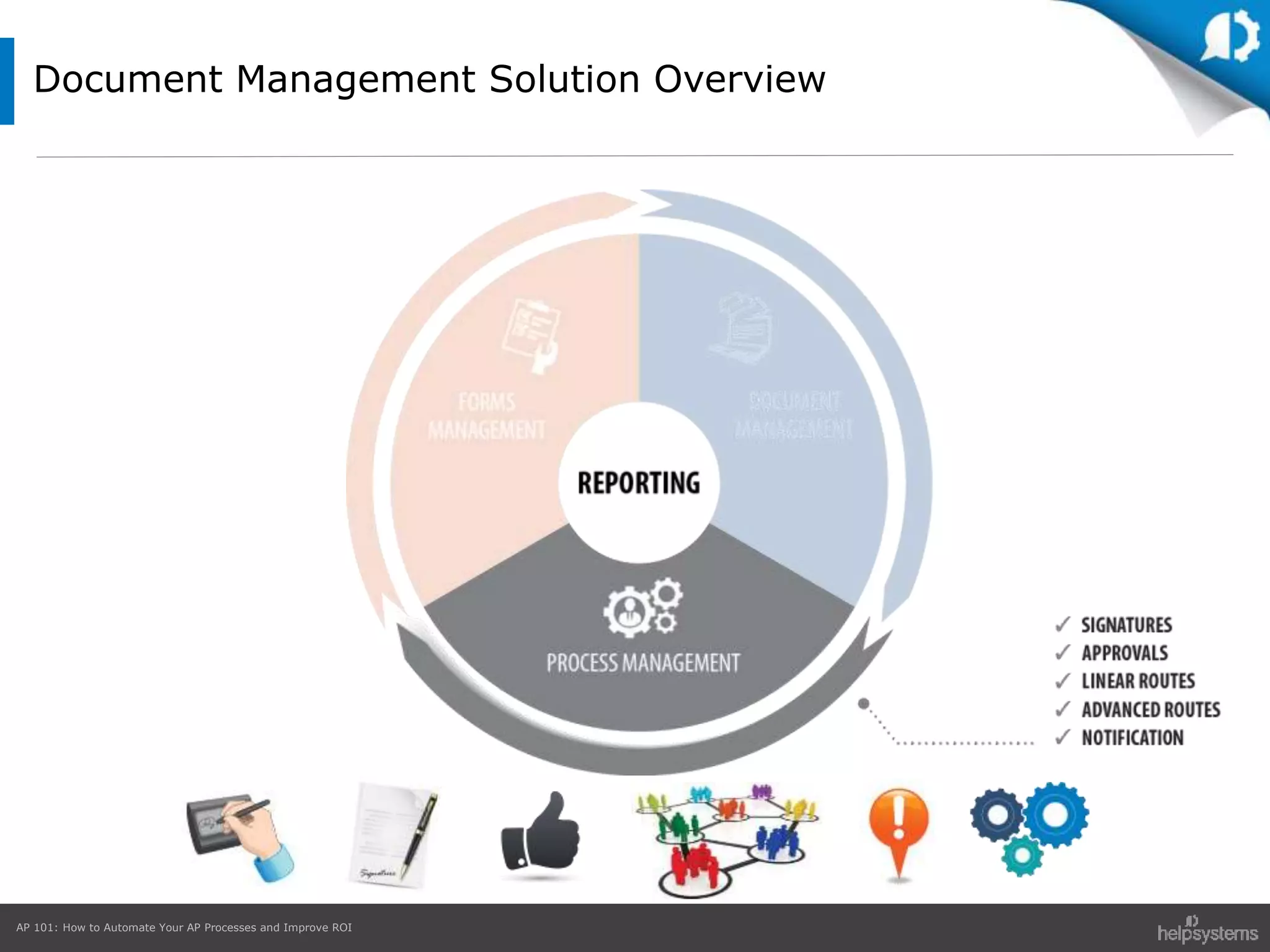
Document Management Solution Overview
AP 101: How to Automate Your AP Processes and Improve ROI
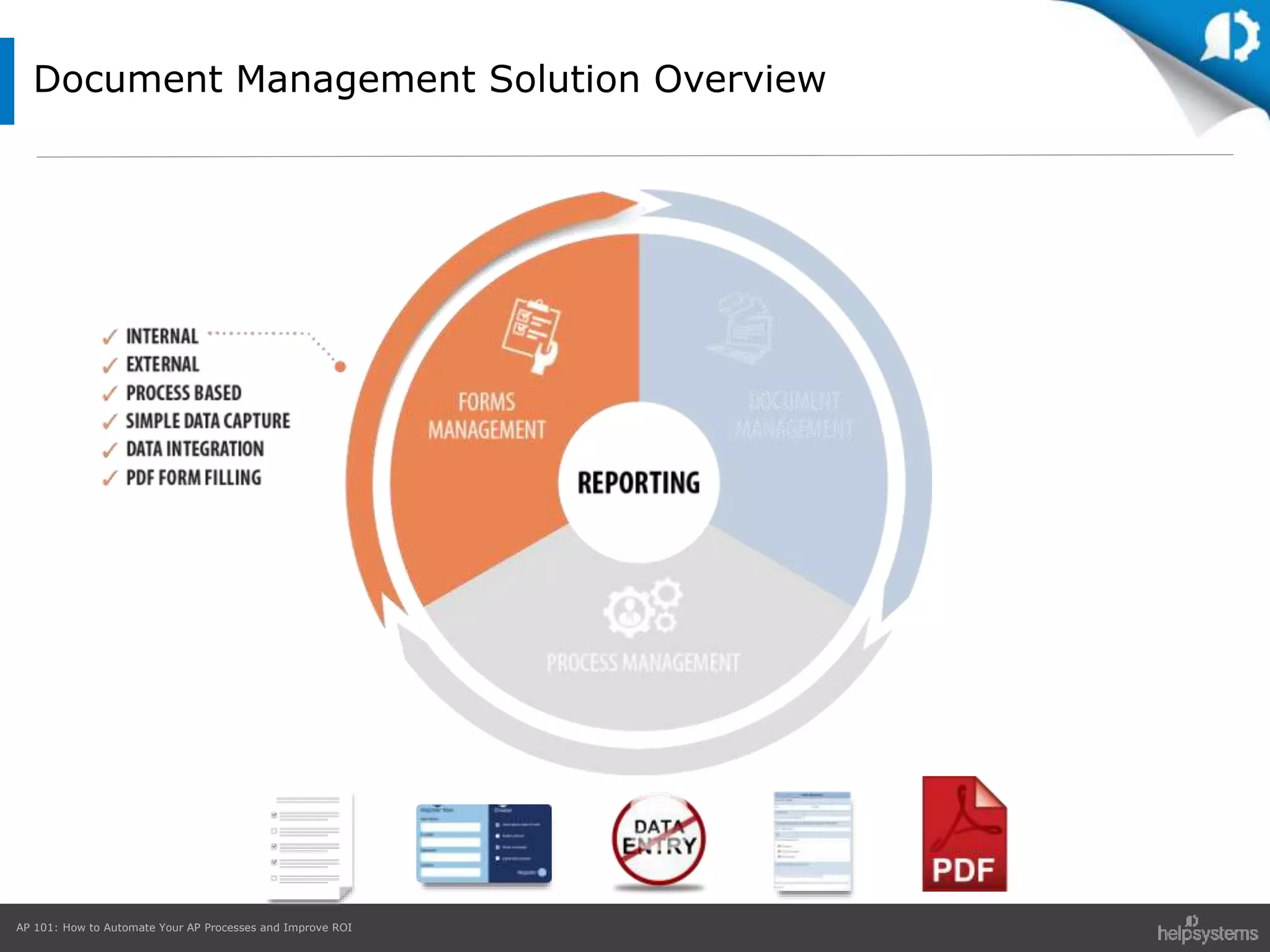
Document Management Solution Overview
AP 101: How to Automate Your AP Processes and Improve ROI
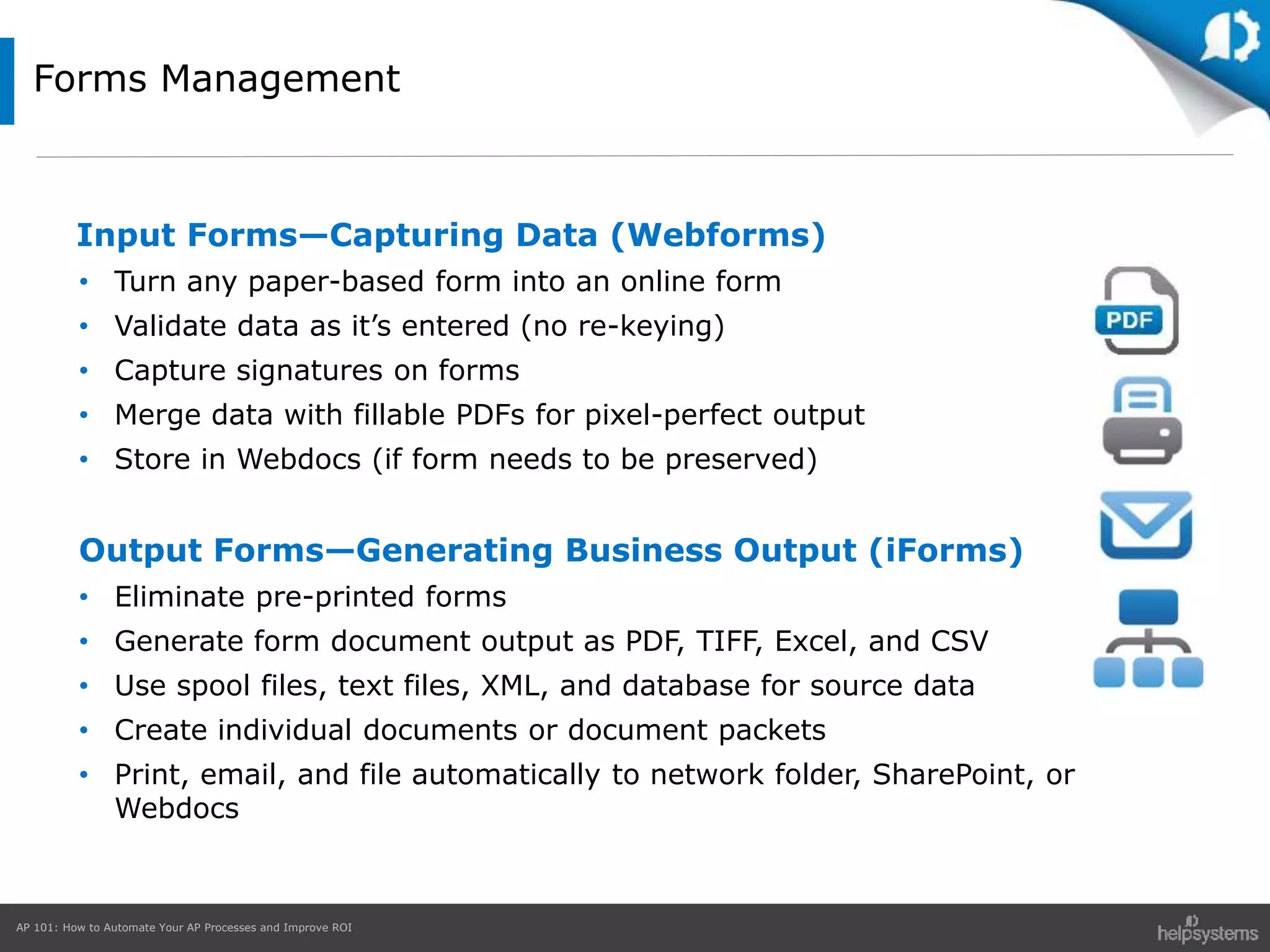
Forms Management
Input Forms—Capturing Data (Webforms)
• Turn any paper-based form into an online form
• Validate data as it’s entered (no re-keying)
• Capture signatures on forms
• Merge data with fillable PDFs for pixel-perfect output
• Store in Webdocs (if form needs to be preserved)
Output Forms—Generating Business Output (iForms)
• Eliminate pre-printed forms
• Generate form document output as PDF, TIFF, Excel, and CSV
• Use spool files, text files, XML, and database for source data
• Create individual documents or document packets
• Print, email, and file automatically to network folder, SharePoint, or
Webdocs
AP 101: How to Automate Your AP Processes and Improve ROI
Business Challenges
Paper-intensive, inefficient business processes
AP 101: How to Automate Your AP Processes and Improve ROI
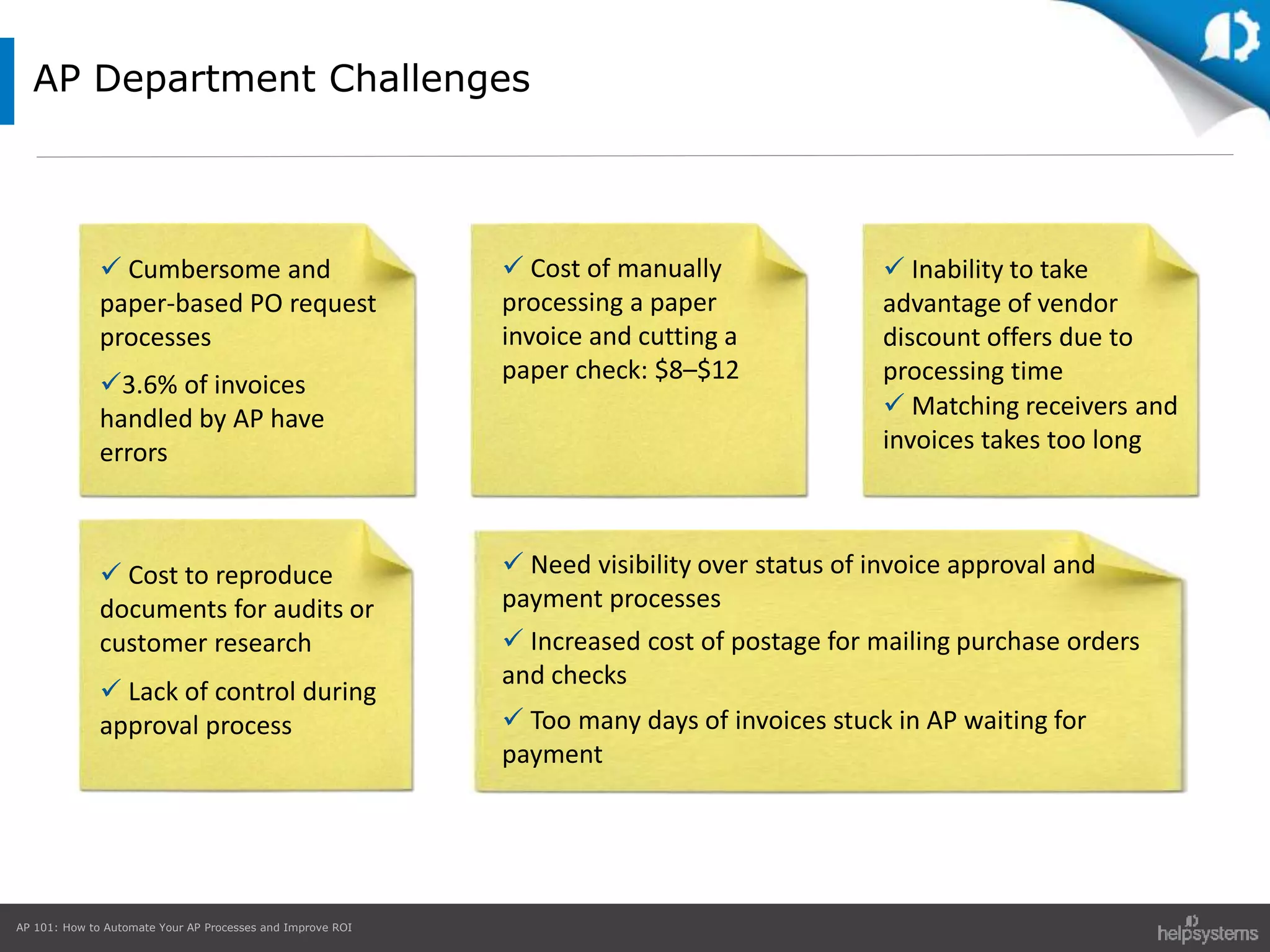
AP Department Challenges
 Cumbersome and
paper-based PO request
processes
3.6% of invoices
handled by AP have
errors
 Cost of manually
processing a paper
invoice and cutting a
paper check: $8–$12
 Inability to take
advantage of vendor
discount offers due to
processing time
 Matching receivers and
invoices takes too long
 Cost to reproduce
documents for audits or
customer research
 Lack of control during
approval process
 Need visibility over status of invoice approval and
payment processes
 Increased cost of postage for mailing purchase orders
and checks
 Too many days of invoices stuck in AP waiting for
payment
AP 101: How to Automate Your AP Processes and Improve ROI
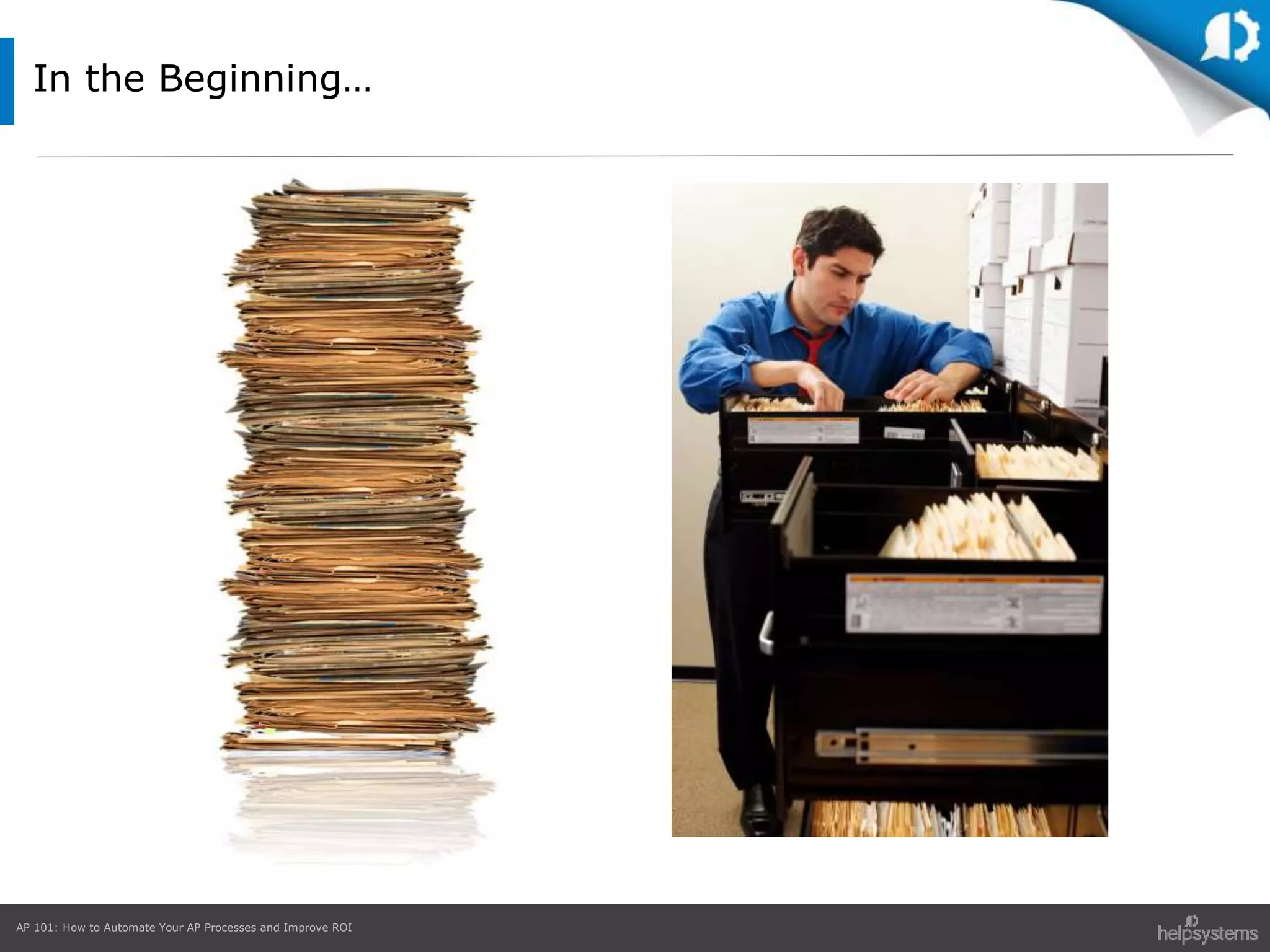
In the Beginning…
AP 101: How to Automate Your AP Processes and Improve ROI
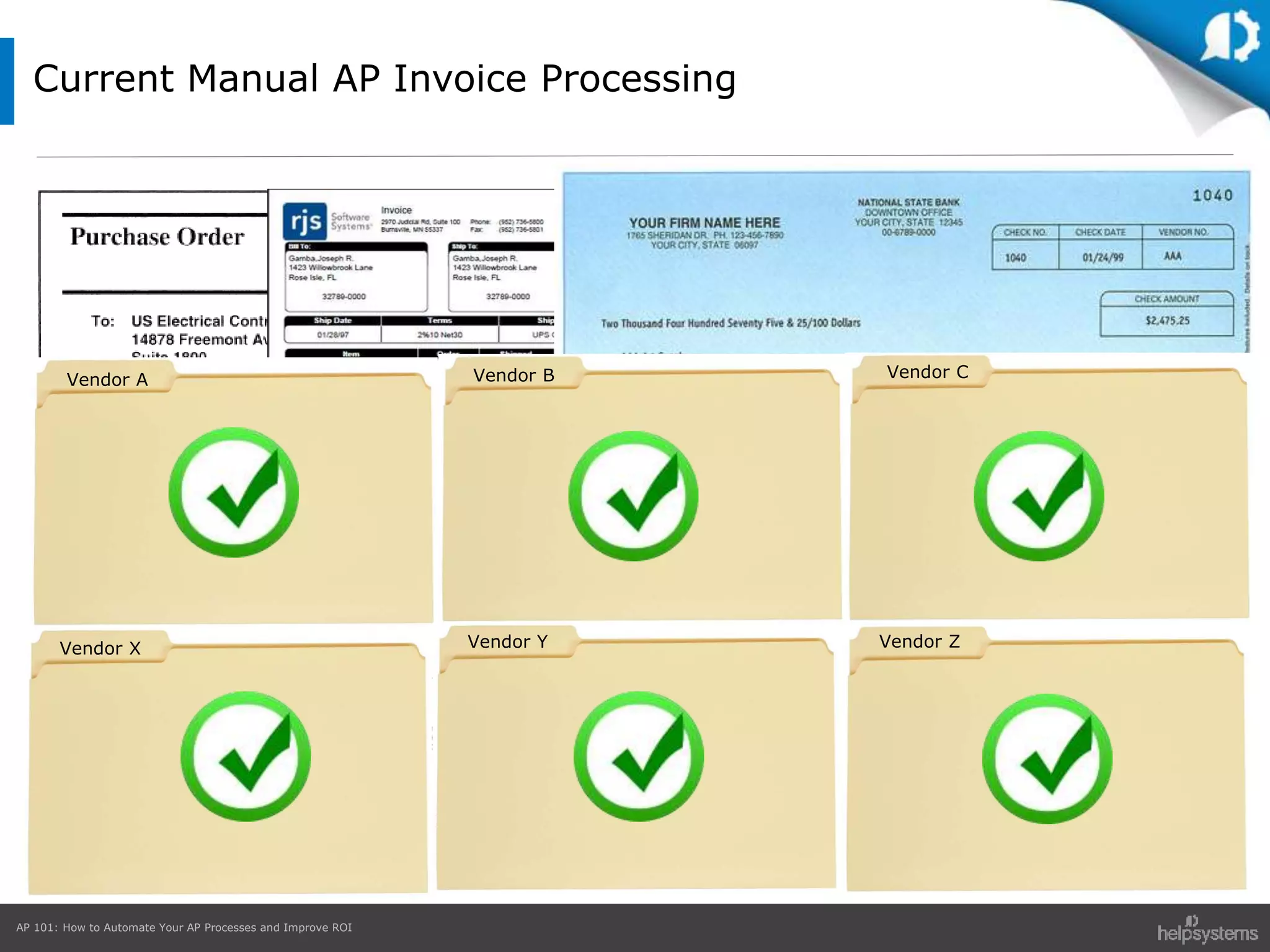
Current Manual AP Invoice Processing
Vendor A Vendor B Vendor C
Vendor X Vendor Y Vendor Z
AP 101: How to Automate Your AP Processes and Improve ROI
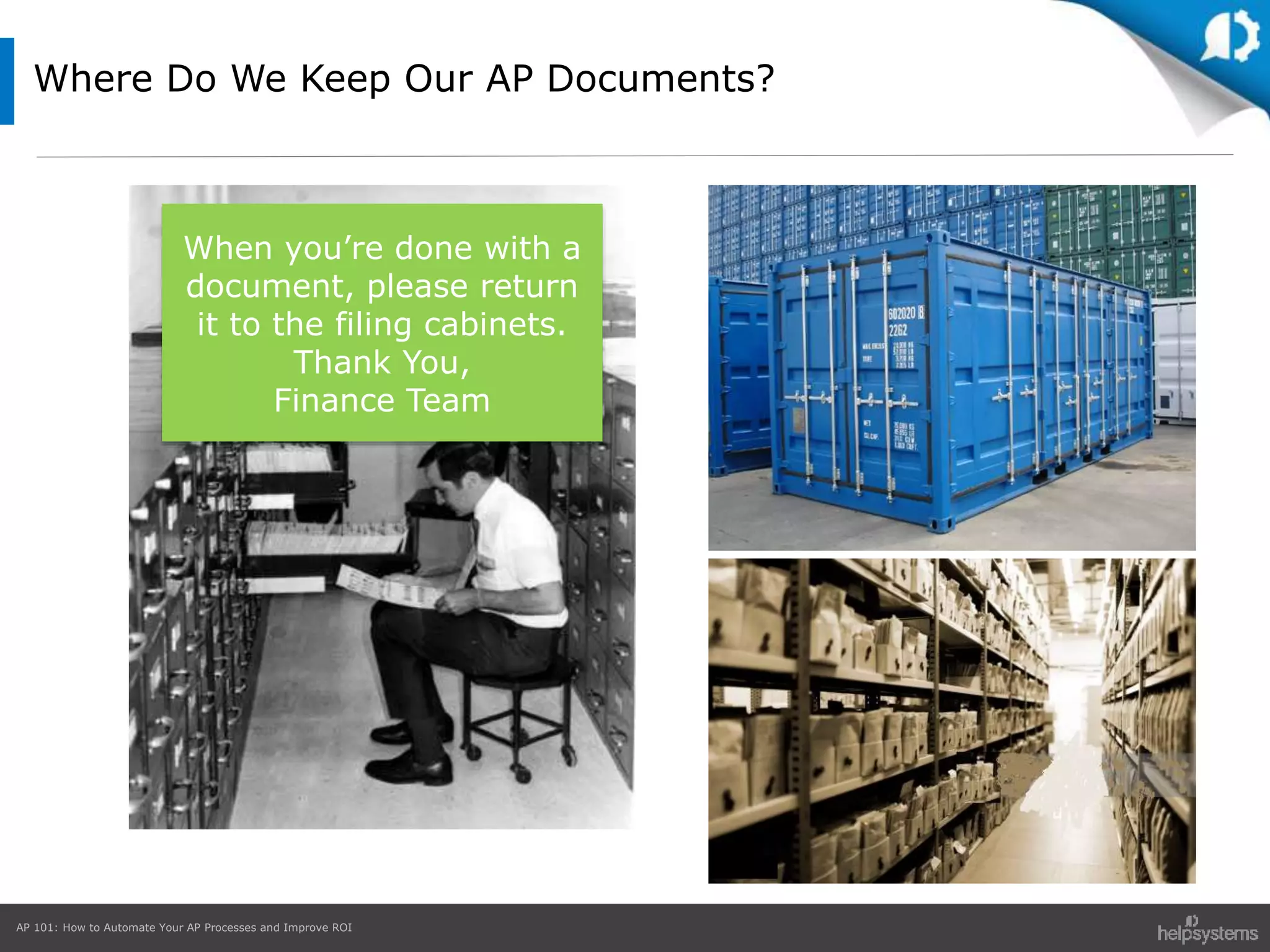
Where Do We Keep Our AP Documents?
When you’re done with a
document, please return
it to the filing cabinets.
Thank You,
Finance Team
AP 101: How to Automate Your AP Processes and Improve ROI
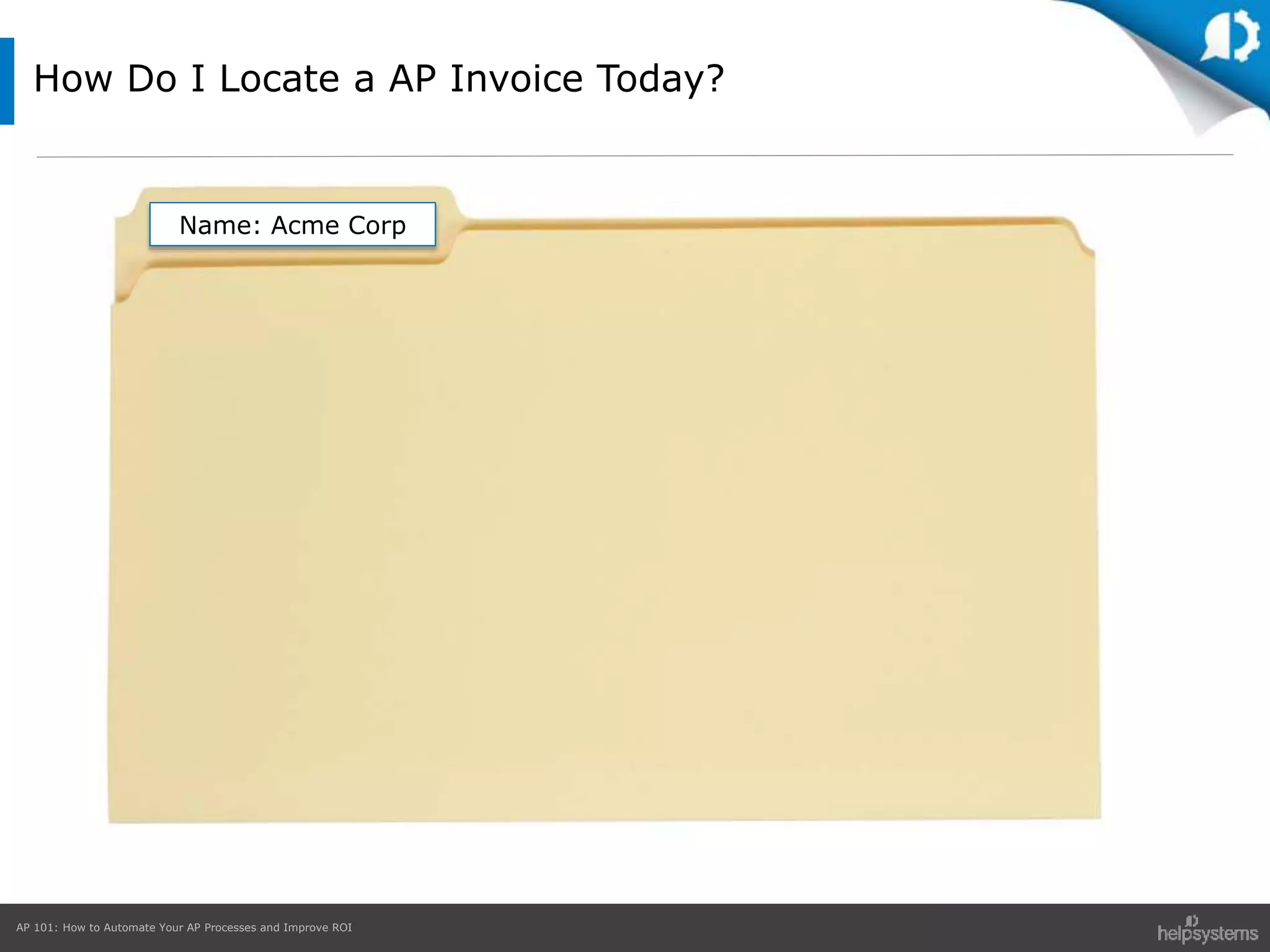
How Do I Locate a AP Invoice Today?
Name: Acme Corp
AP 101: How to Automate Your AP Processes and Improve ROI
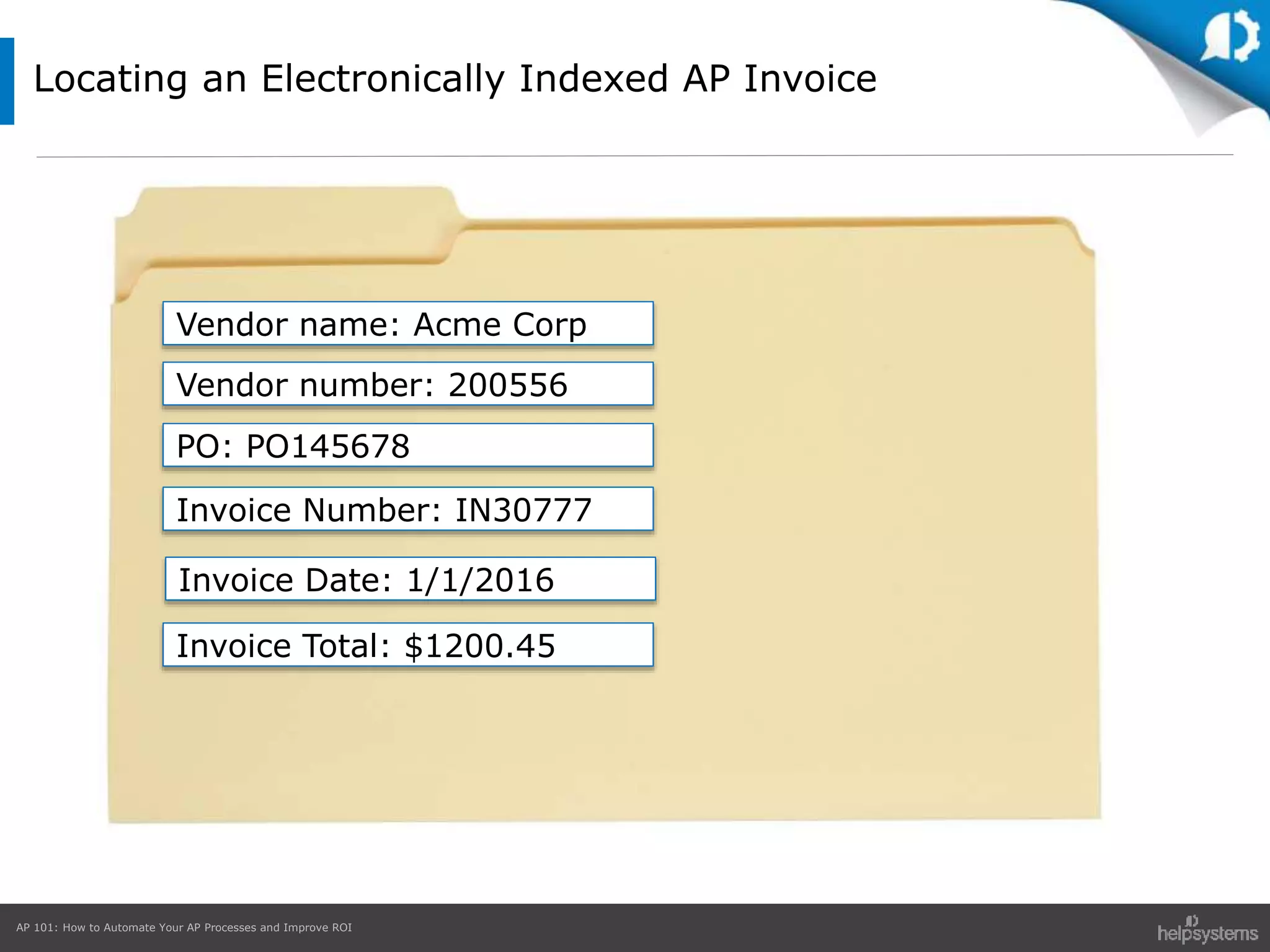
Locating an Electronically Indexed AP Invoice
Vendor name: Acme Corp
Vendor number: 200556
PO: PO145678
Invoice Number: IN30777
Invoice Total: $1200.45
Invoice Date: 1/1/2016
AP 101: How to Automate Your AP Processes and Improve ROI
ERP Integration
AP 101: How to Automate Your AP Processes and Improve ROI
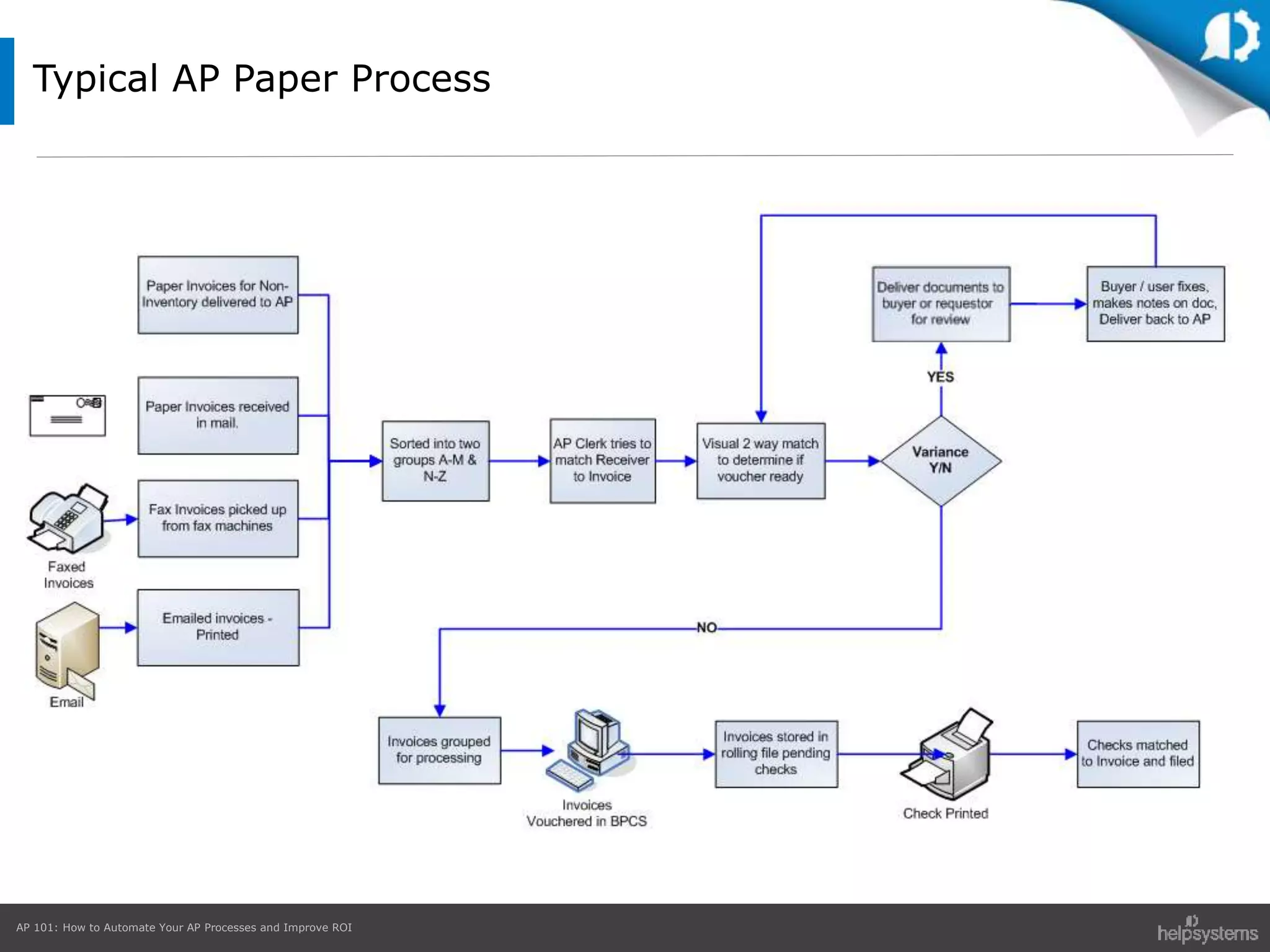
Typical AP Paper Process
AP 101: How to Automate Your AP Processes and Improve ROI
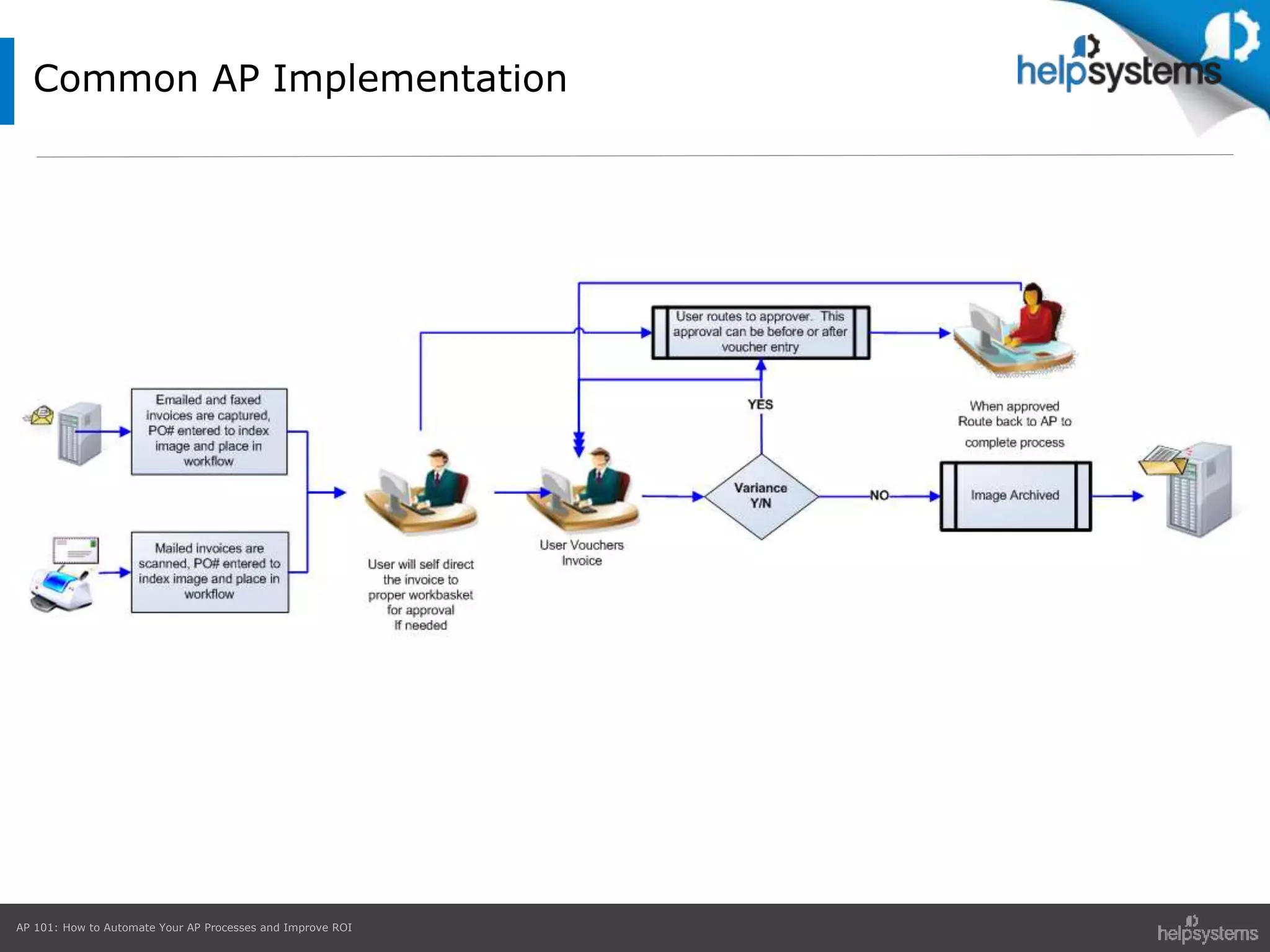
Common AP Implementation
AP 101: How to Automate Your AP Processes and Improve ROI
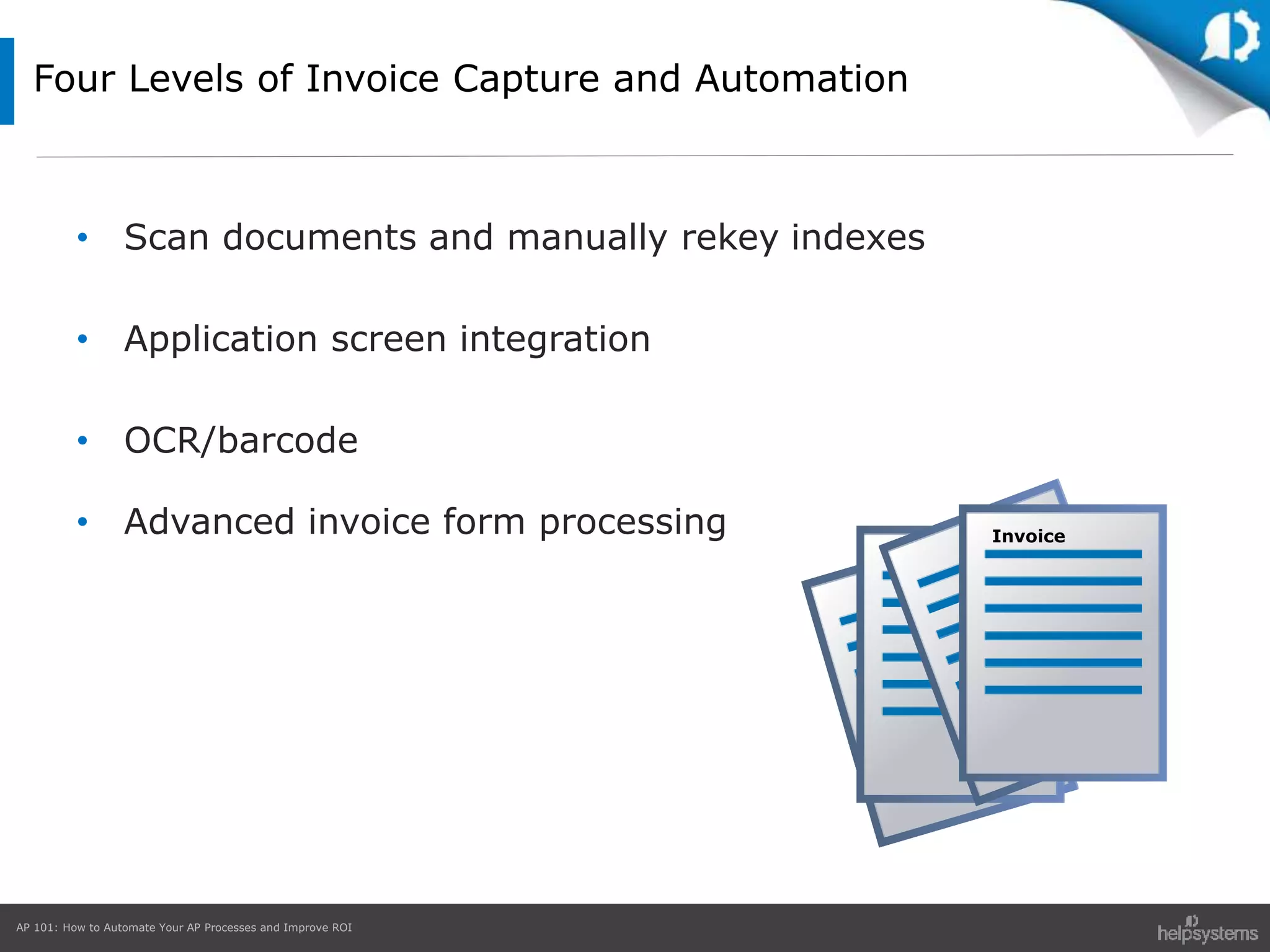
Four Levels of Invoice Capture and Automation
• Scan documents and manually rekey indexes
• Application screen integration
• OCR/barcode
• Advanced invoice form processing Invoice
AP 101: How to Automate Your AP Processes and Improve ROI
Four Levels of Invoice Capture and Automation
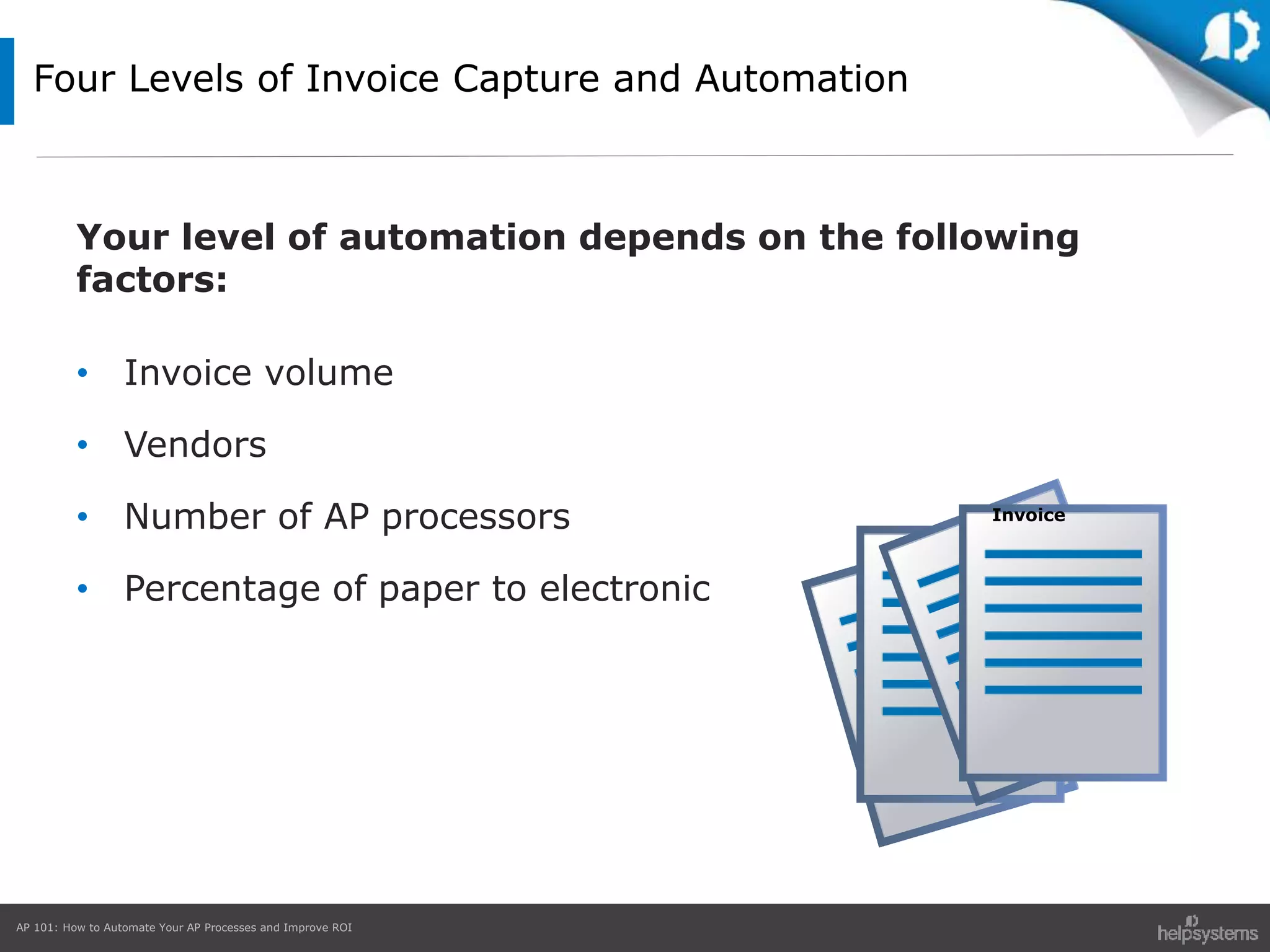
Your level of automation depends on the following
factors:
• Invoice volume
• Vendors
• Number of AP processors
• Percentage of paper to electronic
Invoice
AP 101: How to Automate Your AP Processes and Improve ROI
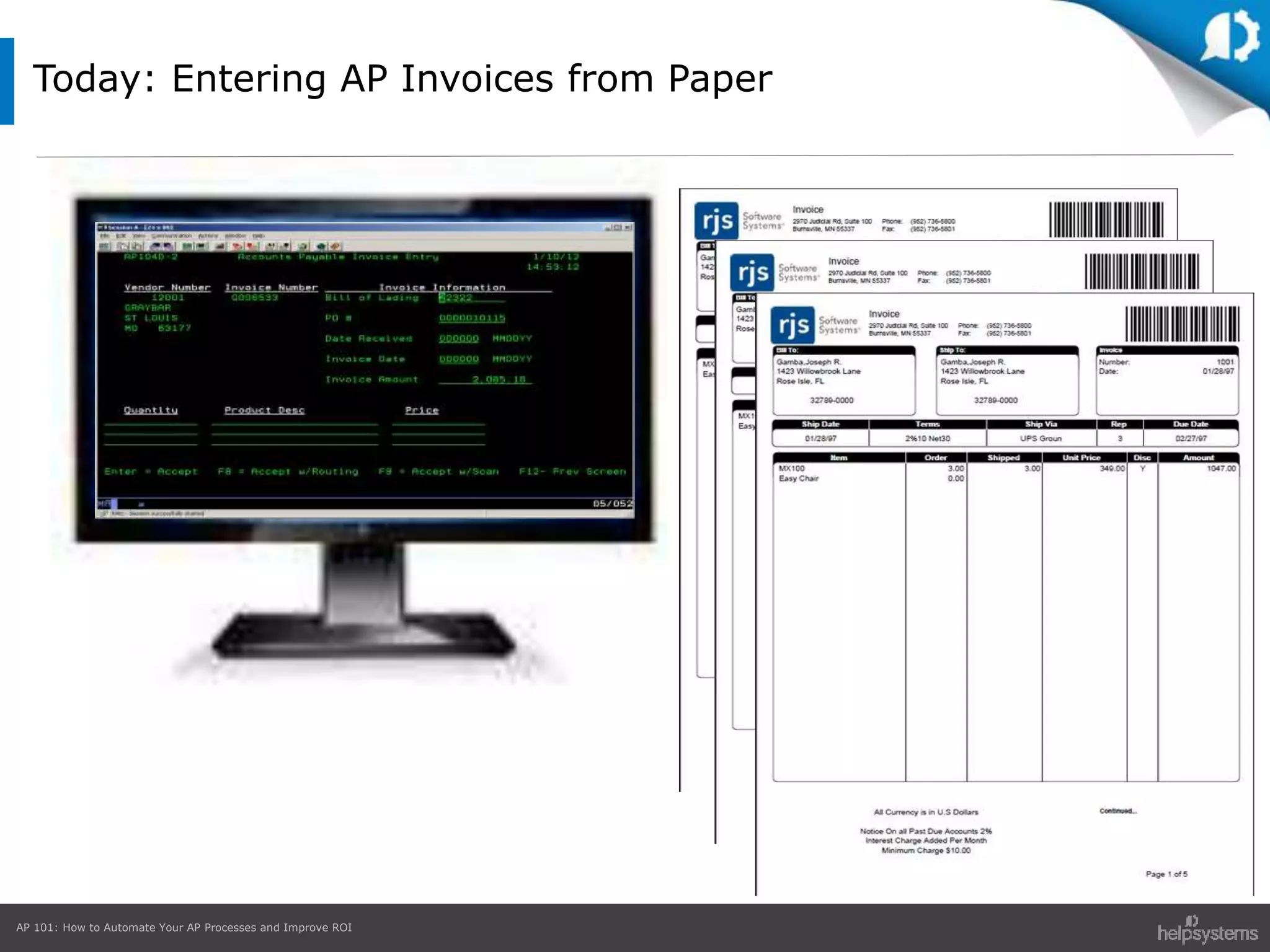
Today: Entering AP Invoices from Paper
AP 101: How to Automate Your AP Processes and Improve ROI
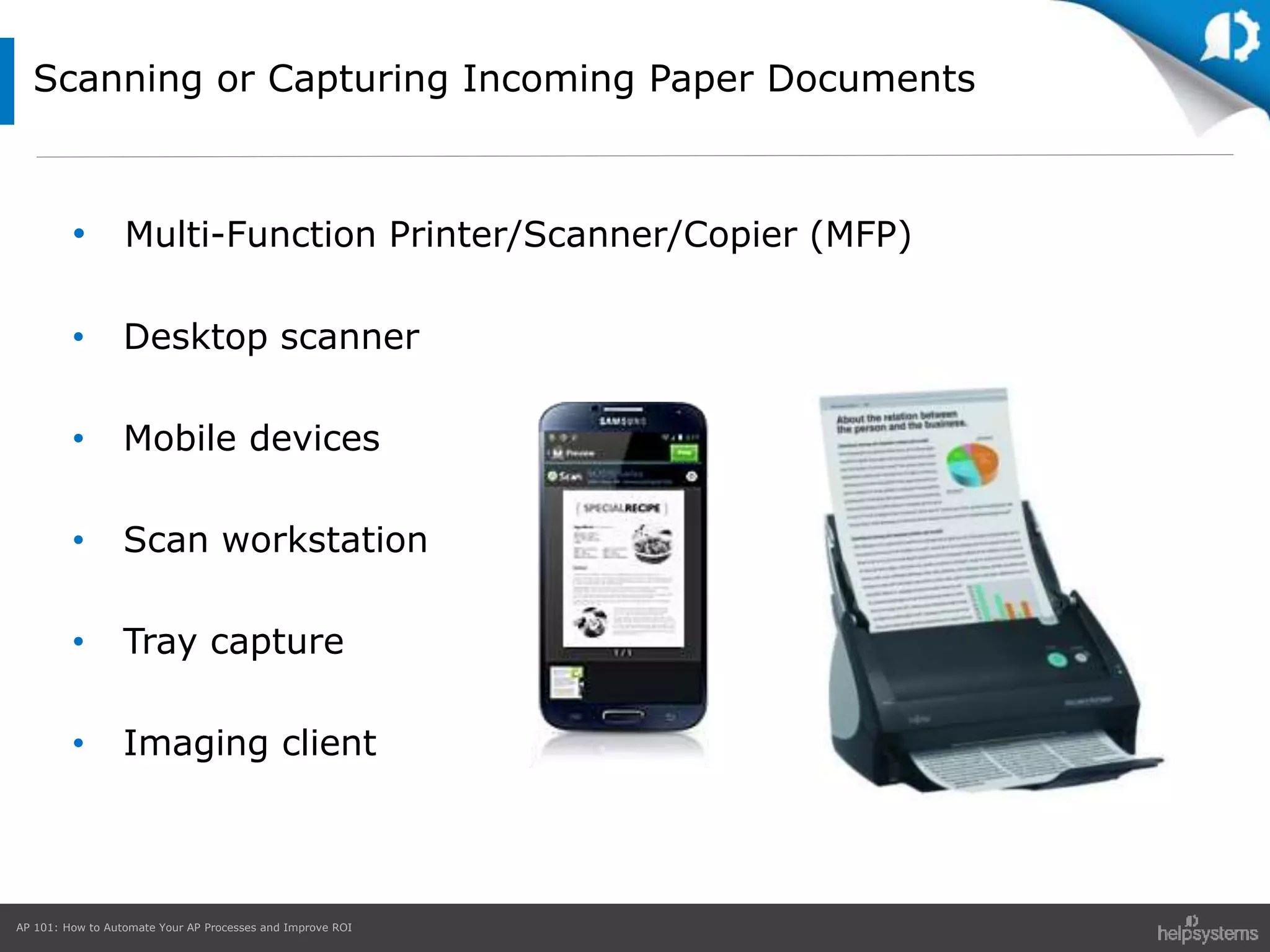
Scanning or Capturing Incoming Paper Documents
• Multi-Function Printer/Scanner/Copier (MFP)
• Desktop scanner
• Mobile devices
• Scan workstation
• Tray capture
• Imaging client
AP 101: How to Automate Your AP Processes and Improve ROI
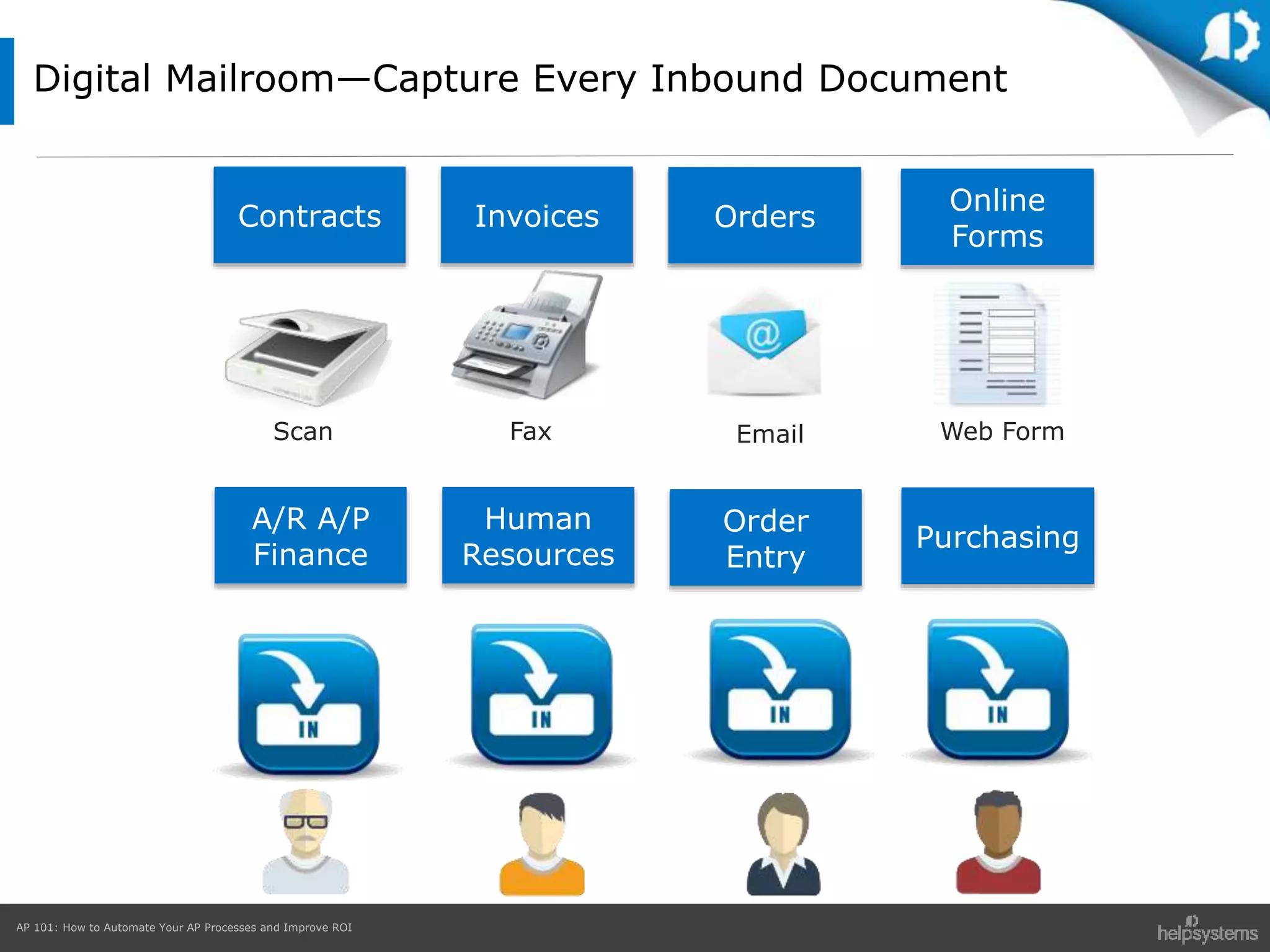
Digital Mailroom—Capture Every Inbound Document
Contracts Invoices Orders
Online
Forms
Scan Fax Email Web Form
A/R A/P
Finance
Human
Resources
Order
Entry
Purchasing
AP 101: How to Automate Your AP Processes and Improve ROI
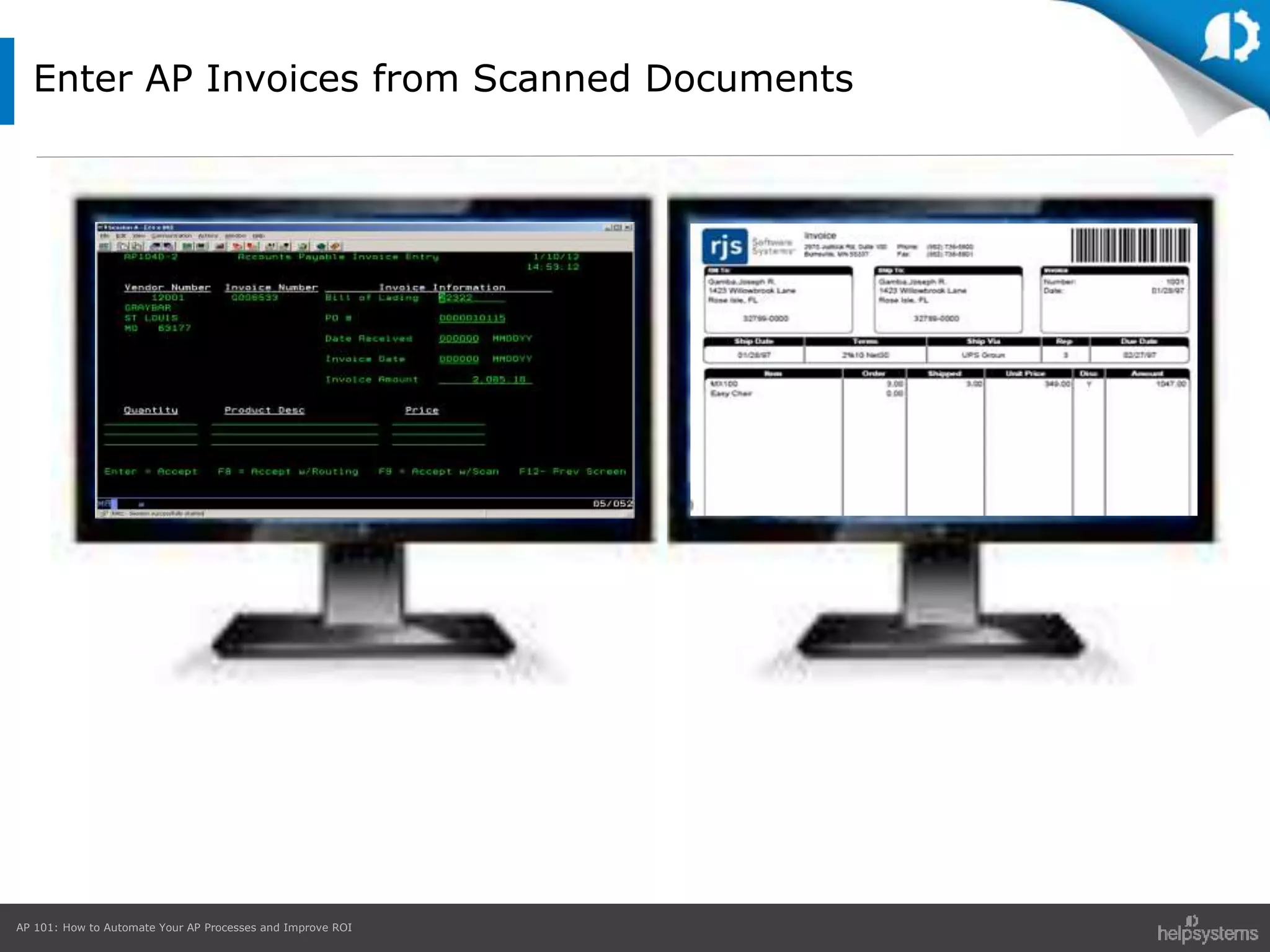
Enter AP Invoices from Scanned Documents
AP 101: How to Automate Your AP Processes and Improve ROI
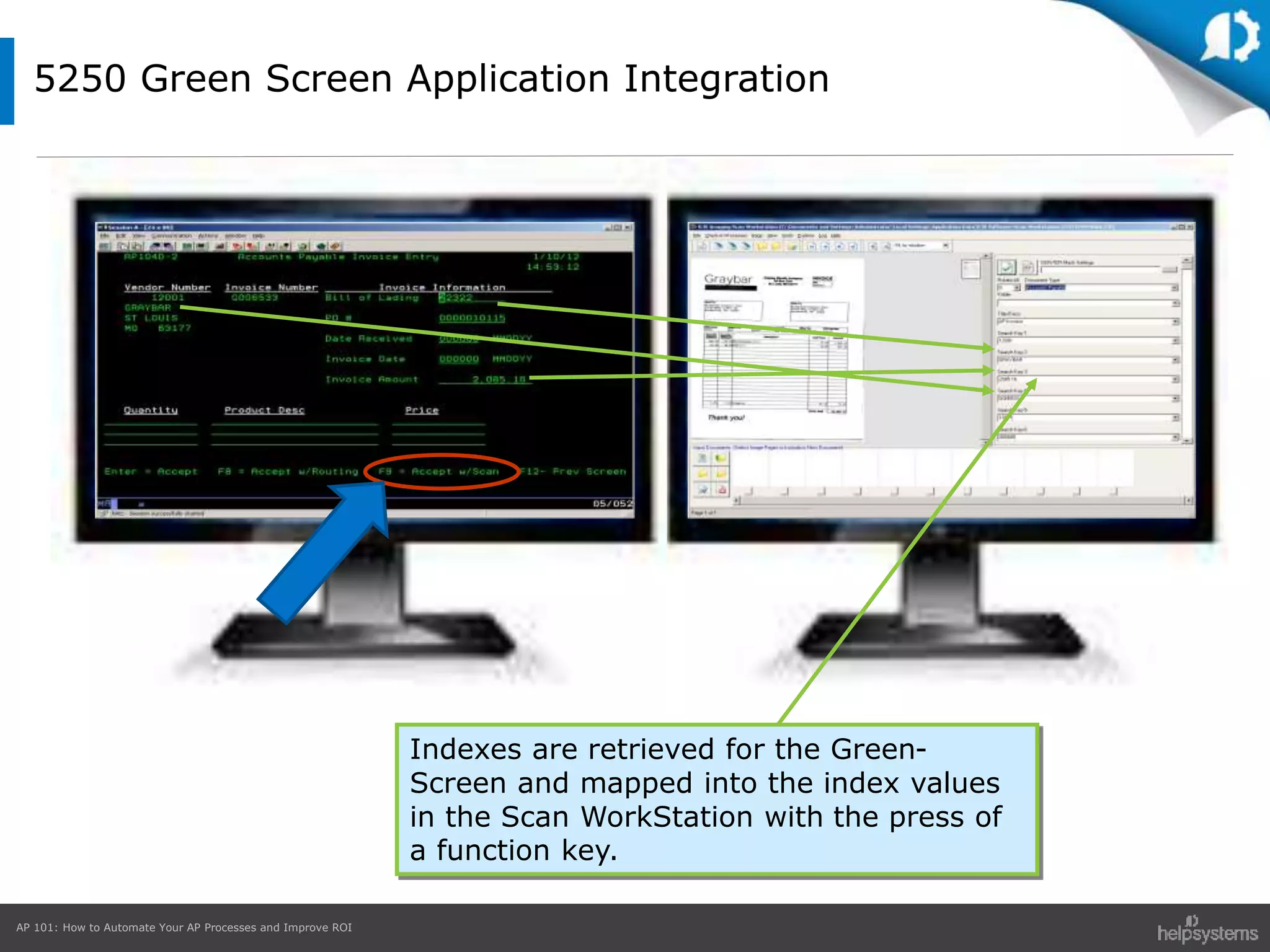
5250 Green Screen Application Integration
Indexes are retrieved for the Green-
Screen and mapped into the index values
in the Scan WorkStation with the press of
a function key.
AP 101: How to Automate Your AP Processes and Improve ROI
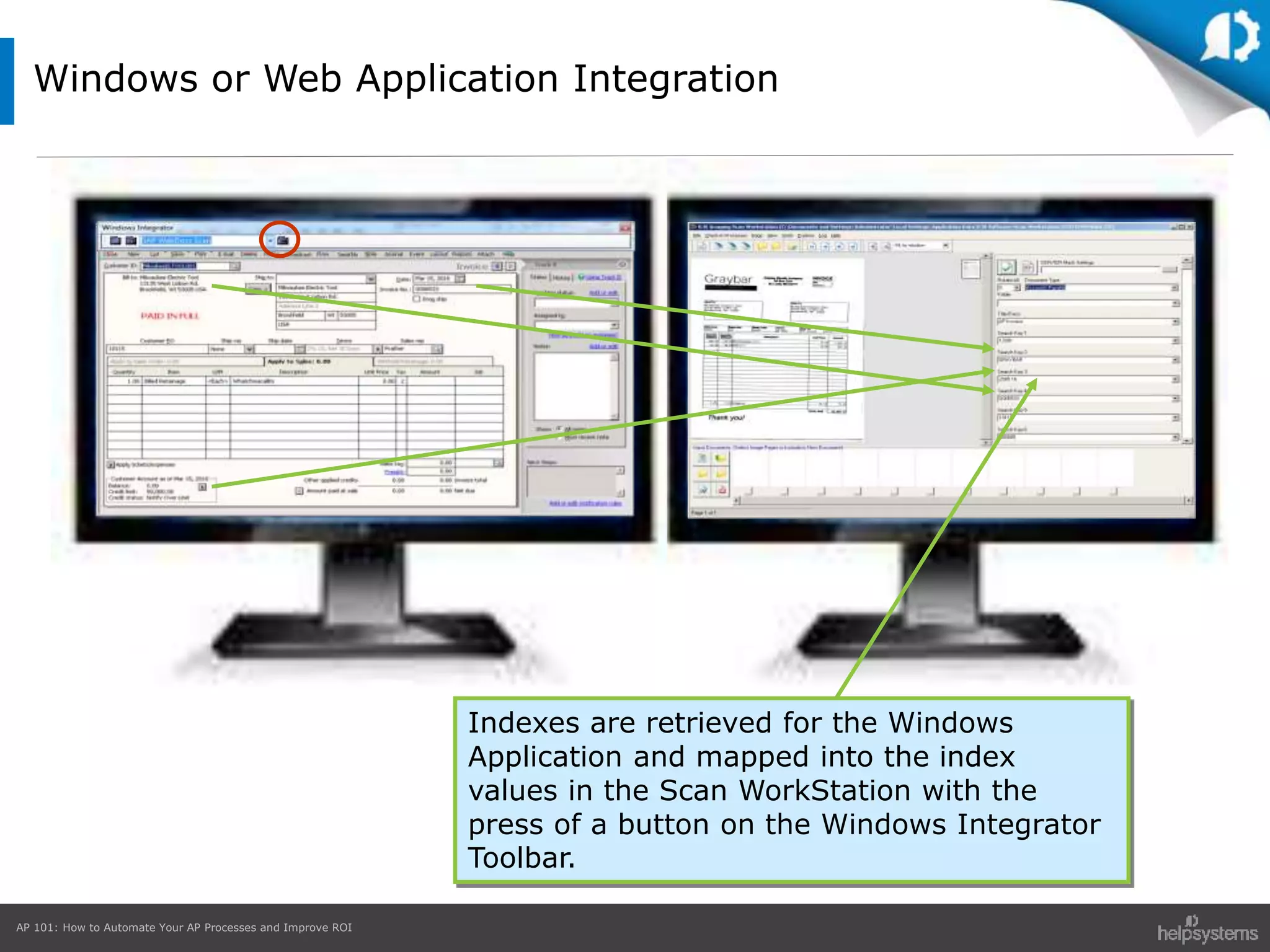
Windows or Web Application Integration
Indexes are retrieved for the Windows
Application and mapped into the index
values in the Scan WorkStation with the
press of a button on the Windows Integrator
Toolbar.
AP 101: How to Automate Your AP Processes and Improve ROI
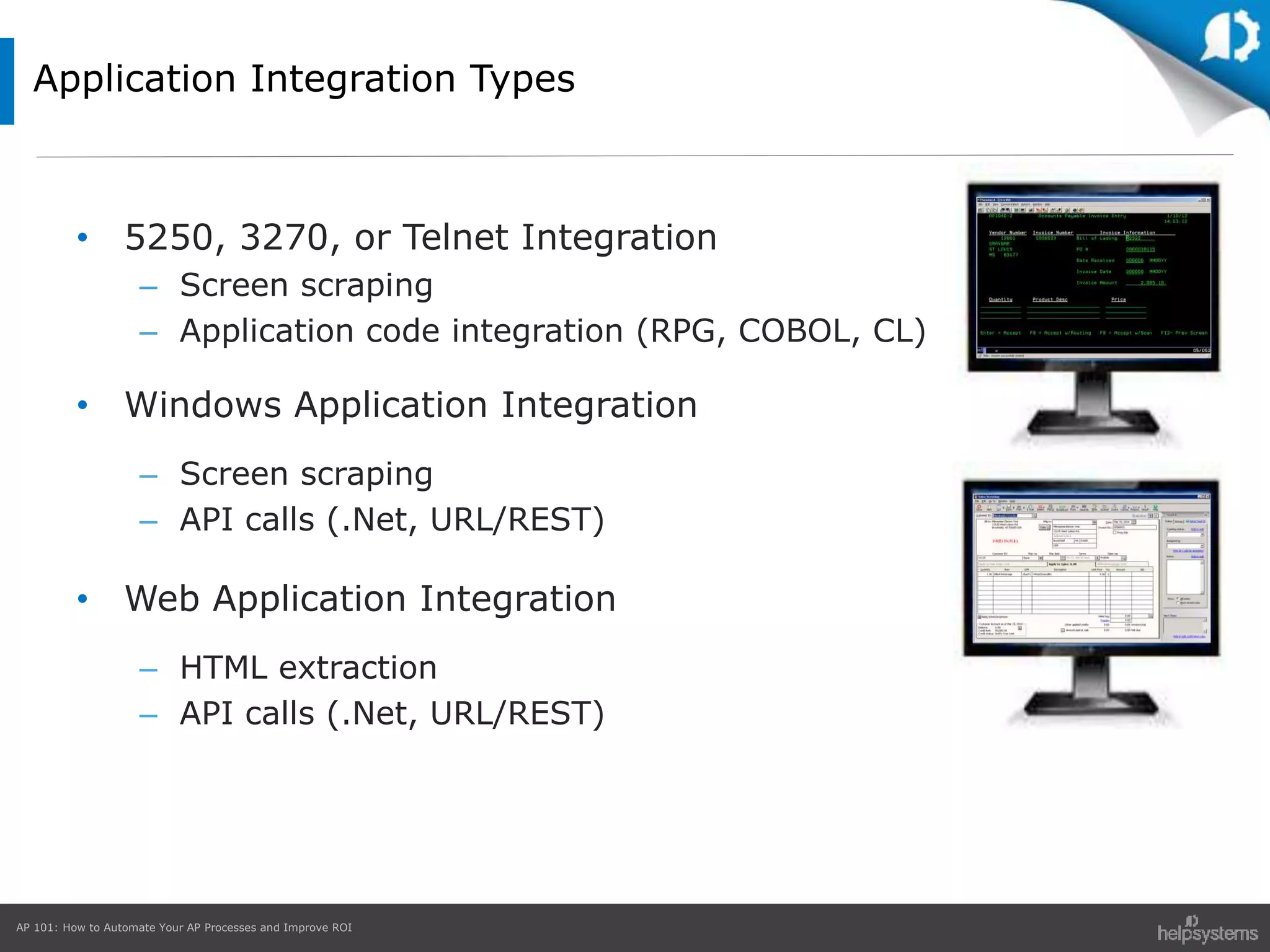
Application Integration Types
• 5250, 3270, or Telnet Integration
– Screen scraping
– Application code integration (RPG, COBOL, CL)
• Windows Application Integration
– Screen scraping
– API calls (.Net, URL/REST)
• Web Application Integration
– HTML extraction
– API calls (.Net, URL/REST)
AP 101: How to Automate Your AP Processes and Improve ROI
Monitor and Capture Inbound Invoices and Email
• Any mailbox
• From/To/Cc/Bcc
• Subject
• Body
• Attachments
• Entire message
AP 101: How to Automate Your AP Processes and Improve ROI
OCR and the Challenge of AP Scanning
Statistics about OCR (Optical Character Recognition)
• Accuracy is not actually 95%+
— An OCR engine will read 95% of the indexed
characters (not documents)
— An OCR engine that is 95% accurate is used on a 9-
digit field, so the true accuracy is 69.8% (95% to
the 9th power). OCR is only as good as print and
scan quality
• DPI is increased, increasing your storage size
• Barcode accuracy is 99.9% accurate.
AP 101: How to Automate Your AP Processes and Improve ROI
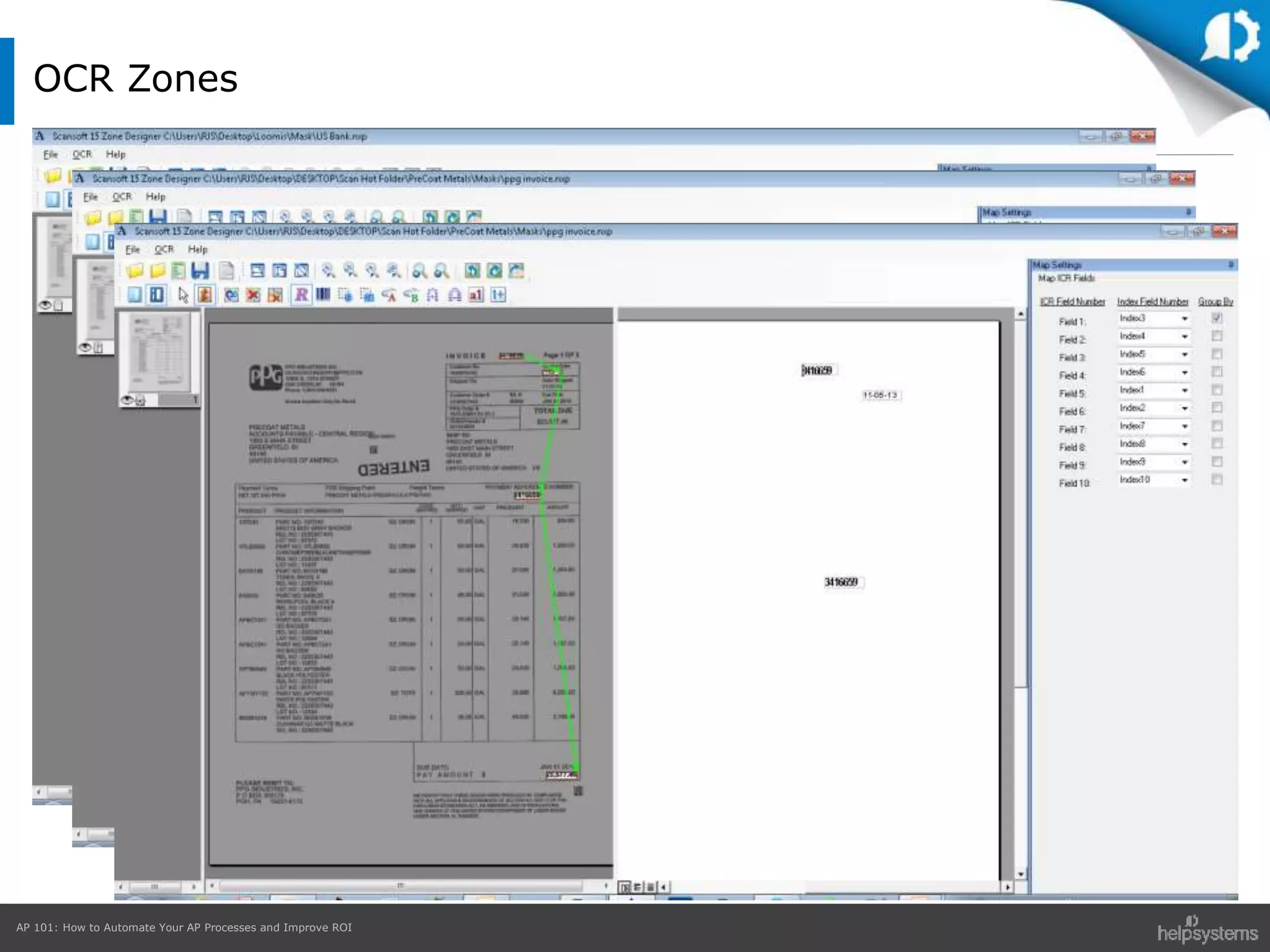
OCR Zones
AP 101: How to Automate Your AP Processes and Improve ROI
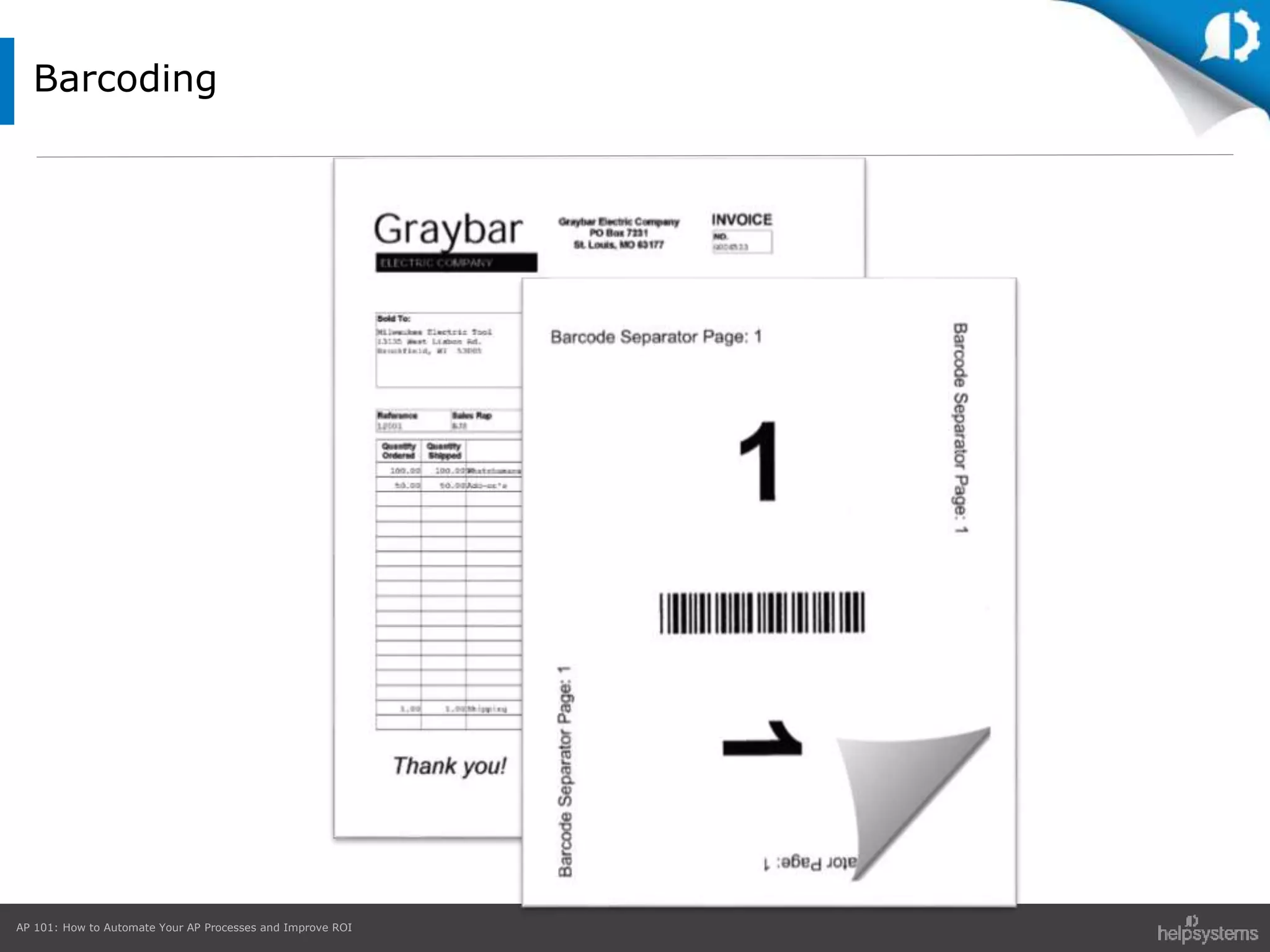
Barcoding
AP 101: How to Automate Your AP Processes and Improve ROI
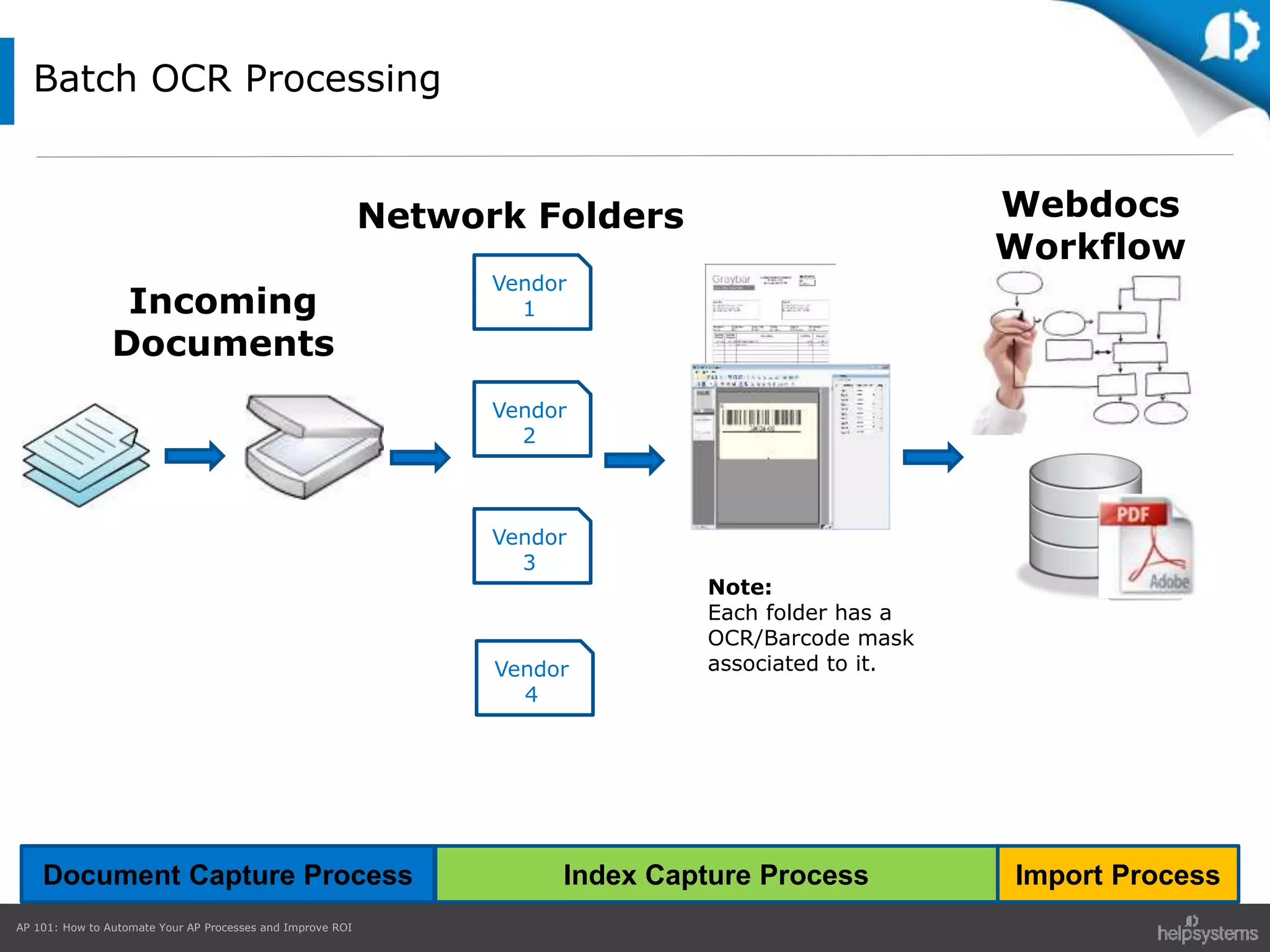
Batch OCR Processing
Webdocs
Workflow
Document Capture Process Import Process
Network Folders
Incoming
Documents
Vendor
1
Vendor
2
Vendor
3
Vendor
4
Index Capture Process
Note:
Each folder has a
OCR/Barcode mask
associated to it.
AP 101: How to Automate Your AP Processes and Improve ROI
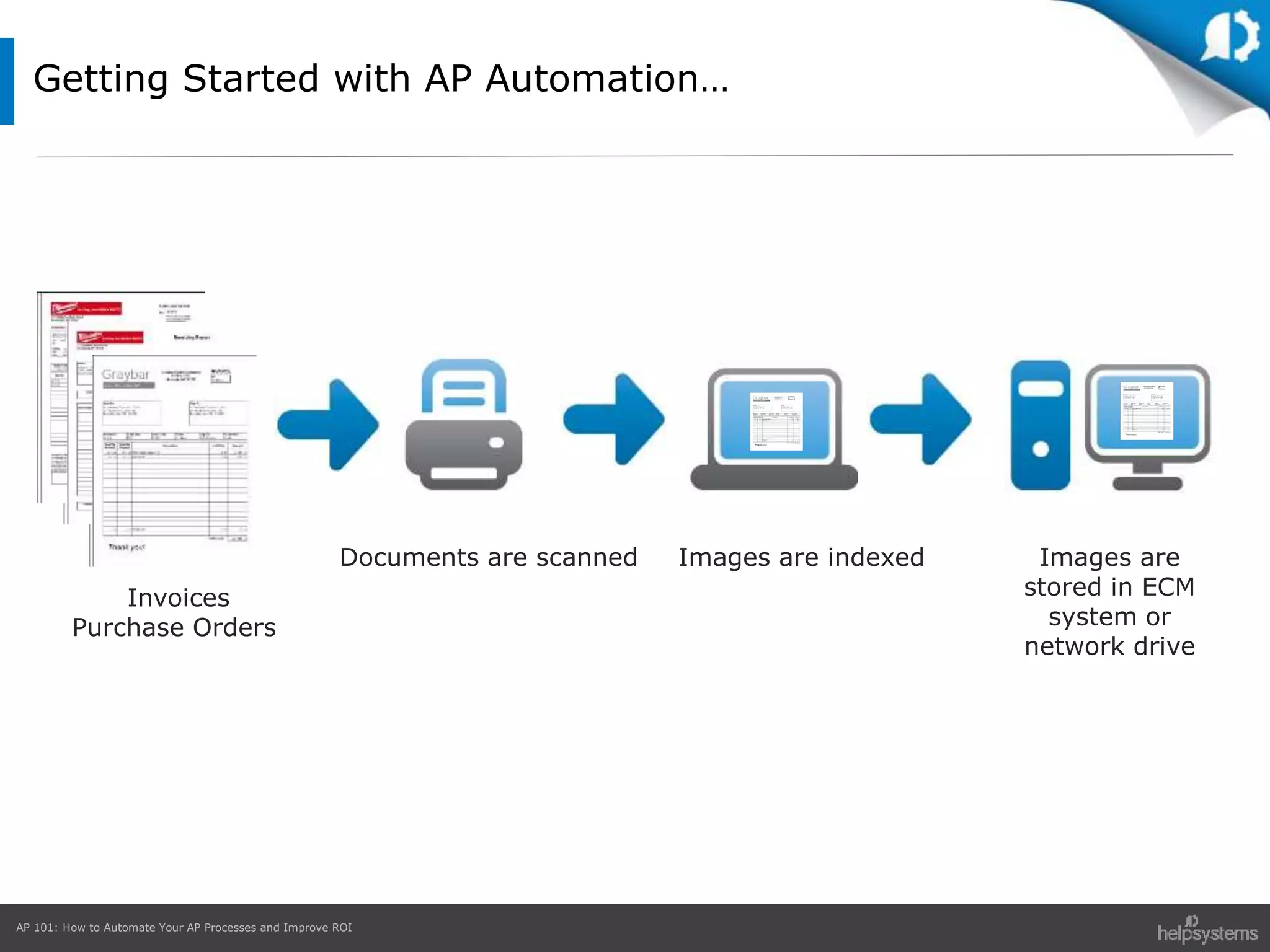
Getting Started with AP Automation…
Invoices
Purchase Orders
Documents are scanned Images are indexed Images are
stored in ECM
system or
network drive
AP 101: How to Automate Your AP Processes and Improve ROI
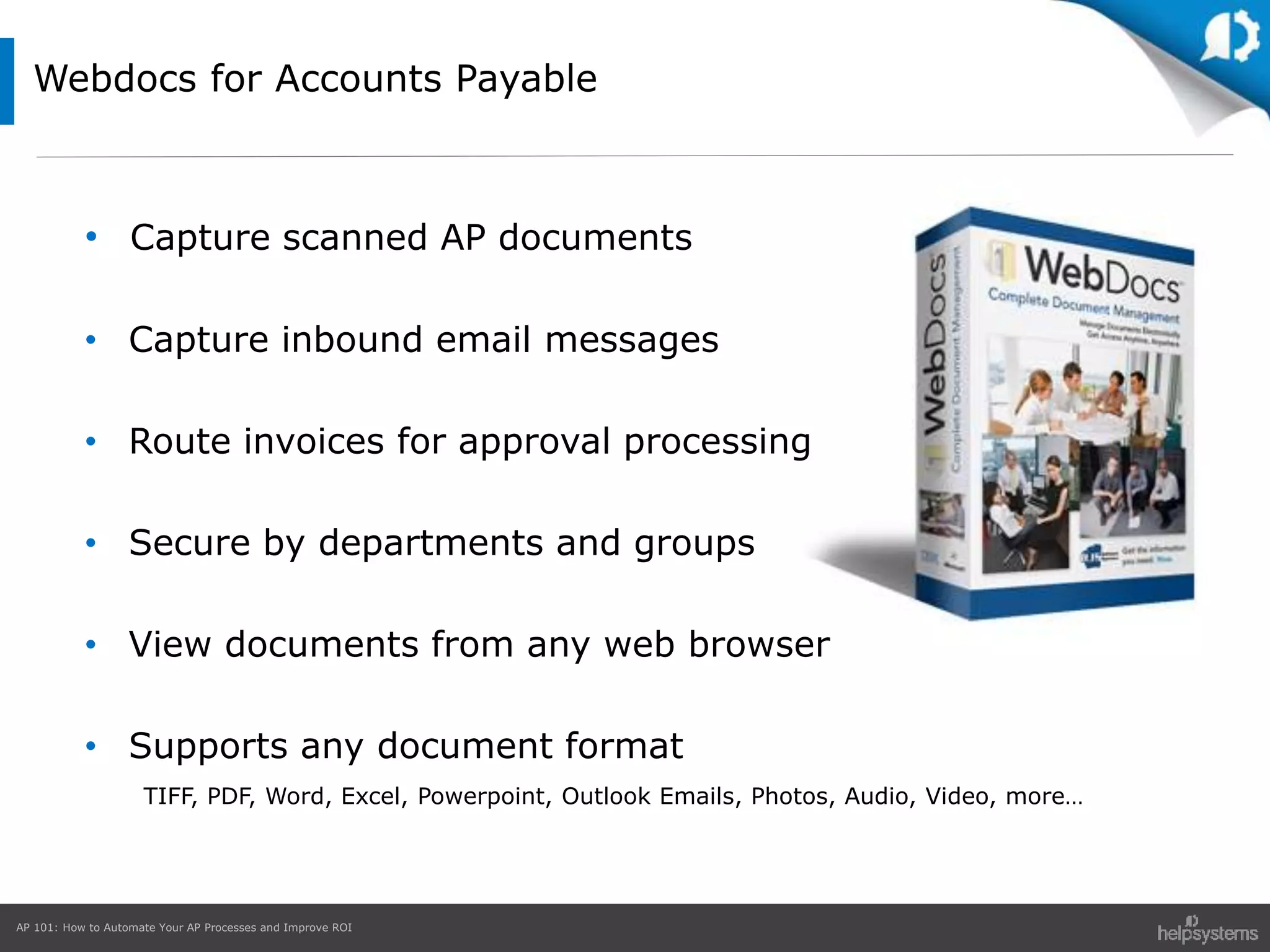
Webdocs for Accounts Payable
• Capture scanned AP documents
• Capture inbound email messages
• Route invoices for approval processing
• Secure by departments and groups
• View documents from any web browser
• Supports any document format
TIFF, PDF, Word, Excel, Powerpoint, Outlook Emails, Photos, Audio, Video, more…
AP 101: How to Automate Your AP Processes and Improve ROI
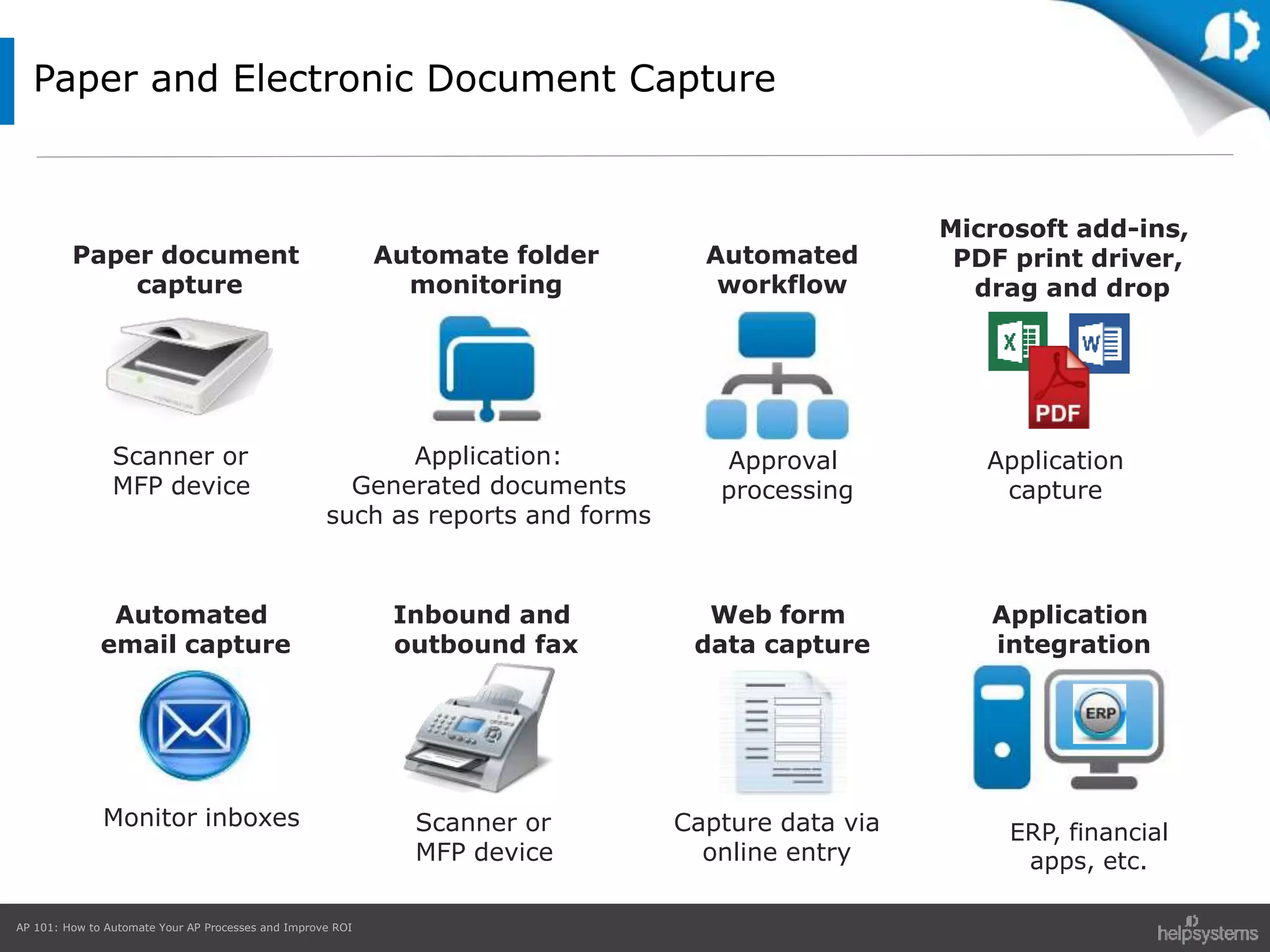
Paper and Electronic Document Capture
Paper document
capture
Scanner or
MFP device
Automated
email capture
Monitor inboxes
Inbound and
outbound fax
Scanner or
MFP device
Web form
data capture
Capture data via
online entry
Application
integration
ERP, financial
apps, etc.
Automate folder
monitoring
Automated
workflow
Application:
Generated documents
such as reports and forms
Approval
processing
Application
capture
Microsoft add-ins,
PDF print driver,
drag and drop
UP NEXT...
Demo Time
UP NEXT...
Questions and Answers
Please enter your questions in the chat log
AP 101: How to Automate Your AP Processes and Improve ROI
Thank You for Attending
For More Information:
Website:
http://www.helpsystems.com/rjs
Telephone:
Sales: 800-328-1000
Support: 952-933-0609
Technical Experts:
richard.schoen@helpsystems.com
greg.schmidt@helpsystems.com

AP 101: How to Automate Your AP Processes and Improve ROI

  • 1.
    All trademarks andregistered trademarks are the property of their respective owners.© HelpSystems LLC. All rights reserved. AP 101: How to Automate Your Processes and Improve ROI Go Paperless by Automating Your Key Document Processes
  • 2.
    AP 101: Howto Automate Your AP Processes and Improve ROI Your Presenters Richard Schoen Director of Document Management Technologies Greg Schmidt Senior Technical Solutions Consultant
  • 3.
    AP 101: Howto Automate Your AP Processes and Improve ROI • HelpSystems overview • Common AP invoice processing scenarios • Webdocs introduction • Demo • Q&A Agenda
  • 4.
    AP 101: Howto Automate Your AP Processes and Improve ROI HelpSystems Family of Brands
  • 5.
    AP 101: Howto Automate Your AP Processes and Improve ROI Document Management Solution Overview
  • 6.
    AP 101: Howto Automate Your AP Processes and Improve ROI Document Management Solution Overview
  • 7.
    AP 101: Howto Automate Your AP Processes and Improve ROI Document Management Solution Overview
  • 8.
    AP 101: Howto Automate Your AP Processes and Improve ROI Document Management Solution Overview
  • 9.
    AP 101: Howto Automate Your AP Processes and Improve ROI Forms Management Input Forms—Capturing Data (Webforms) • Turn any paper-based form into an online form • Validate data as it’s entered (no re-keying) • Capture signatures on forms • Merge data with fillable PDFs for pixel-perfect output • Store in Webdocs (if form needs to be preserved) Output Forms—Generating Business Output (iForms) • Eliminate pre-printed forms • Generate form document output as PDF, TIFF, Excel, and CSV • Use spool files, text files, XML, and database for source data • Create individual documents or document packets • Print, email, and file automatically to network folder, SharePoint, or Webdocs
  • 10.
    AP 101: Howto Automate Your AP Processes and Improve ROI Business Challenges Paper-intensive, inefficient business processes
  • 11.
    AP 101: Howto Automate Your AP Processes and Improve ROI AP Department Challenges  Cumbersome and paper-based PO request processes 3.6% of invoices handled by AP have errors  Cost of manually processing a paper invoice and cutting a paper check: $8–$12  Inability to take advantage of vendor discount offers due to processing time  Matching receivers and invoices takes too long  Cost to reproduce documents for audits or customer research  Lack of control during approval process  Need visibility over status of invoice approval and payment processes  Increased cost of postage for mailing purchase orders and checks  Too many days of invoices stuck in AP waiting for payment
  • 12.
    AP 101: Howto Automate Your AP Processes and Improve ROI In the Beginning…
  • 13.
    AP 101: Howto Automate Your AP Processes and Improve ROI Current Manual AP Invoice Processing Vendor A Vendor B Vendor C Vendor X Vendor Y Vendor Z
  • 14.
    AP 101: Howto Automate Your AP Processes and Improve ROI Where Do We Keep Our AP Documents? When you’re done with a document, please return it to the filing cabinets. Thank You, Finance Team
  • 15.
    AP 101: Howto Automate Your AP Processes and Improve ROI How Do I Locate a AP Invoice Today? Name: Acme Corp
  • 16.
    AP 101: Howto Automate Your AP Processes and Improve ROI Locating an Electronically Indexed AP Invoice Vendor name: Acme Corp Vendor number: 200556 PO: PO145678 Invoice Number: IN30777 Invoice Total: $1200.45 Invoice Date: 1/1/2016
  • 17.
    AP 101: Howto Automate Your AP Processes and Improve ROI ERP Integration
  • 18.
    AP 101: Howto Automate Your AP Processes and Improve ROI Typical AP Paper Process
  • 19.
    AP 101: Howto Automate Your AP Processes and Improve ROI Common AP Implementation
  • 20.
    AP 101: Howto Automate Your AP Processes and Improve ROI Four Levels of Invoice Capture and Automation • Scan documents and manually rekey indexes • Application screen integration • OCR/barcode • Advanced invoice form processing Invoice
  • 21.
    AP 101: Howto Automate Your AP Processes and Improve ROI Four Levels of Invoice Capture and Automation Your level of automation depends on the following factors: • Invoice volume • Vendors • Number of AP processors • Percentage of paper to electronic Invoice
  • 22.
    AP 101: Howto Automate Your AP Processes and Improve ROI Today: Entering AP Invoices from Paper
  • 23.
    AP 101: Howto Automate Your AP Processes and Improve ROI Scanning or Capturing Incoming Paper Documents • Multi-Function Printer/Scanner/Copier (MFP) • Desktop scanner • Mobile devices • Scan workstation • Tray capture • Imaging client
  • 24.
    AP 101: Howto Automate Your AP Processes and Improve ROI Digital Mailroom—Capture Every Inbound Document Contracts Invoices Orders Online Forms Scan Fax Email Web Form A/R A/P Finance Human Resources Order Entry Purchasing
  • 25.
    AP 101: Howto Automate Your AP Processes and Improve ROI Enter AP Invoices from Scanned Documents
  • 26.
    AP 101: Howto Automate Your AP Processes and Improve ROI 5250 Green Screen Application Integration Indexes are retrieved for the Green- Screen and mapped into the index values in the Scan WorkStation with the press of a function key.
  • 27.
    AP 101: Howto Automate Your AP Processes and Improve ROI Windows or Web Application Integration Indexes are retrieved for the Windows Application and mapped into the index values in the Scan WorkStation with the press of a button on the Windows Integrator Toolbar.
  • 28.
    AP 101: Howto Automate Your AP Processes and Improve ROI Application Integration Types • 5250, 3270, or Telnet Integration – Screen scraping – Application code integration (RPG, COBOL, CL) • Windows Application Integration – Screen scraping – API calls (.Net, URL/REST) • Web Application Integration – HTML extraction – API calls (.Net, URL/REST)
  • 29.
    AP 101: Howto Automate Your AP Processes and Improve ROI Monitor and Capture Inbound Invoices and Email • Any mailbox • From/To/Cc/Bcc • Subject • Body • Attachments • Entire message
  • 30.
    AP 101: Howto Automate Your AP Processes and Improve ROI OCR and the Challenge of AP Scanning Statistics about OCR (Optical Character Recognition) • Accuracy is not actually 95%+ — An OCR engine will read 95% of the indexed characters (not documents) — An OCR engine that is 95% accurate is used on a 9- digit field, so the true accuracy is 69.8% (95% to the 9th power). OCR is only as good as print and scan quality • DPI is increased, increasing your storage size • Barcode accuracy is 99.9% accurate.
  • 31.
    AP 101: Howto Automate Your AP Processes and Improve ROI OCR Zones
  • 32.
    AP 101: Howto Automate Your AP Processes and Improve ROI Barcoding
  • 33.
    AP 101: Howto Automate Your AP Processes and Improve ROI Batch OCR Processing Webdocs Workflow Document Capture Process Import Process Network Folders Incoming Documents Vendor 1 Vendor 2 Vendor 3 Vendor 4 Index Capture Process Note: Each folder has a OCR/Barcode mask associated to it.
  • 34.
    AP 101: Howto Automate Your AP Processes and Improve ROI Getting Started with AP Automation… Invoices Purchase Orders Documents are scanned Images are indexed Images are stored in ECM system or network drive
  • 35.
    AP 101: Howto Automate Your AP Processes and Improve ROI Webdocs for Accounts Payable • Capture scanned AP documents • Capture inbound email messages • Route invoices for approval processing • Secure by departments and groups • View documents from any web browser • Supports any document format TIFF, PDF, Word, Excel, Powerpoint, Outlook Emails, Photos, Audio, Video, more…
  • 36.
    AP 101: Howto Automate Your AP Processes and Improve ROI Paper and Electronic Document Capture Paper document capture Scanner or MFP device Automated email capture Monitor inboxes Inbound and outbound fax Scanner or MFP device Web form data capture Capture data via online entry Application integration ERP, financial apps, etc. Automate folder monitoring Automated workflow Application: Generated documents such as reports and forms Approval processing Application capture Microsoft add-ins, PDF print driver, drag and drop
  • 37.
  • 38.
    UP NEXT... Questions andAnswers Please enter your questions in the chat log
  • 39.
    AP 101: Howto Automate Your AP Processes and Improve ROI Thank You for Attending For More Information: Website: http://www.helpsystems.com/rjs Telephone: Sales: 800-328-1000 Support: 952-933-0609 Technical Experts: richard.schoen@helpsystems.com greg.schmidt@helpsystems.com