Common AP Pain Points
& The Benefits of
Automation
“Paper adds all kinds of inefficiencies to the process.
When you’re trying to manually route invoices for
approval – walking them down the hall or sending a
scanned copy in an e-mail – you’re adding a lot of time
to the process and increasing the odds of a document
getting misplaced.”
Rhonda Greene, Principal Solutions Consultant, AvidXchange
6
The Problem with Paper
7
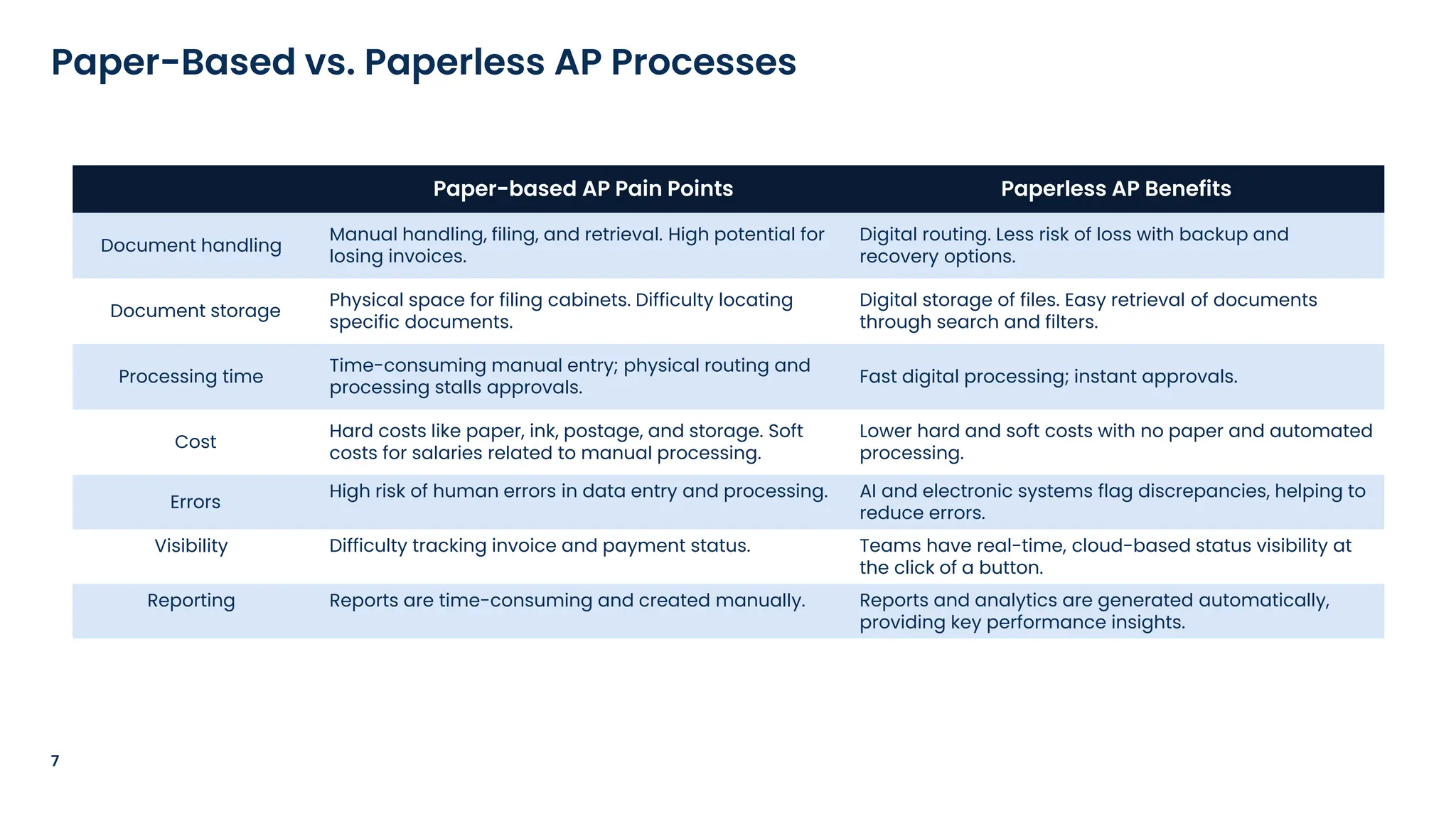
Paper-Based vs. Paperless AP Processes
Paper-based AP Pain Points Paperless AP Benefits
Document handling
Manual handling, filing, and retrieval. High potential for
losing invoices.
Digital routing. Less risk of loss with backup and
recovery options.
Document storage
Physical space for filing cabinets. Difficulty locating
specific documents.
Digital storage of files. Easy retrieval of documents
through search and filters.
Processing time
Time-consuming manual entry; physical routing and
processing stalls approvals.
Fast digital processing; instant approvals.
Cost
Hard costs like paper, ink, postage, and storage. Soft
costs for salaries related to manual processing.
Lower hard and soft costs with no paper and automated
processing.
Errors
High risk of human errors in data entry and processing. AI and electronic systems flag discrepancies, helping to
reduce errors.
Visibility Difficulty tracking invoice and payment status. Teams have real-time, cloud-based status visibility at
the click of a button.
Reporting Reports are time-consuming and created manually. Reports and analytics are generated automatically,
providing key performance insights.
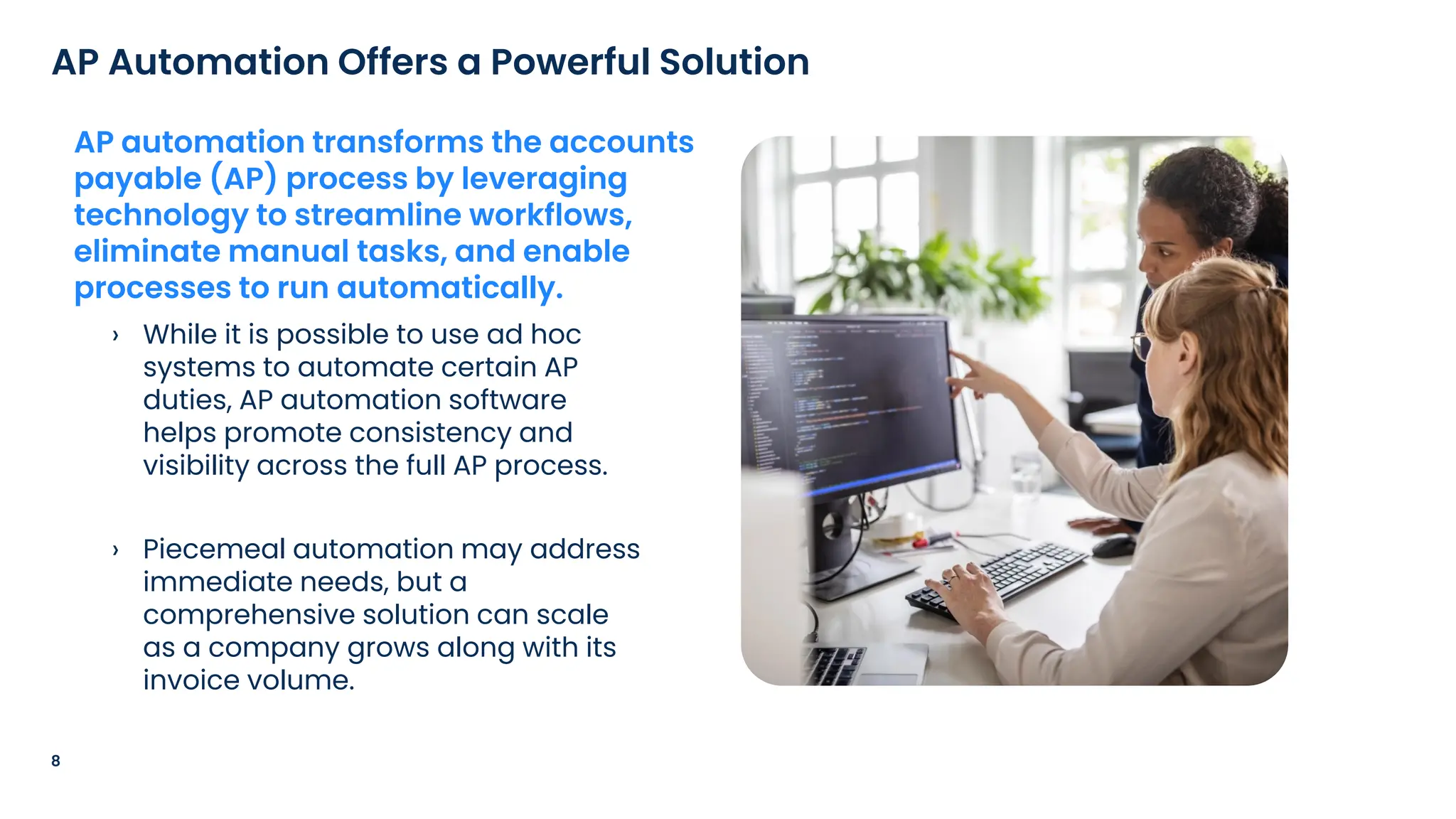
› While it is possible to use ad hoc
systems to automate certain AP
duties, AP automation software
helps promote consistency and
visibility across the full AP process.
› Piecemeal automation may address
immediate needs, but a
comprehensive solution can scale
as a company grows along with its
invoice volume.
8
AP Automation Offers a Powerful Solution
AP automation transforms the accounts
payable (AP) process by leveraging
technology to streamline workflows,
eliminate manual tasks, and enable
processes to run automatically.
9
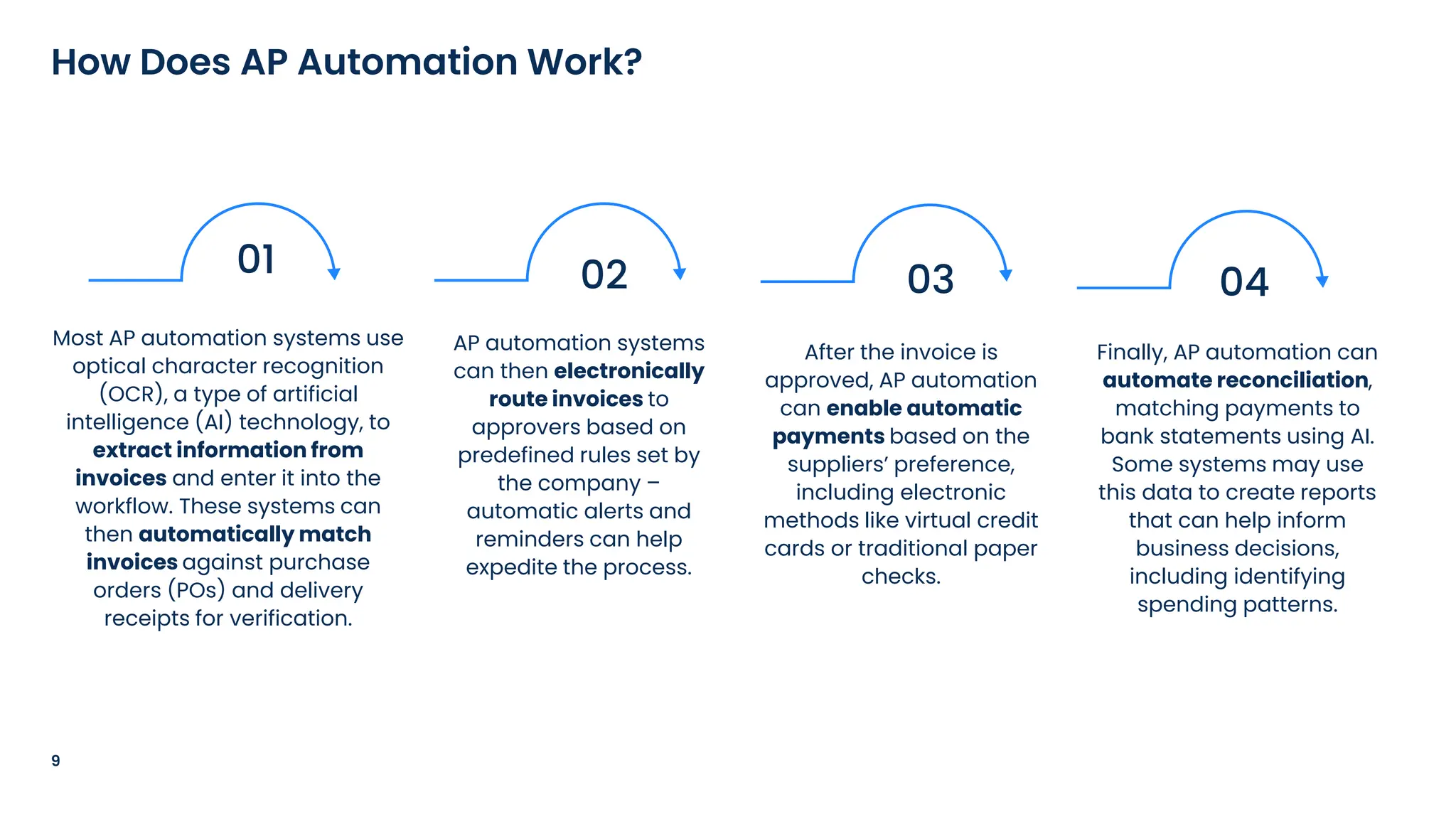
How Does AP Automation Work?
Most AP automation systems use
optical character recognition
(OCR), a type of artificial
intelligence (AI) technology, to
extract information from
invoices and enter it into the
workflow. These systems can
then automatically match
invoices against purchase
orders (POs) and delivery
receipts for verification.
01 02
AP automation systems
can then electronically
route invoices to
approvers based on
predefined rules set by
the company –
automatic alerts and
reminders can help
expedite the process.
03
After the invoice is
approved, AP automation
can enable automatic
payments based on the
suppliers’ preference,
including electronic
methods like virtual credit
cards or traditional paper
checks.
04
Finally, AP automation can
automate reconciliation,
matching payments to
bank statements using AI.
Some systems may use
this data to create reports
that can help inform
business decisions,
including identifying
spending patterns.
10
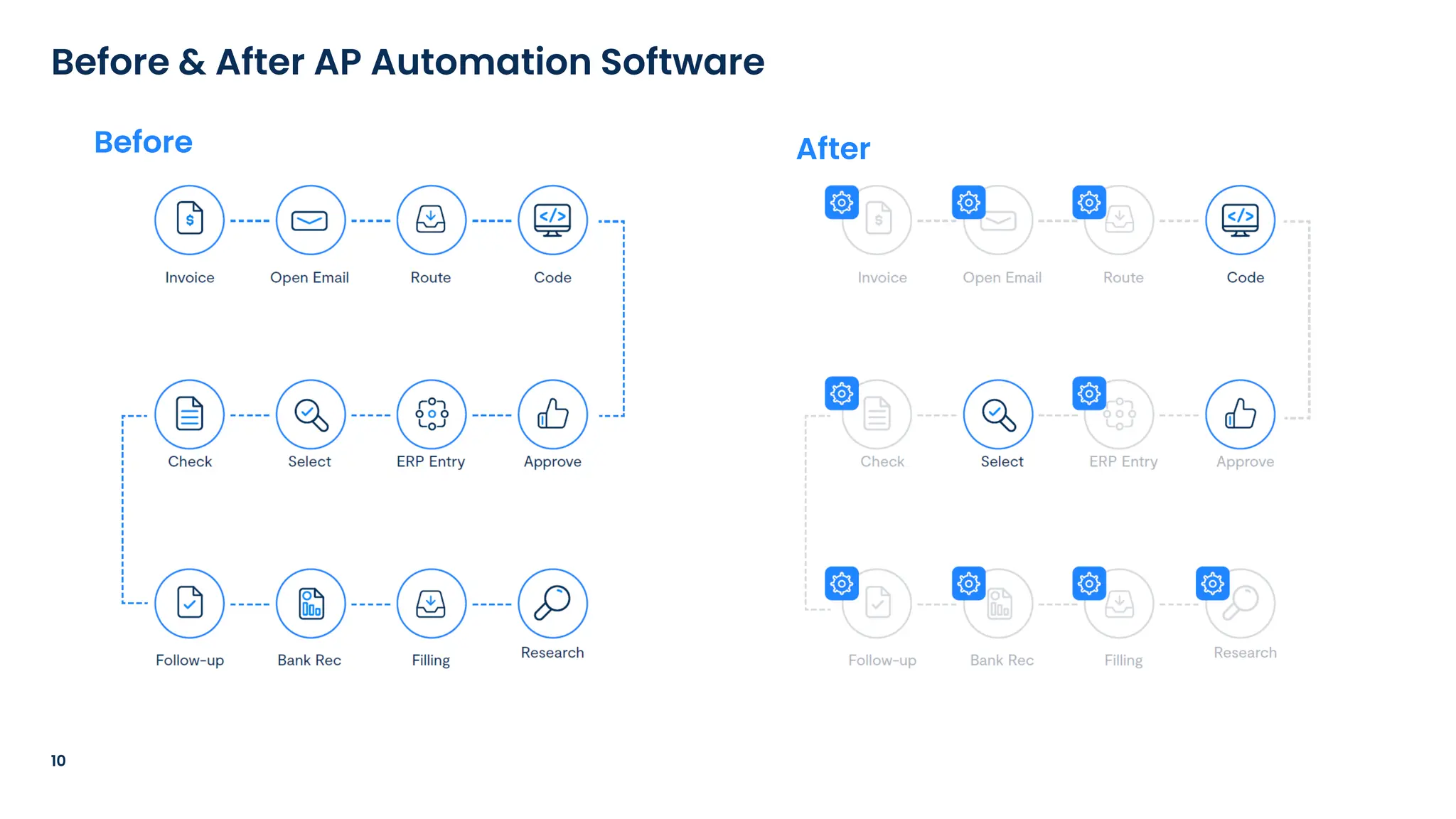
Before & After AP Automation Software
Before After
11
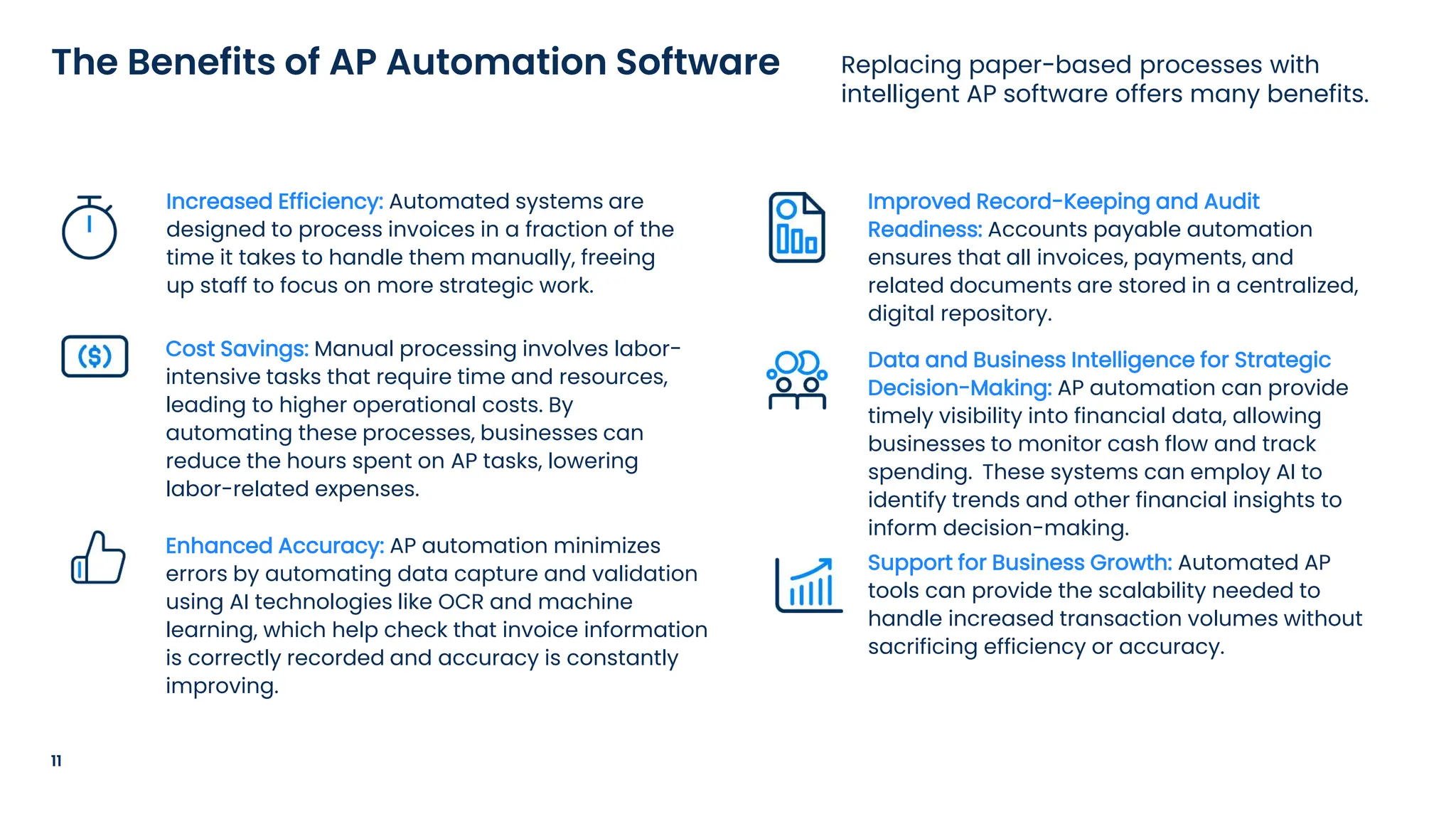
Replacing paper-based processes with
intelligent AP software offers many benefits.
The Benefits of AP Automation Software
Increased Efficiency: Automated systems are
designed to process invoices in a fraction of the
time it takes to handle them manually, freeing
up staff to focus on more strategic work.
Cost Savings: Manual processing involves labor-
intensive tasks that require time and resources,
leading to higher operational costs. By
automating these processes, businesses can
reduce the hours spent on AP tasks, lowering
labor-related expenses.
Enhanced Accuracy: AP automation minimizes
errors by automating data capture and validation
using AI technologies like OCR and machine
learning, which help check that invoice information
is correctly recorded and accuracy is constantly
improving.
Improved Record-Keeping and Audit
Readiness: Accounts payable automation
ensures that all invoices, payments, and
related documents are stored in a centralized,
digital repository.
Data and Business Intelligence for Strategic
Decision-Making: AP automation can provide
timely visibility into financial data, allowing
businesses to monitor cash flow and track
spending. These systems can employ AI to
identify trends and other financial insights to
inform decision-making.
Support for Business Growth: Automated AP
tools can provide the scalability needed to
handle increased transaction volumes without
sacrificing efficiency or accuracy.
Poll
Advantages of
Automating the End-
to-End AP Process
“Years ago, a company would have a giant
machine that folds and stuffs invoices and
payments. Then they would go through a
postage machine. Now that has been
eliminated through automation.”
Matt Sandars, AP Specialist, Orthodontic Partners
14
The Purchase-to-Pay Process
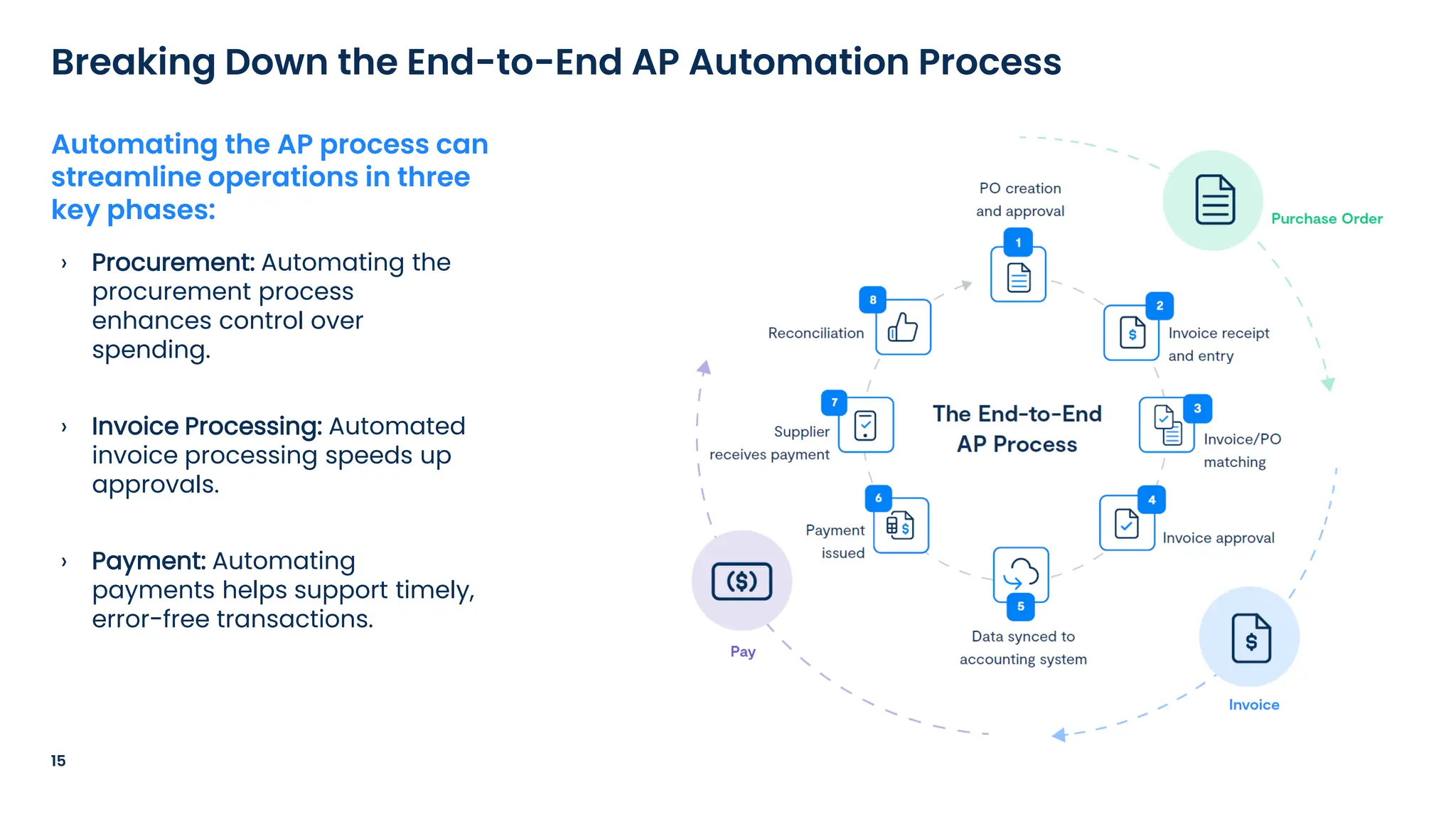
› Procurement: Automating the
procurement process
enhances control over
spending.
› Invoice Processing: Automated
invoice processing speeds up
approvals.
› Payment: Automating
payments helps support timely,
error-free transactions.
15
Breaking Down the End-to-End AP Automation Process
Automating the AP process can
streamline operations in three
key phases:
› POs are generated electronically with
automation, sent for approval through
predefined workflows, and
automatically forwarded to suppliers
after approval.
› The PO automation process is designed
to reduce manual data entry, decrease
the risk of mistakes, and ensure faster,
more efficient procurement processes.
16
Understanding Purchase Order Automation
PO automation is the process of using
software to streamline and digitize the
creation, approval, and management of
purchase orders.
› Another potential advantage of purchase
order automation is faster processing times,
as approvals and order submissions are
conducted electronically.
› This can also enhance accuracy and
compliance, helping ensure that orders
follow internal protocols and regulatory
standards.
17
Why Use Purchase Order Automation Software?
By digitizing the PO process, businesses
can reduce paperwork and data entry
mistakes, leading to more accurate
procurement records.
Invoice management software typically includes features such as automated data entry,
approval workflows, and integration with accounting software and enterprise resource
planning (ERP) systems, making it easier to track and manage invoices efficiently across the
finance function.
› AP automation streamlines the invoice management process by enabling the receipt
of digital invoices or converting paper invoices into a digital format for easier handling.
18
The Value of Streamlined Invoice Management
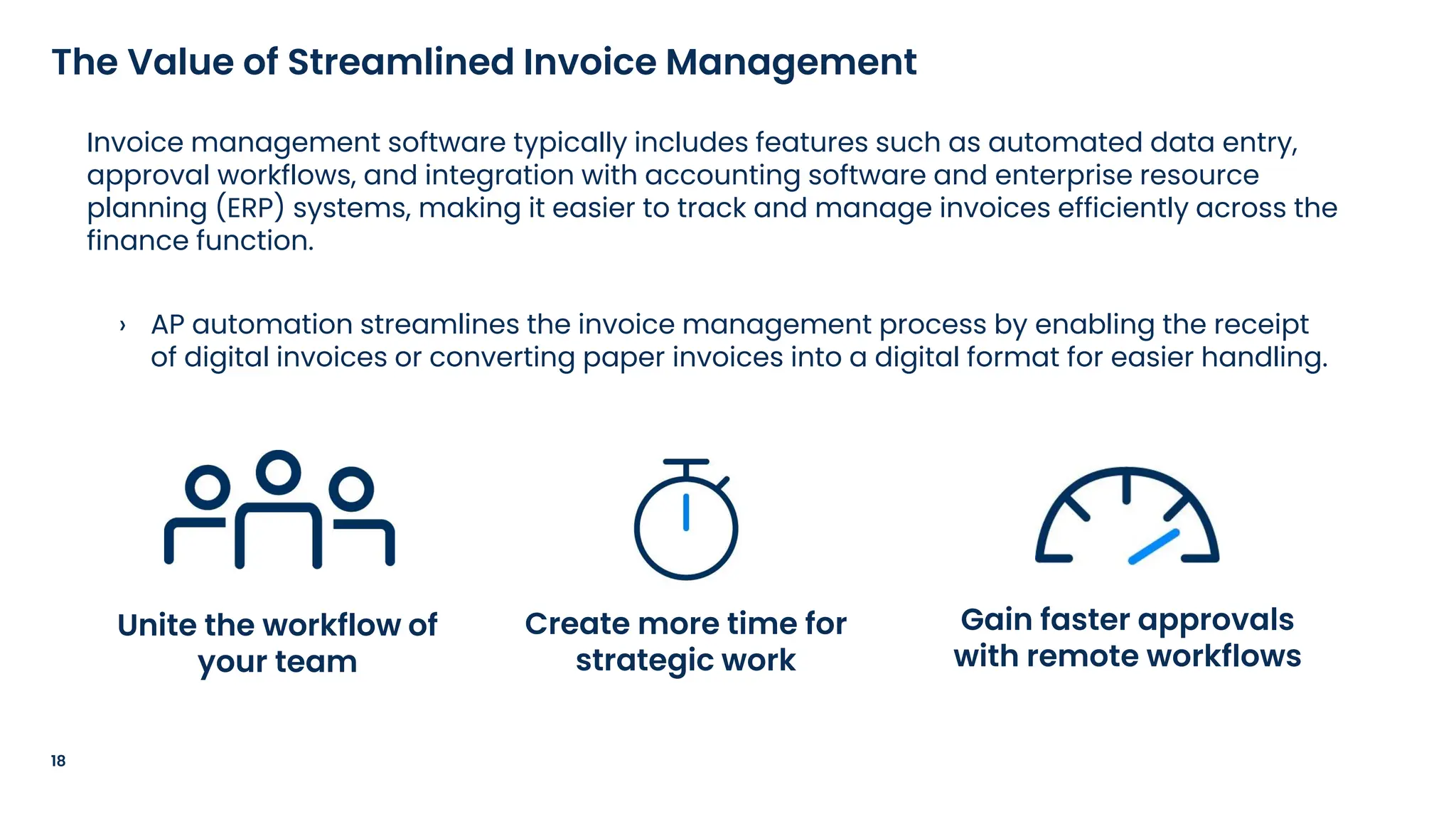
Unite the workflow of
your team
Create more time for
strategic work
Gain faster approvals
with remote workflows
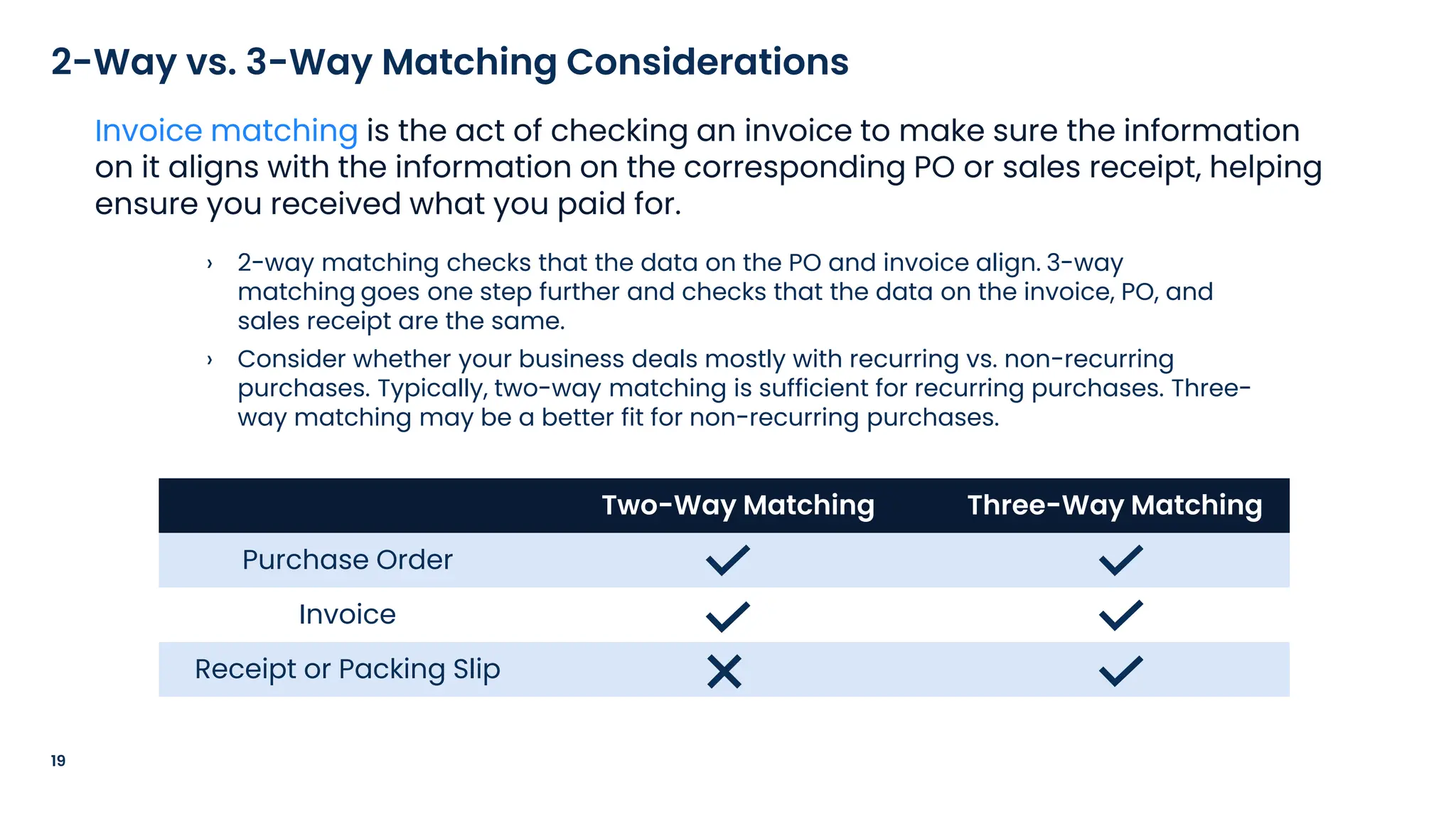
› 2-way matching checks that the data on the PO and invoice align. 3-way
matching goes one step further and checks that the data on the invoice, PO, and
sales receipt are the same.
› Consider whether your business deals mostly with recurring vs. non-recurring
purchases. Typically, two-way matching is sufficient for recurring purchases. Three-
way matching may be a better fit for non-recurring purchases.
19
2-Way vs. 3-Way Matching Considerations
Invoice matching is the act of checking an invoice to make sure the information
on it aligns with the information on the corresponding PO or sales receipt, helping
ensure you received what you paid for.
Two-Way Matching Three-Way Matching
Purchase Order
Invoice
Receipt or Packing Slip
20
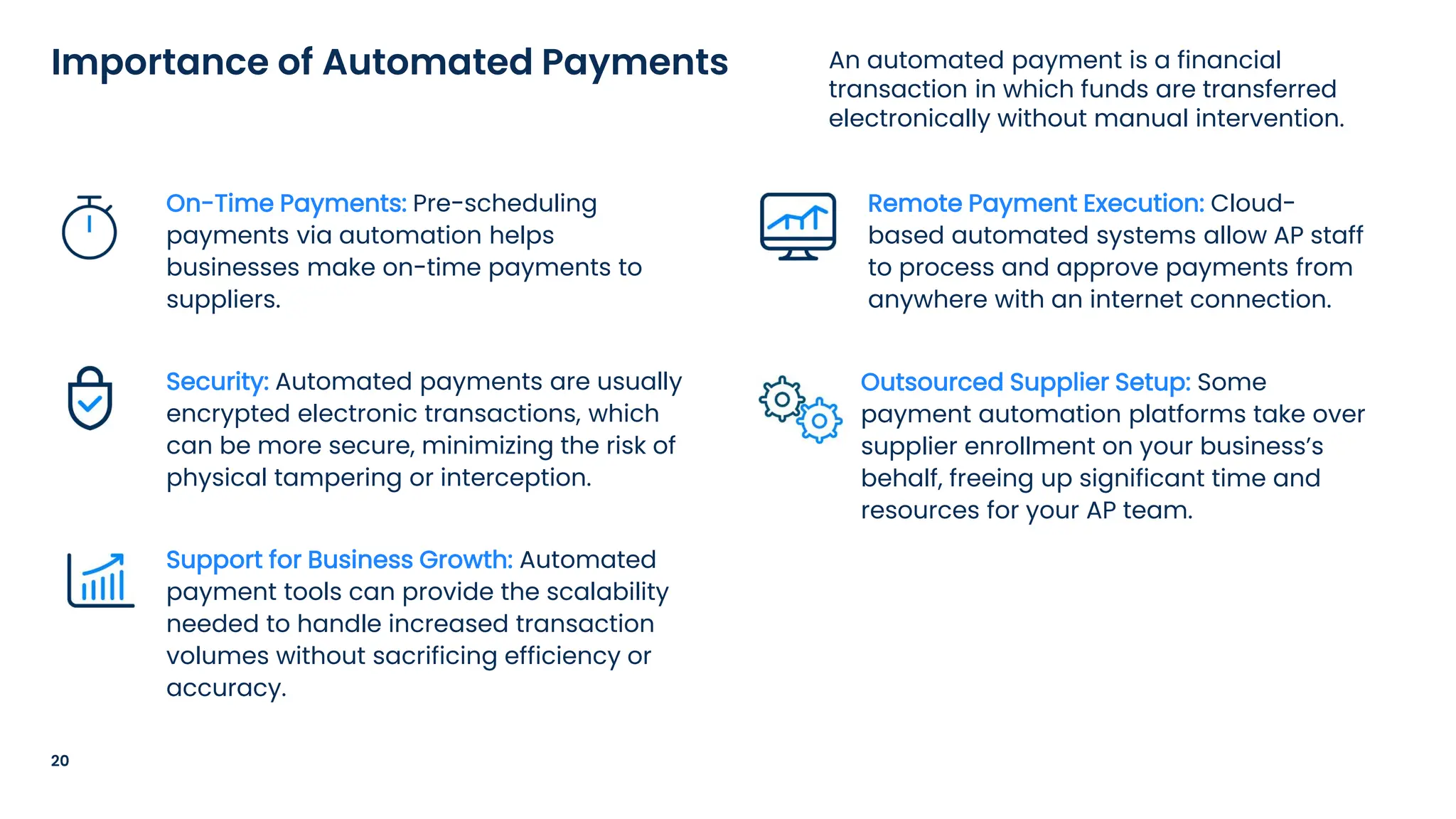
An automated payment is a financial
transaction in which funds are transferred
electronically without manual intervention.
Importance of Automated Payments
On-Time Payments: Pre-scheduling
payments via automation helps
businesses make on-time payments to
suppliers.
Security: Automated payments are usually
encrypted electronic transactions, which
can be more secure, minimizing the risk of
physical tampering or interception.
Support for Business Growth: Automated
payment tools can provide the scalability
needed to handle increased transaction
volumes without sacrificing efficiency or
accuracy.
Remote Payment Execution: Cloud-
based automated systems allow AP staff
to process and approve payments from
anywhere with an internet connection.
Outsourced Supplier Setup: Some
payment automation platforms take over
supplier enrollment on your business’s
behalf, freeing up significant time and
resources for your AP team.
Poll
Tips to Evaluate If AP
Automation Fits
Your Business
“Automated AP is a no-brainer. I’ve seen
AP done both ways and I am amazed at
how impactful my employees can be
when they are freed from time-
consuming, manual work.”
Dede Franklin, CFO, Hampton Golf
23
Automating AP Processes
24
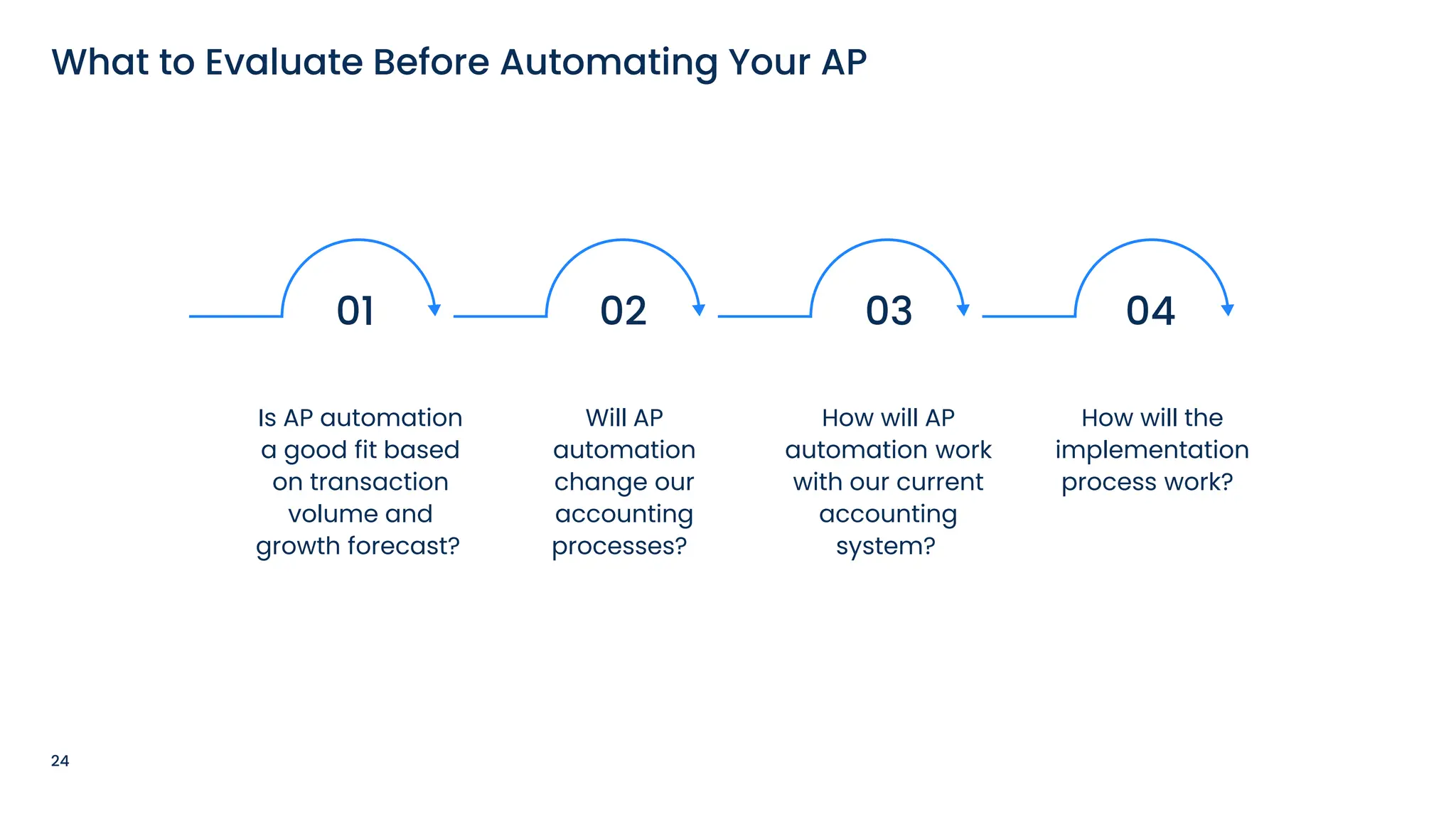
What to Evaluate Before Automating Your AP
Is AP automation
a good fit based
on transaction
volume and
growth forecast?
01 02
Will AP
automation
change our
accounting
processes?
03
How will AP
automation work
with our current
accounting
system?
04
How will the
implementation
process work?
25
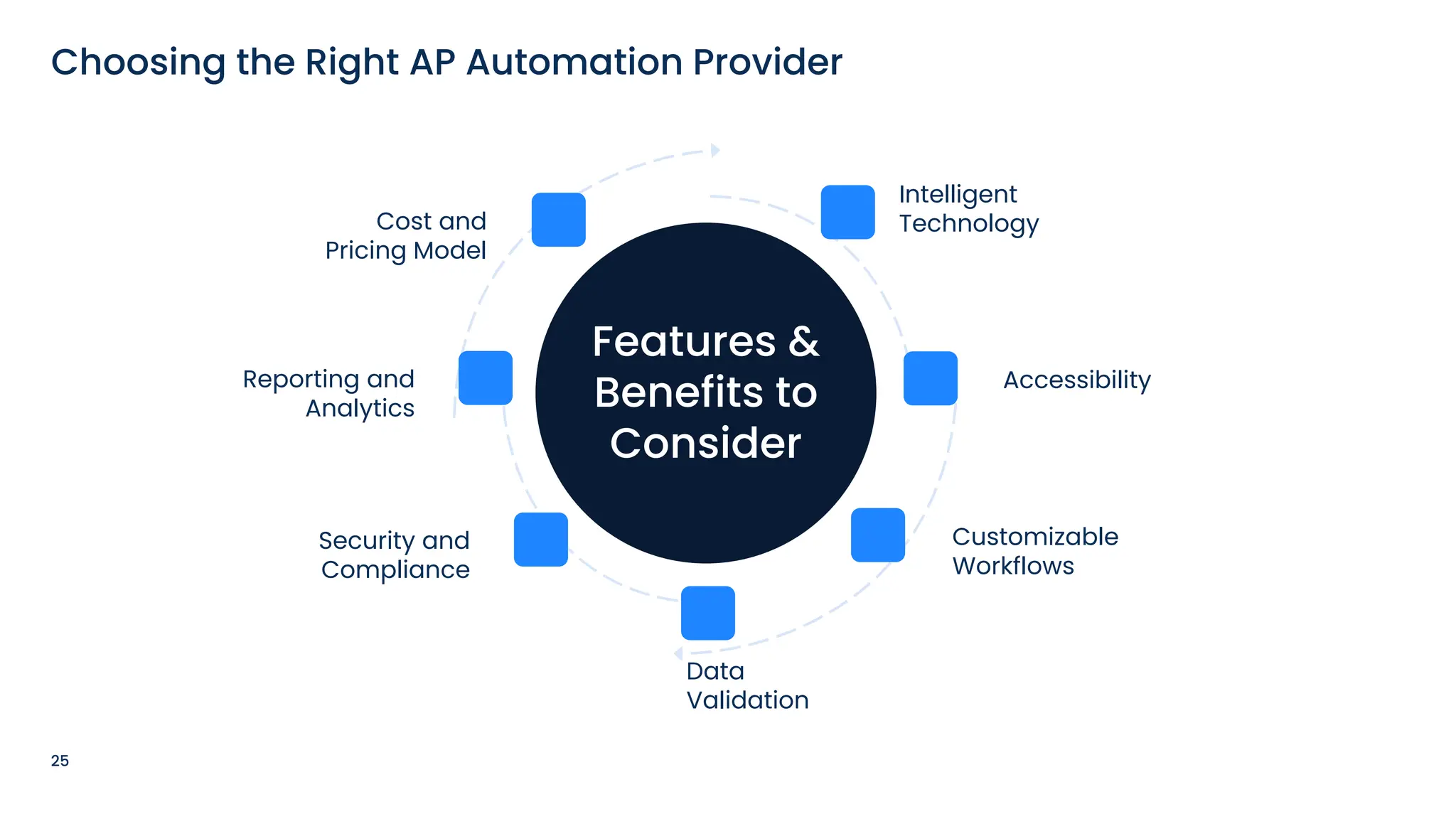
Choosing the Right AP Automation Provider
Features &
Benefits to
Consider
Accessibility
Data
Validation
Cost and
Pricing Model
Security and
Compliance
Customizable
Workflows
Reporting and
Analytics
Intelligent
Technology
26
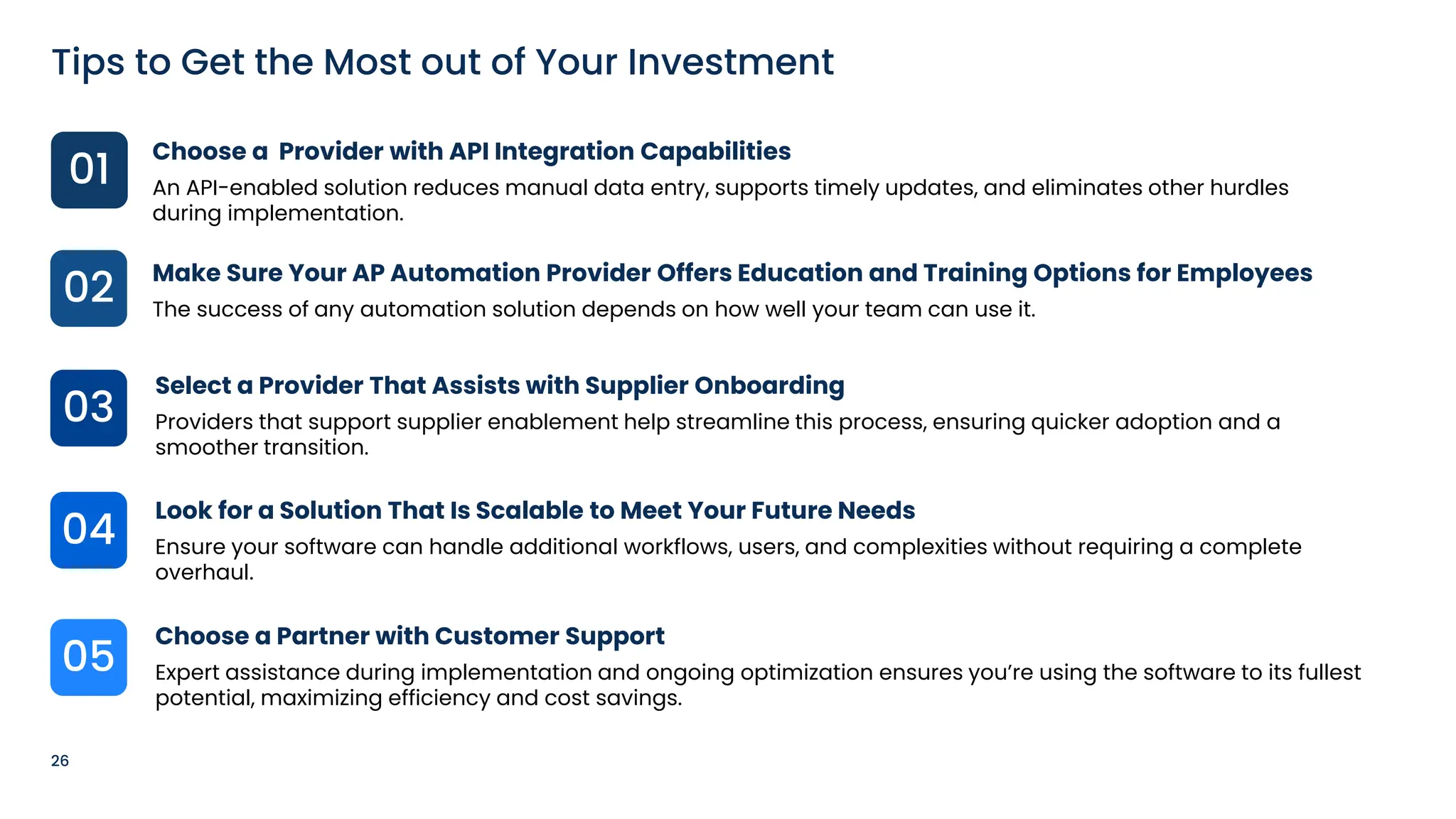
Tips to Get the Most out of Your Investment
01
03
05
04
02
Choose a Provider with API Integration Capabilities
An API-enabled solution reduces manual data entry, supports timely updates, and eliminates other hurdles
during implementation.
Make Sure Your AP Automation Provider Offers Education and Training Options for Employees
The success of any automation solution depends on how well your team can use it.
Select a Provider That Assists with Supplier Onboarding
Providers that support supplier enablement help streamline this process, ensuring quicker adoption and a
smoother transition.

Look for a Solution That Is Scalable to Meet Your Future Needs
Ensure your software can handle additional workflows, users, and complexities without requiring a complete
overhaul.
Choose a Partner with Customer Support
Expert assistance during implementation and ongoing optimization ensures you’re using the software to its fullest
potential, maximizing efficiency and cost savings.
Poll
Steps to
Automate Your
AP Process
› Highlight clear numbers that show
potential savings by comparing current
costs with projected costs under AP
automation.
› Provide a cost estimate with a projected
ROI, factoring in staffing costs, hard
costs, and IT resources to give a realistic
view of both upgrade costs and long-
term savings.
29
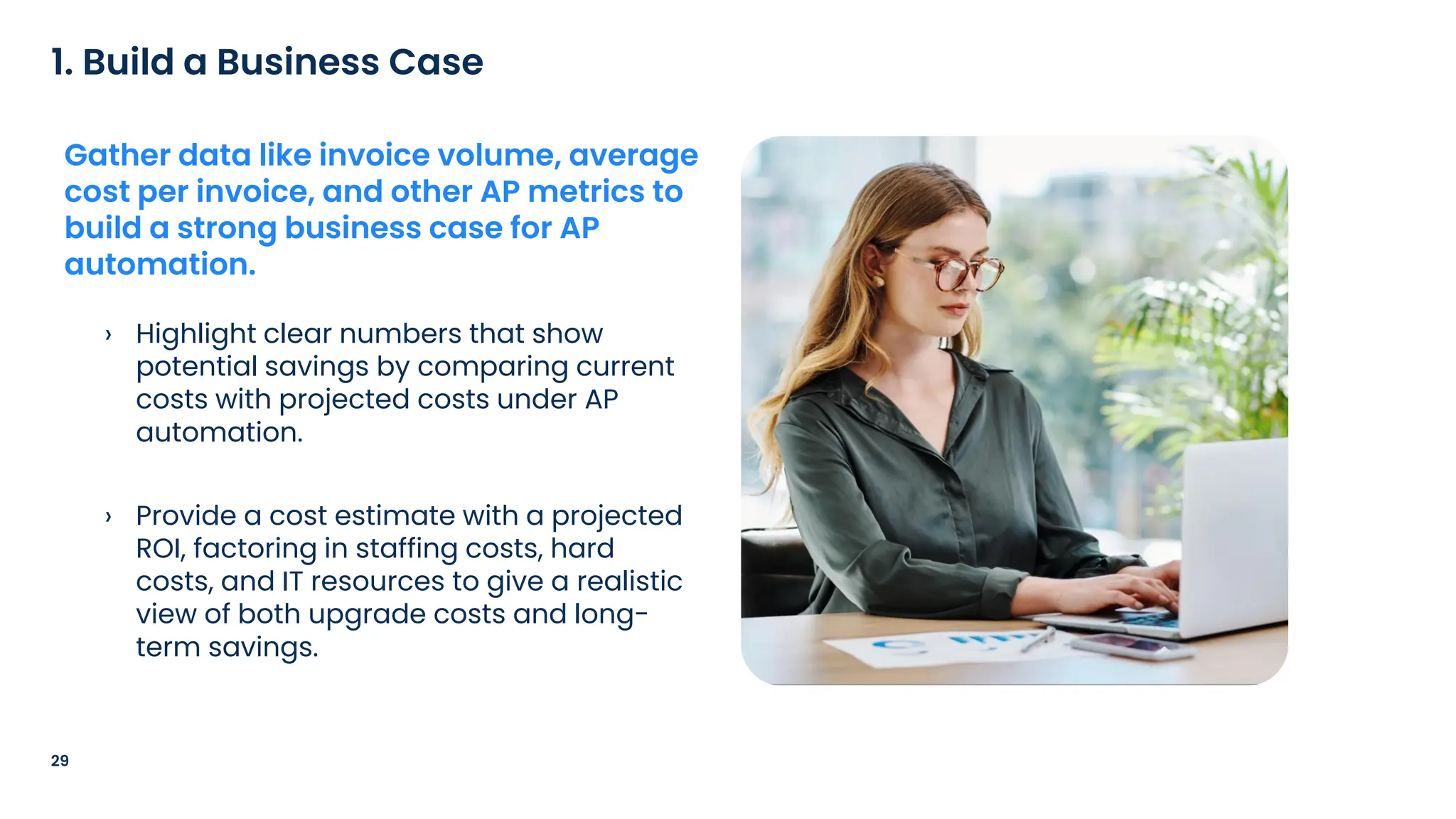
1. Build a Business Case
Gather data like invoice volume, average
cost per invoice, and other AP metrics to
build a strong business case for AP
automation.
30
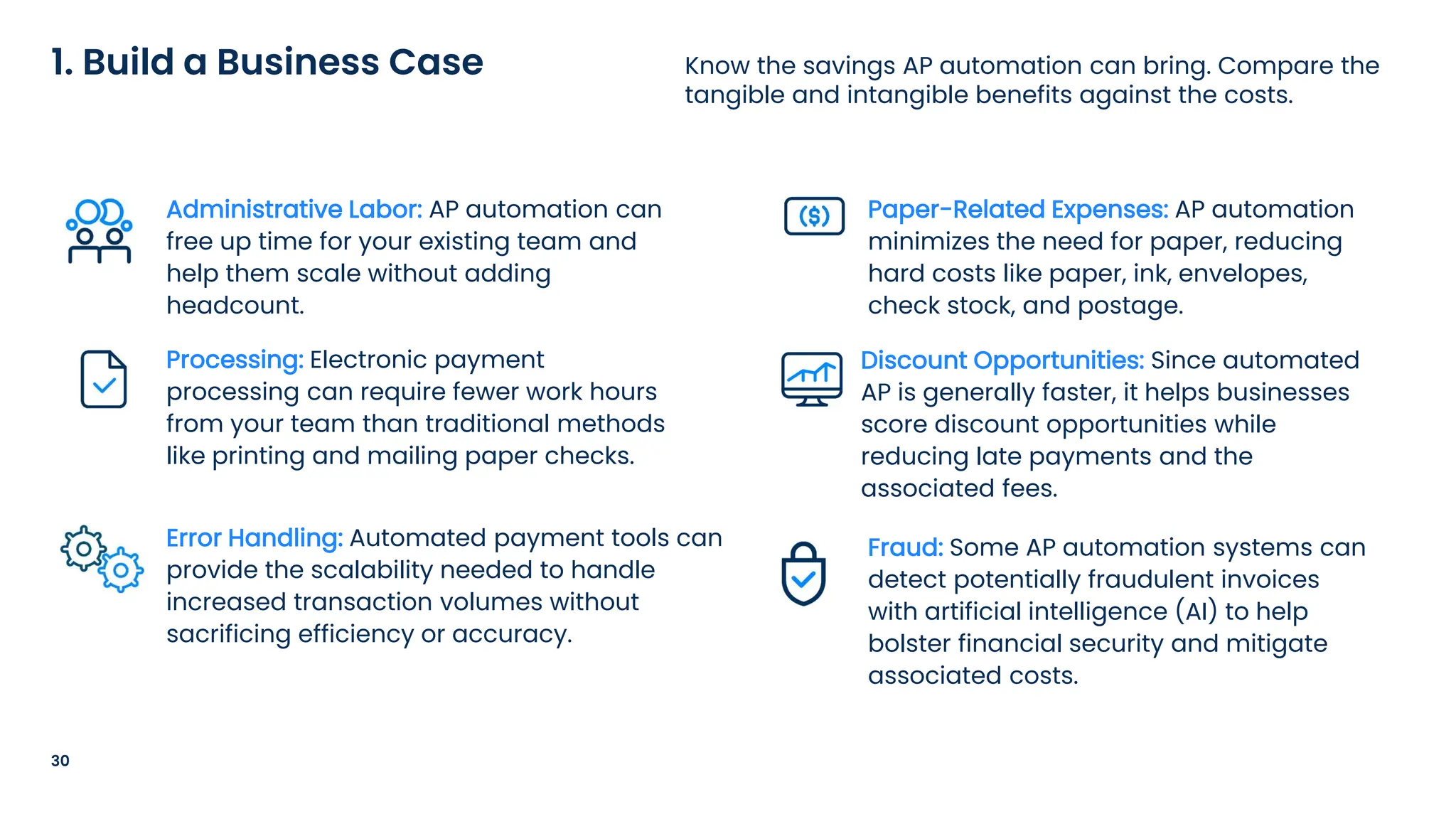
Know the savings AP automation can bring. Compare the
tangible and intangible benefits against the costs.
1. Build a Business Case
Administrative Labor: AP automation can
free up time for your existing team and
help them scale without adding
headcount.
Processing: Electronic payment
processing can require fewer work hours
from your team than traditional methods
like printing and mailing paper checks.
Error Handling: Automated payment tools can
provide the scalability needed to handle
increased transaction volumes without
sacrificing efficiency or accuracy.
Paper-Related Expenses: AP automation
minimizes the need for paper, reducing
hard costs like paper, ink, envelopes,
check stock, and postage.
Discount Opportunities: Since automated
AP is generally faster, it helps businesses
score discount opportunities while
reducing late payments and the
associated fees.
Fraud: Some AP automation systems can
detect potentially fraudulent invoices
with artificial intelligence (AI) to help
bolster financial security and mitigate
associated costs.
› Consider setting up a committee of leaders
from departments including accounting,
procurement, supply chain, and other
impacted teams to establish a consensus
around the best solutions.
31
2. Rally Support from Senior Management
Take your business case up the chain of
command. AP managers, controllers, and
CFOs are key leaders in the AP automation
transition process. Demonstrating clear
ROI will help get them onboard.
› Make a list of your unique requirements
and use them to inform a project
roadmap with development milestones,
operational goals, and target dates for
the upgrade.
32
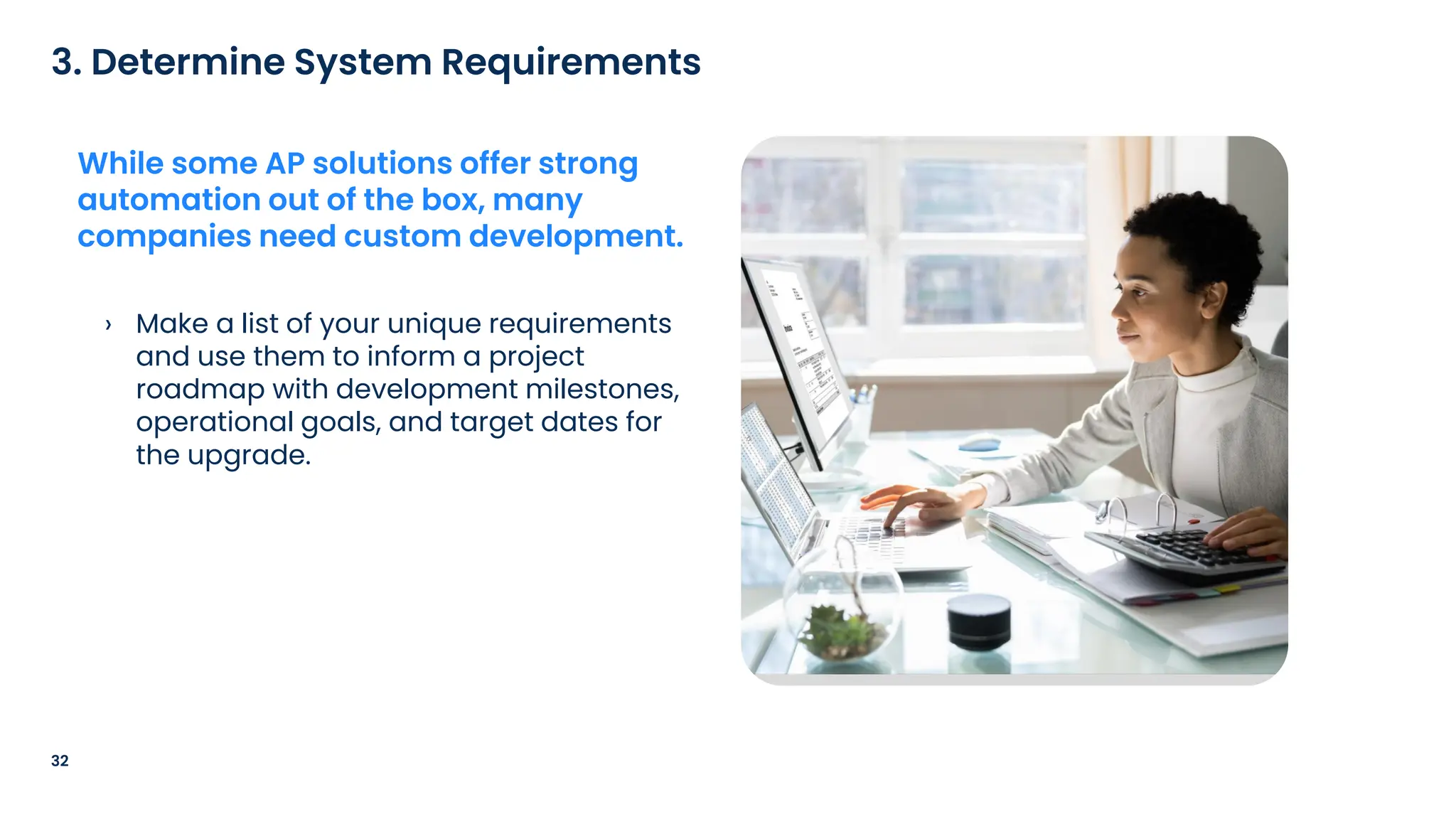
3. Determine System Requirements
While some AP solutions offer strong
automation out of the box, many
companies need custom development.
› Alternatively, you can issue a request for
proposal (RFP) to the providers you’re
considering. Your RFP should outline
business requirements, challenges, and
necessary system integrations.
› Include questions about how the provider
integrates new innovations, like AI, in their
offerings, and whether they have
knowledgeable experts on staff to provide
oversight.
33
4. Choose a Software Provider
Identify AP automation providers and
contact them to request a demonstration
or software trial.
› Understand costs, including
implementation, service fees, and
termination penalties. Align with internal
teams to ensure its within your budget.
34
5. Finalize the Details
Review the details of your contract to
ensure adherence to your company's
policies.
› This small test doesn’t require full
installation or integration, but it gives
quick insights into functionality and helps
refine your roadmap and deployment
timeline.
35
6. Conduct a Pilot Project
Once your contract is set, consider
starting with a pilot project or proof-
of-concept.
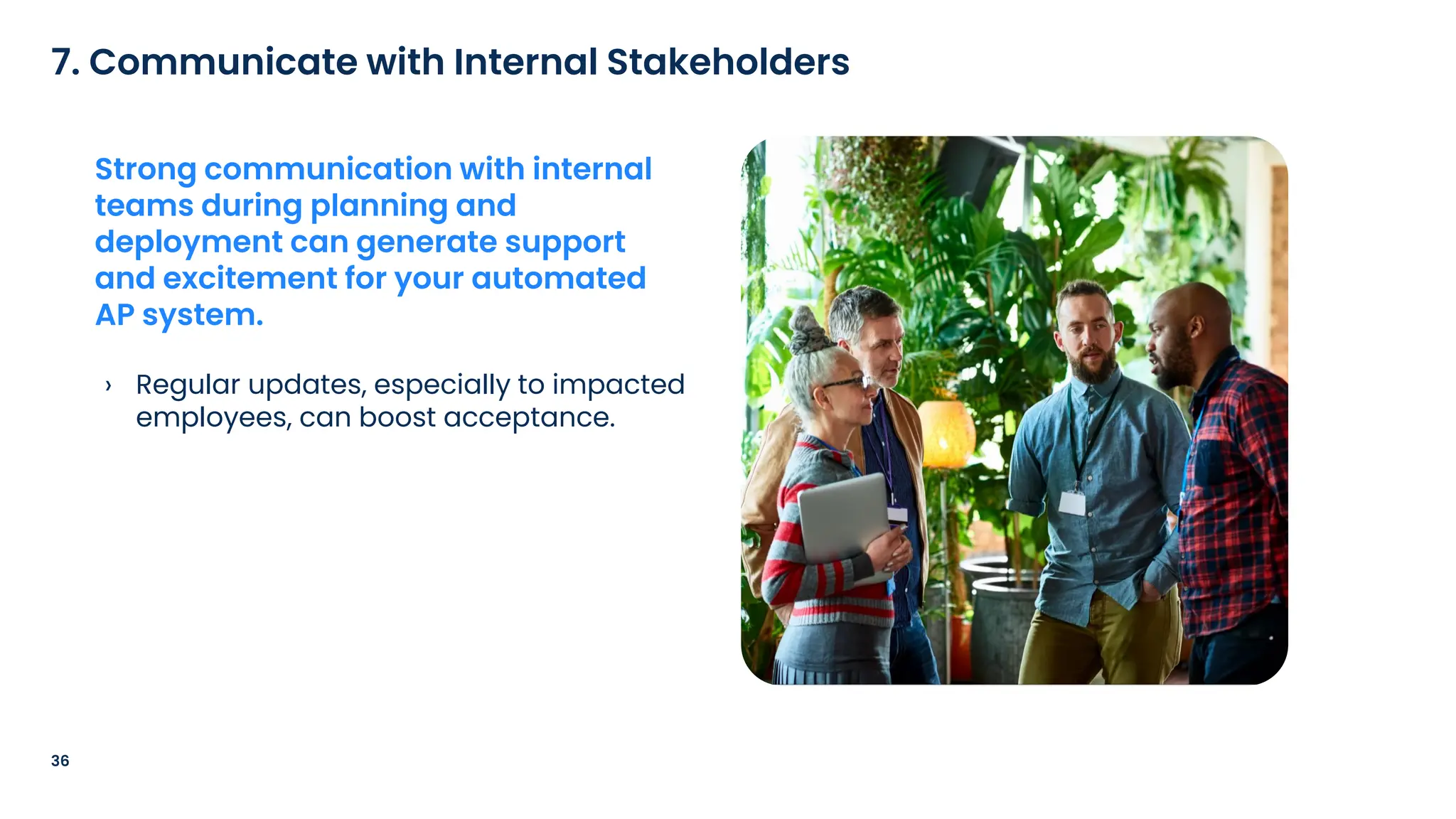
› Regular updates, especially to impacted
employees, can boost acceptance.
36
7. Communicate with Internal Stakeholders
Strong communication with internal
teams during planning and
deployment can generate support
and excitement for your automated
AP system.
› Some AP automation providers offer full-
service vendor onboarding. If the provider
you choose does not, start planning for the
time and resources this task will require.
37
8. Engage Suppliers
Gaining the maximum benefits from AP
automation requires supplier cooperation.
Remind vendors that upgrades benefit
them too by reducing costs and speeding
up payments.
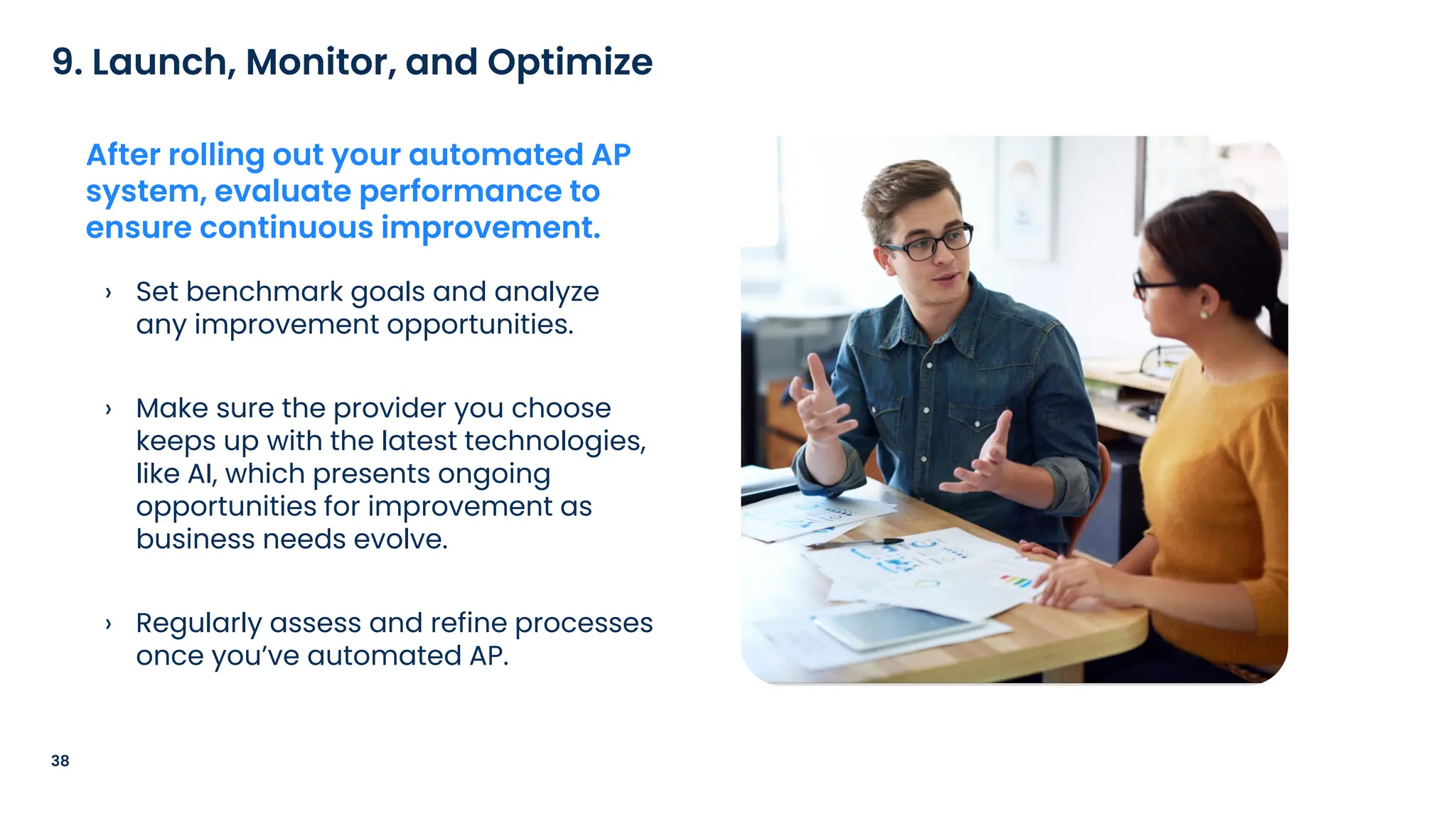
› Set benchmark goals and analyze
any improvement opportunities.
› Make sure the provider you choose
keeps up with the latest technologies,
like AI, which presents ongoing
opportunities for improvement as
business needs evolve.
› Regularly assess and refine processes
once you’ve automated AP.
38
9. Launch, Monitor, and Optimize
After rolling out your automated AP
system, evaluate performance to
ensure continuous improvement.
Poll
AP Automation: The Competitive Advantage Your Business Needs

AP Automation: The Competitive Advantage Your Business Needs

  • 5.
    Common AP PainPoints & The Benefits of Automation
  • 6.
    “Paper adds allkinds of inefficiencies to the process. When you’re trying to manually route invoices for approval – walking them down the hall or sending a scanned copy in an e-mail – you’re adding a lot of time to the process and increasing the odds of a document getting misplaced.” Rhonda Greene, Principal Solutions Consultant, AvidXchange 6 The Problem with Paper
  • 7.
    7 Paper-Based vs. PaperlessAP Processes Paper-based AP Pain Points Paperless AP Benefits Document handling Manual handling, filing, and retrieval. High potential for losing invoices. Digital routing. Less risk of loss with backup and recovery options. Document storage Physical space for filing cabinets. Difficulty locating specific documents. Digital storage of files. Easy retrieval of documents through search and filters. Processing time Time-consuming manual entry; physical routing and processing stalls approvals. Fast digital processing; instant approvals. Cost Hard costs like paper, ink, postage, and storage. Soft costs for salaries related to manual processing. Lower hard and soft costs with no paper and automated processing. Errors High risk of human errors in data entry and processing. AI and electronic systems flag discrepancies, helping to reduce errors. Visibility Difficulty tracking invoice and payment status. Teams have real-time, cloud-based status visibility at the click of a button. Reporting Reports are time-consuming and created manually. Reports and analytics are generated automatically, providing key performance insights.

  • 8.
    › While itis possible to use ad hoc systems to automate certain AP duties, AP automation software helps promote consistency and visibility across the full AP process. › Piecemeal automation may address immediate needs, but a comprehensive solution can scale as a company grows along with its invoice volume. 8 AP Automation Offers a Powerful Solution AP automation transforms the accounts payable (AP) process by leveraging technology to streamline workflows, eliminate manual tasks, and enable processes to run automatically.
  • 9.
    9 How Does APAutomation Work? Most AP automation systems use optical character recognition (OCR), a type of artificial intelligence (AI) technology, to extract information from invoices and enter it into the workflow. These systems can then automatically match invoices against purchase orders (POs) and delivery receipts for verification. 01 02 AP automation systems can then electronically route invoices to approvers based on predefined rules set by the company – automatic alerts and reminders can help expedite the process. 03 After the invoice is approved, AP automation can enable automatic payments based on the suppliers’ preference, including electronic methods like virtual credit cards or traditional paper checks. 04 Finally, AP automation can automate reconciliation, matching payments to bank statements using AI. Some systems may use this data to create reports that can help inform business decisions, including identifying spending patterns.
  • 10.
    10 Before & AfterAP Automation Software Before After
  • 11.
    11 Replacing paper-based processeswith intelligent AP software offers many benefits. The Benefits of AP Automation Software Increased Efficiency: Automated systems are designed to process invoices in a fraction of the time it takes to handle them manually, freeing up staff to focus on more strategic work. Cost Savings: Manual processing involves labor- intensive tasks that require time and resources, leading to higher operational costs. By automating these processes, businesses can reduce the hours spent on AP tasks, lowering labor-related expenses. Enhanced Accuracy: AP automation minimizes errors by automating data capture and validation using AI technologies like OCR and machine learning, which help check that invoice information is correctly recorded and accuracy is constantly improving. Improved Record-Keeping and Audit Readiness: Accounts payable automation ensures that all invoices, payments, and related documents are stored in a centralized, digital repository. Data and Business Intelligence for Strategic Decision-Making: AP automation can provide timely visibility into financial data, allowing businesses to monitor cash flow and track spending. These systems can employ AI to identify trends and other financial insights to inform decision-making. Support for Business Growth: Automated AP tools can provide the scalability needed to handle increased transaction volumes without sacrificing efficiency or accuracy.
  • 12.
  • 13.
    Advantages of Automating theEnd- to-End AP Process
  • 14.
    “Years ago, acompany would have a giant machine that folds and stuffs invoices and payments. Then they would go through a postage machine. Now that has been eliminated through automation.” Matt Sandars, AP Specialist, Orthodontic Partners 14 The Purchase-to-Pay Process
  • 15.
    › Procurement: Automatingthe procurement process enhances control over spending. › Invoice Processing: Automated invoice processing speeds up approvals. › Payment: Automating payments helps support timely, error-free transactions. 15 Breaking Down the End-to-End AP Automation Process Automating the AP process can streamline operations in three key phases:
  • 16.
    › POs aregenerated electronically with automation, sent for approval through predefined workflows, and automatically forwarded to suppliers after approval. › The PO automation process is designed to reduce manual data entry, decrease the risk of mistakes, and ensure faster, more efficient procurement processes. 16 Understanding Purchase Order Automation PO automation is the process of using software to streamline and digitize the creation, approval, and management of purchase orders.
  • 17.
    › Another potentialadvantage of purchase order automation is faster processing times, as approvals and order submissions are conducted electronically. › This can also enhance accuracy and compliance, helping ensure that orders follow internal protocols and regulatory standards. 17 Why Use Purchase Order Automation Software? By digitizing the PO process, businesses can reduce paperwork and data entry mistakes, leading to more accurate procurement records.
  • 18.
    Invoice management softwaretypically includes features such as automated data entry, approval workflows, and integration with accounting software and enterprise resource planning (ERP) systems, making it easier to track and manage invoices efficiently across the finance function. › AP automation streamlines the invoice management process by enabling the receipt of digital invoices or converting paper invoices into a digital format for easier handling. 18 The Value of Streamlined Invoice Management Unite the workflow of your team Create more time for strategic work Gain faster approvals with remote workflows
  • 19.
    › 2-way matchingchecks that the data on the PO and invoice align. 3-way matching goes one step further and checks that the data on the invoice, PO, and sales receipt are the same. › Consider whether your business deals mostly with recurring vs. non-recurring purchases. Typically, two-way matching is sufficient for recurring purchases. Three- way matching may be a better fit for non-recurring purchases. 19 2-Way vs. 3-Way Matching Considerations Invoice matching is the act of checking an invoice to make sure the information on it aligns with the information on the corresponding PO or sales receipt, helping ensure you received what you paid for. Two-Way Matching Three-Way Matching Purchase Order Invoice Receipt or Packing Slip
  • 20.
    20 An automated paymentis a financial transaction in which funds are transferred electronically without manual intervention. Importance of Automated Payments On-Time Payments: Pre-scheduling payments via automation helps businesses make on-time payments to suppliers. Security: Automated payments are usually encrypted electronic transactions, which can be more secure, minimizing the risk of physical tampering or interception. Support for Business Growth: Automated payment tools can provide the scalability needed to handle increased transaction volumes without sacrificing efficiency or accuracy. Remote Payment Execution: Cloud- based automated systems allow AP staff to process and approve payments from anywhere with an internet connection. Outsourced Supplier Setup: Some payment automation platforms take over supplier enrollment on your business’s behalf, freeing up significant time and resources for your AP team.
  • 21.
  • 22.
    Tips to EvaluateIf AP Automation Fits Your Business
  • 23.
    “Automated AP isa no-brainer. I’ve seen AP done both ways and I am amazed at how impactful my employees can be when they are freed from time- consuming, manual work.” Dede Franklin, CFO, Hampton Golf 23 Automating AP Processes
  • 24.
    24 What to EvaluateBefore Automating Your AP Is AP automation a good fit based on transaction volume and growth forecast? 01 02 Will AP automation change our accounting processes? 03 How will AP automation work with our current accounting system? 04 How will the implementation process work?
  • 25.
    25 Choosing the RightAP Automation Provider Features & Benefits to Consider Accessibility Data Validation Cost and Pricing Model Security and Compliance Customizable Workflows Reporting and Analytics Intelligent Technology
  • 26.
    26 Tips to Getthe Most out of Your Investment 01 03 05 04 02 Choose a Provider with API Integration Capabilities An API-enabled solution reduces manual data entry, supports timely updates, and eliminates other hurdles during implementation. Make Sure Your AP Automation Provider Offers Education and Training Options for Employees The success of any automation solution depends on how well your team can use it. Select a Provider That Assists with Supplier Onboarding Providers that support supplier enablement help streamline this process, ensuring quicker adoption and a smoother transition. Look for a Solution That Is Scalable to Meet Your Future Needs Ensure your software can handle additional workflows, users, and complexities without requiring a complete overhaul. Choose a Partner with Customer Support Expert assistance during implementation and ongoing optimization ensures you’re using the software to its fullest potential, maximizing efficiency and cost savings.
  • 27.
  • 28.
  • 29.
    › Highlight clearnumbers that show potential savings by comparing current costs with projected costs under AP automation. › Provide a cost estimate with a projected ROI, factoring in staffing costs, hard costs, and IT resources to give a realistic view of both upgrade costs and long- term savings. 29 1. Build a Business Case Gather data like invoice volume, average cost per invoice, and other AP metrics to build a strong business case for AP automation.
  • 30.
    30 Know the savingsAP automation can bring. Compare the tangible and intangible benefits against the costs. 1. Build a Business Case Administrative Labor: AP automation can free up time for your existing team and help them scale without adding headcount. Processing: Electronic payment processing can require fewer work hours from your team than traditional methods like printing and mailing paper checks. Error Handling: Automated payment tools can provide the scalability needed to handle increased transaction volumes without sacrificing efficiency or accuracy. Paper-Related Expenses: AP automation minimizes the need for paper, reducing hard costs like paper, ink, envelopes, check stock, and postage. Discount Opportunities: Since automated AP is generally faster, it helps businesses score discount opportunities while reducing late payments and the associated fees. Fraud: Some AP automation systems can detect potentially fraudulent invoices with artificial intelligence (AI) to help bolster financial security and mitigate associated costs.
  • 31.
    › Consider settingup a committee of leaders from departments including accounting, procurement, supply chain, and other impacted teams to establish a consensus around the best solutions. 31 2. Rally Support from Senior Management Take your business case up the chain of command. AP managers, controllers, and CFOs are key leaders in the AP automation transition process. Demonstrating clear ROI will help get them onboard.
  • 32.
    › Make alist of your unique requirements and use them to inform a project roadmap with development milestones, operational goals, and target dates for the upgrade. 32 3. Determine System Requirements While some AP solutions offer strong automation out of the box, many companies need custom development.
  • 33.
    › Alternatively, youcan issue a request for proposal (RFP) to the providers you’re considering. Your RFP should outline business requirements, challenges, and necessary system integrations. › Include questions about how the provider integrates new innovations, like AI, in their offerings, and whether they have knowledgeable experts on staff to provide oversight. 33 4. Choose a Software Provider Identify AP automation providers and contact them to request a demonstration or software trial.
  • 34.
    › Understand costs,including implementation, service fees, and termination penalties. Align with internal teams to ensure its within your budget. 34 5. Finalize the Details Review the details of your contract to ensure adherence to your company's policies.
  • 35.
    › This smalltest doesn’t require full installation or integration, but it gives quick insights into functionality and helps refine your roadmap and deployment timeline. 35 6. Conduct a Pilot Project Once your contract is set, consider starting with a pilot project or proof- of-concept.
  • 36.
    › Regular updates,especially to impacted employees, can boost acceptance. 36 7. Communicate with Internal Stakeholders Strong communication with internal teams during planning and deployment can generate support and excitement for your automated AP system.
  • 37.
    › Some APautomation providers offer full- service vendor onboarding. If the provider you choose does not, start planning for the time and resources this task will require. 37 8. Engage Suppliers Gaining the maximum benefits from AP automation requires supplier cooperation. Remind vendors that upgrades benefit them too by reducing costs and speeding up payments.
  • 38.
    › Set benchmarkgoals and analyze any improvement opportunities. › Make sure the provider you choose keeps up with the latest technologies, like AI, which presents ongoing opportunities for improvement as business needs evolve. › Regularly assess and refine processes once you’ve automated AP. 38 9. Launch, Monitor, and Optimize After rolling out your automated AP system, evaluate performance to ensure continuous improvement.
  • 39.