Downloaded 207 times
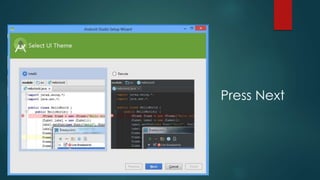
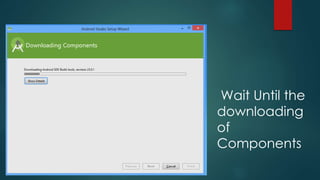
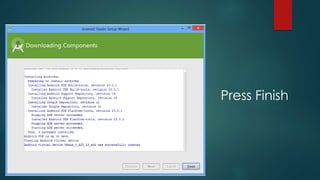

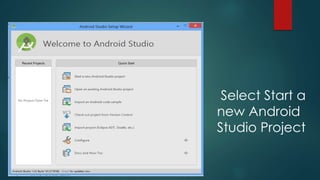
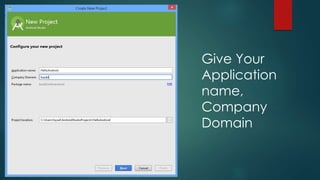
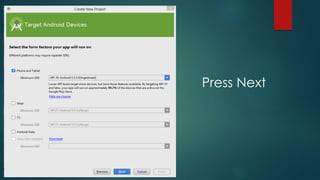
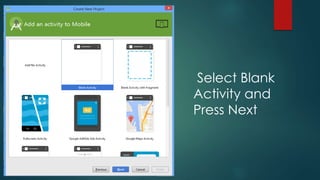
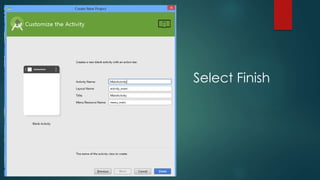
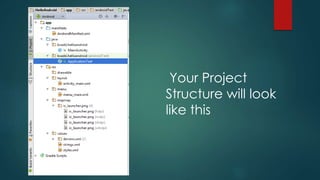
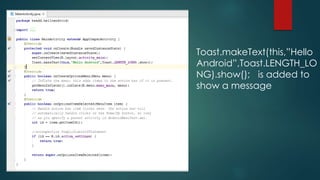
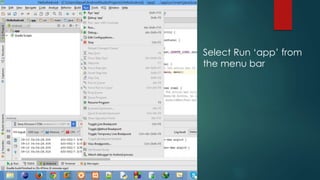
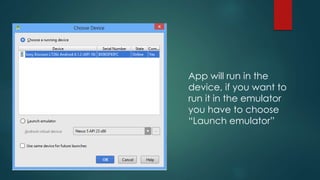
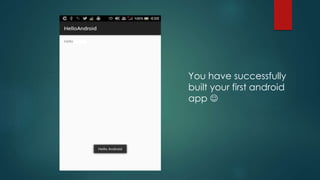


To install Android Studio, download it from the Android developer website and press Next through the installation process, waiting for components to download. Once installed, create a new blank Android project, name it and your company, then add code to display a "Hello Android" toast message. Select run to launch the app in a device or emulator, completing your first simple Android program.


