2955 Professional Place, Suite 301 · Colorado Springs, CO 80904, USA · Phone: (719) 686-1000 · Email: info@aft.com · Web: www.aft.com
Ready to access these new features? Email info@aft.com
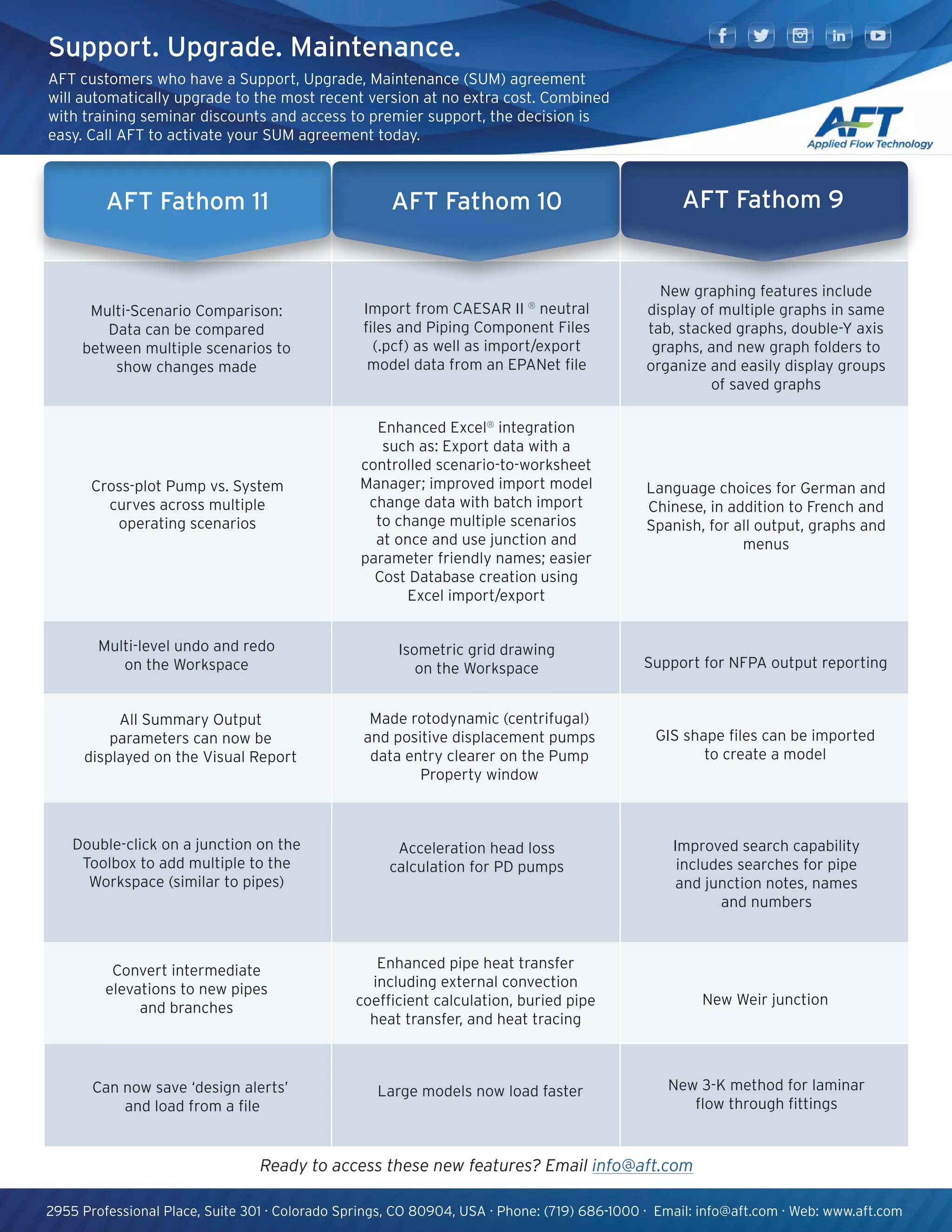
AFT Fathom 10
Enhanced Excel®
integration
such as: Export data with a
controlled scenario-to-worksheet
Manager; improved import model
change data with batch import
to change multiple scenarios
at once and use junction and
parameter friendly names; easier
Cost Database creation using
Excel import/export
Isometric grid drawing
on the Workspace
Made rotodynamic (centrifugal)
and positive displacement pumps
data entry clearer on the Pump
Property window
Acceleration head loss
calculation for PD pumps
Large models now load faster
Import from CAESAR II ®
neutral
files and Piping Component Files
(.pcf) as well as import/export
model data from an EPANet file
Enhanced pipe heat transfer
including external convection
coefficient calculation, buried pipe
heat transfer, and heat tracing
Support. Upgrade. Maintenance.
AFT customers who have a Support, Upgrade, Maintenance (SUM) agreement
will automatically upgrade to the most recent version at no extra cost. Combined
with training seminar discounts and access to premier support, the decision is
easy. Call AFT to activate your SUM agreement today.
New graphing features include
display of multiple graphs in same
tab, stacked graphs, double-Y axis
graphs, and new graph folders to
organize and easily display groups
of saved graphs
Language choices for German and
Chinese, in addition to French and
Spanish, for all output, graphs and
menus
Support for NFPA output reporting
GIS shape files can be imported
to create a model
AFT Fathom 9
New Weir junction
Improved search capability
includes searches for pipe
and junction notes, names
and numbers
New 3-K method for laminar
flow through fittings
AFT Fathom 9AFT Fathom 11
Cross-plot Pump vs. System
curves across multiple
operating scenarios
Multi-level undo and redo
on the Workspace
All Summary Output
parameters can now be
displayed on the Visual Report
Double-click on a junction on the
Toolbox to add multiple to the
Workspace (similar to pipes)
Can now save ‘design alerts’
and load from a file
Multi-Scenario Comparison:
Data can be compared
between multiple scenarios to
show changes made
Convert intermediate
elevations to new pipes
and branches
2955 Professional Place, Suite 301 · Colorado Springs, CO 80904, USA · Phone: (719) 686-1000 · Email: info@aft.com · Web: www.aft.com
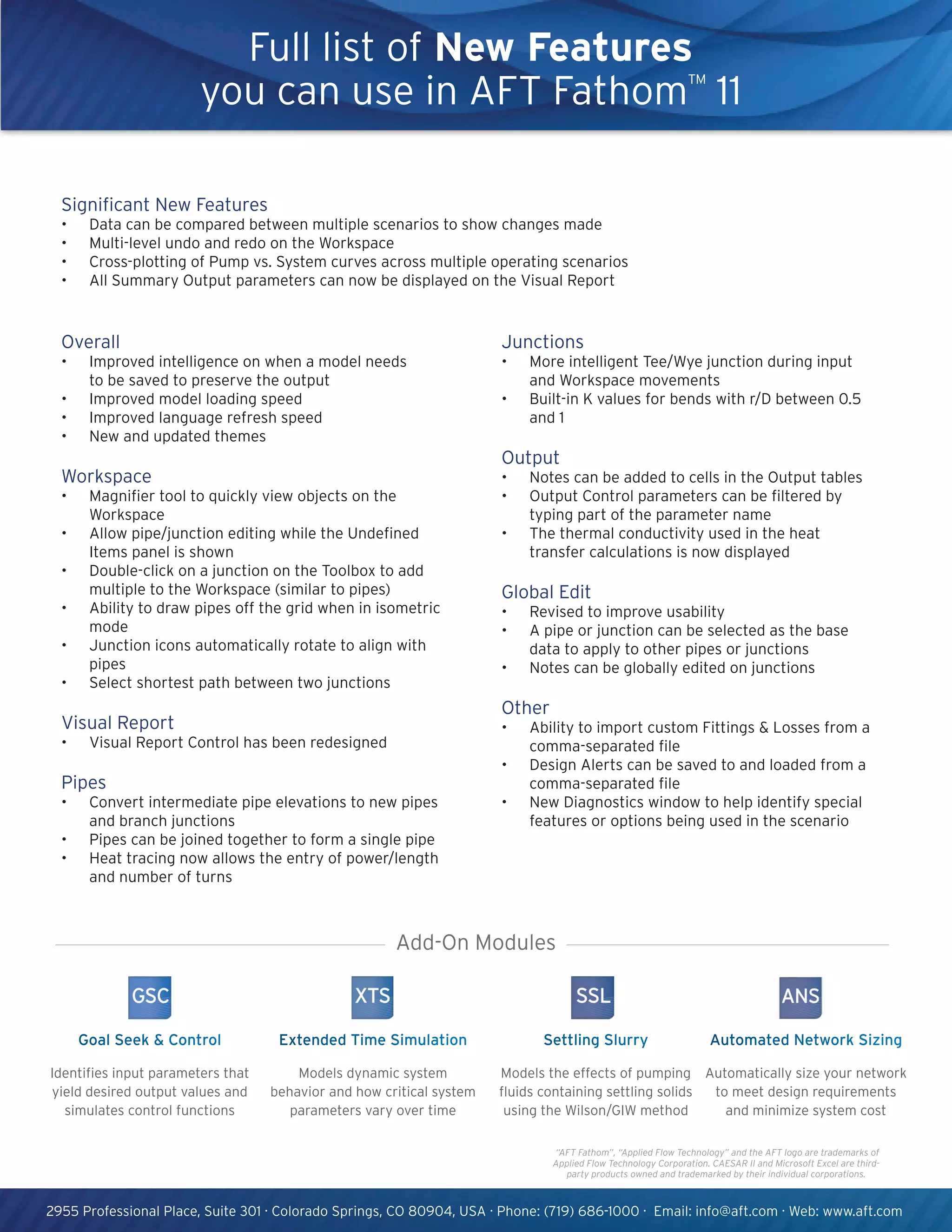
Full list of New Features
you can use in AFT Fathom™
11
“AFT Fathom”, “Applied Flow Technology” and the AFT logo are trademarks of
Applied Flow Technology Corporation. CAESAR II and Microsoft Excel are third-
party products owned and trademarked by their individual corporations.
Junctions
•	 More intelligent Tee/Wye junction during input
and Workspace movements
•	 Built-in K values for bends with r/D between 0.5
and 1
Output
•	 Notes can be added to cells in the Output tables
•	 Output Control parameters can be filtered by
typing part of the parameter name
•	 The thermal conductivity used in the heat
transfer calculations is now displayed
Global Edit
•	 Revised to improve usability
•	 A pipe or junction can be selected as the base
data to apply to other pipes or junctions
•	 Notes can be globally edited on junctions
Other
•	 Ability to import custom Fittings & Losses from a
comma-separated file
•	 Design Alerts can be saved to and loaded from a
comma-separated file
•	 New Diagnostics window to help identify special
features or options being used in the scenario
Overall
•	 Improved intelligence on when a model needs
to be saved to preserve the output
•	 Improved model loading speed
•	 Improved language refresh speed
•	 New and updated themes
Workspace
•	 Magnifier tool to quickly view objects on the
Workspace
•	 Allow pipe/junction editing while the Undefined
Items panel is shown
•	 Double-click on a junction on the Toolbox to add
multiple to the Workspace (similar to pipes)
•	 Ability to draw pipes off the grid when in isometric
mode
•	 Junction icons automatically rotate to align with
pipes
•	 Select shortest path between two junctions
Visual Report
•	 Visual Report Control has been redesigned
Pipes
•	 Convert intermediate pipe elevations to new pipes
and branch junctions
•	 Pipes can be joined together to form a single pipe
•	 Heat tracing now allows the entry of power/length
and number of turns
Add-On Modules
Settling Slurry
Models the effects of pumping
fluids containing settling solids
using the Wilson/GIW method
Extended Time Simulation
Models dynamic system
behavior and how critical system
parameters vary over time
Goal Seek & Control
Identifies input parameters that
yield desired output values and
simulates control functions
Automated Network Sizing
Automatically size your network
to meet design requirements
and minimize system cost
Significant New Features
•	 Data can be compared between multiple scenarios to show changes made
•	 Multi-level undo and redo on the Workspace
•	 Cross-plotting of Pump vs. System curves across multiple operating scenarios
•	 All Summary Output parameters can now be displayed on the Visual Report

AFT Fathom 11 - Recursos

  • 1.
    2955 Professional Place,Suite 301 · Colorado Springs, CO 80904, USA · Phone: (719) 686-1000 · Email: info@aft.com · Web: www.aft.com Ready to access these new features? Email info@aft.com AFT Fathom 10 Enhanced Excel® integration such as: Export data with a controlled scenario-to-worksheet Manager; improved import model change data with batch import to change multiple scenarios at once and use junction and parameter friendly names; easier Cost Database creation using Excel import/export Isometric grid drawing on the Workspace Made rotodynamic (centrifugal) and positive displacement pumps data entry clearer on the Pump Property window Acceleration head loss calculation for PD pumps Large models now load faster Import from CAESAR II ® neutral files and Piping Component Files (.pcf) as well as import/export model data from an EPANet file Enhanced pipe heat transfer including external convection coefficient calculation, buried pipe heat transfer, and heat tracing Support. Upgrade. Maintenance. AFT customers who have a Support, Upgrade, Maintenance (SUM) agreement will automatically upgrade to the most recent version at no extra cost. Combined with training seminar discounts and access to premier support, the decision is easy. Call AFT to activate your SUM agreement today. New graphing features include display of multiple graphs in same tab, stacked graphs, double-Y axis graphs, and new graph folders to organize and easily display groups of saved graphs Language choices for German and Chinese, in addition to French and Spanish, for all output, graphs and menus Support for NFPA output reporting GIS shape files can be imported to create a model AFT Fathom 9 New Weir junction Improved search capability includes searches for pipe and junction notes, names and numbers New 3-K method for laminar flow through fittings AFT Fathom 9AFT Fathom 11 Cross-plot Pump vs. System curves across multiple operating scenarios Multi-level undo and redo on the Workspace All Summary Output parameters can now be displayed on the Visual Report Double-click on a junction on the Toolbox to add multiple to the Workspace (similar to pipes) Can now save ‘design alerts’ and load from a file Multi-Scenario Comparison: Data can be compared between multiple scenarios to show changes made Convert intermediate elevations to new pipes and branches
  • 2.
    2955 Professional Place,Suite 301 · Colorado Springs, CO 80904, USA · Phone: (719) 686-1000 · Email: info@aft.com · Web: www.aft.com Full list of New Features you can use in AFT Fathom™ 11 “AFT Fathom”, “Applied Flow Technology” and the AFT logo are trademarks of Applied Flow Technology Corporation. CAESAR II and Microsoft Excel are third- party products owned and trademarked by their individual corporations. Junctions • More intelligent Tee/Wye junction during input and Workspace movements • Built-in K values for bends with r/D between 0.5 and 1 Output • Notes can be added to cells in the Output tables • Output Control parameters can be filtered by typing part of the parameter name • The thermal conductivity used in the heat transfer calculations is now displayed Global Edit • Revised to improve usability • A pipe or junction can be selected as the base data to apply to other pipes or junctions • Notes can be globally edited on junctions Other • Ability to import custom Fittings & Losses from a comma-separated file • Design Alerts can be saved to and loaded from a comma-separated file • New Diagnostics window to help identify special features or options being used in the scenario Overall • Improved intelligence on when a model needs to be saved to preserve the output • Improved model loading speed • Improved language refresh speed • New and updated themes Workspace • Magnifier tool to quickly view objects on the Workspace • Allow pipe/junction editing while the Undefined Items panel is shown • Double-click on a junction on the Toolbox to add multiple to the Workspace (similar to pipes) • Ability to draw pipes off the grid when in isometric mode • Junction icons automatically rotate to align with pipes • Select shortest path between two junctions Visual Report • Visual Report Control has been redesigned Pipes • Convert intermediate pipe elevations to new pipes and branch junctions • Pipes can be joined together to form a single pipe • Heat tracing now allows the entry of power/length and number of turns Add-On Modules Settling Slurry Models the effects of pumping fluids containing settling solids using the Wilson/GIW method Extended Time Simulation Models dynamic system behavior and how critical system parameters vary over time Goal Seek & Control Identifies input parameters that yield desired output values and simulates control functions Automated Network Sizing Automatically size your network to meet design requirements and minimize system cost Significant New Features • Data can be compared between multiple scenarios to show changes made • Multi-level undo and redo on the Workspace • Cross-plotting of Pump vs. System curves across multiple operating scenarios • All Summary Output parameters can now be displayed on the Visual Report