-ByM.Janaradhan
(SEM-Expert)


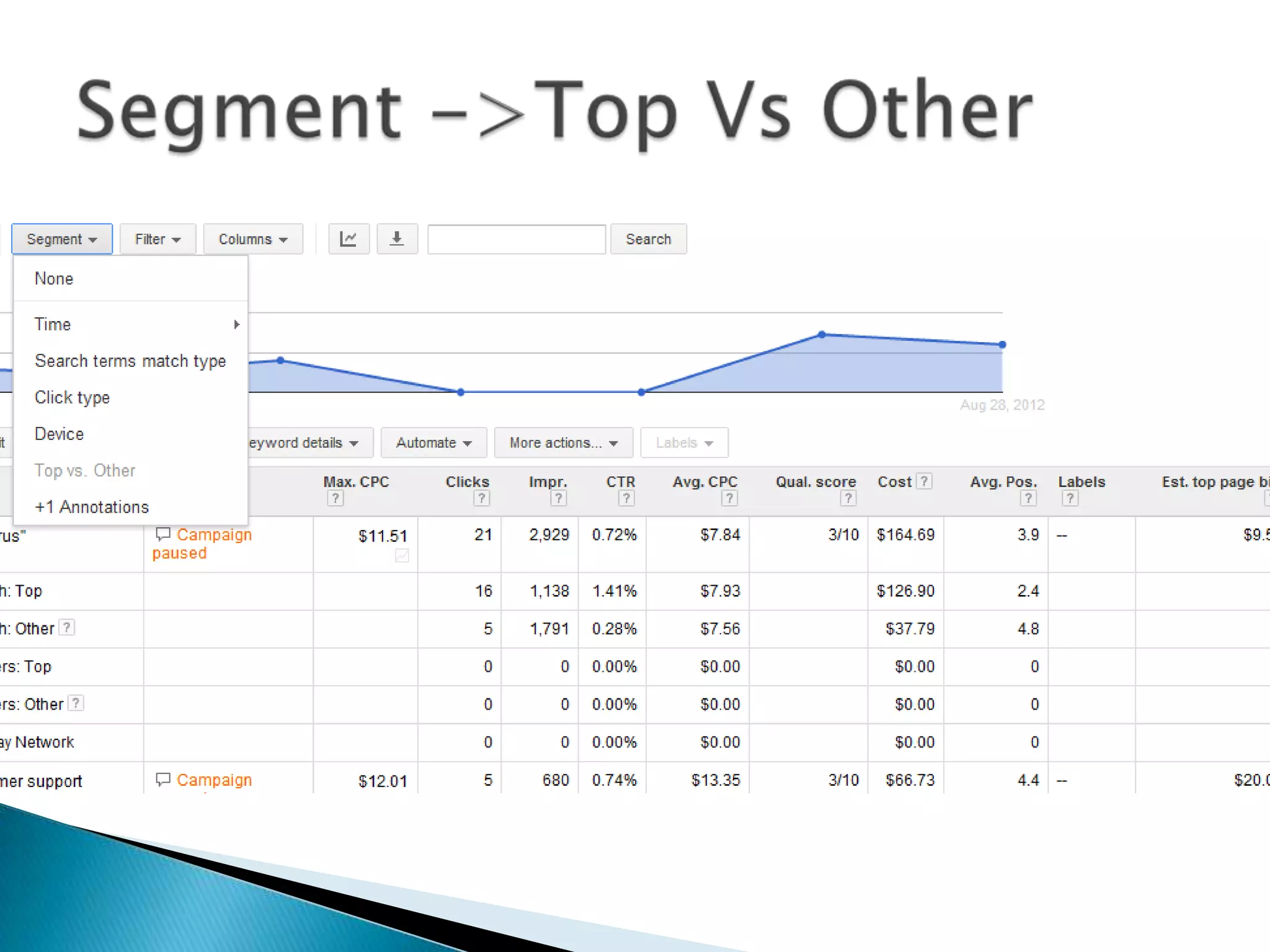
See how your ads performed when triggered
by actual searches within the Search Network.
Identify new search terms with high potential
that you want to add as keywords and weed
out any terms that aren't as relevant to your
business.
◦ Sign in to your AdWords account
◦ Click the Campaigns tab.
◦ Click the Keywords tab.
◦ Click the Keyword details button above your
statistics table.


Just like all good managers evaluate their
employees' performance on a regular
basis, you probably want to review your
keywords' performance to see which ones are
helping you meet your advertising goals for
your Google search and Search Network
campaigns.
◦ Sign into your AdWords account
◦ Click the Campaigns tab.
◦ Click the Keywords tab.
◦ Click the Download button .
◦ You'll see a Download and schedule report panel
above your statistics table.


If you really want to succeed with
AdWords, you'll need to regularly review and
refine your account's performance. In
particular, you'll want to monitor the status
and progress of both your ads and
their keyword.
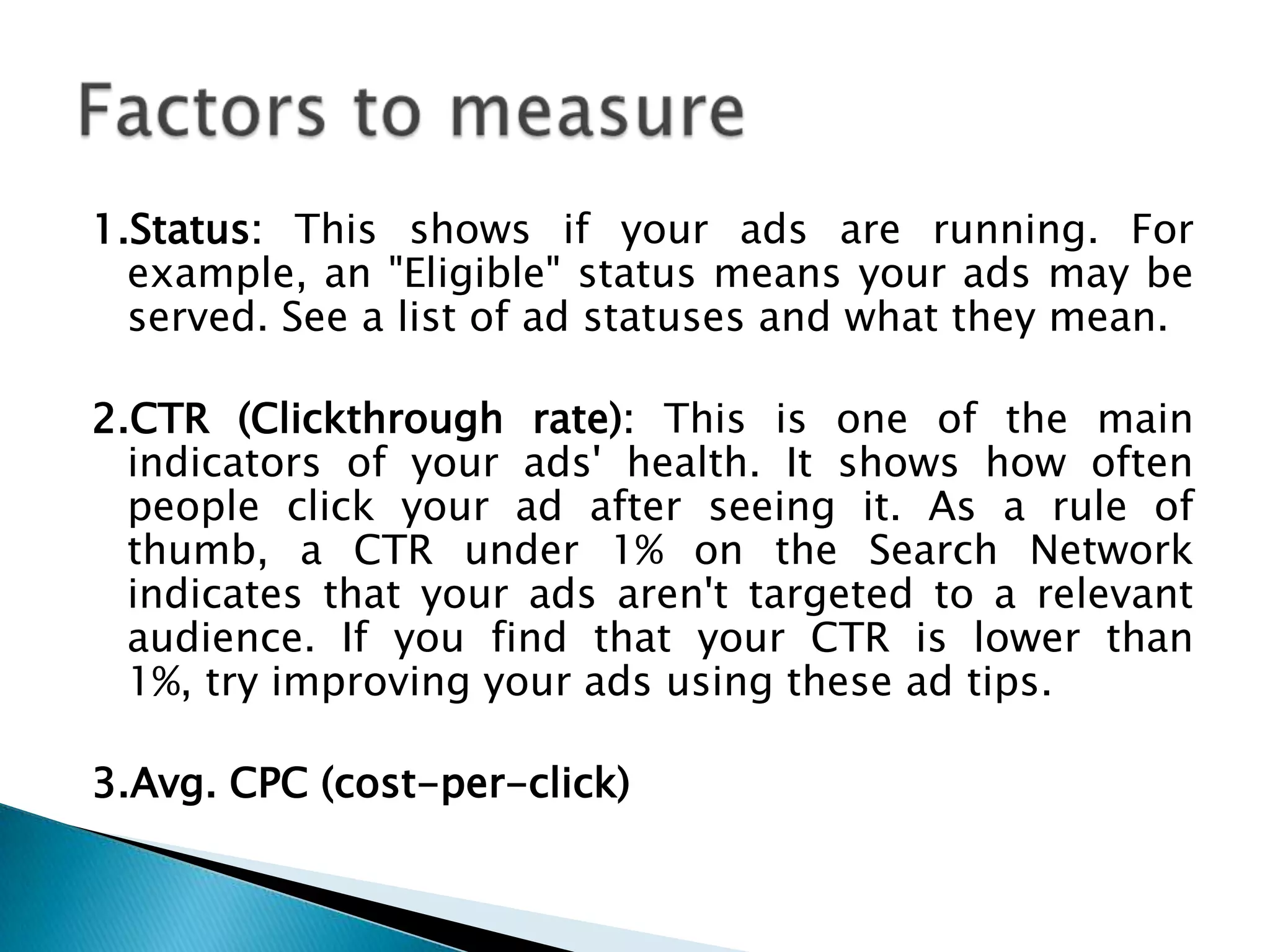
1.Status: This shows if your ads are running. For
example, an "Eligible" status means your ads may be
served. See a list of ad statuses and what they mean.
2.CTR (Clickthrough rate): This is one of the main
indicators of your ads' health. It shows how often
people click your ad after seeing it. As a rule of
thumb, a CTR under 1% on the Search Network
indicates that your ads aren't targeted to a relevant
audience. If you find that your CTR is lower than
1%, try improving your ads using these ad tips.
3.Avg. CPC (cost-per-click)
1.Status
2.CTR (Click through rate)
3.Quality Score
◦ Ad Copy
◦ CTR
◦ LP (Landing Page)

4.See search terms


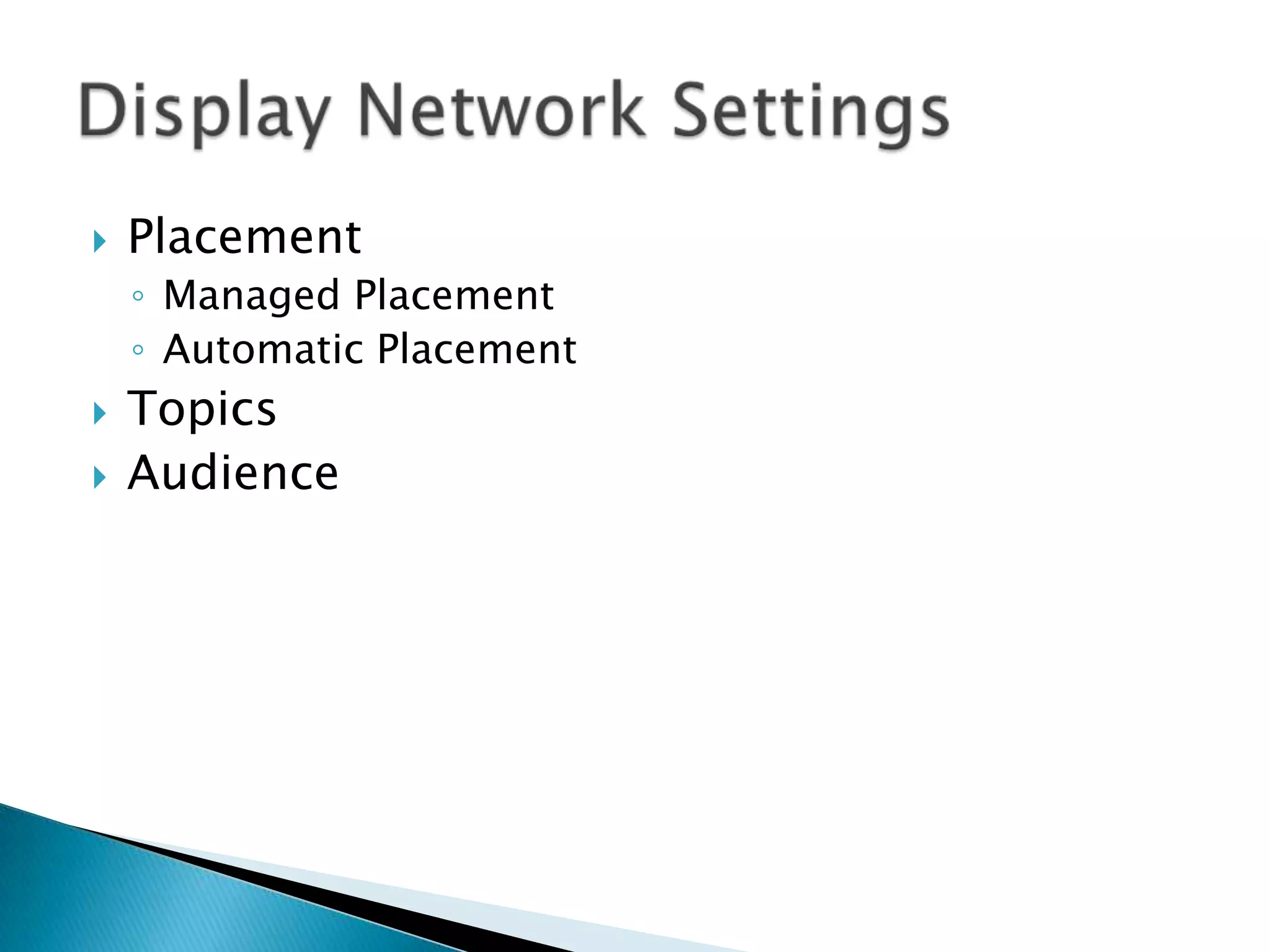
Placement
◦ Managed Placement
◦ Automatic Placement




Topics
Audience

Google Adwords Reports

  • 1.
  • 2.
     See how yourads performed when triggered by actual searches within the Search Network. Identify new search terms with high potential that you want to add as keywords and weed out any terms that aren't as relevant to your business.
  • 3.
    ◦ Sign into your AdWords account ◦ Click the Campaigns tab. ◦ Click the Keywords tab. ◦ Click the Keyword details button above your statistics table.
  • 4.
     Just like allgood managers evaluate their employees' performance on a regular basis, you probably want to review your keywords' performance to see which ones are helping you meet your advertising goals for your Google search and Search Network campaigns.
  • 5.
    ◦ Sign intoyour AdWords account ◦ Click the Campaigns tab. ◦ Click the Keywords tab. ◦ Click the Download button . ◦ You'll see a Download and schedule report panel above your statistics table.
  • 6.
     If you reallywant to succeed with AdWords, you'll need to regularly review and refine your account's performance. In particular, you'll want to monitor the status and progress of both your ads and their keyword.
  • 7.
    1.Status: This showsif your ads are running. For example, an "Eligible" status means your ads may be served. See a list of ad statuses and what they mean. 2.CTR (Clickthrough rate): This is one of the main indicators of your ads' health. It shows how often people click your ad after seeing it. As a rule of thumb, a CTR under 1% on the Search Network indicates that your ads aren't targeted to a relevant audience. If you find that your CTR is lower than 1%, try improving your ads using these ad tips. 3.Avg. CPC (cost-per-click)
  • 8.
    1.Status 2.CTR (Click throughrate) 3.Quality Score ◦ Ad Copy ◦ CTR ◦ LP (Landing Page) 4.See search terms
  • 14.
     Placement ◦ Managed Placement ◦Automatic Placement   Topics Audience