Download to read offline


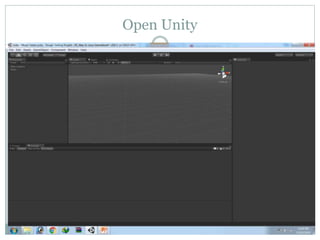
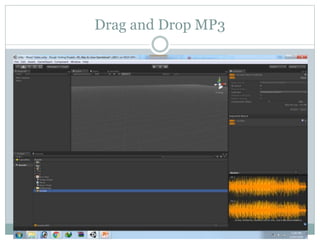
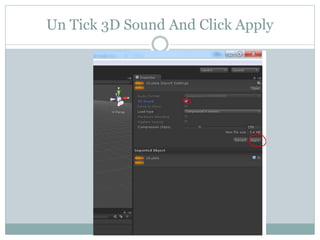
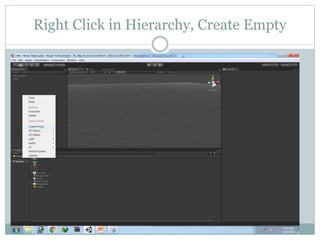
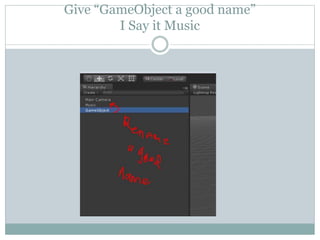
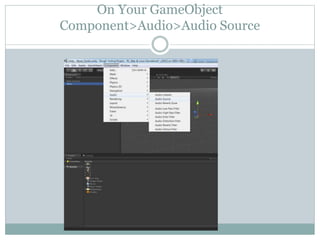
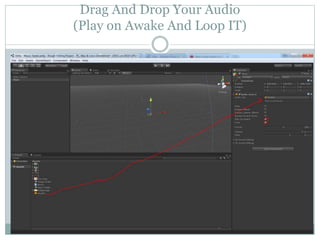


This 3-sentence summary provides the key steps to add audio to a Unity project: Open Unity, drag and drop an MP3 file into the project, create an empty game object and rename it to reference the audio, add an Audio Source component to the object and drag the MP3 into it to play the audio clip on awake and in a loop.


