Accessible Websites Martin Leyrer
Agenda About me
What you are not going to hear
What is “Accessibility” (a11y)
Web Content A11y Guidelines (WCAG)
Best Practices
Tools
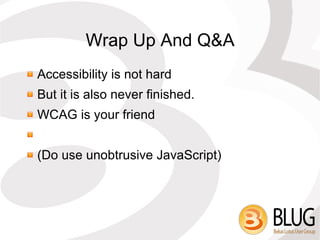
Wrap Up and Q&A
About Me Martin Leyrer – just “Martin” is fine :)
From Vienna, Austria
Notes Dev. & Admin. since 1995 (R3.1)
Web Developer even longer
Work for a large IT service organization
One large Client
The “NOT” Slide I am NOT a W3C spokesperson
I am NOT a WCAG editor
I am NOT certifying your site “accessible”
No definitive answers, only “best practices”
Focus on technical issues
What is “Accessibility” Accessibility make content accessible to a wider range of people with disabilities, including blindness and low vision, deafness and hearing loss, learning disabilities, cognitive limitations, limited movement, speech disabilities, photosensitivity and combinations of these.
Following these guidelines will also often make your Web content more usable to users in general.
Accessibility Is More! It's not about the “Disability Discrimination Act 1995” (UK), the “Americans with Disabilities Act of 1990” or any other law.
It's not making Websites “uglier”

Accessible Websites With Lotus Notes/Domino, presented at the BLUG day event, March 30th, 2010

Editor's Notes

  • #6 Understanding accessibility requires an awareness of the special needs of multiple user groups, including people with disabilities and mature users with age-related disabilities. A person with a disability may encounter one or more barriers that can be eliminated or minimized by the software or Web developer, the assistive technology, or the underlying operating system software and hardware platform. The four main categories of disabilities are visual, hearing, mobility, and cognitive.
  • #7 It's about god webdesign. It's about the willingness tp make your website available to everybody.