Worry Free Web Development a.k.a. Web Development 2.0 Ara Pehlivanian, Coder’s Saturday, March 22 2008
Web 2.0 The glitzy look of Web 2.0 is getting a lot of attention
Web 2.broken A lot of the technology behind Web 2.0 is still very Web 1.0
Why does it matter? Well…
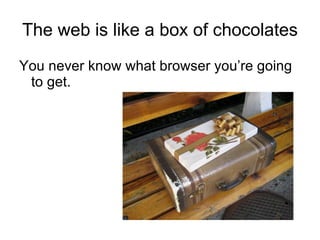
The web is like a box of chocolates You never know what browser you’re going to get.
For example… The CEO who hasn’t updated their browser since Netscape 4
For example… The CEO who hasn’t updated their browser since Netscape 4 The growth of mobile
For example… The CEO who hasn’t updated their browser since Netscape 4 The growth of mobile  Assistive technologies
For example… The CEO who hasn’t updated their browser since Netscape 4 The growth of mobile  Assistive technologies Limited functionality in a corporate setting
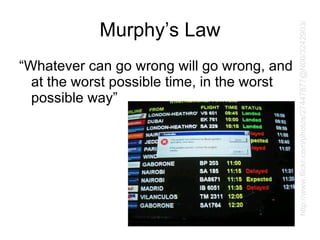
Murphy’s Law “Whatever can go wrong will go wrong, and at the worst possible time, in the worst possible way” http://www.flickr.com/photos/27447877@N00/3242903/
In an environment like this, “doing your own thing” can lead to unintended consequences
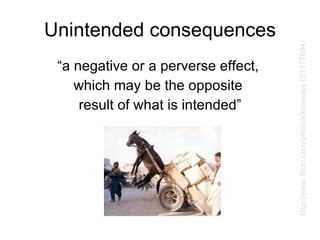
Unintended consequences “a negative or a perverse effect,  which may be the opposite  result of what is intended” http://www.flickr.com/photos/khawaja/151777694/
How do you protect against unintended consequences?
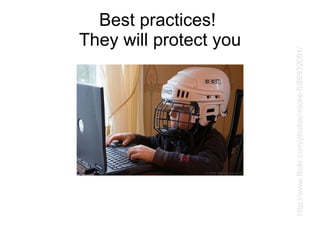
Best practices!  They will protect you http://www.flickr.com/photos/micke-fi/86932091/
What are best practices? “Best practices can be defined as the most efficient and effective way of accomplishing a task…”
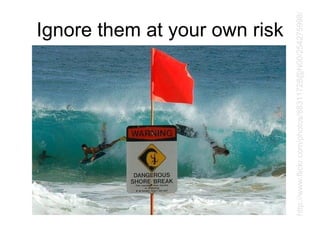
Ignore them at your own risk http://www.flickr.com/photos/88311728@N00/254275998/
Today’s best practice: Layer and enhance
Don’t create dependencies between HTML, CSS and JavaScript
Your site should work even if it’s deprived of one of these technologies
Layer: HTML
Build HTML first It should work 100% on its own
4 simple rules to keep in mind
1) Important content should be present in the markup
1) Important content should be present in the markup (Search engines won’t crawl your JavaScript only navigation)
2) Inject pure JavaScript markup later
2) Inject pure JavaScript markup later (If it can’t be relevant without JavaScript, it shouldn’t be in the markup to begin with)
3) Form elements should be inside forms
3) Form elements should be inside forms (They’re called  form  elements  for a reason!)
4) Links should link
4) Links should link (No brainer right?)
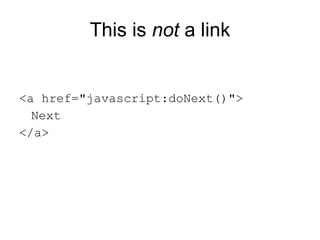
This is  not  a link <a href=&quot;javascript:doNext()&quot;> Next </a>
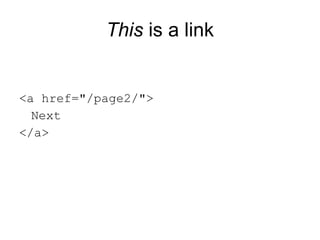
This  is a link <a href=&quot;/page2/&quot;> Next </a>
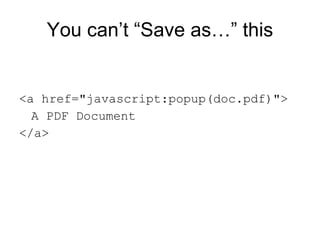
You can’t “Save as…” this <a href=&quot;javascript:popup(doc.pdf)&quot;> A PDF Document </a>
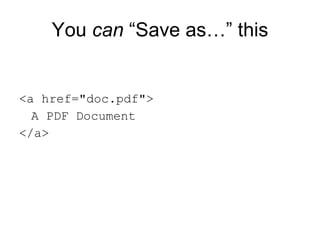
You  can  “Save as…” this <a href=&quot;doc.pdf&quot;> A PDF Document </a>
Layer: JavaScript
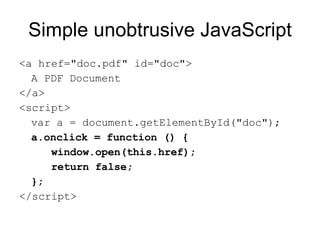
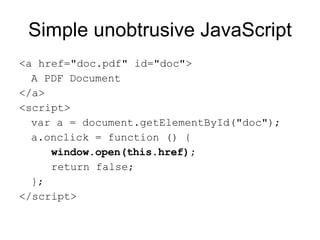
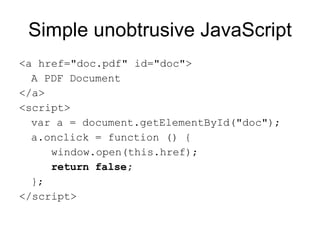
Add JavaScript as an enhancement (Unobtrusively)
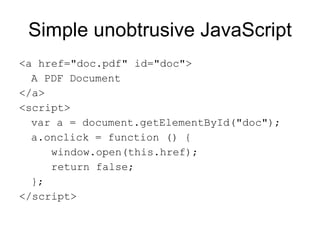
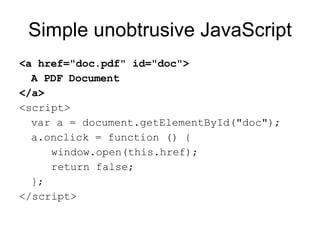
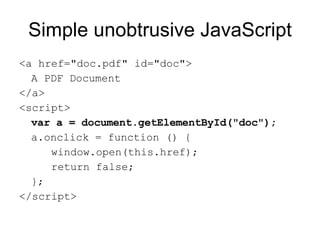
Simple unobtrusive JavaScript <a href=&quot;doc.pdf&quot; id=&quot;doc&quot;> A PDF Document </a> <script> var a = document.getElementById(&quot;doc&quot;); a.onclick = function () { window.open(this.href); return false; }; </script>
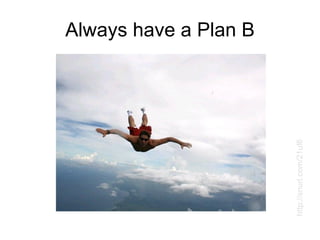
It’s like having a Plan B
Always have a Plan B http://snurl.com/21uf6
Layer: CSS
Don’t hide things with CSS only to show them with JavaScript
Flyout menus anyone?
What if JavaScript isn’t available?
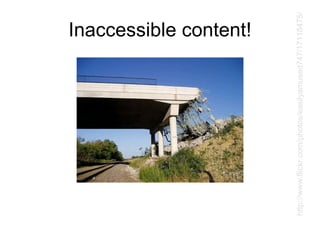
Inaccessible content! http://www.flickr.com/photos/easilyamused747/17118475/
Solution: Hide with JavaScript and show with JavaScript
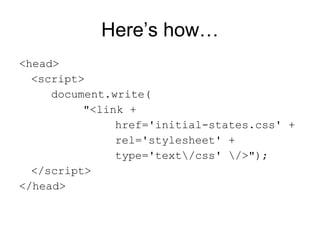
But how to avoid  content flicker? JavaScript takes time to kick in!
Here’s how… <head> <script> document.write( &quot;<link + href='initial-states.css' + rel='stylesheet' + type='text\/css' \/>&quot;); </script> </head>
Summary Seek out and implement best practices (they are your friend!)
Summary Seek out and implement best practices (they are your friend!) Avoid technology interdependencies (layer and enhance!)
Summary Seek out and implement best practices (they are your friend!) Avoid technology interdependencies (layer and enhance!) Have fun!
Thank You! Ara Pehlivanian [email_address] http:// arapehlivanian.com

Worry Free Web Development

  • 1.
    Worry Free WebDevelopment a.k.a. Web Development 2.0 Ara Pehlivanian, Coder’s Saturday, March 22 2008
  • 2.
    Web 2.0 Theglitzy look of Web 2.0 is getting a lot of attention
  • 3.
    Web 2.broken Alot of the technology behind Web 2.0 is still very Web 1.0
  • 4.
    Why does itmatter? Well…
  • 5.
    The web islike a box of chocolates You never know what browser you’re going to get.
  • 6.
    For example… TheCEO who hasn’t updated their browser since Netscape 4
  • 7.
    For example… TheCEO who hasn’t updated their browser since Netscape 4 The growth of mobile
  • 8.
    For example… TheCEO who hasn’t updated their browser since Netscape 4 The growth of mobile Assistive technologies
  • 9.
    For example… TheCEO who hasn’t updated their browser since Netscape 4 The growth of mobile Assistive technologies Limited functionality in a corporate setting
  • 10.
    Murphy’s Law “Whatevercan go wrong will go wrong, and at the worst possible time, in the worst possible way” http://www.flickr.com/photos/27447877@N00/3242903/
  • 11.
    In an environmentlike this, “doing your own thing” can lead to unintended consequences
  • 12.
    Unintended consequences “anegative or a perverse effect, which may be the opposite result of what is intended” http://www.flickr.com/photos/khawaja/151777694/
  • 13.
    How do youprotect against unintended consequences?
  • 14.
    Best practices! They will protect you http://www.flickr.com/photos/micke-fi/86932091/
  • 15.
    What are bestpractices? “Best practices can be defined as the most efficient and effective way of accomplishing a task…”
  • 16.
    Ignore them atyour own risk http://www.flickr.com/photos/88311728@N00/254275998/
  • 17.
    Today’s best practice:Layer and enhance
  • 18.
    Don’t create dependenciesbetween HTML, CSS and JavaScript
  • 19.
    Your site shouldwork even if it’s deprived of one of these technologies
  • 20.
  • 21.
    Build HTML firstIt should work 100% on its own
  • 22.
    4 simple rulesto keep in mind
  • 23.
    1) Important contentshould be present in the markup
  • 24.
    1) Important contentshould be present in the markup (Search engines won’t crawl your JavaScript only navigation)
  • 25.
    2) Inject pureJavaScript markup later
  • 26.
    2) Inject pureJavaScript markup later (If it can’t be relevant without JavaScript, it shouldn’t be in the markup to begin with)
  • 27.
    3) Form elementsshould be inside forms
  • 28.
    3) Form elementsshould be inside forms (They’re called form elements for a reason!)
  • 29.
  • 30.
    4) Links shouldlink (No brainer right?)
  • 31.
    This is not a link <a href=&quot;javascript:doNext()&quot;> Next </a>
  • 32.
    This isa link <a href=&quot;/page2/&quot;> Next </a>
  • 33.
    You can’t “Saveas…” this <a href=&quot;javascript:popup(doc.pdf)&quot;> A PDF Document </a>
  • 34.
    You can “Save as…” this <a href=&quot;doc.pdf&quot;> A PDF Document </a>
  • 35.
  • 36.
    Add JavaScript asan enhancement (Unobtrusively)
  • 37.
    Simple unobtrusive JavaScript<a href=&quot;doc.pdf&quot; id=&quot;doc&quot;> A PDF Document </a> <script> var a = document.getElementById(&quot;doc&quot;); a.onclick = function () { window.open(this.href); return false; }; </script>
  • 38.
    Simple unobtrusive JavaScript<a href=&quot;doc.pdf&quot; id=&quot;doc&quot;> A PDF Document </a> <script> var a = document.getElementById(&quot;doc&quot;); a.onclick = function () { window.open(this.href); return false; }; </script>
  • 39.
    Simple unobtrusive JavaScript<a href=&quot;doc.pdf&quot; id=&quot;doc&quot;> A PDF Document </a> <script> var a = document.getElementById(&quot;doc&quot;); a.onclick = function () { window.open(this.href); return false; }; </script>
  • 40.
    Simple unobtrusive JavaScript<a href=&quot;doc.pdf&quot; id=&quot;doc&quot;> A PDF Document </a> <script> var a = document.getElementById(&quot;doc&quot;); a.onclick = function () { window.open(this.href); return false; }; </script>
  • 41.
    Simple unobtrusive JavaScript<a href=&quot;doc.pdf&quot; id=&quot;doc&quot;> A PDF Document </a> <script> var a = document.getElementById(&quot;doc&quot;); a.onclick = function () { window.open(this.href); return false; }; </script>
  • 42.
    Simple unobtrusive JavaScript<a href=&quot;doc.pdf&quot; id=&quot;doc&quot;> A PDF Document </a> <script> var a = document.getElementById(&quot;doc&quot;); a.onclick = function () { window.open(this.href); return false; }; </script>
  • 43.
  • 44.
    Always have aPlan B http://snurl.com/21uf6
  • 45.
  • 46.
    Don’t hide thingswith CSS only to show them with JavaScript
  • 47.
  • 48.
    What if JavaScriptisn’t available?
  • 49.
  • 50.
    Solution: Hide withJavaScript and show with JavaScript
  • 51.
    But how toavoid content flicker? JavaScript takes time to kick in!
  • 52.
    Here’s how… <head><script> document.write( &quot;<link + href='initial-states.css' + rel='stylesheet' + type='text\/css' \/>&quot;); </script> </head>
  • 53.
    Summary Seek outand implement best practices (they are your friend!)
  • 54.
    Summary Seek outand implement best practices (they are your friend!) Avoid technology interdependencies (layer and enhance!)
  • 55.
    Summary Seek outand implement best practices (they are your friend!) Avoid technology interdependencies (layer and enhance!) Have fun!
  • 56.
    Thank You! AraPehlivanian [email_address] http:// arapehlivanian.com