Download as PDF, PPTX



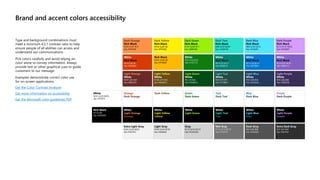
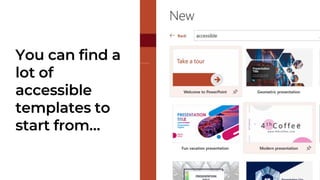
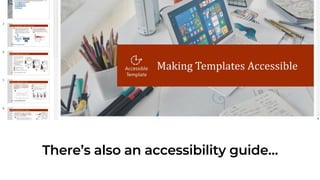
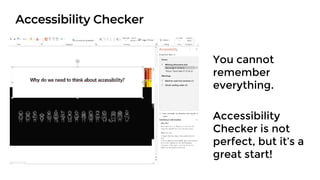





This document discusses how to create accessible PowerPoint presentations. It provides tips on using high color contrast, adding alternative text descriptions, choosing accessible slide layouts and text blocks, and checking the reading order. Additional recommendations include using captions and audio descriptions for videos, running the Accessibility Checker, and speaking at an appropriate pace while distributing needed materials for accessibility during presentations.


