Accessibility as a Design Tool
simplyaccessible.com

All contents © Simply Accessible Inc., unless otherwise noted.
Expressed permission is required to use these slides.
Contact info@simplyaccessible.com if you have any questions.
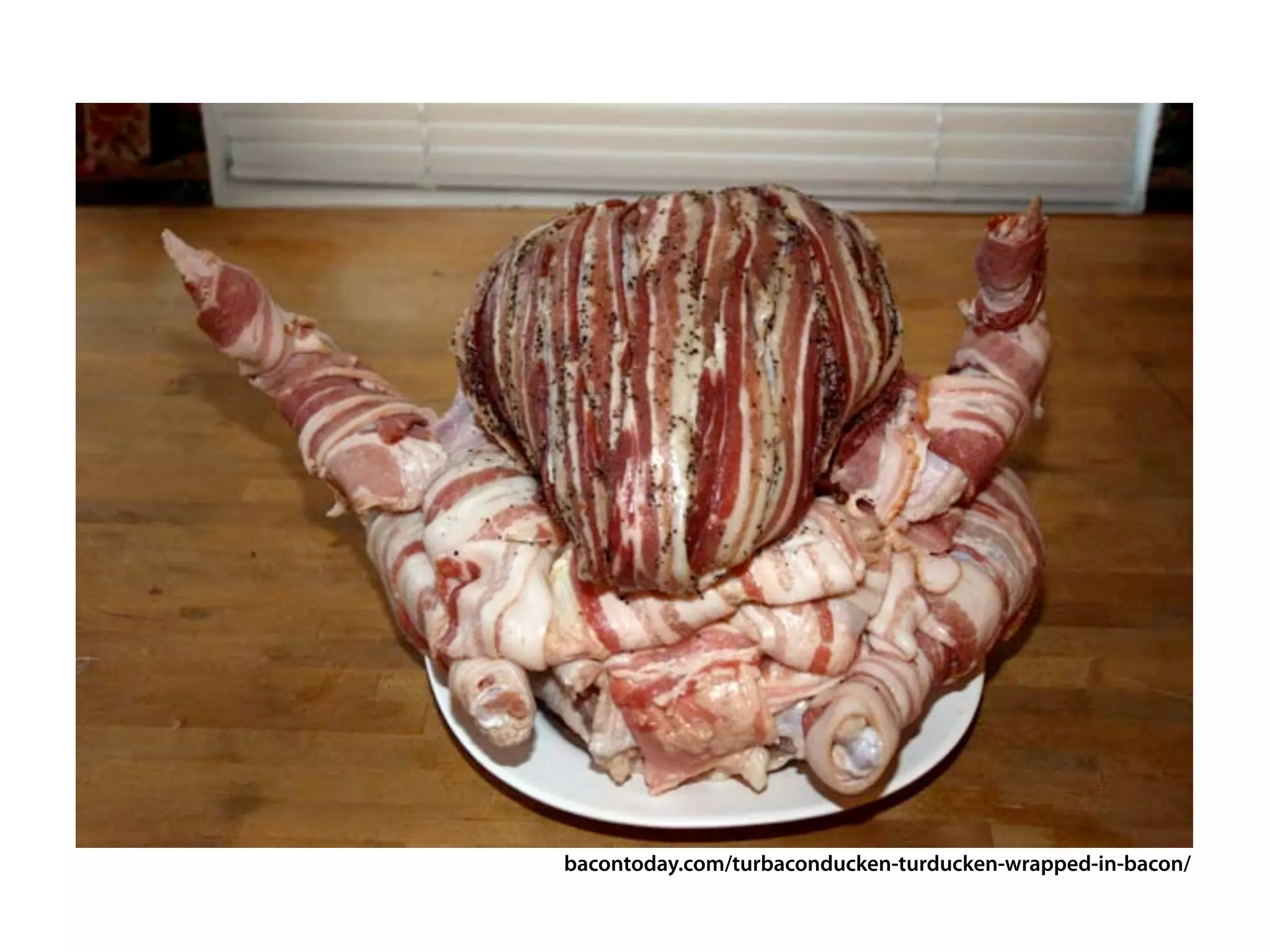
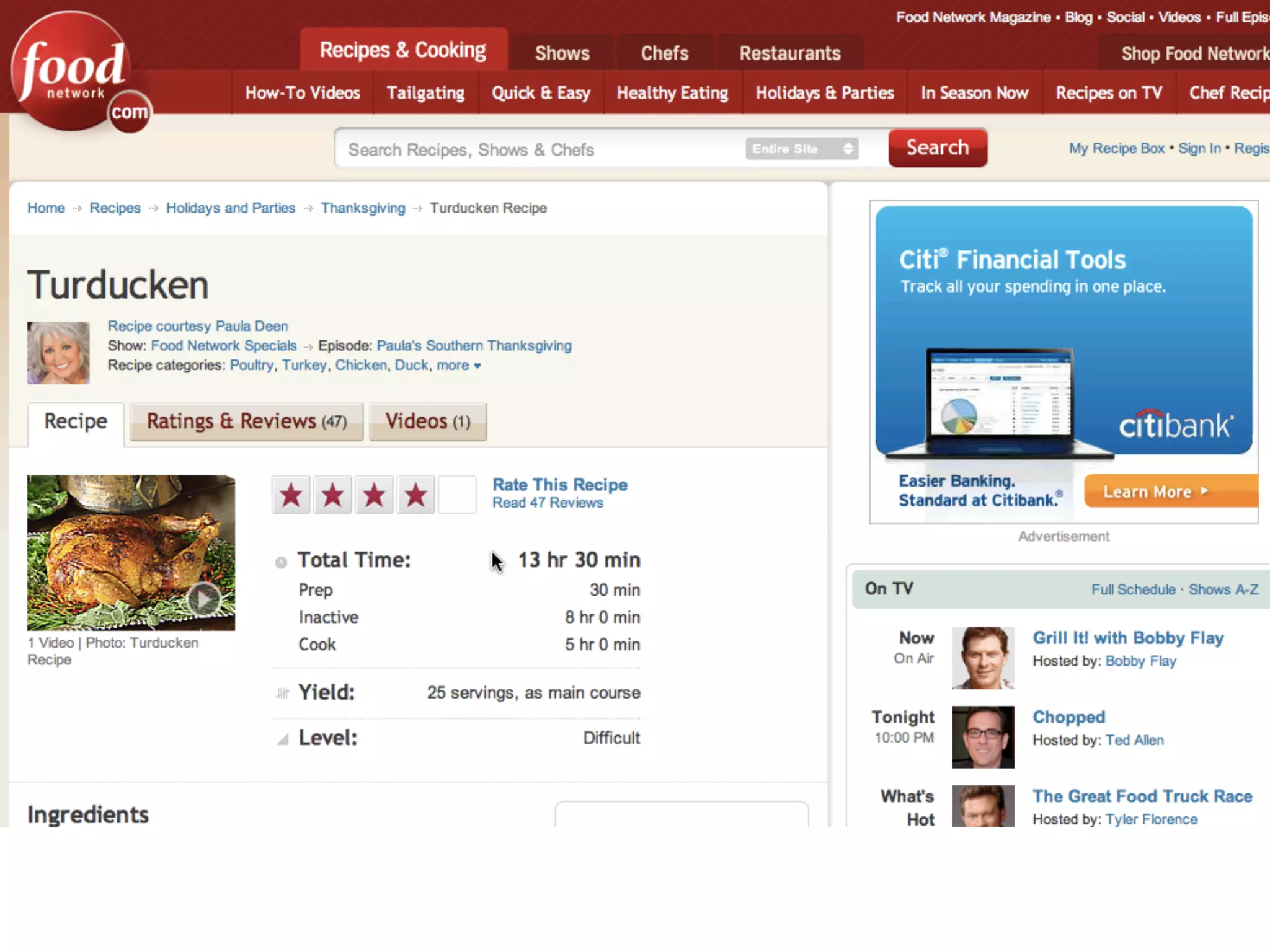
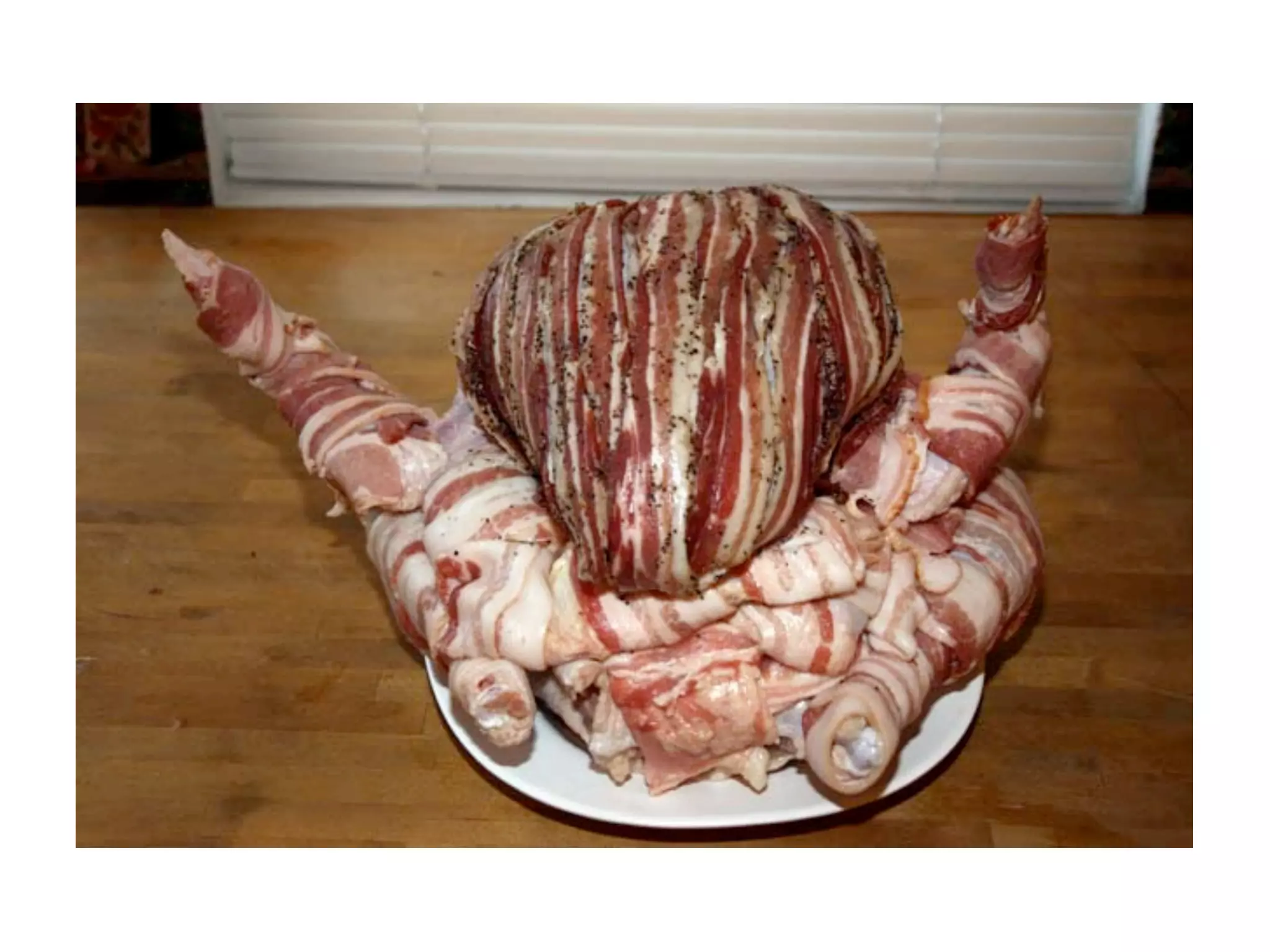
bacontoday.com/turbaconducken-turducken-wrapped-in-bacon/
I think some of why people don’t do Web
accessibility is a lack of awareness, but a lot
of it is because people think it’s too hard.
What would help is if you can start teaching
people HOW to integrate it into typical
workflows for specific audiences—devs.
project managers, Scrum Masters, designers
I think they just genuinely struggled to
understand the benefits. Many fail to realize
that it’s not just about people who are blind
or deaf—many people could benefit from a
more accessible site.
Derek, all this stuff that you’ve taught us...
yes, it makes this more accessible, but really,
fundamentally, this is just a better design,
period.
Accessibility as a Design Tool
Derek Featherstone
feather@simplyaccessible.com
                    @feather
Accessibility is not binary, all-or-nothing,
black and white. We have every shade of grey
in between. How you view this point frames
everything that you learn and do about
accessibility.
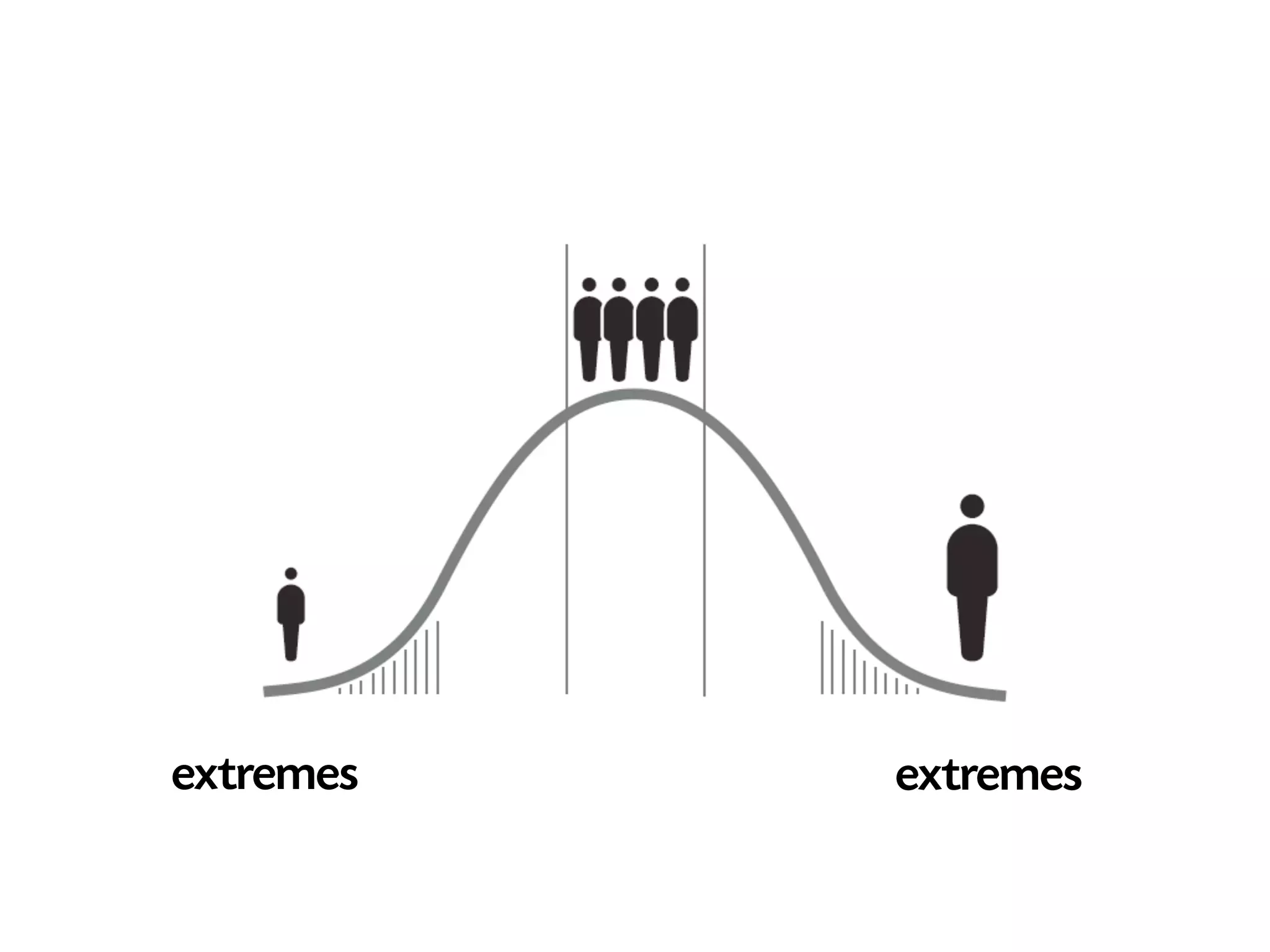
extremes   extremes
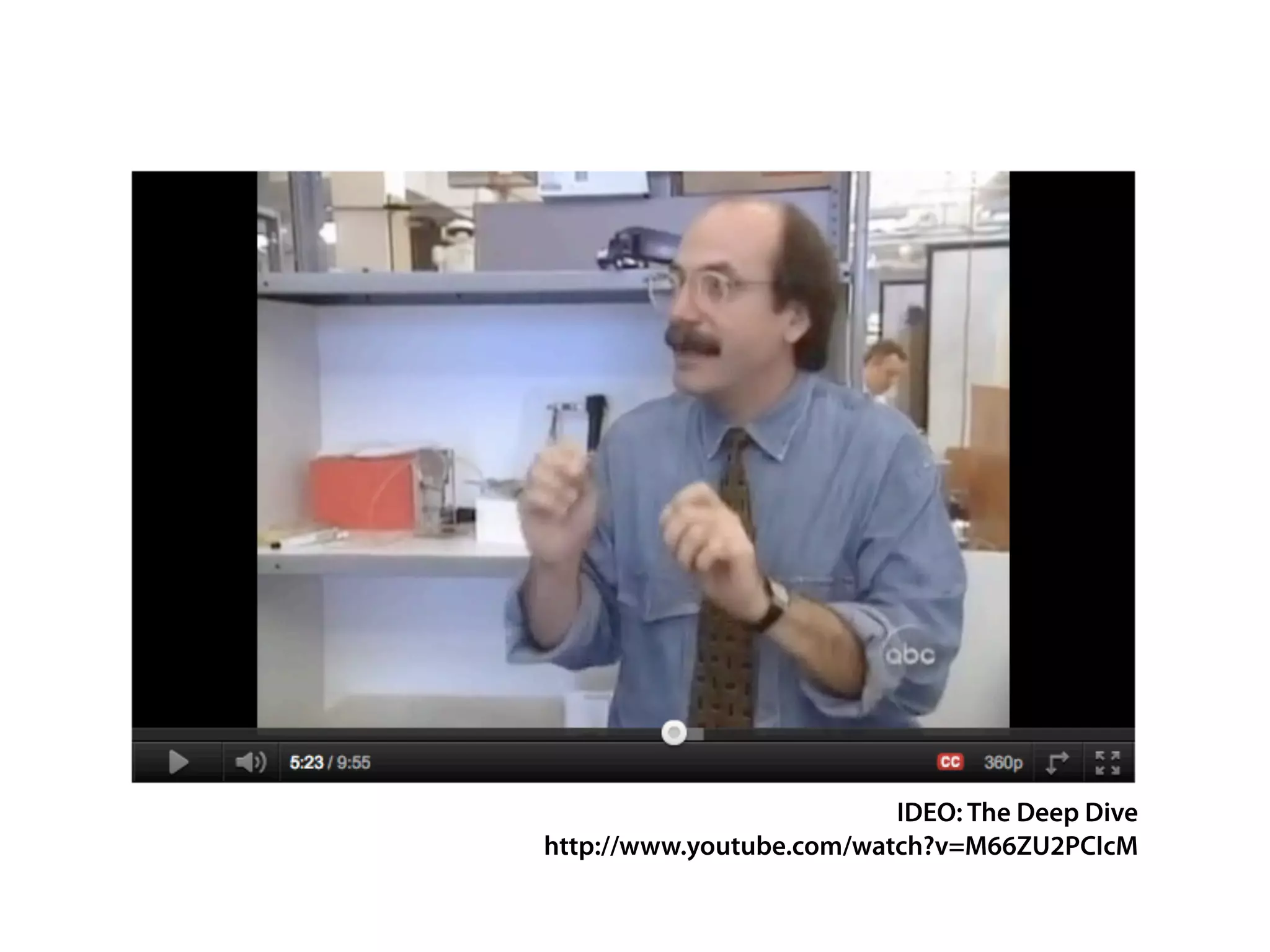
IDEO: The Deep Dive
http://www.youtube.com/watch?v=M66ZU2PCIcM
‘
‘
  By examining the extreme ends of a set of
 phenomena in depth, the entire universe of
relationships can be illuminated since other
instances will fall somewhere on the map of
                         relations and links.
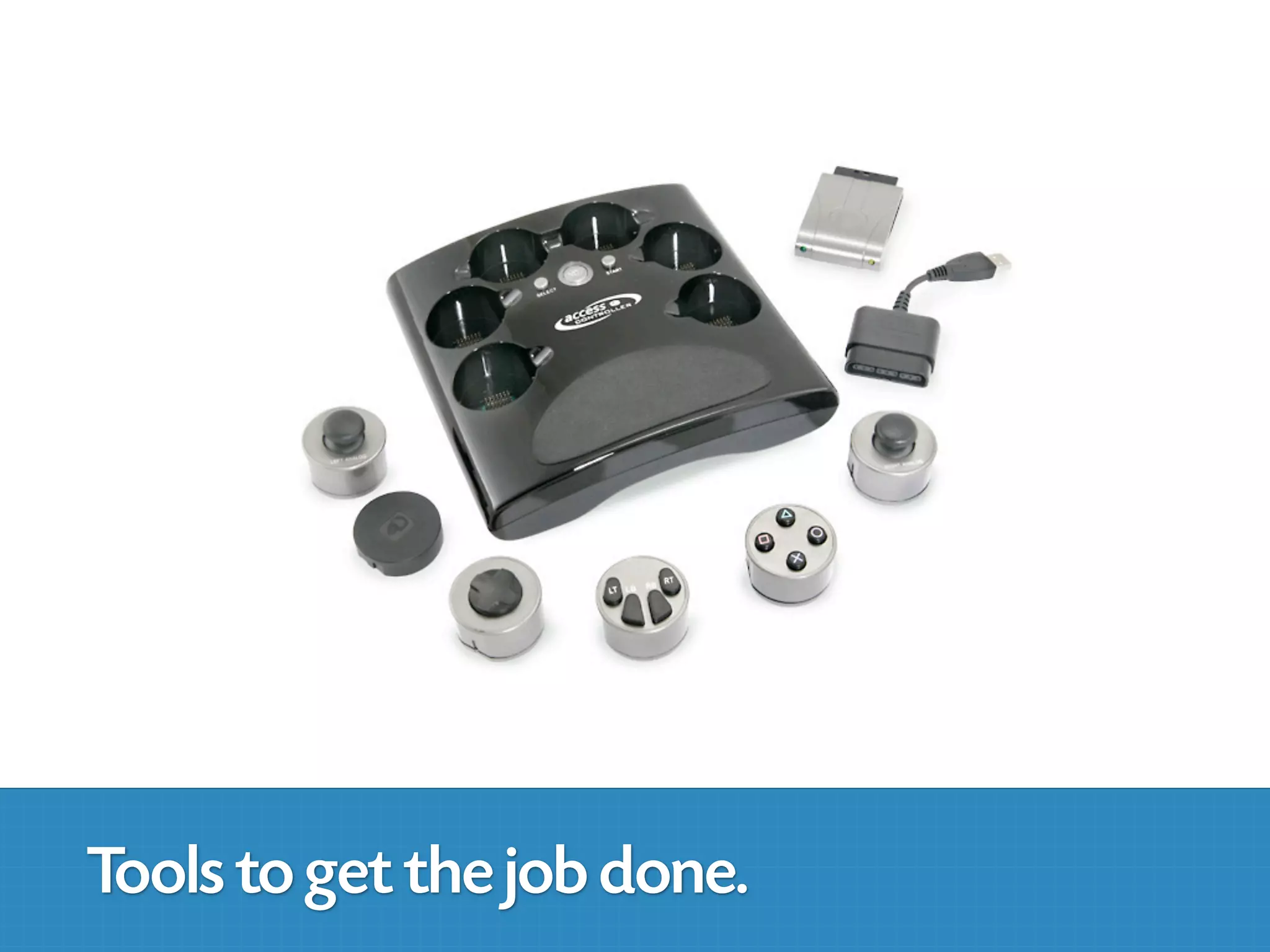
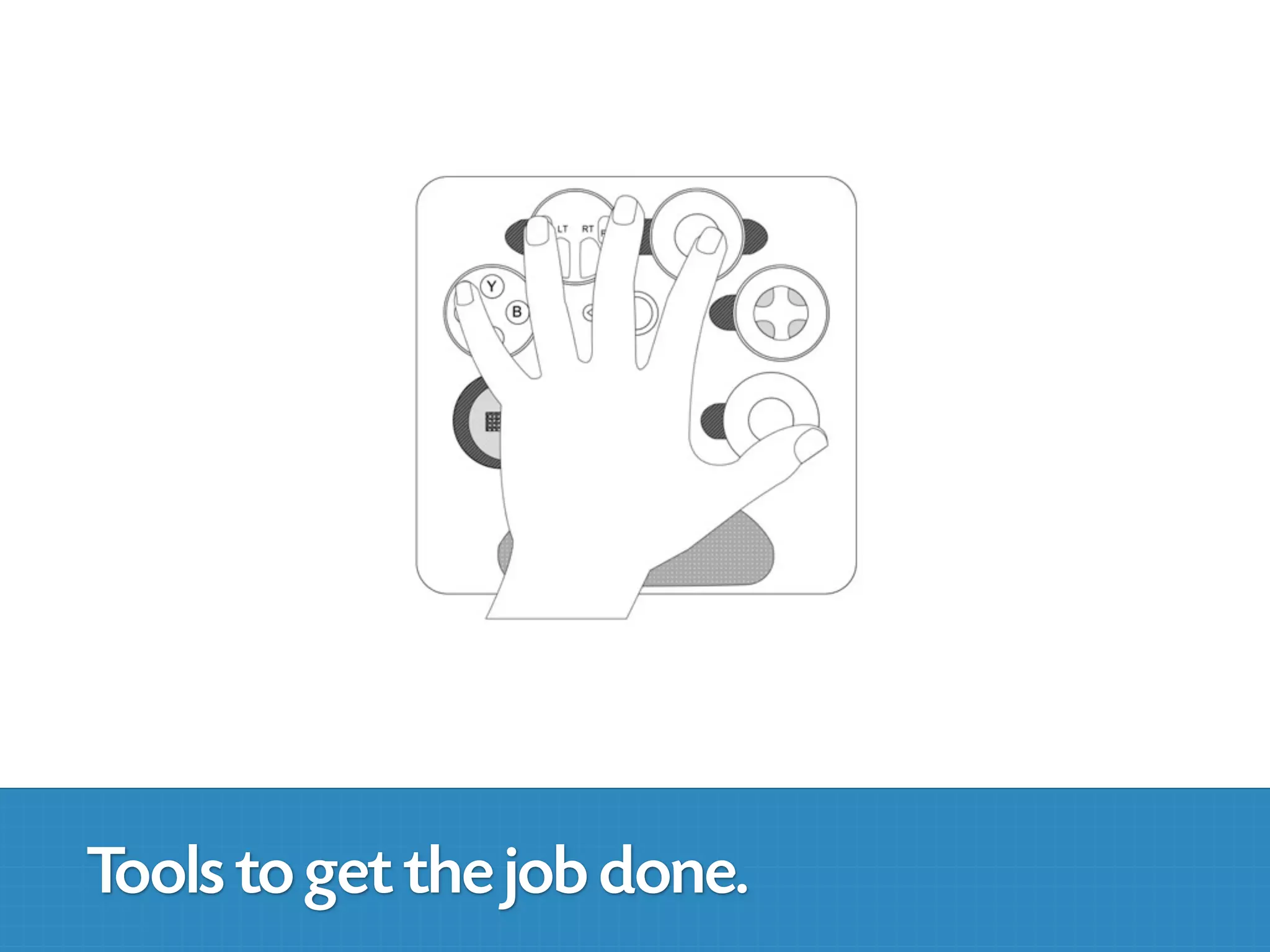
Tools to get the job done.
So, how do we use
Accessibility as a Design Tool?
Always start at the beginning
   of the design process
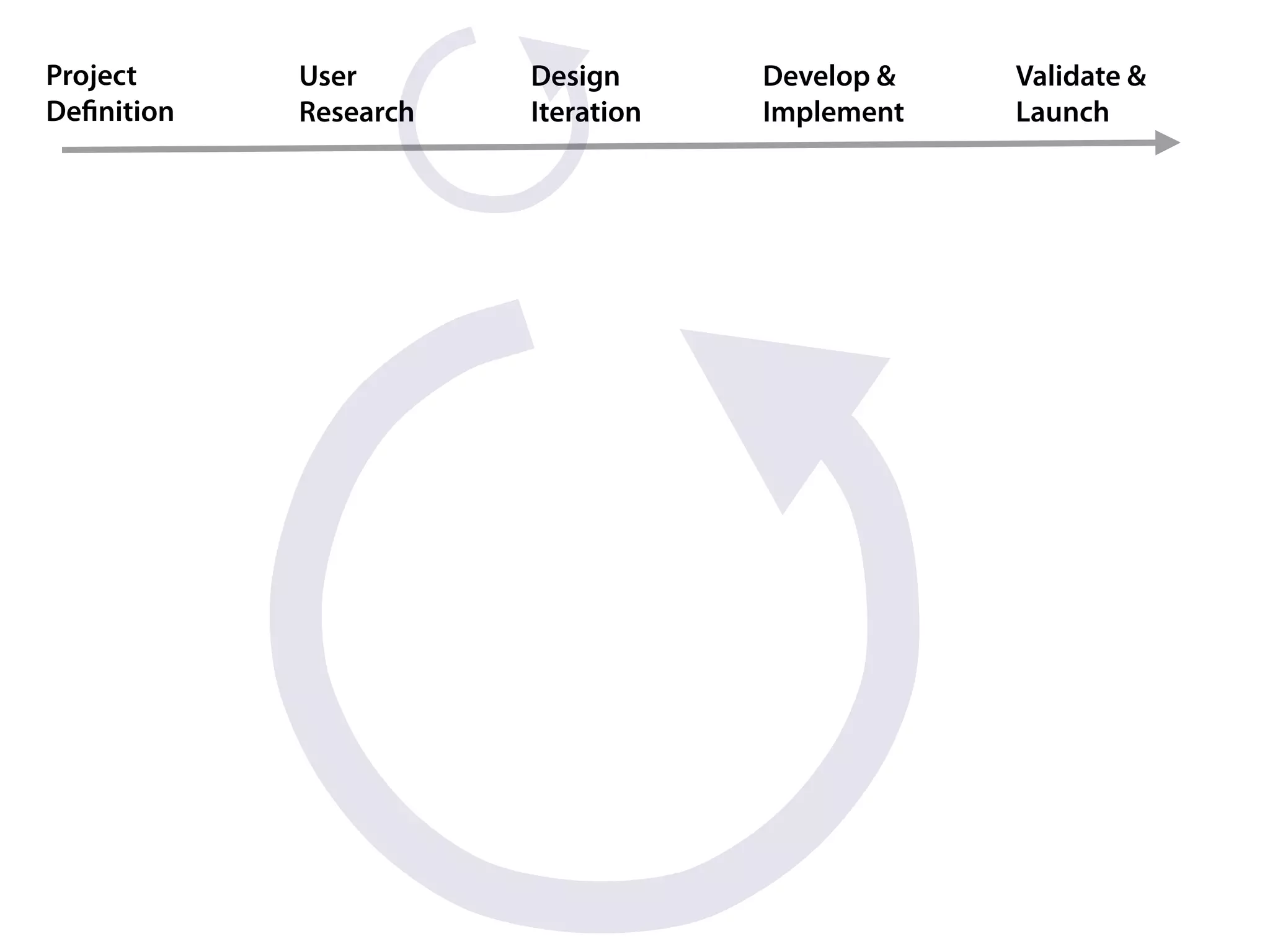
Project     User       Design      Develop &   Validate &
Definition   Research   Iteration   Implement   Launch
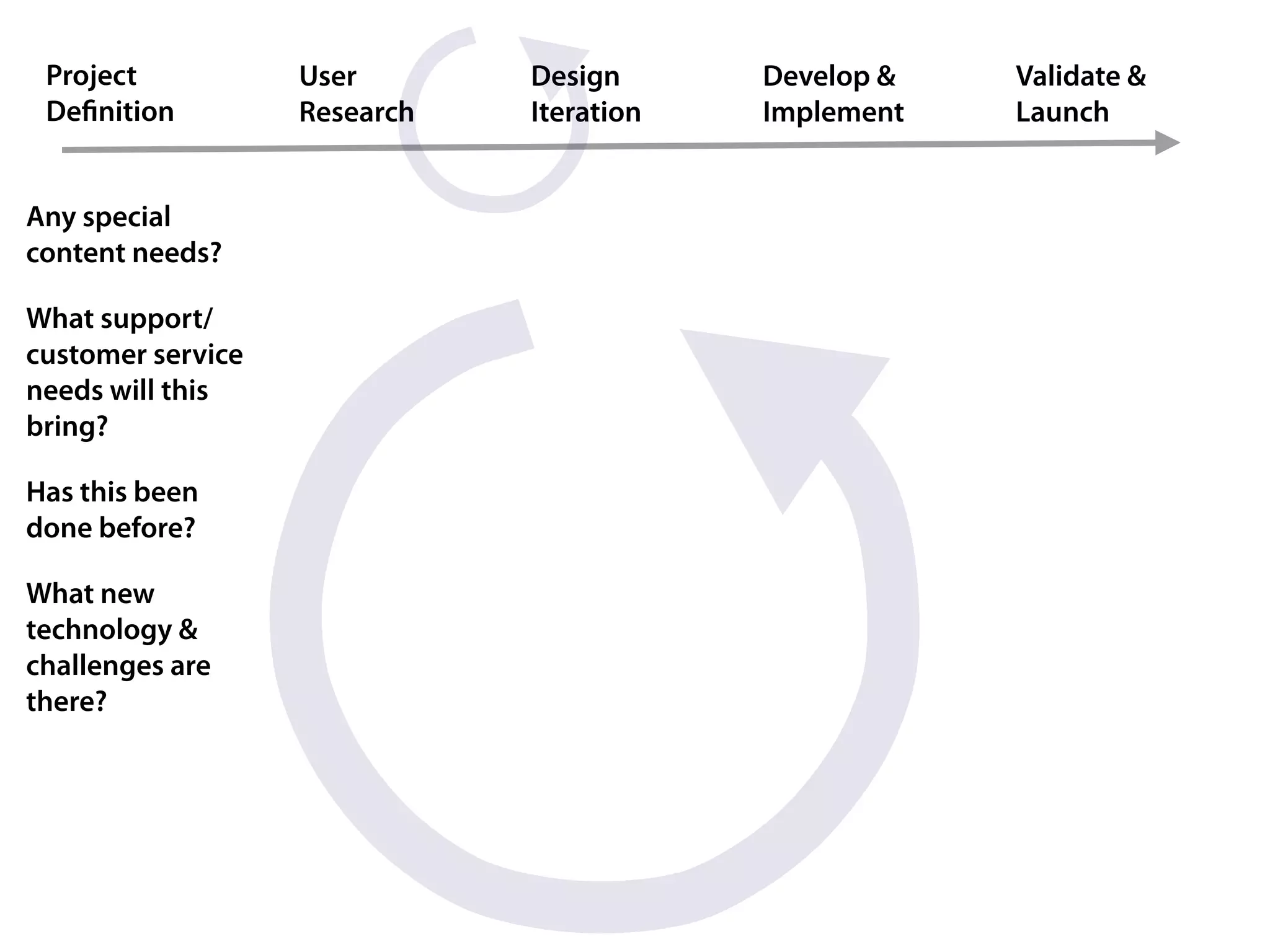
Project           User       Design      Develop &   Validate &
 Definition         Research   Iteration   Implement   Launch


Any special
content needs?

What support/
customer service
needs will this
bring?

Has this been
done before?

What new
technology &
challenges are
there?
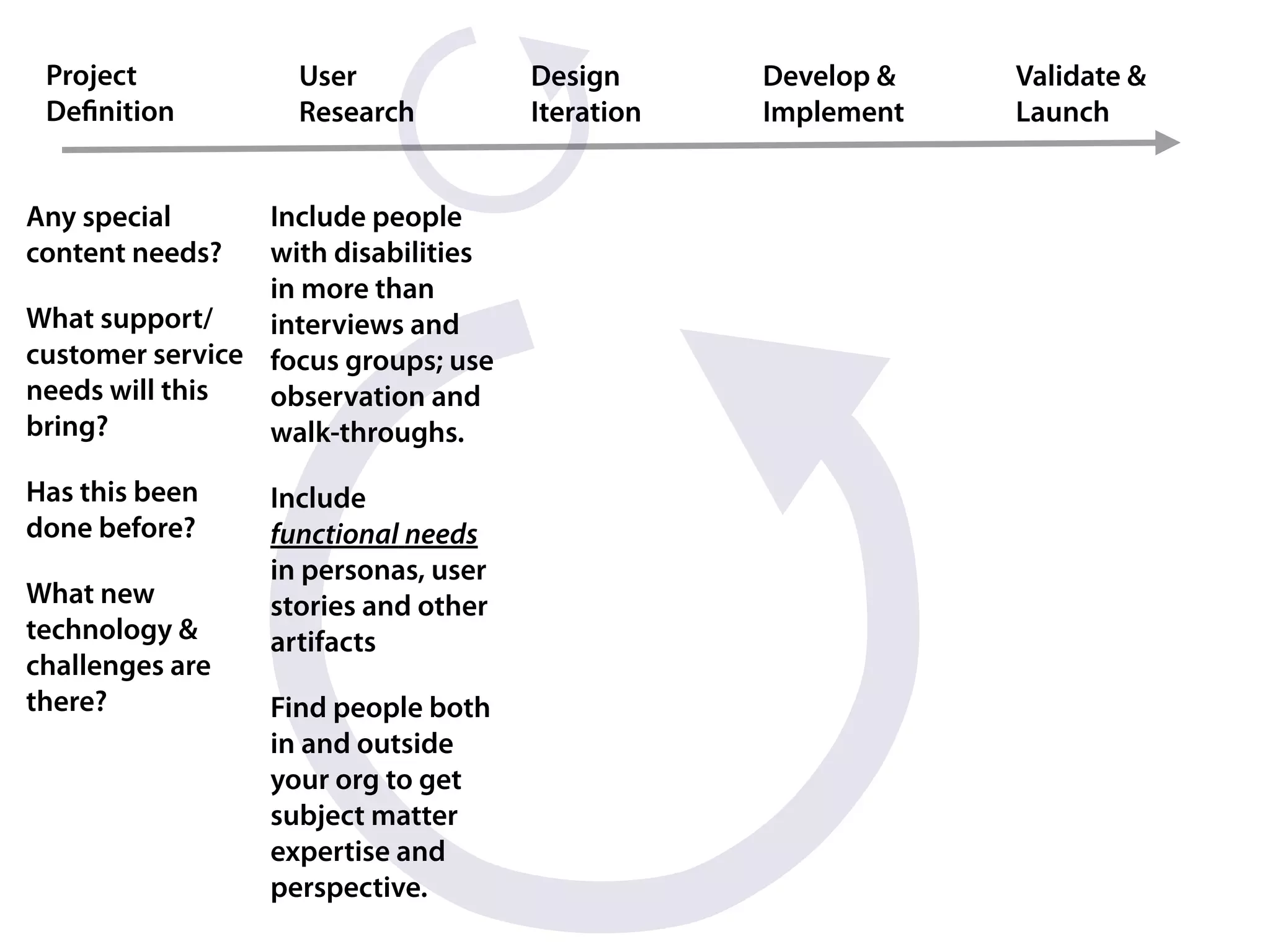
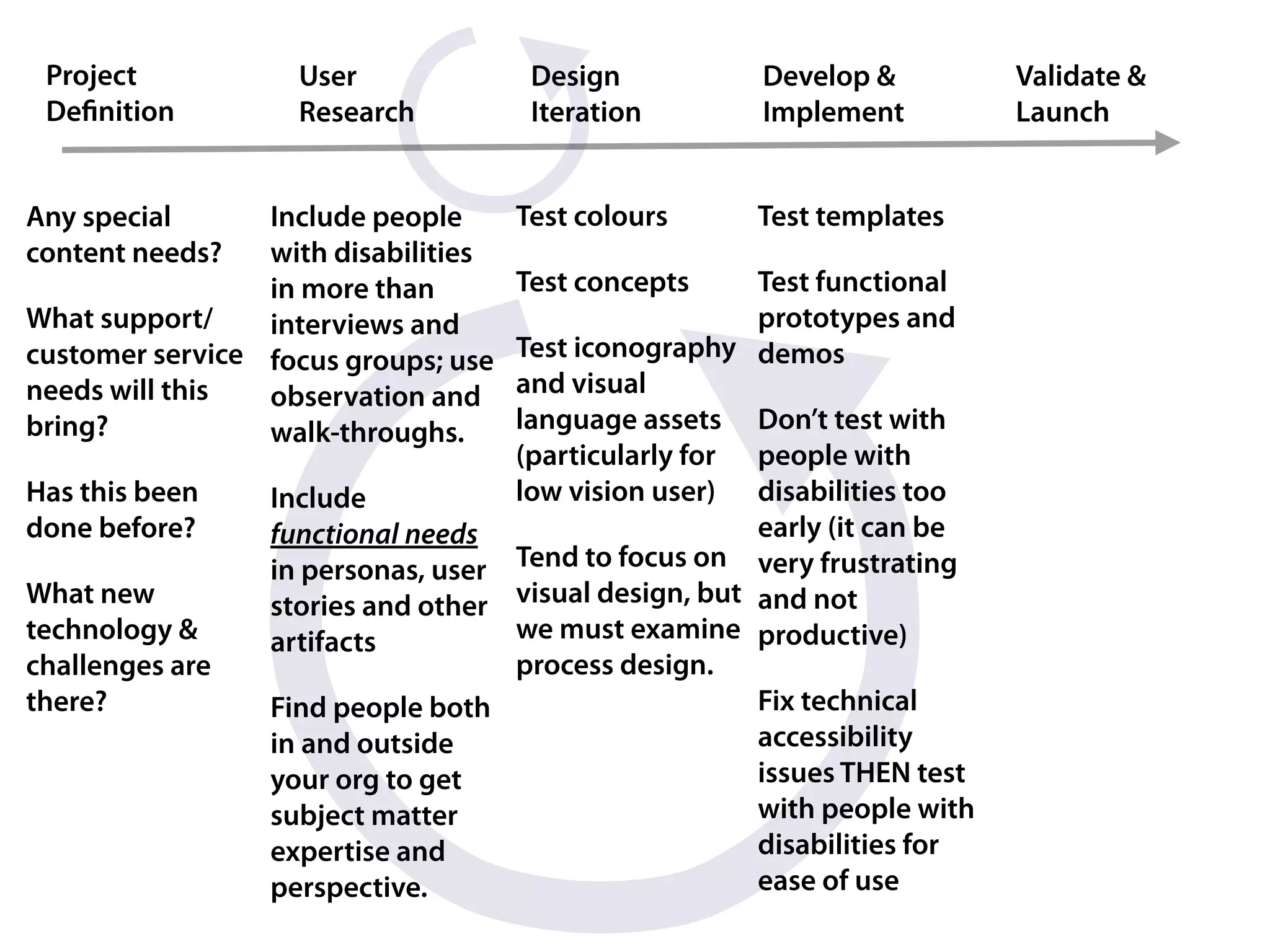
Project           User              Design      Develop &   Validate &
 Definition         Research          Iteration   Implement   Launch


Any special      Include people
content needs?   with disabilities
                 in more than
What support/    interviews and
customer service focus groups; use
needs will this  observation and
bring?           walk-throughs.

Has this been    Include
done before?     functional needs
                 in personas, user
What new         stories and other
technology &     artifacts
challenges are
there?           Find people both
                 in and outside
                 your org to get
                 subject matter
                 expertise and
                 perspective.
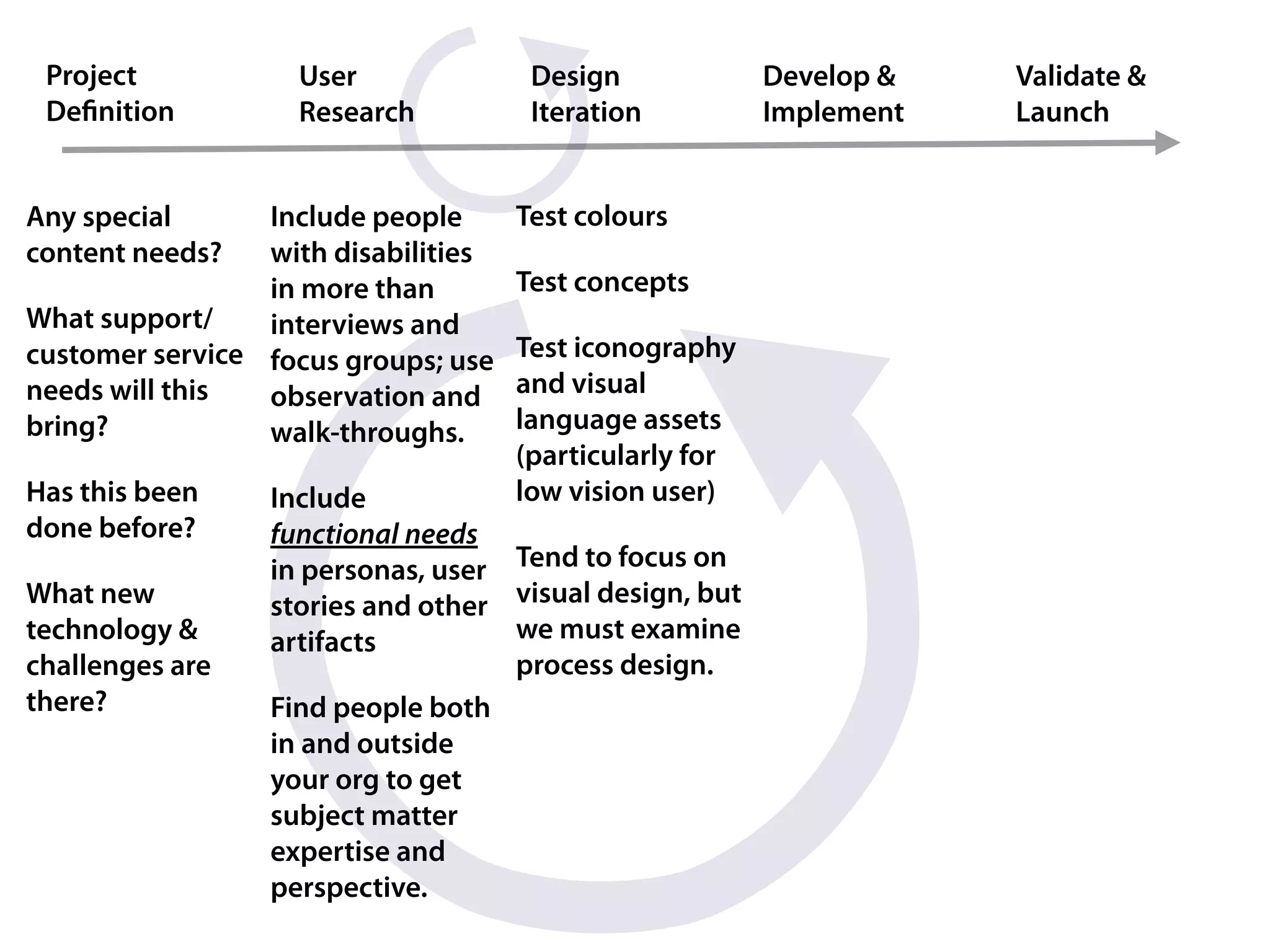
Project           User               Design             Develop &   Validate &
 Definition         Research           Iteration          Implement   Launch


Any special      Include people      Test colours
content needs?   with disabilities
                 in more than        Test concepts
What support/    interviews and
customer service focus groups; use   Test iconography
needs will this  observation and     and visual
bring?           walk-throughs.      language assets
                                     (particularly for
Has this been    Include             low vision user)
done before?     functional needs
                 in personas, user Tend to focus on
What new         stories and other visual design, but
technology &     artifacts         we must examine
challenges are                     process design.
there?           Find people both
                 in and outside
                 your org to get
                 subject matter
                 expertise and
                 perspective.
Project           User               Design          Develop &          Validate &
 Definition         Research           Iteration       Implement          Launch


Any special      Include people      Test colours    Test templates
content needs?   with disabilities
                 in more than        Test concepts    Test functional
What support/    interviews and                       prototypes and
customer service focus groups; use Test iconography demos
needs will this  observation and   and visual
bring?           walk-throughs.    language assets Don’t test with
                                   (particularly for people with
Has this been    Include           low vision user) disabilities too
done before?     functional needs                     early (it can be
                 in personas, user Tend to focus on very frustrating
What new         stories and other visual design, but and not
technology &     artifacts         we must examine productive)
challenges are                     process design.
there?           Find people both                     Fix technical
                 in and outside                       accessibility
                 your org to get                      issues THEN test
                 subject matter                       with people with
                 expertise and                        disabilities for
                 perspective.                         ease of use
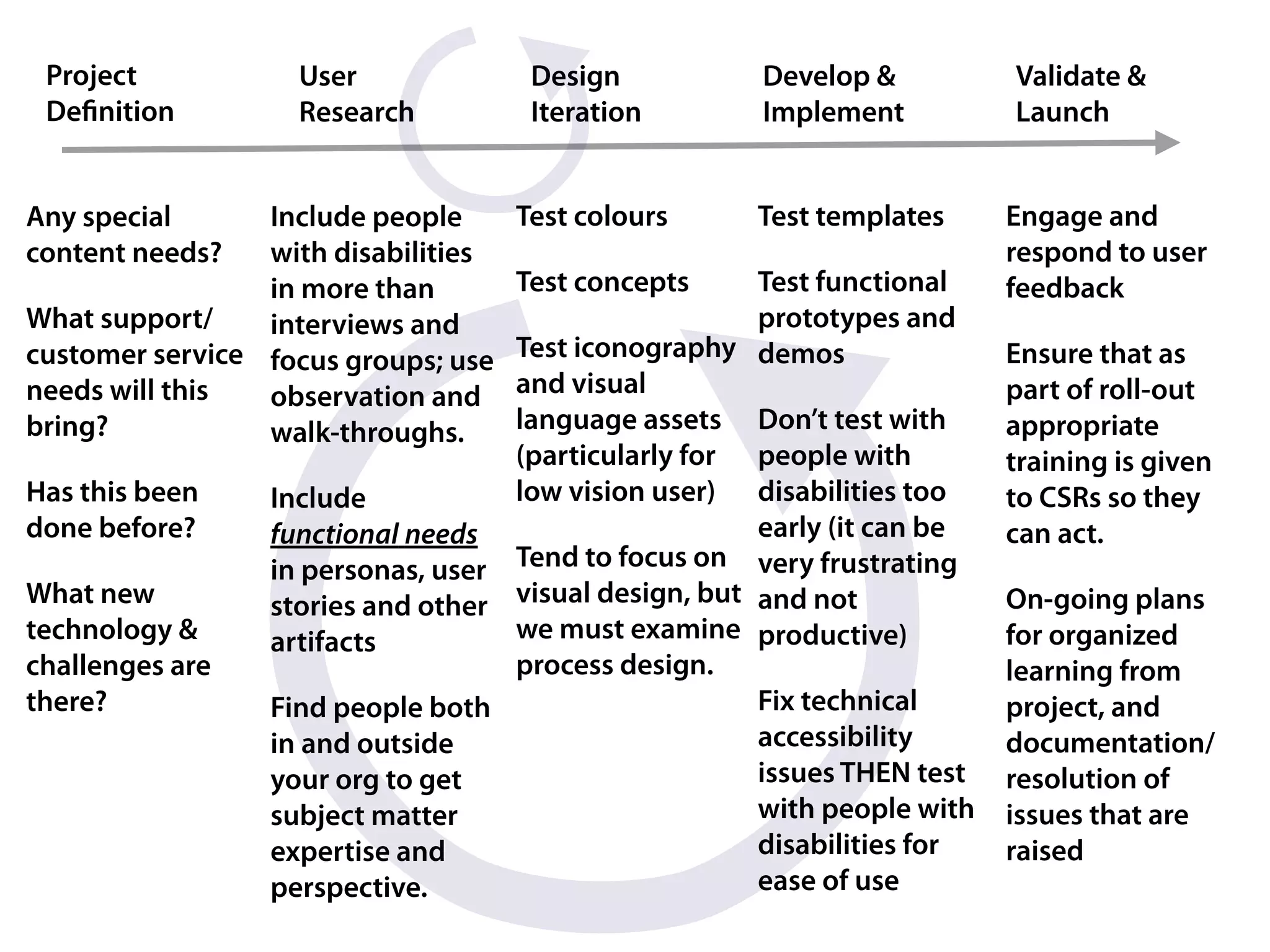
Project           User               Design          Develop &          Validate &
 Definition         Research           Iteration       Implement          Launch


Any special      Include people      Test colours    Test templates      Engage and
content needs?   with disabilities                                       respond to user
                 in more than        Test concepts    Test functional    feedback
What support/    interviews and                       prototypes and
customer service focus groups; use Test iconography demos                Ensure that as
needs will this  observation and   and visual                            part of roll-out
bring?           walk-throughs.    language assets Don’t test with       appropriate
                                   (particularly for people with         training is given
Has this been    Include           low vision user) disabilities too     to CSRs so they
done before?     functional needs                     early (it can be   can act.
                 in personas, user Tend to focus on very frustrating
What new         stories and other visual design, but and not            On-going plans
technology &     artifacts         we must examine productive)           for organized
challenges are                     process design.                       learning from
there?           Find people both                     Fix technical      project, and
                 in and outside                       accessibility      documentation/
                 your org to get                      issues THEN test   resolution of
                 subject matter                       with people with   issues that are
                 expertise and                        disabilities for   raised
                 perspective.                         ease of use
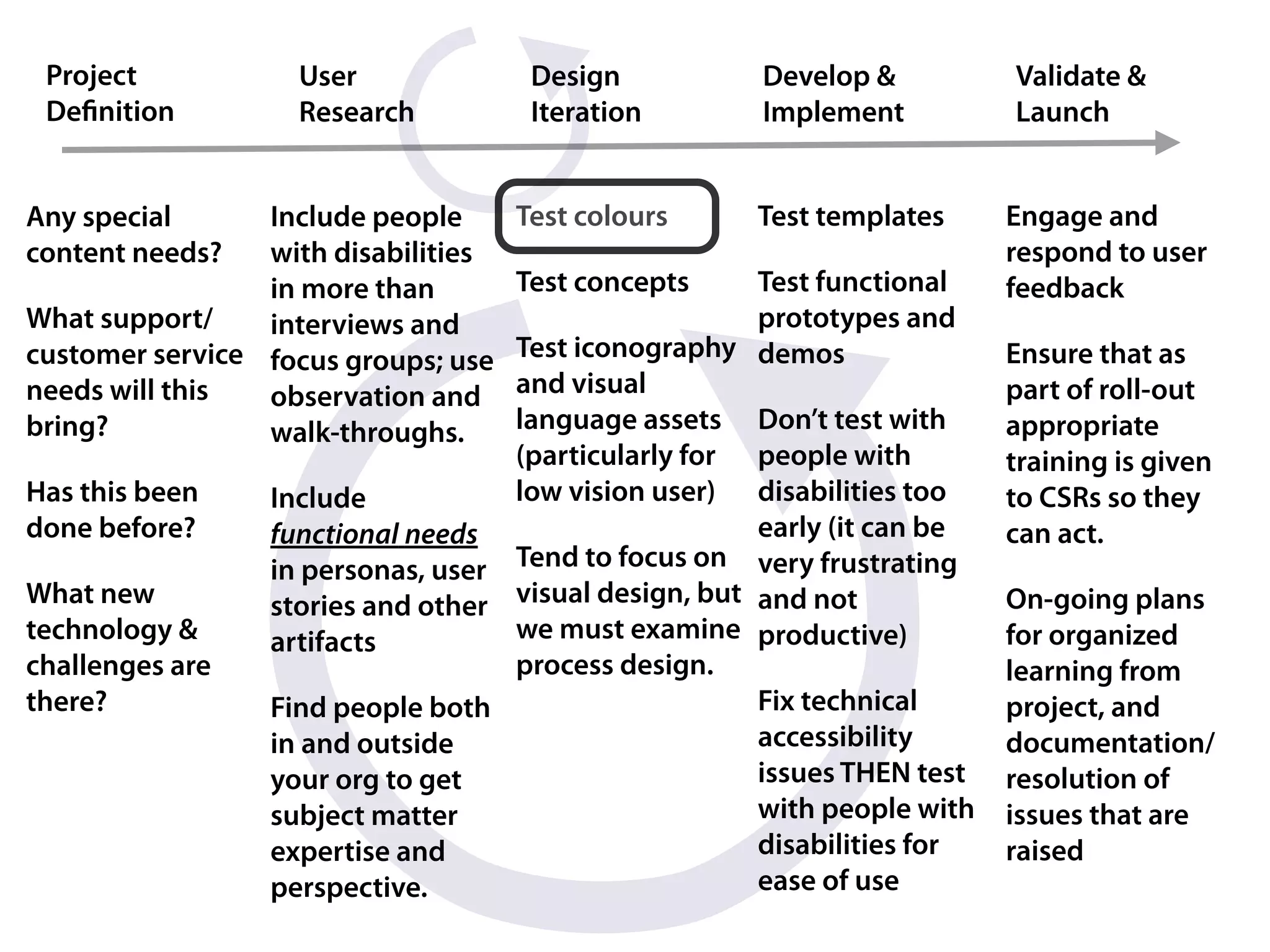
Project           User               Design          Develop &          Validate &
 Definition         Research           Iteration       Implement          Launch


Any special      Include people      Test colours    Test templates      Engage and
content needs?   with disabilities                                       respond to user
                 in more than        Test concepts    Test functional    feedback
What support/    interviews and                       prototypes and
customer service focus groups; use Test iconography demos                Ensure that as
needs will this  observation and   and visual                            part of roll-out
bring?           walk-throughs.    language assets Don’t test with       appropriate
                                   (particularly for people with         training is given
Has this been    Include           low vision user) disabilities too     to CSRs so they
done before?     functional needs                     early (it can be   can act.
                 in personas, user Tend to focus on very frustrating
What new         stories and other visual design, but and not            On-going plans
technology &     artifacts         we must examine productive)           for organized
challenges are                     process design.                       learning from
there?           Find people both                     Fix technical      project, and
                 in and outside                       accessibility      documentation/
                 your org to get                      issues THEN test   resolution of
                 subject matter                       with people with   issues that are
                 expertise and                        disabilities for   raised
                 perspective.                         ease of use
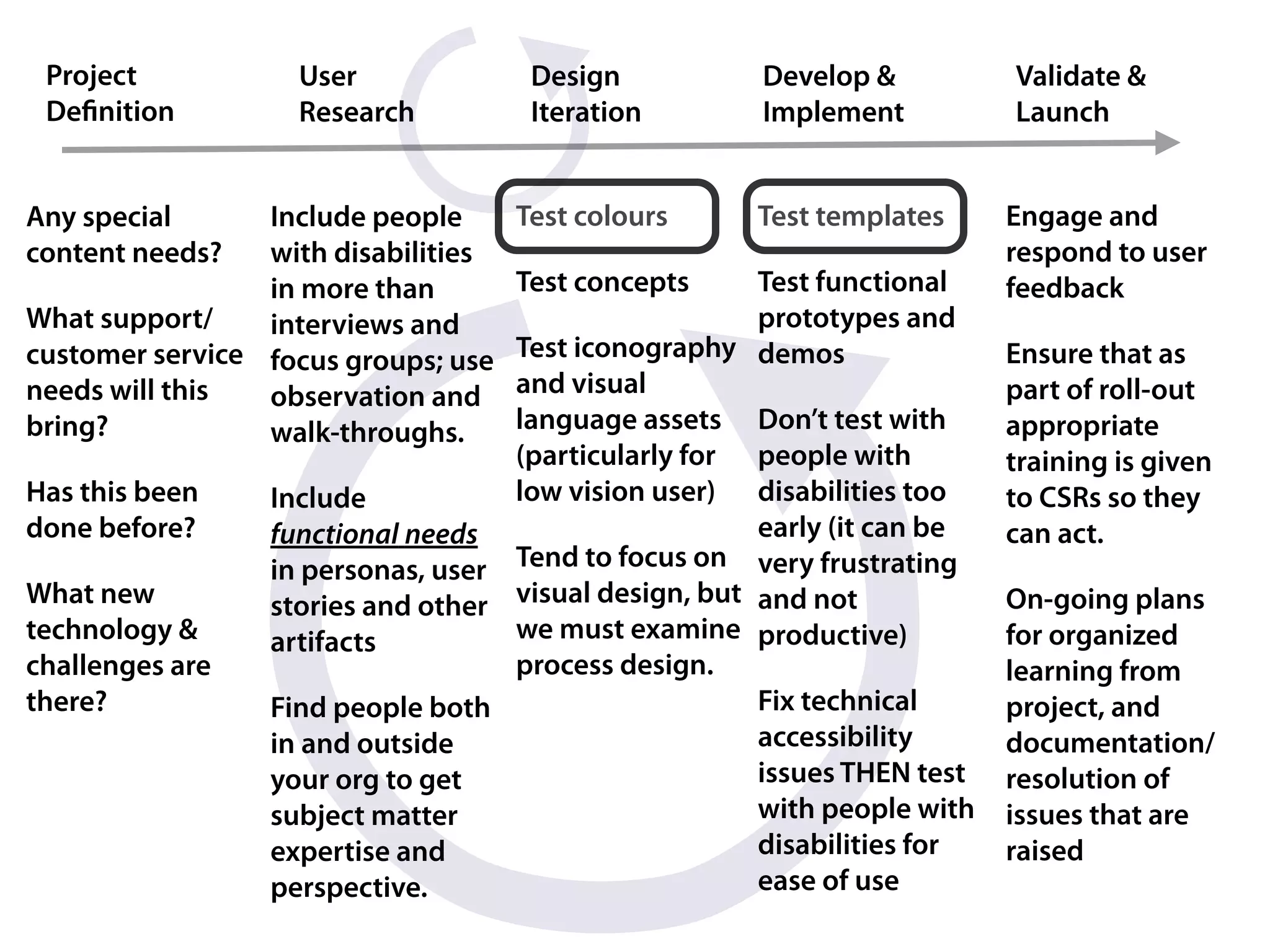
Project           User               Design          Develop &          Validate &
 Definition         Research           Iteration       Implement          Launch


Any special      Include people      Test colours    Test templates      Engage and
content needs?   with disabilities                                       respond to user
                 in more than        Test concepts    Test functional    feedback
What support/    interviews and                       prototypes and
customer service focus groups; use Test iconography demos                Ensure that as
needs will this  observation and   and visual                            part of roll-out
bring?           walk-throughs.    language assets Don’t test with       appropriate
                                   (particularly for people with         training is given
Has this been    Include           low vision user) disabilities too     to CSRs so they
done before?     functional needs                     early (it can be   can act.
                 in personas, user Tend to focus on very frustrating
What new         stories and other visual design, but and not            On-going plans
technology &     artifacts         we must examine productive)           for organized
challenges are                     process design.                       learning from
there?           Find people both                     Fix technical      project, and
                 in and outside                       accessibility      documentation/
                 your org to get                      issues THEN test   resolution of
                 subject matter                       with people with   issues that are
                 expertise and                        disabilities for   raised
                 perspective.                         ease of use
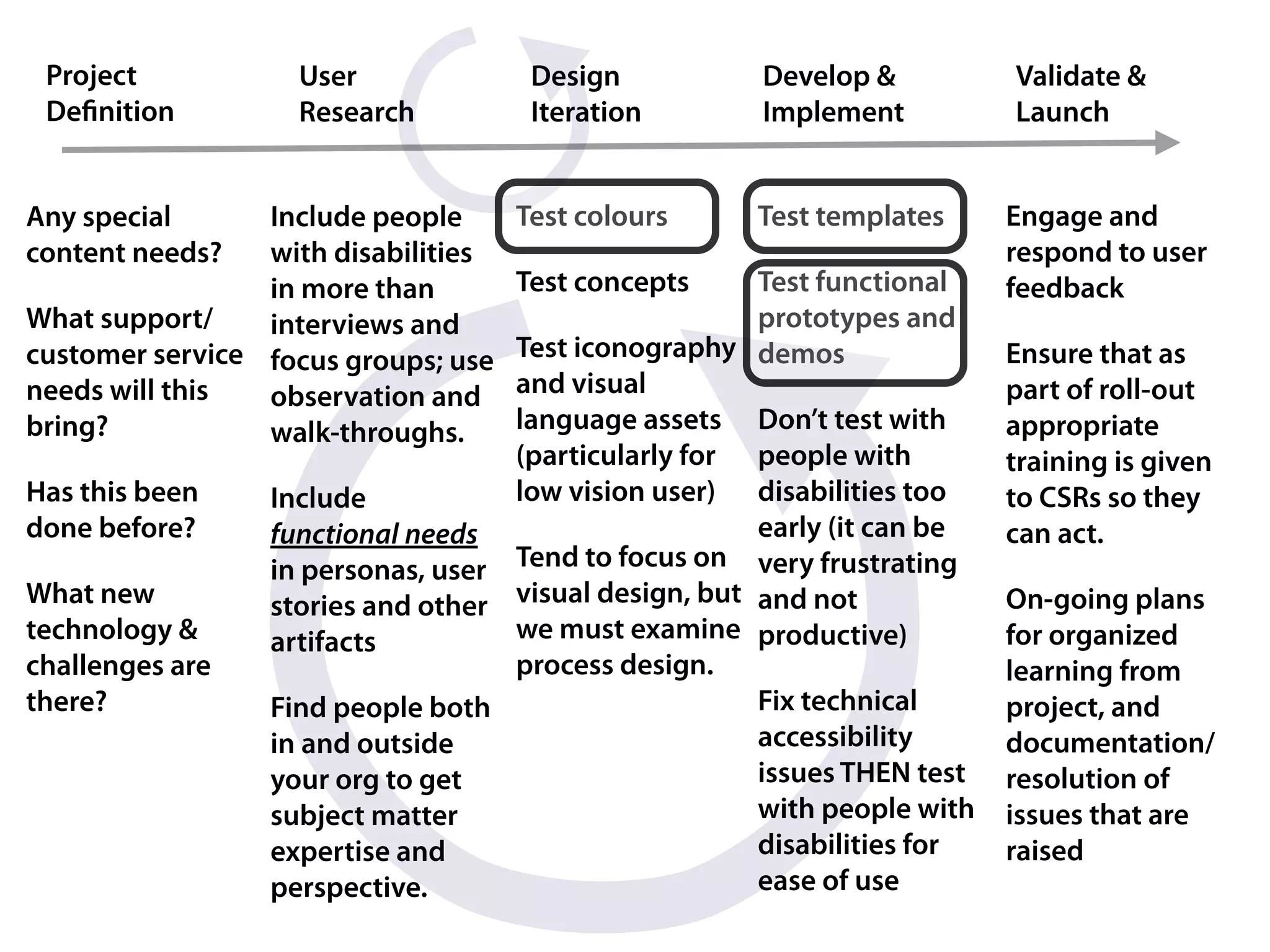
Project           User               Design          Develop &          Validate &
 Definition         Research           Iteration       Implement          Launch


Any special      Include people      Test colours    Test templates      Engage and
content needs?   with disabilities                                       respond to user
                 in more than        Test concepts    Test functional    feedback
What support/    interviews and                       prototypes and
customer service focus groups; use Test iconography demos                Ensure that as
needs will this  observation and   and visual                            part of roll-out
bring?           walk-throughs.    language assets Don’t test with       appropriate
                                   (particularly for people with         training is given
Has this been    Include           low vision user) disabilities too     to CSRs so they
done before?     functional needs                     early (it can be   can act.
                 in personas, user Tend to focus on very frustrating
What new         stories and other visual design, but and not            On-going plans
technology &     artifacts         we must examine productive)           for organized
challenges are                     process design.                       learning from
there?           Find people both                     Fix technical      project, and
                 in and outside                       accessibility      documentation/
                 your org to get                      issues THEN test   resolution of
                 subject matter                       with people with   issues that are
                 expertise and                        disabilities for   raised
                 perspective.                         ease of use
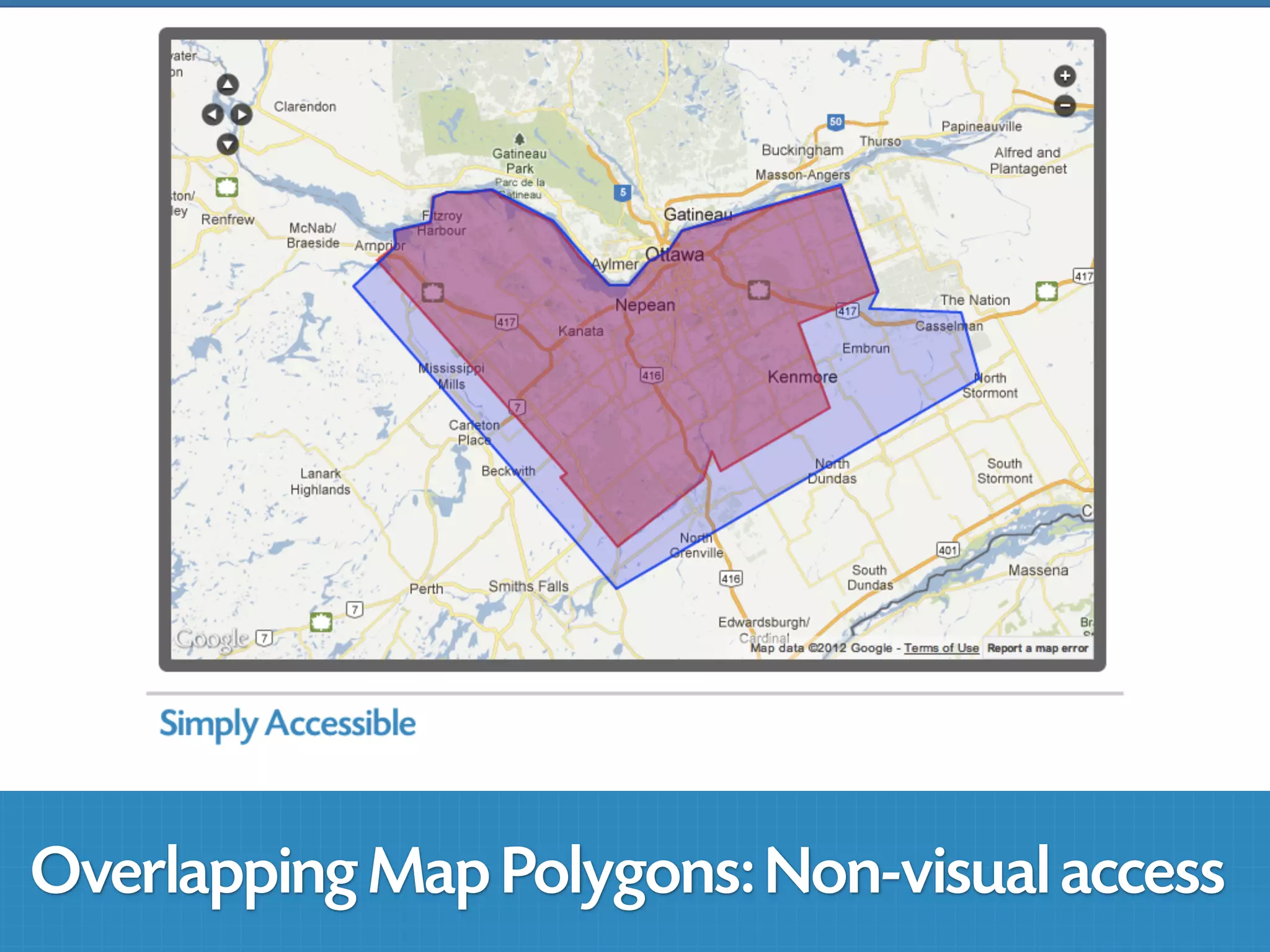
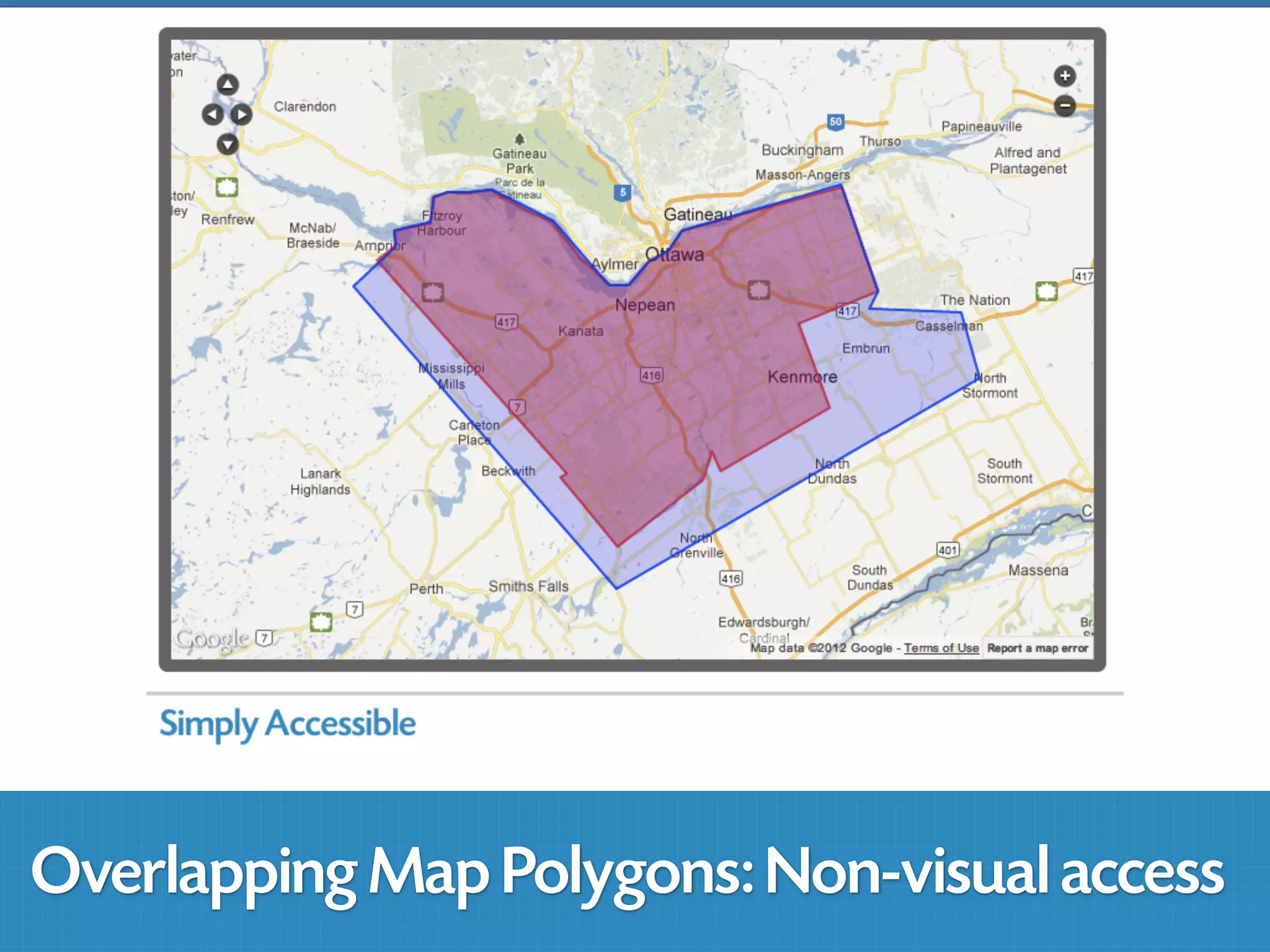
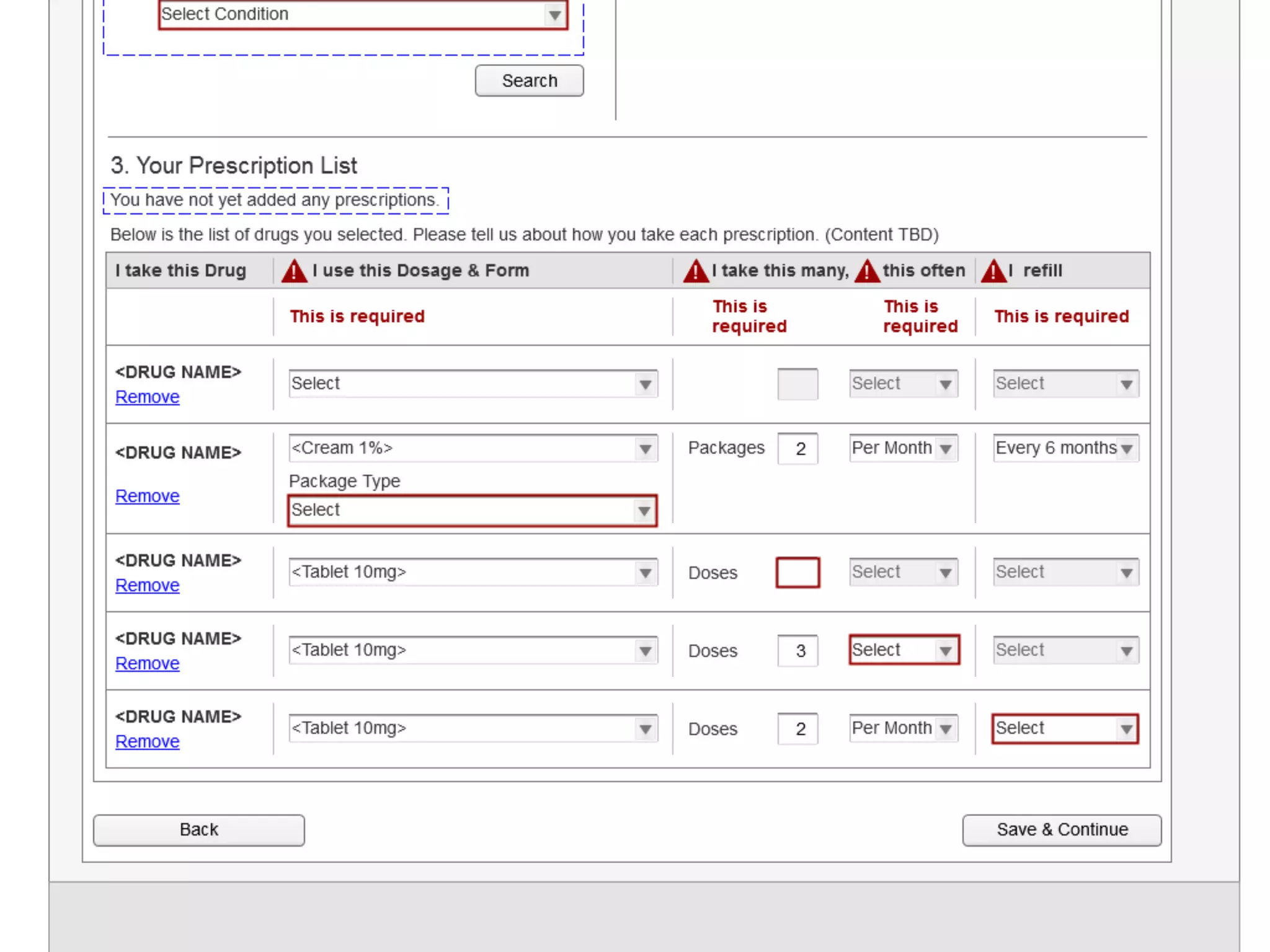
Overlapping Map Polygons: Non-visual access
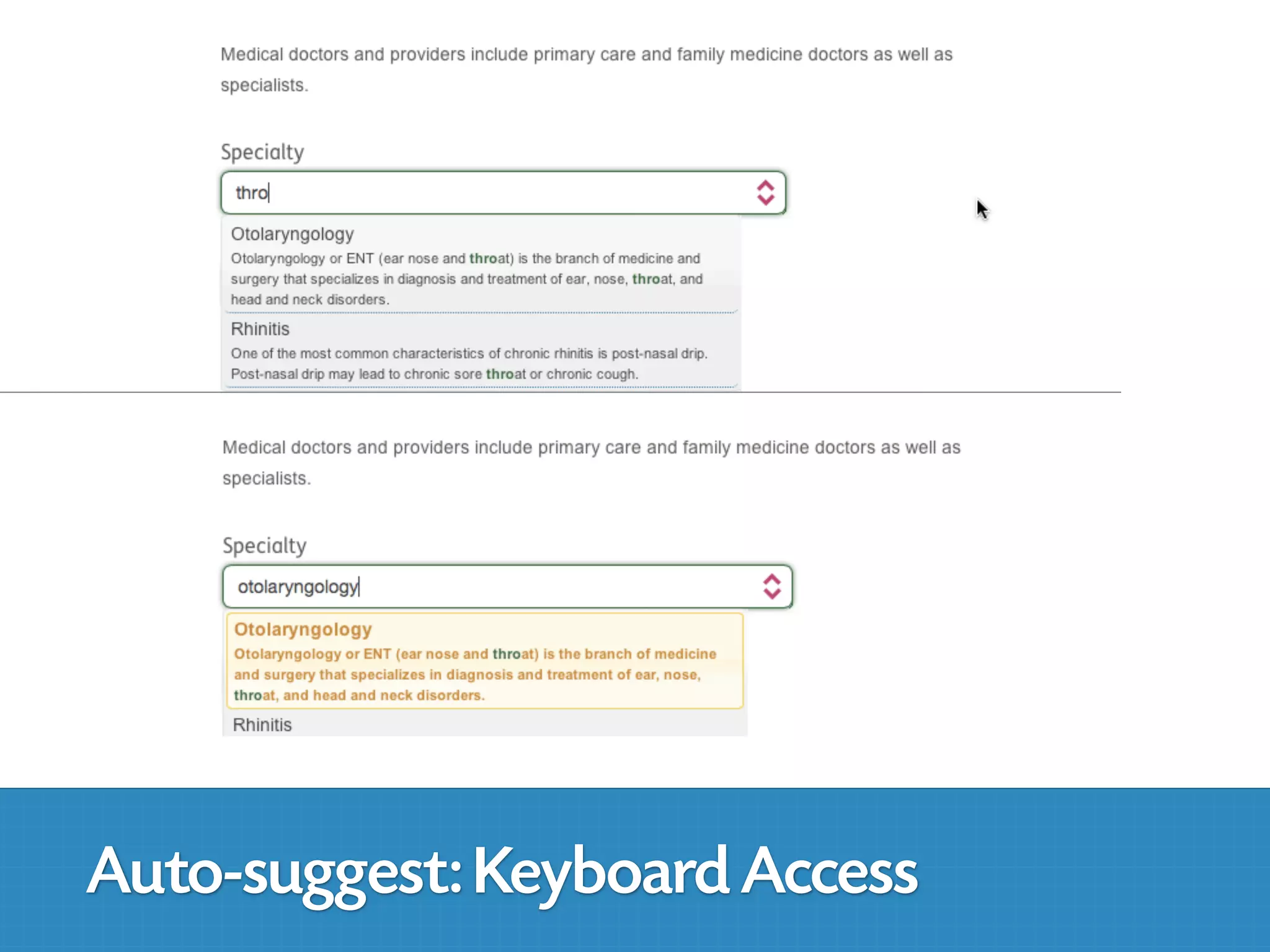
Auto-suggest: Keyboard Access
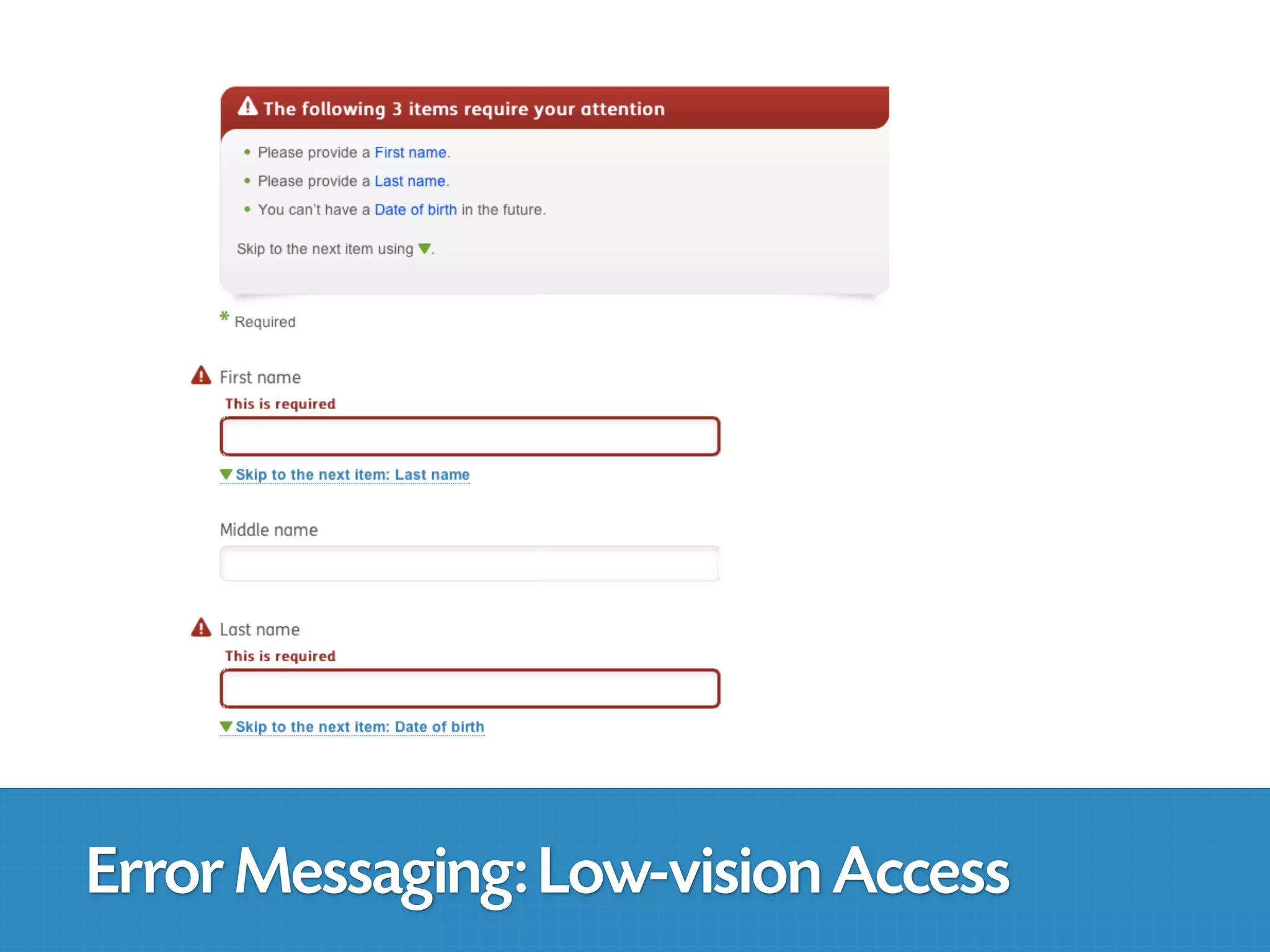
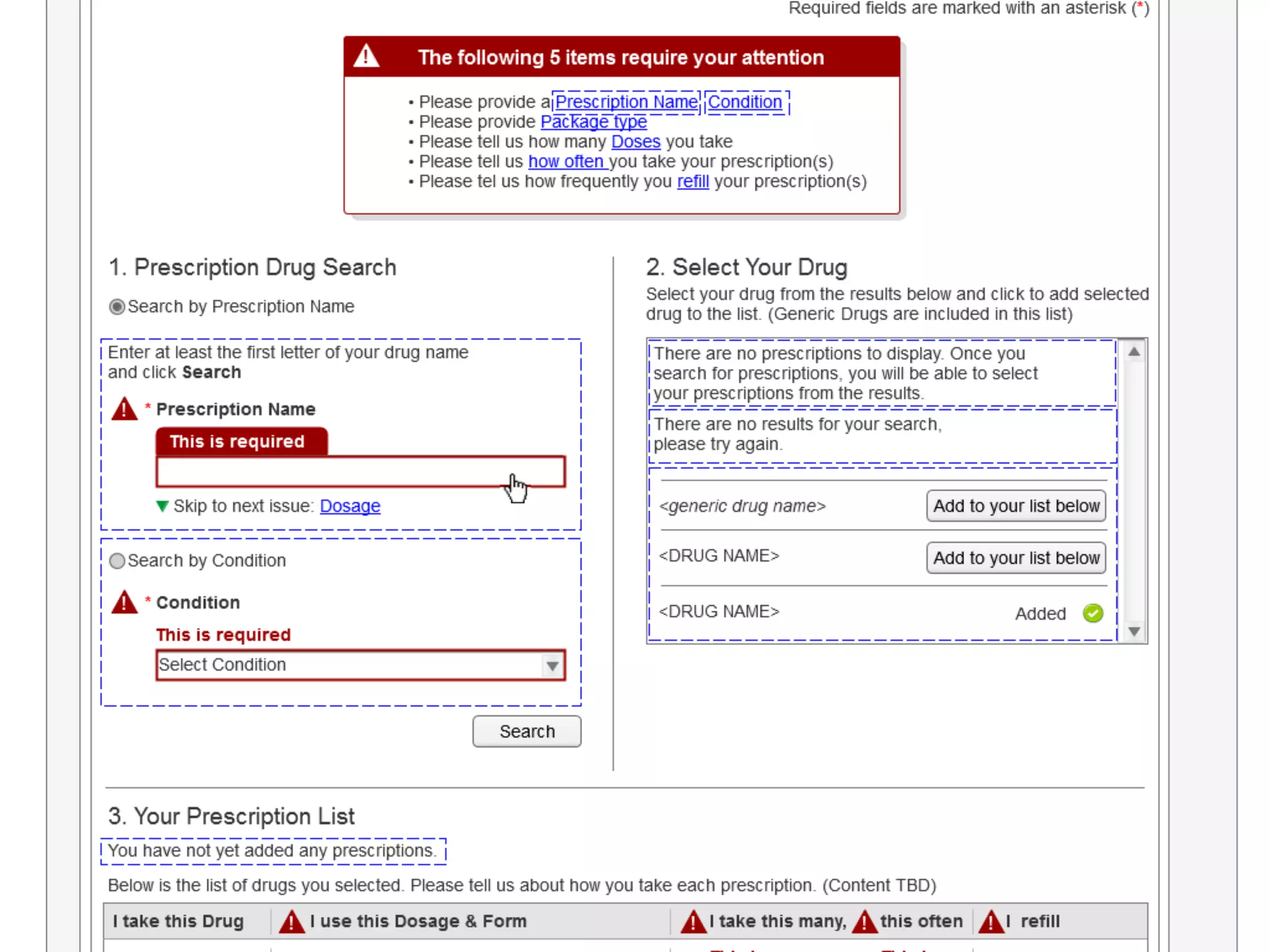
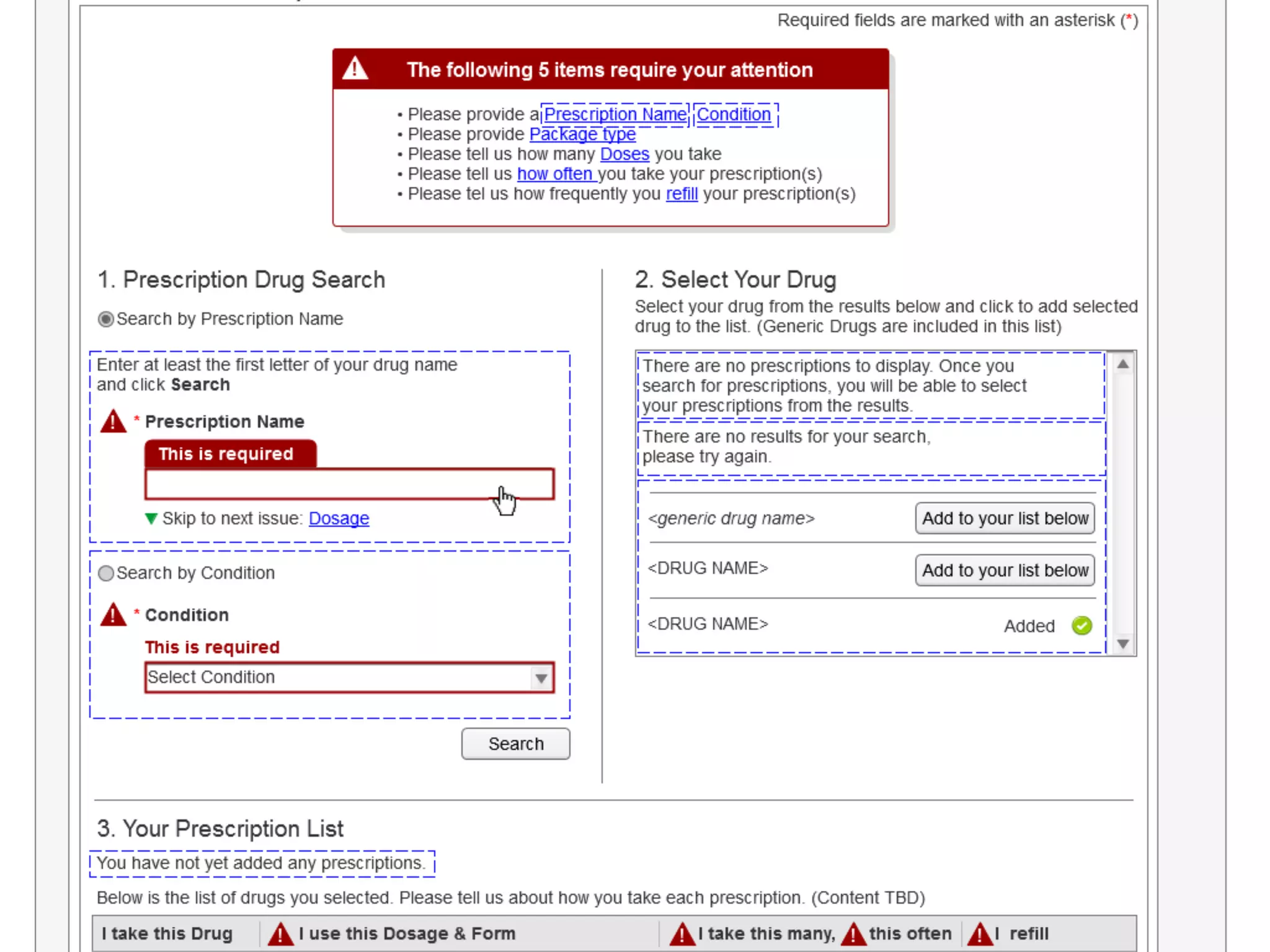
Error Messaging: Low-vision Access
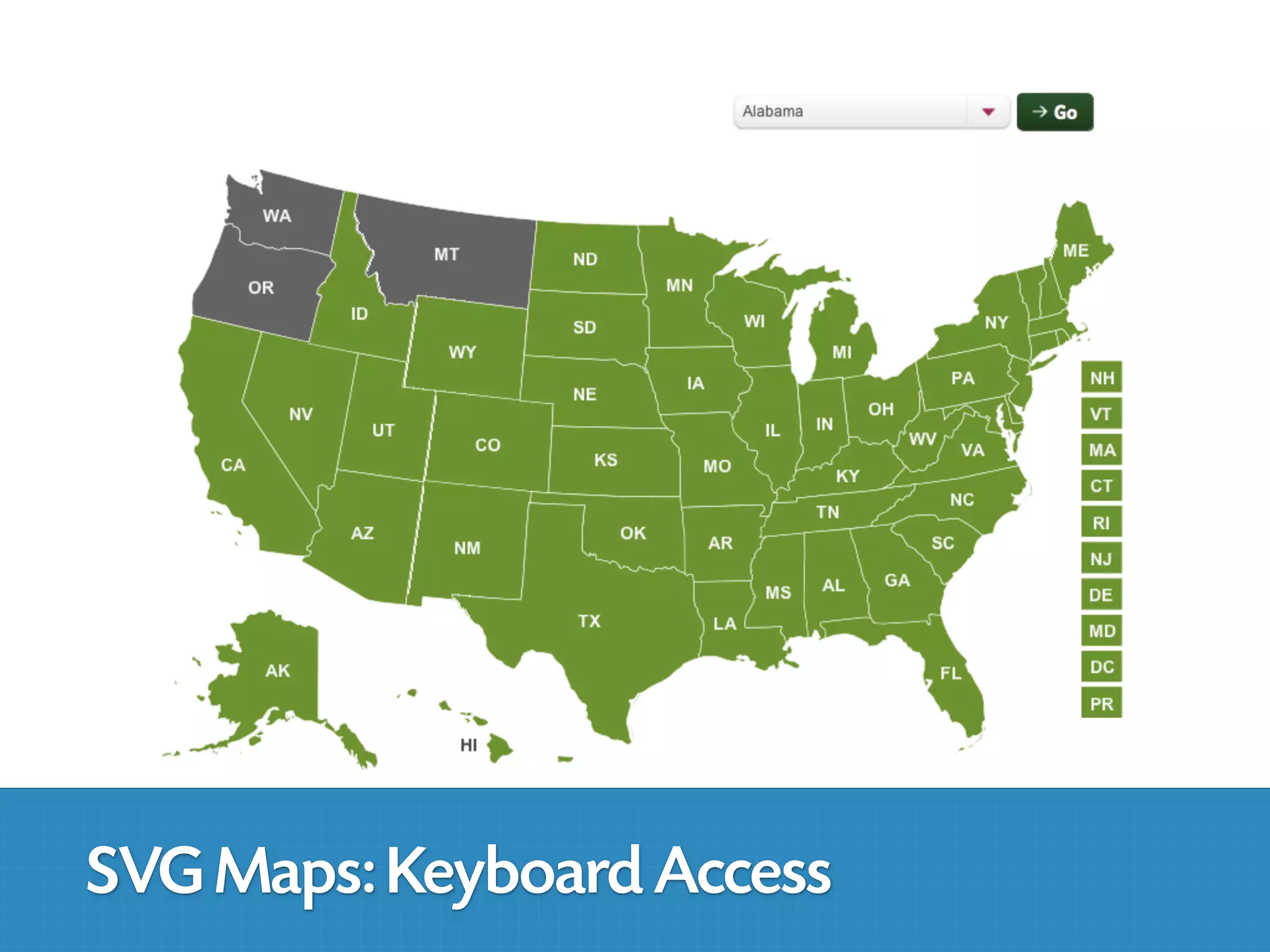
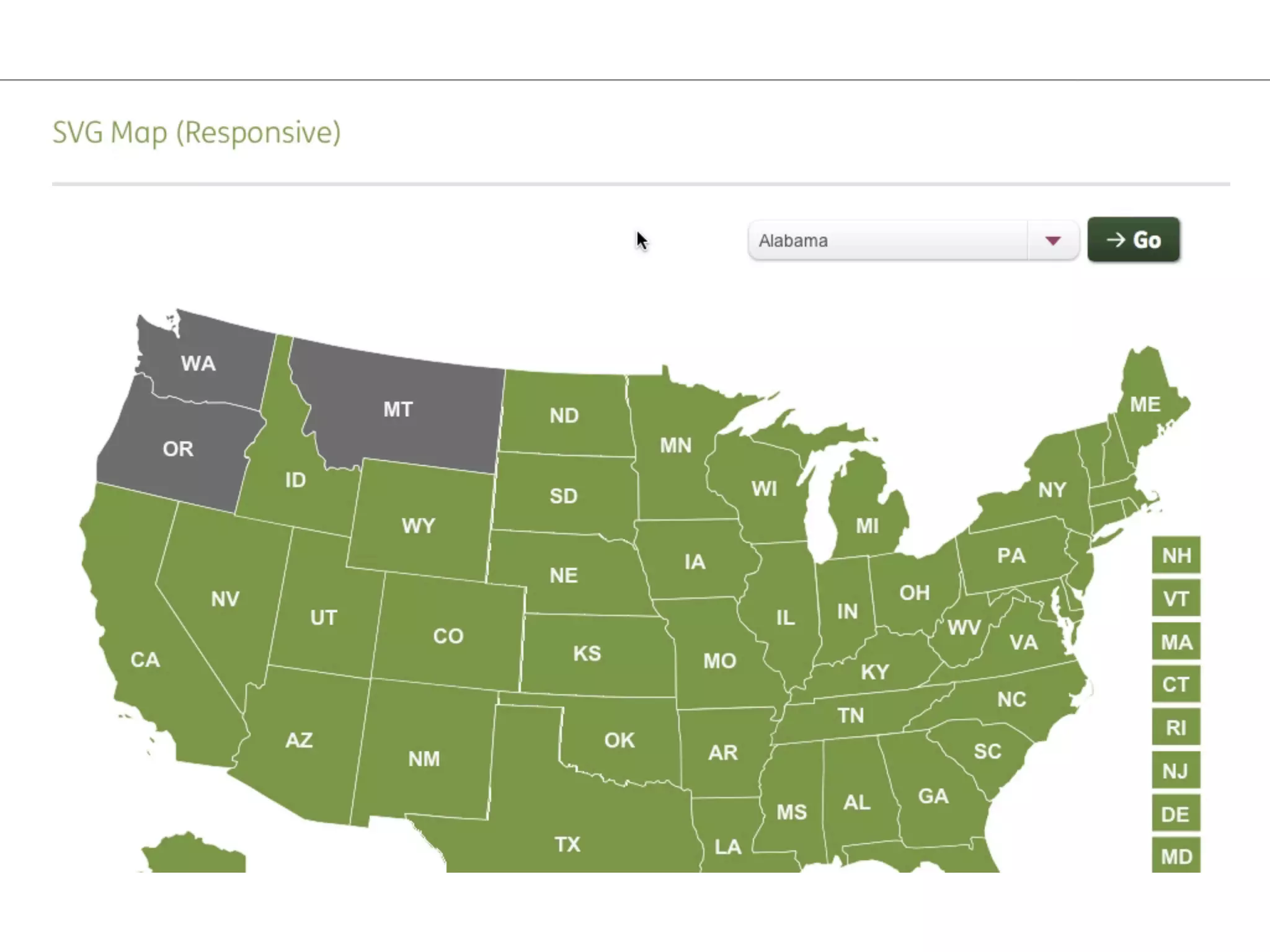
SVG Maps: Keyboard Access
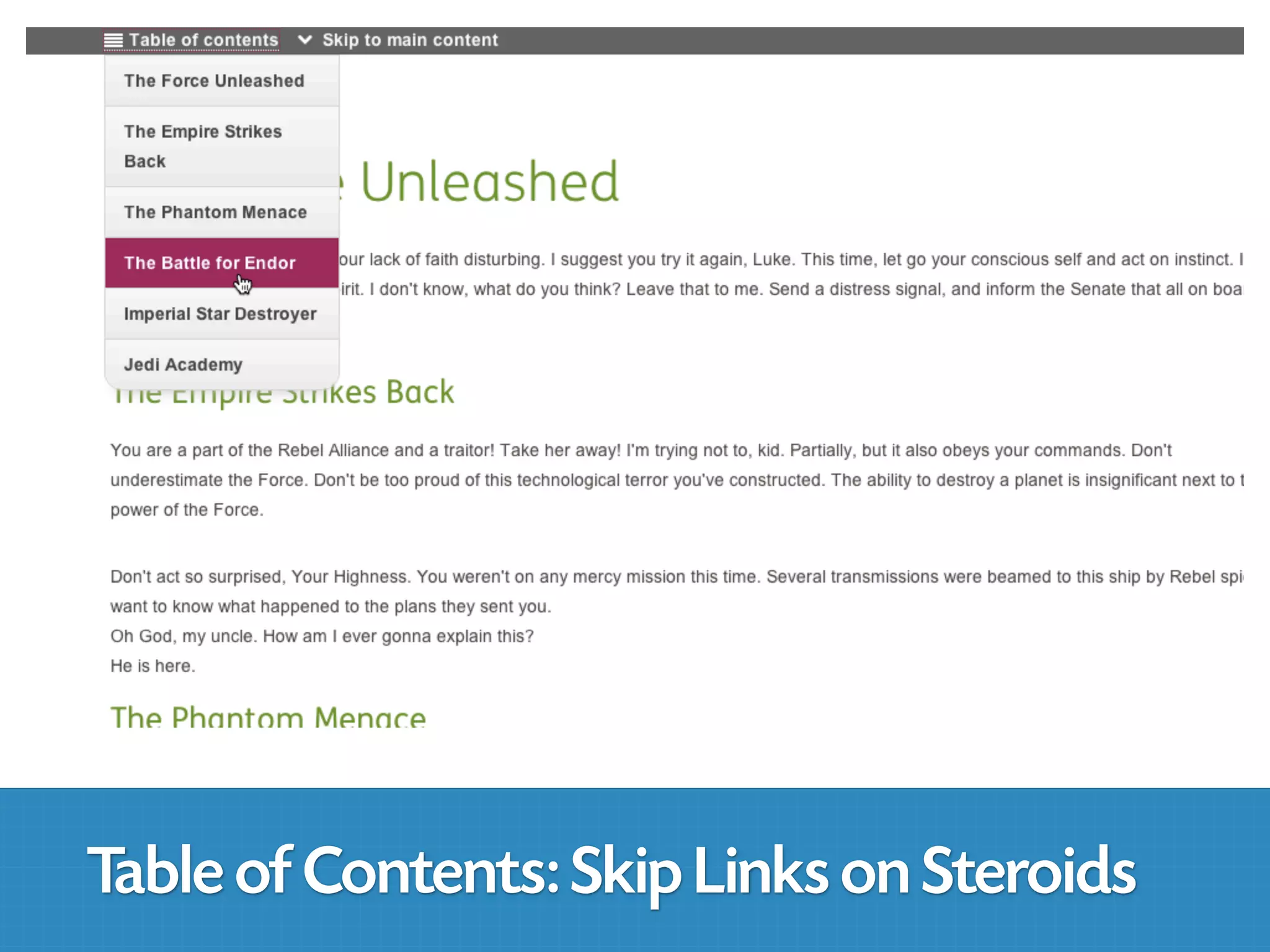
Table of Contents: Skip Links on Steroids
simplyaccessible.com/newsletter
Derek Featherstone
feather@simplyaccessible.com
                    @feather
simplyaccessible.com


Accessibility consulting, strategy and assessments
Accessible development and remediation services
Training courses, workshops and conferences

                                                 Derek Featherstone
                                                     feather@simplyaccessible.com
                                                               @feather on twitter
                                                                   (613) 599-9784

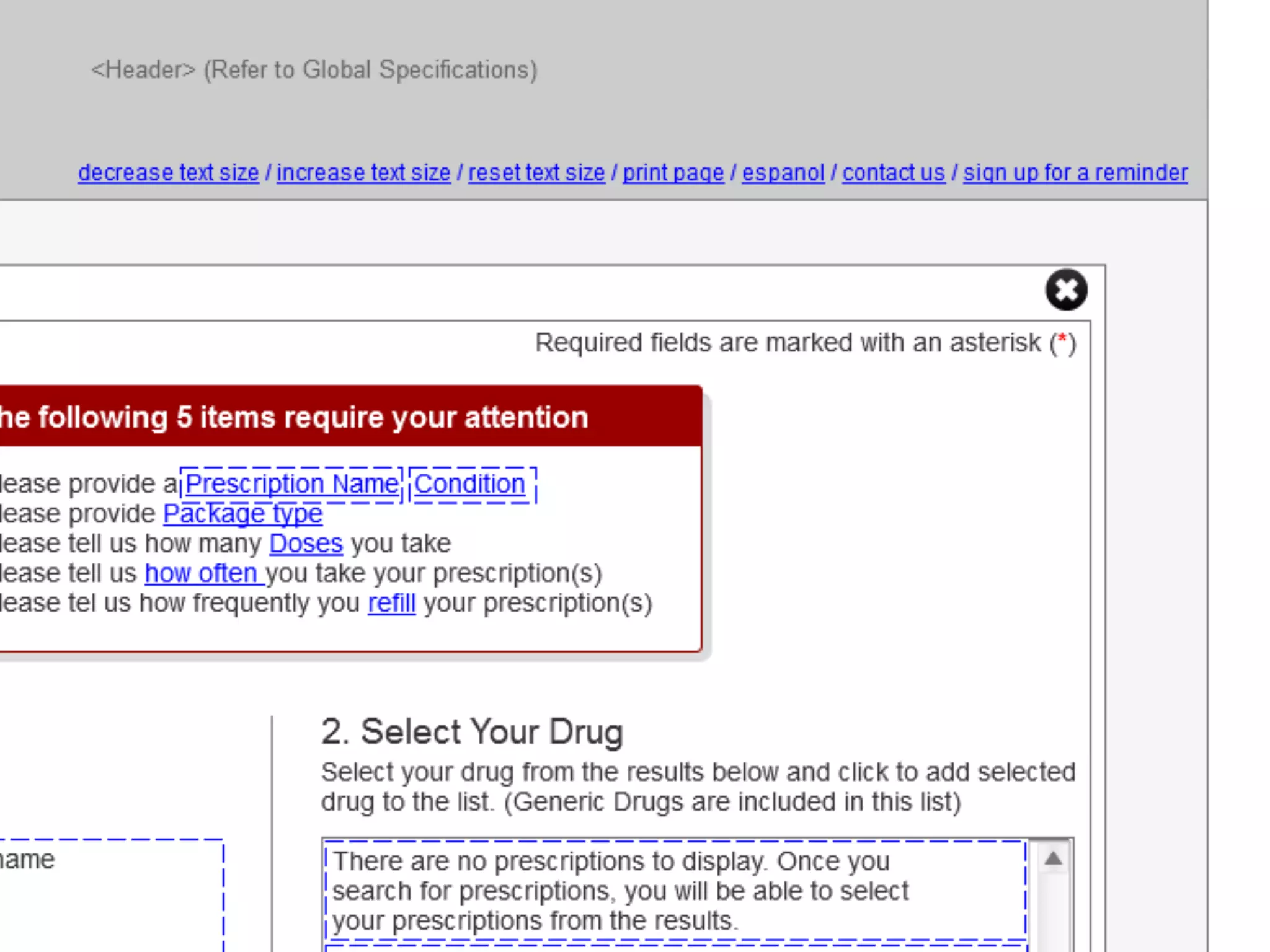
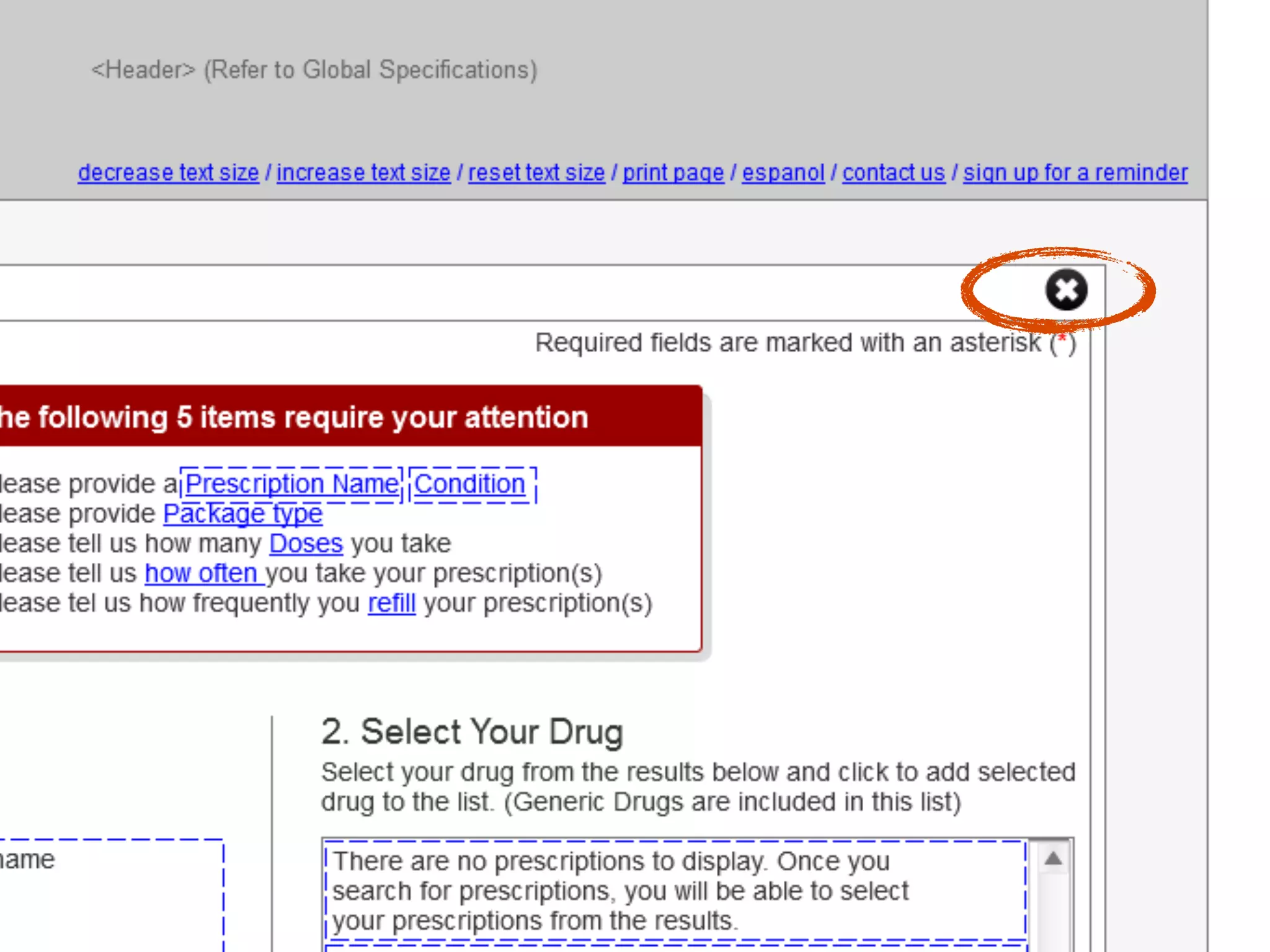
UX Camp Ottawa: Accessibility as a Design Tool
  • 1.
    Accessibility as aDesign Tool
  • 2.
    simplyaccessible.com All contents ©Simply Accessible Inc., unless otherwise noted. Expressed permission is required to use these slides. Contact info@simplyaccessible.com if you have any questions.
  • 5.
  • 6.
    I think someof why people don’t do Web accessibility is a lack of awareness, but a lot of it is because people think it’s too hard. What would help is if you can start teaching people HOW to integrate it into typical workflows for specific audiences—devs. project managers, Scrum Masters, designers
  • 7.
    I think theyjust genuinely struggled to understand the benefits. Many fail to realize that it’s not just about people who are blind or deaf—many people could benefit from a more accessible site.
  • 8.
    Derek, all thisstuff that you’ve taught us... yes, it makes this more accessible, but really, fundamentally, this is just a better design, period.
  • 9.
    Accessibility as aDesign Tool
  • 10.
  • 11.
    Accessibility is notbinary, all-or-nothing, black and white. We have every shade of grey in between. How you view this point frames everything that you learn and do about accessibility.
  • 12.
    extremes extremes
  • 13.
    IDEO: The DeepDive http://www.youtube.com/watch?v=M66ZU2PCIcM
  • 14.
    ‘ ‘ Byexamining the extreme ends of a set of phenomena in depth, the entire universe of relationships can be illuminated since other instances will fall somewhere on the map of relations and links.
  • 17.
    Tools to getthe job done.
  • 18.
    Tools to getthe job done.
  • 19.
    So, how dowe use Accessibility as a Design Tool?
  • 20.
    Always start atthe beginning of the design process
  • 21.
    Project User Design Develop & Validate & Definition Research Iteration Implement Launch
  • 22.
    Project User Design Develop & Validate & Definition Research Iteration Implement Launch Any special content needs? What support/ customer service needs will this bring? Has this been done before? What new technology & challenges are there?
  • 23.
    Project User Design Develop & Validate & Definition Research Iteration Implement Launch Any special Include people content needs? with disabilities in more than What support/ interviews and customer service focus groups; use needs will this observation and bring? walk-throughs. Has this been Include done before? functional needs in personas, user What new stories and other technology & artifacts challenges are there? Find people both in and outside your org to get subject matter expertise and perspective.
  • 24.
    Project User Design Develop & Validate & Definition Research Iteration Implement Launch Any special Include people Test colours content needs? with disabilities in more than Test concepts What support/ interviews and customer service focus groups; use Test iconography needs will this observation and and visual bring? walk-throughs. language assets (particularly for Has this been Include low vision user) done before? functional needs in personas, user Tend to focus on What new stories and other visual design, but technology & artifacts we must examine challenges are process design. there? Find people both in and outside your org to get subject matter expertise and perspective.
  • 25.
    Project User Design Develop & Validate & Definition Research Iteration Implement Launch Any special Include people Test colours Test templates content needs? with disabilities in more than Test concepts Test functional What support/ interviews and prototypes and customer service focus groups; use Test iconography demos needs will this observation and and visual bring? walk-throughs. language assets Don’t test with (particularly for people with Has this been Include low vision user) disabilities too done before? functional needs early (it can be in personas, user Tend to focus on very frustrating What new stories and other visual design, but and not technology & artifacts we must examine productive) challenges are process design. there? Find people both Fix technical in and outside accessibility your org to get issues THEN test subject matter with people with expertise and disabilities for perspective. ease of use
  • 26.
    Project User Design Develop & Validate & Definition Research Iteration Implement Launch Any special Include people Test colours Test templates Engage and content needs? with disabilities respond to user in more than Test concepts Test functional feedback What support/ interviews and prototypes and customer service focus groups; use Test iconography demos Ensure that as needs will this observation and and visual part of roll-out bring? walk-throughs. language assets Don’t test with appropriate (particularly for people with training is given Has this been Include low vision user) disabilities too to CSRs so they done before? functional needs early (it can be can act. in personas, user Tend to focus on very frustrating What new stories and other visual design, but and not On-going plans technology & artifacts we must examine productive) for organized challenges are process design. learning from there? Find people both Fix technical project, and in and outside accessibility documentation/ your org to get issues THEN test resolution of subject matter with people with issues that are expertise and disabilities for raised perspective. ease of use
  • 27.
    Project User Design Develop & Validate & Definition Research Iteration Implement Launch Any special Include people Test colours Test templates Engage and content needs? with disabilities respond to user in more than Test concepts Test functional feedback What support/ interviews and prototypes and customer service focus groups; use Test iconography demos Ensure that as needs will this observation and and visual part of roll-out bring? walk-throughs. language assets Don’t test with appropriate (particularly for people with training is given Has this been Include low vision user) disabilities too to CSRs so they done before? functional needs early (it can be can act. in personas, user Tend to focus on very frustrating What new stories and other visual design, but and not On-going plans technology & artifacts we must examine productive) for organized challenges are process design. learning from there? Find people both Fix technical project, and in and outside accessibility documentation/ your org to get issues THEN test resolution of subject matter with people with issues that are expertise and disabilities for raised perspective. ease of use
  • 28.
    Project User Design Develop & Validate & Definition Research Iteration Implement Launch Any special Include people Test colours Test templates Engage and content needs? with disabilities respond to user in more than Test concepts Test functional feedback What support/ interviews and prototypes and customer service focus groups; use Test iconography demos Ensure that as needs will this observation and and visual part of roll-out bring? walk-throughs. language assets Don’t test with appropriate (particularly for people with training is given Has this been Include low vision user) disabilities too to CSRs so they done before? functional needs early (it can be can act. in personas, user Tend to focus on very frustrating What new stories and other visual design, but and not On-going plans technology & artifacts we must examine productive) for organized challenges are process design. learning from there? Find people both Fix technical project, and in and outside accessibility documentation/ your org to get issues THEN test resolution of subject matter with people with issues that are expertise and disabilities for raised perspective. ease of use
  • 29.
    Project User Design Develop & Validate & Definition Research Iteration Implement Launch Any special Include people Test colours Test templates Engage and content needs? with disabilities respond to user in more than Test concepts Test functional feedback What support/ interviews and prototypes and customer service focus groups; use Test iconography demos Ensure that as needs will this observation and and visual part of roll-out bring? walk-throughs. language assets Don’t test with appropriate (particularly for people with training is given Has this been Include low vision user) disabilities too to CSRs so they done before? functional needs early (it can be can act. in personas, user Tend to focus on very frustrating What new stories and other visual design, but and not On-going plans technology & artifacts we must examine productive) for organized challenges are process design. learning from there? Find people both Fix technical project, and in and outside accessibility documentation/ your org to get issues THEN test resolution of subject matter with people with issues that are expertise and disabilities for raised perspective. ease of use
  • 30.
    Overlapping Map Polygons:Non-visual access
  • 31.
    Overlapping Map Polygons:Non-visual access
  • 32.
  • 33.
  • 34.
  • 37.
    Table of Contents:Skip Links on Steroids
  • 47.
  • 48.
  • 49.
    simplyaccessible.com Accessibility consulting, strategyand assessments Accessible development and remediation services Training courses, workshops and conferences Derek Featherstone feather@simplyaccessible.com @feather on twitter (613) 599-9784