ABCing Docker with
environments
Agenda
I
•Quick Introduction to Docker
II
•Simple Backend environment setup
III
•Simplify selenium grid and
containerize tests
I
•Quick Introduction to Docker
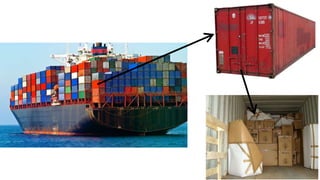
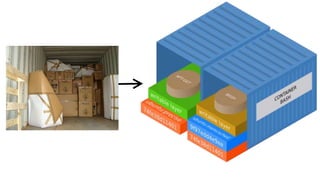
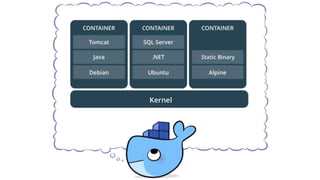
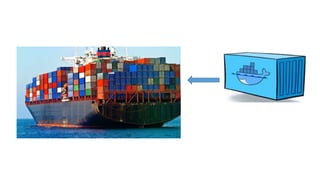
Imagine a ship
without containers!
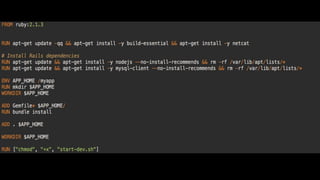
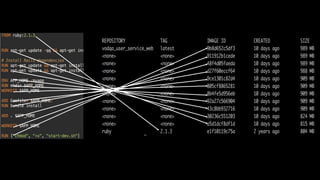
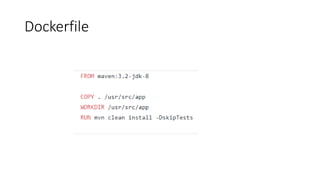
A simple example of
Dockerfile
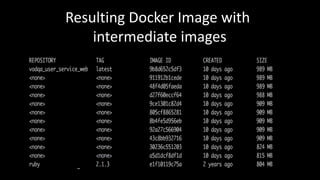
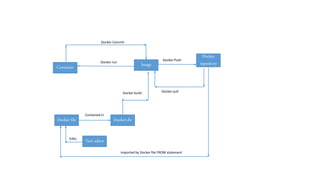
Resulting Docker Image with
intermediate images
I
•Simple Backend environment setup
A simple Rails example
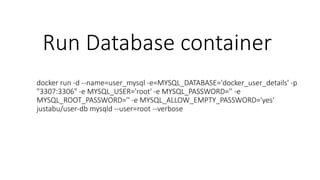
Run Database container
docker run -d --name=user_mysql -e=MYSQL_DATABASE='docker_user_details' -p
"3307:3306" -e MYSQL_USER='root' -e MYSQL_PASSWORD='' -e
MYSQL_ROOT_PASSWORD='' -e MYSQL_ALLOW_EMPTY_PASSWORD='yes'
justabu/user-db mysqld --user=root --verbose
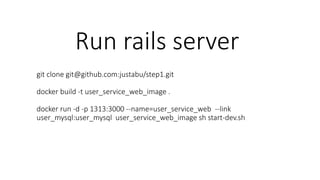
Run rails server
git clone git@github.com:justabu/step1.git
docker build -t user_service_web_image .
docker run -d -p 1313:3000 --name=user_service_web --link
user_mysql:user_mysql user_service_web_image sh start-dev.sh
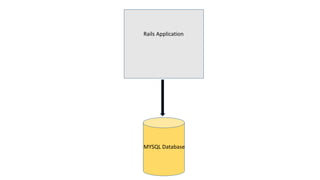
Rails Application
MYSQL Database
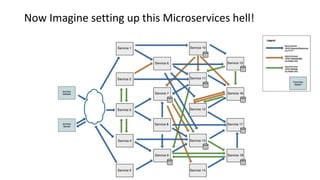
Now Imagine setting up this Microservices hell!
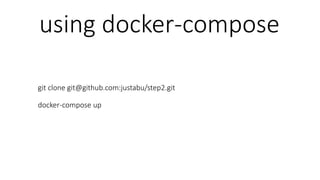
using docker-compose
git clone git@github.com:justabu/step2.git
docker-compose up
I
•Simplify selenium grid and containerize
tests
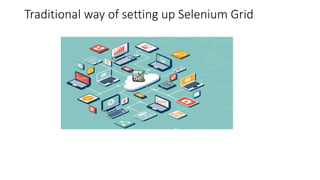
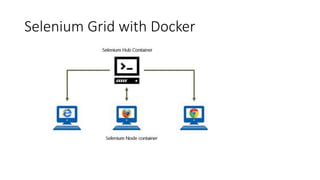
Traditional way of setting up Selenium Grid
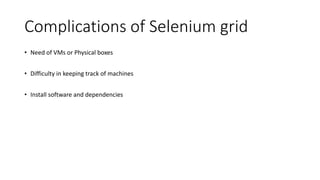
Complications of Selenium grid
• Need of VMs or Physical boxes
• Difficulty in keeping track of machines
• Install software and dependencies
Selenium Grid with Docker
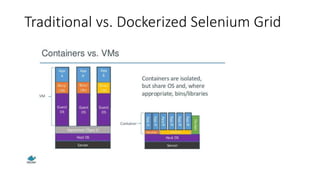
Traditional vs. Dockerized Selenium Grid
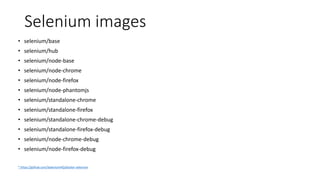
Selenium images
• selenium/base
• selenium/hub
• selenium/node-base
• selenium/node-chrome
• selenium/node-firefox
• selenium/node-phantomjs
• selenium/standalone-chrome
• selenium/standalone-firefox
• selenium/standalone-chrome-debug
• selenium/standalone-firefox-debug
• selenium/node-chrome-debug
• selenium/node-firefox-debug
* https://github.com/SeleniumHQ/docker-selenium
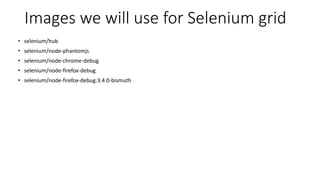
Images we will use for Selenium grid
• selenium/hub
• selenium/node-phantomjs
• selenium/node-chrome-debug
• selenium/node-firefox-debug
• selenium/node-firefox-debug:3.4.0-bismuth
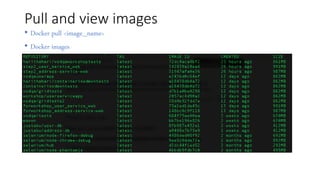
Pull and view images
• Docker pull <image_name>
• Docker images
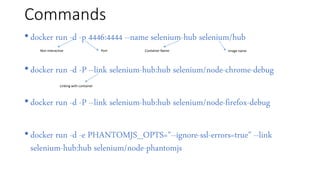
Commands
• docker run -d -p 4446:4444 --name selenium-hub selenium/hub
• docker run -d -P --link selenium-hub:hub selenium/node-chrome-debug
• docker run -d -P --link selenium-hub:hub selenium/node-firefox-debug
• docker run -d -e PHANTOMJS_OPTS="--ignore-ssl-errors=true" --link
selenium-hub:hub selenium/node-phantomjs
Non interactive Port Container Name Image name
Linking with container
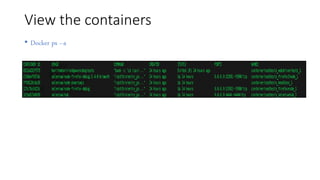
View the containers
• Docker ps –a
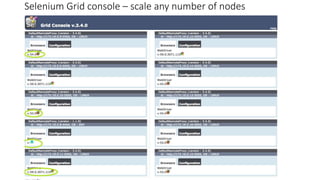
Selenium Grid console – scale any number of nodes
Further simplify with docker-
compose
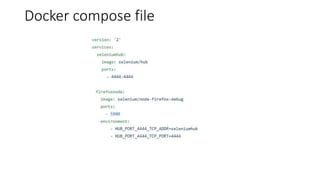
Docker compose file
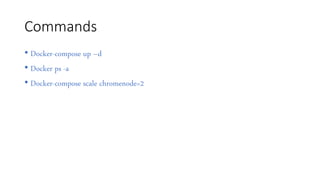
Commands
• Docker-compose up –d
• Docker ps -a
• Docker-compose scale chromenode=2
Containerize the Test repo
Docker dirDocker file
Text editor
Container Image
Docker
repository
Edits
Contained in
Docker run
Docker pull
Docker Push
Docker Commit
Docker build
Imported by Docker file FROM statement
Dockerfile
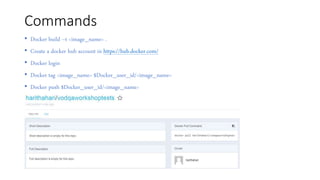
Commands
• Docker build –t <image_name> .
• Create a docker hub account in https://hub.docker.com/
• Docker login
• Docker tag <image_name> $Docker_user_id/<image_name>
• Docker push $Docker_user_id/<image_name>
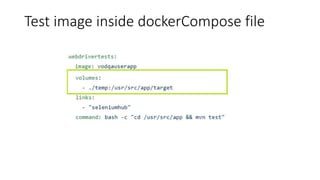
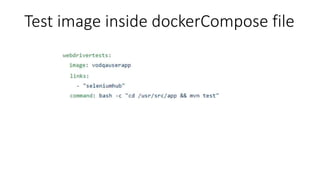
Test image inside dockerCompose file
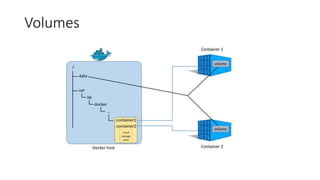
Volumes
Test image inside dockerCompose file
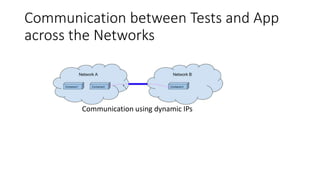
Communication between Tests and App
across the Networks
Communication using dynamic IPs
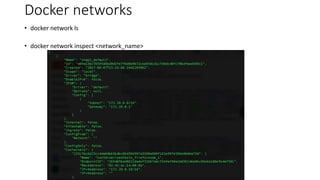
Docker networks
• docker network ls
• docker network inspect <network_name>
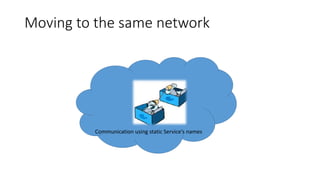
Moving to the same network
Communication using static Service’s names
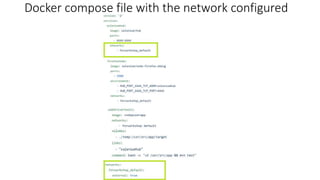
Docker compose file with the network configured
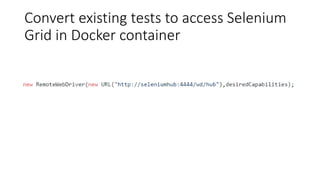
Convert existing tests to access Selenium
Grid in Docker container
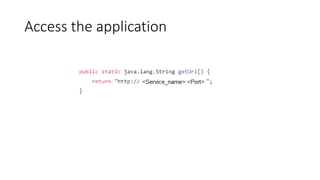
Access the application
Sources:
• https://github.com/harithah/ContainerisedTests
• https://github.com/justabu/step2
Happy DockerINGGGG!!!!!!!!
Thanks,
Haritha Hari
[Twitter:@HarithaHari1]
&
Abubacker Siddique

ABCing docker with environments - workshop