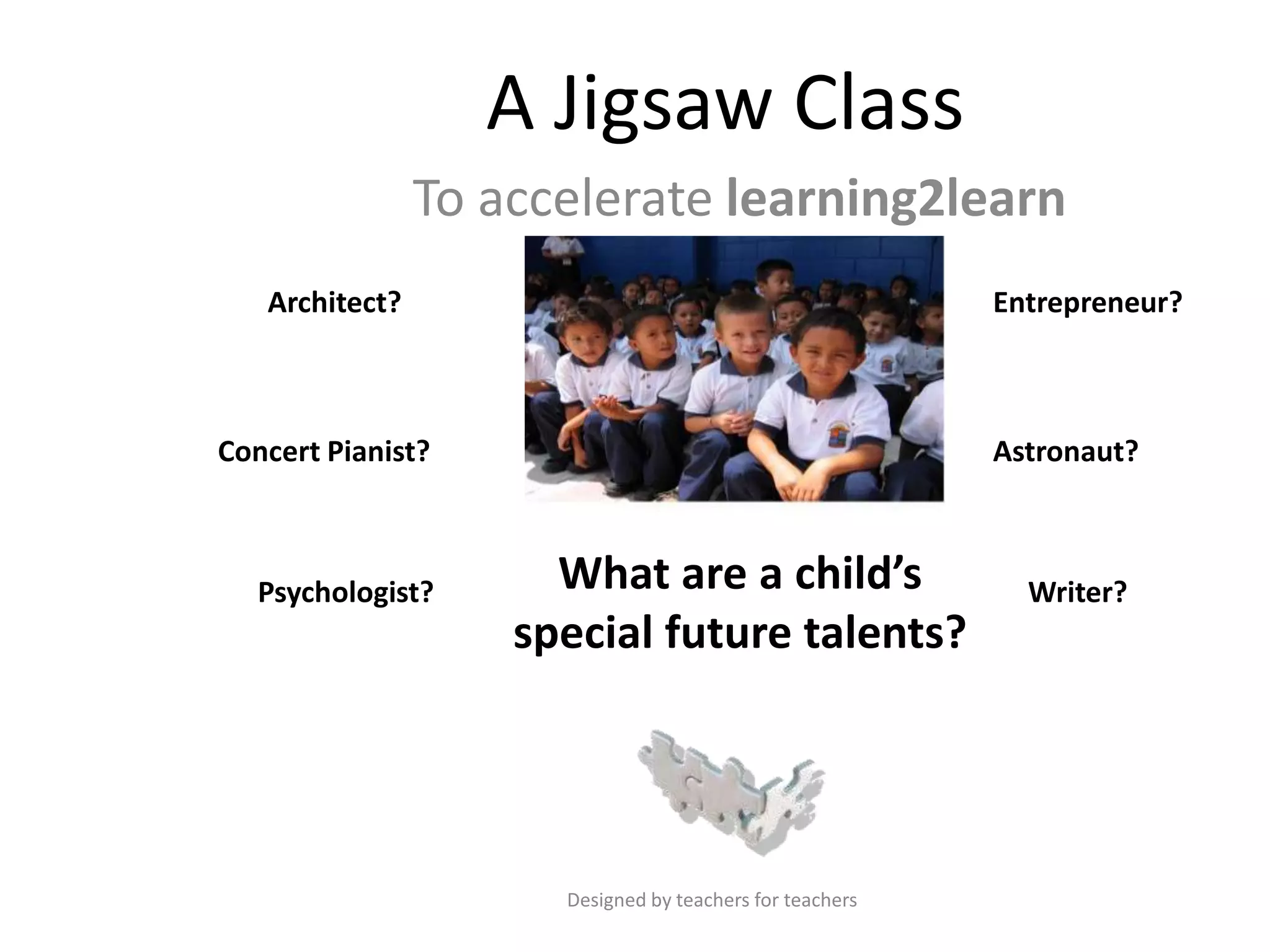
A Jigsaw Class
To accelerate learning2learn
Architect?

Entrepreneur?

Concert Pianist?

Psychologist?

Astronaut?

What are a child’s
special future talents?

Designed by teachers for teachers

Writer?
Topic
Accelerating learning using nine multiple
intelligences
• Linguistic
• Visual-spatial
• Bodily-Kinaesthetic
• Natural
• Musical
• Intra-personal
• Moral-Existential
• Inter-personal
• Logical-mathematical

Designed by teachers for teachers
What is a Jigsaw Class?
• A class is split into small groups
• Each group researches their topic (or piece of the
Jigsaw)
• Each group becomes an expert-group for their topic
and present their knowledge to the wider-classgroup
• The separate pieces fit together to make a complete
lesson in which the participants effectively teach,
assess and evaluate each other

Designed by teachers for teachers
Method
• Split the class into groups of about three or four
students
• Allocate a specific topic (based on one of the nine
multiple intelligences) to each group, i.e. one group may
be given the topic of bodily-kinaesthetic intelligence.
• Each team becomes an expert-group for their particular
topic (Linguistic, visual spatial etc), and impart their
knowledge to the wider-class-group via a presentation,
revision pack and interactive quiz
• In the interests of fairness you may wish to choose
topics from a lucky dip bag containing nine cards (Interpersonal, Musical) etc before allocating them to the
groups
Designed by teachers for teachers
Team Leader
• Each team elects a team leader who has overall
responsibility for ensuring that all of the required
outputs are delivered to schedule
• The team leader allocates tasks (see next slide) to
the team members based on the strengths of
each individual

Designed by teachers for teachers
Outputs – Each team must provide a lesson
containing…
 A PowerPoint presentation on their allocated topic
 The presentation must contain specific lesson objectives and
outcomes
 It must cover all aspects of the topic
 Complimentary slide handouts (3 to a page format) so that the
audience can make their own supplementary notes as the
presentation progresses
 A set of revision notes (one for each member of the audience)
including a synopsis of the topic and ways that the particular
intelligence can be used to improve memory techniques
 An original interactive learning resource (i.e. a quiz) designed on
software of their own choice (previous candidates have used Excel,
Word, PPT, Hot Potatoes, Flash etc)
 A set of evaluation sheets so that each member of the audience can
contribute positive comments on the content and delivery of each
presentation

Designed by teachers for teachers
Team Members
• Each team will need Internet researchers,
quiz makers, PowerPoint designers, and
presenters
• It may be useful for students to use a sixweek Gantt Chart to keep track of progress
This file is located in the Teacher resources/Assessment folder

Designed by teachers for teachers
Team Members
• All team members must contribute equally to the
production of materials, and take an equal part in
the delivery of the final presentation.
• A pack of materials must be delivered to the tutor
in good time so that all documents can be
photocopied for each member of the wider-classgroup.
• All files must be backed up to the drive of a
second person on the team.
Designed by teachers for teachers
Suggested Presentation Content
Students should provide information on:
• A definition of the type of intelligence
• What professions or jobs are associated with this type of
intelligence
• How can we identify this intelligence?
• Which famous people are associated with this intelligence?
• How can learning be improved with this particular type of
intelligence?
• How can we develop this intelligence to improve it over time?
• How can we revise using this intelligence?

Designed by teachers for teachers
Presentation Day
• On presentation day the teams must:
• Have the presentation ready before the start of the
lesson
• Distribute a sufficient amount of photocopies and
supplementary materials to the wider-class-group so
that each participant leaves with a copy
• Make the interactive resource available on the public
area so that it can be completed at the end of the
session
• Collect and make use of the Evaluation Sheets

Designed by teachers for teachers
Teachers
Things to watch out for:
• Students watching other team members do all the work!
• Students absent on the day and no-one in the team having access to
important files. A teacher backup, or allowing students to save work
to a shared area may be desirable.
• Versions of the interactive quiz not working everywhere etc. Check
the quizzes on a computer in the actual room you will be using.
• Photocopying not done to presentation deadlines.
• Students not taking the time to collect in the evaluation sheets and
refine presentations as a result of peer feedback.
• Access to a functioning projector and whiteboard on presentation
day.

Designed by teachers for teachers
Teacher Resources
All resources are included in the zip file:
• About the Jigsaw Class
• Starter and plenary activities
• Background theory on learning styles
• Complete information about the nine multiple
intelligences
• Evaluation template
• Posters for the classroom

Designed by teachers for teachers
The Zip File consists of:
• The PowerPoint Presentation
• A teacher resources folder containing:
–
–
–
–

Additional resources
Assessment
Posters
General revision

• A pupil resources folder containing:
– Starters
– The nine intelligences (complete information)

Designed by teachers for teachers
Posters
• An environment that is conducive to
learning is an essential feature of
accelerated learning
• Create a brain-friendly environment with
these attractive posters.
Find more files like this in Teacher resources/Posters folder

Designed by teachers for teachers
Starter Activity
‘Find someone who….’
• Photocopy one worksheet per student
• Ask students to go around the room and ask other
group members to complete the activities
• They must then sign the sheet to confirm that they
have given information or completed skills.
• The person who completes the sheet (with all
sections signed first) wins.

Designed by teachers for teachers
Plenary Activities
Plenary activities can be used in several ways:
• The walking gallery uses posters hung around the room.
Pupils walk around and spend 5 minutes on each. They
have to thought-shower ideas and activities for how they
can use each intelligence to help with revision. They
share ideas with each other to close the activity.
• Word match uses ‘How do you identify a particular type
of intelligence’. Ask students to lay out the intelligences
in a row and match the appropriate phrases to the right
headings.
• ‘Lucky dip’ uses the same resource but students pick an
intelligence from a bag and describe how they would use
it without mentioning it’s name. Team members have to
try and guess which of the intelligences are being
described.

Designed by teachers for teachers
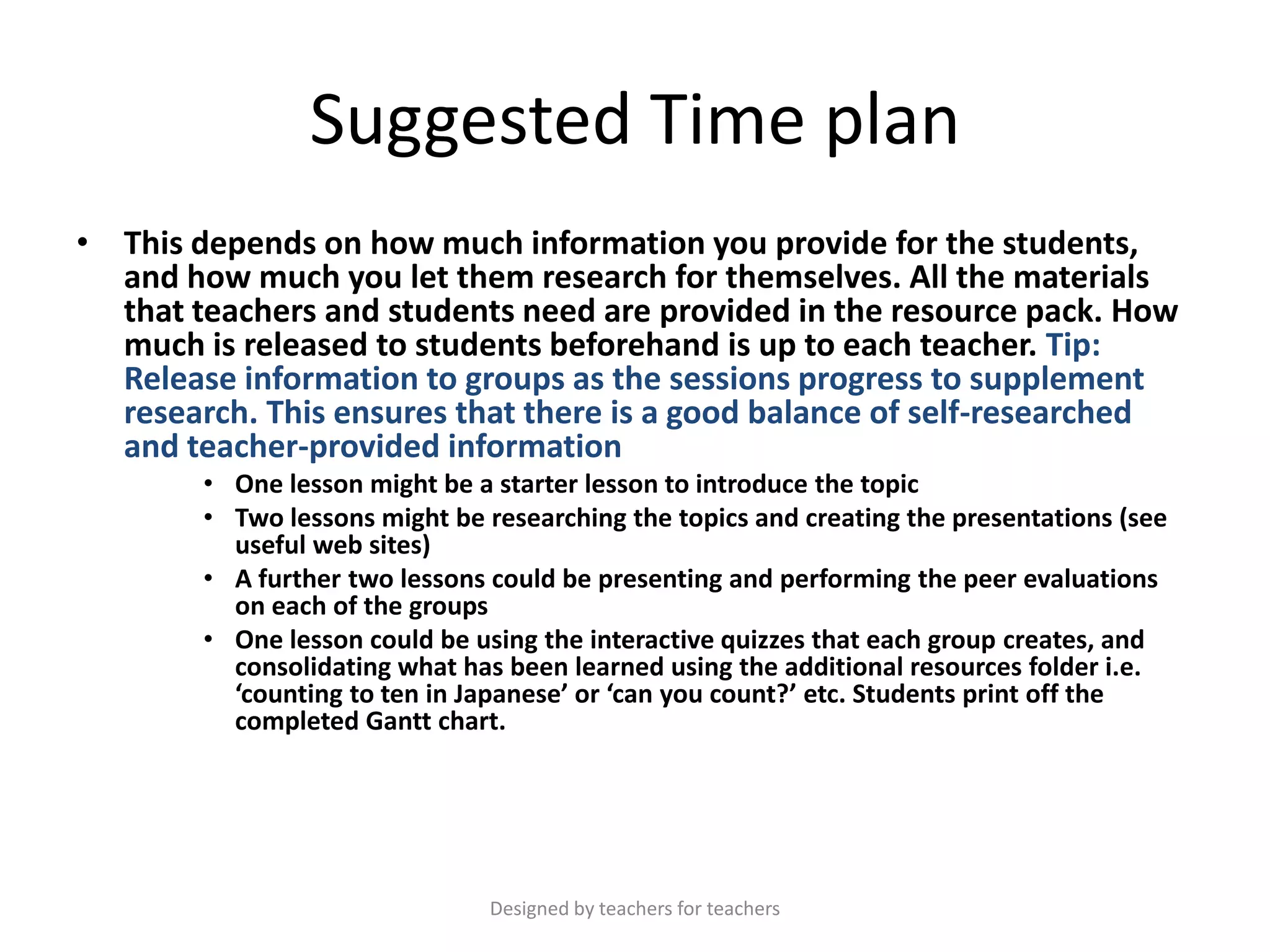
Suggested Time plan
• This depends on how much information you provide for the students,
and how much you let them research for themselves. All the materials
that teachers and students need are provided in the resource pack. How
much is released to students beforehand is up to each teacher. Tip:
Release information to groups as the sessions progress to supplement
research. This ensures that there is a good balance of self-researched
and teacher-provided information
• One lesson might be a starter lesson to introduce the topic
• Two lessons might be researching the topics and creating the presentations (see
useful web sites)
• A further two lessons could be presenting and performing the peer evaluations
on each of the groups
• One lesson could be using the interactive quizzes that each group creates, and
consolidating what has been learned using the additional resources folder i.e.
‘counting to ten in Japanese’ or ‘can you count?’ etc. Students print off the
completed Gantt chart.

Designed by teachers for teachers
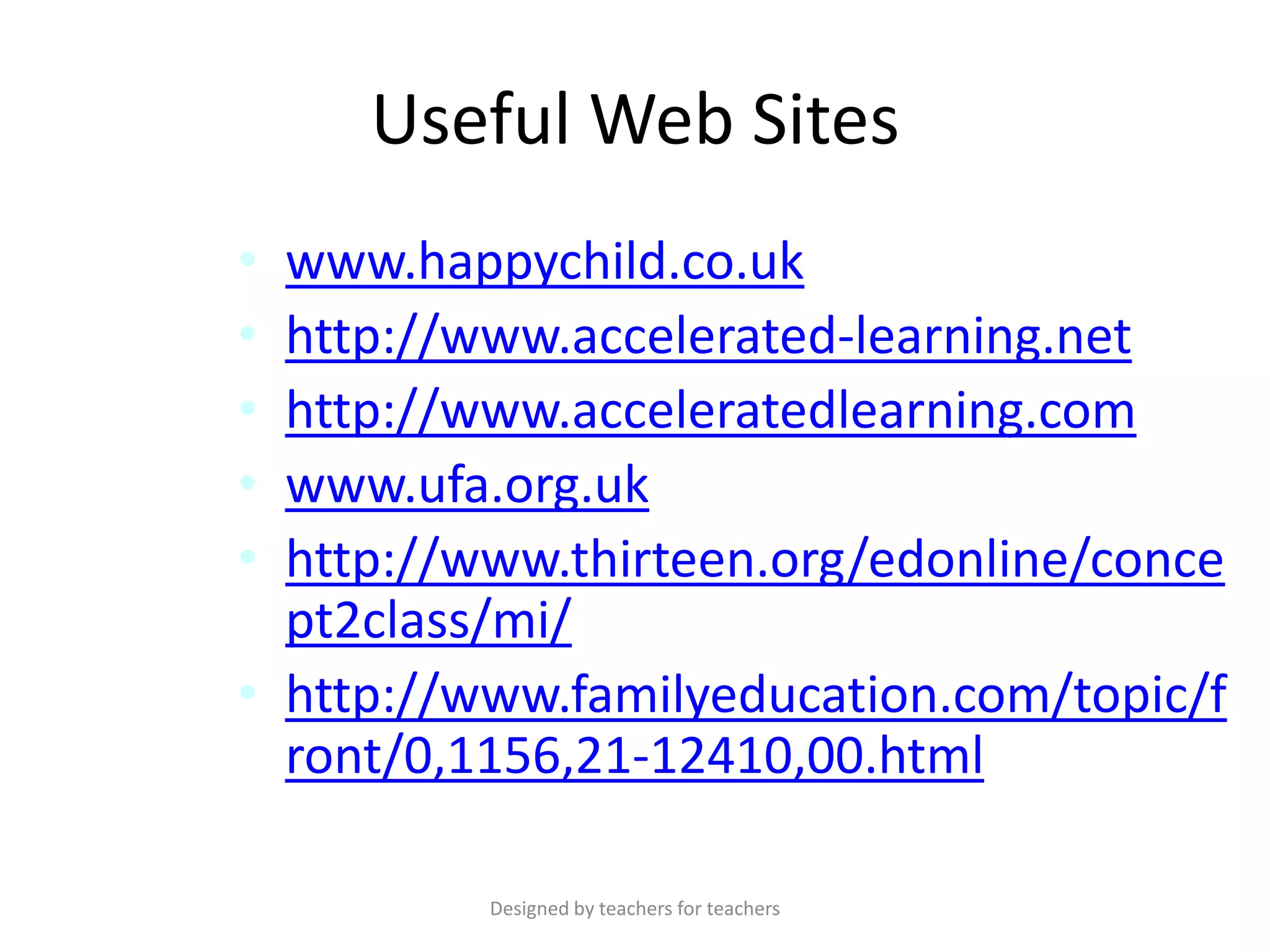
Useful Web Sites
•
•
•
•
•

www.happychild.co.uk
http://www.accelerated-learning.net
http://www.acceleratedlearning.com
www.ufa.org.uk
http://www.thirteen.org/edonline/conce
pt2class/mi/
• http://www.familyeducation.com/topic/f
ront/0,1156,21-12410,00.html
Designed by teachers for teachers

A jigsaw class

  • 1.
    A Jigsaw Class Toaccelerate learning2learn Architect? Entrepreneur? Concert Pianist? Psychologist? Astronaut? What are a child’s special future talents? Designed by teachers for teachers Writer?
  • 2.
    Topic Accelerating learning usingnine multiple intelligences • Linguistic • Visual-spatial • Bodily-Kinaesthetic • Natural • Musical • Intra-personal • Moral-Existential • Inter-personal • Logical-mathematical Designed by teachers for teachers
  • 3.
    What is aJigsaw Class? • A class is split into small groups • Each group researches their topic (or piece of the Jigsaw) • Each group becomes an expert-group for their topic and present their knowledge to the wider-classgroup • The separate pieces fit together to make a complete lesson in which the participants effectively teach, assess and evaluate each other Designed by teachers for teachers
  • 4.
    Method • Split theclass into groups of about three or four students • Allocate a specific topic (based on one of the nine multiple intelligences) to each group, i.e. one group may be given the topic of bodily-kinaesthetic intelligence. • Each team becomes an expert-group for their particular topic (Linguistic, visual spatial etc), and impart their knowledge to the wider-class-group via a presentation, revision pack and interactive quiz • In the interests of fairness you may wish to choose topics from a lucky dip bag containing nine cards (Interpersonal, Musical) etc before allocating them to the groups Designed by teachers for teachers
  • 5.
    Team Leader • Eachteam elects a team leader who has overall responsibility for ensuring that all of the required outputs are delivered to schedule • The team leader allocates tasks (see next slide) to the team members based on the strengths of each individual Designed by teachers for teachers
  • 6.
    Outputs – Eachteam must provide a lesson containing…  A PowerPoint presentation on their allocated topic  The presentation must contain specific lesson objectives and outcomes  It must cover all aspects of the topic  Complimentary slide handouts (3 to a page format) so that the audience can make their own supplementary notes as the presentation progresses  A set of revision notes (one for each member of the audience) including a synopsis of the topic and ways that the particular intelligence can be used to improve memory techniques  An original interactive learning resource (i.e. a quiz) designed on software of their own choice (previous candidates have used Excel, Word, PPT, Hot Potatoes, Flash etc)  A set of evaluation sheets so that each member of the audience can contribute positive comments on the content and delivery of each presentation Designed by teachers for teachers
  • 7.
    Team Members • Eachteam will need Internet researchers, quiz makers, PowerPoint designers, and presenters • It may be useful for students to use a sixweek Gantt Chart to keep track of progress This file is located in the Teacher resources/Assessment folder Designed by teachers for teachers
  • 8.
    Team Members • Allteam members must contribute equally to the production of materials, and take an equal part in the delivery of the final presentation. • A pack of materials must be delivered to the tutor in good time so that all documents can be photocopied for each member of the wider-classgroup. • All files must be backed up to the drive of a second person on the team. Designed by teachers for teachers
  • 9.
    Suggested Presentation Content Studentsshould provide information on: • A definition of the type of intelligence • What professions or jobs are associated with this type of intelligence • How can we identify this intelligence? • Which famous people are associated with this intelligence? • How can learning be improved with this particular type of intelligence? • How can we develop this intelligence to improve it over time? • How can we revise using this intelligence? Designed by teachers for teachers
  • 10.
    Presentation Day • Onpresentation day the teams must: • Have the presentation ready before the start of the lesson • Distribute a sufficient amount of photocopies and supplementary materials to the wider-class-group so that each participant leaves with a copy • Make the interactive resource available on the public area so that it can be completed at the end of the session • Collect and make use of the Evaluation Sheets Designed by teachers for teachers
  • 11.
    Teachers Things to watchout for: • Students watching other team members do all the work! • Students absent on the day and no-one in the team having access to important files. A teacher backup, or allowing students to save work to a shared area may be desirable. • Versions of the interactive quiz not working everywhere etc. Check the quizzes on a computer in the actual room you will be using. • Photocopying not done to presentation deadlines. • Students not taking the time to collect in the evaluation sheets and refine presentations as a result of peer feedback. • Access to a functioning projector and whiteboard on presentation day. Designed by teachers for teachers
  • 12.
    Teacher Resources All resourcesare included in the zip file: • About the Jigsaw Class • Starter and plenary activities • Background theory on learning styles • Complete information about the nine multiple intelligences • Evaluation template • Posters for the classroom Designed by teachers for teachers
  • 13.
    The Zip Fileconsists of: • The PowerPoint Presentation • A teacher resources folder containing: – – – – Additional resources Assessment Posters General revision • A pupil resources folder containing: – Starters – The nine intelligences (complete information) Designed by teachers for teachers
  • 14.
    Posters • An environmentthat is conducive to learning is an essential feature of accelerated learning • Create a brain-friendly environment with these attractive posters. Find more files like this in Teacher resources/Posters folder Designed by teachers for teachers
  • 15.
    Starter Activity ‘Find someonewho….’ • Photocopy one worksheet per student • Ask students to go around the room and ask other group members to complete the activities • They must then sign the sheet to confirm that they have given information or completed skills. • The person who completes the sheet (with all sections signed first) wins. Designed by teachers for teachers
  • 16.
    Plenary Activities Plenary activitiescan be used in several ways: • The walking gallery uses posters hung around the room. Pupils walk around and spend 5 minutes on each. They have to thought-shower ideas and activities for how they can use each intelligence to help with revision. They share ideas with each other to close the activity. • Word match uses ‘How do you identify a particular type of intelligence’. Ask students to lay out the intelligences in a row and match the appropriate phrases to the right headings. • ‘Lucky dip’ uses the same resource but students pick an intelligence from a bag and describe how they would use it without mentioning it’s name. Team members have to try and guess which of the intelligences are being described. Designed by teachers for teachers
  • 17.
    Suggested Time plan •This depends on how much information you provide for the students, and how much you let them research for themselves. All the materials that teachers and students need are provided in the resource pack. How much is released to students beforehand is up to each teacher. Tip: Release information to groups as the sessions progress to supplement research. This ensures that there is a good balance of self-researched and teacher-provided information • One lesson might be a starter lesson to introduce the topic • Two lessons might be researching the topics and creating the presentations (see useful web sites) • A further two lessons could be presenting and performing the peer evaluations on each of the groups • One lesson could be using the interactive quizzes that each group creates, and consolidating what has been learned using the additional resources folder i.e. ‘counting to ten in Japanese’ or ‘can you count?’ etc. Students print off the completed Gantt chart. Designed by teachers for teachers
  • 18.