A Critique on Traditional File
System vs. Databases
Shallote Dsouza
Traditional File System
 The traditional filing system (TFS) is a method of storing and arranging computer files
and the information in the file
 Without a file system, data placed in a storage medium would be one large body of
data
 By separating the data into pieces and giving each piece a name, the data is easily
isolated and identified
 The structure and logic rules used to manage the groups of data and their names is
called a "file system”
 Basically file systems organize data into raw chunks for the storage, organization,
manipulation, and retrieval by the computer’s operating system
 File-based systems were an early attempt to computerize the manual filing system
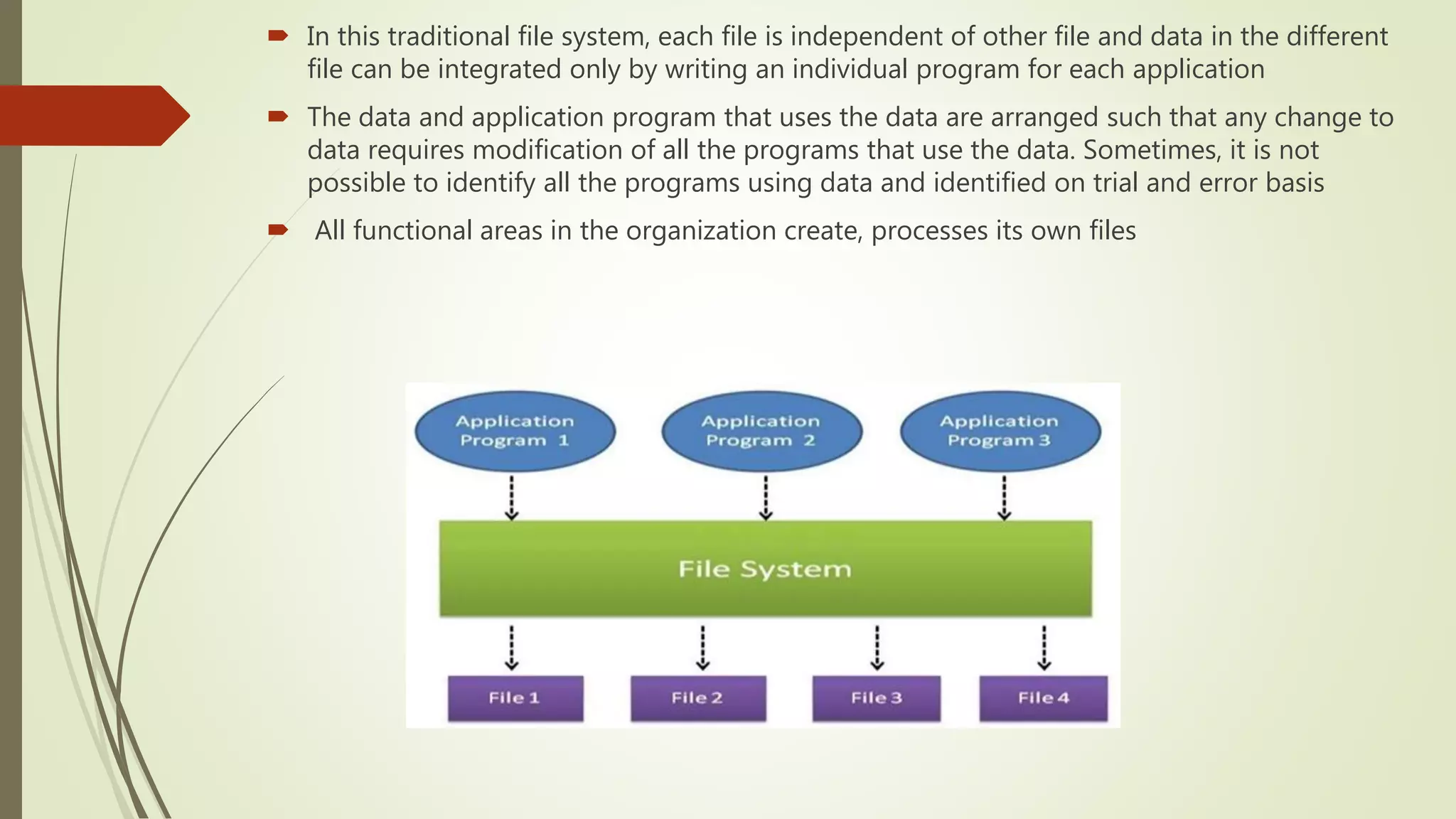
 In this traditional file system, each file is independent of other file and data in the different
file can be integrated only by writing an individual program for each application
 The data and application program that uses the data are arranged such that any change to
data requires modification of all the programs that use the data. Sometimes, it is not
possible to identify all the programs using data and identified on trial and error basis
 All functional areas in the organization create, processes its own files
Pros and Cons of TFS
Pros
 Simple to use
 Less complexity
 Minimal investment (Low investments in software because it allows us to transport
files from one to another computer)
 No requirement of the specialist
Cons
 Data redundancy (Each application has its own data file so, same data may have to
be recorded and stored in many times)
 Data inconsistency (Due to the same data items that appear in more than one file
do not get updated simultaneously in each and every file)
 Data dependence (Program and application in the file processing system are data
dependent)
 Limited data sharing and security issues
 Retrieval is not easy and time-consuming.
 Inefficient to maintain the record of the big firm having a large number of items.
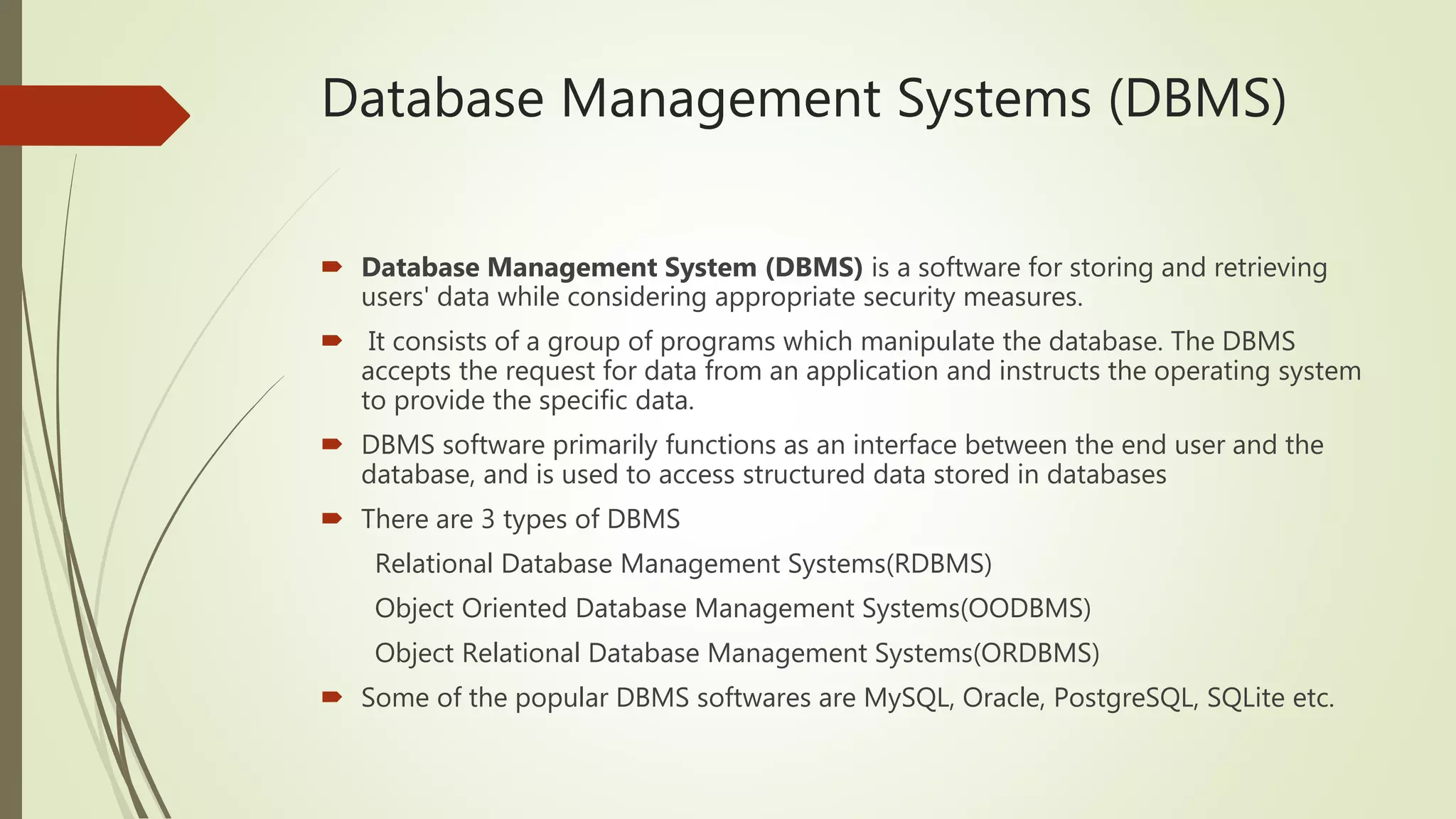
Database Management Systems (DBMS)
 Database Management System (DBMS) is a software for storing and retrieving
users' data while considering appropriate security measures.
 It consists of a group of programs which manipulate the database. The DBMS
accepts the request for data from an application and instructs the operating system
to provide the specific data.
 DBMS software primarily functions as an interface between the end user and the
database, and is used to access structured data stored in databases
 There are 3 types of DBMS
Relational Database Management Systems(RDBMS)
Object Oriented Database Management Systems(OODBMS)
Object Relational Database Management Systems(ORDBMS)
 Some of the popular DBMS softwares are MySQL, Oracle, PostgreSQL, SQLite etc.
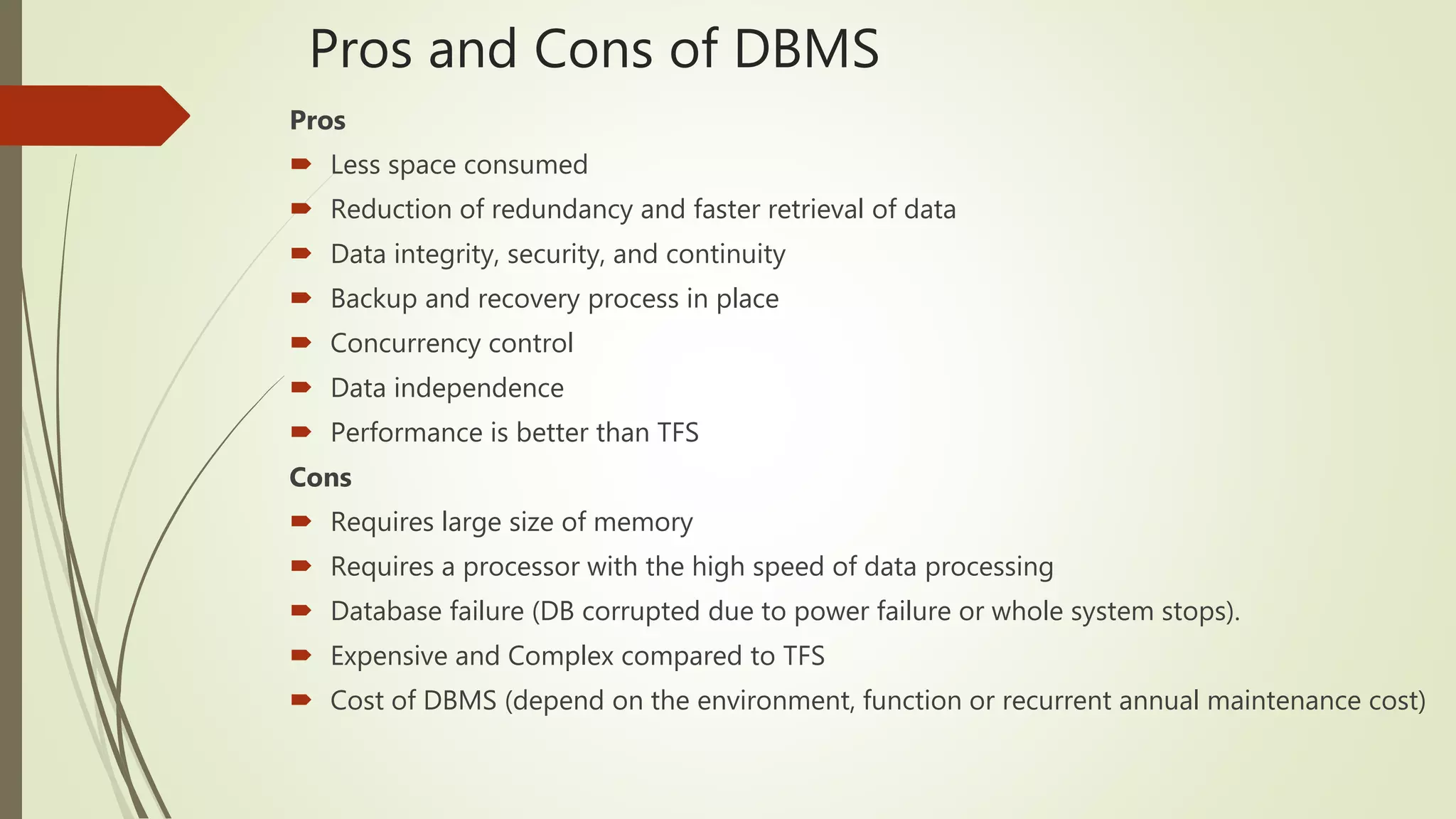
Pros and Cons of DBMS
Pros
 Less space consumed
 Reduction of redundancy and faster retrieval of data
 Data integrity, security, and continuity
 Backup and recovery process in place
 Concurrency control
 Data independence
 Performance is better than TFS
Cons
 Requires large size of memory
 Requires a processor with the high speed of data processing
 Database failure (DB corrupted due to power failure or whole system stops).
 Expensive and Complex compared to TFS
 Cost of DBMS (depend on the environment, function or recurrent annual maintenance cost)
Difference between databases and DBMS
 A database is a logically modeled cluster of information [data] that is typically
stored on a computer or other type of hardware that is easily accessible in various
ways
 A database management system, is a computer program or a piece of software
that allows one to access, interact with, and manipulate a database
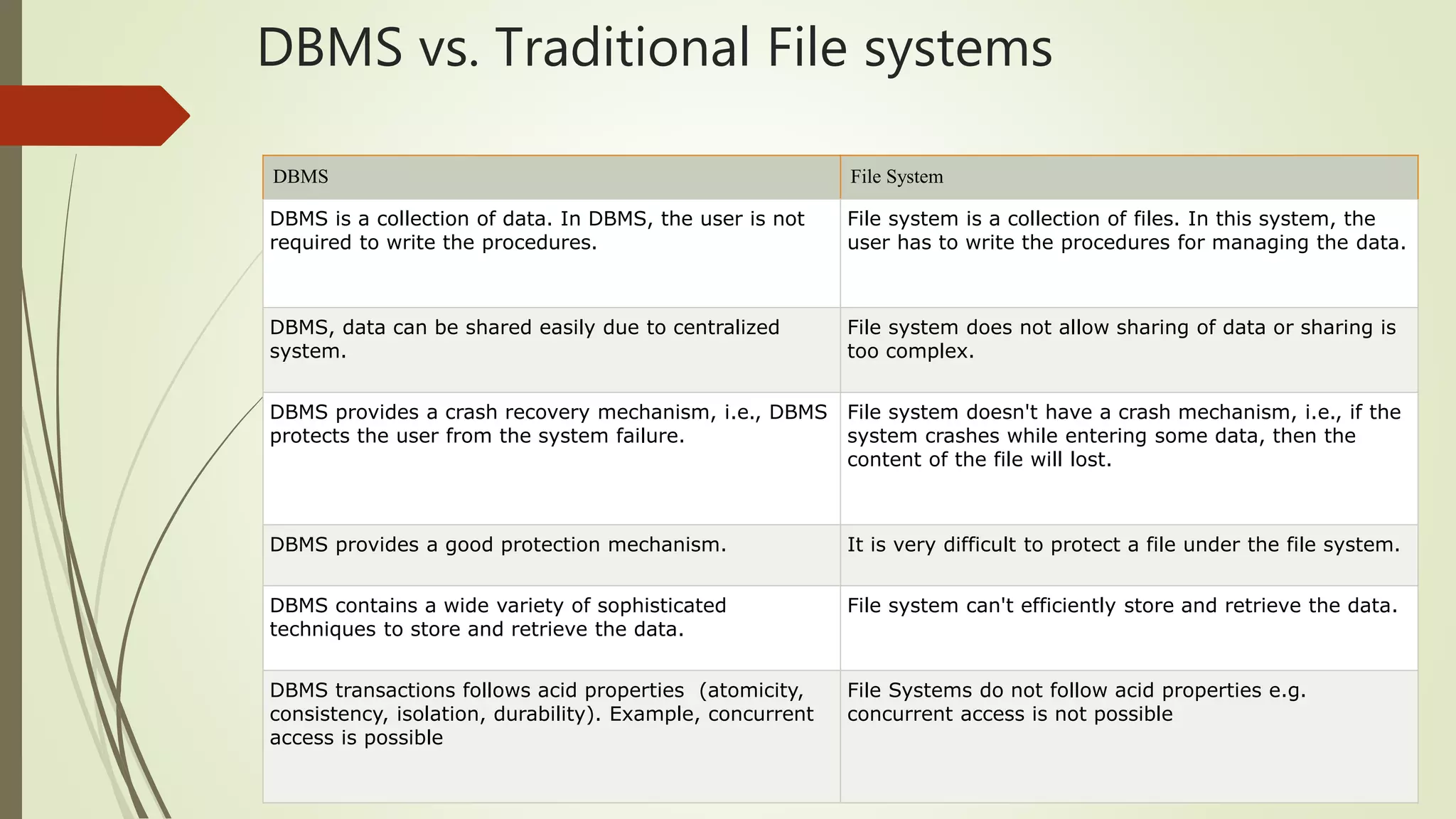
DBMS vs. Traditional File systems
DBMS File System
DBMS is a collection of data. In DBMS, the user is not
required to write the procedures.
File system is a collection of files. In this system, the
user has to write the procedures for managing the data.
DBMS, data can be shared easily due to centralized
system.
File system does not allow sharing of data or sharing is
too complex.
DBMS provides a crash recovery mechanism, i.e., DBMS
protects the user from the system failure.
File system doesn't have a crash mechanism, i.e., if the
system crashes while entering some data, then the
content of the file will lost.
DBMS provides a good protection mechanism. It is very difficult to protect a file under the file system.
DBMS contains a wide variety of sophisticated
techniques to store and retrieve the data.
File system can't efficiently store and retrieve the data.
DBMS transactions follows acid properties (atomicity,
consistency, isolation, durability). Example, concurrent
access is possible
File Systems do not follow acid properties e.g.
concurrent access is not possible
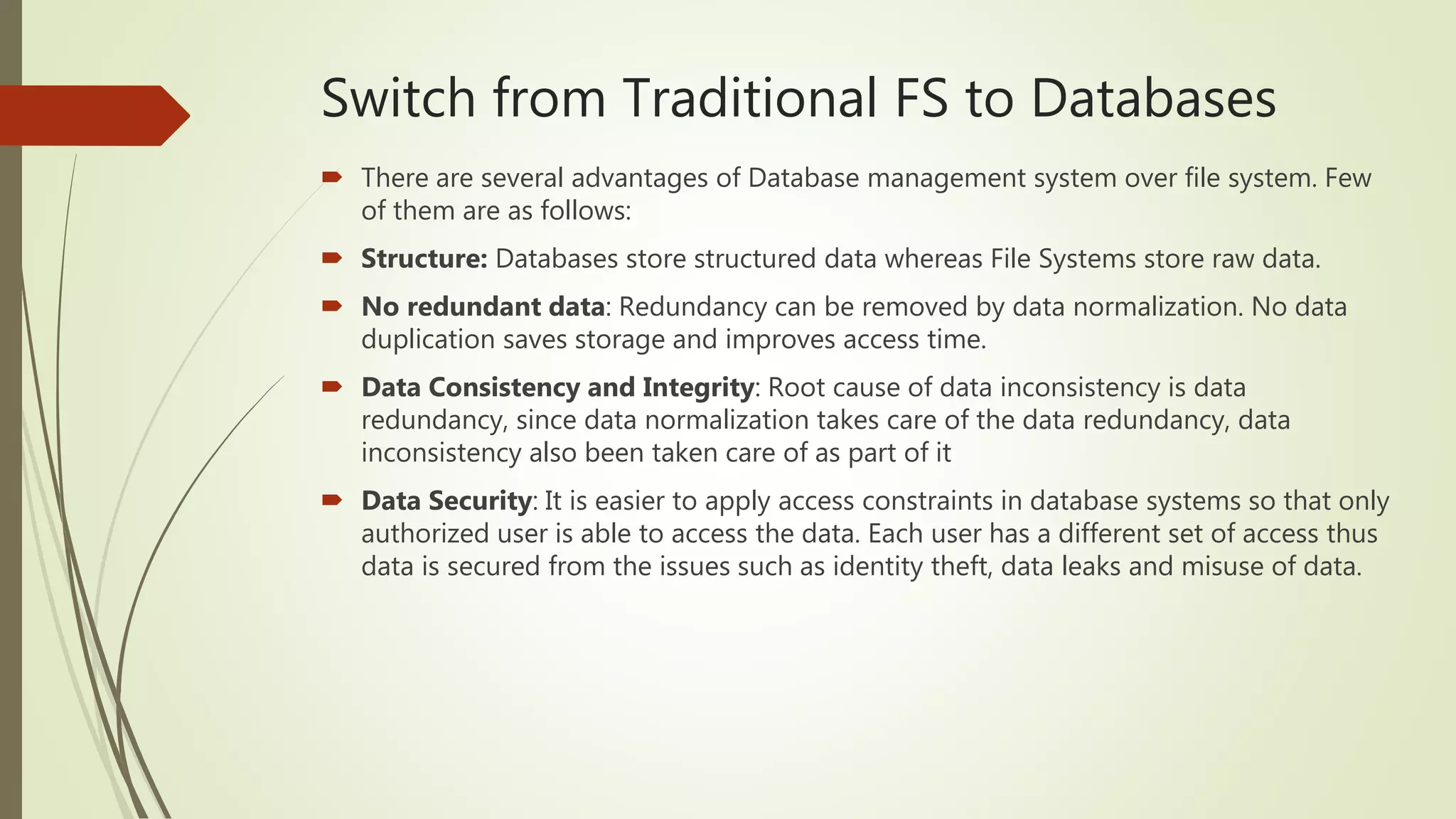
Switch from Traditional FS to Databases
 There are several advantages of Database management system over file system. Few
of them are as follows:
 Structure: Databases store structured data whereas File Systems store raw data.
 No redundant data: Redundancy can be removed by data normalization. No data
duplication saves storage and improves access time.
 Data Consistency and Integrity: Root cause of data inconsistency is data
redundancy, since data normalization takes care of the data redundancy, data
inconsistency also been taken care of as part of it
 Data Security: It is easier to apply access constraints in database systems so that only
authorized user is able to access the data. Each user has a different set of access thus
data is secured from the issues such as identity theft, data leaks and misuse of data.
 Privacy: Limited access means privacy of data.
 Easy access to data – TFS does not have random read write for data access
whereas Databases can be accessed randomly
 Easy recovery: Since database systems keeps the backup of data, it is easier to do
a full recovery of data in case of a failure.
 Flexible: Database systems are more flexible than file processing systems.
Thank You

A critique on traditional file system vs databases

  • 1.
    A Critique onTraditional File System vs. Databases Shallote Dsouza
  • 2.
    Traditional File System The traditional filing system (TFS) is a method of storing and arranging computer files and the information in the file  Without a file system, data placed in a storage medium would be one large body of data  By separating the data into pieces and giving each piece a name, the data is easily isolated and identified  The structure and logic rules used to manage the groups of data and their names is called a "file system”  Basically file systems organize data into raw chunks for the storage, organization, manipulation, and retrieval by the computer’s operating system  File-based systems were an early attempt to computerize the manual filing system
  • 3.
     In thistraditional file system, each file is independent of other file and data in the different file can be integrated only by writing an individual program for each application  The data and application program that uses the data are arranged such that any change to data requires modification of all the programs that use the data. Sometimes, it is not possible to identify all the programs using data and identified on trial and error basis  All functional areas in the organization create, processes its own files
  • 4.
    Pros and Consof TFS Pros  Simple to use  Less complexity  Minimal investment (Low investments in software because it allows us to transport files from one to another computer)  No requirement of the specialist Cons  Data redundancy (Each application has its own data file so, same data may have to be recorded and stored in many times)  Data inconsistency (Due to the same data items that appear in more than one file do not get updated simultaneously in each and every file)  Data dependence (Program and application in the file processing system are data dependent)  Limited data sharing and security issues  Retrieval is not easy and time-consuming.  Inefficient to maintain the record of the big firm having a large number of items.
  • 5.
    Database Management Systems(DBMS)  Database Management System (DBMS) is a software for storing and retrieving users' data while considering appropriate security measures.  It consists of a group of programs which manipulate the database. The DBMS accepts the request for data from an application and instructs the operating system to provide the specific data.  DBMS software primarily functions as an interface between the end user and the database, and is used to access structured data stored in databases  There are 3 types of DBMS Relational Database Management Systems(RDBMS) Object Oriented Database Management Systems(OODBMS) Object Relational Database Management Systems(ORDBMS)  Some of the popular DBMS softwares are MySQL, Oracle, PostgreSQL, SQLite etc.
  • 6.
    Pros and Consof DBMS Pros  Less space consumed  Reduction of redundancy and faster retrieval of data  Data integrity, security, and continuity  Backup and recovery process in place  Concurrency control  Data independence  Performance is better than TFS Cons  Requires large size of memory  Requires a processor with the high speed of data processing  Database failure (DB corrupted due to power failure or whole system stops).  Expensive and Complex compared to TFS  Cost of DBMS (depend on the environment, function or recurrent annual maintenance cost)
  • 7.
    Difference between databasesand DBMS  A database is a logically modeled cluster of information [data] that is typically stored on a computer or other type of hardware that is easily accessible in various ways  A database management system, is a computer program or a piece of software that allows one to access, interact with, and manipulate a database
  • 8.
    DBMS vs. TraditionalFile systems DBMS File System DBMS is a collection of data. In DBMS, the user is not required to write the procedures. File system is a collection of files. In this system, the user has to write the procedures for managing the data. DBMS, data can be shared easily due to centralized system. File system does not allow sharing of data or sharing is too complex. DBMS provides a crash recovery mechanism, i.e., DBMS protects the user from the system failure. File system doesn't have a crash mechanism, i.e., if the system crashes while entering some data, then the content of the file will lost. DBMS provides a good protection mechanism. It is very difficult to protect a file under the file system. DBMS contains a wide variety of sophisticated techniques to store and retrieve the data. File system can't efficiently store and retrieve the data. DBMS transactions follows acid properties (atomicity, consistency, isolation, durability). Example, concurrent access is possible File Systems do not follow acid properties e.g. concurrent access is not possible
  • 9.
    Switch from TraditionalFS to Databases  There are several advantages of Database management system over file system. Few of them are as follows:  Structure: Databases store structured data whereas File Systems store raw data.  No redundant data: Redundancy can be removed by data normalization. No data duplication saves storage and improves access time.  Data Consistency and Integrity: Root cause of data inconsistency is data redundancy, since data normalization takes care of the data redundancy, data inconsistency also been taken care of as part of it  Data Security: It is easier to apply access constraints in database systems so that only authorized user is able to access the data. Each user has a different set of access thus data is secured from the issues such as identity theft, data leaks and misuse of data.
  • 10.
     Privacy: Limitedaccess means privacy of data.  Easy access to data – TFS does not have random read write for data access whereas Databases can be accessed randomly  Easy recovery: Since database systems keeps the backup of data, it is easier to do a full recovery of data in case of a failure.  Flexible: Database systems are more flexible than file processing systems.
  • 11.