EDUCATIONAL
TECHNOLOGY
OBJECTIVES:
1. Explain how new technologies are influencing training.
2. Discuss potential advantages and disadvantages of multimedia
training.
3. Evaluate a Web-based training site.
4. Explain how learning and transfer are enhanced by using new training
technologies.
5. Explain the strengths and limitations of e-learning.
Objectives (continued)
6. Describe to a manager the different types of distance learning.
7. Recommend what should be included in an electronic performance
support system.
8. Compare and contrast the strengths and weaknesses of traditional
training methods with those of methods based on new technology.
9. Identify and explain the benefits of new technologies that can be used
to improve the efficiency of training administration.
8 - 3
Introduction
 Technology is having a major impact on the delivery of training programs.
 Merrill Lynch is using e-learning for its financial consultants and planners
because of its potential learning and accessibility advantages over
traditional classroom training.
 Technology is changing learning and training in corporate settings, grade
schools, high schools, colleges and universities.
8 - 4
Technologies’ Influence on Training and
Learning
 New technologies have made it possible to:
 Reduce the costs associated with delivering training
 Increase the effectiveness of the learning environment
 Help training contribute to business goals
 New technologies include:
 Multimedia
 Distance learning
 Expert systems
 Electronic support systems
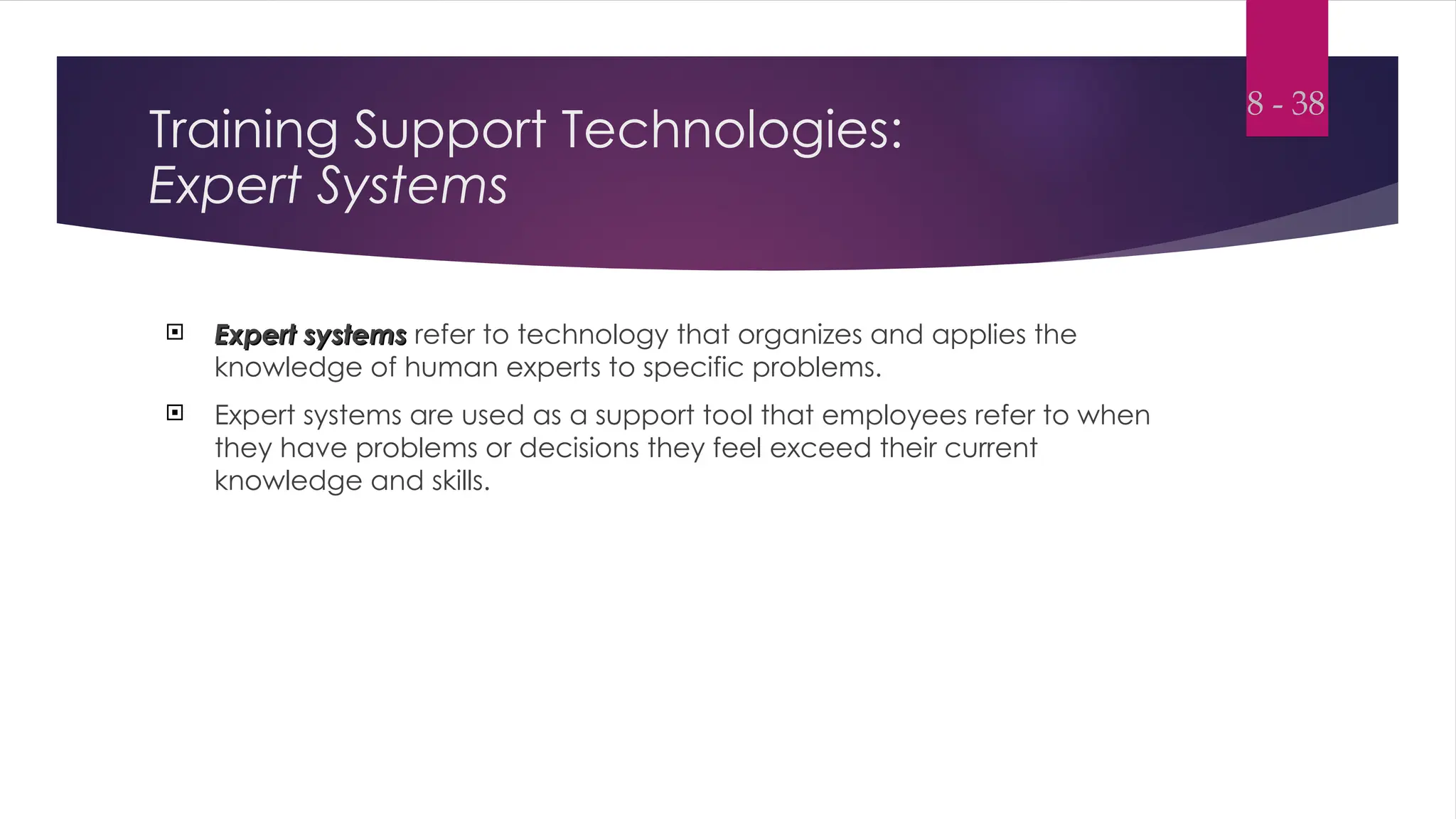
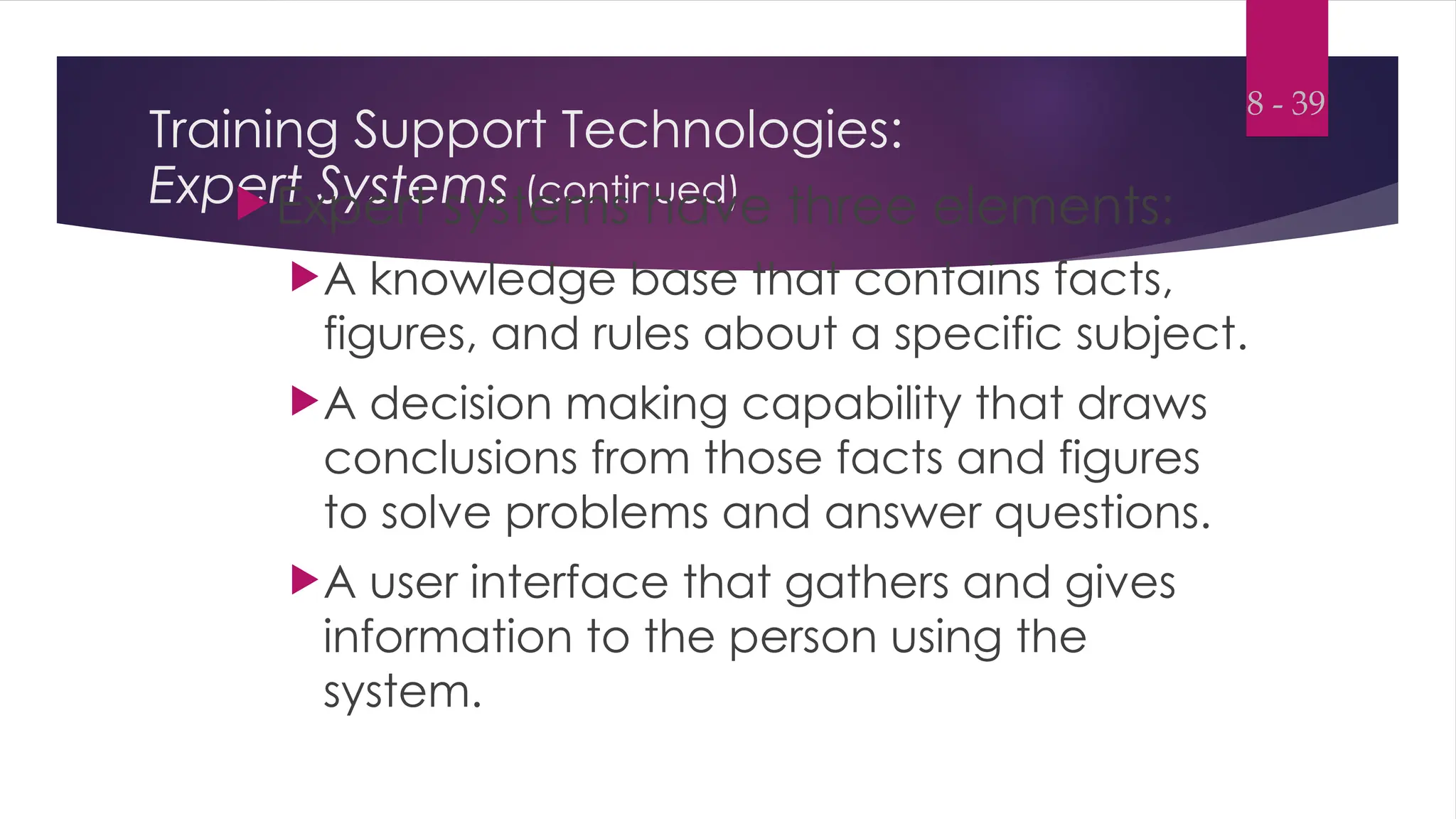
 Training software applications
8 - 5
Technology has made several benefits
possible:
 Employees can gain control over when and where they receive training.
 Employees can access knowledge and expert systems on an as-needed
basis.
 Employees can choose the type of media (print, sound, video) they want
to use in a training program.
8 - 6
Technology has made several benefits
possible: (continued)
 Course enrollment, testing, and training records can be handled
electronically, reducing the paperwork and time needed for administrative
activities.
 Employees’ accomplishments in training in progress can be monitored.
8 - 7
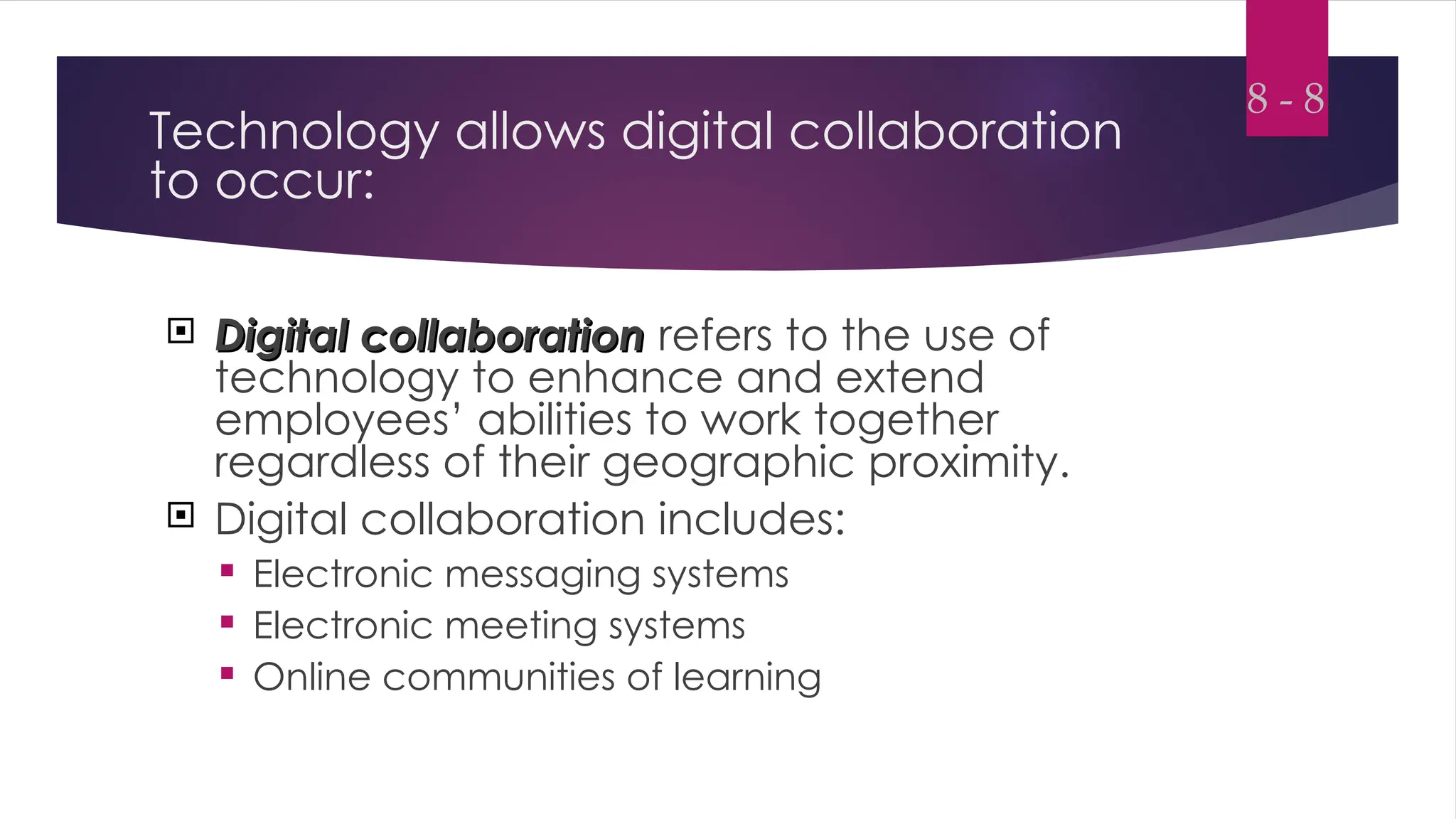
Technology allows digital collaboration
to occur:
 Digital collaboration
Digital collaboration refers to the use of
technology to enhance and extend
employees’ abilities to work together
regardless of their geographic proximity.
 Digital collaboration includes:
 Electronic messaging systems
 Electronic meeting systems
 Online communities of learning
8 - 8
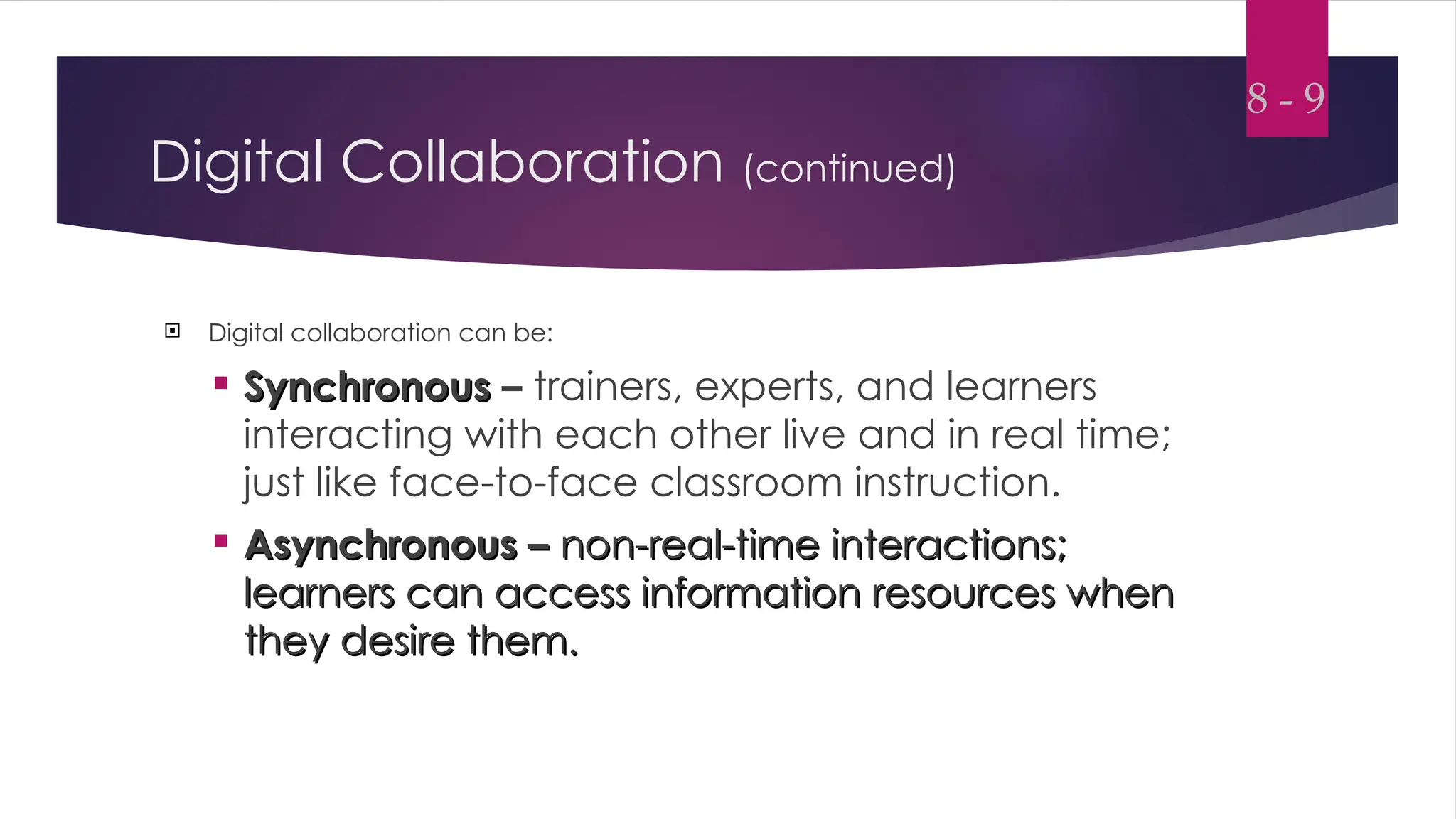
Digital Collaboration (continued)
 Digital collaboration can be:
 Synchronous
Synchronous – trainers, experts, and learners
interacting with each other live and in real time;
just like face-to-face classroom instruction.
 Asynchronous –
Asynchronous – non-real-time interactions;
non-real-time interactions;
learners can access information resources when
they desire them.
they desire them.
8 - 9
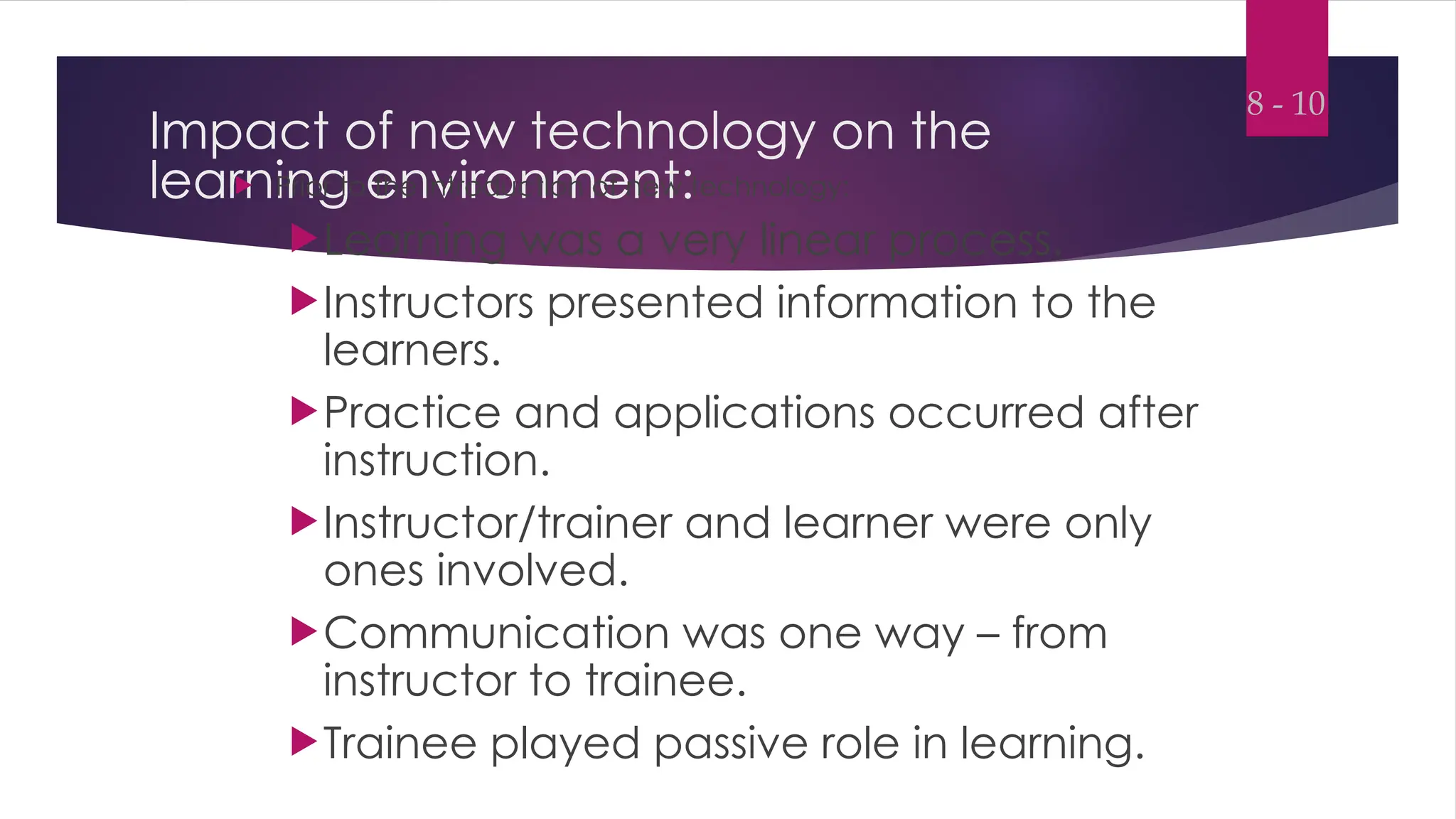
Impact of new technology on the
learning environment:
 Prior to the introduction of new technology:
Learning was a very linear process.
Instructors presented information to the
learners.
Practice and applications occurred after
instruction.
Instructor/trainer and learner were only
ones involved.
Communication was one way – from
instructor to trainee.
Trainee played passive role in learning.
8 - 10
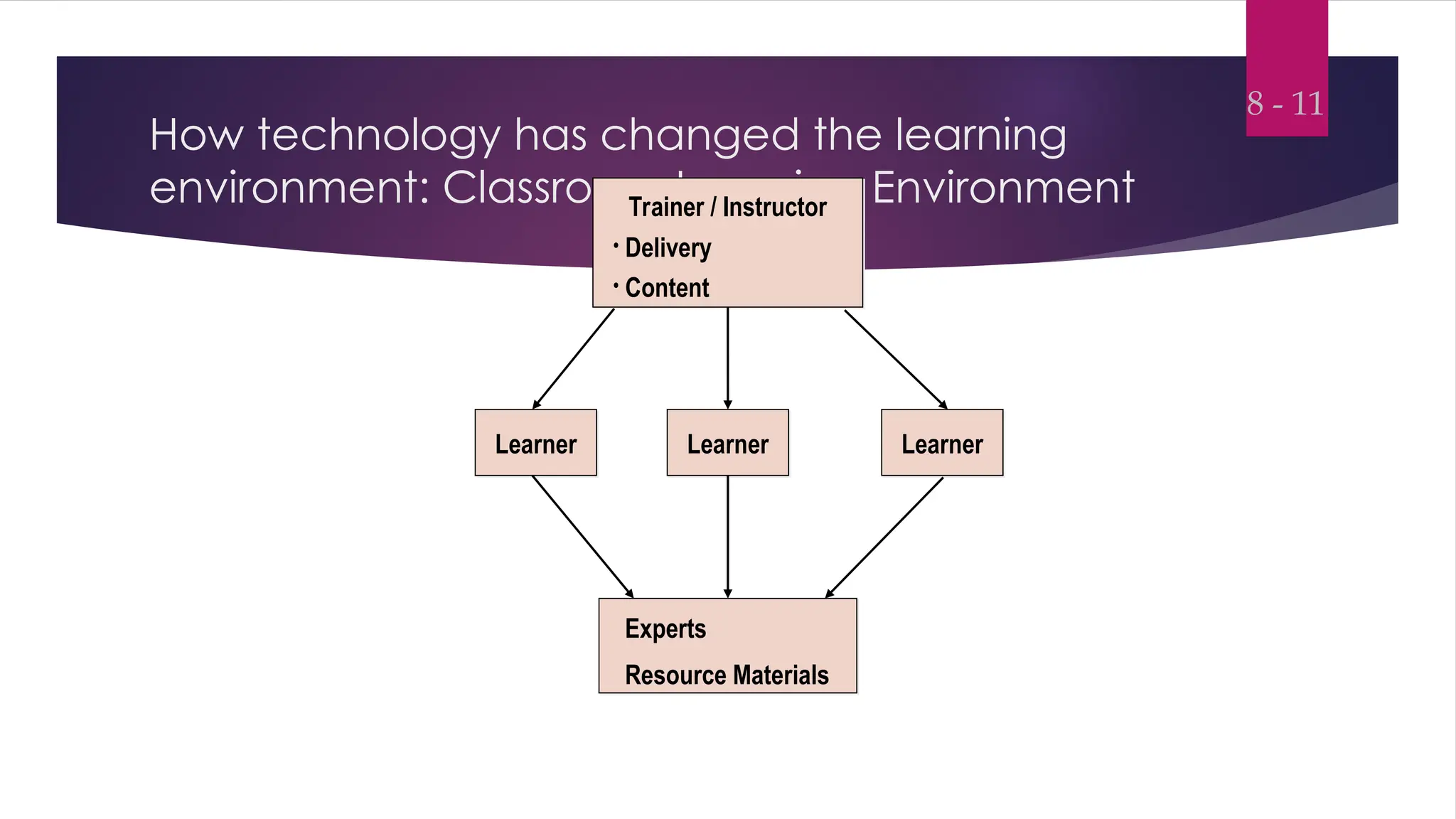
How technology has changed the learning
environment: Classroom Learning Environment
8 - 11
Learner Learner
Learner
Experts
Resource Materials
Trainer / Instructor
• Delivery
• Content
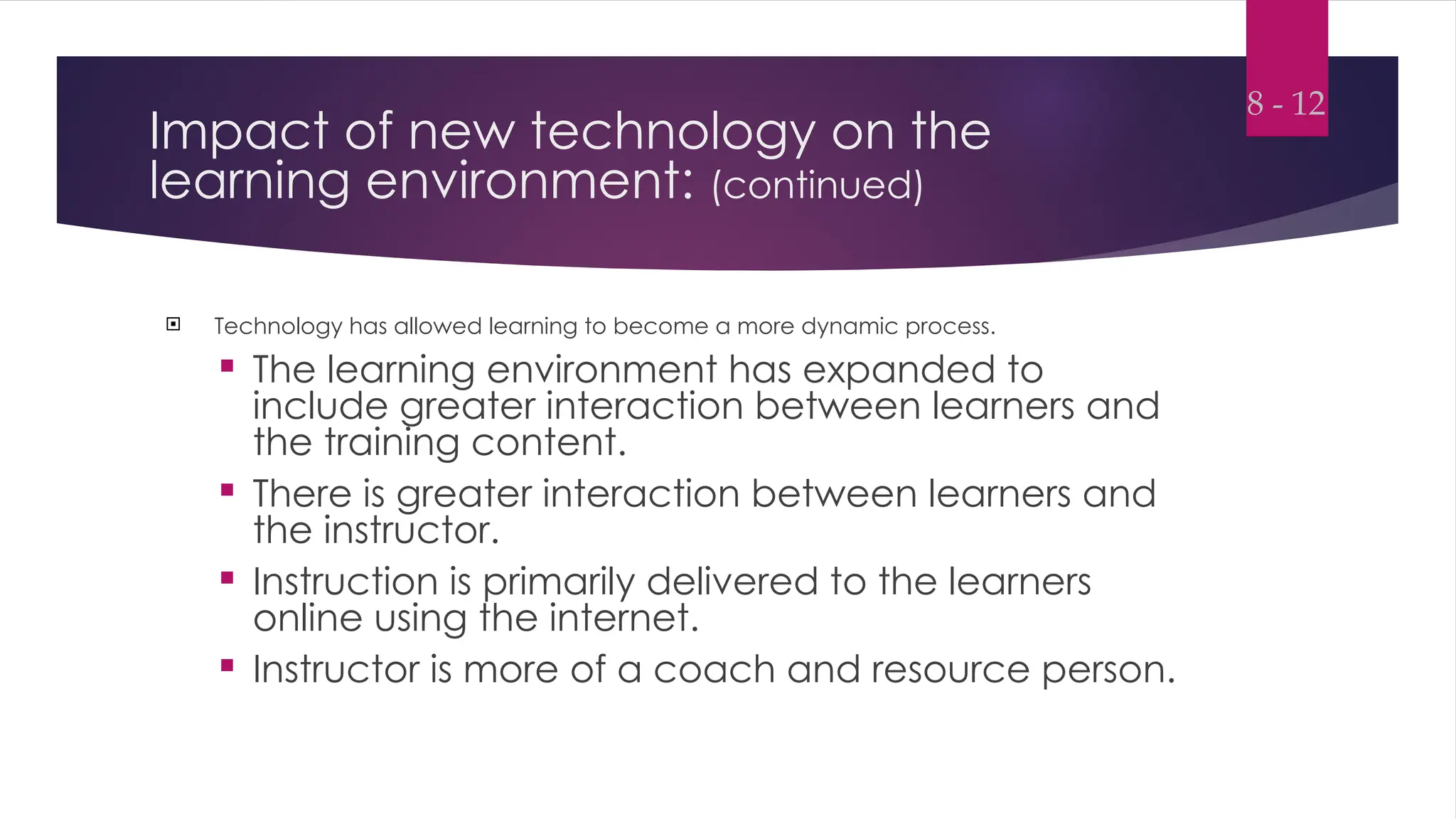
Impact of new technology on the
learning environment: (continued)
 Technology has allowed learning to become a more dynamic process.
 The learning environment has expanded to
include greater interaction between learners and
the training content.
 There is greater interaction between learners and
the instructor.
 Instruction is primarily delivered to the learners
online using the internet.
 Instructor is more of a coach and resource person.
8 - 12
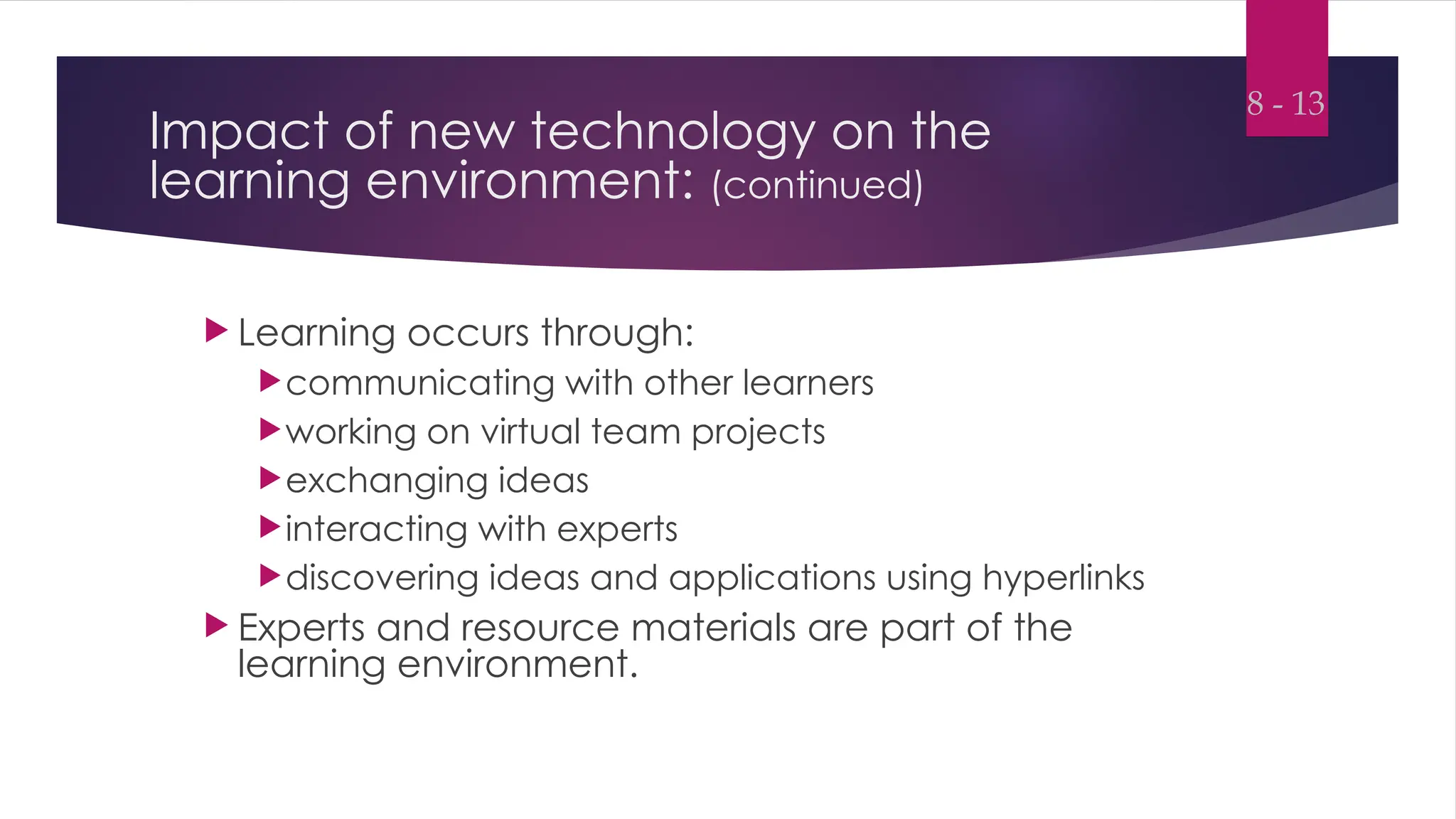
Impact of new technology on the
learning environment: (continued)
 Learning occurs through:
communicating with other learners
working on virtual team projects
exchanging ideas
interacting with experts
discovering ideas and applications using hyperlinks
 Experts and resource materials are part of the
learning environment.
8 - 13
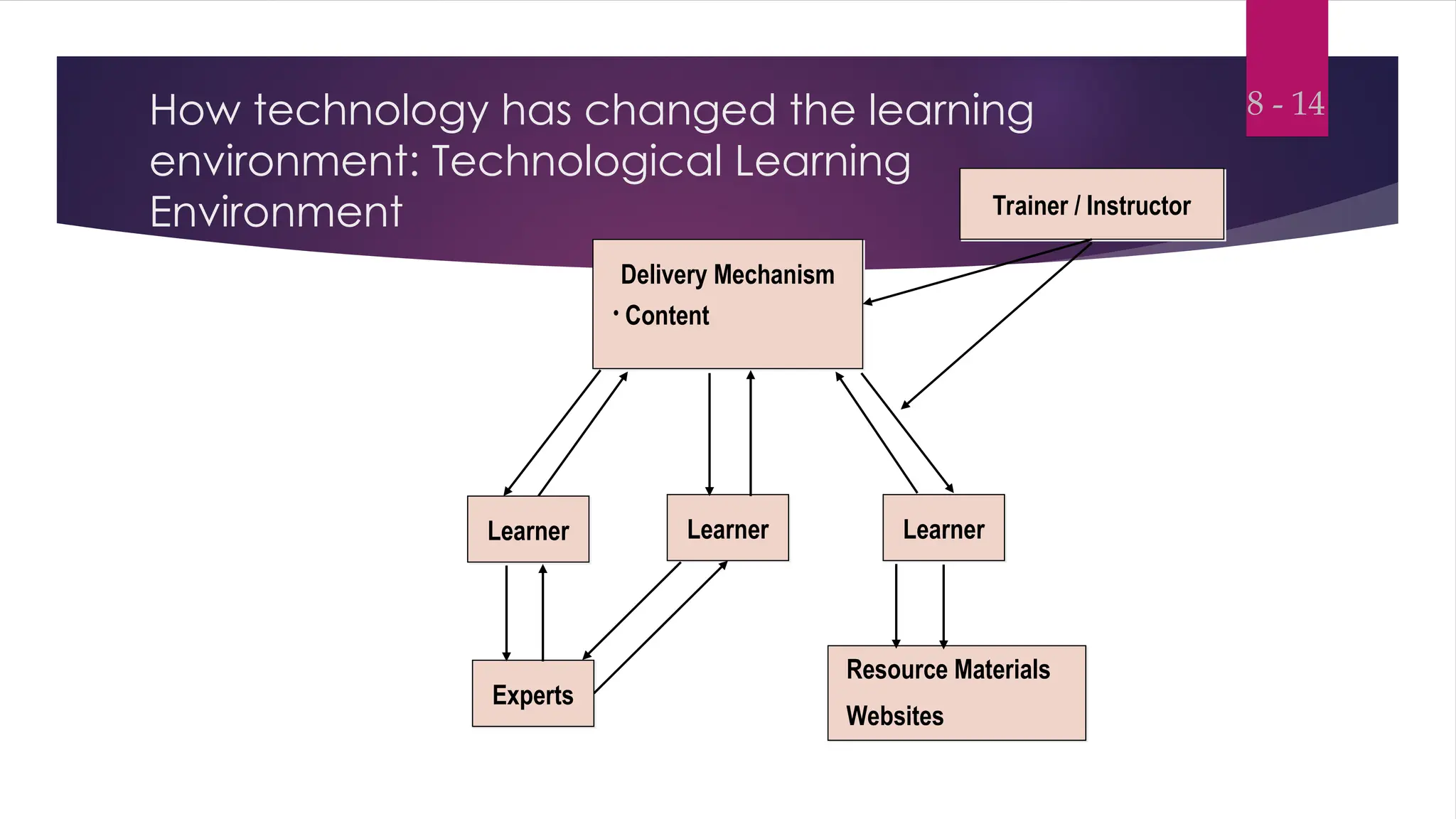
How technology has changed the learning
environment: Technological Learning
Environment
8 - 14
Learner Learner
Learner
Resource Materials
Websites
Delivery Mechanism
• Content
Experts
Trainer / Instructor
Multimedia Training
 Multimedia training
Multimedia training combines audiovisual training
methods with computer-based training.
 These programs integrate text, graphics,
animation, audio, and video.
 Because this training is computer-based, the
trainee can interact with the content.
 Can be delivered using the Internet or intranets.
8 - 15
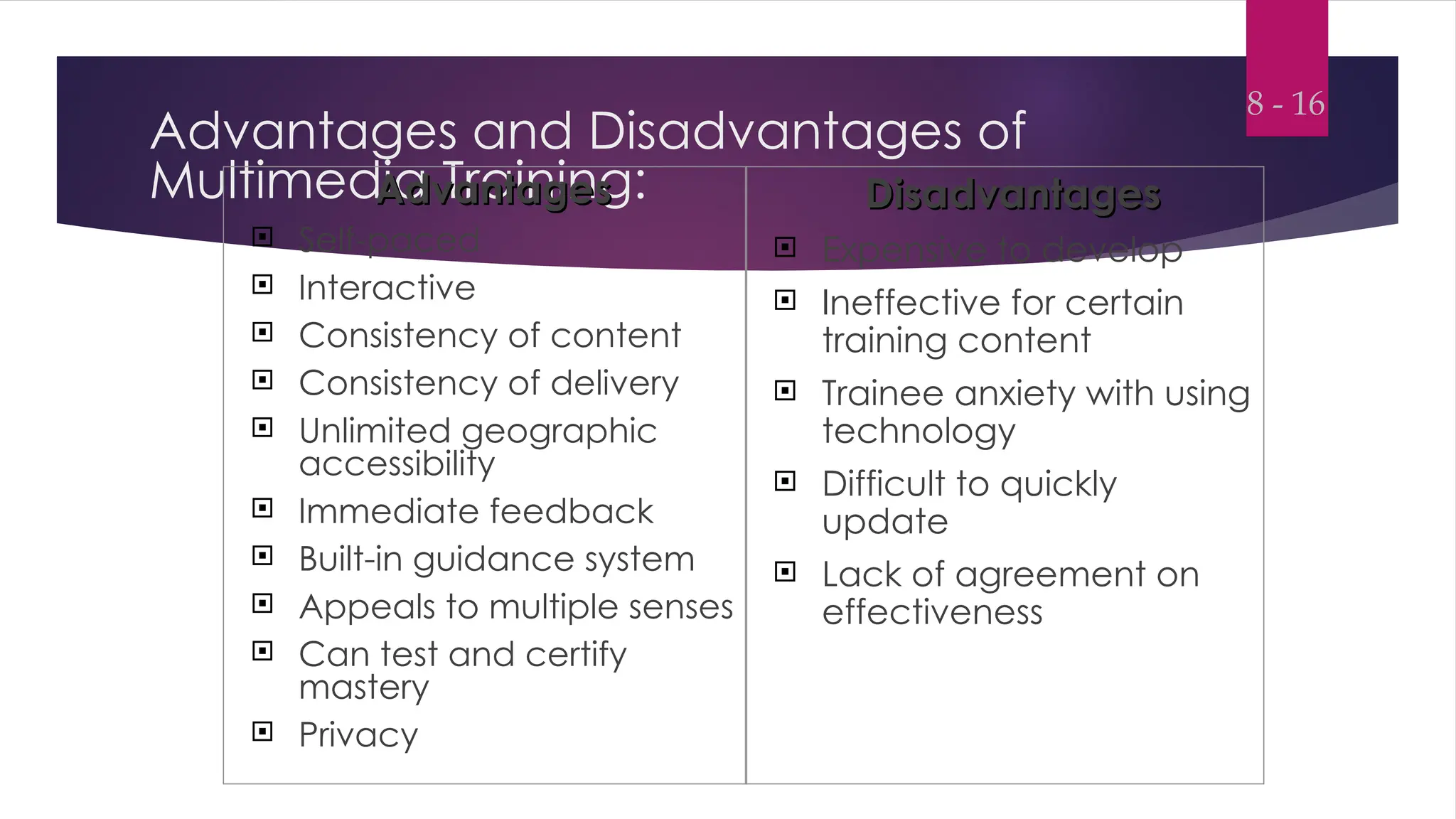
Advantages and Disadvantages of
Multimedia Training:
Advantages
Advantages
 Self-paced
 Interactive
 Consistency of content
 Consistency of delivery
 Unlimited geographic
accessibility
 Immediate feedback
 Built-in guidance system
 Appeals to multiple senses
 Can test and certify
mastery
 Privacy
Disadvantages
Disadvantages
 Expensive to develop
 Ineffective for certain
training content
 Trainee anxiety with using
technology
 Difficult to quickly
update
 Lack of agreement on
effectiveness
8 - 16
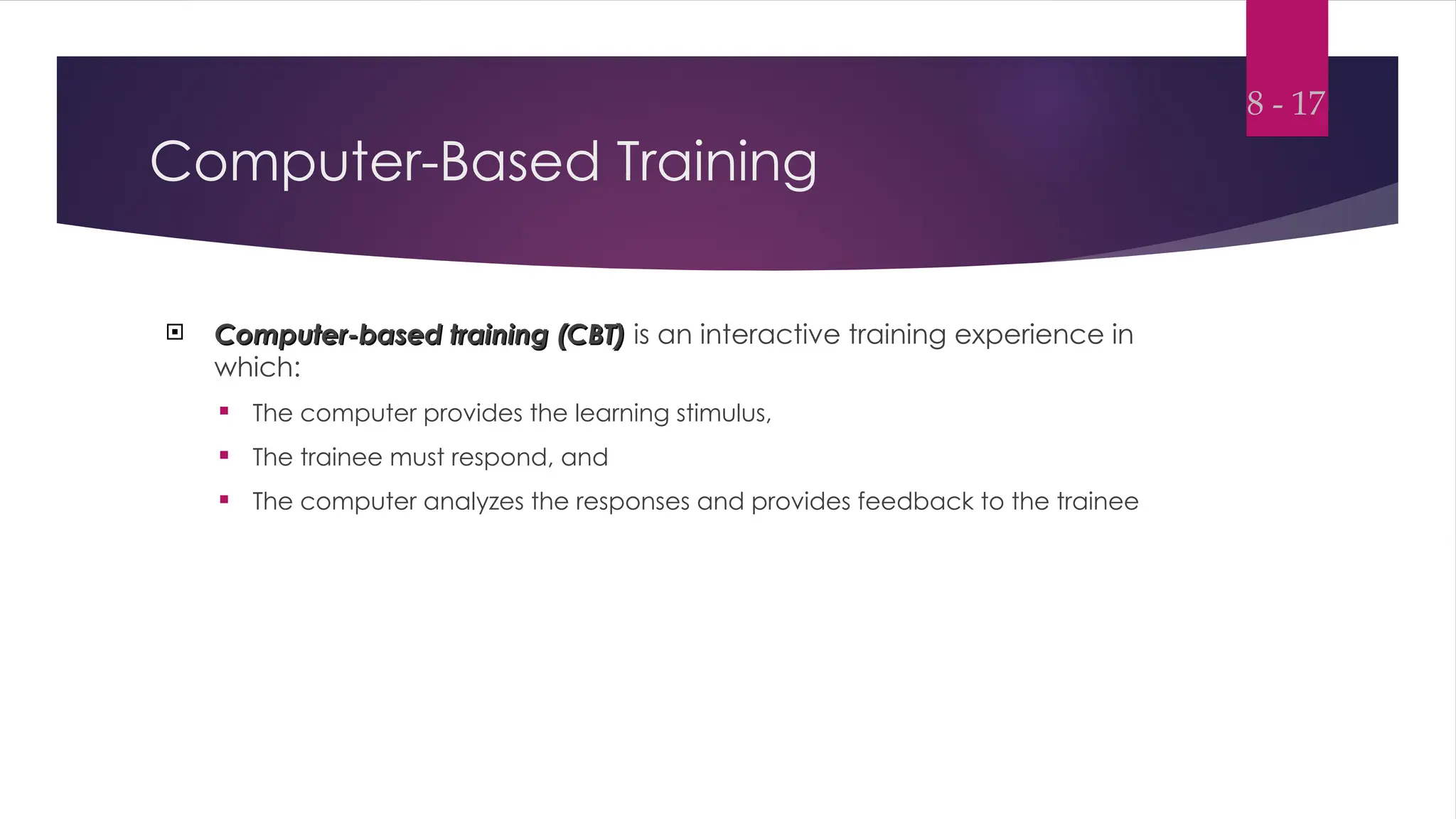
Computer-Based Training
 Computer-based training (CBT)
Computer-based training (CBT) is an interactive training experience in
which:
 The computer provides the learning stimulus,
 The trainee must respond, and
 The computer analyzes the responses and provides feedback to the trainee
8 - 17
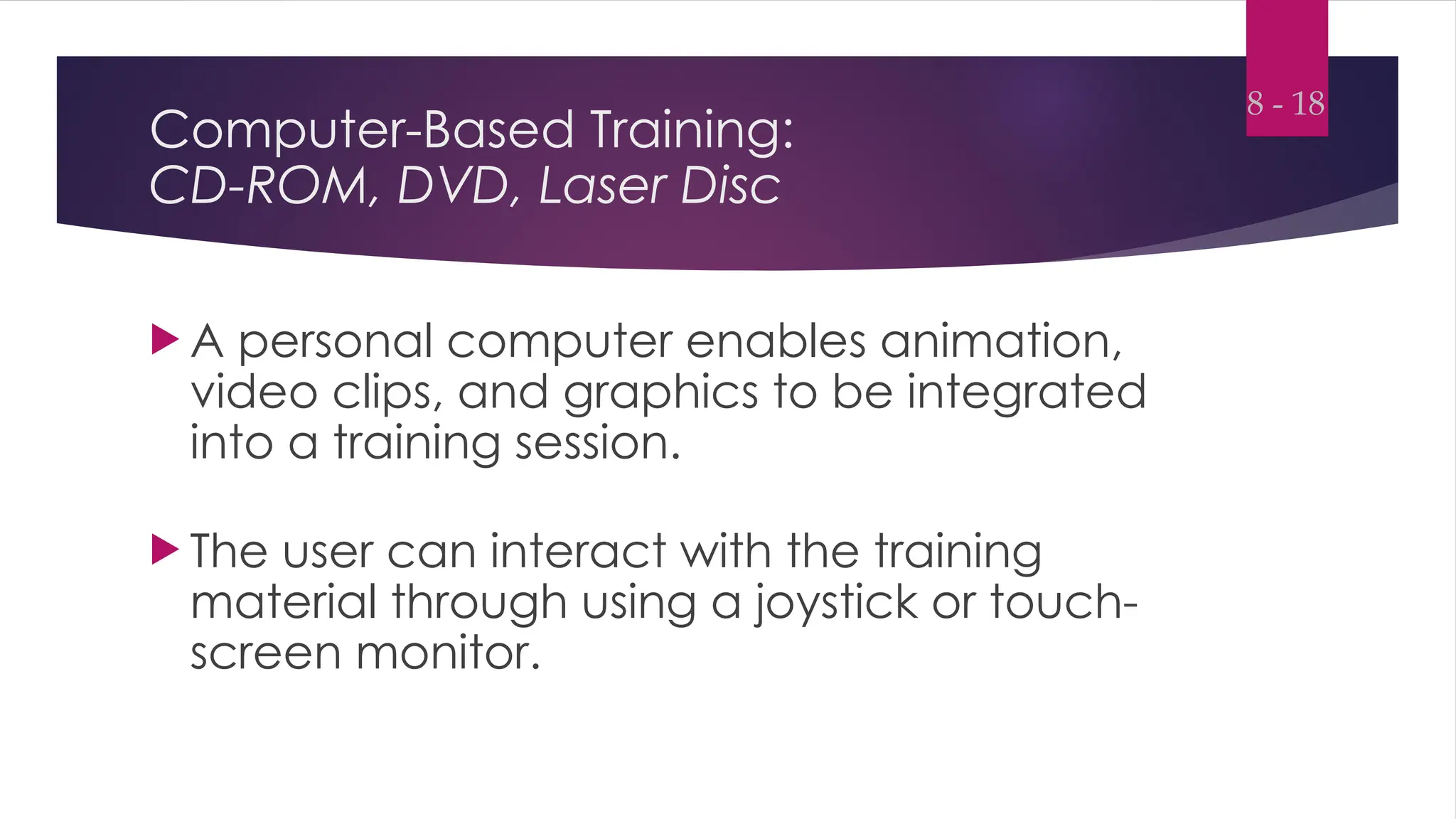
Computer-Based Training:
CD-ROM, DVD, Laser Disc
 A personal computer enables animation,
video clips, and graphics to be integrated
into a training session.
 The user can interact with the training
material through using a joystick or touch-
screen monitor.
8 - 18
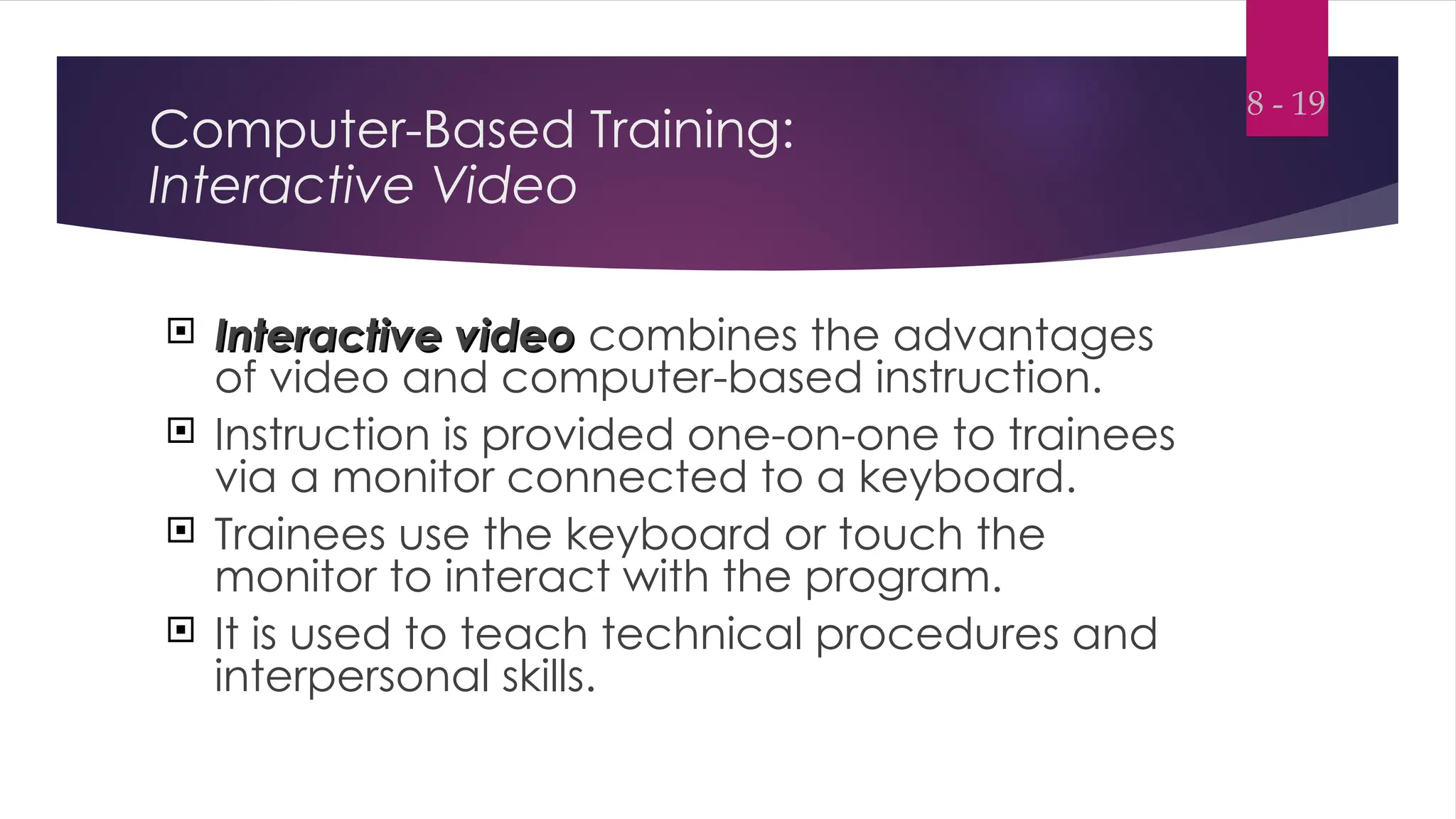
Computer-Based Training:
Interactive Video
 Interactive video
Interactive video combines the advantages
of video and computer-based instruction.
 Instruction is provided one-on-one to trainees
via a monitor connected to a keyboard.
 Trainees use the keyboard or touch the
monitor to interact with the program.
 It is used to teach technical procedures and
interpersonal skills.
8 - 19
Computer-Based Training:
The Internet or Web-Based Training and E-learning
 Internet-based training
Internet-based training refers to training that is delivered on public or
private computer networks and is displayed by a Web browser.
 Intranet-based training
Intranet-based training refers to training delivered using the company’s
own computer network.
 The training programs are accessible only
to the company’s employees, not to the
general public.
8 - 20
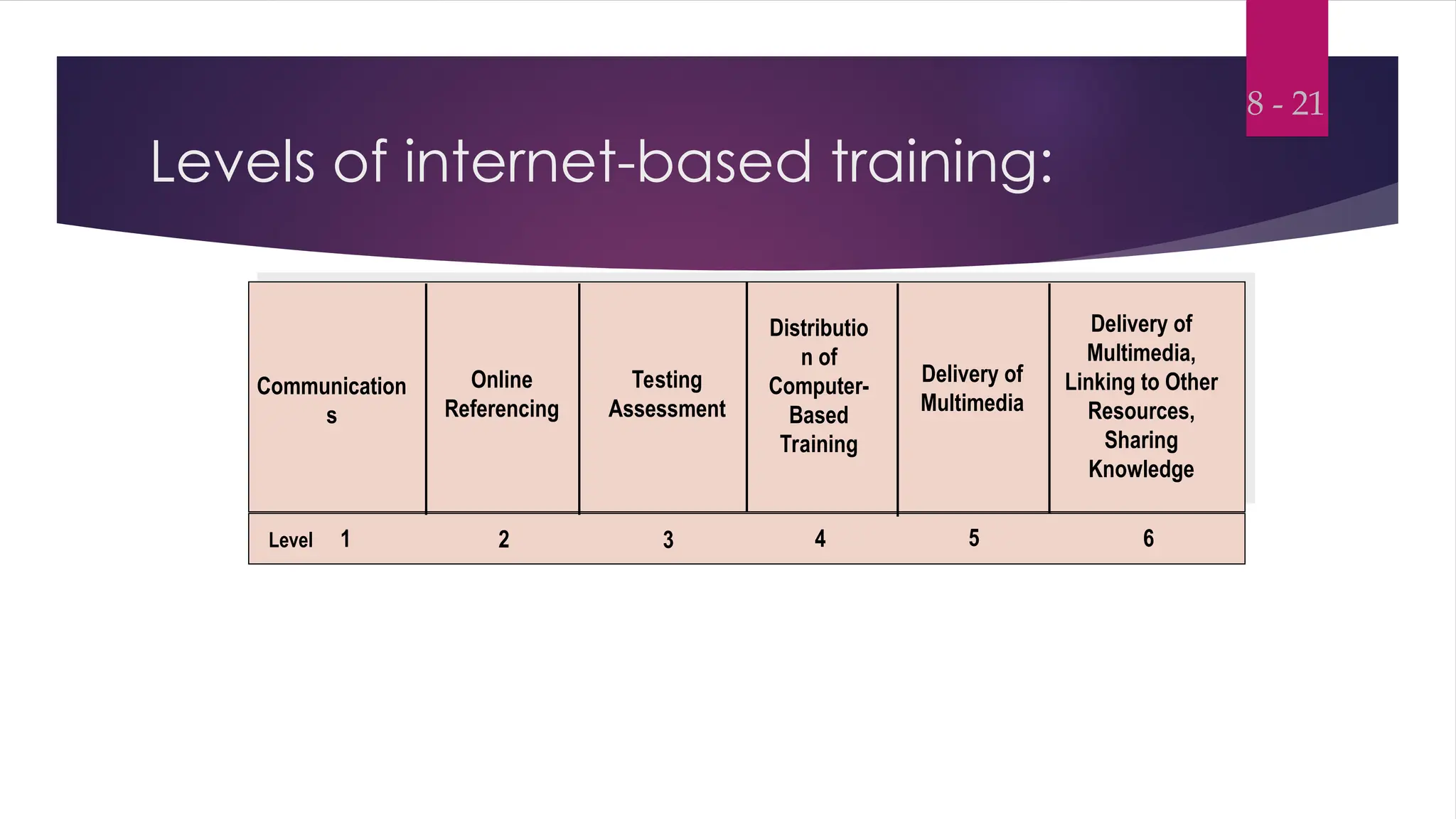
Levels of internet-based training:
8 - 21
Level 1 2 3 4 5 6
Communication
s
Online
Referencing
Testing
Assessment
Distributio
n of
Computer-
Based
Training
Delivery of
Multimedia
Delivery of
Multimedia,
Linking to Other
Resources,
Sharing
Knowledge
The Internet or Web-Based Training and E-learning
(continued)
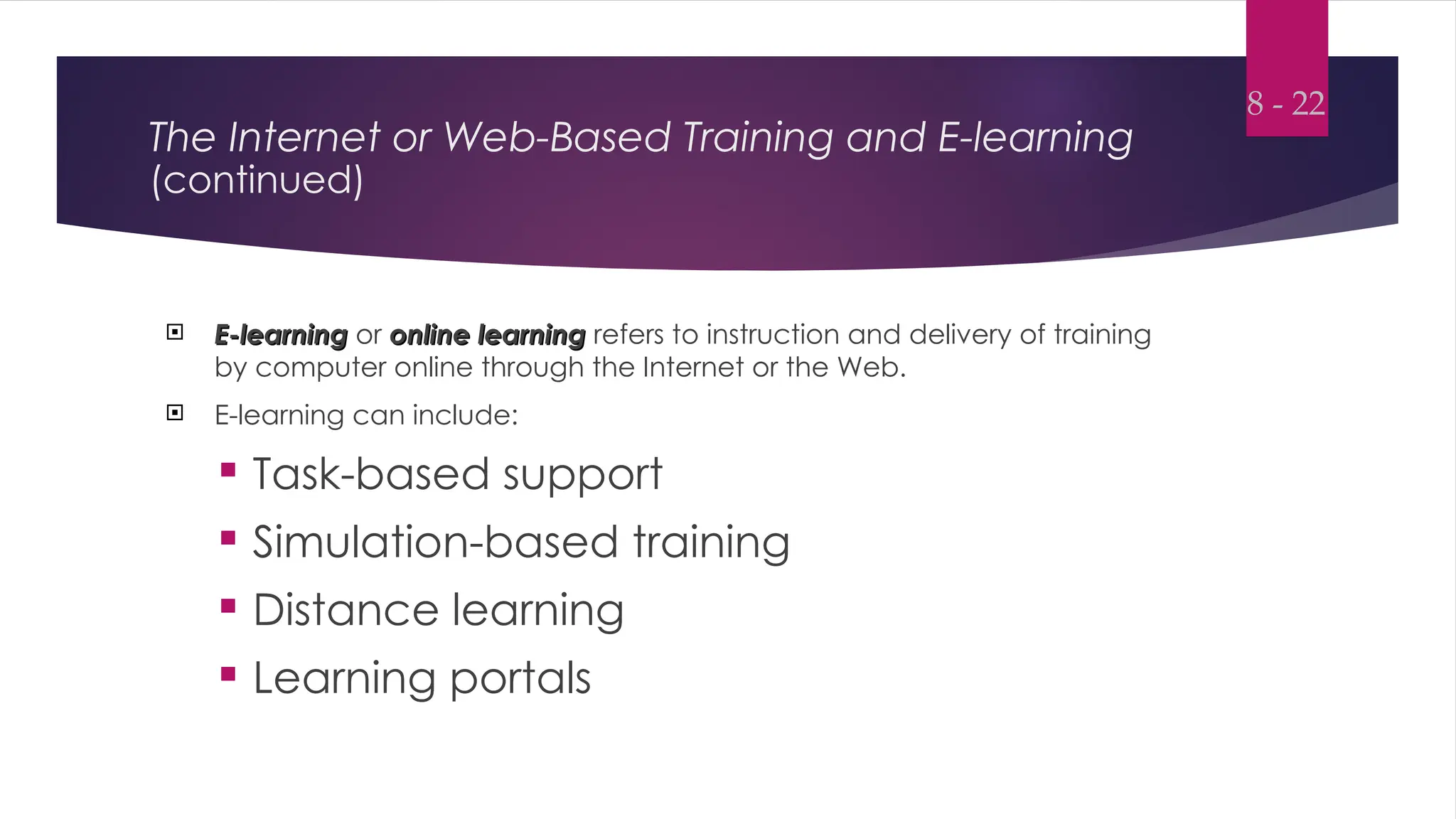
 E-learning
E-learning or online learning
online learning refers to instruction and delivery of training
by computer online through the Internet or the Web.
 E-learning can include:
 Task-based support
 Simulation-based training
 Distance learning
 Learning portals
8 - 22
The Internet or Web-Based Training and E-learning
(continued)
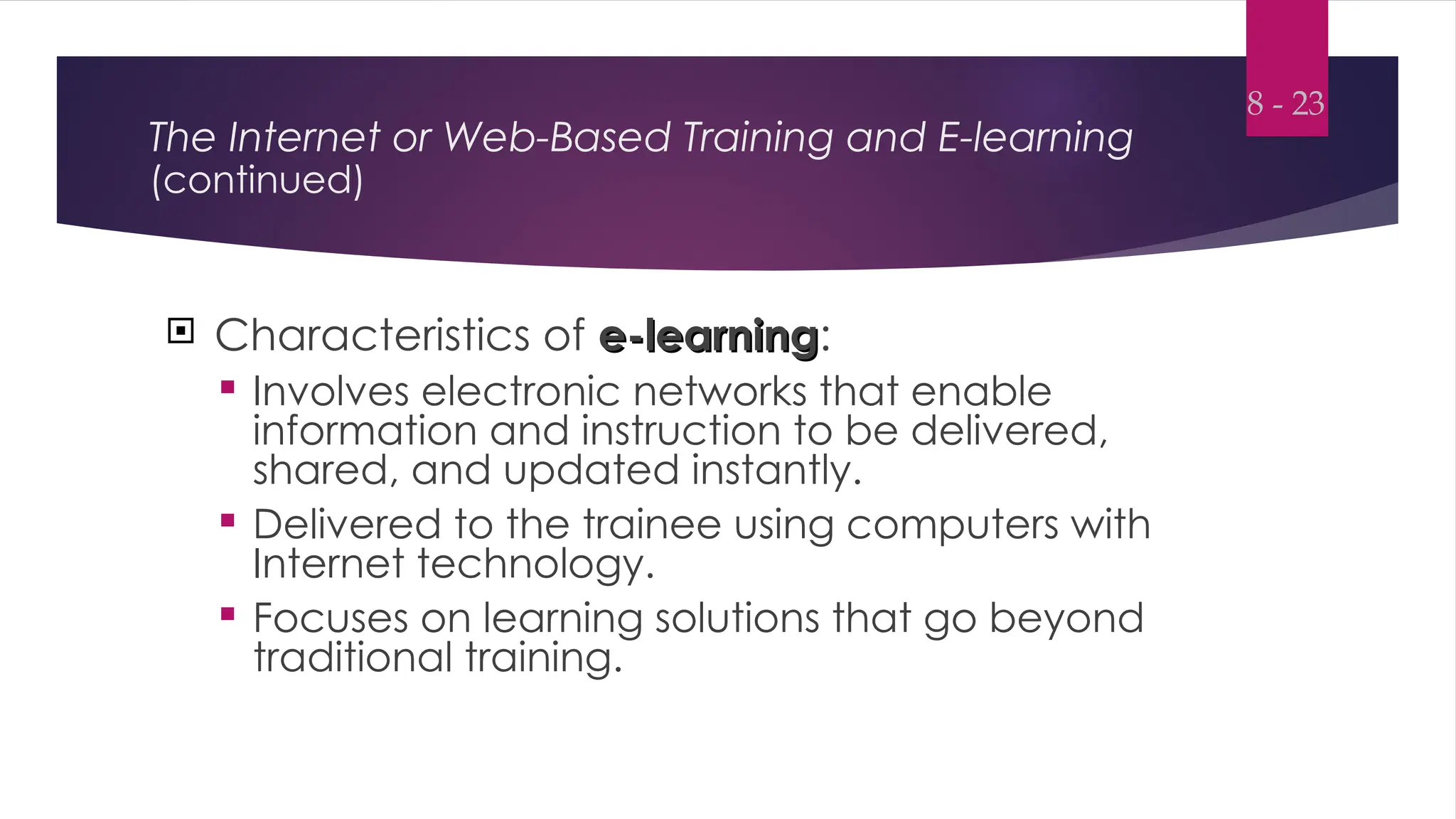
 Characteristics of e-learning
e-learning:
 Involves electronic networks that enable
information and instruction to be delivered,
shared, and updated instantly.
 Delivered to the trainee using computers with
Internet technology.
 Focuses on learning solutions that go beyond
traditional training.
8 - 23
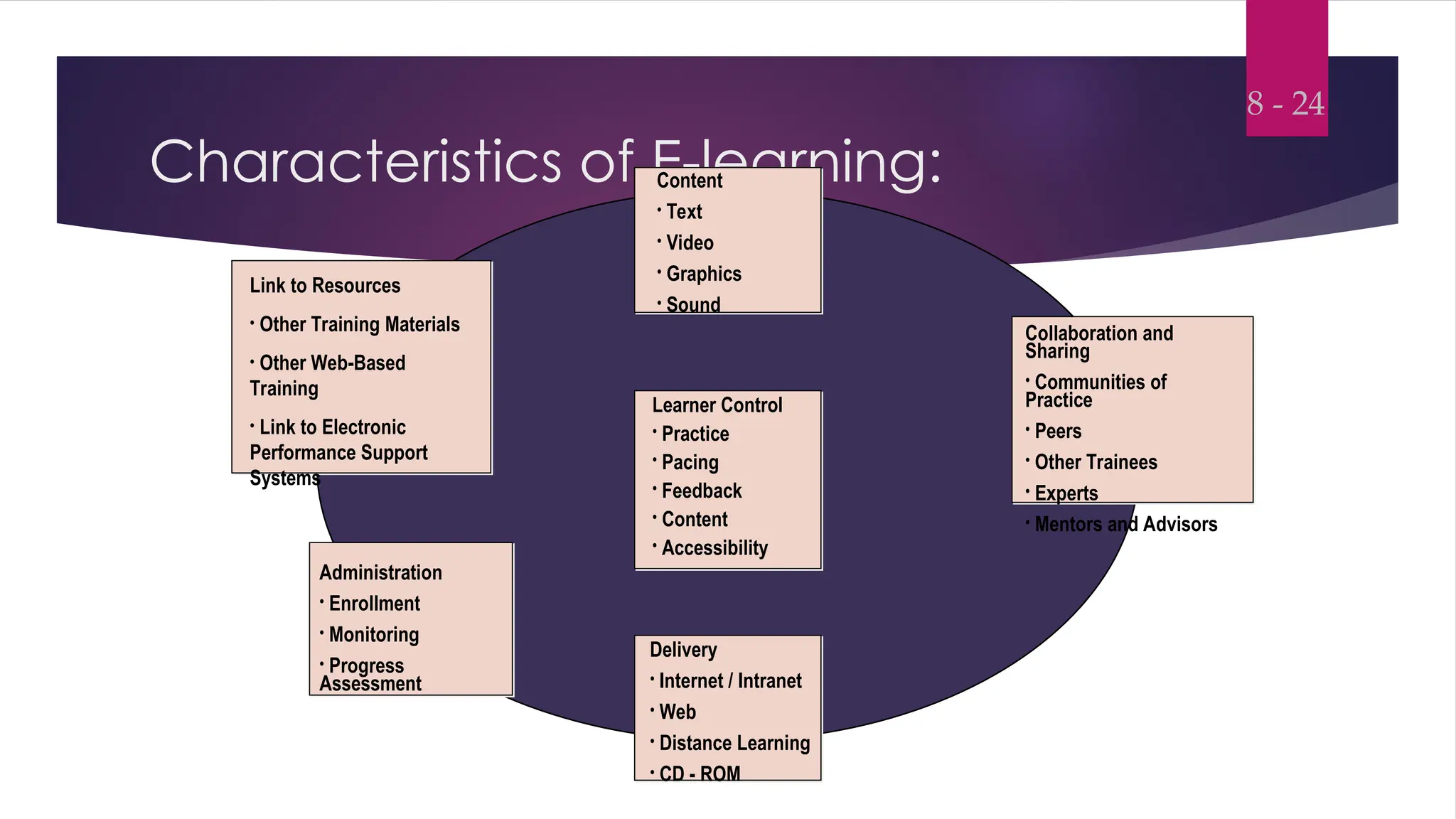
Characteristics of E-learning:
8 - 24
Content
• Text
• Video
• Graphics
• Sound
Collaboration and
Sharing
• Communities of
Practice
• Peers
• Other Trainees
• Experts
• Mentors and Advisors
Learner Control
• Practice
• Pacing
• Feedback
• Content
• Accessibility
Delivery
• Internet / Intranet
• Web
• Distance Learning
• CD - ROM
Administration
• Enrollment
• Monitoring
• Progress
Assessment
Link to Resources
• Other Training Materials
• Other Web-Based
Training
• Link to Electronic
Performance Support
Systems
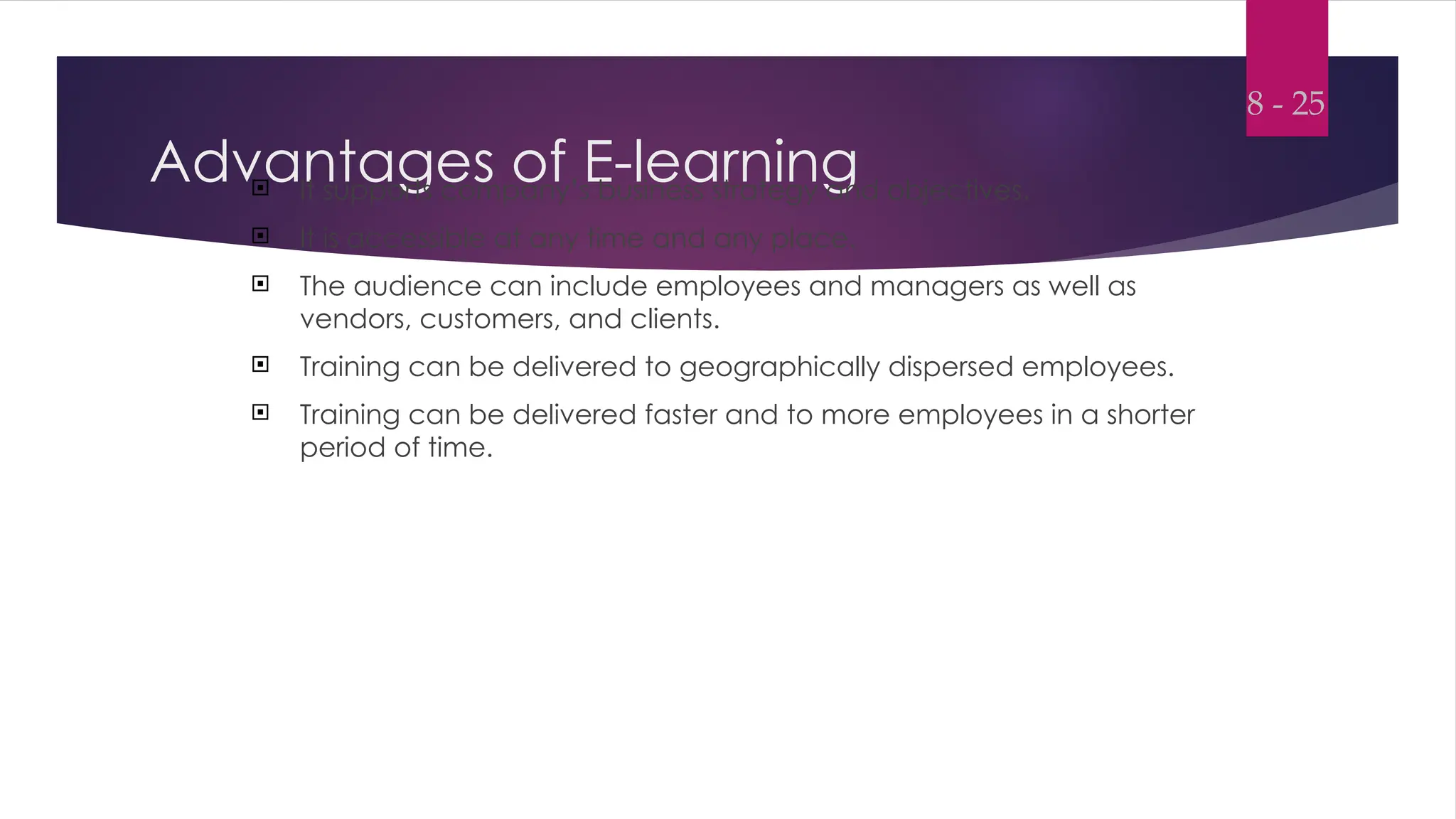
Advantages of E-learning
 It supports company’s business strategy and objectives.
 It is accessible at any time and any place.
 The audience can include employees and managers as well as
vendors, customers, and clients.
 Training can be delivered to geographically dispersed employees.
 Training can be delivered faster and to more employees in a shorter
period of time.
8 - 25
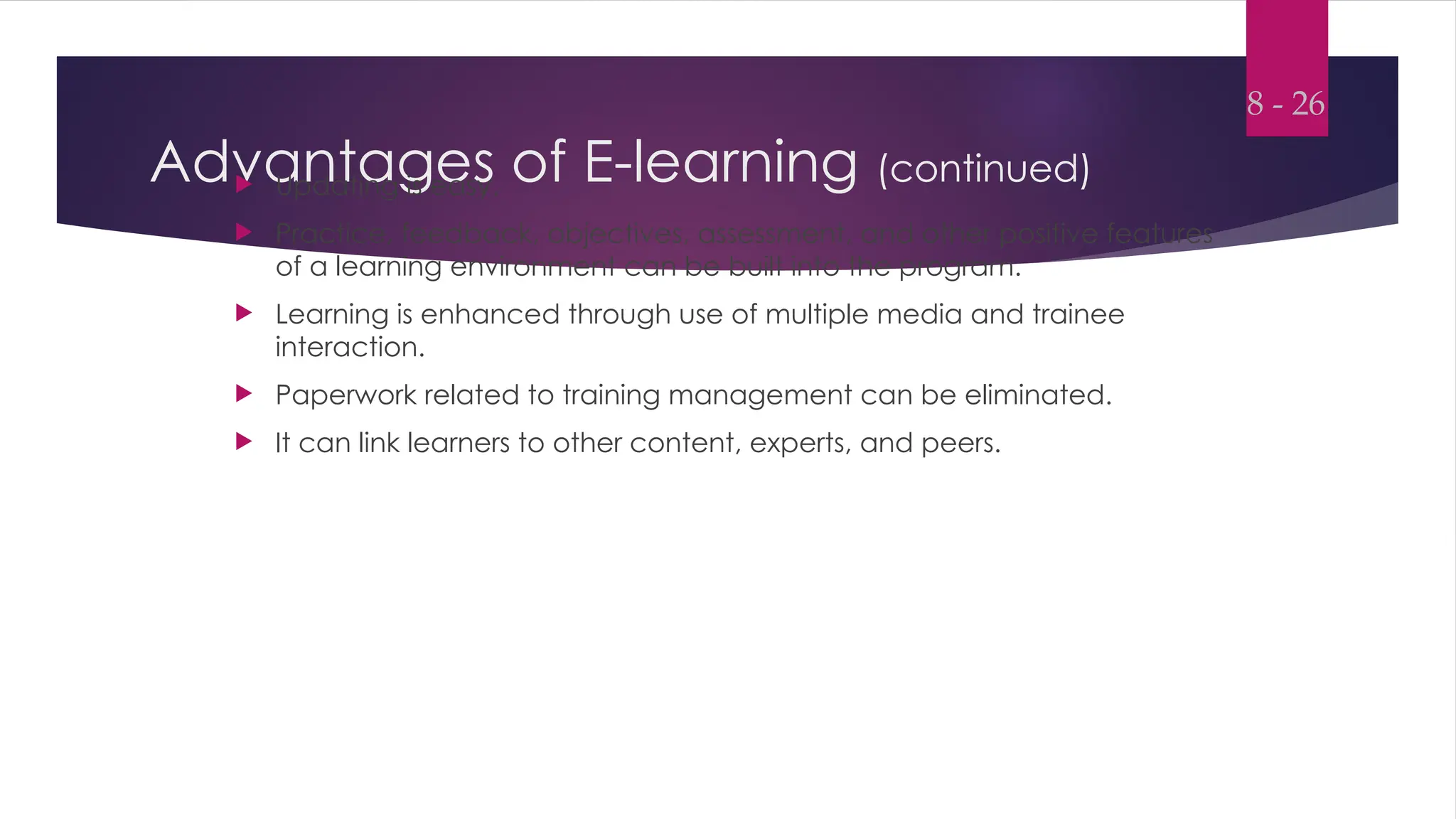
Advantages of E-learning (continued)
 Updating is easy.
 Practice, feedback, objectives, assessment, and other positive features
of a learning environment can be built into the program.
 Learning is enhanced through use of multiple media and trainee
interaction.
 Paperwork related to training management can be eliminated.
 It can link learners to other content, experts, and peers.
8 - 26
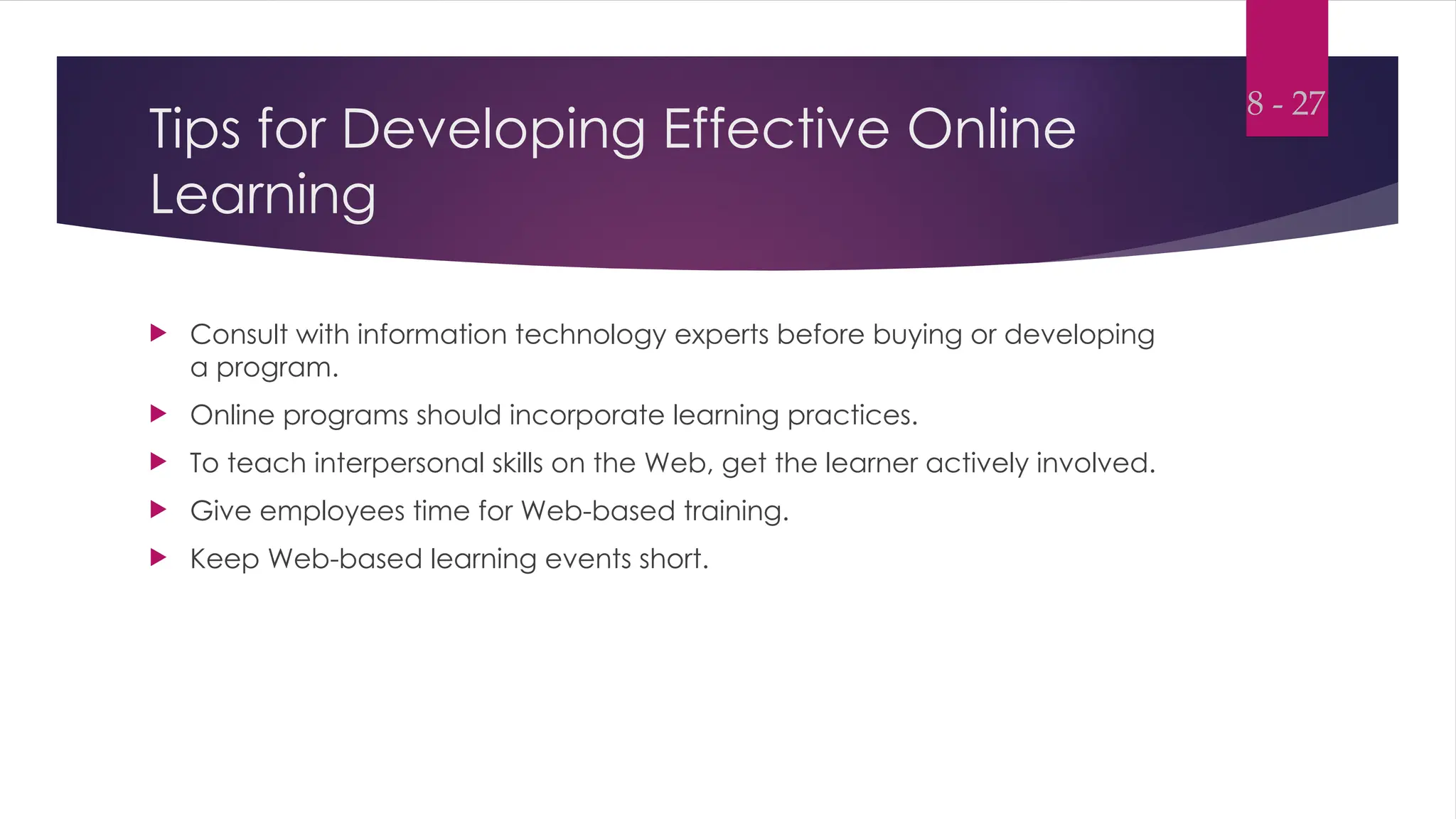
Tips for Developing Effective Online
Learning
 Consult with information technology experts before buying or developing
a program.
 Online programs should incorporate learning practices.
 To teach interpersonal skills on the Web, get the learner actively involved.
 Give employees time for Web-based training.
 Keep Web-based learning events short.
8 - 27
Tips for Developing Effective Online
Learning (continued)
 Design courses for available bandwidth or increase bandwidth.
 Avoid using plug-ins.
 Make sure that trainees know the basics.
 Allow trainees the opportunity to collaborate.
 Consider a combination of Web-based and face-to-face instruction.
 Make trainees accountable for completing courses.
8 - 28
The Internet or Web-Based Training and E-learning
(continued)
 Virtual reality
Virtual reality is a computer-based technology that provides trainees
with a three-dimensional learning experience.
 Trainees move through the simulated environment and interact with its
components.
 Technology is used to stimulate multiple senses of the trainee.
 Devices relay information from the environment to the senses.
8 - 29
Intelligent Tutoring Systems
 Intelligent tutoring systems (ITS)
Intelligent tutoring systems (ITS) refer to instructional systems using
artificial intelligence.
 There are three types of ITS:
 Tutoring
 Coaching
 Empowering environments
 Tutoring is a structured attempt to increase trainee understanding of a
content domain.
8 - 30
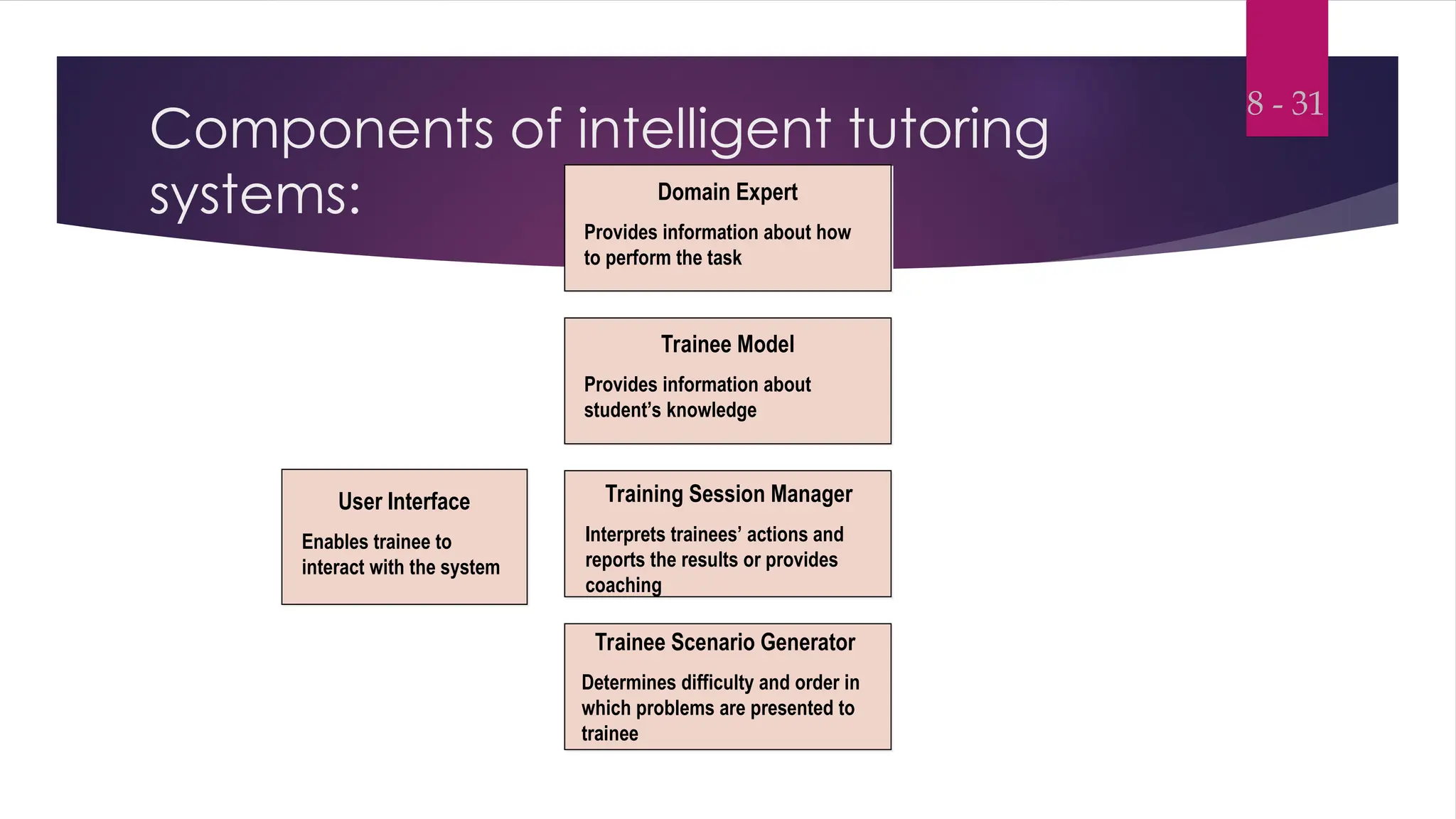
Components of intelligent tutoring
systems:
8 - 31
Domain Expert
Provides information about how
to perform the task
Trainee Model
Provides information about
student’s knowledge
Training Session Manager
Interprets trainees’ actions and
reports the results or provides
coaching
Trainee Scenario Generator
Determines difficulty and order in
which problems are presented to
trainee
User Interface
Enables trainee to
interact with the system
Characteristics of Intelligent Tutoring
Systems (ITS):
 ITS has the ability to match instruction to
individual student needs.
 ITS can communicate and respond to the
student.
 ITS can model the trainee’s learning process.
 ITS can decide, on the basis of a trainee’s
previous performance, what information to
provide to him.
8 - 32
Characteristics of Intelligent Tutoring
Systems (ITS): (continued)
ITS can make decisions about the
trainee’s level of understanding.
ITS can complete a self-assessment
resulting in a modification of its
teaching process.
8 - 33
Distance Learning
 Distance learning is used by geographically dispersed companies to
provide information about new products, policies, procedures, and skills
training and expert lectures to field locations.
 Features two-way communications between people.
 Involves two types of technology:
 Teleconferencing
 Individualized, personal-computer-based
training
8 - 34
Technologies for Training Support
 New technologies such as expert systems, groupware, and electronic
support systems are being used to support training efforts.
 These technologies are helping to capture training content so that it is
available to employees who may not have attended training.
 These technologies provide information and decision rules to employees
on an as-needed basis.
 Employees can access these technologies in the work environment.
8 - 35
Conditions when training support technologies
are most needed:
 Performance of task is infrequent.
 The task is lengthy, difficult, and information-intensive.
 The consequences of error are damaging.
 Performance relies on knowledge, procedures, or approaches that
frequently change.
8 - 36
Conditions when training support technologies
are most needed: (continued)
 There is high employee turnover.
 Little time is available for training resources for training are few.
 Employees are expected to take full responsibility for learning and
performing tasks.
8 - 37
Training Support Technologies:
Expert Systems
 Expert systems
Expert systems refer to technology that organizes and applies the
knowledge of human experts to specific problems.
 Expert systems are used as a support tool that employees refer to when
they have problems or decisions they feel exceed their current
knowledge and skills.
8 - 38
Training Support Technologies:
Expert Systems (continued)
Expert systems have three elements:
A knowledge base that contains facts,
figures, and rules about a specific subject.
A decision making capability that draws
conclusions from those facts and figures
to solve problems and answer questions.
A user interface that gathers and gives
information to the person using the
system.
8 - 39
Training Support Technologies:
Groupware
 Groupware (electronic meeting software)
Groupware (electronic meeting software) is a special type of software
application that enables multiple users to track, share, and organize
information, and to work on the same document simultaneously.
 Companies have been using groupware to improve business processes,
to improve meeting effectiveness, as well as to identify and share
knowledge in the organization.
8 - 40
Training Support Technologies:
Groupware (continued)
 A groupware system combines such elements as:
 Electronic mail
 Document management
 Electronic bulletin board
 The most popular brand of groupware is Lotus Notes
Lotus Notes.
8 - 41
Training Support Technologies:
Electronic Performance Support Systems
 An electronic performance support system (EPSS) is an electronic infrastructure
that:
Captures, stores, and distributes individual and
corporate knowledge assets throughout an
organization, to
Enable individuals to achieve required levels of
performance in the fastest possible time and
with a minimum of support from other people.
8 - 42
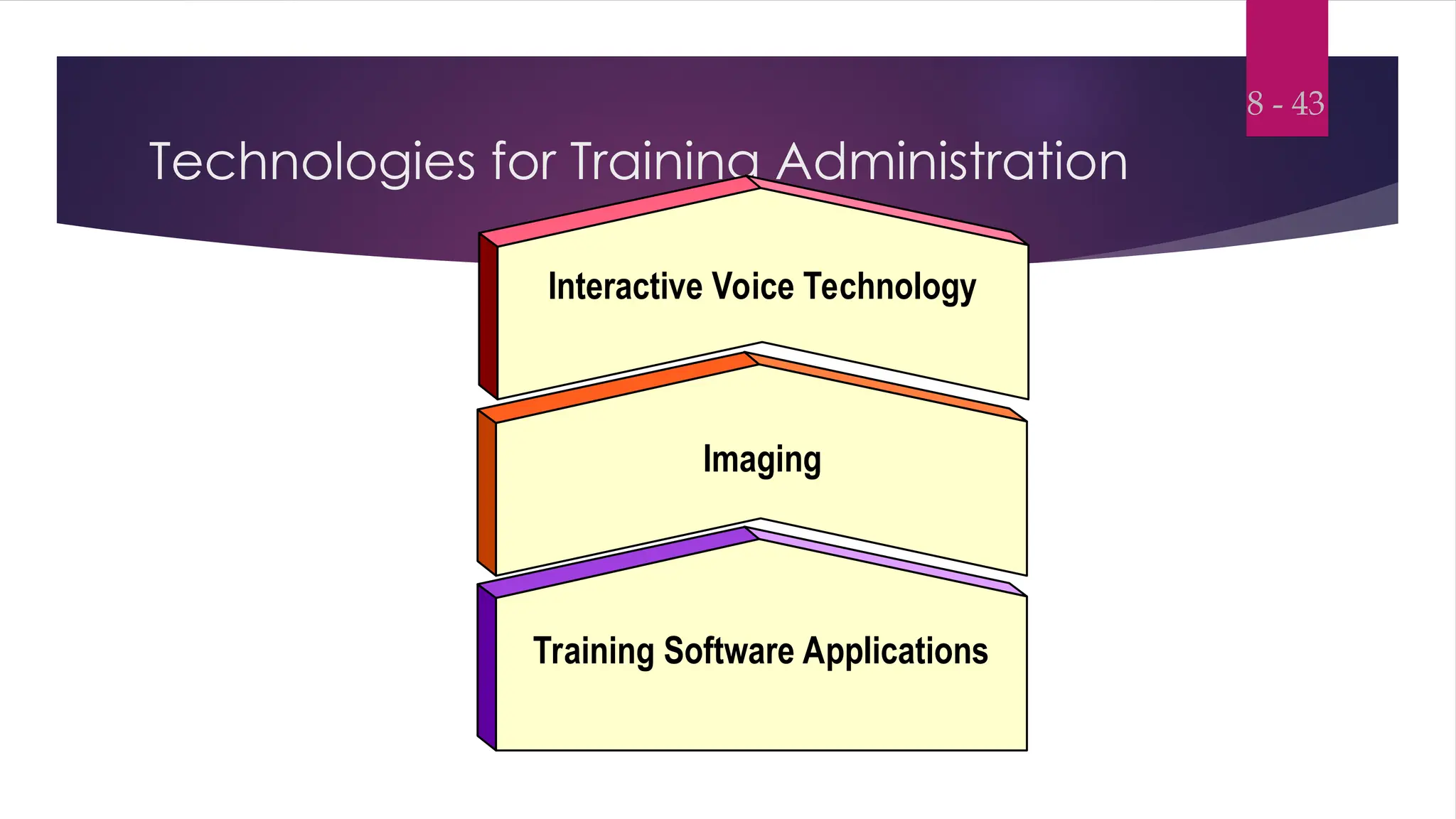
Technologies for Training Administration
8 - 43
Interactive Voice Technology
Imaging
Training Software Applications

86774959-E-Learning-and-the-Use-of-Technology-in-Training-PPT-8.ppt

  • 1.
  • 2.
    OBJECTIVES: 1. Explain hownew technologies are influencing training. 2. Discuss potential advantages and disadvantages of multimedia training. 3. Evaluate a Web-based training site. 4. Explain how learning and transfer are enhanced by using new training technologies. 5. Explain the strengths and limitations of e-learning.
  • 3.
    Objectives (continued) 6. Describeto a manager the different types of distance learning. 7. Recommend what should be included in an electronic performance support system. 8. Compare and contrast the strengths and weaknesses of traditional training methods with those of methods based on new technology. 9. Identify and explain the benefits of new technologies that can be used to improve the efficiency of training administration. 8 - 3
  • 4.
    Introduction  Technology ishaving a major impact on the delivery of training programs.  Merrill Lynch is using e-learning for its financial consultants and planners because of its potential learning and accessibility advantages over traditional classroom training.  Technology is changing learning and training in corporate settings, grade schools, high schools, colleges and universities. 8 - 4
  • 5.
    Technologies’ Influence onTraining and Learning  New technologies have made it possible to:  Reduce the costs associated with delivering training  Increase the effectiveness of the learning environment  Help training contribute to business goals  New technologies include:  Multimedia  Distance learning  Expert systems  Electronic support systems  Training software applications 8 - 5
  • 6.
    Technology has madeseveral benefits possible:  Employees can gain control over when and where they receive training.  Employees can access knowledge and expert systems on an as-needed basis.  Employees can choose the type of media (print, sound, video) they want to use in a training program. 8 - 6
  • 7.
    Technology has madeseveral benefits possible: (continued)  Course enrollment, testing, and training records can be handled electronically, reducing the paperwork and time needed for administrative activities.  Employees’ accomplishments in training in progress can be monitored. 8 - 7
  • 8.
    Technology allows digitalcollaboration to occur:  Digital collaboration Digital collaboration refers to the use of technology to enhance and extend employees’ abilities to work together regardless of their geographic proximity.  Digital collaboration includes:  Electronic messaging systems  Electronic meeting systems  Online communities of learning 8 - 8
  • 9.
    Digital Collaboration (continued) Digital collaboration can be:  Synchronous Synchronous – trainers, experts, and learners interacting with each other live and in real time; just like face-to-face classroom instruction.  Asynchronous – Asynchronous – non-real-time interactions; non-real-time interactions; learners can access information resources when learners can access information resources when they desire them. they desire them. 8 - 9
  • 10.
    Impact of newtechnology on the learning environment:  Prior to the introduction of new technology: Learning was a very linear process. Instructors presented information to the learners. Practice and applications occurred after instruction. Instructor/trainer and learner were only ones involved. Communication was one way – from instructor to trainee. Trainee played passive role in learning. 8 - 10
  • 11.
    How technology haschanged the learning environment: Classroom Learning Environment 8 - 11 Learner Learner Learner Experts Resource Materials Trainer / Instructor • Delivery • Content
  • 12.
    Impact of newtechnology on the learning environment: (continued)  Technology has allowed learning to become a more dynamic process.  The learning environment has expanded to include greater interaction between learners and the training content.  There is greater interaction between learners and the instructor.  Instruction is primarily delivered to the learners online using the internet.  Instructor is more of a coach and resource person. 8 - 12
  • 13.
    Impact of newtechnology on the learning environment: (continued)  Learning occurs through: communicating with other learners working on virtual team projects exchanging ideas interacting with experts discovering ideas and applications using hyperlinks  Experts and resource materials are part of the learning environment. 8 - 13
  • 14.
    How technology haschanged the learning environment: Technological Learning Environment 8 - 14 Learner Learner Learner Resource Materials Websites Delivery Mechanism • Content Experts Trainer / Instructor
  • 15.
    Multimedia Training  Multimediatraining Multimedia training combines audiovisual training methods with computer-based training.  These programs integrate text, graphics, animation, audio, and video.  Because this training is computer-based, the trainee can interact with the content.  Can be delivered using the Internet or intranets. 8 - 15
  • 16.
    Advantages and Disadvantagesof Multimedia Training: Advantages Advantages  Self-paced  Interactive  Consistency of content  Consistency of delivery  Unlimited geographic accessibility  Immediate feedback  Built-in guidance system  Appeals to multiple senses  Can test and certify mastery  Privacy Disadvantages Disadvantages  Expensive to develop  Ineffective for certain training content  Trainee anxiety with using technology  Difficult to quickly update  Lack of agreement on effectiveness 8 - 16
  • 17.
    Computer-Based Training  Computer-basedtraining (CBT) Computer-based training (CBT) is an interactive training experience in which:  The computer provides the learning stimulus,  The trainee must respond, and  The computer analyzes the responses and provides feedback to the trainee 8 - 17
  • 18.
    Computer-Based Training: CD-ROM, DVD,Laser Disc  A personal computer enables animation, video clips, and graphics to be integrated into a training session.  The user can interact with the training material through using a joystick or touch- screen monitor. 8 - 18
  • 19.
    Computer-Based Training: Interactive Video Interactive video Interactive video combines the advantages of video and computer-based instruction.  Instruction is provided one-on-one to trainees via a monitor connected to a keyboard.  Trainees use the keyboard or touch the monitor to interact with the program.  It is used to teach technical procedures and interpersonal skills. 8 - 19
  • 20.
    Computer-Based Training: The Internetor Web-Based Training and E-learning  Internet-based training Internet-based training refers to training that is delivered on public or private computer networks and is displayed by a Web browser.  Intranet-based training Intranet-based training refers to training delivered using the company’s own computer network.  The training programs are accessible only to the company’s employees, not to the general public. 8 - 20
  • 21.
    Levels of internet-basedtraining: 8 - 21 Level 1 2 3 4 5 6 Communication s Online Referencing Testing Assessment Distributio n of Computer- Based Training Delivery of Multimedia Delivery of Multimedia, Linking to Other Resources, Sharing Knowledge
  • 22.
    The Internet orWeb-Based Training and E-learning (continued)  E-learning E-learning or online learning online learning refers to instruction and delivery of training by computer online through the Internet or the Web.  E-learning can include:  Task-based support  Simulation-based training  Distance learning  Learning portals 8 - 22
  • 23.
    The Internet orWeb-Based Training and E-learning (continued)  Characteristics of e-learning e-learning:  Involves electronic networks that enable information and instruction to be delivered, shared, and updated instantly.  Delivered to the trainee using computers with Internet technology.  Focuses on learning solutions that go beyond traditional training. 8 - 23
  • 24.
    Characteristics of E-learning: 8- 24 Content • Text • Video • Graphics • Sound Collaboration and Sharing • Communities of Practice • Peers • Other Trainees • Experts • Mentors and Advisors Learner Control • Practice • Pacing • Feedback • Content • Accessibility Delivery • Internet / Intranet • Web • Distance Learning • CD - ROM Administration • Enrollment • Monitoring • Progress Assessment Link to Resources • Other Training Materials • Other Web-Based Training • Link to Electronic Performance Support Systems
  • 25.
    Advantages of E-learning It supports company’s business strategy and objectives.  It is accessible at any time and any place.  The audience can include employees and managers as well as vendors, customers, and clients.  Training can be delivered to geographically dispersed employees.  Training can be delivered faster and to more employees in a shorter period of time. 8 - 25
  • 26.
    Advantages of E-learning(continued)  Updating is easy.  Practice, feedback, objectives, assessment, and other positive features of a learning environment can be built into the program.  Learning is enhanced through use of multiple media and trainee interaction.  Paperwork related to training management can be eliminated.  It can link learners to other content, experts, and peers. 8 - 26
  • 27.
    Tips for DevelopingEffective Online Learning  Consult with information technology experts before buying or developing a program.  Online programs should incorporate learning practices.  To teach interpersonal skills on the Web, get the learner actively involved.  Give employees time for Web-based training.  Keep Web-based learning events short. 8 - 27
  • 28.
    Tips for DevelopingEffective Online Learning (continued)  Design courses for available bandwidth or increase bandwidth.  Avoid using plug-ins.  Make sure that trainees know the basics.  Allow trainees the opportunity to collaborate.  Consider a combination of Web-based and face-to-face instruction.  Make trainees accountable for completing courses. 8 - 28
  • 29.
    The Internet orWeb-Based Training and E-learning (continued)  Virtual reality Virtual reality is a computer-based technology that provides trainees with a three-dimensional learning experience.  Trainees move through the simulated environment and interact with its components.  Technology is used to stimulate multiple senses of the trainee.  Devices relay information from the environment to the senses. 8 - 29
  • 30.
    Intelligent Tutoring Systems Intelligent tutoring systems (ITS) Intelligent tutoring systems (ITS) refer to instructional systems using artificial intelligence.  There are three types of ITS:  Tutoring  Coaching  Empowering environments  Tutoring is a structured attempt to increase trainee understanding of a content domain. 8 - 30
  • 31.
    Components of intelligenttutoring systems: 8 - 31 Domain Expert Provides information about how to perform the task Trainee Model Provides information about student’s knowledge Training Session Manager Interprets trainees’ actions and reports the results or provides coaching Trainee Scenario Generator Determines difficulty and order in which problems are presented to trainee User Interface Enables trainee to interact with the system
  • 32.
    Characteristics of IntelligentTutoring Systems (ITS):  ITS has the ability to match instruction to individual student needs.  ITS can communicate and respond to the student.  ITS can model the trainee’s learning process.  ITS can decide, on the basis of a trainee’s previous performance, what information to provide to him. 8 - 32
  • 33.
    Characteristics of IntelligentTutoring Systems (ITS): (continued) ITS can make decisions about the trainee’s level of understanding. ITS can complete a self-assessment resulting in a modification of its teaching process. 8 - 33
  • 34.
    Distance Learning  Distancelearning is used by geographically dispersed companies to provide information about new products, policies, procedures, and skills training and expert lectures to field locations.  Features two-way communications between people.  Involves two types of technology:  Teleconferencing  Individualized, personal-computer-based training 8 - 34
  • 35.
    Technologies for TrainingSupport  New technologies such as expert systems, groupware, and electronic support systems are being used to support training efforts.  These technologies are helping to capture training content so that it is available to employees who may not have attended training.  These technologies provide information and decision rules to employees on an as-needed basis.  Employees can access these technologies in the work environment. 8 - 35
  • 36.
    Conditions when trainingsupport technologies are most needed:  Performance of task is infrequent.  The task is lengthy, difficult, and information-intensive.  The consequences of error are damaging.  Performance relies on knowledge, procedures, or approaches that frequently change. 8 - 36
  • 37.
    Conditions when trainingsupport technologies are most needed: (continued)  There is high employee turnover.  Little time is available for training resources for training are few.  Employees are expected to take full responsibility for learning and performing tasks. 8 - 37
  • 38.
    Training Support Technologies: ExpertSystems  Expert systems Expert systems refer to technology that organizes and applies the knowledge of human experts to specific problems.  Expert systems are used as a support tool that employees refer to when they have problems or decisions they feel exceed their current knowledge and skills. 8 - 38
  • 39.
    Training Support Technologies: ExpertSystems (continued) Expert systems have three elements: A knowledge base that contains facts, figures, and rules about a specific subject. A decision making capability that draws conclusions from those facts and figures to solve problems and answer questions. A user interface that gathers and gives information to the person using the system. 8 - 39
  • 40.
    Training Support Technologies: Groupware Groupware (electronic meeting software) Groupware (electronic meeting software) is a special type of software application that enables multiple users to track, share, and organize information, and to work on the same document simultaneously.  Companies have been using groupware to improve business processes, to improve meeting effectiveness, as well as to identify and share knowledge in the organization. 8 - 40
  • 41.
    Training Support Technologies: Groupware(continued)  A groupware system combines such elements as:  Electronic mail  Document management  Electronic bulletin board  The most popular brand of groupware is Lotus Notes Lotus Notes. 8 - 41
  • 42.
    Training Support Technologies: ElectronicPerformance Support Systems  An electronic performance support system (EPSS) is an electronic infrastructure that: Captures, stores, and distributes individual and corporate knowledge assets throughout an organization, to Enable individuals to achieve required levels of performance in the fastest possible time and with a minimum of support from other people. 8 - 42
  • 43.
    Technologies for TrainingAdministration 8 - 43 Interactive Voice Technology Imaging Training Software Applications