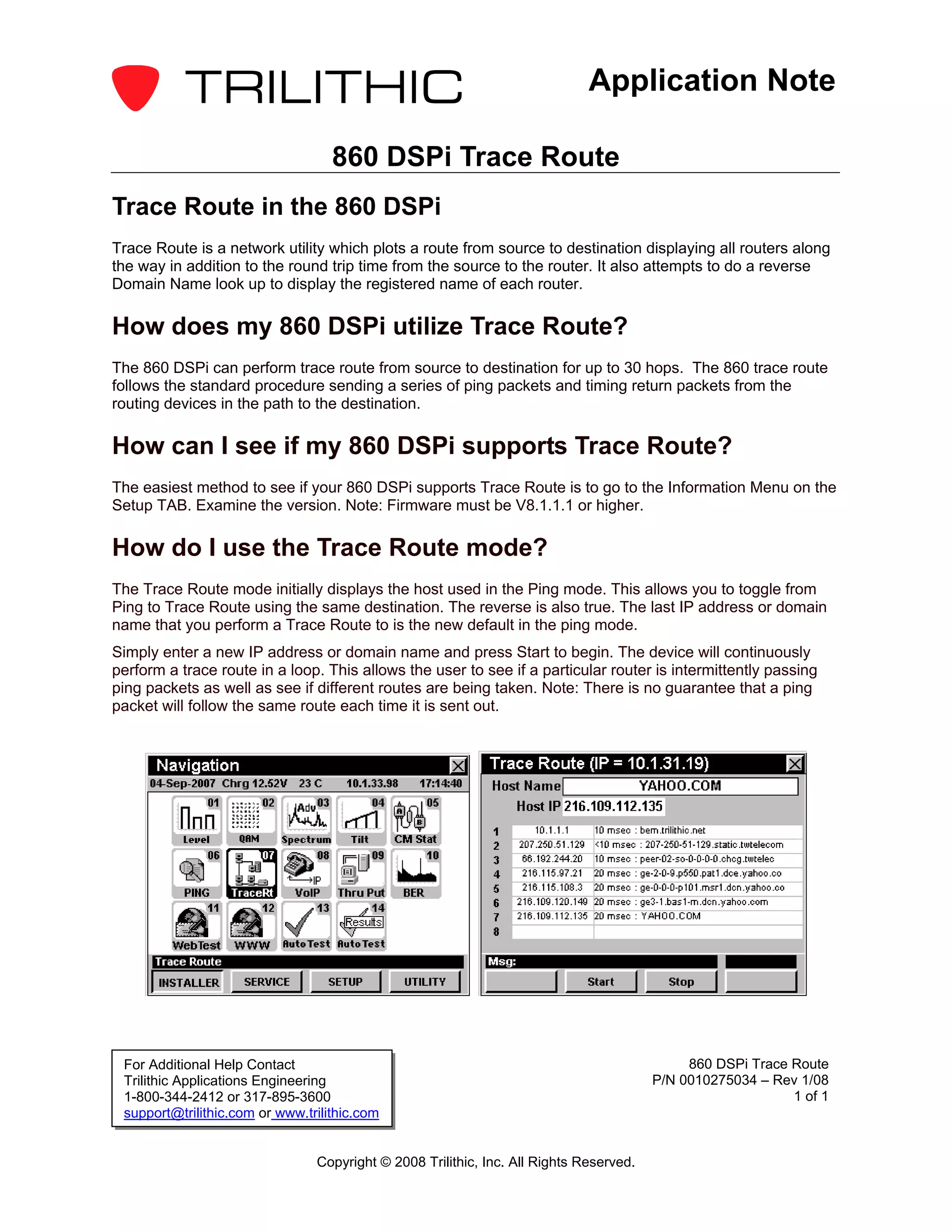
The document discusses how to use the trace route function on the 860 DSPi device. It explains that trace route plots the route from source to destination by displaying routers along the way and their response times. The 860 DSPi can perform trace routes of up to 30 hops by sending ping packets and timing responses. To check if a device supports trace route, view the firmware version in the information menu - version 8.1.1.1 or higher is required. The mode allows entering an IP or domain to begin tracing the route, and will continuously loop for monitoring.


![Coded Agents – with UiPath SDK + LangGraph [Virtual Hands-on Workshop]](https://cdn.slidesharecdn.com/ss_thumbnails/codedagentsdeck-251215155422-5497c599-thumbnail.jpg?width=640&height=640&fit=bounds)