20CS307 - COMPUTER ARCHITECTURE
UNIT – I
BASIC STRUCTURE OF COMPUTERS
Basic I/O operations
Outcome
Data transfer takes place between the Processor
and I/O Devices using a method Program-
Controlled I/O.
Introduction
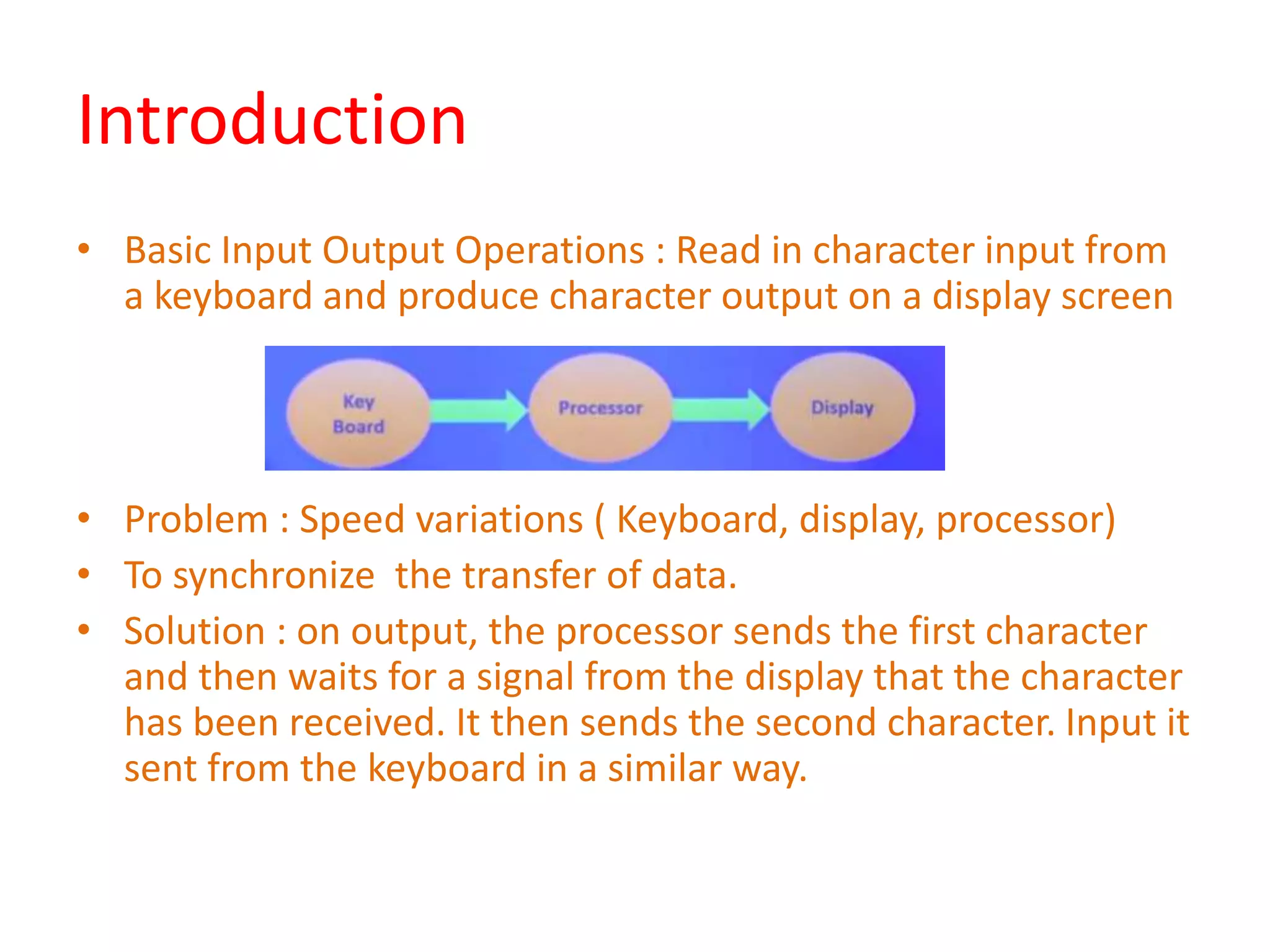
• Basic Input Output Operations : Read in character input from
a keyboard and produce character output on a display screen
• Problem : Speed variations ( Keyboard, display, processor)
• To synchronize the transfer of data.
• Solution : on output, the processor sends the first character
and then waits for a signal from the display that the character
has been received. It then sends the second character. Input it
sent from the keyboard in a similar way.
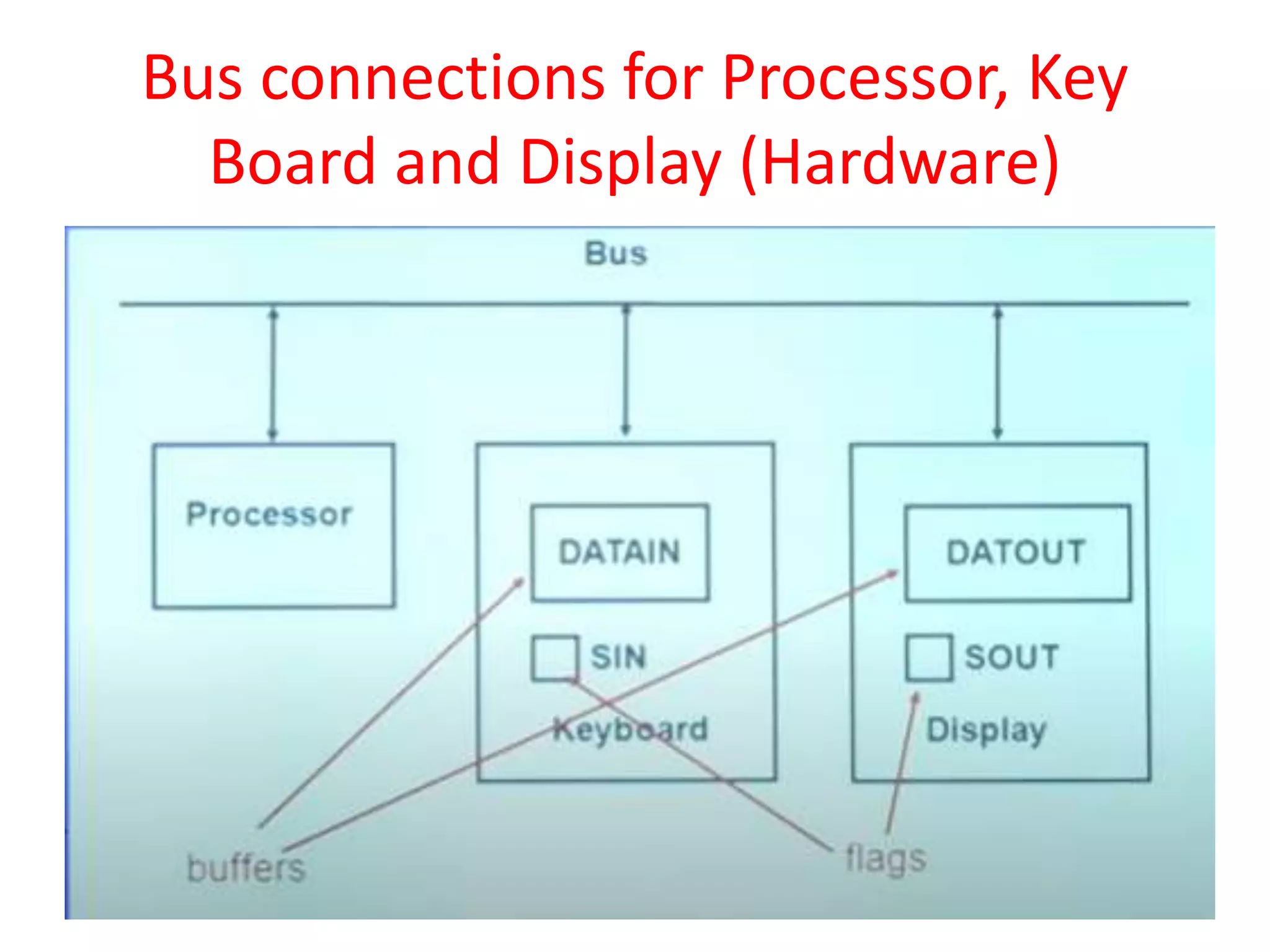
Bus connections for Processor, Key
Board and Display (Hardware)
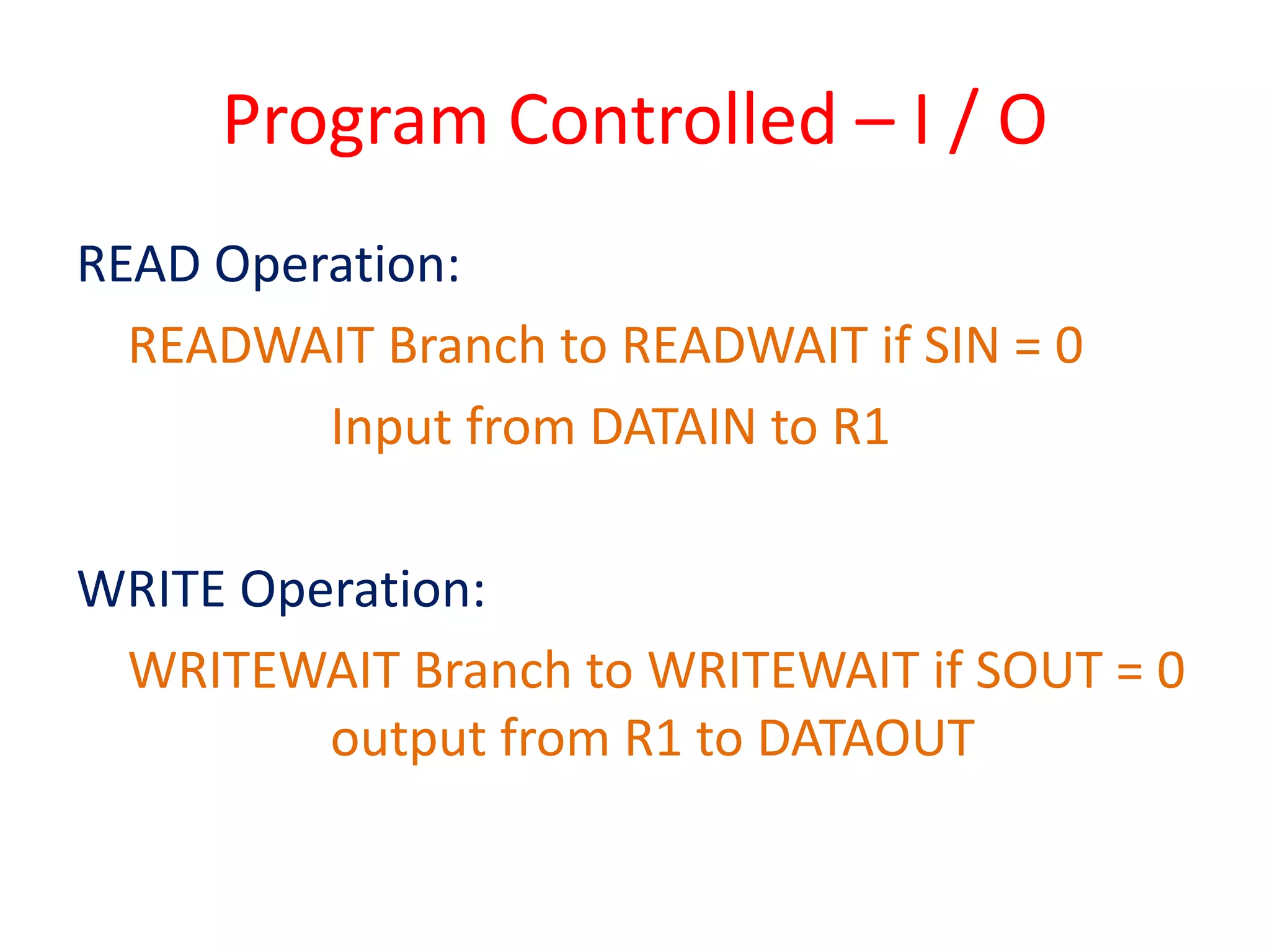
Program Controlled – I / O
READ Operation:
READWAIT Branch to READWAIT if SIN = 0
Input from DATAIN to R1
WRITE Operation:
WRITEWAIT Branch to WRITEWAIT if SOUT = 0
output from R1 to DATAOUT
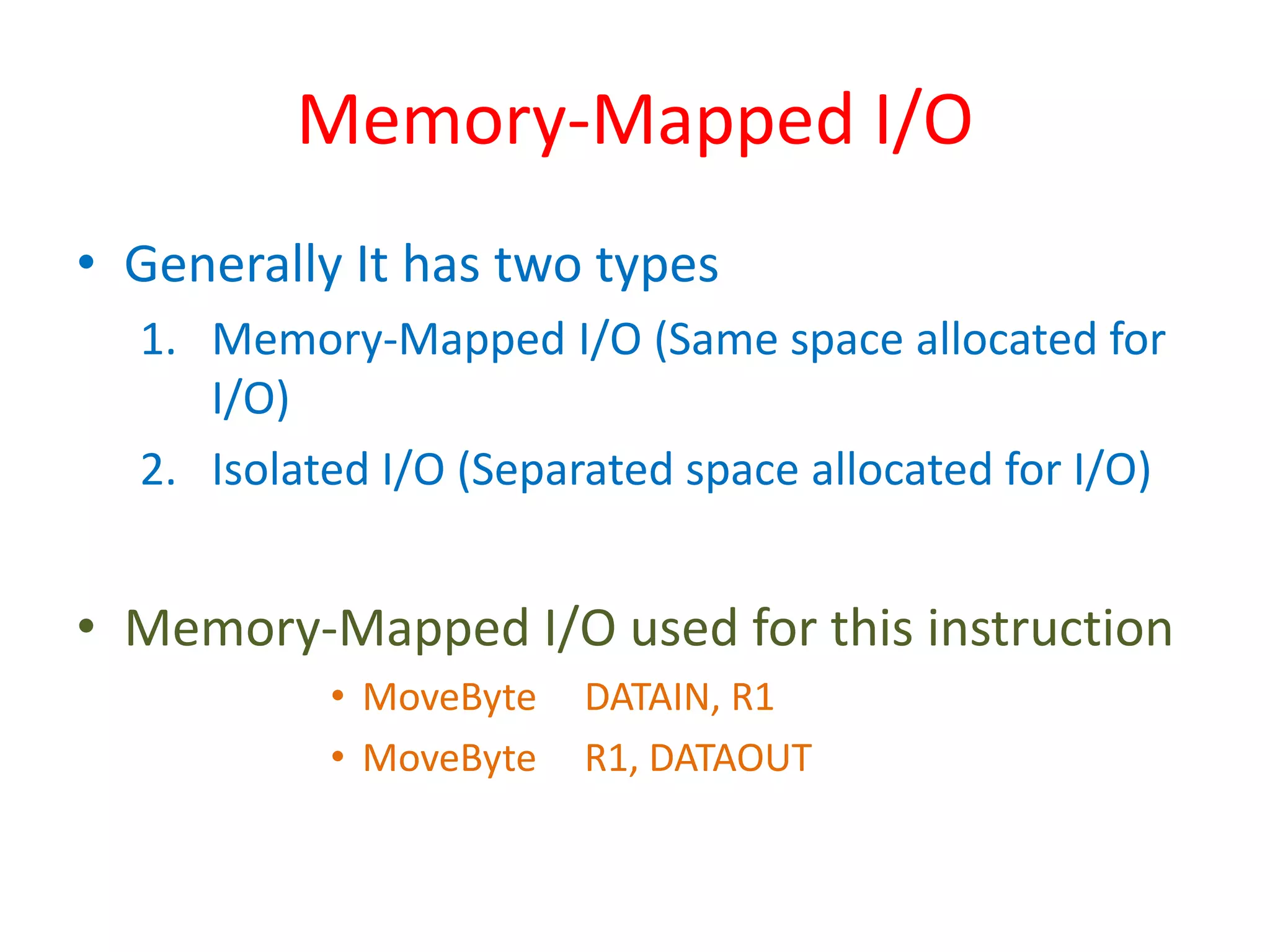
Memory-Mapped I/O
• Generally It has two types
1. Memory-Mapped I/O (Same space allocated for
I/O)
2. Isolated I/O (Separated space allocated for I/O)
• Memory-Mapped I/O used for this instruction
• MoveByte DATAIN, R1
• MoveByte R1, DATAOUT
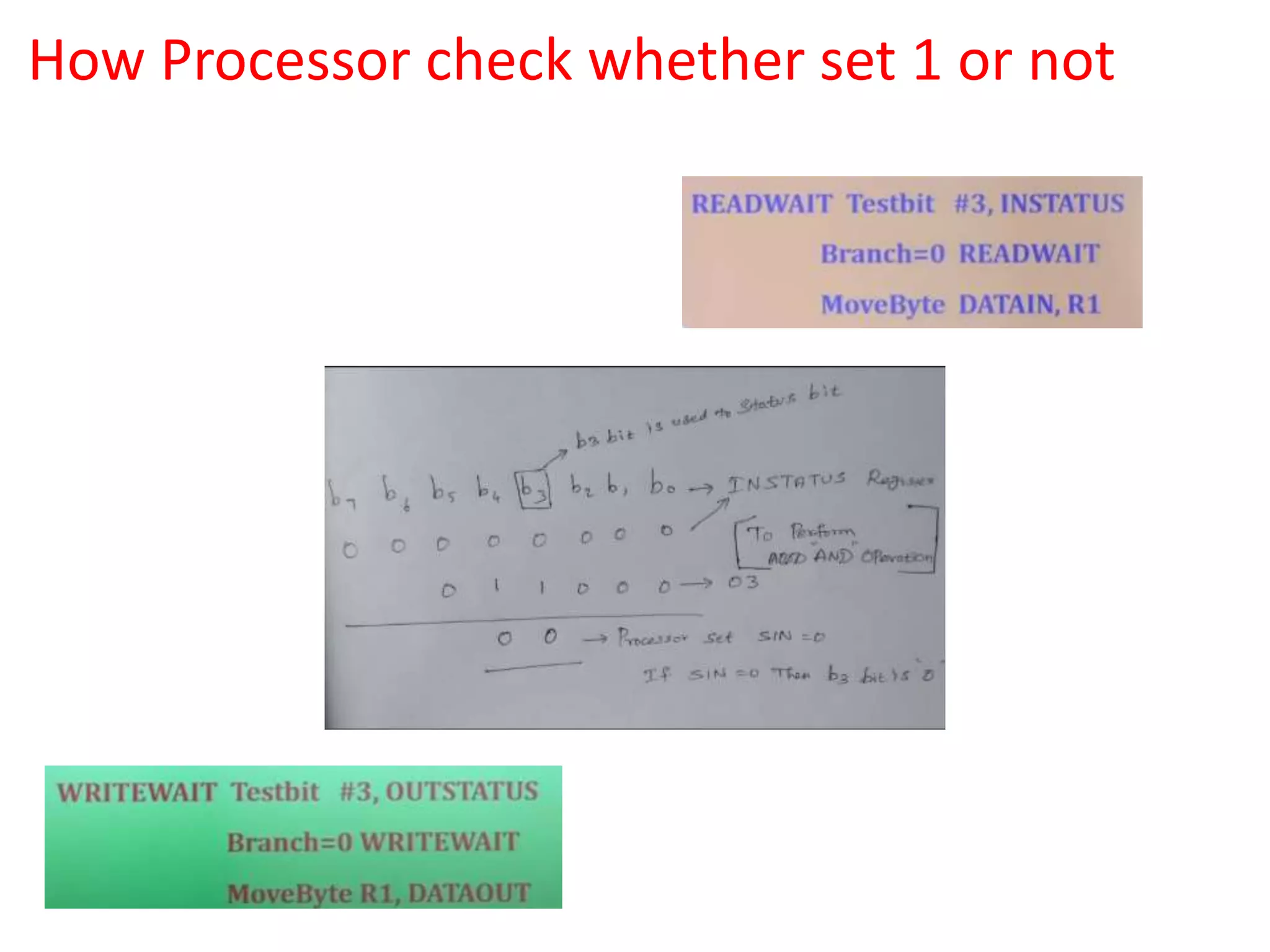
How Processor check whether set 1 or not
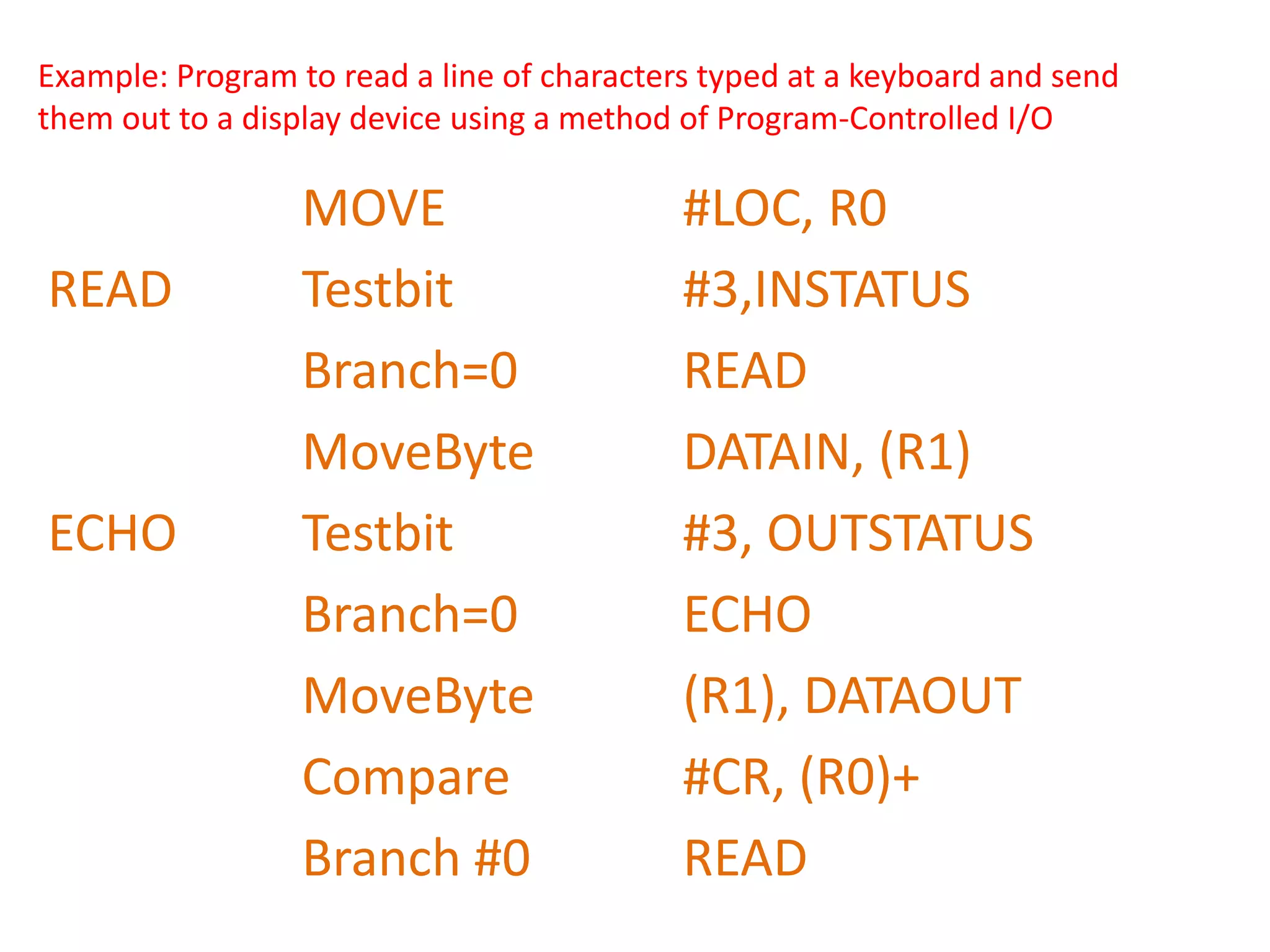
Example: Program to read a line of characters typed at a keyboard and send
them out to a display device using a method of Program-Controlled I/O
MOVE #LOC, R0
READ Testbit #3,INSTATUS
Branch=0 READ
MoveByte DATAIN, (R1)
ECHO Testbit #3, OUTSTATUS
Branch=0 ECHO
MoveByte (R1), DATAOUT
Compare #CR, (R0)+
Branch #0 READ
Thank you…

7. Input Output Operations.pptx

  • 1.
    20CS307 - COMPUTERARCHITECTURE UNIT – I BASIC STRUCTURE OF COMPUTERS Basic I/O operations
  • 2.
    Outcome Data transfer takesplace between the Processor and I/O Devices using a method Program- Controlled I/O.
  • 3.
    Introduction • Basic InputOutput Operations : Read in character input from a keyboard and produce character output on a display screen • Problem : Speed variations ( Keyboard, display, processor) • To synchronize the transfer of data. • Solution : on output, the processor sends the first character and then waits for a signal from the display that the character has been received. It then sends the second character. Input it sent from the keyboard in a similar way.
  • 4.
    Bus connections forProcessor, Key Board and Display (Hardware)
  • 5.
    Program Controlled –I / O READ Operation: READWAIT Branch to READWAIT if SIN = 0 Input from DATAIN to R1 WRITE Operation: WRITEWAIT Branch to WRITEWAIT if SOUT = 0 output from R1 to DATAOUT
  • 6.
    Memory-Mapped I/O • GenerallyIt has two types 1. Memory-Mapped I/O (Same space allocated for I/O) 2. Isolated I/O (Separated space allocated for I/O) • Memory-Mapped I/O used for this instruction • MoveByte DATAIN, R1 • MoveByte R1, DATAOUT
  • 7.
    How Processor checkwhether set 1 or not
  • 8.
    Example: Program toread a line of characters typed at a keyboard and send them out to a display device using a method of Program-Controlled I/O MOVE #LOC, R0 READ Testbit #3,INSTATUS Branch=0 READ MoveByte DATAIN, (R1) ECHO Testbit #3, OUTSTATUS Branch=0 ECHO MoveByte (R1), DATAOUT Compare #CR, (R0)+ Branch #0 READ
  • 9.