18CS653: Programming in Java
Topic: Branching Statements
Outlines
• break Statement
• continue Statement
• return Statement
[Expected Time: 1 Hours]
break Statement
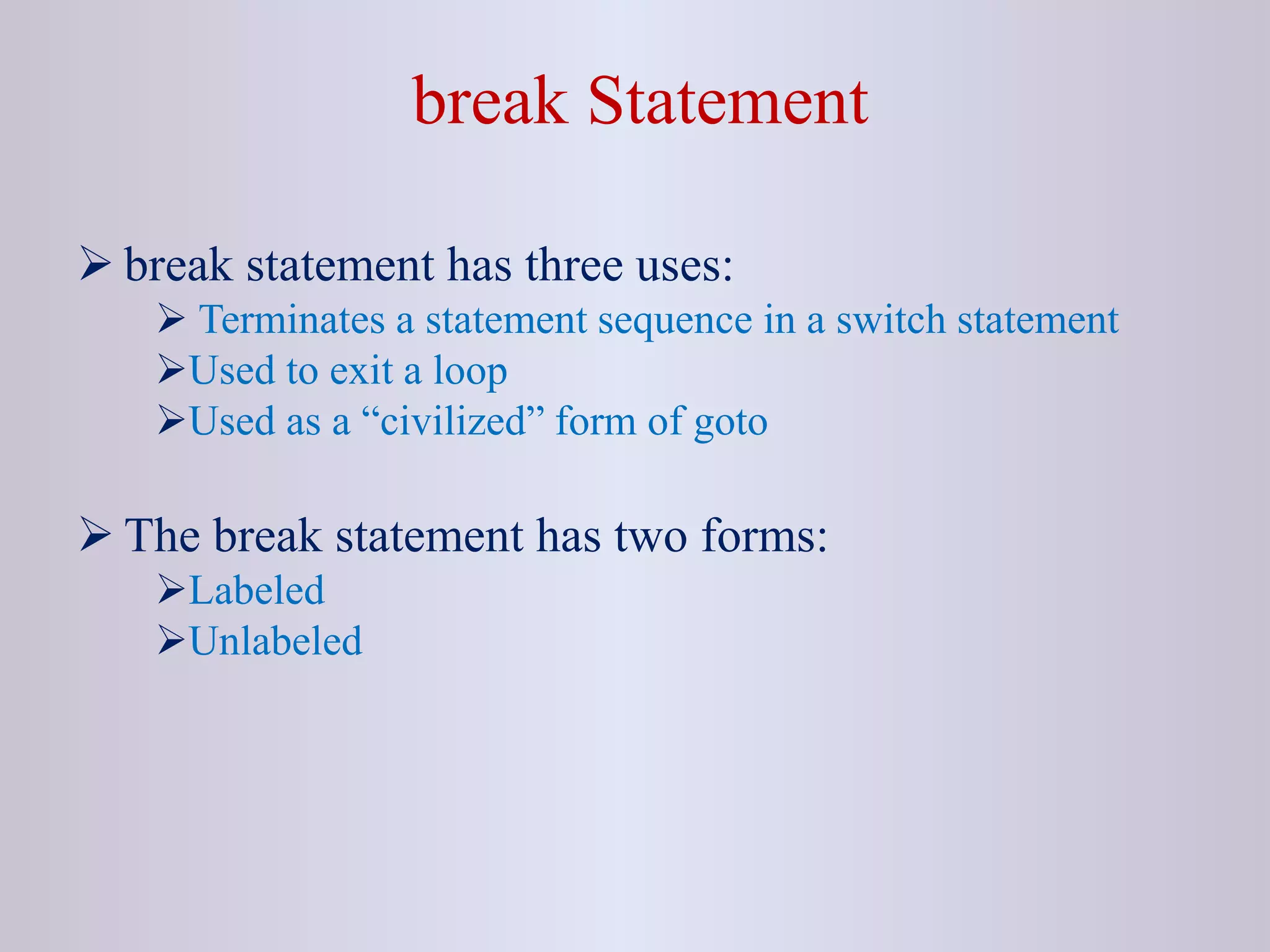
 break statement has three uses:
 Terminates a statement sequence in a switch statement
Used to exit a loop
Used as a “civilized” form of goto
 The break statement has two forms:
Labeled
Unlabeled
Unlabeled break
 An unlabeled break is used to terminate a for, while, or do-while
loop and switch statement.
Example 1:
class BreakTest
{
public static void main(String agrs[])
{
for(int i=0; i<100; i++)
{
if(i == 10) break;
System.out.println("i: " + i);
}
System.out.println("Loop completed");
}
}
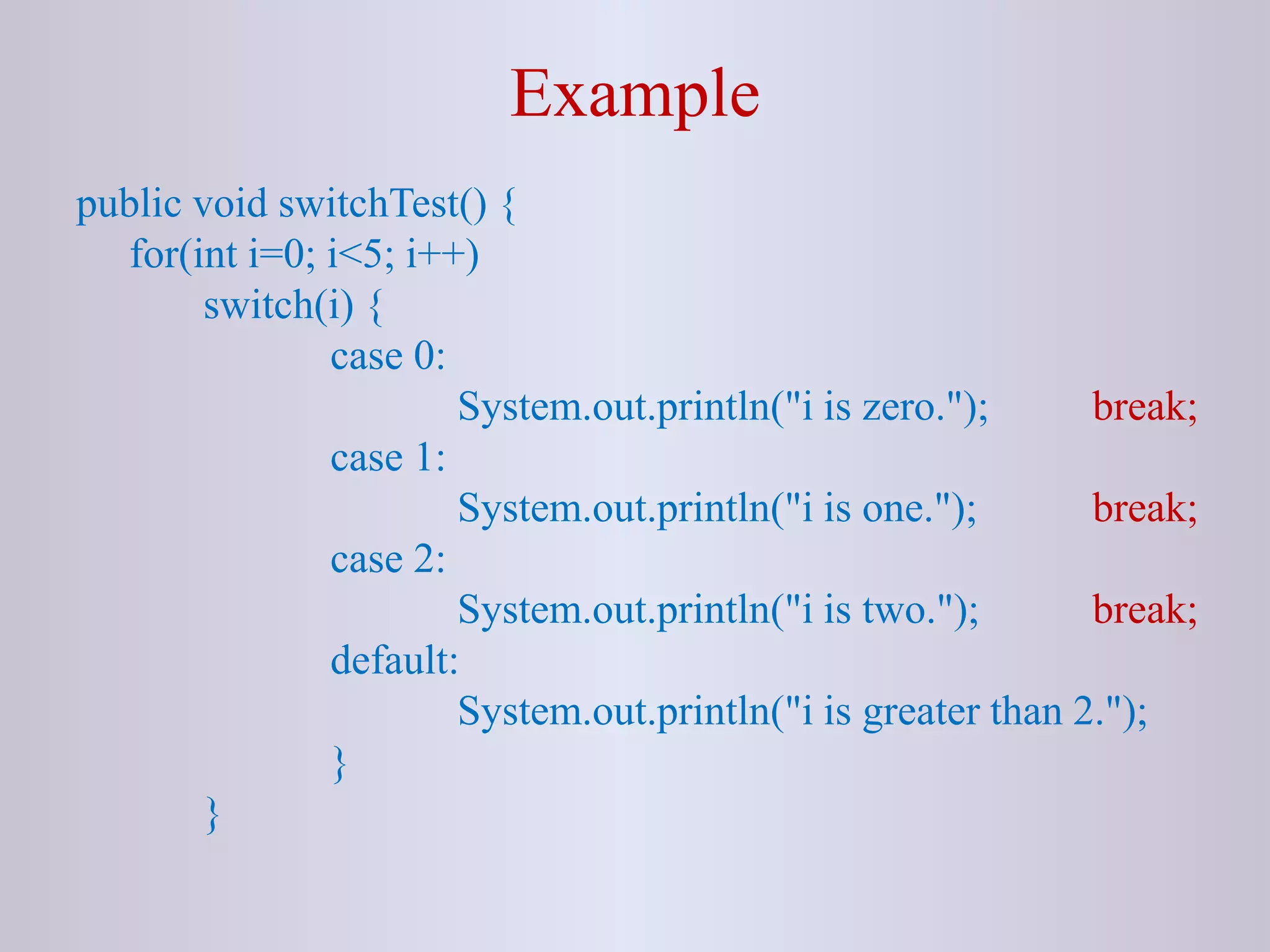
Example
public void switchTest() {
for(int i=0; i<5; i++)
switch(i) {
case 0:
System.out.println("i is zero."); break;
case 1:
System.out.println("i is one."); break;
case 2:
System.out.println("i is two."); break;
default:
System.out.println("i is greater than 2.");
}
}
Labeled break Statement
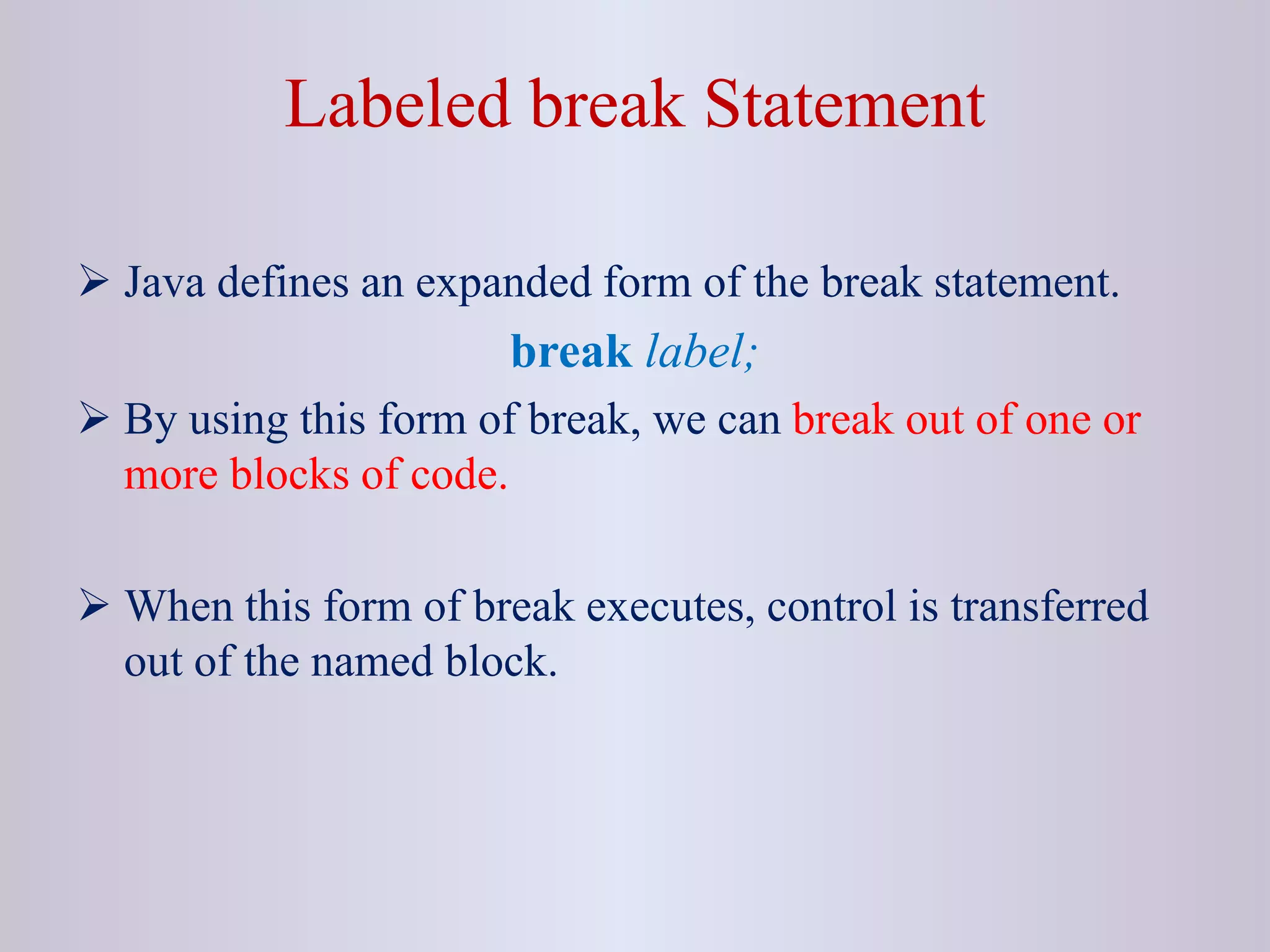
 Java defines an expanded form of the break statement.
break label;
 By using this form of break, we can break out of one or
more blocks of code.
 When this form of break executes, control is transferred
out of the named block.
Example
class BreakDemo{
public static void main(String [] rk)
{
outer:
for(int i=0; i<3; i++){
System.out.println("Outer "+ i);
inner:
for(int j=0; j<3; j++)
{
System.out.println("Inner "+j);
if(i== j+1)
break outer;
System.out.println("Bye");
}
}
}
}
NOTE
 The break statement terminates the labeled statement;
it does not transfer the flow of control to the label.
 Control flow is transferred to the statement immediately
following the labeled (terminated) statement.
continue Statement
 The continue statement skips the current iteration of a for,
while , or do-while loop.
 The unlabeled form skips to the end of the innermost
loop's body and evaluates the boolean expression that
controls the loop.
Example
class ContinueDemo {
public static void main(String[] rk) {
String str = “she saw a ship in the sea”;
int size = str.length();
int count = 0;
for (int i = 0; i < size; i++)
{
if (str.charAt(i) != ‘s’)
continue;
count++;
}
System.out.println(“Number of s in “+ str + “ = ”+ count); } }
Labeled continue Statement
 A labeled continue statement skips the current iteration
of an outer loop marked with the given label.
Example
class ContinueLabel {
public static void main(String [] rk) {
outer: for (int i=0; i<3; i++) {
for(int j=0; j<3; j++) {
if(j > i) {
System.out.println(“Hi”);
continue outer; }
System.out.print(" " + (i * j));
}
}
System.out.println(“Done”); } }
return Statement
 The return statement exits from the current method, and
control flow returns to where the method was invoked.
 The return statement has two forms: one that returns a
value, and one that doesn't.
 To return a value, simply put the value (or an expression
that calculates the value) after the return keyword.
return ++count;
return Statement
 The data type of the returned value must match the type of
the method's declared return value.
 When a method is declared void, use the form of return
that doesn't return a value.
return;
Brainstorming 1
public static void main(String [] rk){
outer:
for(int i=0; i<3; i++)
{
inner:
for(int j=0; j<3; j++)
{
System.out.println(i + ", "+ j);
if(j==2) break inner;
if(i==j) continue outer;
System.out.println("Bye");
}
}
}
Brainstorming 2
class BreakTest{
public static void main(String [] rk)
{
hello:
for(int a=1; a<3; a++)
System.out.print("Hello");
int i = 1;
if(i==1)
break hello;
System.out.print("Not reachable");
}
}
Brainstorming 3
public static void main(String [] rk)
{ int n=5;
outer: for(int a=1; a<5; a++)
{ int i=0, j=0; System.out.println();
space: while(true) {
System.out.print(" "); i++;
if(i==n-a) break space; }
star: while(true) {
System.out.print(" * "); j++;
if(j==a) continue outer;
}
}
}
6_A1944859510_21789_2_2018_06. Branching Statements.ppt

6_A1944859510_21789_2_2018_06. Branching Statements.ppt

  • 1.
    18CS653: Programming inJava Topic: Branching Statements
  • 2.
    Outlines • break Statement •continue Statement • return Statement [Expected Time: 1 Hours]
  • 3.
    break Statement  breakstatement has three uses:  Terminates a statement sequence in a switch statement Used to exit a loop Used as a “civilized” form of goto  The break statement has two forms: Labeled Unlabeled
  • 4.
    Unlabeled break  Anunlabeled break is used to terminate a for, while, or do-while loop and switch statement. Example 1: class BreakTest { public static void main(String agrs[]) { for(int i=0; i<100; i++) { if(i == 10) break; System.out.println("i: " + i); } System.out.println("Loop completed"); } }
  • 5.
    Example public void switchTest(){ for(int i=0; i<5; i++) switch(i) { case 0: System.out.println("i is zero."); break; case 1: System.out.println("i is one."); break; case 2: System.out.println("i is two."); break; default: System.out.println("i is greater than 2."); } }
  • 6.
    Labeled break Statement Java defines an expanded form of the break statement. break label;  By using this form of break, we can break out of one or more blocks of code.  When this form of break executes, control is transferred out of the named block.
  • 7.
    Example class BreakDemo{ public staticvoid main(String [] rk) { outer: for(int i=0; i<3; i++){ System.out.println("Outer "+ i); inner: for(int j=0; j<3; j++) { System.out.println("Inner "+j); if(i== j+1) break outer; System.out.println("Bye"); } } } }
  • 8.
    NOTE  The breakstatement terminates the labeled statement; it does not transfer the flow of control to the label.  Control flow is transferred to the statement immediately following the labeled (terminated) statement.
  • 9.
    continue Statement  Thecontinue statement skips the current iteration of a for, while , or do-while loop.  The unlabeled form skips to the end of the innermost loop's body and evaluates the boolean expression that controls the loop.
  • 10.
    Example class ContinueDemo { publicstatic void main(String[] rk) { String str = “she saw a ship in the sea”; int size = str.length(); int count = 0; for (int i = 0; i < size; i++) { if (str.charAt(i) != ‘s’) continue; count++; } System.out.println(“Number of s in “+ str + “ = ”+ count); } }
  • 11.
    Labeled continue Statement A labeled continue statement skips the current iteration of an outer loop marked with the given label.
  • 12.
    Example class ContinueLabel { publicstatic void main(String [] rk) { outer: for (int i=0; i<3; i++) { for(int j=0; j<3; j++) { if(j > i) { System.out.println(“Hi”); continue outer; } System.out.print(" " + (i * j)); } } System.out.println(“Done”); } }
  • 13.
    return Statement  Thereturn statement exits from the current method, and control flow returns to where the method was invoked.  The return statement has two forms: one that returns a value, and one that doesn't.  To return a value, simply put the value (or an expression that calculates the value) after the return keyword. return ++count;
  • 14.
    return Statement  Thedata type of the returned value must match the type of the method's declared return value.  When a method is declared void, use the form of return that doesn't return a value. return;
  • 15.
    Brainstorming 1 public staticvoid main(String [] rk){ outer: for(int i=0; i<3; i++) { inner: for(int j=0; j<3; j++) { System.out.println(i + ", "+ j); if(j==2) break inner; if(i==j) continue outer; System.out.println("Bye"); } } }
  • 16.
    Brainstorming 2 class BreakTest{ publicstatic void main(String [] rk) { hello: for(int a=1; a<3; a++) System.out.print("Hello"); int i = 1; if(i==1) break hello; System.out.print("Not reachable"); } }
  • 17.
    Brainstorming 3 public staticvoid main(String [] rk) { int n=5; outer: for(int a=1; a<5; a++) { int i=0, j=0; System.out.println(); space: while(true) { System.out.print(" "); i++; if(i==n-a) break space; } star: while(true) { System.out.print(" * "); j++; if(j==a) continue outer; } } }