Triggers
Mrs. Amrit Kaur
gamritkaur@live.com
What is a Trigger?
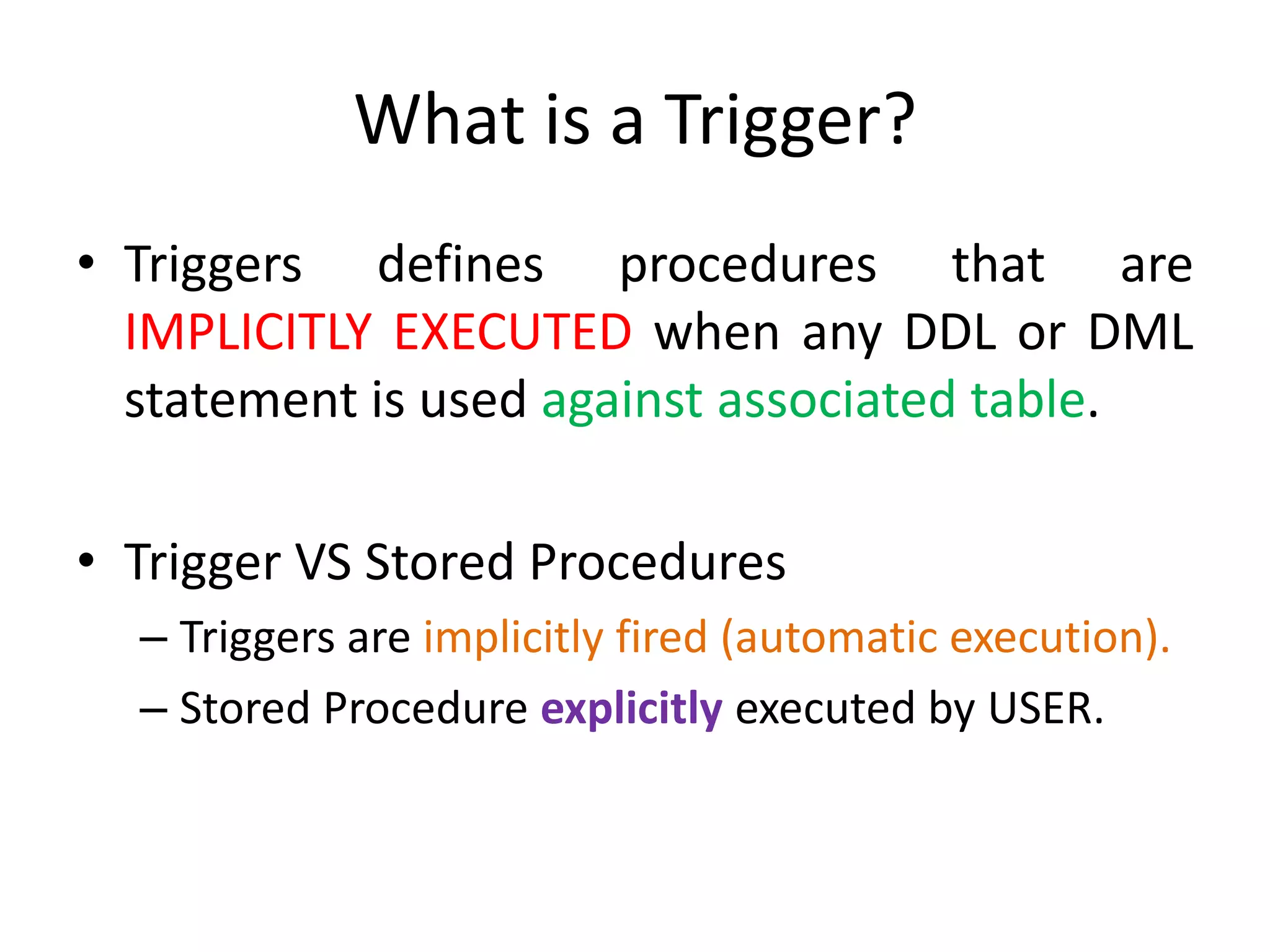
• Triggers defines procedures that are
IMPLICITLY EXECUTED when any DDL or DML
statement is used against associated table.
• Trigger VS Stored Procedures
– Triggers are implicitly fired (automatic execution).
– Stored Procedure explicitly executed by USER.
How to USE Triggers
• Prevent invalid transaction
• Enforce referential integrity
• Enforce Complex business rules
• Provide information about user events, user
logging etc.
Parts of Trigger
CREATE OR REPLACE TRIGGER trigger_name
{BEFORE | AFTER | INSTEAD OF }
{INSERT | DELETE | UPDATE |
OF column_name ON table_name
[REFERENCING OLD AS o NEW AS n]
[FOR EACH ROW]
WHEN (condition)
DECLARE
............
BEGIN
........
END;
Trigger Event or Statement1
Trigger Action3
Trigger Restriction2
Parts of Trigger
• Trigger Event or Statement
– An event that cause trigger to fire
• Trigger Restriction
– Test this condition if specified trigger event occurs
– Must be true for trigger to fire
Parts of Trigger
• Trigger Action
– Statement (s) to be executed when trigger is fired.
– Can contain
• SQL,
• PL/SQL,
• call to stored procedure etc.
Types of Trigger
• Row Trigger
– Executed ONCE for every row affected by triggering
statement.
– Identified by including FOR EACH ROW clause in
CREATE TRIGGER statemeny
• Statement Trigger
– Fired ONCE no matter how many times row affected.
– Default type of trigger
Types of Trigger
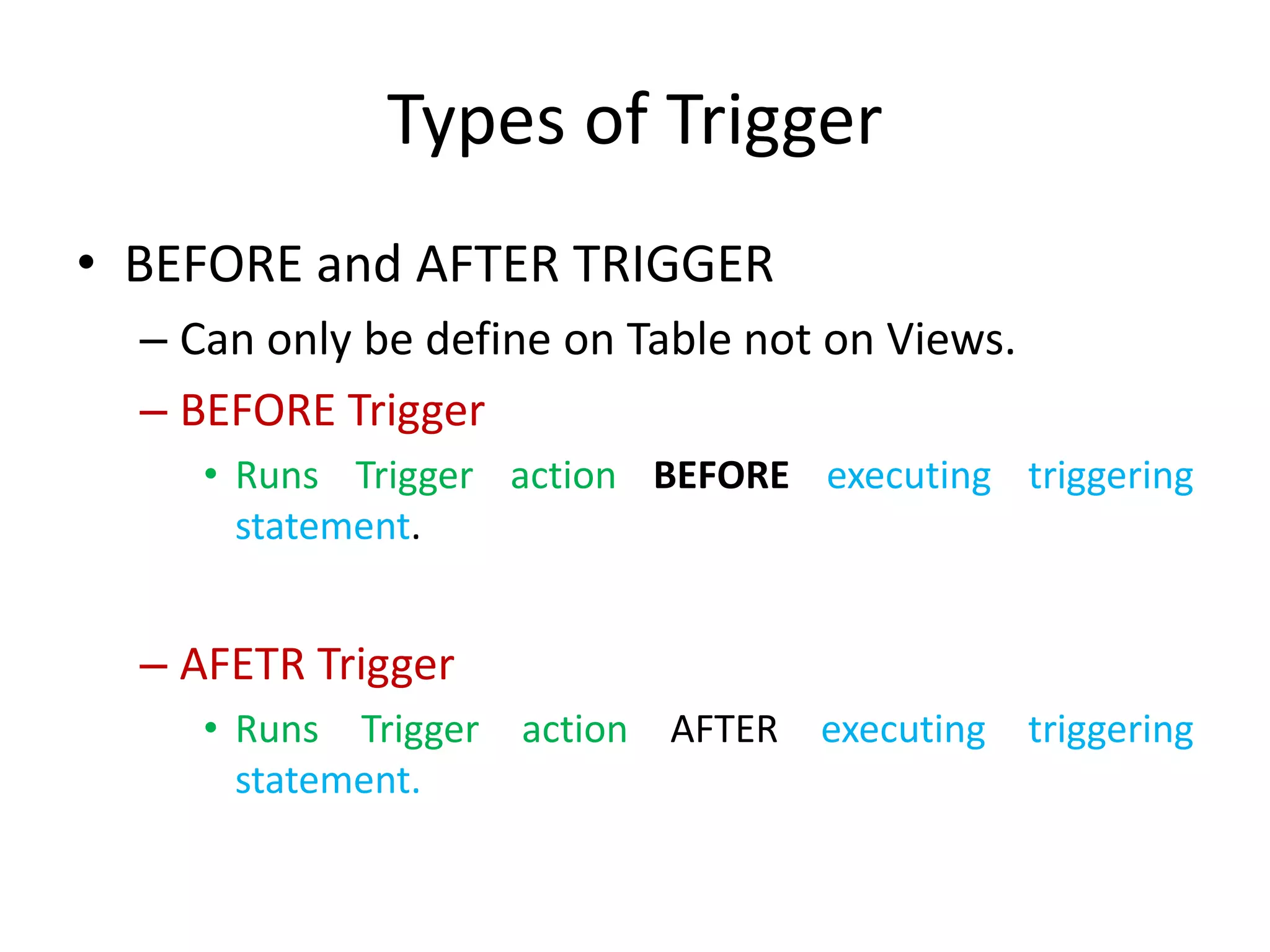
• BEFORE and AFTER TRIGGER
– Can only be define on Table not on Views.
– BEFORE Trigger
• Runs Trigger action BEFORE executing triggering
statement.
– AFETR Trigger
• Runs Trigger action AFTER executing triggering
statement.
Types of Trigger
• INSTEAD OF Trigger
– Can be created on both tables as well as views.
– Used to perform an action on another table or
view.
View Defined Triggers
• Use data dictionary USER_TRIGGERS to list all
defined triggers
• USER_TRIGGERS include
– Columns,
– Trigger Name
– Trigger Type
– Trigger Event
– Referencing Names
– Trigger Body
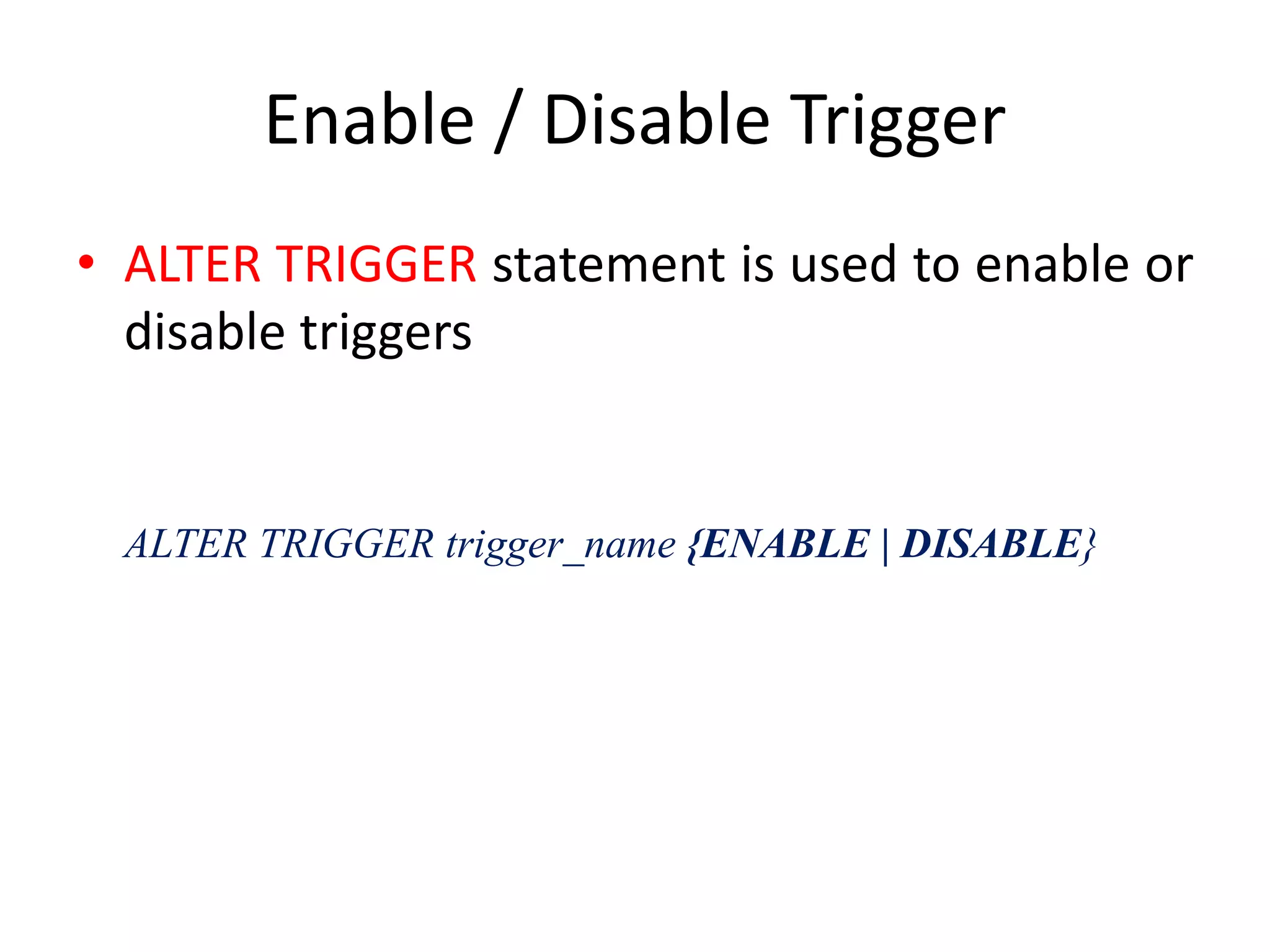
Enable / Disable Trigger
• ALTER TRIGGER statement is used to enable or
disable triggers
ALTER TRIGGER trigger_name {ENABLE | DISABLE}
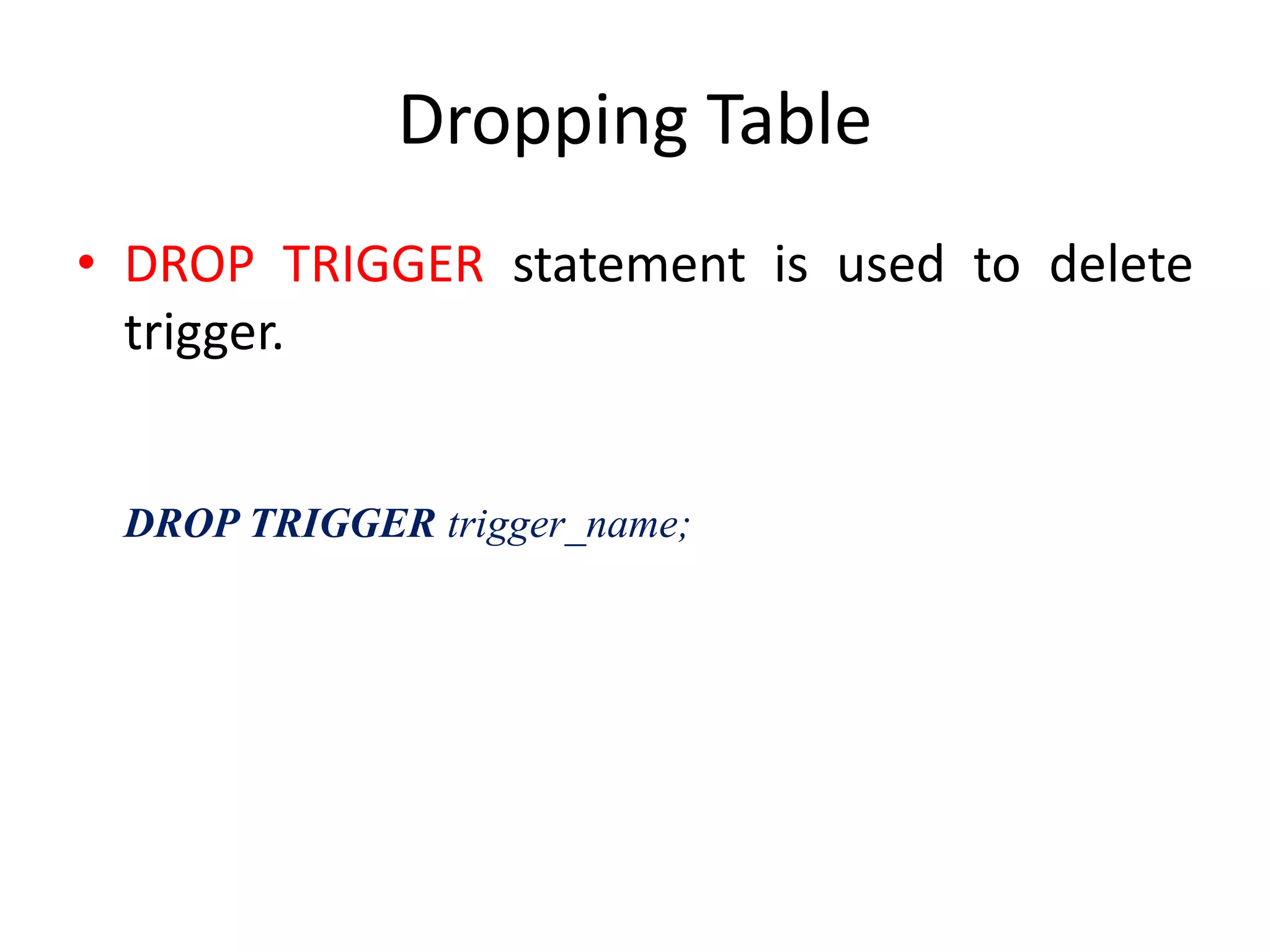
Dropping Table
• DROP TRIGGER statement is used to delete
trigger.
DROP TRIGGER trigger_name;

6. triggers

  • 1.
  • 2.
    What is aTrigger? • Triggers defines procedures that are IMPLICITLY EXECUTED when any DDL or DML statement is used against associated table. • Trigger VS Stored Procedures – Triggers are implicitly fired (automatic execution). – Stored Procedure explicitly executed by USER.
  • 3.
    How to USETriggers • Prevent invalid transaction • Enforce referential integrity • Enforce Complex business rules • Provide information about user events, user logging etc.
  • 4.
    Parts of Trigger CREATEOR REPLACE TRIGGER trigger_name {BEFORE | AFTER | INSTEAD OF } {INSERT | DELETE | UPDATE | OF column_name ON table_name [REFERENCING OLD AS o NEW AS n] [FOR EACH ROW] WHEN (condition) DECLARE ............ BEGIN ........ END; Trigger Event or Statement1 Trigger Action3 Trigger Restriction2
  • 5.
    Parts of Trigger •Trigger Event or Statement – An event that cause trigger to fire • Trigger Restriction – Test this condition if specified trigger event occurs – Must be true for trigger to fire
  • 6.
    Parts of Trigger •Trigger Action – Statement (s) to be executed when trigger is fired. – Can contain • SQL, • PL/SQL, • call to stored procedure etc.
  • 7.
    Types of Trigger •Row Trigger – Executed ONCE for every row affected by triggering statement. – Identified by including FOR EACH ROW clause in CREATE TRIGGER statemeny • Statement Trigger – Fired ONCE no matter how many times row affected. – Default type of trigger
  • 8.
    Types of Trigger •BEFORE and AFTER TRIGGER – Can only be define on Table not on Views. – BEFORE Trigger • Runs Trigger action BEFORE executing triggering statement. – AFETR Trigger • Runs Trigger action AFTER executing triggering statement.
  • 9.
    Types of Trigger •INSTEAD OF Trigger – Can be created on both tables as well as views. – Used to perform an action on another table or view.
  • 10.
    View Defined Triggers •Use data dictionary USER_TRIGGERS to list all defined triggers • USER_TRIGGERS include – Columns, – Trigger Name – Trigger Type – Trigger Event – Referencing Names – Trigger Body
  • 11.
    Enable / DisableTrigger • ALTER TRIGGER statement is used to enable or disable triggers ALTER TRIGGER trigger_name {ENABLE | DISABLE}
  • 12.
    Dropping Table • DROPTRIGGER statement is used to delete trigger. DROP TRIGGER trigger_name;