






















5ESSENTIAL TIPS
Load BeginnersTesting
FOR
We get it.
Software Development is no walk in the park...
It’s not as easy as pie.
Or a piece of cake...
Okay, we’re done with the clichés.Promise.
And adding load testing to the mix (which is highly
recommended to keep users happy with your application),
increases your difficulty level.
“Do I have to?”
Yes. You have to. Fight through the pain,
embrace the struggle...
and load test.
Load Testing:
The process of putting demand on a system or device and measuring
its response. Load Testing is performed to determine a system’s
behavior under both normal and anticipated peak load conditions.
You ready for those 5 essential tips?
Let’s Do It.
1 CALCULATE THE
NUMBER OF USERS
When you load test, you have to determine
the number of users you wish to simulate.
Don’t worry, you don’t have to guess!
Math nerds rejoice!
That’s right...
We’ve got a formula for you.
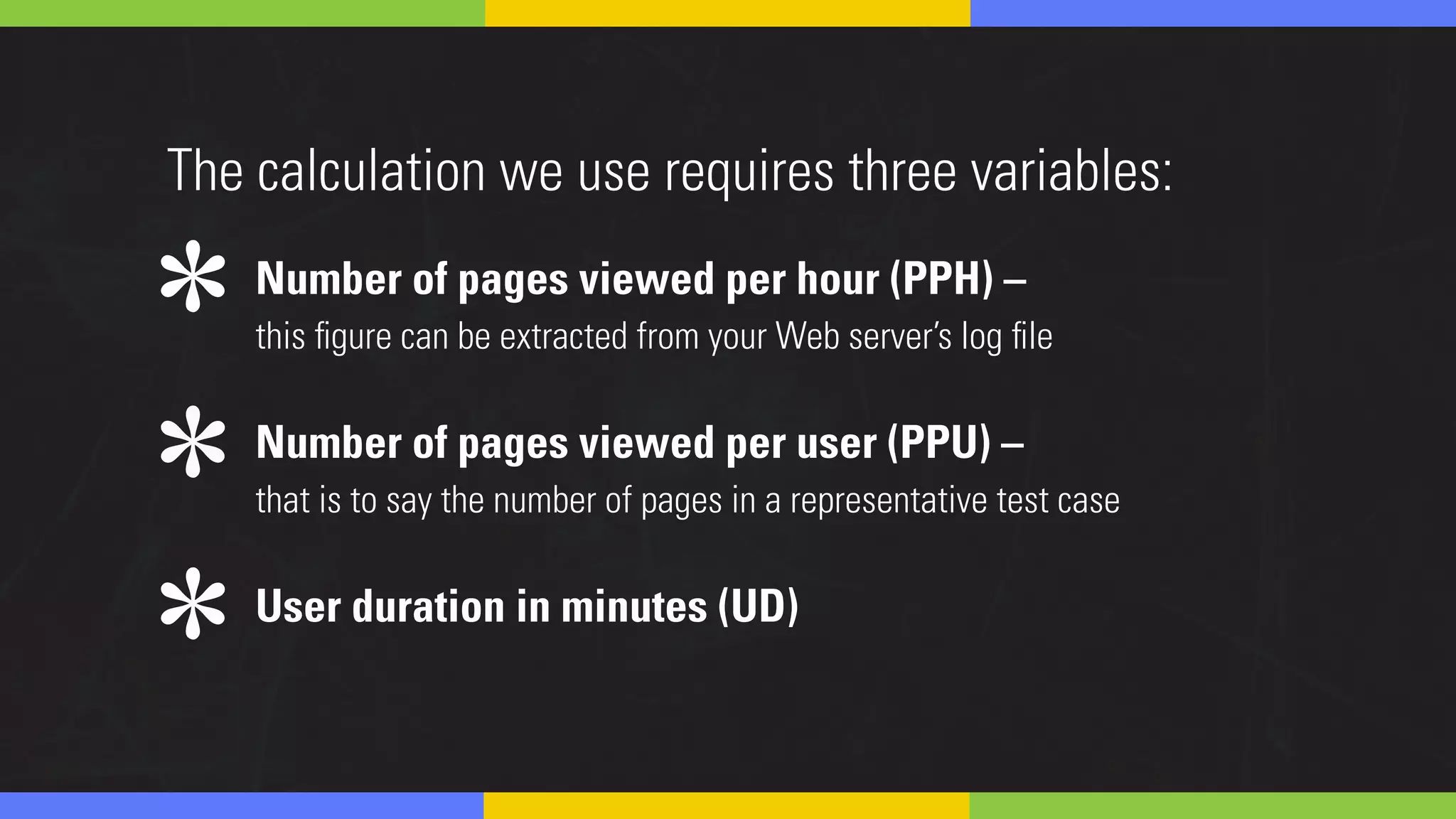
Number of pages viewed per hour (PPH) –
this figure can be extracted from your Web server’s log file
Number of pages viewed per user (PPU) –
that is to say the number of pages in a representative test case
User duration in minutes (UD)
The calculation we use requires three variables:
*
*
*
# of Virtual Users Required
((PPH/PPU)/60)*UD
The formula looks like this:
Keep in mind, this basic calculation assumes a constant
load over an hour meaning it does not take into account
things like load ramping or traffic spikes, so you’ll need
more virtual users when testing with these conditions.
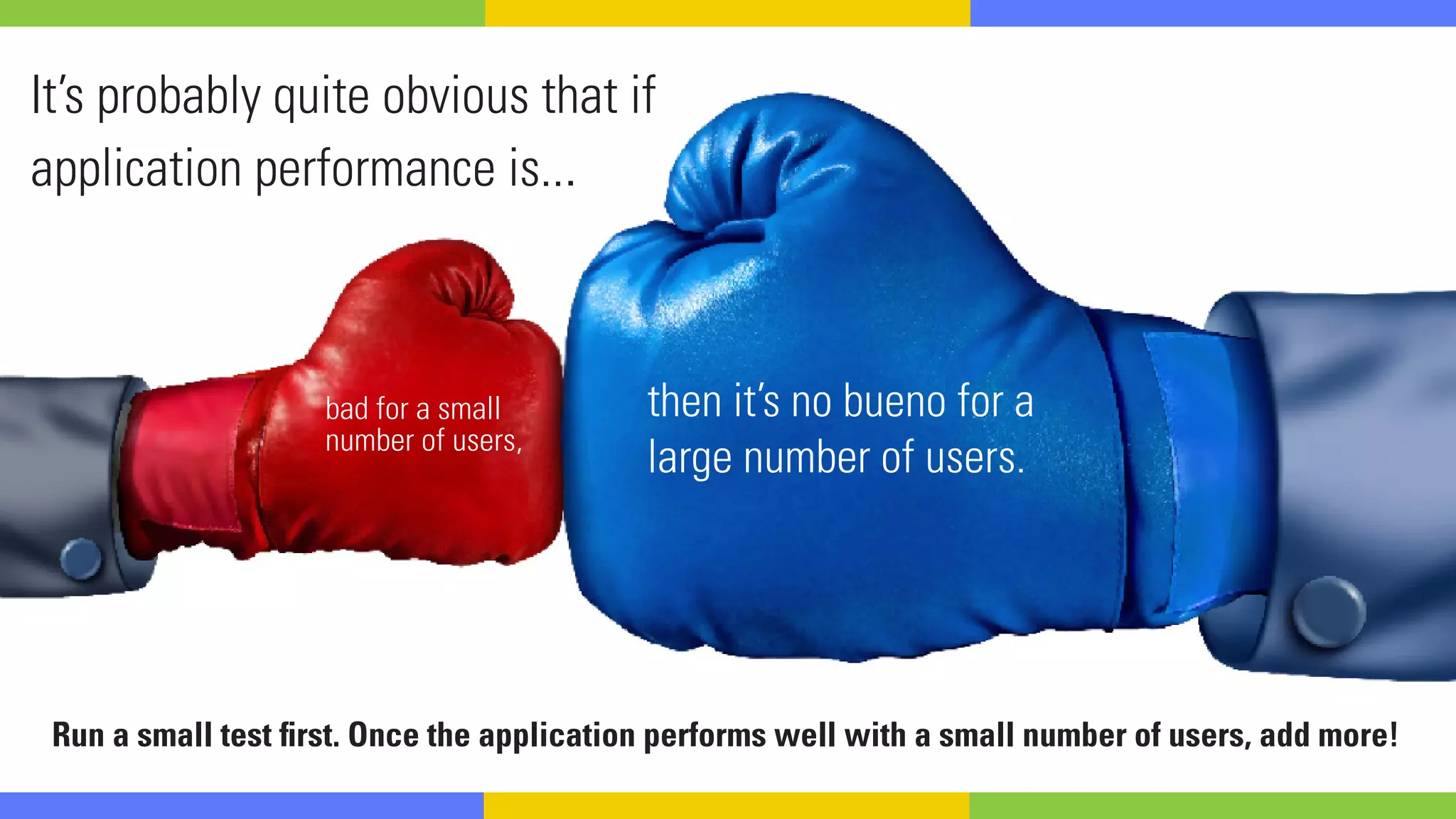
It’s probably quite obvious that if
application performance is...
bad for a small
number of users,
then it’s no bueno for a
large number of users.
Run a small test first. Once the application performs well with a small number of users, add more!
2 GET OTHERS
INVOLVED
You’re going to need to collaborate and
communicate across three departments.
THE TESTING SIDE THE DEVELOPEMENT SIDE THE OPERATIONS SIDE
“WHAT,WHY?”
Testers may not know much about the application’s code, so a developer
will need to inform the testing team of any changes to the code before
the application undergoes testing. If a person from operations isn’t
involved from the beginning, then testers may not have the analytics of
the application from the production environment. 
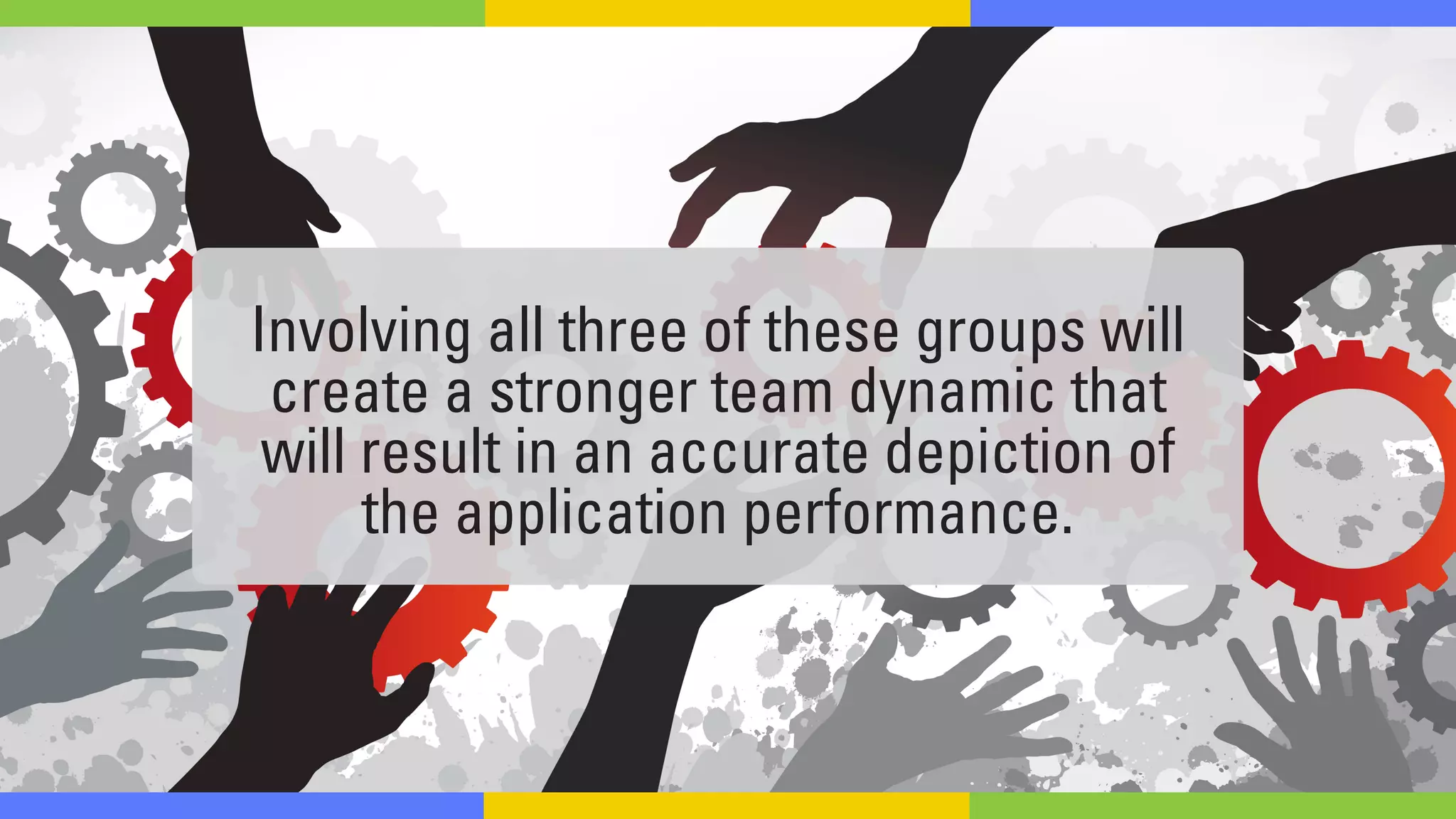
Involving all three of these groups will
create a stronger team dynamic that
will result in an accurate depiction of
the application performance.
3 DETERMINE YOUR
TEST CASES
In order to
know what test
cases to implement,
you need to understand
the paths that users are
taking through your application.
Crack open your site analytics, your app analytics,
and the log files from your web server.
Study how users are traversing through the application –
as well as how many there are, where they are coming from
geographically, and the types of browsers and devices they use.
It’s important to put this data in the context of
your application architecture, so that you can
pinpoint bottlenecks and develop a
comprehensive set of tests to exercise them.
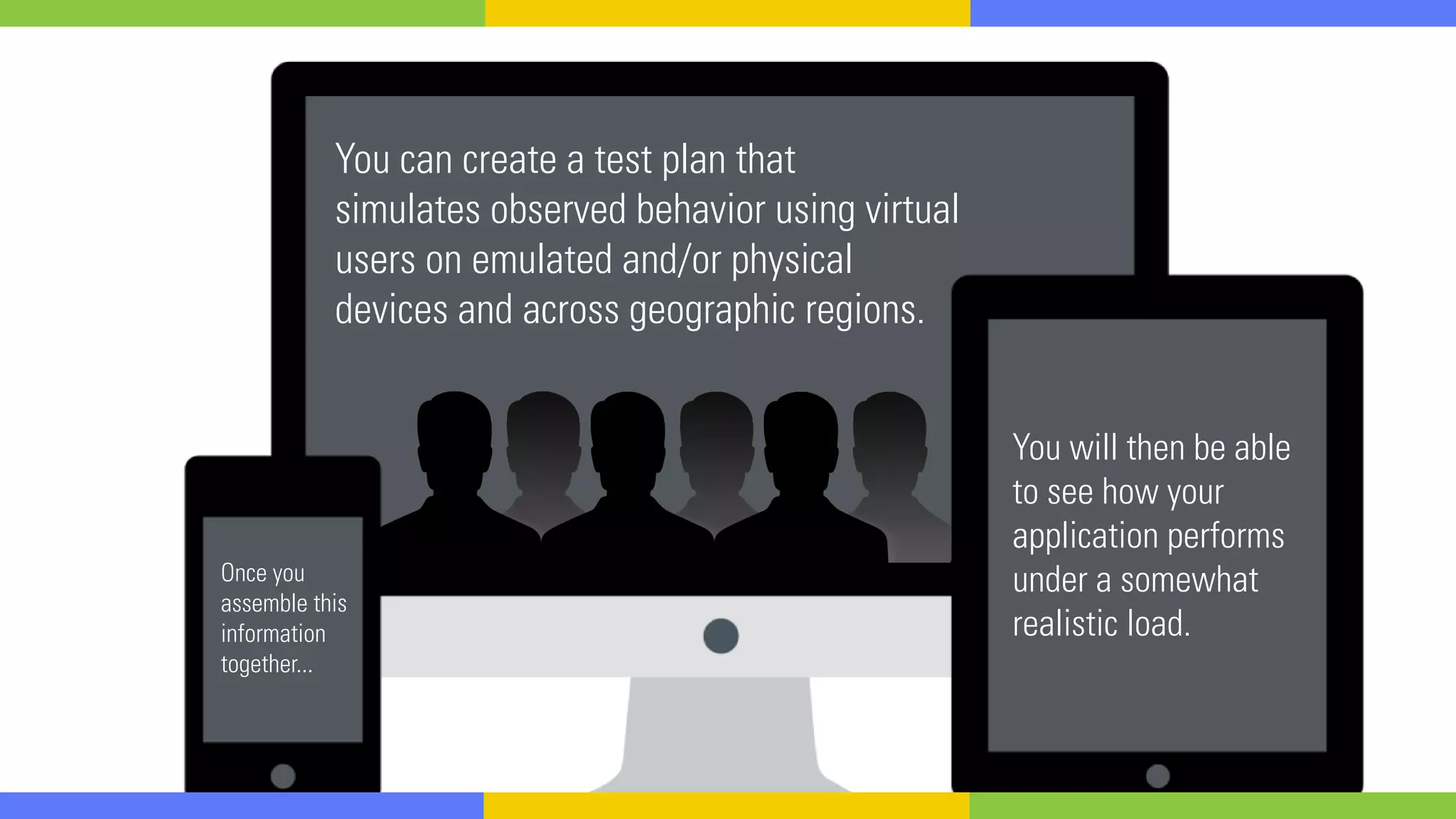
You will then be able
to see how your
application performs
under a somewhat
realistic load.
Once you
assemble this
information
together...
You can create a test plan that
simulates observed behavior using virtual
users on emulated and/or physical
devices and across geographic regions.
4 YOU CAN’T MAKE
ASSUMPTIONS WITH
AN INEXACT TESTING
ENVIRONMENT
Can I extrapolate results based on smaller number of users?
Can I extrapolate the results in the testing environment with a
smaller proportional number of servers to the production environment?
Can I assume the performance results from an inexact testing environment apply to my production environment?
There is a nonlinear relationship between the testing
environment and the production environment if the
testing environment is not an exact mirror of production.
However, mirroring production exactly with the same
infrastructure and configuration can be quite expensive.
So, what’s the solution?
The truth is that you want to make your tests as
realistic as possible, but no test will ever be perfect.
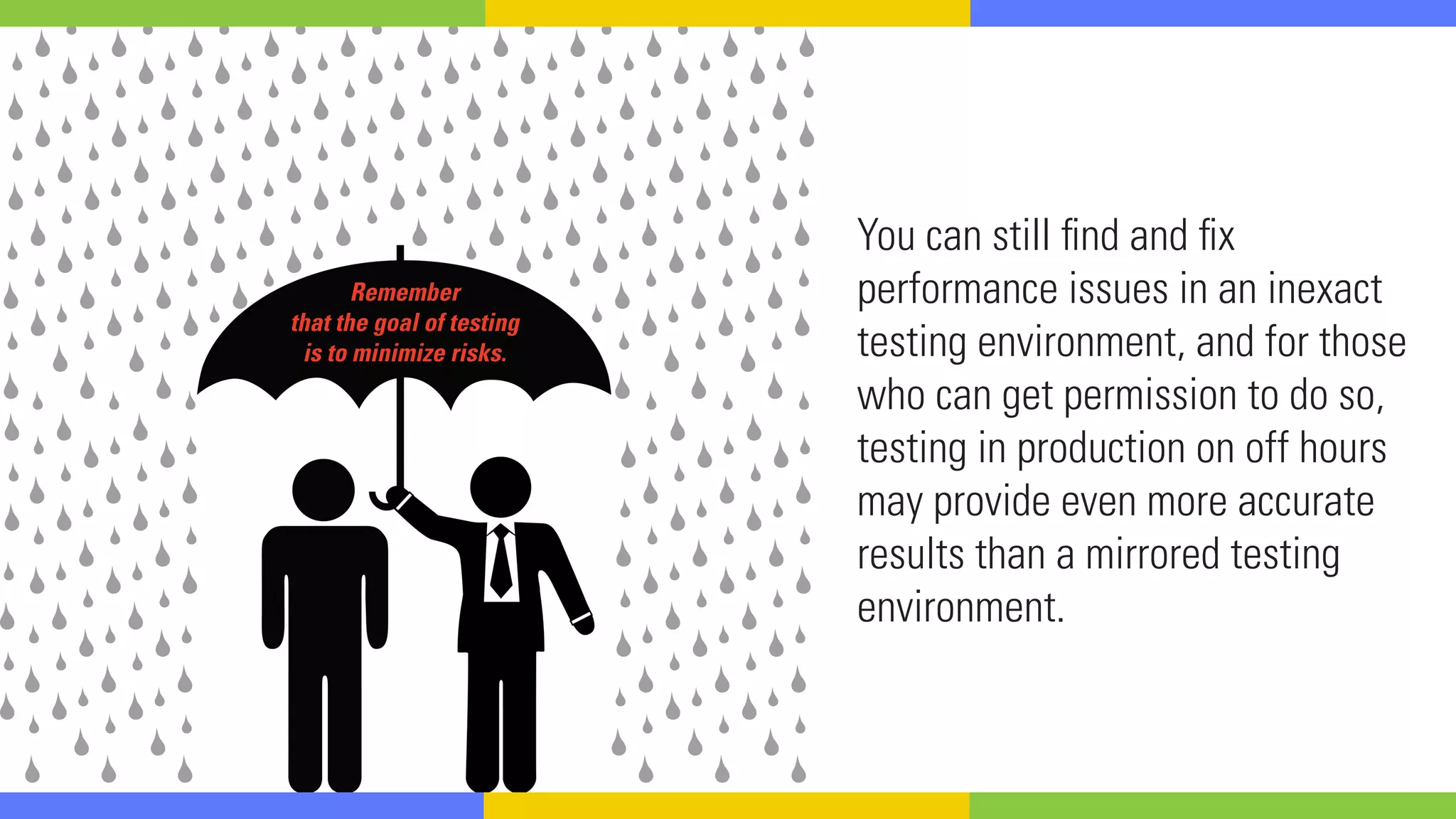
You can still find and fix
performance issues in an inexact
testing environment, and for those
who can get permission to do so,
testing in production on off hours
may provide even more accurate
results than a mirrored testing
environment.
Remember
that the goal of testing
is to minimize risks.
5 TAKE TIME
TO ANALYZE
YOUR RESULTS
Load and performance testing is typically one of the last steps
in most development cycles and is often rushed as a result.
This means that testers may
gather a heap of performance
metrics that may be overlooked
because of a looming deadline.
Results analysis is critical.
It allows you to pinpoint
smaller issues in your app
or the infrastructure itself.
Don’t cut out the analytics; take the time
get to the root cause of issues from build to
build before they snowball out of control.
But seriously...
Load test for the sake of your users.
If you have any questions,
contact out performance experts.
HAPPY TESTING!
Load testing is a necessary step to ensure
the performance of your application for end users.
Take the time to find the best tool for you.
HORROR STORIES:
PERFORMANCE TESTING
TALES FROM THE SCRIPT
You often hear horror stories about testers who get blamed for an application’s
crashing despite having to use poor testing conditions, or a performance
engineer who tested inside a firewall then saw an app fail in production. This all
happens with the spectre of time and resource pressures looming overhead.
As the former manager of a load and performance team, Brad Stoner has a
number of haunting stories from his days in the field that carry insightful lessons
learned about load and performance testing. Watch this webinar to learn:
- The first performance test you should run on your app
- How to use the results of a test run in a non-production environment
- How testing inside the firewall can come back to haunt you
- The most critical test to run
SEE THE FULL WEBINAR
__________________________________________________________
Performance Testing Horror Stories
Tales from the Script
Brad Stoner
Senior Performance Engineer
Neotys
ABOUT NEOTYS | www.neotys.com
Neotys is a leading innovator in load testing and performance monitoring solutions for Web and Mobile applications.
Neotys’ products NeoLoad and NeoSense enable Development, QA and IT Operations to quickly and efficiently test and monitor the
quality, reliability and performance of their applications. More than 1500 organizations globally have selected our solutions because
they are Agile, easy to use and support all RIA and Mobile technologies.
For more information about Neotys and NeoLoad visit: www.neotys.com or contact sales@neotys.com.
CONTACT US
US: Tel: +1.781.899.7200 | EMEA: Tel: +33.442.180.830
EMAIL: sales@neotys.com | LEARN MORE: www.neotys.com

5 Essential Tips for Load Testing Beginners

  • 1.
  • 2.
  • 3.
    Software Development isno walk in the park...
  • 4.
    It’s not aseasy as pie. Or a piece of cake...
  • 5.
    Okay, we’re donewith the clichés.Promise.
  • 6.
    And adding loadtesting to the mix (which is highly recommended to keep users happy with your application), increases your difficulty level.
  • 7.
    “Do I haveto?” Yes. You have to. Fight through the pain, embrace the struggle... and load test.
  • 8.
    Load Testing: The processof putting demand on a system or device and measuring its response. Load Testing is performed to determine a system’s behavior under both normal and anticipated peak load conditions. You ready for those 5 essential tips? Let’s Do It.
  • 9.
  • 10.
    When you loadtest, you have to determine the number of users you wish to simulate.
  • 11.
    Don’t worry, youdon’t have to guess! Math nerds rejoice! That’s right... We’ve got a formula for you.
  • 12.
    Number of pagesviewed per hour (PPH) – this figure can be extracted from your Web server’s log file Number of pages viewed per user (PPU) – that is to say the number of pages in a representative test case User duration in minutes (UD) The calculation we use requires three variables: * * *
  • 13.
    # of VirtualUsers Required ((PPH/PPU)/60)*UD The formula looks like this:
  • 14.
    Keep in mind,this basic calculation assumes a constant load over an hour meaning it does not take into account things like load ramping or traffic spikes, so you’ll need more virtual users when testing with these conditions.
  • 15.
    It’s probably quiteobvious that if application performance is... bad for a small number of users, then it’s no bueno for a large number of users. Run a small test first. Once the application performs well with a small number of users, add more!
  • 16.
  • 17.
    You’re going toneed to collaborate and communicate across three departments. THE TESTING SIDE THE DEVELOPEMENT SIDE THE OPERATIONS SIDE
  • 18.
    “WHAT,WHY?” Testers may notknow much about the application’s code, so a developer will need to inform the testing team of any changes to the code before the application undergoes testing. If a person from operations isn’t involved from the beginning, then testers may not have the analytics of the application from the production environment. 
  • 19.
    Involving all threeof these groups will create a stronger team dynamic that will result in an accurate depiction of the application performance.
  • 20.
  • 21.
    In order to knowwhat test cases to implement, you need to understand the paths that users are taking through your application.
  • 22.
    Crack open yoursite analytics, your app analytics, and the log files from your web server. Study how users are traversing through the application – as well as how many there are, where they are coming from geographically, and the types of browsers and devices they use.
  • 23.
    It’s important toput this data in the context of your application architecture, so that you can pinpoint bottlenecks and develop a comprehensive set of tests to exercise them.
  • 24.
    You will thenbe able to see how your application performs under a somewhat realistic load. Once you assemble this information together... You can create a test plan that simulates observed behavior using virtual users on emulated and/or physical devices and across geographic regions.
  • 25.
    4 YOU CAN’TMAKE ASSUMPTIONS WITH AN INEXACT TESTING ENVIRONMENT
  • 26.
    Can I extrapolateresults based on smaller number of users? Can I extrapolate the results in the testing environment with a smaller proportional number of servers to the production environment? Can I assume the performance results from an inexact testing environment apply to my production environment?
  • 28.
    There is anonlinear relationship between the testing environment and the production environment if the testing environment is not an exact mirror of production. However, mirroring production exactly with the same infrastructure and configuration can be quite expensive.
  • 29.
  • 30.
    The truth isthat you want to make your tests as realistic as possible, but no test will ever be perfect.
  • 31.
    You can stillfind and fix performance issues in an inexact testing environment, and for those who can get permission to do so, testing in production on off hours may provide even more accurate results than a mirrored testing environment. Remember that the goal of testing is to minimize risks.
  • 32.
    5 TAKE TIME TOANALYZE YOUR RESULTS
  • 33.
    Load and performancetesting is typically one of the last steps in most development cycles and is often rushed as a result. This means that testers may gather a heap of performance metrics that may be overlooked because of a looming deadline.
  • 34.
    Results analysis iscritical. It allows you to pinpoint smaller issues in your app or the infrastructure itself. Don’t cut out the analytics; take the time get to the root cause of issues from build to build before they snowball out of control.
  • 35.
  • 36.
    Load test forthe sake of your users.
  • 37.
    If you haveany questions, contact out performance experts. HAPPY TESTING! Load testing is a necessary step to ensure the performance of your application for end users. Take the time to find the best tool for you.
  • 38.
    HORROR STORIES: PERFORMANCE TESTING TALESFROM THE SCRIPT You often hear horror stories about testers who get blamed for an application’s crashing despite having to use poor testing conditions, or a performance engineer who tested inside a firewall then saw an app fail in production. This all happens with the spectre of time and resource pressures looming overhead. As the former manager of a load and performance team, Brad Stoner has a number of haunting stories from his days in the field that carry insightful lessons learned about load and performance testing. Watch this webinar to learn: - The first performance test you should run on your app - How to use the results of a test run in a non-production environment - How testing inside the firewall can come back to haunt you - The most critical test to run SEE THE FULL WEBINAR __________________________________________________________ Performance Testing Horror Stories Tales from the Script Brad Stoner Senior Performance Engineer Neotys
  • 39.
    ABOUT NEOTYS |www.neotys.com Neotys is a leading innovator in load testing and performance monitoring solutions for Web and Mobile applications. Neotys’ products NeoLoad and NeoSense enable Development, QA and IT Operations to quickly and efficiently test and monitor the quality, reliability and performance of their applications. More than 1500 organizations globally have selected our solutions because they are Agile, easy to use and support all RIA and Mobile technologies. For more information about Neotys and NeoLoad visit: www.neotys.com or contact sales@neotys.com. CONTACT US US: Tel: +1.781.899.7200 | EMEA: Tel: +33.442.180.830 EMAIL: sales@neotys.com | LEARN MORE: www.neotys.com