1
RESTful Web APIs
QCon New York 2013
 Mike Amundsen,
Principal API Architect
Layer 7 Techologies
@mamund
2
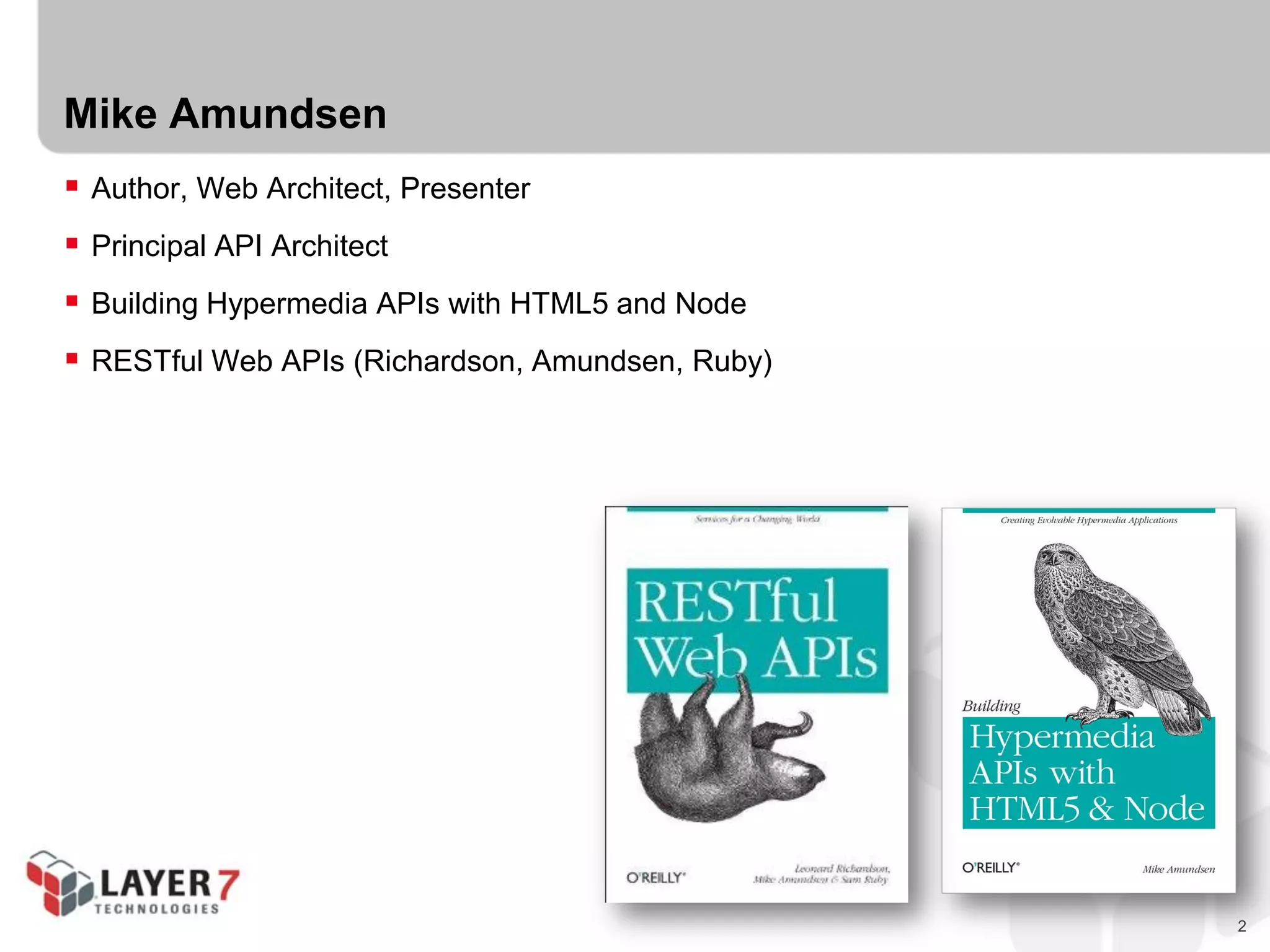
Mike Amundsen
 Author, Web Architect, Presenter
 Principal API Architect
 Building Hypermedia APIs with HTML5 and Node
 RESTful Web APIs (Richardson, Amundsen, Ruby)
3
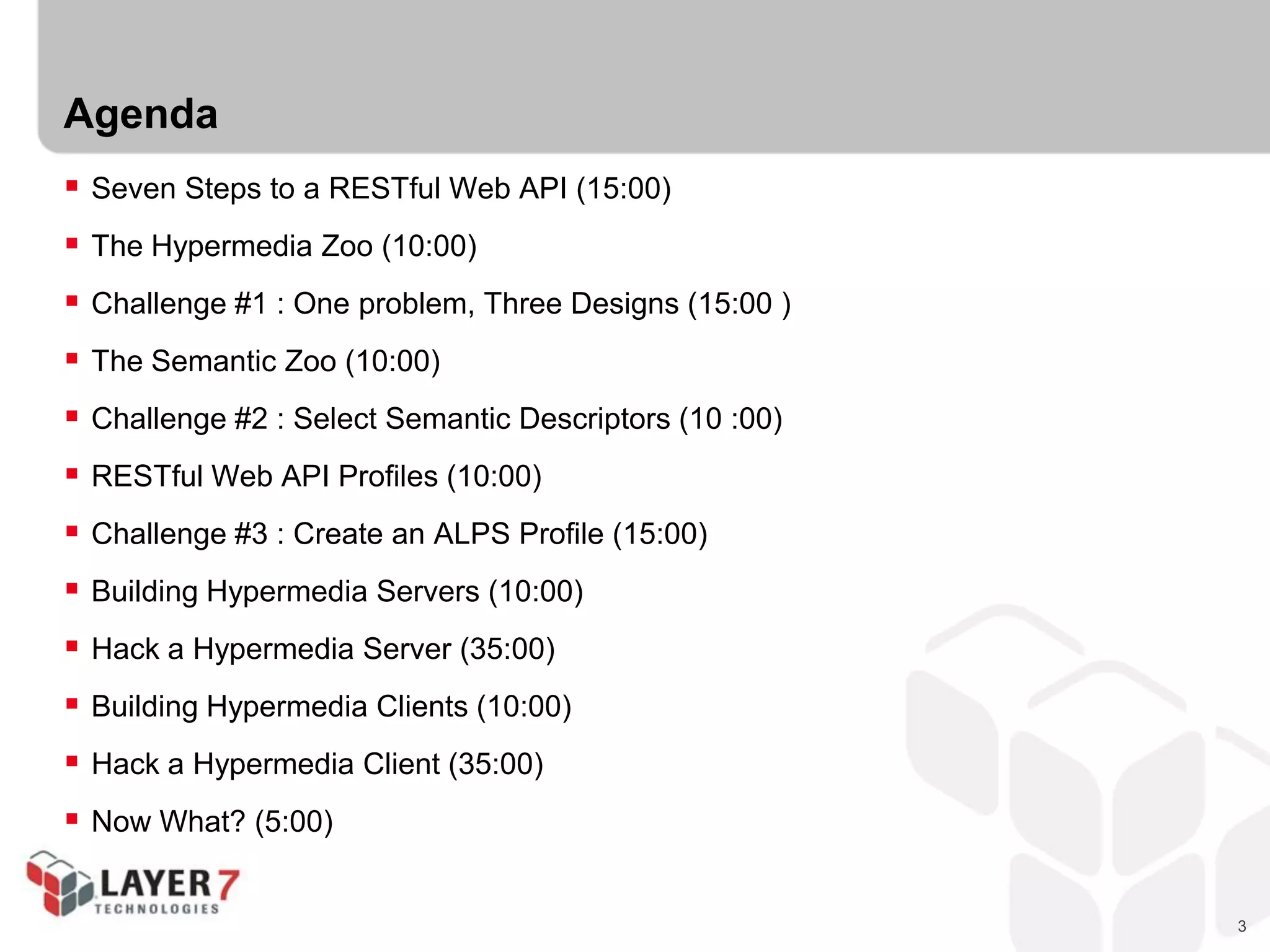
Agenda
 Seven Steps to a RESTful Web API (15:00)
 The Hypermedia Zoo (10:00)
 Challenge #1 : One problem, Three Designs (15:00 )
 The Semantic Zoo (10:00)
 Challenge #2 : Select Semantic Descriptors (10 :00)
 RESTful Web API Profiles (10:00)
 Challenge #3 : Create an ALPS Profile (15:00)
 Building Hypermedia Servers (10:00)
 Hack a Hypermedia Server (35:00)
 Building Hypermedia Clients (10:00)
 Hack a Hypermedia Client (35:00)
 Now What? (5:00)
4
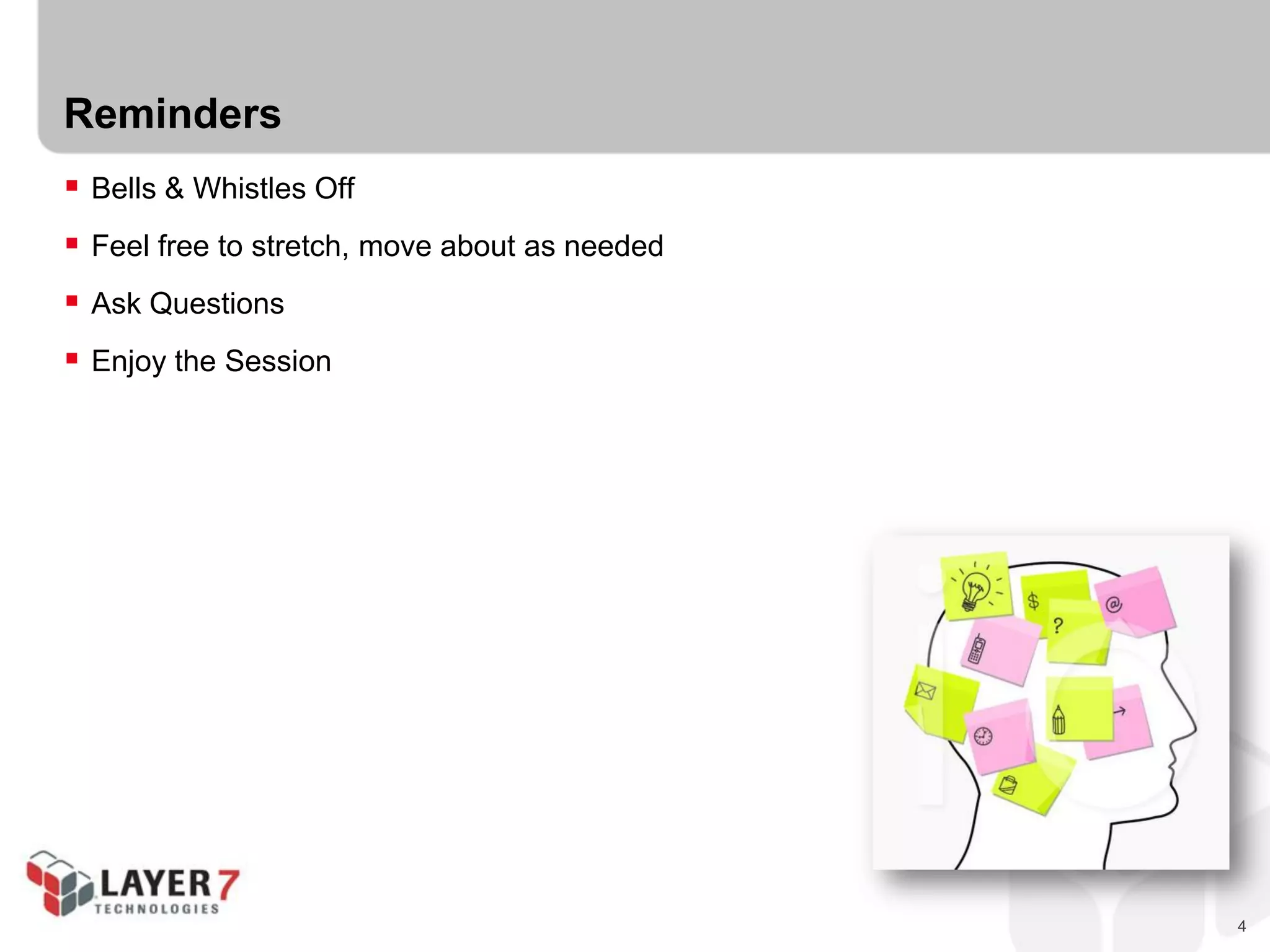
Reminders
 Bells & Whistles Off
 Feel free to stretch, move about as needed
 Ask Questions
 Enjoy the Session
5
SEVEN STEPS TO A
RESTFUL API
6
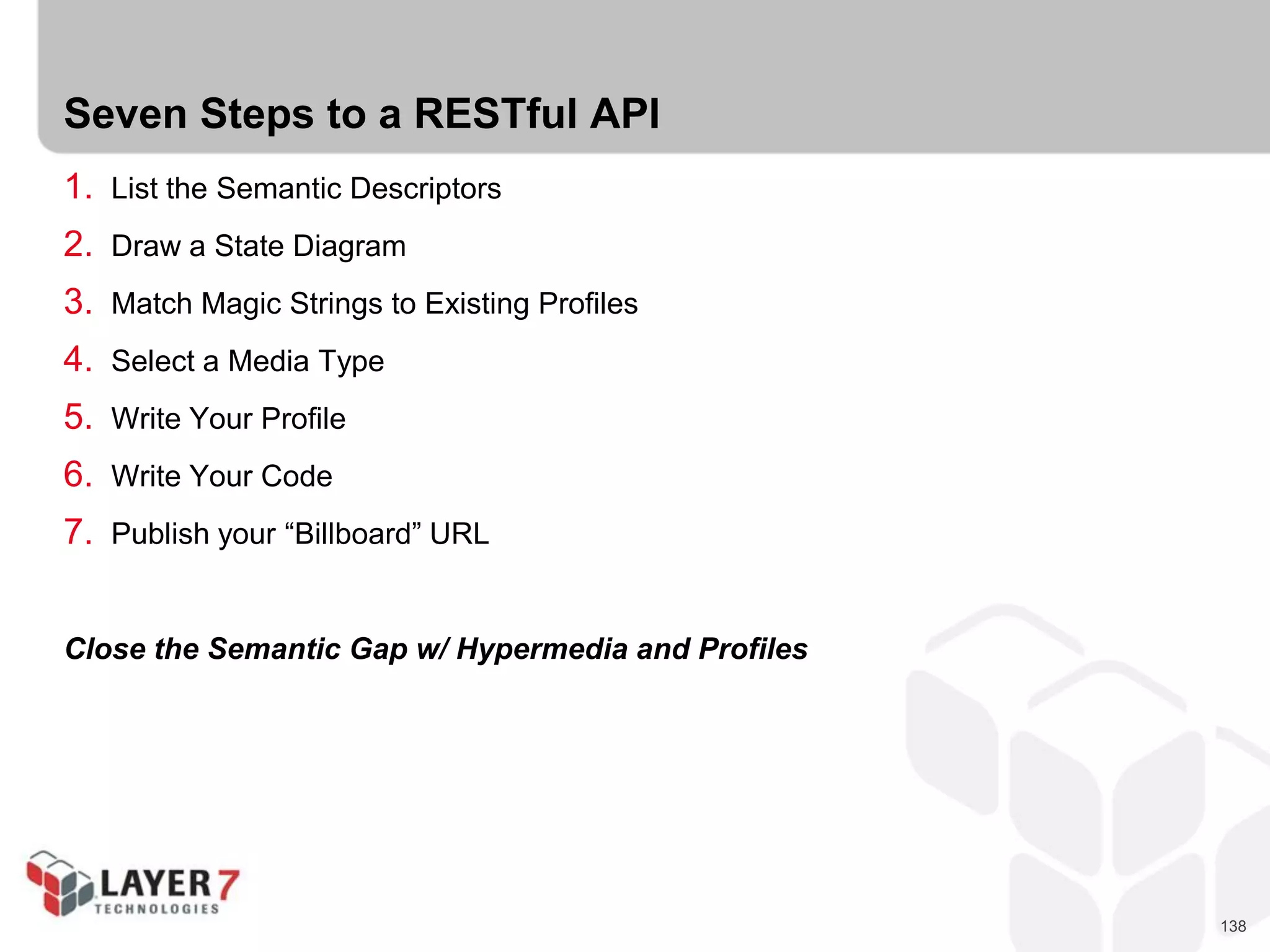
Seven Steps to a RESTful API
1. List the Semantic Descriptors
2. Draw a State Diagram
3. Match Magic Strings to Existing Profiles
4. Select a Media Type
5. Write Your Profile
6. Write Your Code
7. Publish your “Billboard” URL
Don’t worry if these don’t mean much yet, we’ll take care of all that shortly…
7
But first, some backstory…
8
REST
 IT IS NOT:
- A protocol
- A framework
- A format
- A standard
 IT IS:
- A style
- A collection of System Properties of Key Interest
- Based on a list of Domain Requirements
- Resulting in a set of Constraints
9
REST Properties of Key Interest
 Performance
- Network Prformance
- User-perceived Performance
- Network Efficiency
 Scalability
 Simplicity
 Visibility
 Modifiability
 Evolvability
 Extensibility
 Customizability
 Configurability
 Reusability
 Visibility
 Portability
 Reliability
10
Domain Requirements (WWW)
 Low Entry-Barrier
 Extensibility
 Distributed Hypermedia
 Internet Scale
- Anarchic Scalability
- Independent Deployment
11
Implementation Constraints
 Client-Server
 Stateless
 Cache
 Uniform Interface
- Identification of resources
- Manipulation of resources through representations
- Self-descriptive messages
- Hypermedia as the engine of application state
 Layered System
 Code On Demand (optional)
12
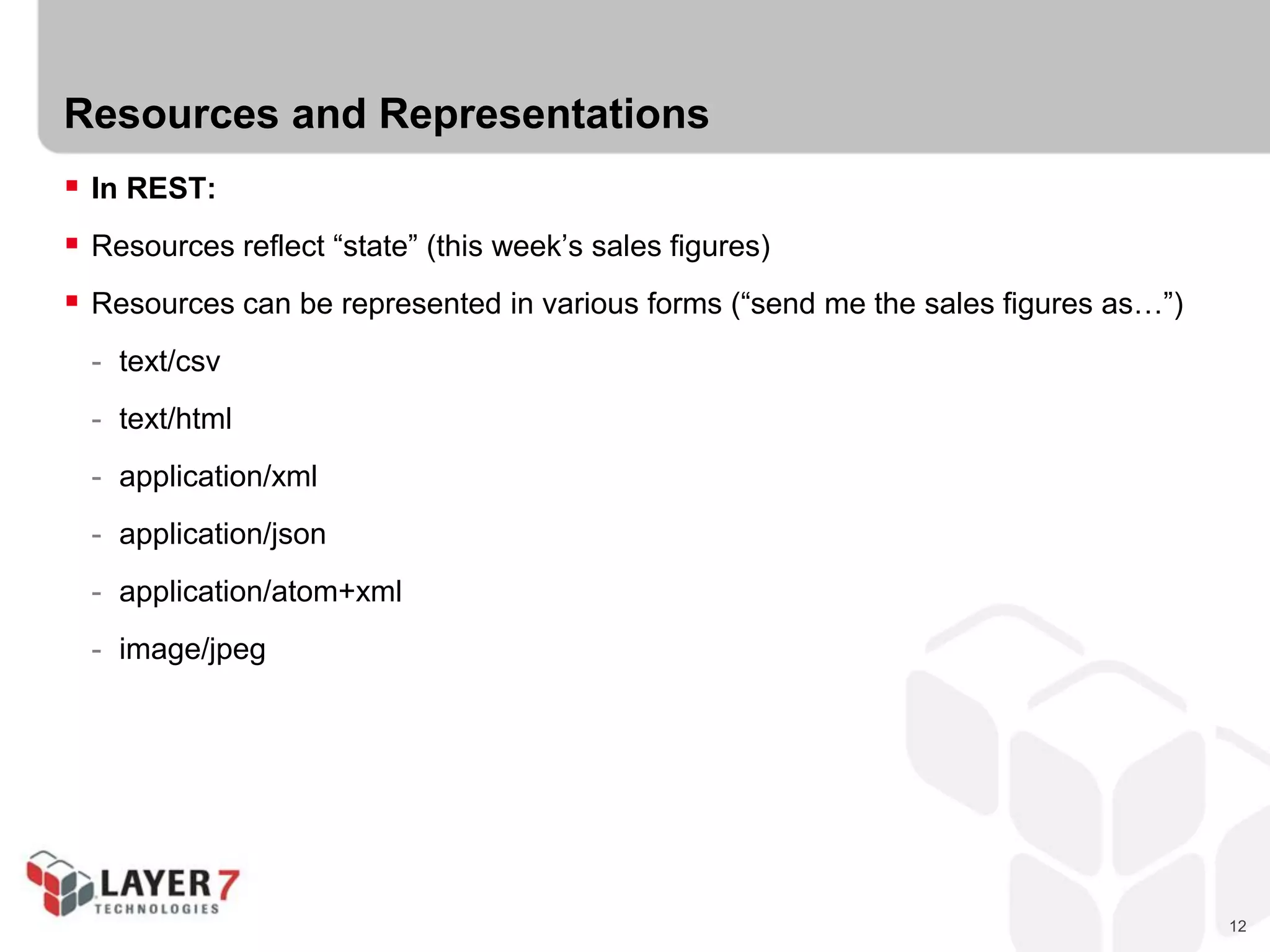
Resources and Representations
 In REST:
 Resources reflect “state” (this week’s sales figures)
 Resources can be represented in various forms (“send me the sales figures as…”)
- text/csv
- text/html
- application/xml
- application/json
- application/atom+xml
- image/jpeg
13
Clients transfer state to the servers in requests (POST, PUT, PATCH)
14
Clients transfer state to the servers in requests (POST, PUT, PATCH)
Servers transfer state to the clients in responses.
15
In REST,
We change state by transferring representations back and forth
16
In REST,
We change state by transferring representations back and forth
that’s why it’s called
Representational State Transfer
17
Three Pillars of Hypermedia Design
 Structure Semantics (XML, JSON, YAML, etc.)
 Protocol Semantics (HTTP, WS, FTP, etc.)
 Application Domain Semantics (students, courseName, scheduleId, etc.)
 All Web apps MUST support these somehow. What’s not in the
message, is in the source code instead.
18
Three Pillars of Hypermedia Design
Structure Semantics
 How you communicate the layout of the response
 Simple structures:
- text/csv
- application/xml
- application/json
 Advanced structures
- text/html
- application/atom+xml
- application/vnd.hal+json
- application/vnd.collection+json
19
Three Pillars of Hypermedia Design
Protocol Semantics
 How you communicate the possible actions in the response
 Simple actions:
- HTML.A
- HTML.IMG
- HTML.LINK
 Advanced actions:
- HTML.FORM@get
- HTML.FORM@post
- ATOM.LINK@edit
- collection.queries.link@data[]
20
Three Pillars of Hypermedia Design
Domain Semantics
 How you communicate the domain-specific details in the response
 Simple domain-specifics:
- MAZE: collection, cell
- VOICEXML: assign, transfer, disconnect,
- ATOM: feed, entry, content
 Advanced domain-specifics
- HTML: @id, @name, @class, @rel
- CJ: @id, @name, @value, @href
- HAL: @rel, @name
21
Three Pillars of Hypermedia Design
On the Web, media types don’t define a solution,
they describe a problem domain
22
THE HYPERMEDIA ZOO
23
The Hypermedia Zoo
 Domain Specific Designs
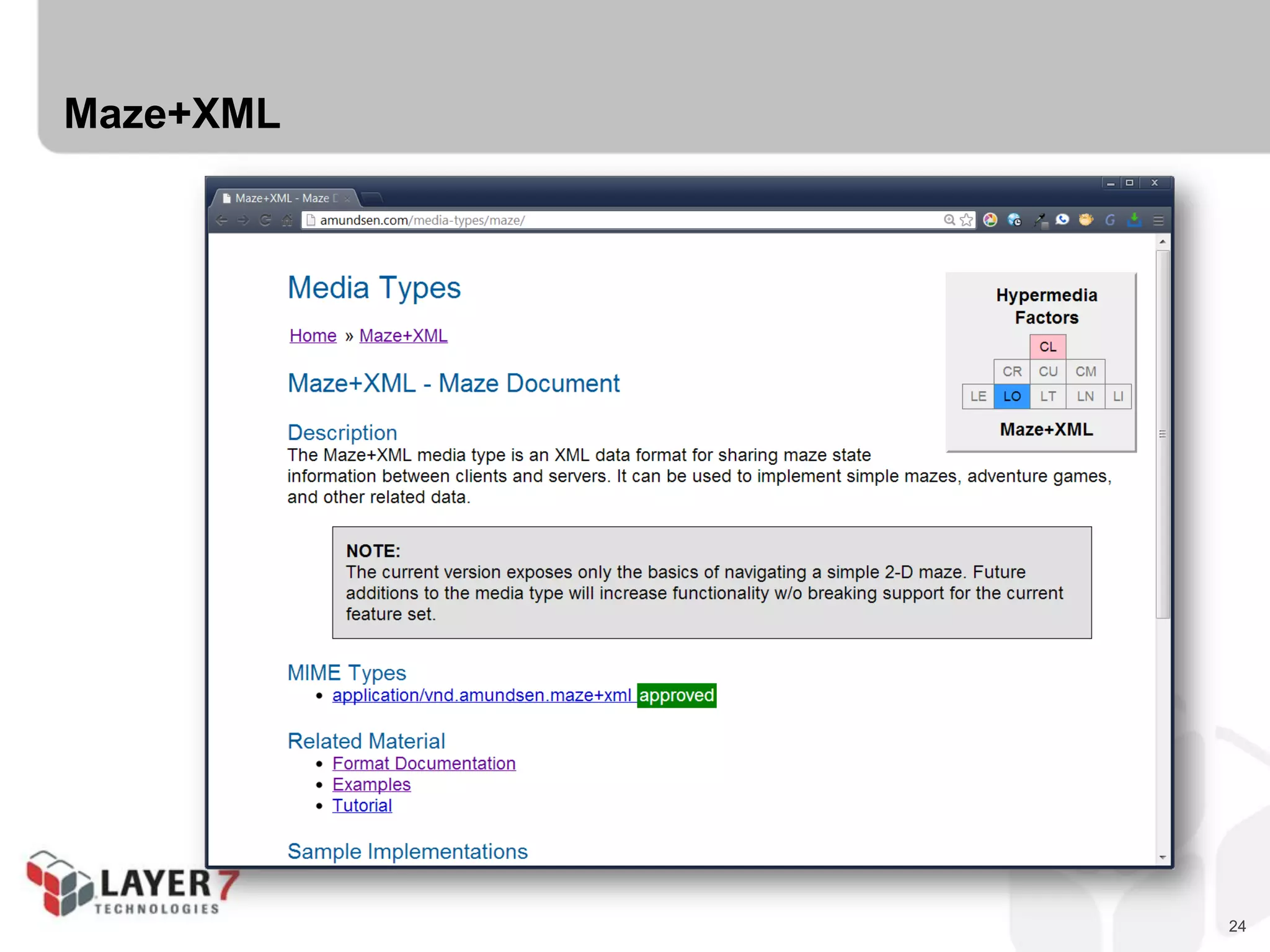
 Maze+XML
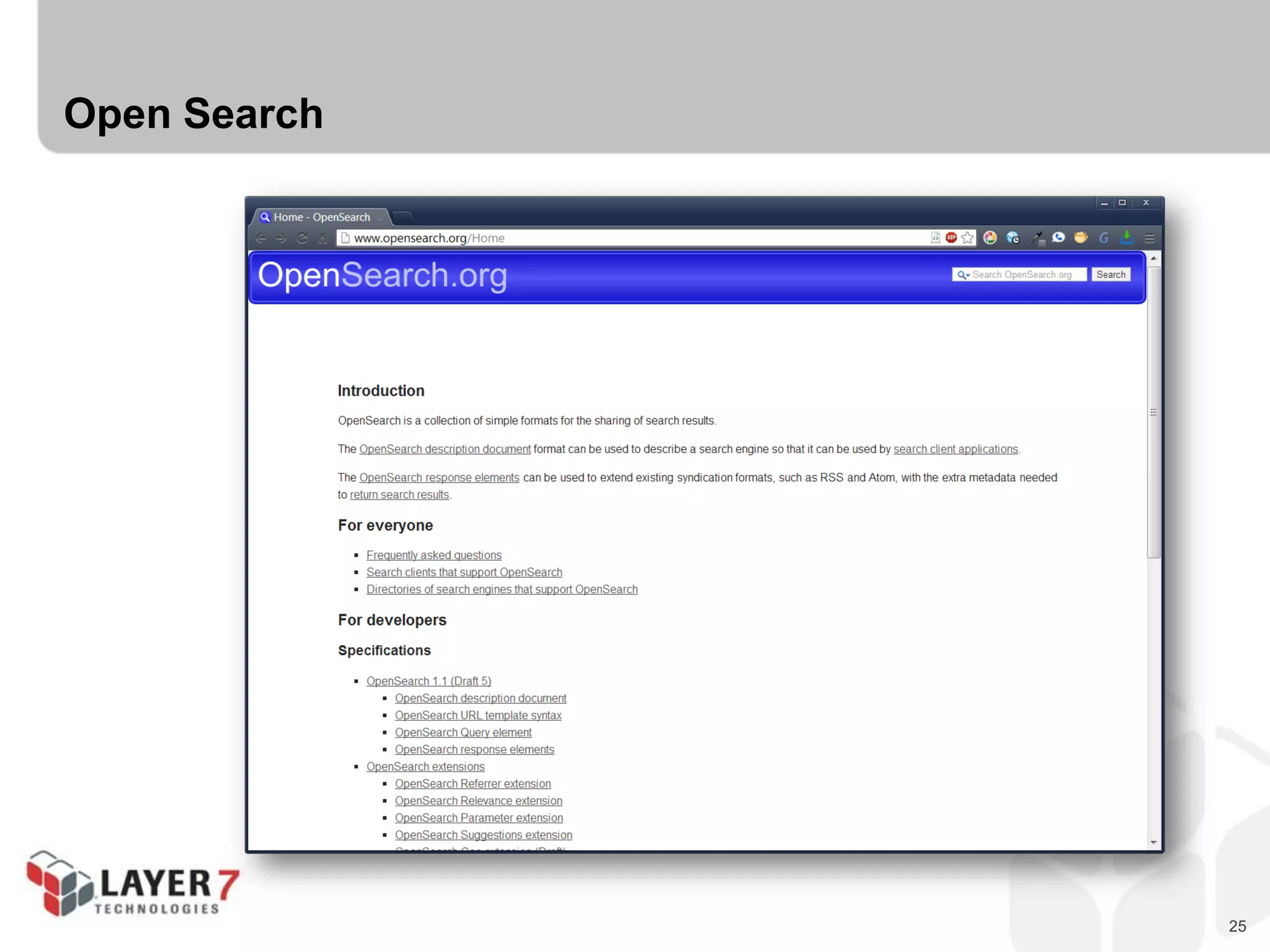
 OpenSearch
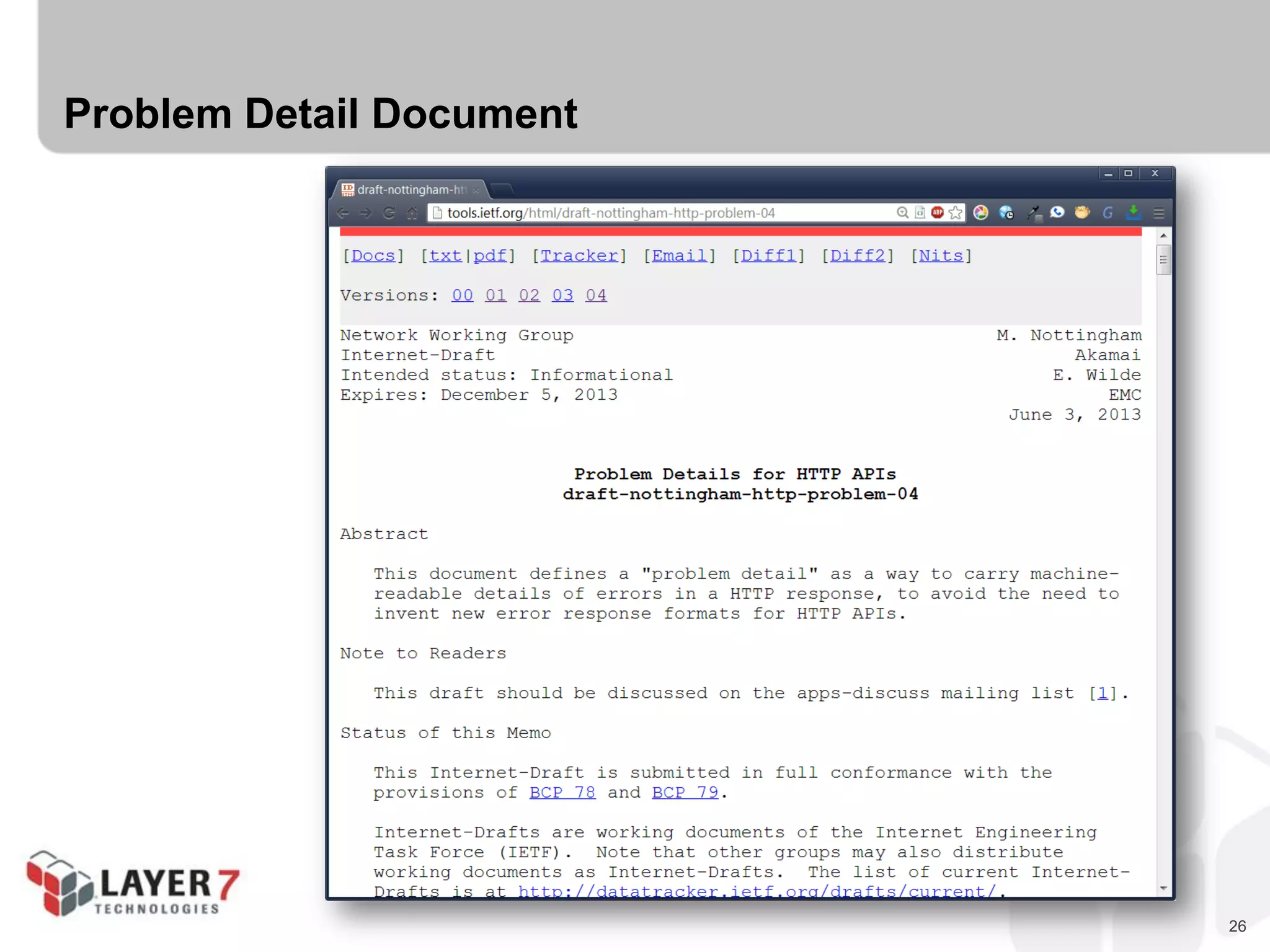
 Problem Detail Documents
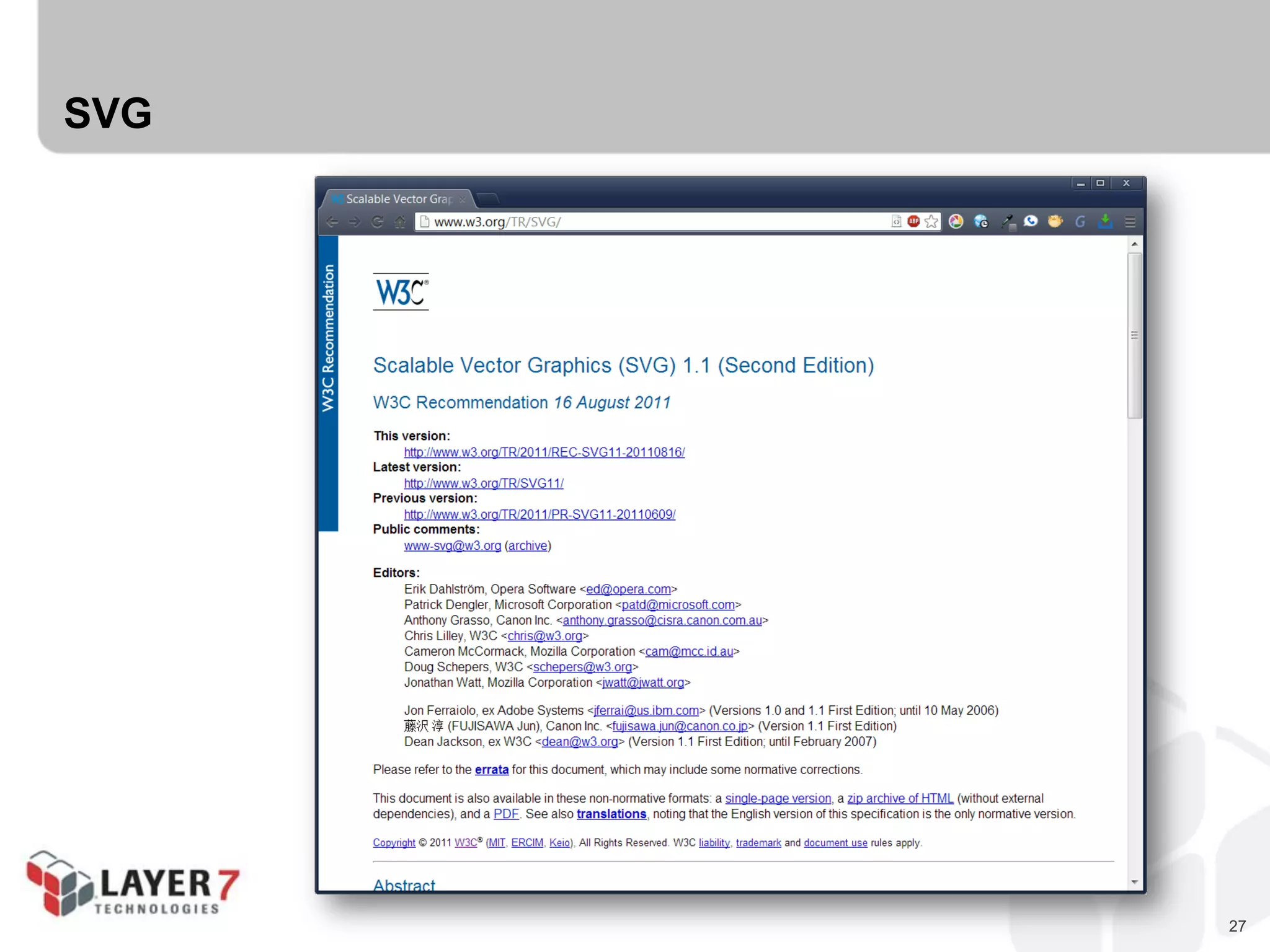
 SVG
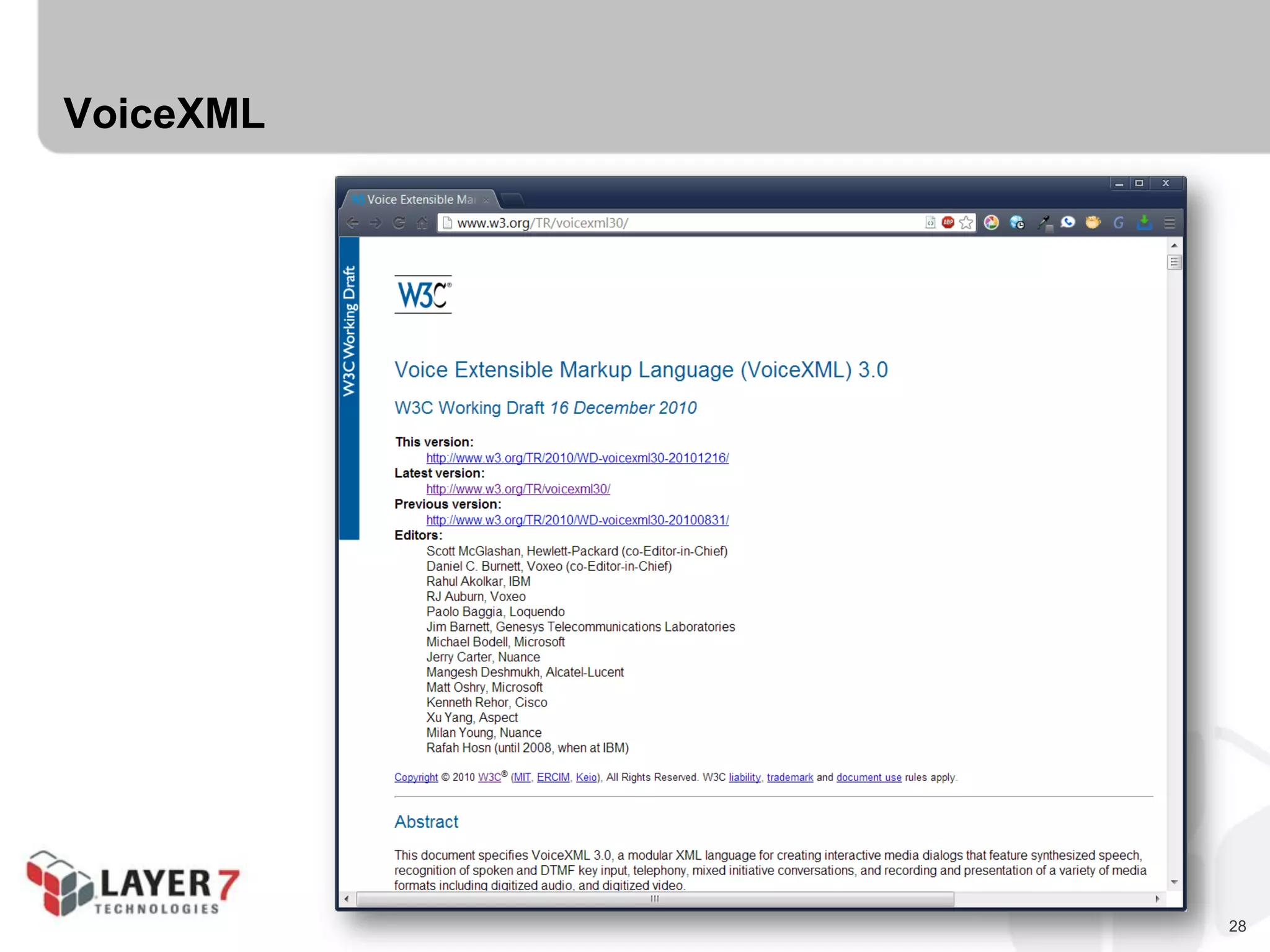
 VoiceXML
24
Maze+XML
25
Open Search
26
Problem Detail Document
27
SVG
28
VoiceXML
29
The Hypermedia Zoo
 Collection Pattern Designs
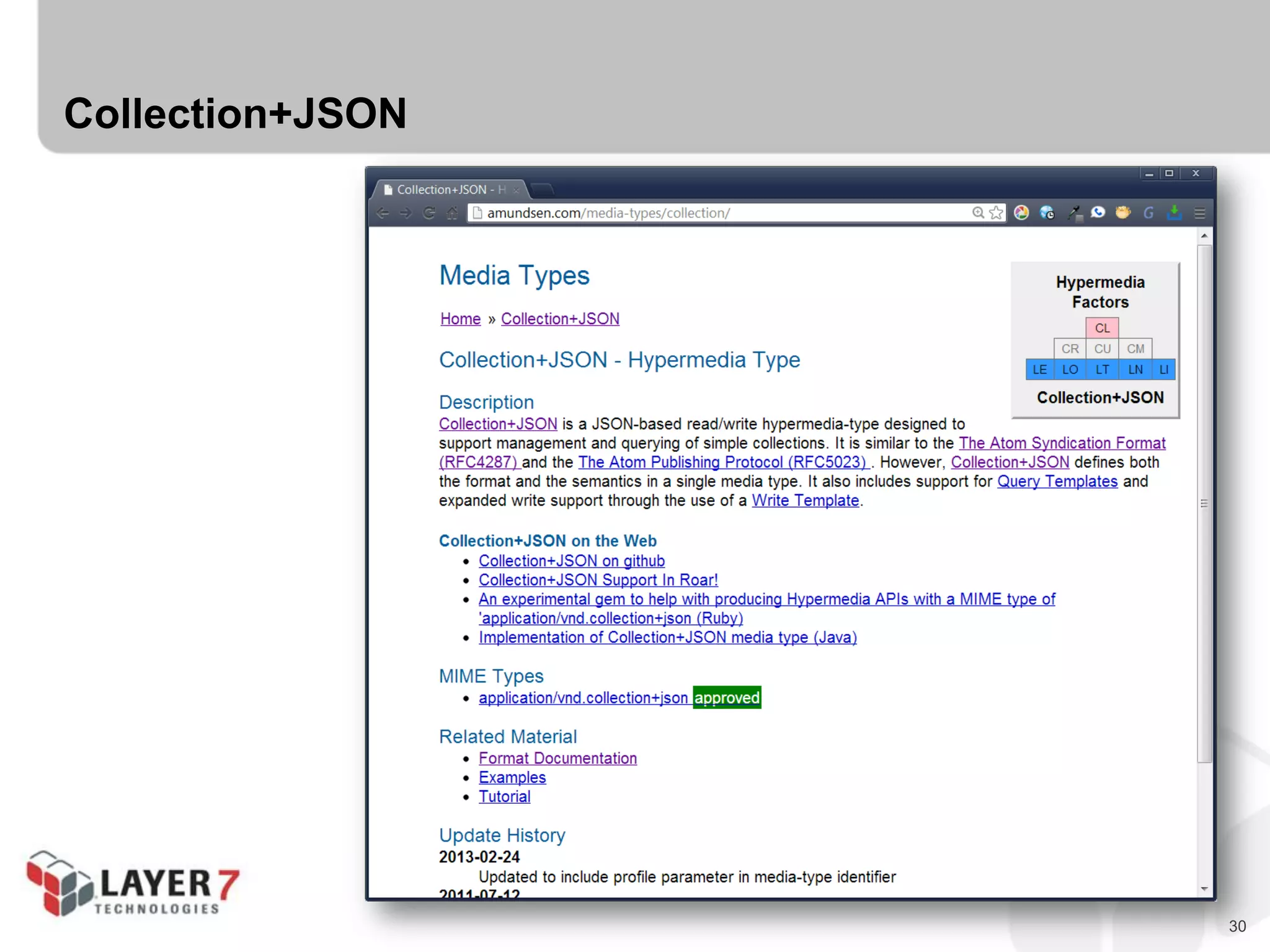
 Collection+JSON
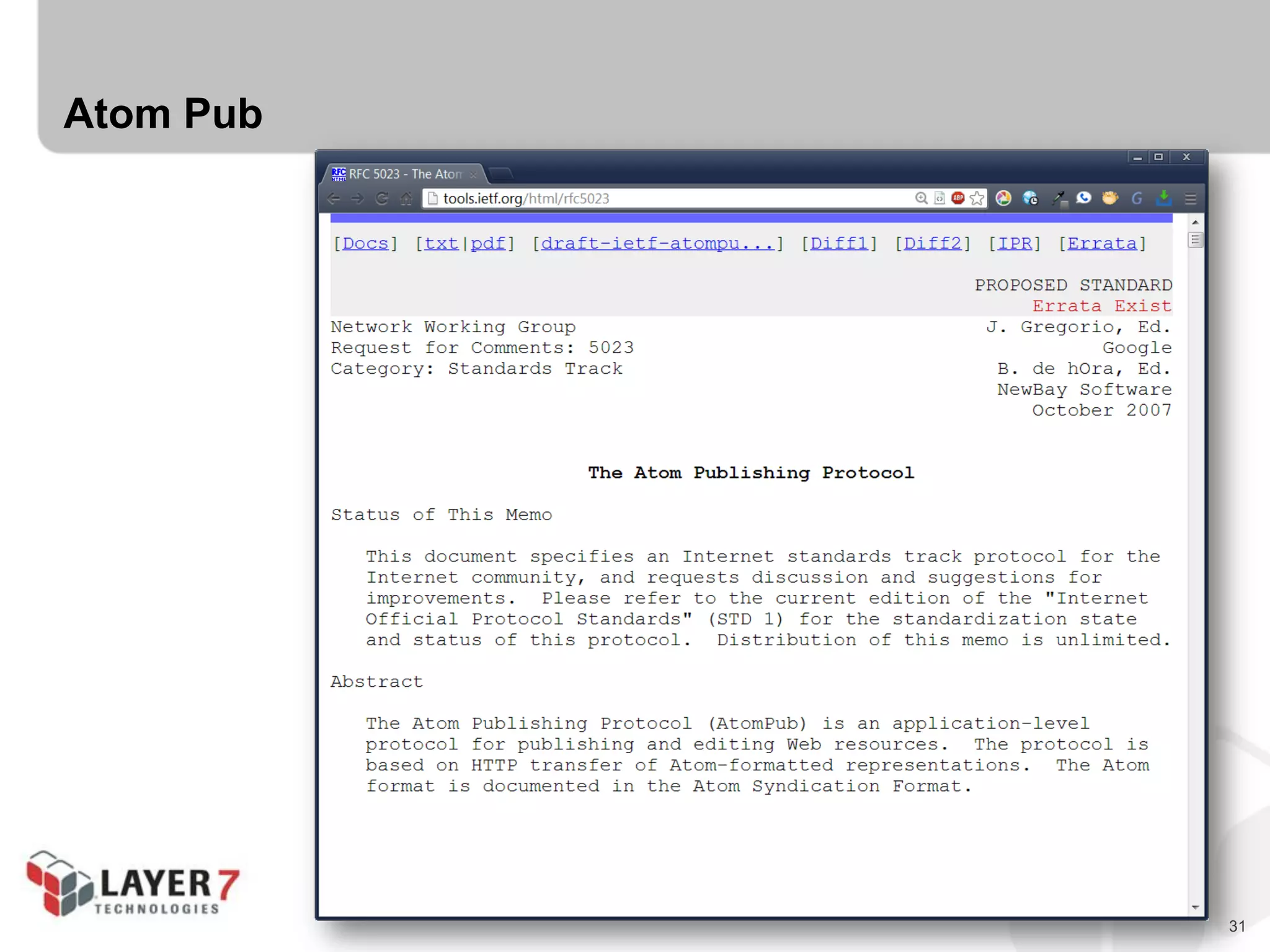
 Atom Pub
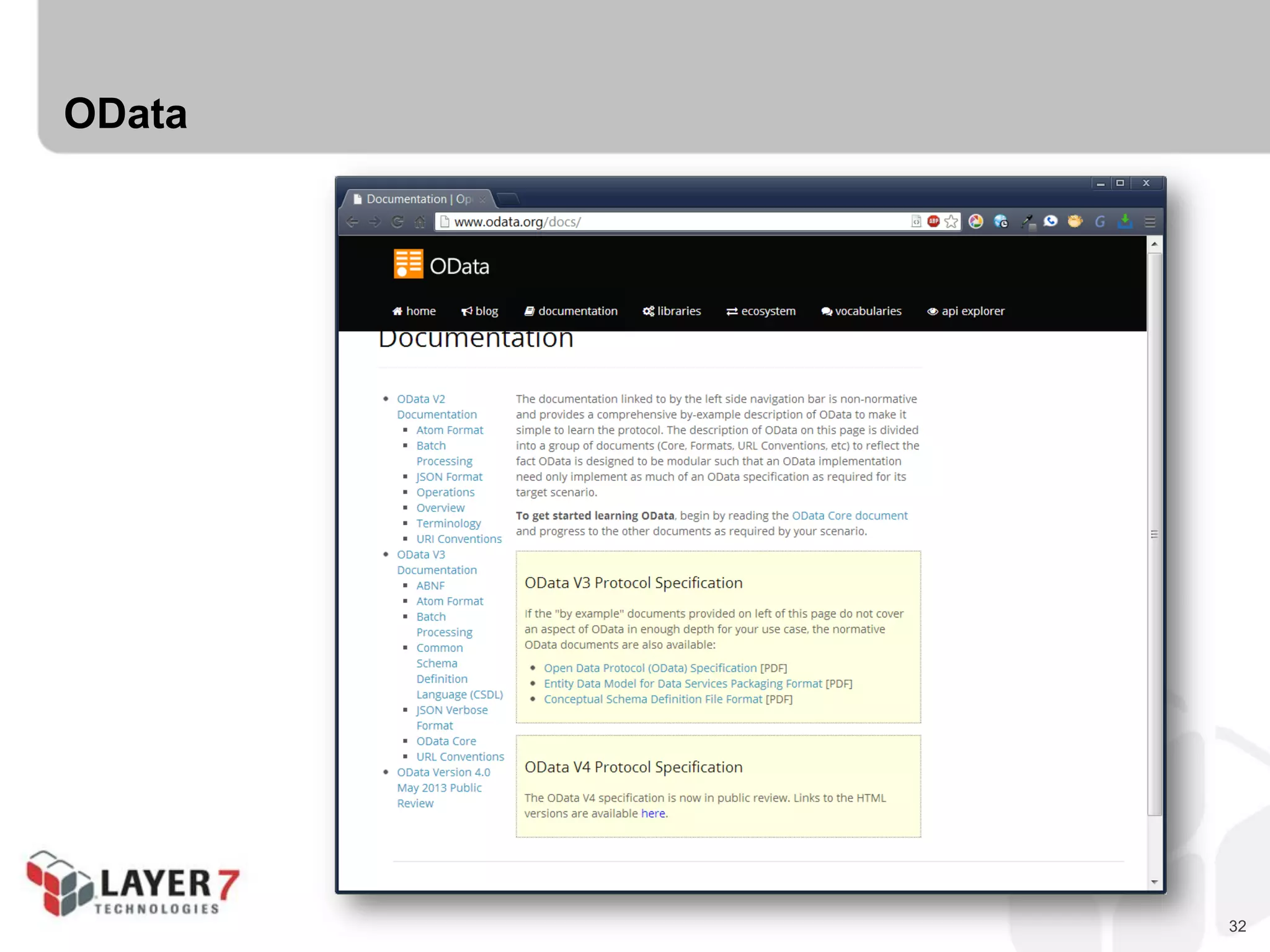
 OData
30
Collection+JSON
31
Atom Pub
32
OData
33
The Hypermedia Zoo
 Pure Hypermedia Designs
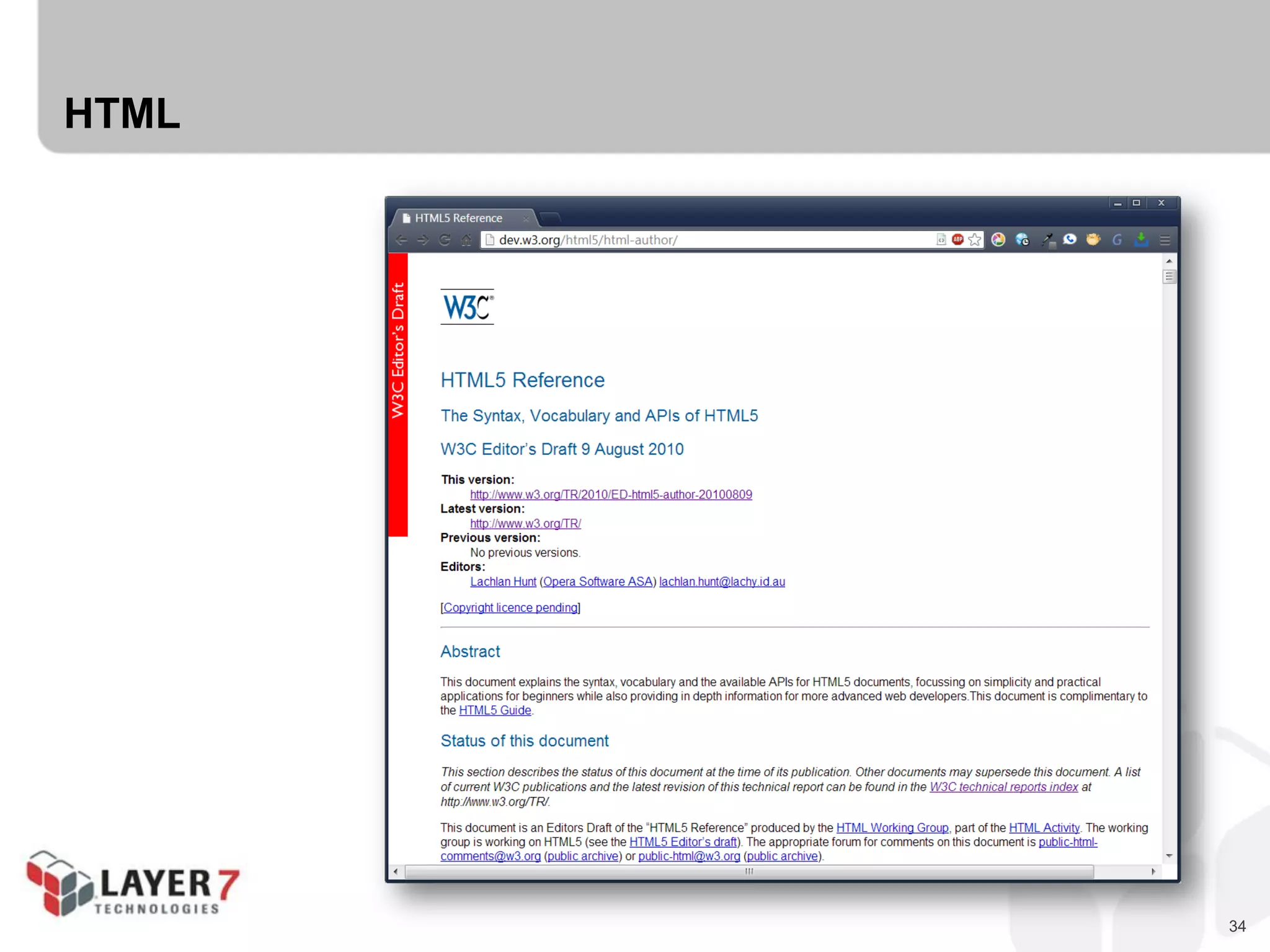
 HTML
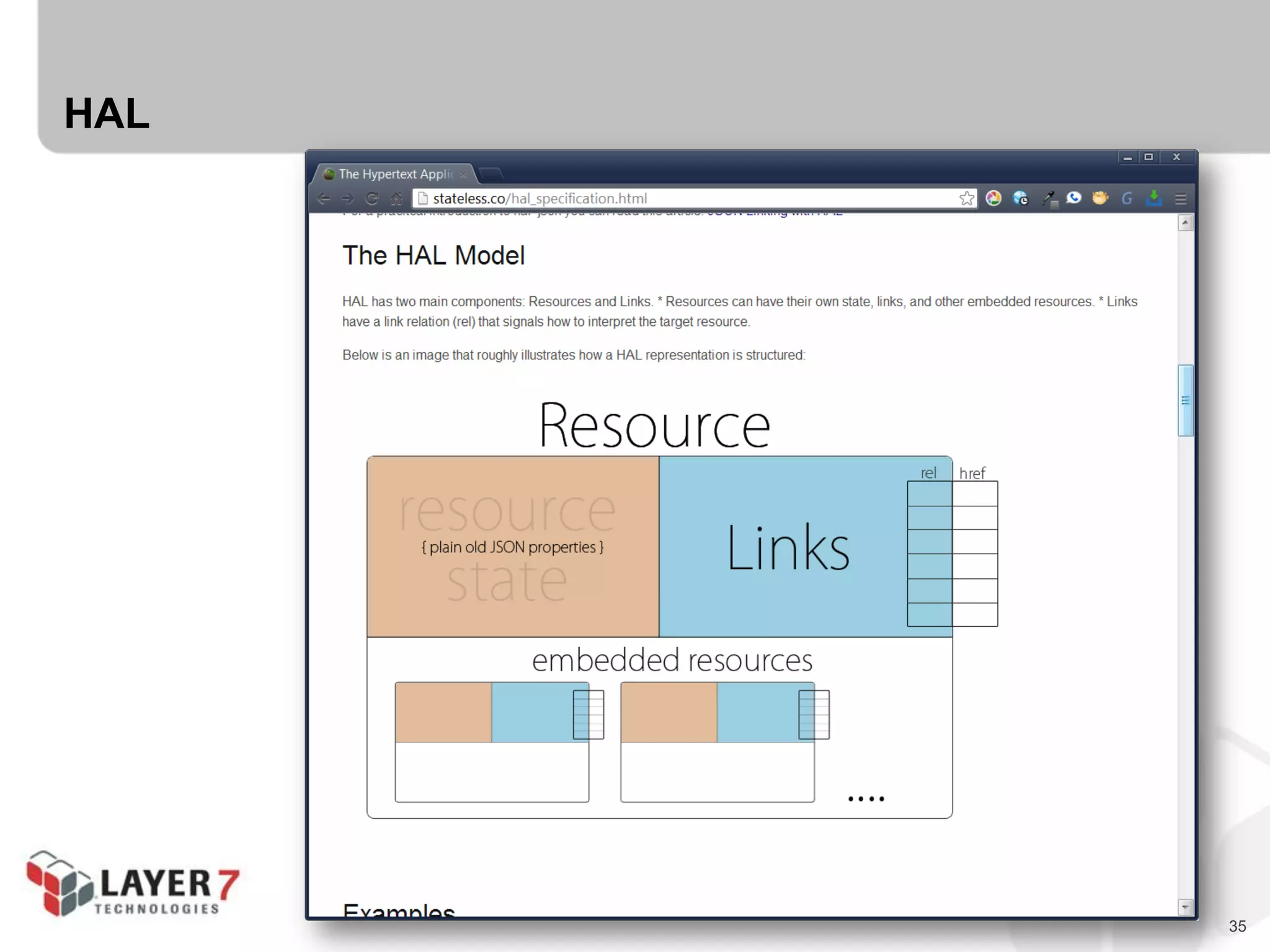
 HAL
 Siren
 Link, Link-Template, Location, & Content-Location Headers
 URL Lists
 JSON Home Document
 WADL
 XLink & XForms
34
HTML
35
HAL
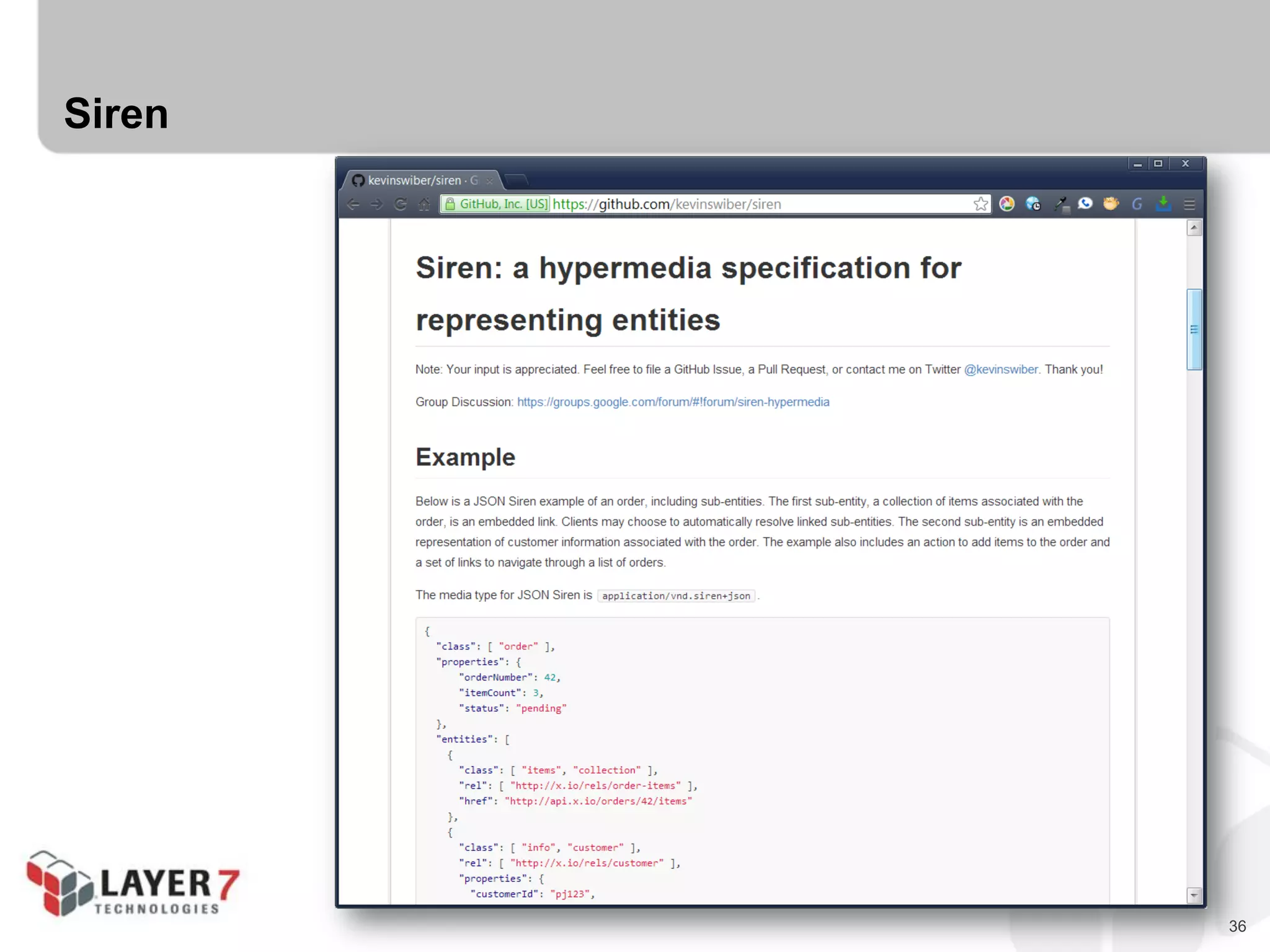
36
Siren
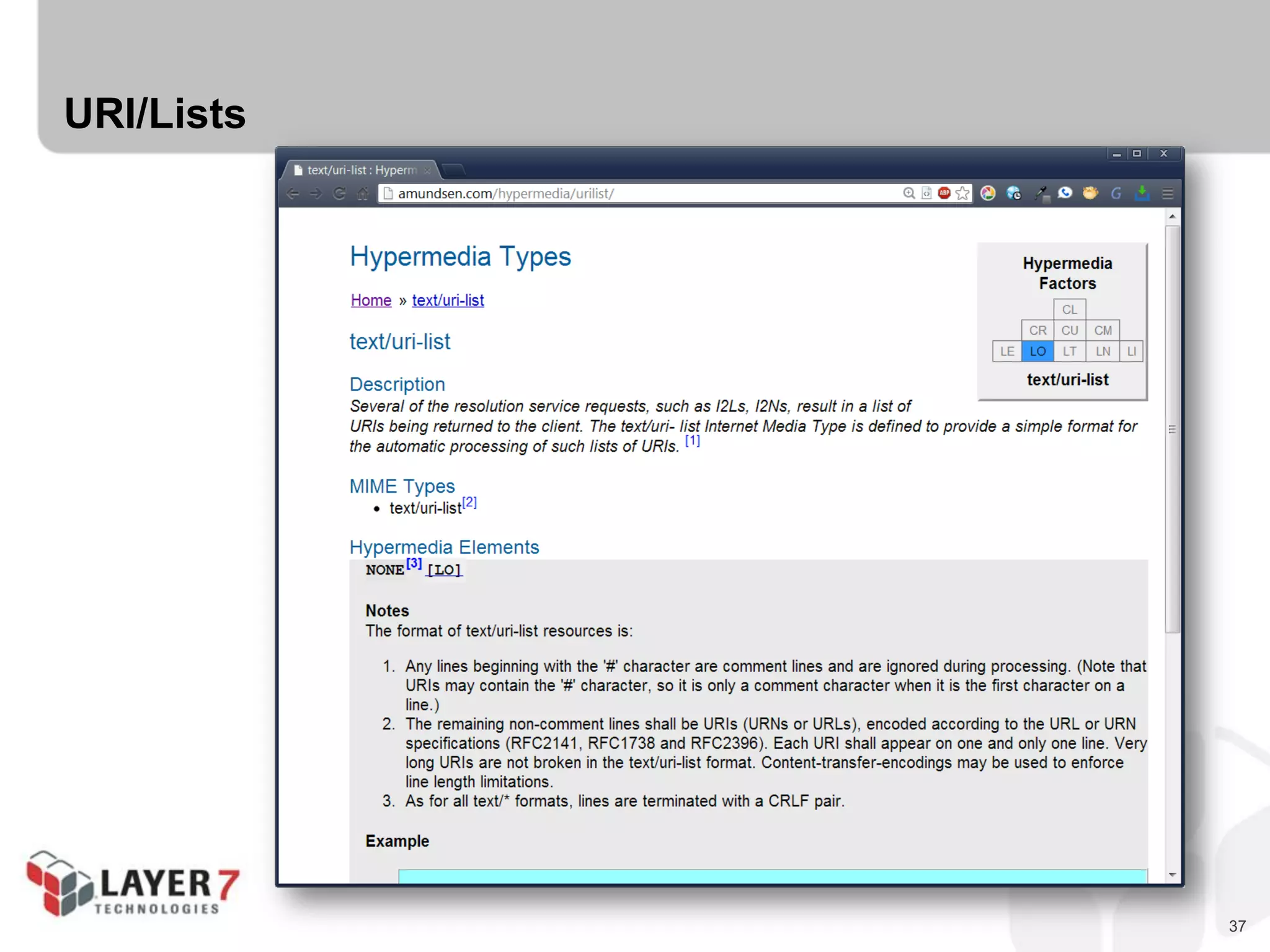
37
URI/Lists
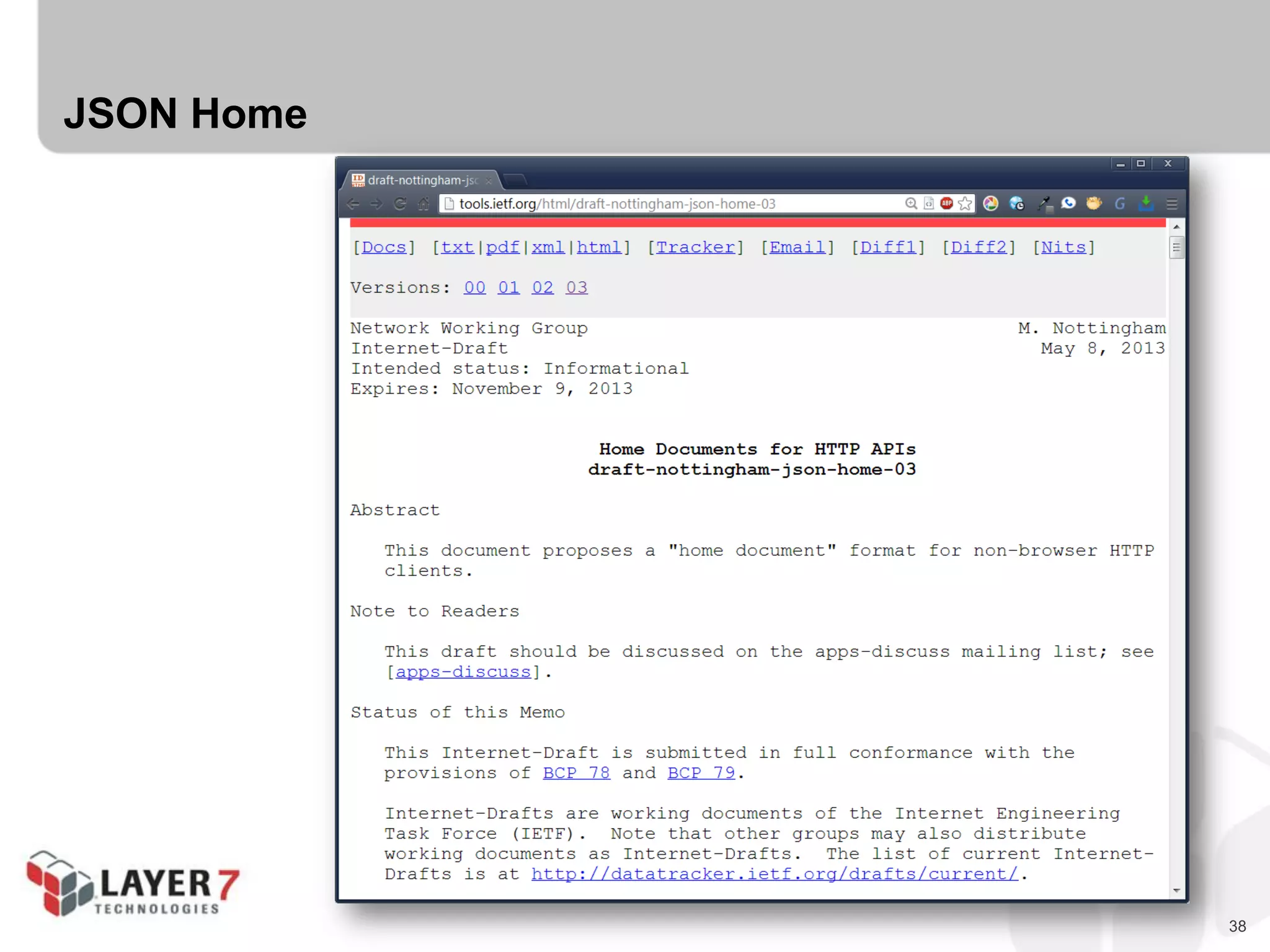
38
JSON Home
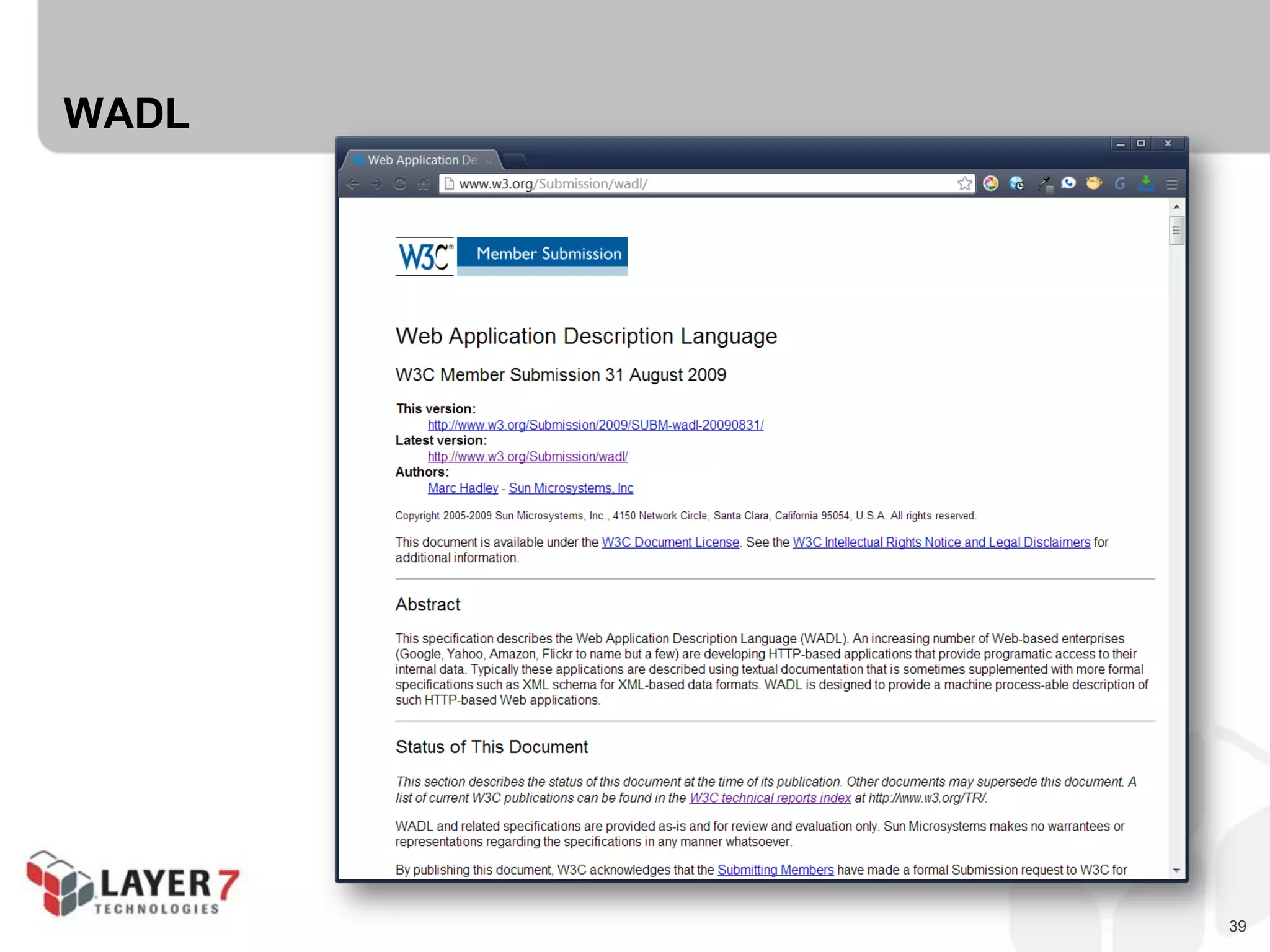
39
WADL
40
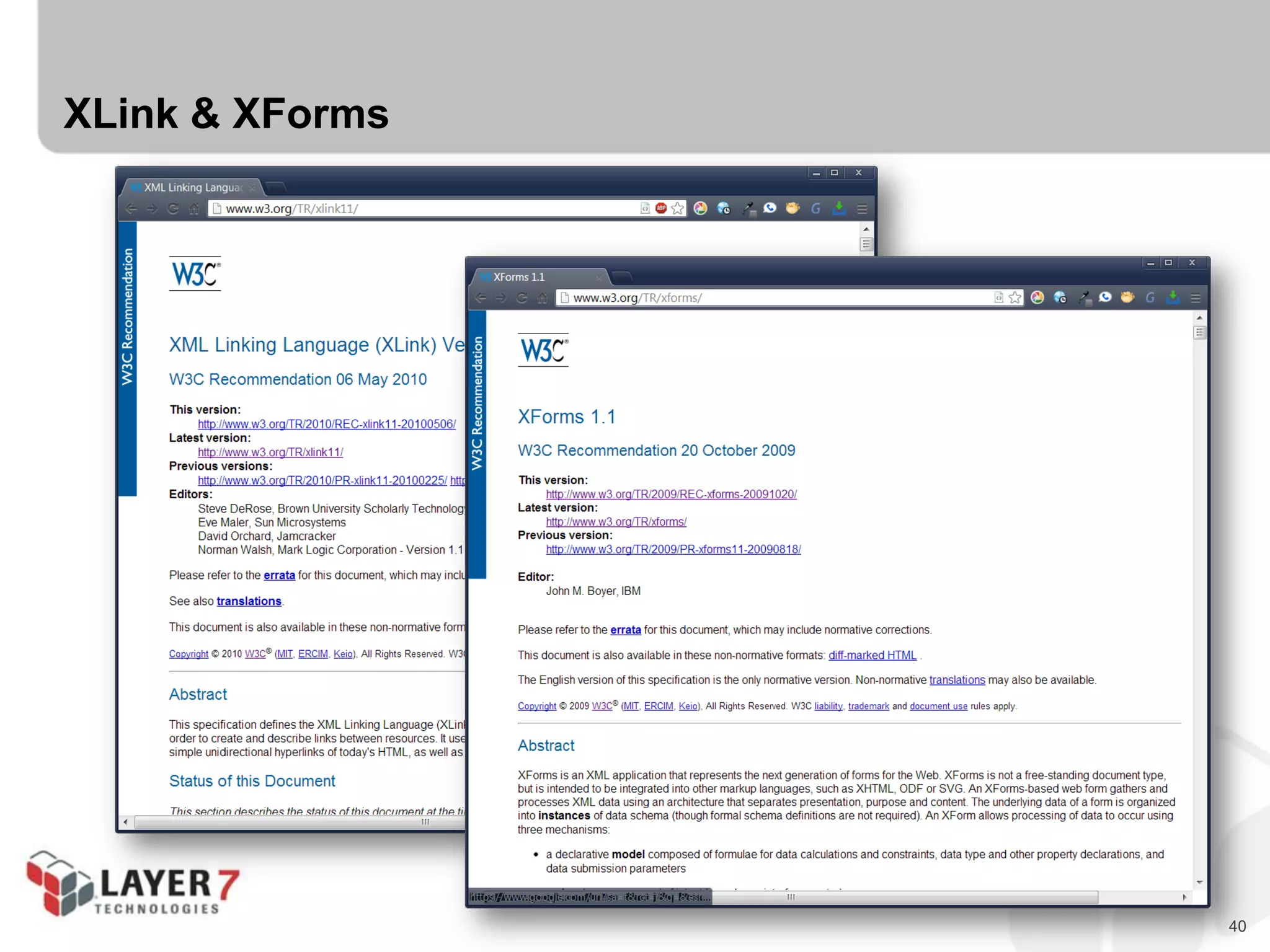
XLink & XForms
41
The Hypermedia Zoo
is full of options.
42
The Hypermedia Zoo
is full of options.
You rarely need to
“roll your own” media type
43
CHALLENGE #1:
ONE PROBLEM, THREE DESIGNS
44
Challenge #1 : One Problem, Three Designs
 Let’s take a simple problem domain (To-Do Lists)
 And create three different designs for the same problem:
- Domain-Specific
- List Pattern
- Pure Hypermedia
45
Challenge #1 : One Problem, Three Designs
 To-Do Lists Domain
 State Elements:
- Id
- Title
- DateDue
- Completed (yes/no)
 Actions:
- List
- Add
- MarkComplete
- SearchByTitle
46
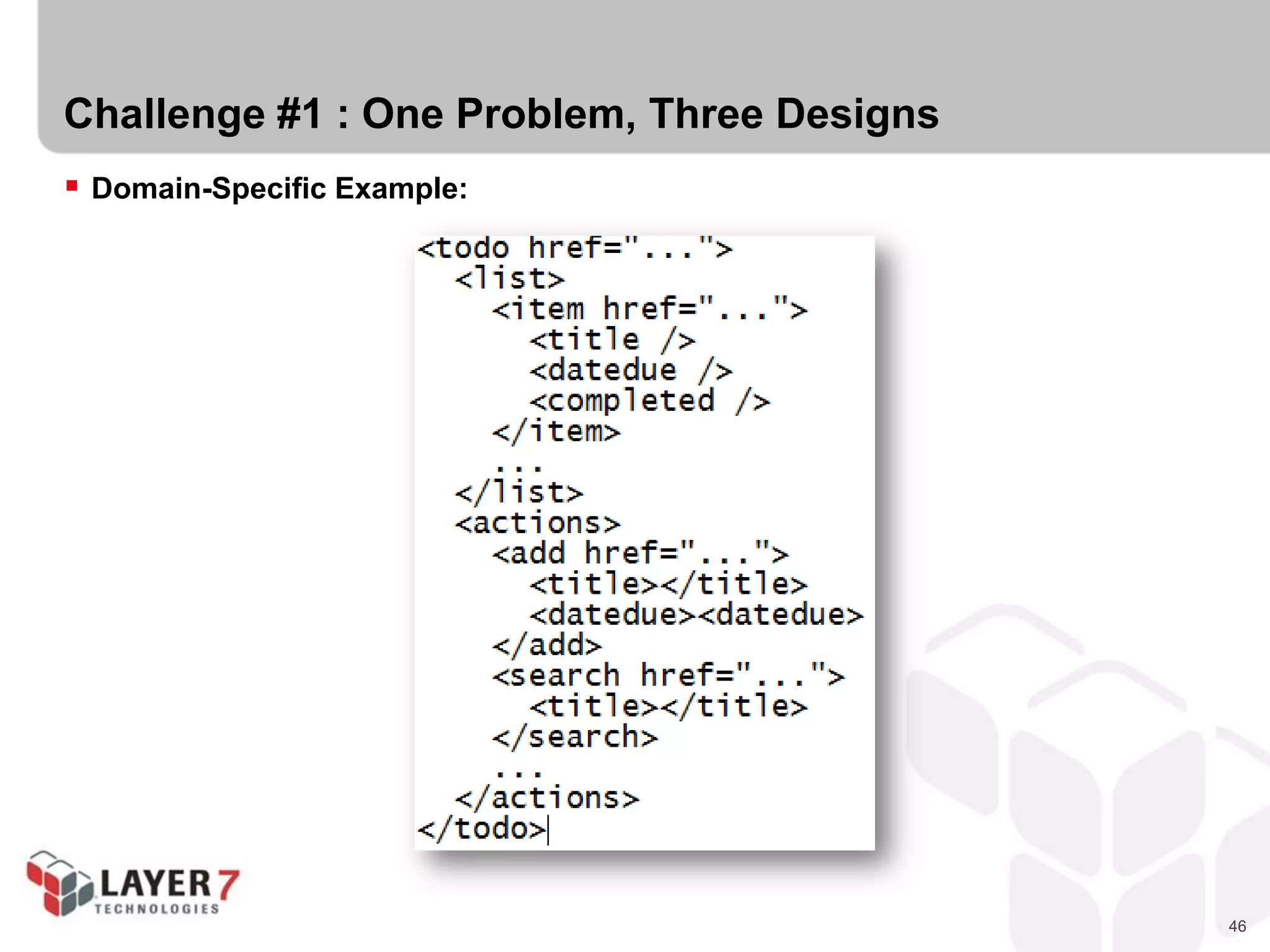
Challenge #1 : One Problem, Three Designs
 Domain-Specific Example:
47
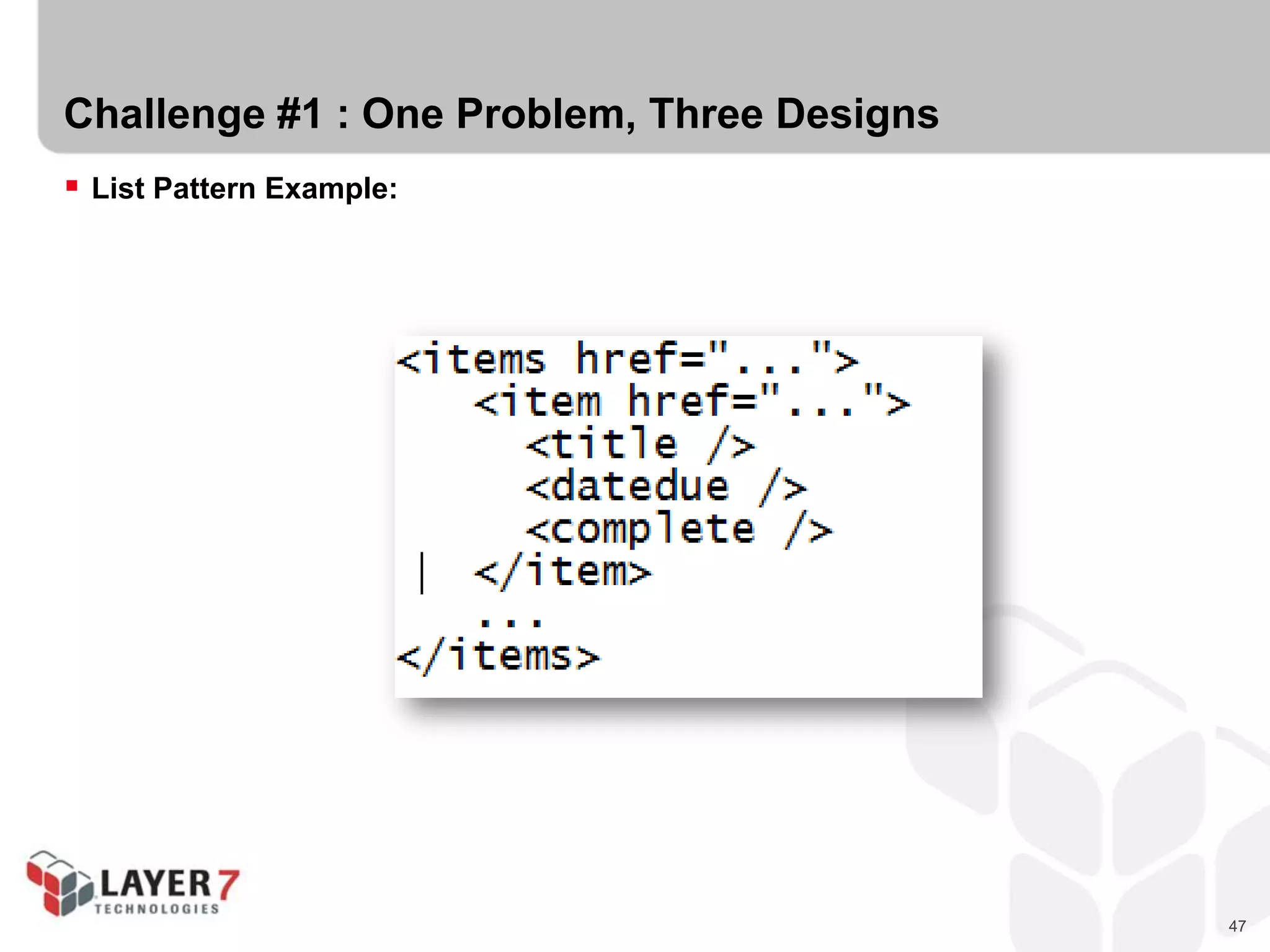
Challenge #1 : One Problem, Three Designs
 List Pattern Example:
48
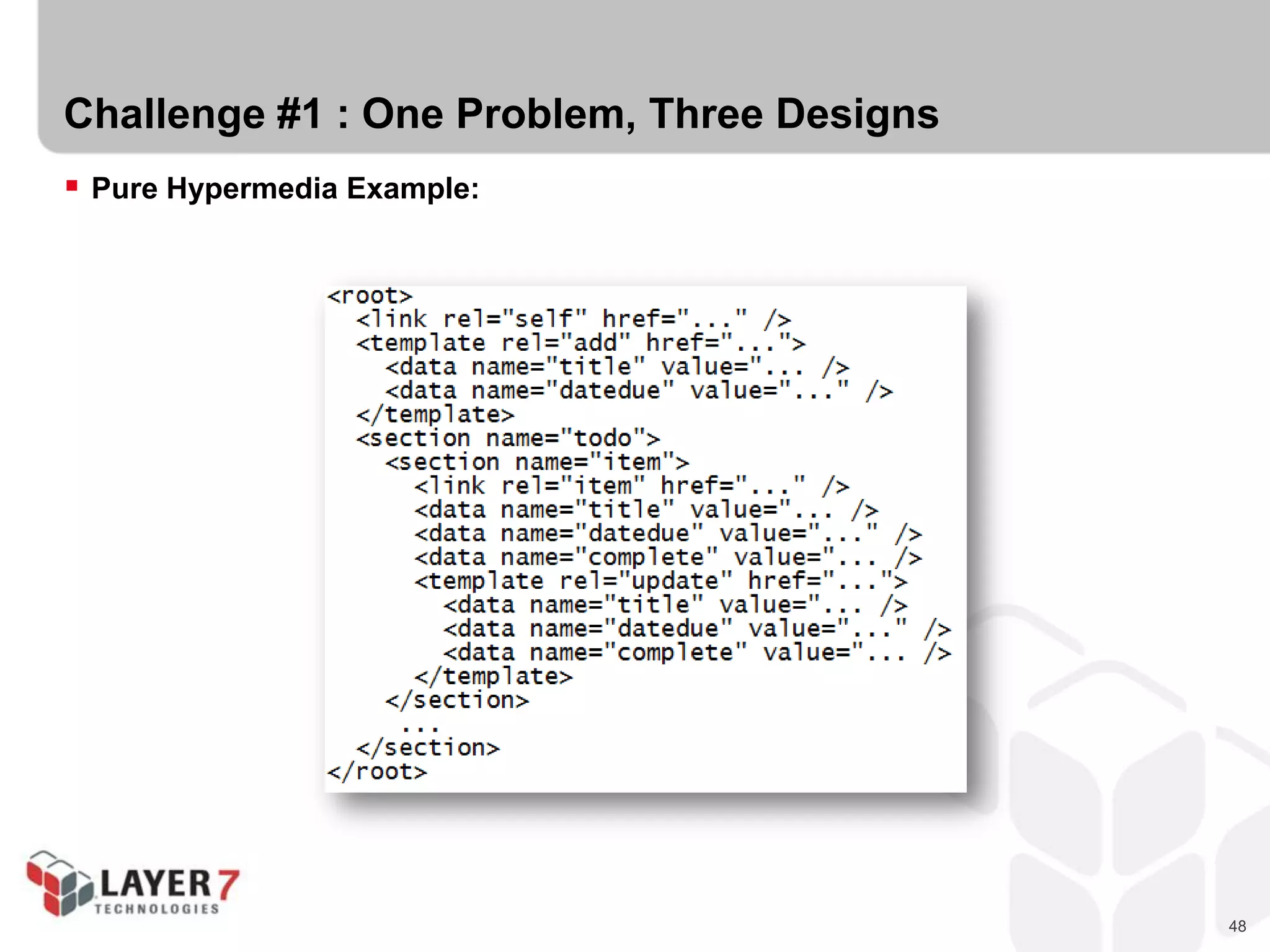
Challenge #1 : One Problem, Three Designs
 Pure Hypermedia Example:
49
OK, let’s design some Hypermedia!
50
THE SEMANTIC ZOO
51
Hypermedia is only part of the solution…
 Hypermedia handles the PROTOCOL
 But what about the problem domain?
 We need domain semantics!
52
The Semantic Zoo
 IANA Link Relations Registry
 Microformats Wiki
 Schema.org
 Dublin Core
 Activity Streams
 ALPS Registry
 Each contains a set of shared of “state” identifiers.
 Each describes semantics of an item or collection.
 We call these “Semantic Descriptors”
53
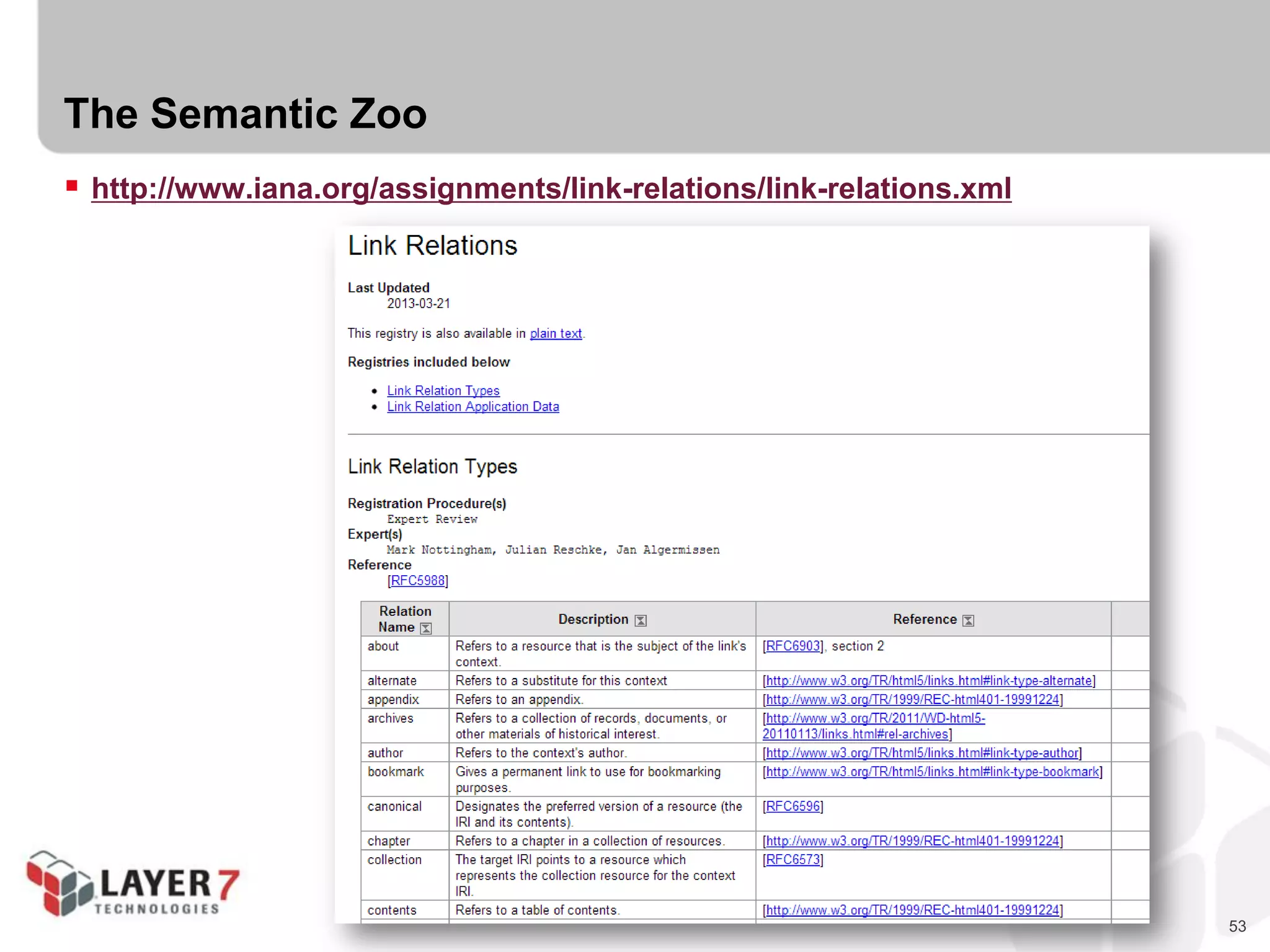
The Semantic Zoo
 http://www.iana.org/assignments/link-relations/link-relations.xml
54
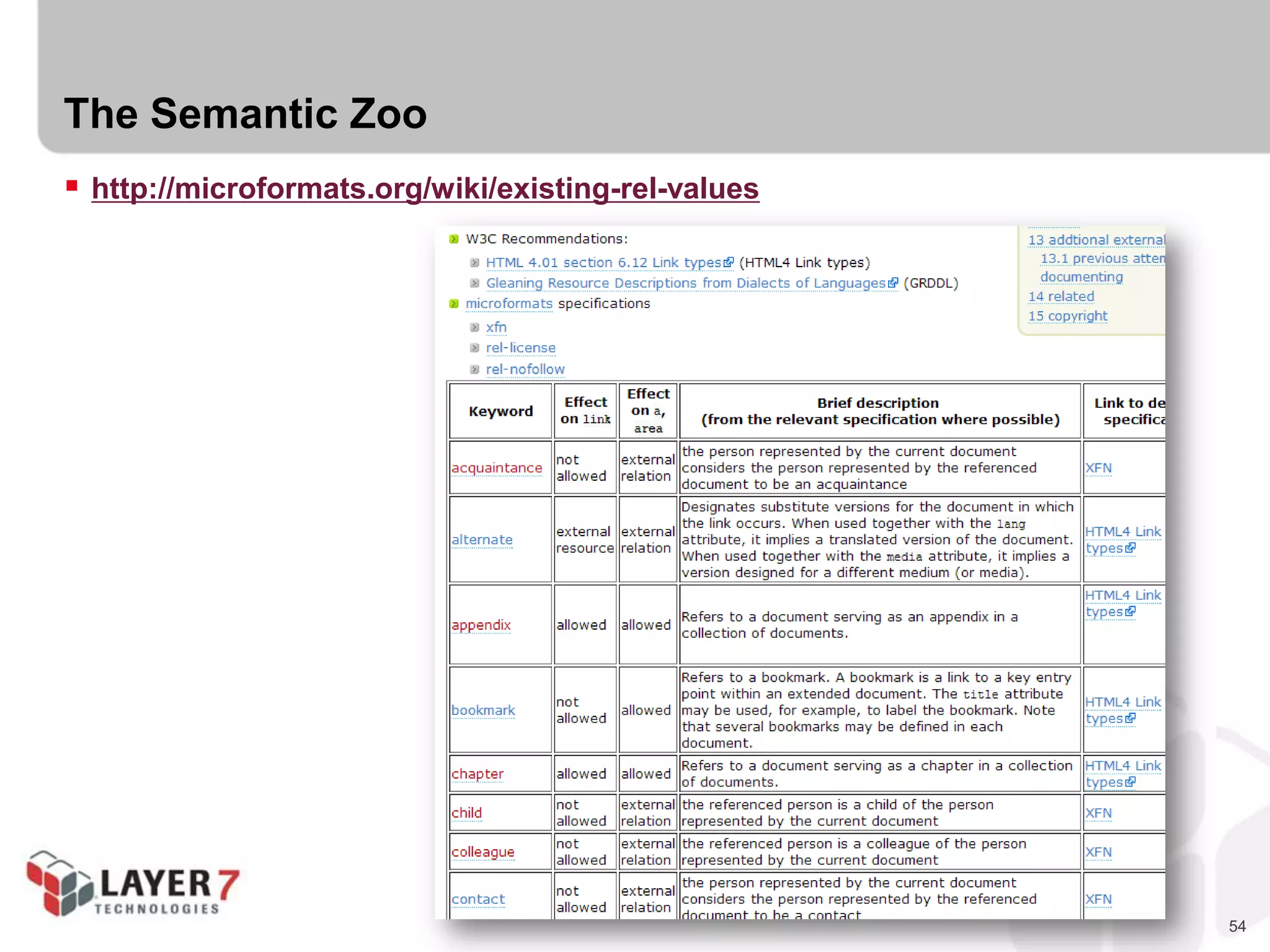
The Semantic Zoo
 http://microformats.org/wiki/existing-rel-values
55
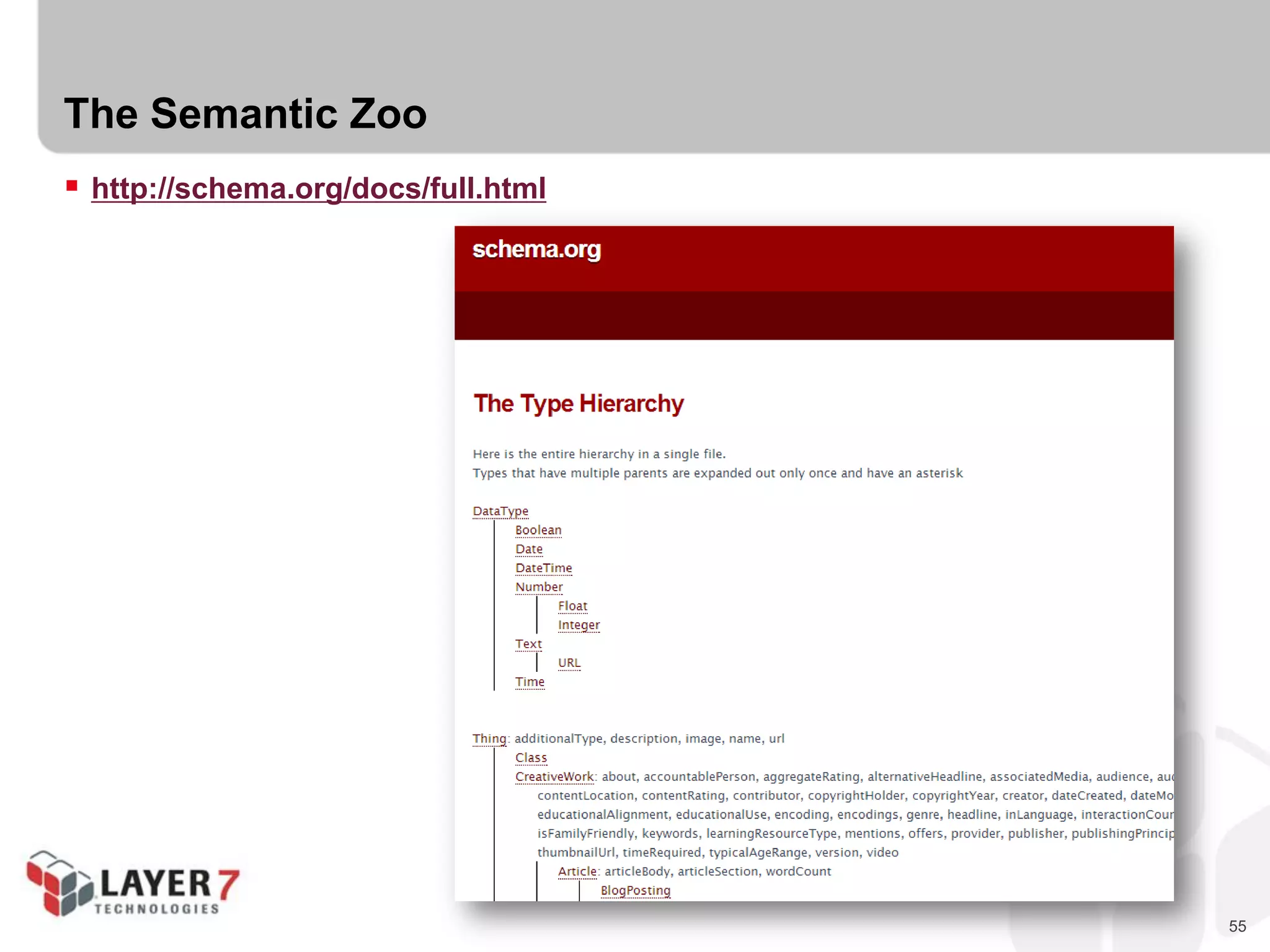
The Semantic Zoo
 http://schema.org/docs/full.html
56
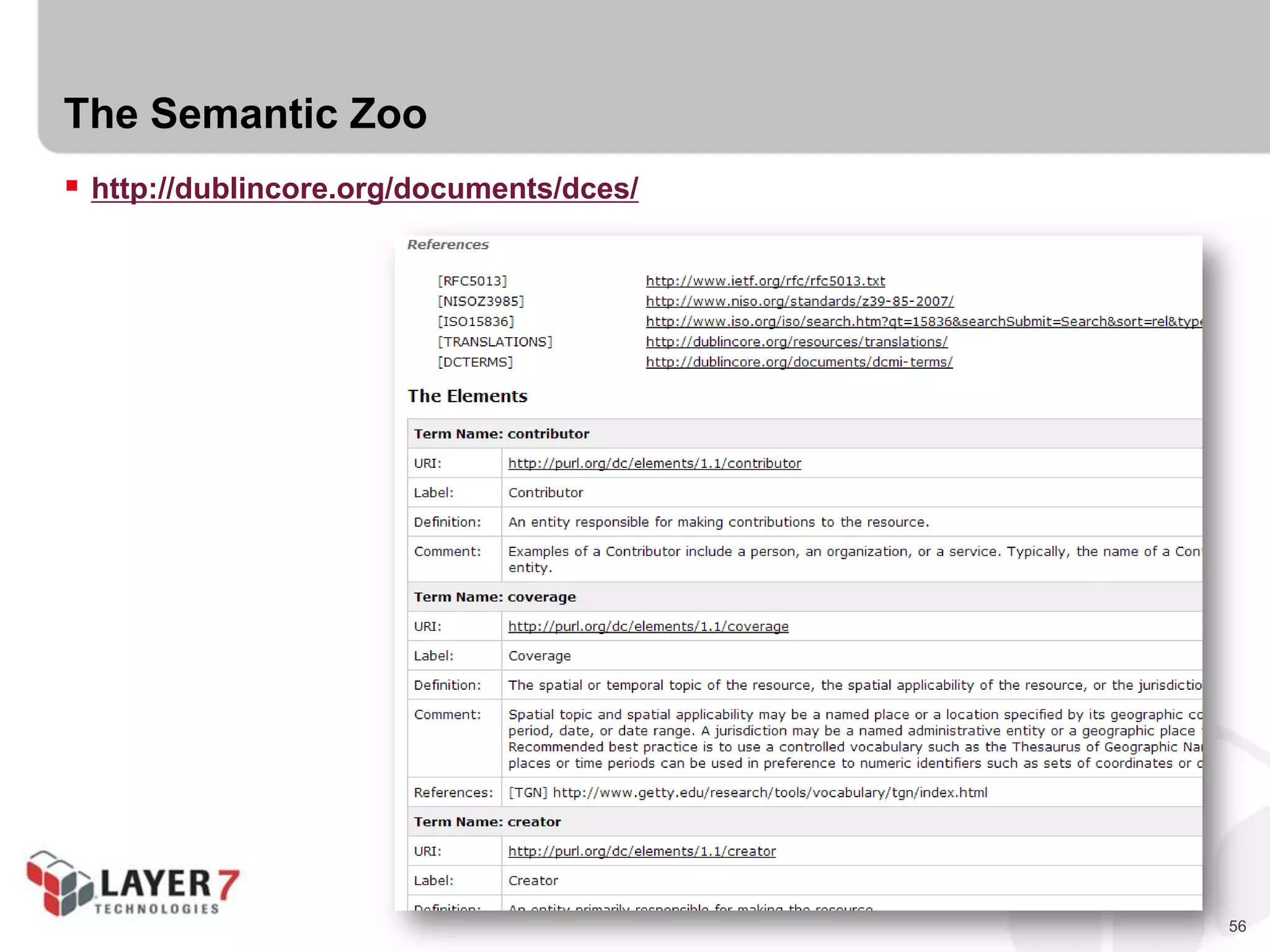
The Semantic Zoo
 http://dublincore.org/documents/dces/
57
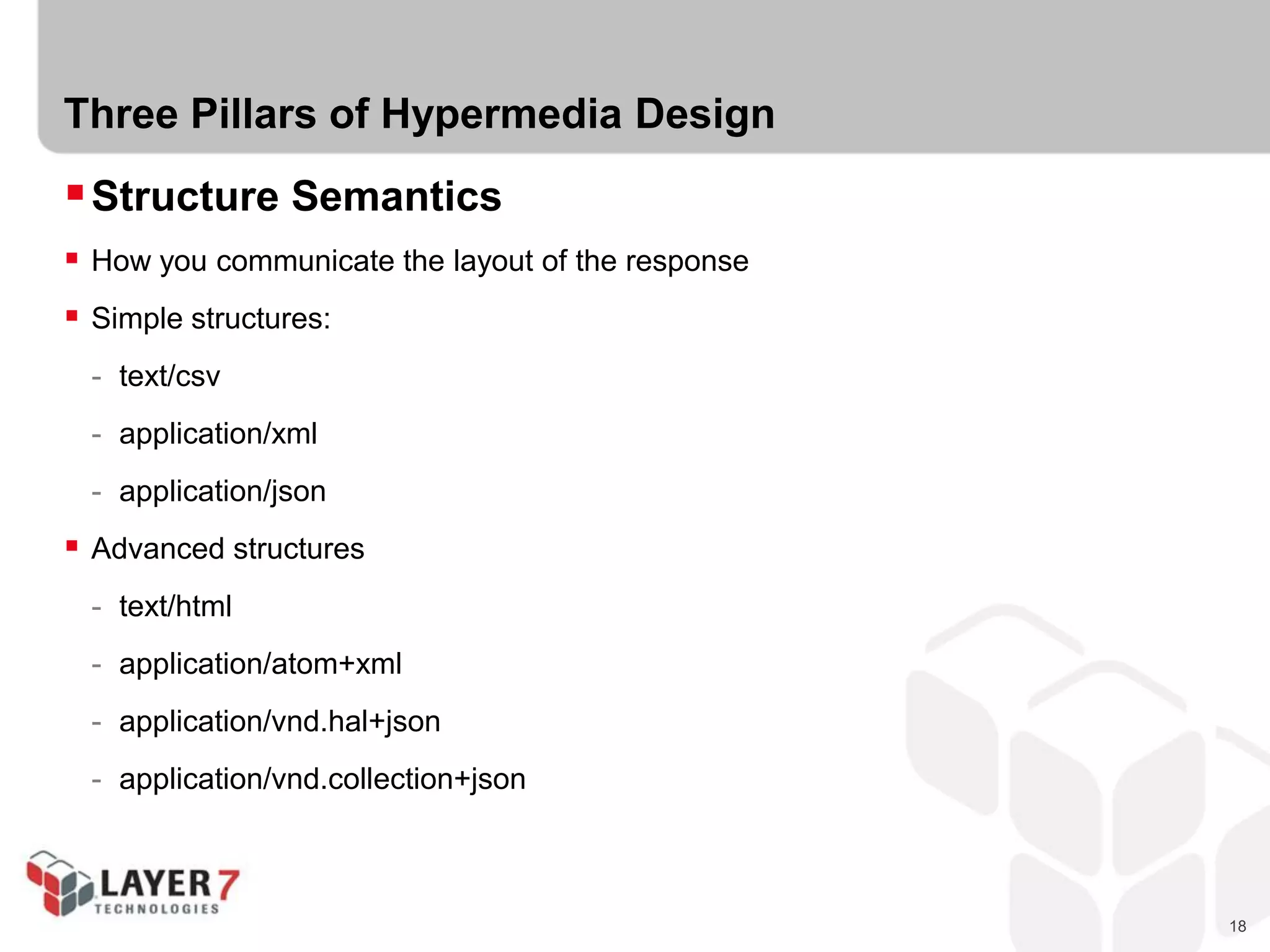
The Semantic Zoo
 http://activitystrea.ms/registry/object_types/
58
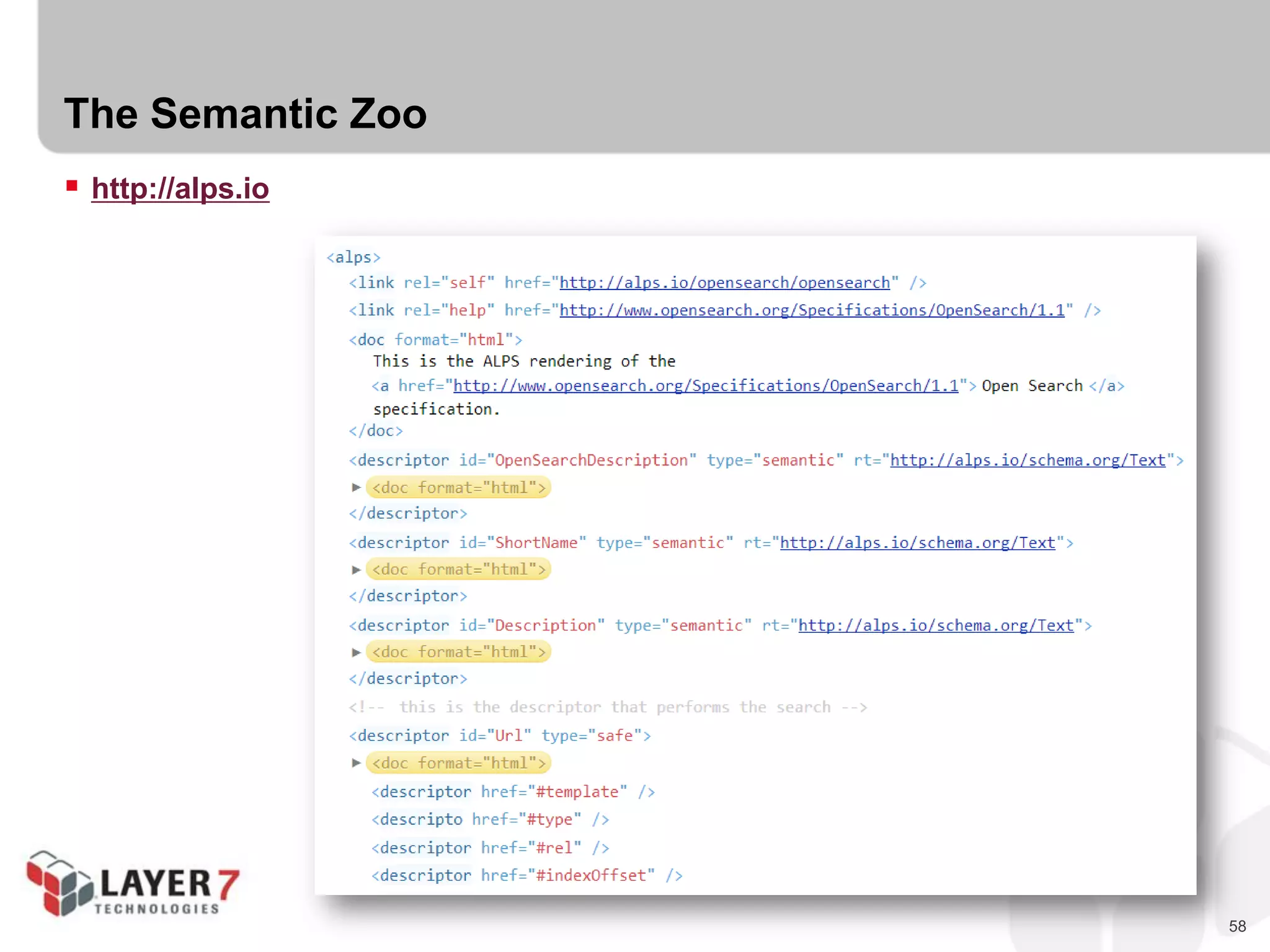
The Semantic Zoo
 http://alps.io
59
The Semantic Zoo
 IANA Link Relations Registry
 Microformats Wiki
 Schema.org
 Dublin Core
 Activity Streams
 ALPS Registry
 Each contains a set of shared of “state” identifiers.
 Each describes semantics of an item or collection.
 We call these “Semantic Descriptors”
60
CHALLENGE #2:
SELECT SEMANTIC DESCRIPTORS
61
Challenge #2 : Select Semantic Descriptors
 Replace our “to-do” list domain specific strings with shared semantic descriptors
 Use the various registries as your source material
 Apply to your “Pure Hypermedia” or “List Pattern” design
62
RESTFUL WEB API PROFILES
63
API Profiles
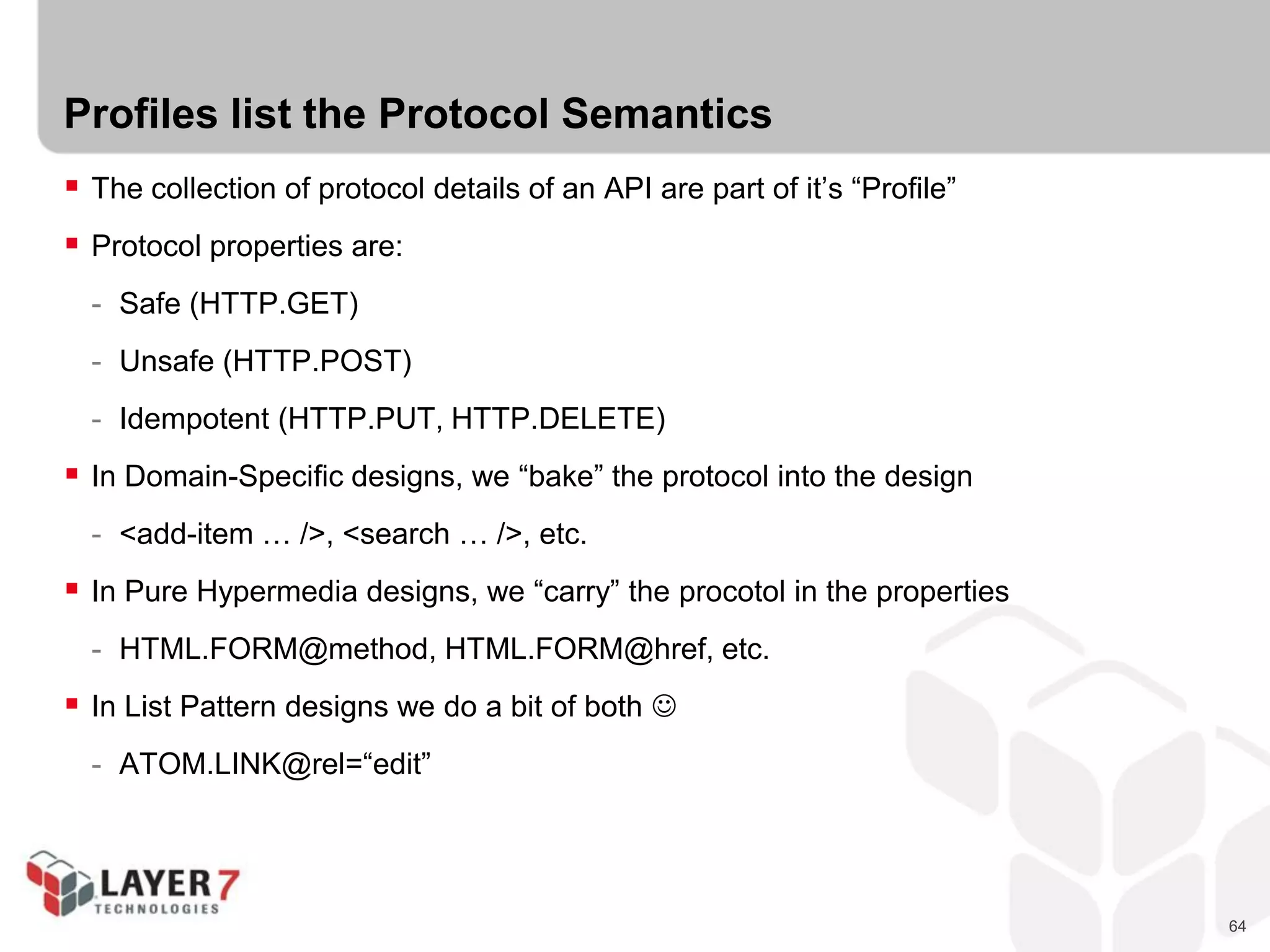
“A profile is defined to not alter the semantics of the resource representation itself,
but to allow clients to learn about additional semantics ...
associated with the resource representation,
in addition to those defined by the media type...”
RFC6906
64
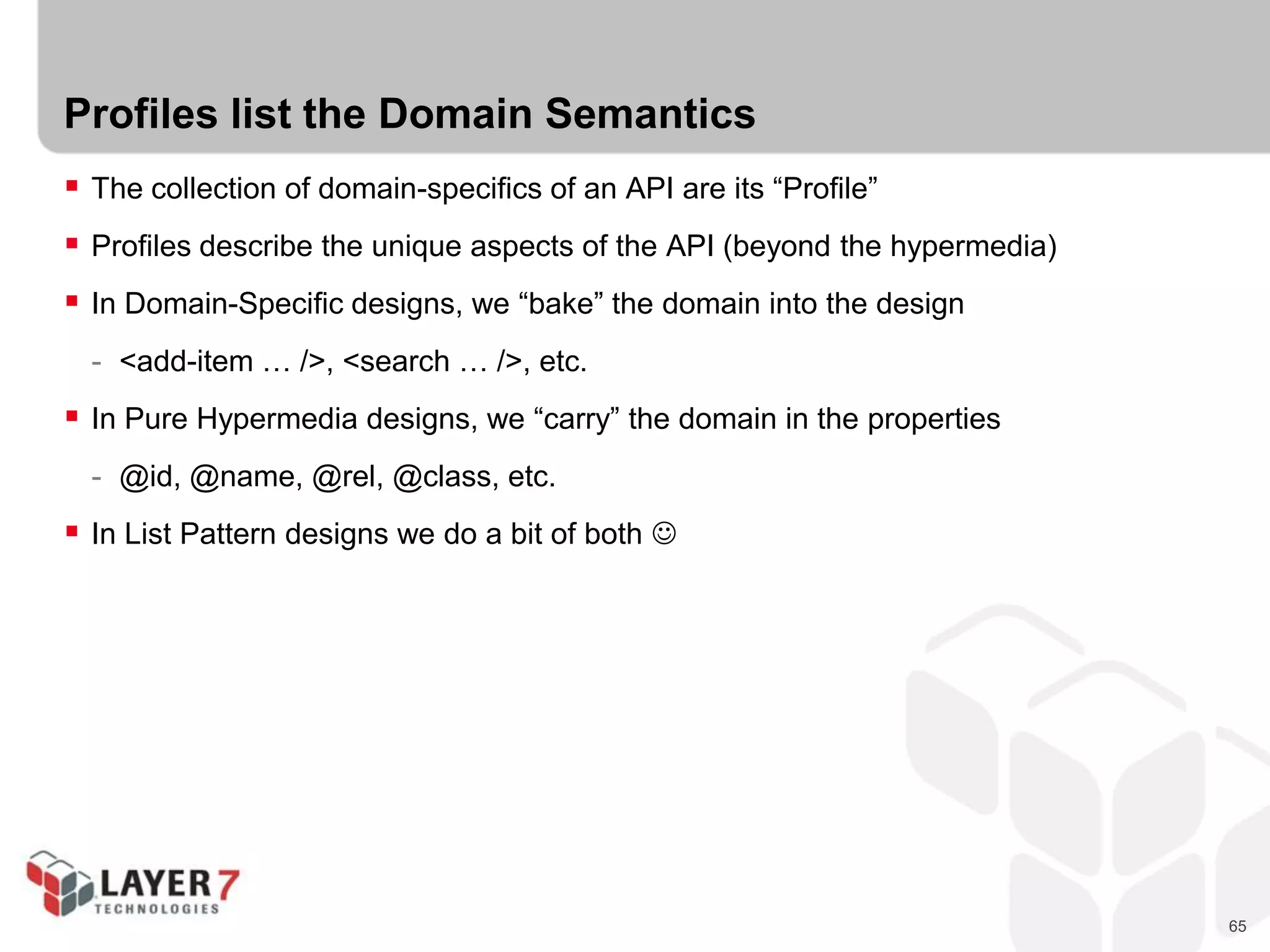
Profiles list the Protocol Semantics
 The collection of protocol details of an API are part of it’s “Profile”
 Protocol properties are:
- Safe (HTTP.GET)
- Unsafe (HTTP.POST)
- Idempotent (HTTP.PUT, HTTP.DELETE)
 In Domain-Specific designs, we “bake” the protocol into the design
- <add-item … />, <search … />, etc.
 In Pure Hypermedia designs, we “carry” the procotol in the properties
- HTML.FORM@method, HTML.FORM@href, etc.
 In List Pattern designs we do a bit of both 
- ATOM.LINK@rel=“edit”
65
Profiles list the Domain Semantics
 The collection of domain-specifics of an API are its “Profile”
 Profiles describe the unique aspects of the API (beyond the hypermedia)
 In Domain-Specific designs, we “bake” the domain into the design
- <add-item … />, <search … />, etc.
 In Pure Hypermedia designs, we “carry” the domain in the properties
- @id, @name, @rel, @class, etc.
 In List Pattern designs we do a bit of both 
66
Profiles are the Documentation
 Most “profiles” are just human-readable documentation
- IODocs
- Swagger
- Apiary.io
- Etc.
67
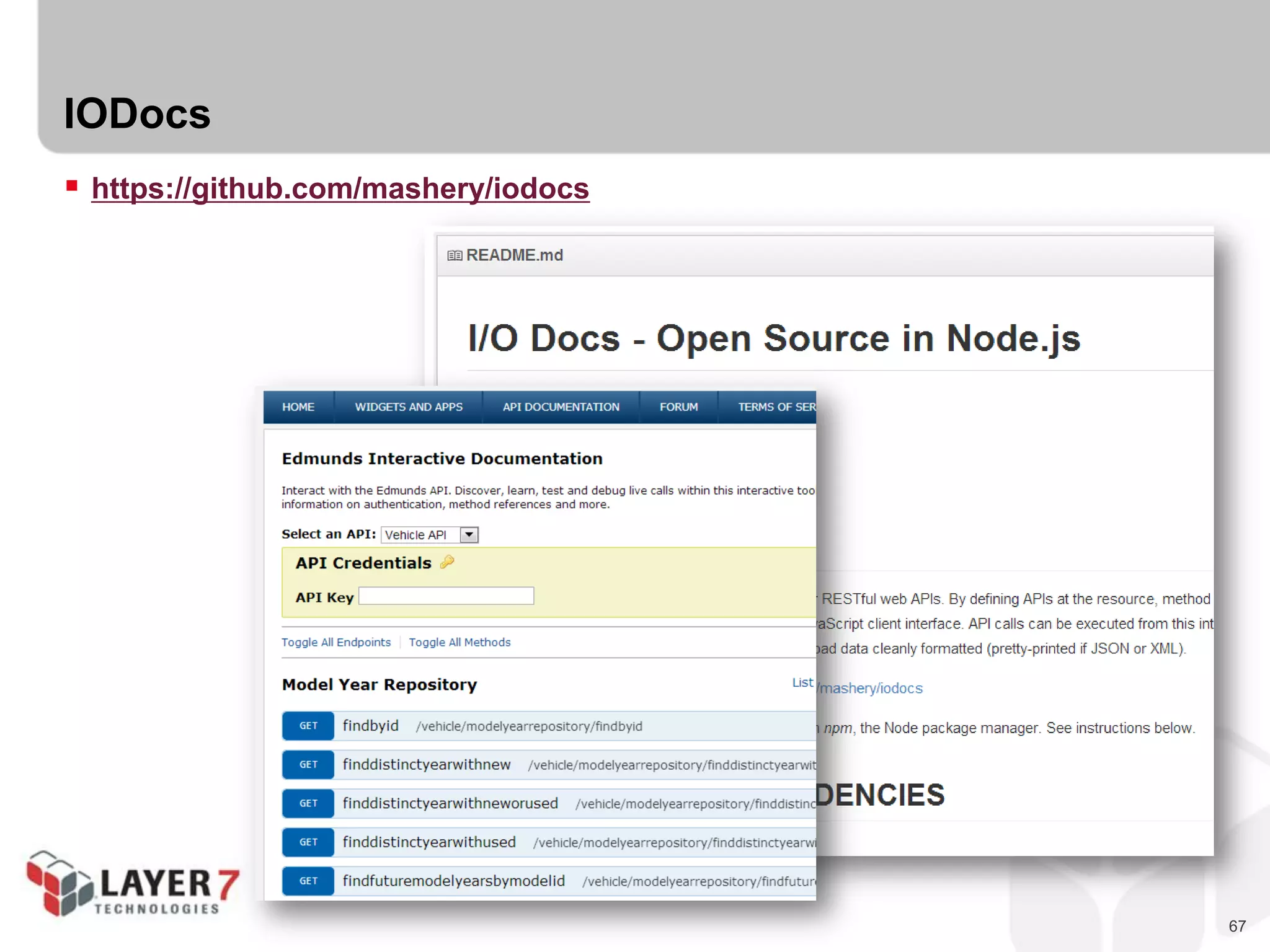
IODocs
 https://github.com/mashery/iodocs
68
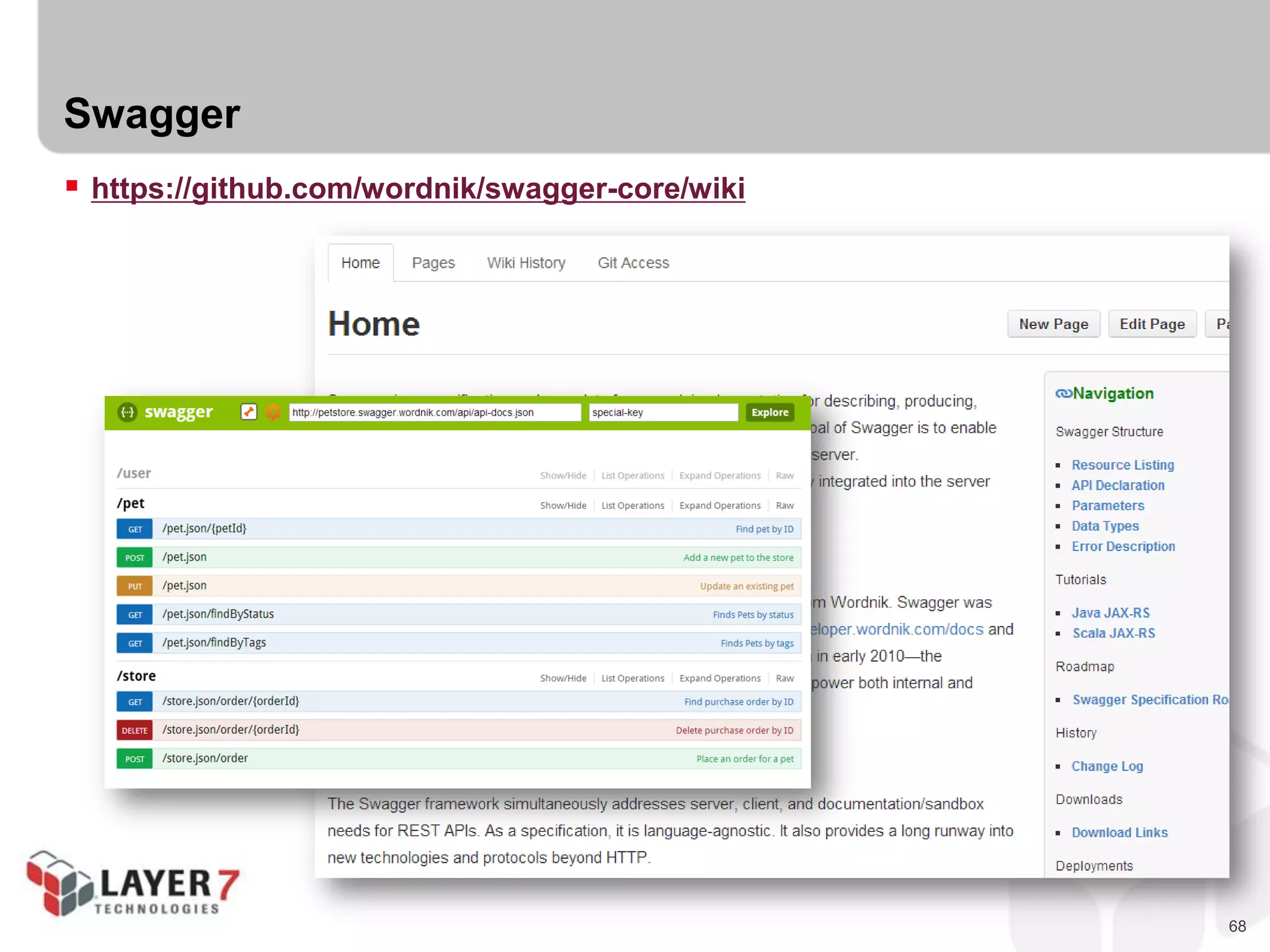
Swagger
 https://github.com/wordnik/swagger-core/wiki
69
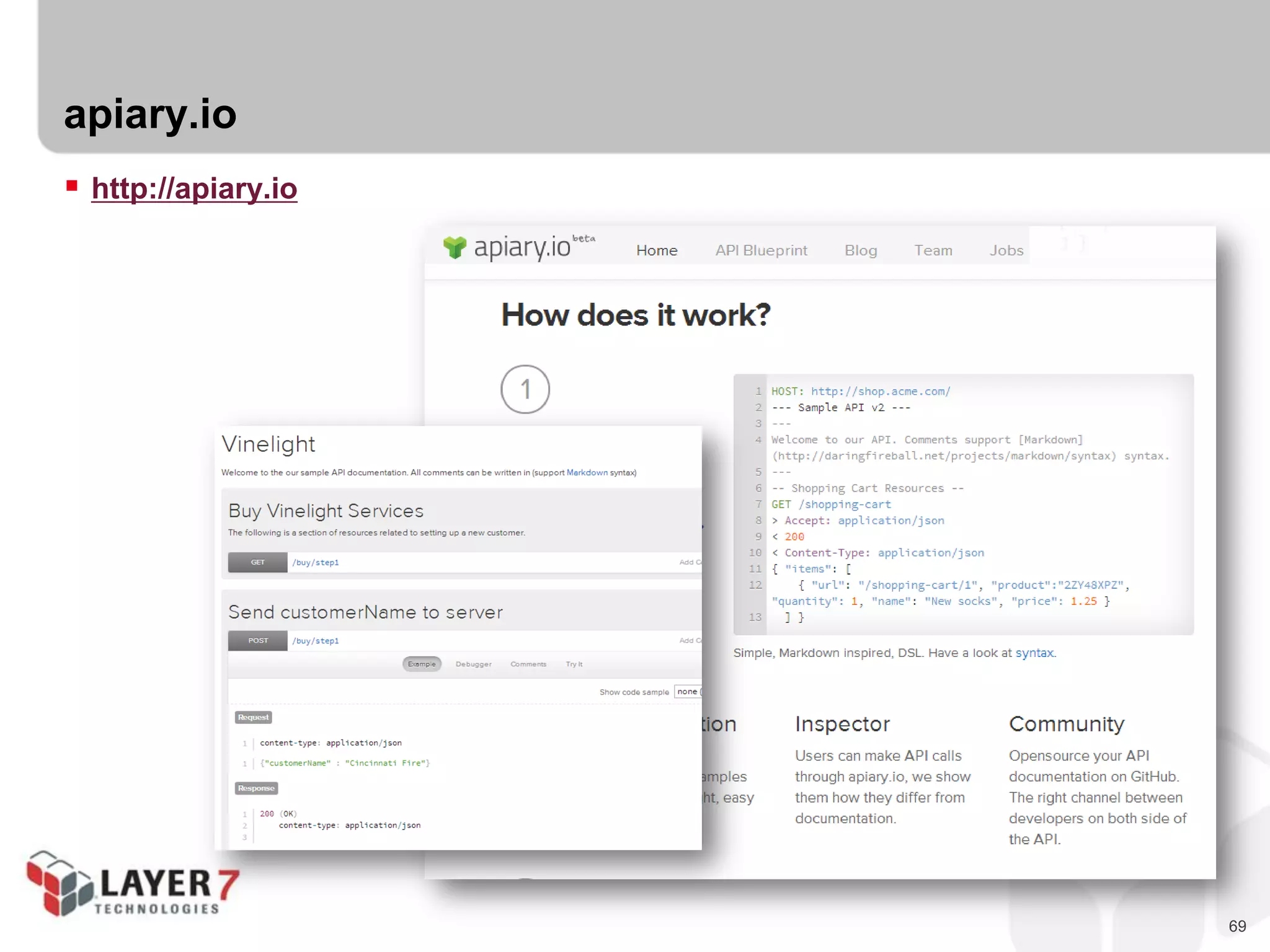
apiary.io
 http://apiary.io
70
Profiles are the Documentation
 Most “profiles” are just human-readable documentation
- IODocs
- Swagger
- Apiary.io
 But you can make that machine-readable, too!
- XHTML Meta-Data Profiles (XMDP)
- Application-Level Profile Semantics (ALPS)
- JSON Home
- Schema.org Actions
71
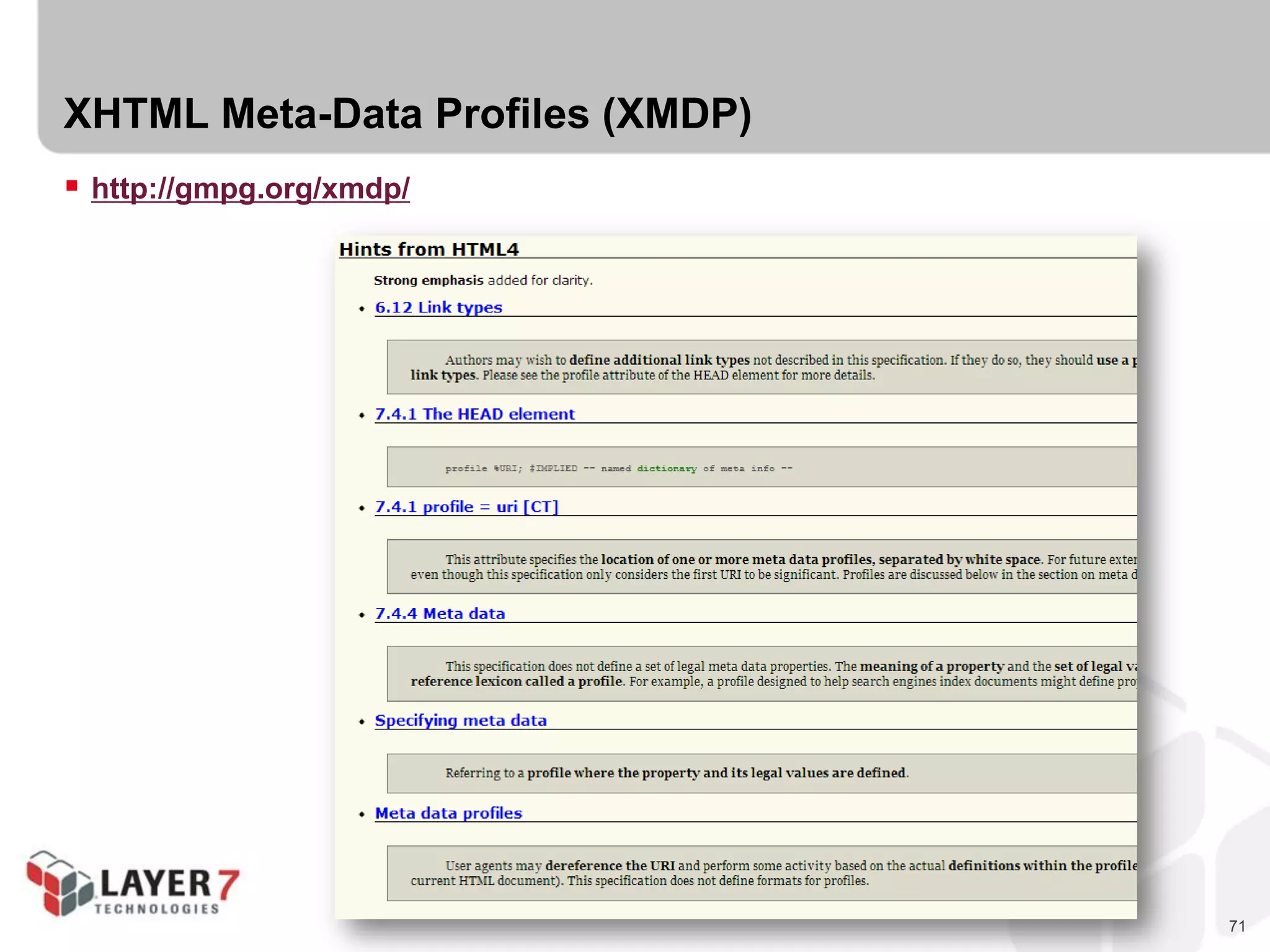
XHTML Meta-Data Profiles (XMDP)
 http://gmpg.org/xmdp/
72
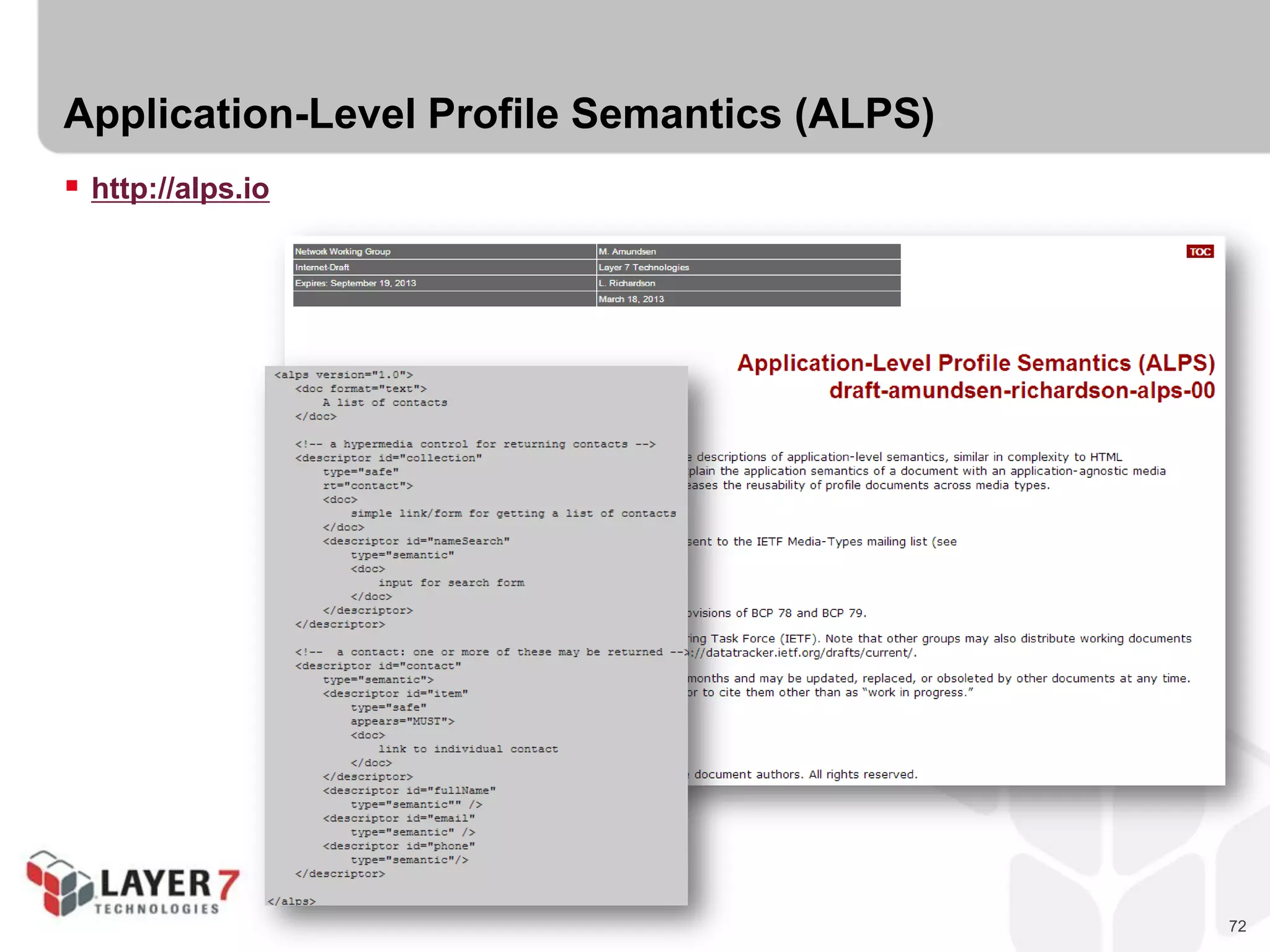
Application-Level Profile Semantics (ALPS)
 http://alps.io
73
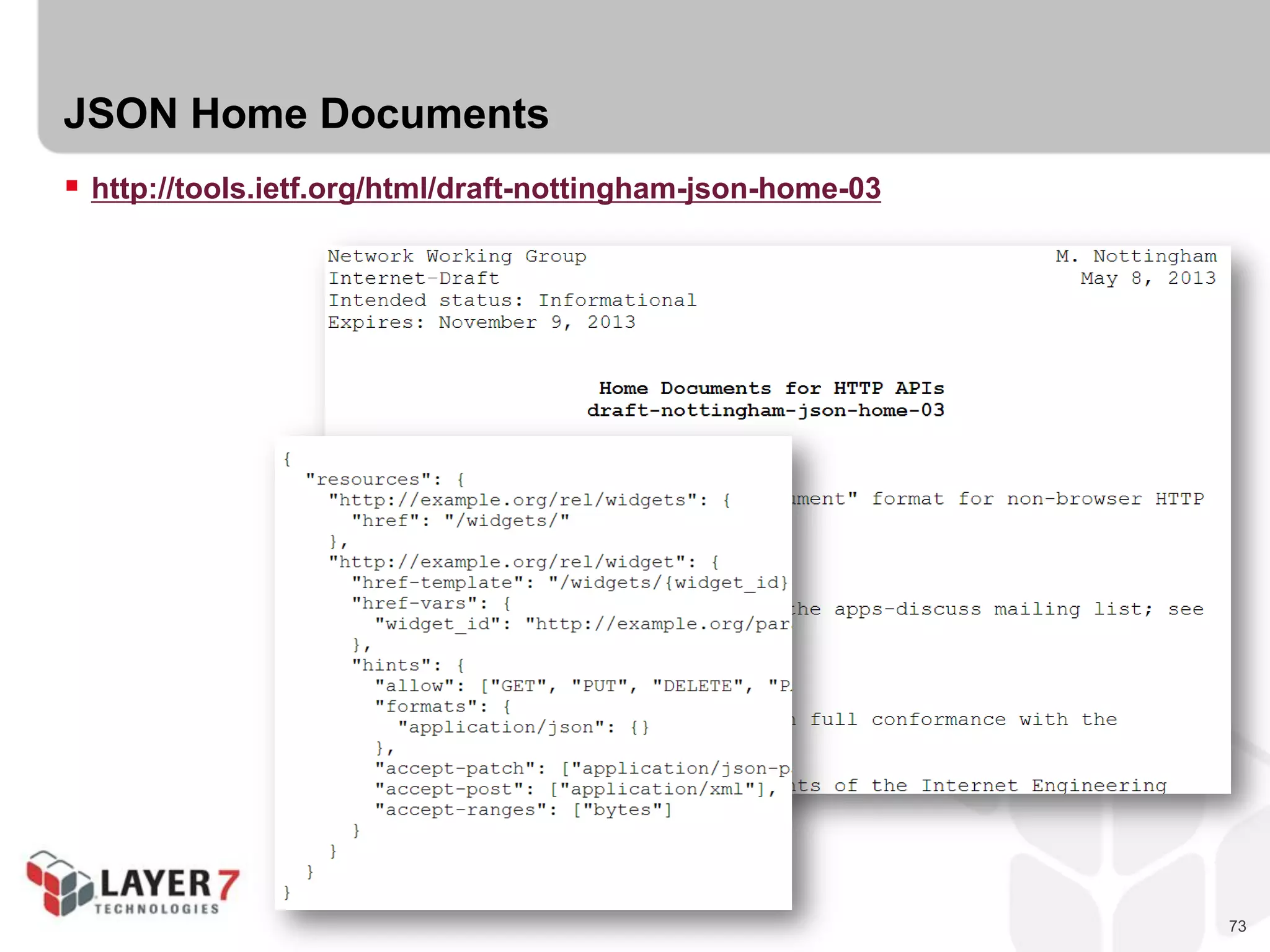
JSON Home Documents
 http://tools.ietf.org/html/draft-nottingham-json-home-03
74
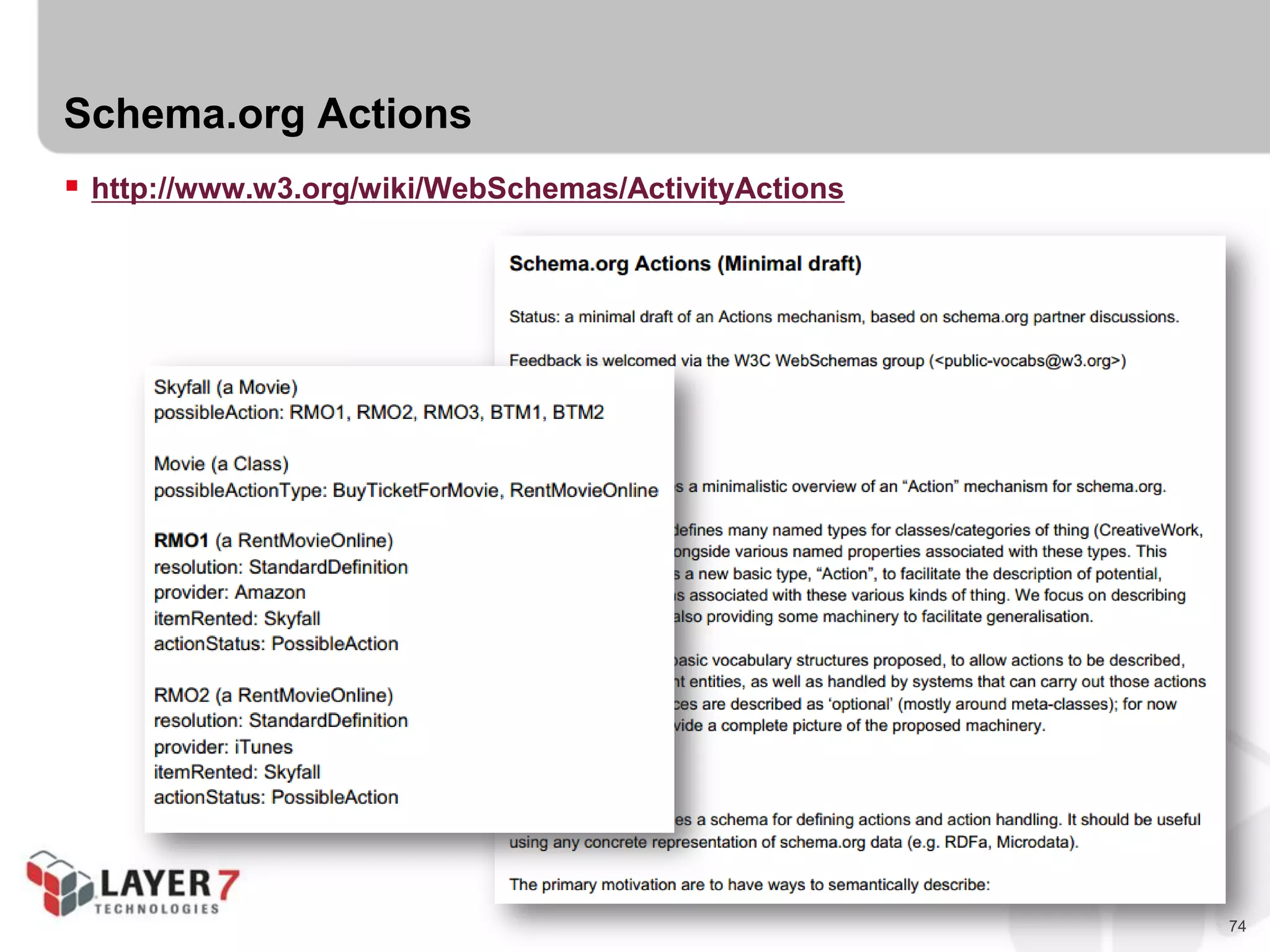
Schema.org Actions
 http://www.w3.org/wiki/WebSchemas/ActivityActions
75
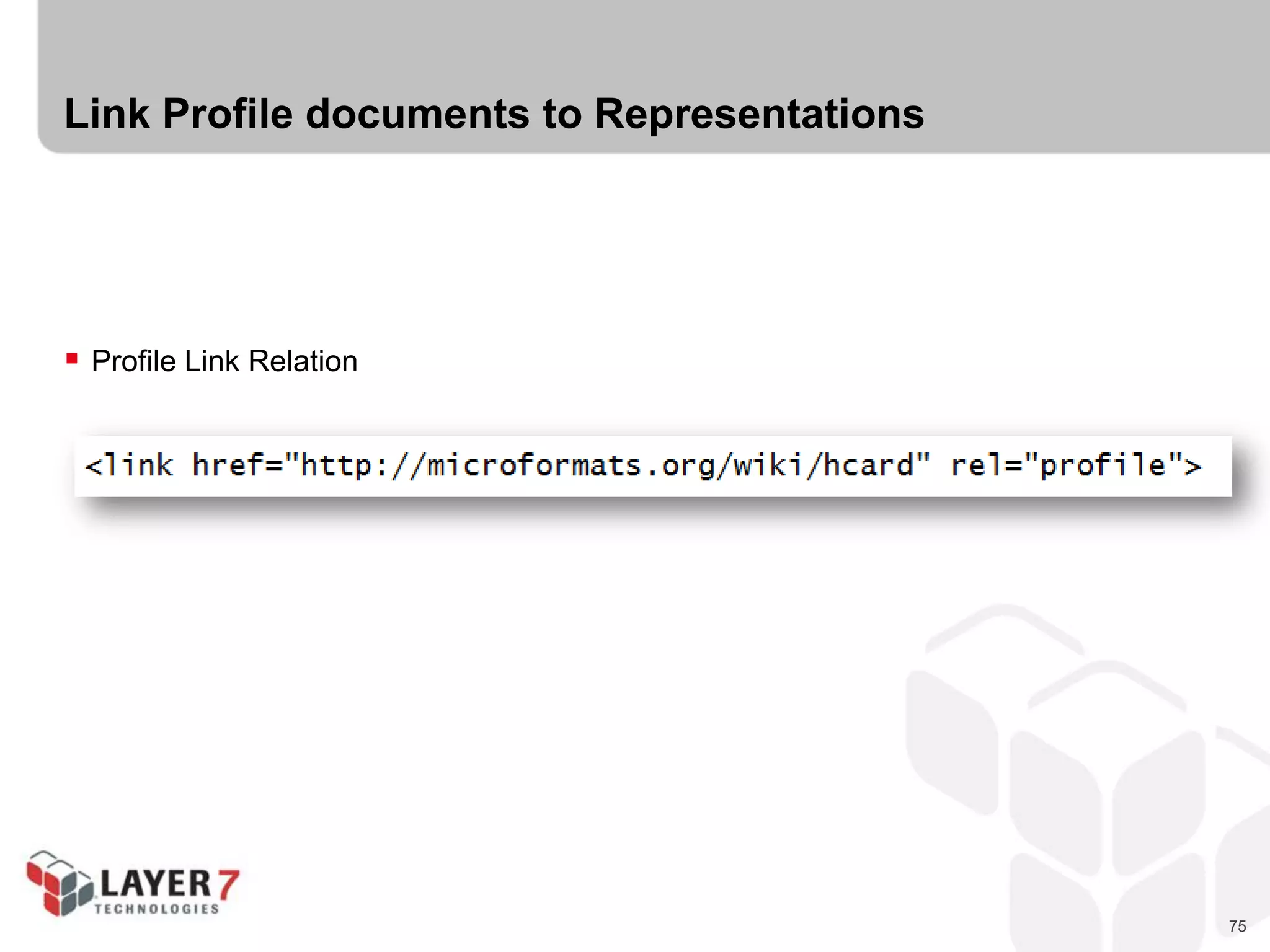
Link Profile documents to Representations
 Profile Link Relation
76
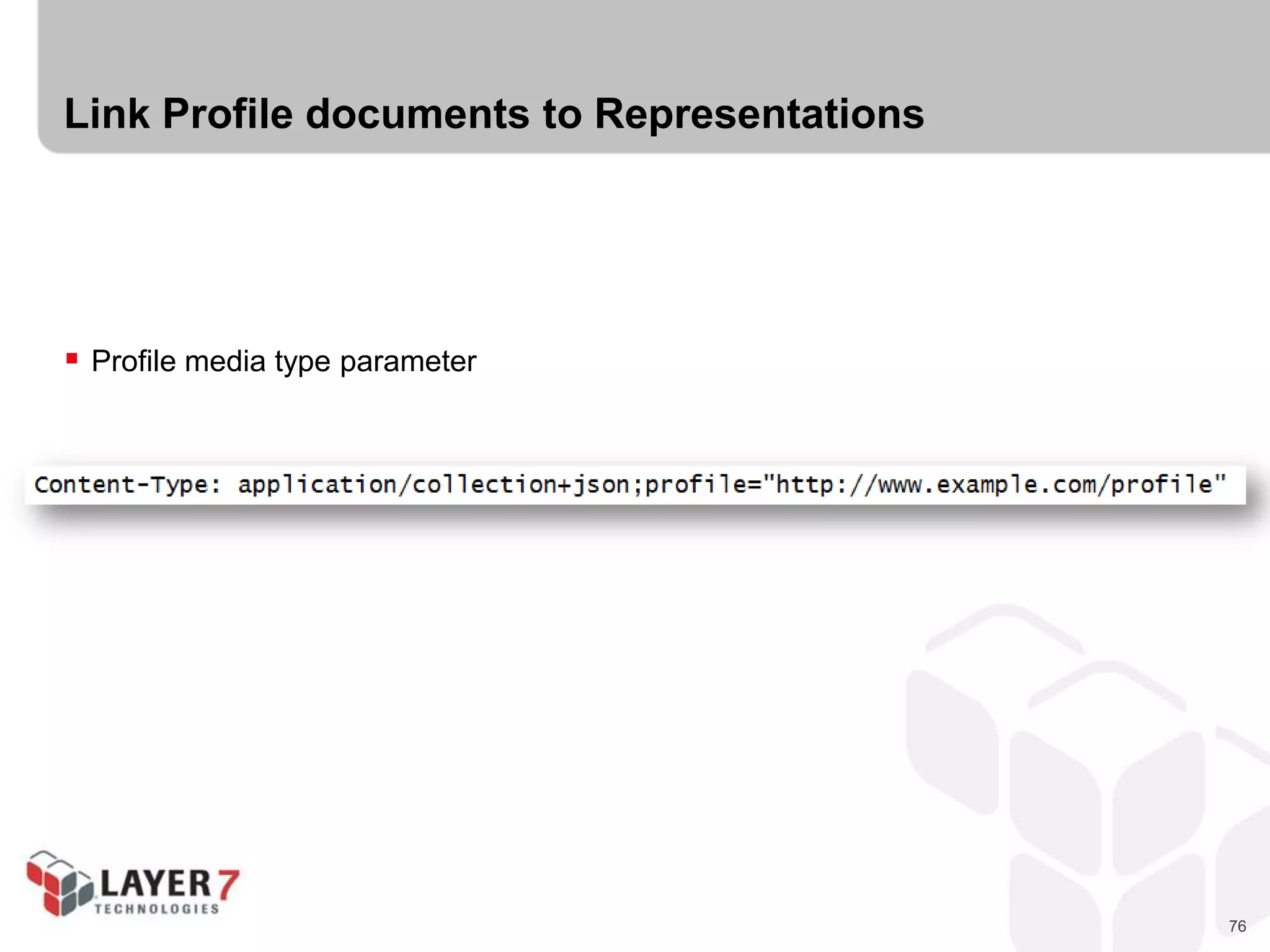
Link Profile documents to Representations
 Profile media type parameter
77
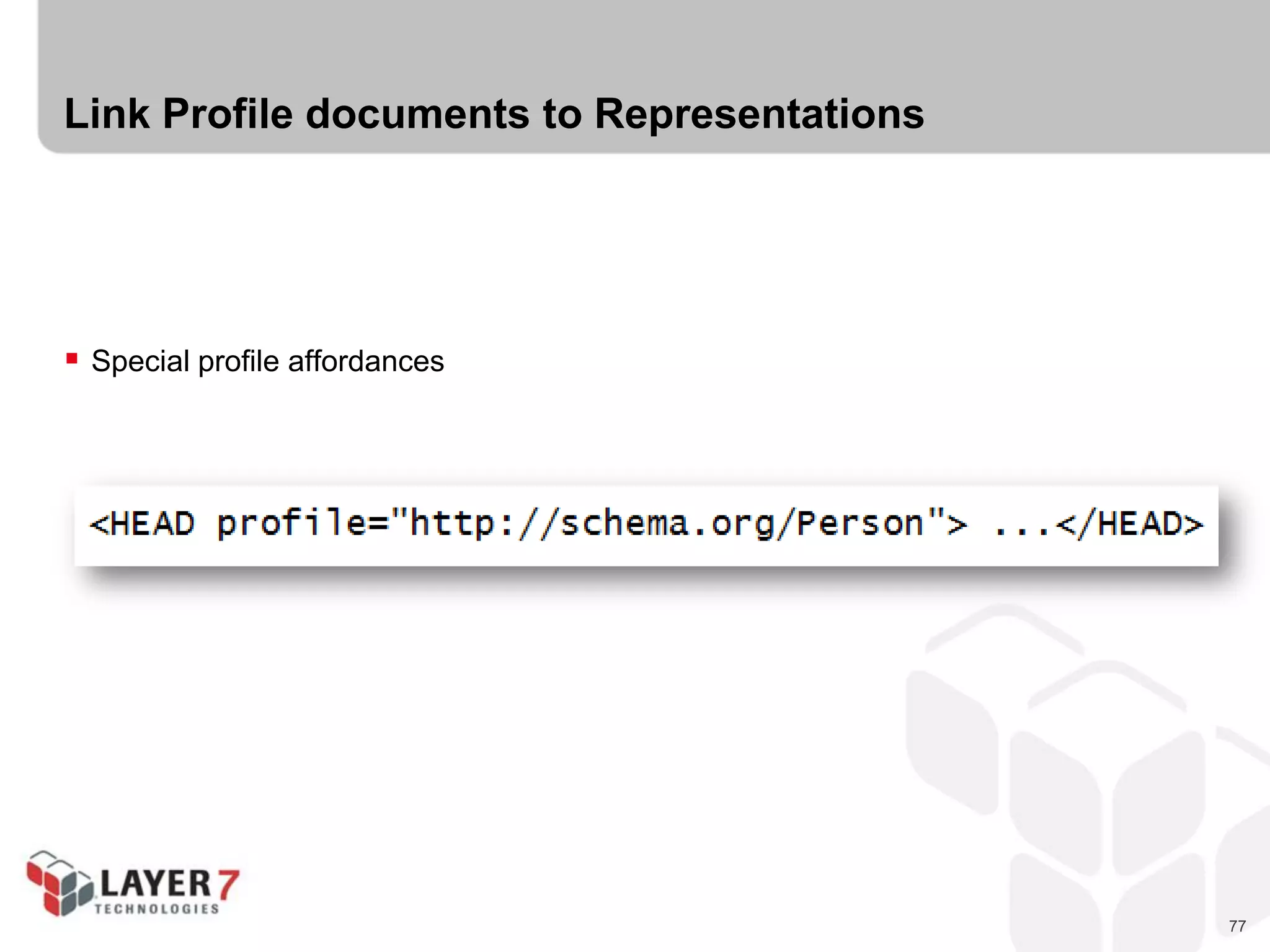
Link Profile documents to Representations
 Special profile affordances
78
CHALLENGE #3:
CREATE AN ALPS PROFILE
79
Challenge #2 : Create an ALPS Profile for “To-Do”
 List Semantic Descriptors (state elements)
- Id
- Title
- DateDue
- Complete
 List Transition Descriptors (hypermedia)
- List
- Add
- MarkComplete
- SearchByTitle
80
IMPLEMENTING HYPERMEDIA
SERVERS
81
Implementing Hypermedia Servers
 Components
- Storage
- Object Model/Processing
 Connectors
- Representation
- Routing/Request Handling
82
Component != Connector
83
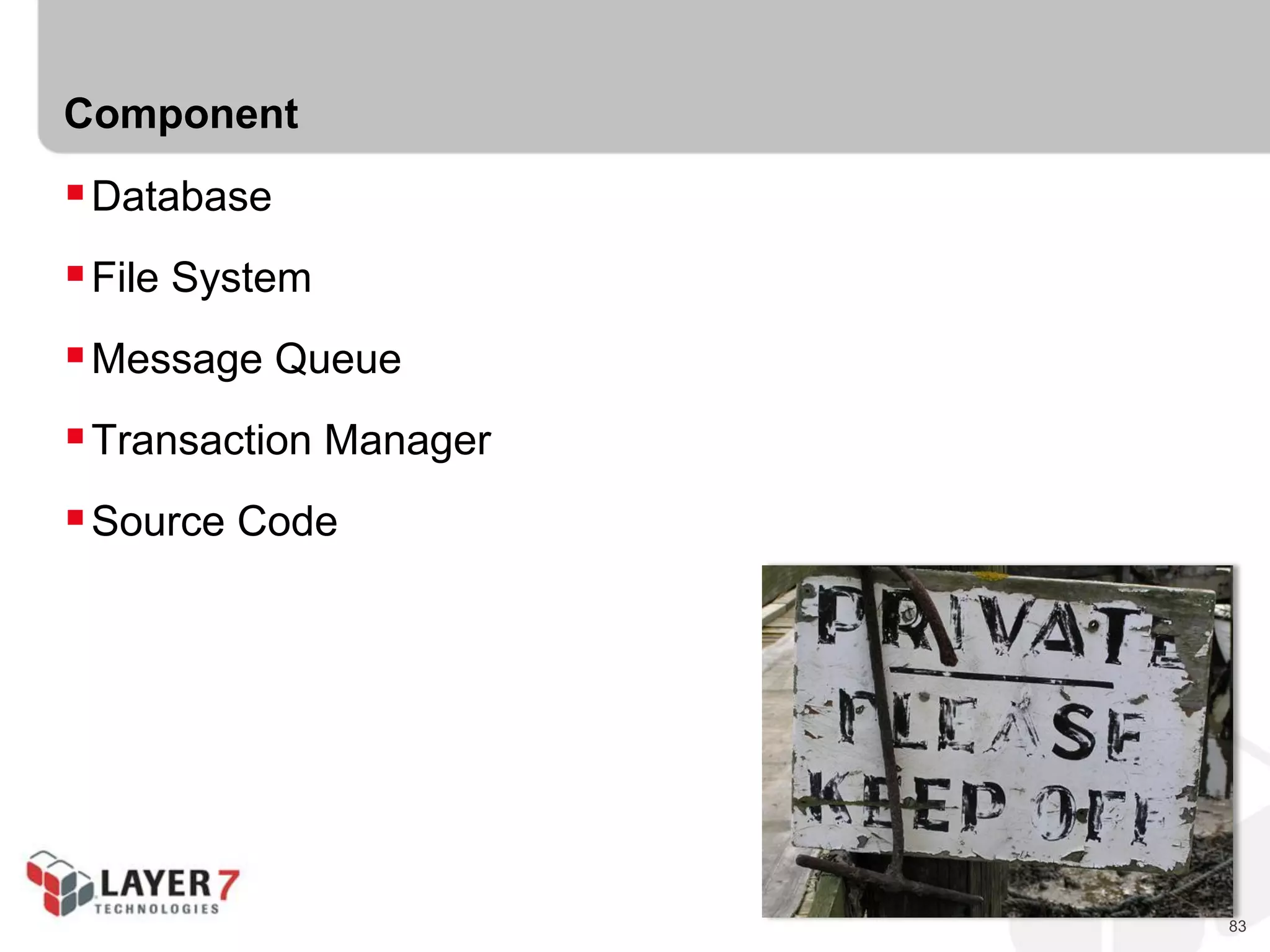
Component
Database
File System
Message Queue
Transaction Manager
Source Code
84
Component == Private
85
86
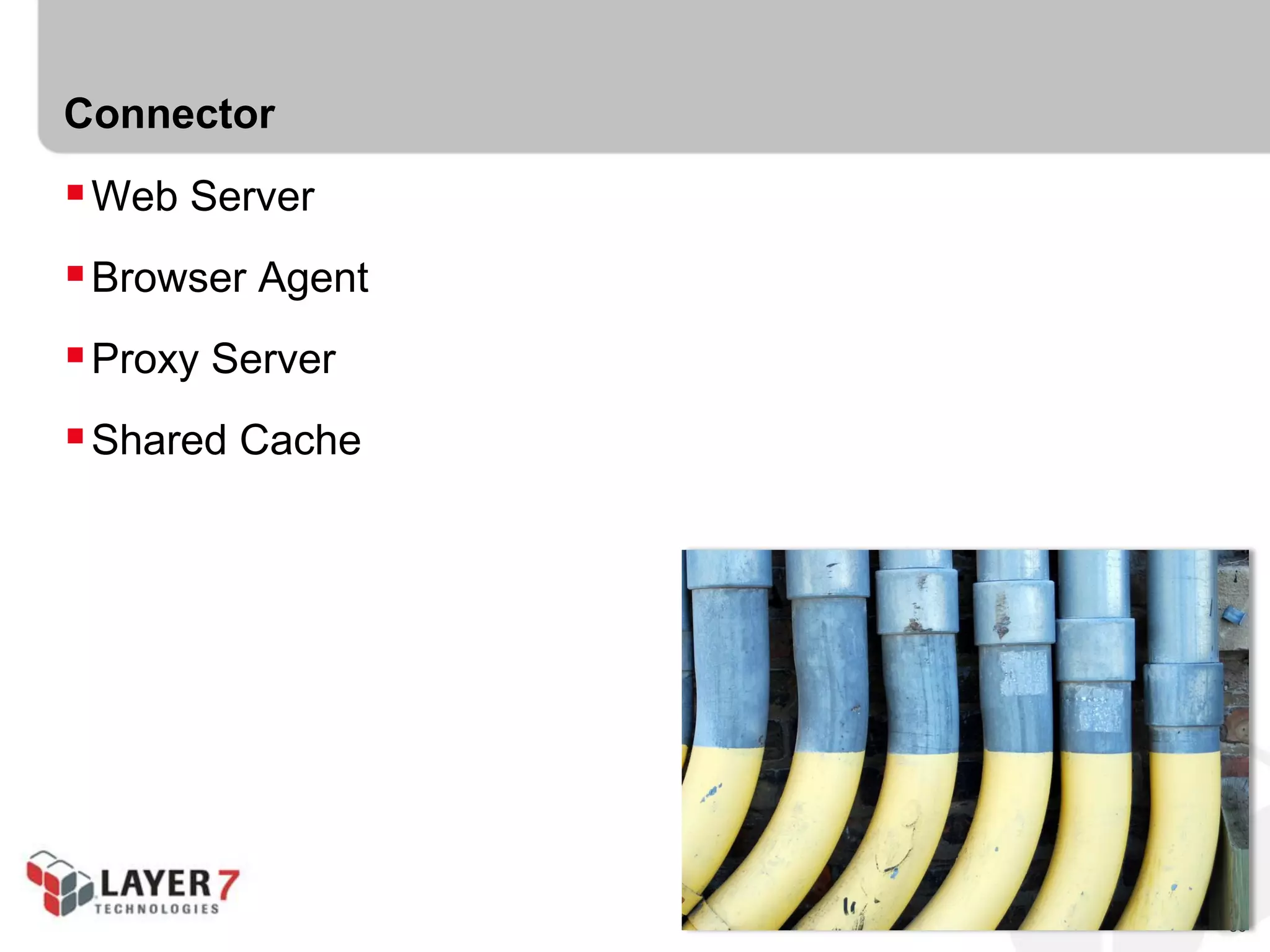
Connector
Web Server
Browser Agent
Proxy Server
Shared Cache
87
Connector == Public
88
89
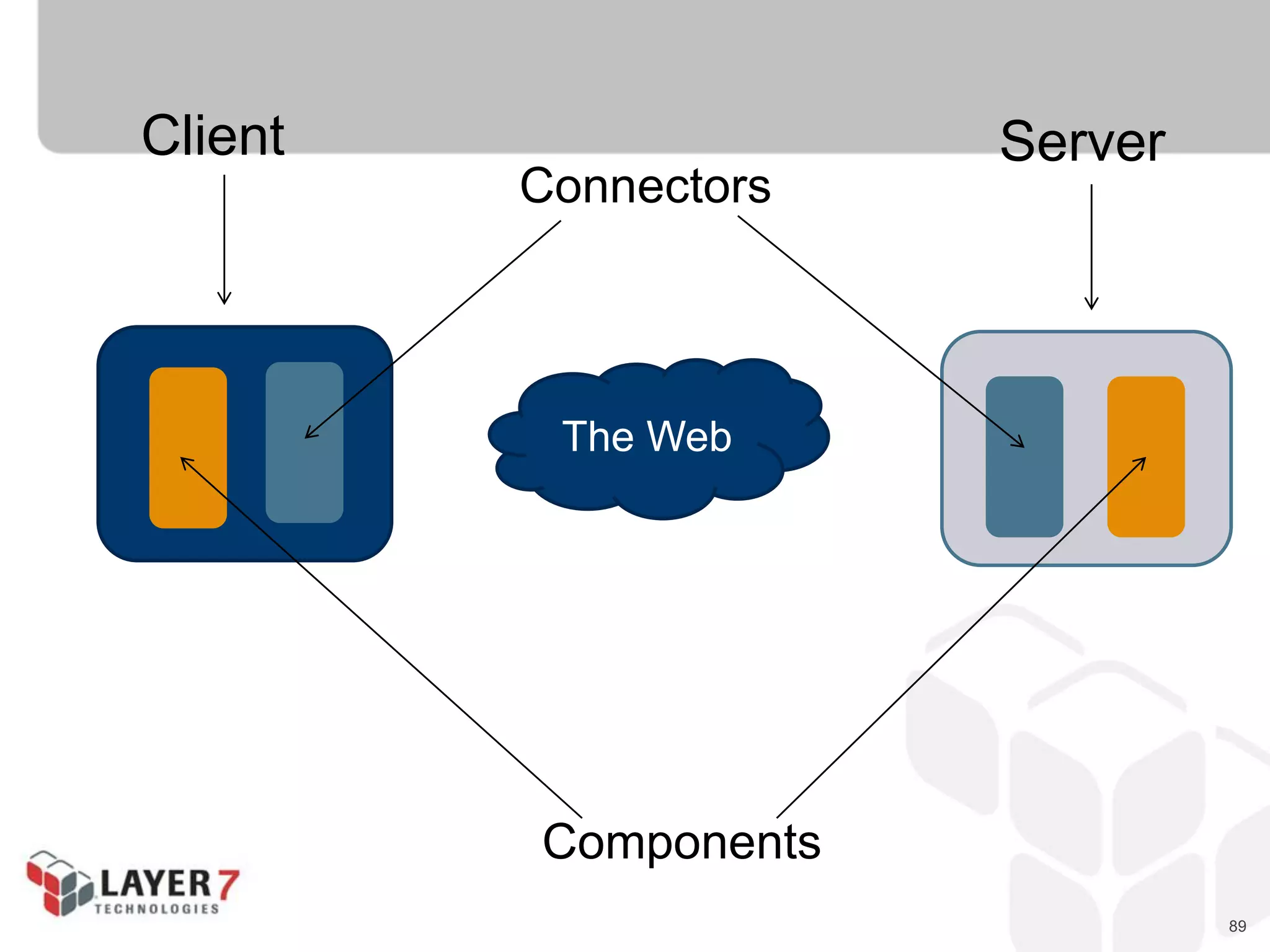
Client Server
Connectors
Components
The Web
90
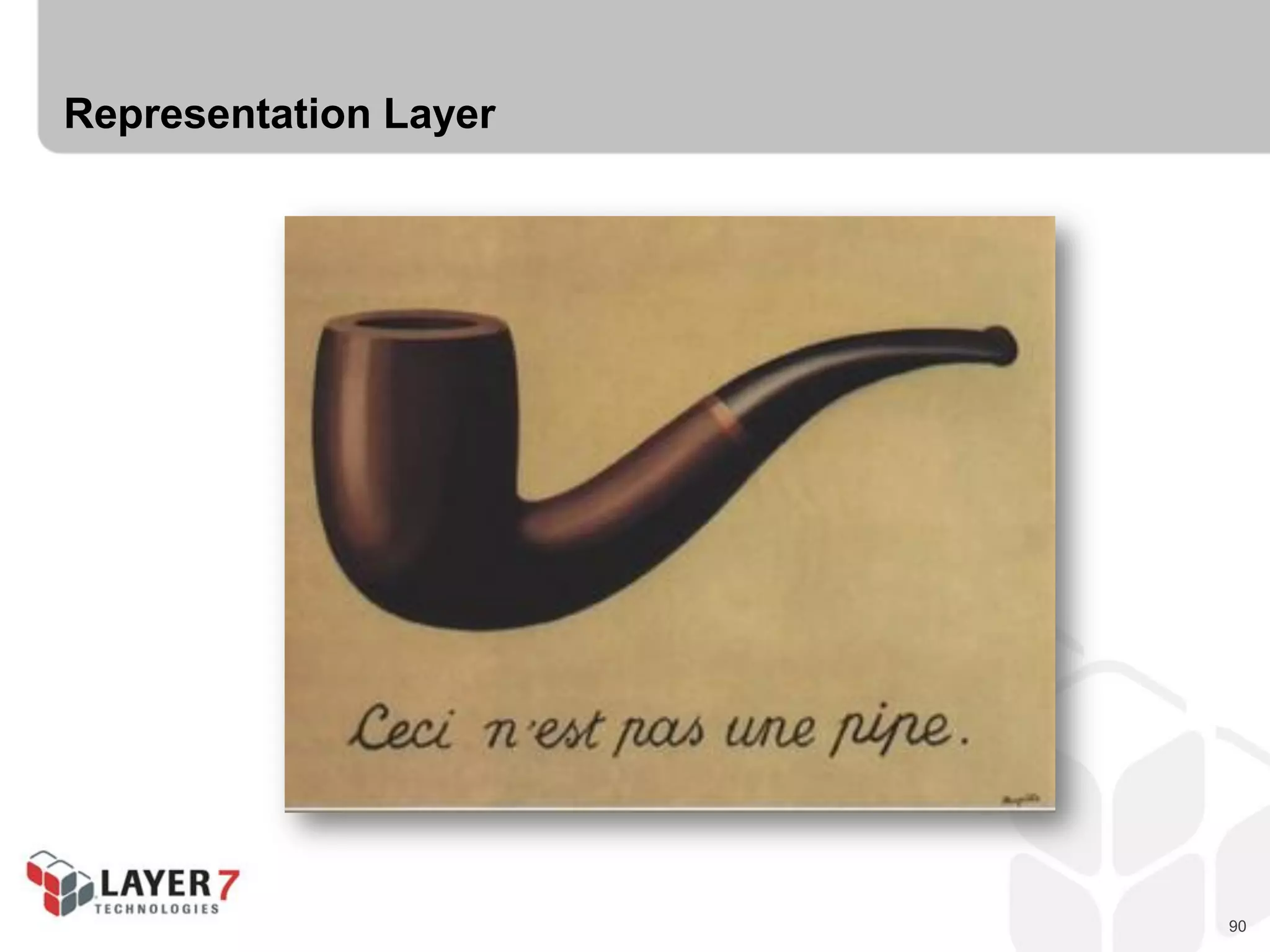
Representation Layer
91
Representation Layer
 Representation happens in the Connector
 HTTP supports content negotiation
- Accept
- Content-Type
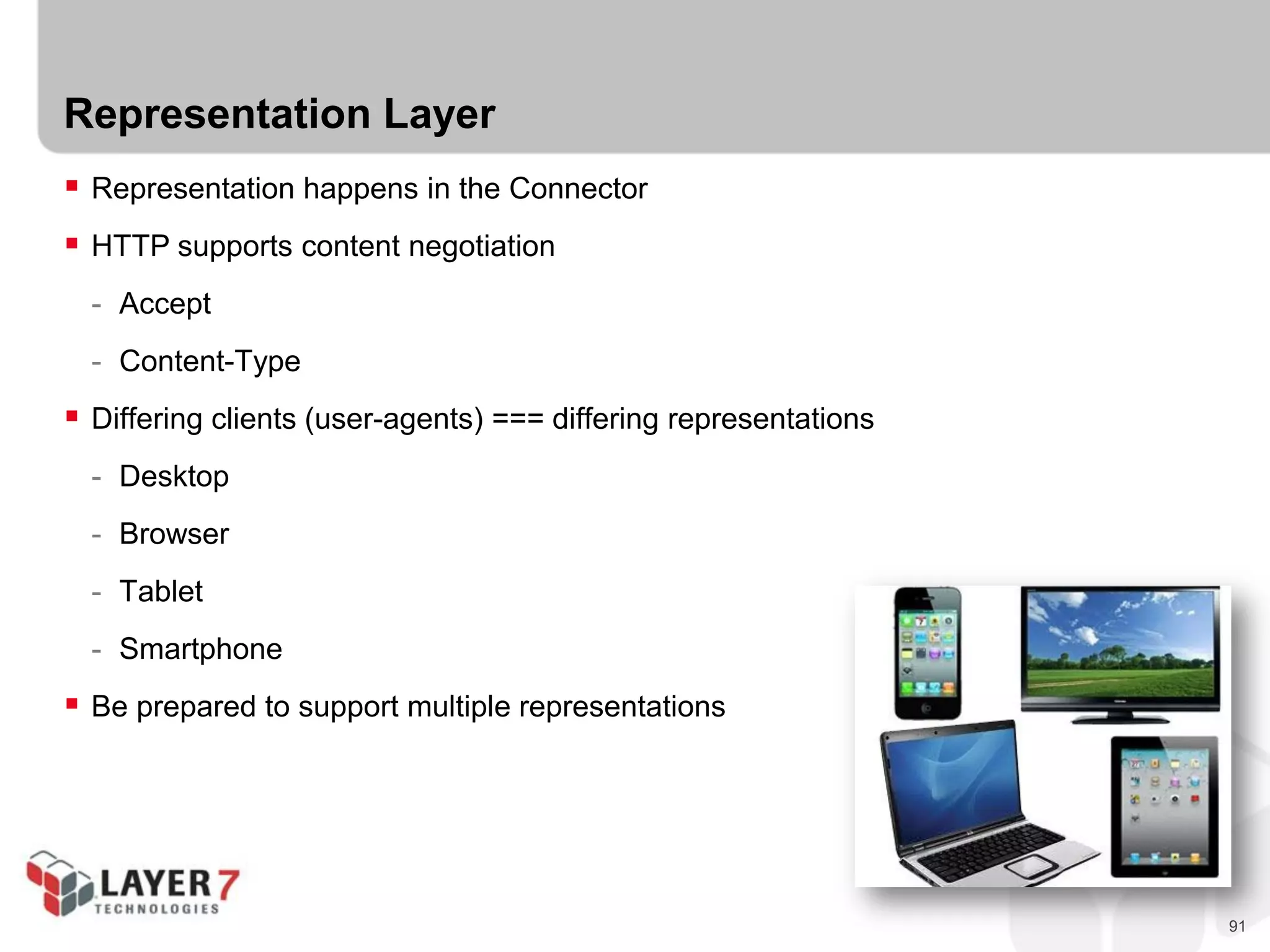
 Differing clients (user-agents) === differing representations
- Desktop
- Browser
- Tablet
- Smartphone
 Be prepared to support multiple representations
92
Implementing Hypermedia Servers
 Storage
 Handles direct access to stored content (if any)
 Database (MySQL, SQLServer, Oracle, CouchDB, Mongo, etc.)
 File system (Local File I/O)
 External Service (Salesforce, Amazon, Azure, etc.)
 In-Memory (memcacheD, etc.)
 Advice for this event:
- Keep it simple
- Use in-memory array for starter, add perm storage later
- Use existing APIs (see listing today)
93
Implementing Hypermedia Servers
 Components
 Handles business rules and any processing/computing, etc.
 Validate data/objects
 Create any defaults or related data/objects
 Enforce data integrity on writes
 Enforce ACLs on reads/writes (skip for today)
 Advice for this event:
- Keep it simple
- Consider read-only for today
- Use existing APIs (see listing today)
94
Implementing Hypermedia Servers
 Representation
 Handles converting internal objects into external media type
 *NOT* a serializer
 Convert object graph into list/items
 Include protocol affordances (links & forms)
 Maps domain-specifics to appropriate elements/attributes/properties
 Advice for this event:
- Keep it simple
- Consider using an existing hypermedia type
- Use existing APIs (see listing today)
95
Implementing Hypermedia Servers
 Routing
 Handles incoming requests, routes to appropriate method/handler
 Thin veneer behind API
 NOT a direct wrapper for components
 Converts request URL parts into arguments
 Usually handles call to representation service for responses
 MAY handle caching directives (skip for today)
 Advice for this event:
- Keep it simple
- Consider a very simple URL routing pattern (/{thing}/{id})
- Use existing APIs (see listing today)
96
Let’s Build a Hypermedia Server!
97
Summary : Implementing Hypermedia Servers
 Components
- Storage (DB, FileSys, external)
- Object Model/Processing (objects, business rules)
 Connectors
- Representation (convert object graph into media type)
- Routing/Request Handling (convert URLs into args & route)
98
BUILDING HYPERMEDIA
CLIENTS
99
Building Hypermedia Clients
 Hypermedia clients for humans
 Hypermedia clients for machines
100
Hypermedia for Humans
101
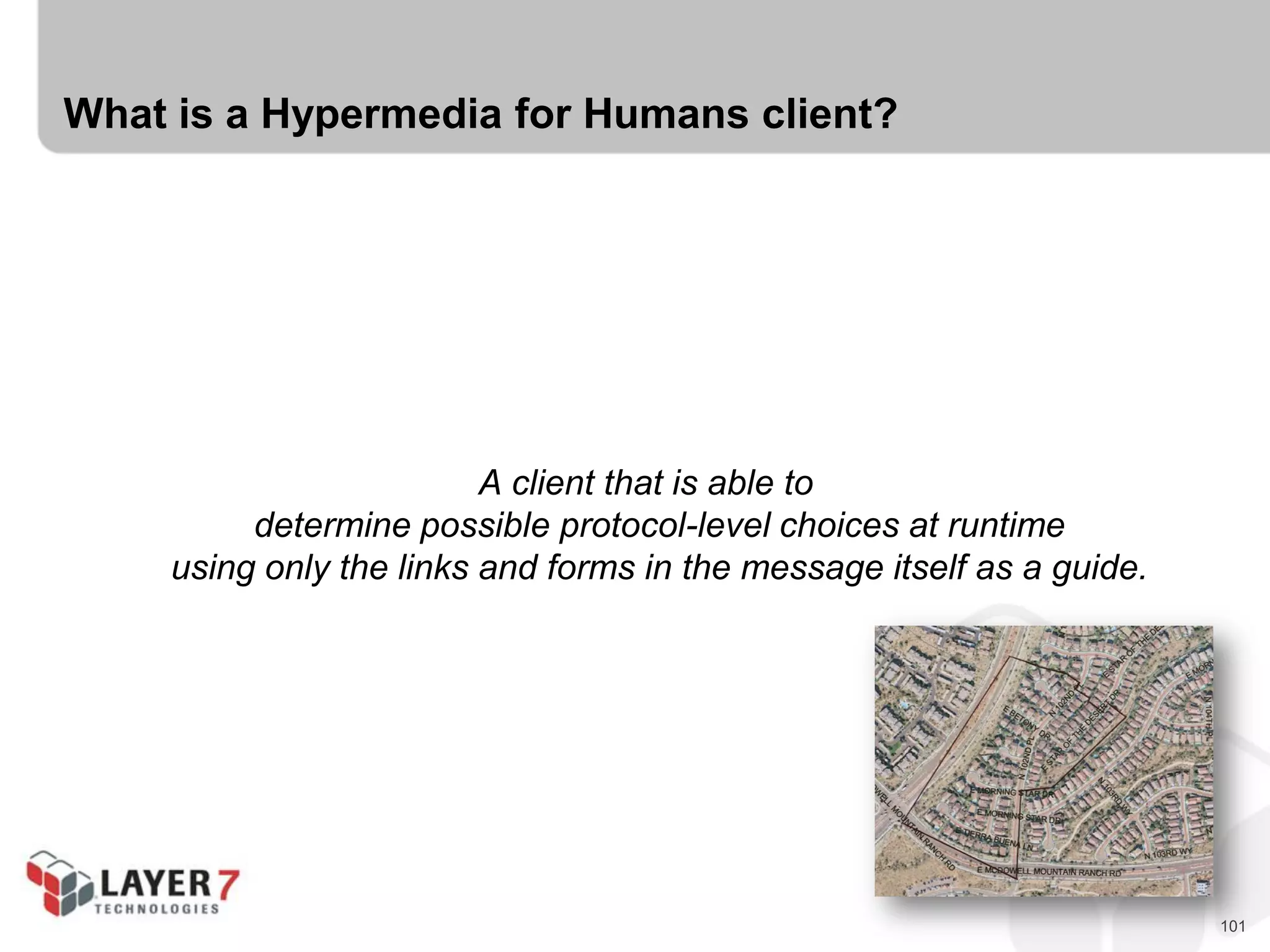
What is a Hypermedia for Humans client?
A client that is able to
determine possible protocol-level choices at runtime
using only the links and forms in the message itself as a guide.
102
Some things to keep in mind…
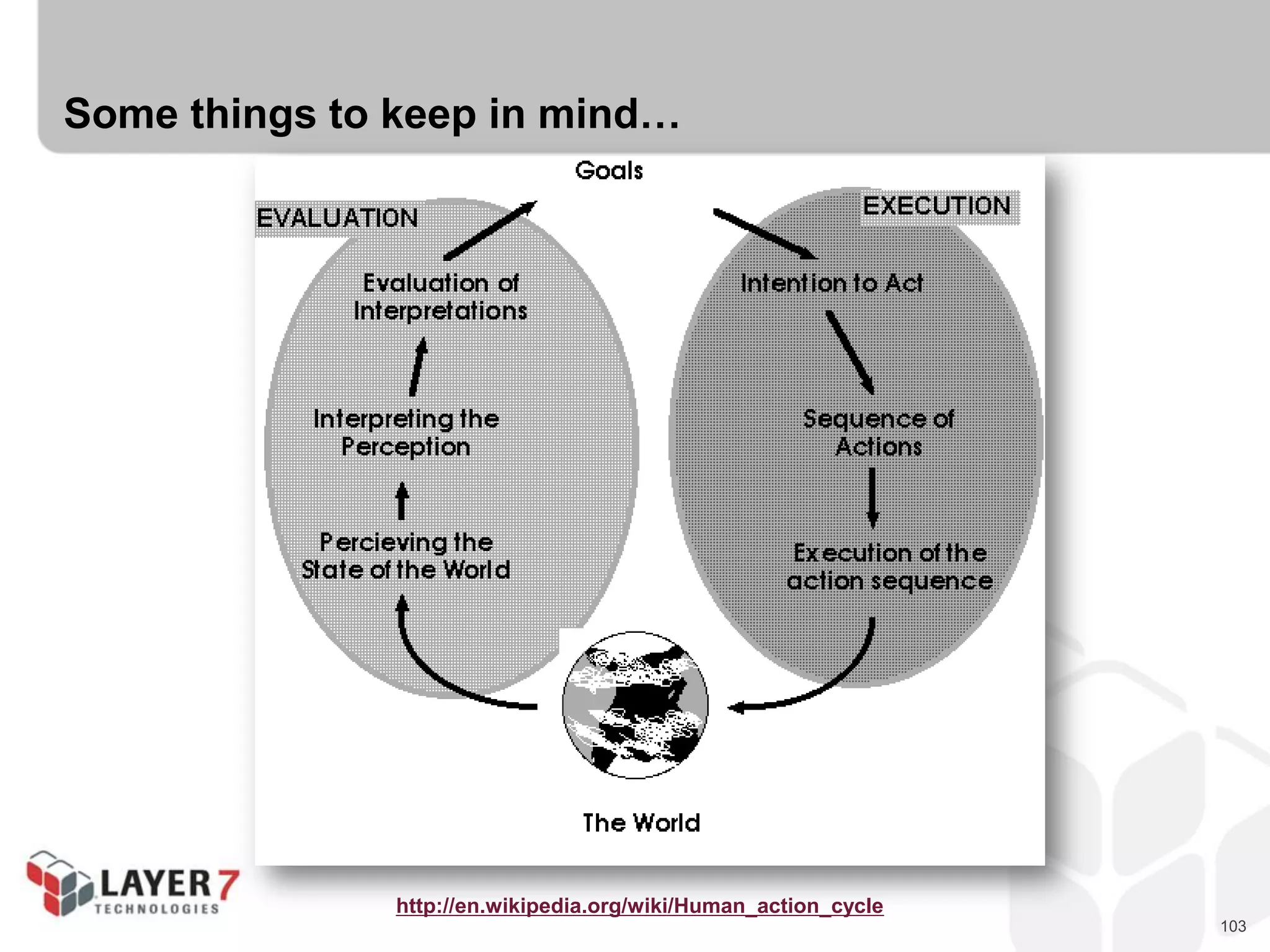
Hypermedia clients are based on the “Action Lifecycle”
103
Some things to keep in mind…
http://en.wikipedia.org/wiki/Human_action_cycle
104
Some things to keep in mind…
Oh!, I almost forgot…
105
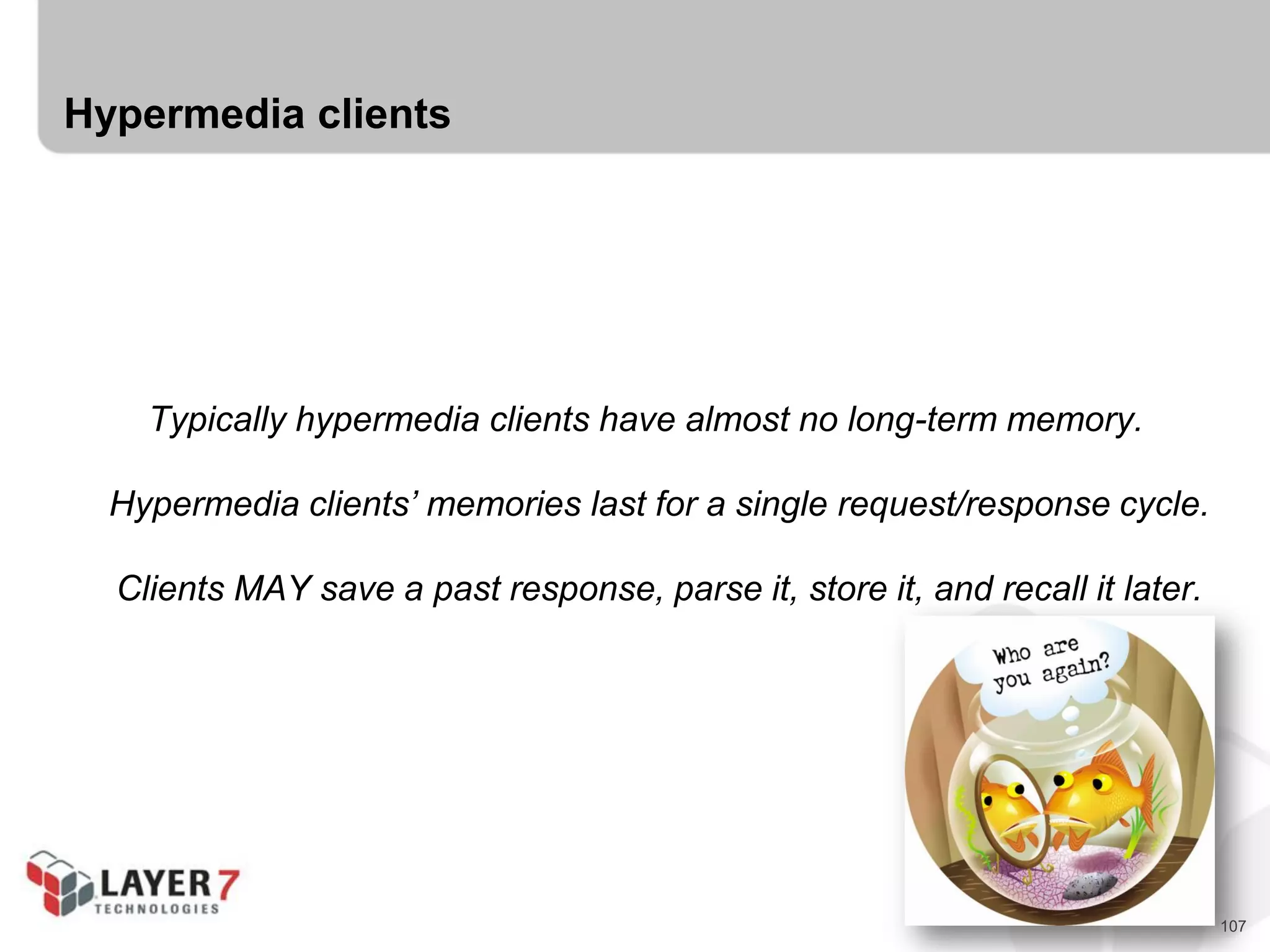
Hypermedia clients
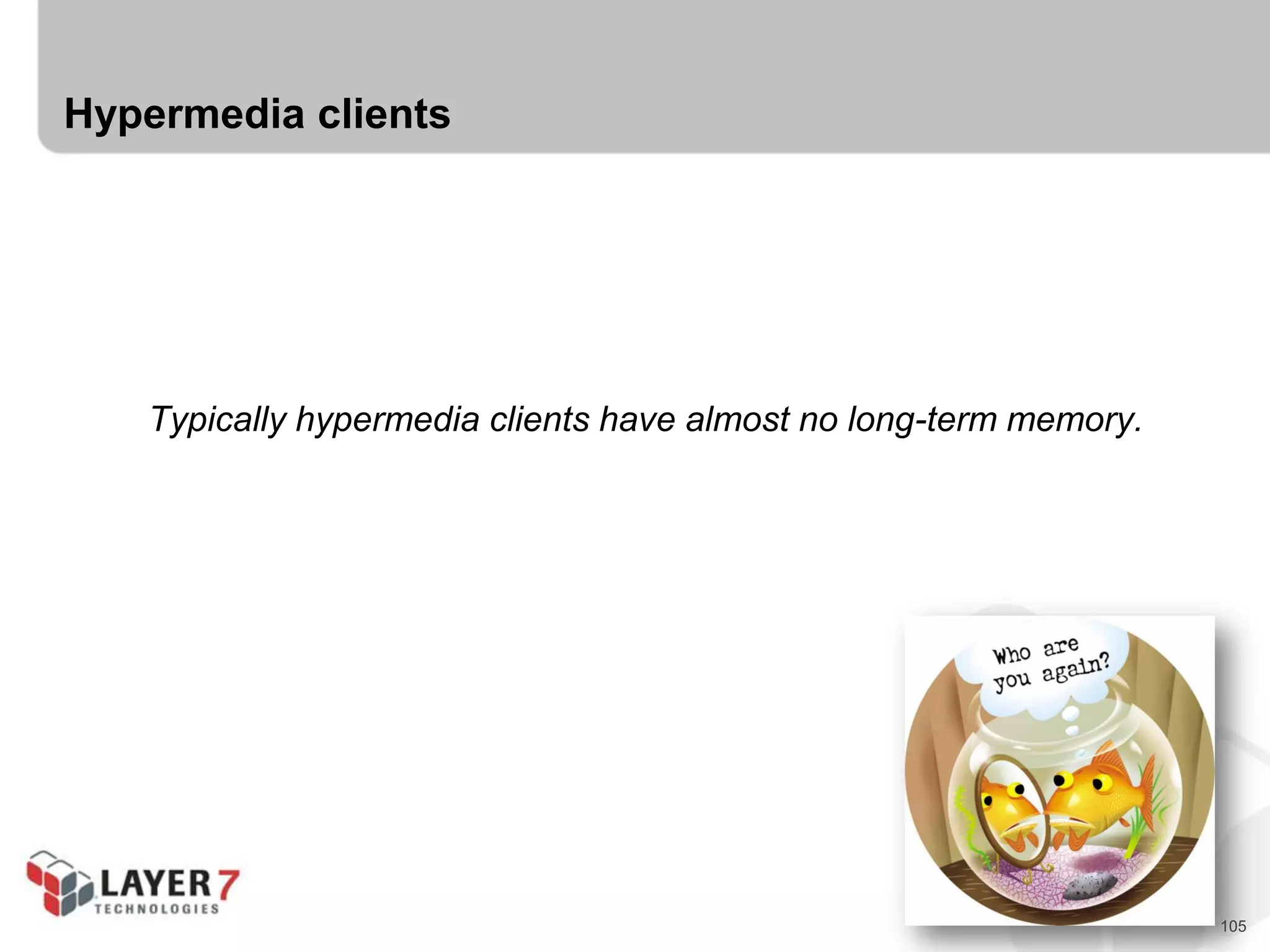
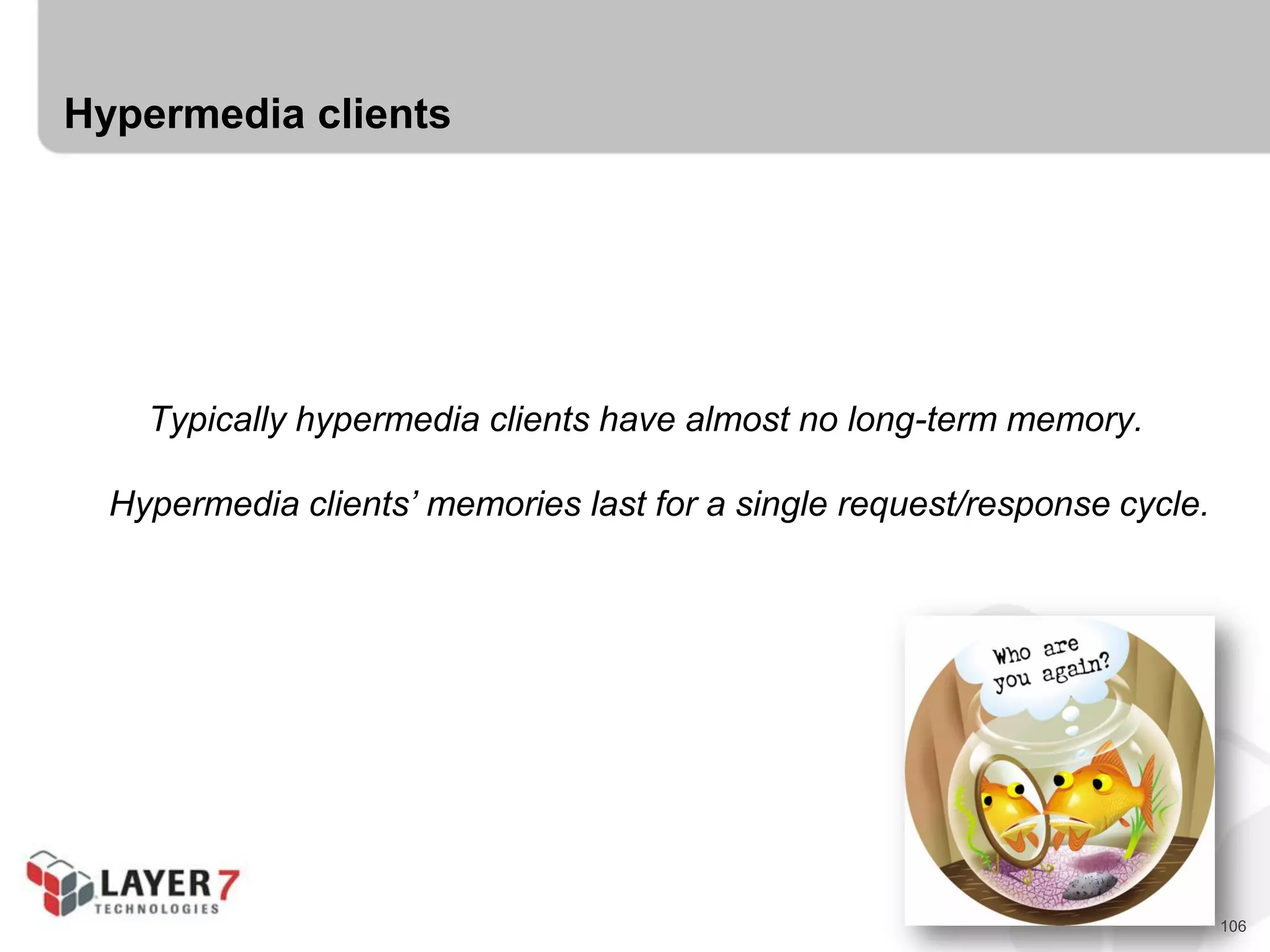
Typically hypermedia clients have almost no long-term memory.
106
Hypermedia clients
Typically hypermedia clients have almost no long-term memory.
Hypermedia clients’ memories last for a single request/response cycle.
107
Hypermedia clients
Typically hypermedia clients have almost no long-term memory.
Hypermedia clients’ memories last for a single request/response cycle.
Clients MAY save a past response, parse it, store it, and recall it later.
108
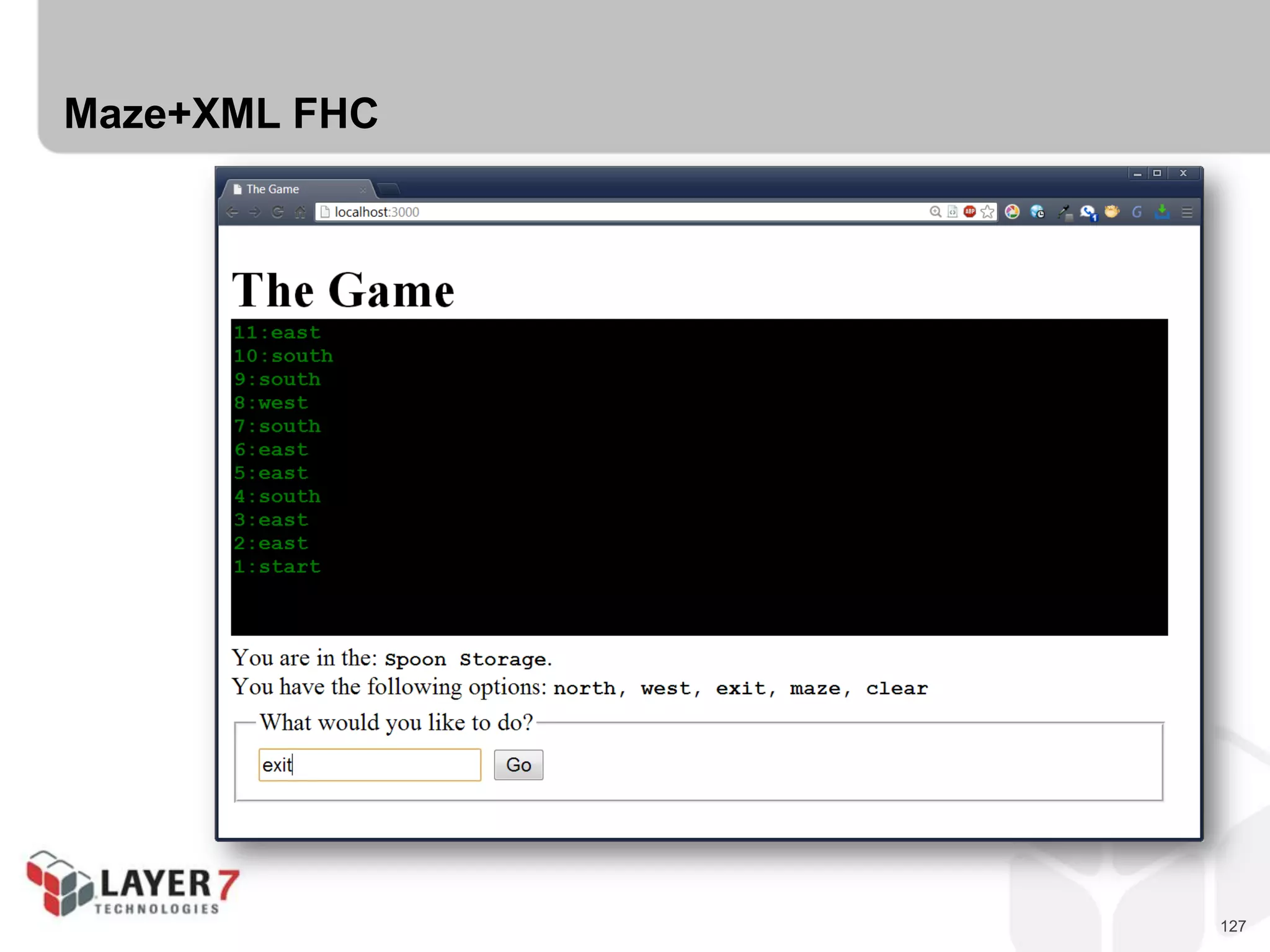
Faithful Hypermedia Clients (FHCs)
 FHCs simply pass along whatever the server returns; usually to a human.
 FHCs MAY make some decisions on how to display the returned representation
 FHCs only need a starting URL and a (human) driver.
109
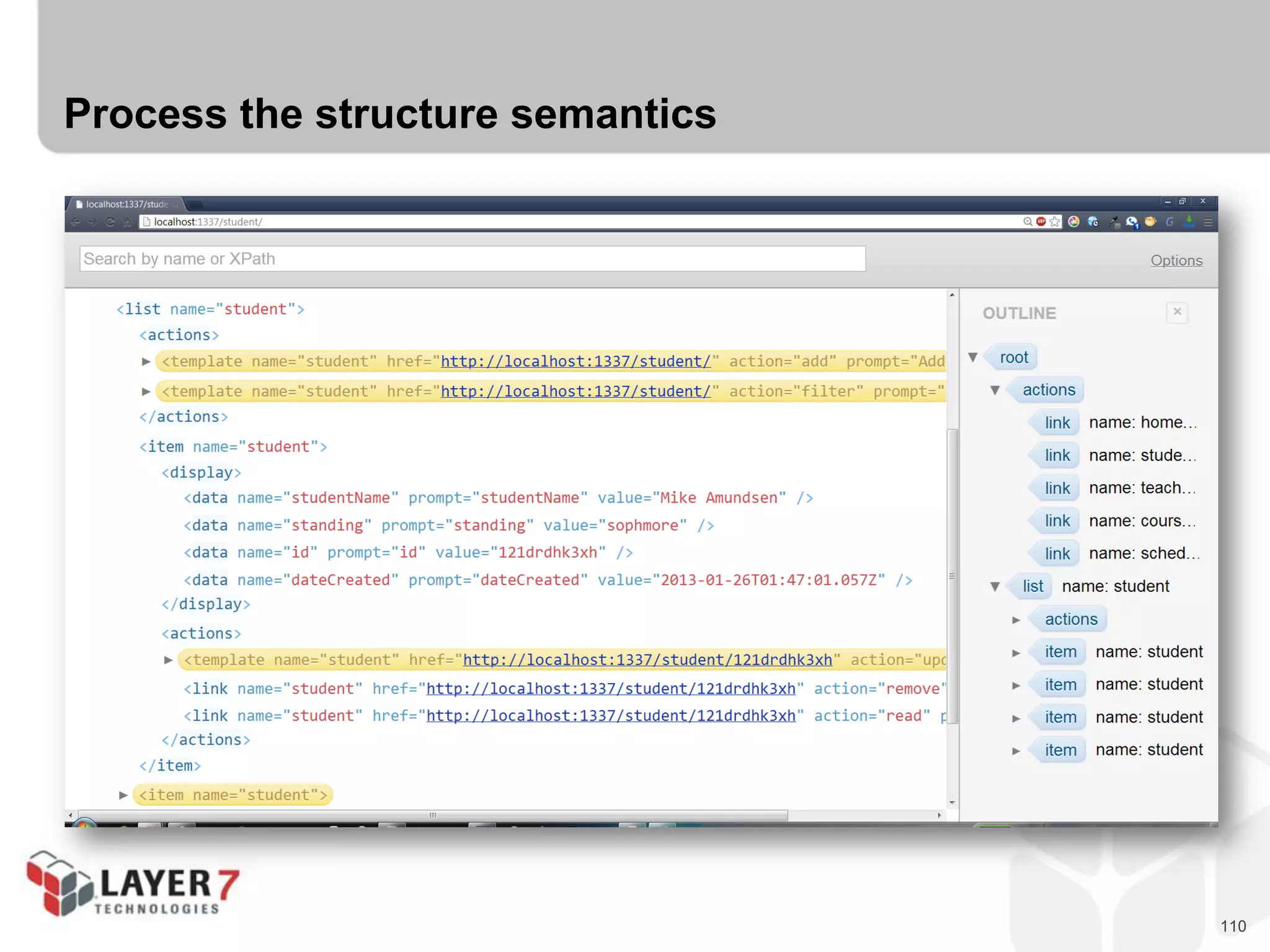
Guide for implementing an FHC
 Process the structure semantics in order to render view
 Process the protocol semantics in order to support available transitions
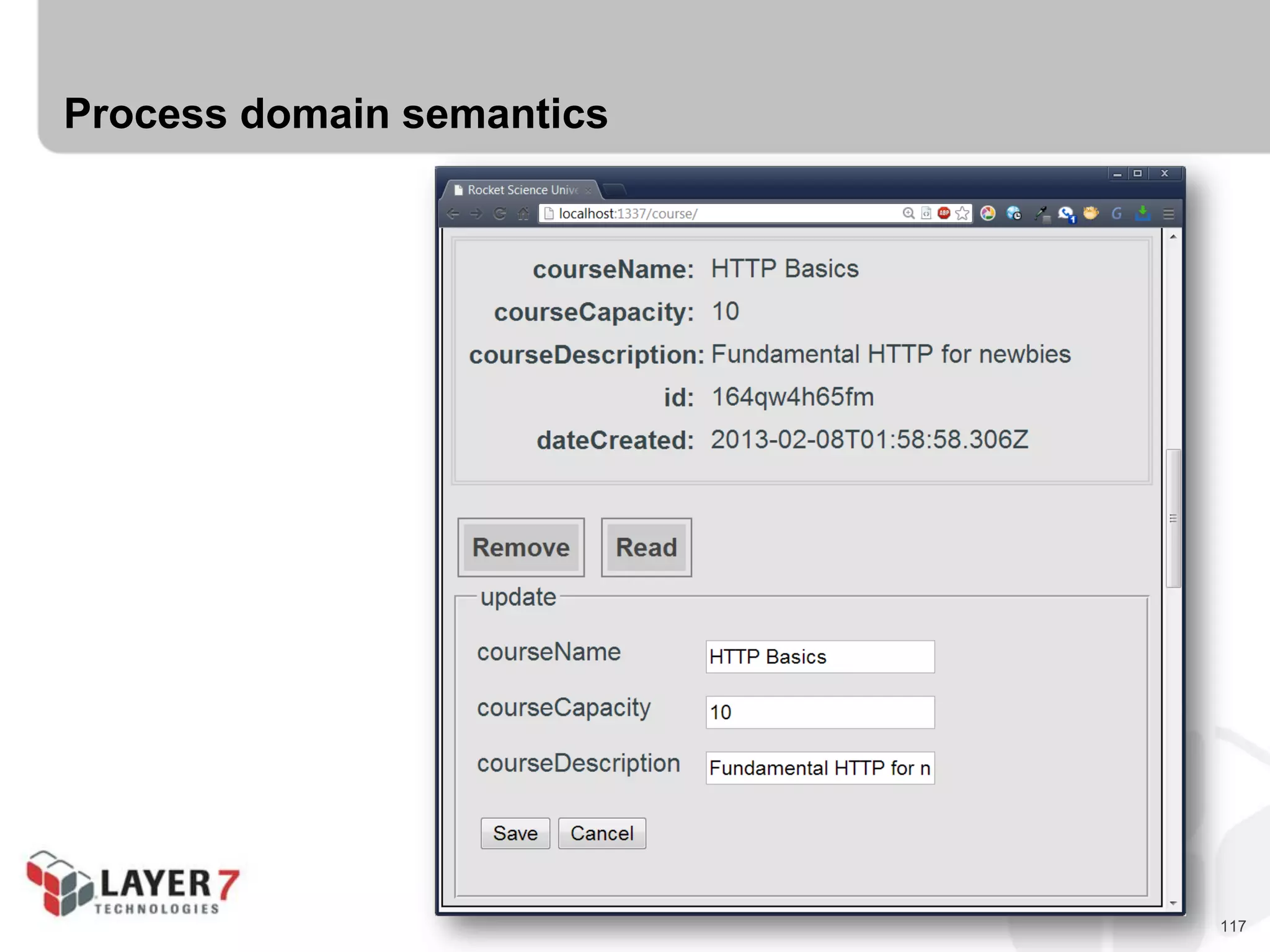
 Process the domain semantics in order to inform human of choices & results.
110
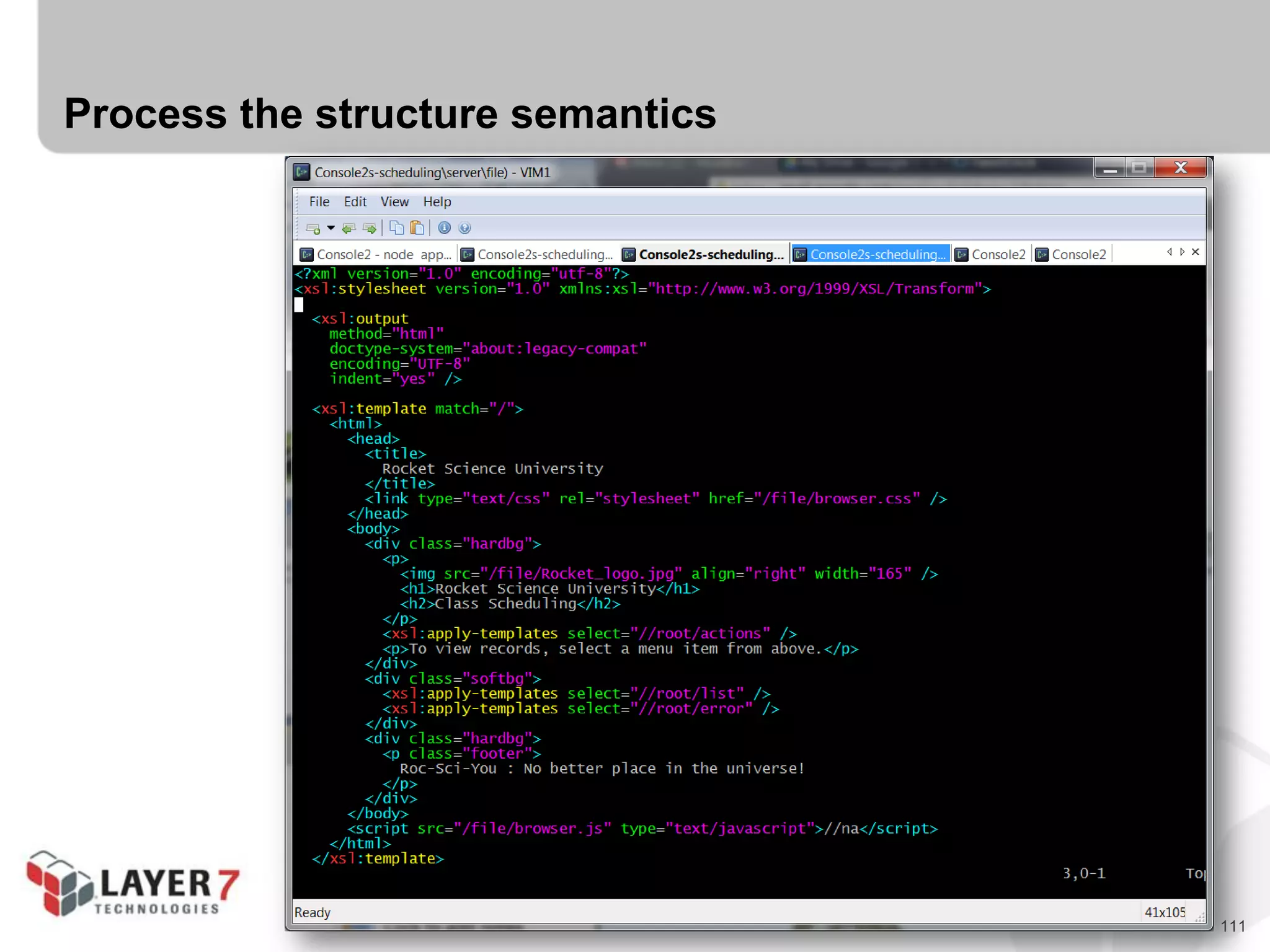
Process the structure semantics
111
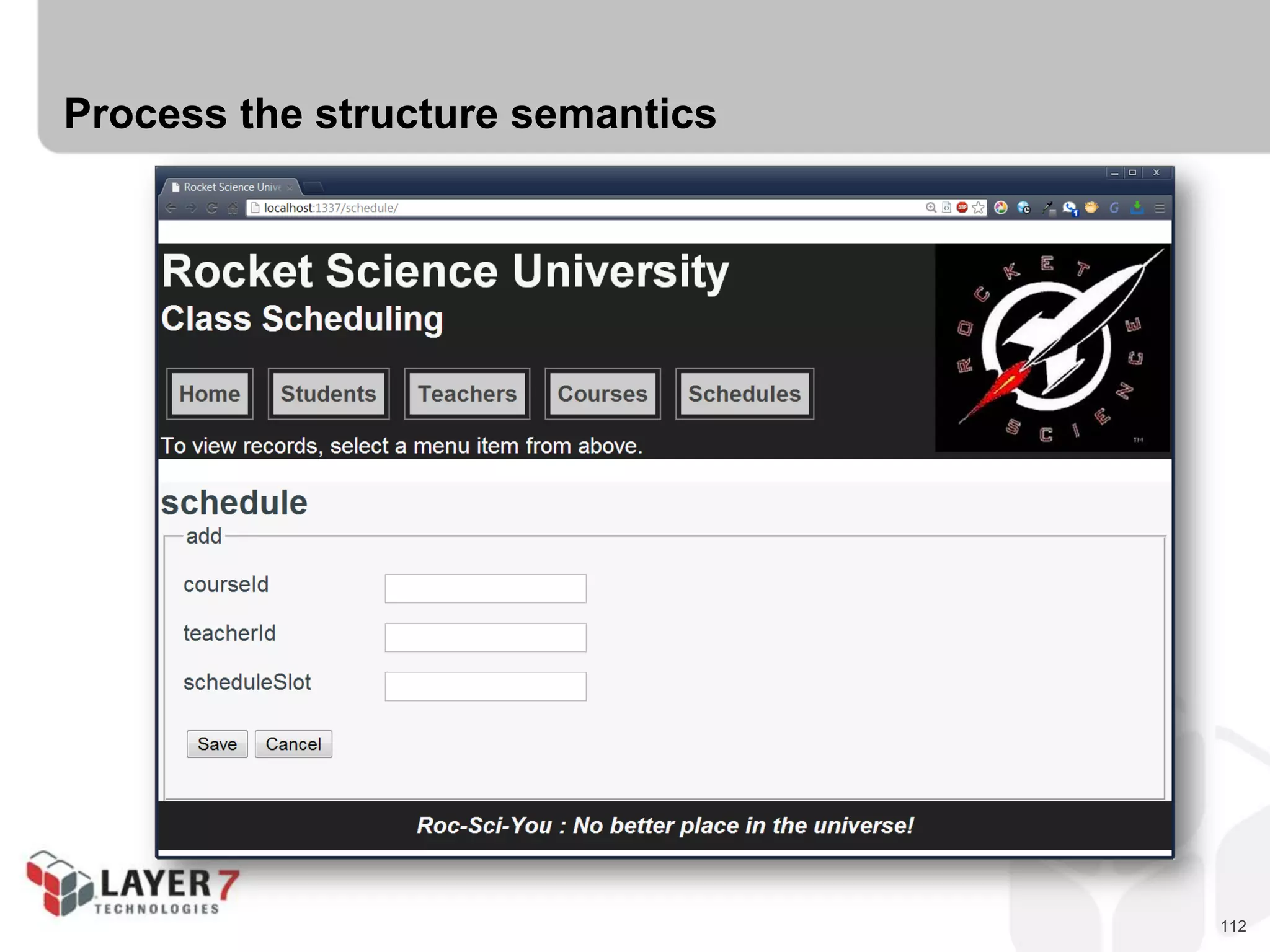
Process the structure semantics
112
Process the structure semantics
113
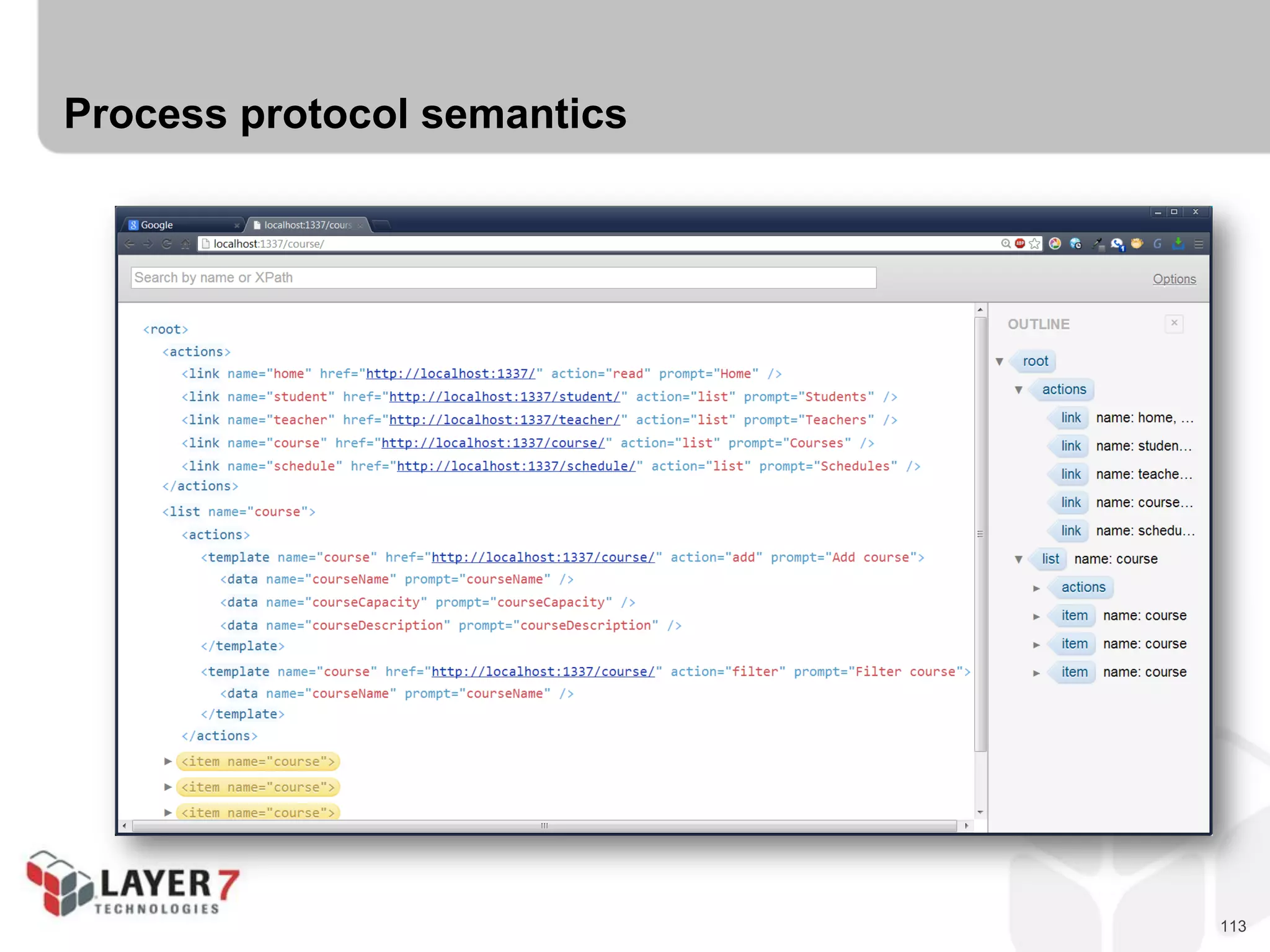
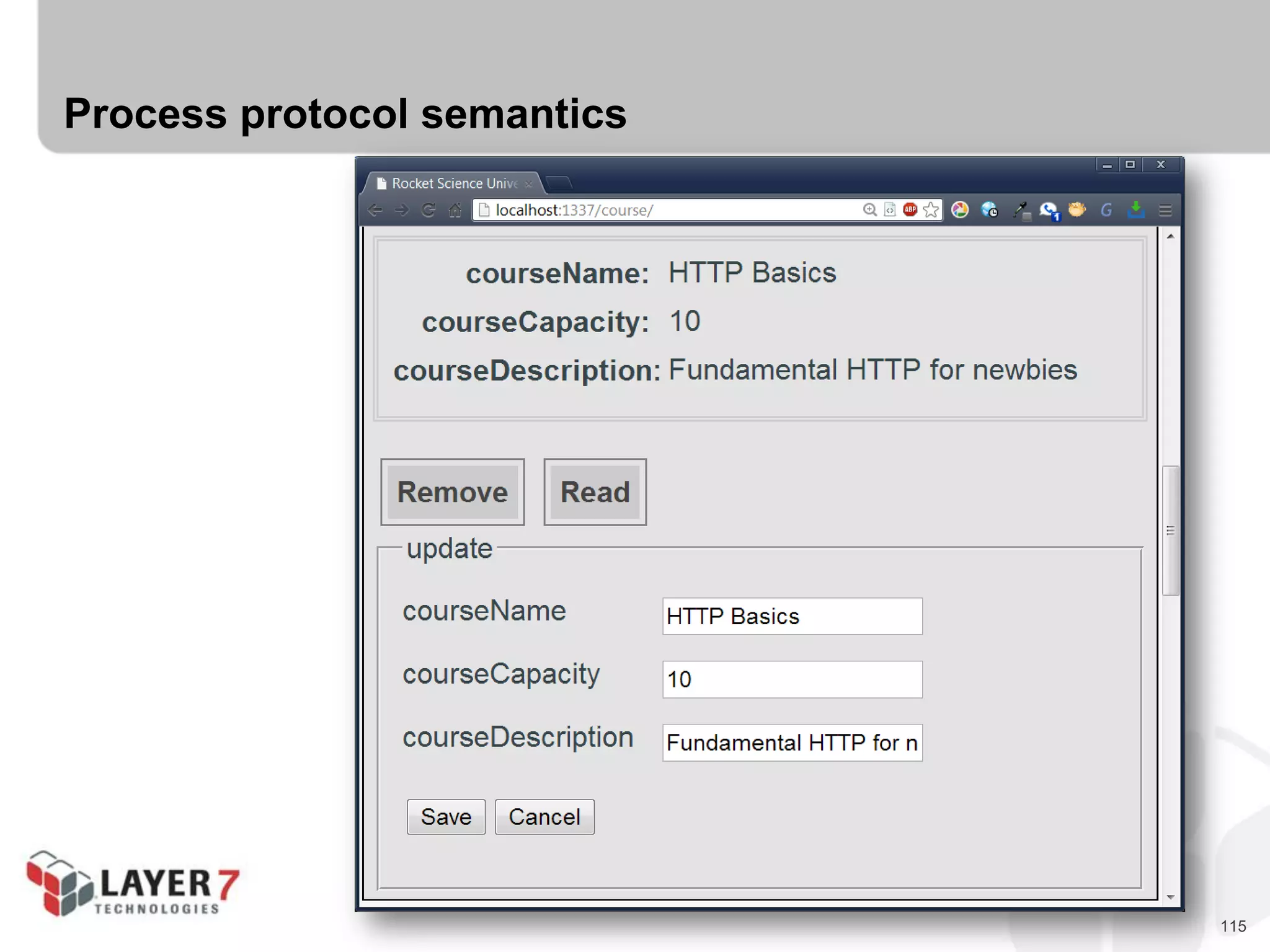
Process protocol semantics
114
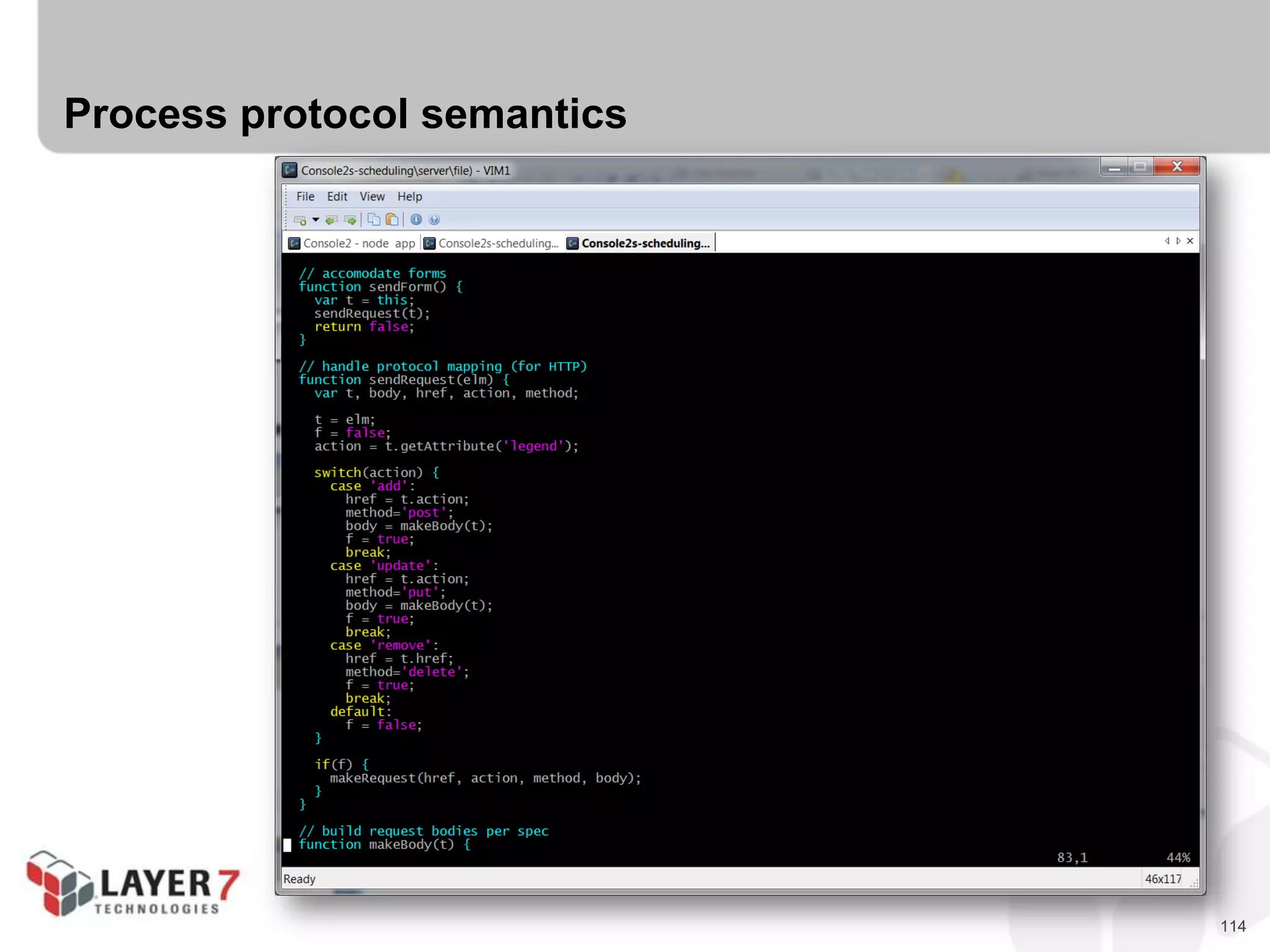
Process protocol semantics
115
Process protocol semantics
116
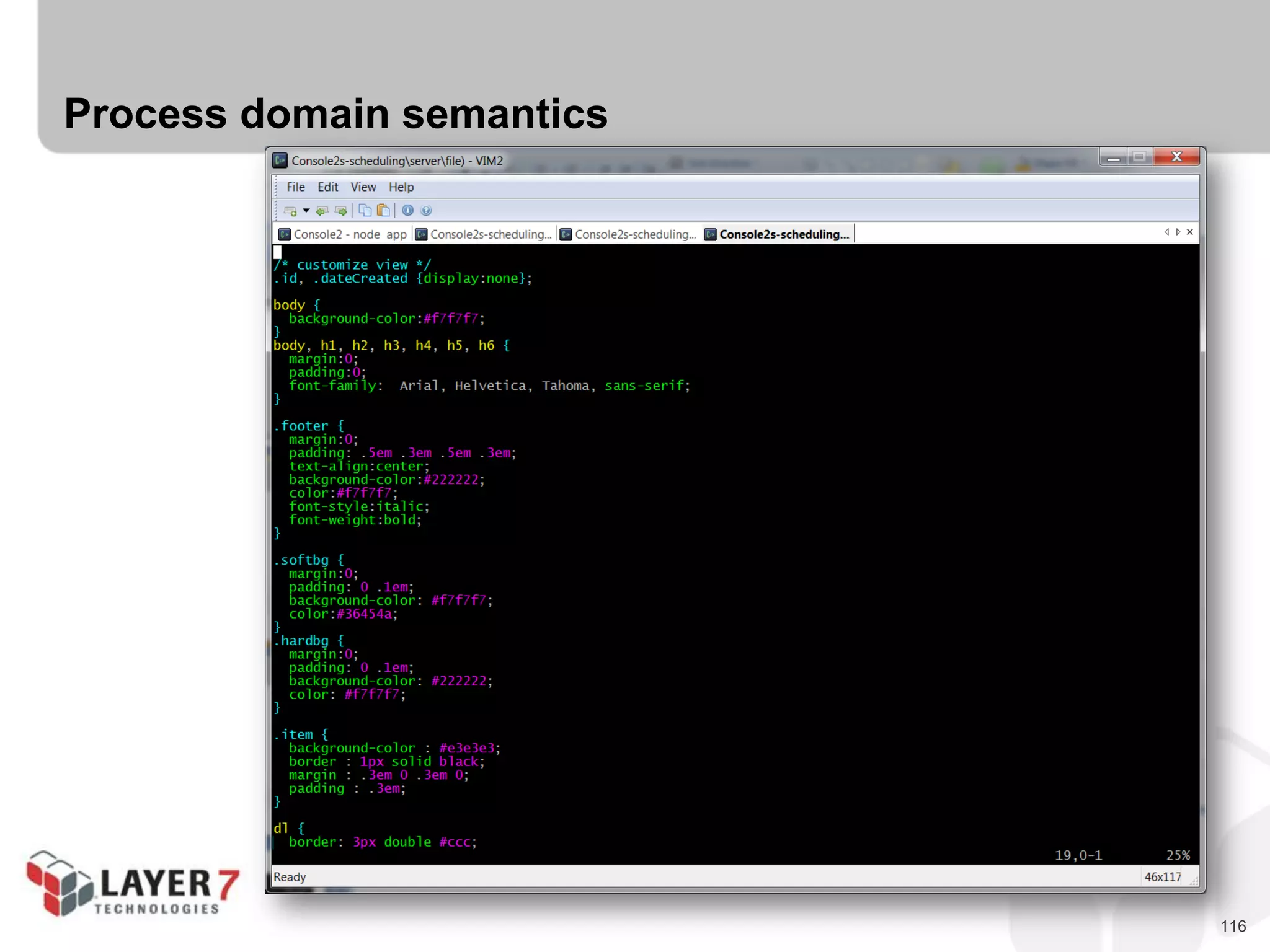
Process domain semantics
117
Process domain semantics
118
Summary for the Class Schedule FHC
 Structure Semantics
- Take advantage of client-side XSLT
- Build XSL processor for vnd.apiacademy-scheduling+xml
- 120 lines of XSLT
 Protocol Semantics
- Take advantage of XmlHttpRequest
- Provide a single JS file that “understands” vnd.apiacademy-scheduling+xml
- 130 lines of JS
 Domain Semantics
- Use CSS to hide/show things for humans (.id, .dateCreated)
- 130 lines of CSS
119
Advantages of hypermedia clients for humans
 Flexibility to support a wide range of non-breaking domain-level changes
- Adding new display & input fields
- Adding new resources/pages
- Adding new link and form options (not new protocol options)
- Changes in access control rules is “automatic” (No access? No controls!)
 Ability to separate “parsing” from “display”
- Most hypermedia types keep clear separation
between processing and display
- Can make it easier to handle negotiations
between server devs and UI devs
 Ability to customize engines for devices
- Same hypermedia message can be handled
differently on each device, when applicable
- Increased freedom for UI devs
120
Drawbacks of hypermedia clients for humans
 SoC can mean extra work for clients
- Need to keep structure, protocol, domain clearly separated
 Possibility of changes in server can limit UI options
- UI devs must plan for change (even before it happens)
 Anything short of FHC risks client adaptability
- If client determines what to display, new fields will not appear.
- If client determines what transitions to support
and in what order they appear, changes (add/
move forms & links) may break the client.
 If the message format is unstable (breaking
changes occurring), FHCs have no real
advantage over one-off client coding.
121
Hypermedia for Machines
122
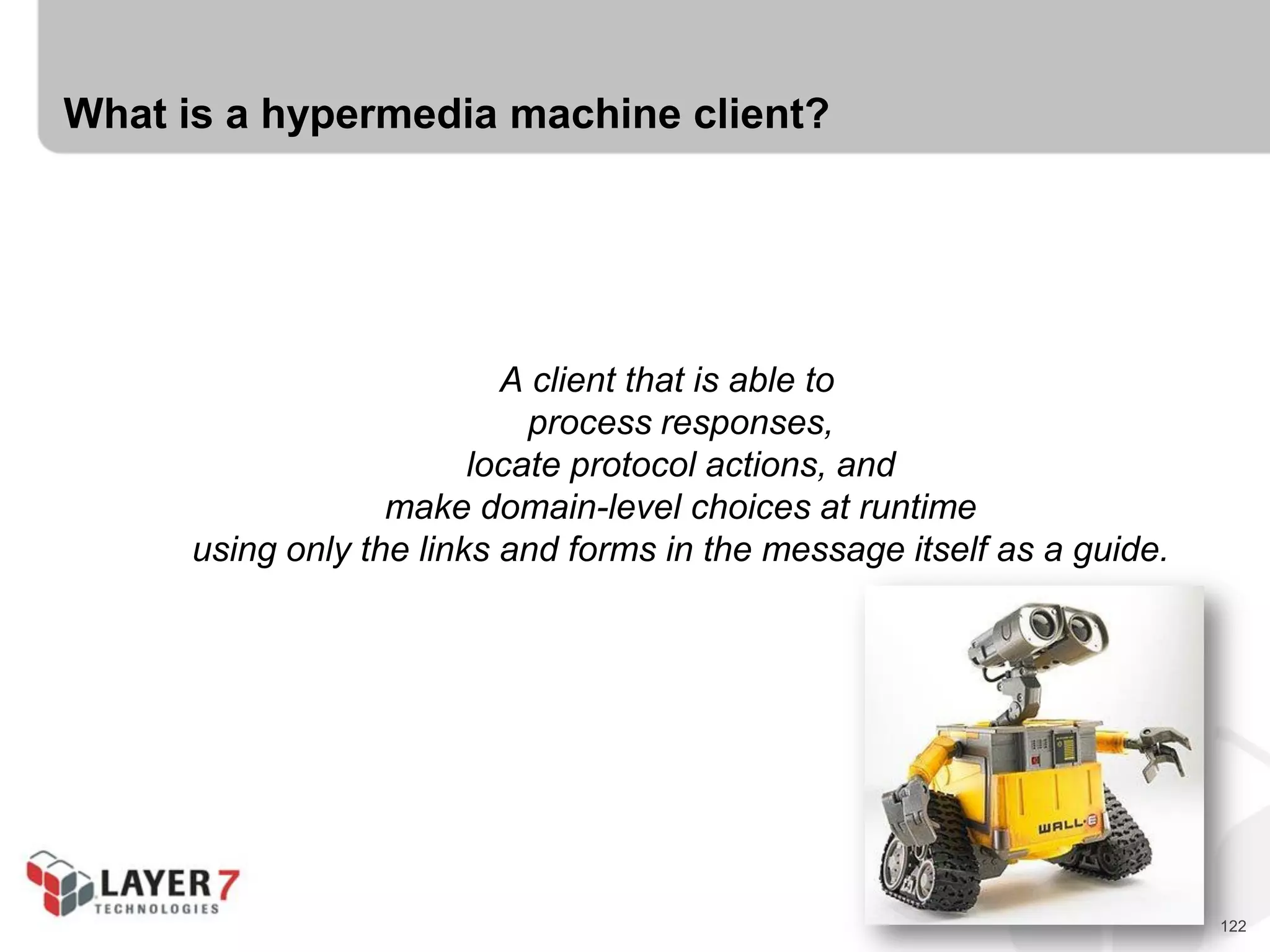
What is a hypermedia machine client?
A client that is able to
process responses,
locate protocol actions, and
make domain-level choices at runtime
using only the links and forms in the message itself as a guide.
123
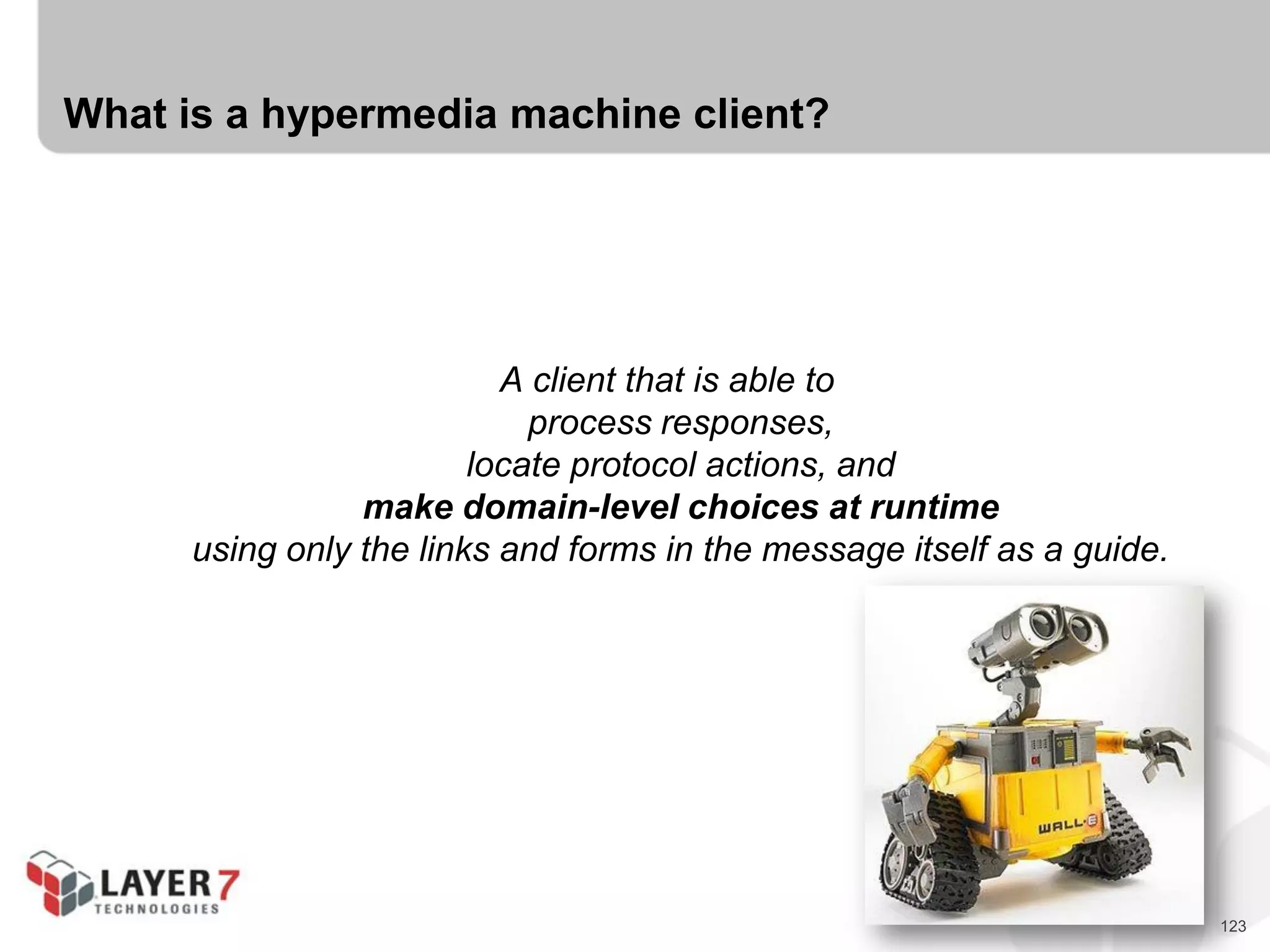
What is a hypermedia machine client?
A client that is able to
process responses,
locate protocol actions, and
make domain-level choices at runtime
using only the links and forms in the message itself as a guide.
124
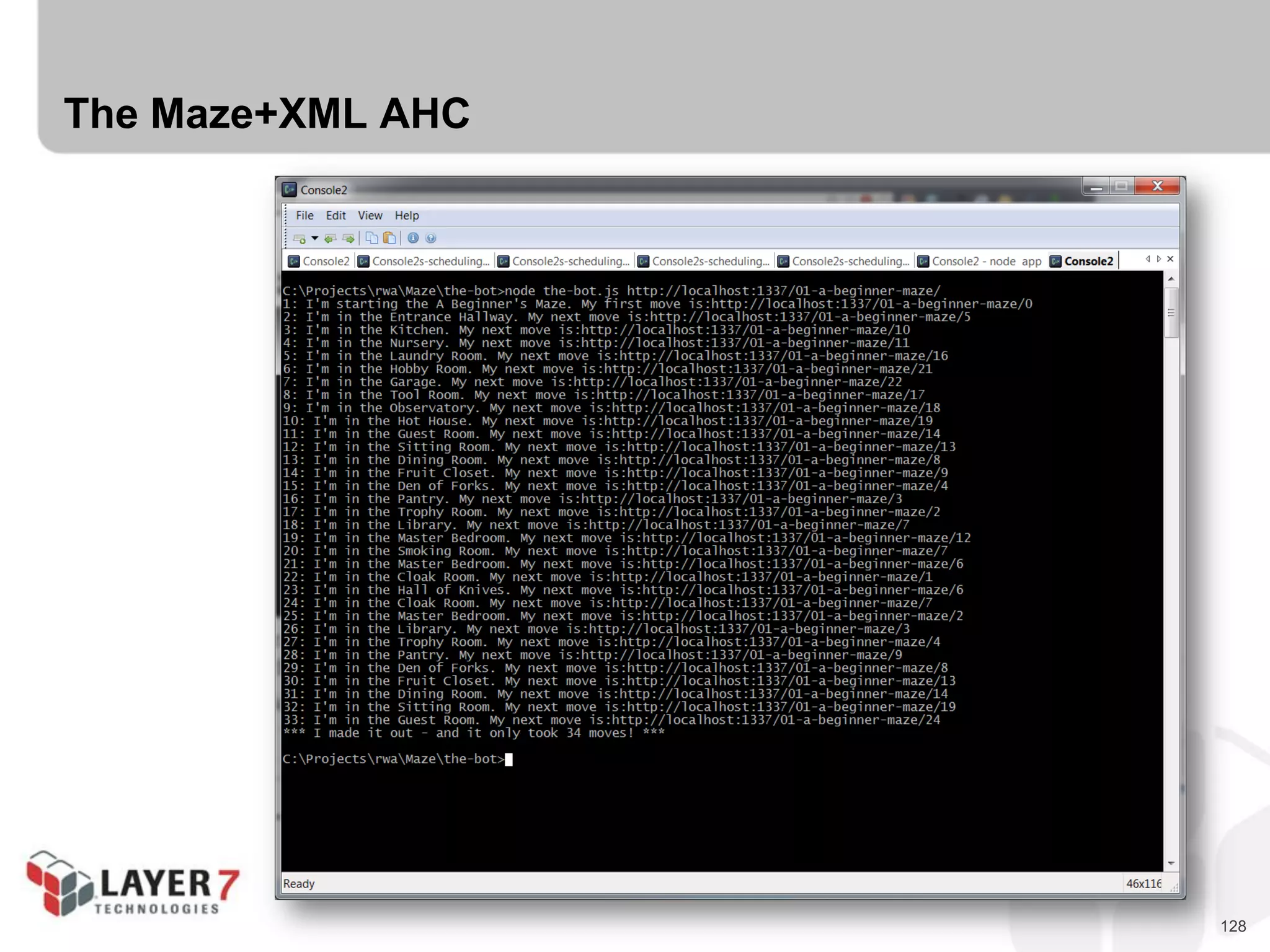
Agent Hypermedia Clients (AHCs)
 AHCs can process all three levels of messages:
- Structure
- Protocol
- Domain
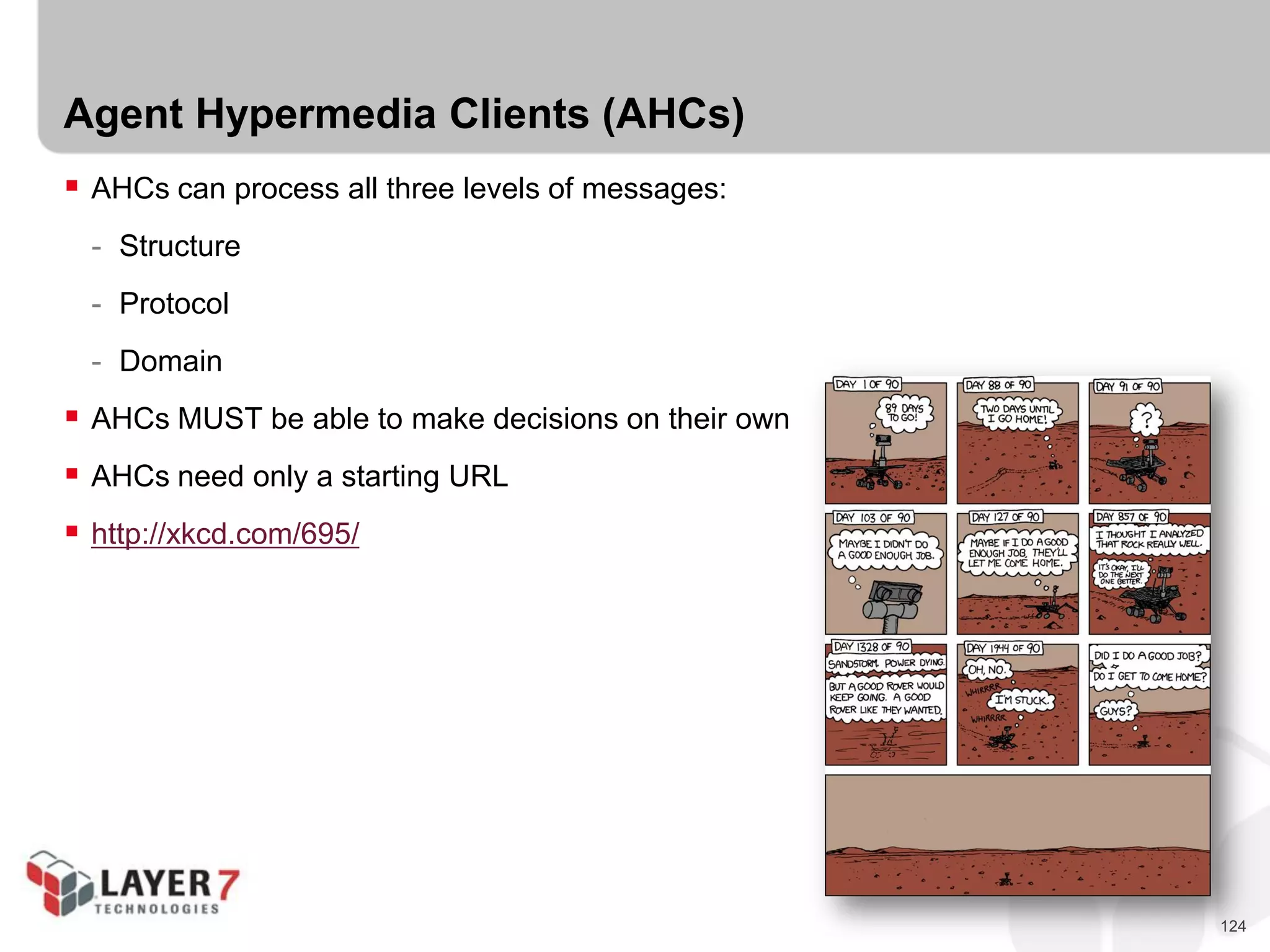
 AHCs MUST be able to make decisions on their own
 AHCs need only a starting URL
 http://xkcd.com/695/
125
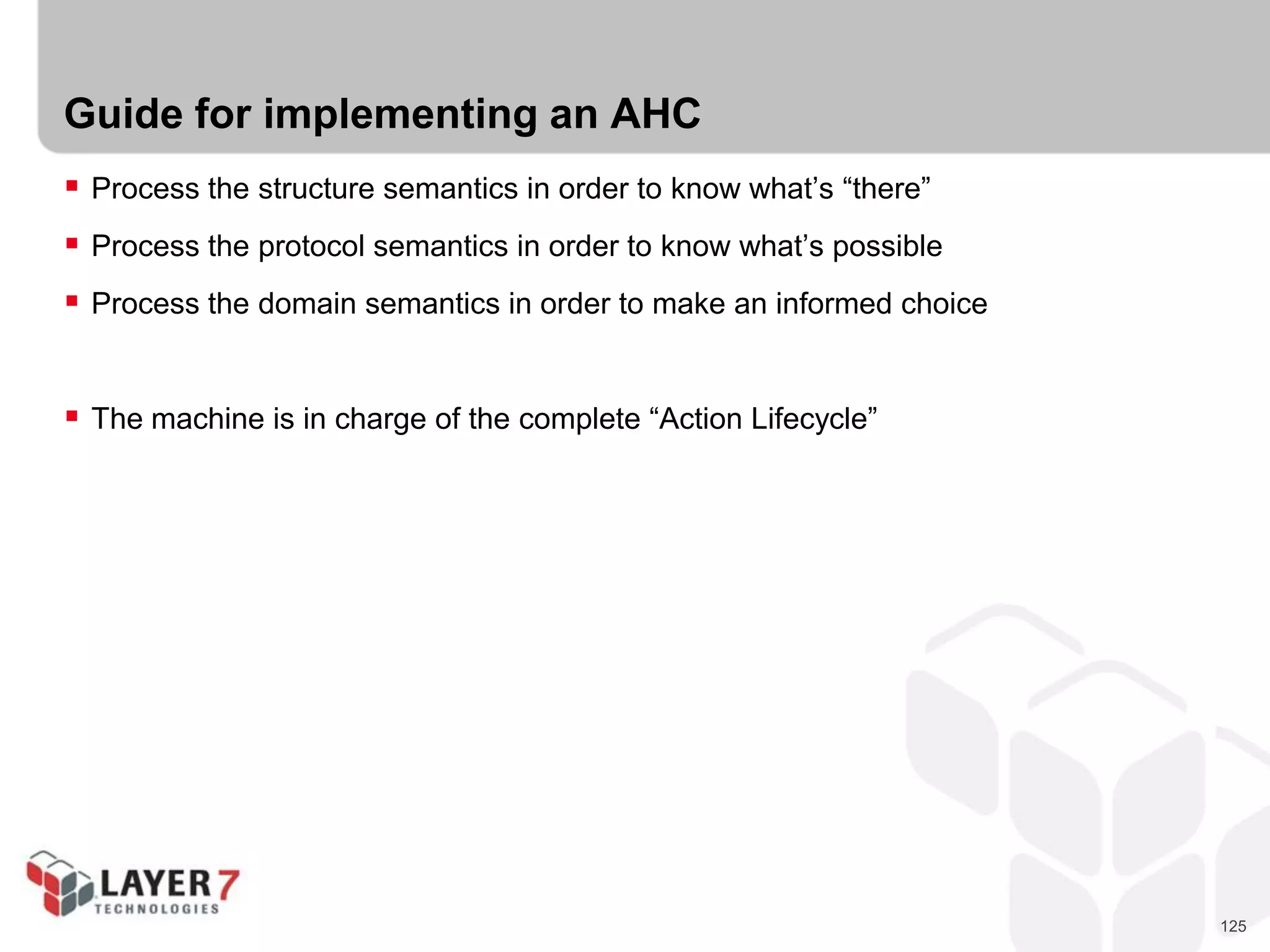
Guide for implementing an AHC
 Process the structure semantics in order to know what’s “there”
 Process the protocol semantics in order to know what’s possible
 Process the domain semantics in order to make an informed choice
 The machine is in charge of the complete “Action Lifecycle”
126
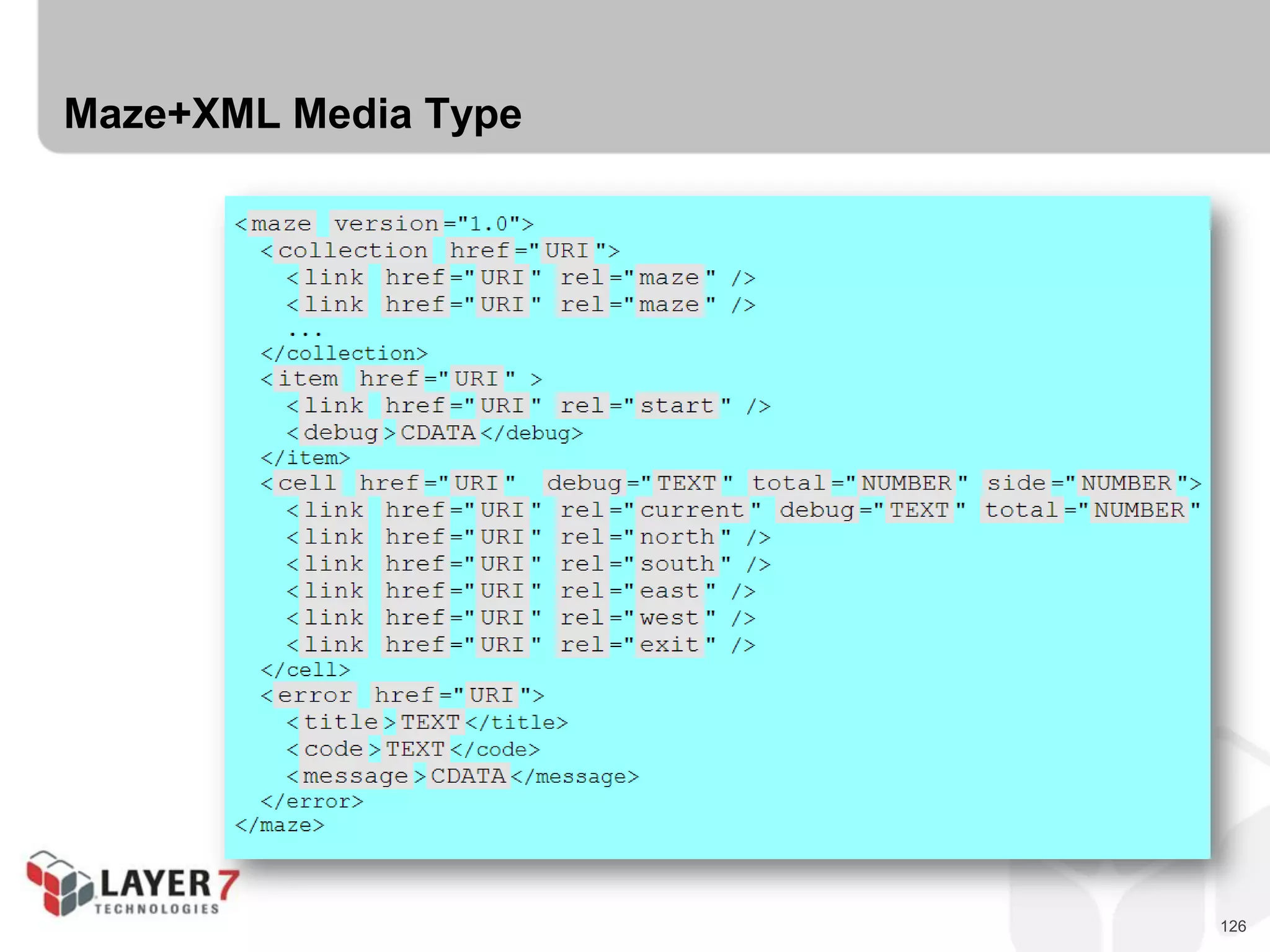
Maze+XML Media Type
127
Maze+XML FHC
128
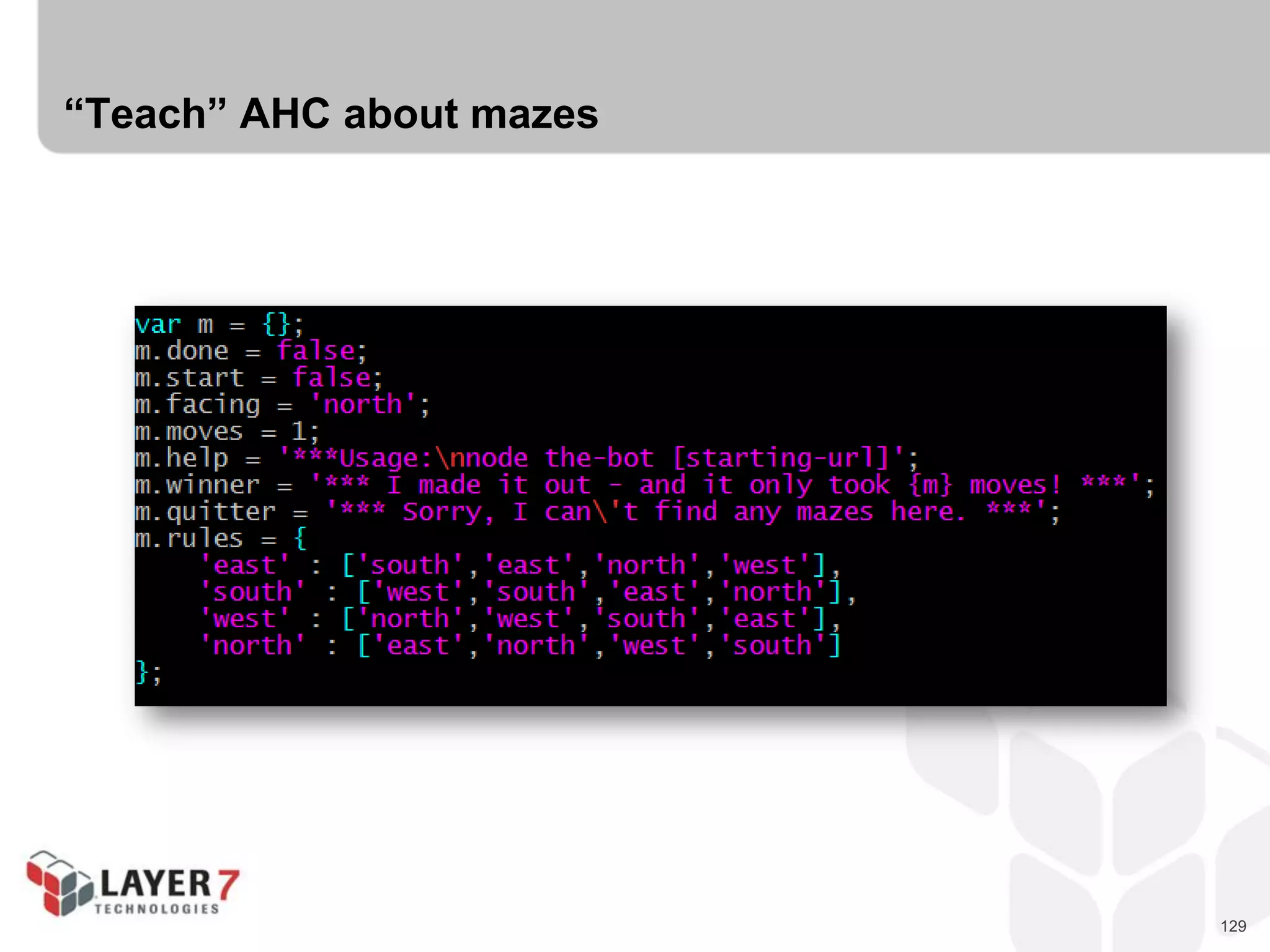
The Maze+XML AHC
129
“Teach” AHC about mazes
130
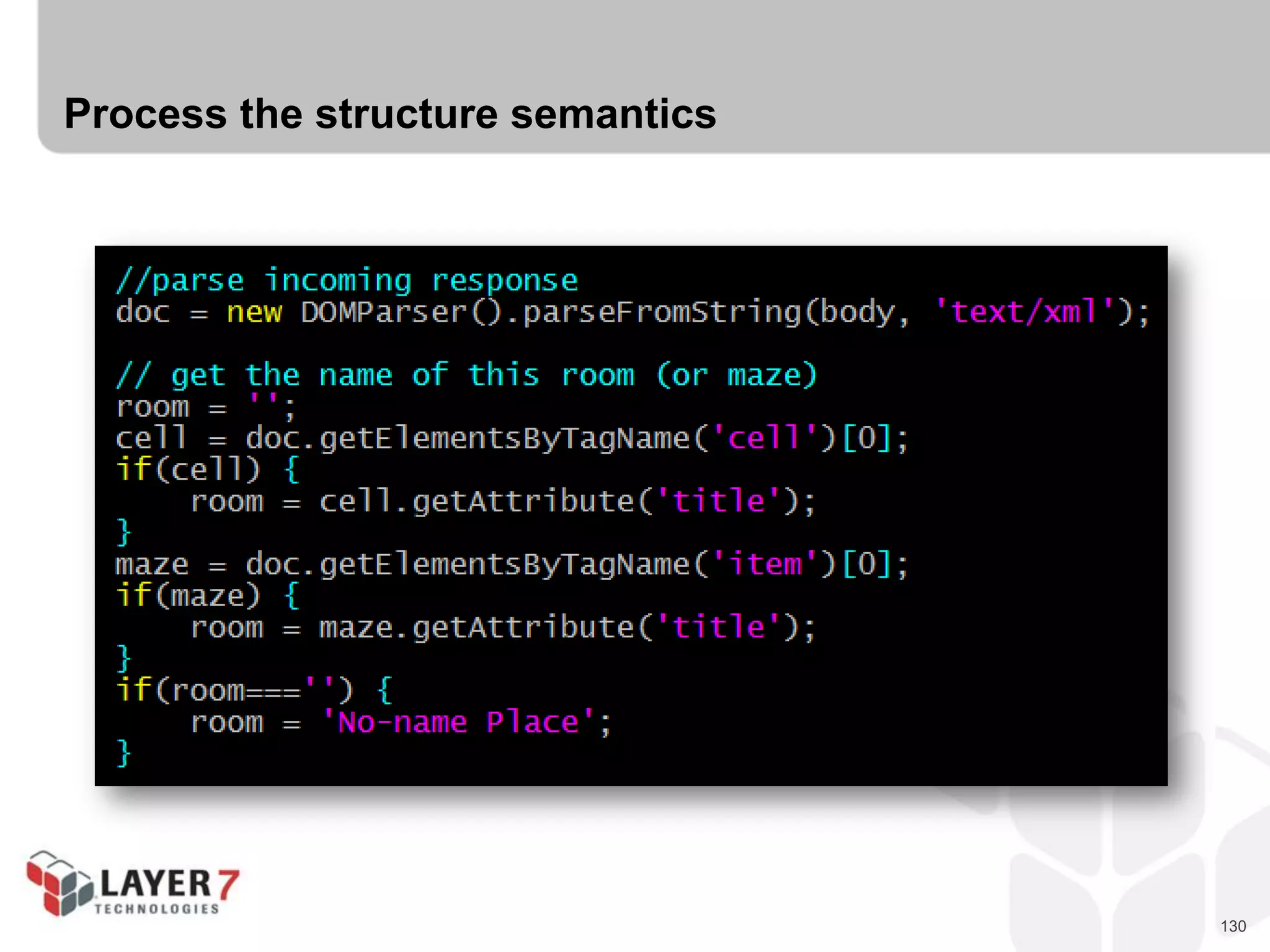
Process the structure semantics
131
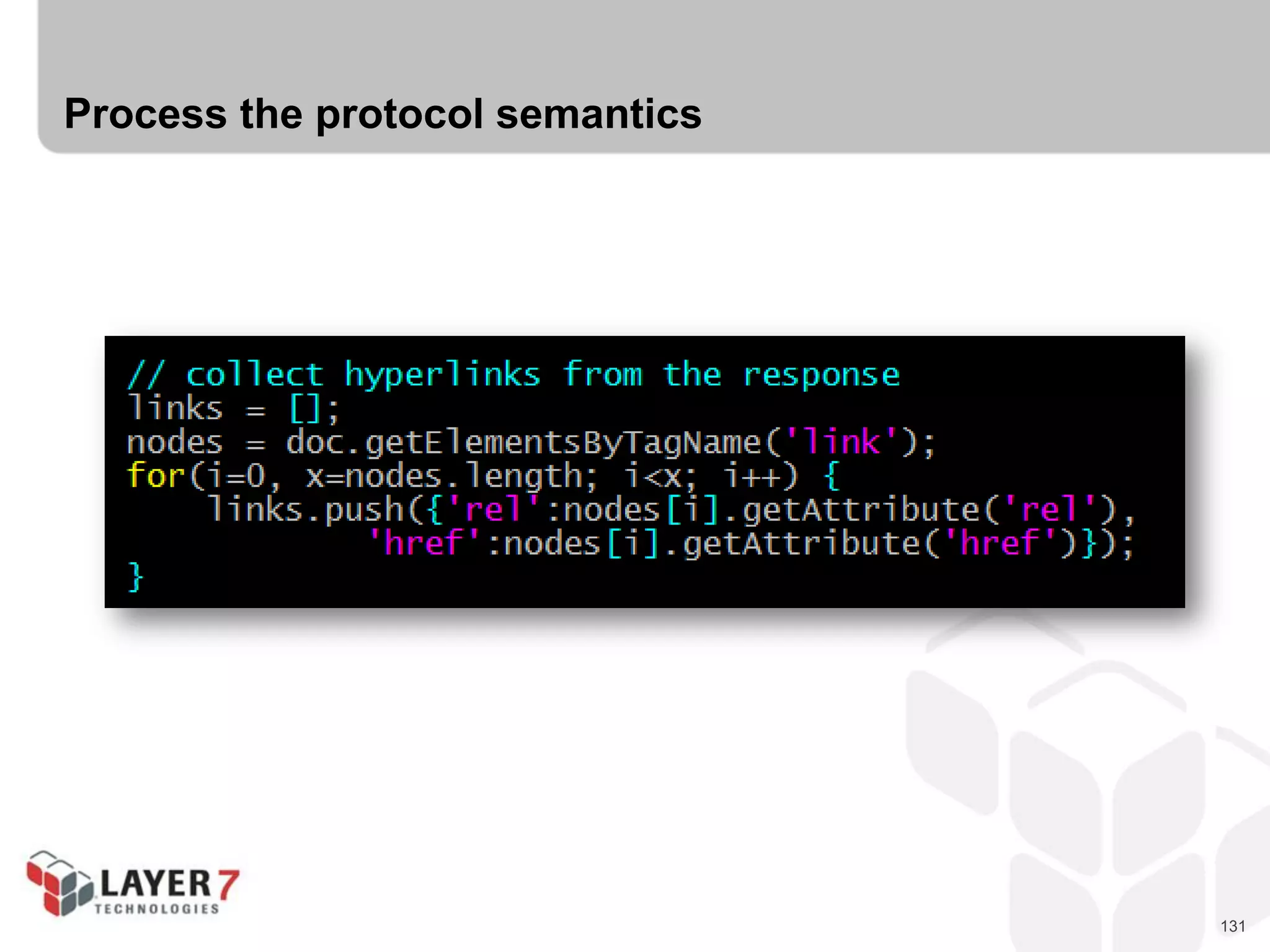
Process the protocol semantics
132
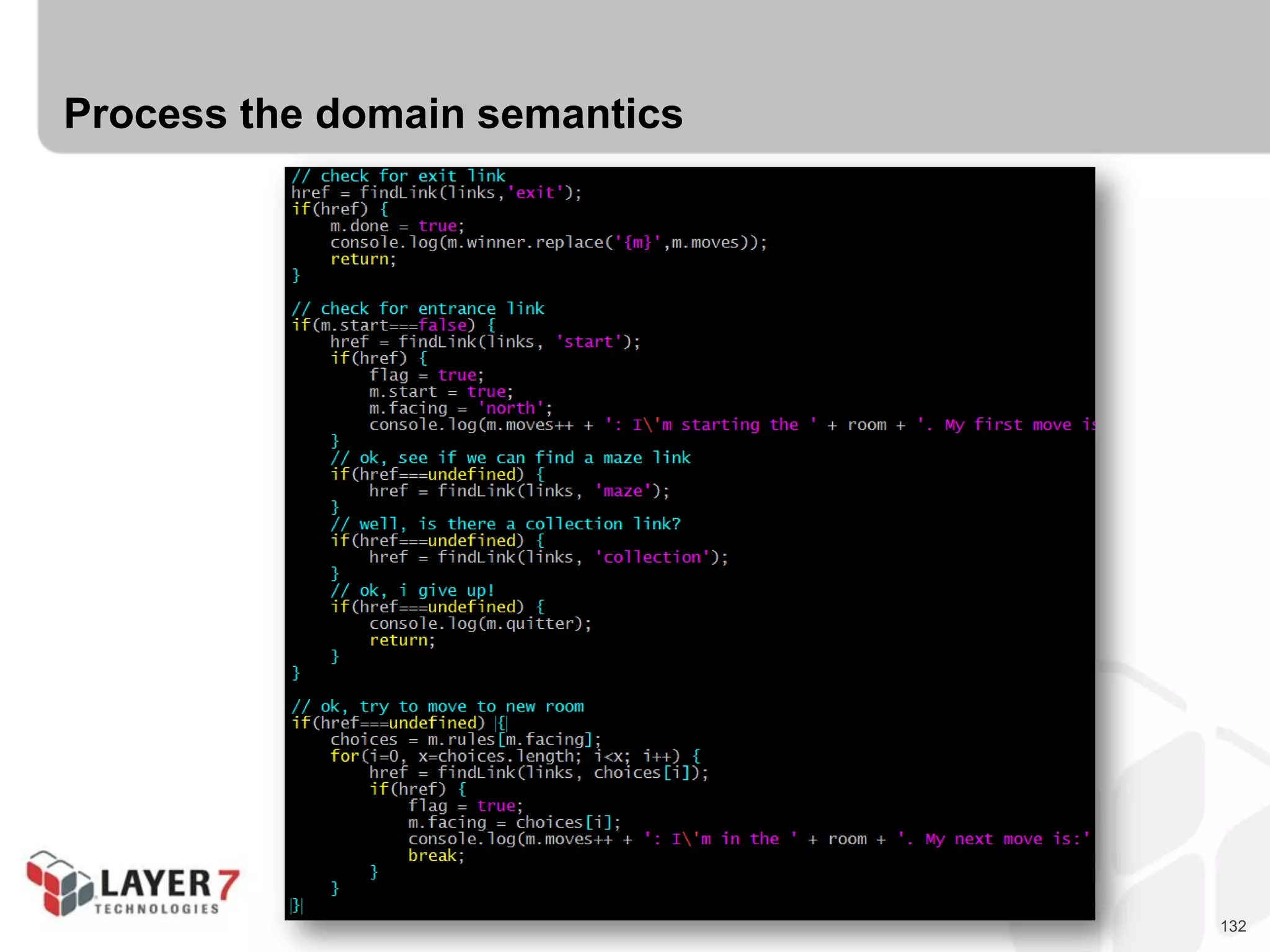
Process the domain semantics
133
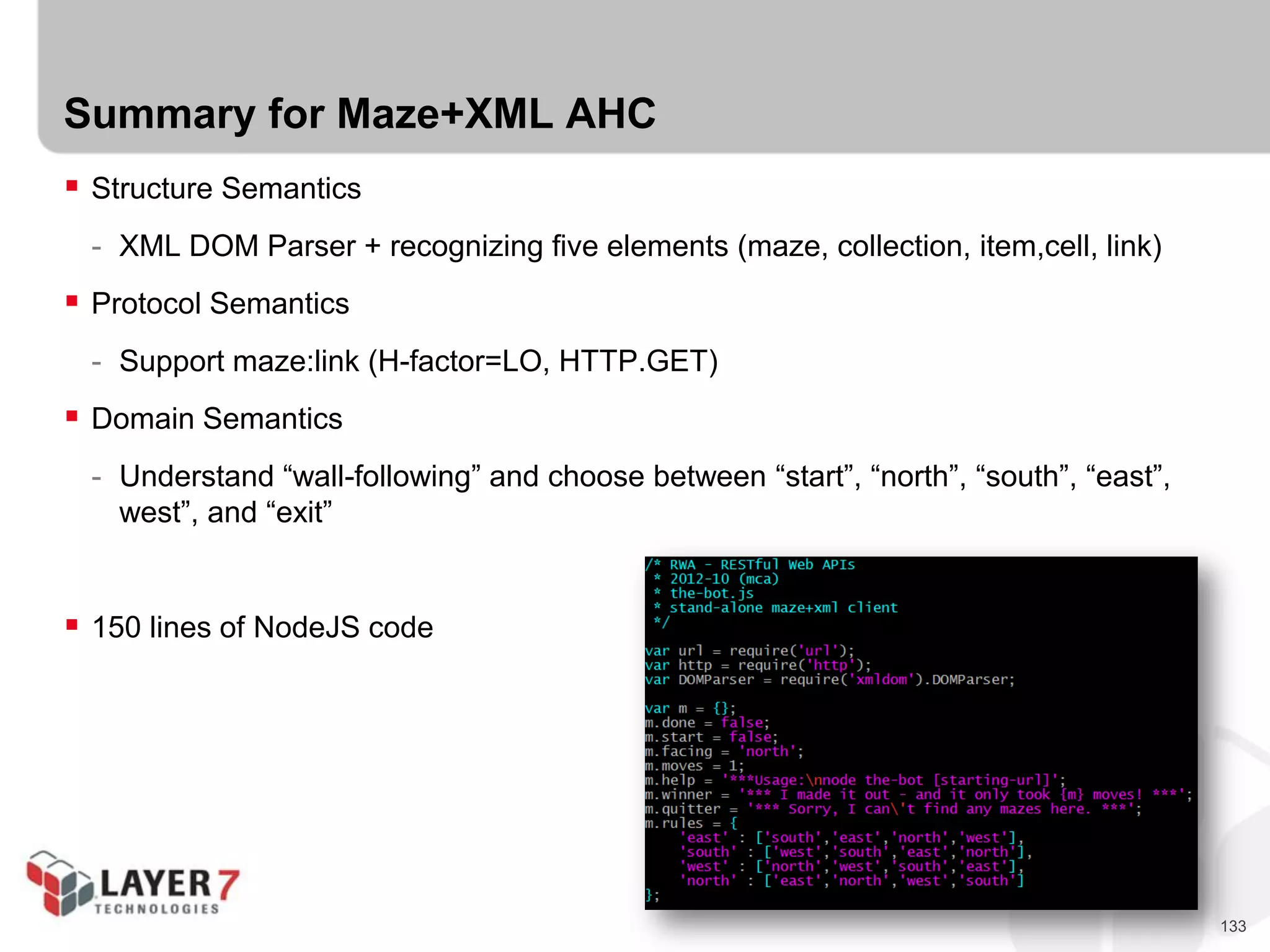
Summary for Maze+XML AHC
 Structure Semantics
- XML DOM Parser + recognizing five elements (maze, collection, item,cell, link)
 Protocol Semantics
- Support maze:link (H-factor=LO, HTTP.GET)
 Domain Semantics
- Understand “wall-following” and choose between “start”, “north”, “south”, “east”,
west”, and “exit”
 150 lines of NodeJS code
134
Advantages of hypermedia clients for machines
 Ability to hand off tedious work to “smart” machine
 Using “generic” media types makes it possible to use the same client code for
several different tasks/projects
 Coding new tasks gets faster over time since the baseline code already exists
 Simple modifications in the server (order to items in message) don’t break clients
135
Drawbacks of hypermedia clients for machines
 Making machines “smart” takes time, esp. for non-trivial tasks
 Some changes in message can break clients (missing transitions, new fields, etc.)
 Some unsafe operations (POST/PUT/DELETE) may need human intervention
anyway.
 Not many “machine-friendly” hypermedia types yet.
136
Let’s Build a Hypermedia Client!
137
NOW WHAT?
138
Seven Steps to a RESTful API
1. List the Semantic Descriptors
2. Draw a State Diagram
3. Match Magic Strings to Existing Profiles
4. Select a Media Type
5. Write Your Profile
6. Write Your Code
7. Publish your “Billboard” URL
Close the Semantic Gap w/ Hypermedia and Profiles
139
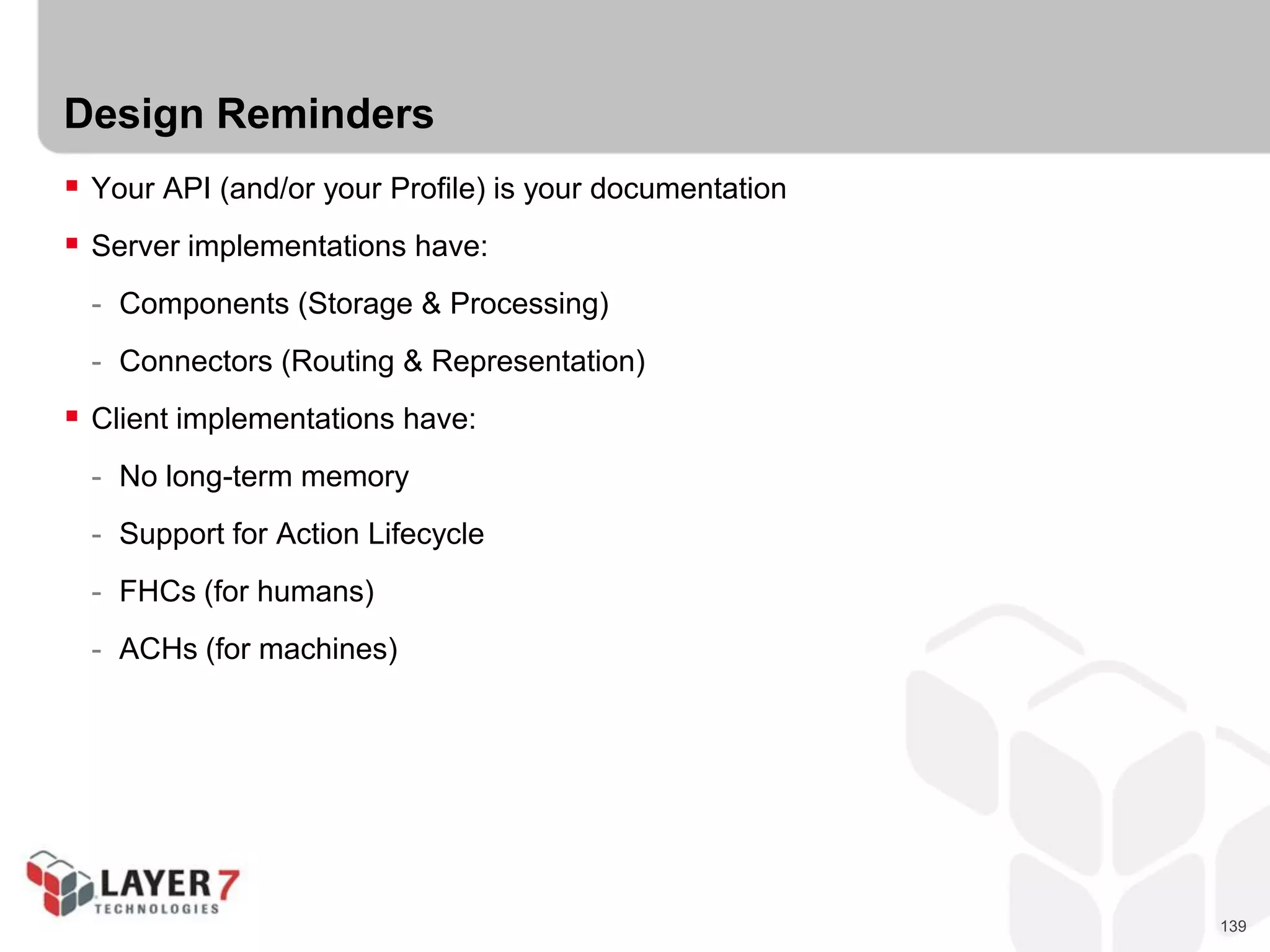
Design Reminders
 Your API (and/or your Profile) is your documentation
 Server implementations have:
- Components (Storage & Processing)
- Connectors (Routing & Representation)
 Client implementations have:
- No long-term memory
- Support for Action Lifecycle
- FHCs (for humans)
- ACHs (for machines)
140
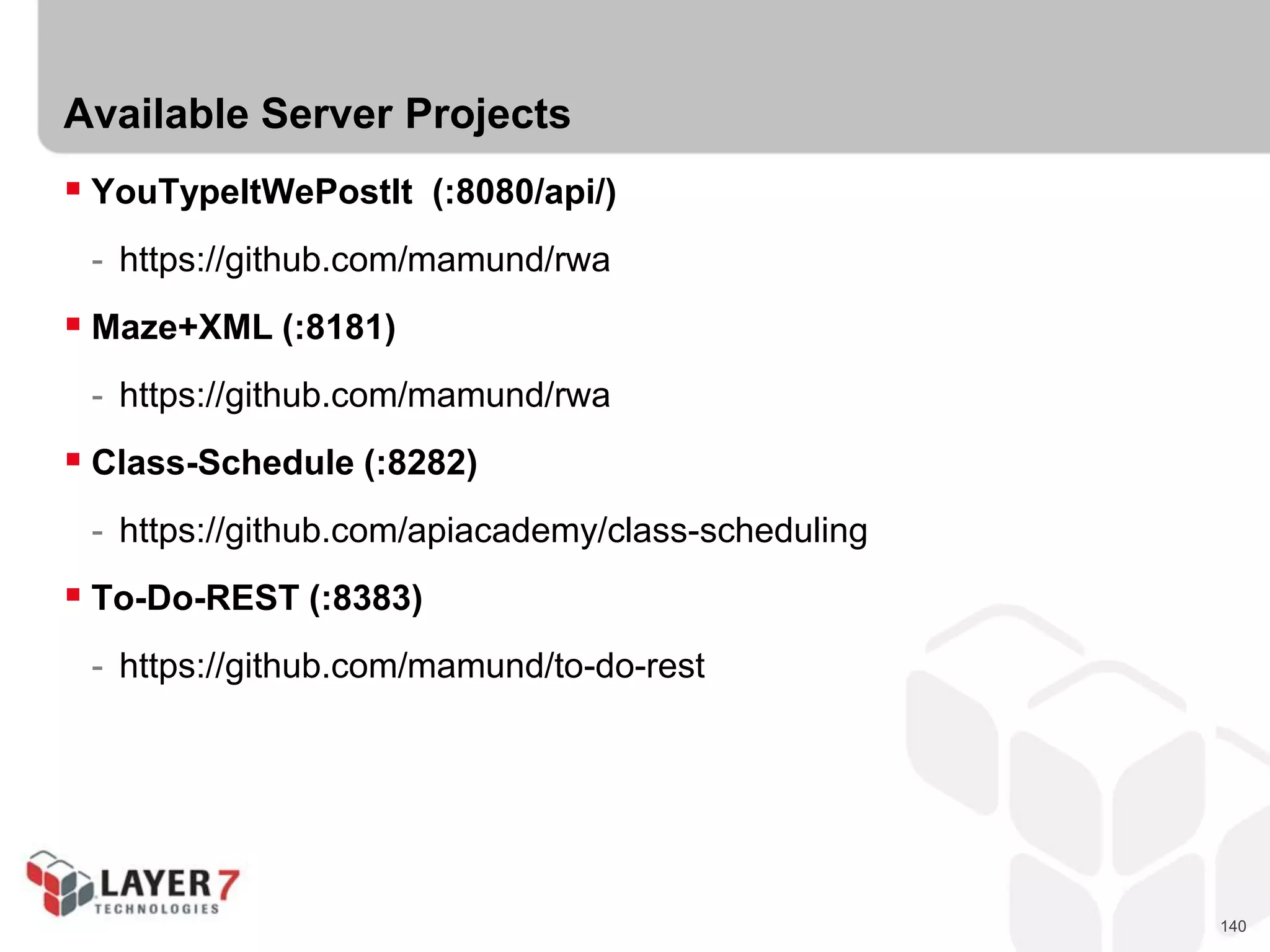
Available Server Projects
 YouTypeItWePostIt (:8080/api/)
- https://github.com/mamund/rwa
 Maze+XML (:8181)
- https://github.com/mamund/rwa
 Class-Schedule (:8282)
- https://github.com/apiacademy/class-scheduling
 To-Do-REST (:8383)
- https://github.com/mamund/to-do-rest
141
RESTful Web APIs
QCon New York 2013
 Mike Amundsen,
Principal API Architect
Layer 7 Techologies
@mamund

RESTful Web APIs – Mike Amundsen, Principal API Architect, Layer 7

  • 1.
    1 RESTful Web APIs QConNew York 2013  Mike Amundsen, Principal API Architect Layer 7 Techologies @mamund
  • 2.
    2 Mike Amundsen  Author,Web Architect, Presenter  Principal API Architect  Building Hypermedia APIs with HTML5 and Node  RESTful Web APIs (Richardson, Amundsen, Ruby)
  • 3.
    3 Agenda  Seven Stepsto a RESTful Web API (15:00)  The Hypermedia Zoo (10:00)  Challenge #1 : One problem, Three Designs (15:00 )  The Semantic Zoo (10:00)  Challenge #2 : Select Semantic Descriptors (10 :00)  RESTful Web API Profiles (10:00)  Challenge #3 : Create an ALPS Profile (15:00)  Building Hypermedia Servers (10:00)  Hack a Hypermedia Server (35:00)  Building Hypermedia Clients (10:00)  Hack a Hypermedia Client (35:00)  Now What? (5:00)
  • 4.
    4 Reminders  Bells &Whistles Off  Feel free to stretch, move about as needed  Ask Questions  Enjoy the Session
  • 5.
    5 SEVEN STEPS TOA RESTFUL API
  • 6.
    6 Seven Steps toa RESTful API 1. List the Semantic Descriptors 2. Draw a State Diagram 3. Match Magic Strings to Existing Profiles 4. Select a Media Type 5. Write Your Profile 6. Write Your Code 7. Publish your “Billboard” URL Don’t worry if these don’t mean much yet, we’ll take care of all that shortly…
  • 7.
    7 But first, somebackstory…
  • 8.
    8 REST  IT ISNOT: - A protocol - A framework - A format - A standard  IT IS: - A style - A collection of System Properties of Key Interest - Based on a list of Domain Requirements - Resulting in a set of Constraints
  • 9.
    9 REST Properties ofKey Interest  Performance - Network Prformance - User-perceived Performance - Network Efficiency  Scalability  Simplicity  Visibility  Modifiability  Evolvability  Extensibility  Customizability  Configurability  Reusability  Visibility  Portability  Reliability
  • 10.
    10 Domain Requirements (WWW) Low Entry-Barrier  Extensibility  Distributed Hypermedia  Internet Scale - Anarchic Scalability - Independent Deployment
  • 11.
    11 Implementation Constraints  Client-Server Stateless  Cache  Uniform Interface - Identification of resources - Manipulation of resources through representations - Self-descriptive messages - Hypermedia as the engine of application state  Layered System  Code On Demand (optional)
  • 12.
    12 Resources and Representations In REST:  Resources reflect “state” (this week’s sales figures)  Resources can be represented in various forms (“send me the sales figures as…”) - text/csv - text/html - application/xml - application/json - application/atom+xml - image/jpeg
  • 13.
    13 Clients transfer stateto the servers in requests (POST, PUT, PATCH)
  • 14.
    14 Clients transfer stateto the servers in requests (POST, PUT, PATCH) Servers transfer state to the clients in responses.
  • 15.
    15 In REST, We changestate by transferring representations back and forth
  • 16.
    16 In REST, We changestate by transferring representations back and forth that’s why it’s called Representational State Transfer
  • 17.
    17 Three Pillars ofHypermedia Design  Structure Semantics (XML, JSON, YAML, etc.)  Protocol Semantics (HTTP, WS, FTP, etc.)  Application Domain Semantics (students, courseName, scheduleId, etc.)  All Web apps MUST support these somehow. What’s not in the message, is in the source code instead.
  • 18.
    18 Three Pillars ofHypermedia Design Structure Semantics  How you communicate the layout of the response  Simple structures: - text/csv - application/xml - application/json  Advanced structures - text/html - application/atom+xml - application/vnd.hal+json - application/vnd.collection+json
  • 19.
    19 Three Pillars ofHypermedia Design Protocol Semantics  How you communicate the possible actions in the response  Simple actions: - HTML.A - HTML.IMG - HTML.LINK  Advanced actions: - HTML.FORM@get - HTML.FORM@post - ATOM.LINK@edit - collection.queries.link@data[]
  • 20.
    20 Three Pillars ofHypermedia Design Domain Semantics  How you communicate the domain-specific details in the response  Simple domain-specifics: - MAZE: collection, cell - VOICEXML: assign, transfer, disconnect, - ATOM: feed, entry, content  Advanced domain-specifics - HTML: @id, @name, @class, @rel - CJ: @id, @name, @value, @href - HAL: @rel, @name
  • 21.
    21 Three Pillars ofHypermedia Design On the Web, media types don’t define a solution, they describe a problem domain
  • 22.
  • 23.
    23 The Hypermedia Zoo Domain Specific Designs  Maze+XML  OpenSearch  Problem Detail Documents  SVG  VoiceXML
  • 24.
  • 25.
  • 26.
  • 27.
  • 28.
  • 29.
    29 The Hypermedia Zoo Collection Pattern Designs  Collection+JSON  Atom Pub  OData
  • 30.
  • 31.
  • 32.
  • 33.
    33 The Hypermedia Zoo Pure Hypermedia Designs  HTML  HAL  Siren  Link, Link-Template, Location, & Content-Location Headers  URL Lists  JSON Home Document  WADL  XLink & XForms
  • 34.
  • 35.
  • 36.
  • 37.
  • 38.
  • 39.
  • 40.
  • 41.
    41 The Hypermedia Zoo isfull of options.
  • 42.
    42 The Hypermedia Zoo isfull of options. You rarely need to “roll your own” media type
  • 43.
  • 44.
    44 Challenge #1 :One Problem, Three Designs  Let’s take a simple problem domain (To-Do Lists)  And create three different designs for the same problem: - Domain-Specific - List Pattern - Pure Hypermedia
  • 45.
    45 Challenge #1 :One Problem, Three Designs  To-Do Lists Domain  State Elements: - Id - Title - DateDue - Completed (yes/no)  Actions: - List - Add - MarkComplete - SearchByTitle
  • 46.
    46 Challenge #1 :One Problem, Three Designs  Domain-Specific Example:
  • 47.
    47 Challenge #1 :One Problem, Three Designs  List Pattern Example:
  • 48.
    48 Challenge #1 :One Problem, Three Designs  Pure Hypermedia Example:
  • 49.
    49 OK, let’s designsome Hypermedia!
  • 50.
  • 51.
    51 Hypermedia is onlypart of the solution…  Hypermedia handles the PROTOCOL  But what about the problem domain?  We need domain semantics!
  • 52.
    52 The Semantic Zoo IANA Link Relations Registry  Microformats Wiki  Schema.org  Dublin Core  Activity Streams  ALPS Registry  Each contains a set of shared of “state” identifiers.  Each describes semantics of an item or collection.  We call these “Semantic Descriptors”
  • 53.
    53 The Semantic Zoo http://www.iana.org/assignments/link-relations/link-relations.xml
  • 54.
    54 The Semantic Zoo http://microformats.org/wiki/existing-rel-values
  • 55.
    55 The Semantic Zoo http://schema.org/docs/full.html
  • 56.
    56 The Semantic Zoo http://dublincore.org/documents/dces/
  • 57.
    57 The Semantic Zoo http://activitystrea.ms/registry/object_types/
  • 58.
  • 59.
    59 The Semantic Zoo IANA Link Relations Registry  Microformats Wiki  Schema.org  Dublin Core  Activity Streams  ALPS Registry  Each contains a set of shared of “state” identifiers.  Each describes semantics of an item or collection.  We call these “Semantic Descriptors”
  • 60.
  • 61.
    61 Challenge #2 :Select Semantic Descriptors  Replace our “to-do” list domain specific strings with shared semantic descriptors  Use the various registries as your source material  Apply to your “Pure Hypermedia” or “List Pattern” design
  • 62.
  • 63.
    63 API Profiles “A profileis defined to not alter the semantics of the resource representation itself, but to allow clients to learn about additional semantics ... associated with the resource representation, in addition to those defined by the media type...” RFC6906
  • 64.
    64 Profiles list theProtocol Semantics  The collection of protocol details of an API are part of it’s “Profile”  Protocol properties are: - Safe (HTTP.GET) - Unsafe (HTTP.POST) - Idempotent (HTTP.PUT, HTTP.DELETE)  In Domain-Specific designs, we “bake” the protocol into the design - <add-item … />, <search … />, etc.  In Pure Hypermedia designs, we “carry” the procotol in the properties - HTML.FORM@method, HTML.FORM@href, etc.  In List Pattern designs we do a bit of both  - ATOM.LINK@rel=“edit”
  • 65.
    65 Profiles list theDomain Semantics  The collection of domain-specifics of an API are its “Profile”  Profiles describe the unique aspects of the API (beyond the hypermedia)  In Domain-Specific designs, we “bake” the domain into the design - <add-item … />, <search … />, etc.  In Pure Hypermedia designs, we “carry” the domain in the properties - @id, @name, @rel, @class, etc.  In List Pattern designs we do a bit of both 
  • 66.
    66 Profiles are theDocumentation  Most “profiles” are just human-readable documentation - IODocs - Swagger - Apiary.io - Etc.
  • 67.
  • 68.
  • 69.
  • 70.
    70 Profiles are theDocumentation  Most “profiles” are just human-readable documentation - IODocs - Swagger - Apiary.io  But you can make that machine-readable, too! - XHTML Meta-Data Profiles (XMDP) - Application-Level Profile Semantics (ALPS) - JSON Home - Schema.org Actions
  • 71.
    71 XHTML Meta-Data Profiles(XMDP)  http://gmpg.org/xmdp/
  • 72.
    72 Application-Level Profile Semantics(ALPS)  http://alps.io
  • 73.
    73 JSON Home Documents http://tools.ietf.org/html/draft-nottingham-json-home-03
  • 74.
  • 75.
    75 Link Profile documentsto Representations  Profile Link Relation
  • 76.
    76 Link Profile documentsto Representations  Profile media type parameter
  • 77.
    77 Link Profile documentsto Representations  Special profile affordances
  • 78.
  • 79.
    79 Challenge #2 :Create an ALPS Profile for “To-Do”  List Semantic Descriptors (state elements) - Id - Title - DateDue - Complete  List Transition Descriptors (hypermedia) - List - Add - MarkComplete - SearchByTitle
  • 80.
  • 81.
    81 Implementing Hypermedia Servers Components - Storage - Object Model/Processing  Connectors - Representation - Routing/Request Handling
  • 82.
  • 83.
  • 84.
  • 85.
  • 86.
  • 87.
  • 88.
  • 89.
  • 90.
  • 91.
    91 Representation Layer  Representationhappens in the Connector  HTTP supports content negotiation - Accept - Content-Type  Differing clients (user-agents) === differing representations - Desktop - Browser - Tablet - Smartphone  Be prepared to support multiple representations
  • 92.
    92 Implementing Hypermedia Servers Storage  Handles direct access to stored content (if any)  Database (MySQL, SQLServer, Oracle, CouchDB, Mongo, etc.)  File system (Local File I/O)  External Service (Salesforce, Amazon, Azure, etc.)  In-Memory (memcacheD, etc.)  Advice for this event: - Keep it simple - Use in-memory array for starter, add perm storage later - Use existing APIs (see listing today)
  • 93.
    93 Implementing Hypermedia Servers Components  Handles business rules and any processing/computing, etc.  Validate data/objects  Create any defaults or related data/objects  Enforce data integrity on writes  Enforce ACLs on reads/writes (skip for today)  Advice for this event: - Keep it simple - Consider read-only for today - Use existing APIs (see listing today)
  • 94.
    94 Implementing Hypermedia Servers Representation  Handles converting internal objects into external media type  *NOT* a serializer  Convert object graph into list/items  Include protocol affordances (links & forms)  Maps domain-specifics to appropriate elements/attributes/properties  Advice for this event: - Keep it simple - Consider using an existing hypermedia type - Use existing APIs (see listing today)
  • 95.
    95 Implementing Hypermedia Servers Routing  Handles incoming requests, routes to appropriate method/handler  Thin veneer behind API  NOT a direct wrapper for components  Converts request URL parts into arguments  Usually handles call to representation service for responses  MAY handle caching directives (skip for today)  Advice for this event: - Keep it simple - Consider a very simple URL routing pattern (/{thing}/{id}) - Use existing APIs (see listing today)
  • 96.
    96 Let’s Build aHypermedia Server!
  • 97.
    97 Summary : ImplementingHypermedia Servers  Components - Storage (DB, FileSys, external) - Object Model/Processing (objects, business rules)  Connectors - Representation (convert object graph into media type) - Routing/Request Handling (convert URLs into args & route)
  • 98.
  • 99.
    99 Building Hypermedia Clients Hypermedia clients for humans  Hypermedia clients for machines
  • 100.
  • 101.
    101 What is aHypermedia for Humans client? A client that is able to determine possible protocol-level choices at runtime using only the links and forms in the message itself as a guide.
  • 102.
    102 Some things tokeep in mind… Hypermedia clients are based on the “Action Lifecycle”
  • 103.
    103 Some things tokeep in mind… http://en.wikipedia.org/wiki/Human_action_cycle
  • 104.
    104 Some things tokeep in mind… Oh!, I almost forgot…
  • 105.
    105 Hypermedia clients Typically hypermediaclients have almost no long-term memory.
  • 106.
    106 Hypermedia clients Typically hypermediaclients have almost no long-term memory. Hypermedia clients’ memories last for a single request/response cycle.
  • 107.
    107 Hypermedia clients Typically hypermediaclients have almost no long-term memory. Hypermedia clients’ memories last for a single request/response cycle. Clients MAY save a past response, parse it, store it, and recall it later.
  • 108.
    108 Faithful Hypermedia Clients(FHCs)  FHCs simply pass along whatever the server returns; usually to a human.  FHCs MAY make some decisions on how to display the returned representation  FHCs only need a starting URL and a (human) driver.
  • 109.
    109 Guide for implementingan FHC  Process the structure semantics in order to render view  Process the protocol semantics in order to support available transitions  Process the domain semantics in order to inform human of choices & results.
  • 110.
  • 111.
  • 112.
  • 113.
  • 114.
  • 115.
  • 116.
  • 117.
  • 118.
    118 Summary for theClass Schedule FHC  Structure Semantics - Take advantage of client-side XSLT - Build XSL processor for vnd.apiacademy-scheduling+xml - 120 lines of XSLT  Protocol Semantics - Take advantage of XmlHttpRequest - Provide a single JS file that “understands” vnd.apiacademy-scheduling+xml - 130 lines of JS  Domain Semantics - Use CSS to hide/show things for humans (.id, .dateCreated) - 130 lines of CSS
  • 119.
    119 Advantages of hypermediaclients for humans  Flexibility to support a wide range of non-breaking domain-level changes - Adding new display & input fields - Adding new resources/pages - Adding new link and form options (not new protocol options) - Changes in access control rules is “automatic” (No access? No controls!)  Ability to separate “parsing” from “display” - Most hypermedia types keep clear separation between processing and display - Can make it easier to handle negotiations between server devs and UI devs  Ability to customize engines for devices - Same hypermedia message can be handled differently on each device, when applicable - Increased freedom for UI devs
  • 120.
    120 Drawbacks of hypermediaclients for humans  SoC can mean extra work for clients - Need to keep structure, protocol, domain clearly separated  Possibility of changes in server can limit UI options - UI devs must plan for change (even before it happens)  Anything short of FHC risks client adaptability - If client determines what to display, new fields will not appear. - If client determines what transitions to support and in what order they appear, changes (add/ move forms & links) may break the client.  If the message format is unstable (breaking changes occurring), FHCs have no real advantage over one-off client coding.
  • 121.
  • 122.
    122 What is ahypermedia machine client? A client that is able to process responses, locate protocol actions, and make domain-level choices at runtime using only the links and forms in the message itself as a guide.
  • 123.
    123 What is ahypermedia machine client? A client that is able to process responses, locate protocol actions, and make domain-level choices at runtime using only the links and forms in the message itself as a guide.
  • 124.
    124 Agent Hypermedia Clients(AHCs)  AHCs can process all three levels of messages: - Structure - Protocol - Domain  AHCs MUST be able to make decisions on their own  AHCs need only a starting URL  http://xkcd.com/695/
  • 125.
    125 Guide for implementingan AHC  Process the structure semantics in order to know what’s “there”  Process the protocol semantics in order to know what’s possible  Process the domain semantics in order to make an informed choice  The machine is in charge of the complete “Action Lifecycle”
  • 126.
  • 127.
  • 128.
  • 129.
  • 130.
  • 131.
  • 132.
  • 133.
    133 Summary for Maze+XMLAHC  Structure Semantics - XML DOM Parser + recognizing five elements (maze, collection, item,cell, link)  Protocol Semantics - Support maze:link (H-factor=LO, HTTP.GET)  Domain Semantics - Understand “wall-following” and choose between “start”, “north”, “south”, “east”, west”, and “exit”  150 lines of NodeJS code
  • 134.
    134 Advantages of hypermediaclients for machines  Ability to hand off tedious work to “smart” machine  Using “generic” media types makes it possible to use the same client code for several different tasks/projects  Coding new tasks gets faster over time since the baseline code already exists  Simple modifications in the server (order to items in message) don’t break clients
  • 135.
    135 Drawbacks of hypermediaclients for machines  Making machines “smart” takes time, esp. for non-trivial tasks  Some changes in message can break clients (missing transitions, new fields, etc.)  Some unsafe operations (POST/PUT/DELETE) may need human intervention anyway.  Not many “machine-friendly” hypermedia types yet.
  • 136.
    136 Let’s Build aHypermedia Client!
  • 137.
  • 138.
    138 Seven Steps toa RESTful API 1. List the Semantic Descriptors 2. Draw a State Diagram 3. Match Magic Strings to Existing Profiles 4. Select a Media Type 5. Write Your Profile 6. Write Your Code 7. Publish your “Billboard” URL Close the Semantic Gap w/ Hypermedia and Profiles
  • 139.
    139 Design Reminders  YourAPI (and/or your Profile) is your documentation  Server implementations have: - Components (Storage & Processing) - Connectors (Routing & Representation)  Client implementations have: - No long-term memory - Support for Action Lifecycle - FHCs (for humans) - ACHs (for machines)
  • 140.
    140 Available Server Projects YouTypeItWePostIt (:8080/api/) - https://github.com/mamund/rwa  Maze+XML (:8181) - https://github.com/mamund/rwa  Class-Schedule (:8282) - https://github.com/apiacademy/class-scheduling  To-Do-REST (:8383) - https://github.com/mamund/to-do-rest
  • 141.
    141 RESTful Web APIs QConNew York 2013  Mike Amundsen, Principal API Architect Layer 7 Techologies @mamund