How to deliver effective presentation?
Heading
Sub-heading
Next ArrowBack Arrow
Help Exit
Play/Pause
Transcript
AudioHome
Progress bar
Topic Name
Skip
T1
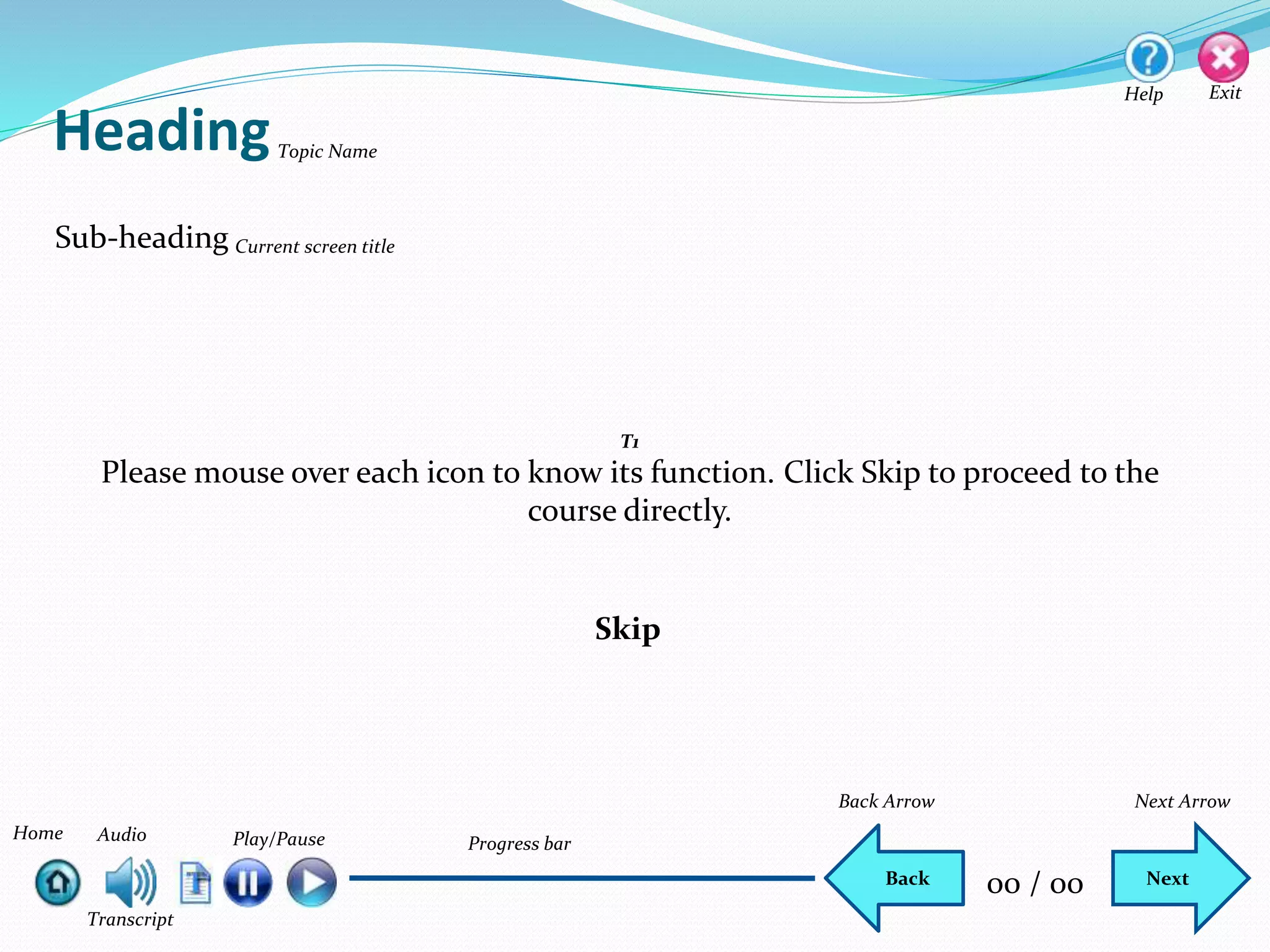
Please mouse over each icon to know its function. Click Skip to proceed to the
course directly.
Current screen title
NextBack 00 / 00
Do you feel shy while giving a presentation?
 Never
 Always
 Sometime
 Most of the time
Select the most appropriate answer.
Please answer the following questions.
NextBack 00 / 00
Do you feel shaking hands while giving a presentation?
 Never
 Always
 Sometime
 Most of the time
Select the most appropriate answer.
Please answer the following questions.
NextBack 00 / 00
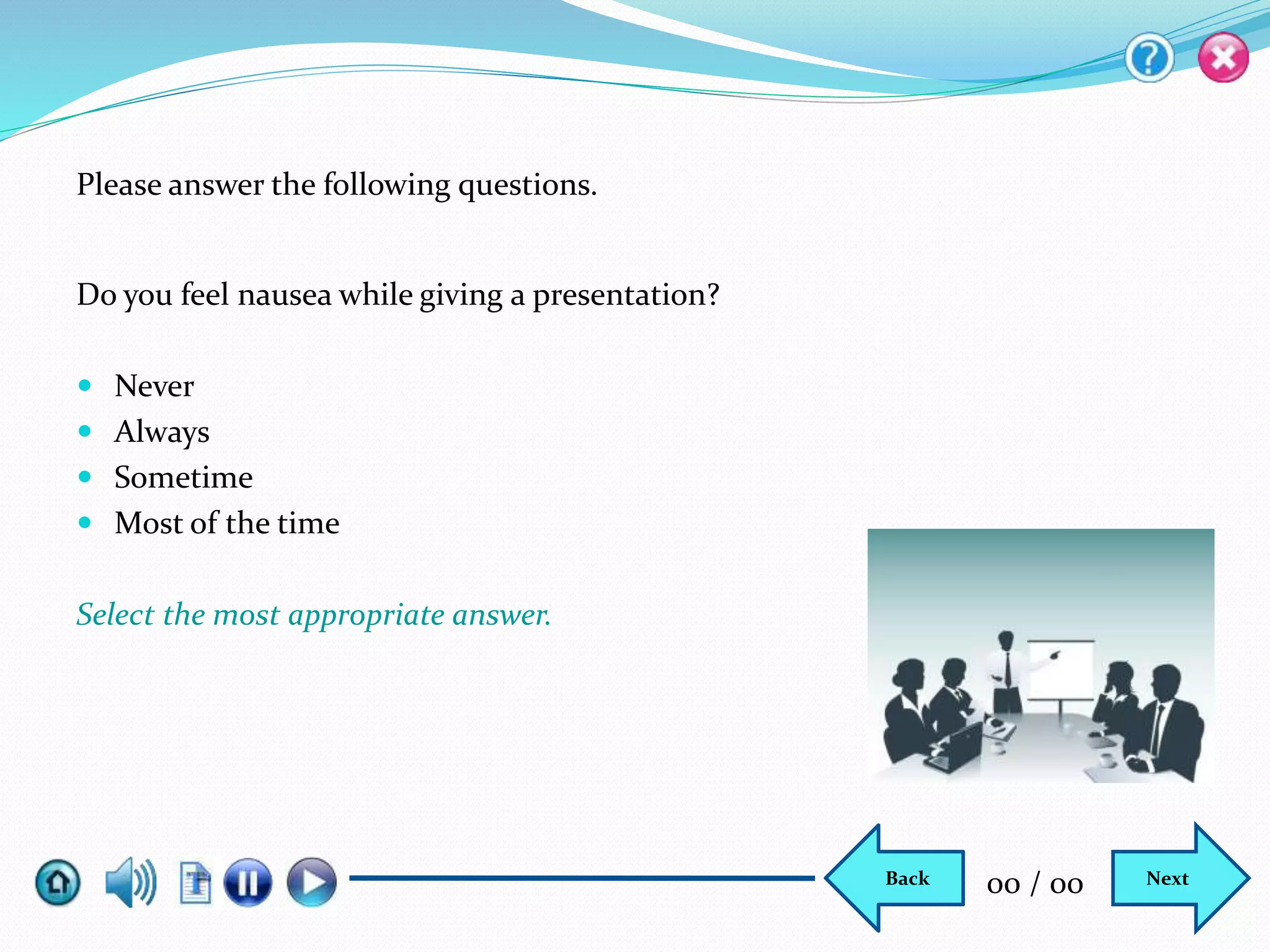
Do you feel nausea while giving a presentation?
 Never
 Always
 Sometime
 Most of the time
Select the most appropriate answer.
Please answer the following questions.
NextBack 00 / 00
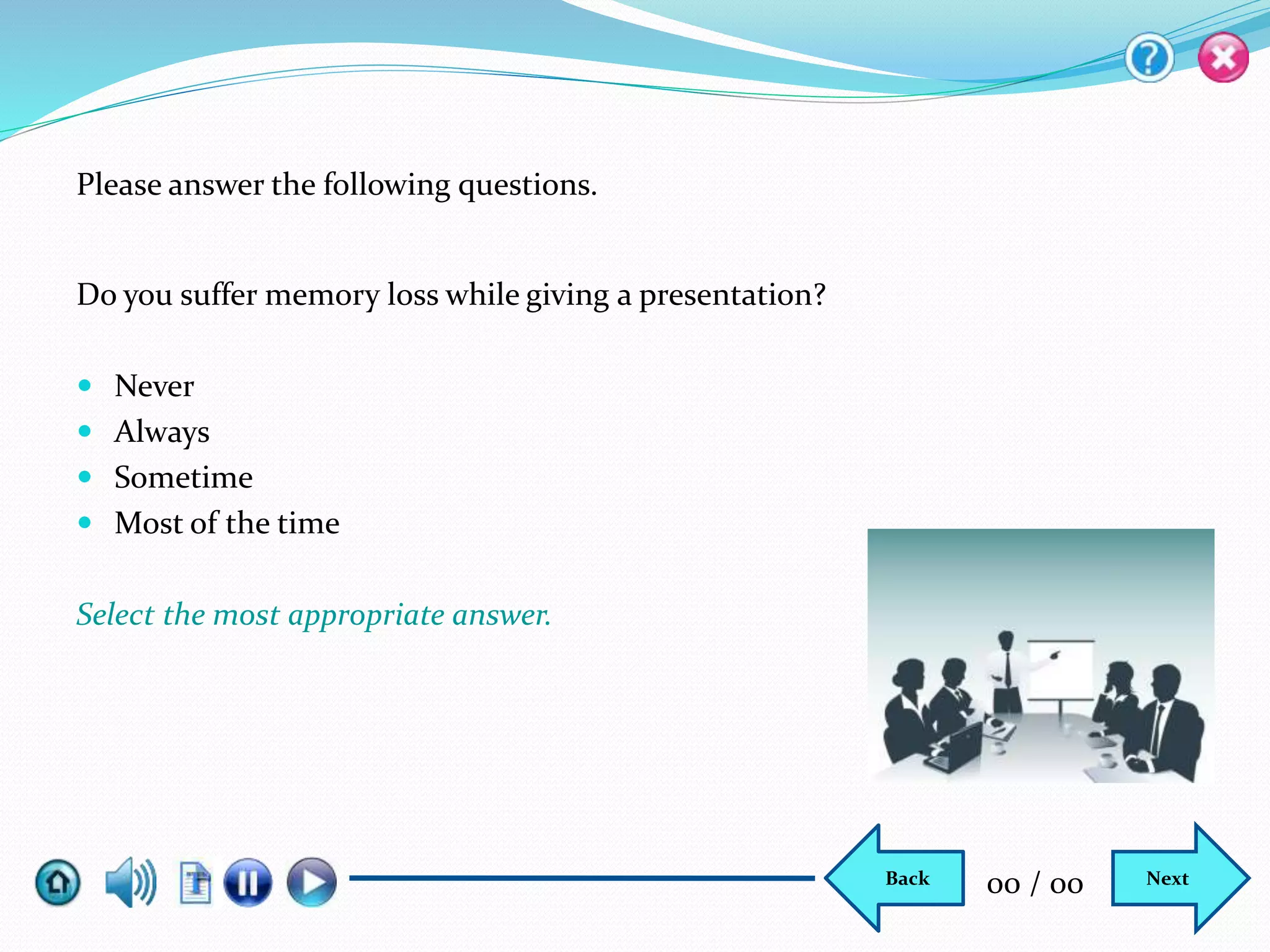
Do you suffer memory loss while giving a presentation?
 Never
 Always
 Sometime
 Most of the time
Select the most appropriate answer.
Please answer the following questions.
NextBack 00 / 00
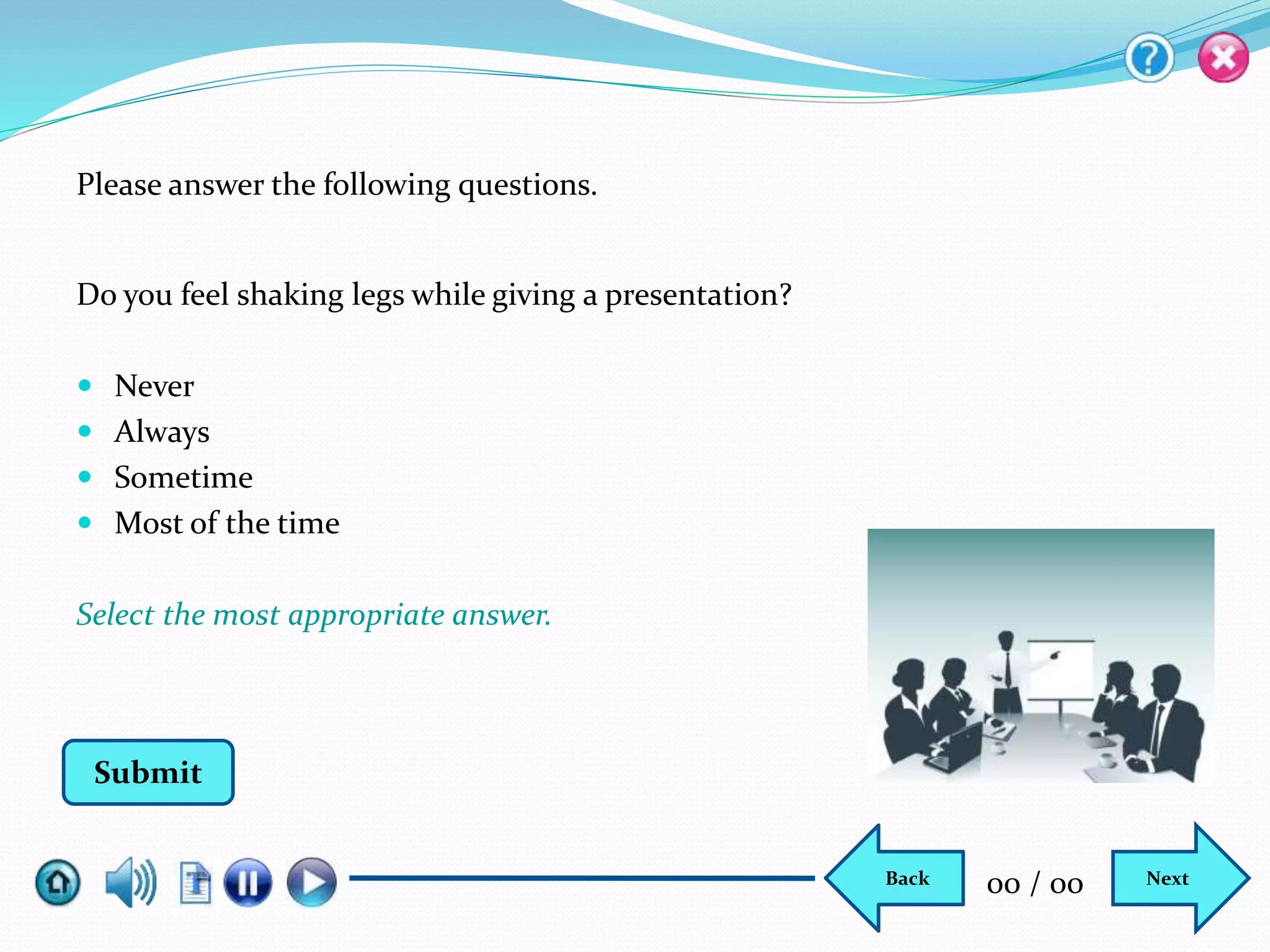
Do you feel shaking legs while giving a presentation?
 Never
 Always
 Sometime
 Most of the time
Select the most appropriate answer.
Please answer the following questions.
Submit
NextBack 00 / 00
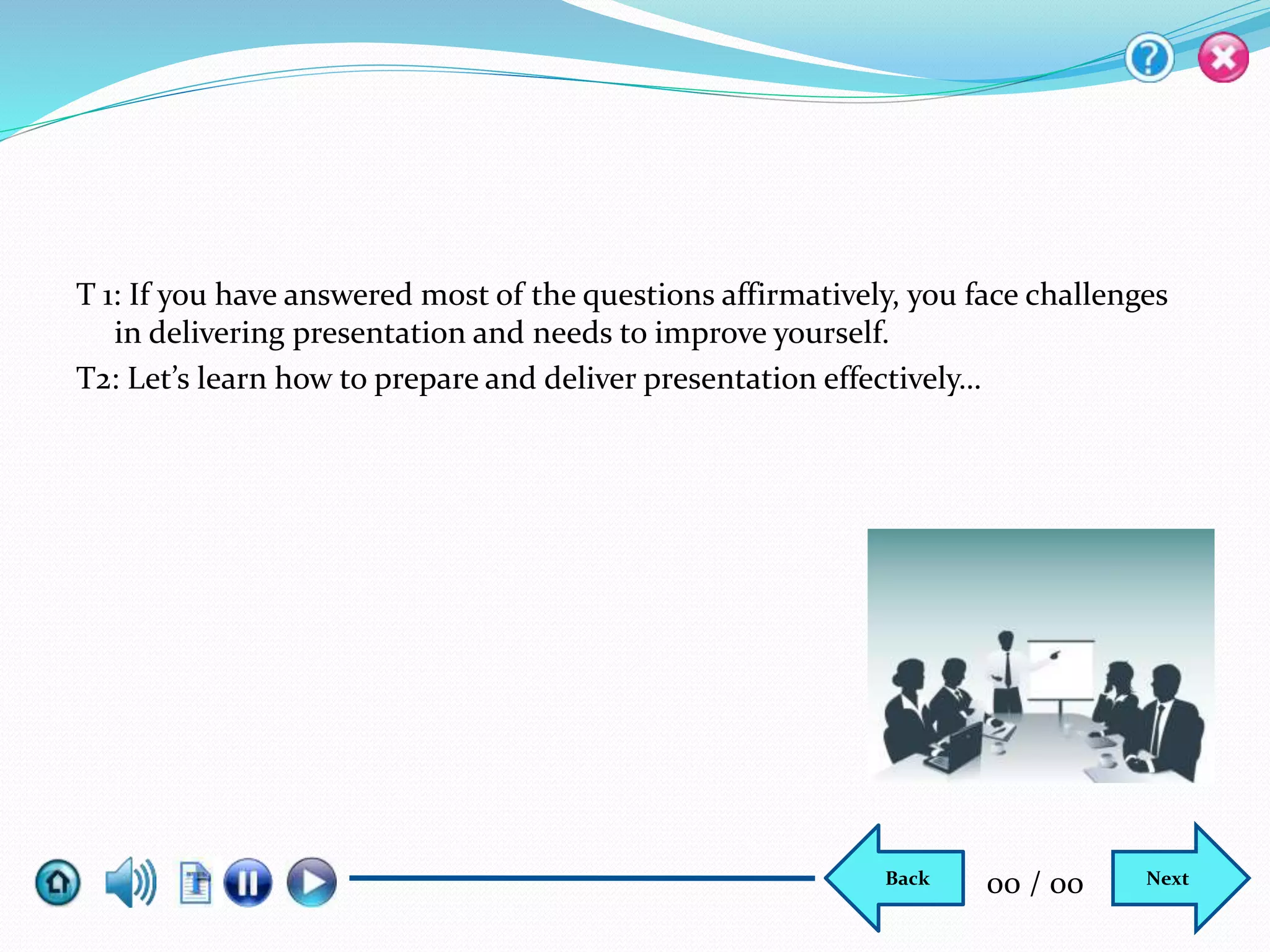
T 1: If you have answered most of the questions affirmatively, you face challenges
in delivering presentation and needs to improve yourself.
T2: Let’s learn how to prepare and deliver presentation effectively…
NextBack 00 / 00
NextBack 00 / 00
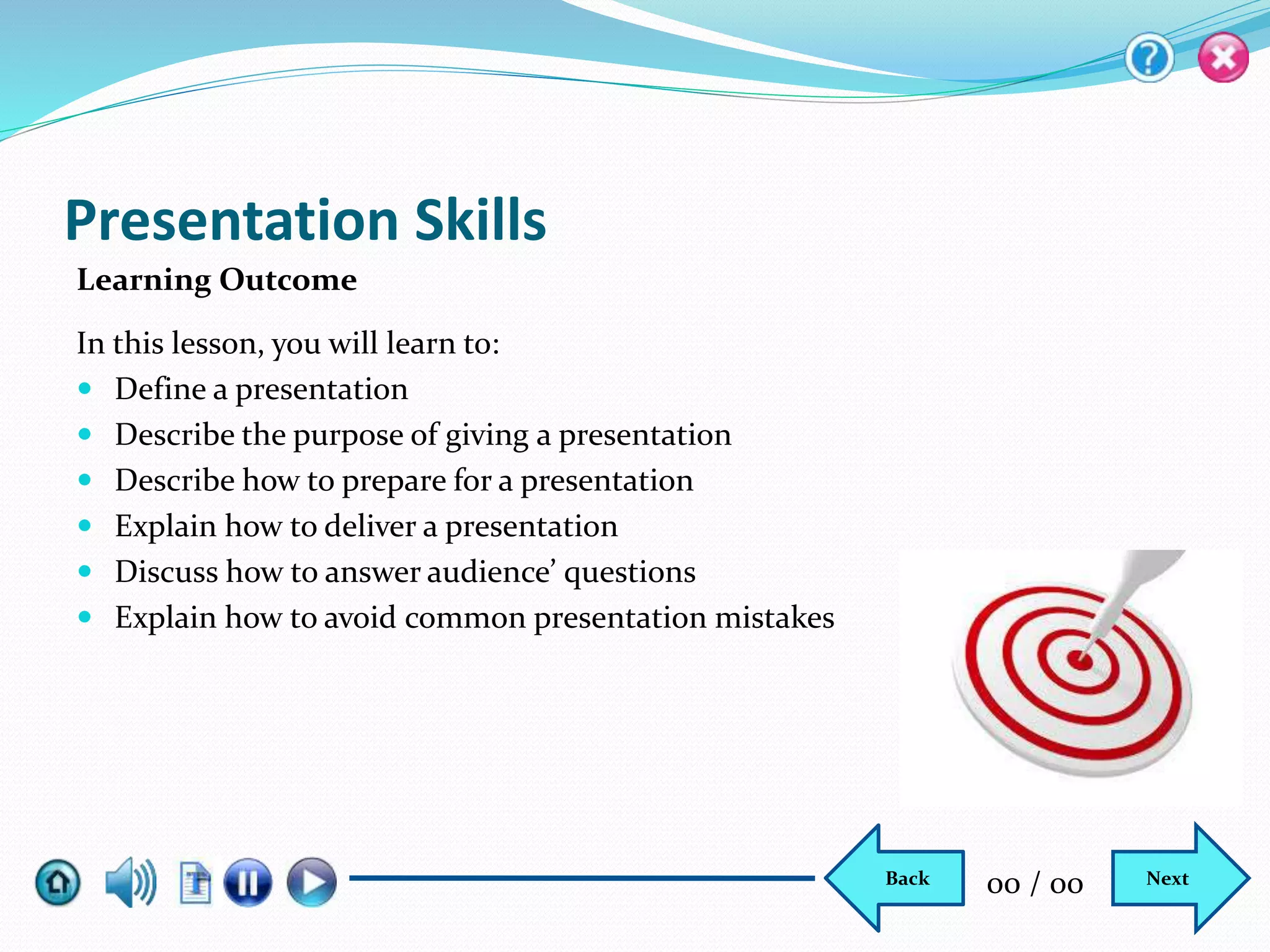
Presentation Skills
In this lesson, you will learn to:
 Define a presentation
 Describe the purpose of giving a presentation
 Describe how to prepare for a presentation
 Explain how to deliver a presentation
 Discuss how to answer audience’ questions
 Explain how to avoid common presentation mistakes
Learning Outcome
NextBack 00 / 00
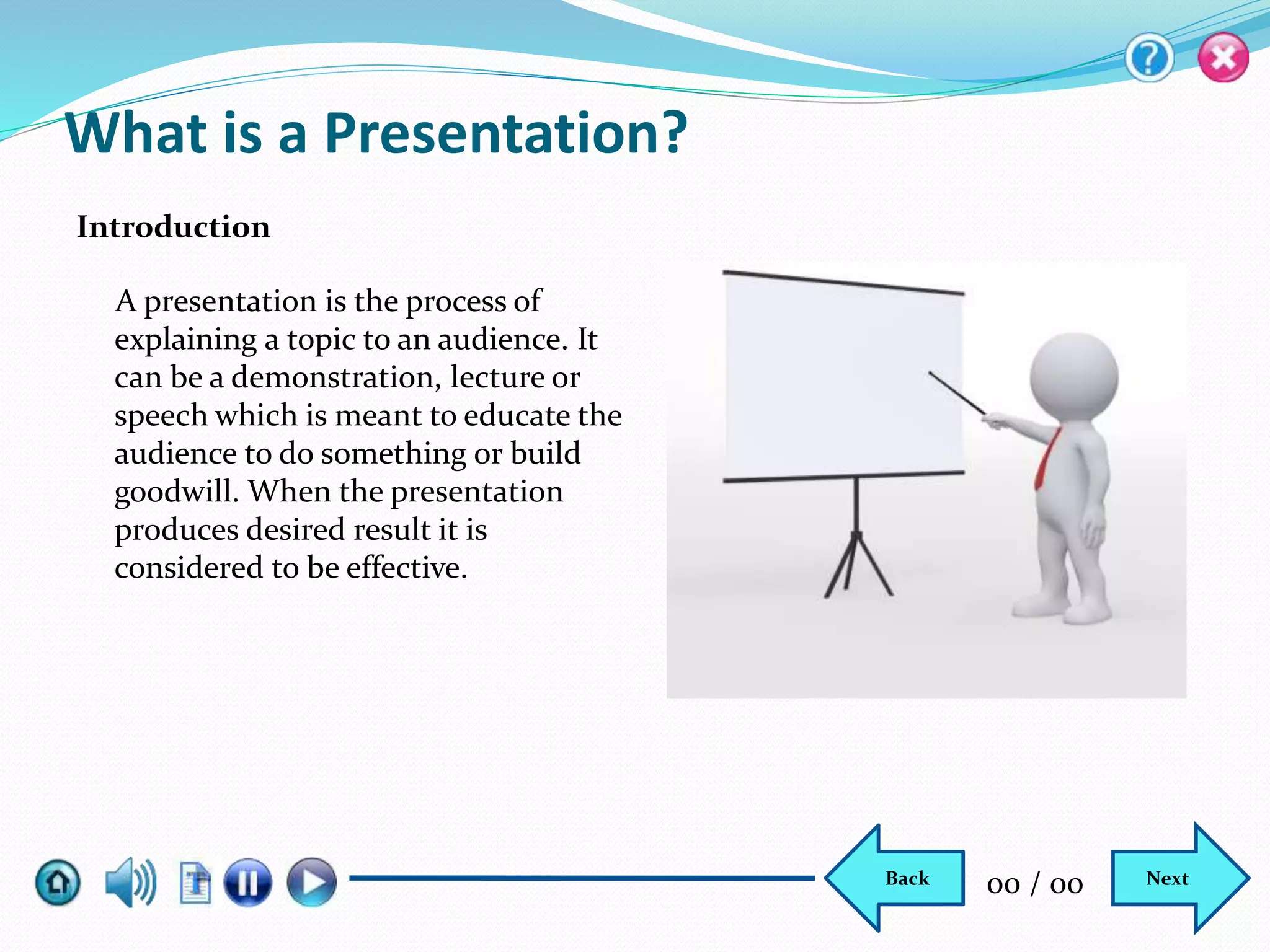
What is a Presentation?
A presentation is the process of
explaining a topic to an audience. It
can be a demonstration, lecture or
speech which is meant to educate the
audience to do something or build
goodwill. When the presentation
produces desired result it is
considered to be effective.
Introduction
NextBack 00 / 00
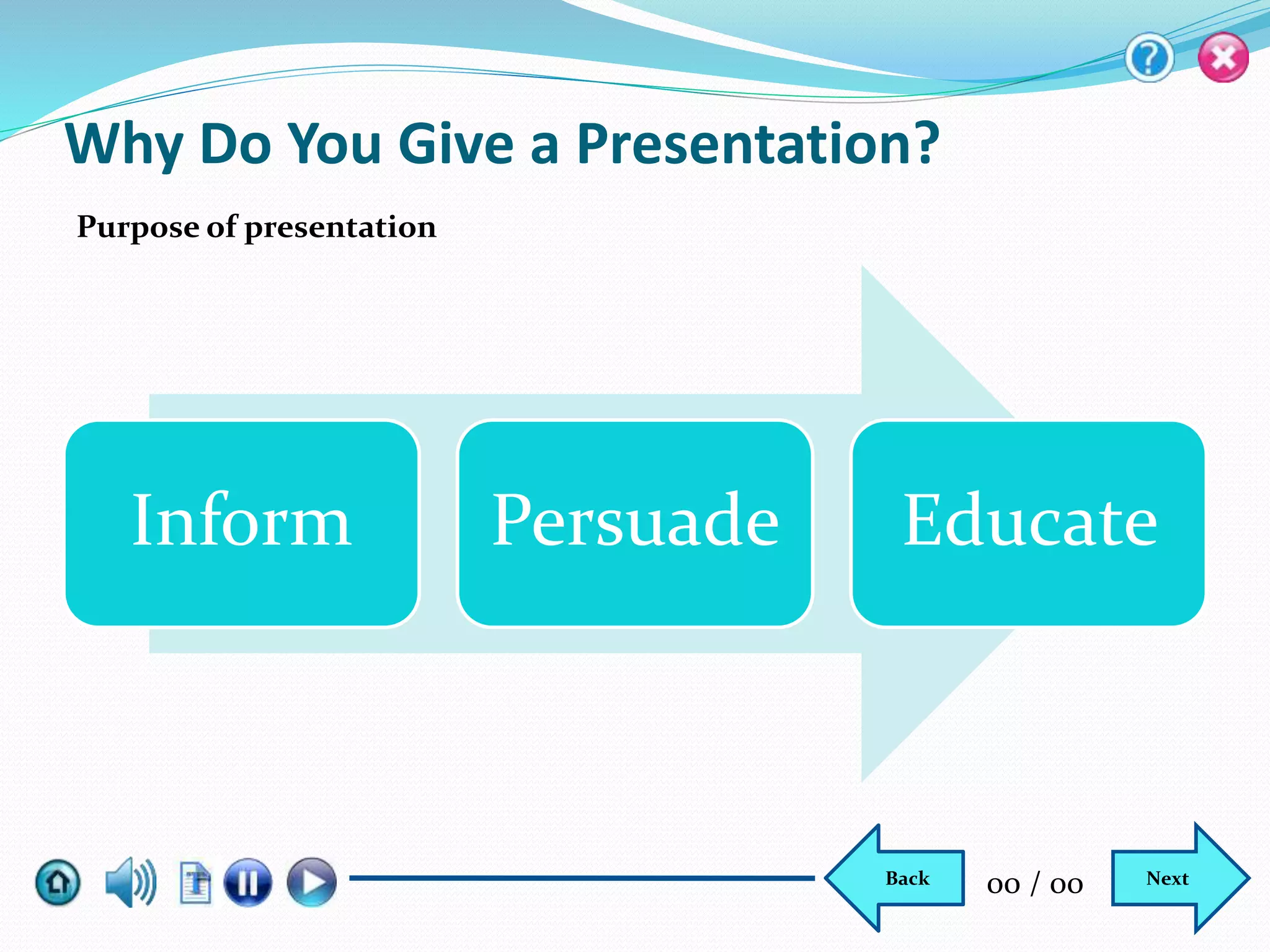
Why Do You Give a Presentation?
Inform Persuade Educate
Purpose of presentation
NextBack 00 / 00
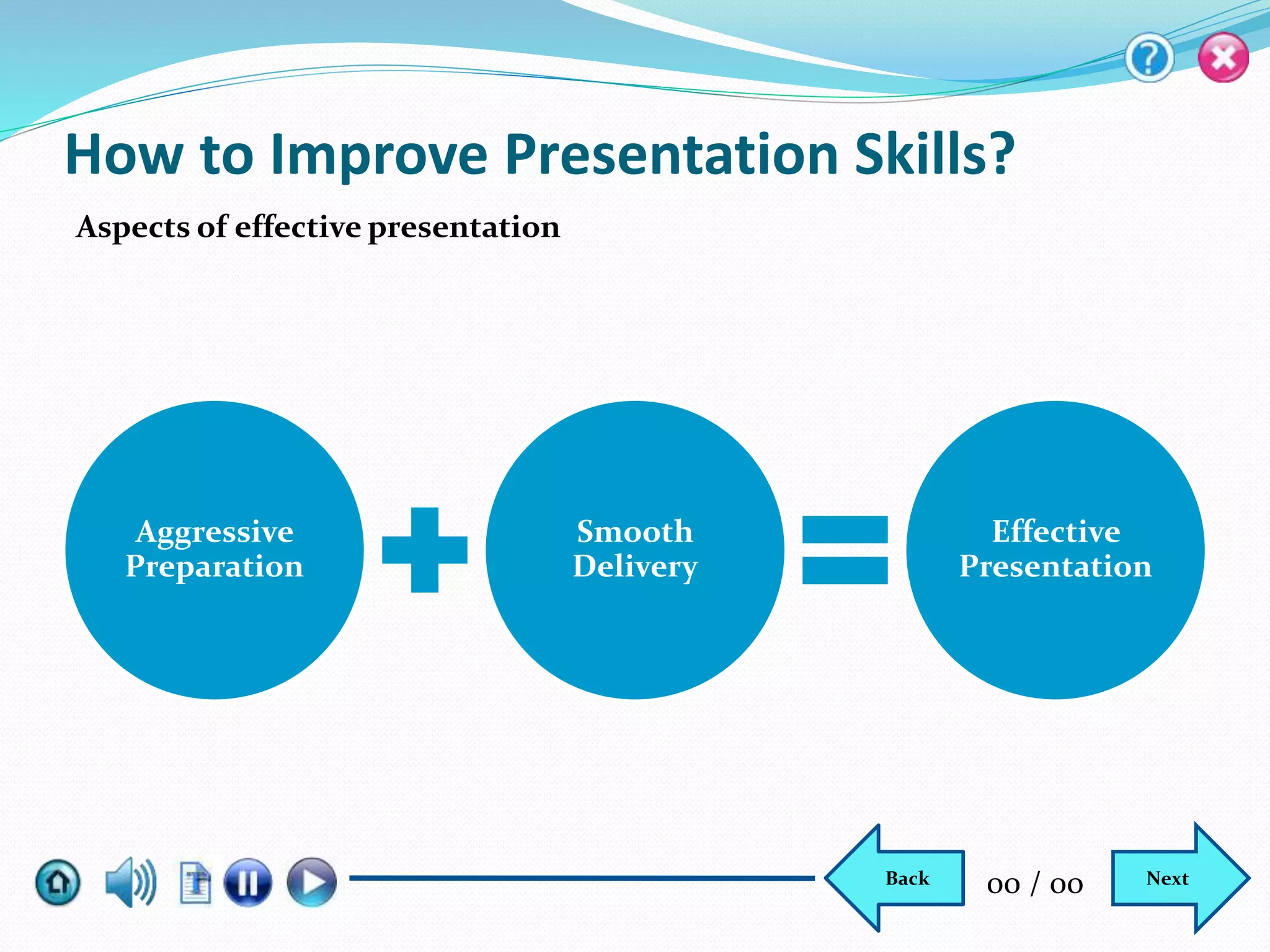
How to Improve Presentation Skills?
Aspects of effective presentation
Aggressive
Preparation
Smooth
Delivery
Effective
Presentation
NextBack 00 / 00
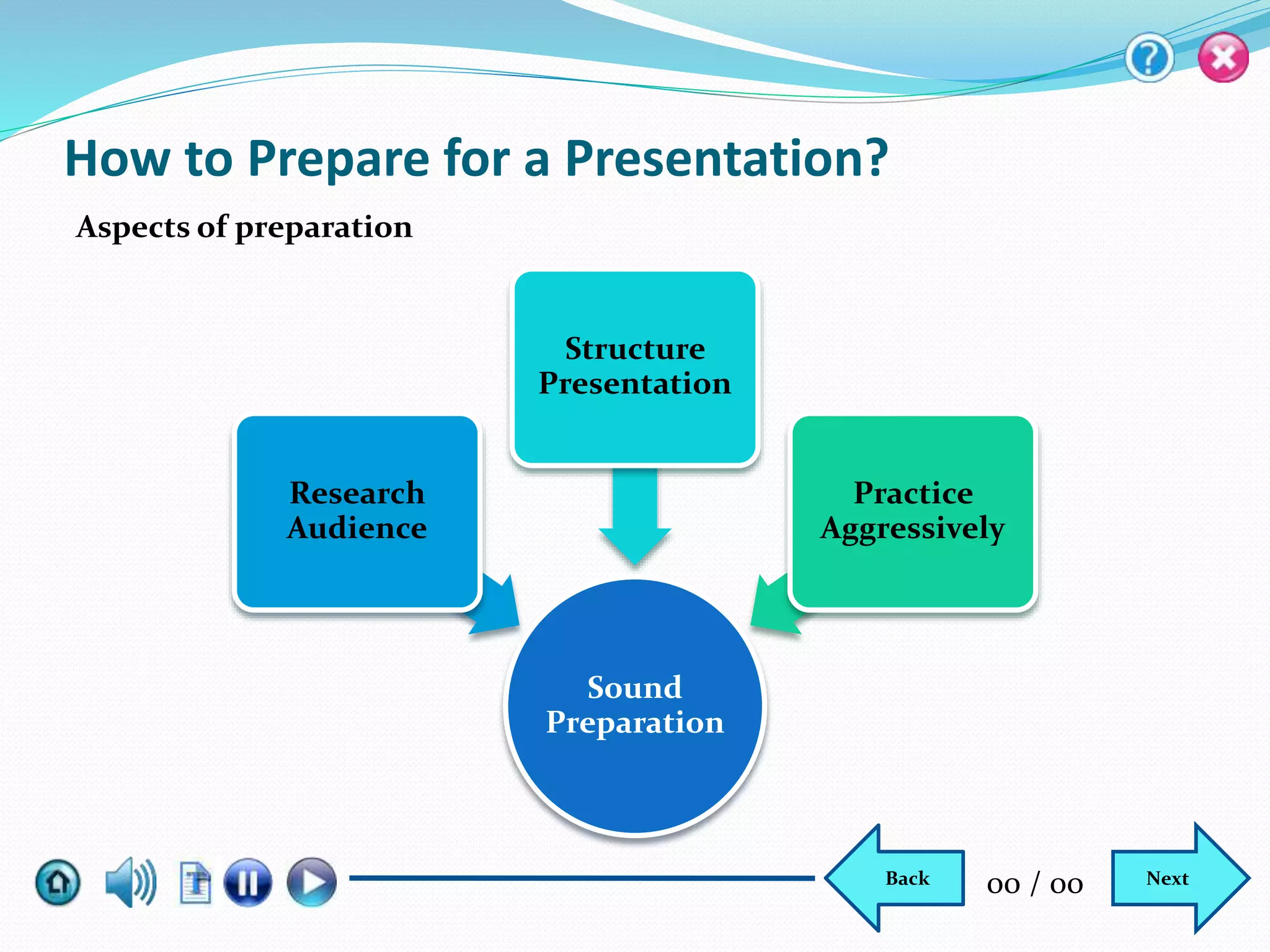
Sound
Preparation
Research
Audience
Structure
Presentation
Practice
Aggressively
How to Prepare for a Presentation?
Aspects of preparation
NextBack 00 / 00
How to Prepare for a Presentation? Contd...
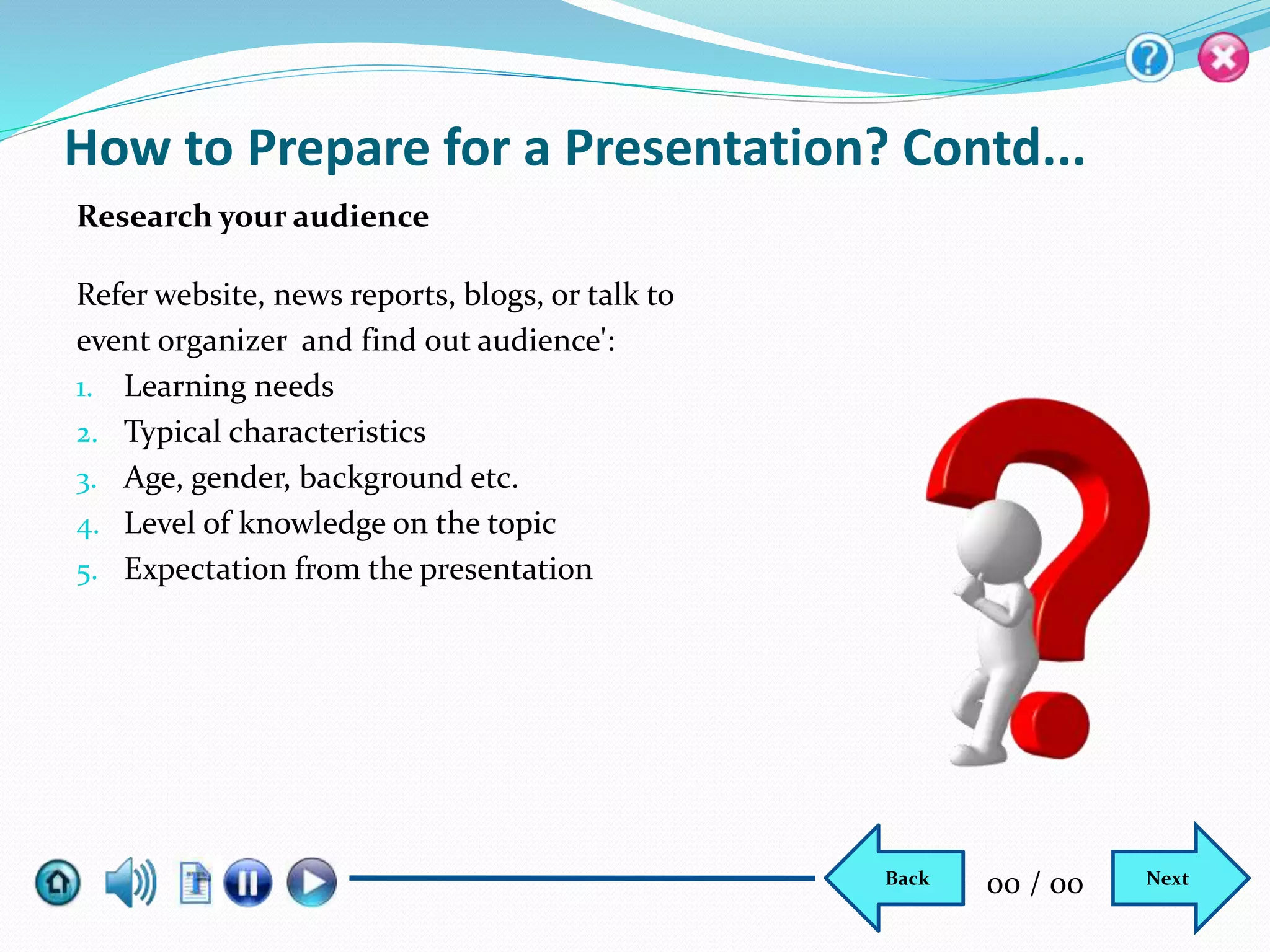
Refer website, news reports, blogs, or talk to
event organizer and find out audience':
1. Learning needs
2. Typical characteristics
3. Age, gender, background etc.
4. Level of knowledge on the topic
5. Expectation from the presentation
Research your audience
NextBack 00 / 00
How to Prepare for a Presentation? Contd...
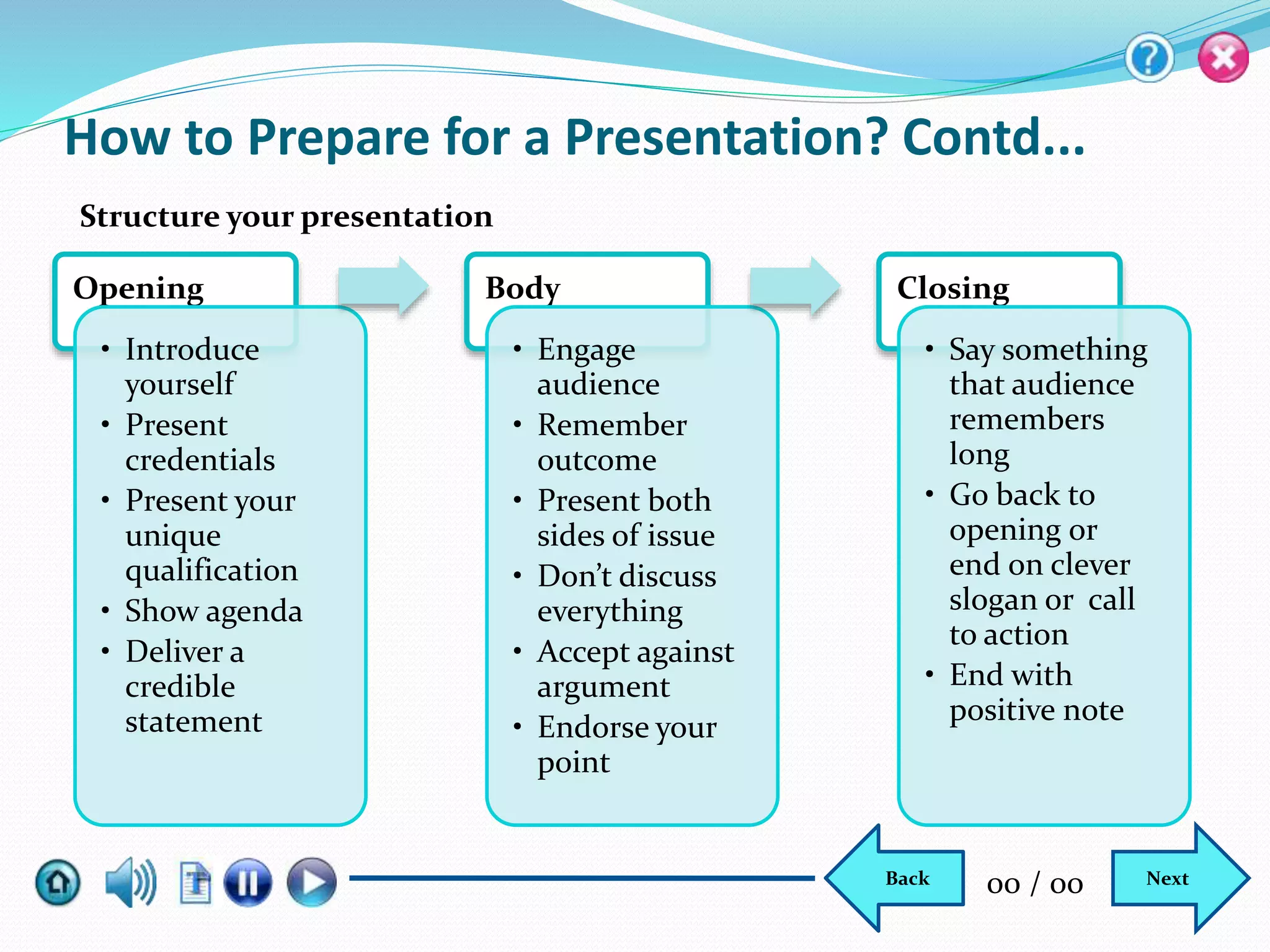
Opening
• Introduce
yourself
• Present
credentials
• Present your
unique
qualification
• Show agenda
• Deliver a
credible
statement
Body
• Engage
audience
• Remember
outcome
• Present both
sides of issue
• Don’t discuss
everything
• Accept against
argument
• Endorse your
point
Closing
• Say something
that audience
remembers
long
• Go back to
opening or
end on clever
slogan or call
to action
• End with
positive note
Structure your presentation
NextBack 00 / 00
How to Prepare for a Presentation? Contd...
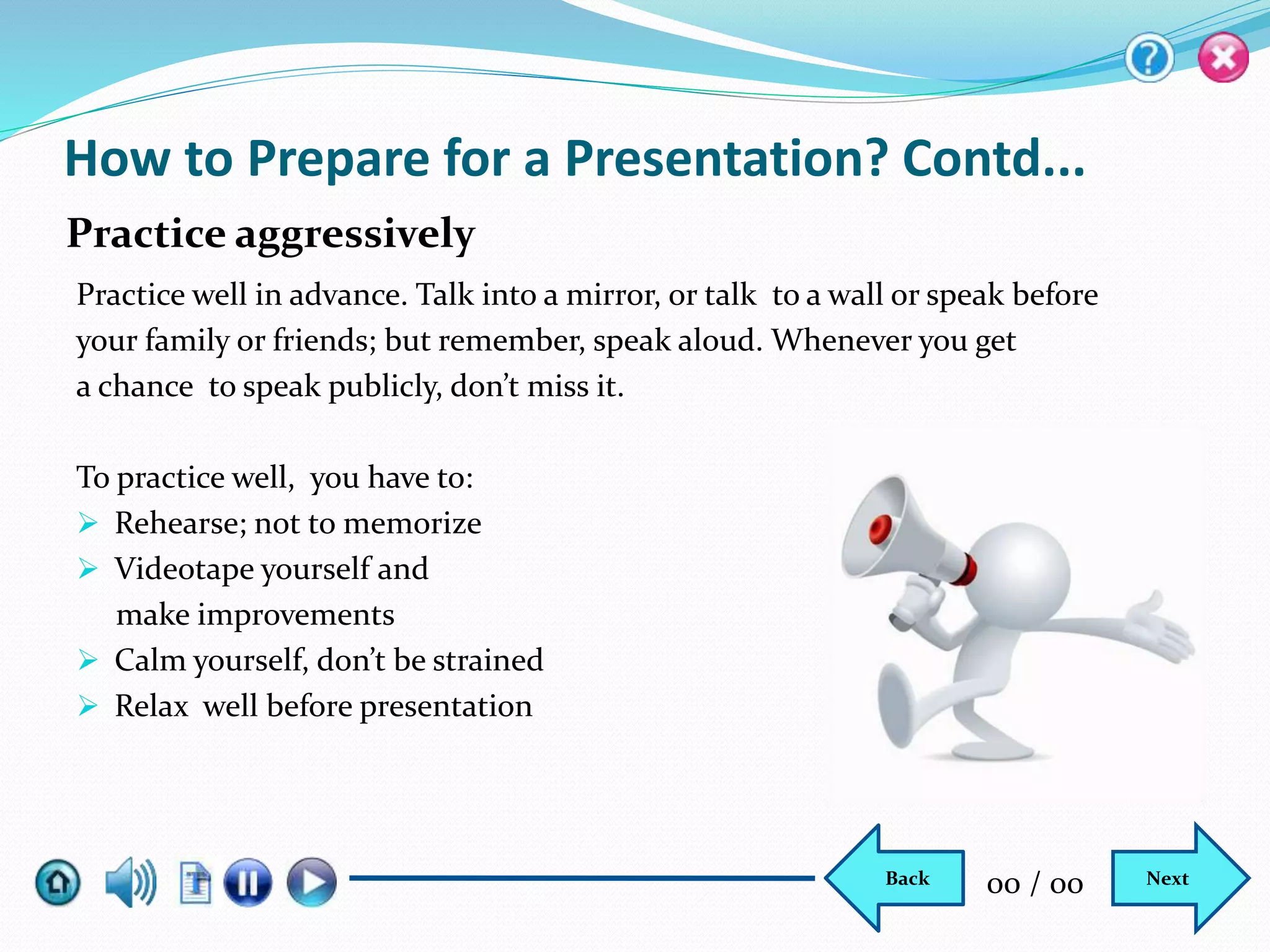
Practice well in advance. Talk into a mirror, or talk to a wall or speak before
your family or friends; but remember, speak aloud. Whenever you get
a chance to speak publicly, don’t miss it.
To practice well, you have to:
 Rehearse; not to memorize
 Videotape yourself and
make improvements
 Calm yourself, don’t be strained
 Relax well before presentation
Practice aggressively
NextBack 00 / 00
How to Deliver a Presentation?
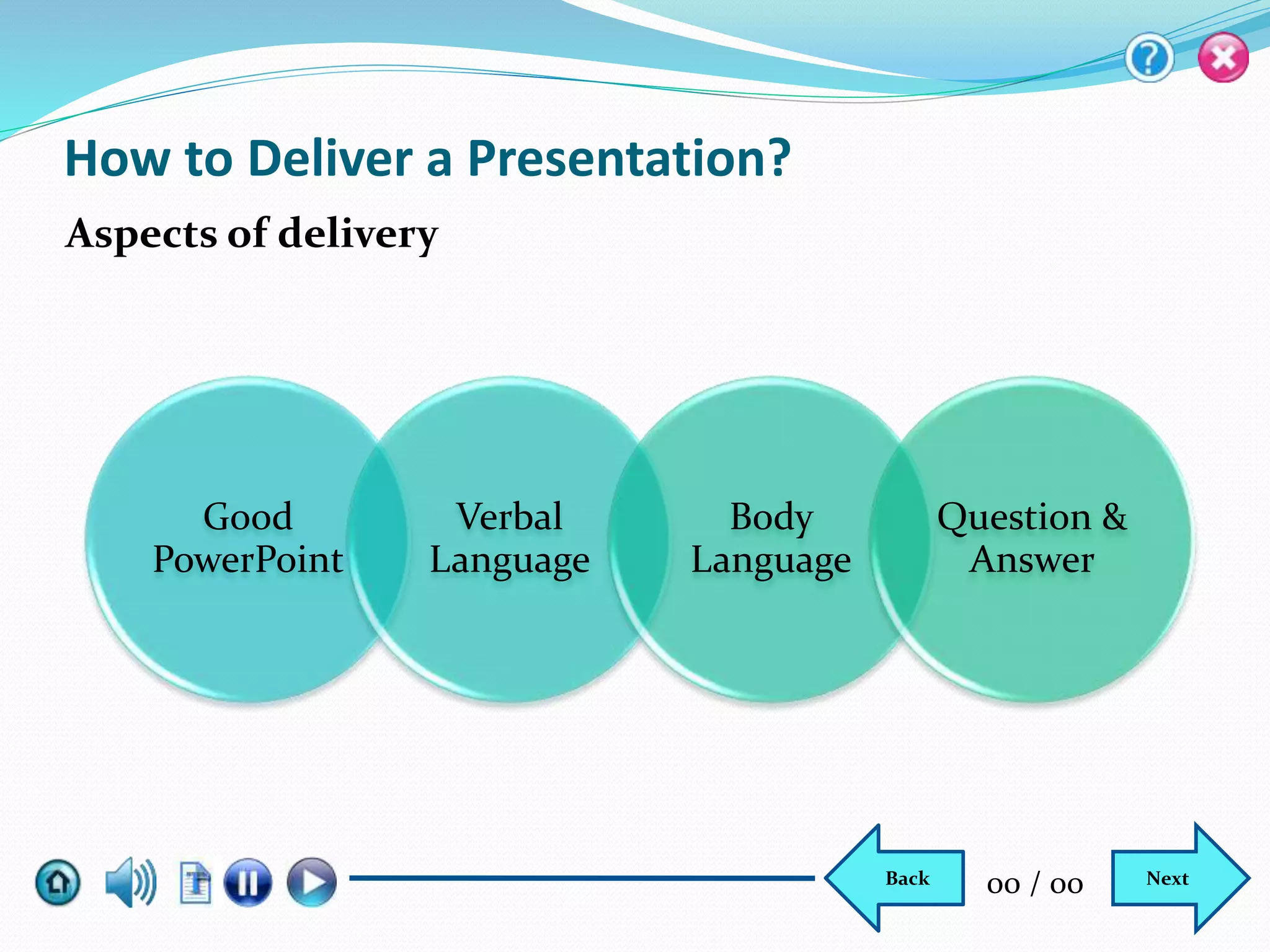
Aspects of delivery
NextBack 00 / 00
Good
PowerPoint
Verbal
Language
Body
Language
Question &
Answer
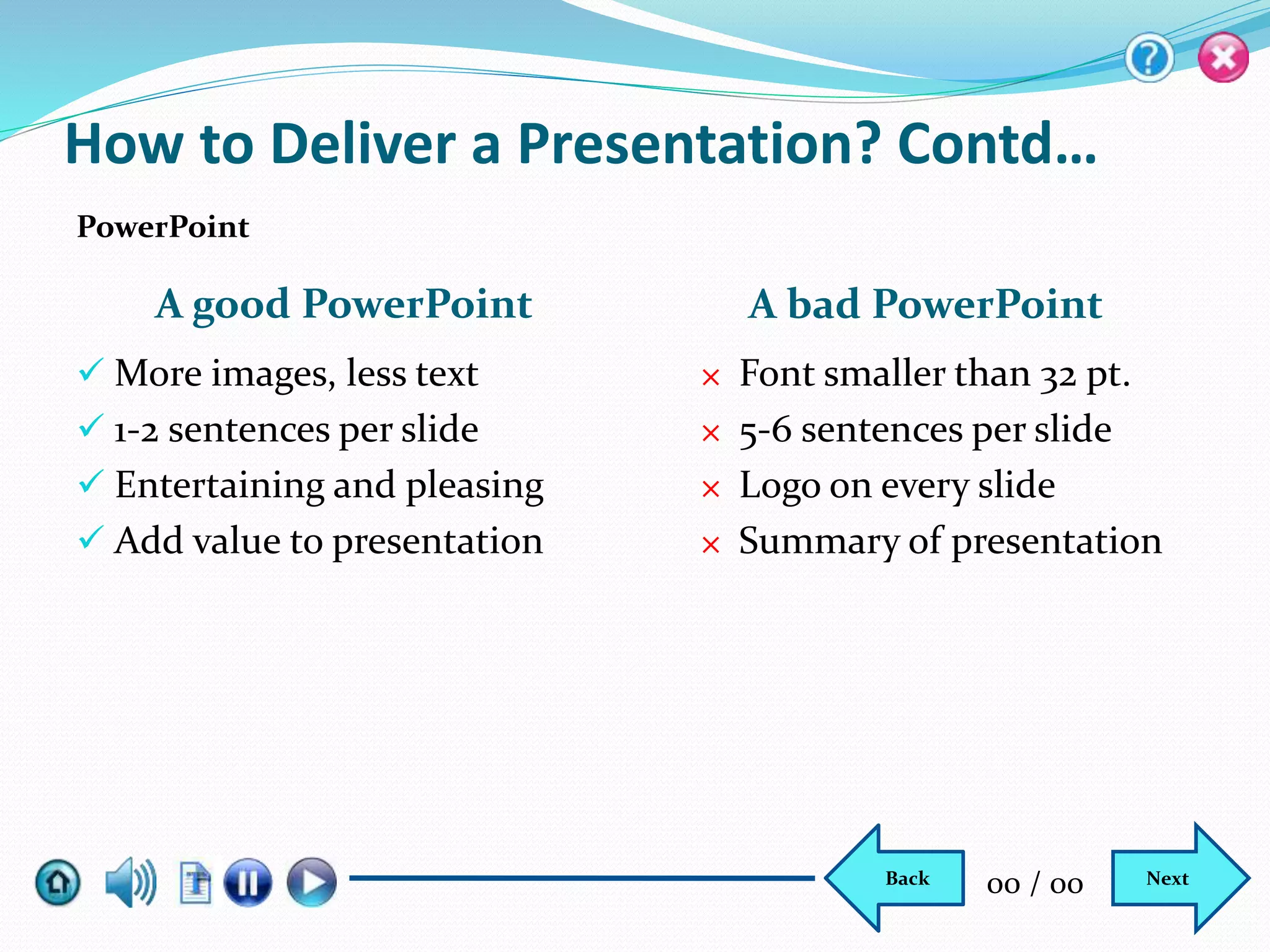
A good PowerPoint A bad PowerPoint
 More images, less text
 1-2 sentences per slide
 Entertaining and pleasing
 Add value to presentation
× Font smaller than 32 pt.
× 5-6 sentences per slide
× Logo on every slide
× Summary of presentation
PowerPoint
How to Deliver a Presentation? Contd…
NextBack 00 / 00
How to Deliver a Presentation? Contd…
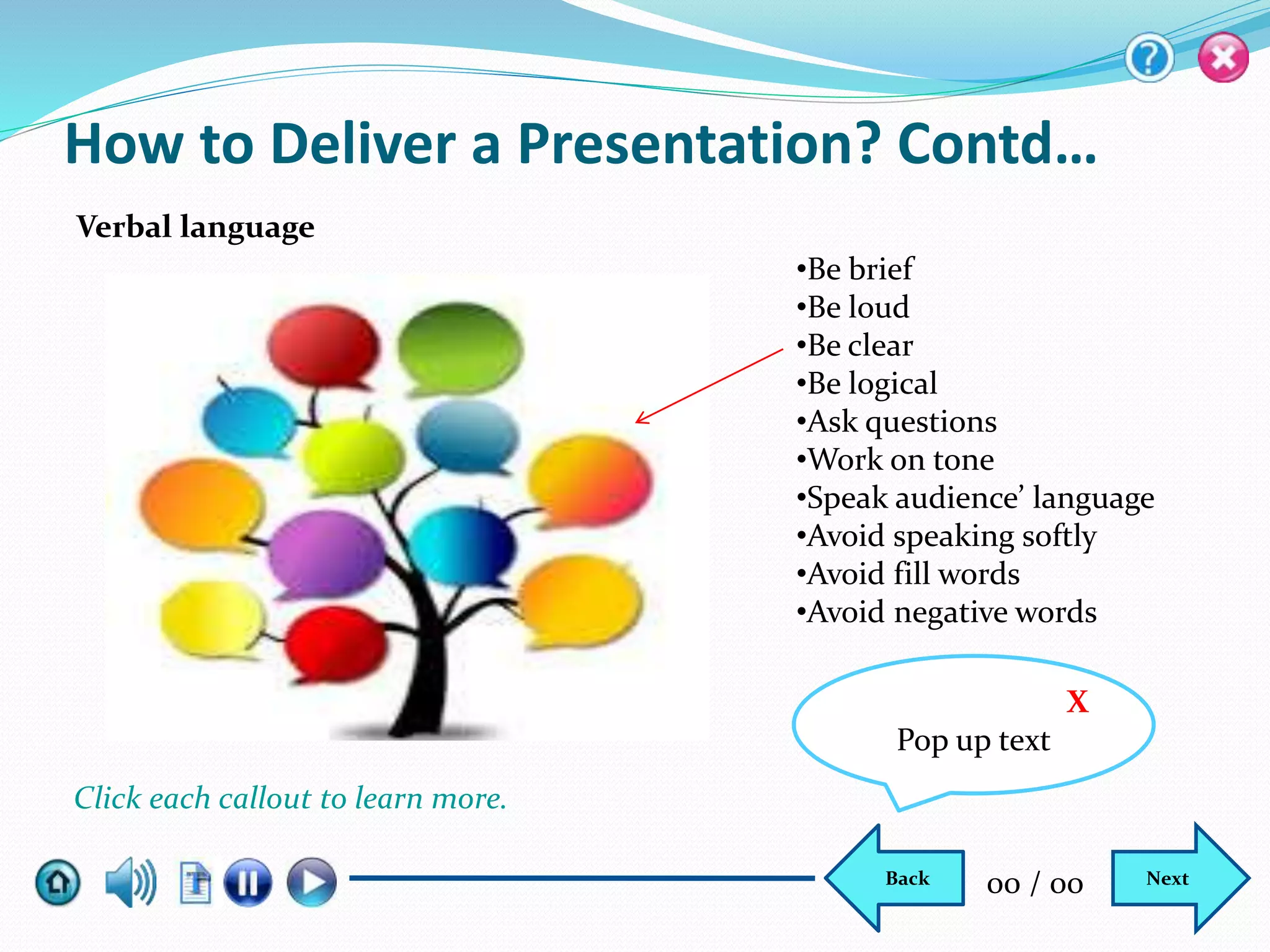
Verbal language
•Be brief
•Be loud
•Be clear
•Be logical
•Ask questions
•Work on tone
•Speak audience’ language
•Avoid speaking softly
•Avoid fill words
•Avoid negative words
X
Pop up text
Click each callout to learn more.
NextBack 00 / 00
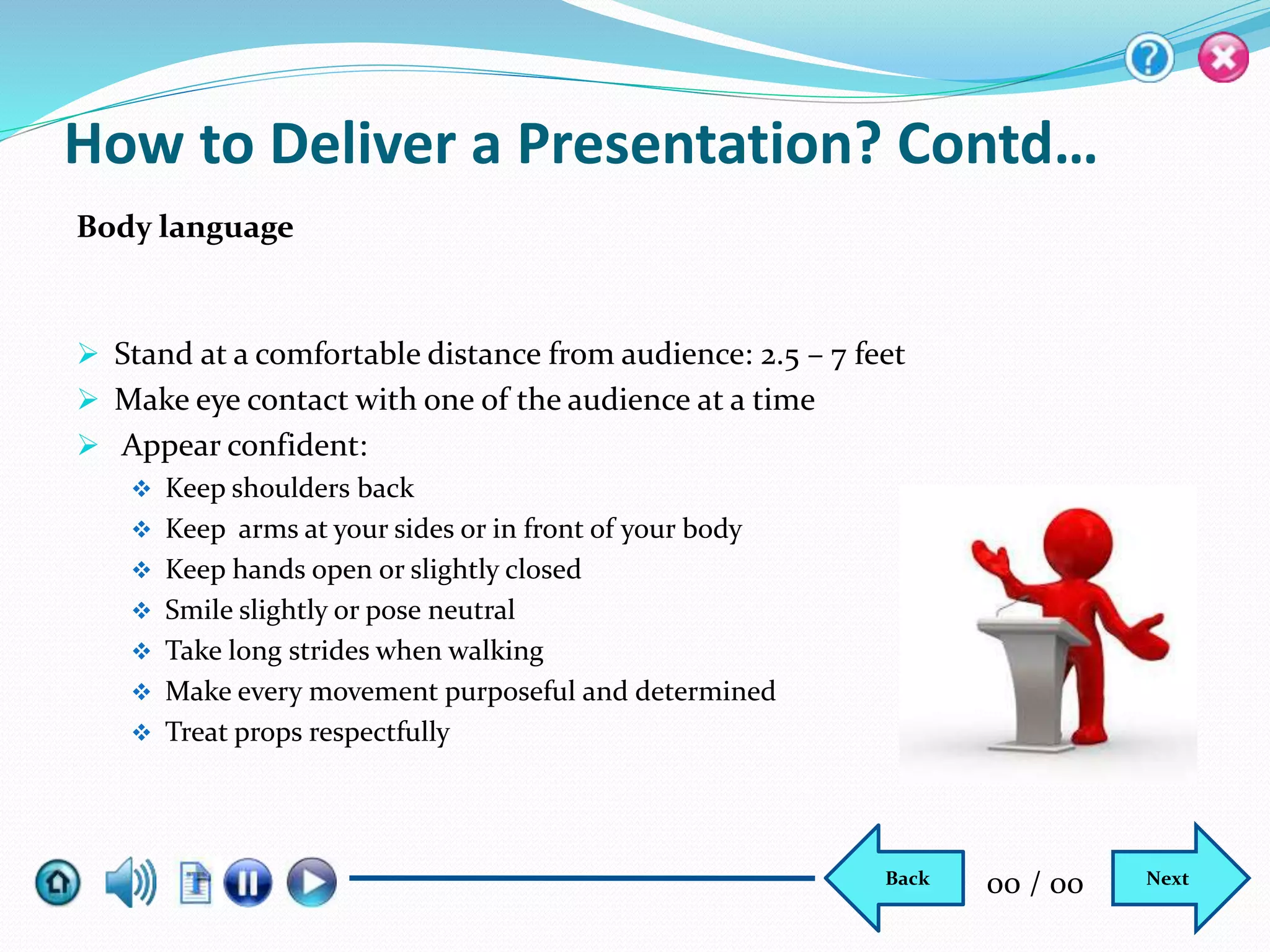
 Stand at a comfortable distance from audience: 2.5 – 7 feet
 Make eye contact with one of the audience at a time
 Appear confident:
 Keep shoulders back
 Keep arms at your sides or in front of your body
 Keep hands open or slightly closed
 Smile slightly or pose neutral
 Take long strides when walking
 Make every movement purposeful and determined
 Treat props respectfully
How to Deliver a Presentation? Contd…
Body language
NextBack 00 / 00
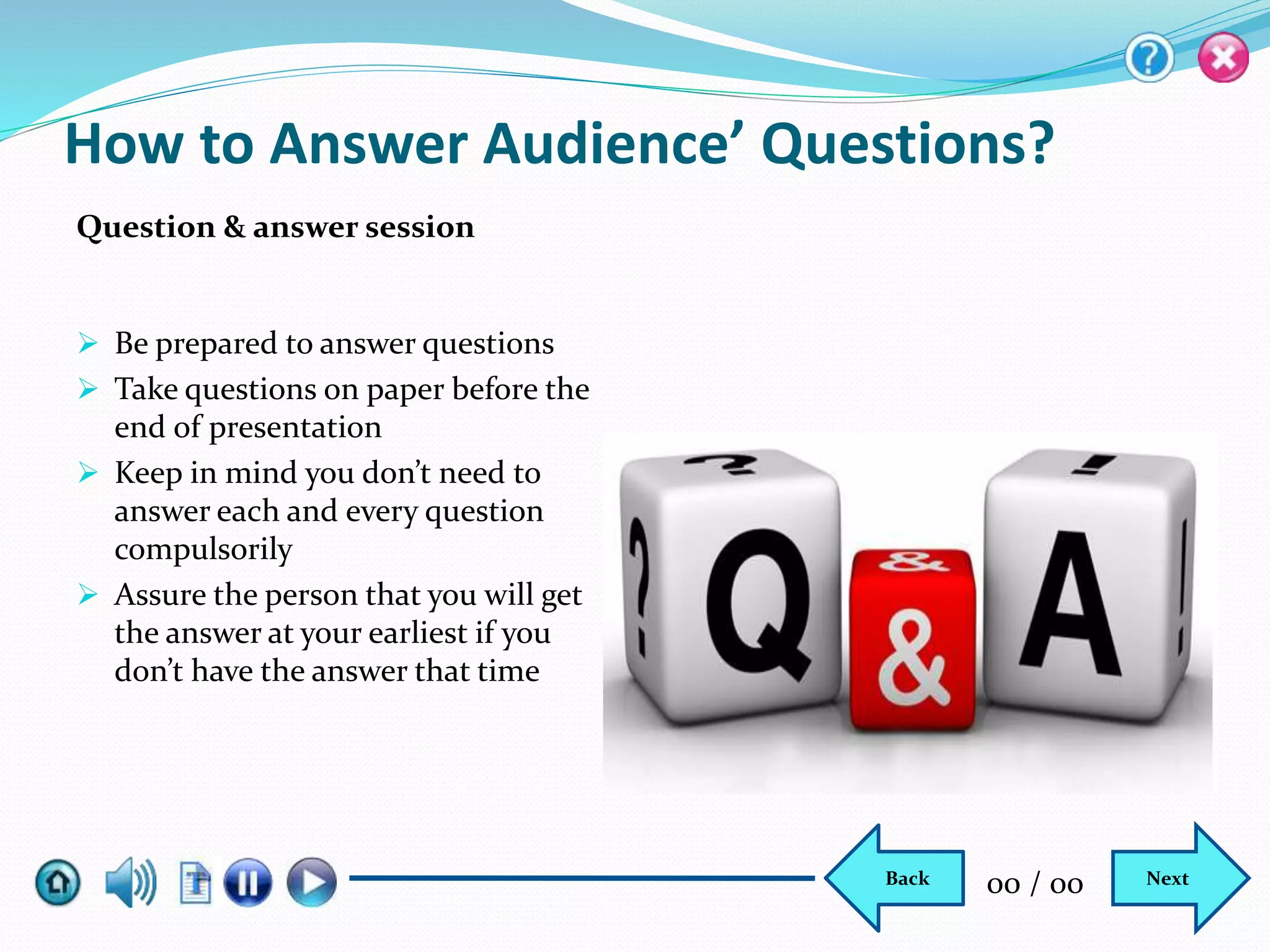
 Be prepared to answer questions
 Take questions on paper before the
end of presentation
 Keep in mind you don’t need to
answer each and every question
compulsorily
 Assure the person that you will get
the answer at your earliest if you
don’t have the answer that time
How to Answer Audience’ Questions?
Question & answer session
NextBack 00 / 00
How to Finish the Presentation?
Thank you
Say thank you
Name:
Phone No:
Email:
Address:
NextBack 00 / 00
How to Avoid Common Presentation Mistakes?
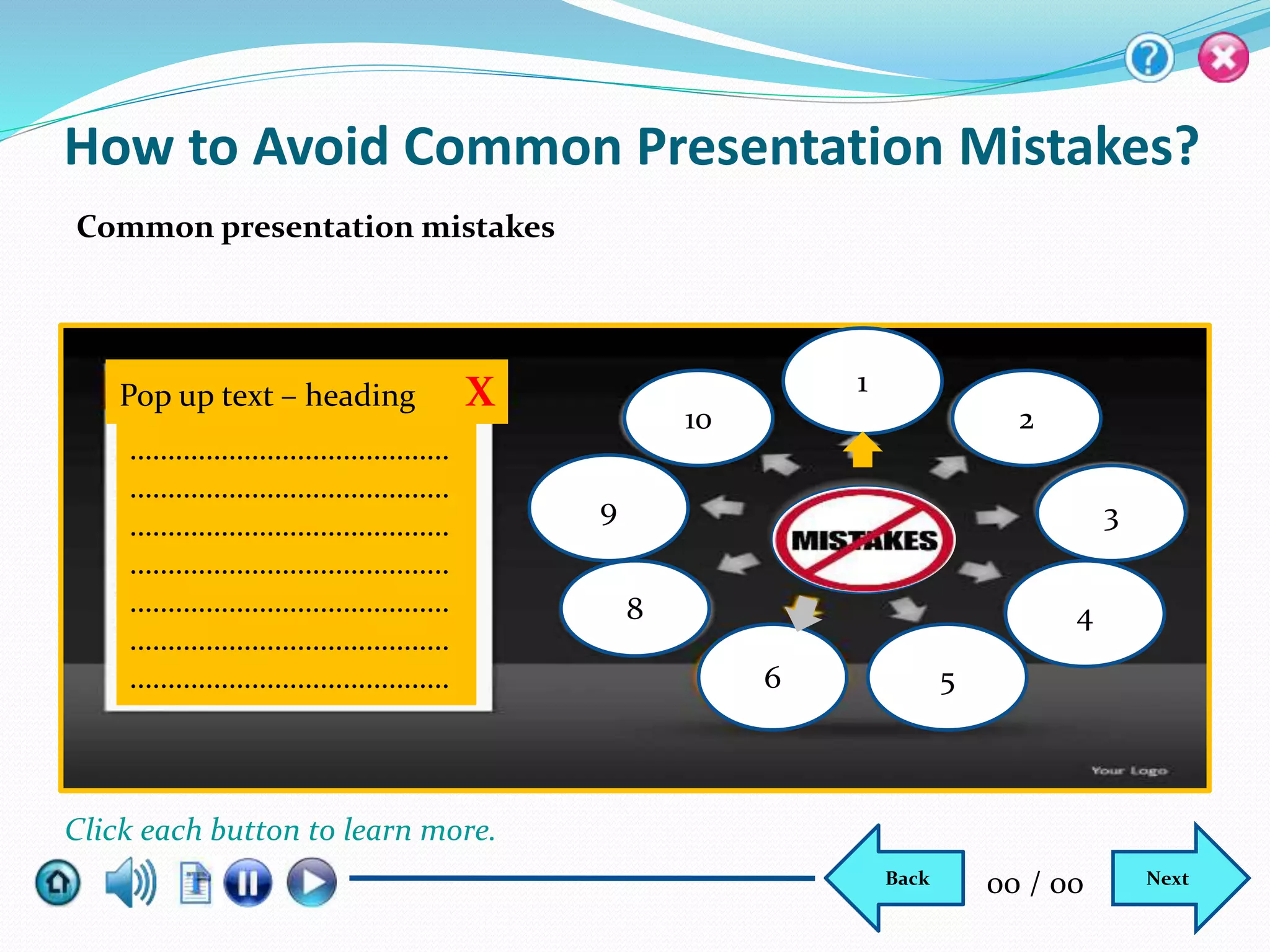
Common presentation mistakes
Pop up text – heading X
……………………………………
……………………………………
……………………………………
……………………………………
……………………………………
……………………………………
……………………………………
10
6 5
4
3
2
1
9
8
NextBack 00 / 00
Click each button to learn more.
Lesson Summary
In this lesson, you have learnt to:
 Define a presentation
 Describe the purpose of giving a presentation
 Describe how to prepare a presentation
 Explain how to deliver a presentation
 Discuss how to answer audience’ questions
 Explain how to avoid common presentation mistakes
NextBack 00 / 00
Knowledge Check #1
Which of the following is the final step in presentation?
a) Inform
b) Educate
c) Practice
d) Persuade
Select the correct answer.
NextBack 00 / 00
Knowledge Check #2
When you deliver a presentation you should tell everything about an issue/topic
to satisfy the audience.
a) True
b) False
Select the correct answer.
NextBack 00 / 00
Knowledge Check #3
A good PowerPoint has ________and _______ per slide.
a) More images, 1-2 sentences
b) More images, 5-6 sentences
c) More text, more descriptions
d) Less than 32 point text, images
Select the correct answer.
NextBack 00 / 00
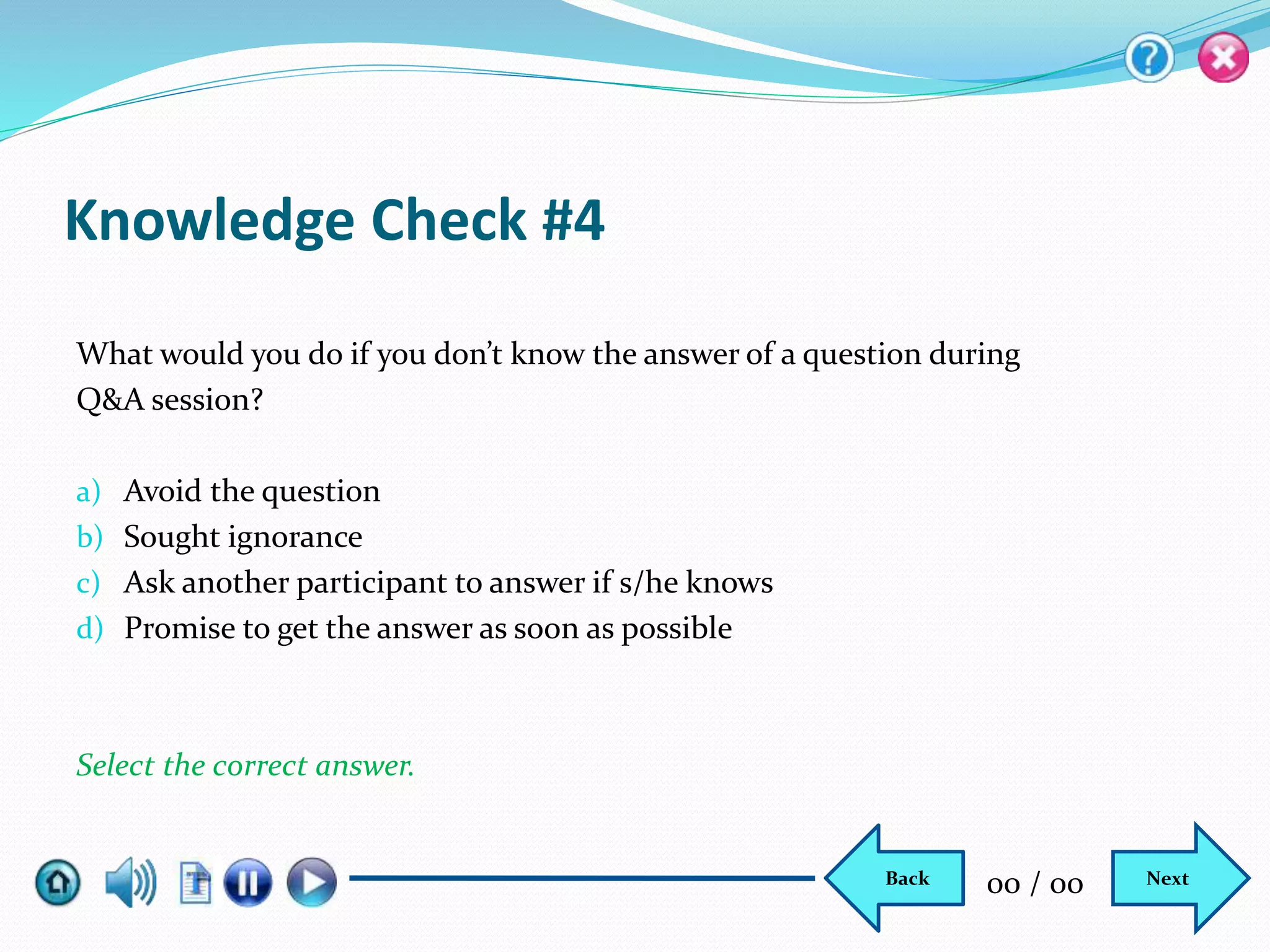
Knowledge Check #4
What would you do if you don’t know the answer of a question during
Q&A session?
a) Avoid the question
b) Sought ignorance
c) Ask another participant to answer if s/he knows
d) Promise to get the answer as soon as possible
Select the correct answer.
NextBack 00 / 00
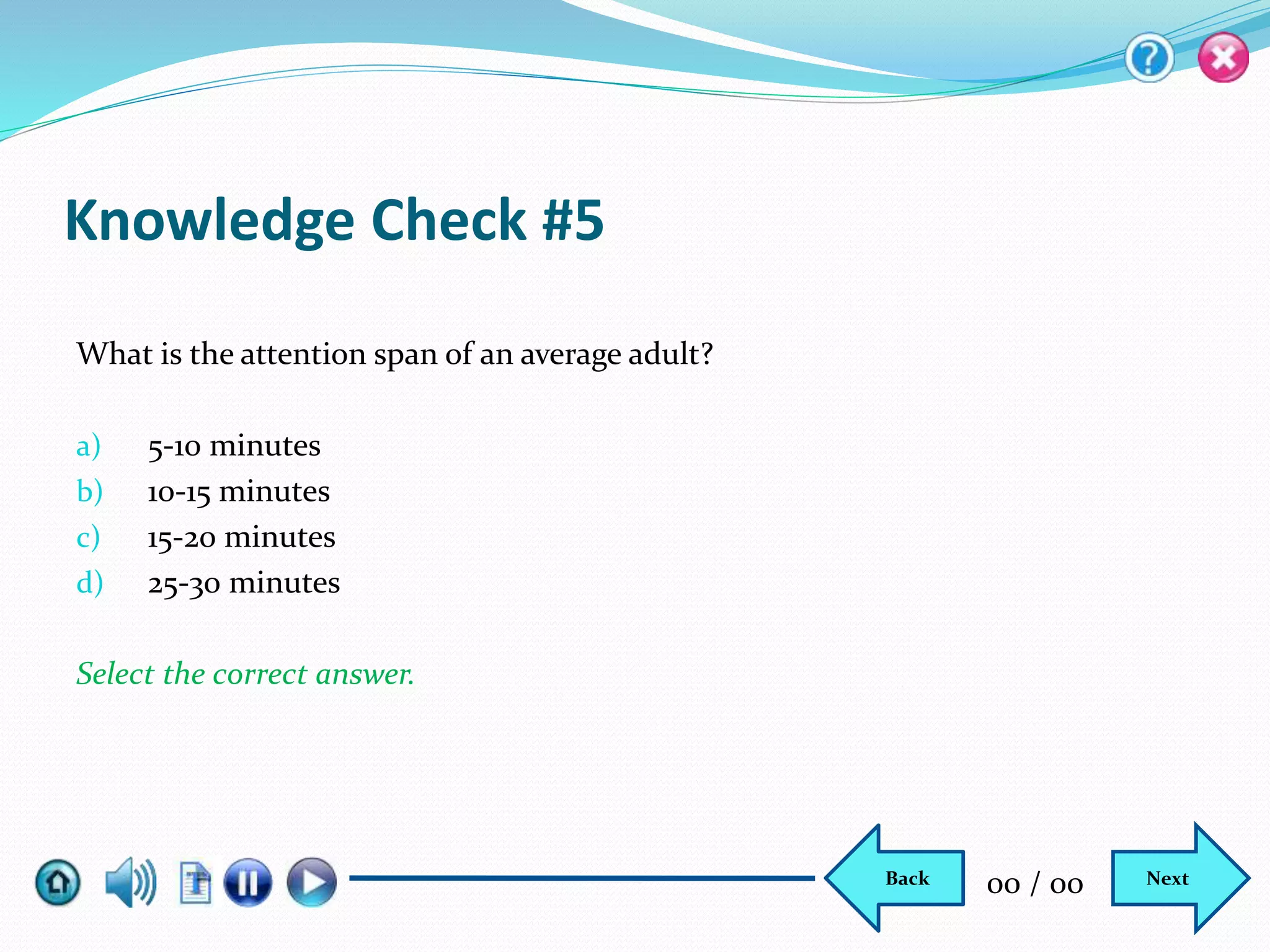
Knowledge Check #5
What is the attention span of an average adult?
a) 5-10 minutes
b) 10-15 minutes
c) 15-20 minutes
d) 25-30 minutes
Select the correct answer.
NextBack 00 / 00

201201072_SCDL Project – Storyboard

  • 1.
    How to delivereffective presentation?
  • 2.
    Heading Sub-heading Next ArrowBack Arrow HelpExit Play/Pause Transcript AudioHome Progress bar Topic Name Skip T1 Please mouse over each icon to know its function. Click Skip to proceed to the course directly. Current screen title NextBack 00 / 00
  • 3.
    Do you feelshy while giving a presentation?  Never  Always  Sometime  Most of the time Select the most appropriate answer. Please answer the following questions. NextBack 00 / 00
  • 4.
    Do you feelshaking hands while giving a presentation?  Never  Always  Sometime  Most of the time Select the most appropriate answer. Please answer the following questions. NextBack 00 / 00
  • 5.
    Do you feelnausea while giving a presentation?  Never  Always  Sometime  Most of the time Select the most appropriate answer. Please answer the following questions. NextBack 00 / 00
  • 6.
    Do you suffermemory loss while giving a presentation?  Never  Always  Sometime  Most of the time Select the most appropriate answer. Please answer the following questions. NextBack 00 / 00
  • 7.
    Do you feelshaking legs while giving a presentation?  Never  Always  Sometime  Most of the time Select the most appropriate answer. Please answer the following questions. Submit NextBack 00 / 00
  • 8.
    T 1: Ifyou have answered most of the questions affirmatively, you face challenges in delivering presentation and needs to improve yourself. T2: Let’s learn how to prepare and deliver presentation effectively… NextBack 00 / 00
  • 9.
  • 10.
    Presentation Skills In thislesson, you will learn to:  Define a presentation  Describe the purpose of giving a presentation  Describe how to prepare for a presentation  Explain how to deliver a presentation  Discuss how to answer audience’ questions  Explain how to avoid common presentation mistakes Learning Outcome NextBack 00 / 00
  • 11.
    What is aPresentation? A presentation is the process of explaining a topic to an audience. It can be a demonstration, lecture or speech which is meant to educate the audience to do something or build goodwill. When the presentation produces desired result it is considered to be effective. Introduction NextBack 00 / 00
  • 12.
    Why Do YouGive a Presentation? Inform Persuade Educate Purpose of presentation NextBack 00 / 00
  • 13.
    How to ImprovePresentation Skills? Aspects of effective presentation Aggressive Preparation Smooth Delivery Effective Presentation NextBack 00 / 00
  • 14.
  • 15.
    How to Preparefor a Presentation? Contd... Refer website, news reports, blogs, or talk to event organizer and find out audience': 1. Learning needs 2. Typical characteristics 3. Age, gender, background etc. 4. Level of knowledge on the topic 5. Expectation from the presentation Research your audience NextBack 00 / 00
  • 16.
    How to Preparefor a Presentation? Contd... Opening • Introduce yourself • Present credentials • Present your unique qualification • Show agenda • Deliver a credible statement Body • Engage audience • Remember outcome • Present both sides of issue • Don’t discuss everything • Accept against argument • Endorse your point Closing • Say something that audience remembers long • Go back to opening or end on clever slogan or call to action • End with positive note Structure your presentation NextBack 00 / 00
  • 17.
    How to Preparefor a Presentation? Contd... Practice well in advance. Talk into a mirror, or talk to a wall or speak before your family or friends; but remember, speak aloud. Whenever you get a chance to speak publicly, don’t miss it. To practice well, you have to:  Rehearse; not to memorize  Videotape yourself and make improvements  Calm yourself, don’t be strained  Relax well before presentation Practice aggressively NextBack 00 / 00
  • 18.
    How to Delivera Presentation? Aspects of delivery NextBack 00 / 00 Good PowerPoint Verbal Language Body Language Question & Answer
  • 19.
    A good PowerPointA bad PowerPoint  More images, less text  1-2 sentences per slide  Entertaining and pleasing  Add value to presentation × Font smaller than 32 pt. × 5-6 sentences per slide × Logo on every slide × Summary of presentation PowerPoint How to Deliver a Presentation? Contd… NextBack 00 / 00
  • 20.
    How to Delivera Presentation? Contd… Verbal language •Be brief •Be loud •Be clear •Be logical •Ask questions •Work on tone •Speak audience’ language •Avoid speaking softly •Avoid fill words •Avoid negative words X Pop up text Click each callout to learn more. NextBack 00 / 00
  • 21.
     Stand ata comfortable distance from audience: 2.5 – 7 feet  Make eye contact with one of the audience at a time  Appear confident:  Keep shoulders back  Keep arms at your sides or in front of your body  Keep hands open or slightly closed  Smile slightly or pose neutral  Take long strides when walking  Make every movement purposeful and determined  Treat props respectfully How to Deliver a Presentation? Contd… Body language NextBack 00 / 00
  • 22.
     Be preparedto answer questions  Take questions on paper before the end of presentation  Keep in mind you don’t need to answer each and every question compulsorily  Assure the person that you will get the answer at your earliest if you don’t have the answer that time How to Answer Audience’ Questions? Question & answer session NextBack 00 / 00
  • 23.
    How to Finishthe Presentation? Thank you Say thank you Name: Phone No: Email: Address: NextBack 00 / 00
  • 24.
    How to AvoidCommon Presentation Mistakes? Common presentation mistakes Pop up text – heading X …………………………………… …………………………………… …………………………………… …………………………………… …………………………………… …………………………………… …………………………………… 10 6 5 4 3 2 1 9 8 NextBack 00 / 00 Click each button to learn more.
  • 25.
    Lesson Summary In thislesson, you have learnt to:  Define a presentation  Describe the purpose of giving a presentation  Describe how to prepare a presentation  Explain how to deliver a presentation  Discuss how to answer audience’ questions  Explain how to avoid common presentation mistakes NextBack 00 / 00
  • 26.
    Knowledge Check #1 Whichof the following is the final step in presentation? a) Inform b) Educate c) Practice d) Persuade Select the correct answer. NextBack 00 / 00
  • 27.
    Knowledge Check #2 Whenyou deliver a presentation you should tell everything about an issue/topic to satisfy the audience. a) True b) False Select the correct answer. NextBack 00 / 00
  • 28.
    Knowledge Check #3 Agood PowerPoint has ________and _______ per slide. a) More images, 1-2 sentences b) More images, 5-6 sentences c) More text, more descriptions d) Less than 32 point text, images Select the correct answer. NextBack 00 / 00
  • 29.
    Knowledge Check #4 Whatwould you do if you don’t know the answer of a question during Q&A session? a) Avoid the question b) Sought ignorance c) Ask another participant to answer if s/he knows d) Promise to get the answer as soon as possible Select the correct answer. NextBack 00 / 00
  • 30.
    Knowledge Check #5 Whatis the attention span of an average adult? a) 5-10 minutes b) 10-15 minutes c) 15-20 minutes d) 25-30 minutes Select the correct answer. NextBack 00 / 00

Editor's Notes

  • #2 Topic: Screen No: Previous slide: Standard: Subject: Graphics: Animation: Sequence: Interactivity: Navigation: Audio:
  • #3 Topic: Screen No: 01 Previous slide: 00 Standard: Subject: Graphics: Show GUI without title. Show description in the pop up. Show the text T1 in the center. Heading: It shows topic name. Sub-heading: It shows current screen title. Home: It shows menu. Audio: It helps you adjust volume. Transcript: It shows you instruction on the screen. Play/Pause: It helps you play/pause animation. (overlap the buttons.) Progress bar: It shows how much the animation is played. Back: It takes you to the previous screen. Next: It takes you to next screen. Screen No: It shows the completed page out of total pages. Skip: It helps you leave the page and go to the course directly. Help: It shows you navigational and instructional aids. Exit: It helps you to close the screen. Animation: Sequence: Interactivity: Show description in pop up on mouse over. Navigation: Audio: Before starting the course, mouse over each icon to learn its function. If you want to proceed to the course directly, click skip.
  • #4 Topic: Screen No: 02 Previous slide: 01 Standard: Subject: Presentation Skills Graphics: Use Image for reference. Show watermark of the image and text over it. Show the options with radio button. Animation: Sequence: Interactivity: Back button will link to previous screen and Next button will link to next screen. Navigation: On selection, show the Next question. After answering the last question, show Submit button. After clicking Submit, fade out the question and option and fade in and fade out T1 and, then fade in T2. Then, activate Next and Back button, and blink Next button. Audio:
  • #5 Topic: Screen No: 02 Previous slide: 01 Standard: Subject: Presentation Skills Graphics: Use Image for reference. Show watermark of the image and text over it. Show the options with radio button. Animation: Sequence: Interactivity: Back button will link to previous screen and Next button will link to next screen. Navigation: On selection, show the Next question. After answering the last question, show Submit button. After clicking Submit, fade out the question and option and fade in and fade out T1 and, then fade in T2. Then, activate Next and Back button, and blink Next button. Audio:
  • #6 Topic: Screen No: 02 Previous slide: 01 Standard: Subject: Presentation Skills Graphics: Use Image for reference. Show watermark of the image and text over it. Show the options with radio button. Animation: Sequence: Interactivity: Back button will link to previous screen and Next button will link to next screen. Navigation: On selection, show the Next question. After answering the last question, show Submit button. After clicking Submit, fade out the question and option and fade in and fade out T1 and, then fade in T2. Then, activate Next and Back button, and blink Next button. Audio:
  • #7 Topic: Screen No: 02 Previous slide: 01 Standard: Subject: Presentation Skills Graphics: Use Image for reference. Show watermark of the image and text over it. Show the options with radio button. Animation: Sequence: Interactivity: Back button will link to previous screen and Next button will link to next screen. Navigation: On selection, show the Next question. After answering the last question, show Submit button. After clicking Submit, fade out the question and option and fade in and fade out T1 and, then fade in T2. Then, activate Next and Back button, and blink Next button. Audio:
  • #8 Topic: Screen No: 02 Previous slide: 01 Standard: Subject: Presentation Skills Graphics: Use Image for reference. Show watermark of the image and text over it. Show the options with radio button. Animation: Sequence: Interactivity: Back button will link to previous screen and Next button will link to next screen. Navigation: On selection, show the Next question. After answering the last question, show Submit button. After clicking Submit, fade out everything and fade in and fade out T1 and, then fade in T2. Then, activate Next and Back button, and blink Next button after a few seconds. Audio:
  • #9 Topic: Screen No: 02 Previous slide: 01 Standard: Subject: Presentation Skills Graphics: Show watermark of a training session and text over it. User image for reference. Animation: Fade in T1 and fade out, and then fade in T2. Sequence: Interactivity: Back button will link to previous screen and Next button will link to next screen. Navigation: Audio: A1: If you have answered most of the questions affirmatively, you face challenges in delivering presentation and needs to improve it. A2: Let’s learn how to prepare and deliver presentation effectively…
  • #10 Topic: Screen No: 03 Previous slide: 02 Standard: Subject: Presentation Skills Graphics: Show the text as shown. Animation: Show the text in animation in sync with audio. Sequence: Interactivity: Back button will link to previous screen and Next button will link to next screen. Navigation: Audio: Welcome to the lesson, Presentation Skills! In today’s highly competitive business environment, effective presentation skills is critical to success. You must learn the fundamental rules of presentation to take your career to greater heights. 
  • #11 Topic: Screen No: 04 Previous slide: 03 Standard: Subject: Graphics: show text and graphic as shown in sync with audio. Animation: Sequence: Interactivity: Back button will link to previous screen and Next button will link to next screen. Navigation: Audio: A1: In this lesson, you will learn what is a presentation and how do we give a presentation; when you prepare for a presentation, what rules you should keep in mind. The lesson will further teach you how you should deliver a presentation and how to answer audience’ questions during and after the presentation. You will also learn the mistakes professionals generally commit during presentation and how to avoid them.
  • #12 Topic: What is a Presentation? Screen No: 05 Previous slide: 04 Standard: Subject: Graphics: Show the graphic in full screen and animate the text on the white board in sync with the audio. Animation: Animate the text on the board in sync with the audio. Sequence: Interactivity: Back button will link to previous screen and Next button will link to next screen. Navigation: Audio: A presentation is the process of explaining a topic to an audience. It can be a demonstration, lecture or speech which is meant to educate the audience to do something or build goodwill. When the presentation produces desired result it is considered to be effective.
  • #13 Topic: Why do you give a presentation? Screen No: 04 Previous slide: 03 Standard: Subject: Graphics: Animation: Show the text as shown. Highlight the text, Inform, Persuade and Educate, in sync with the audio. Sequence: Interactivity: Back button will link to previous screen and Next button will link to next screen. Navigation: Audio: There are three purposes of giving a presentation. You want to inform the audience of something new to help them learn new skills or change their mindset to be a better person. Further, you want to persuade them to act accordingly and finally, you want to educate them how to overcome challenges to learn the new skill.
  • #14 Topic: How to improve presentation skills? Screen No: 05 Previous slide: 04 Standard: Subject: Graphics: Show the text as shown in sync with the audio. Animation: Sequence: Interactivity: Back button will link to previous screen and Next button will link to next screen. Navigation: Audio: To deliver your presentation effectively, you have to prepare for it aggressively and deliver it in a flawless manner.
  • #15 Topic: How to prepare for a presentation? Screen No: 06 Previous slide: 05 Standard: Subject: Graphics: Show the text as shown. Highlight the shapes in sync with the audio. Animation: Sequence: Interactivity: Back button will link to previous screen and Next button will link to next screen. Navigation: Audio: For sound preparation for presentation, you have to work upon three things. First, you need to research on the audience profile to get more information about the audience so that you can prepare appropriately; further, you have to structure your presentation and finally, you need to practice, practice and practice your presentation. Then, you will be able to deliver presentation flawlessly.
  • #16 Topic: How to prepare for a presentation? Screen No: 07 Previous slide: 06 Standard: Subject: Graphics: Show the text and graphic as shown. Animation: Sequence: Interactivity: Back button will link to previous screen and Next button will link to next screen. Navigation: Audio: The very first step in preparing for effective presentation is researching your audience. Before preparing presentation, you must collect more and more information about the company’s mission, current level of knowledge of the audience about the topic, their age, gender, background and their expectation from the event. If you are giving the presentation to a corporate client, you can visit company’s website; read its blog and news reports published for the company. If your audience is not from the corporate world, you can speak to the event organizer, to learn about your audience.
  • #17 Topic: How to prepare for a presentation? Screen No: 08 Previous slide: 07 Standard: Subject: Graphics: Show the smart art along with the text. Animation: Highlight each step one by one, starting from Opening, then Body and finally, Closing. Sync the text with audio. Sequence: Interactivity: Back button will link to previous screen and Next button will link to next screen. Navigation: Audio: The second step in preparation for presentation is structuring. It refers to the steps you should take to deliver high powered presentation. The standard format to structure your presentation is to tell the audience what you are going to tell them, then tell them, and finally tell them what you have told them. Thus, structuring has three steps opening, body and closing.   To open your presentation, you should confidently introduce yourself, brief about your credentials and your unique qualities, inform the audience of the agenda of day and give a credible statement like benefit of the presentation. It will motivate them. And, they will pay attention to what you are going to say. Body of the presentation refers to the activities you are supposed to do while presenting. When you deliver your presentation, engage the audience. Don’t only tell them what you have to tell them, converse with them; ask questions, take opinions, do some activities and others. When you are saying something on a topic, don’t tell them everything about it, leave some information; it will linger on their mind. When you discuss an issue elaborate on both sides of the issue, if somebody argue; allow him, accept his argument, but must tell him why your argument appear more convincing. You don’t need to memorize your presentation to deliver it effectively, just remember the key points and the outcome, and always move towards your goal. Finally, when you have told them everything that you are supposed to tell them, you have to close the presentation. You must tell them something that will remain in their mind. This is your last opportunity to leave a lasting impression. You can go back to your opening and take some cues from there to repeat yourself, or give them a clever slogan, or end with a call to action. If this is a business proposal, end with a positive forecast.
  • #18 Topic: How to prepare for a presentation? Screen No: 09 Previous slide: 08 Standard: Subject: Graphics: show the graphic and text as shown. Animation: Show each box one by one from top and sync with audio. Sequence: Top to bottom Interactivity: Back button will link to previous screen and Next button will link to next screen. Navigation: Audio: The final word for preparing for a grand presentation is practice, practice and practice. You must know the old saying, practice makes a man perfect. Practice well in advance. Talk into a mirror, or talk to a wall or speak before your family or friends; but, remember, speak aloud. If you get a chance to speak publicly in neighborhood or school or office, don’t miss it; use the occasion to practice. It will help you a lot. However, you must remember that you have to rehearse, not to memorize. If you memorize whole of your presentation, you will fail to impress the audience; you will look monotonous. You only need to memorize the key points and the outcome of the presentation. That much will help you speak fluently and naturally. You will be able to create impact. Further, to practice, you can make a videotape of yourself delivering the presentation and review it yourself or by somebody. It will show you pitfalls. You can improve upon them. When you prepare so much for the presentation, you feel strained. You need to calm down. If you go for the presentation in this condition, you are bound to fail to impress. To save yourself, tell yourself multiple times that you are going for a conversation, and not for a presentation. If get the chance to visit the venue before presentation, go there and practice the presentation. It will help you to adjust with the environment. Finally, don’t practice till the last moment. Give yourself sufficient time to relax. It can be a few days or a few hours depending upon the situation.
  • #19 Topic: How to Deliver a Presentation? Screen No: 10 Previous slide: 09 Standard: Subject: Graphics: Show the text as shown. Highlight the shape in sync with audio. Animation: Sequence: Interactivity: Back button will link to previous screen and Next button will link to next screen. Navigation: Audio: To deliver the presentation effectively, you will need a good PowerPoint; your verbal language should be effective; your body language should be impressive and you should handle question and answer session comfortably and satisfactorily.
  • #20 Topic: How to Deliver a Presentation? Screen No: 11 Previous slide: 10 Standard: Subject: Graphics: Show the text as shown in sync with the audio. Animation: Sequence: Interactivity: Back button will link to previous screen and Next button will link to next screen. Navigation: Audio: For an effective delivery of your presentation, you need to create a very good PowerPoint. It should be appealing to the audience. While creating the PowerPoint, you should keep a few things in mind. PowerPoint should have less text and more images. A slide shouldn’t have more than one or two sentences. And it should be entertaining and pleasing. It should enhance your presentation; it shouldn’t summarize it. In PowerPoint, you should avoid using font smaller than 32 point. A slide shouldn’t have more than five-six lines. There is no point of keep logo at each slide; it will create a bad impression of you. And finally, your PowerPoint shouldn’t summarize your presentation; it must add value to it.
  • #21 Topic: How to Deliver a Presentation? Screen No: 12 Previous slide: 11 Standard: Subject: Graphics: Use image for reference. Show the bulleted points on the callouts of the graphic, and the description text in pop up along with the heading. Be brief You should know that adult attention span is short. They can’t focus on a subject for too long. Therefore, when you elaborate on a topic, be brief. Don’t drag the topic. Be loud You should speak aloud at the venue. Even the person sitting at the last corner should hear you clearly. Be clear Your voice should be clear. Audience should not struggle to understand the meaning what you say. If sometime it happens, repeat yourself. If they ask you questions, do clarify. Be logical Whatever you say, you must say logically. A reasonable mind must accept it at the very first time. If you sound illogical even minutely, you will lose effect. Ask questions If you want to engage the audience, ask questions to your audience. You can direct it to anyone of them or to all. Don’t speak only, converse with them. It will also help you to know how much the audience has understood what you have explained. Work on tone Tone of voice leaves great impact on the audience. Researchers have found that a deep male voice and high female voice leaves great impact on audience of both sexes. You have to practice a lot to match such a tone. Speak audience’ language When you speak, match the language audience use. A salesman language is different from a senior executive language, you must have noticed. Keep audience age group, gender, background in mind while speaking. When you use similar language, audience feel closer to you. Avoid speaking softly You should use the pitch of voice that helps all audience hear clearly. If you speak softly, everybody won’t hear you. Moreover, you shouldn’t use a pitch or tone that makes you uncomfortable. You will fail to impress if you do so. Avoid fill words While speaking you should avoid using fill words like Umm, Uh etc. Many do it without noticing it. It creates very bad impression. You will fail to impress your audience if you do so. There is way to kill this habit. When you utter such words, tell yourself that this is a fill word and I am not going to say it. When you do this repeatedly, it will register in your mind. When you utter such words unknowingly in future, your mind will remind you to avoid it. Avoid negative words Avid using negative words or statement while giving presentation. Don’t use ‘don’t’ or anything that has negative effect. Remember a negative things create negative impression. If you want to leave positive impression on your audience, always speak affirmatively. Animation: Sequence: Interactivity: Make the callouts clickable. On clicking of each callout, show description text along with heading in the pop up as shown. When pop up is closed it should go to original place. Back button will link to previous screen and Next button will link to next screen. Navigation: Audio: <Be brief> When you speak, you have to be brief. You should know that adult attention span is short. They can’t focus on a subject for too long. Therefore, when you elaborate on a topic, be brief. Don’t drag. <Be loud> You should speak aloud at the venue. Even the person sitting at the last corner should hear you clearly. <Be clear> Your voice should be clear. Audience should not struggle to understand the meaning what you say. If sometime it happens, repeat yourself. If they ask you questions, do clarify. <Be logical> Whatever you say, you must say logically. A reasonable mind must accept it at the very first time. If you sound illogical even minutely, you will lose effect. <Ask questions> If you want to engage the audience, ask questions to your audience. You can direct it to anyone of them or to all. It will also help you to know how much the audience has understood what you have explained. <Work on tone> You have to also work on the tone of your voice. You should know that tone of voice leaves great impact on the audience. Researchers have found that a deep male voice and high female voice leaves great impact on audience of both sexes. You have to practice a lot to match such tone. <Speak audience’ language> When you speak, match the language audience use. A salesman language is different from a senior executive language, you must have noticed. Keep audience age group, gender, background in mind while speaking. When you use similar language, audience feel close to you. <Avoid speaking softly> You have to avoid speaking softly. You should use the pitch of voice that helps all audience hear clearly. If you speak softly, everybody won’t hear you. Moreover, you shouldn’t use a pitch or tone that makes you uncomfortable. You will fail to impress if you do so. <Avoid fill words> This is a bad habit. It plagues many around the world. While speaking you have to avoid using fill words like Umm, Uh etc. Many do it without noticing it. It creates very bad impression. You will fail to impress your audience if you do so. There is way to kill this habit. When you utter such words, tell yourself that this is a fill word and I am not going to say it. When you do this repeatedly, it will register in your mind. When you utter such words unknowingly in future, your mind will remind you to avoid it. <Avoid negative words> Avid using negative words or statement while giving presentation. Don’t use ‘don’t’ or anything that has negative effect. Remember a negative word or statement creates negative impression. If you want to leave positive impression on your audience, always speak affirmatively.
  • #22 Topic: How to Deliver a Presentation? Screen No: 13 Previous slide: 12 Standard: Subject: Graphics: Show text and graphics in sync with audio. Animation: Sequence: Interactivity: Back button will link to previous screen and Next button will link to next screen. Navigation: Audio: Body language is another aspect that creates wow effect in presentation delivery. You should pay special attention to it. When you stand on the stage, maintain a comfortable distance from the audience, ideally this distance is 2.5 to 7 feet from the audience. Another point to note is the eye contact. You should not keep your eyes moving across the whole audience. Look at one person at a time. And finally, you should appear confident on the stage. For confident posture, you have to keep your shoulders back, arms at your side or in front of you; your hands can be open or closed slightly; you should smile slightly at the audience, you can show a neutral face too, but don’t look annoyed or worried that would be disaster; when you move you should move purposefully and decidedly taking long strides. It means you must not wander on stage. Move only when you have to go a particular area for a purpose or you have to do something. And last but not the least, you have to use all your pops respectfully like they are valuable things. You will be able to create a respectable image of yourself.
  • #23 Topic: How to Answer Audience’ Questions? Screen No: 14 Previous slide: 13 Standard: Subject: Graphics: Show the text along with the audio. Animation: Sequence: Interactivity: Back button will link to previous screen and Next button will link to next screen. Navigation: Audio: When you told the audience whatever you were supposed to tell them. Be prepared to take their questions. If you answer them satisfactorily, it will add to your credibility. Best idea is to take their questions in writing so that they think that you plan to continue after the questions and don’t go in pack up mode. When you answer the questions audience will leave with final message on their mind instead of some random questions. You don’t need to answer all the questions asked. If you don’t have the answer, tell the person clearly that you don’t have the answer right now, but you would be happy to get the answer as soon as possible. You should make a graceful exit with such a statement.
  • #24 Topic: How to Finish the Presentation? Screen No: 15 Previous slide: 14 Standard: Subject: Graphics: Show the text as shown. Animation: Sequence: Interactivity: Back button will link to previous screen and Next button will link to next screen. Navigation: Audio: This is your parting shot. Thank them for their time. Point out your contact details and request them to contact you if they need any further help. It will leave good impression of you on their mind.
  • #25 Topic: How to Avoid Common Presentation Mistakes? Screen No: 16 Previous slide: 15 Standard: Subject: Graphics: Use image for reference. Show “Mistakes” in the center oval and the pop up headings on the wheel boxes. Show description along with headings in in pop up box. <Pop up> Insufficient Preparation You must prepare for your presentation sufficiently to leave good mark on the audience. Even great presenters do it. If you miss it you will damage your credibility. It will take great amount of time and efforts to regain it. 2. Unfamiliar Venue & Equipment You must check out your venue and equipment before your presentation if you don’t want to face a situation beyond your control. You can make a plan B for emergencies. 3. Ignoring Audience You must remember that you are going for a conversation, and not for a presentation. When you have to converse, you have to pay due attention to your attention. Ask questions, show friendly gestures. If they ask you or do something, respond positively and comfortably. 4. Inappropriate Content You should cover the content as per the audience’ need and motivation. If you have no idea about it, you can ask the audience before starting presentation as to what do they know about the topic and what would they like to know. Accordingly, you can discuss. 5. Being too Verbose You should know that average adult has attention span of 15-20 minutes. If you speak too much you will fail to grab audience attention. Discuss only main points related to the topic. Keep a note of the important points that you want to discuss. 6. Ineffective Visuals Make you PowerPoint slides visually appealing. Keep only necessary things on the slides. Choose colors according to the venue. If the venue is going to be well lit, keep dark text on white or light background or make it opposite way if the venue is going to be dark. 7. Overcrowding Text Keep less text on the slides. Ideally, you should three to four words per bullet point and three bullets per slide. In no case it should go beyond five or six bullets. Moreover, don’t spread your presentation. One hour of presentation shouldn’t have more than 20 slides. 8. Speaking Incoherently When you speak, keep yourself to the point. If you start to babble, audience won’t pay attention to what you are saying. If you feel that you are losing track, take a deep breath or recall the presentation outcome, and if all that what you are saying is going to help. 9. Lack of Dynamism Don’t stand on a spot and speak when you are delivering presentation. You will look awkward. Keep moving on the stage purposefully. Use gesture and body language to show excitement and passion for the subject. Mind your hands; what they are doing. You have to use them all the time. But, use it only when you feel natural. 10. Avoiding Eye Contact If you lose eye contact with your audience, you will lose personal connection. Make eye contact with one person at a time. Don’t surf your eyes. If the audience size is small, make eye contact with everyone at least once. If it is a large group, try looking at people’s forehead, the persons sitting around will feel that you are looking at him. Animation: Start blinking the arrow from 1. On click of wheel oval, show the corresponding text in the pop up box. On closing the pop up box, blink arrow of 2, 3, 4 and so on. Sequence: 1,2,3…..10 Interactivity: On clicking circle, open pop up in the specified place with text and heading. Back button will link to previous screen and Next button will link to next screen. Navigation: Audio: <Insufficient preparation > Insufficient preparation is the most common mistake people make. You must prepare for your presentation sufficiently to leave good mark on the audience. Even great presenters do it. If you miss it you will damage your credibility. It will take great amount of time and efforts to regain it. <Not familiarizing with venue & equipment> Before the presentation, you must check out your venue and equipment if you don’t want to face a situation beyond your control. If you don’t do it, you might feel uncomfortable during presentation for something or other. If some equipment fail to work during presentation, you should have a plan B ready. <Ignoring audience> During presentation, you must not ignore your audience. You should remember that you are here for conversation. When you have to converse, you have to pay due attention to your audience. Ask questions, show friendly gestures. If they ask you or do something, respond positively and comfortably. <Inappropriate Content> You should pay special attention to your content. You should cover the content as per the audience need and motivation. If you have no idea about it, you can ask the audience before starting presentation as to what do they know about the topic and what would they like to know. Accordingly, you can discuss. <Being too verbose> Don’t brag around during presentation. You should know that average adult has attention span of 15-20 minutes. If you speak too much you will fail to grab audience attention. Discuss only main points related to the topic. Keep a note of the important points that you want to discuss. <Ineffective visuals> Make you ppt slides visually appealing. Keep only necessary things on the slides. Choose colors according to the venue. If the venue is going to be well lit, keep dark text on white or light background or make it opposite way if the venue is going to be dark. <Overcrowding Text> Keep less text on the slides. Ideally, you should three to four words per bullet point and three bullets per slide. In no case it should go beyond five or six bullets. Moreover, don’t spread your presentation. One hour of presentation shouldn’t have more than 20 slides. <Speaking Incoherently> When you speak, keep yourself to the point. If you start to babble, audience won’t pay attention to what you are saying. If you feel that you are losing track, take a deep breath or recall the presentation outcome, and if all that what you are saying is going to help. <Lack of dynamism> Don’t stand on a spot and speak when you are delivering presentation. You will look awkward. Keep moving on the stage purposefully. Use gesture and body language to show excitement and passion for the subject. Mind your hands; what they are doing. You have to use them all the time. But, use it only when you feel natural. <Avoiding Eye Contact> If you lose eye contact with your audience, you will lose personal connection. Make eye contact with one person at a time. Don’t surf your eyes. If the audience size is small, make eye contact with everyone at least once. If it is a large group, try looking at people’s forehead, the persons sitting around will feel that you are looking at him.
  • #26 Topic: Lesson Summary Screen No: 17 Previous slide: 16 Standard: Subject: Graphics: Show the text in sync with the audio. Animation: Sequence: Interactivity: Back button will link to previous screen and Next button will link to next screen. Navigation: Audio: In this lesson, you have learnt what is a presentation and how do we give a presentation; when you prepare a presentation, what rules you should keep in mind. The lesson will further teach you how you should deliver a presentation and how to answer audience’ questions during and after the presentation. You will also learn the mistakes professionals generally commit during presentation and how to avoid them.
  • #27 Key: b Feedback for the correct answer: Yes! This is correct. The final step in presentation is educate. Feedback for the incorrect answer: No. This is incorrect. The correct answer is ‘b’. The final step in presentation is educate.
  • #28 Key: b Feedback for the correct answer: Yes! This is correct. When you deliver a presentation you should leave some facts out so that the audience think over it and become more engaged in the presentation. Feedback for the incorrect answer: No. This is incorrect. The correct answer is ‘b’. When you deliver a presentation you should leave some facts out so that the audience think over it and become more engaged in the presentation.
  • #29 Key: a Feedback for the correct answer: Yes! This is correct. A good PowerPoint has more images and 1-2 sentences per slide. Feedback for the incorrect answer: No. This is incorrect. The correct answer is ‘c’. A good PowerPoint has more images and 1-2 sentences per slide.
  • #30 Key: d Feedback for the correct answer: Yes! This is correct. If you don’t know the answer of a question, accept the lack of information and promise to get the answer as soon as possible. Feedback for the incorrect answer: No. This is incorrect. The correct answer is ‘d’. If you don’t know the answer of a question, accept the lack of information and promise to get the answer as soon as possible.
  • #31 Key: c Feedback for the correct answer: Yes! This is correct. An average adult has an attention span of 15-20 minutes. Feedback for the incorrect answer: No. This is incorrect. The correct answer is ‘c’. An average adult has an attention span of 15-20 minutes.