QlikView in Depth:
Extending and Integrating QlikView


Joe Bickley
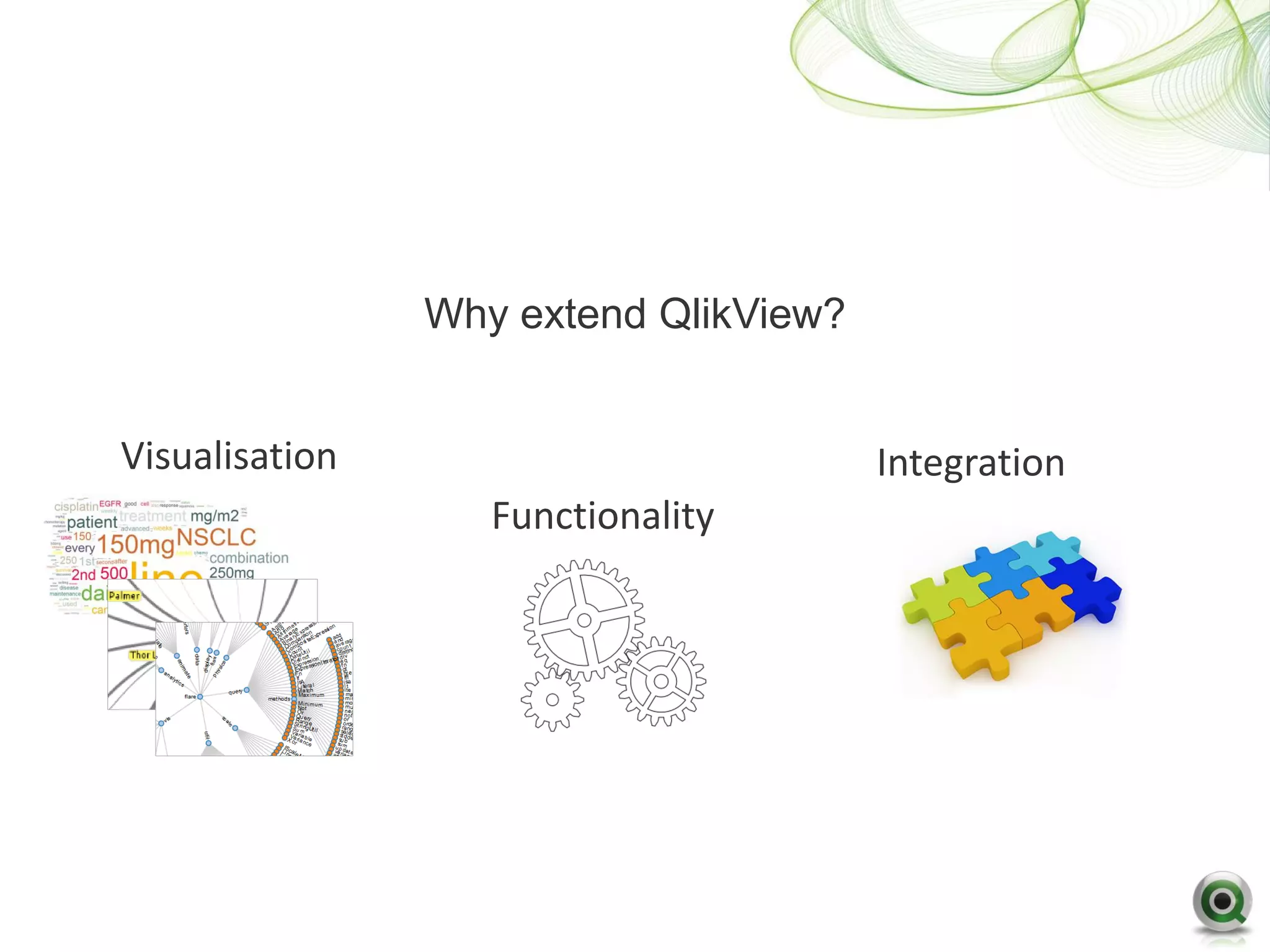
Why extend QlikView?


Visualisation                          Integration
                   Functionality
Visualisation of data must address the
business discovery needs of the users
QlikView Developers can help business
     users by clearly presenting key
               information
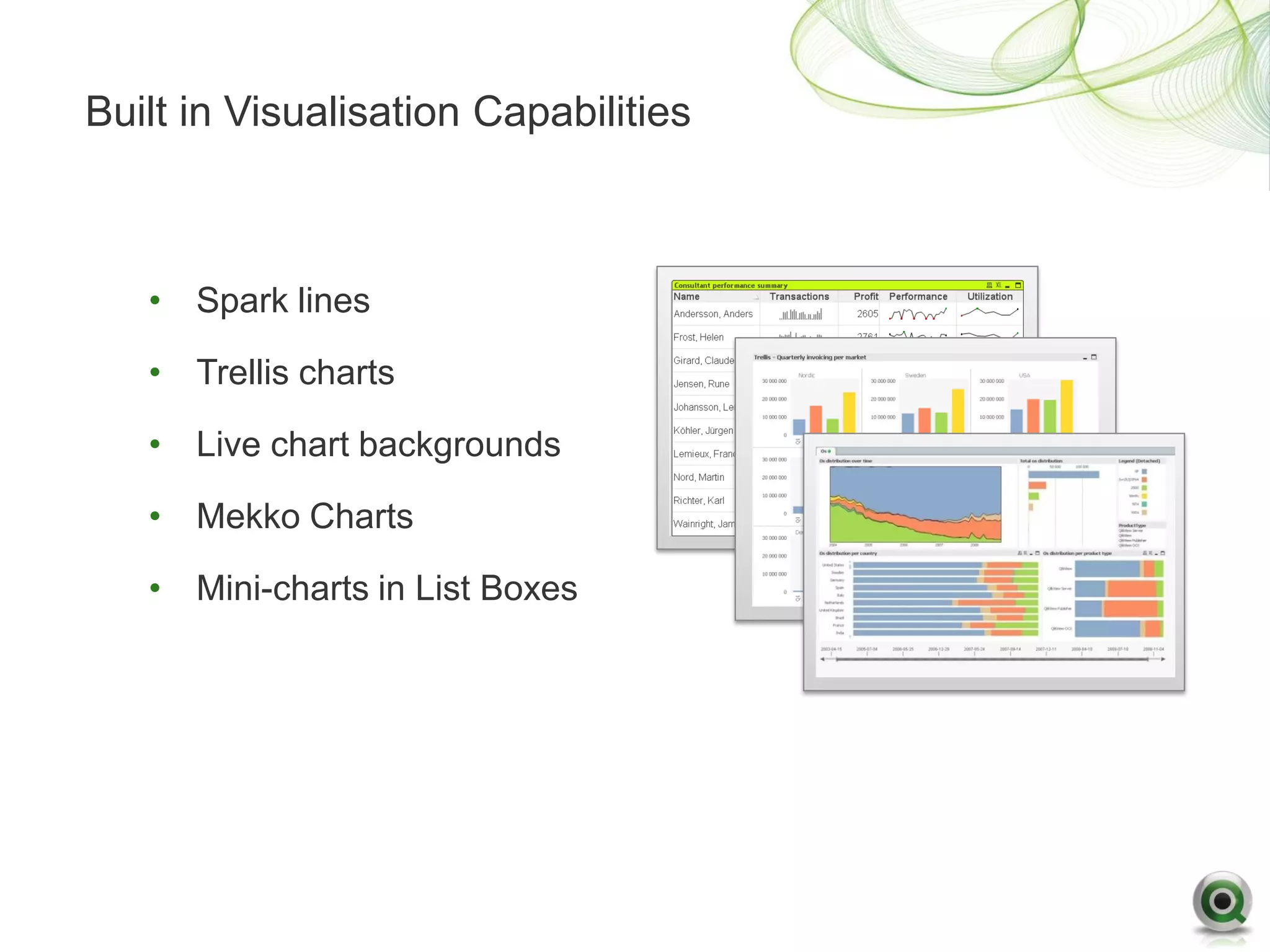
Built in Visualisation Capabilities


   • Spark lines

   • Trellis charts

   • Live chart backgrounds

   • Mekko Charts

   • Mini-charts in List Boxes
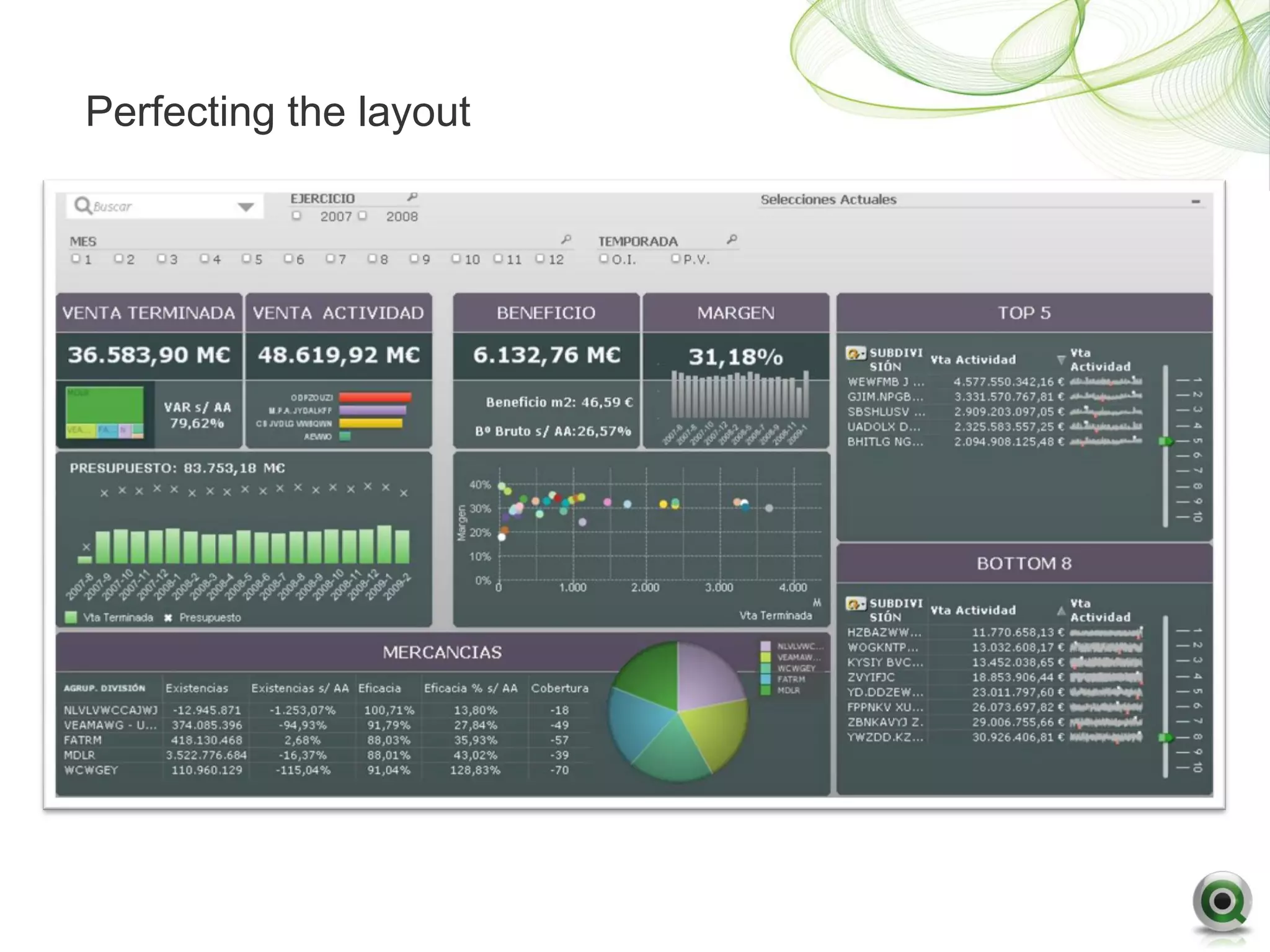
Perfecting the layout
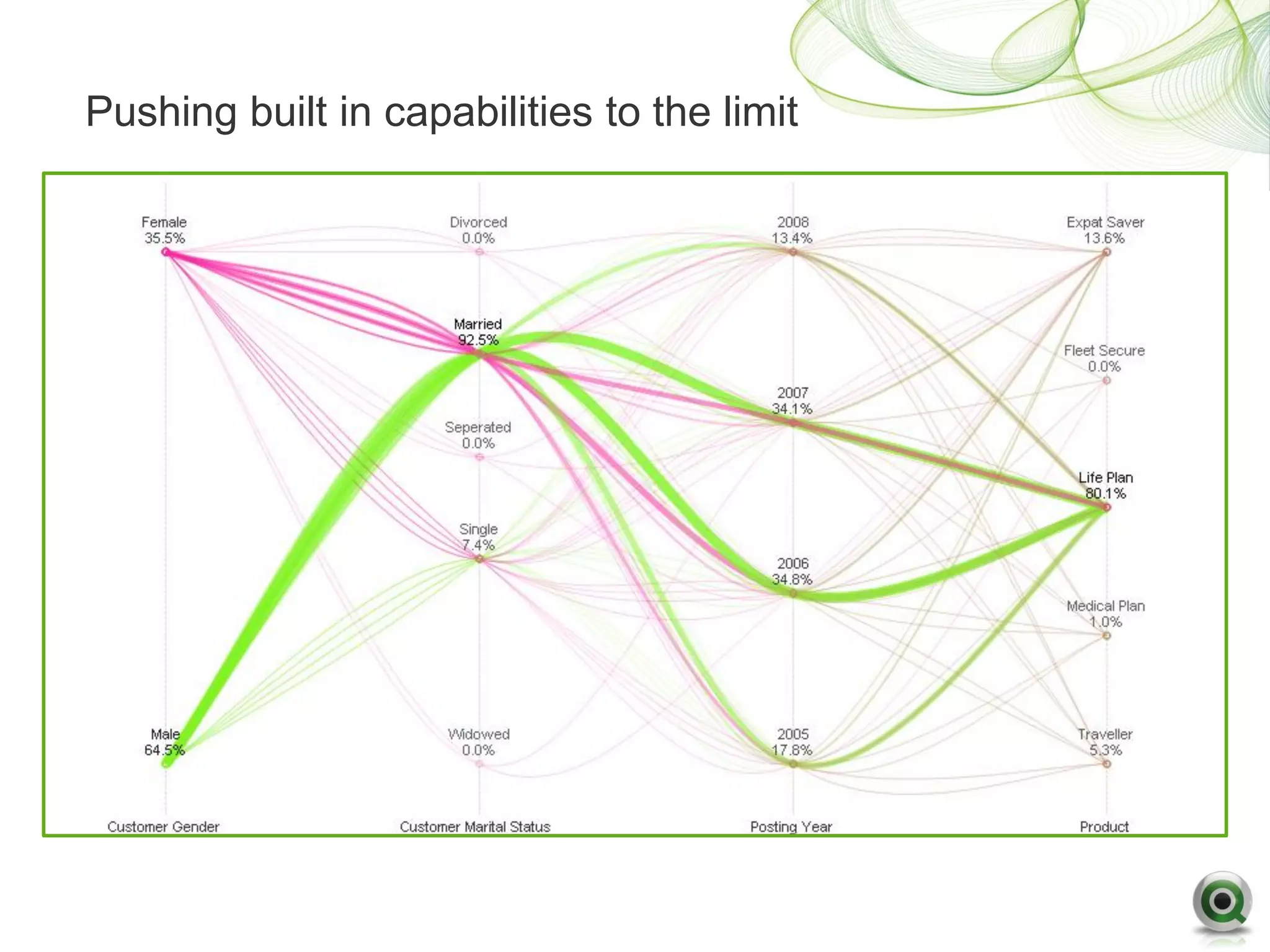
Pushing built in capabilities to the limit
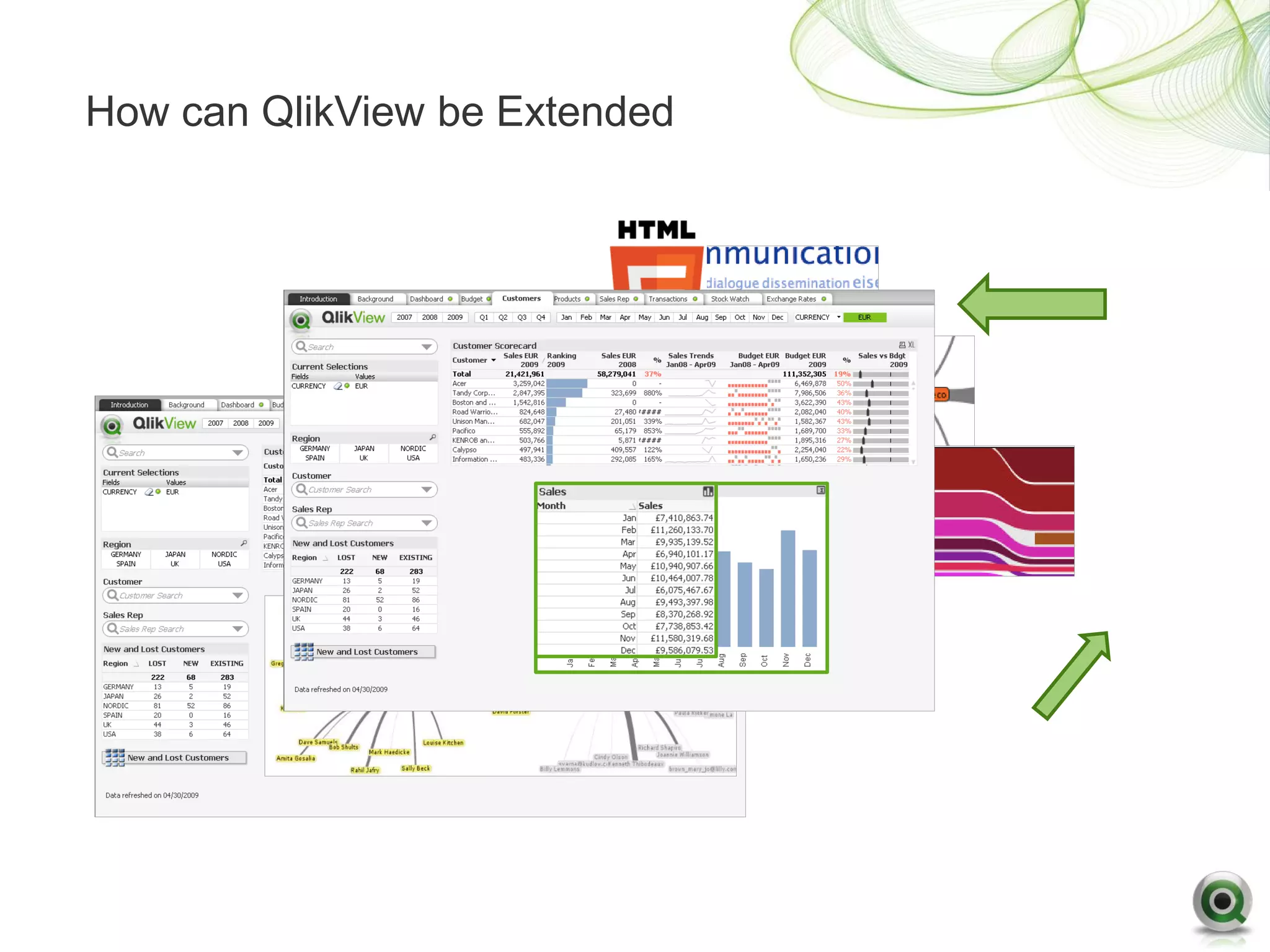
How can QlikView be extended

• QlikView 10 Introduced Extension Objects
   – Enables custom visualizations/user interface components within
     QlikView
   – Based on standard web technologies
   – Write once, package and deploy anywhere
   – No different to using standard QlikView objects
   – Take advantage of QlikView associative and aggregation engine
   – No additional end user training required


• QlikView 11 Introduces Document Extensions
   – Extensions that can change document wide QlikView behaviour
How can QlikView be Extended
Demonstration
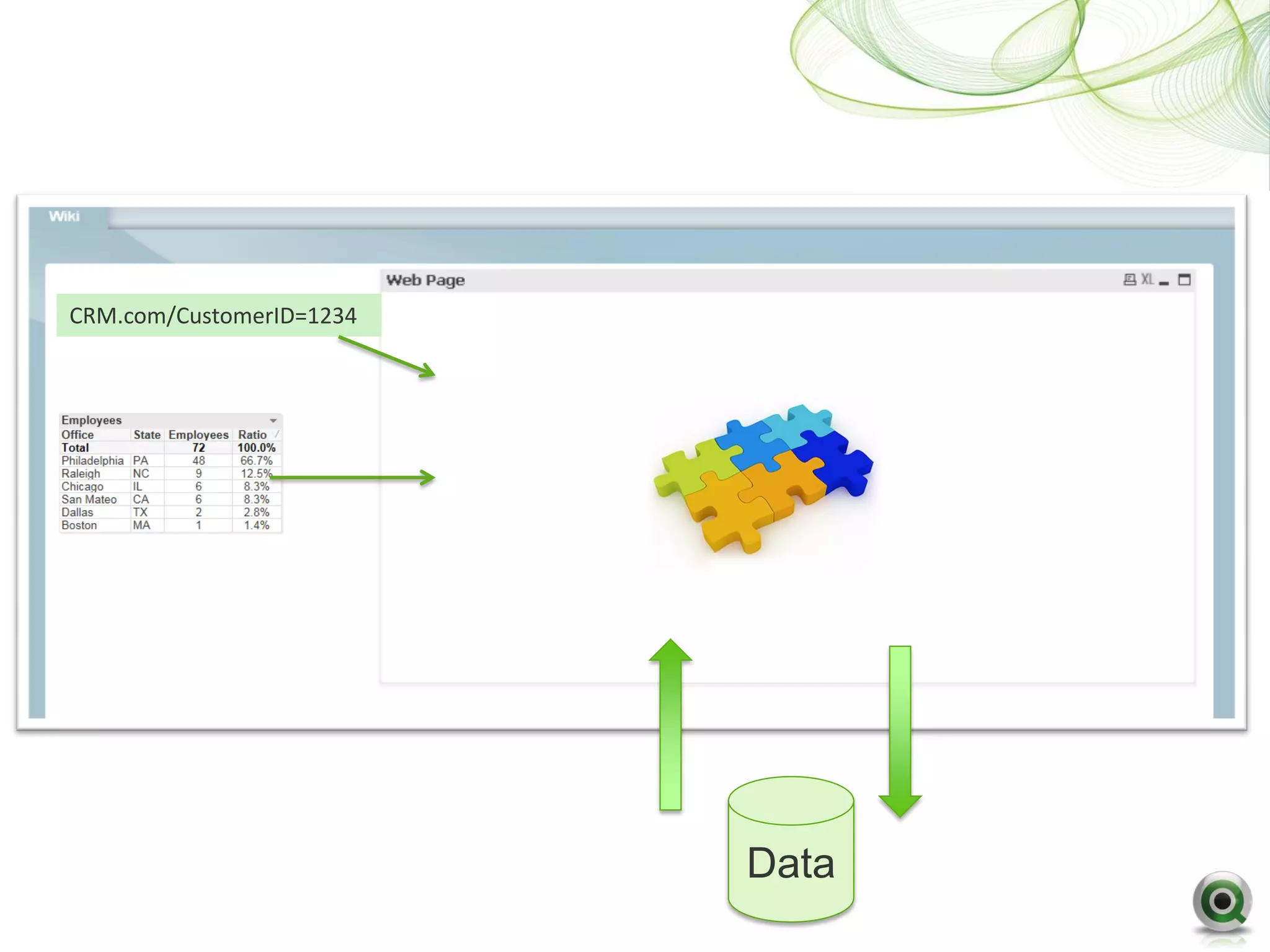
CRM.com/CustomerID=1234


                          Data
Building an Extension for QlikView

• Technology and Skills
   – Make use of any browser based technology
   – Javascript as a minimum


• People
   – Web developers, not QlikView developers
Building an Extension for QlikView

• Reuse Existing Object and Content
   – Online Libraries
        Google Charts – http://code.google.com/apis/chart/

        Fusion Charts - http://www.fusioncharts.com


   – Community
        http://community.qlikview.com/community/integration-extensions
Building an Extension for QlikView

• Process to build
    – QV11 Extension object builder for Visual Studio


    – Create two text files that define information about the object and what
      properties you would like the users to see when they use it
    – Create a javascript file as the framework for the object
    – Add the functionality you want using you chosen technology
    – Build into zip file called a QAR
Building an Extension for QlikView

• Process to Deploy
   – For developers only open the QAR on the developers PC
   – Use webview when developing to add them to documents
   – Migrate files to server with the QlikView documents


   – Users consume objects
Questions
Meet the Presenters at Qbar in King George III
Feedback Forms
• Please find your feedback forms in
  the back of your notepads.
• Please complete your Feedback
  Form and hand them in at the
  registration desk before you leave
  to receive:
• An event bag which contains:
    – All the event content and
      whitepapers.
    – A USB with other collateral and
      Customer Success Stories
    – Various QlikTech Goodies


     Thank you!

Extending and Integrating QlikView

  • 1.
    QlikView in Depth: Extendingand Integrating QlikView Joe Bickley
  • 2.
    Why extend QlikView? Visualisation Integration Functionality
  • 3.
    Visualisation of datamust address the business discovery needs of the users
  • 4.
    QlikView Developers canhelp business users by clearly presenting key information
  • 5.
    Built in VisualisationCapabilities • Spark lines • Trellis charts • Live chart backgrounds • Mekko Charts • Mini-charts in List Boxes
  • 6.
  • 7.
    Pushing built incapabilities to the limit
  • 8.
    How can QlikViewbe extended • QlikView 10 Introduced Extension Objects – Enables custom visualizations/user interface components within QlikView – Based on standard web technologies – Write once, package and deploy anywhere – No different to using standard QlikView objects – Take advantage of QlikView associative and aggregation engine – No additional end user training required • QlikView 11 Introduces Document Extensions – Extensions that can change document wide QlikView behaviour
  • 9.
    How can QlikViewbe Extended
  • 10.
  • 11.
  • 12.
    Building an Extensionfor QlikView • Technology and Skills – Make use of any browser based technology – Javascript as a minimum • People – Web developers, not QlikView developers
  • 13.
    Building an Extensionfor QlikView • Reuse Existing Object and Content – Online Libraries  Google Charts – http://code.google.com/apis/chart/  Fusion Charts - http://www.fusioncharts.com – Community  http://community.qlikview.com/community/integration-extensions
  • 14.
    Building an Extensionfor QlikView • Process to build – QV11 Extension object builder for Visual Studio – Create two text files that define information about the object and what properties you would like the users to see when they use it – Create a javascript file as the framework for the object – Add the functionality you want using you chosen technology – Build into zip file called a QAR
  • 15.
    Building an Extensionfor QlikView • Process to Deploy – For developers only open the QAR on the developers PC – Use webview when developing to add them to documents – Migrate files to server with the QlikView documents – Users consume objects
  • 16.
  • 17.
    Meet the Presentersat Qbar in King George III
  • 18.
    Feedback Forms • Pleasefind your feedback forms in the back of your notepads. • Please complete your Feedback Form and hand them in at the registration desk before you leave to receive: • An event bag which contains: – All the event content and whitepapers. – A USB with other collateral and Customer Success Stories – Various QlikTech Goodies Thank you!

Editor's Notes

  • #4 Same applies to functionality, AND Integration
  • #5 If we focus on visualisationThis could be as simple as giving one user 2 trends lines and another 1 list box, the key point is that you deliver appropriate content to the right users
  • #6 Firstly lets not forget what we can do with standard QV to beautifully visualise data
  • #8 This is a standard QV chart from a real customer, profiling data in a unique way for them