Download to read offline
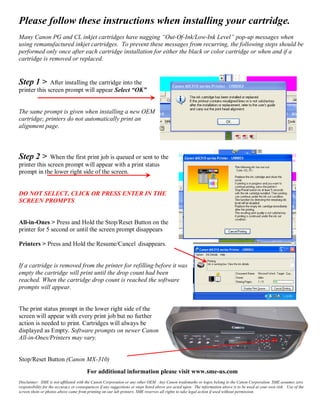
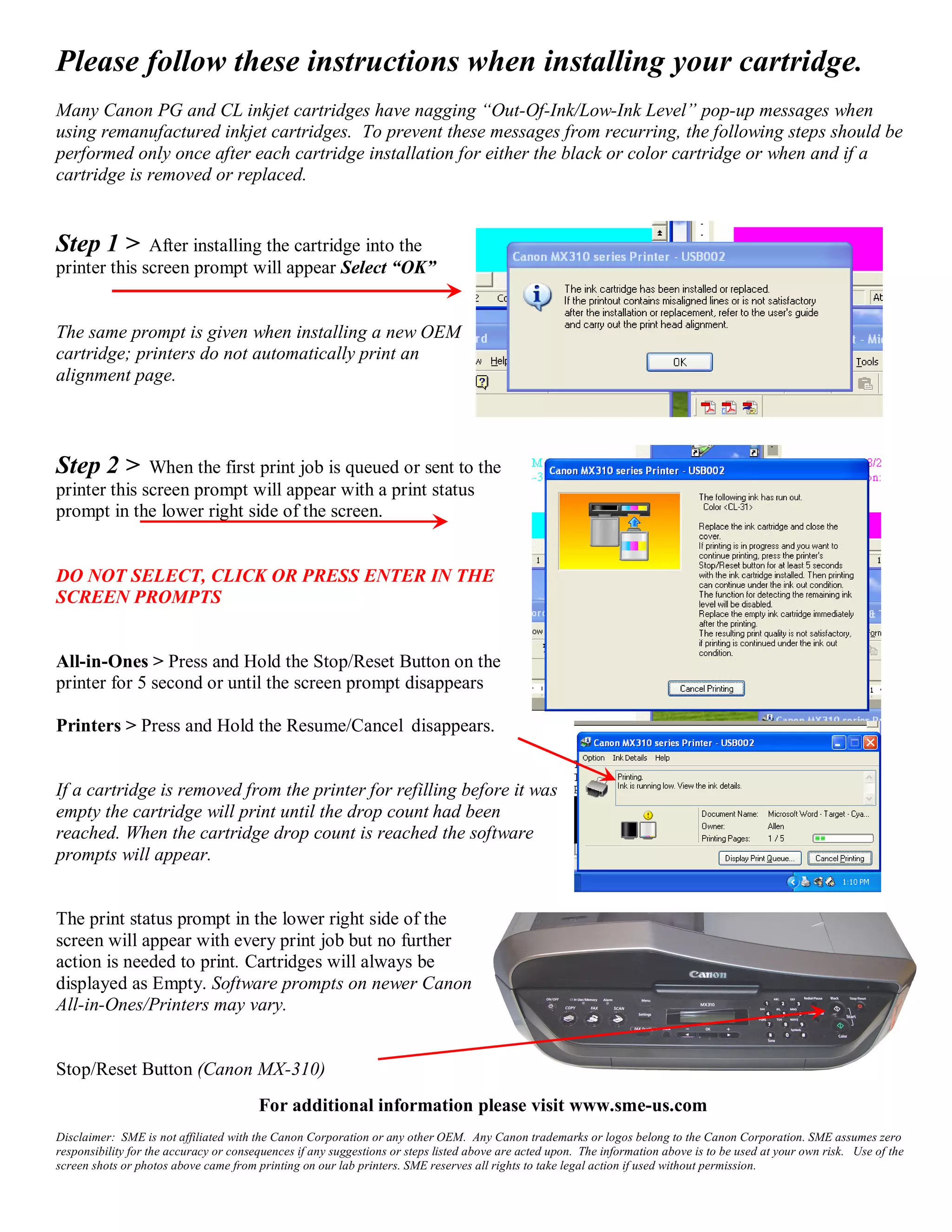

To prevent error messages when using remanufactured ink cartridges: 1. After installing a new cartridge, select "OK" on the prompt screen. 2. When printing, do not select any prompts on the screen and hold the printer's Stop/Reset button for 5 seconds until the prompt disappears. 3. The cartridge will print until it reaches its drop count, after which software prompts may appear again.


![Presentac..[1]](https://cdn.slidesharecdn.com/ss_thumbnails/presentac-1-120623110953-phpapp02-thumbnail.jpg?width=640&height=640&fit=bounds)


![Common+cartridge+faults+july+2010[1]](https://cdn.slidesharecdn.com/ss_thumbnails/commoncartridgefaultsjuly20101-101128133723-phpapp02-thumbnail.jpg?width=640&height=640&fit=bounds)


